Template library screen examples
Template library screen design examples from SaaS apps. Browse examples from Magnific, Dock, Appwrite.
Explore the examples
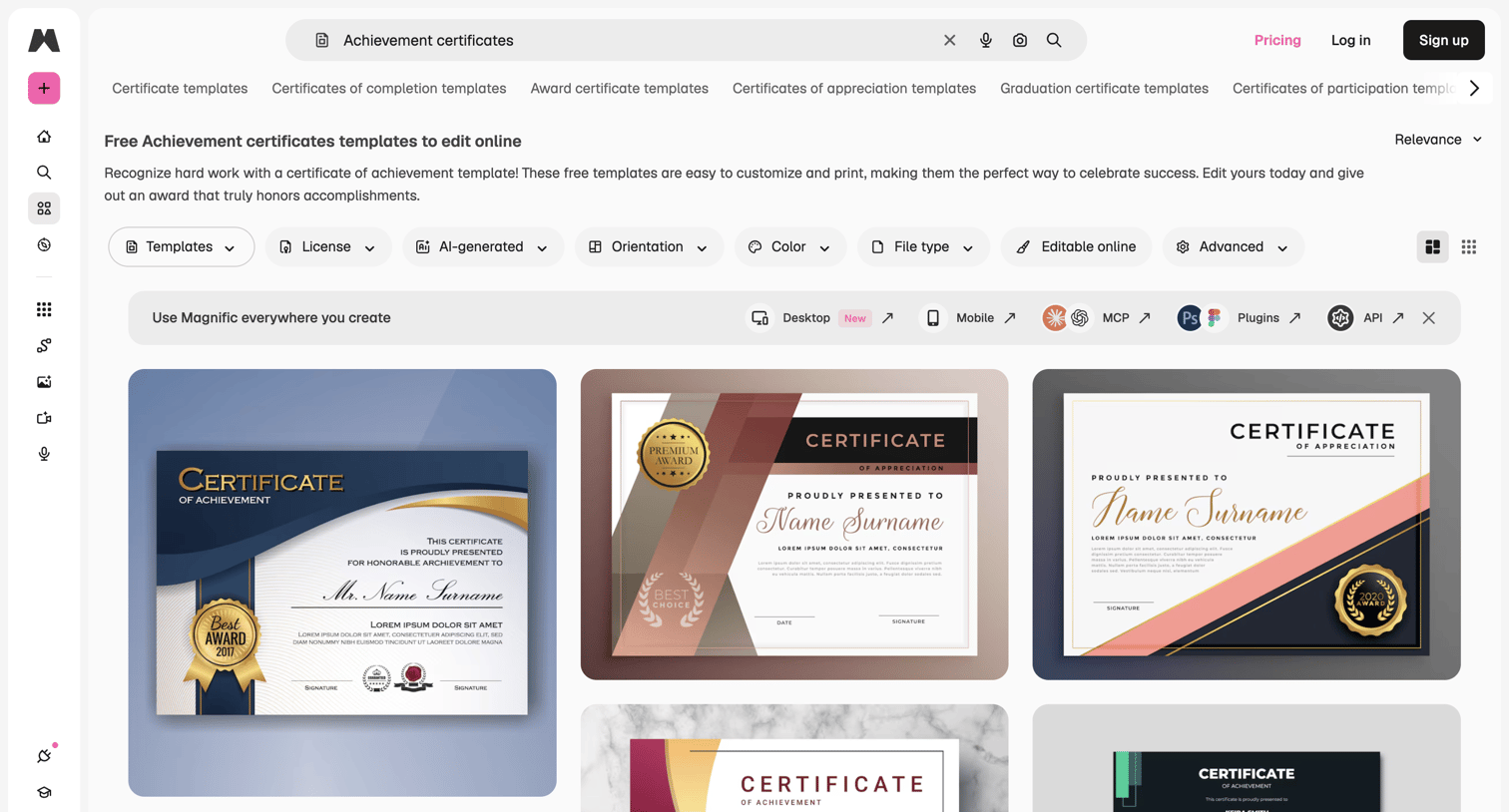

Public resource gallery offering free achievement certificate templates with filtering by orientation, color, and file type.
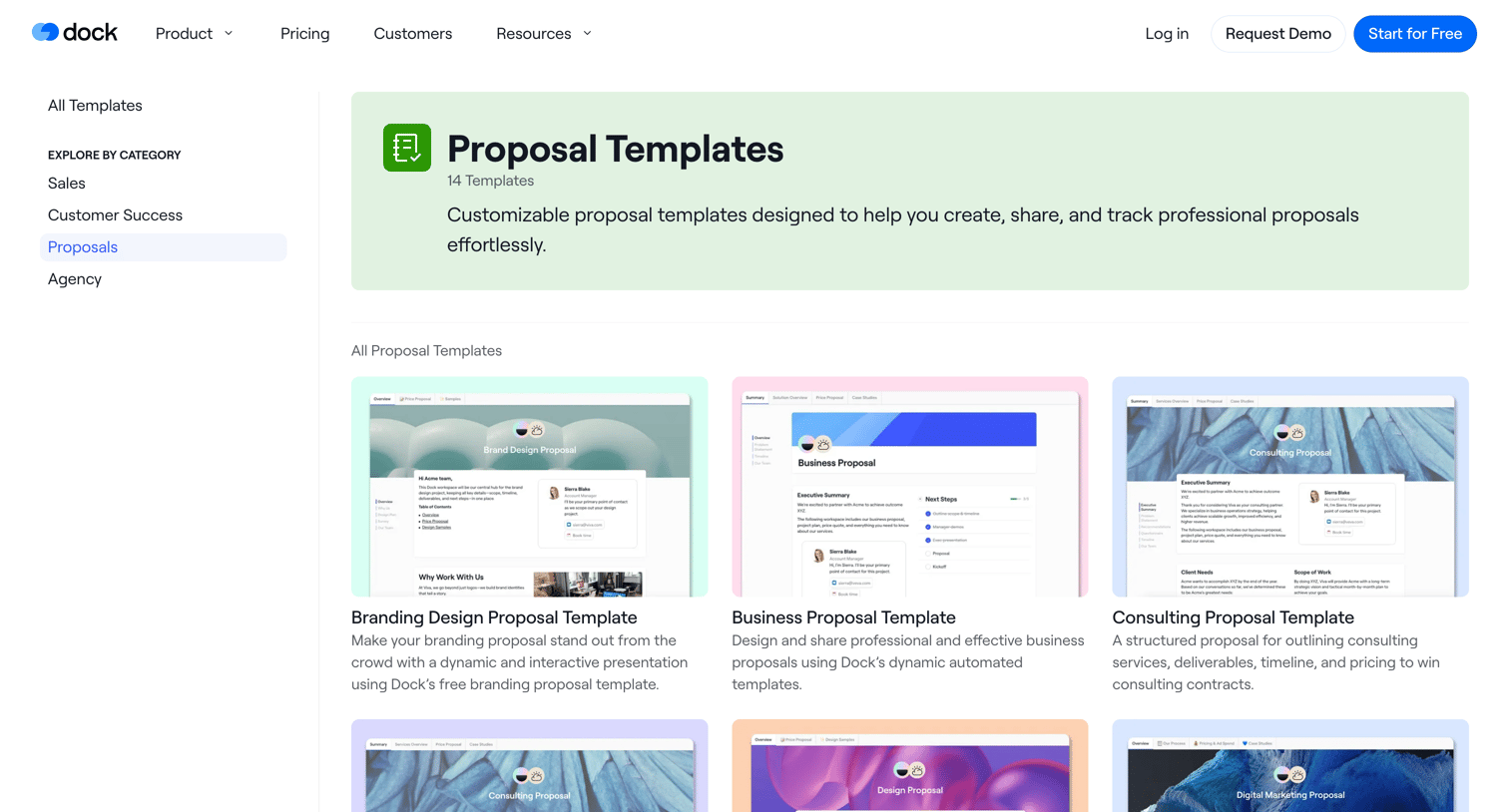

The screen displays a templates gallery page with a clear header, left-hand navigation, and a main content area. The header features the 'dock' logo, primary navigation links ('Product', 'Pricing', 'Customers', 'Resources'), and user actions ('Log in', 'Request Demo' button,…
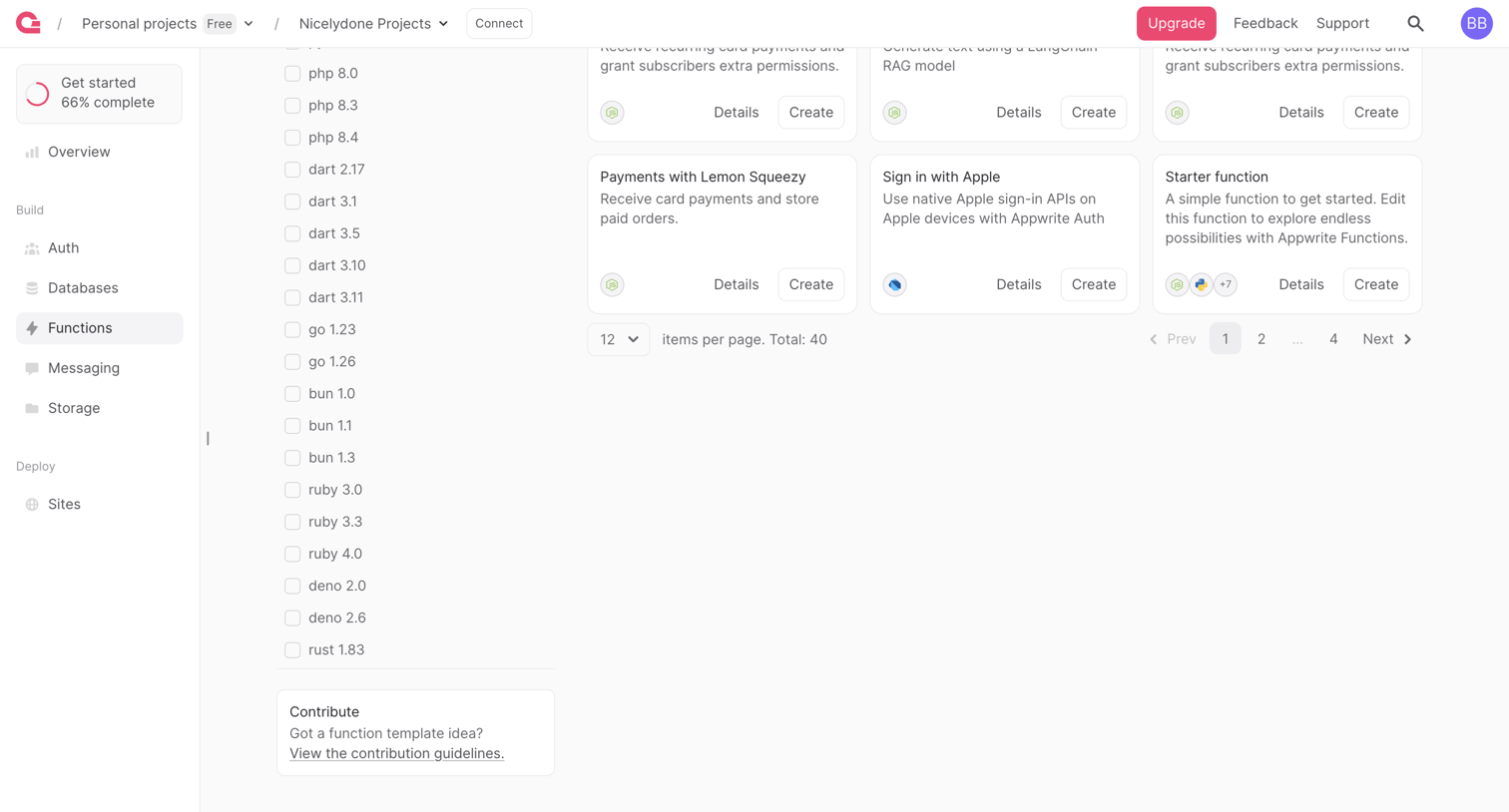

List view where the user browses and filters available function templates by runtime language.
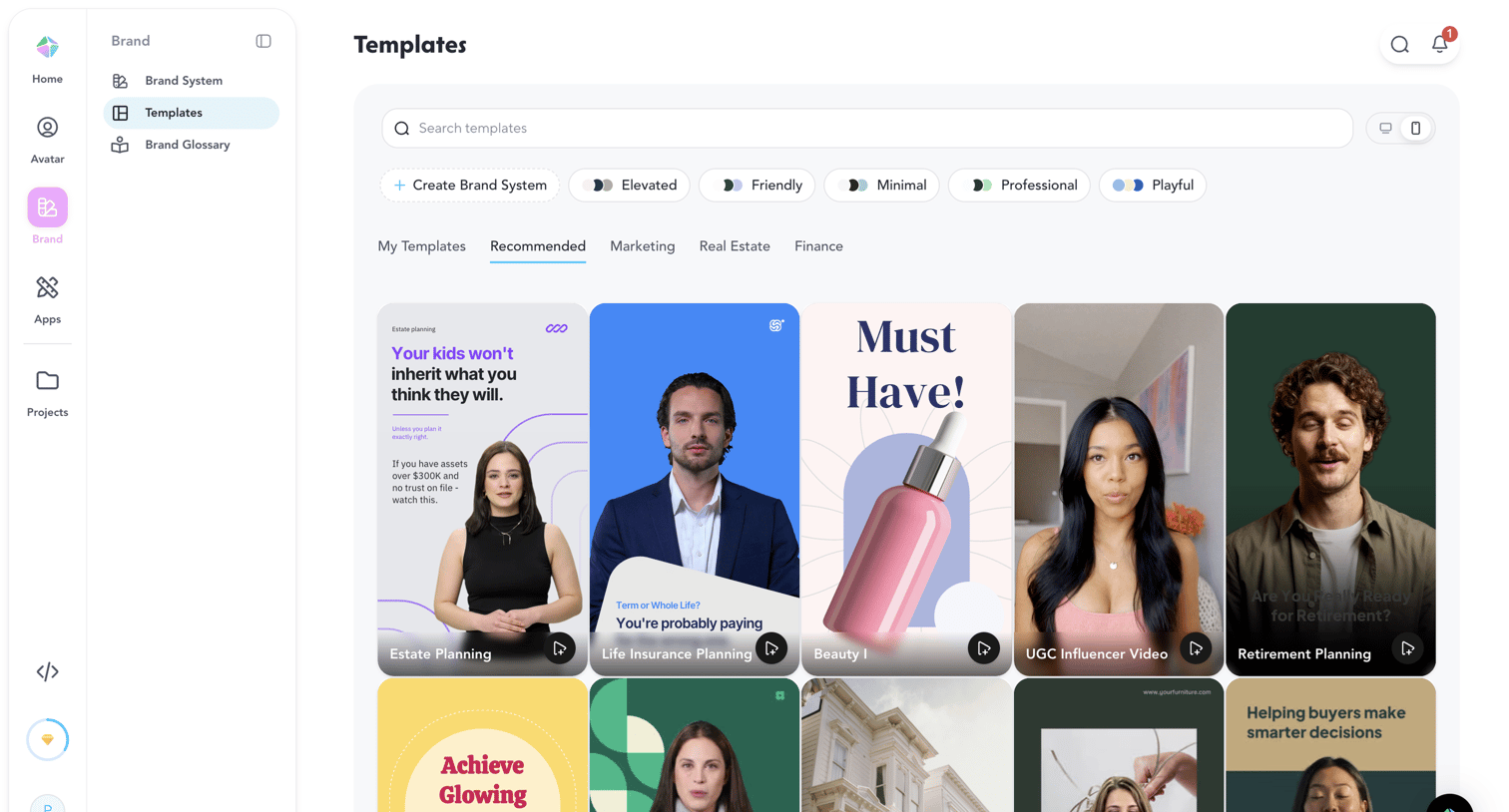

Template gallery where the user browses and searches for recommended video templates grouped by brand styles and categories.
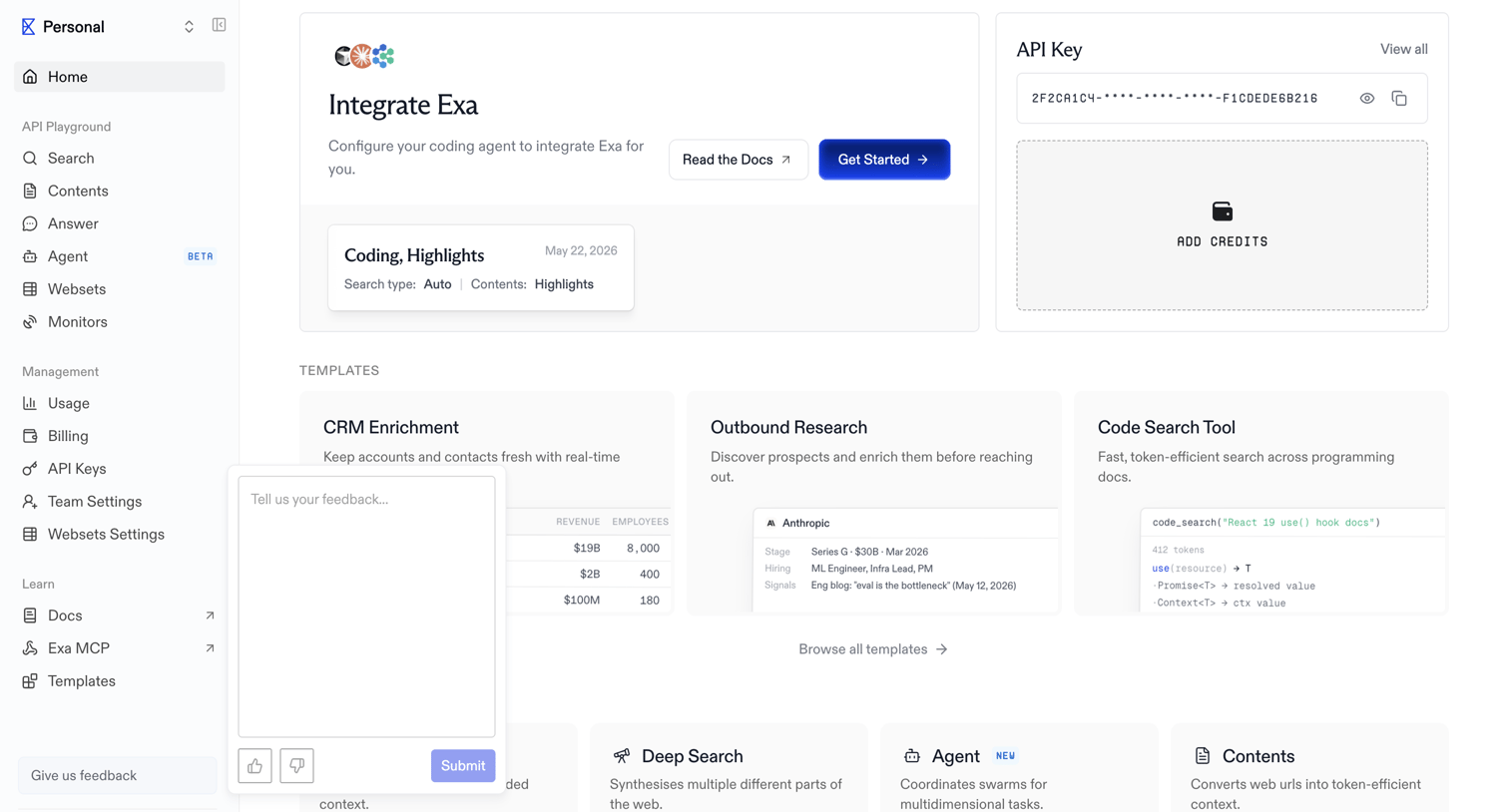

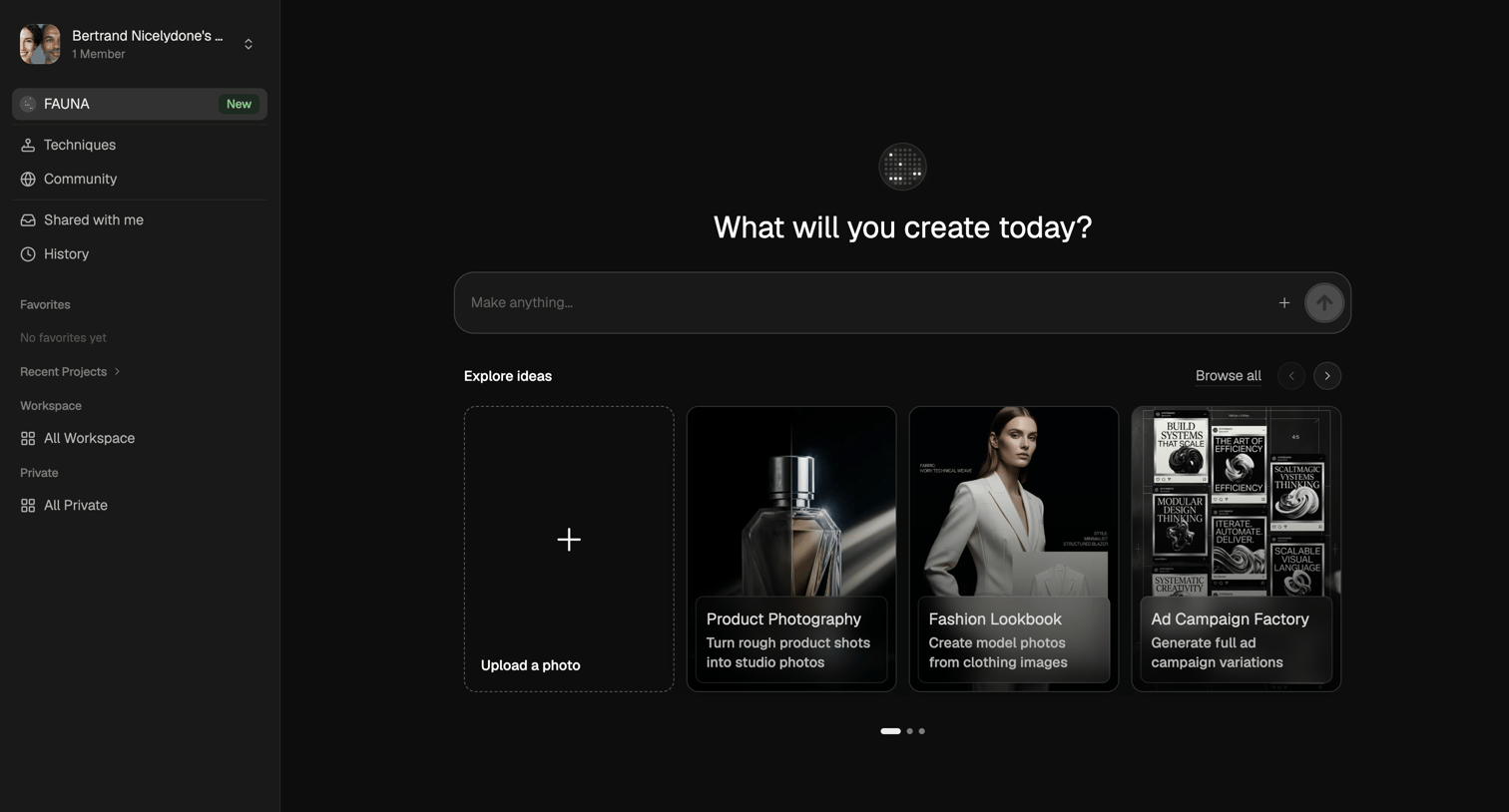

AI generation start screen where the user can enter a prompt to make anything or explore template ideas like product photography and fashion lookbooks.
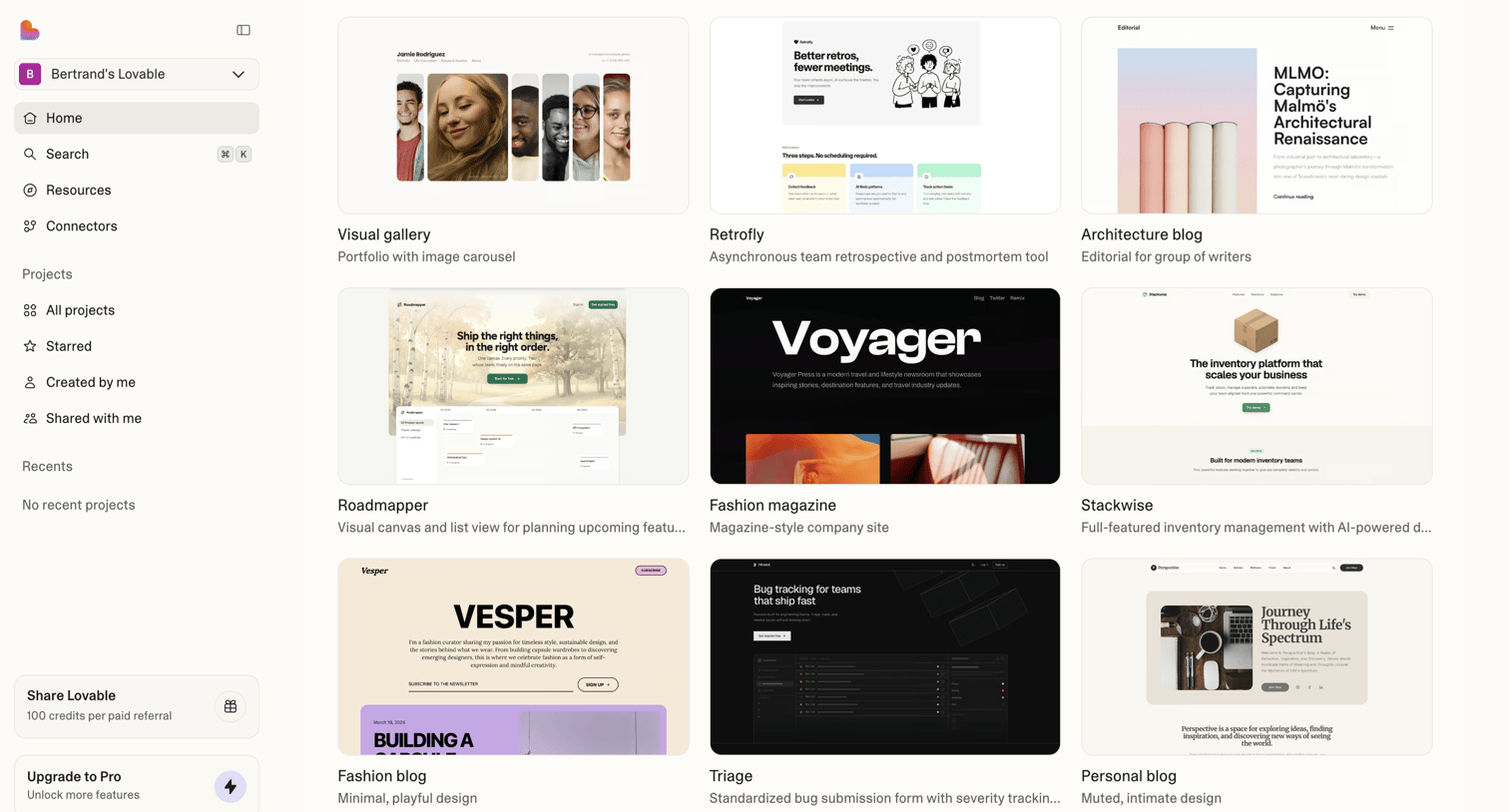

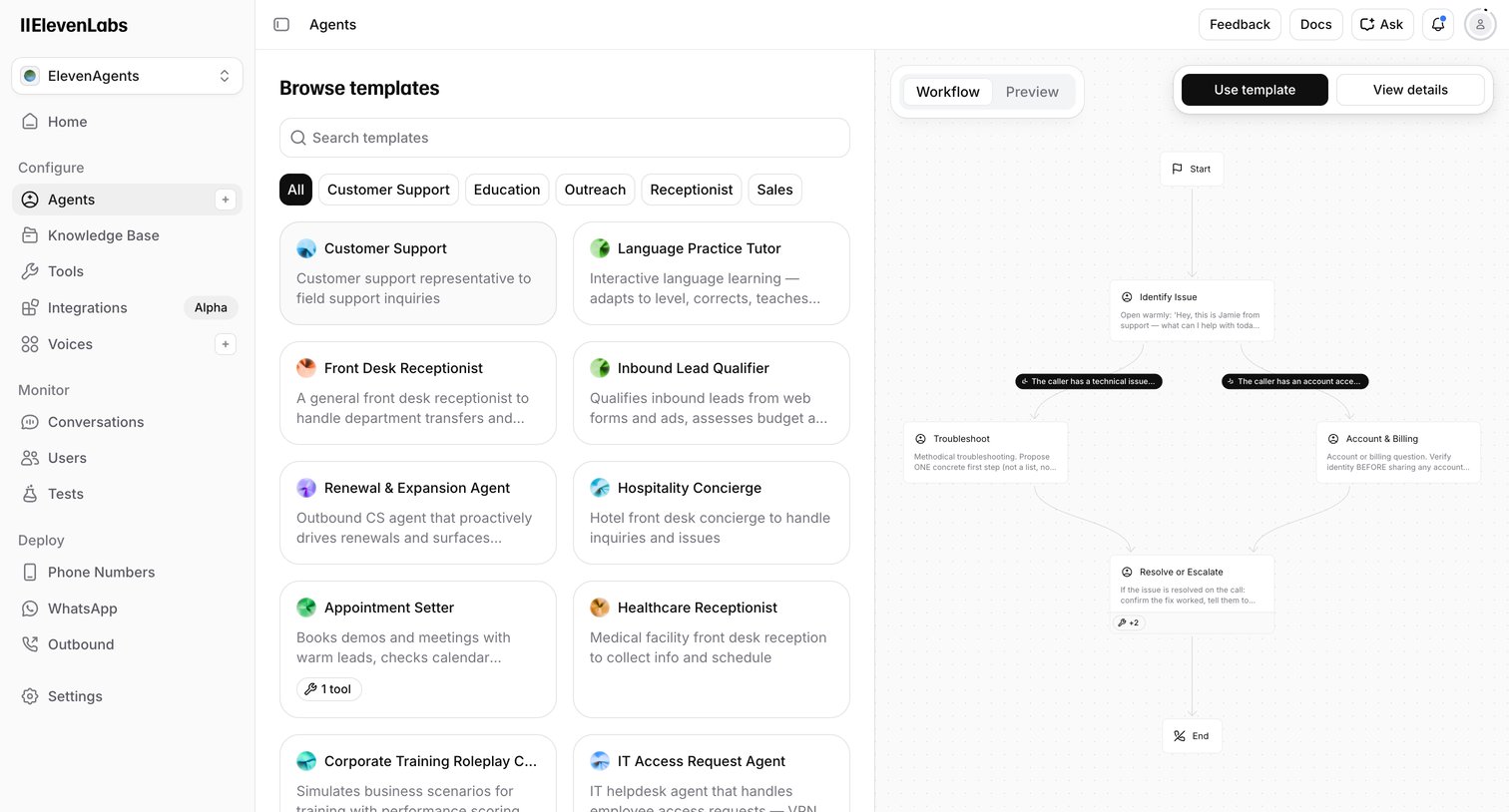

Create page where the user browses voice AI agent templates by category and previews their conversational workflow before starting.
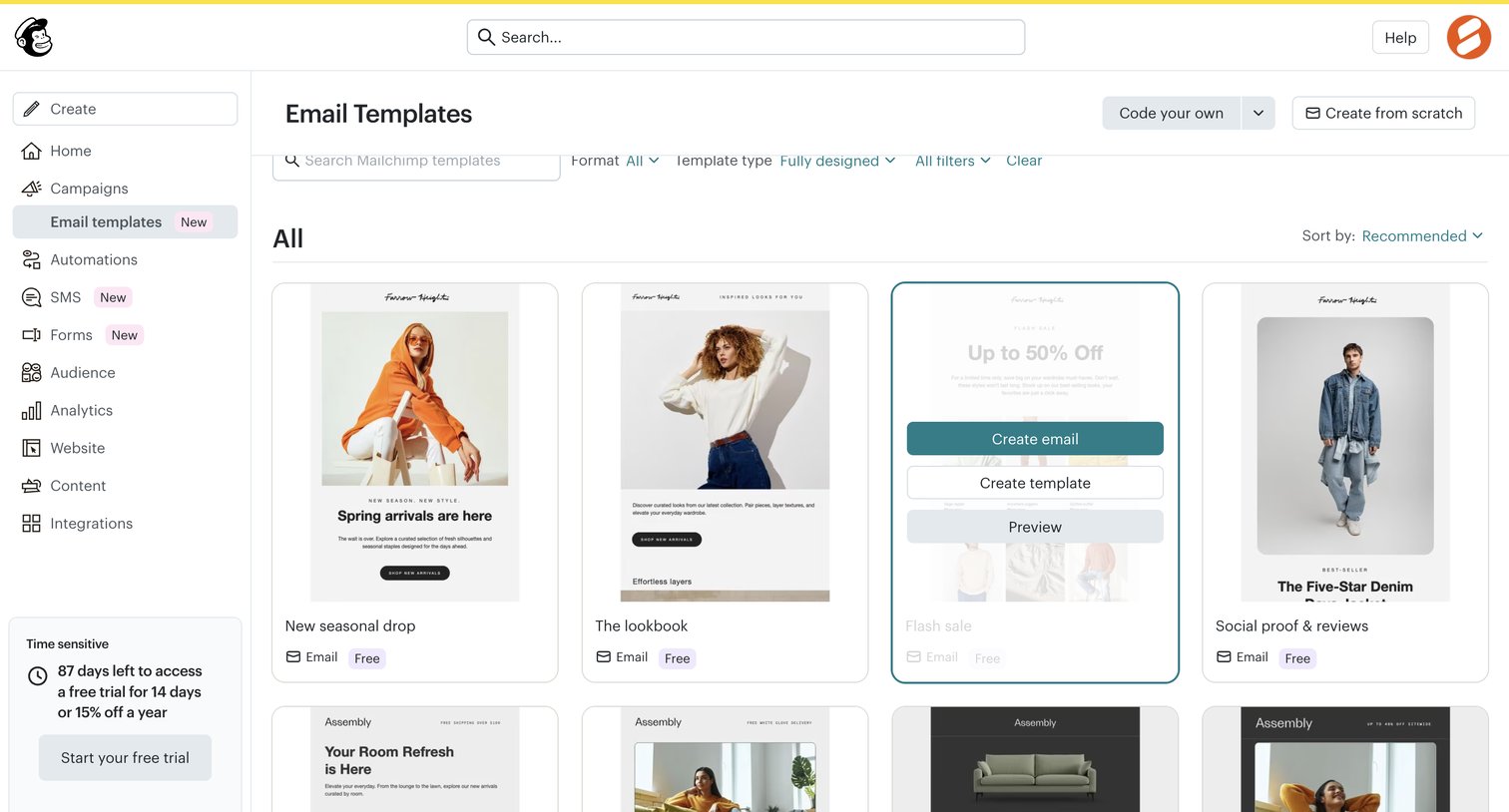

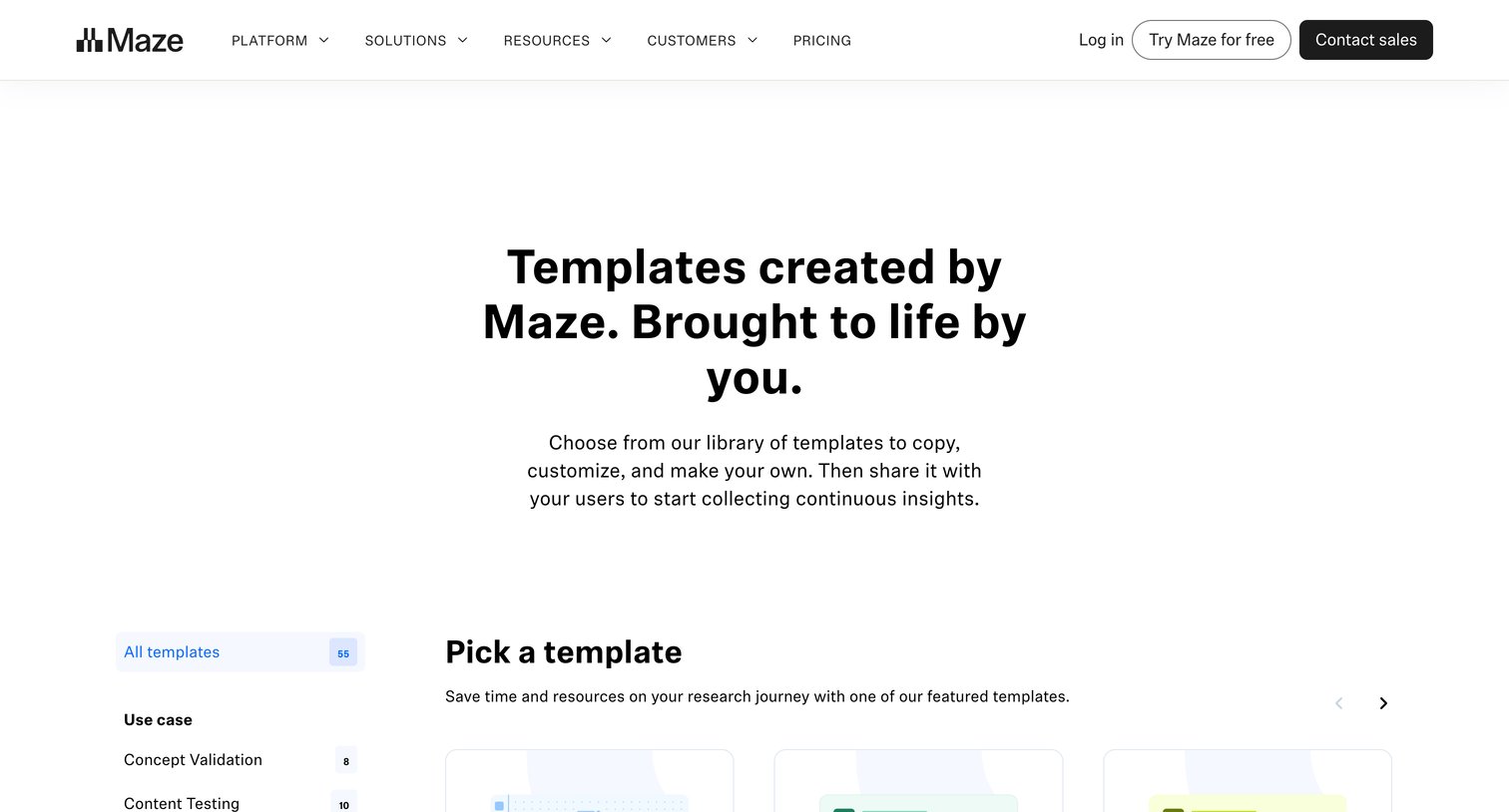

Marketing resource page where the user browses a library of research templates, filterable by use case and team, to duplicate into their workspace.
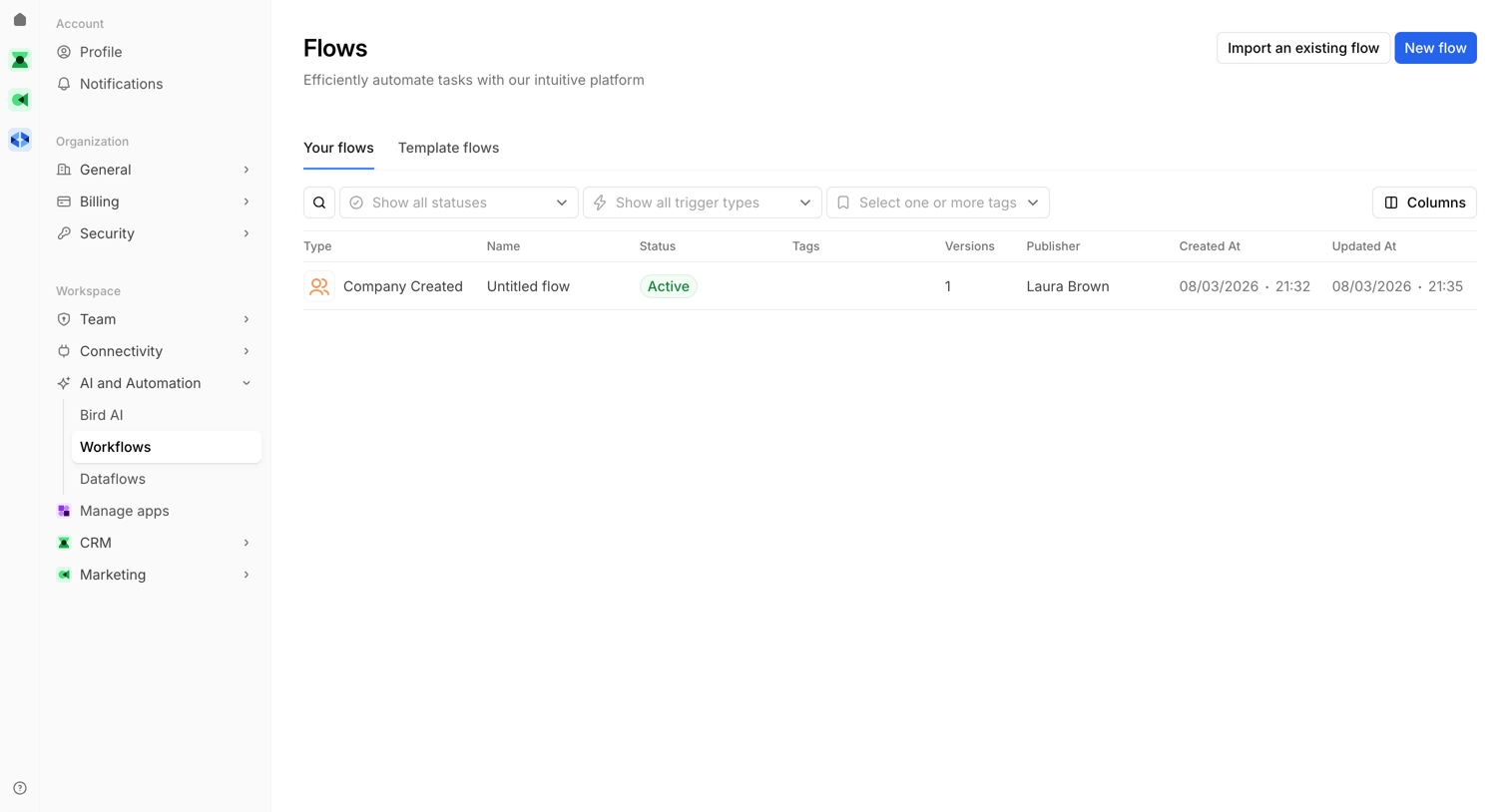

List view where the user manages and filters their automated flows by status, trigger type, and tags, or creates a new flow.
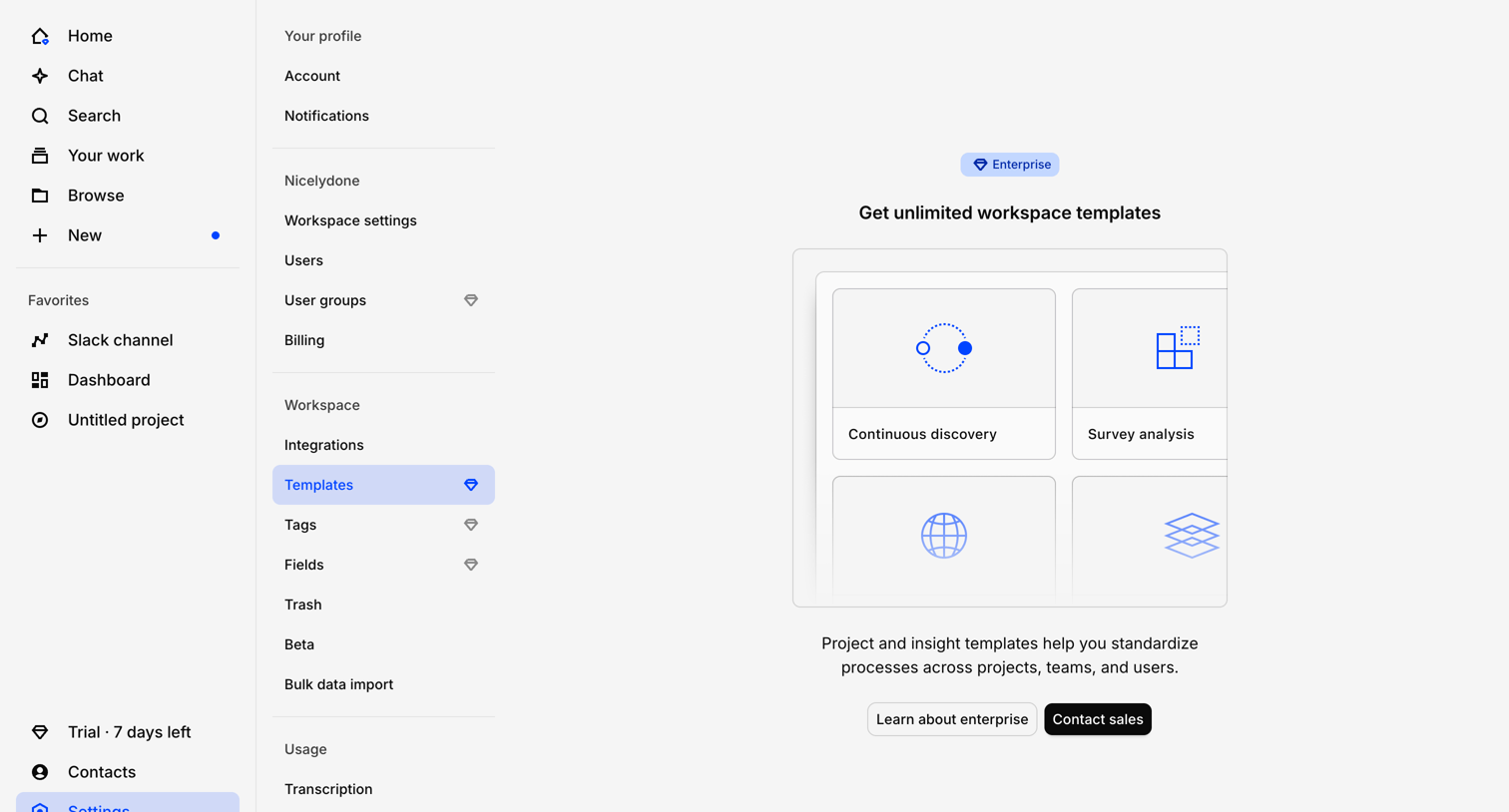

Settings page where the user is blocked from accessing workspace templates and prompted to contact sales for an Enterprise plan.
Explore the full SaaS screen library
Upgrade to unlock the full library.
Trusted by the best teams







