Security configuration screen examples
Security configuration screen design examples from SaaS apps. See how SaaS apps organize controls for account protection. Explore how authentication, session details, and security preferences are grouped and explained…
Explore the examples
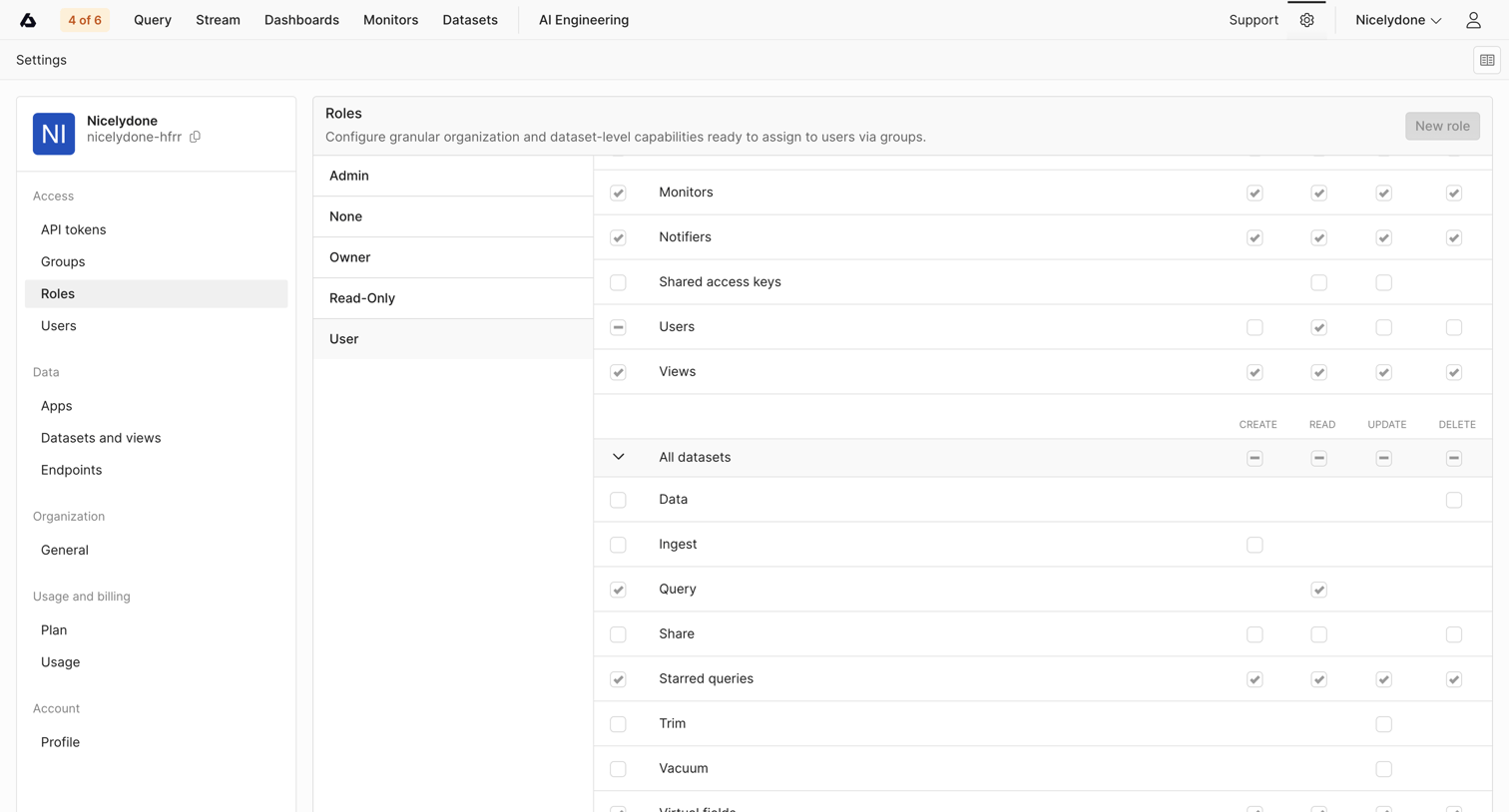

Settings page where the user configures granular organization and dataset-level capabilities for different roles via a detailed permission matrix.
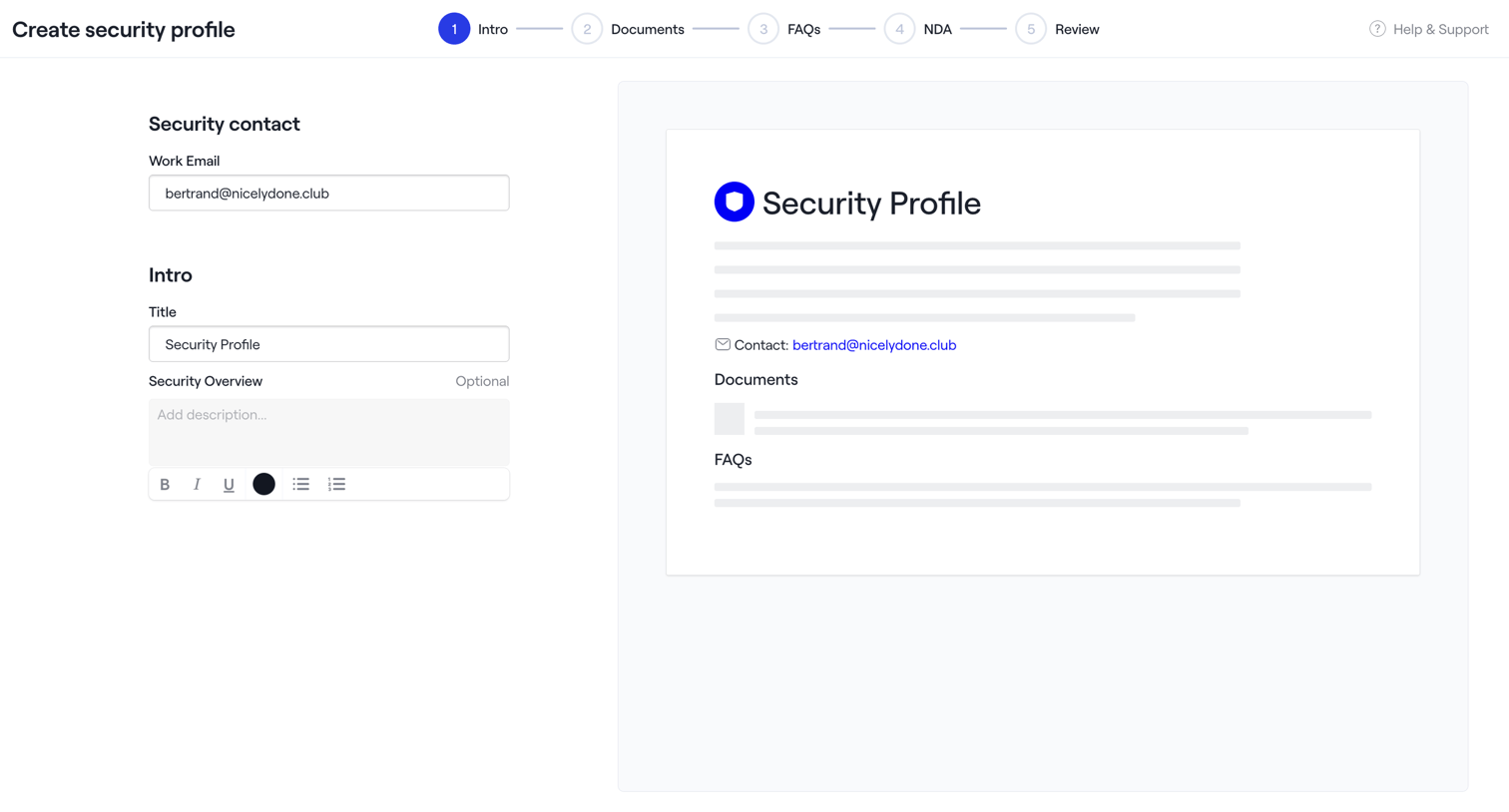

Wizard step where the user configures the intro section of a new security profile, including contact email and overview text, alongside a live preview.


Settings page where the user configures account security, including password updates, connected GitHub identities, and multi-factor authentication methods.
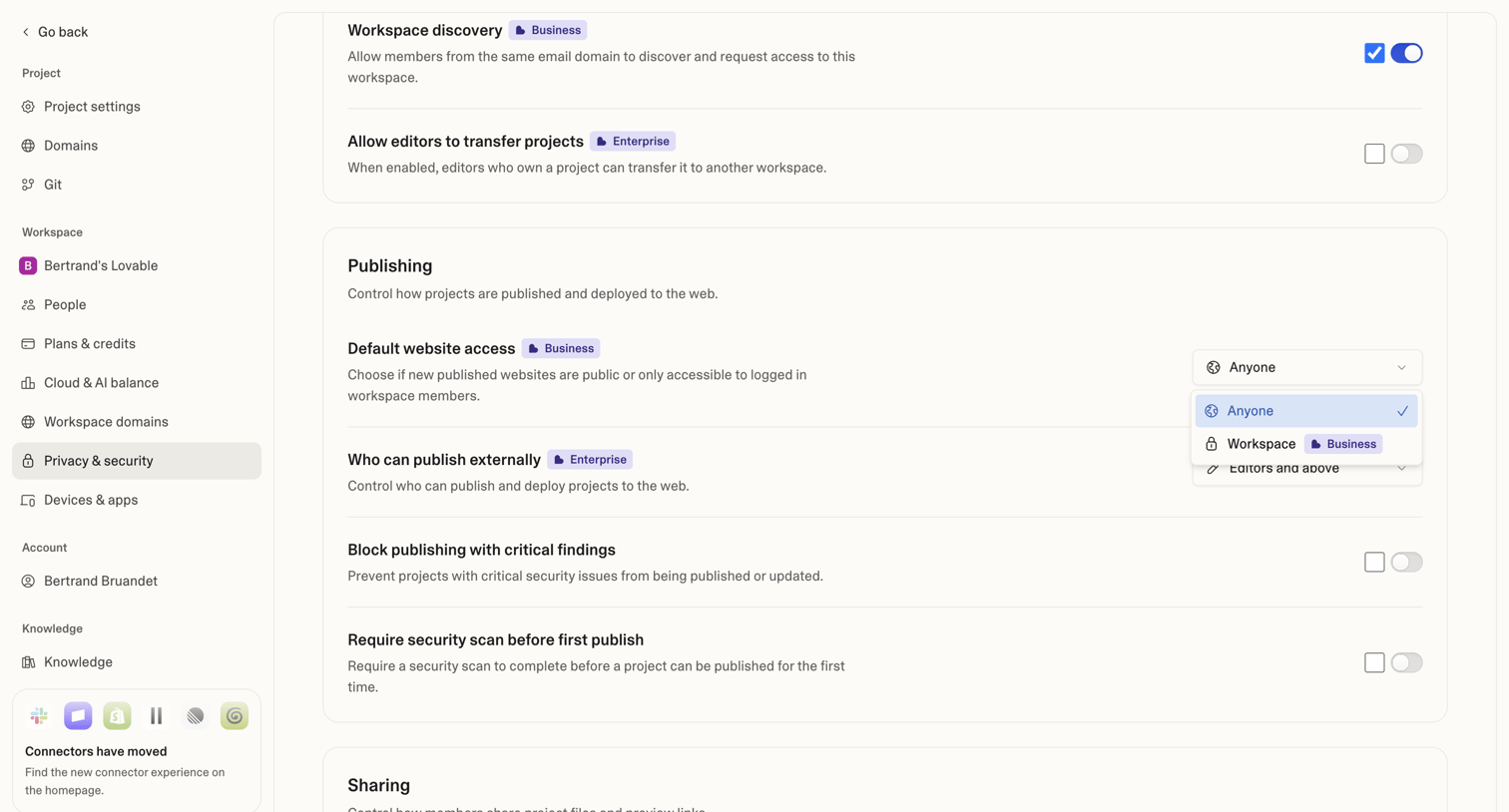

Settings page where the user configures workspace discovery, publishing access, and security scan requirements for their projects.
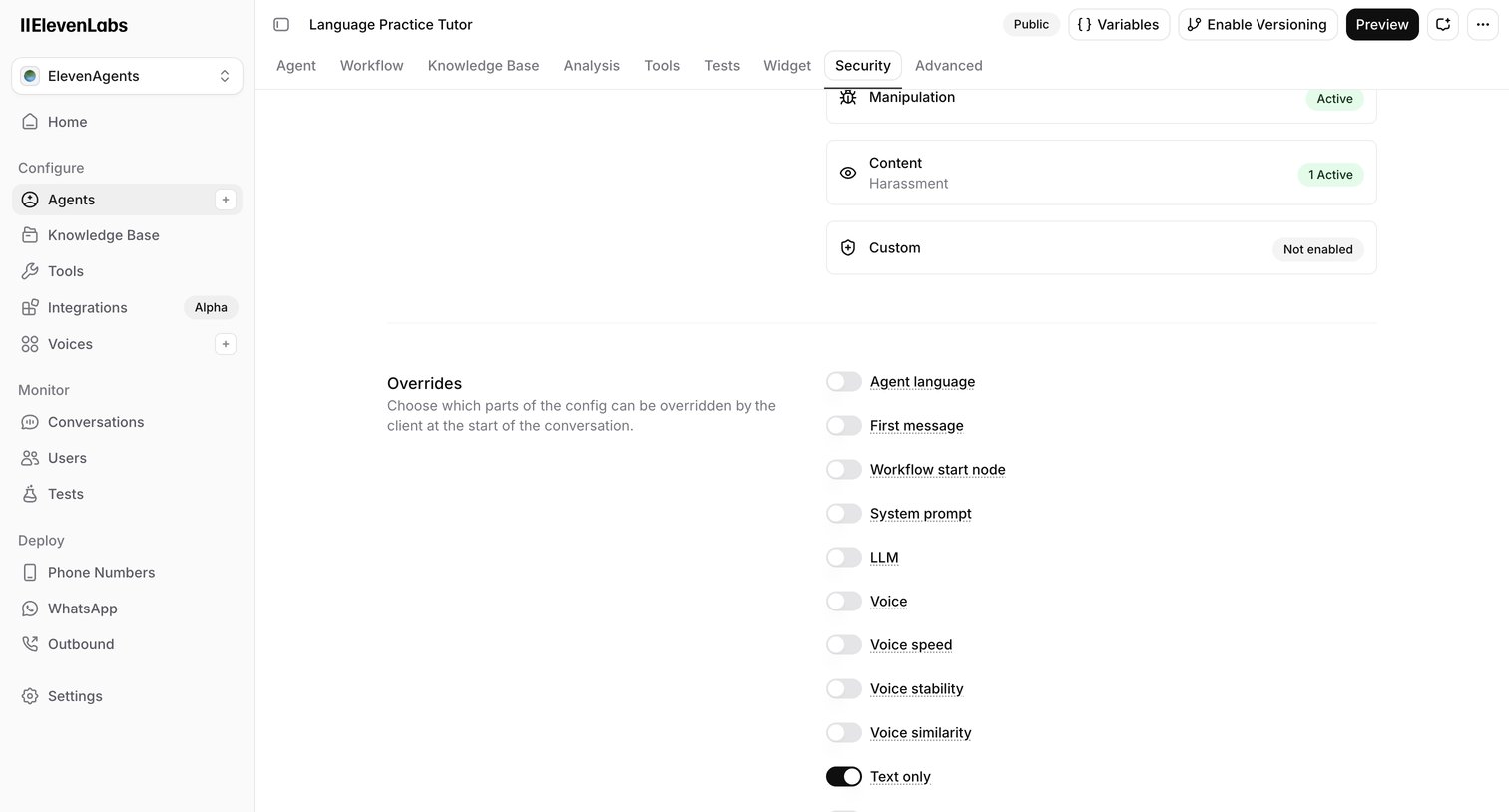

Settings page where the user configures security overrides and guardrails for an AI agent, including language, system prompt, and tool access.
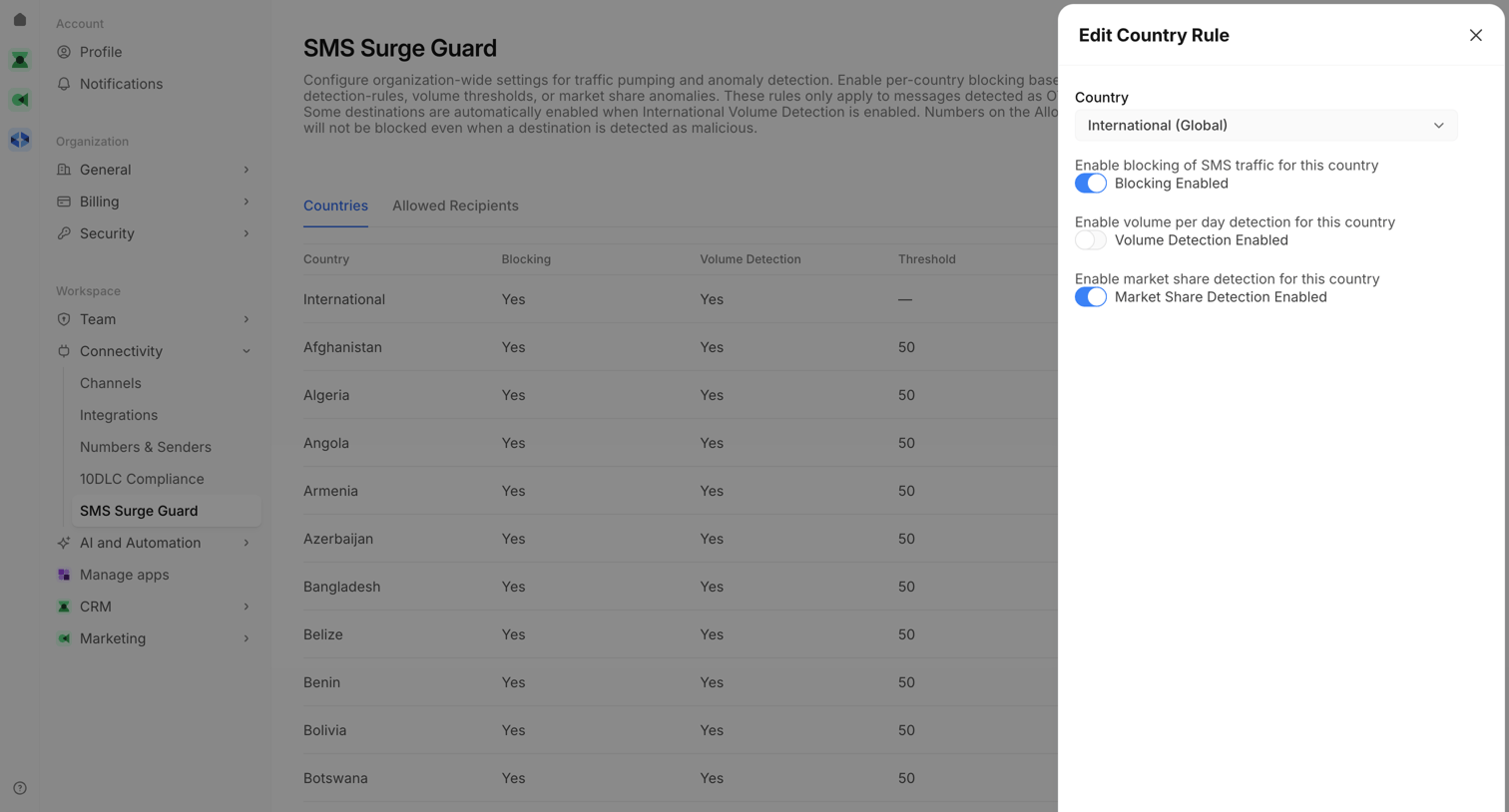

Settings page where the user configures SMS surge guard rules for specific countries via a side drawer.
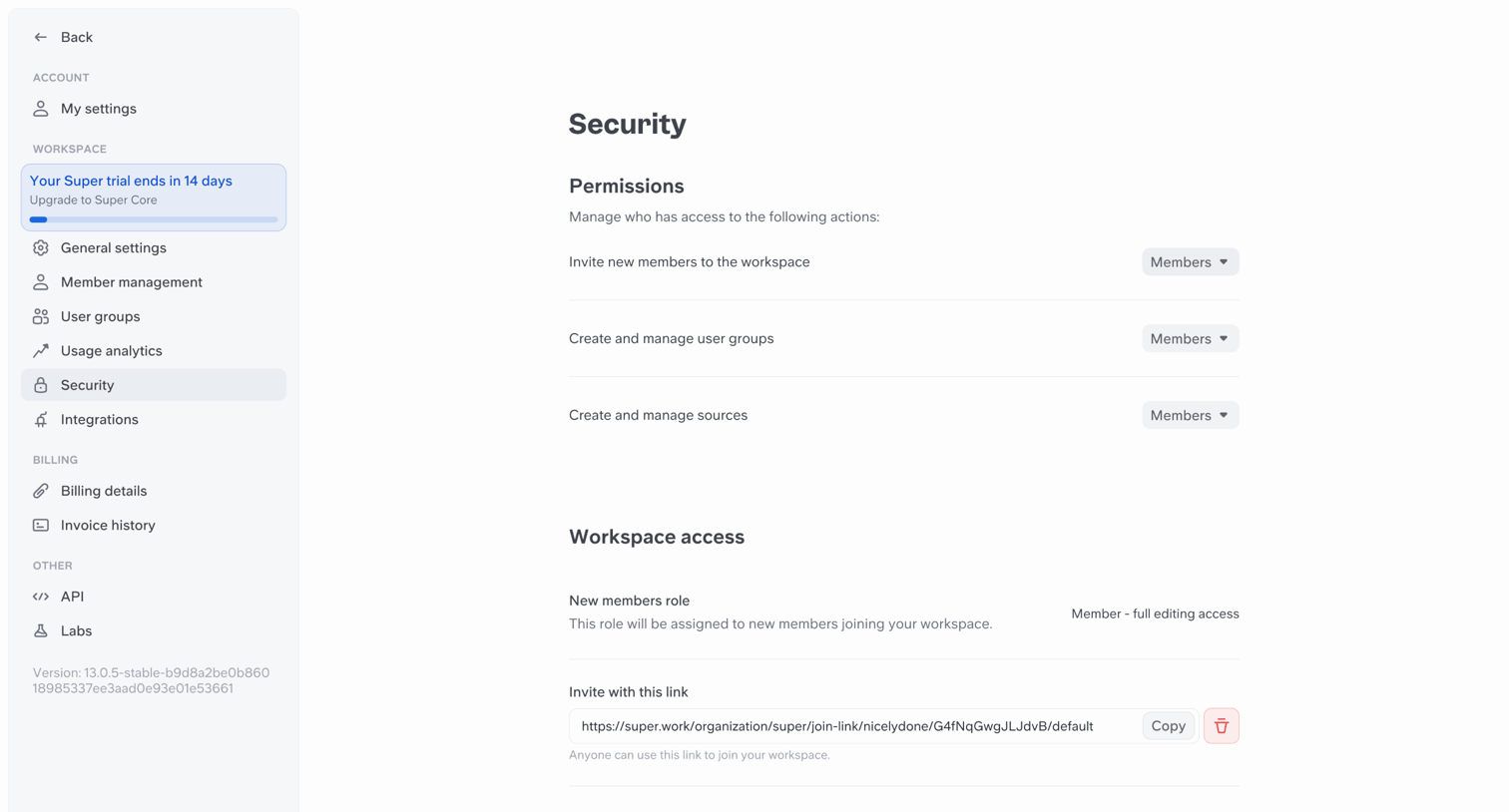

Settings page where the workspace admin configures member permissions, default roles, and auto-join rules.
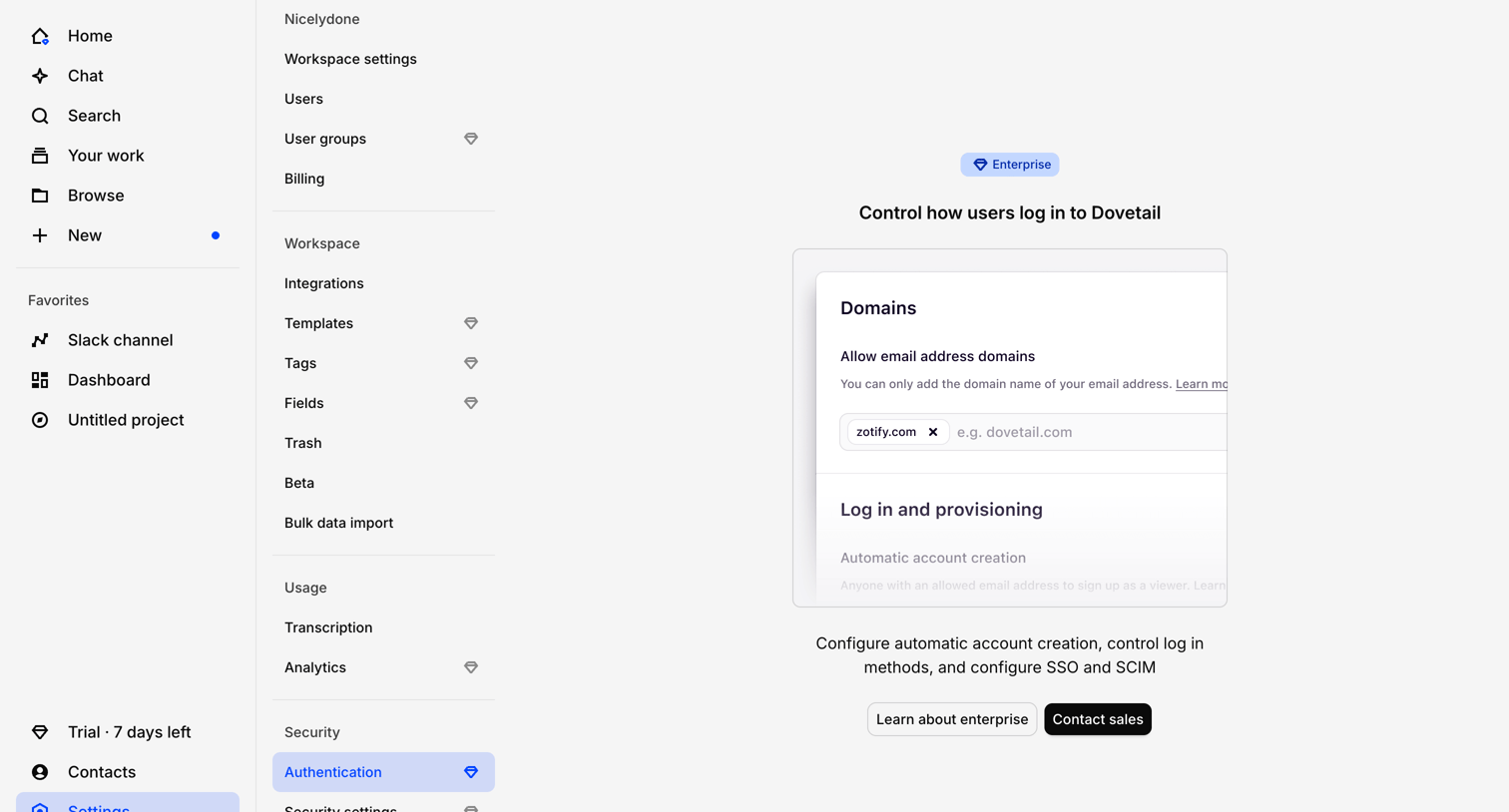

Settings page where the workspace authentication configuration is locked behind an enterprise plan upgrade prompt.
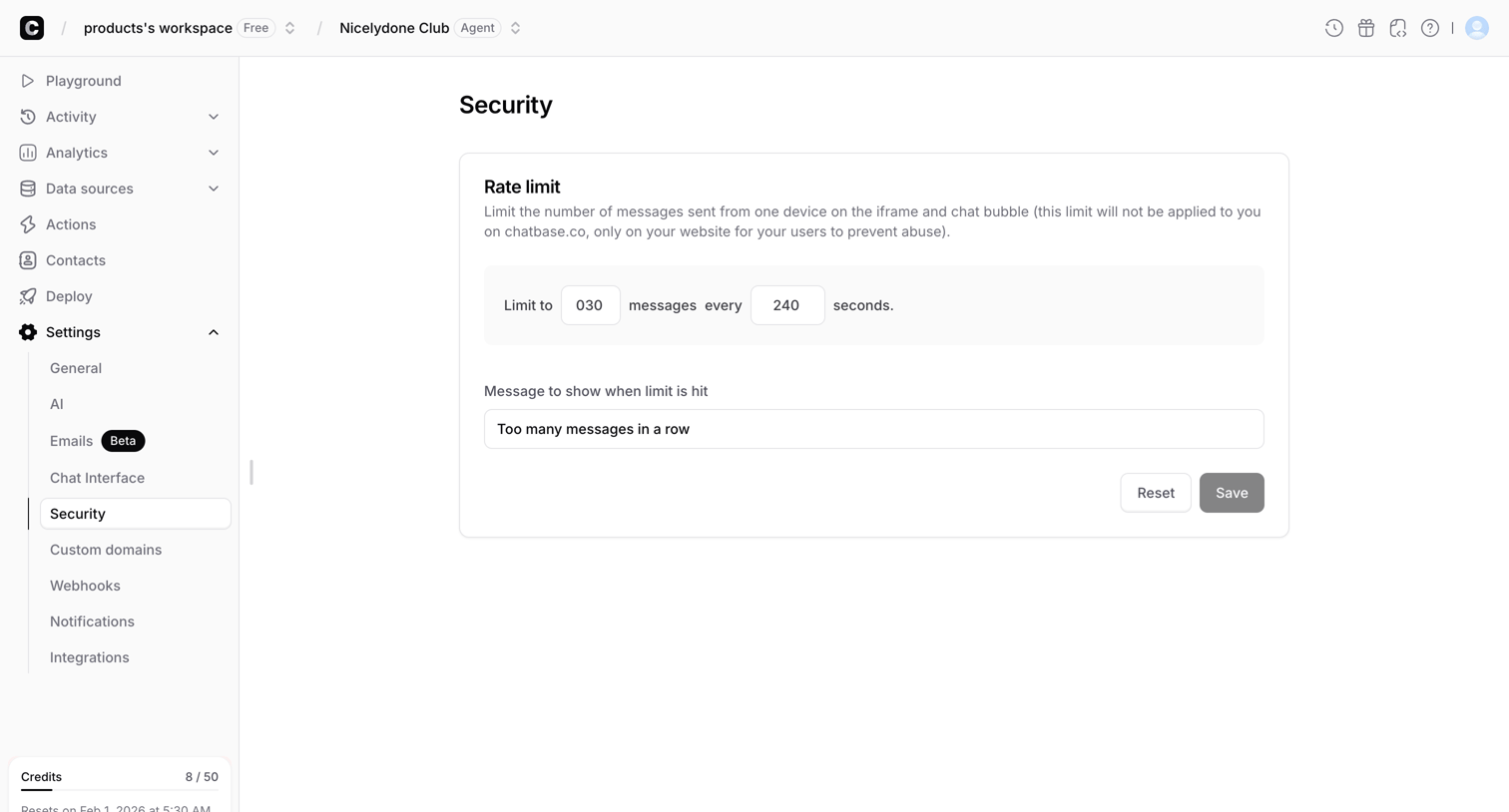

Settings page where the user configures rate limits for their chatbot to prevent abuse.
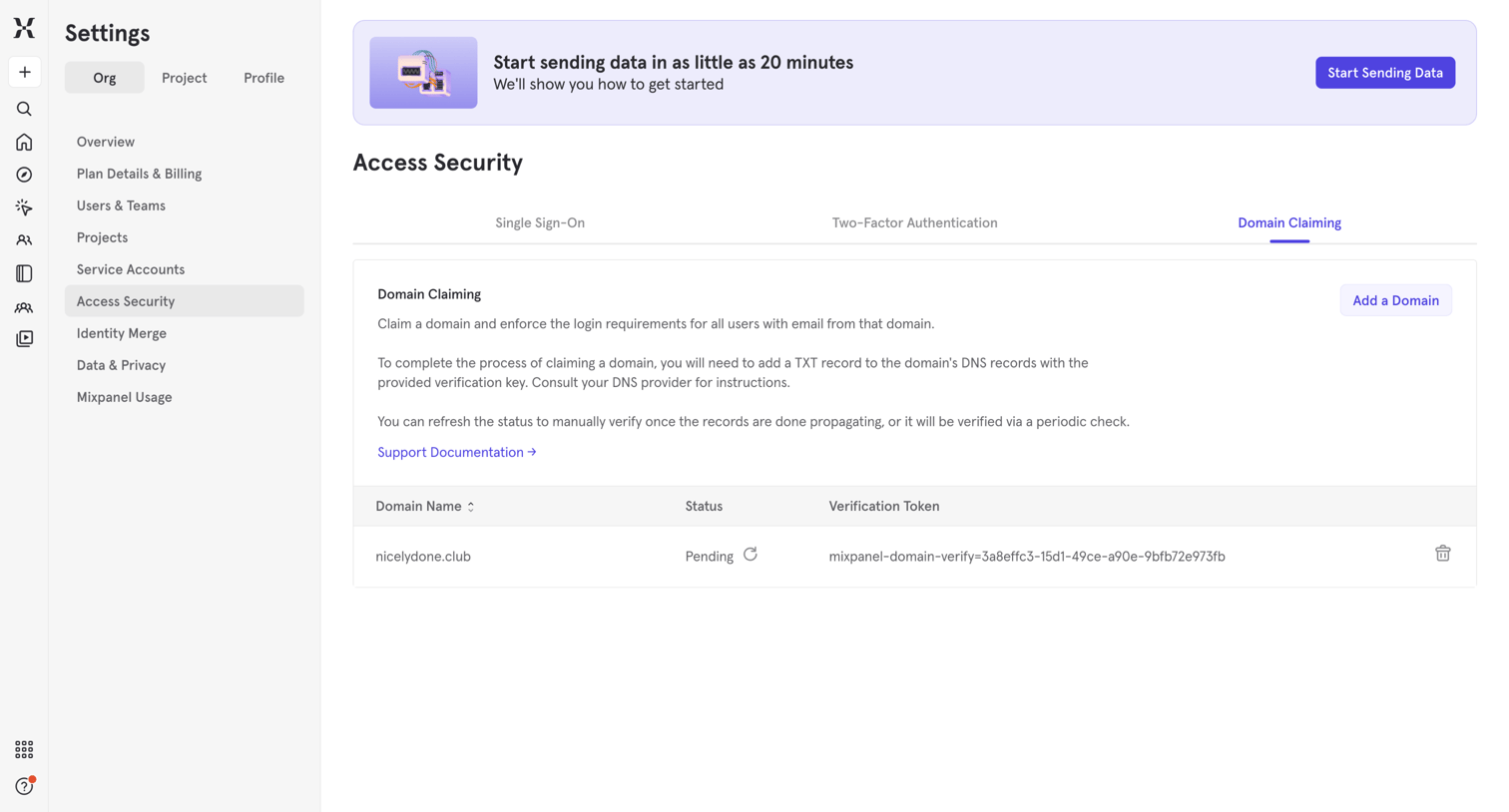

Settings page where the user manages domain claiming by adding a domain and verifying it via DNS records.
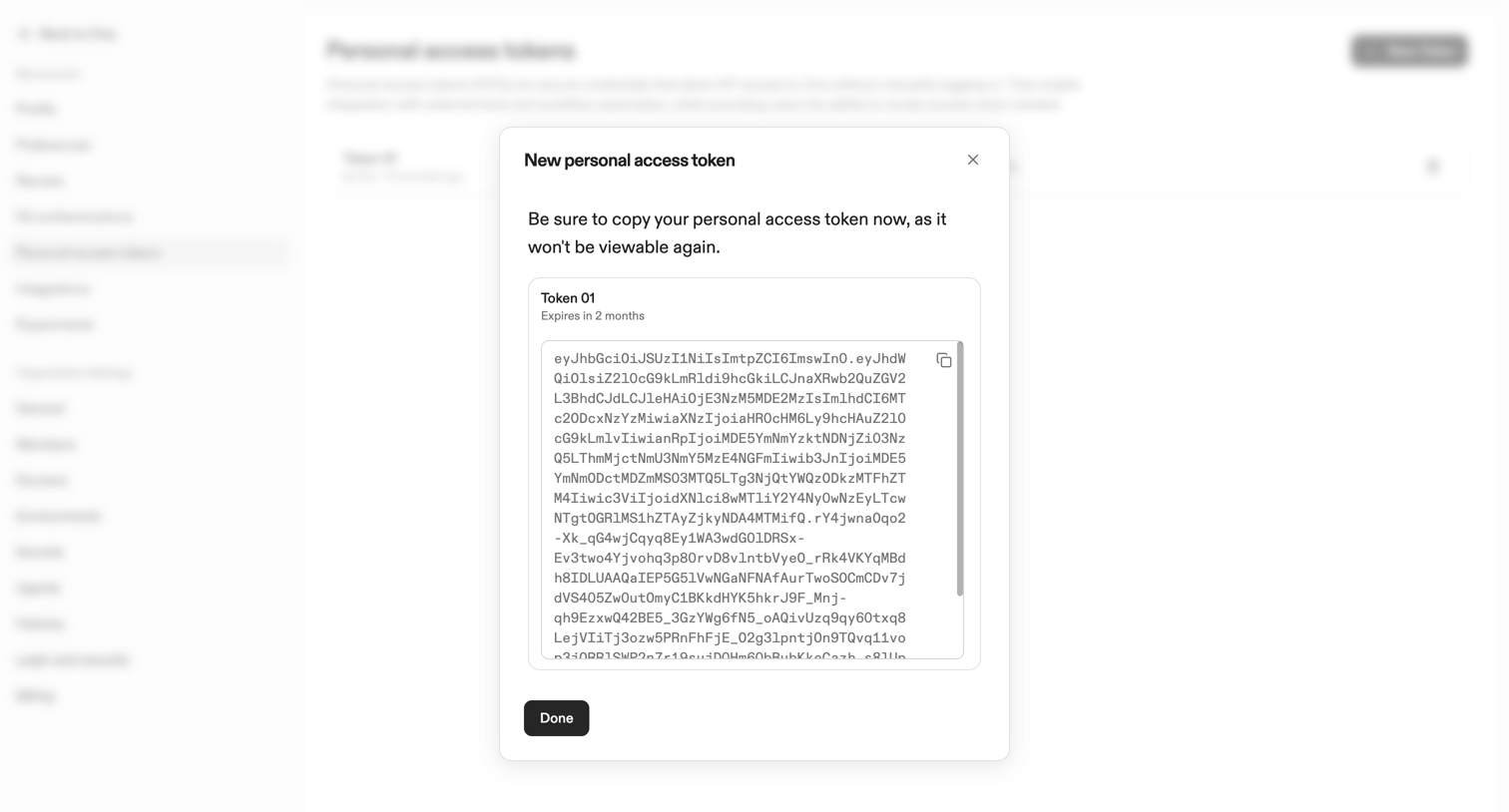

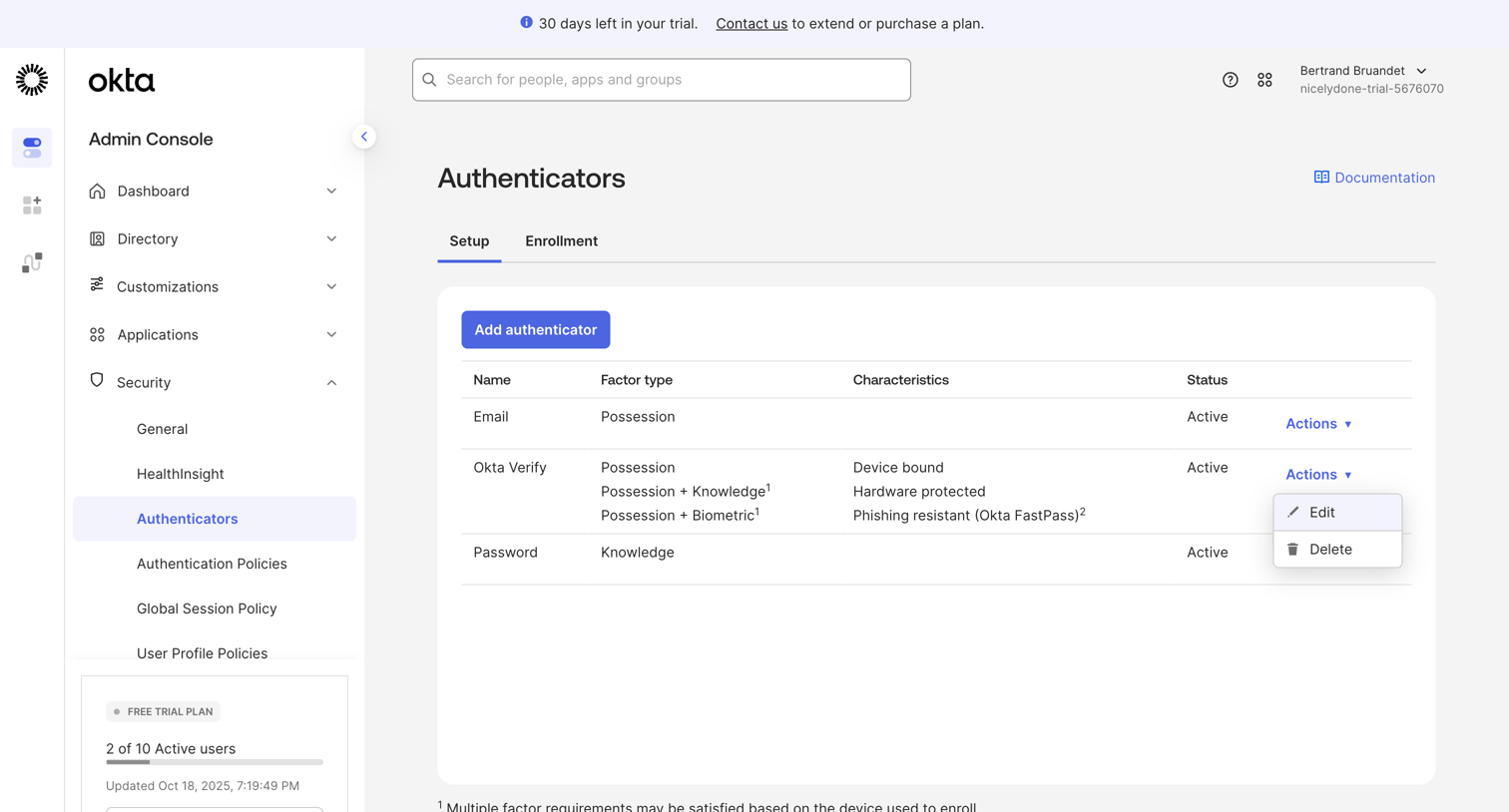

Security settings page where the admin configures active authenticators like Email, Okta Verify, and Password.
Explore the full SaaS screen library
Upgrade to unlock the full library.
Trusted by the best teams








About Security configuration
See how SaaS apps organize controls for account protection. Explore how authentication, session details, and security preferences are grouped and explained within the settings area.