Skip to content

Reporting screen screen examples

Reporting screen screen design examples from SaaS apps. Browse examples from Outseta, Steep, Vero.

Explore the examples
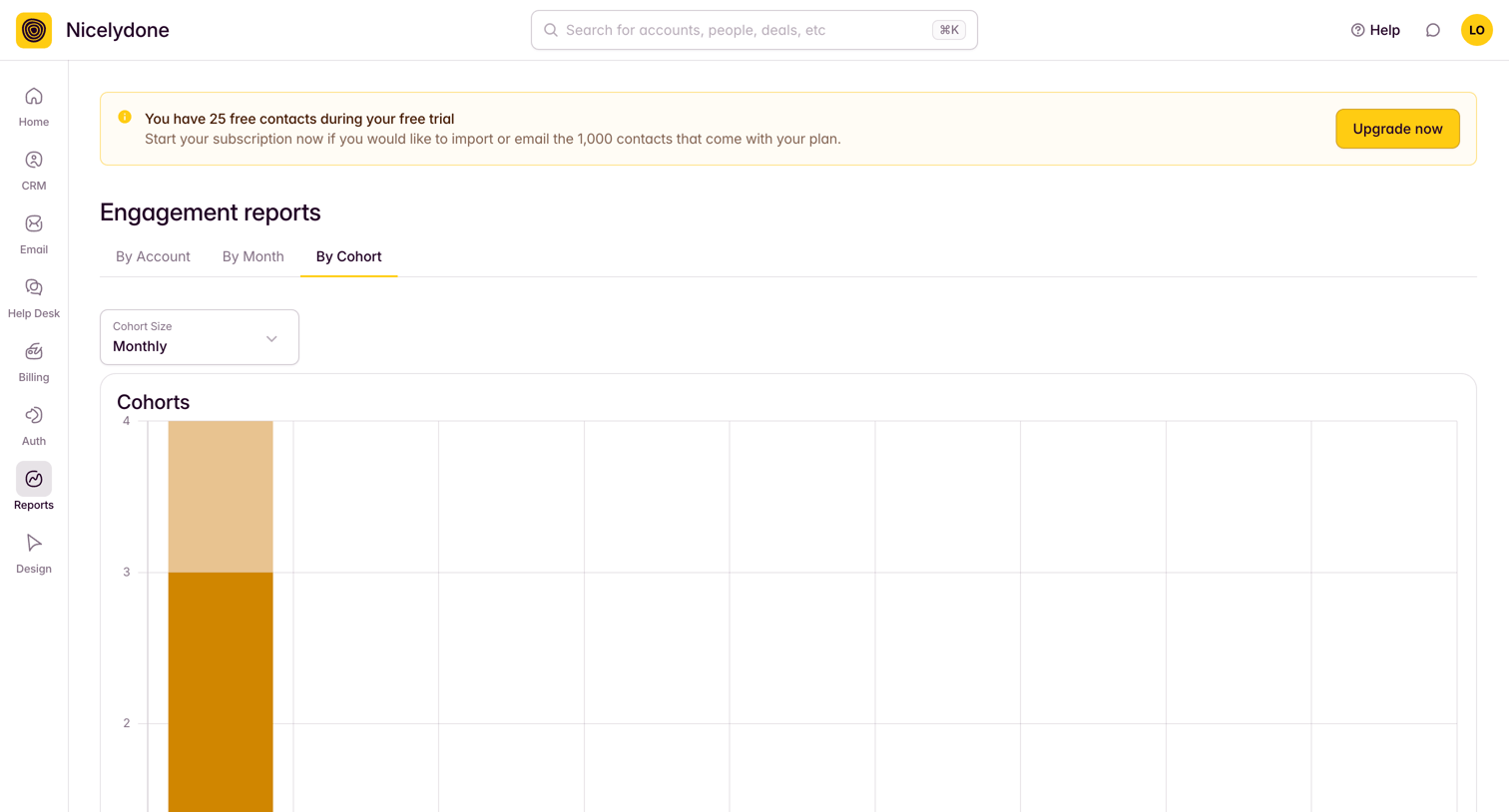
Outseta - Engagement by Cohort screen
Outseta logo
Outseta

Analytics view where the user analyzes engagement reports by cohort size, featuring a trial upgrade banner.

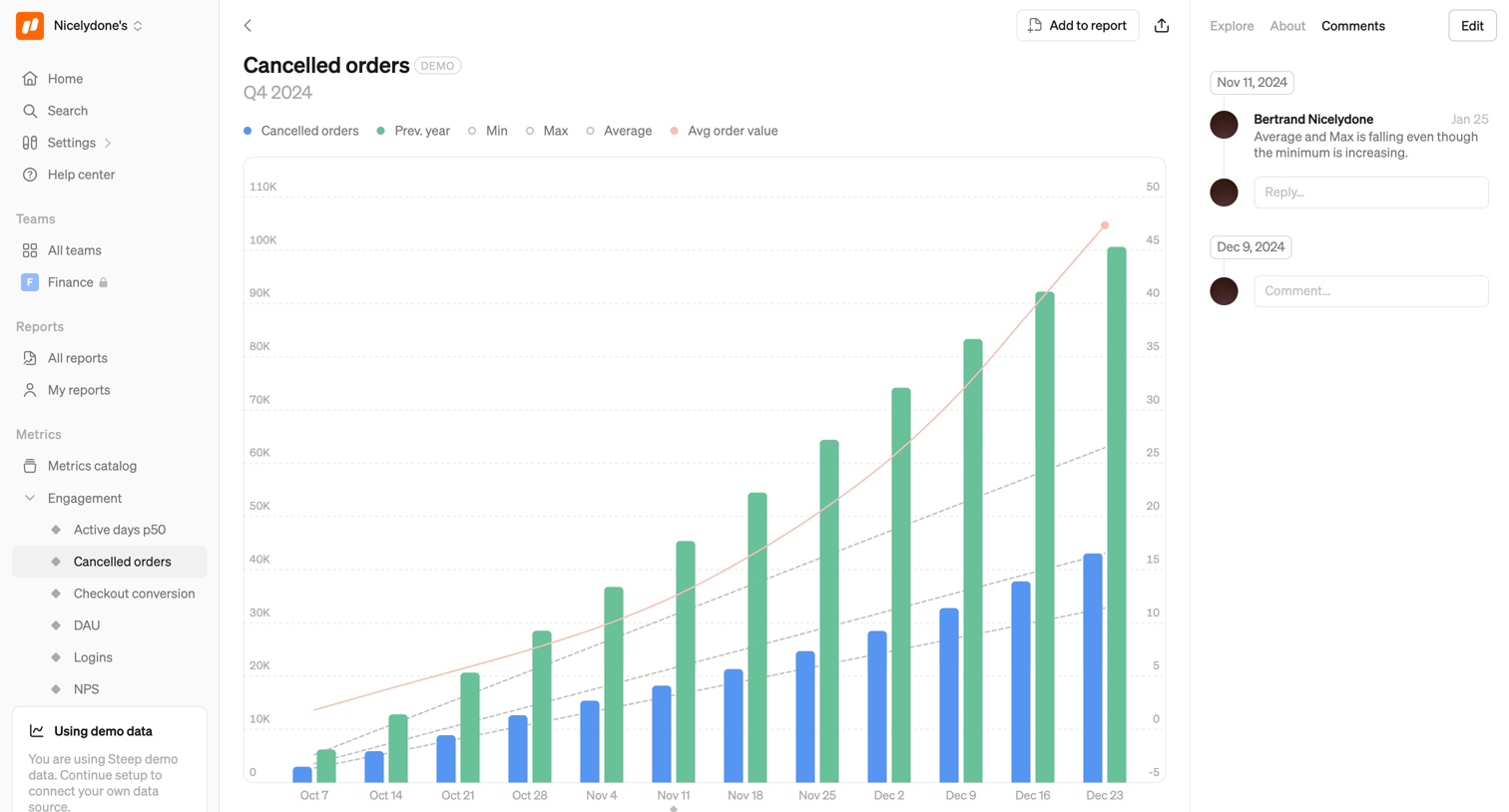
Steep - Cancelled orders screen
Steep logo
Steep

Detail page where the user views a bar and line chart for cancelled orders over Q4 2024, alongside a comment thread.

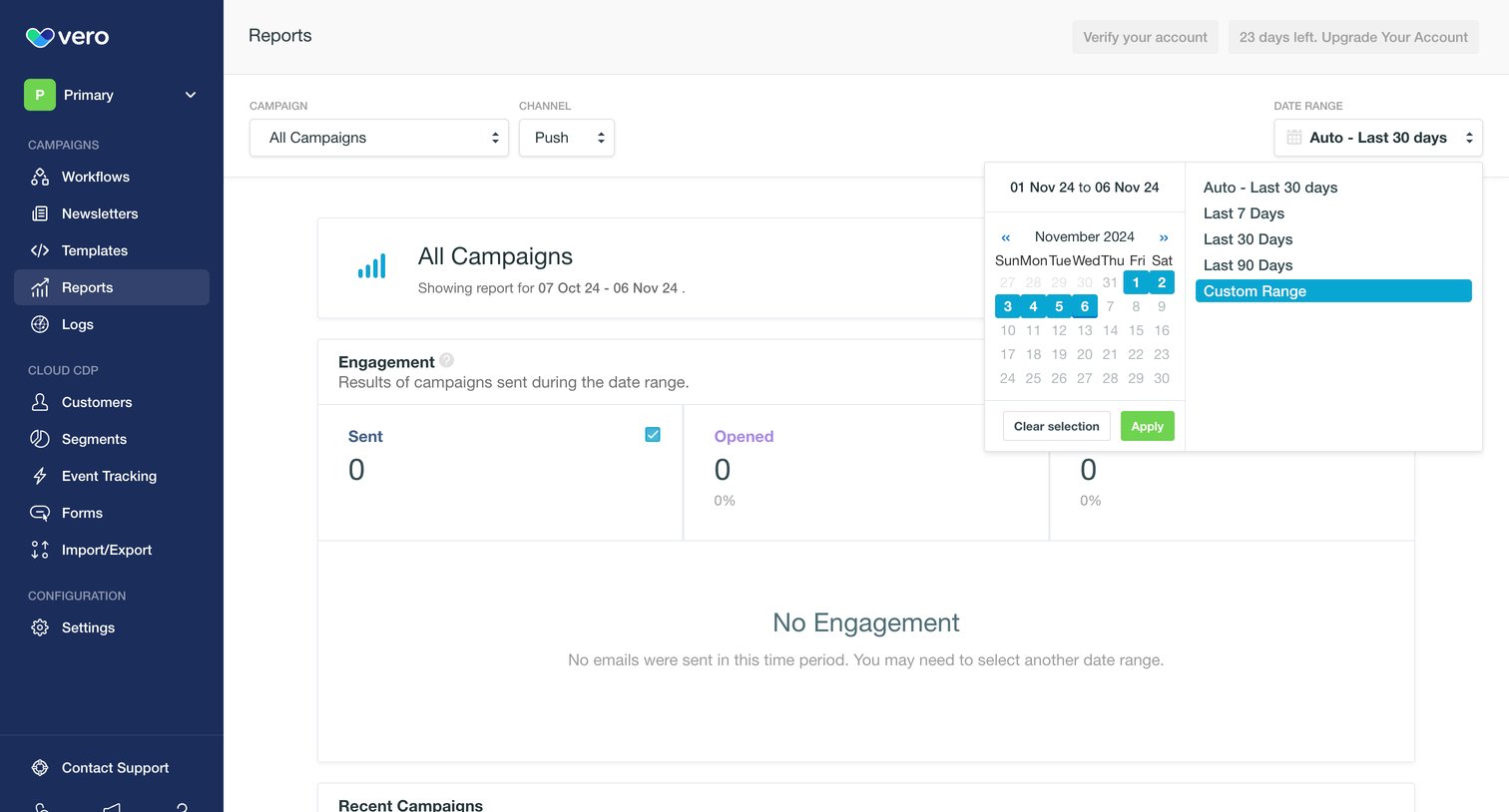
Vero screen
Vero logo
Vero

Analytics dashboard where the user filters campaign and channel engagement metrics by date range, currently showing an empty state for the selected period.
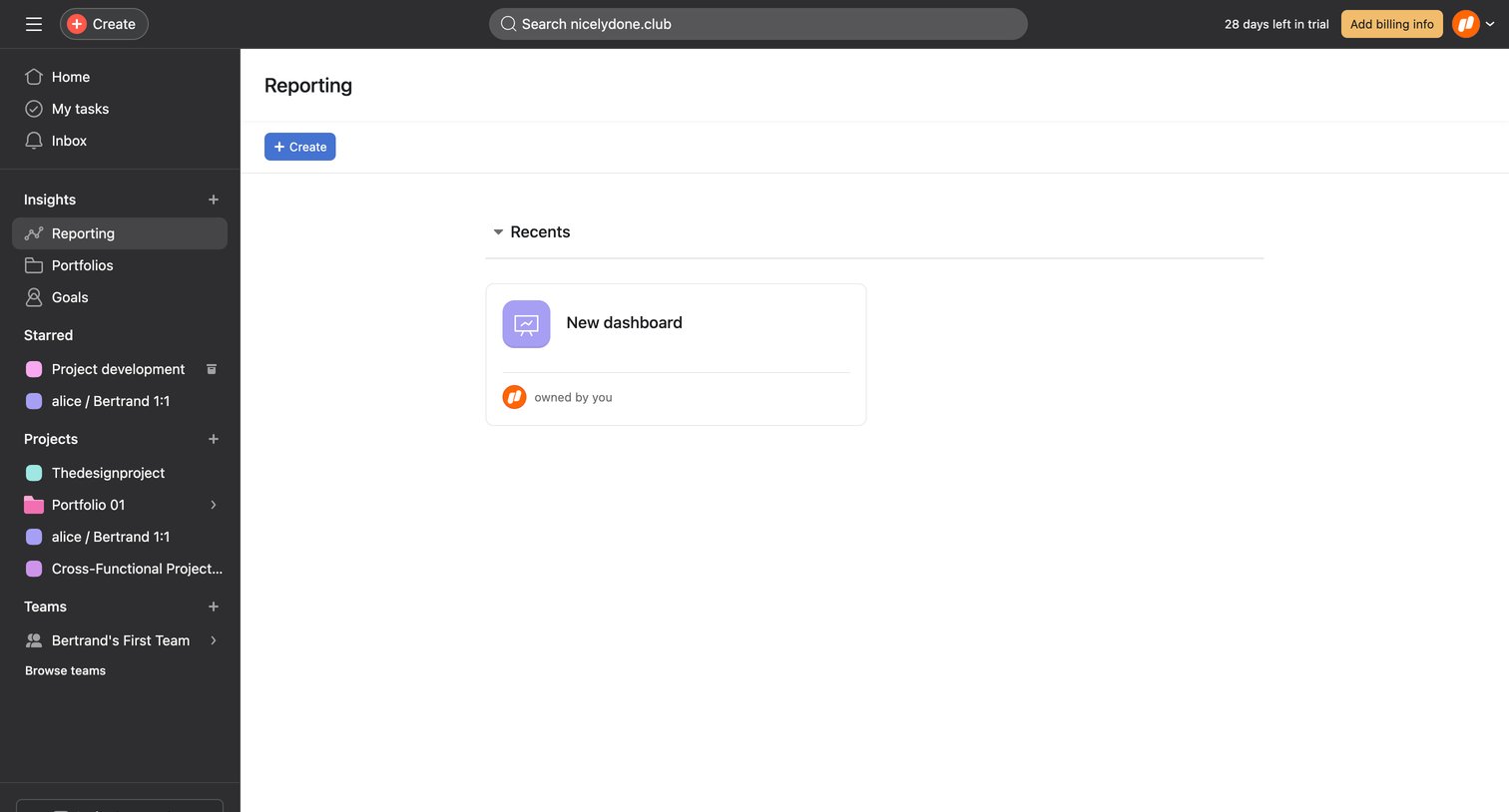

Asana - Reporting - Asana screen
Asana logo
Asana

Reporting page where the user can create a new dashboard or access recently viewed dashboards.

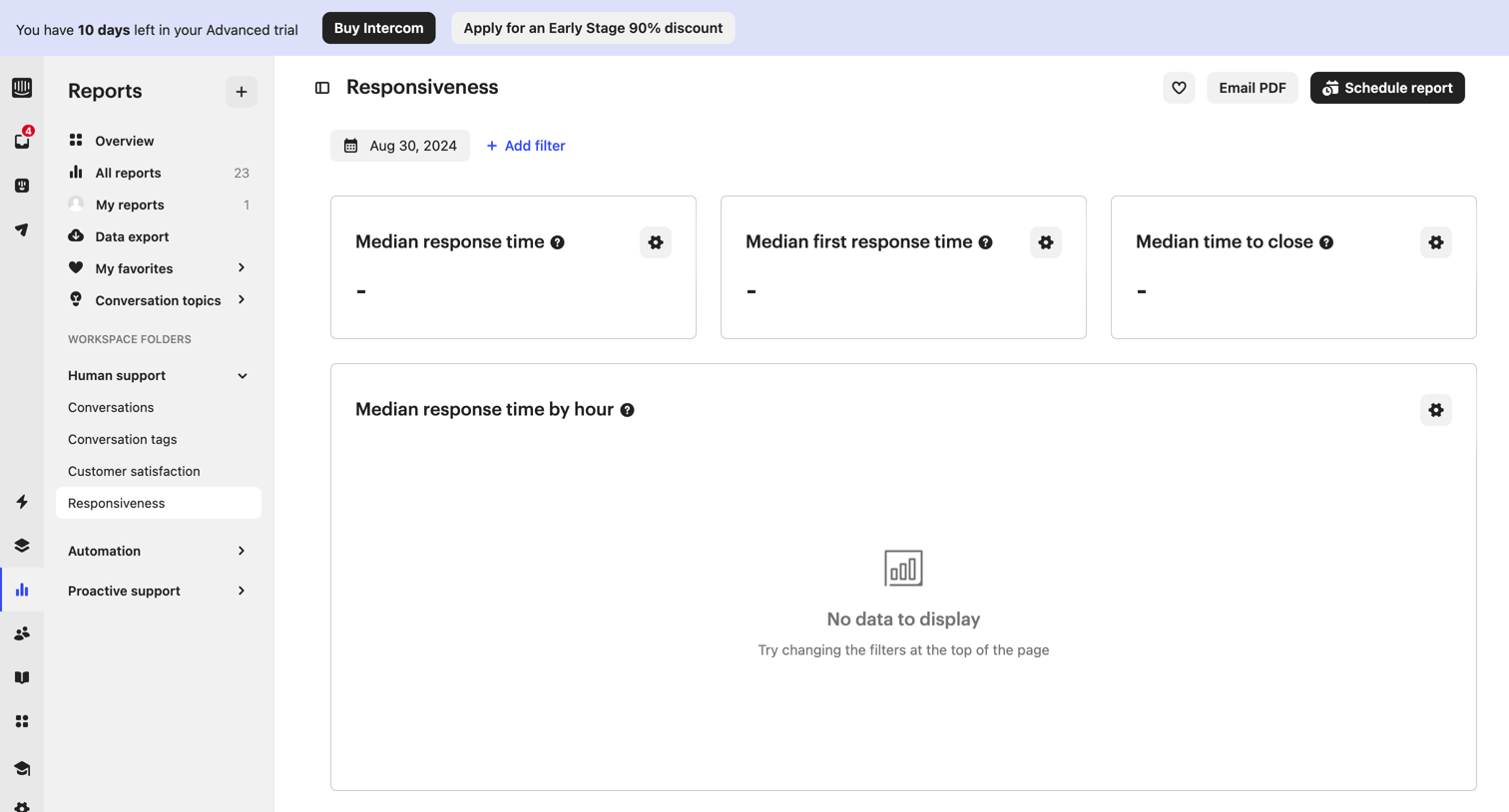
Intercom - Responsiveness | Reports  Nicelydone  Intercom screen
Intercom logo
Intercom

Dashboard displaying customer support responsiveness metrics like median response time and time to close, currently showing an empty state due to applied date filters, with prompts to schedule or export the report.
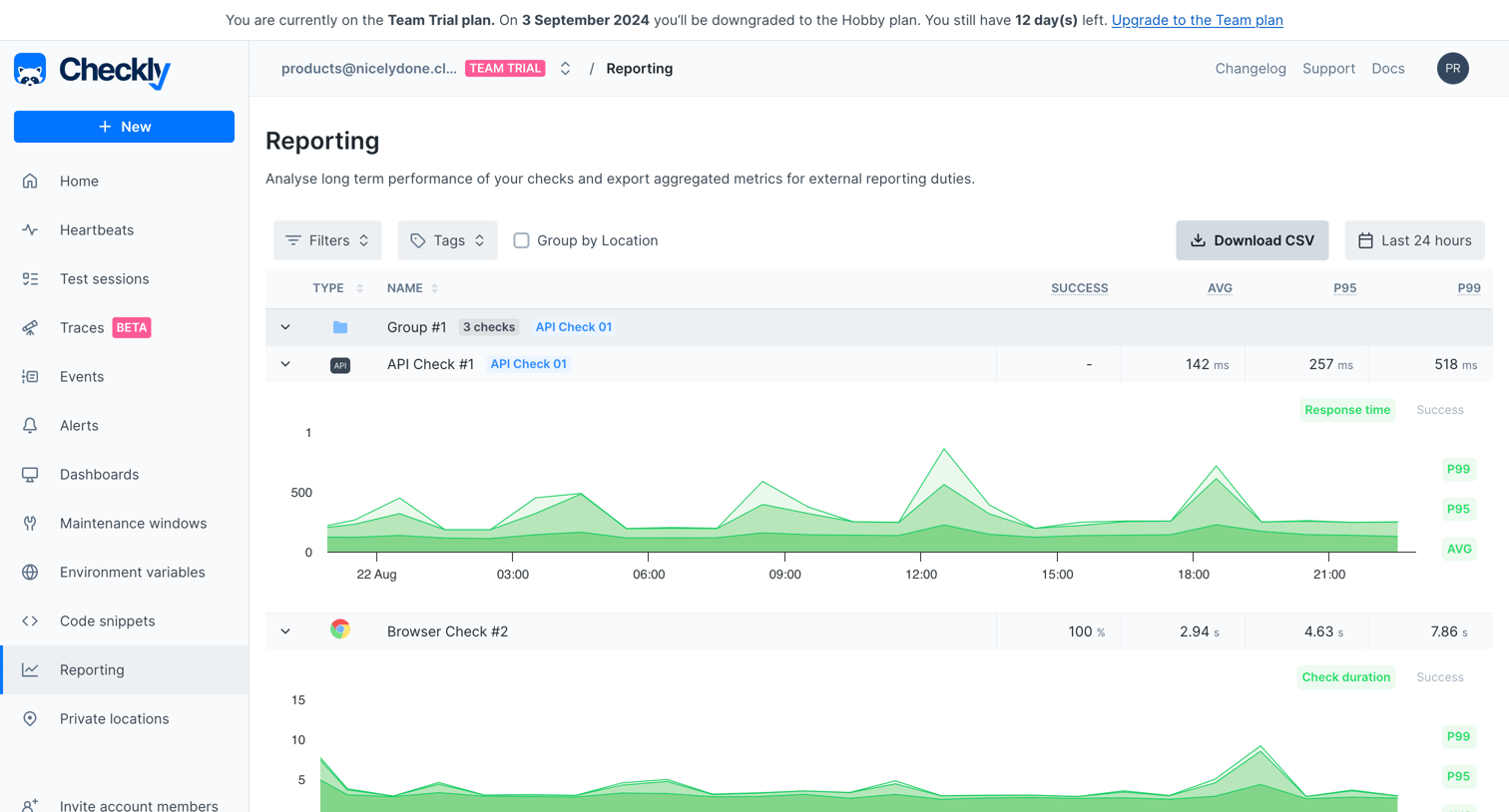

Checkly - Reporting screen
Checkly logo
Checkly

Reporting page where the user views performance metrics and response time charts for API and browser checks over the last 24 hours.

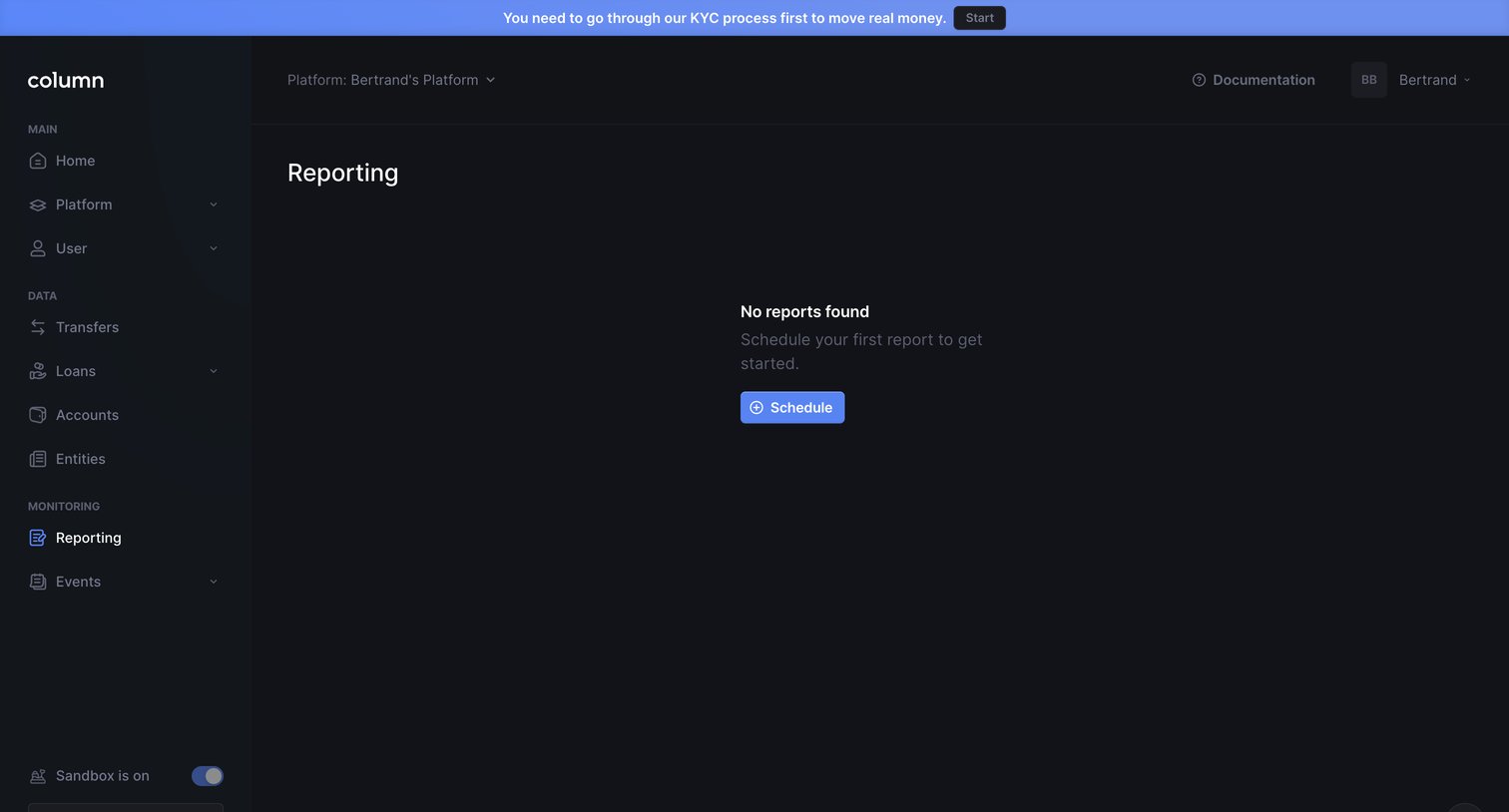
Column screen
Column logo
Column

Reporting page in an empty state prompting the user to schedule their first report, with a global banner requiring KYC completion.
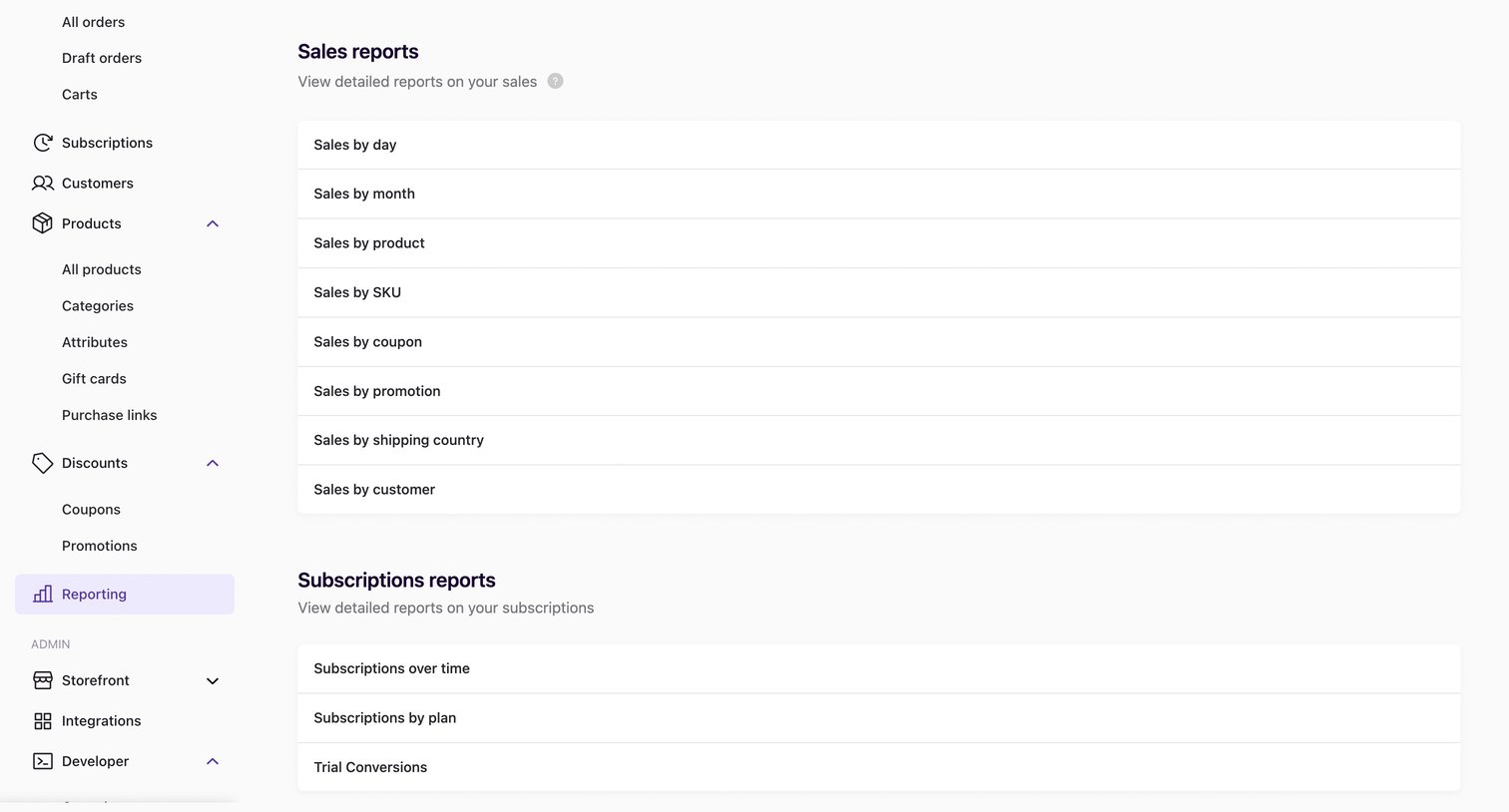

Swell - Reporting | nicelydone+v1 screen
Swell logo
Swell

List view where the user selects from categorized reports covering sales, subscriptions, customers, and finances.

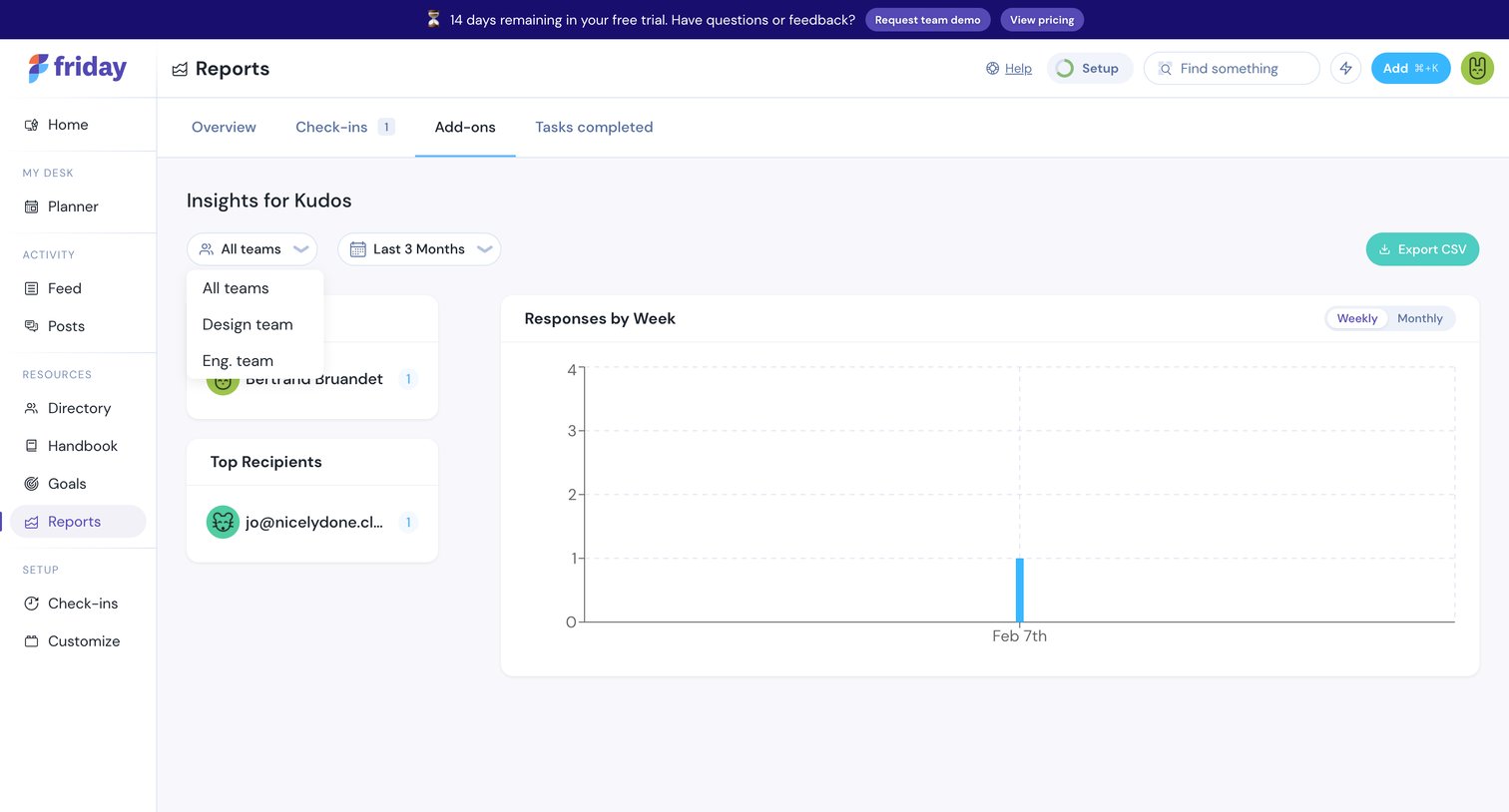
Friday - Reports screen
Friday logo
Friday

Analytics view where the user reviews kudos responses over time and identifies top senders and recipients across teams.

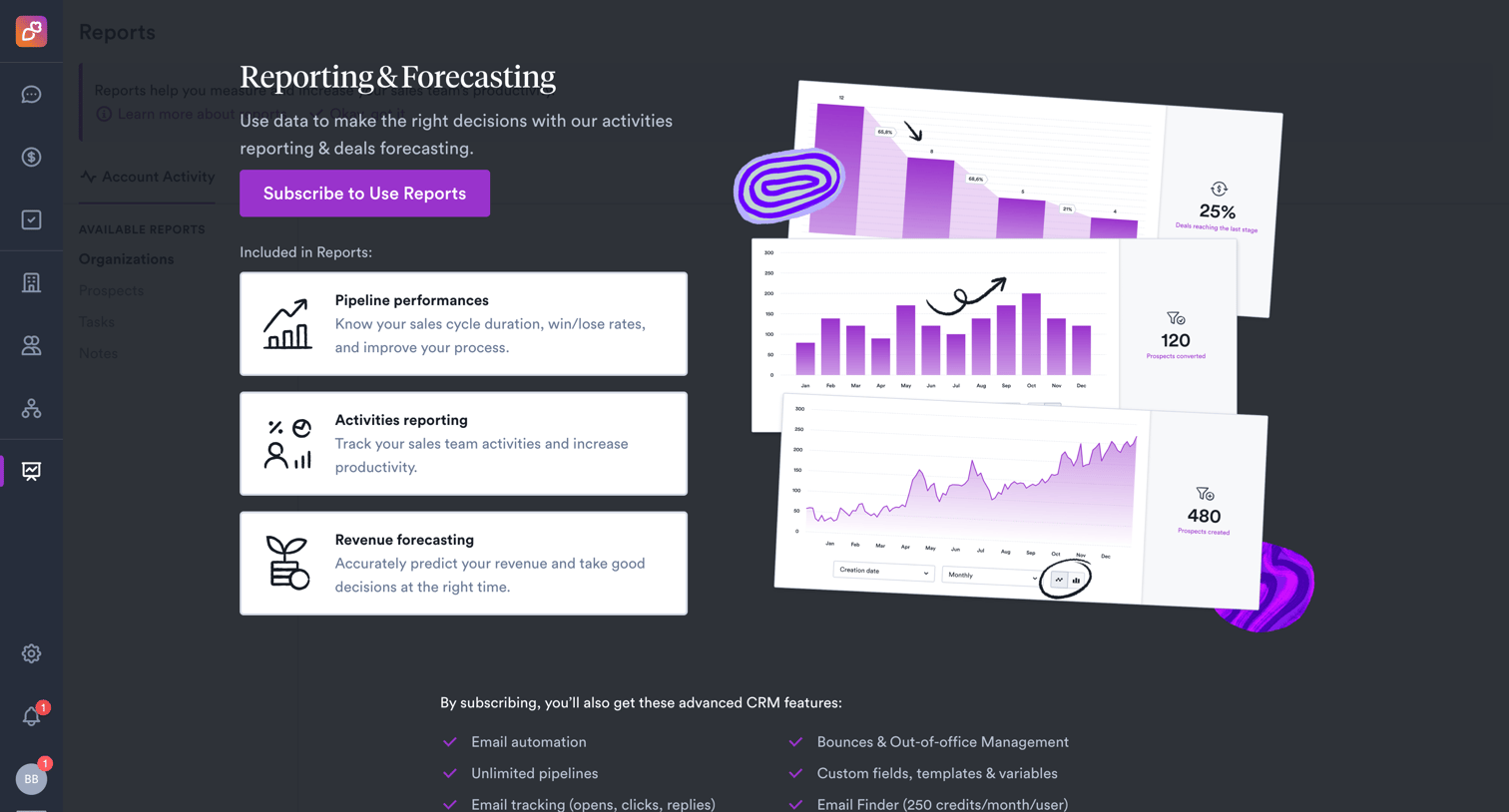
Overloop - Account Activity • Overloop screen
Overloop logo
Overloop

App screen where the user is blocked from accessing reports and prompted to subscribe to unlock pipeline, activity, and revenue forecasting features.
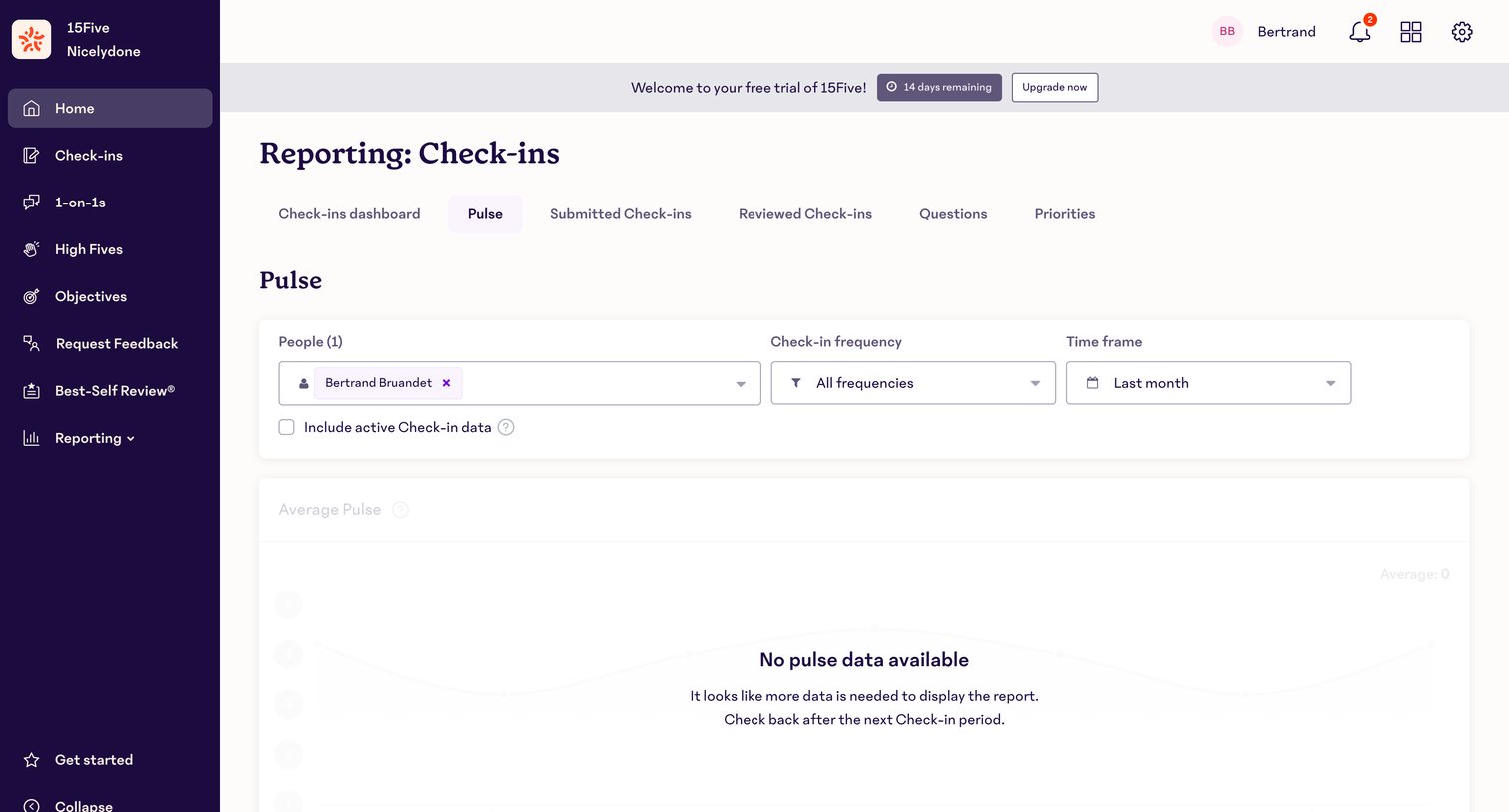

15Five - Reporting · 15Five screen
15Five logo
15Five

Analytics dashboard for employee check-ins showing an empty state with no pulse data available, alongside a trial countdown banner and data filters.

Explore the full SaaS screen library

Upgrade to unlock the full library.

Trusted by the best teams