Register screen examples
Register screen design examples from SaaS apps. Browse examples from Vimeo, Record club, Sora.
Explore the examples
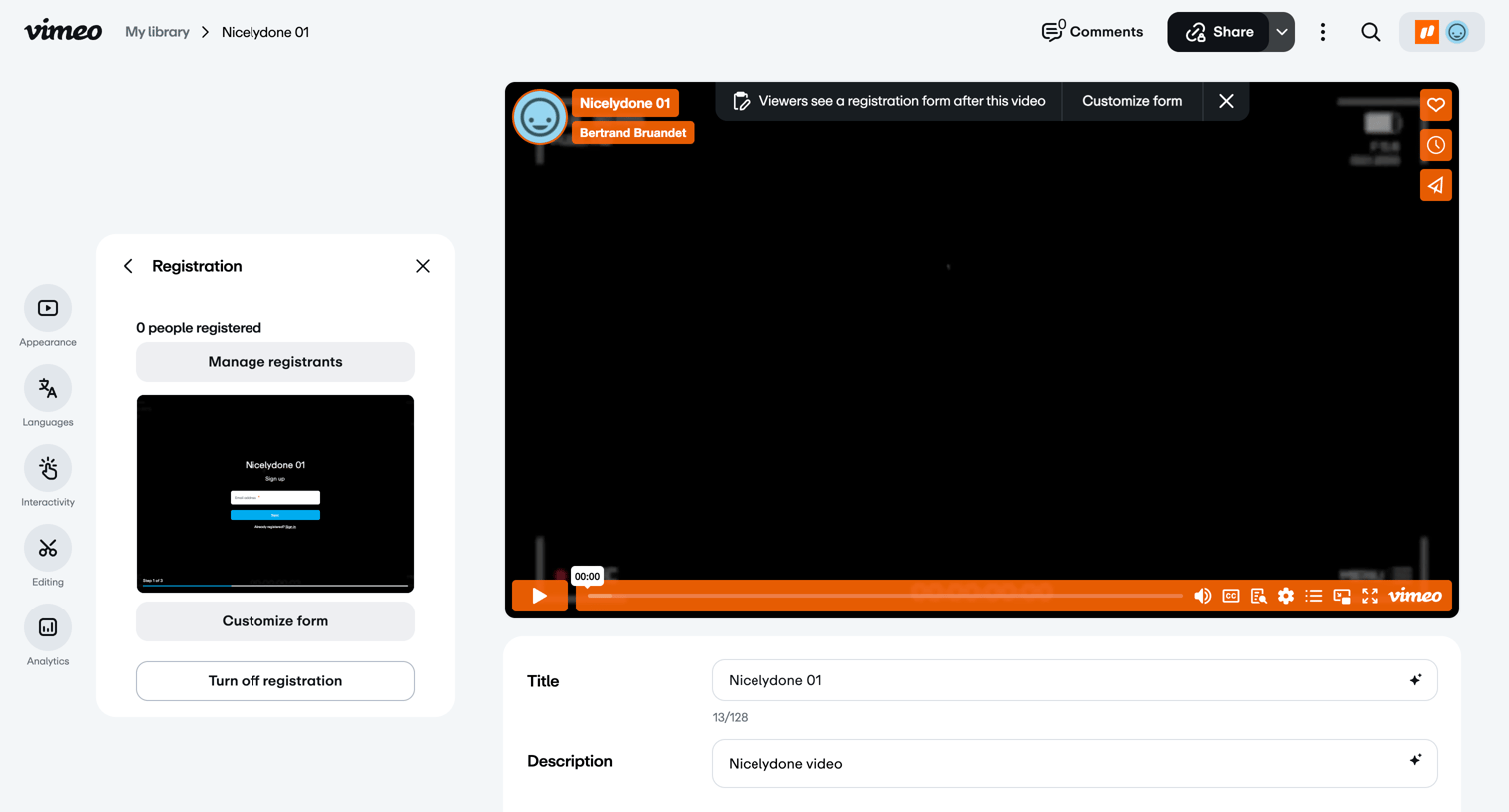

Detail page where the user configures a registration form for a specific video, including title, description, and form customization.
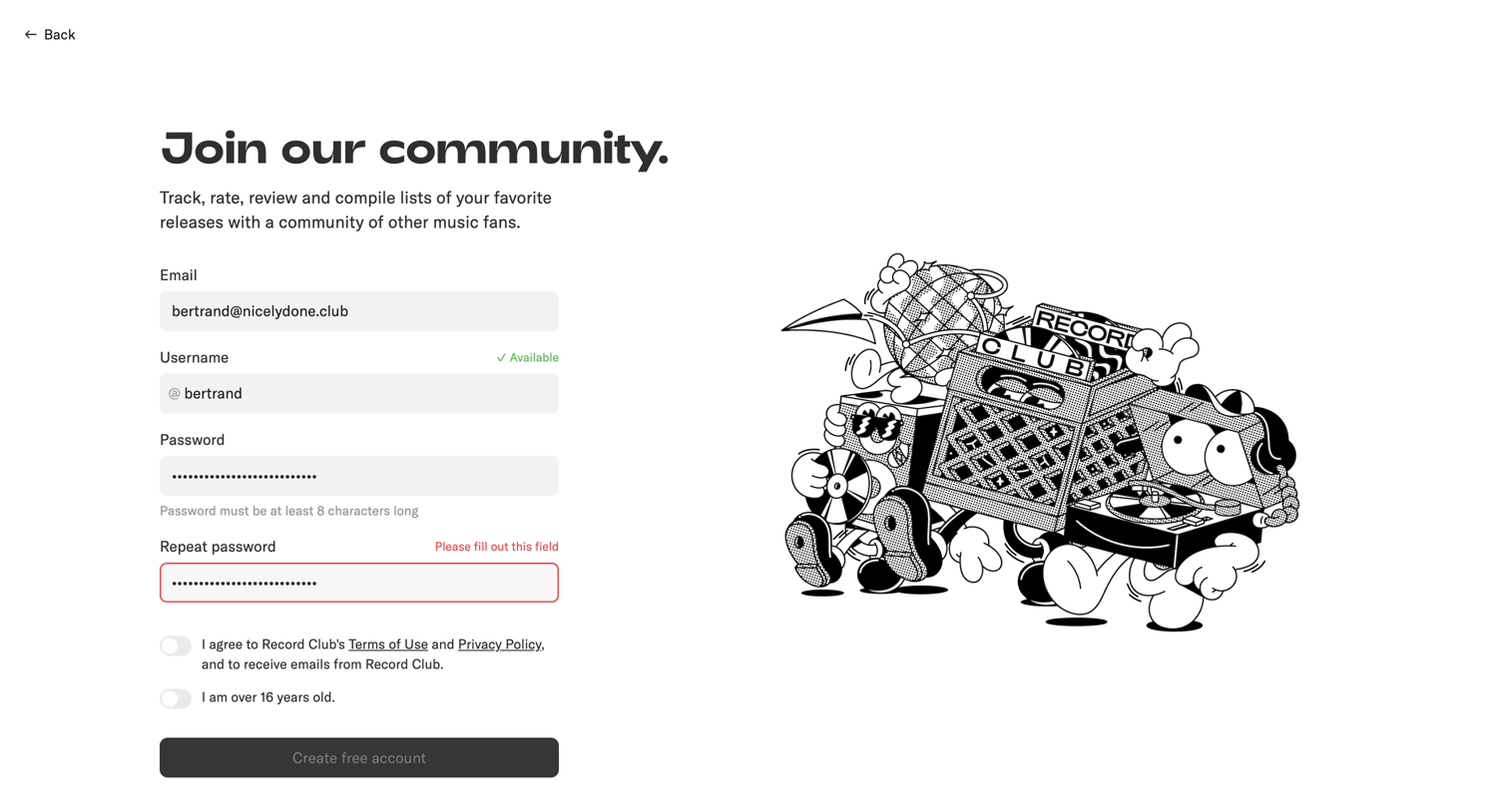

Signup page where the user creates an account by providing an email, username, and password, featuring inline validation for availability and errors.
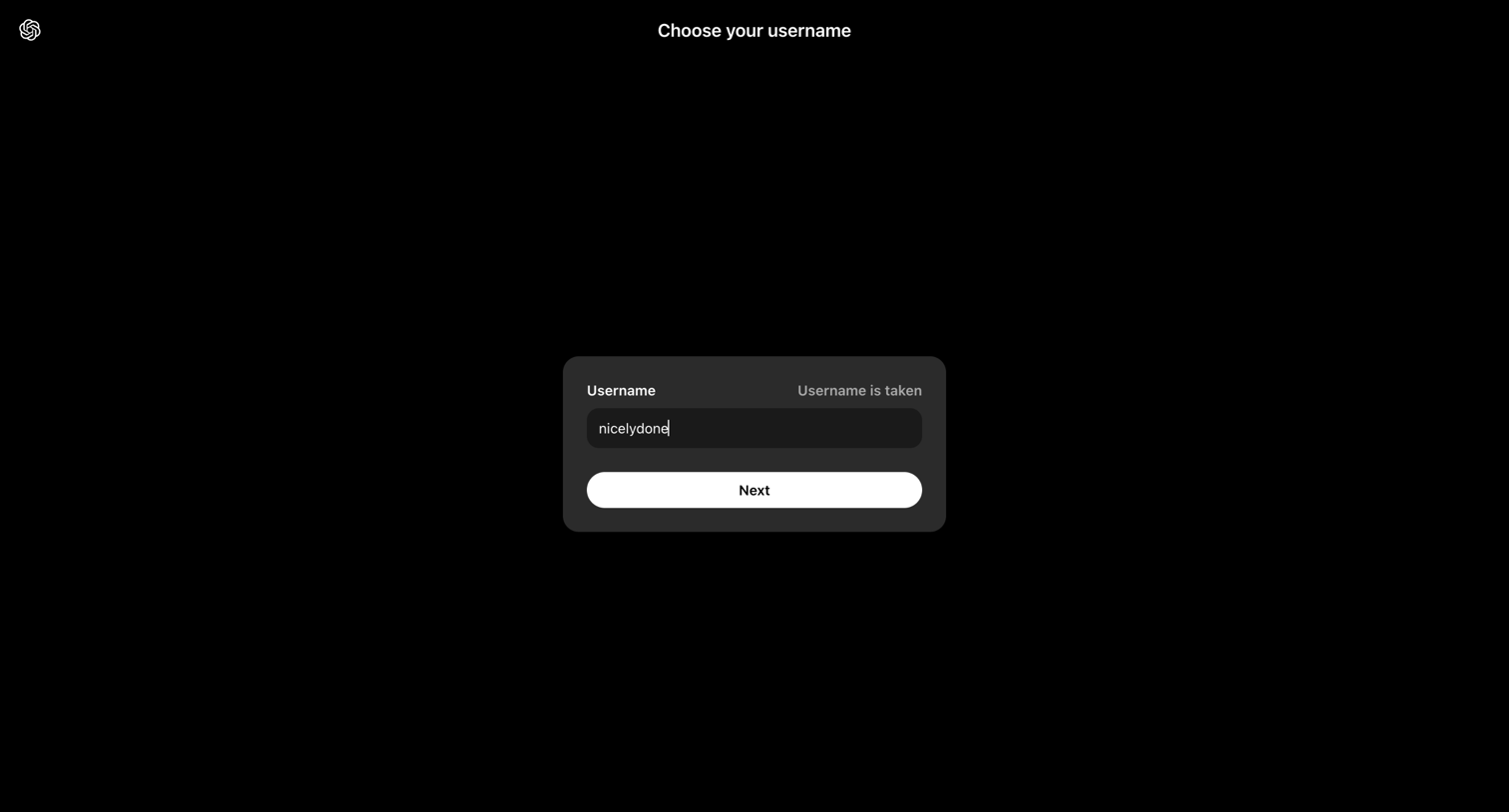

Onboarding step where the user attempts to claim a username but receives an inline validation message that the name is already taken.
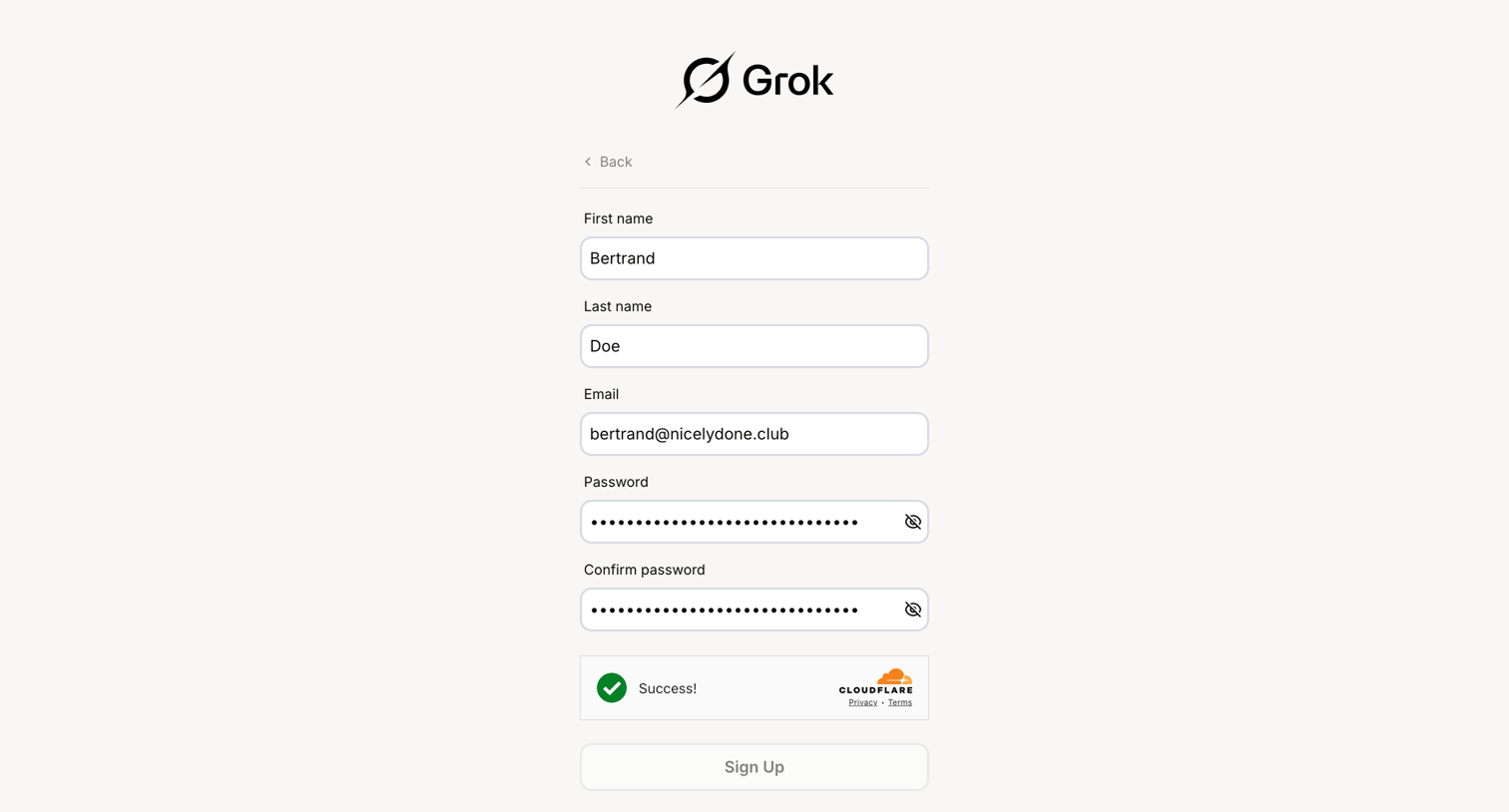

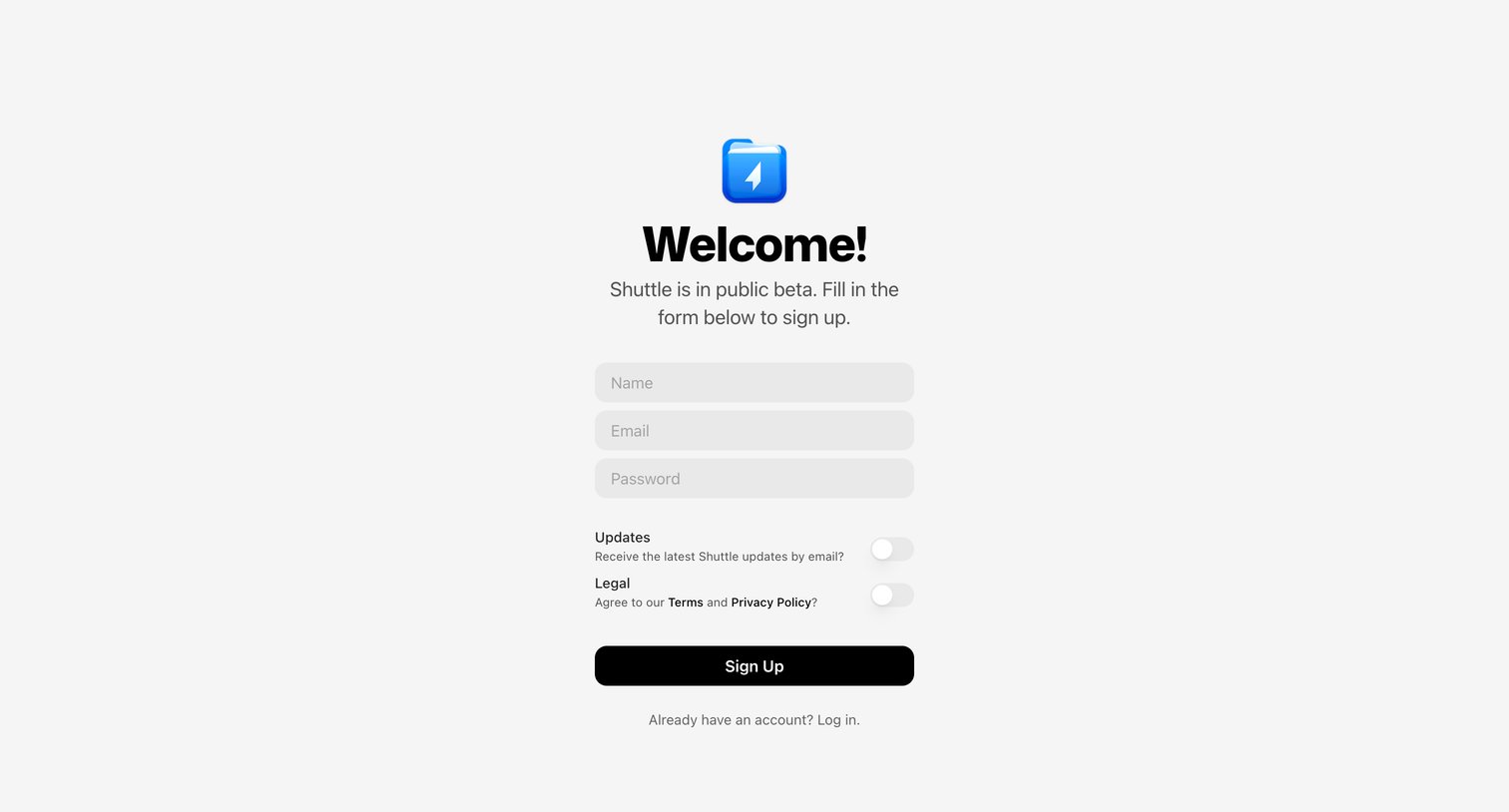

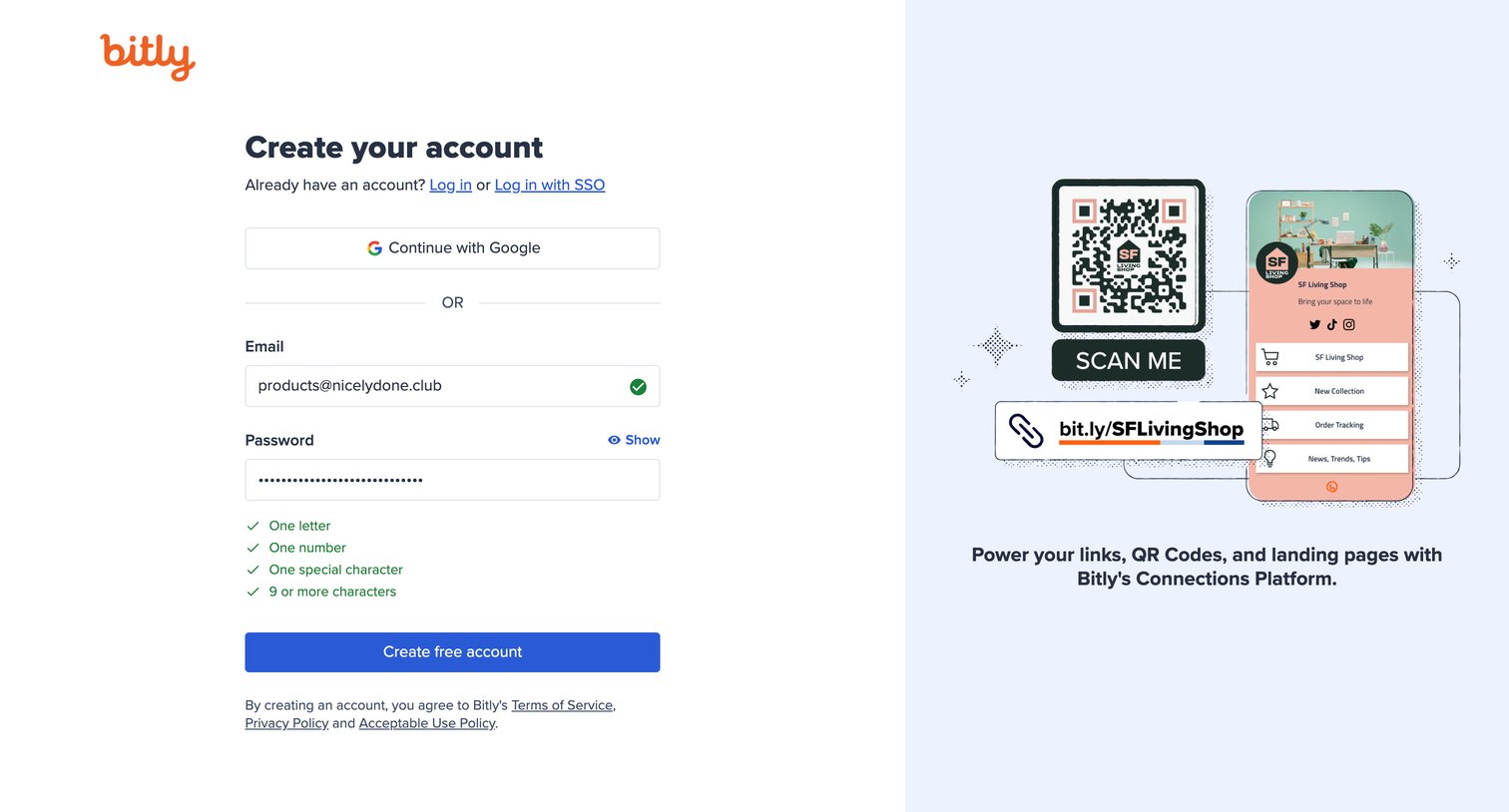

Signup page where the user creates an account using an email and password or Google OAuth, featuring inline password validation and a marketing illustration panel.
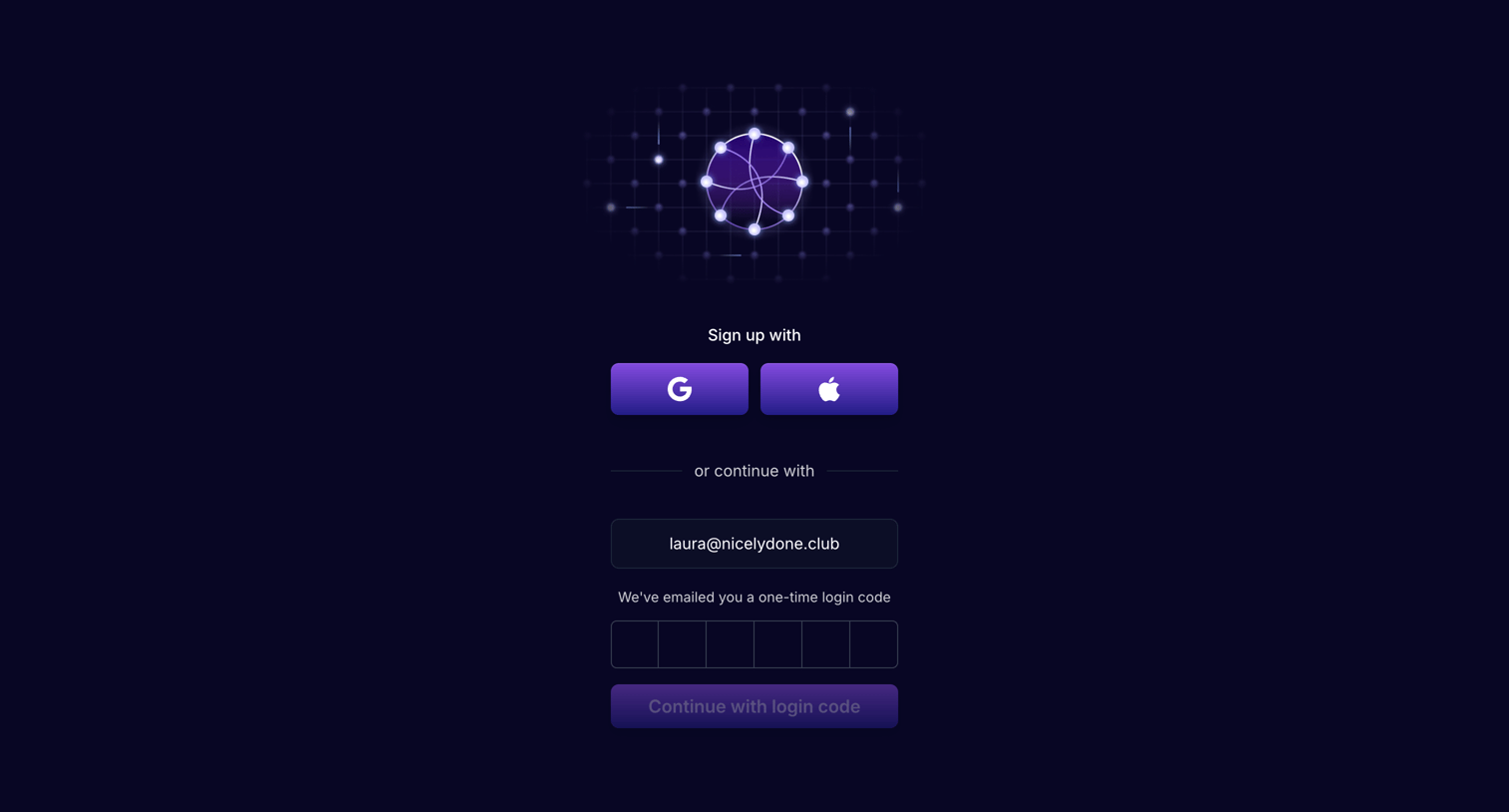

Signup screen where the user can authenticate with Google or Apple, or enter a one-time password sent to their email.
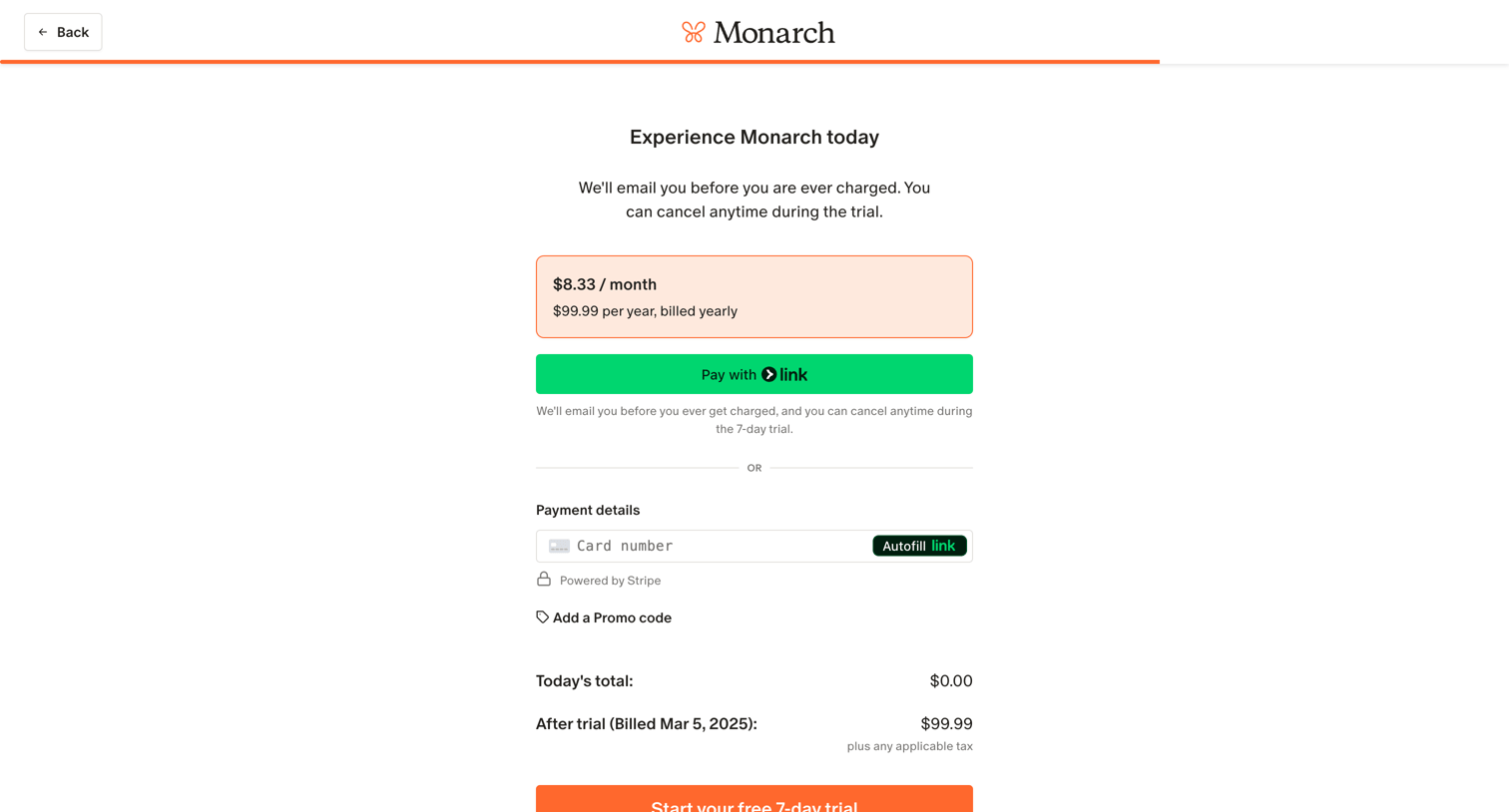

Checkout screen where the user reviews their yearly plan selection and enters payment details to start a 7-day free trial.
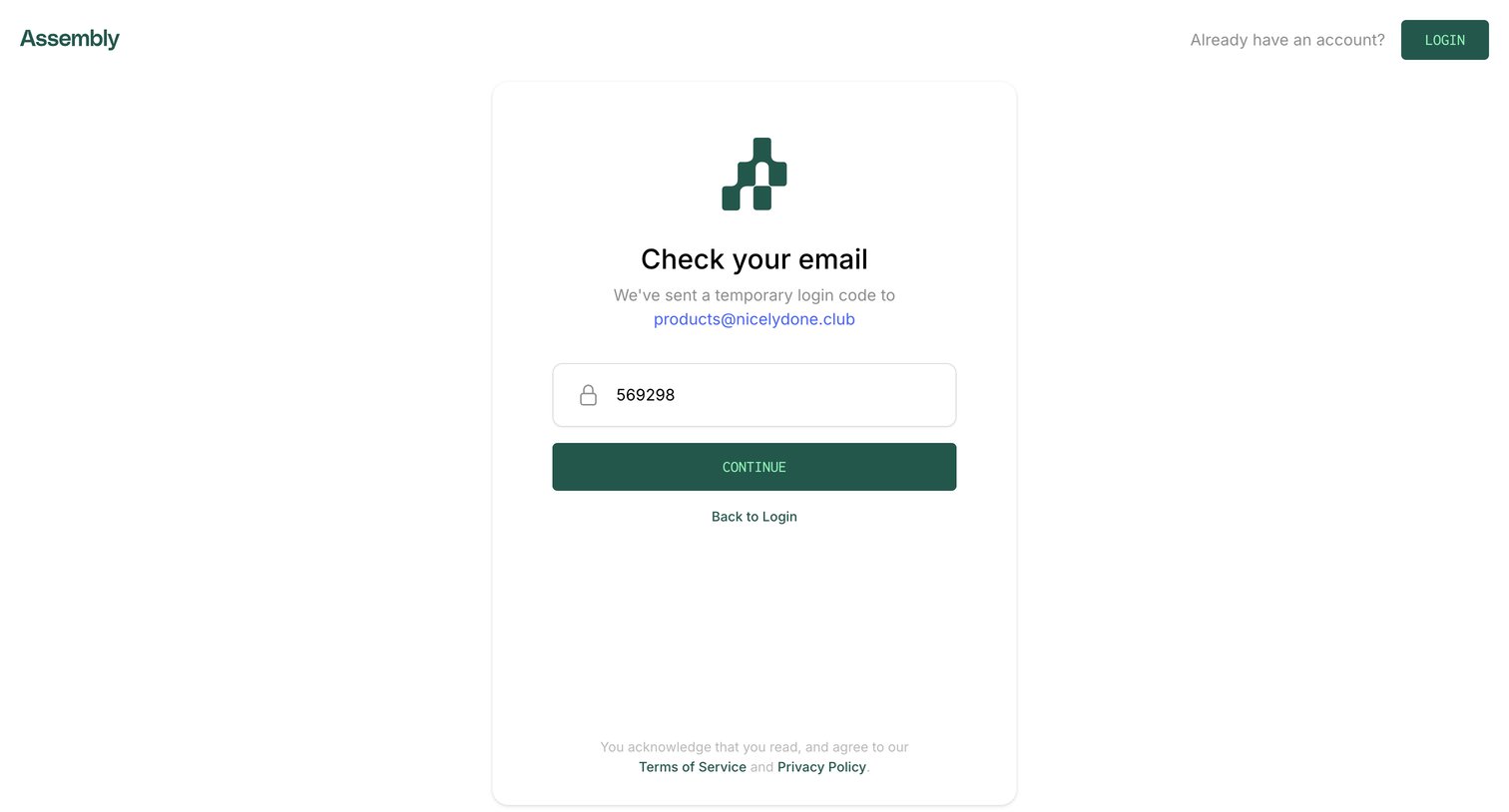

Verification screen where the user enters a temporary login code sent to their email address to authenticate.
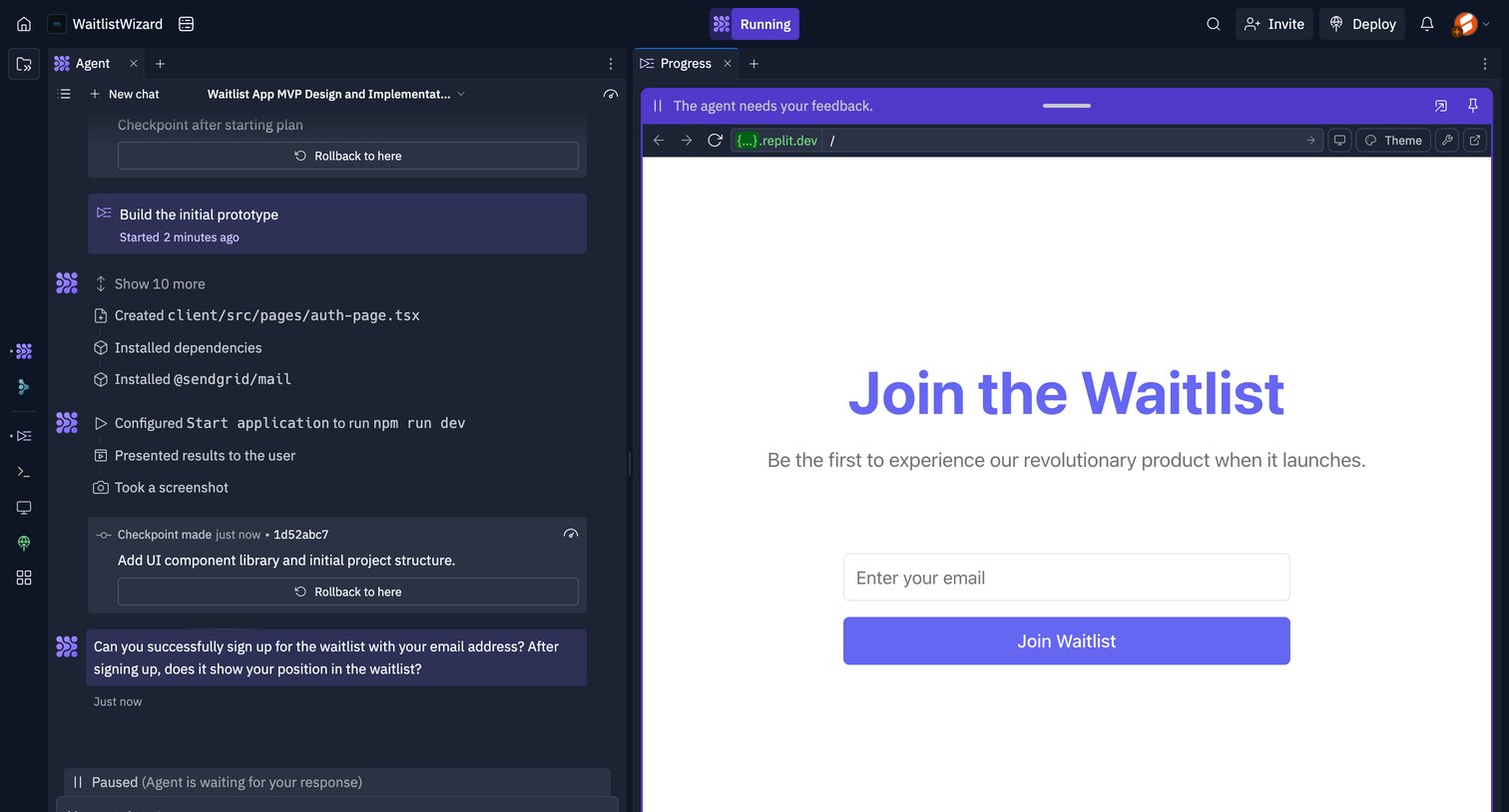

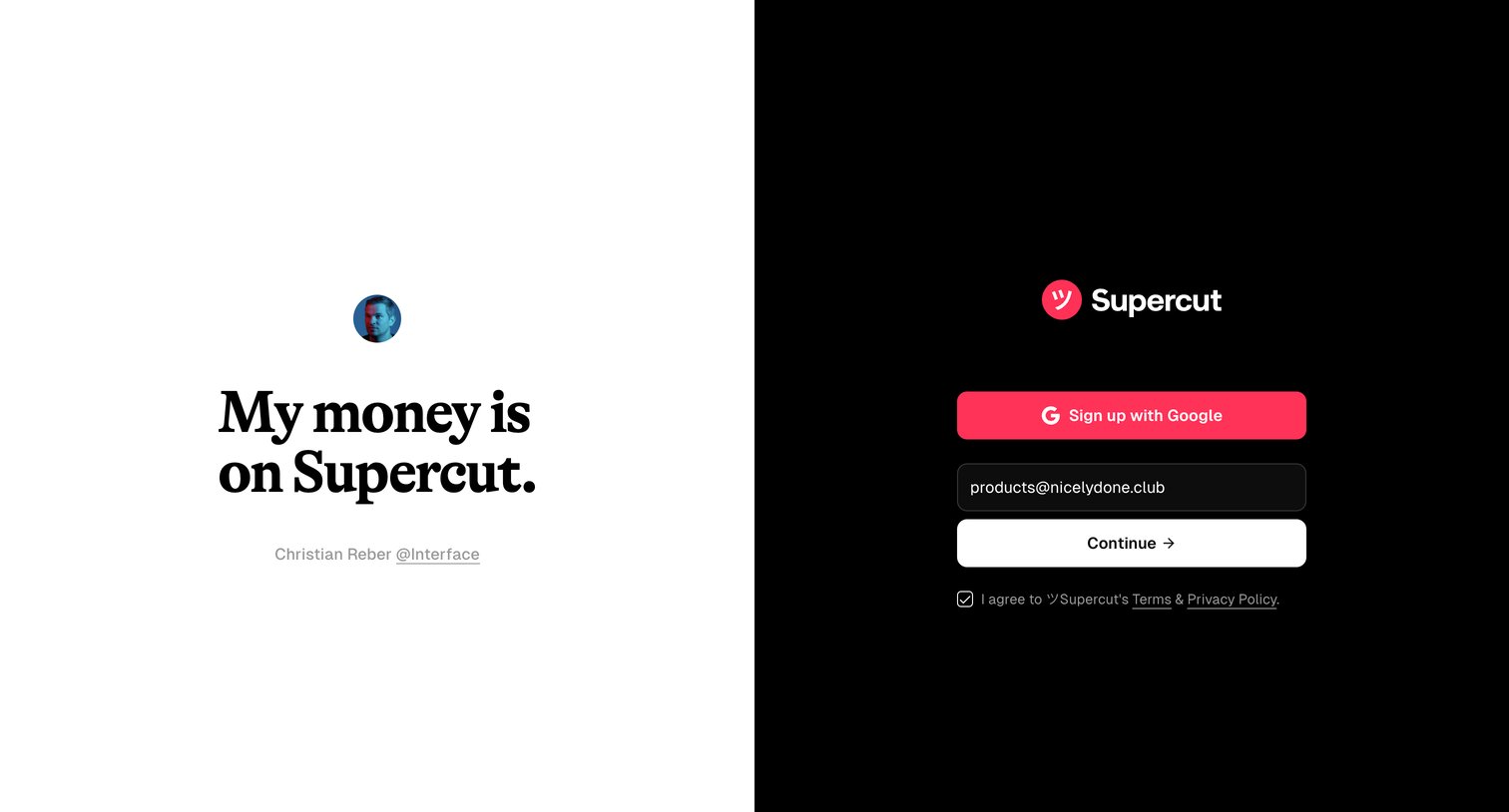

Signup page where the user can authenticate via Google or enter their email, accompanied by a customer testimonial.
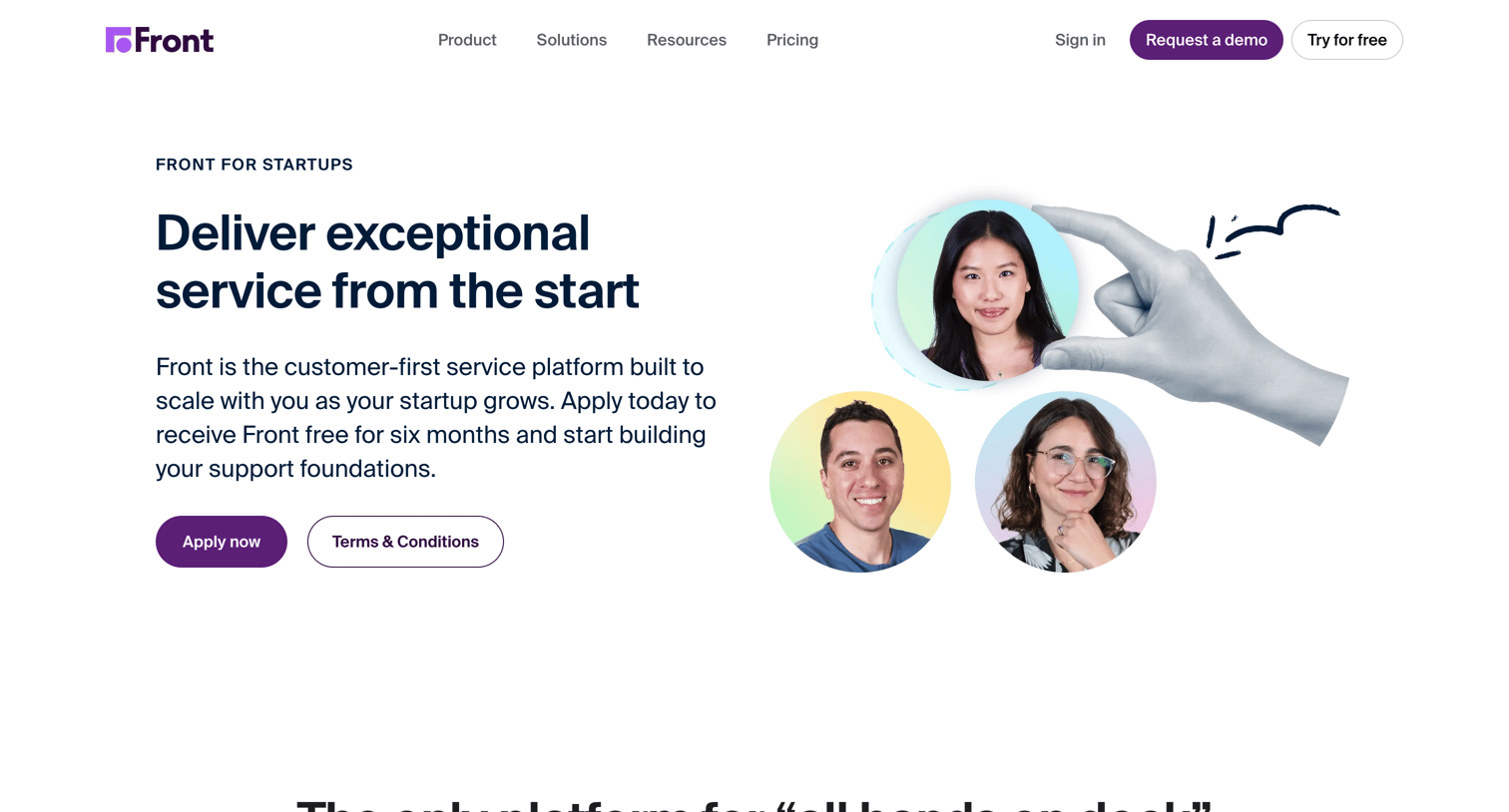

Marketing landing page where startups can apply for a free 6-month program to use the Front customer service platform.
Explore the full SaaS screen library
Upgrade to unlock the full library.
Trusted by the best teams







