Profile management screen examples
Profile management screen design examples from SaaS apps. Browse examples from Magnific, Latitude.sh, Visitors.
Explore the examples
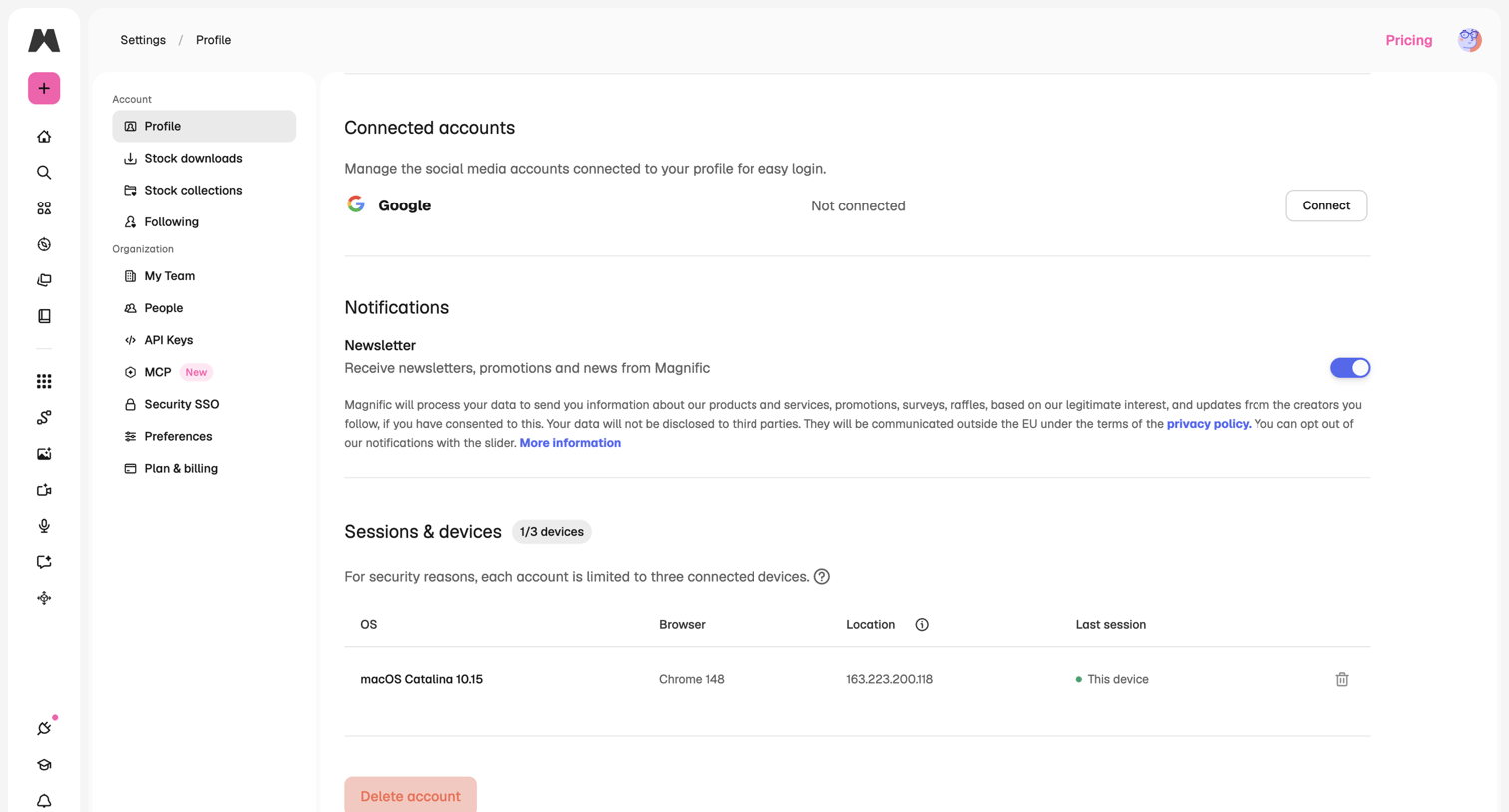

Settings page where the user manages connected accounts, notification preferences, and active device sessions.
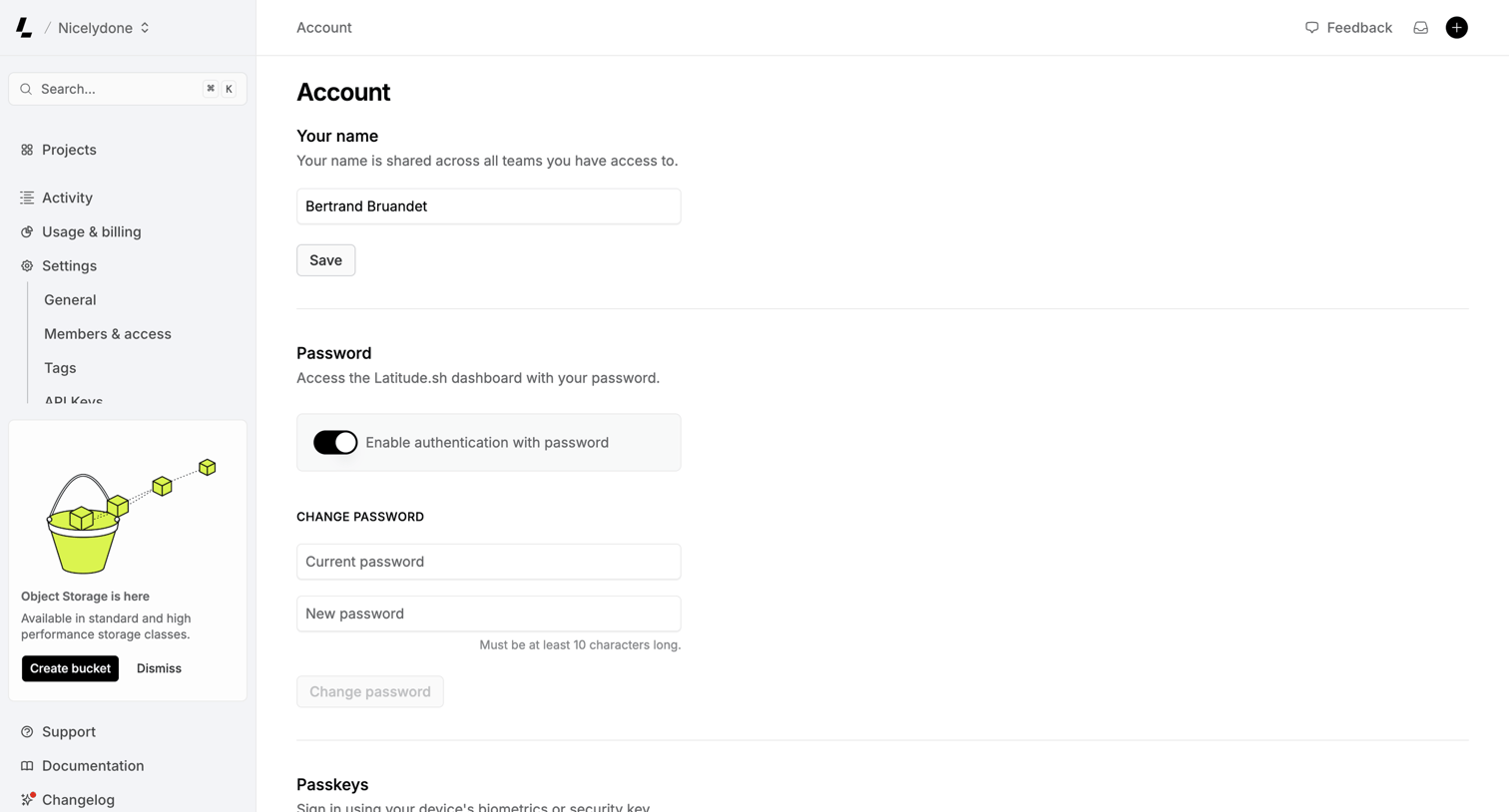

Settings page where the user manages their profile name, password authentication, and passkeys.
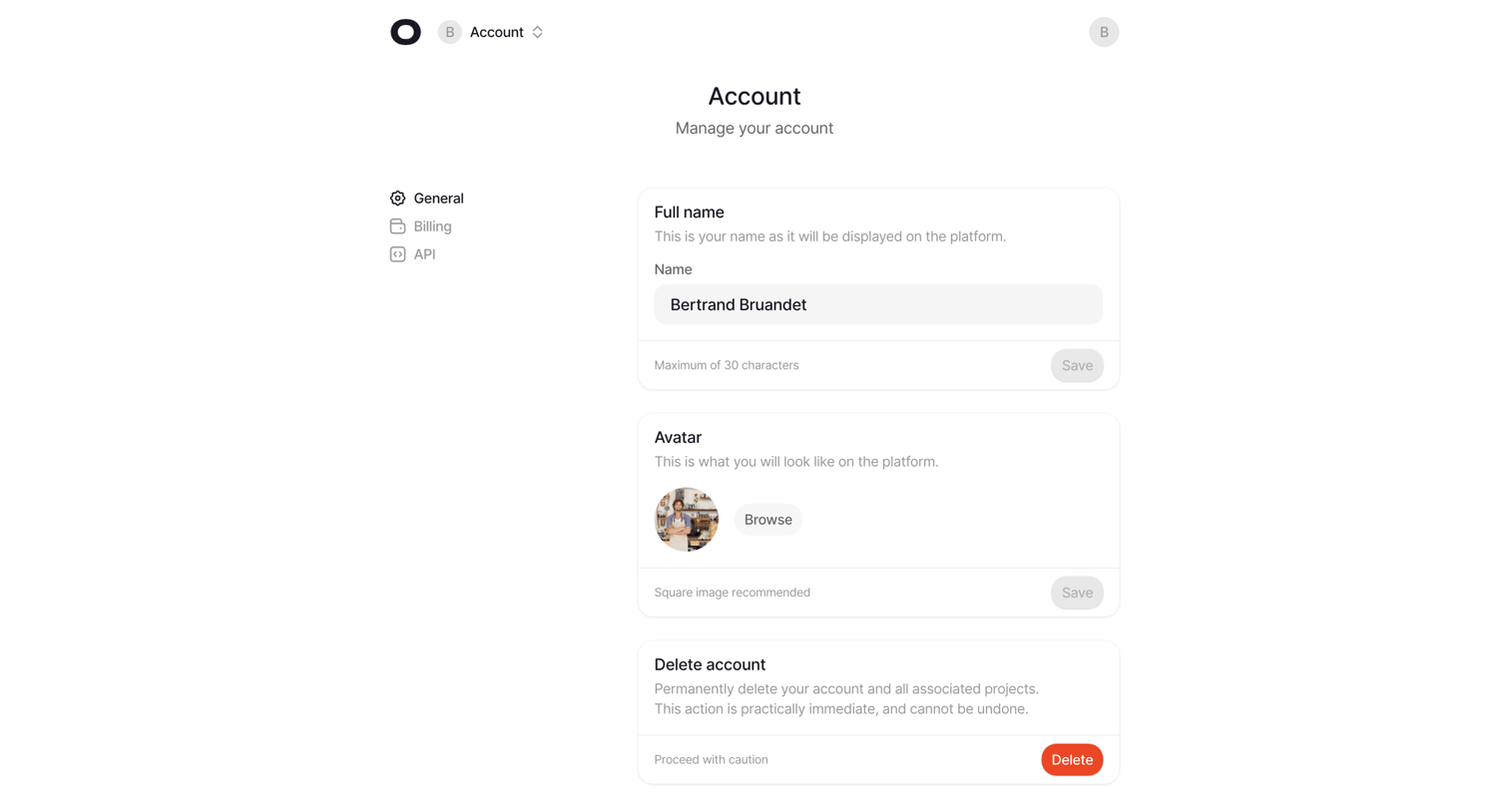

Settings page where the user manages their account profile, including full name, avatar upload, and account deletion.
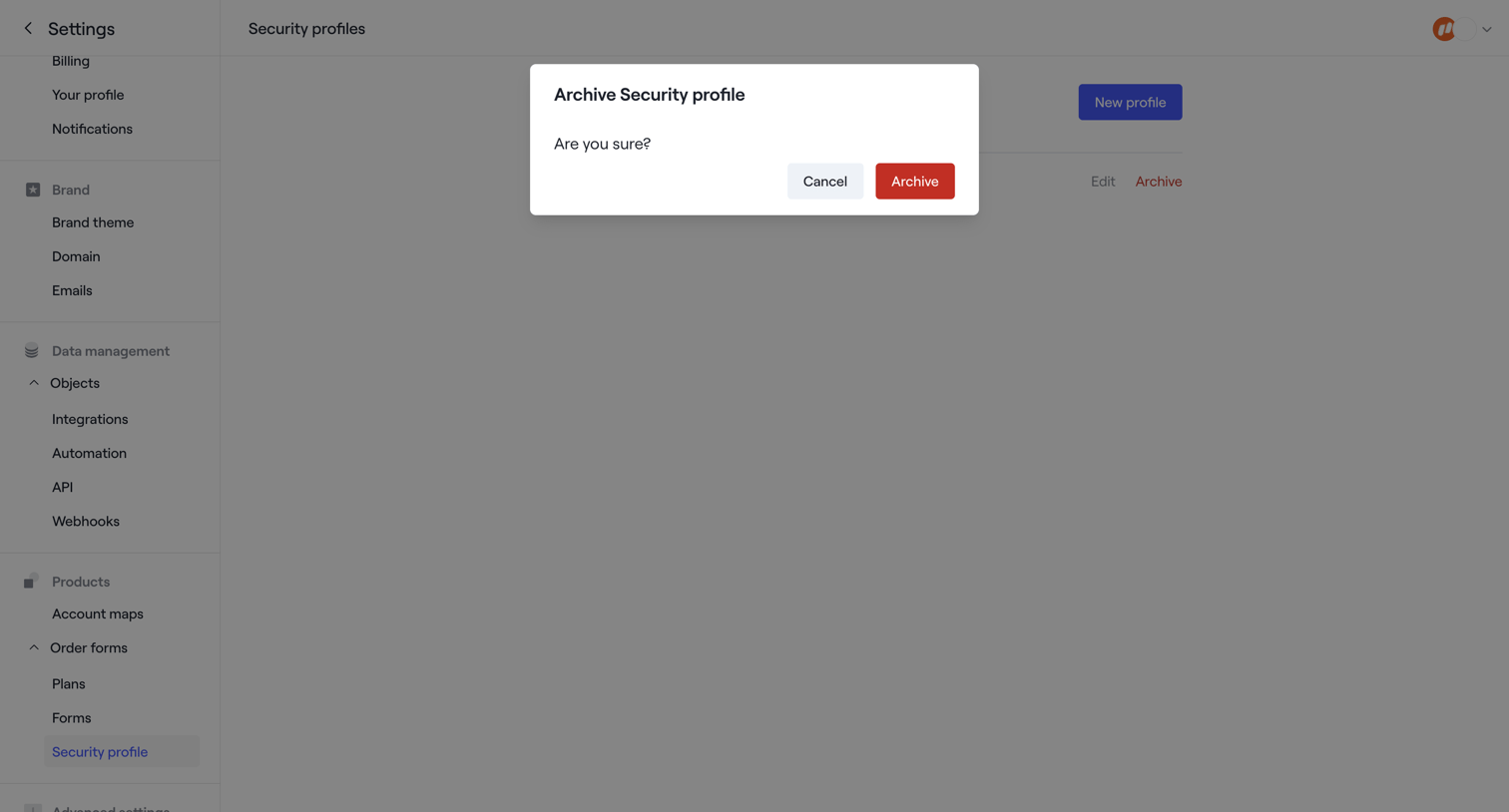

Settings page where the user is prompted to confirm archiving a security profile.
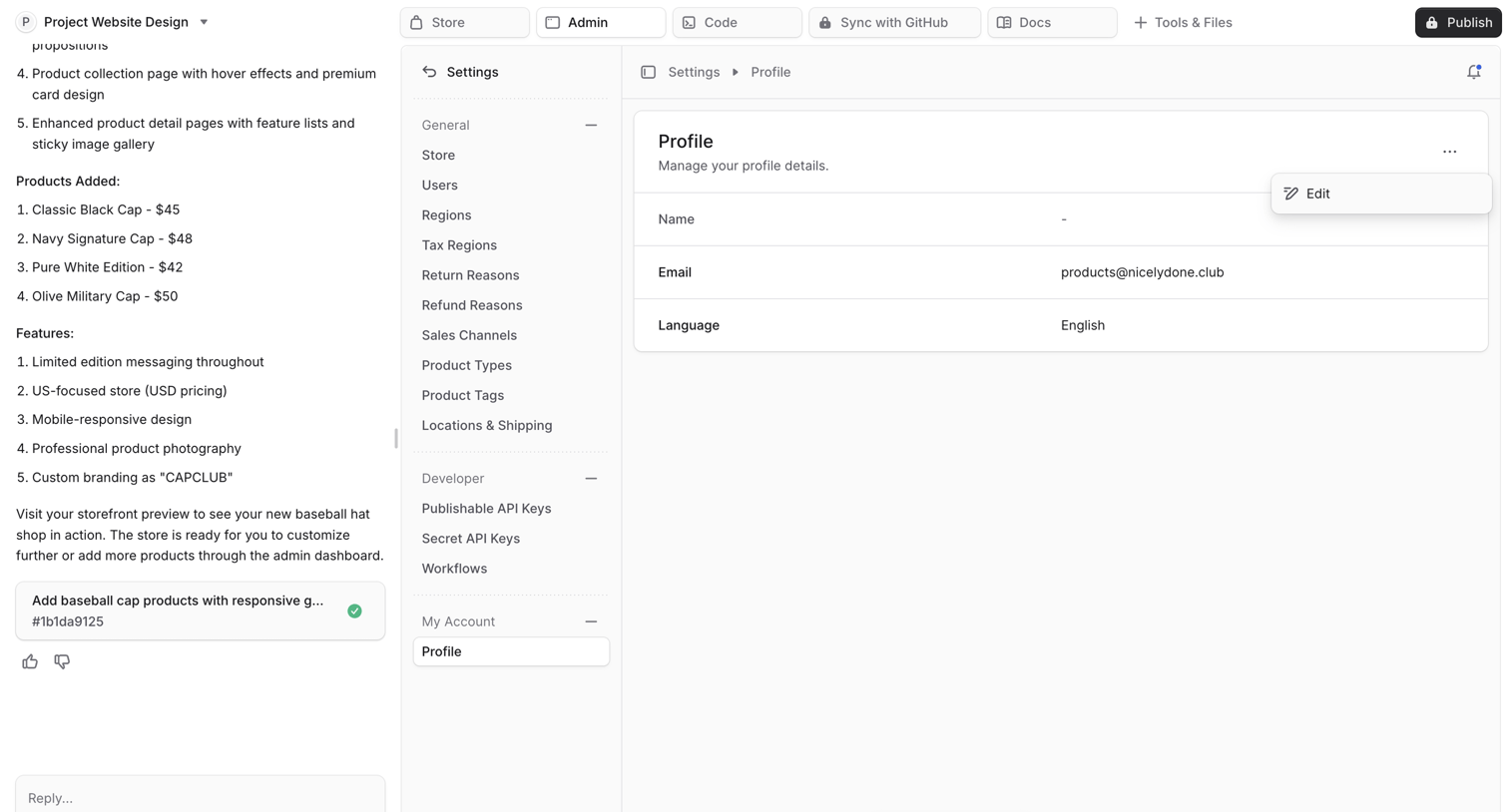

Settings page where the user manages their profile details like name, email, and language within an AI-assisted workspace.
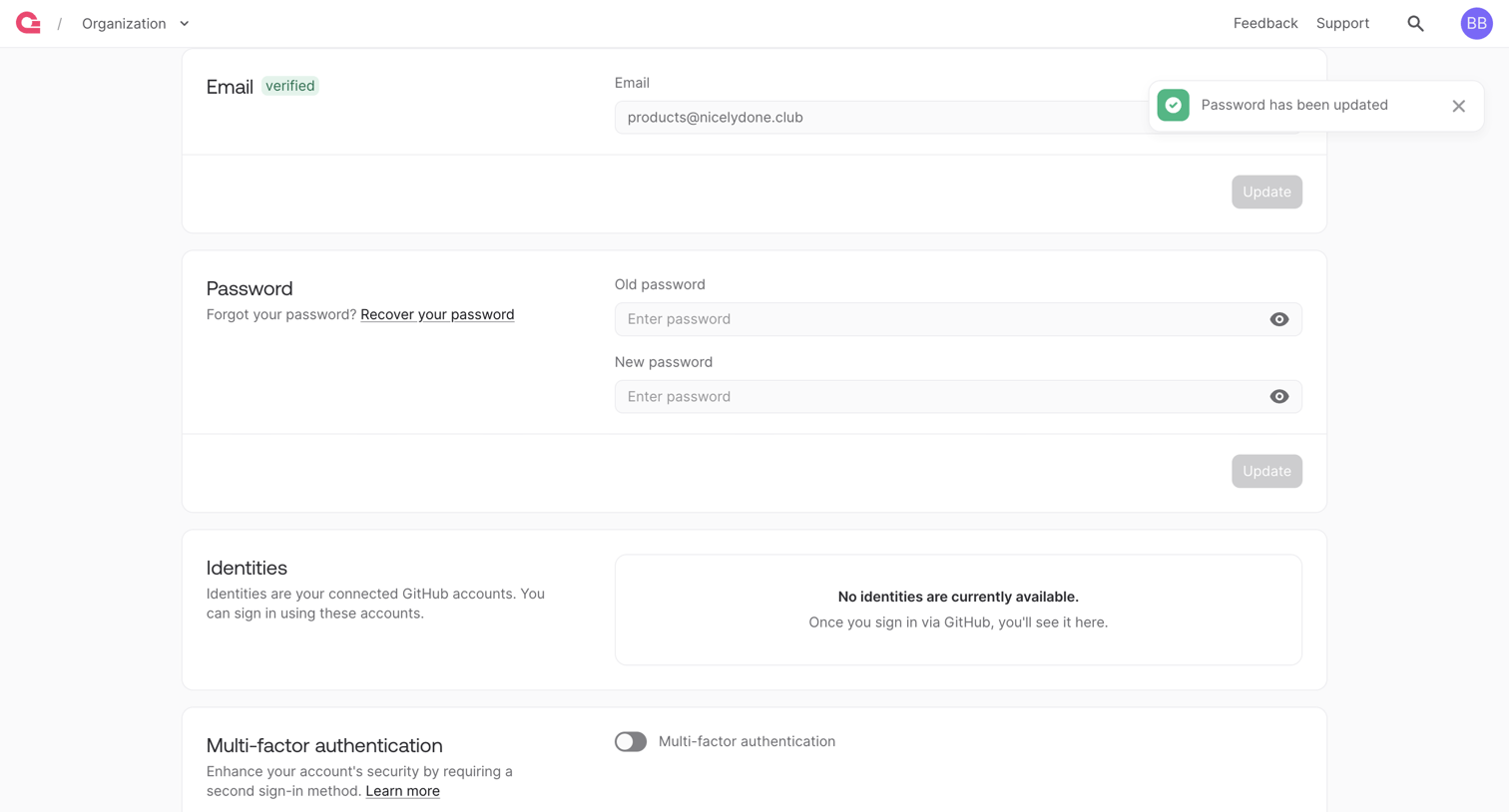

Account settings page where the user can update their email, change their password, manage connected GitHub identities, and enable multi-factor authentication.
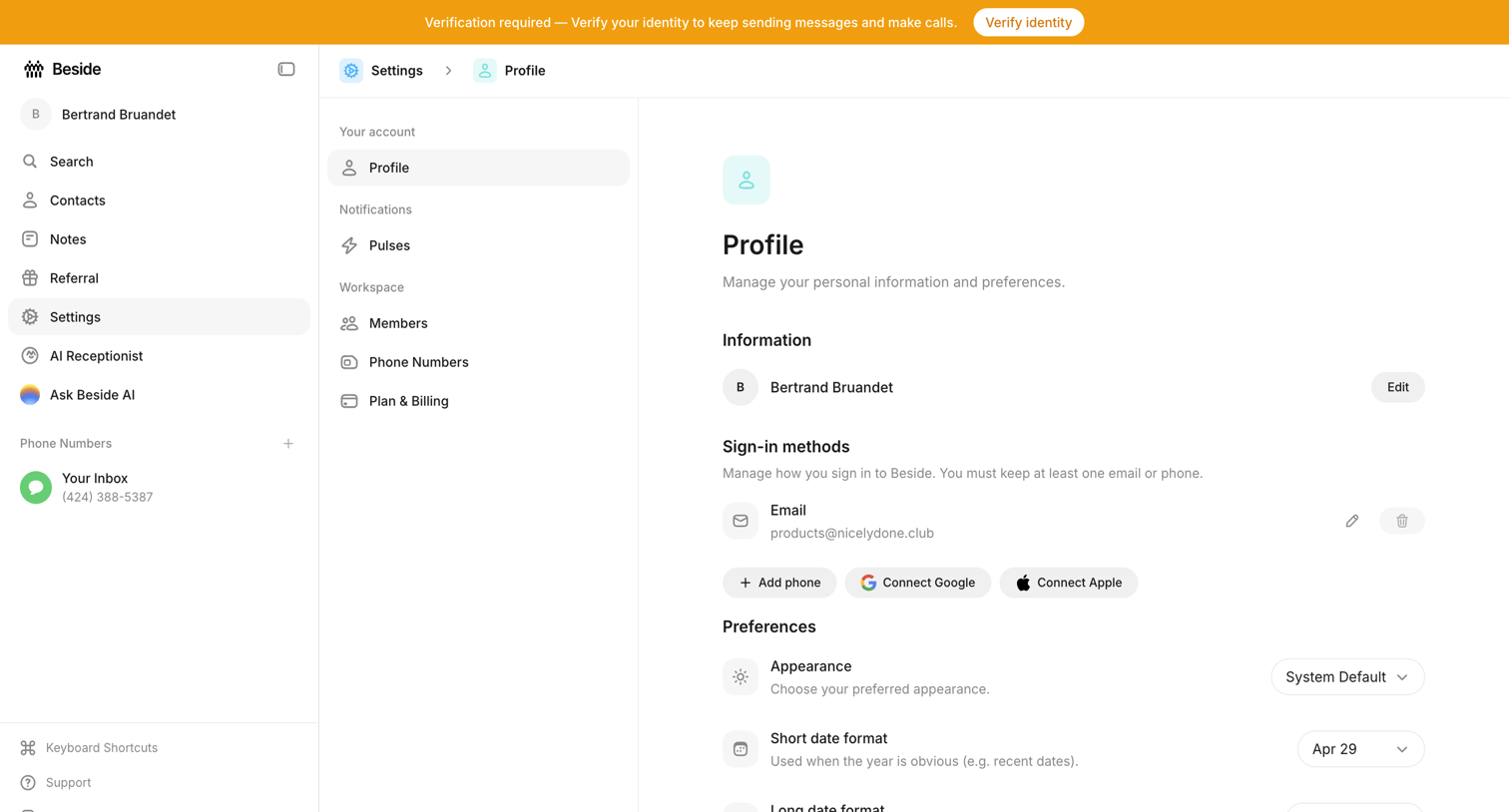

Settings page where the user manages their personal information, connected sign-in methods, and display preferences.
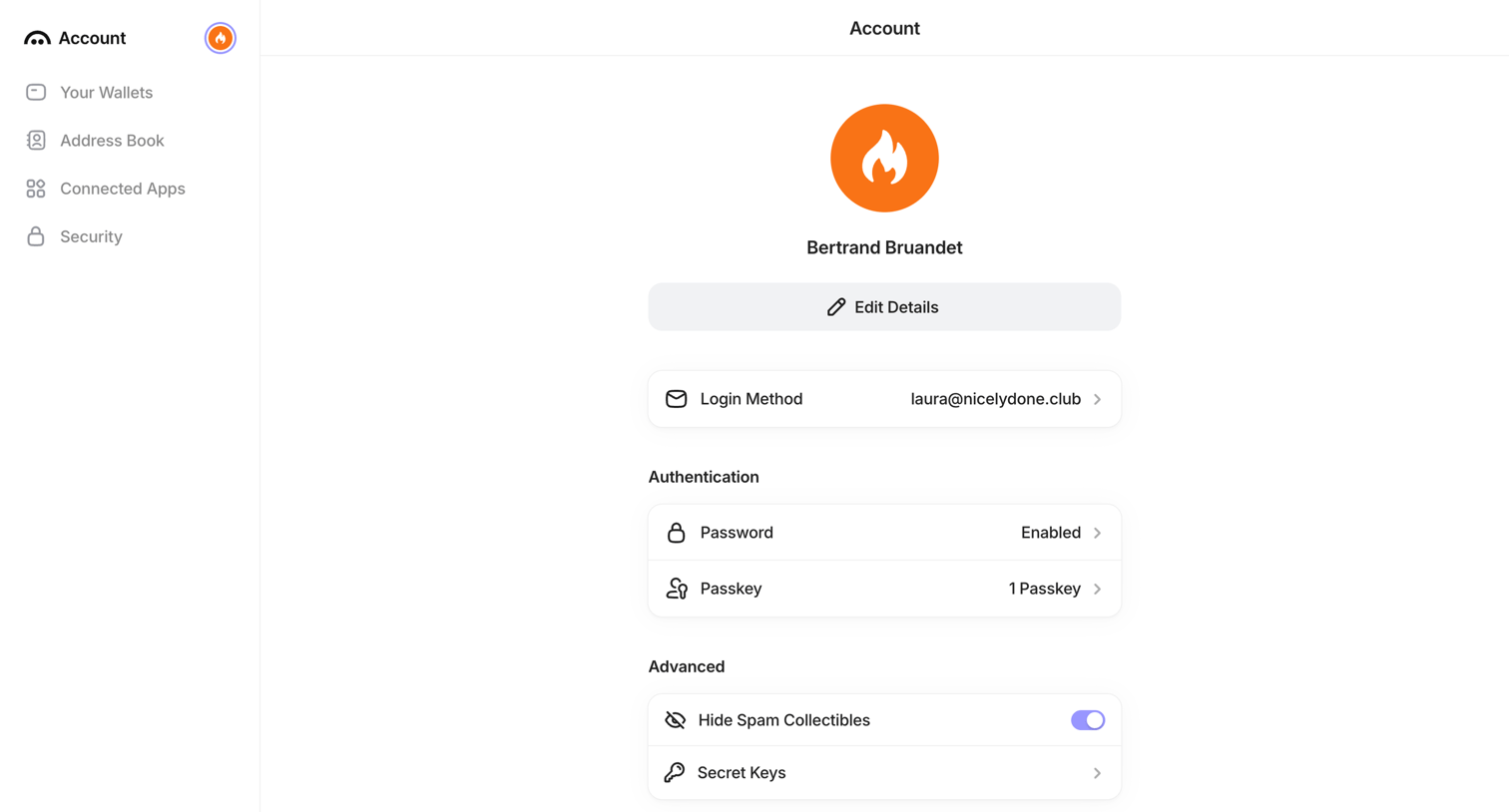

Settings page where the user manages their profile details, login methods, and authentication preferences like passwords and passkeys.
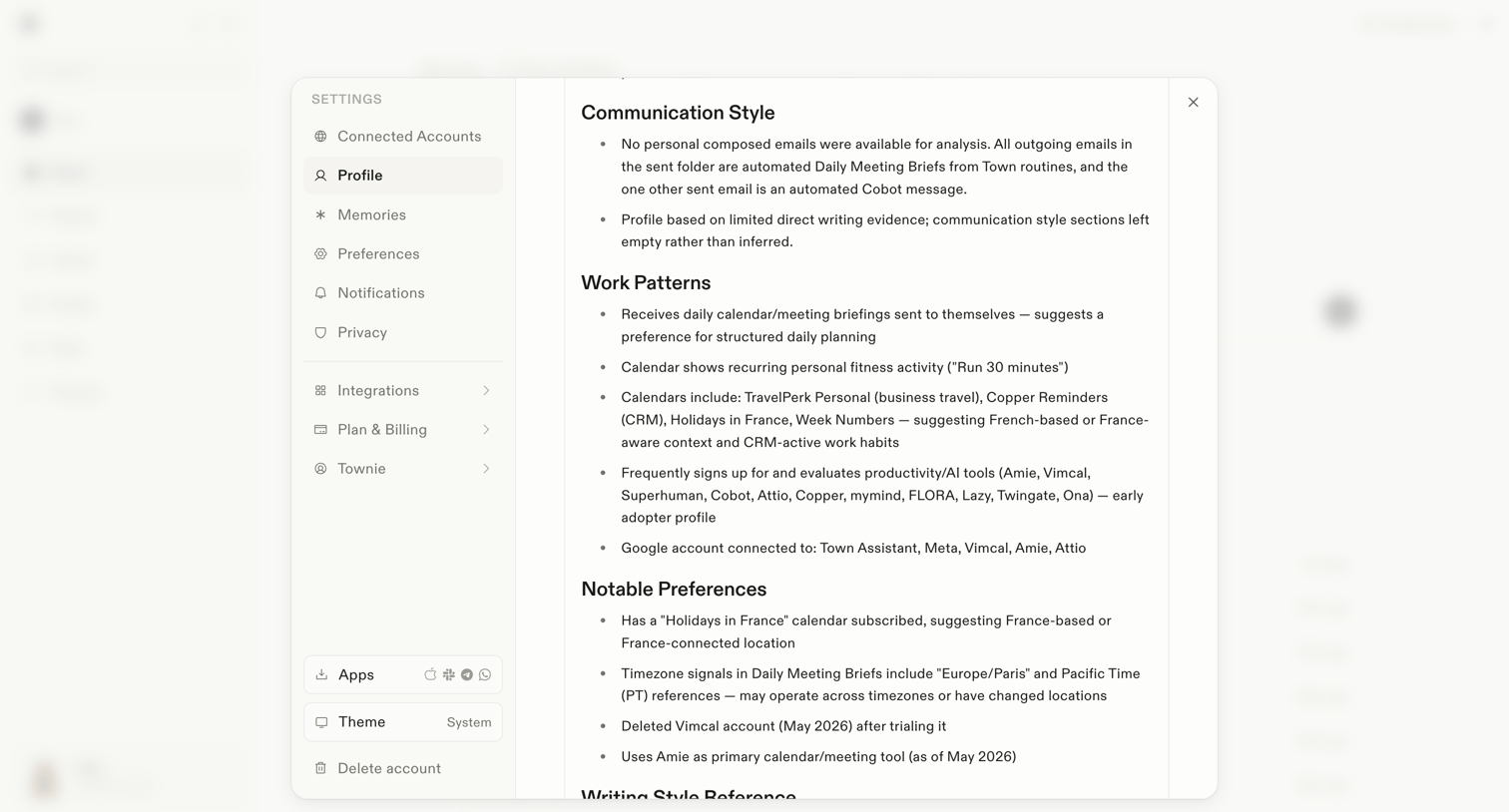

Settings modal where the user views an AI-generated summary of their communication style, work patterns, and notable preferences.
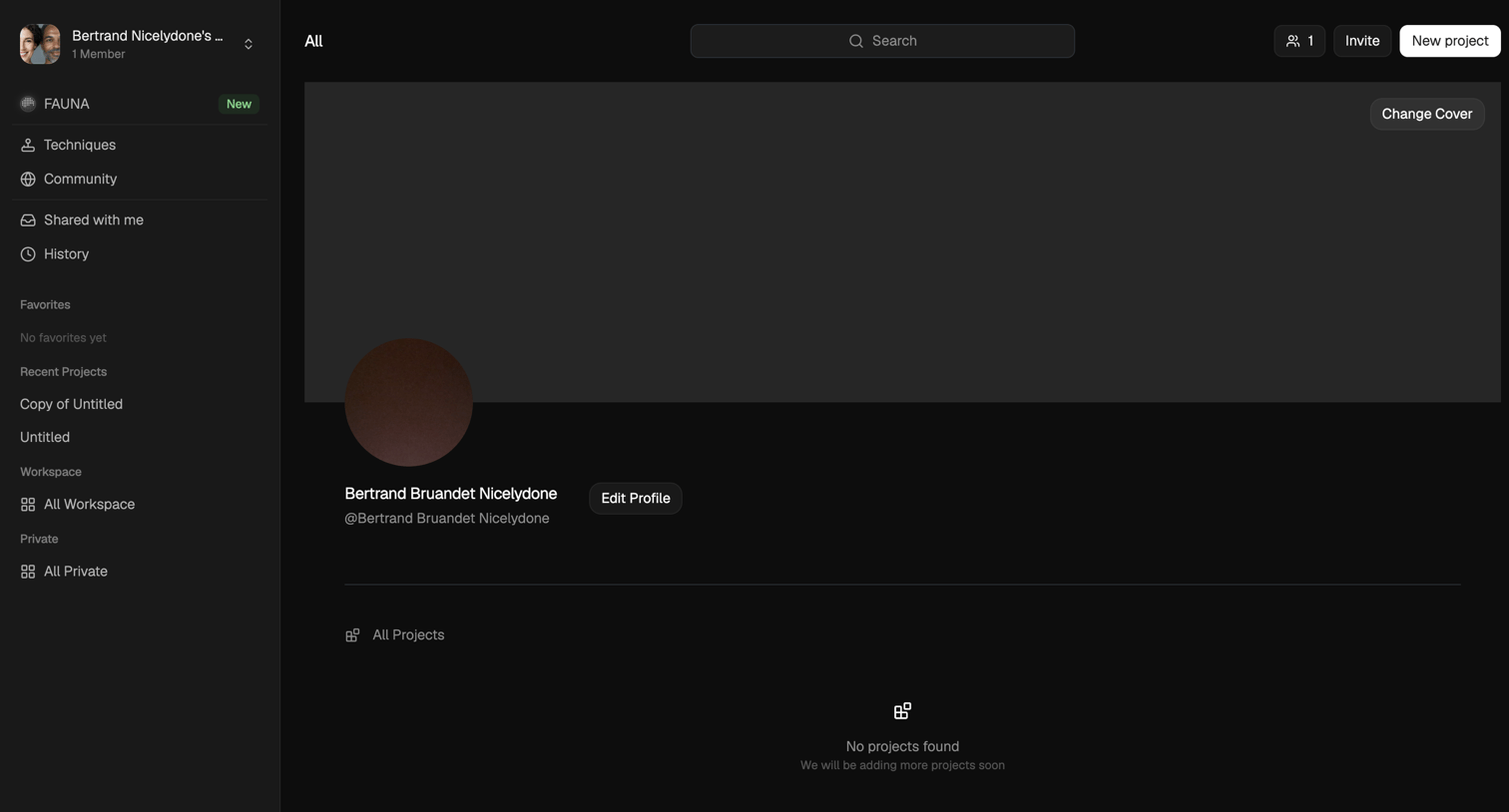

Profile detail page where the user views their workspace projects, edits their profile, and can invite teammates or create a new project.
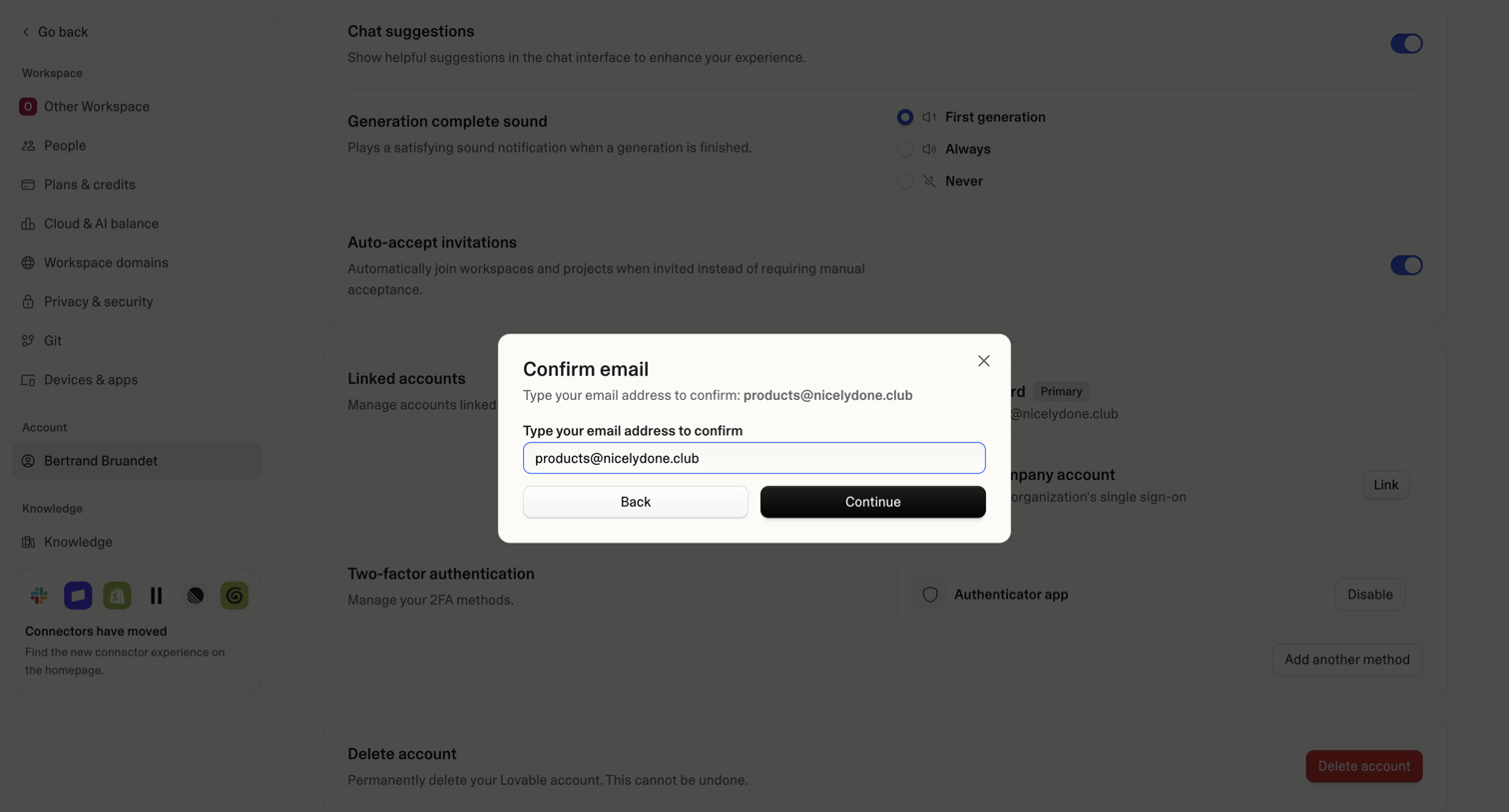

Settings page where the user must confirm their email address in a modal overlay to proceed with an account change.
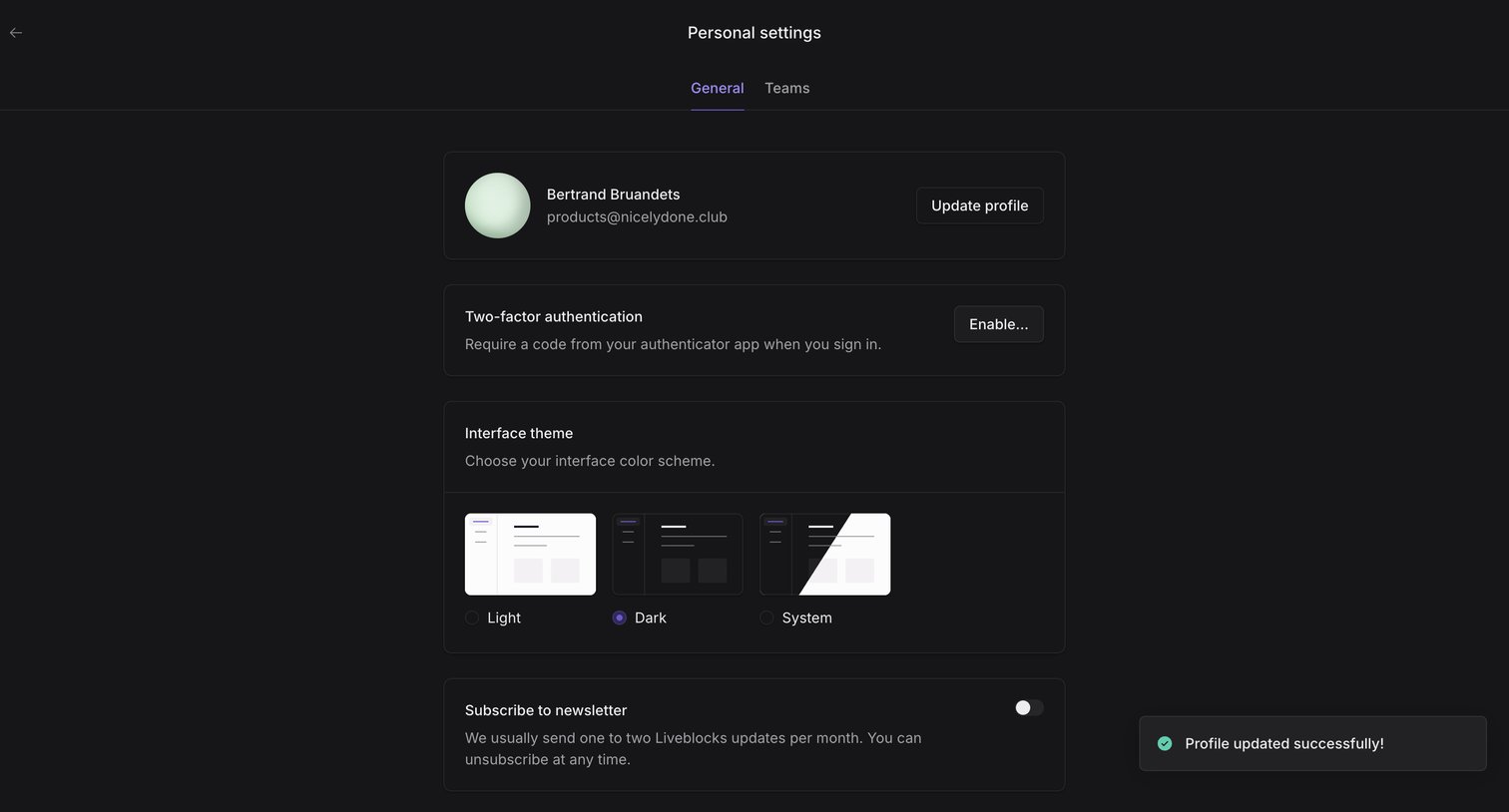

Settings page where the user configures their personal profile, two-factor authentication, interface theme, and newsletter subscription.
Explore the full SaaS screen library
Upgrade to unlock the full library.
Trusted by the best teams







