Payment page screen examples
Payment page screen design examples from SaaS apps. Browse examples from Polar, Delphi, Evervault.
Explore the examples
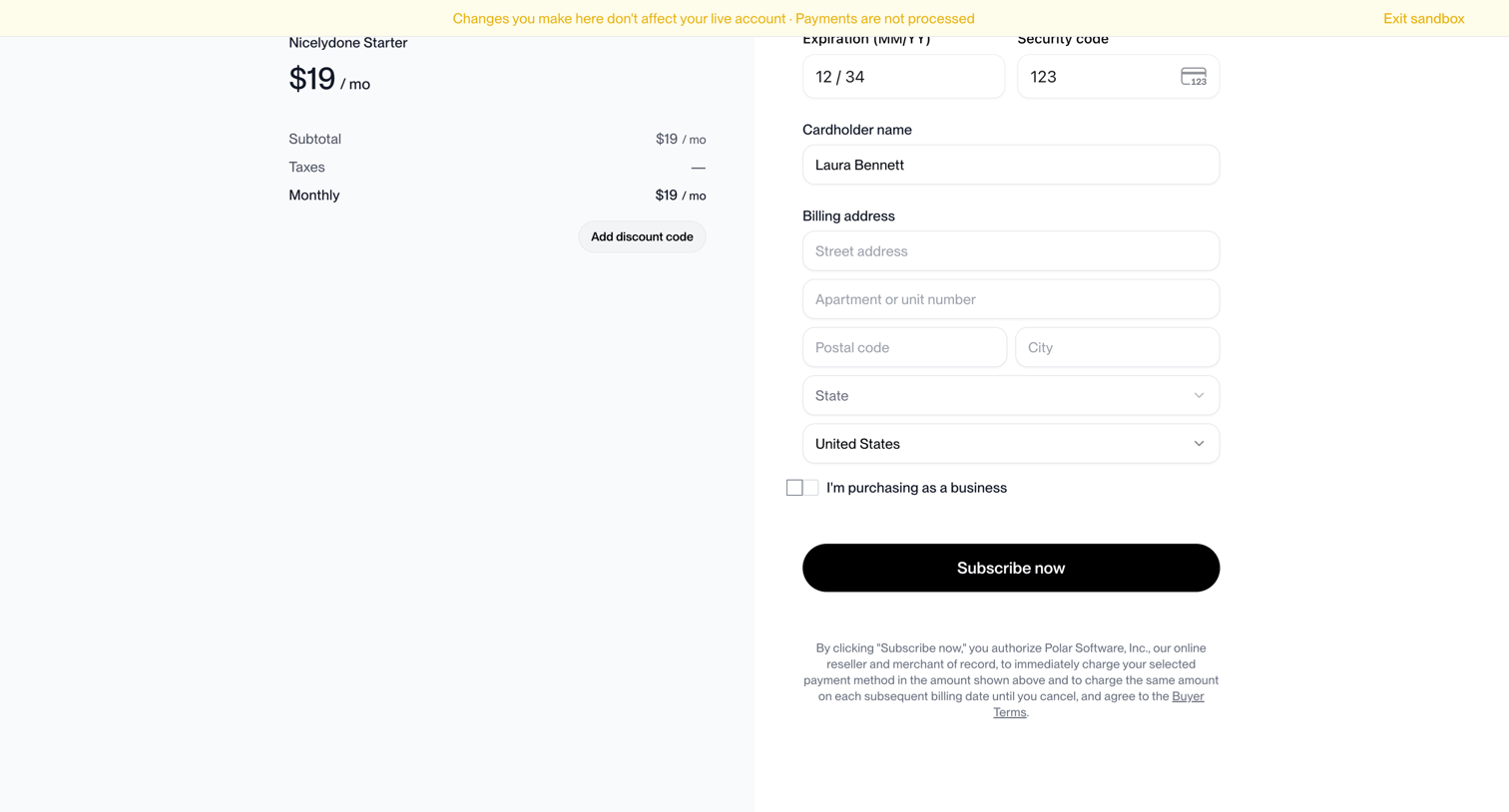

Checkout page where the user enters their credit card details and billing address to subscribe to the Nicelydone Starter plan.
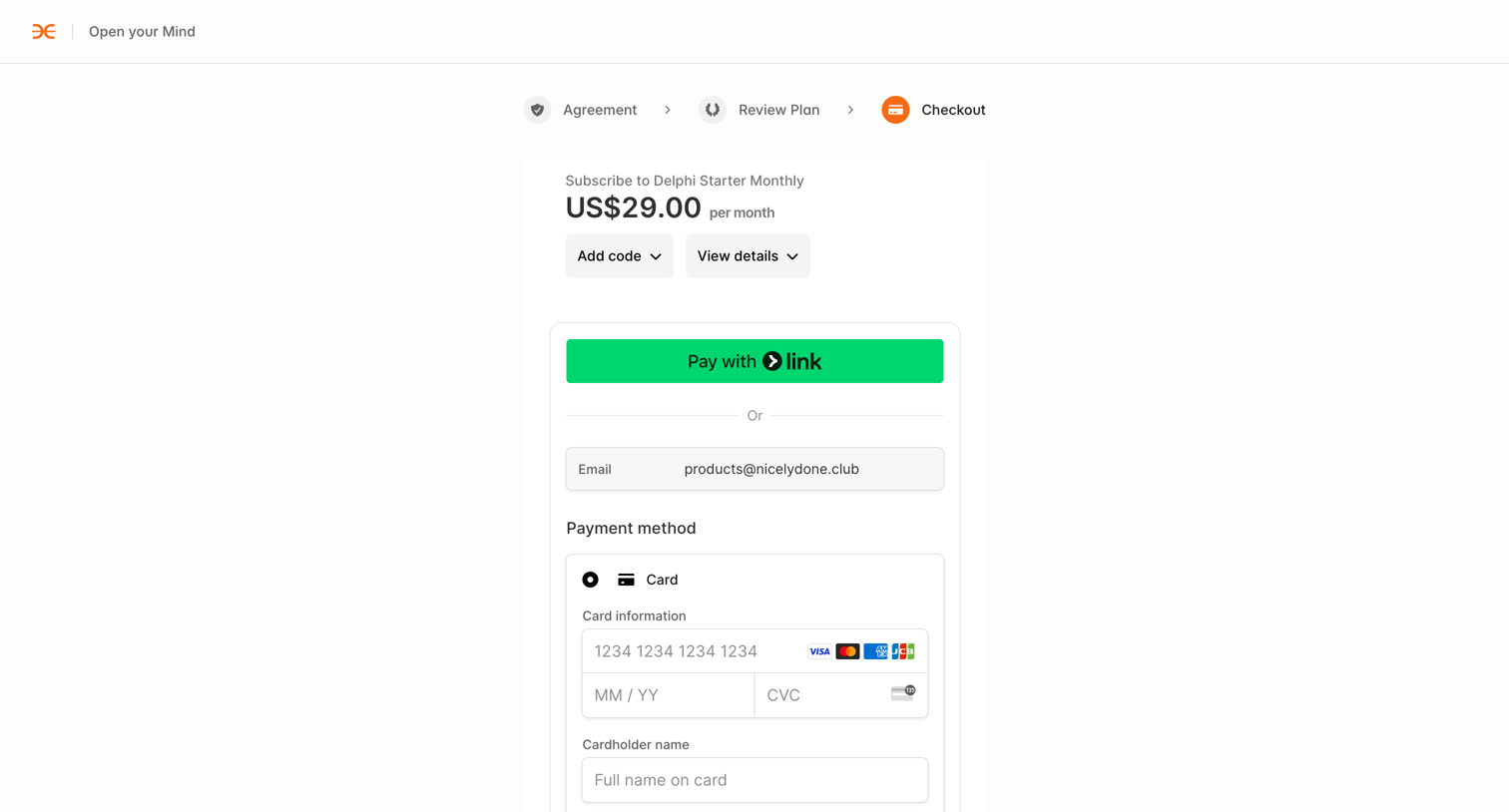

Checkout page where the user enters credit card or bank details to subscribe to a monthly starter plan.
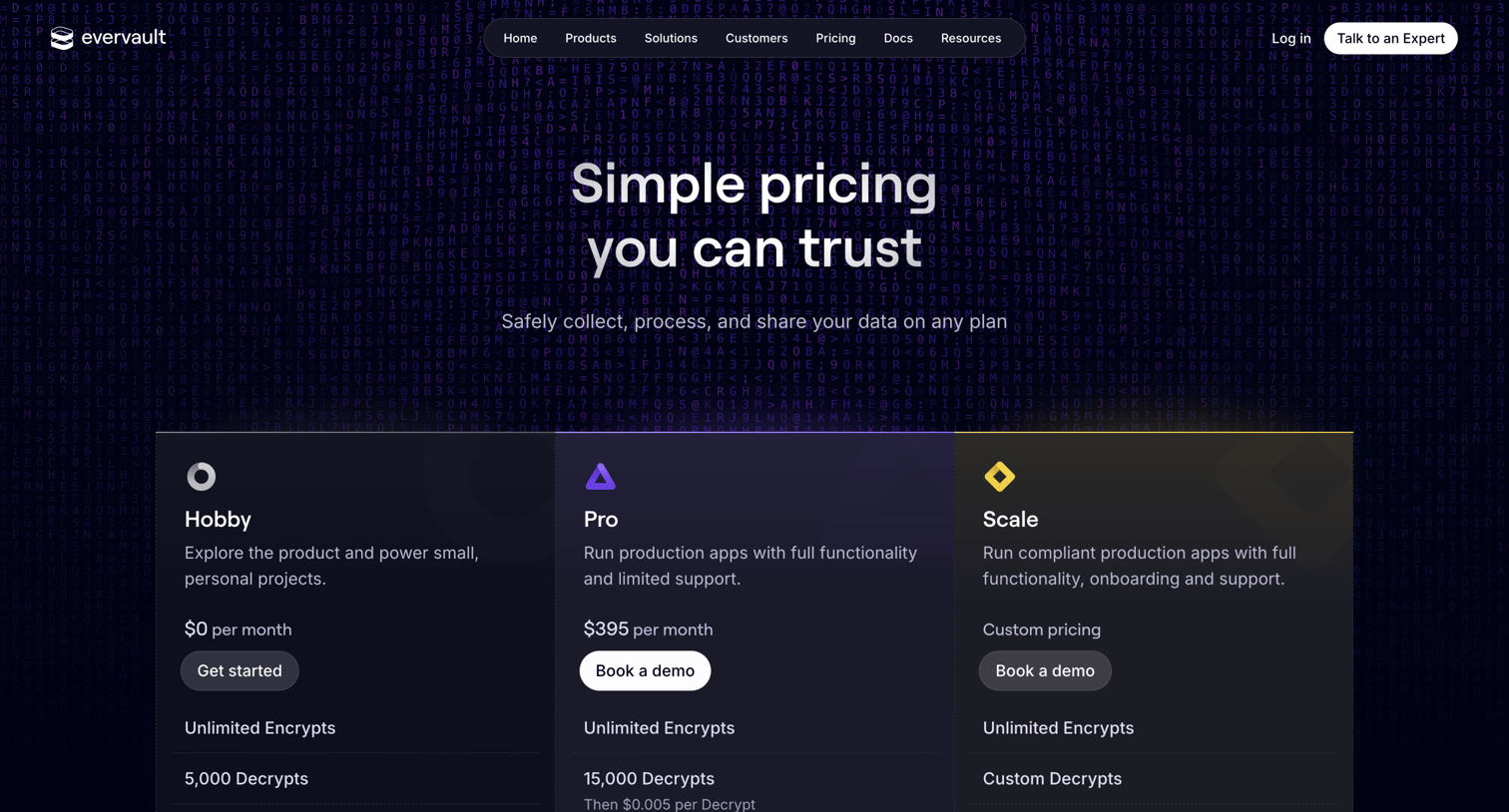

Pricing page detailing Hobby, Pro, and Scale plans alongside add-ons for Payments and Enclaves, followed by a comprehensive feature comparison table and FAQ.
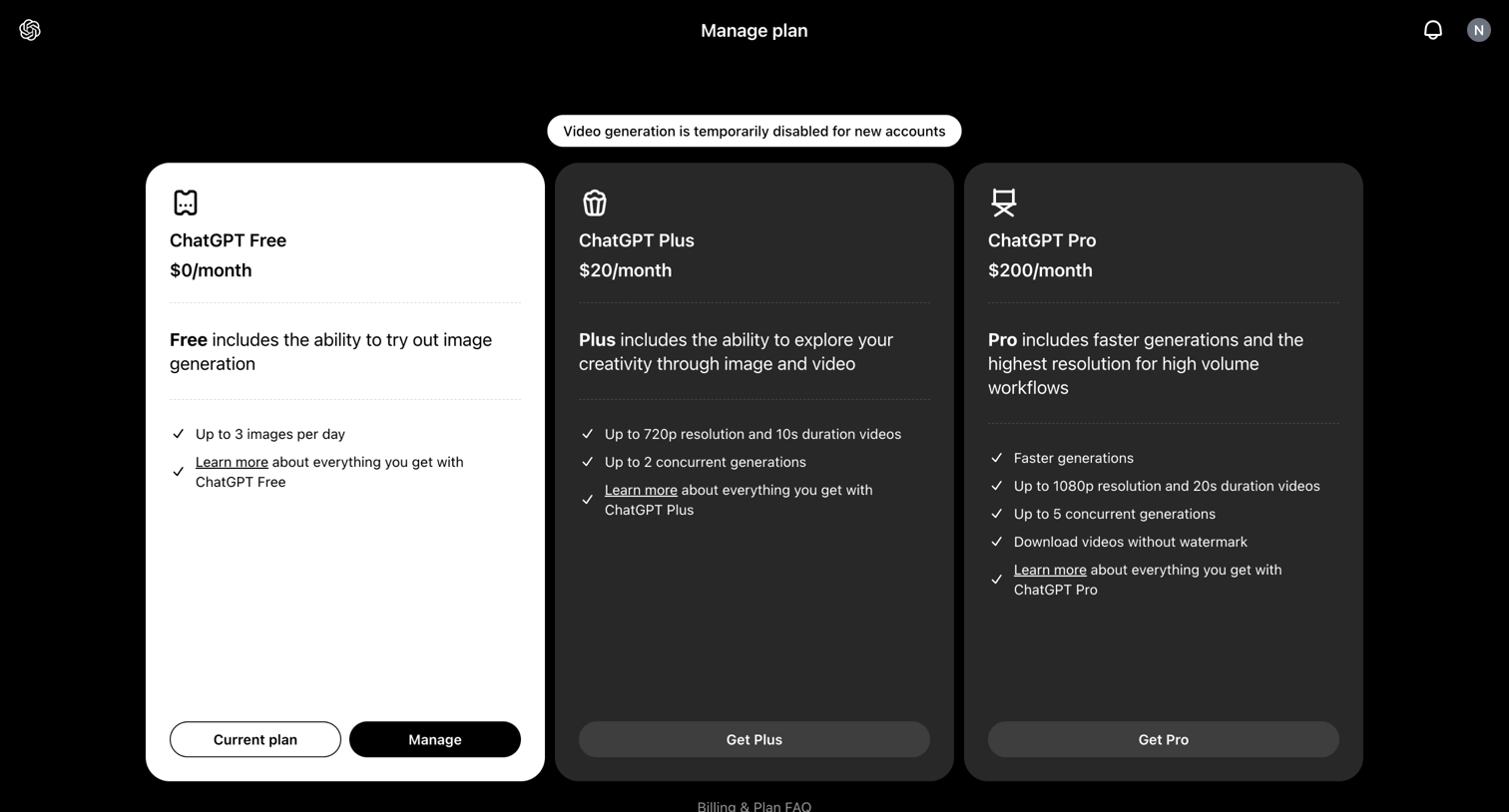

Settings page where the user views their current Free plan and can upgrade to Plus or Pro tiers.


Product page for an AI API detailing available models, pricing tiers, a cost calculator, and quickstart instructions for developers.
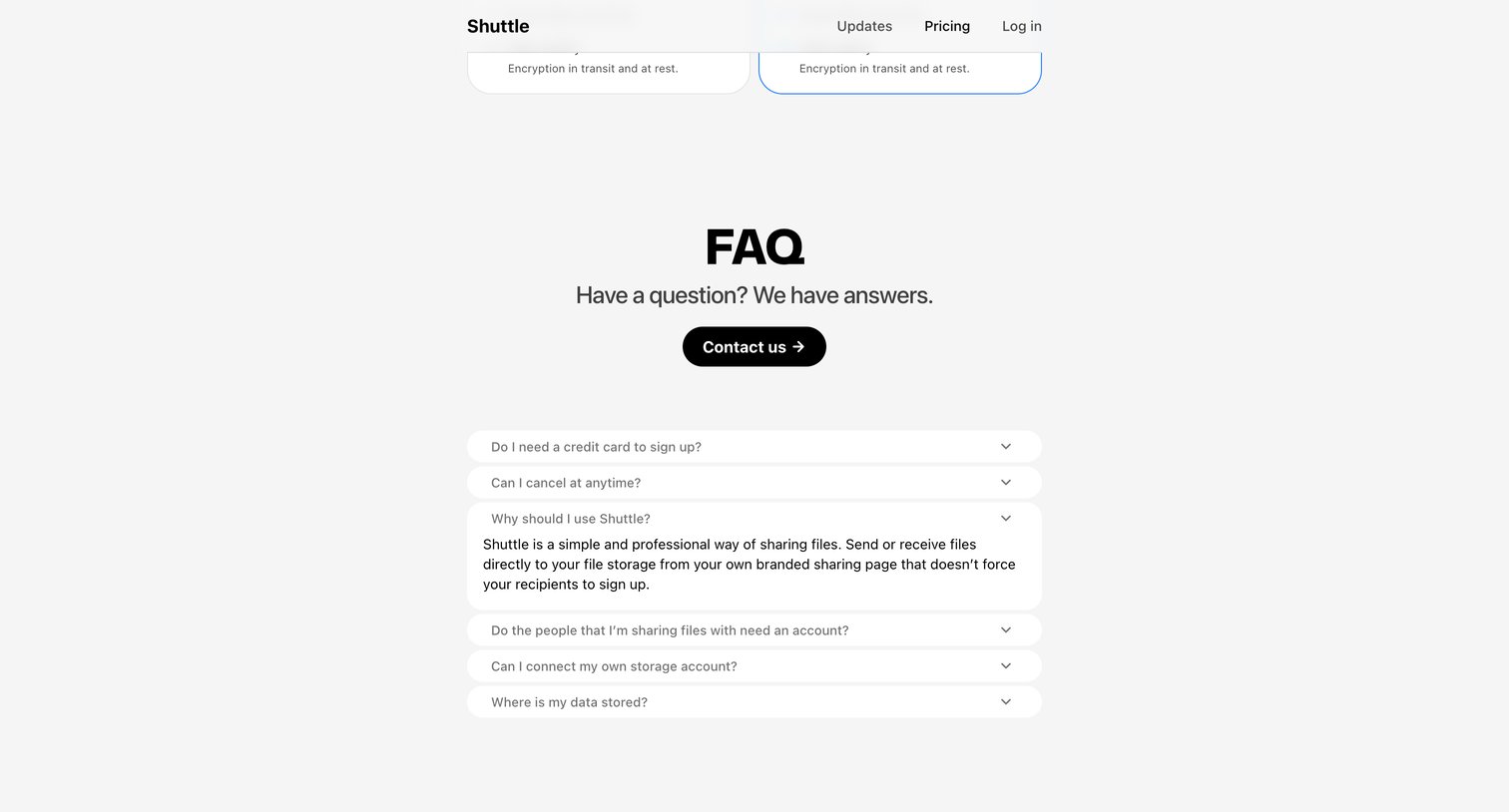

Pricing page featuring an FAQ section where the user can expand questions about credit card requirements, cancellations, and data storage, along with a prominent contact button.
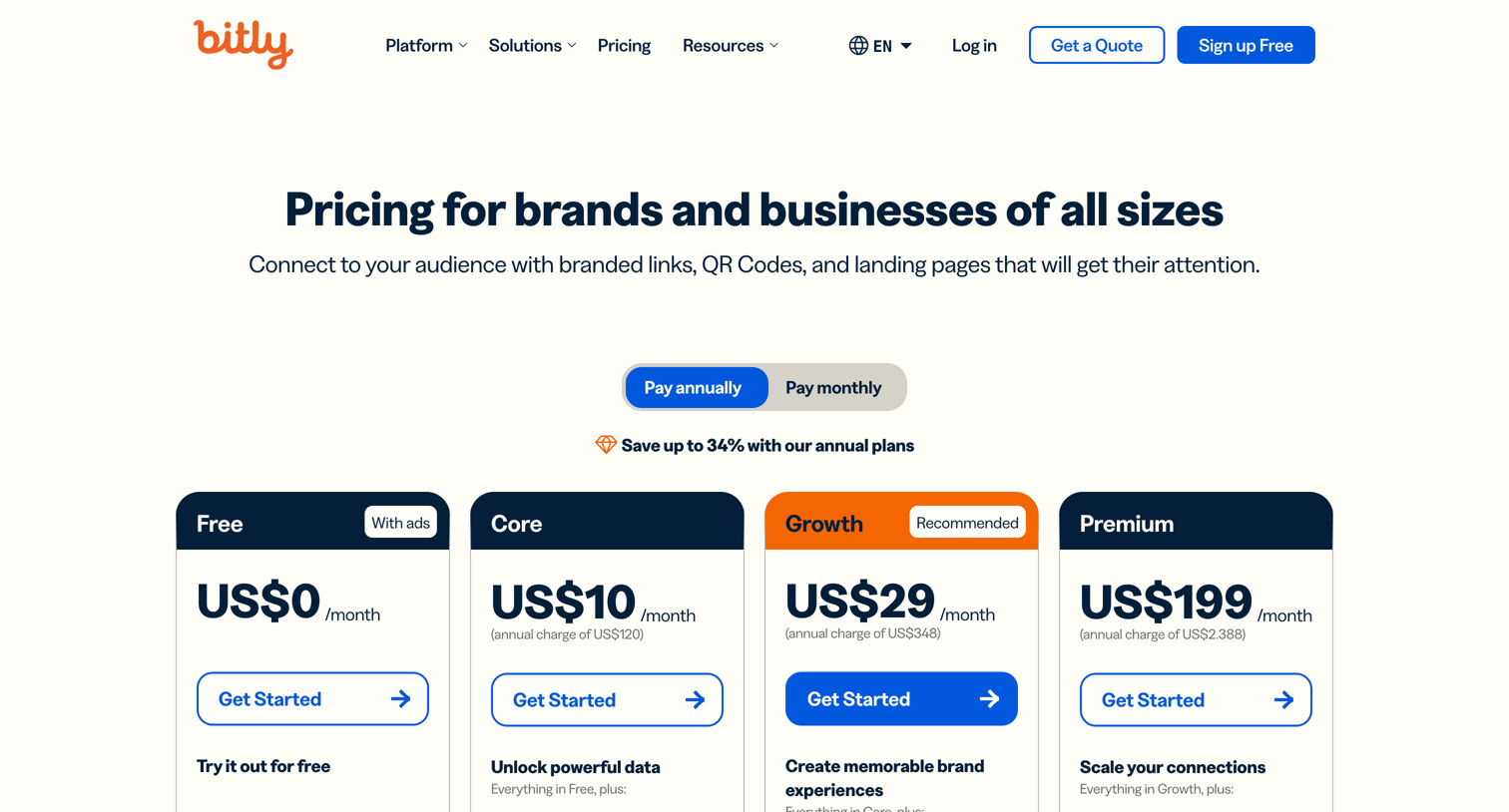

Pricing page where the user chooses between Free, Core, Growth, Premium, and Enterprise plans, followed by a detailed feature comparison table.
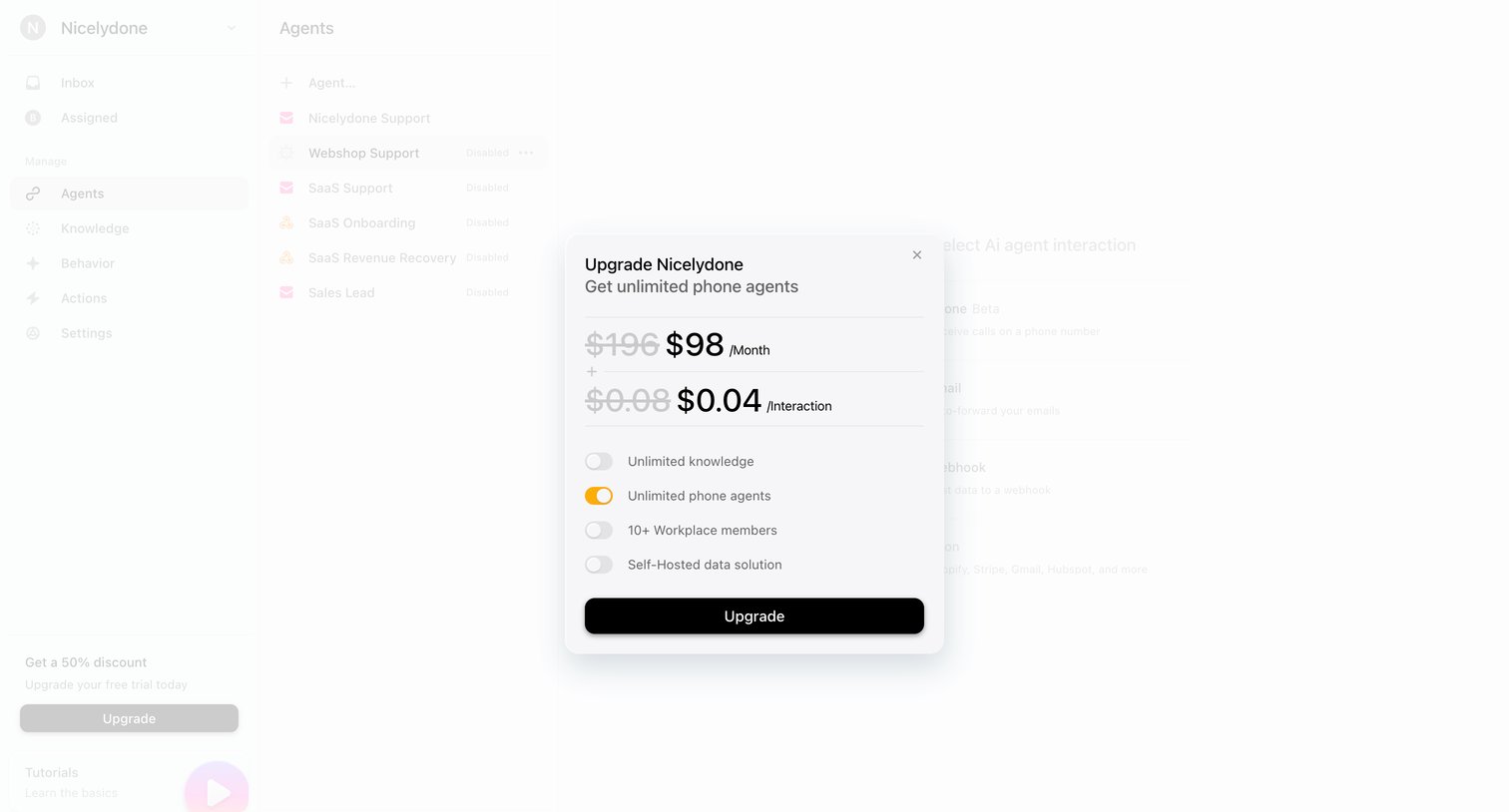

Paywall modal where the user can upgrade their subscription to unlock unlimited phone agents and additional features.
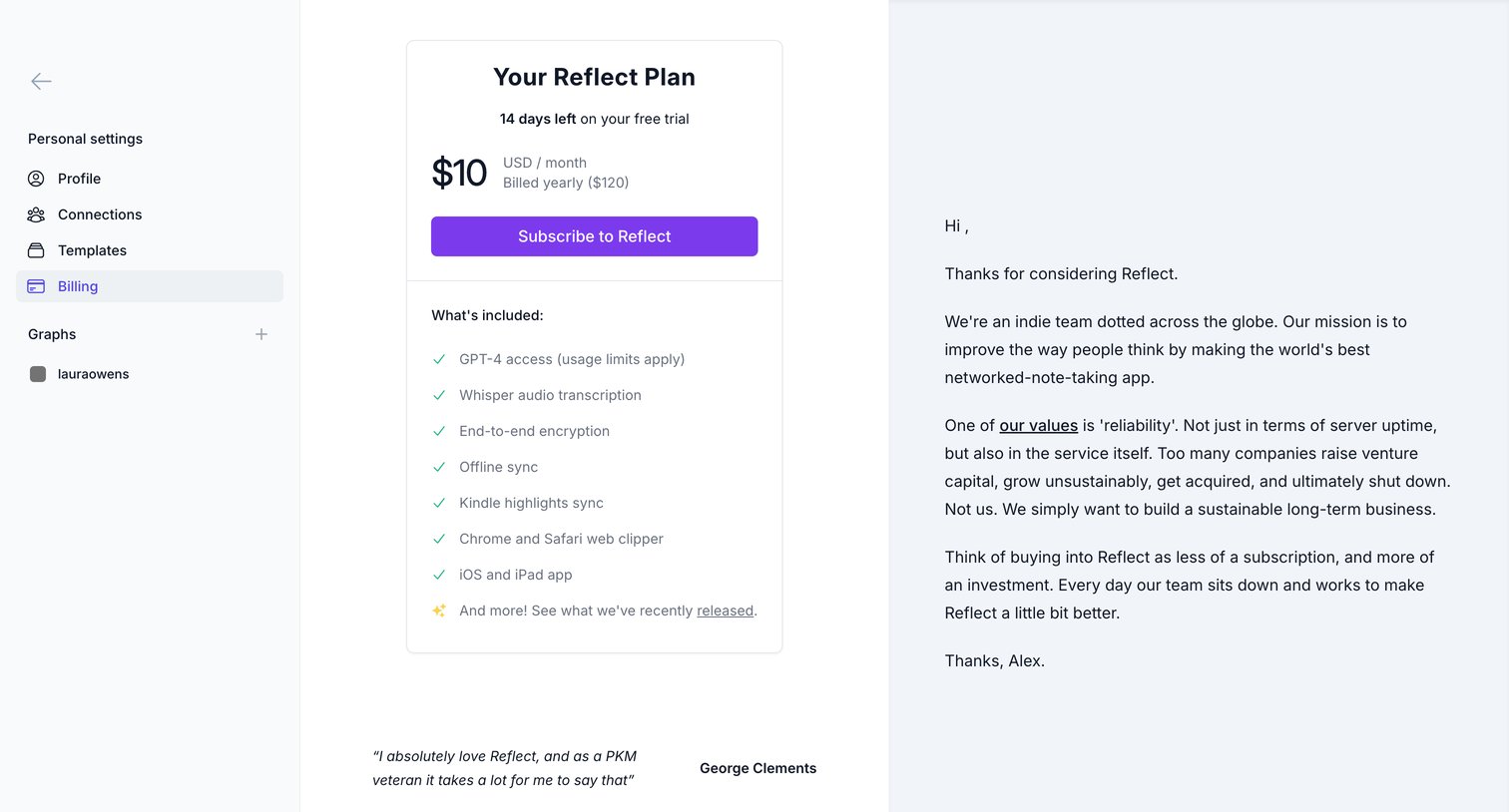

Settings page where the user views their Reflect plan, checks their remaining 14-day free trial, and can subscribe to a yearly plan.
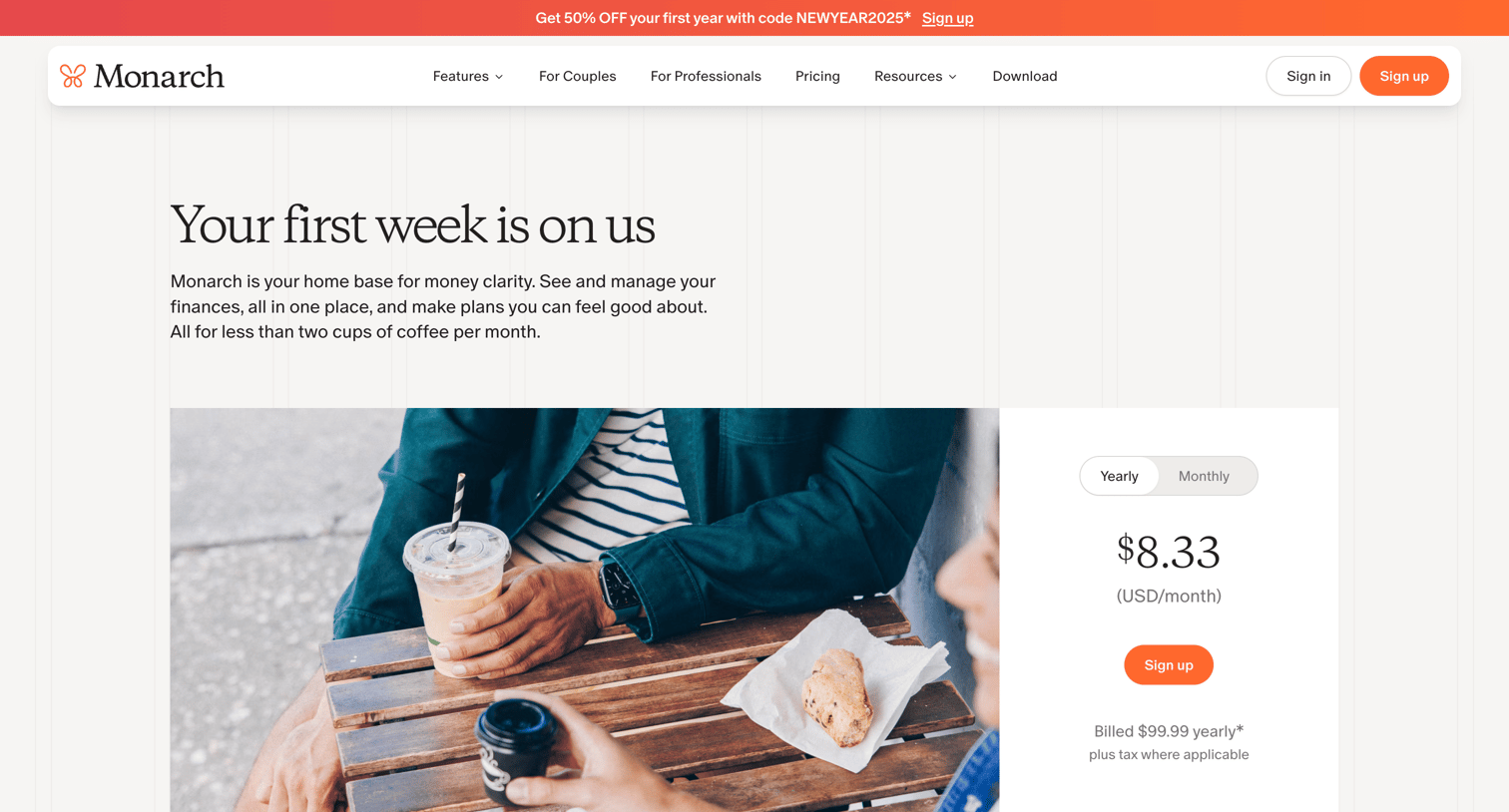

Pricing page for a personal finance app featuring a single subscription plan with a yearly or monthly billing toggle, followed by feature highlights, value propositions, customer reviews, and FAQs.
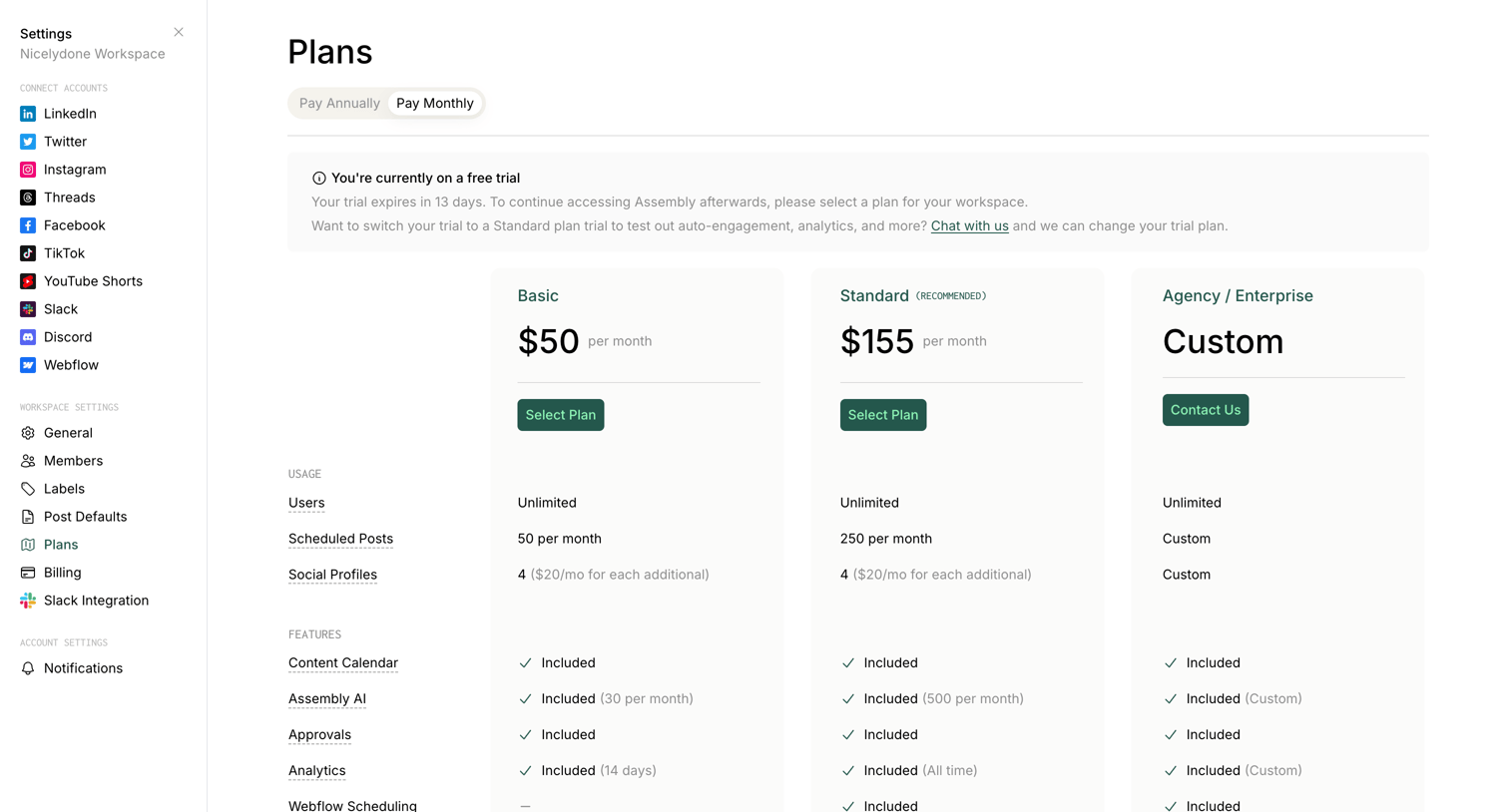

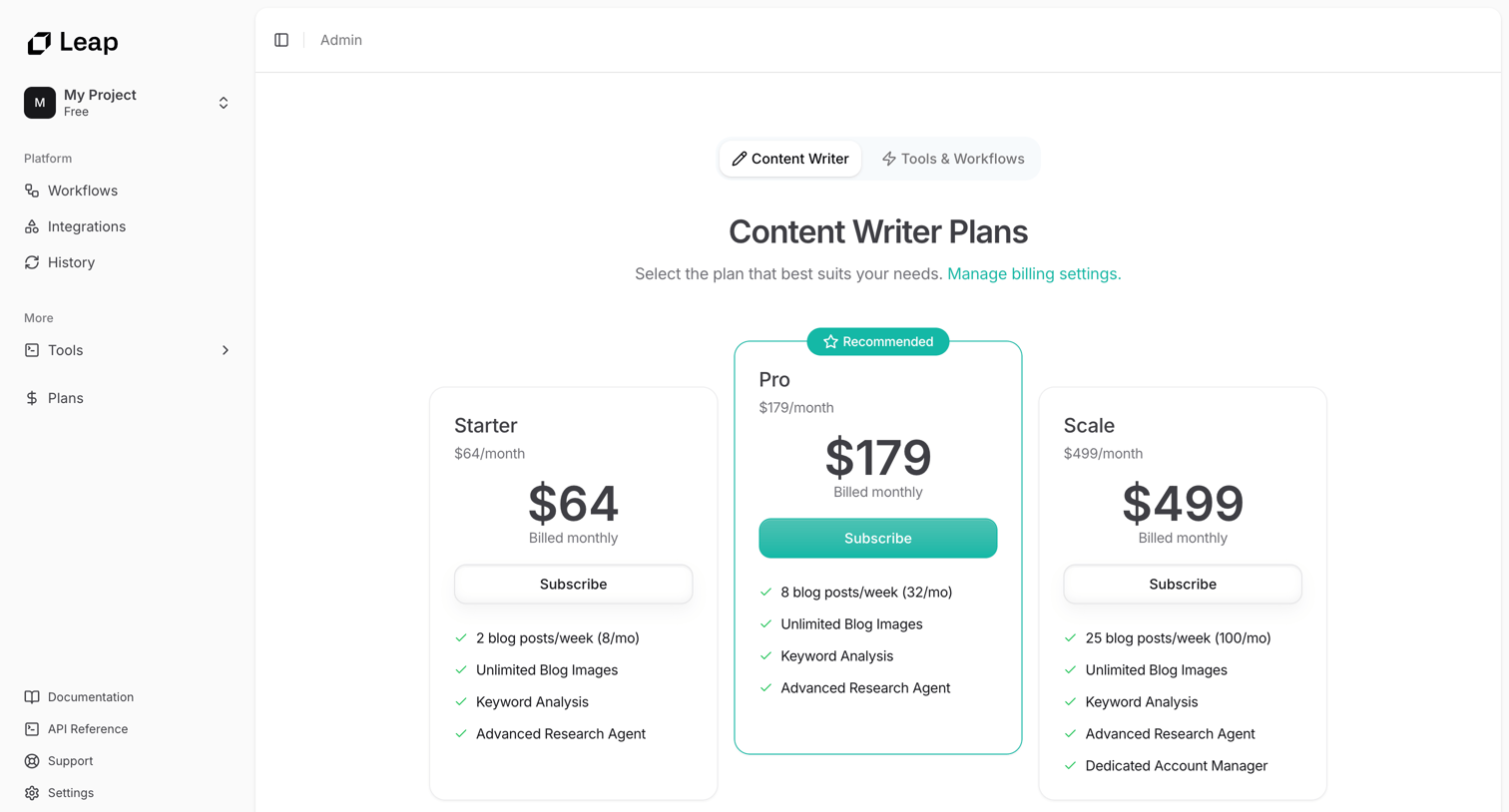

Settings page where the user views and selects a subscription plan for the Content Writer product, comparing Starter, Pro, and Scale tiers.
Explore the full SaaS screen library
Upgrade to unlock the full library.
Trusted by the best teams







