Organization management screen examples
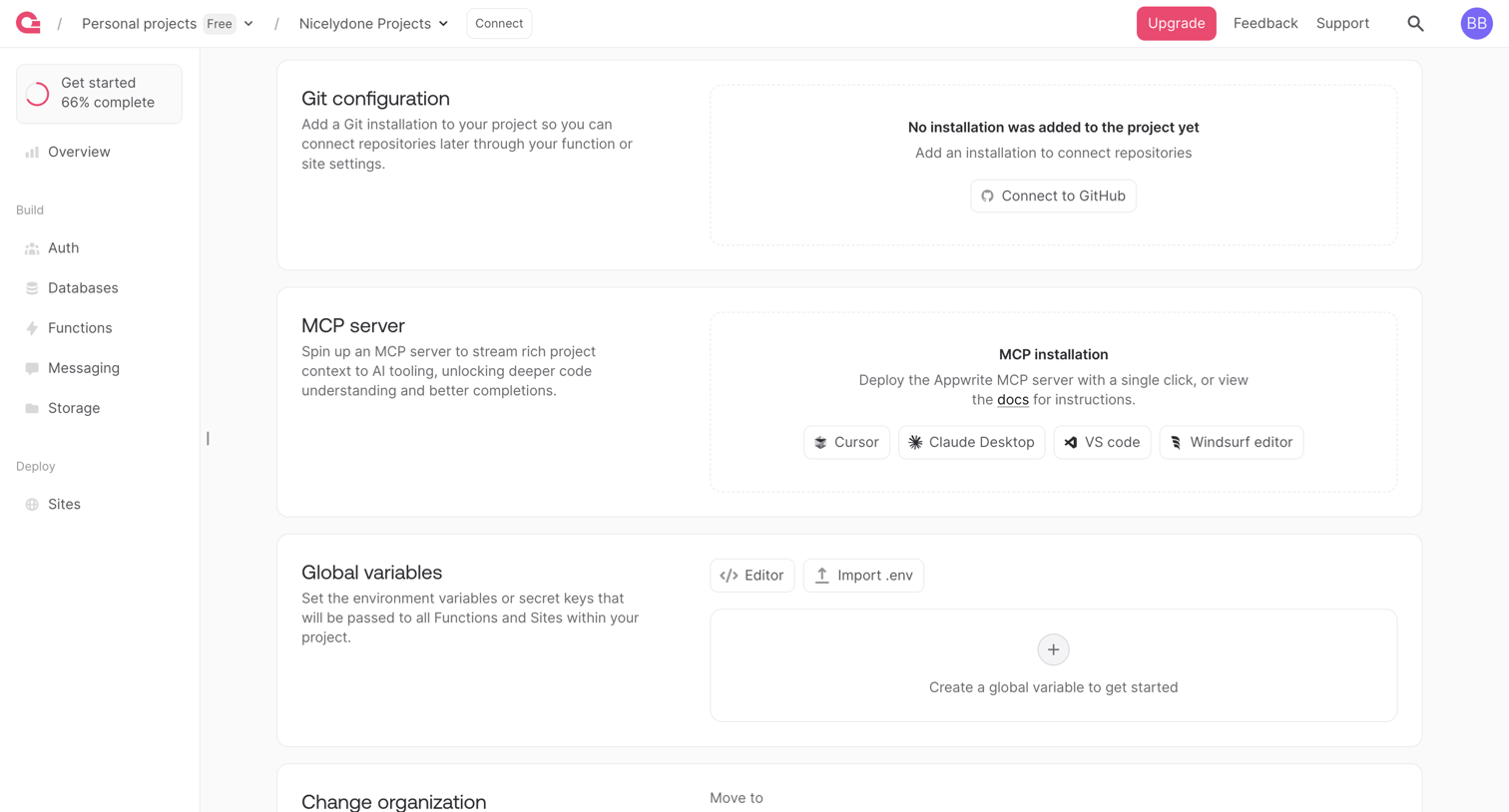
Organization management screen design examples from SaaS apps. Browse examples from Bloom, Appwrite, Beside.
Explore the examples
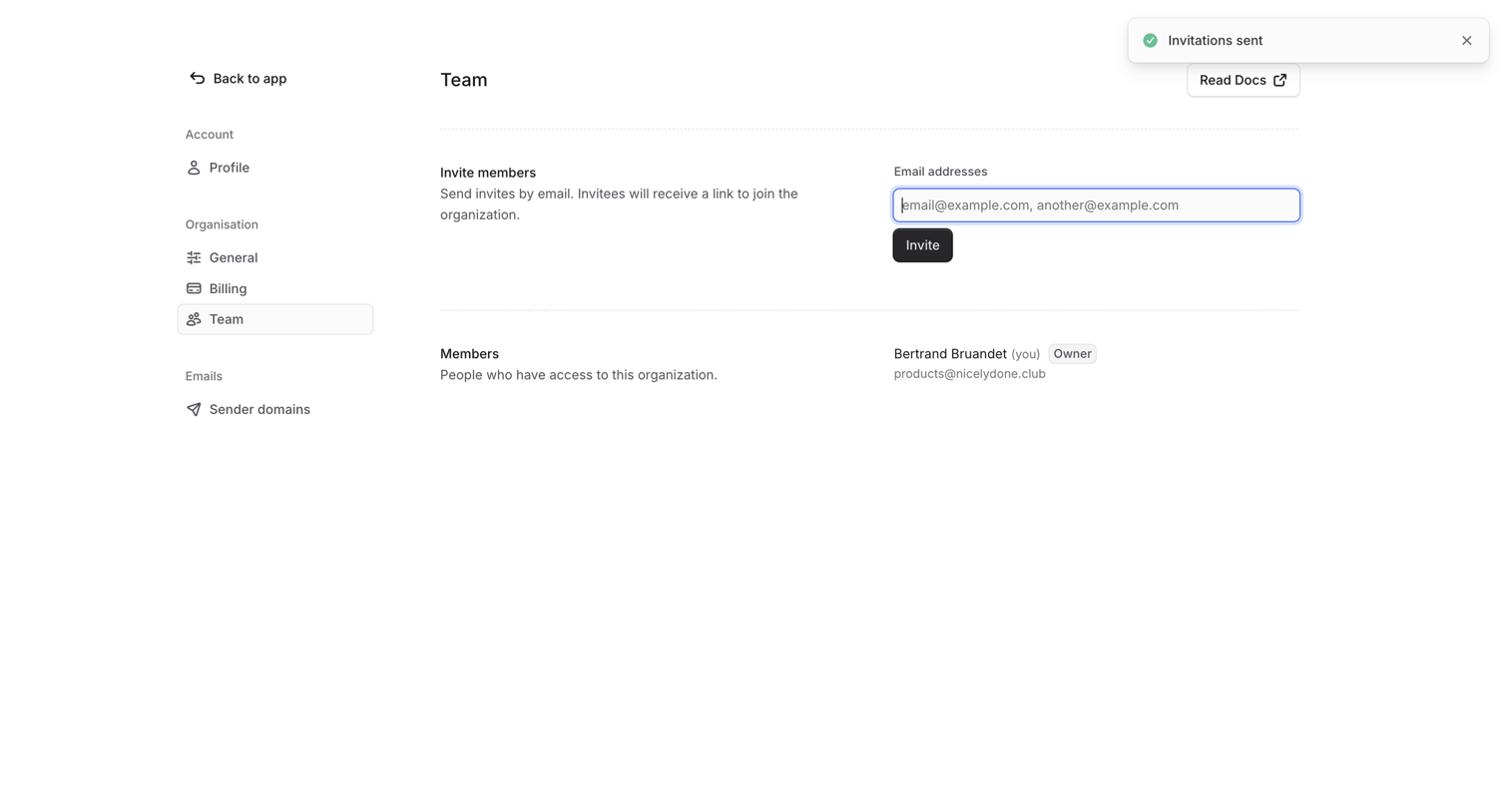

Settings page where the user invites new members by email and views existing organization members.

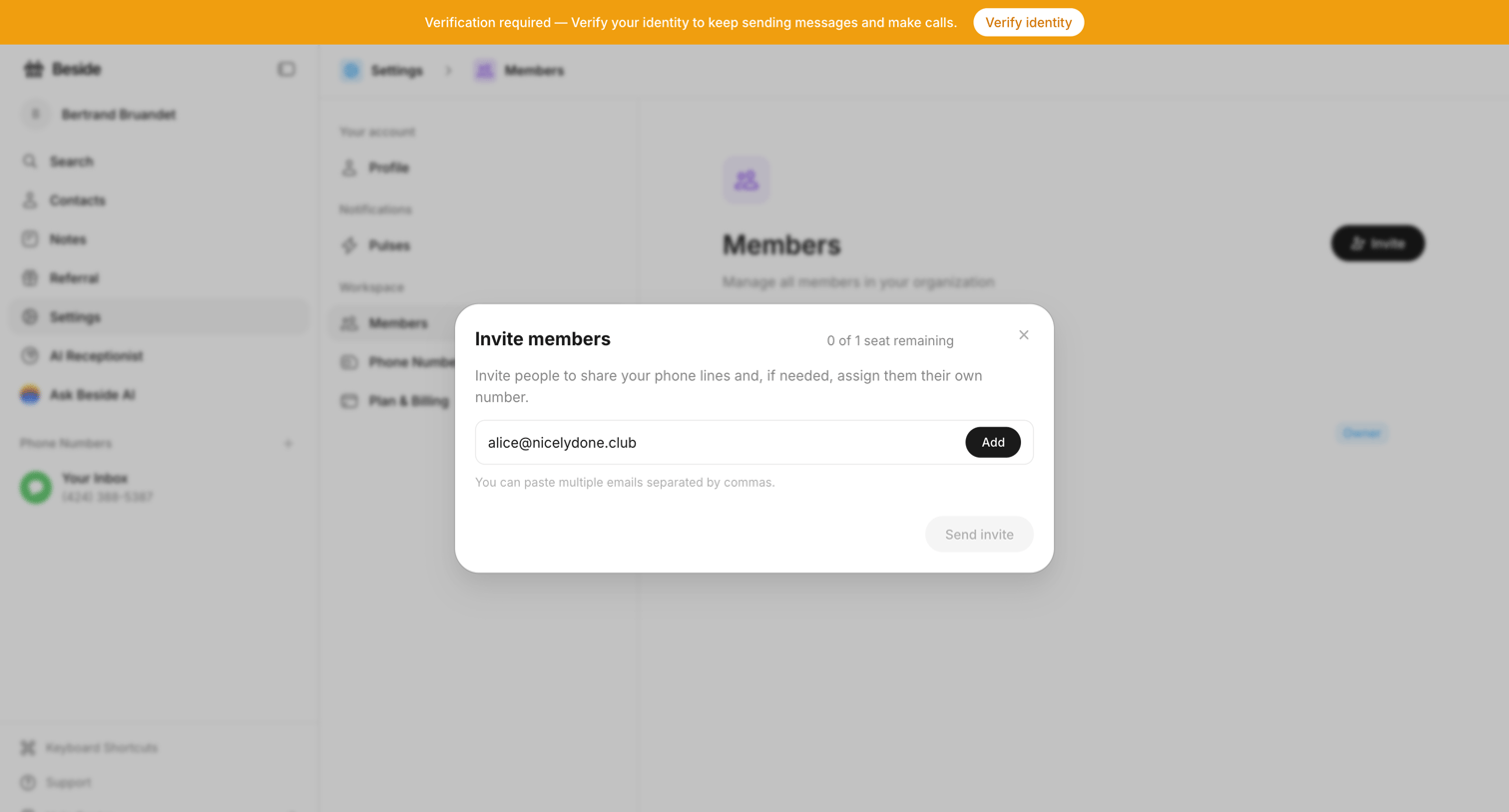

Settings page where the user invites new members by email to share phone lines.

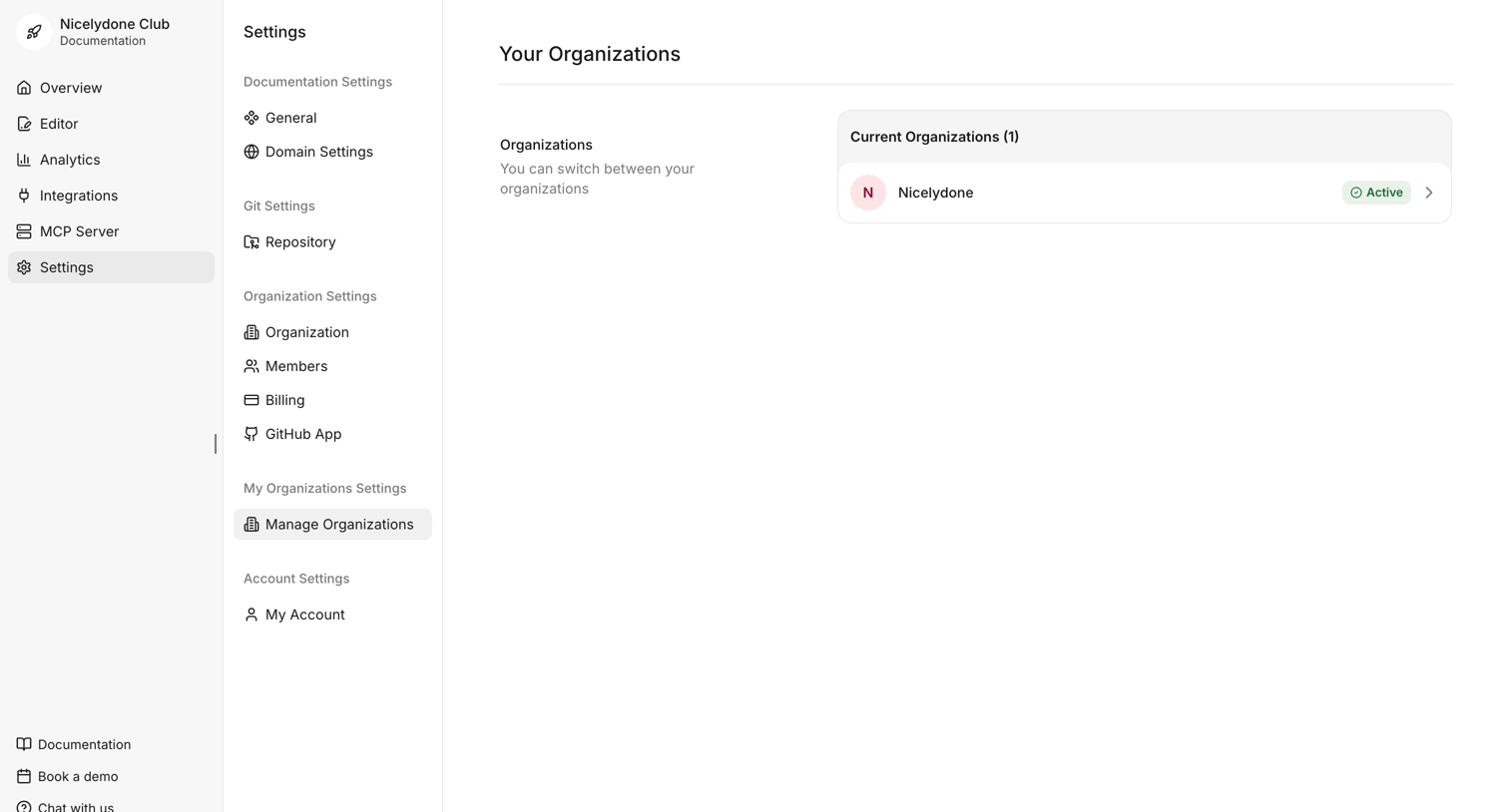

Settings page where the user views their current organizations and can switch between active workspaces.
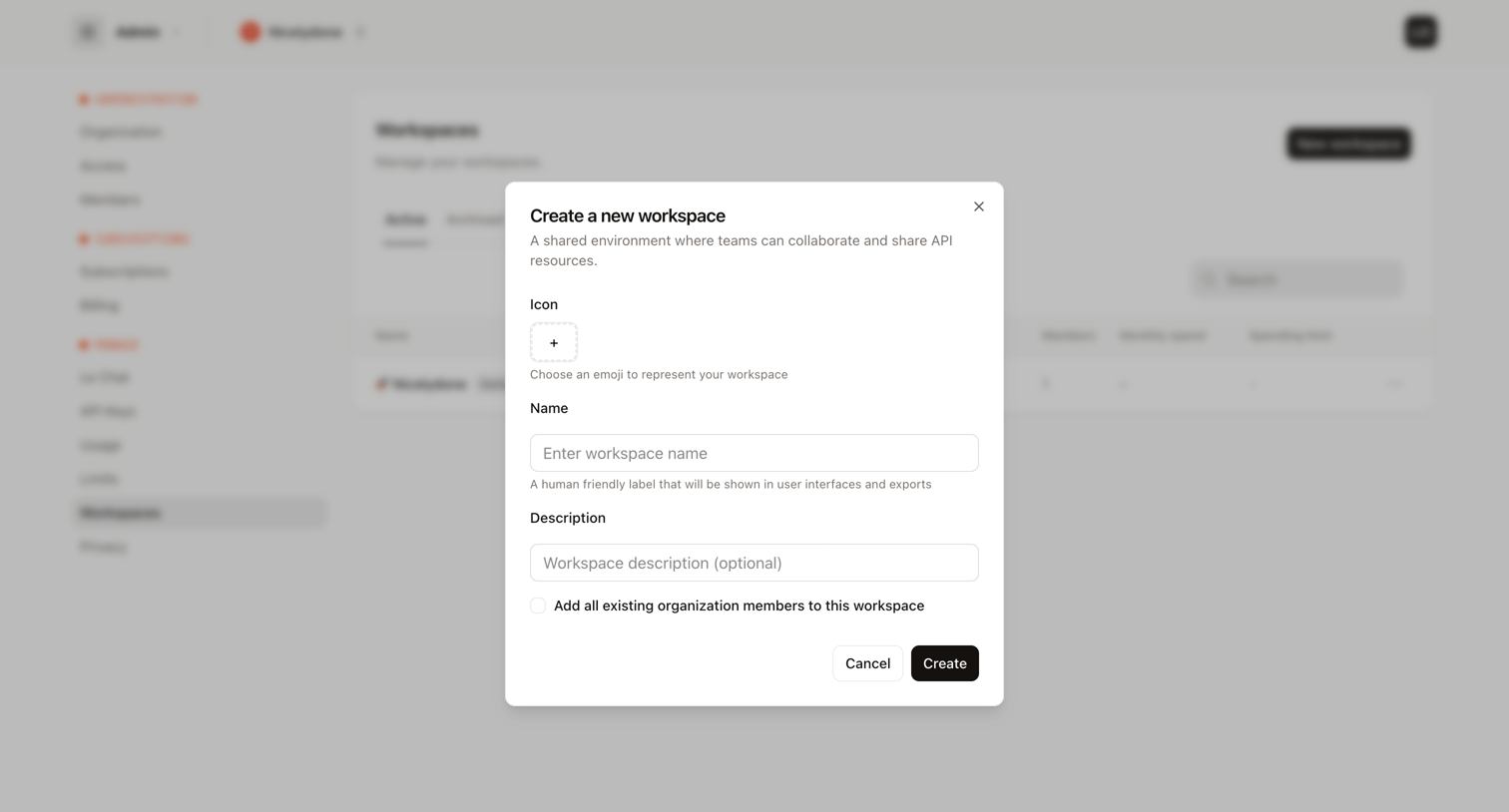

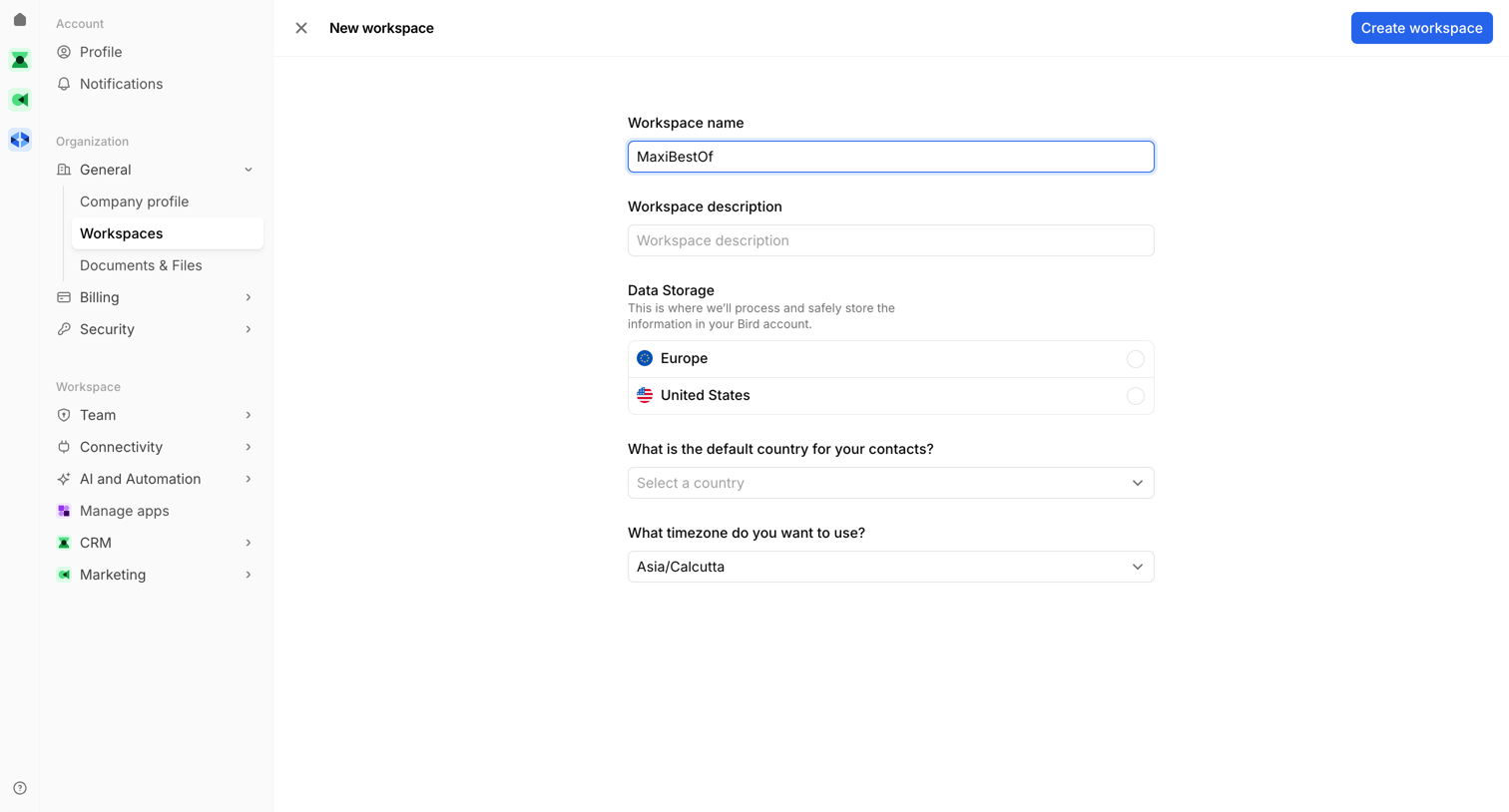
Settings page where the user creates a new workspace by providing a name, description, and an optional icon.
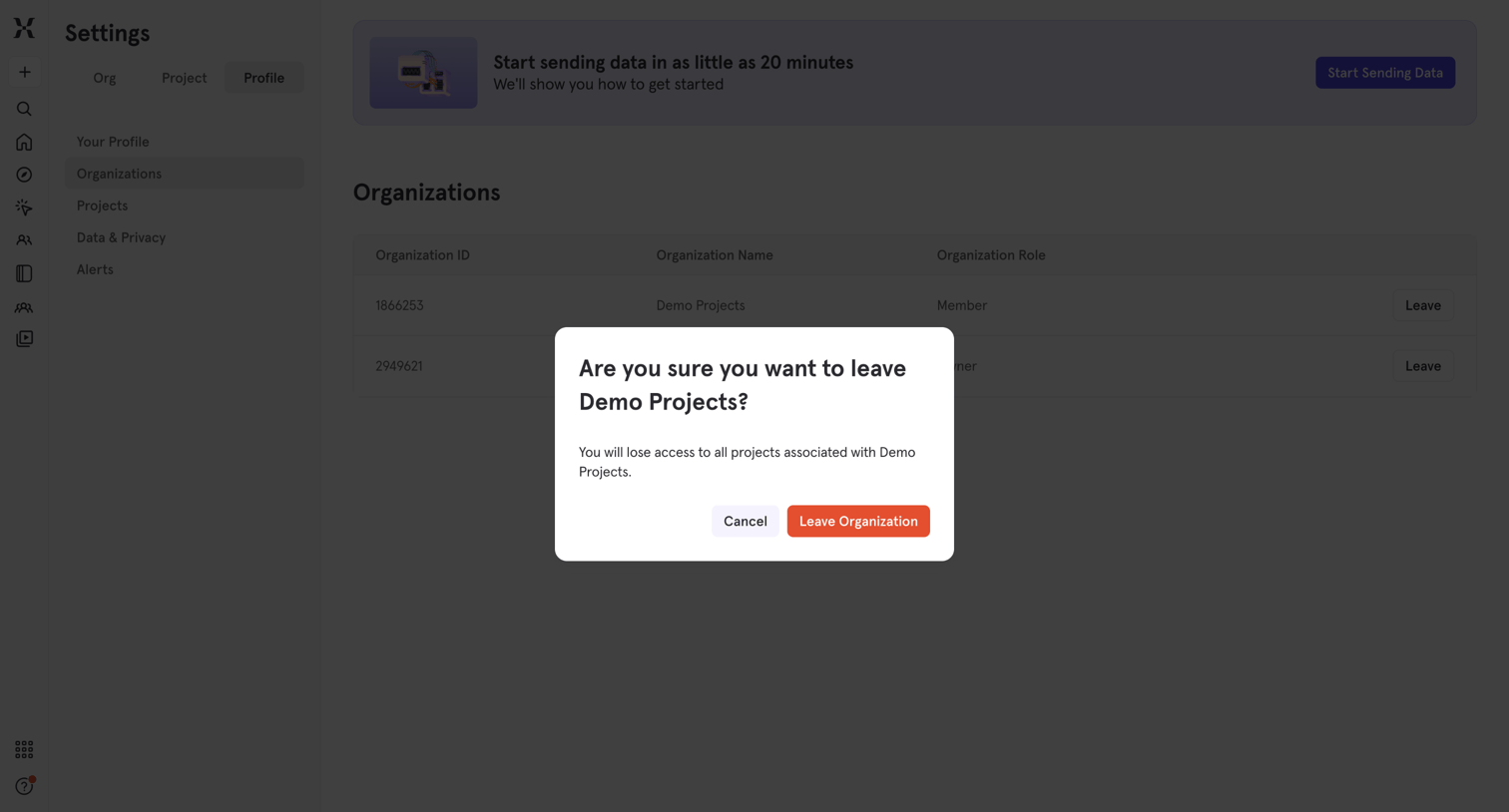

Settings page where the user confirms they want to leave the Demo Projects organization and lose access to its associated projects.
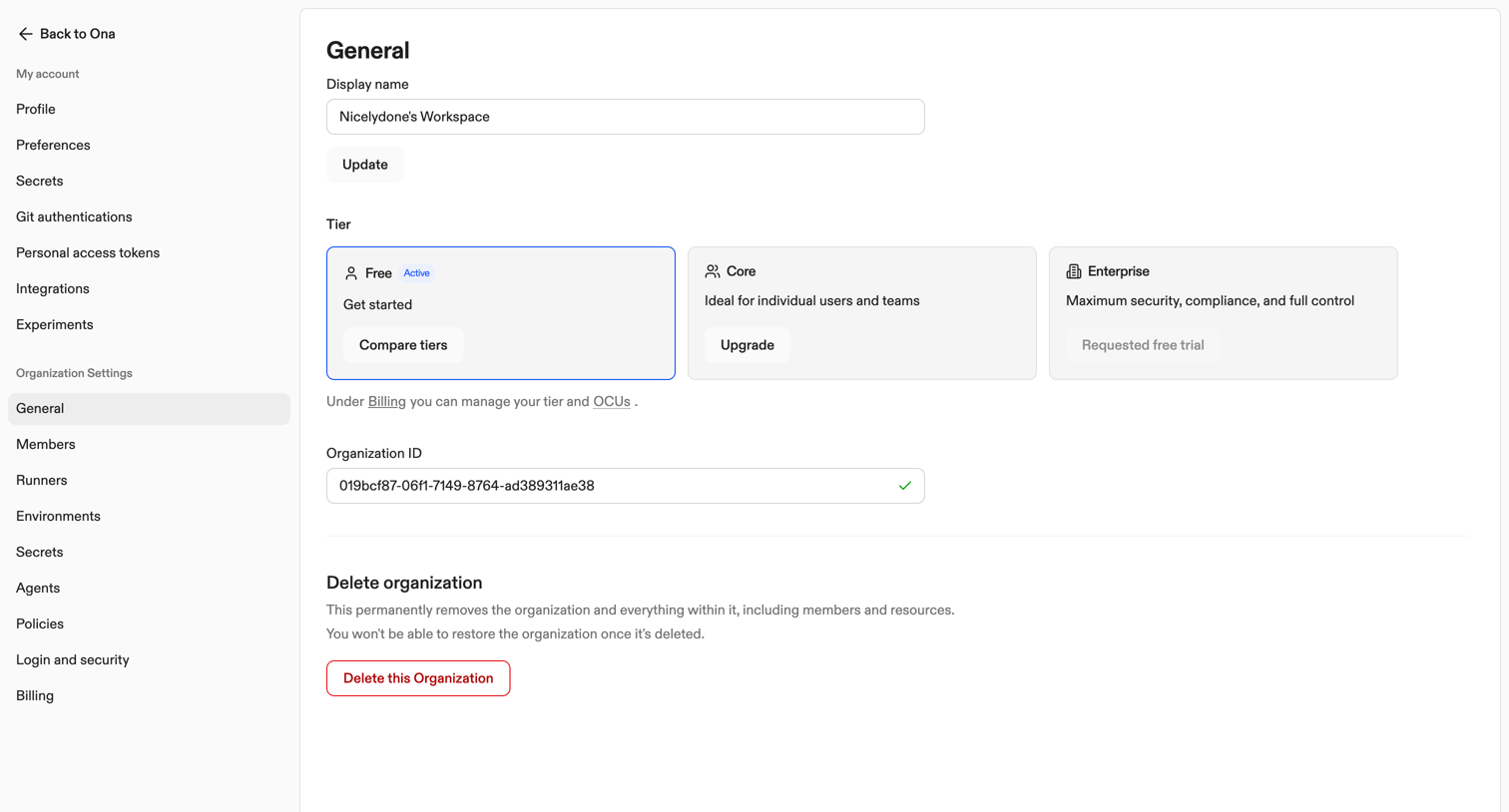

Settings page where the user manages their organization's display name, views their current subscription tier, copies their organization ID, and can delete the organization.
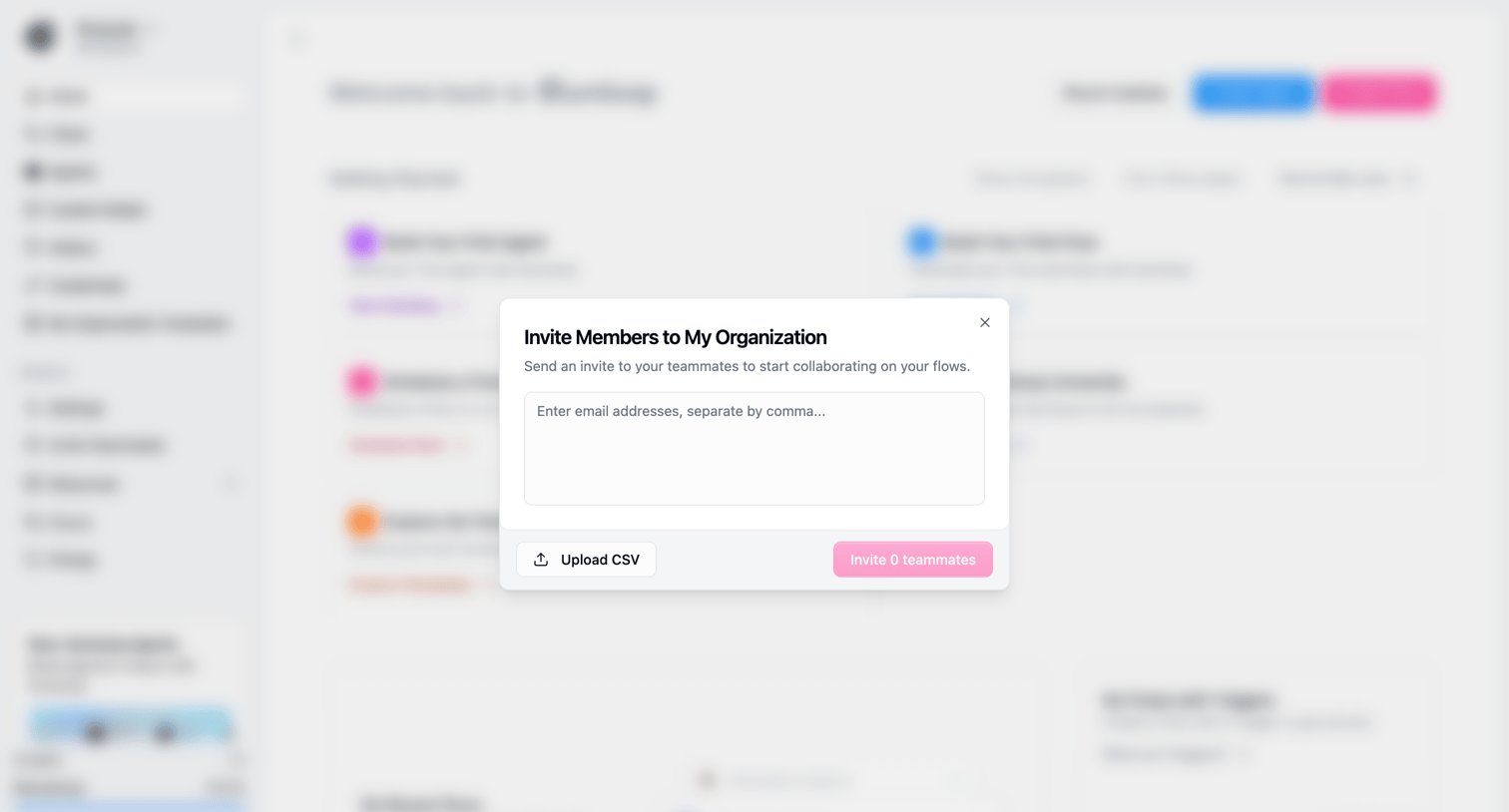

Dashboard with an open modal where the user can invite teammates to their organization by entering email addresses or uploading a CSV file.
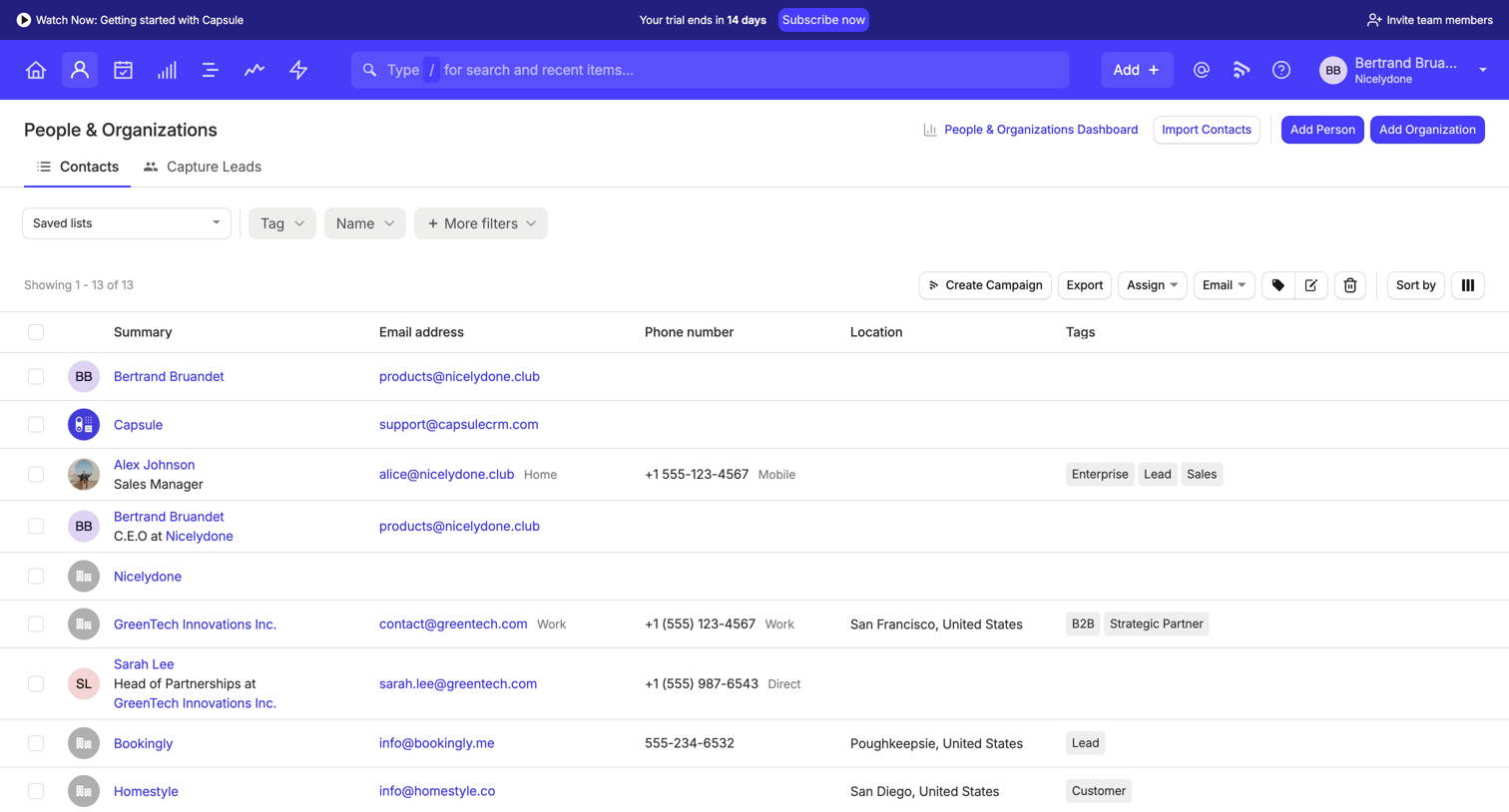

List view where the user manages contacts and organizations, featuring filtering, bulk actions, and a trial upgrade banner.
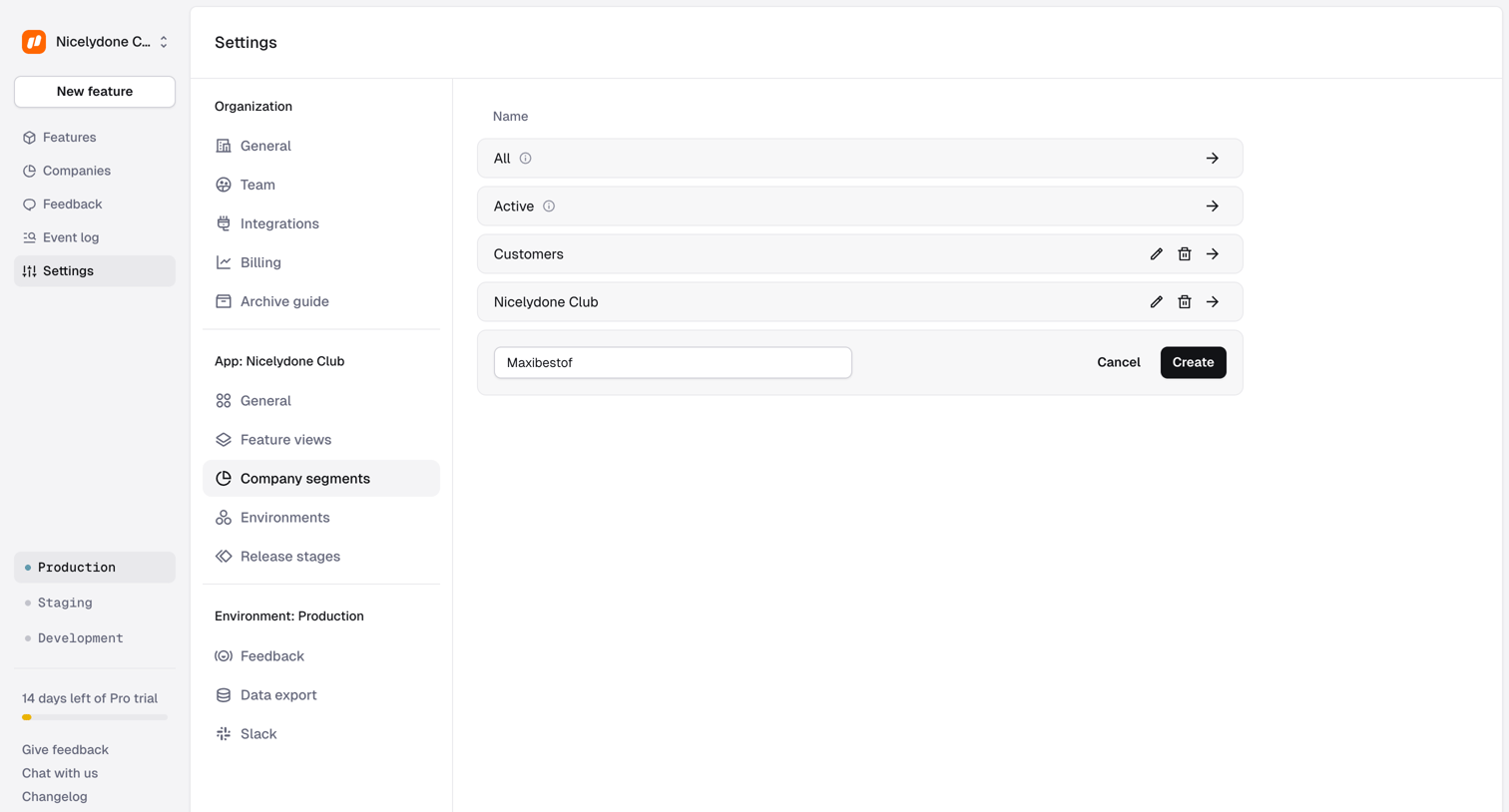

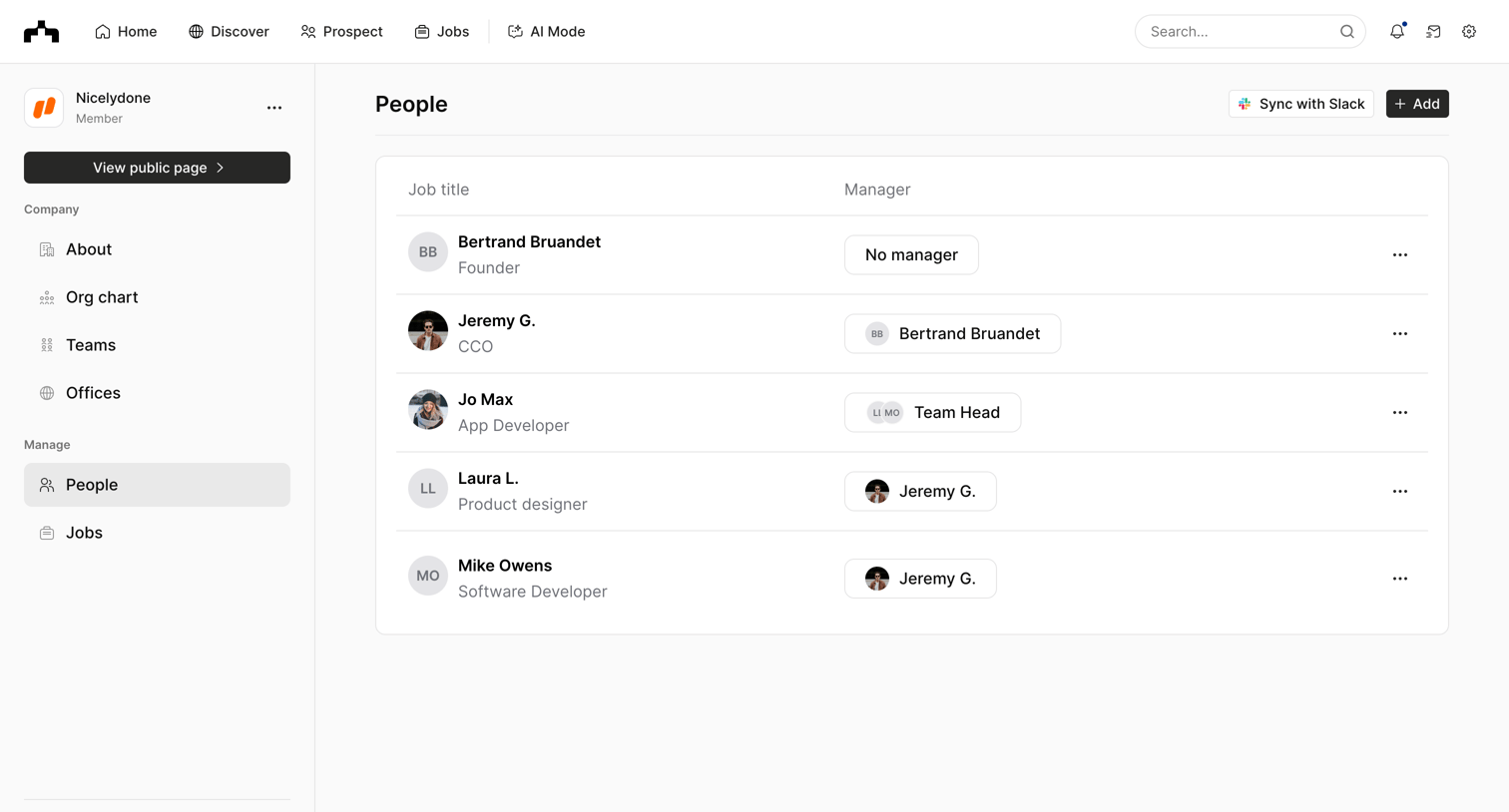

List view where the user manages the company's people directory, viewing job titles and assigning managers to employees.
Explore the full SaaS screen library
Upgrade to unlock the full library.
Trusted by the best teams







