Offline mode screen examples
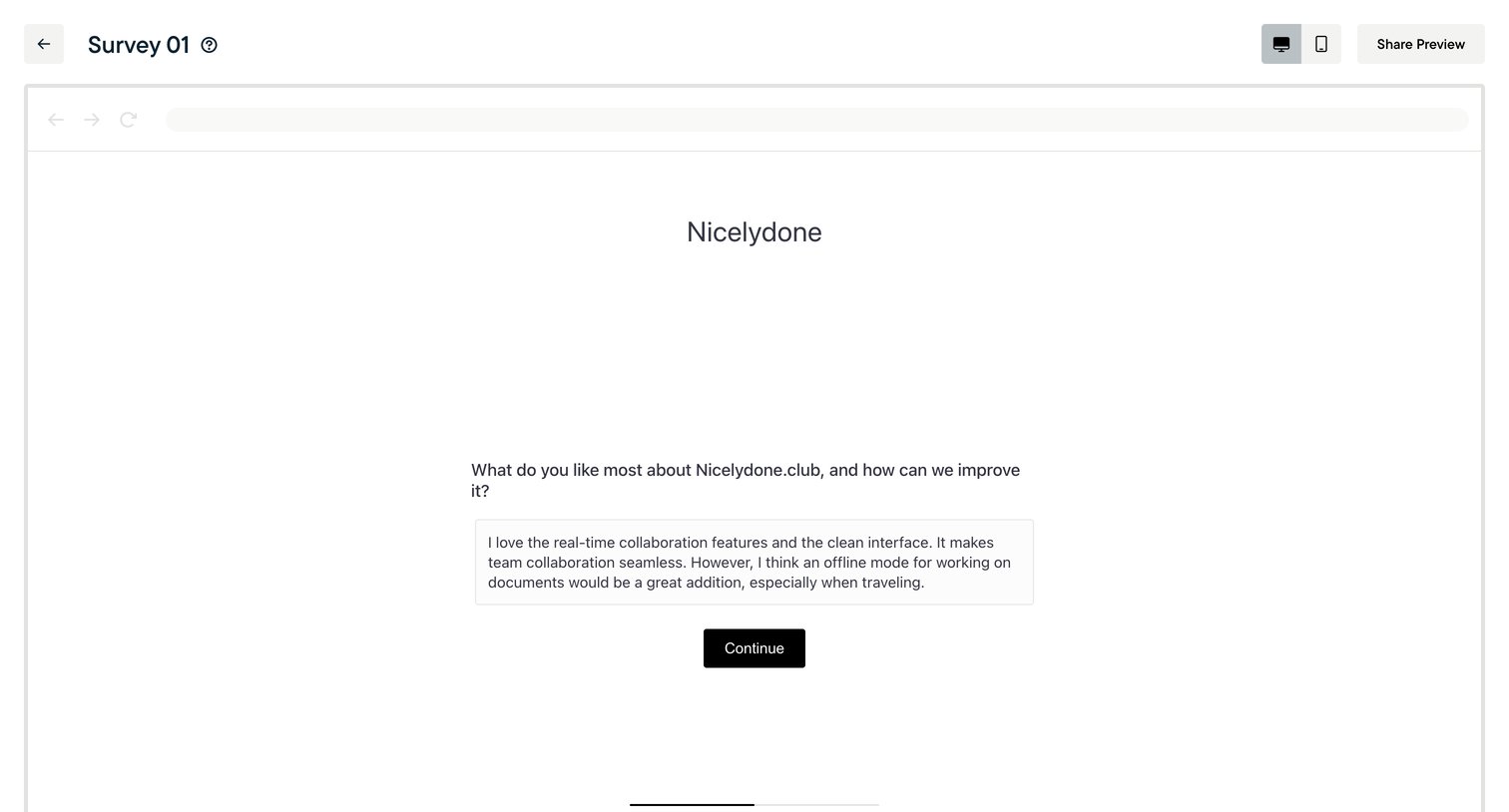
Offline mode screen design examples from SaaS apps. Browse examples from Navattic, Craft, Notion Mail.
Explore the examples
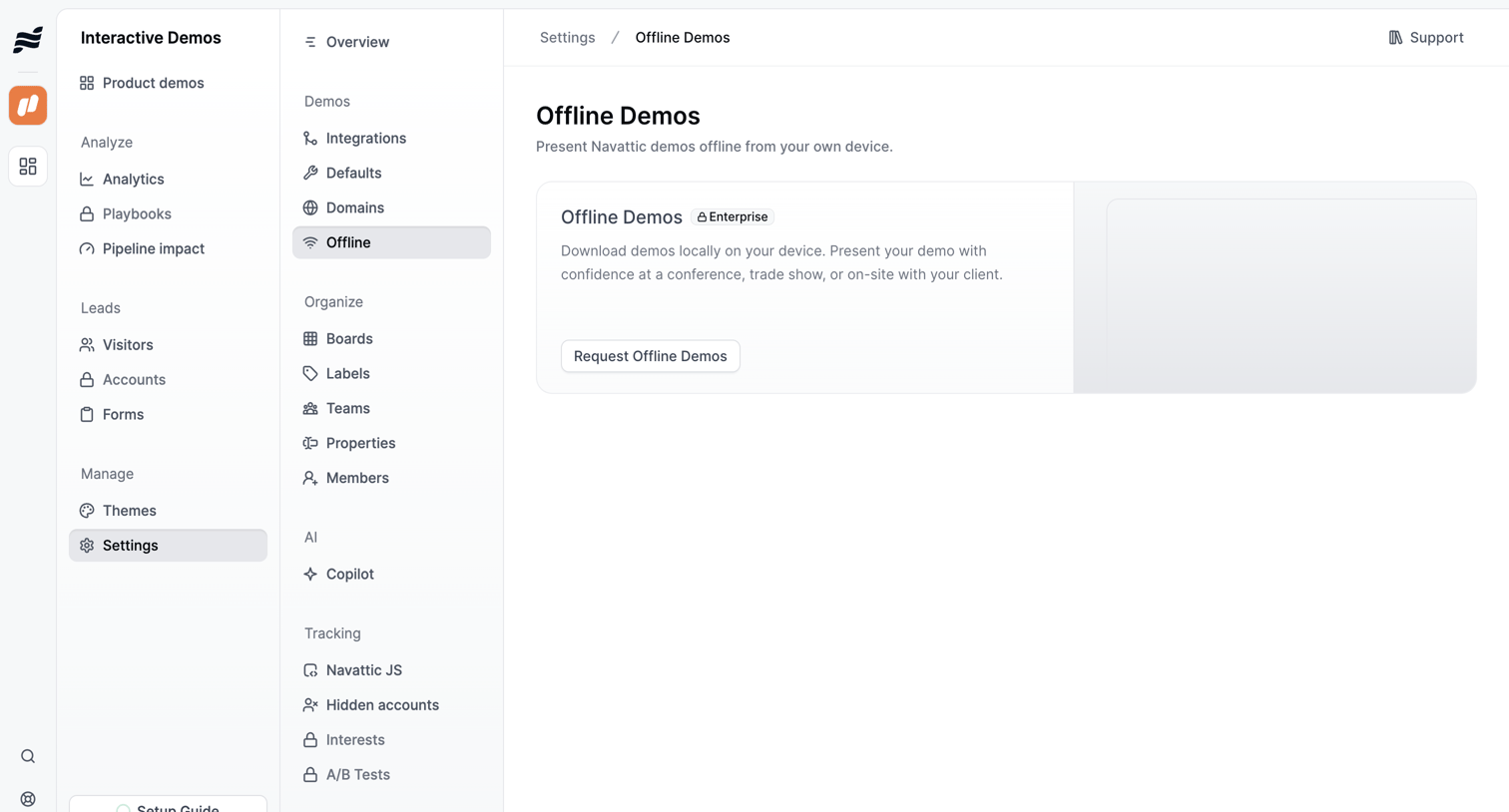

Settings page where the user encounters a feature gate for offline demos and can request access to the Enterprise plan.
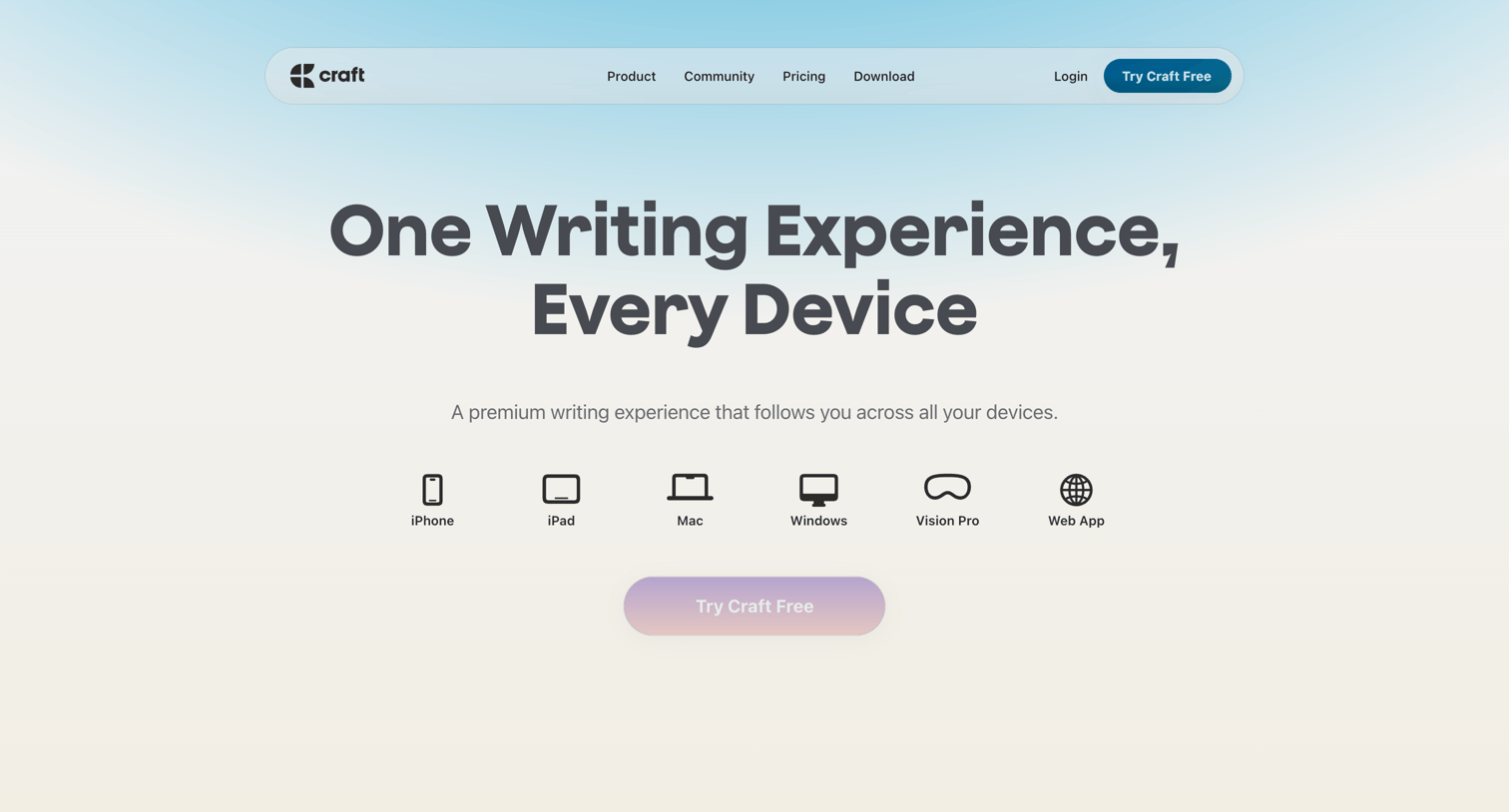

Feature page highlighting Craft's writing capabilities across devices, including native apps, AI assistance, and offline mode, ending with pricing and download options.


Product page introducing Notion Mail, highlighting AI-driven organization, automated drafting, and seamless integration with the broader Notion ecosystem.
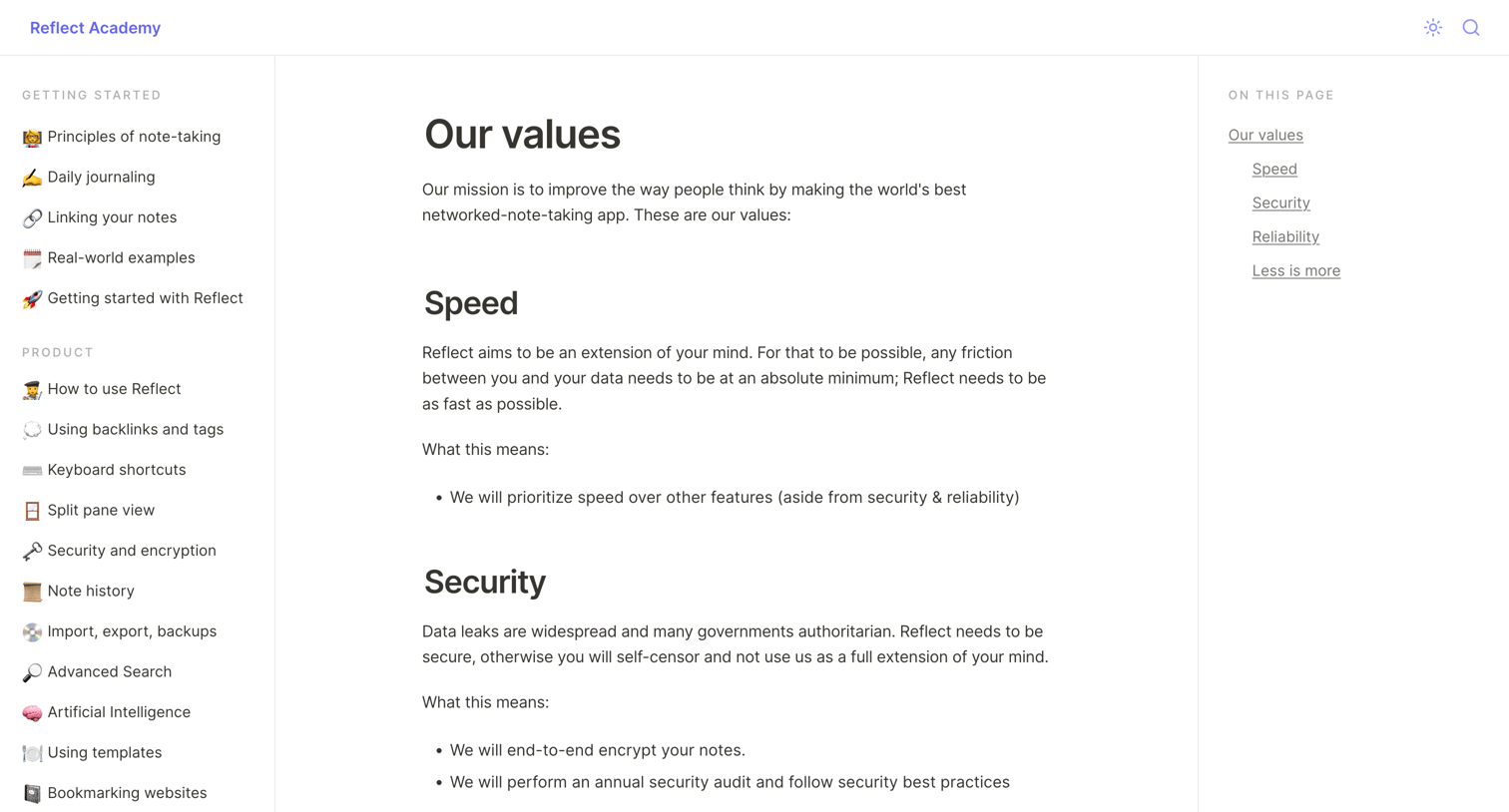

Documentation article detailing the company's core values, including speed, security, reliability, and simplicity, alongside a table of contents.
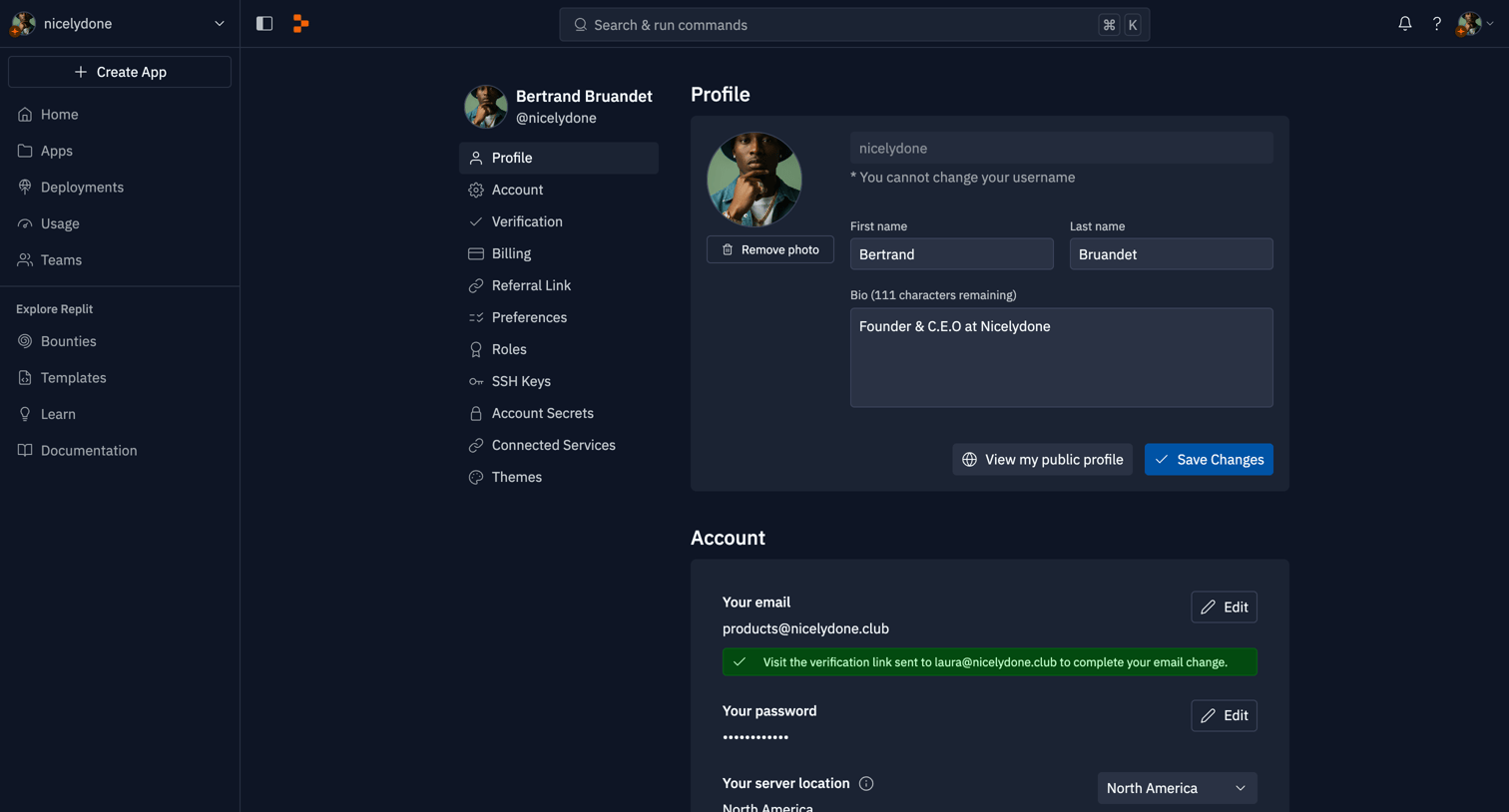

Settings page where the user configures their profile, billing, notifications, connected services, and editor themes.

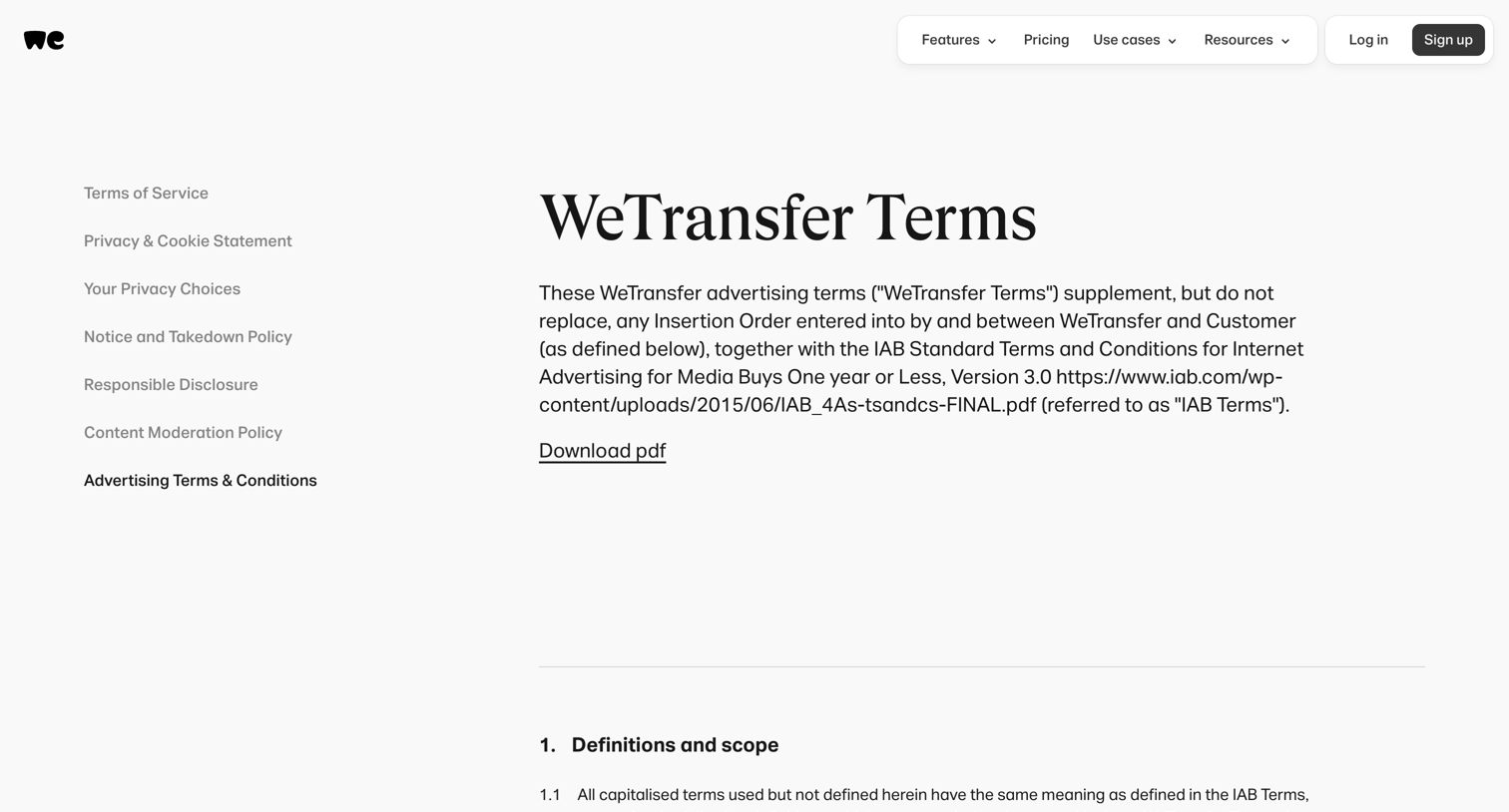

Legal page displaying the advertising terms and conditions with a sidebar to navigate other company policies and a download link for the PDF version.
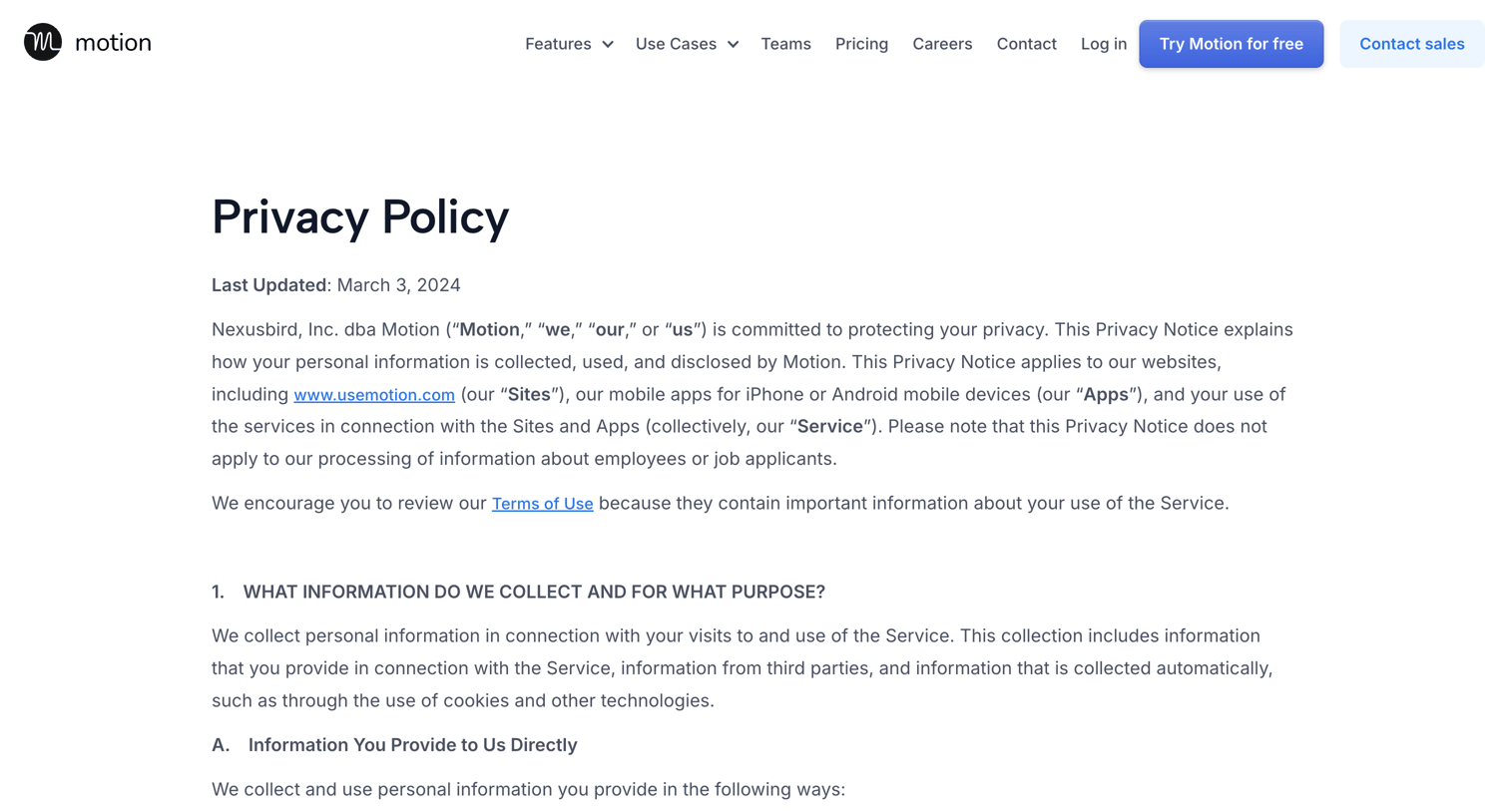

Privacy policy page where the user reads how Motion collects, uses, and shares personal information, including details on third-party advertising and user controls.
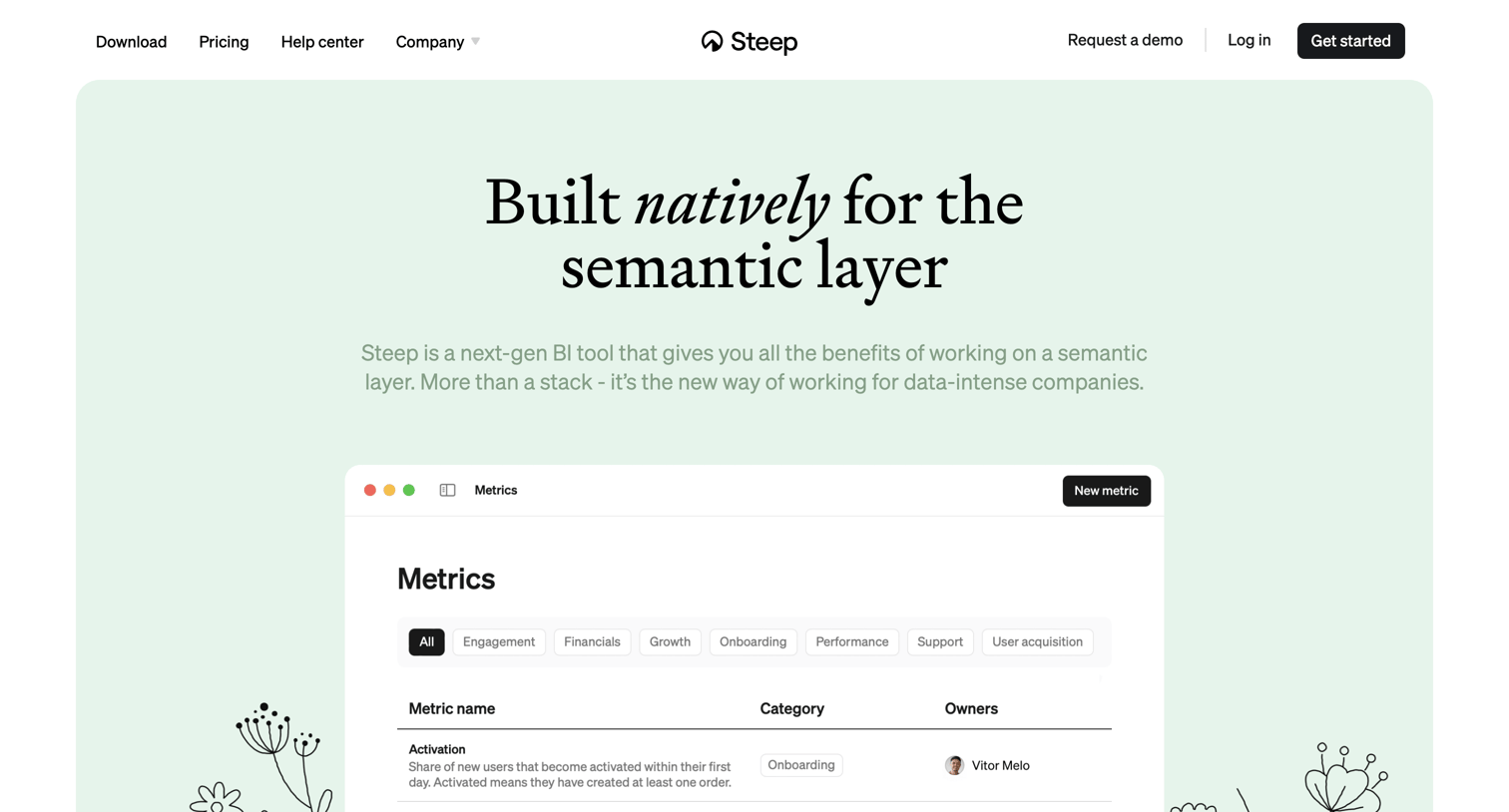

Feature page explaining the product's built-in semantic layer and integrations with dbt and Cube, prompting users to start a free trial.
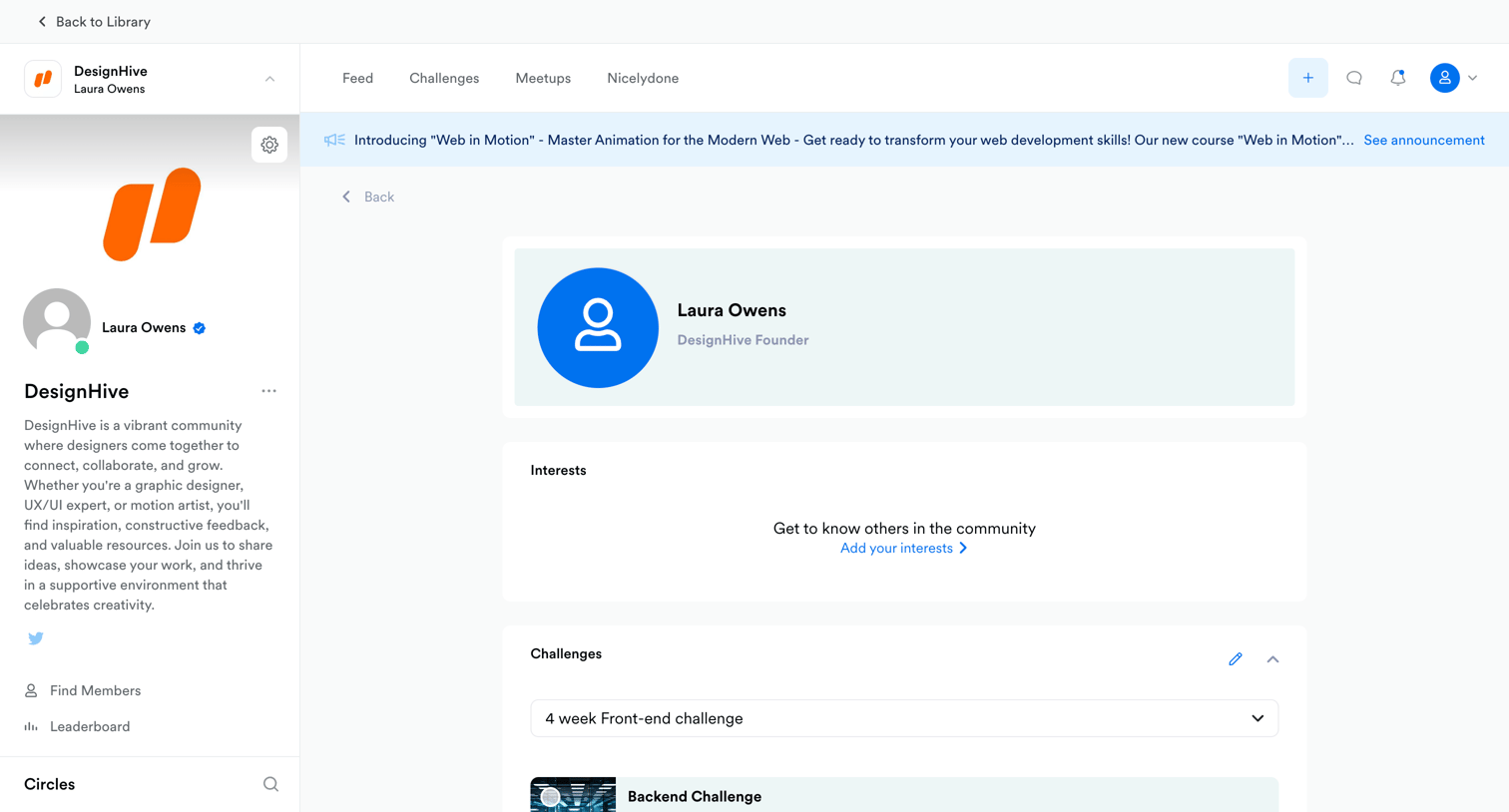

Detail page where a user views a community member's profile, including their interests, active challenges, attending meetups, and popular circles.

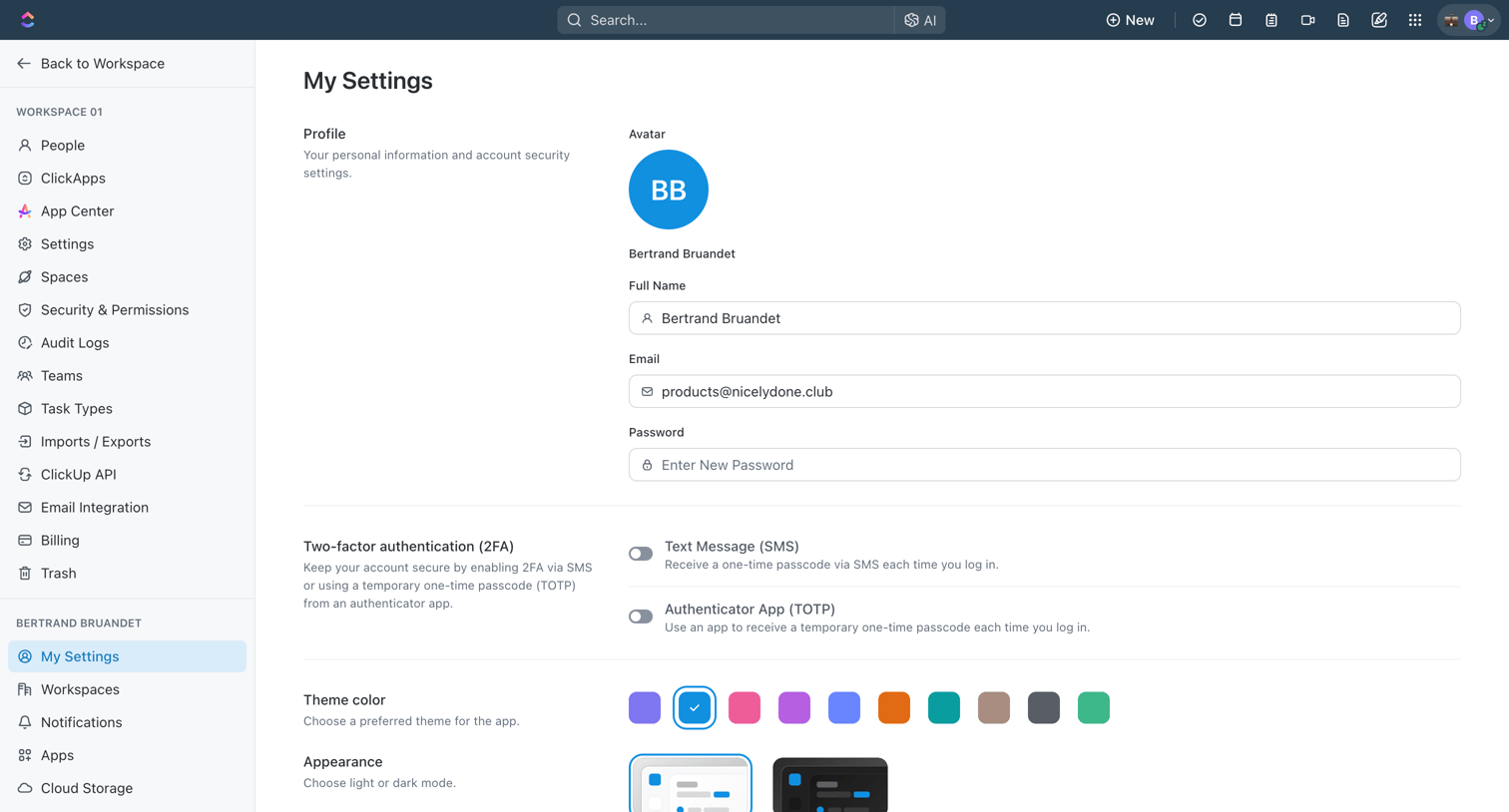

Settings page where the user configures their personal profile details, two-factor authentication, appearance themes, localization, and in-app preferences.
Explore the full SaaS screen library
Upgrade to unlock the full library.
Trusted by the best teams







