Notification management screen examples
Notification management screen design examples from SaaS apps. Browse examples from Dock, Town, Maze.
Explore the examples
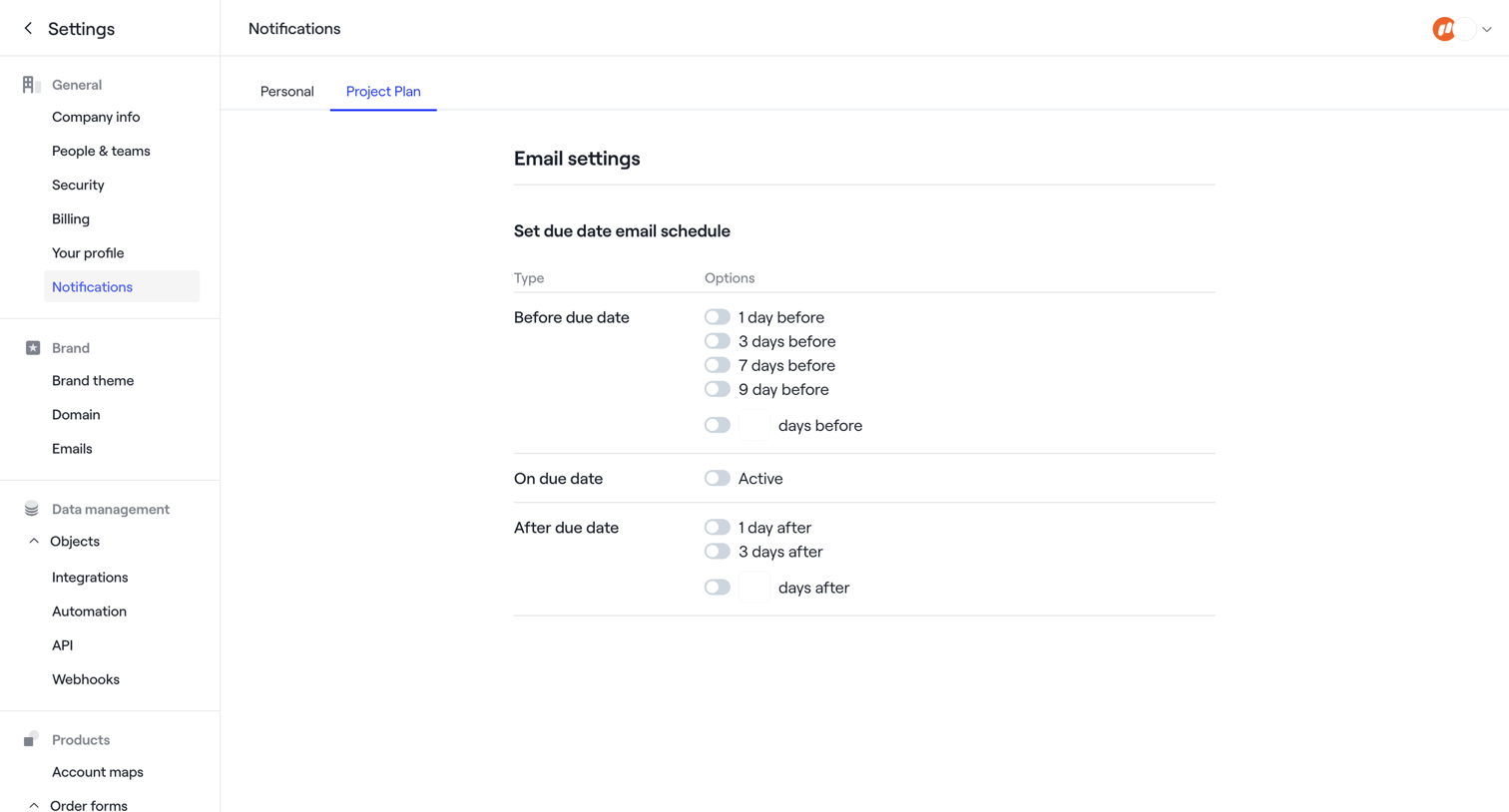

Settings page where the user configures email schedules for project plan due dates, including before, on, and after the due date.
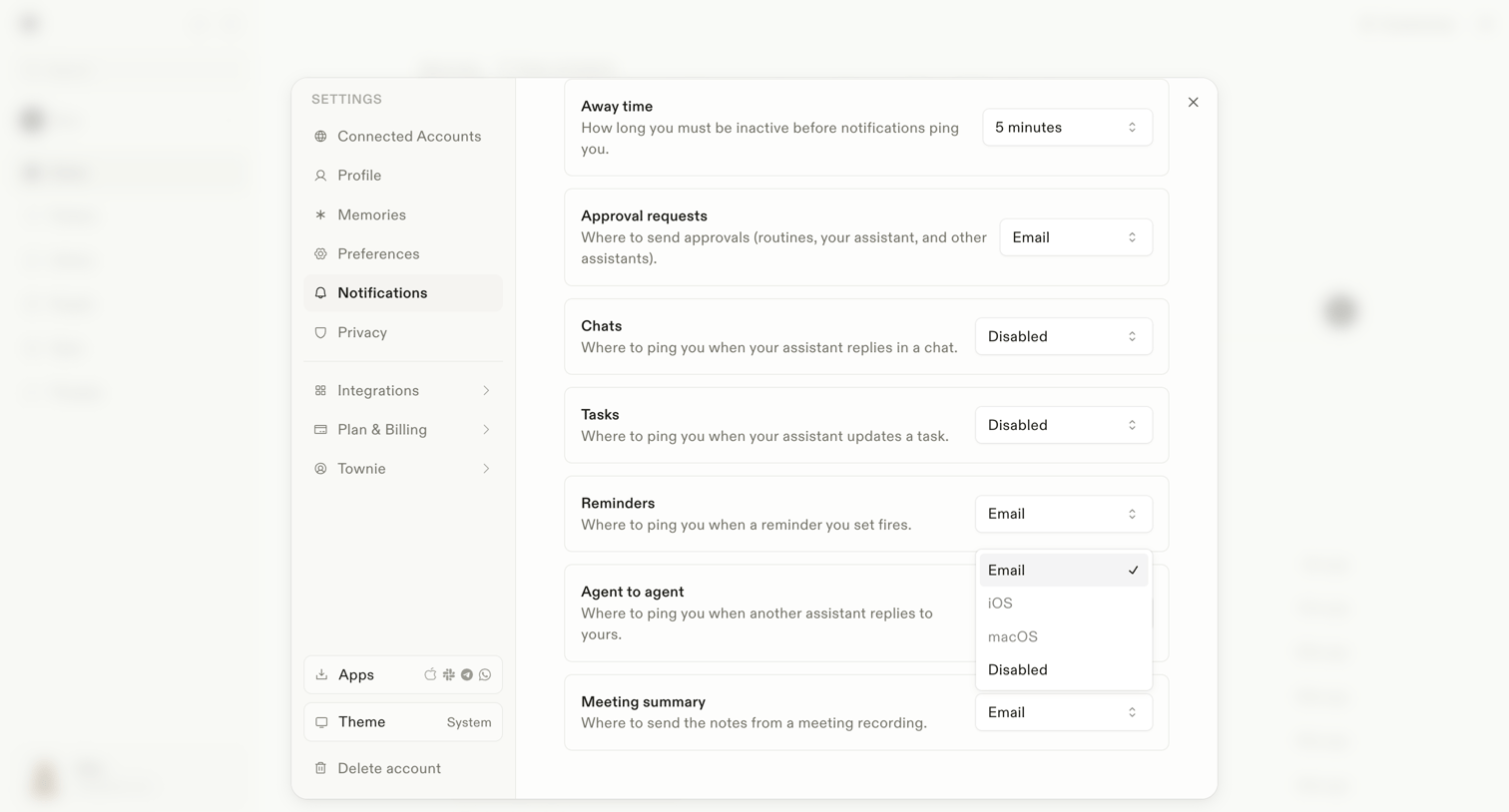

Settings modal where the user configures notification preferences for different events like away time, approval requests, and agent interactions.
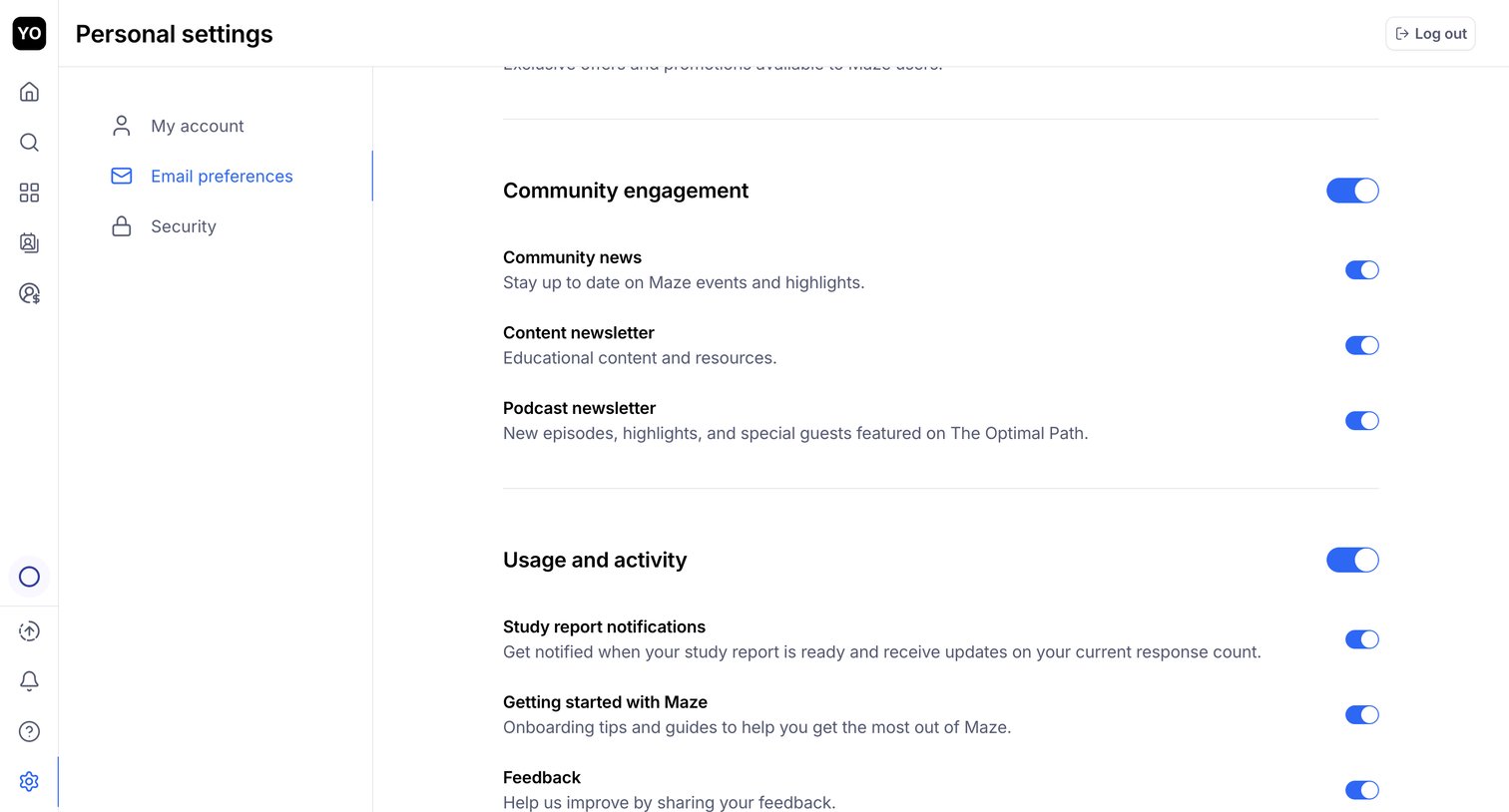

Settings page where the user configures their email preferences for community news, newsletters, and study report notifications via a list of toggles.
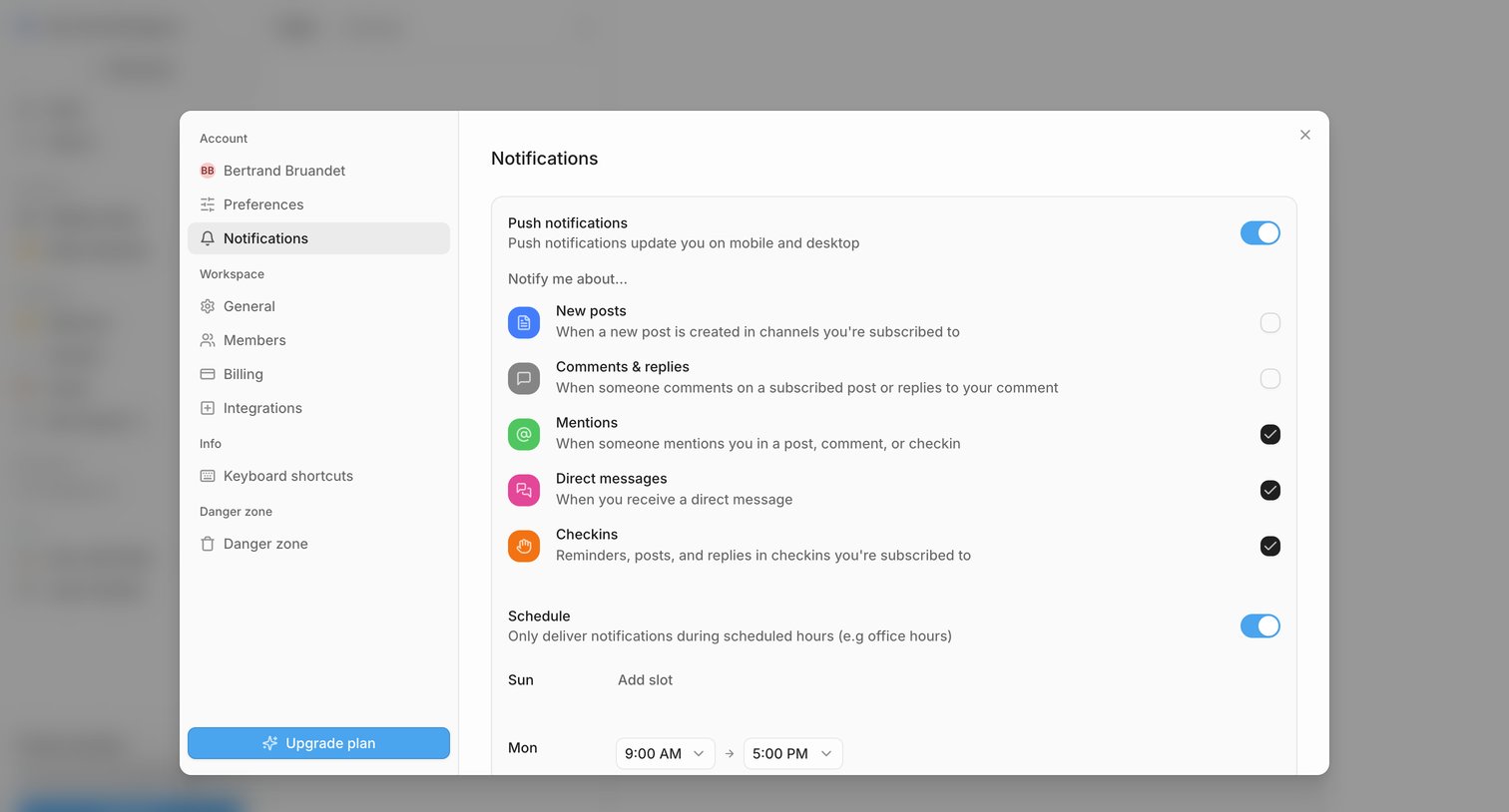

Settings modal where the user configures push notifications, selects specific event triggers like mentions and direct messages, and sets a delivery schedule.
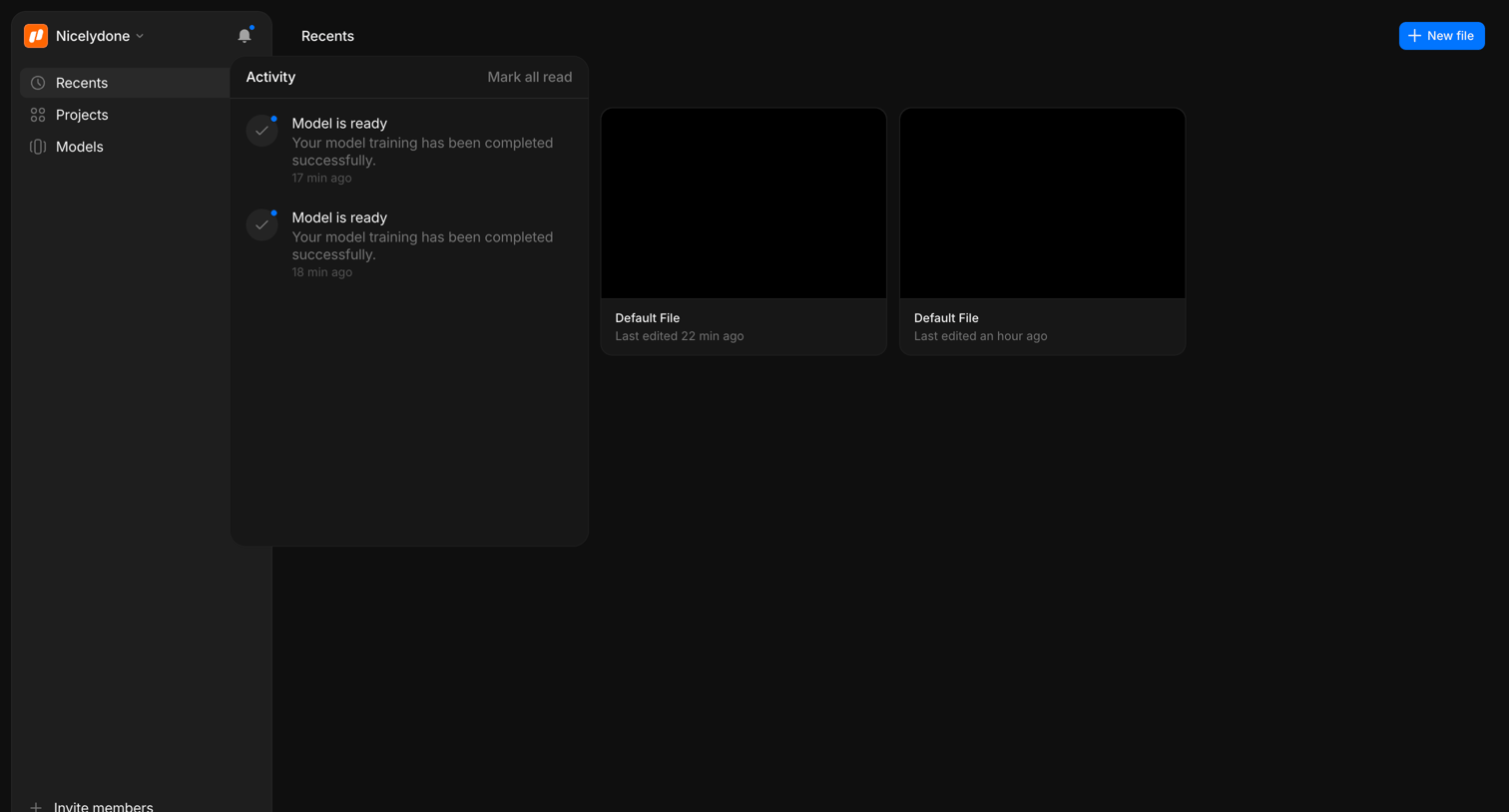

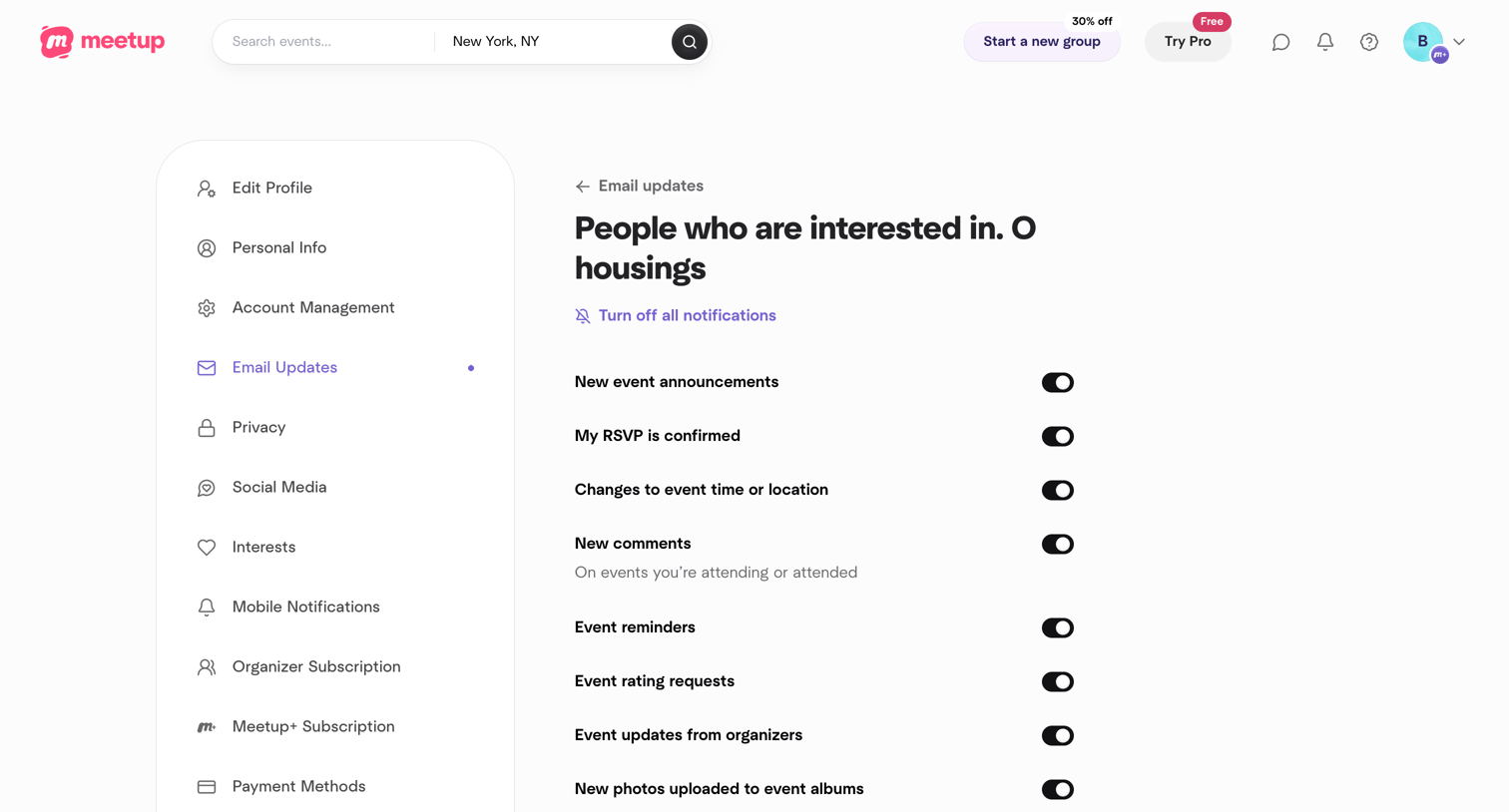

Settings page where the user configures email notification preferences for a specific Meetup group using a list of toggles.
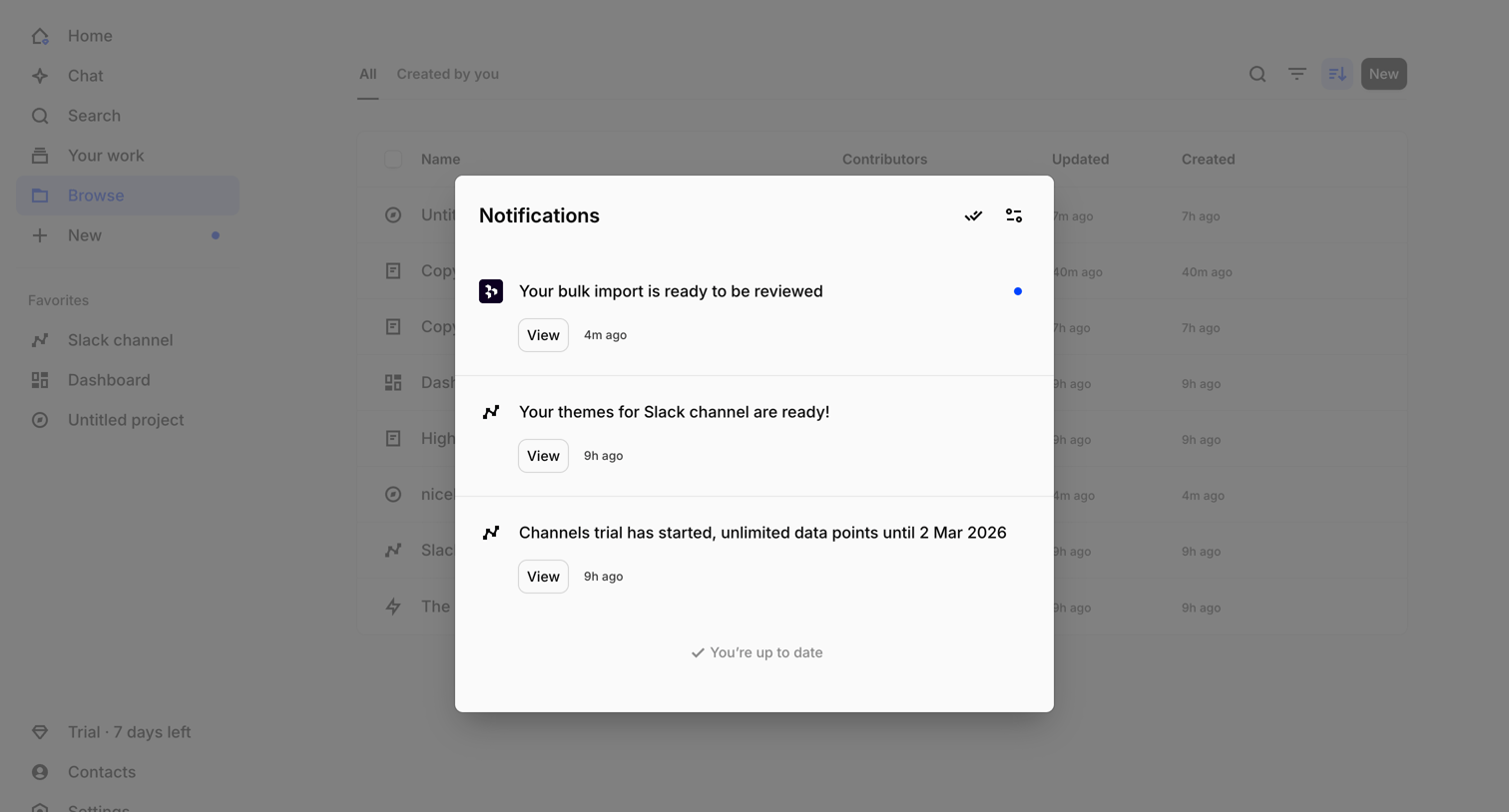

List view where the user reviews their recent system and activity notifications in a centered modal overlay.
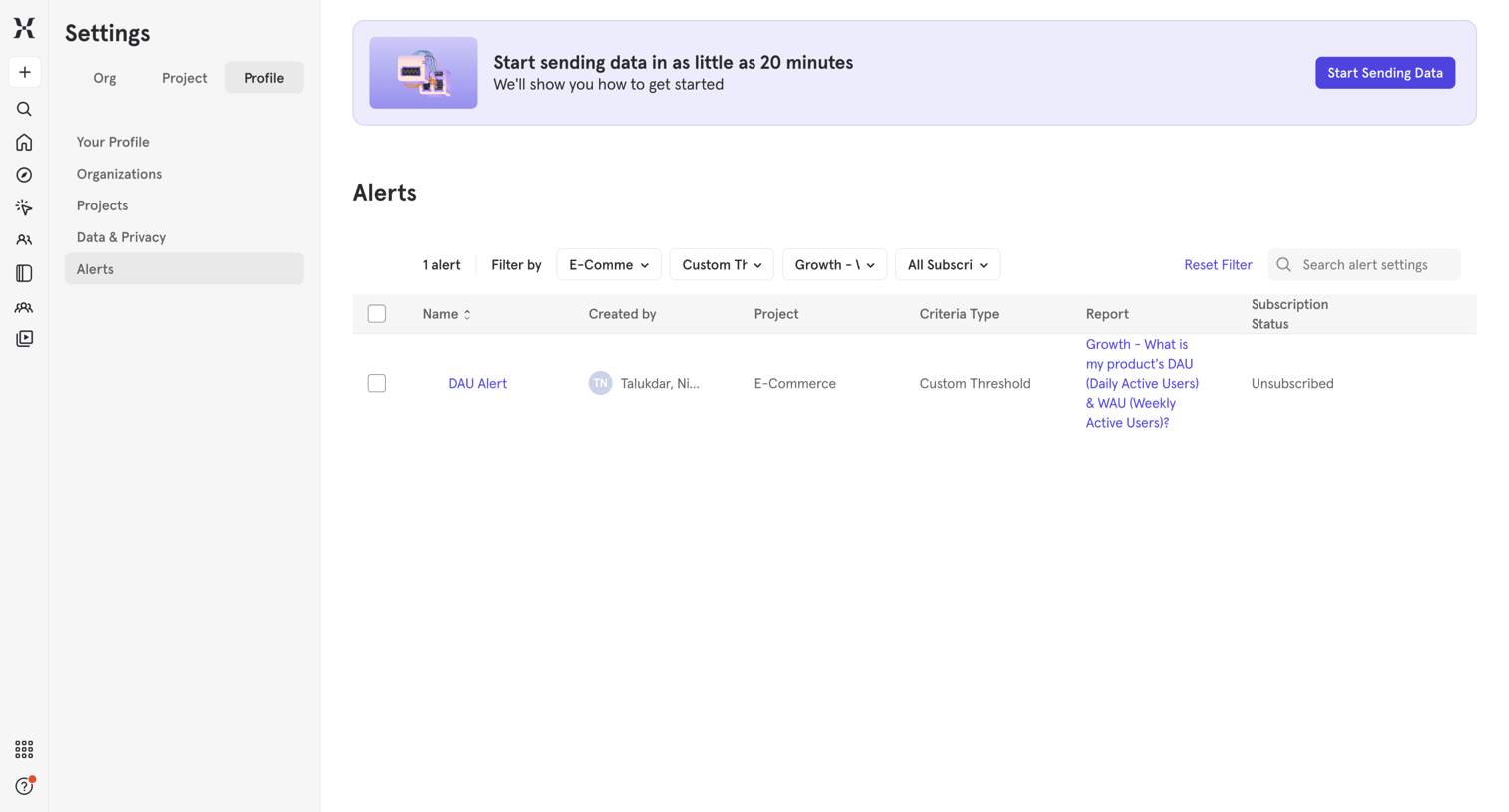

Settings page where the user manages and filters their configured alerts, viewing details like criteria type and subscription status in a data table.
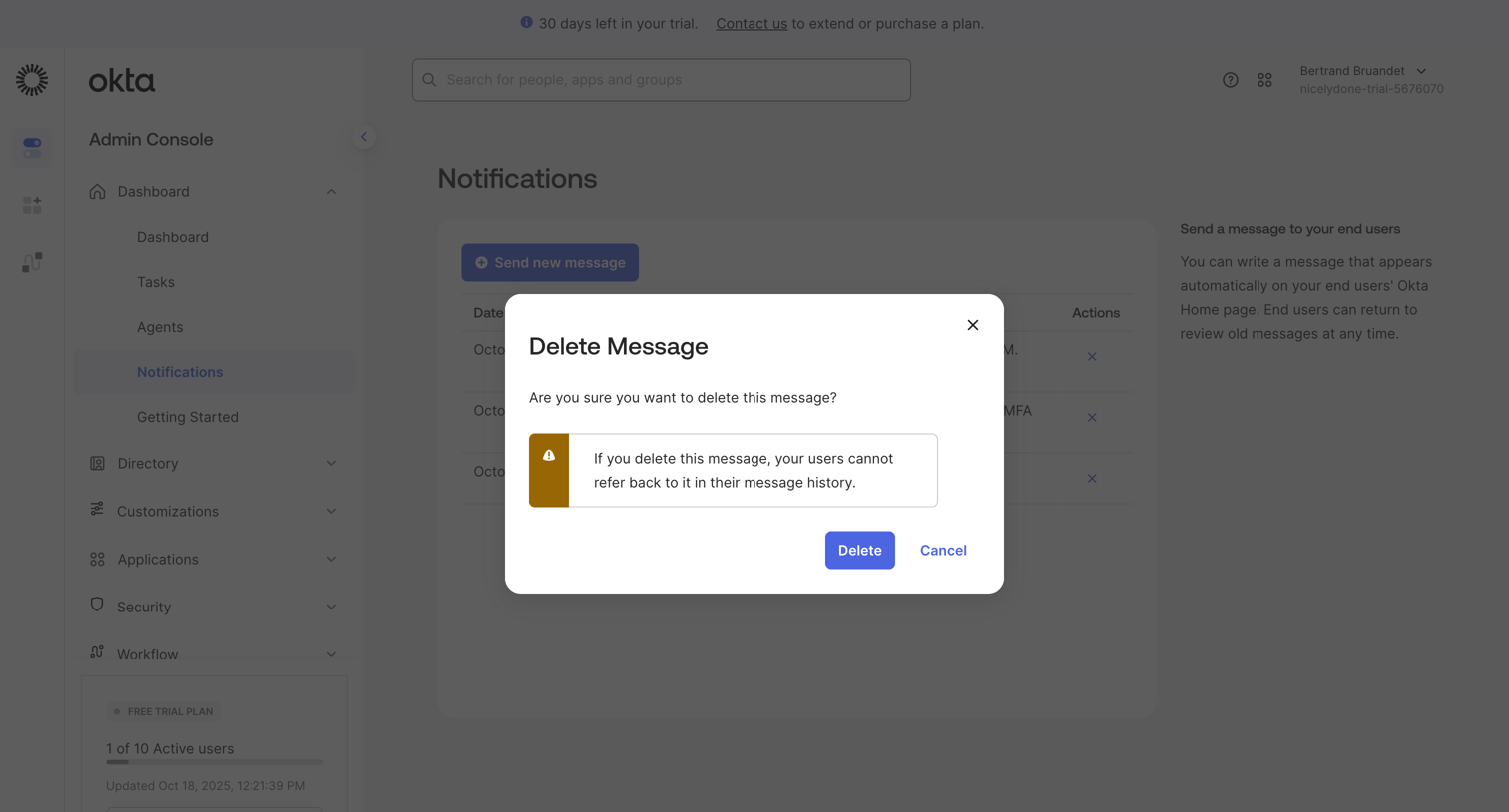

List view of notifications with an alert dialog prompting the admin to confirm the permanent deletion of a message.
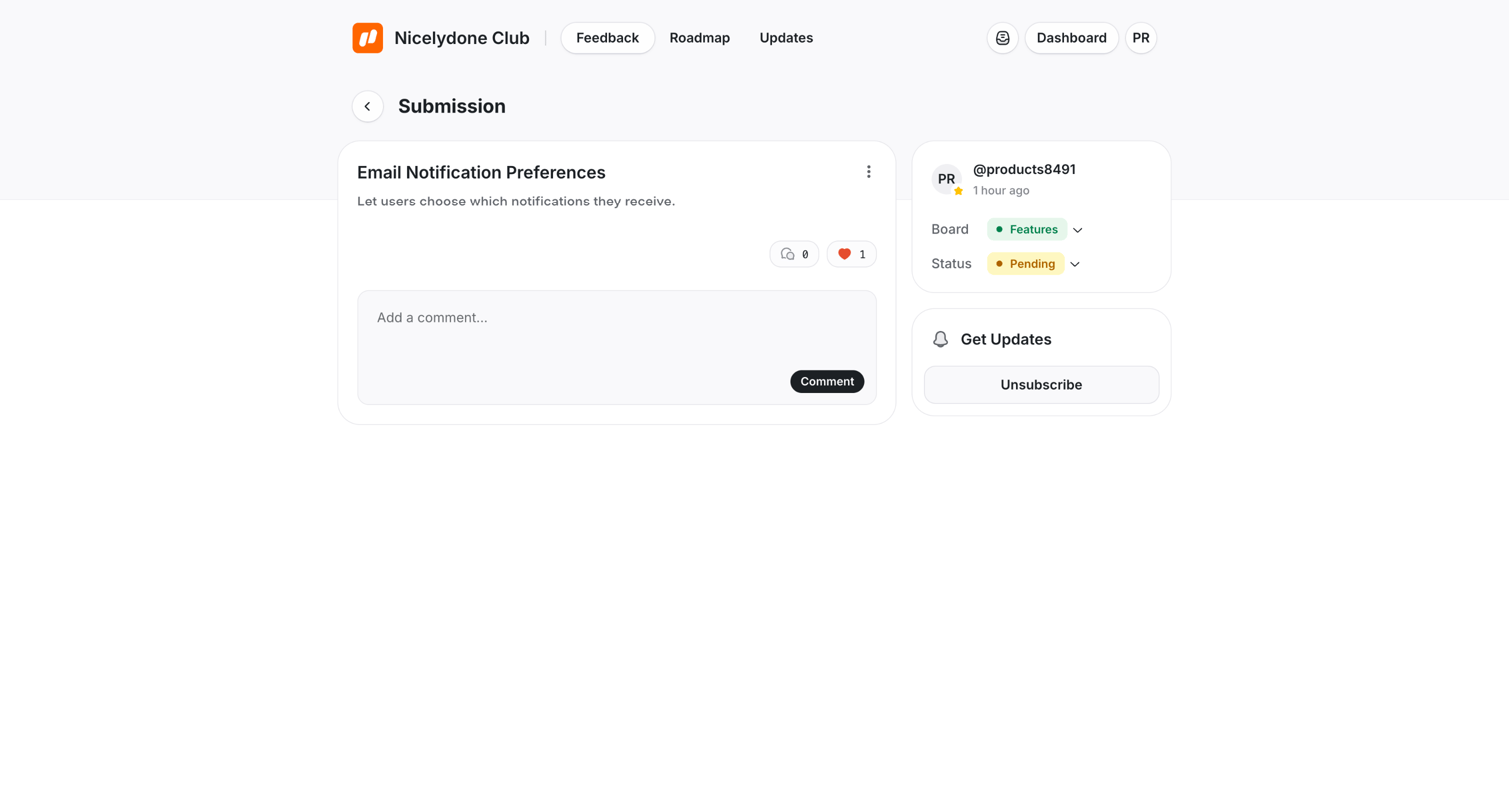

Detail page where a user views a specific feedback submission about email notification preferences, with options to comment, upvote, and manage its status.
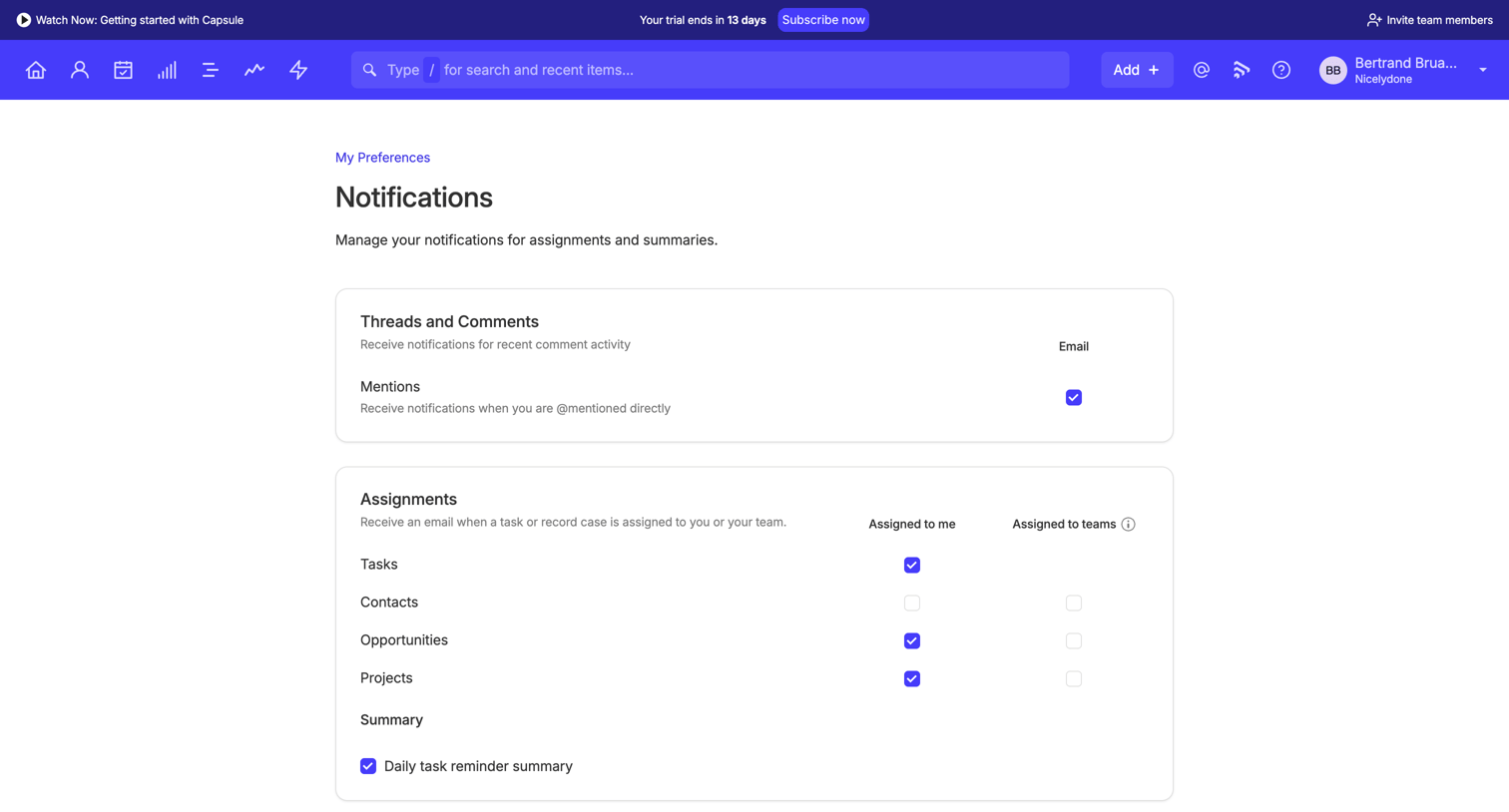

Settings page where the user manages email notifications for mentions, assignments, and daily summaries.
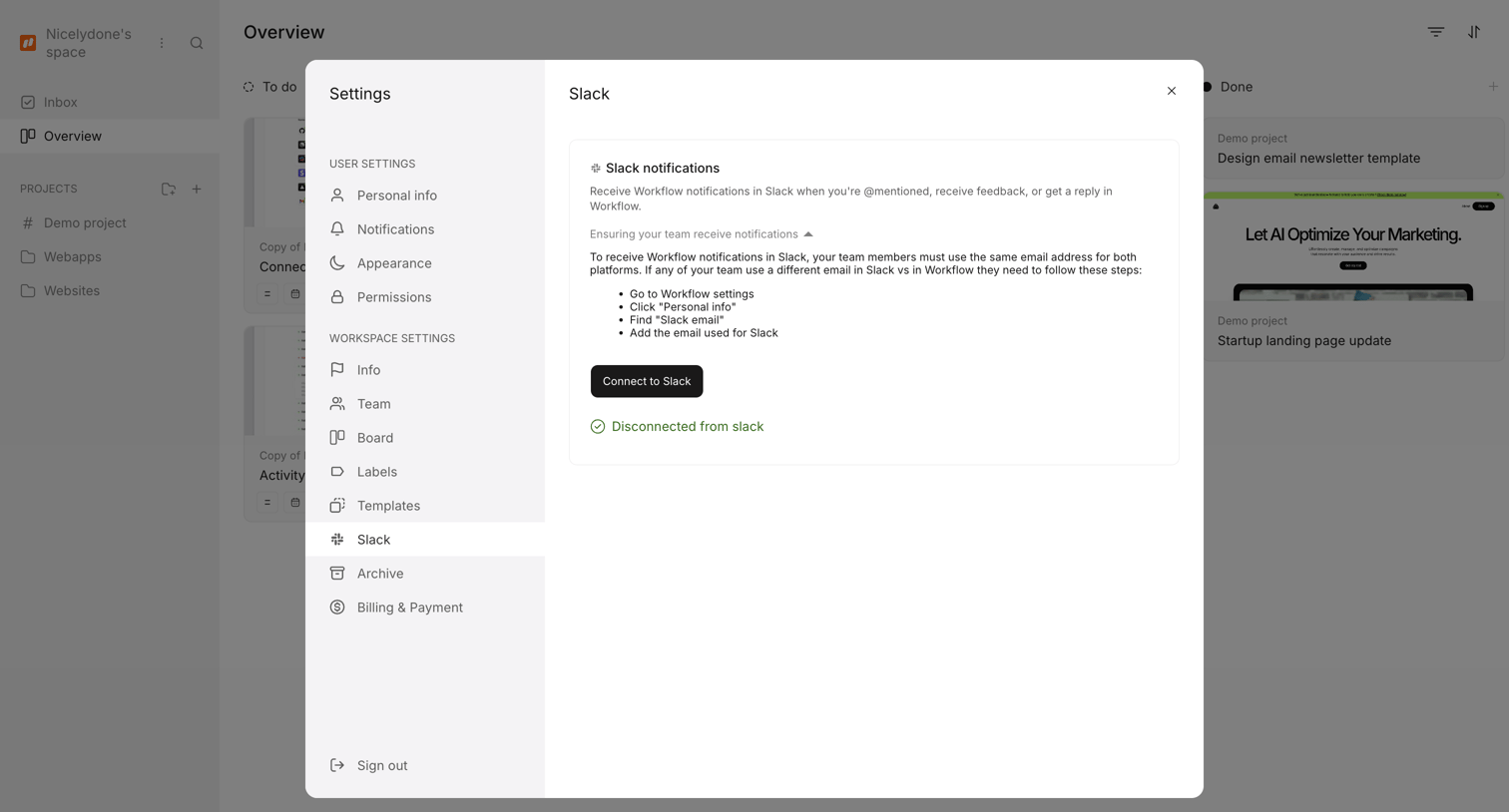

Settings modal where the user can connect their workspace to Slack to receive notifications.
Explore the full SaaS screen library
Upgrade to unlock the full library.
Trusted by the best teams







