Knowledge base screen examples
Knowledge base screen design examples from SaaS apps. Browse examples from Magnific, Alloy, Airbnb.
Explore the examples
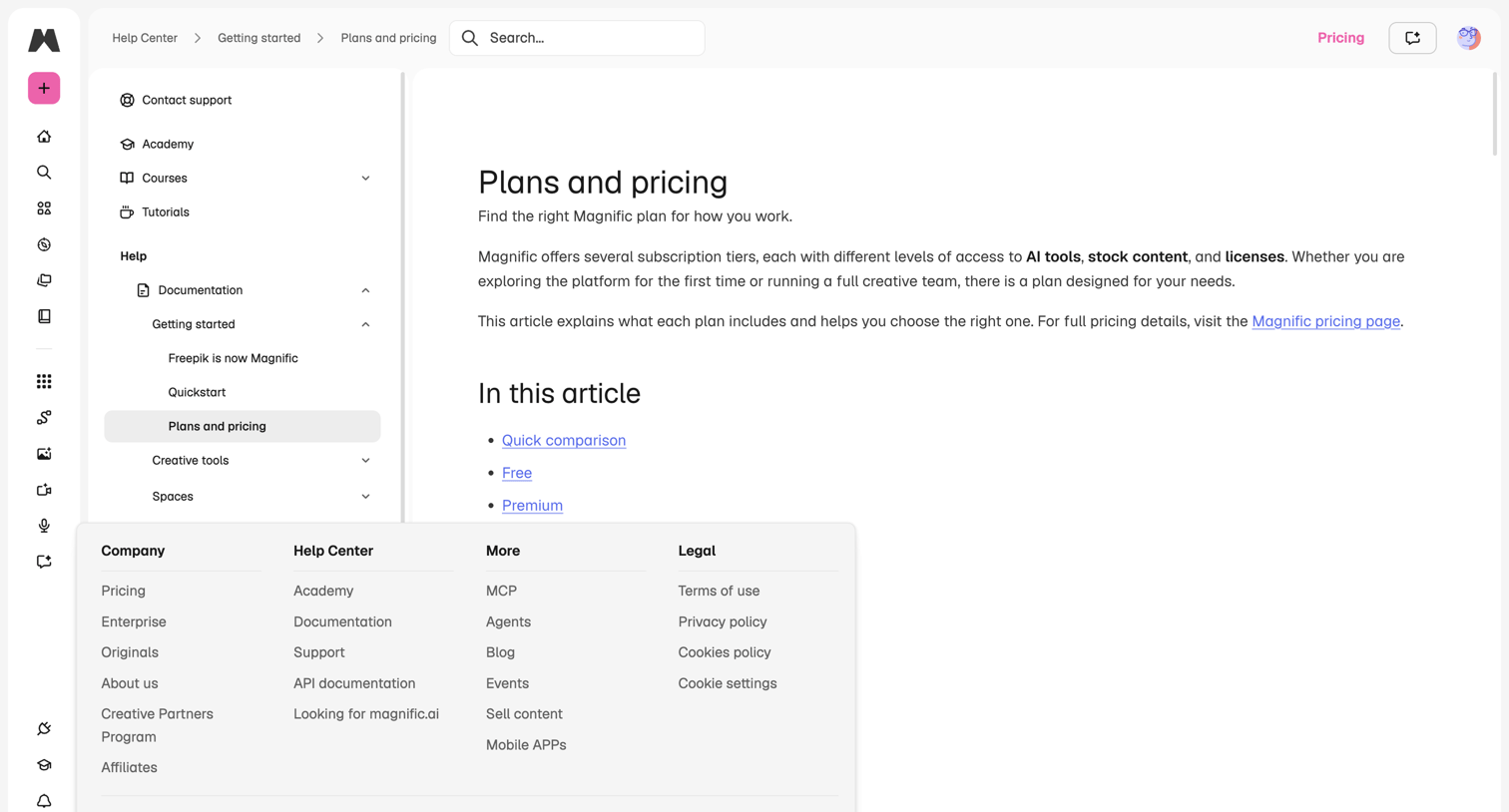

Help center article explaining subscription tiers, featuring a three-pane layout with an app navigation rail and an open mega-menu popover.
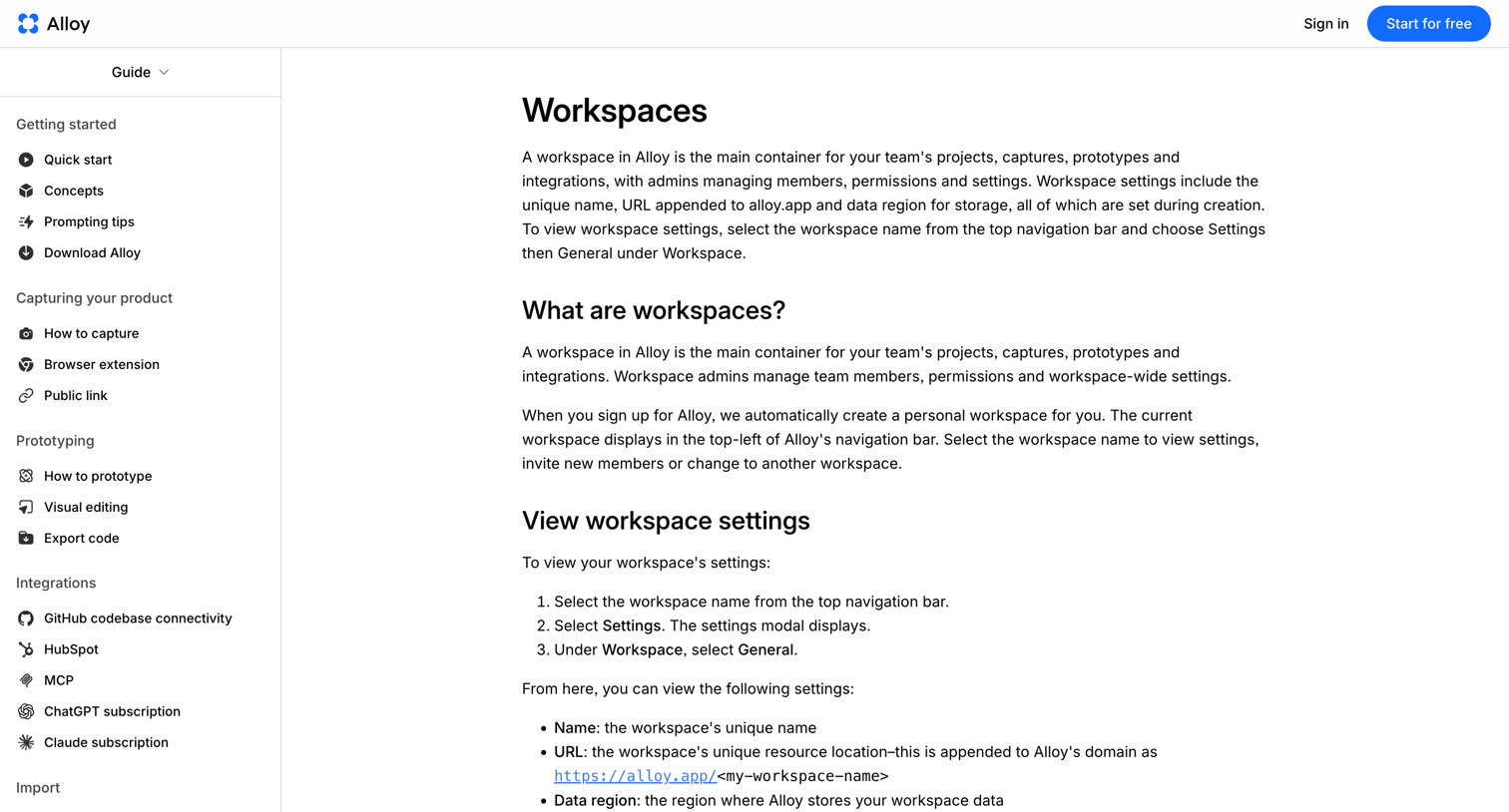

Help center article explaining the concept of workspaces, how to view their settings, and how to delete them.
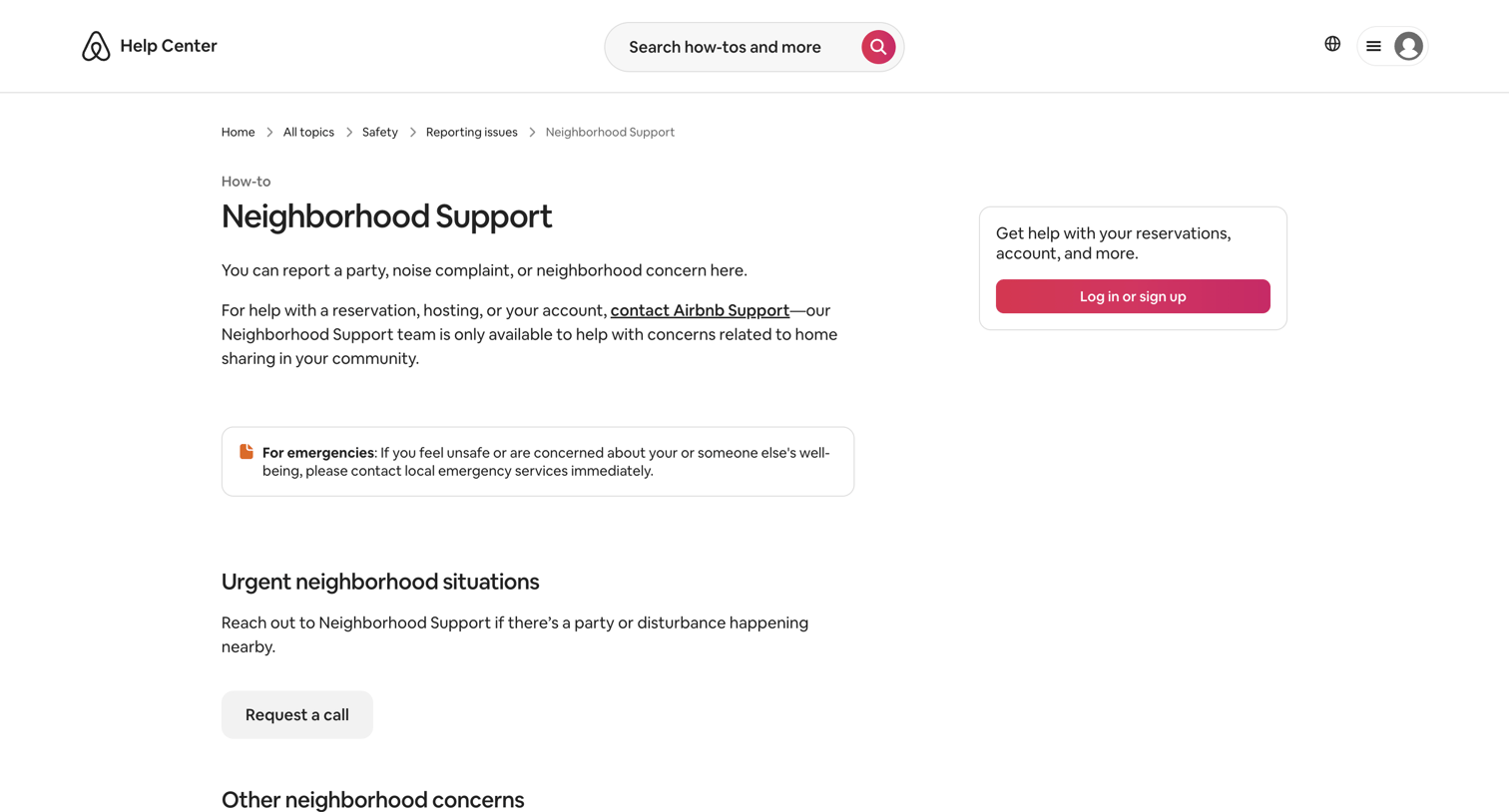

Help center article detailing how to report neighborhood concerns or emergencies, with options to request a call or report an issue online.
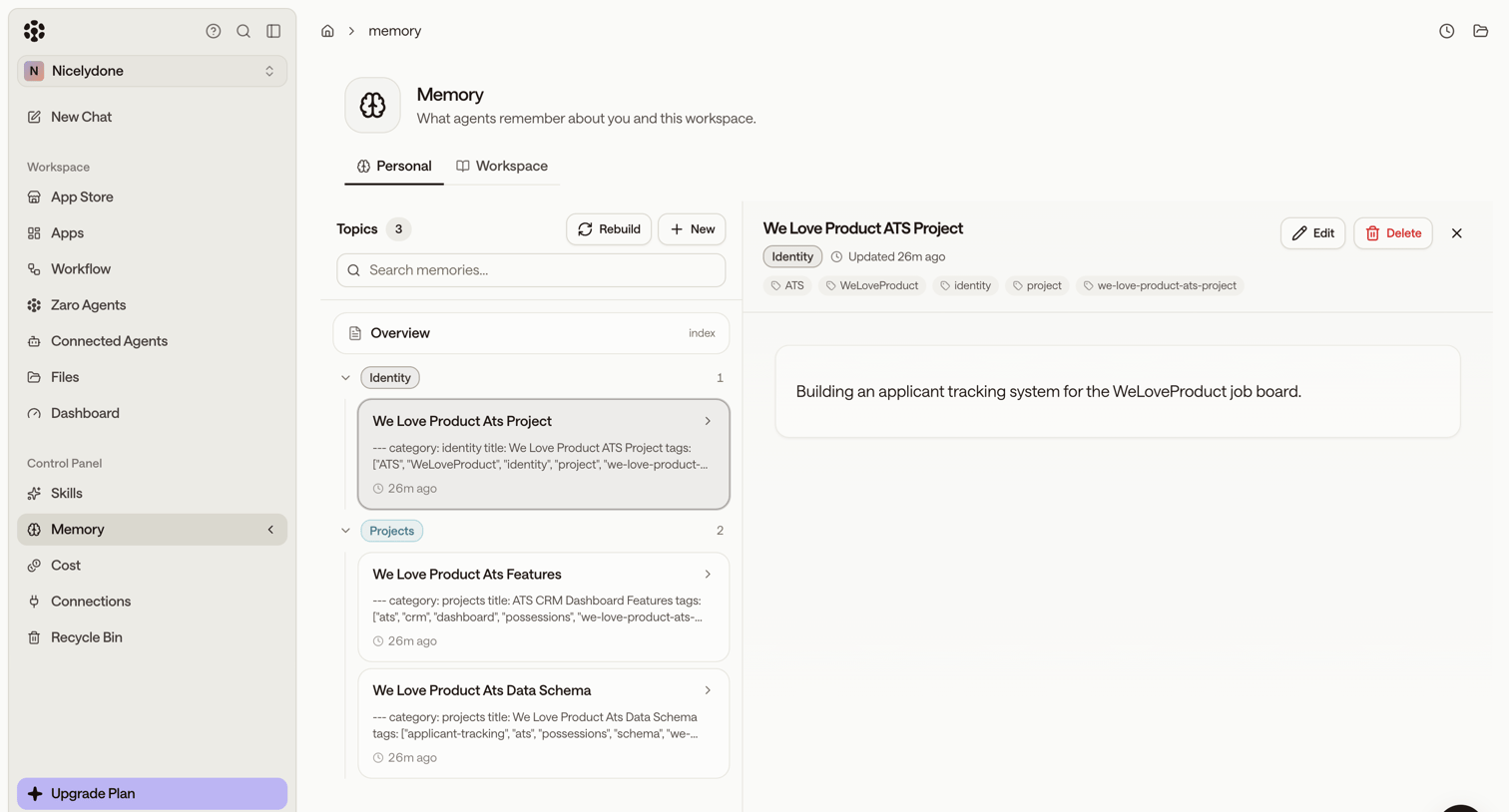

Settings page where the user manages what AI agents remember about them and the workspace, viewing specific topics like applicant tracking projects in a master-detail layout.
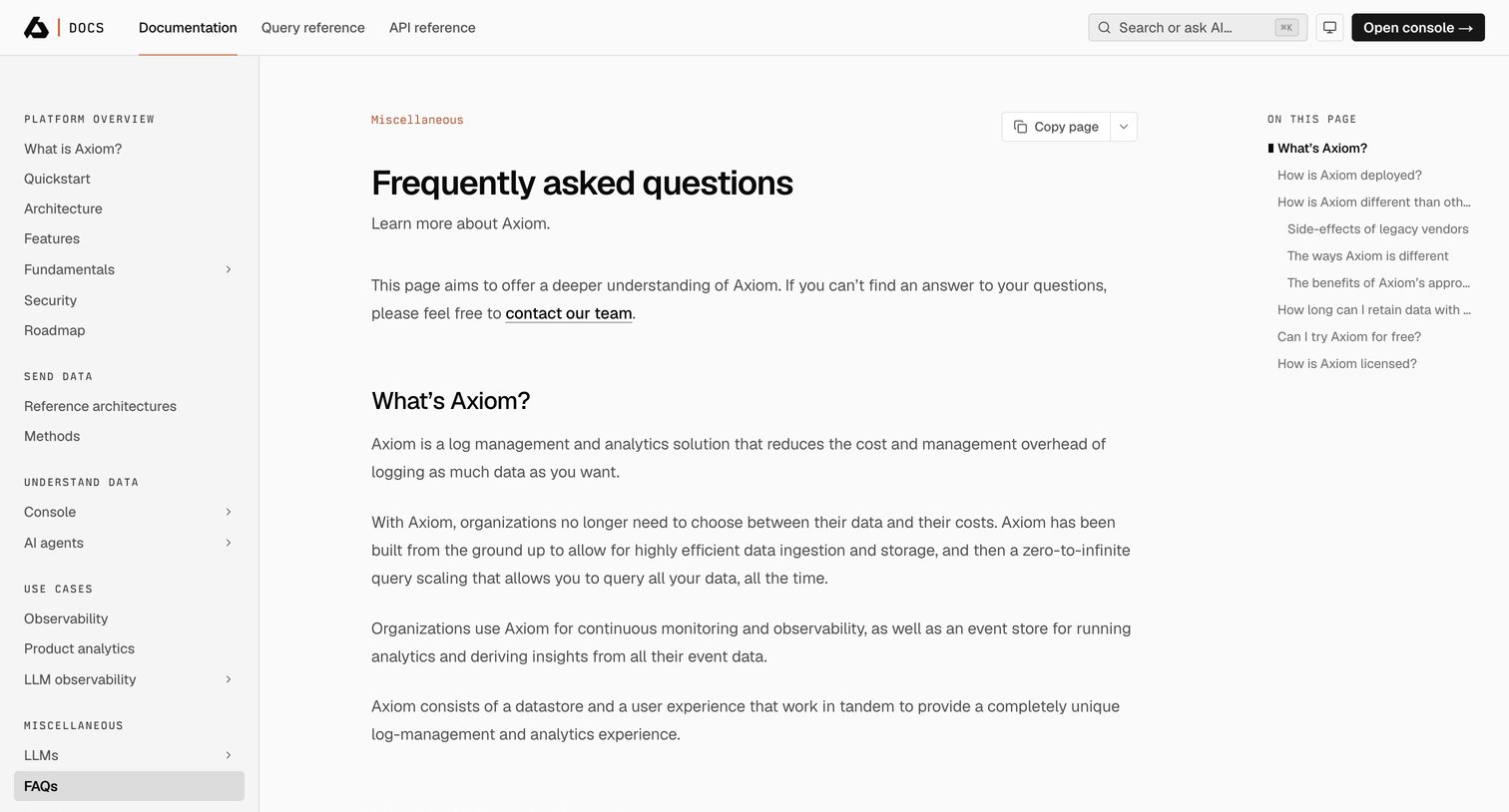

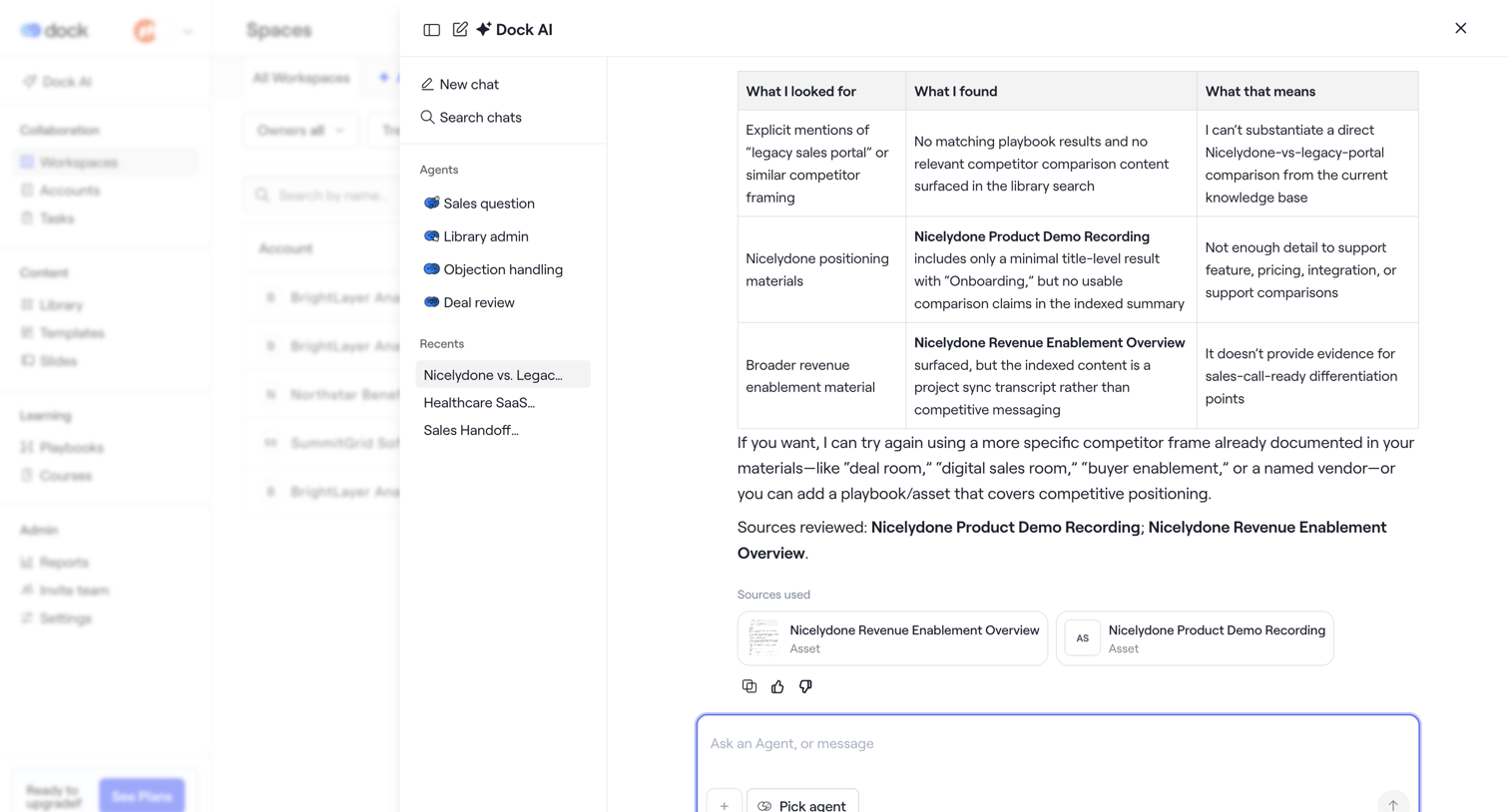

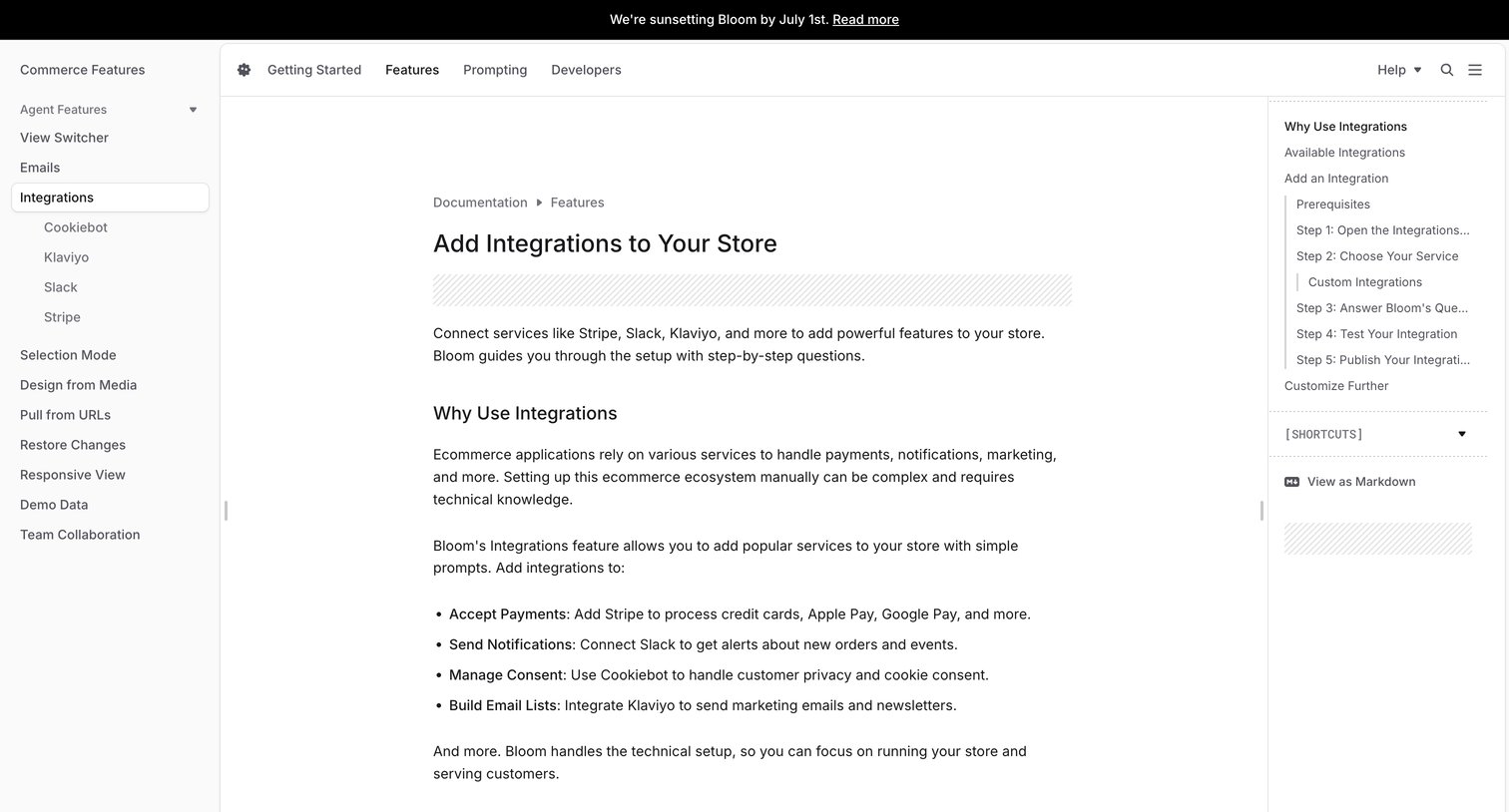

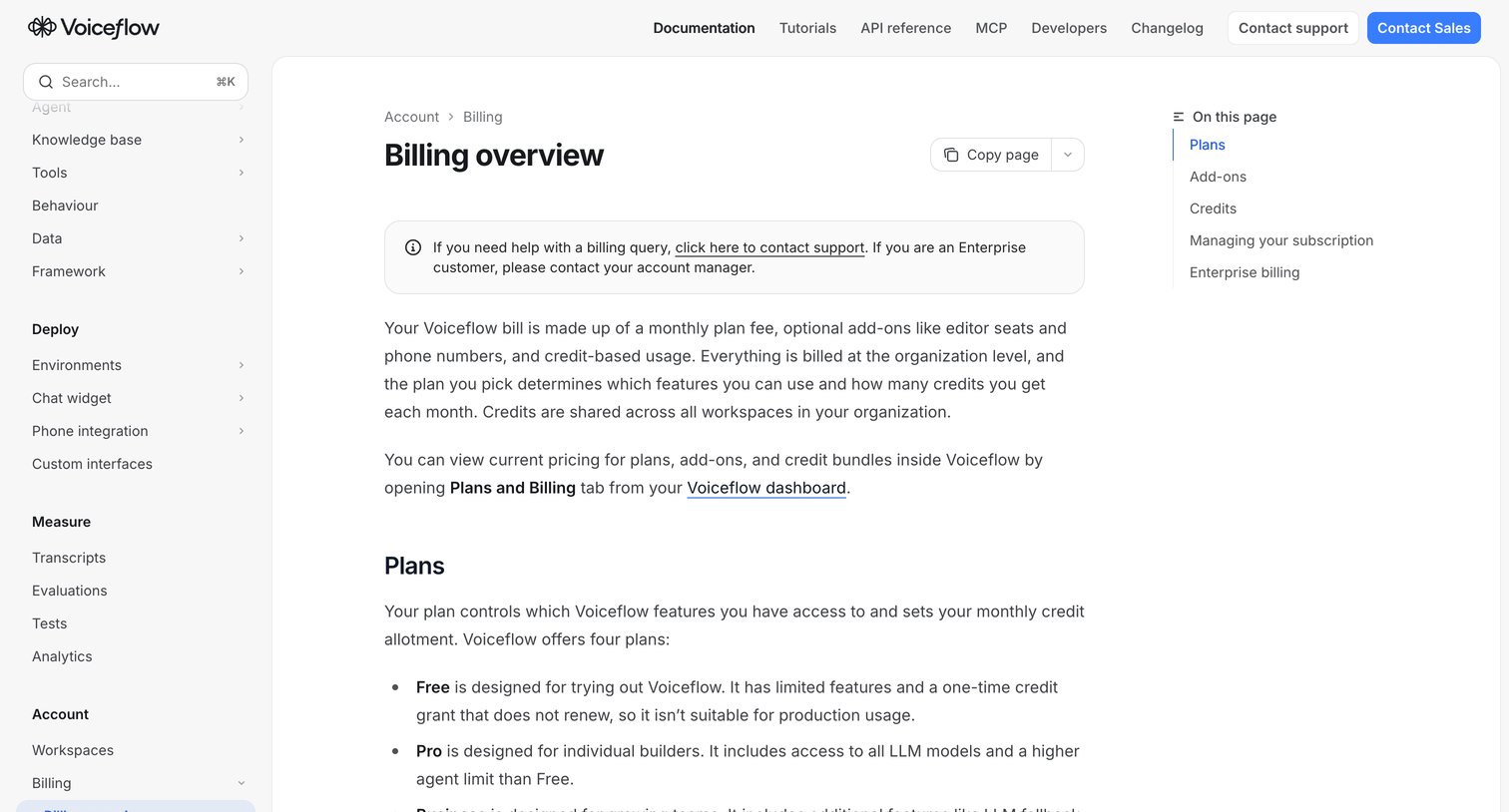

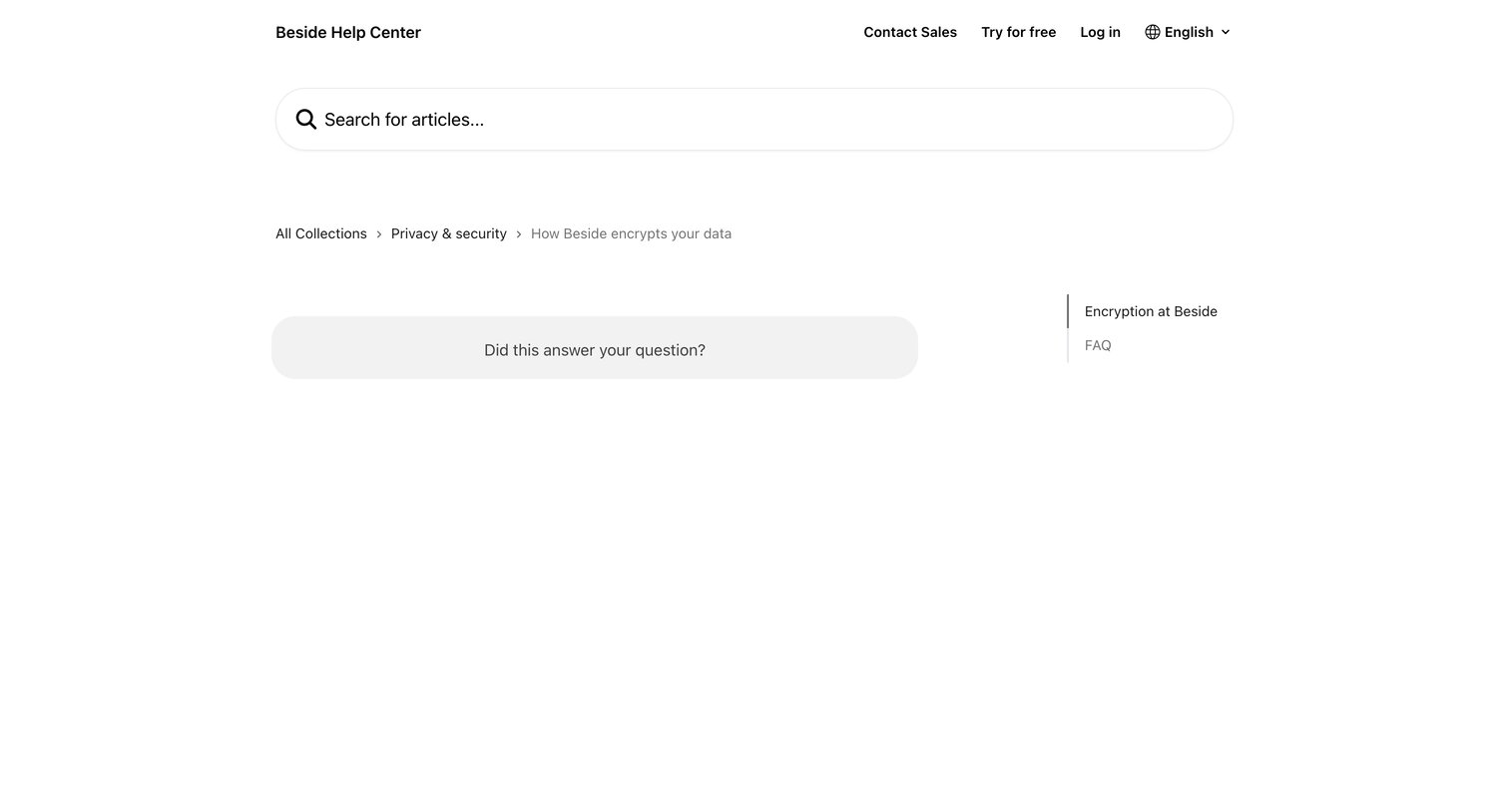

Help center article explaining data encryption practices, featuring a prominent search bar, breadcrumb navigation, and a helpfulness feedback prompt.
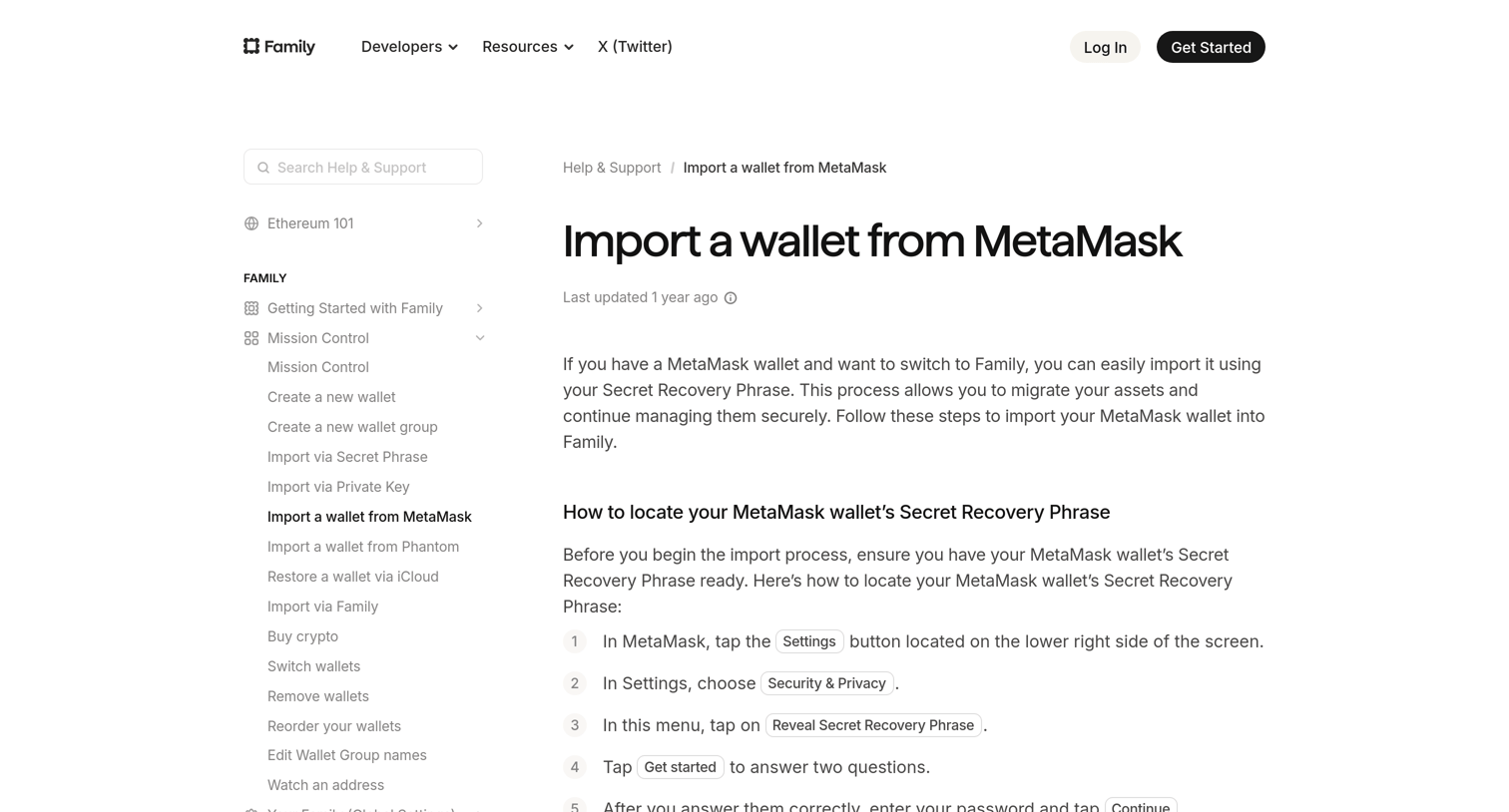

Help center article providing step-by-step instructions on how to import a MetaMask wallet into the Family app using a Secret Recovery Phrase.
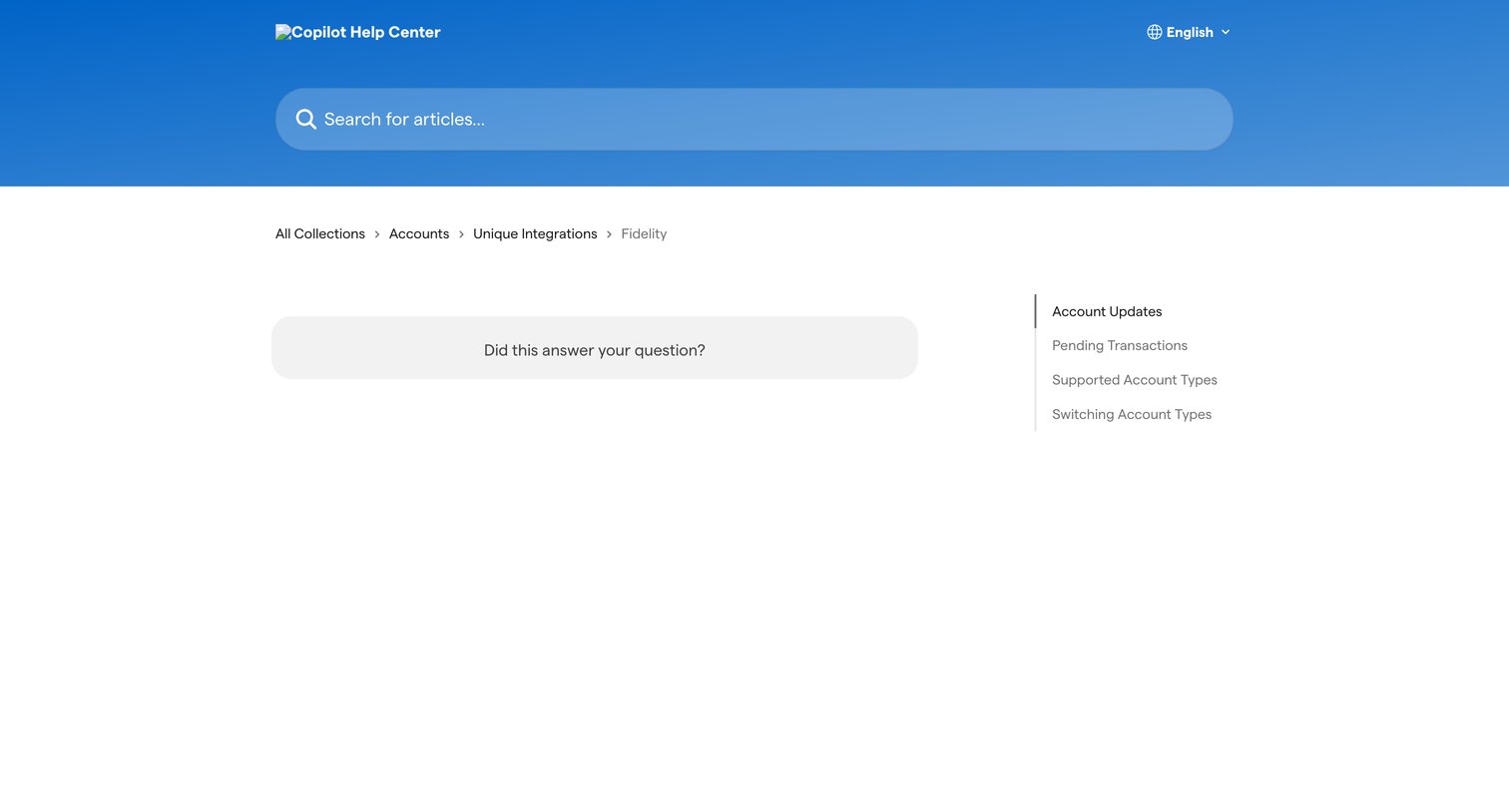

Help center article page for the Fidelity integration featuring a prominent search bar, breadcrumb navigation, and a right rail with related account update articles.
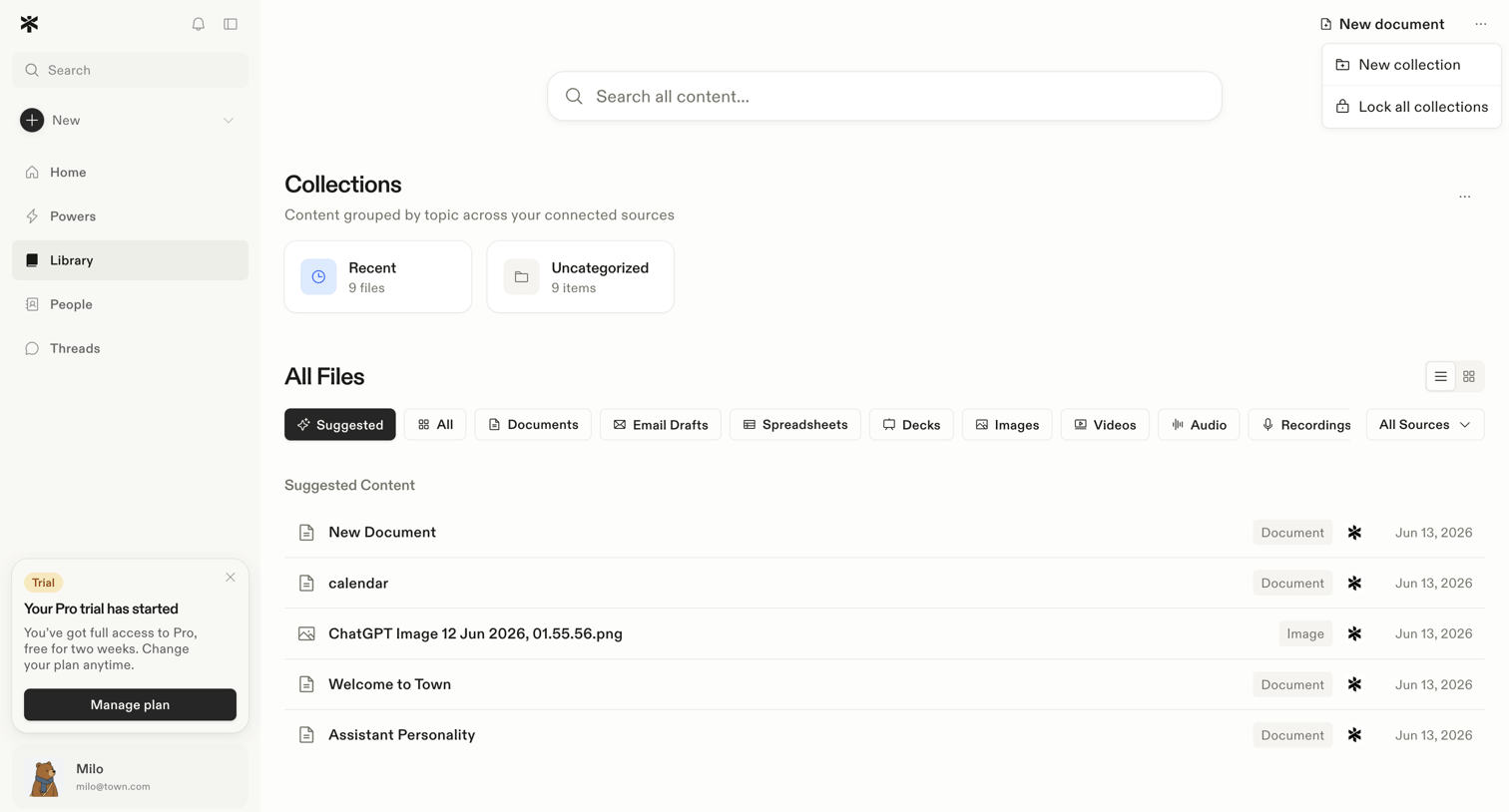

Content library where the user browses collections and filters all files by type or source.
Explore the full SaaS screen library
Upgrade to unlock the full library.
Trusted by the best teams







