Help desk screen examples
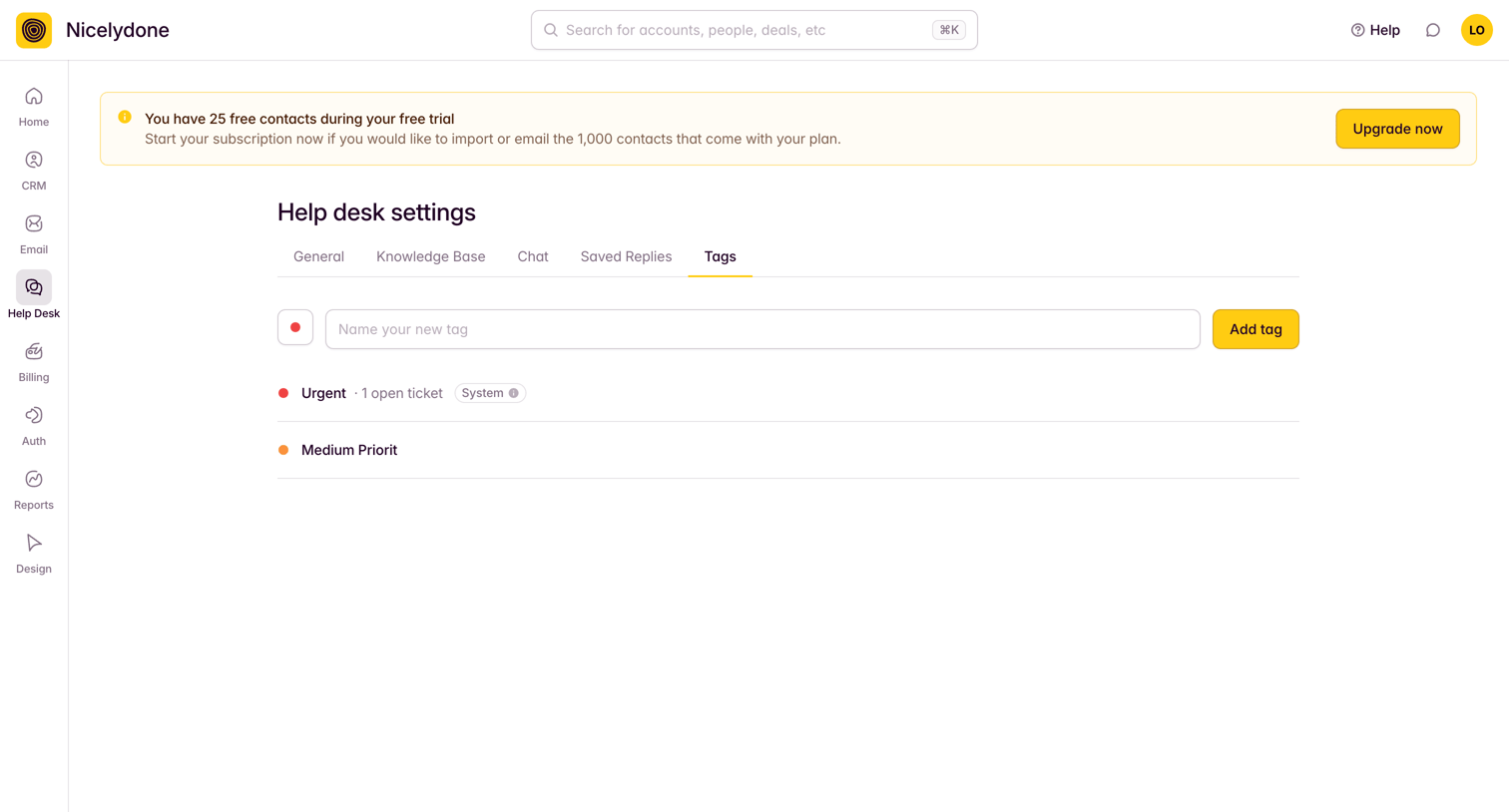
Help desk screen design examples from SaaS apps. Browse examples from Latitude.sh, Bird, Outseta.
Explore the examples
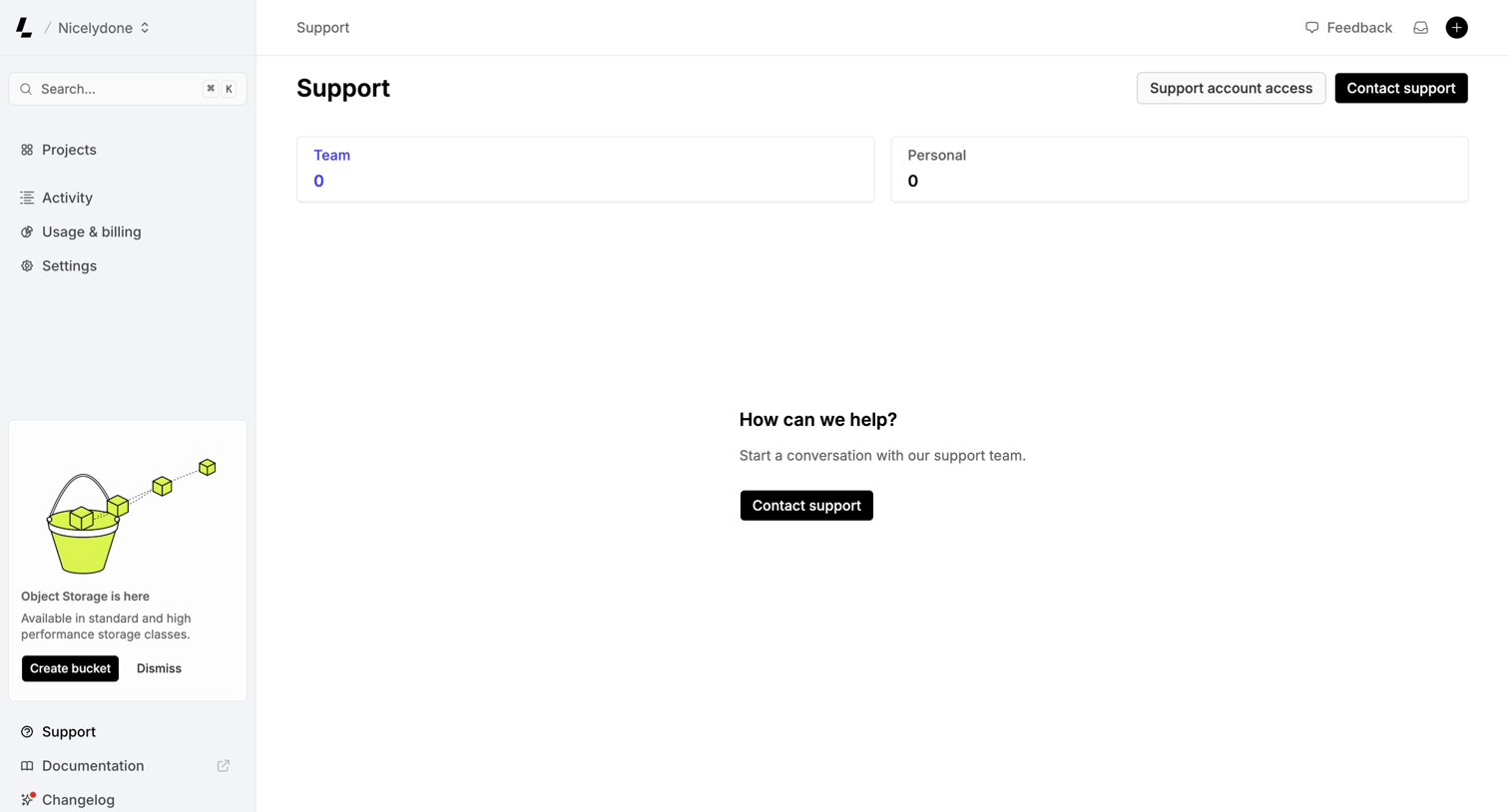

Support inbox where the user can view team or personal tickets and start a new conversation with the support team.
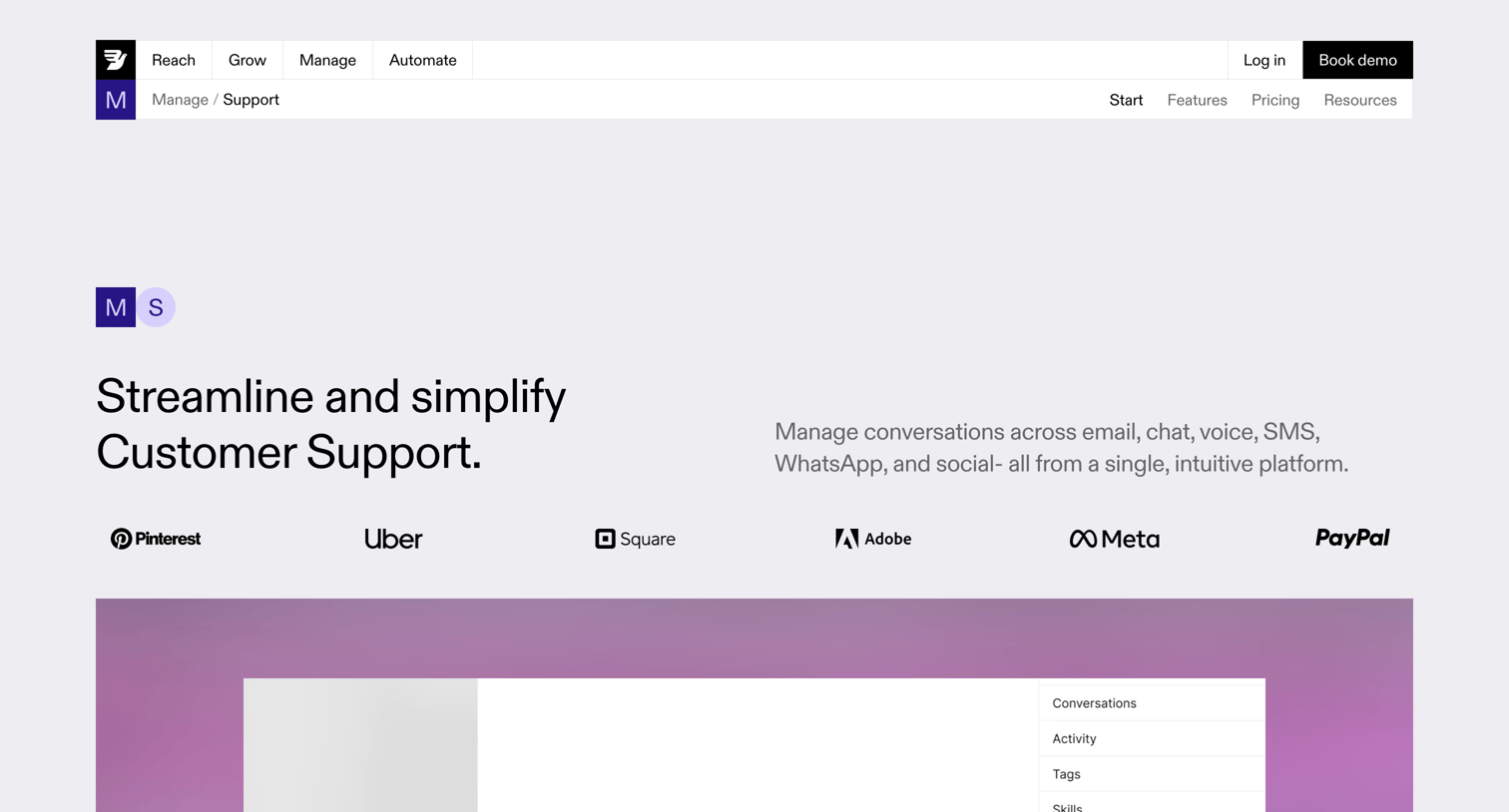

Product page showcasing an omnichannel customer support solution with features for team collaboration, analytics, integrations, and pricing.

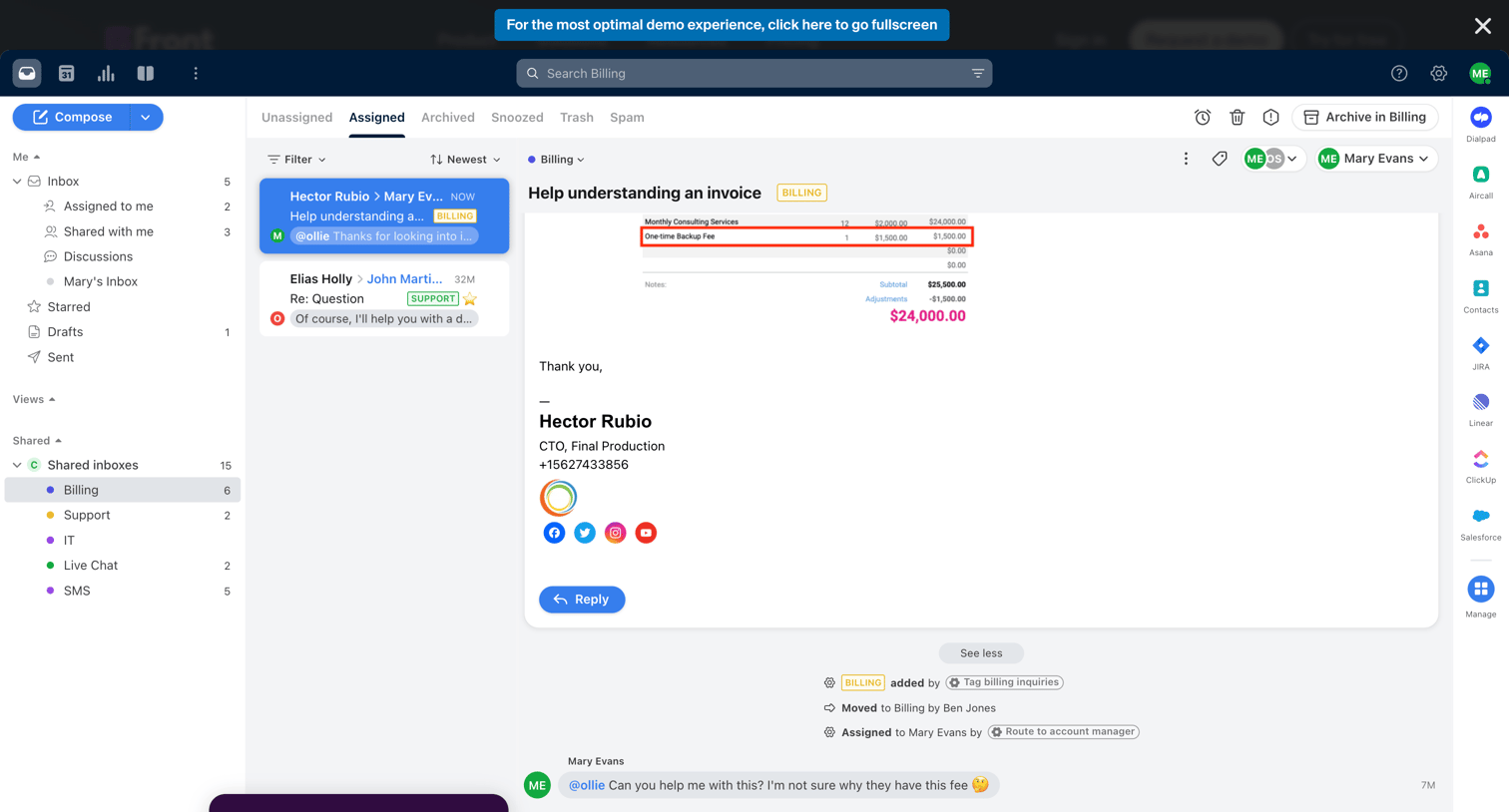

Inbox view where the user reads an assigned email about a billing inquiry and has an internal conversation with teammates directly on the thread.
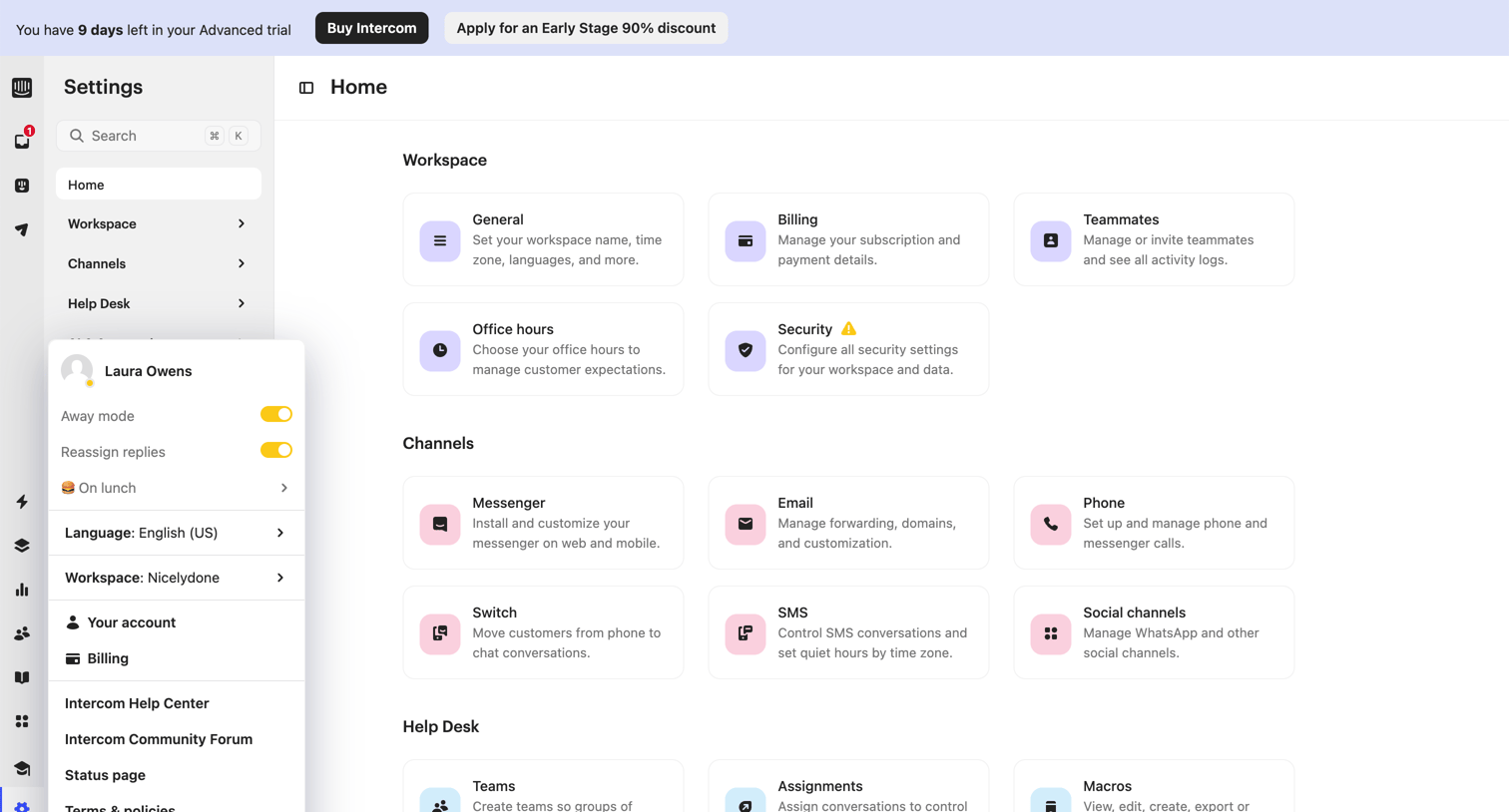

Settings overview page where the user navigates between workspace, channels, and help desk configuration categories via a card grid, with an open user profile menu.
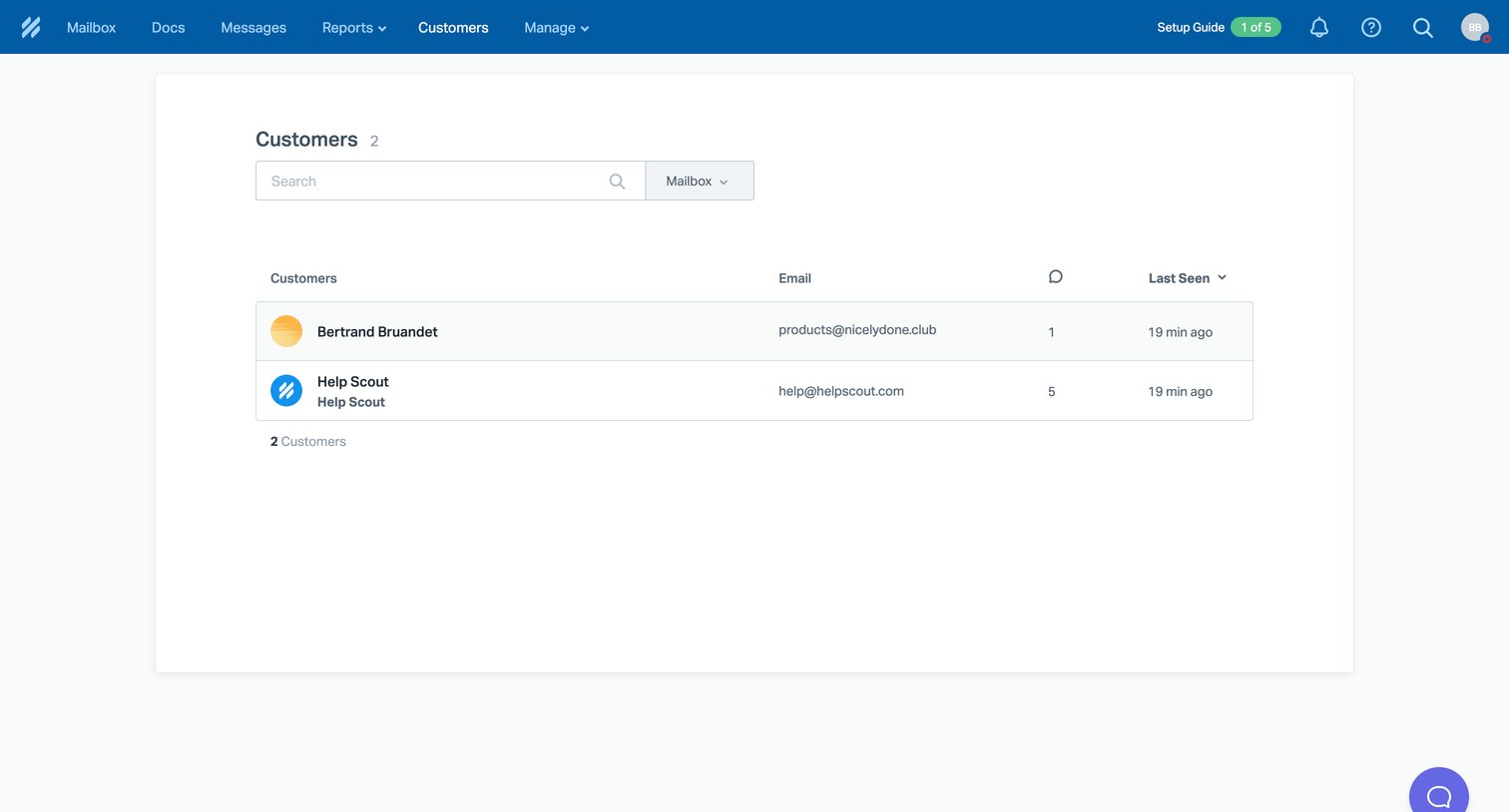

List view where the user can search and browse their customers, showing email, message count, and last seen time in a data table.
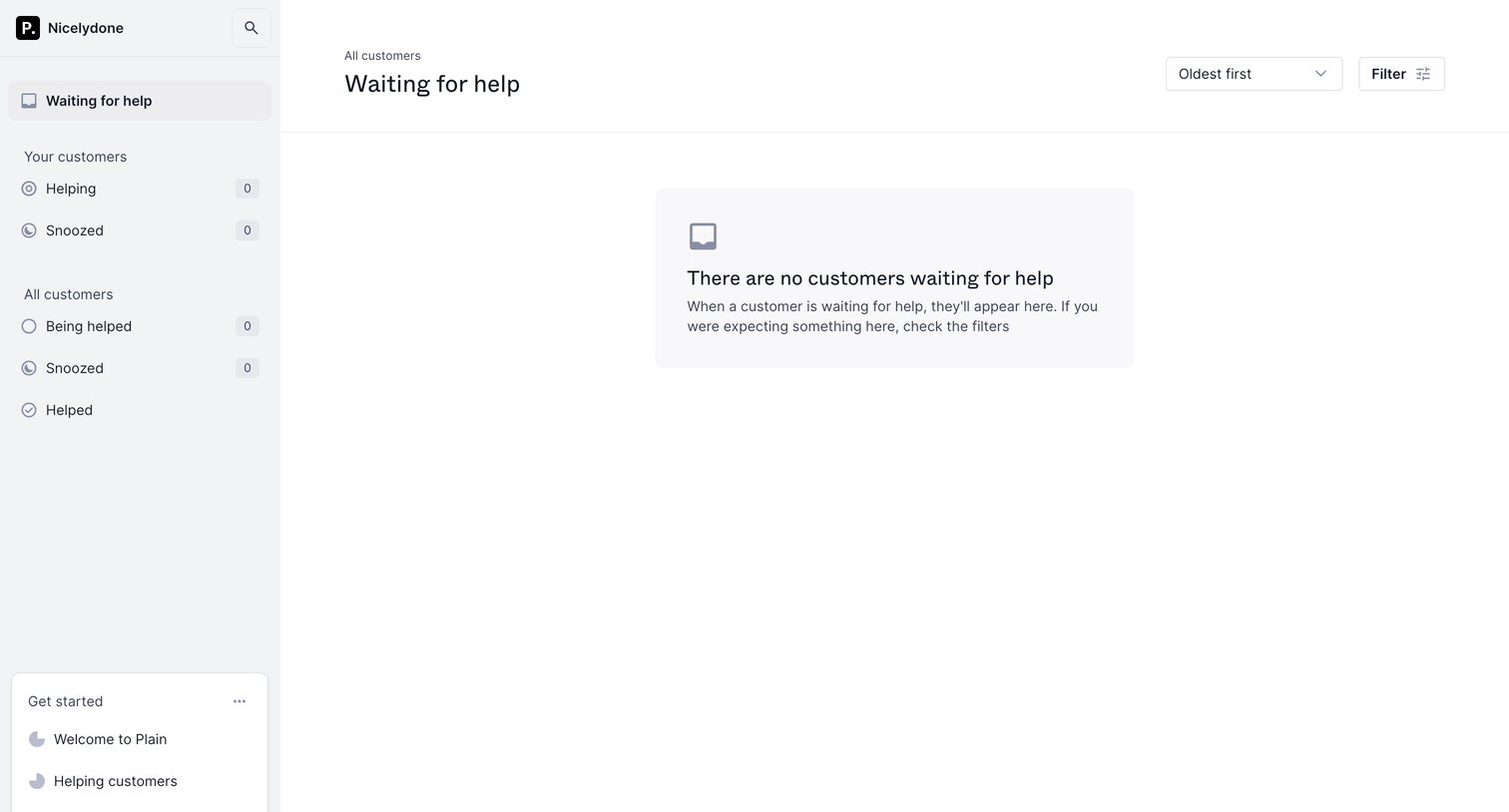

Inbox view where the user manages customers waiting for help, currently showing an empty state with a getting started checklist in the sidebar.
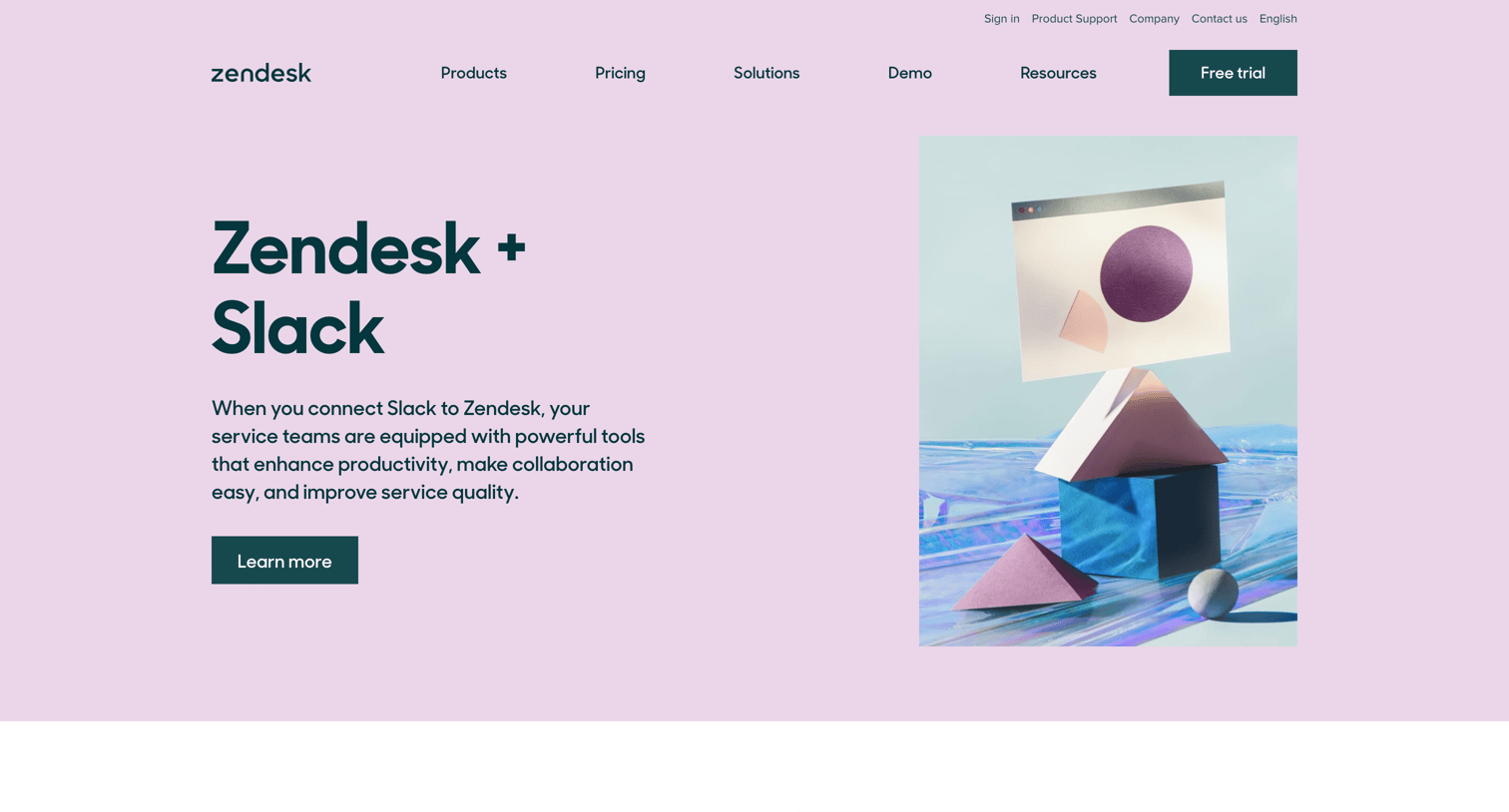

Marketing feature page highlighting the Zendesk and Slack integration, showcasing alternating feature benefits, a short customer story, and related resources.
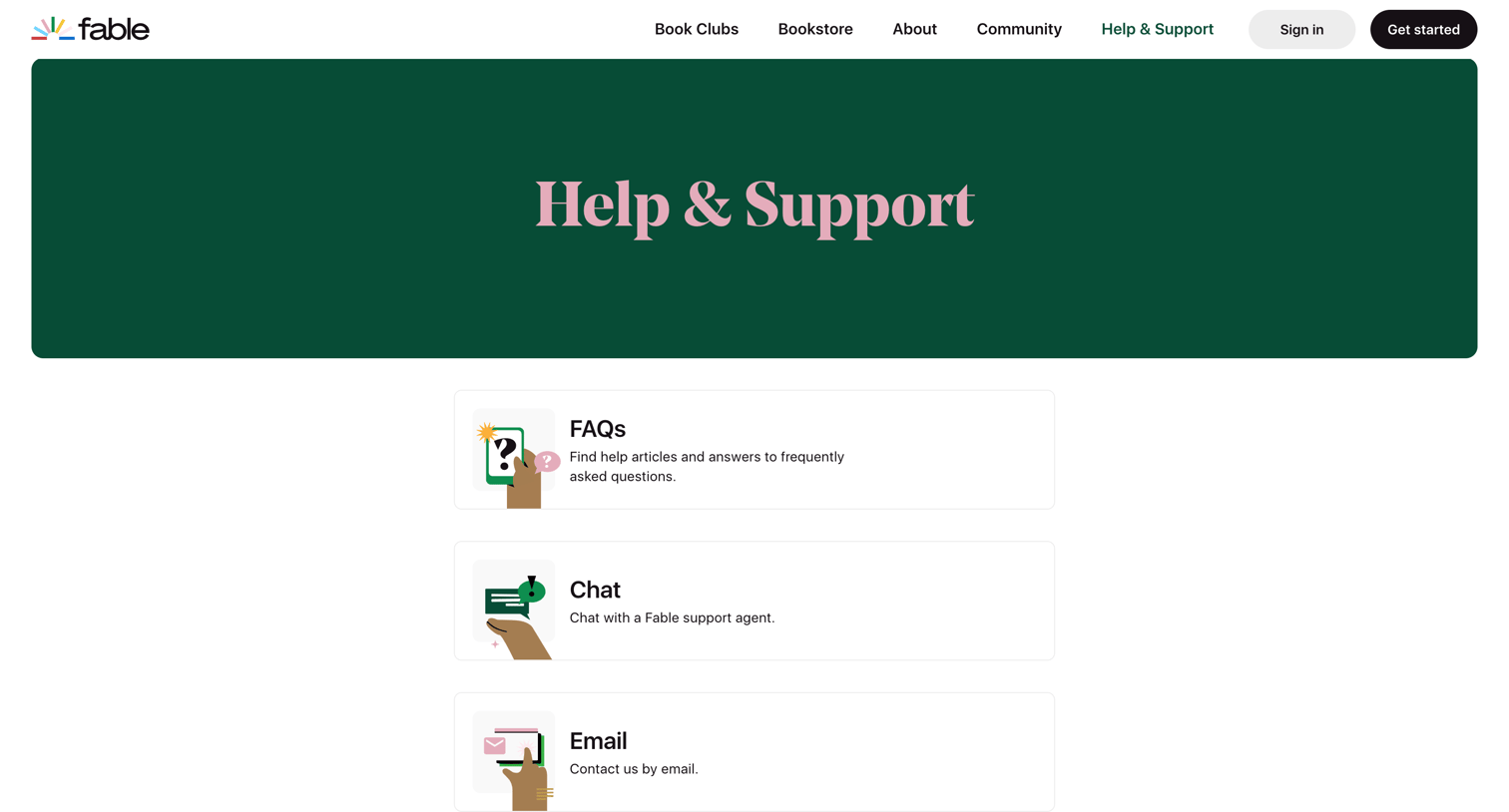

Help center landing page offering users options to browse FAQs, start a chat, or send an email for support.
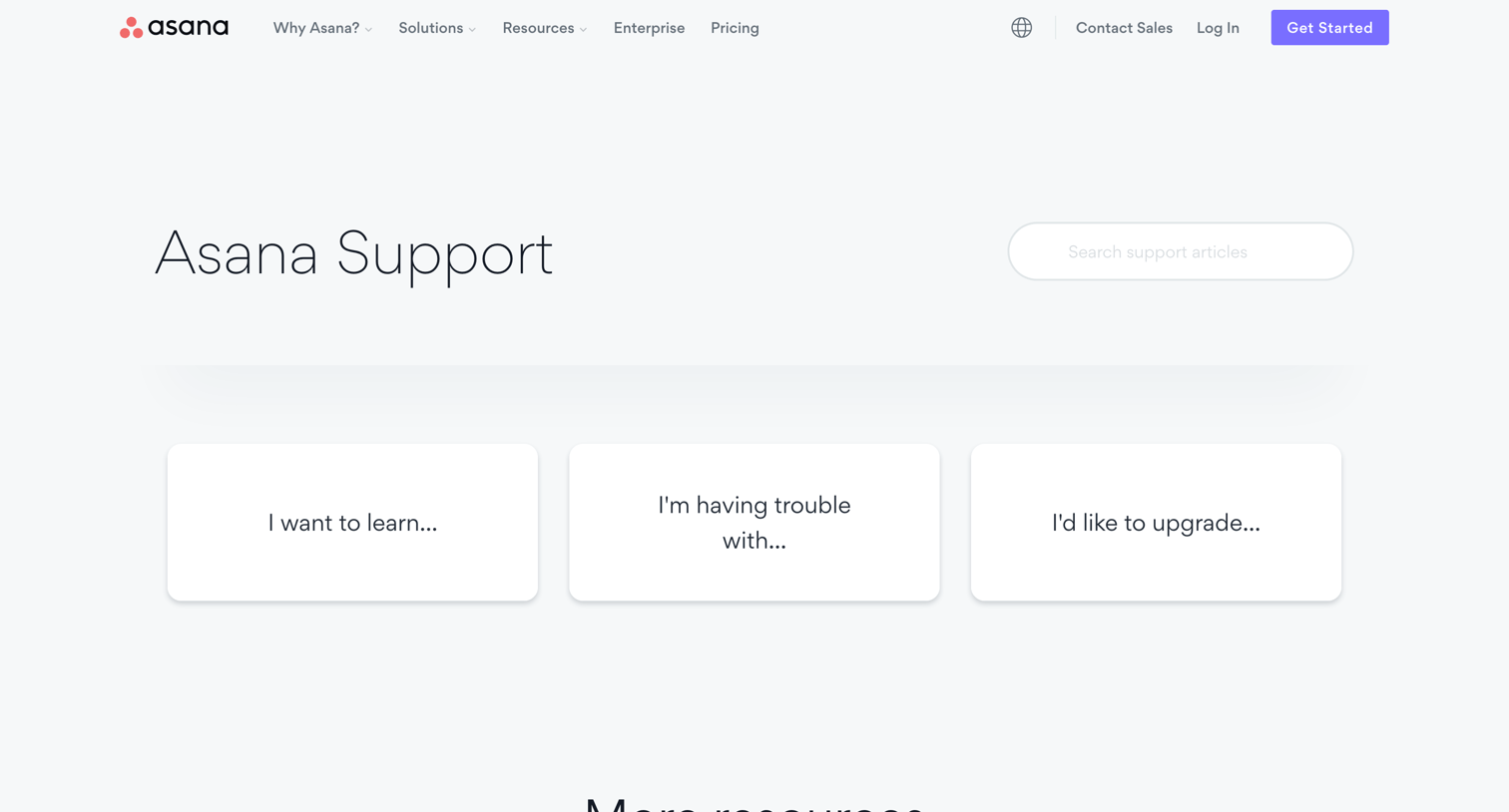

Help center homepage where the user can search for support articles or navigate to specific categories like learning, troubleshooting, and upgrading.
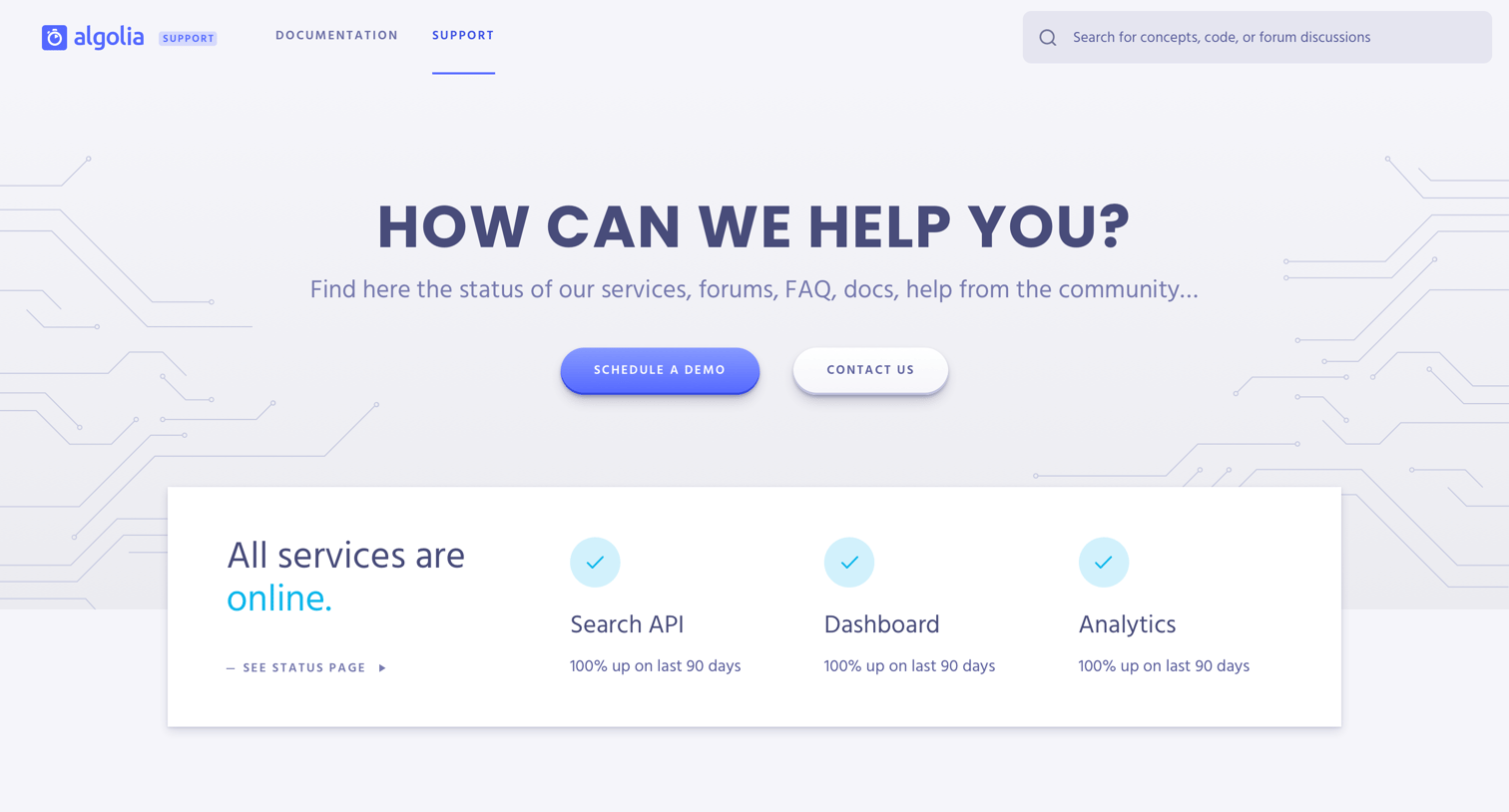

Support center landing page where the user can check system status, browse documentation guides, access community forums, and read frequently asked questions.
Explore the full SaaS screen library
Upgrade to unlock the full library.
Trusted by the best teams







