Algolia design examples
Explore Algolia UI design examples. The most flexible search & navigation platform
Product screens

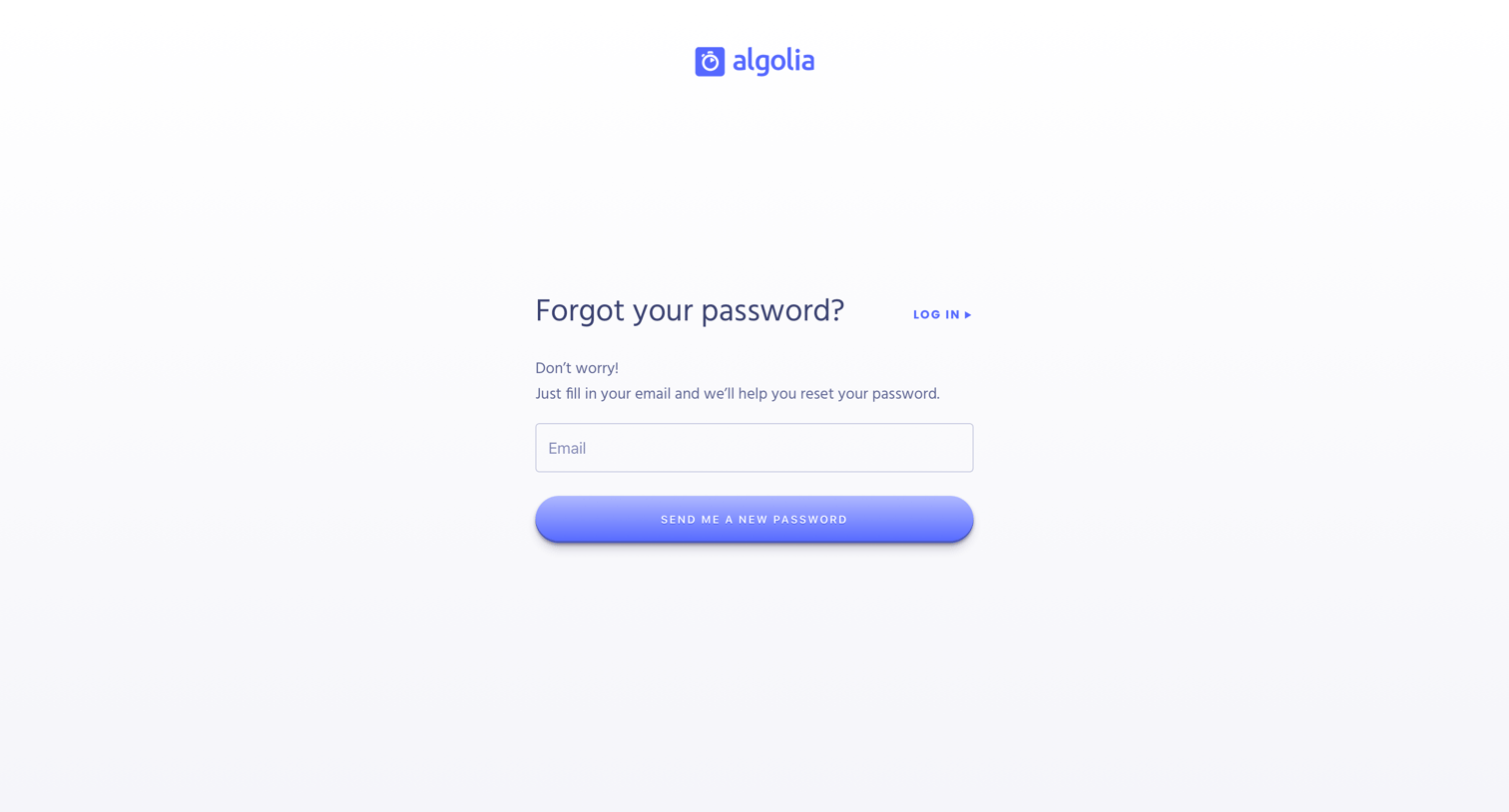

Password recovery screen where the user enters their email address to receive a reset link.


Verification screen where the user is instructed to check their inbox for a confirmation link or request a new one.

Verification screen where the user is informed that a confirmation email has been successfully sent and can request a new link if needed.

Onboarding step where the user provides their name, phone, country, company, and field of work to complete their account setup.

Onboarding step where the user selects their preferred datacenter region from a world map or dropdown to optimize indexing latency.

Dashboard overview blocked by a modal requiring the user to agree to updated terms and conditions and privacy policy before they can interact with their usage metrics or the onboarding task list.
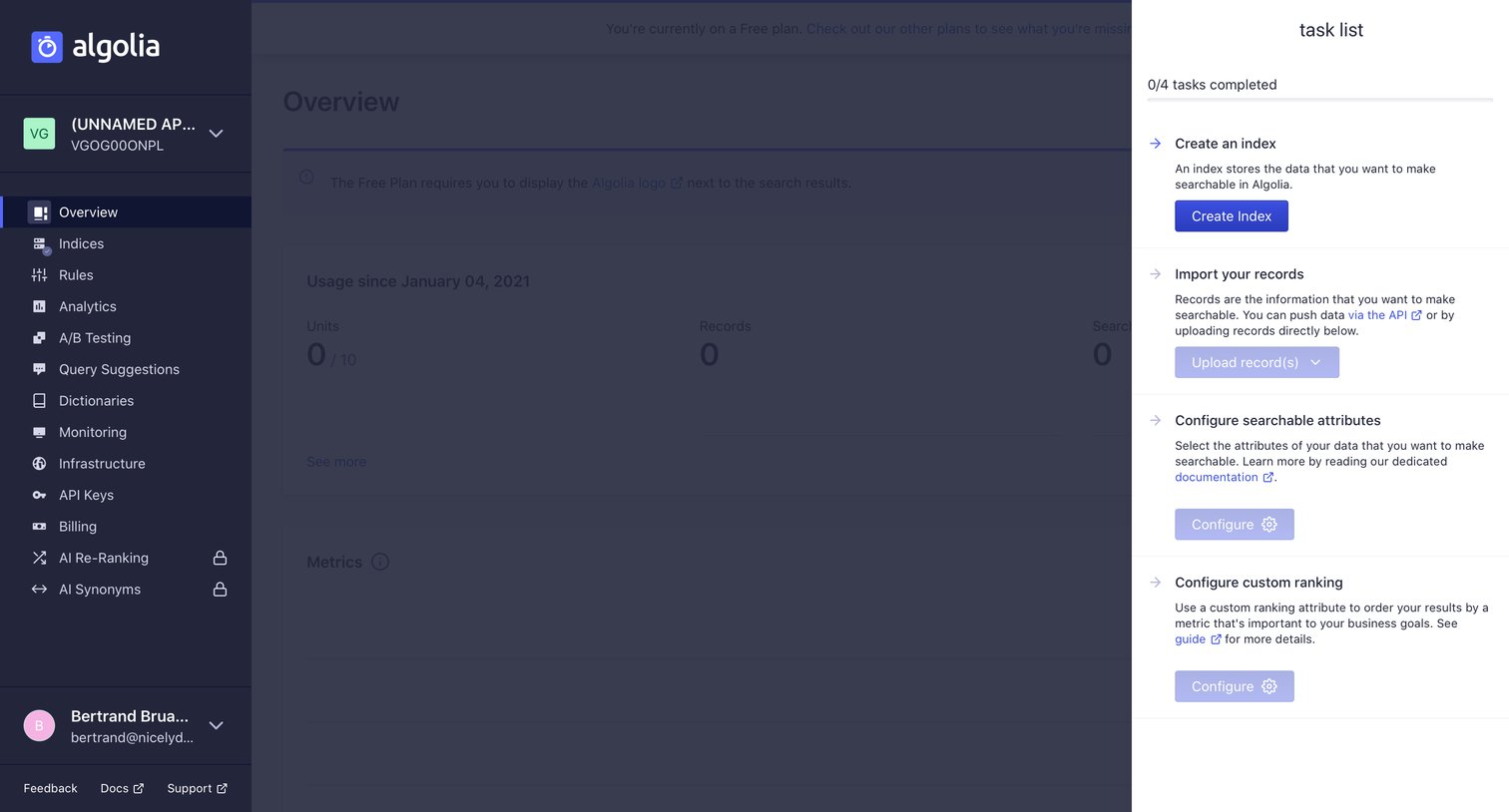
Dashboard with a right-side drawer showing a setup checklist for creating an index, importing records, and configuring attributes.

Dashboard with an active modal for creating a new search index and a getting-started task list in the right sidebar.
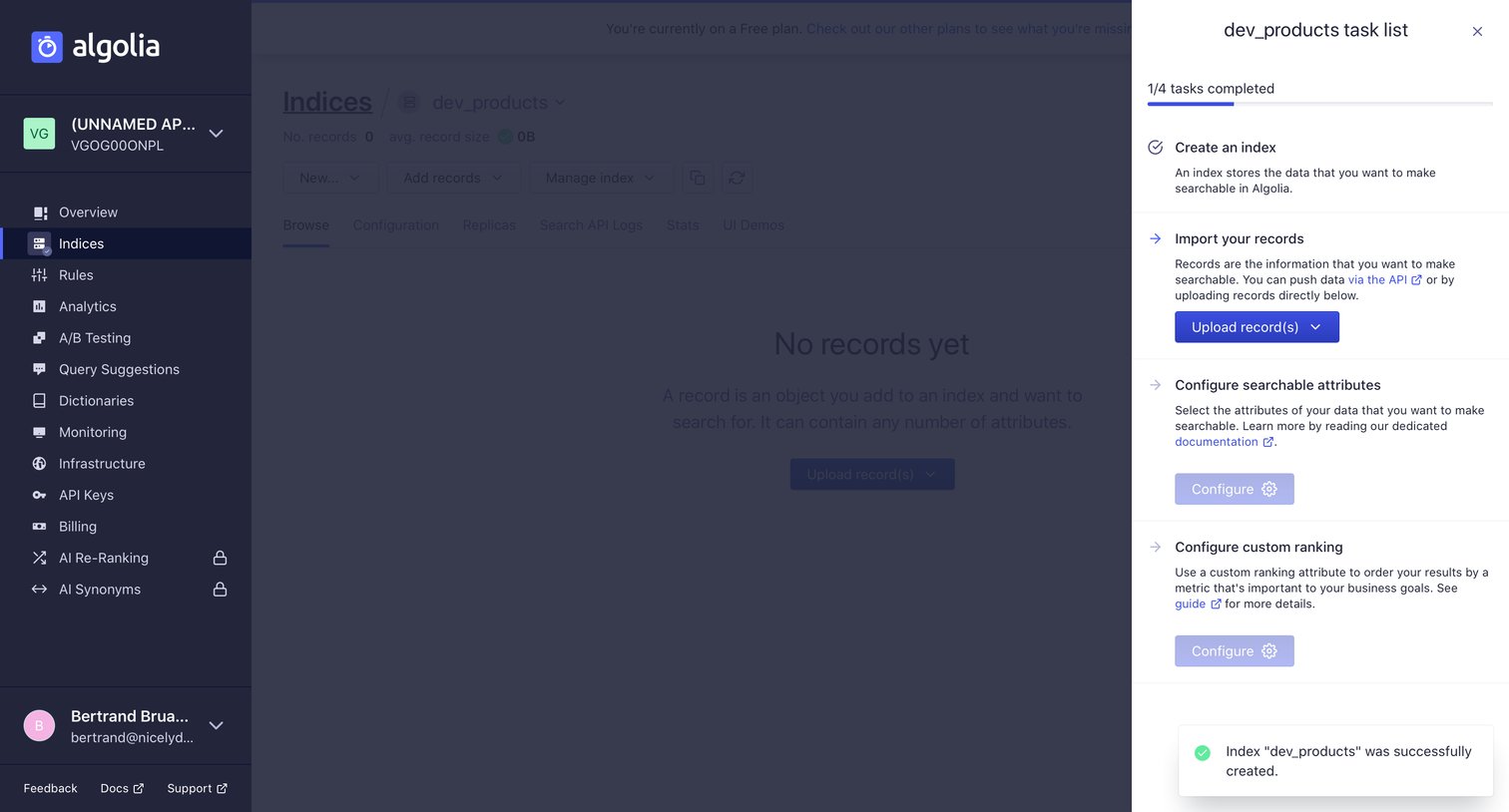
List view for an empty index with a side drawer showing a setup checklist for importing records and configuring attributes.
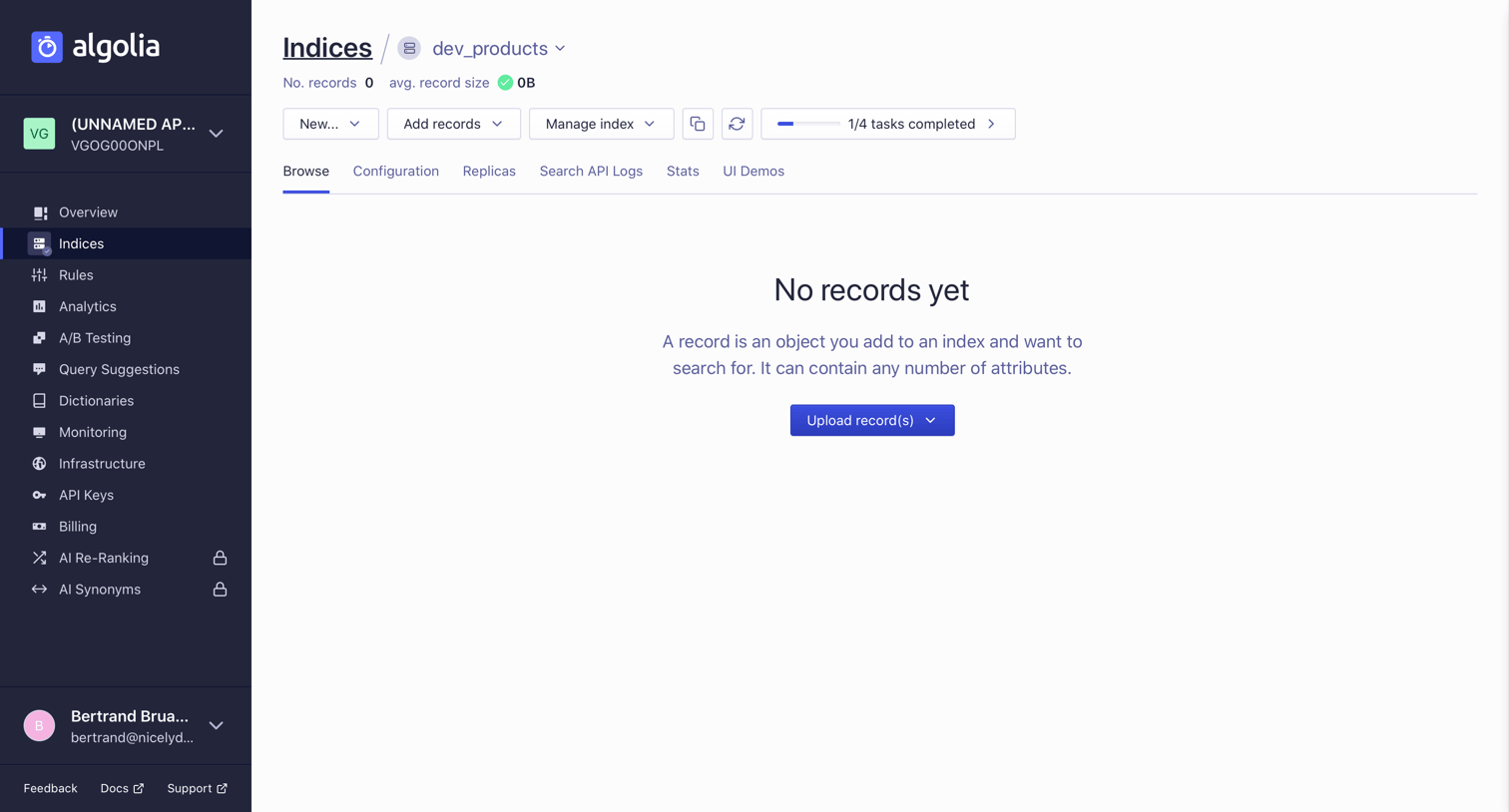
List view where the user manages a specific search index, currently showing an empty state prompting them to upload records.
Browse the full SaaS app library
Explore real SaaS apps with their product screens, marketing screens, flows, and components.
Trusted by the best teams







