Getting started screen examples
Getting started screen design examples from SaaS apps. Browse examples from Polar, Magnific, Flask.
Explore the examples
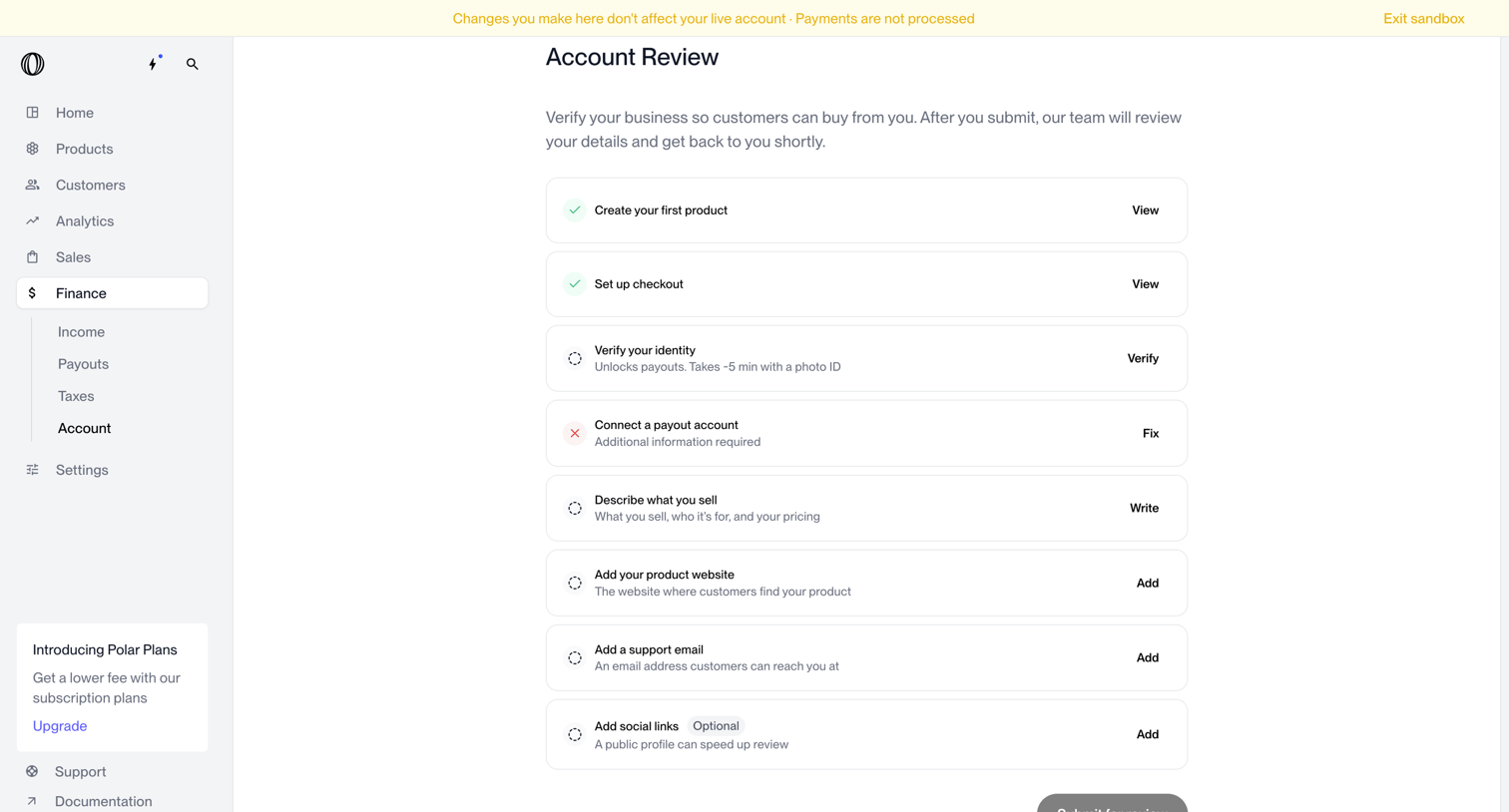

Onboarding screen where the user completes tasks like verifying identity and connecting a payout account to verify their business.
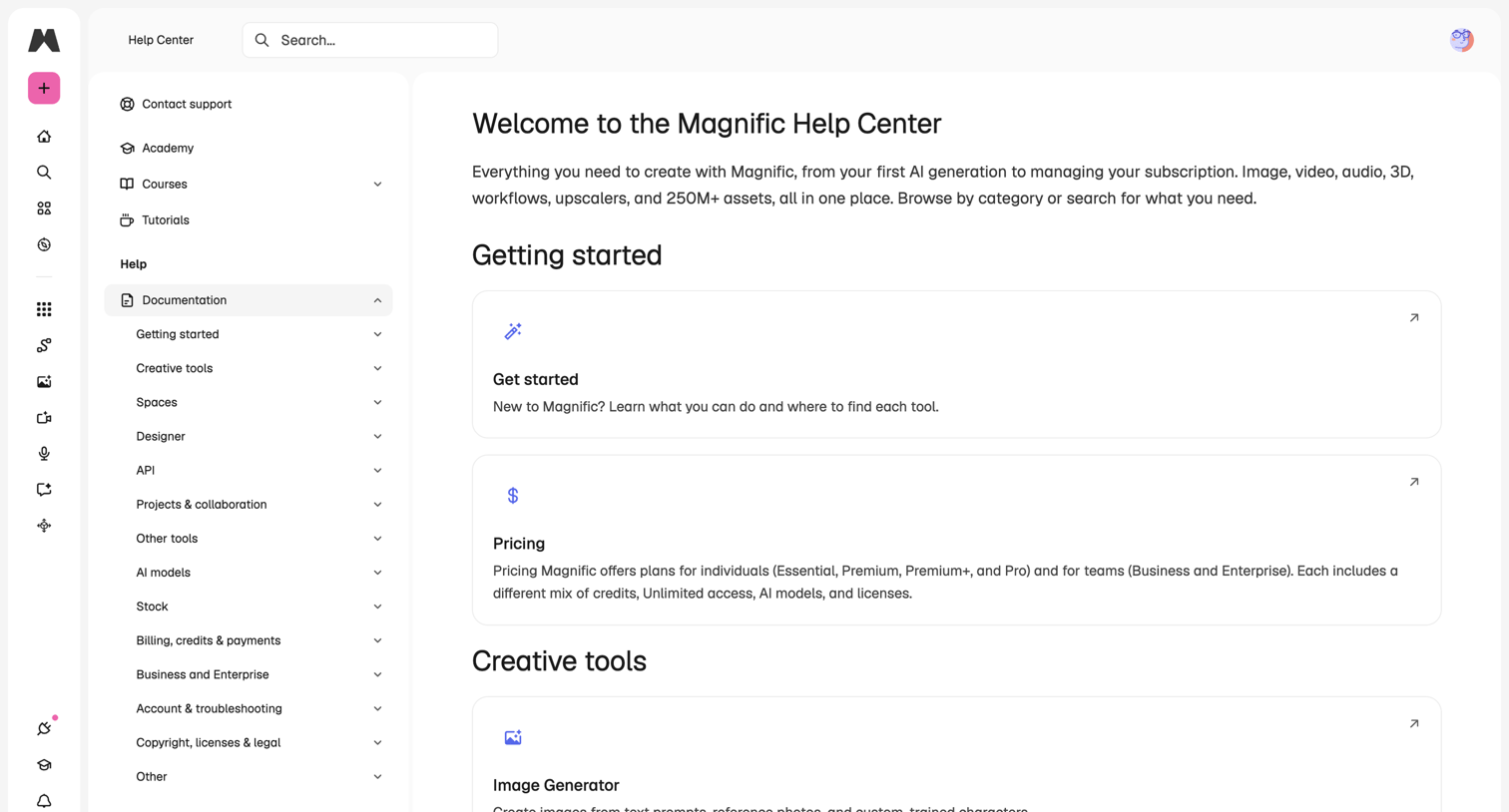

Help center homepage where the user can search for answers or browse documentation categories like getting started, pricing, and creative tools.
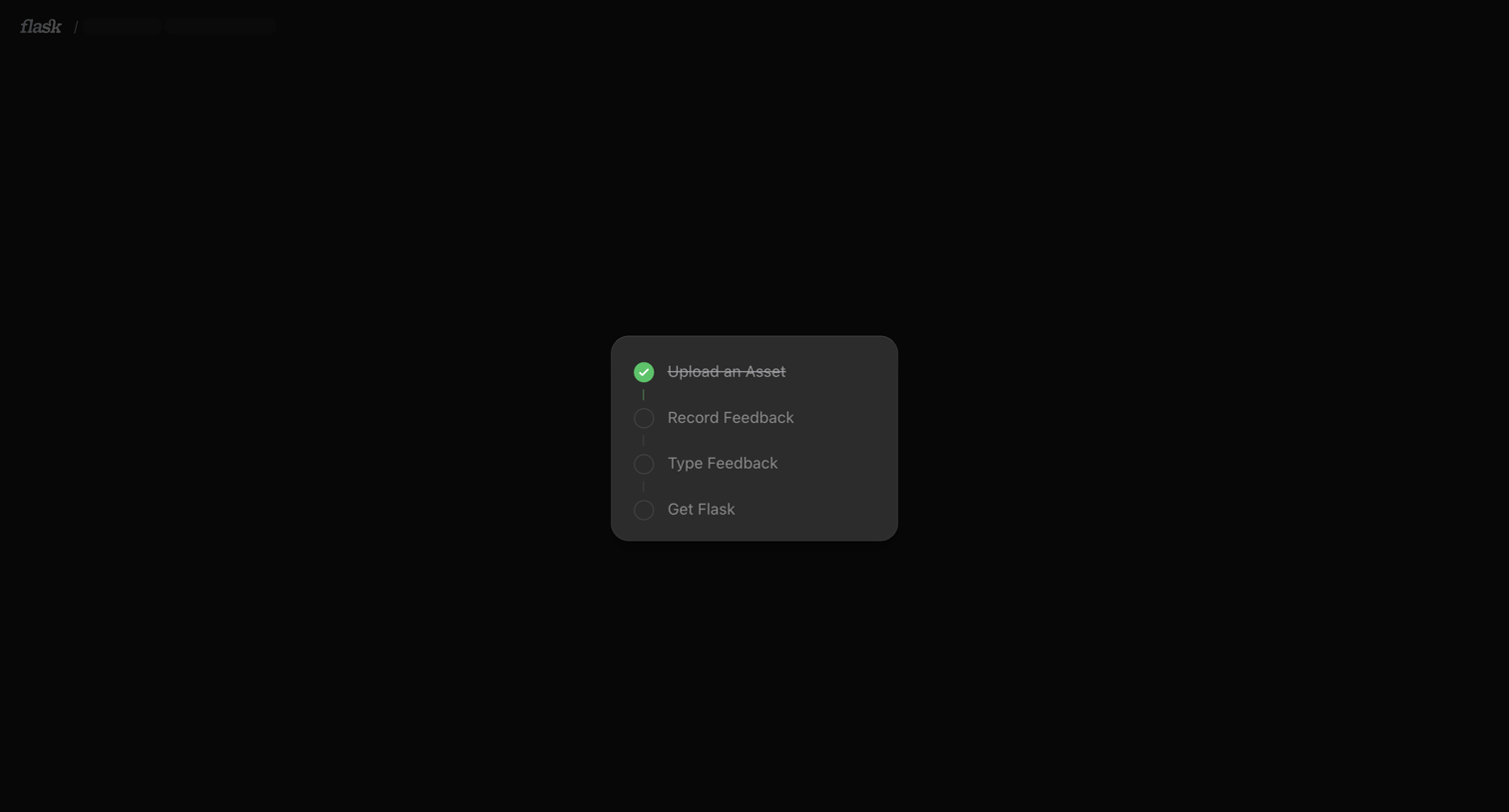

Onboarding screen featuring a centered vertical checklist tracking the user's progress through asset upload and feedback steps.
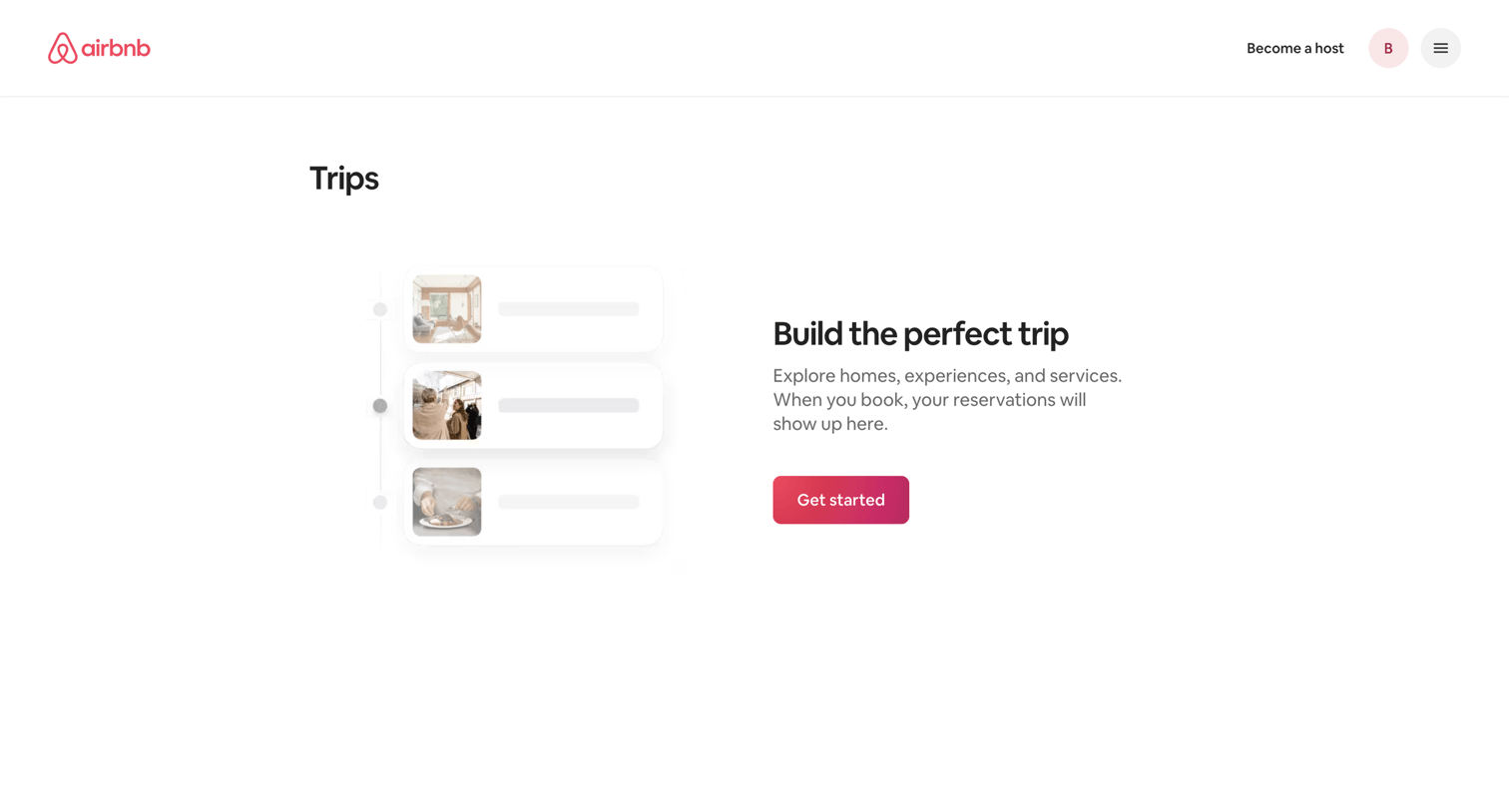

List view showing an empty state for user trips with a stylized timeline illustration and a prompt to start exploring.
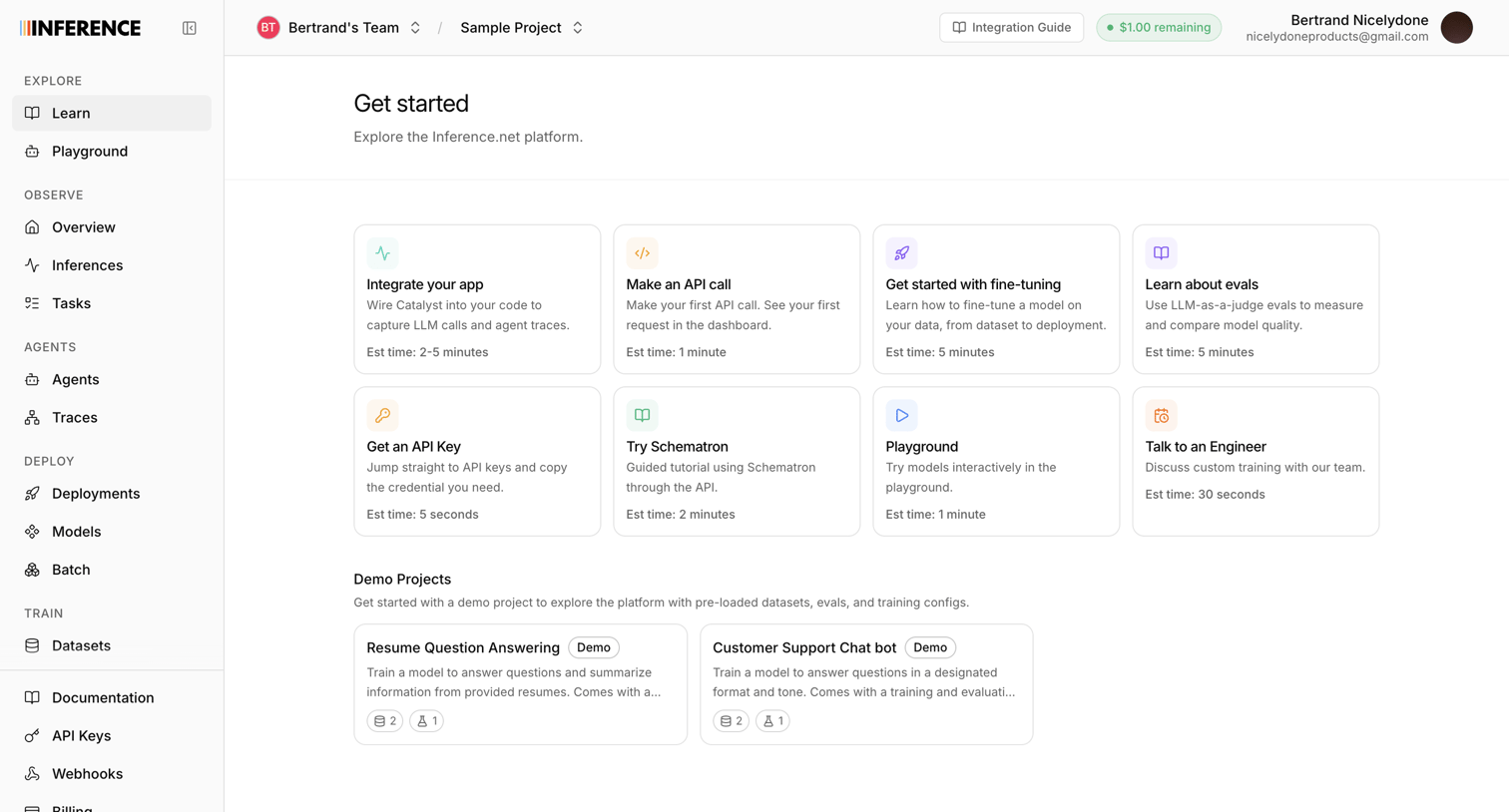

Home screen where the user can explore tutorials, make their first API call, or jump into pre-loaded demo projects.
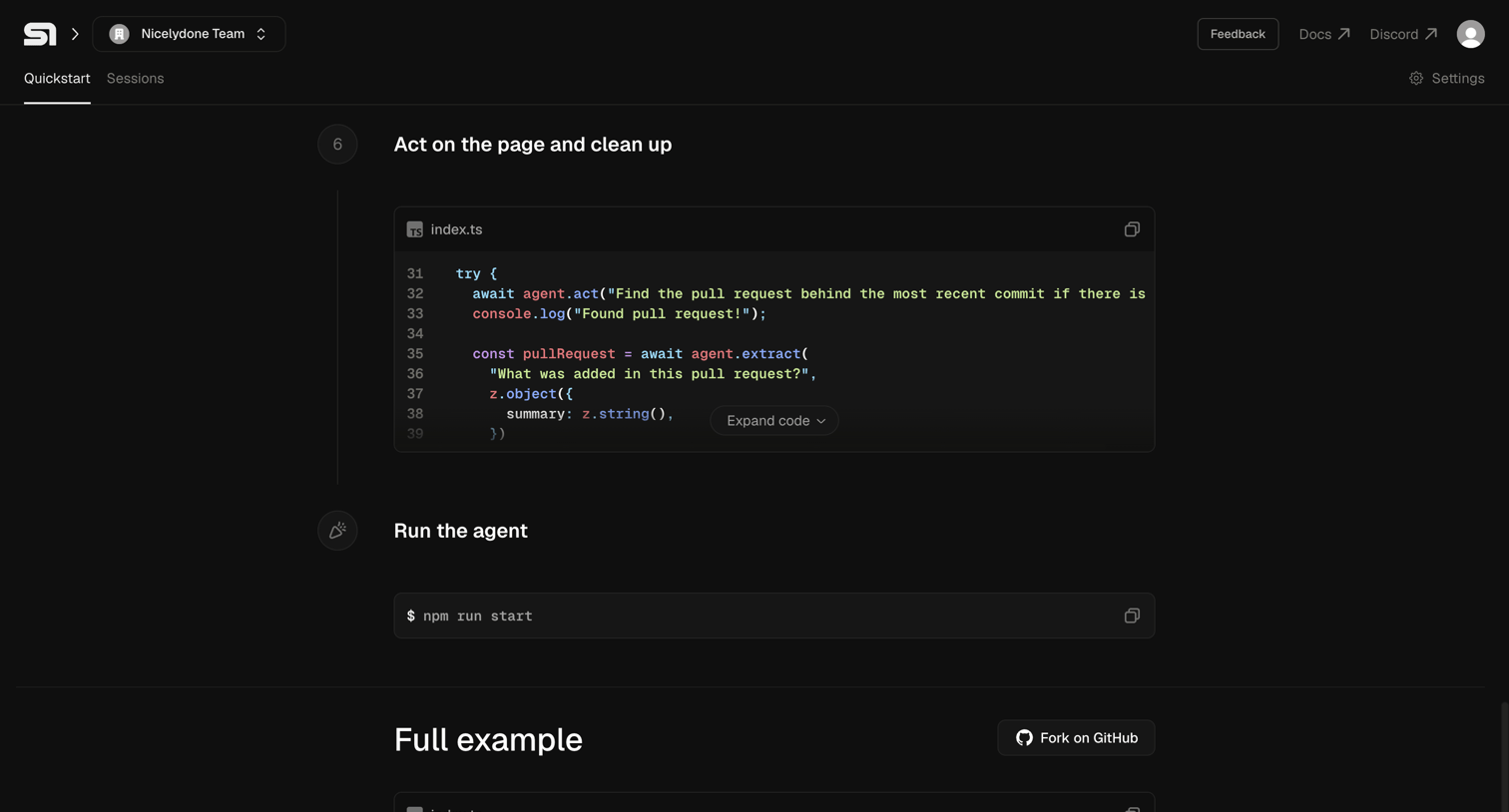

Onboarding quickstart page where a developer follows a timeline of code snippets to act on a page, run an agent, and view a full example.
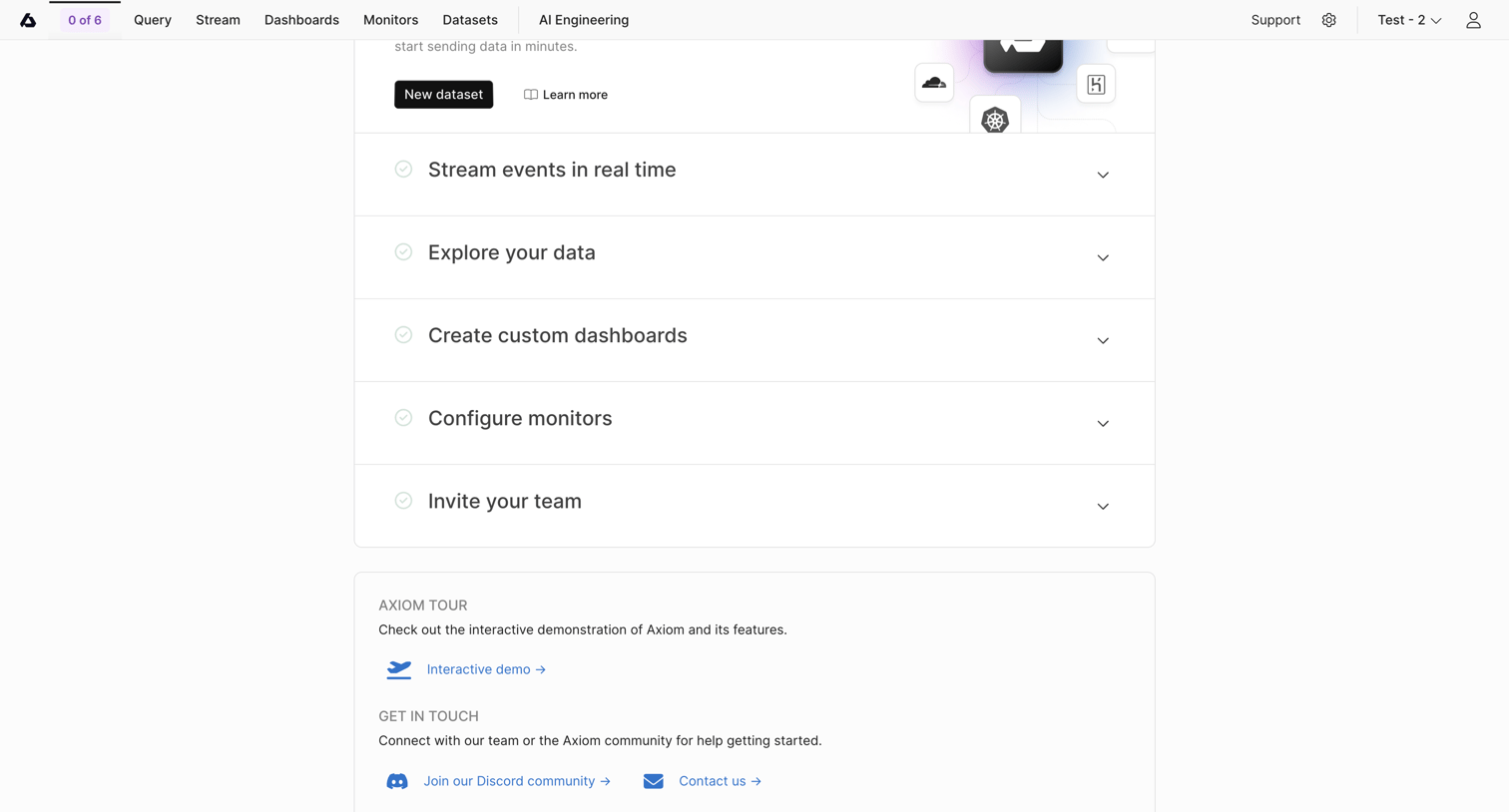

Onboarding screen where the user completes a step-by-step checklist to configure their workspace, create datasets, and invite teammates.
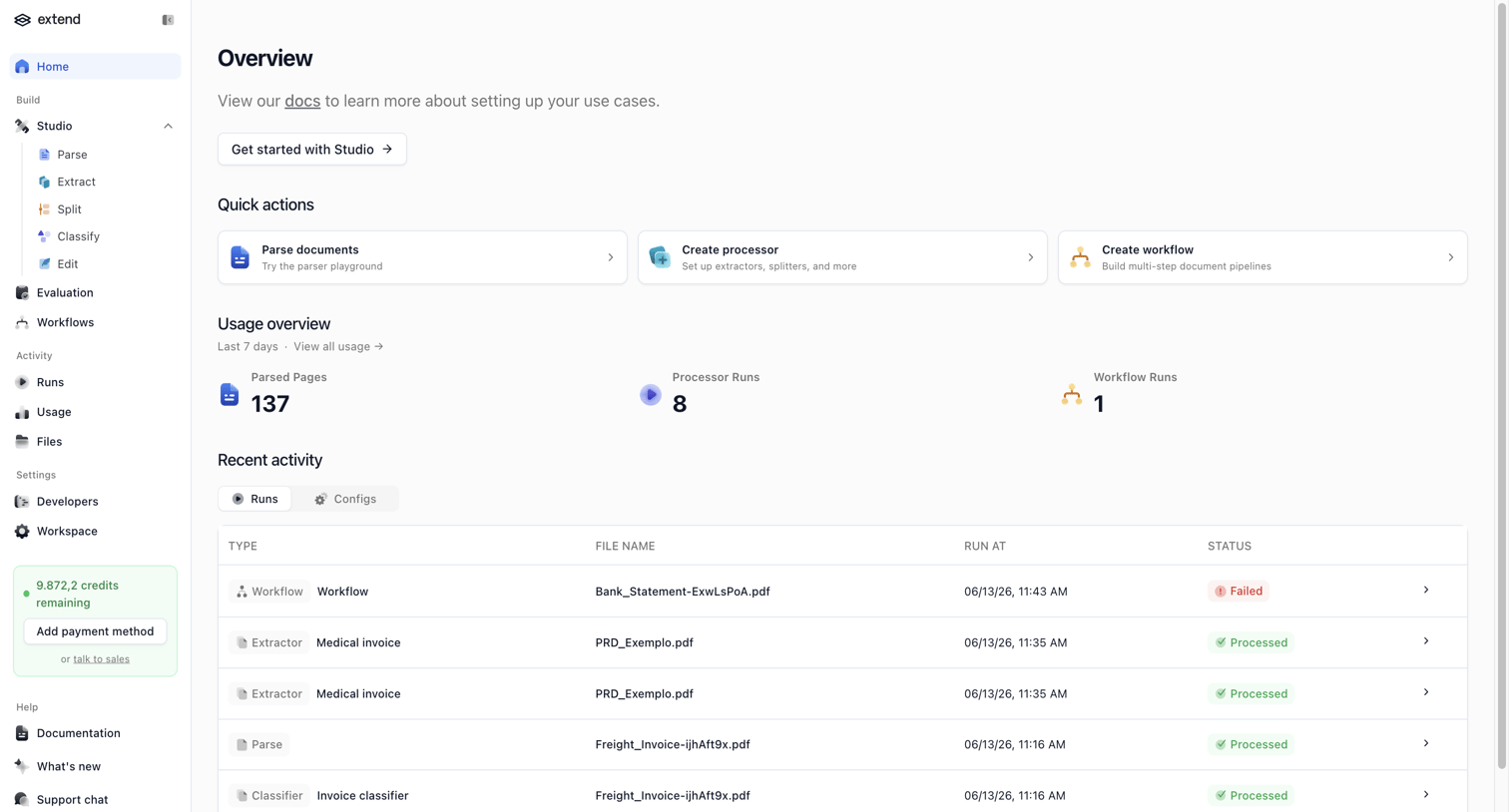

Home screen where the user can access quick actions to parse documents or create workflows, view recent usage statistics, and monitor recent activity runs.
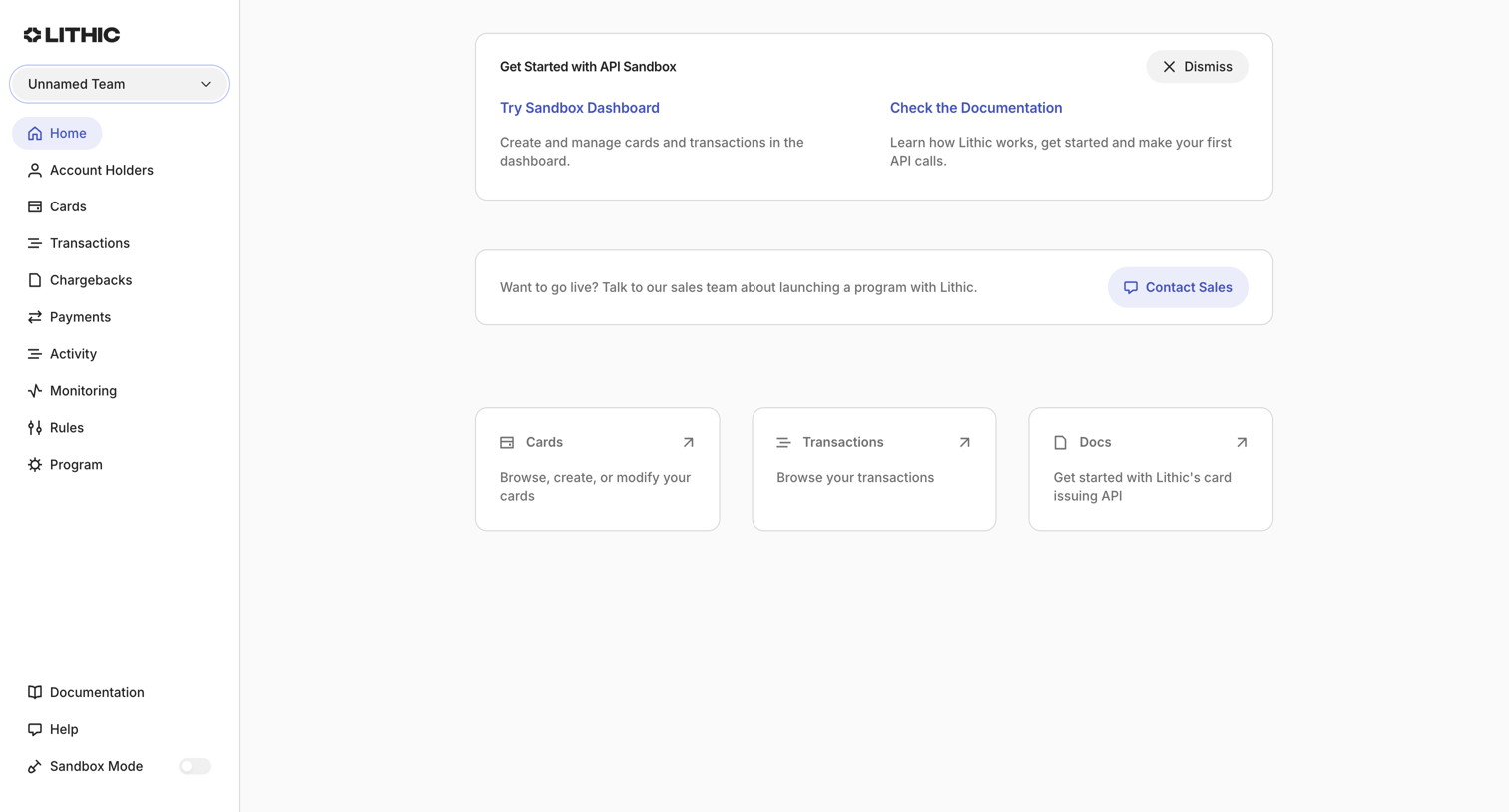

Dashboard start screen in sandbox mode featuring getting-started documentation links, a banner to contact sales for live access, and quick entry points to cards and transactions.
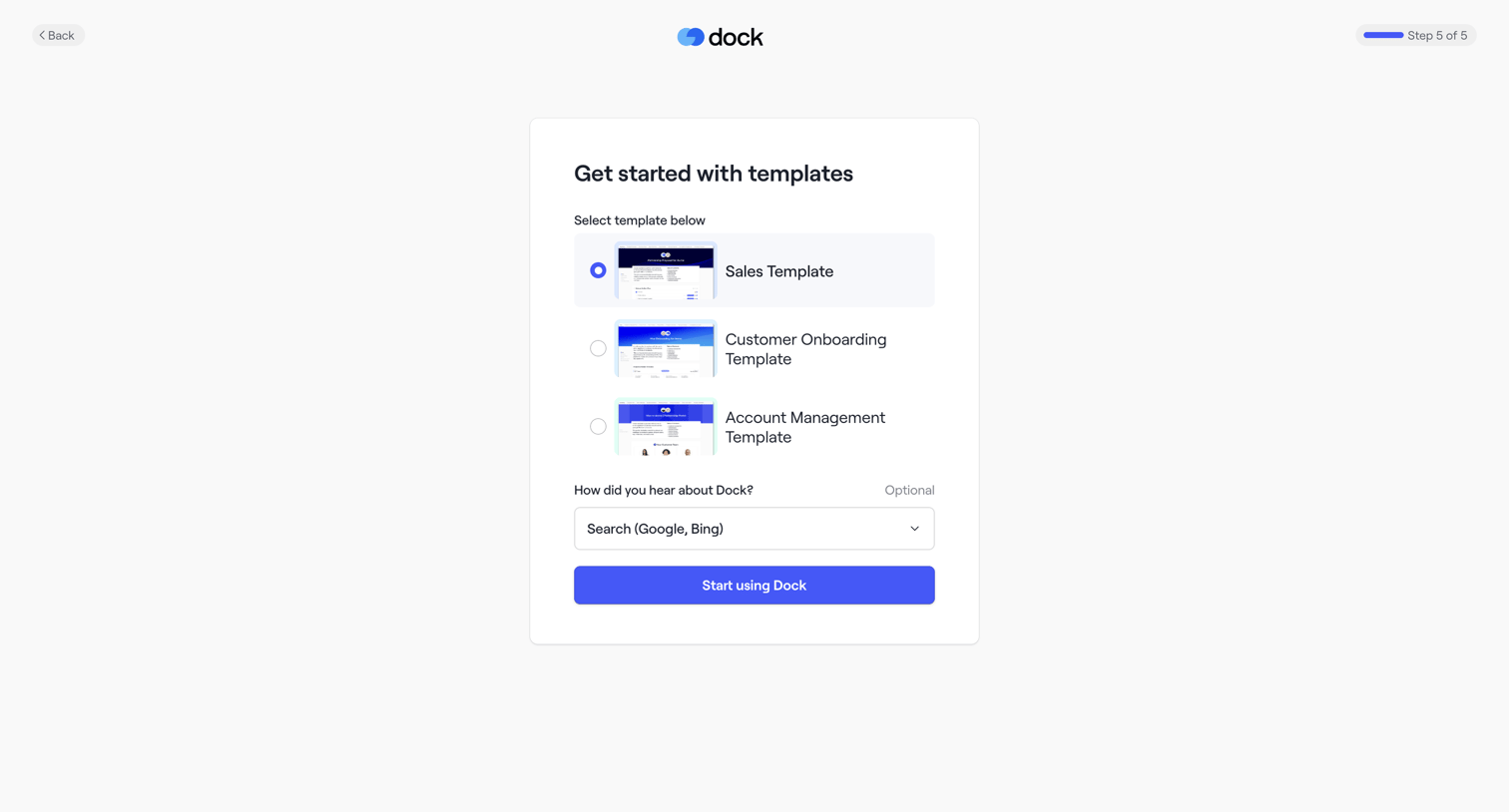

Onboarding step where the user selects a starting template like Sales or Customer Onboarding and indicates how they heard about the product.
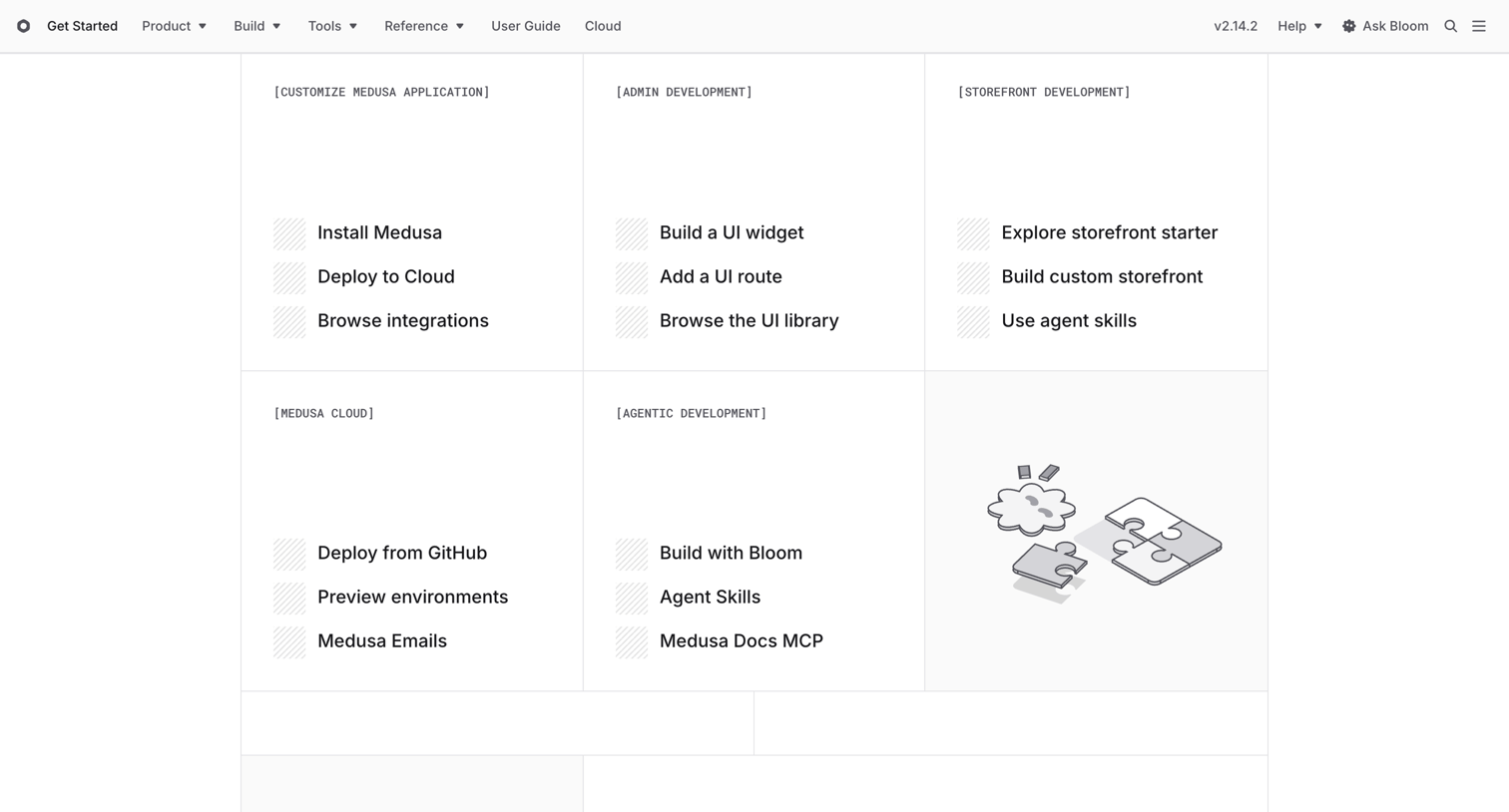

Developers section home page where the user explores guides for customizing the Medusa application, admin, storefront, and cloud deployments.
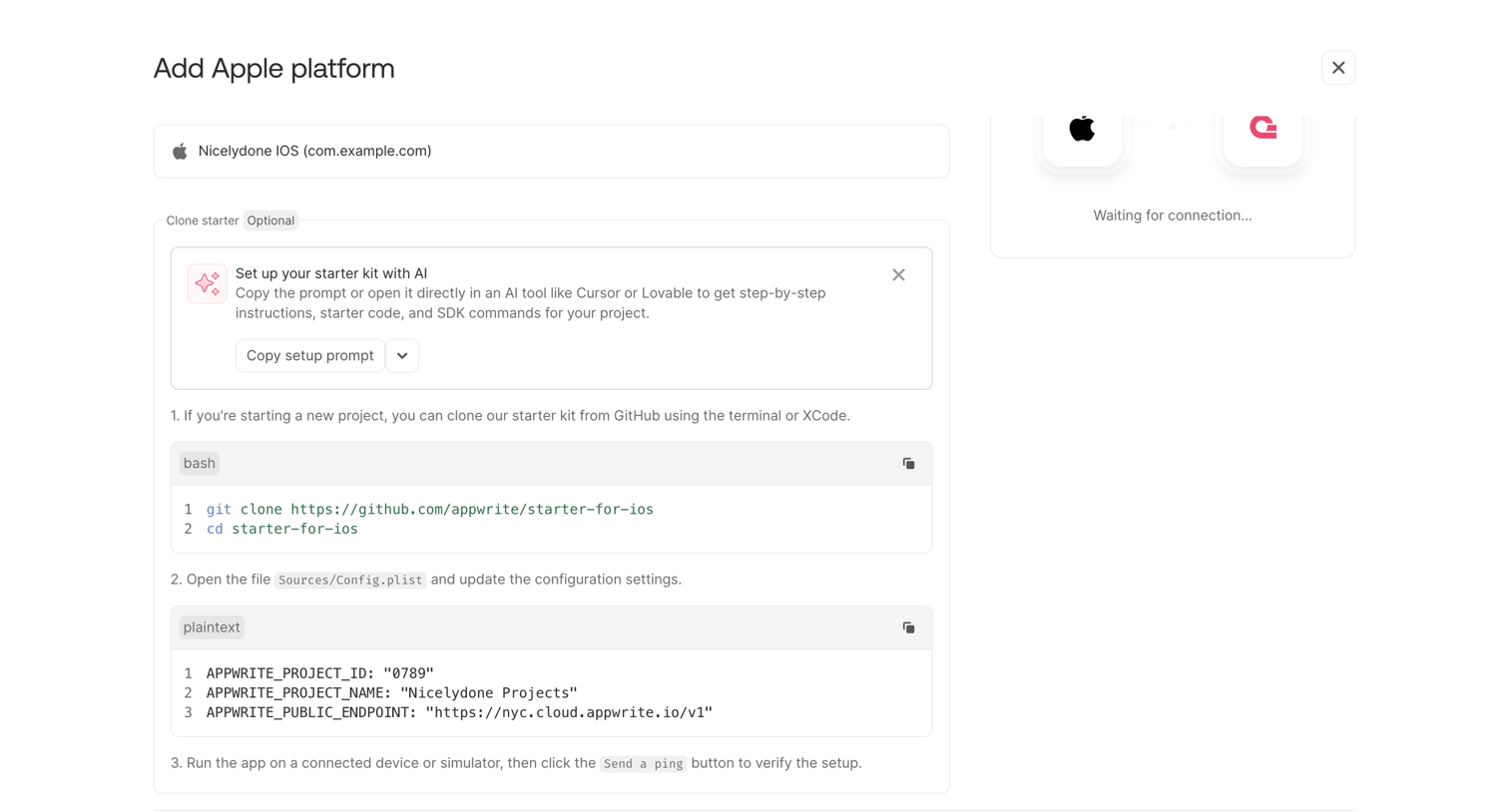

Onboarding step where the user configures an Apple platform by copying starter code and waiting for a connection ping.
Explore the full SaaS screen library
Upgrade to unlock the full library.
Trusted by the best teams







