File organization screen examples
File organization screen design examples from SaaS apps. Explore how apps organize files, folders, and documents. Look at how item details, location, and file actions work together in list, grid, and detail views.
Explore the examples
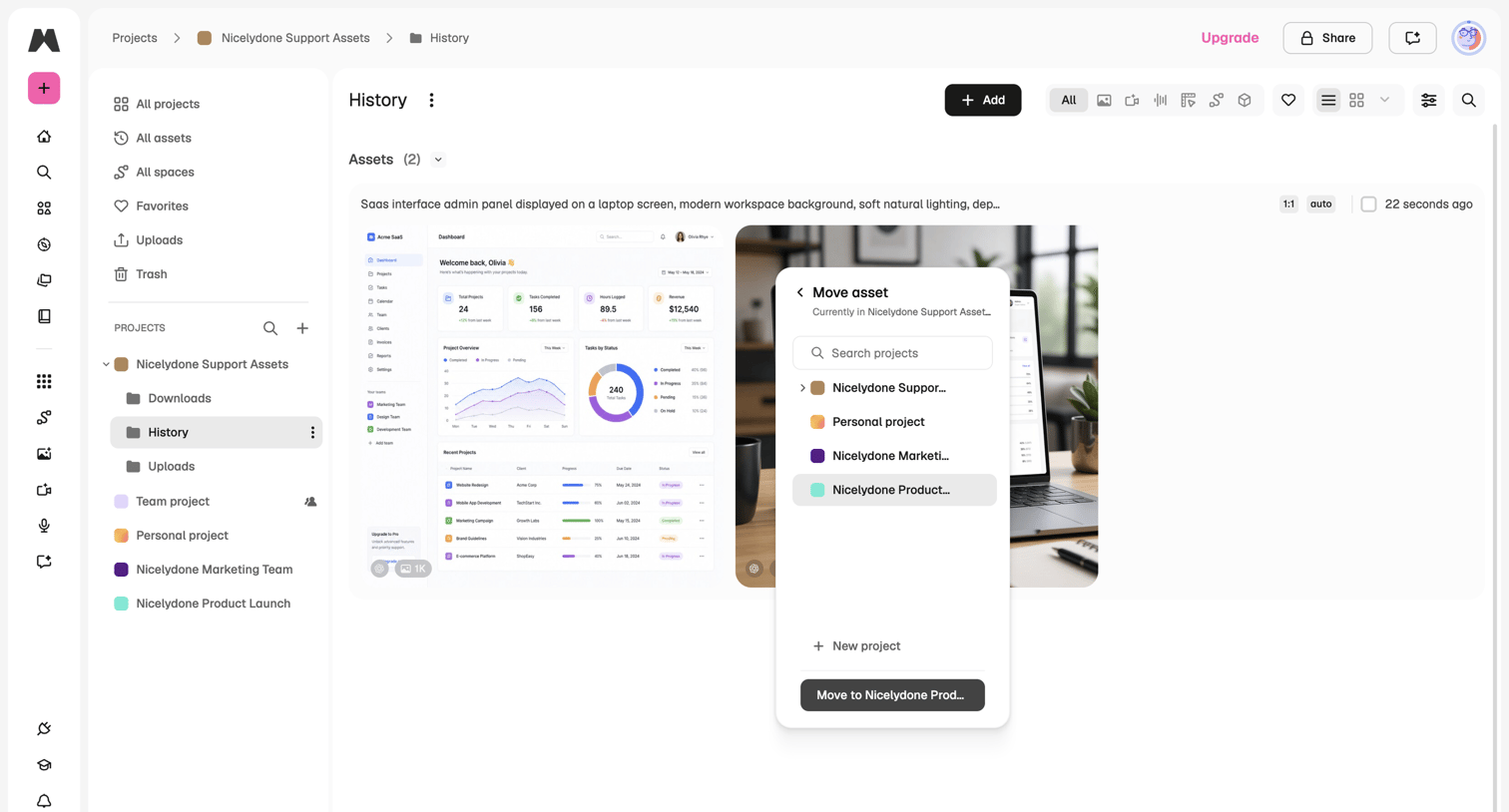

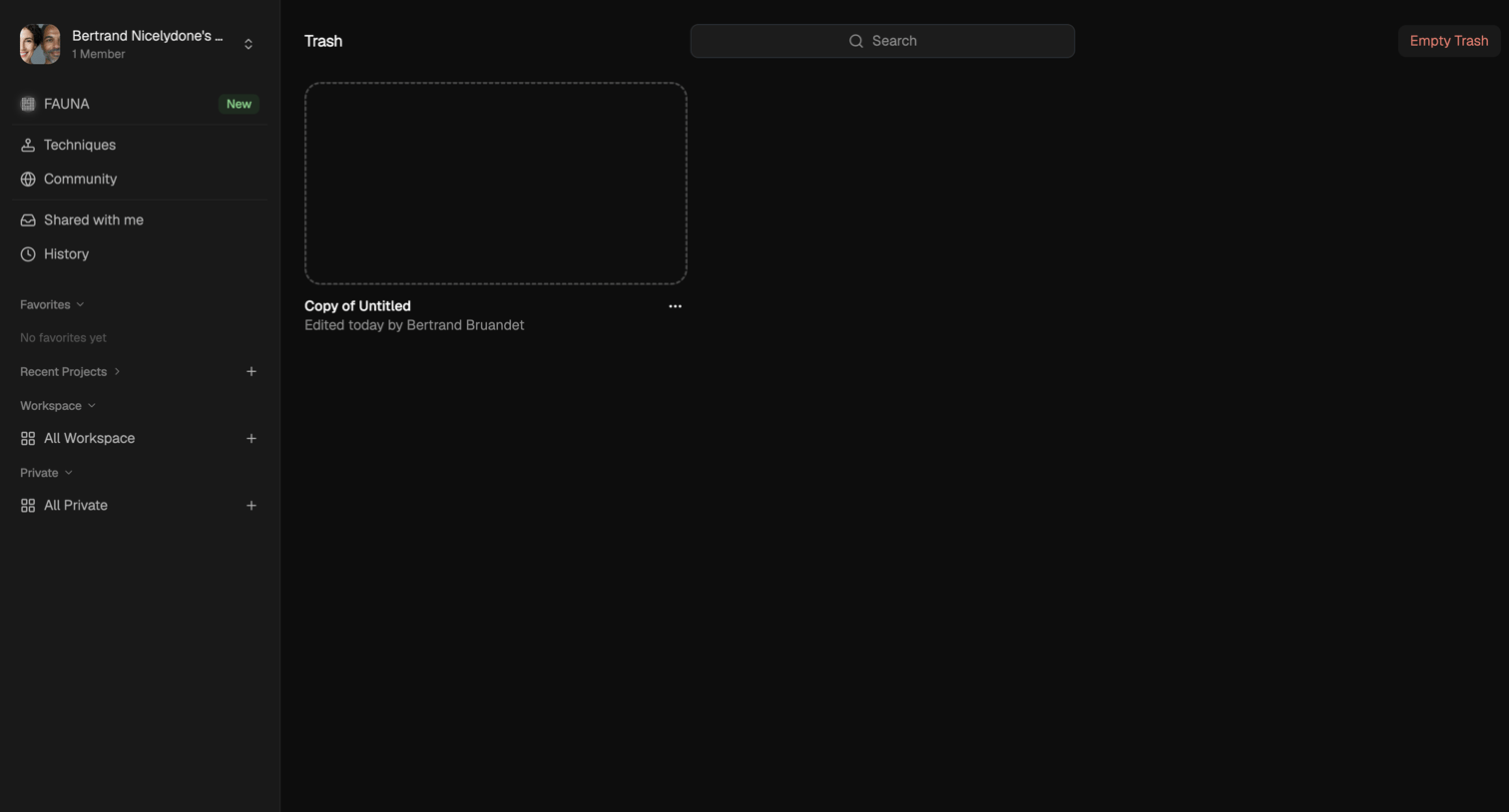

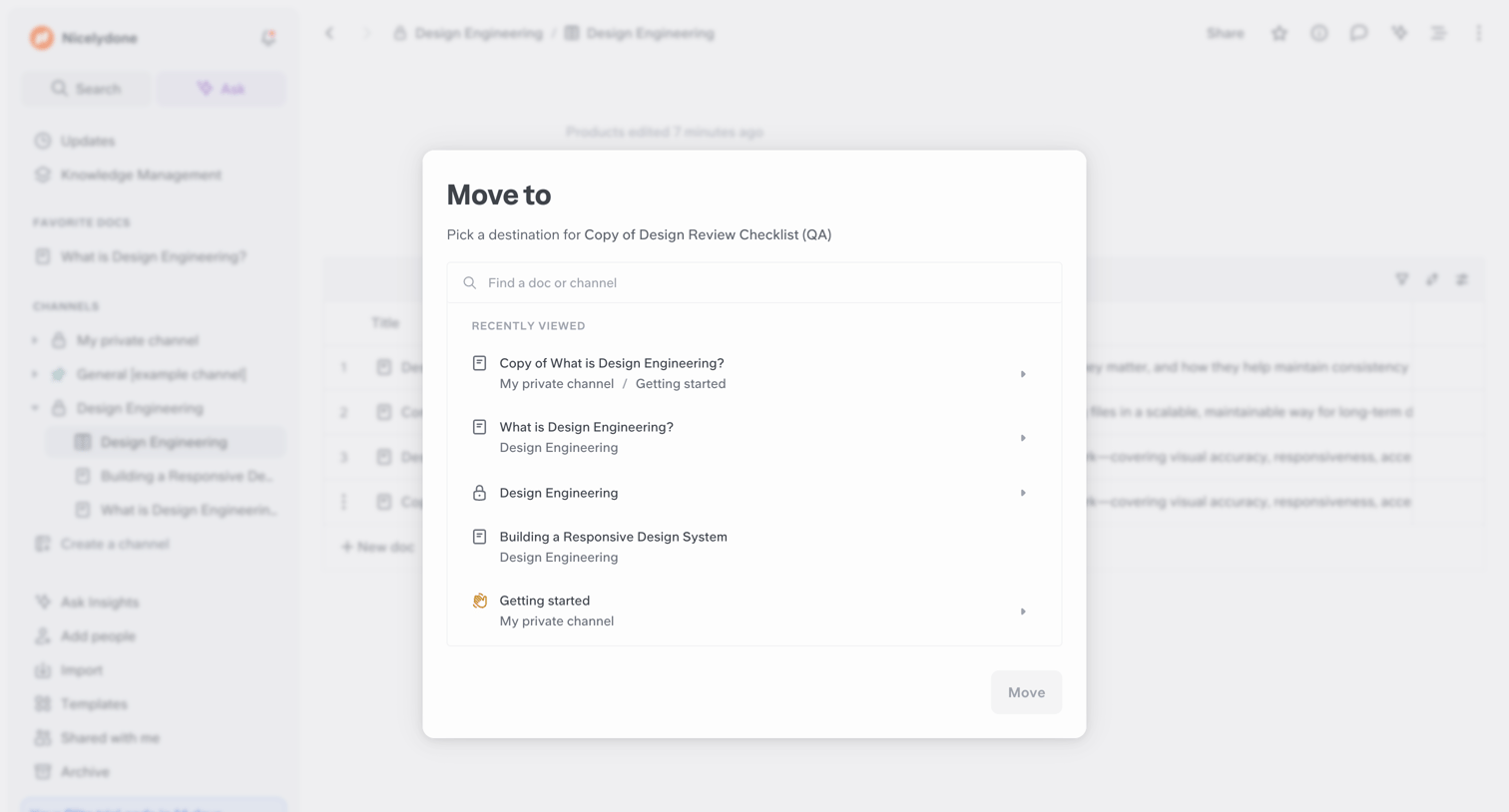
List view where the user manages deleted items in their trash, with options to search for specific files or empty the trash entirely.
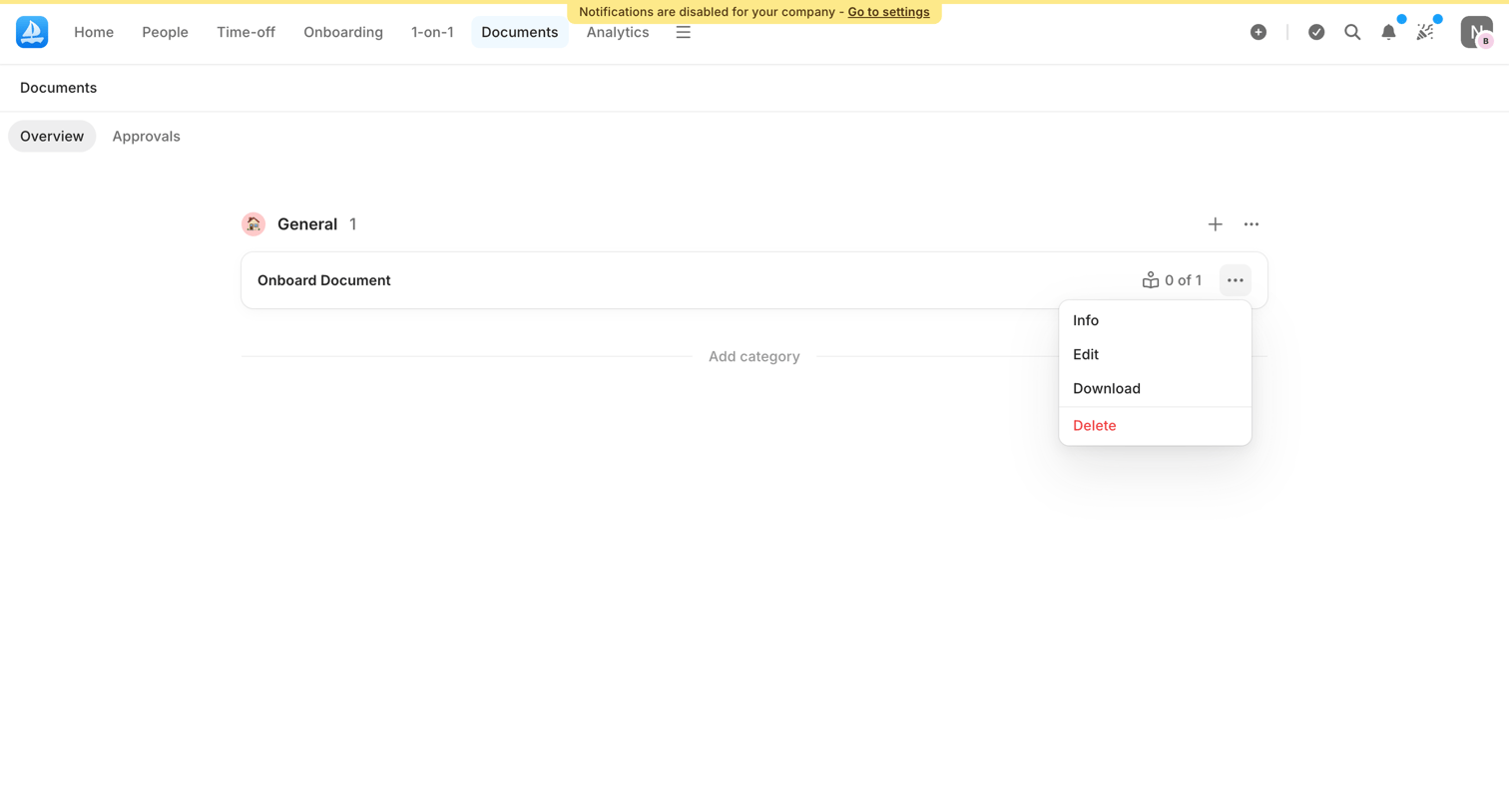

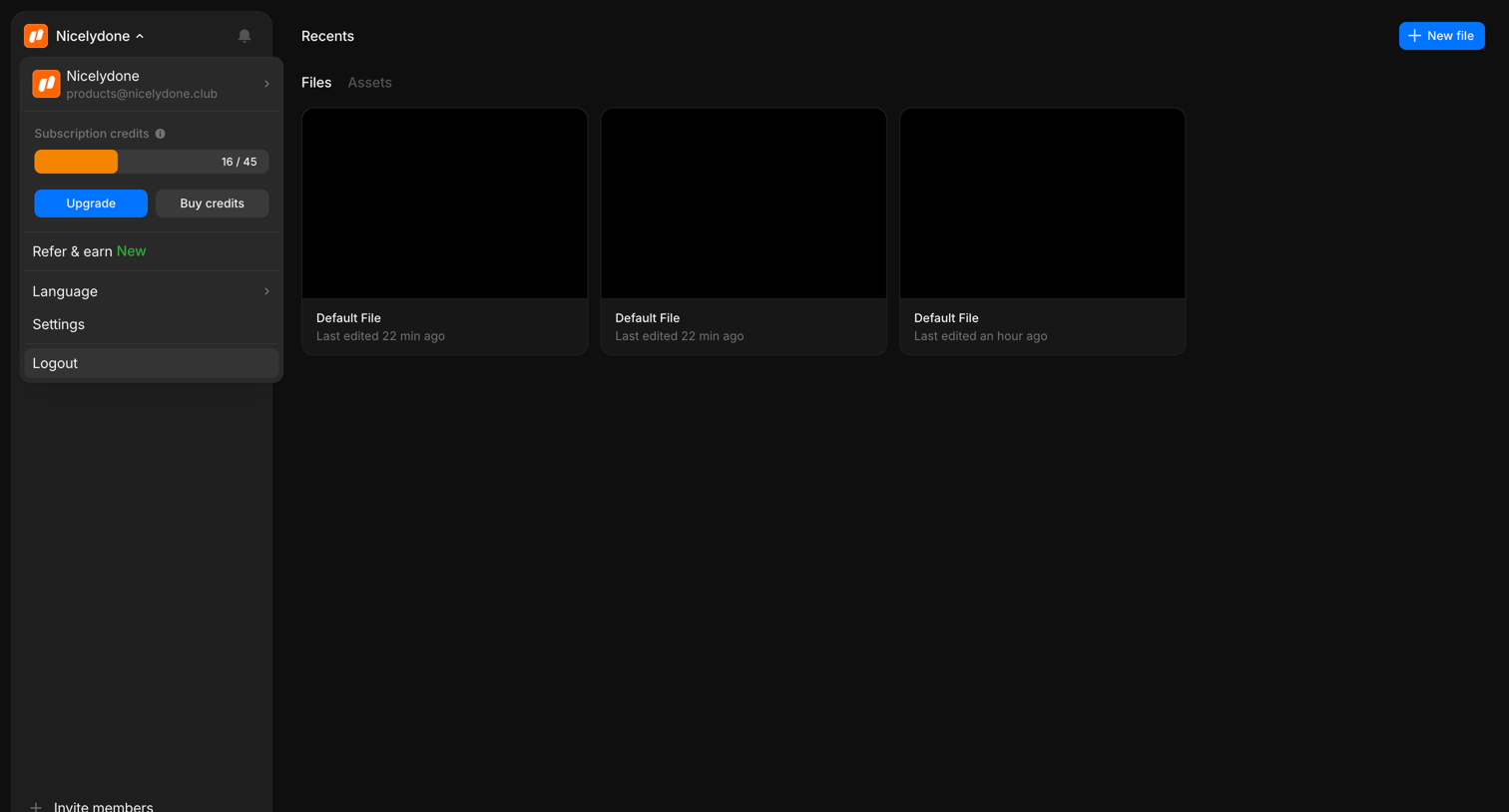

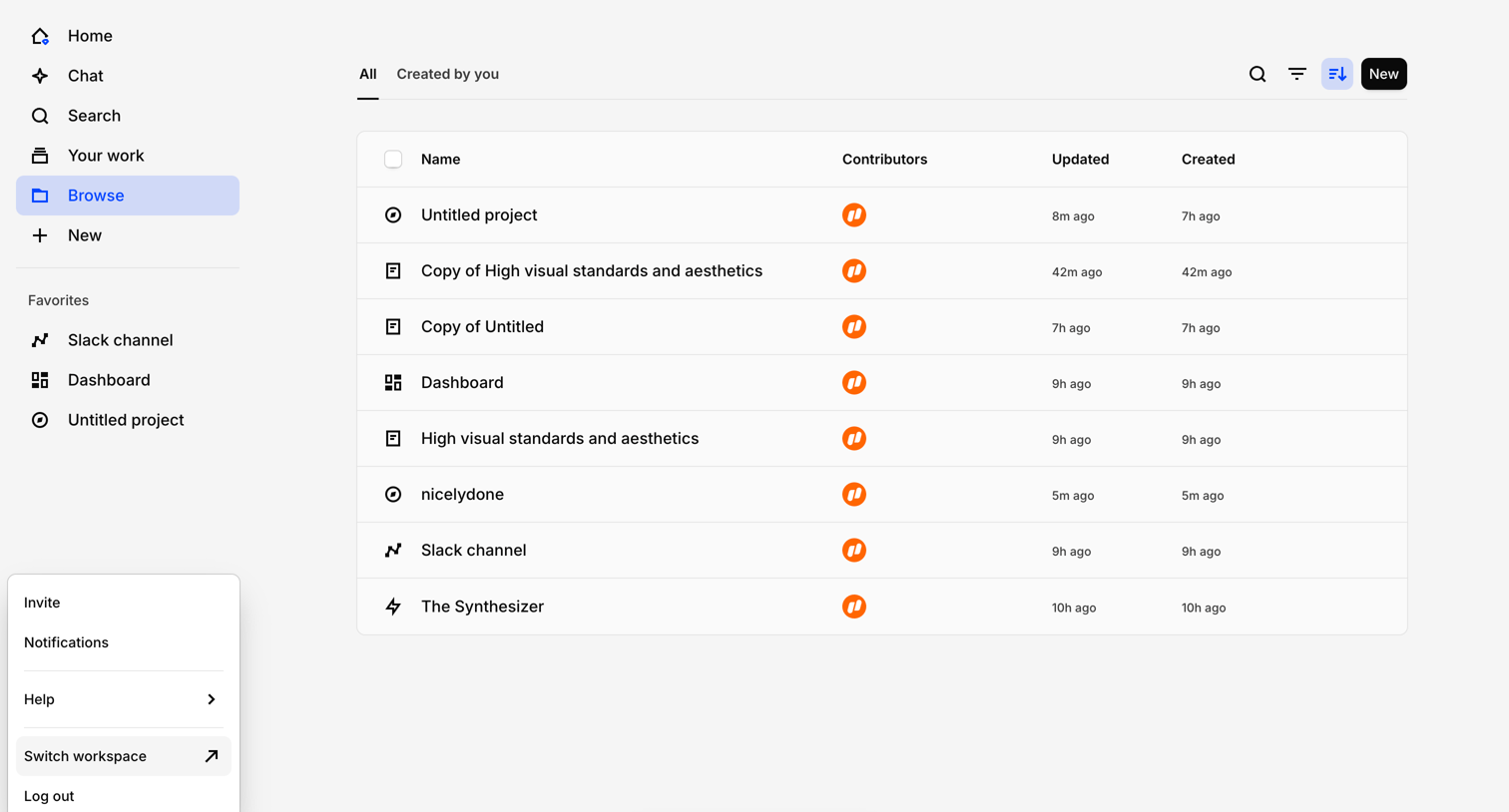

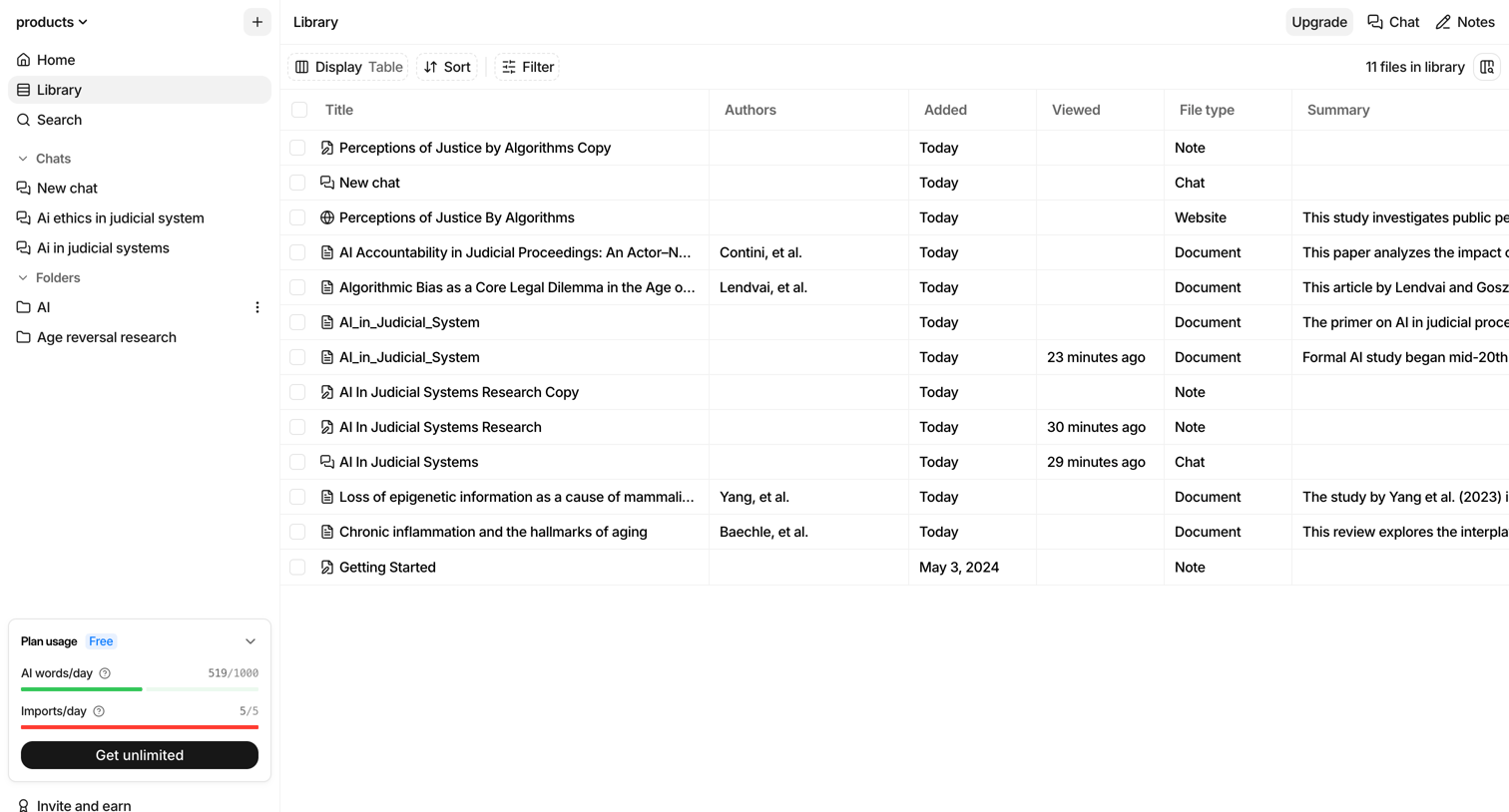
List view where the user browses workspace projects and documents, with options to filter, sort, create new items, or chat with their data via an AI command bar.
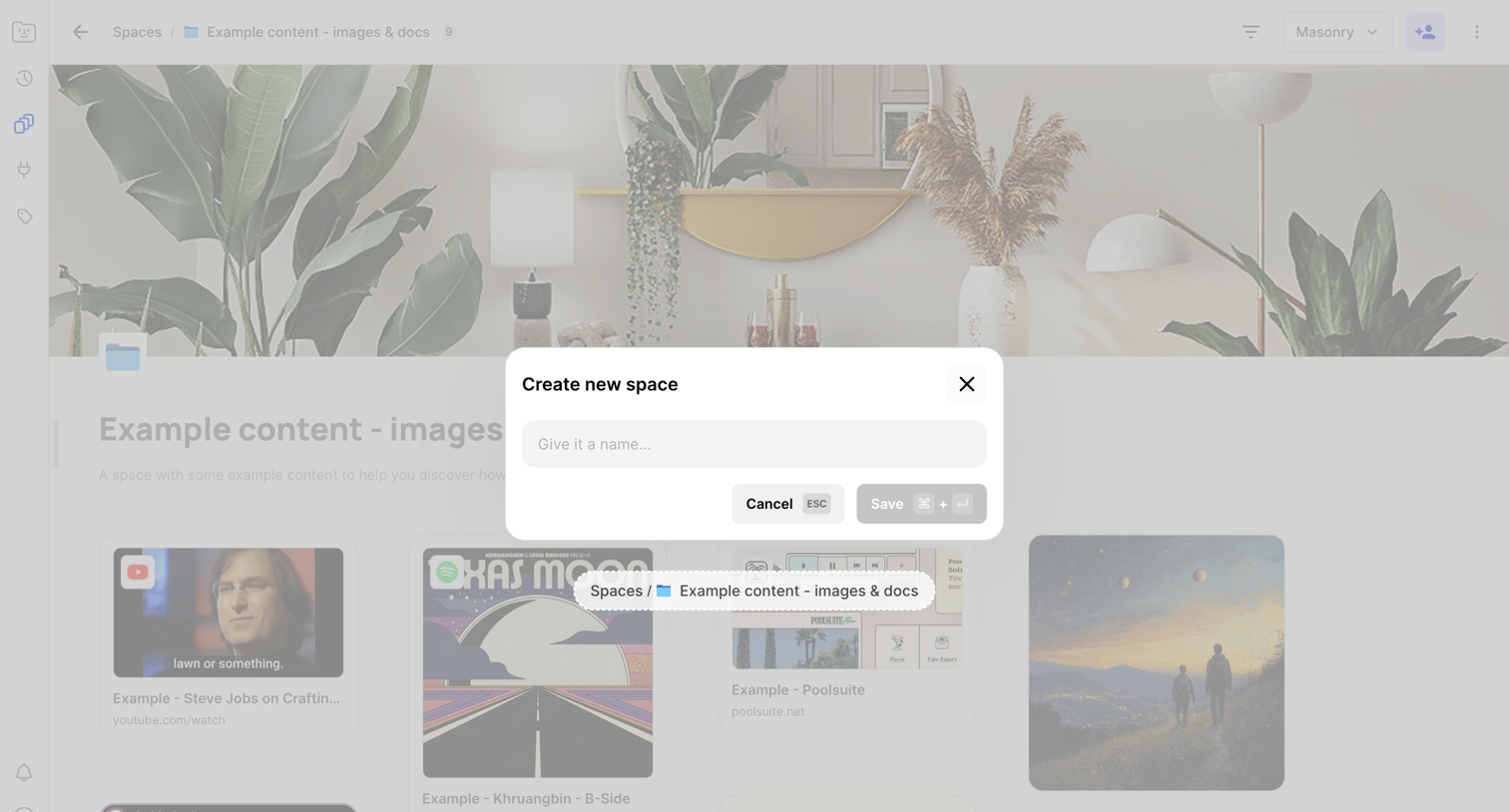

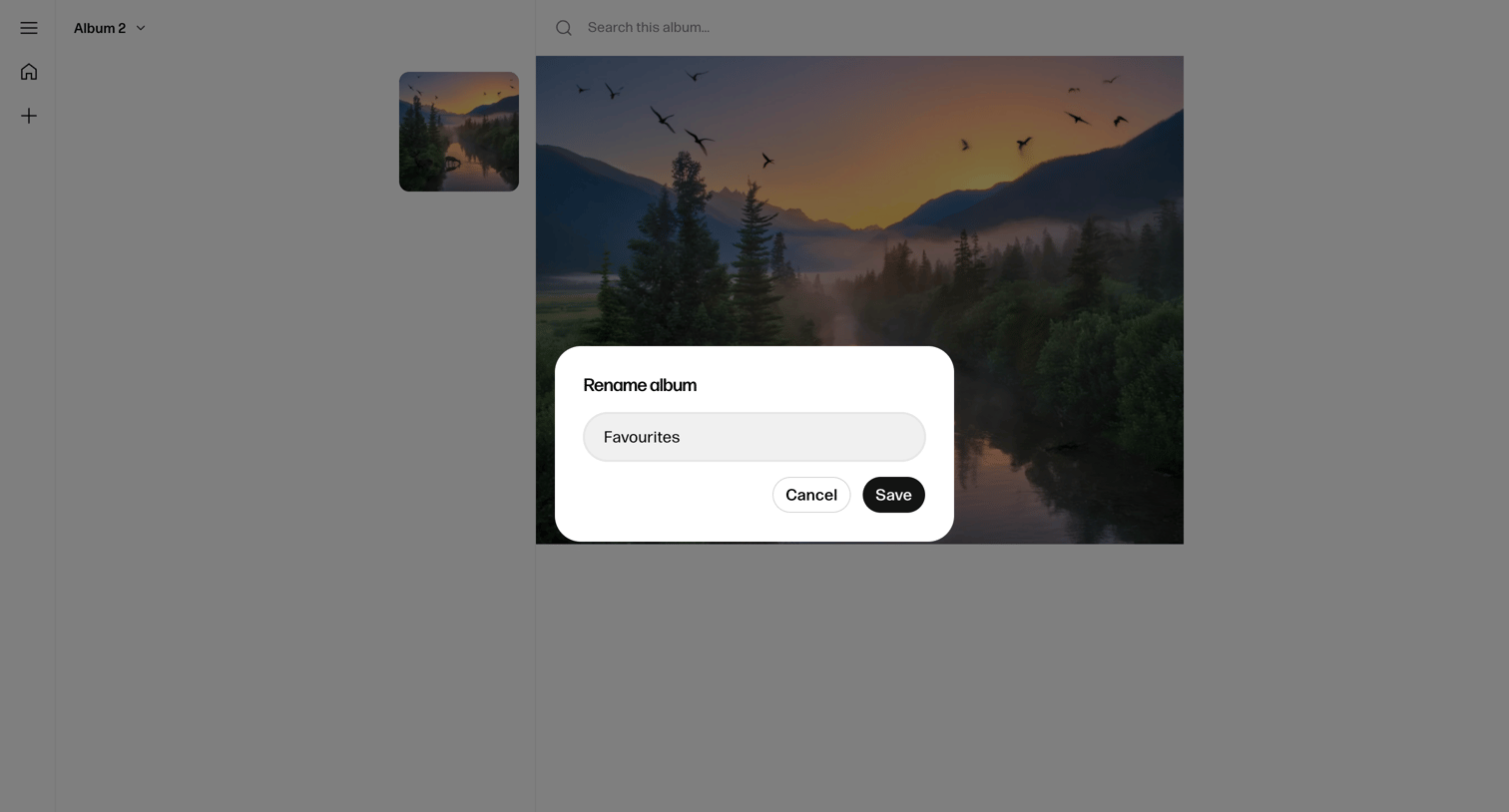
List view of a content space where the user is prompted to name and create a new space via a centered modal overlay.
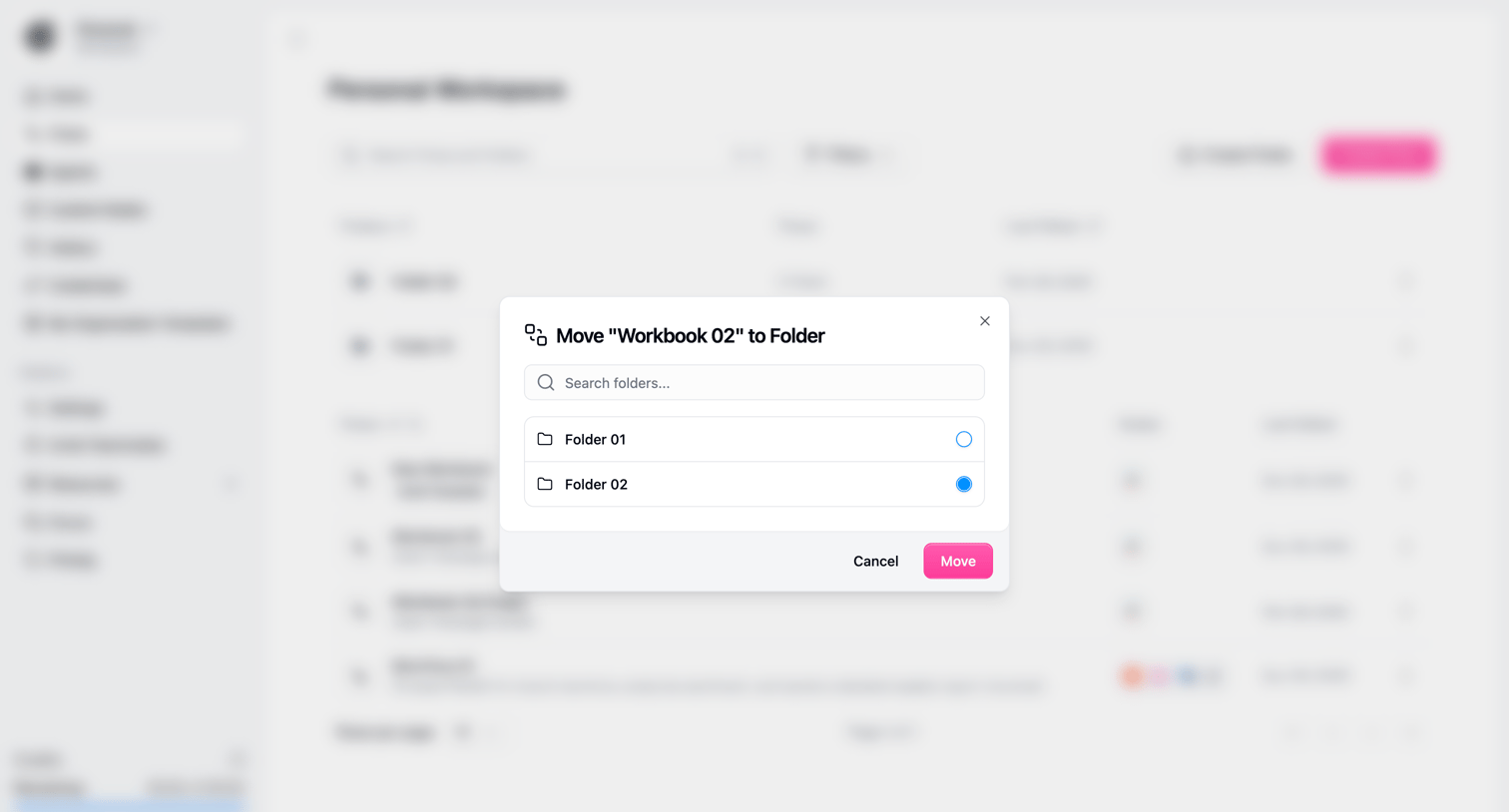

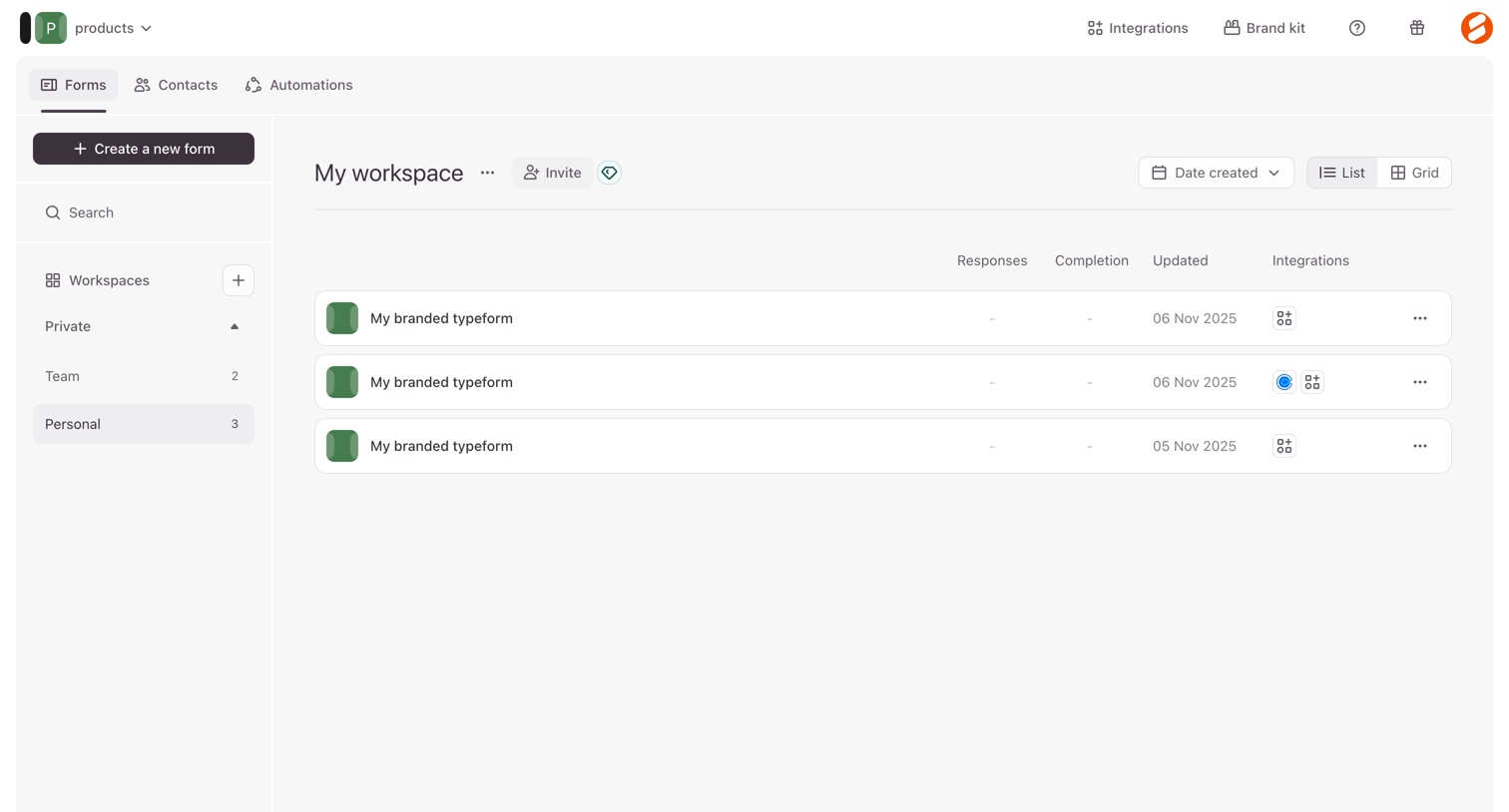

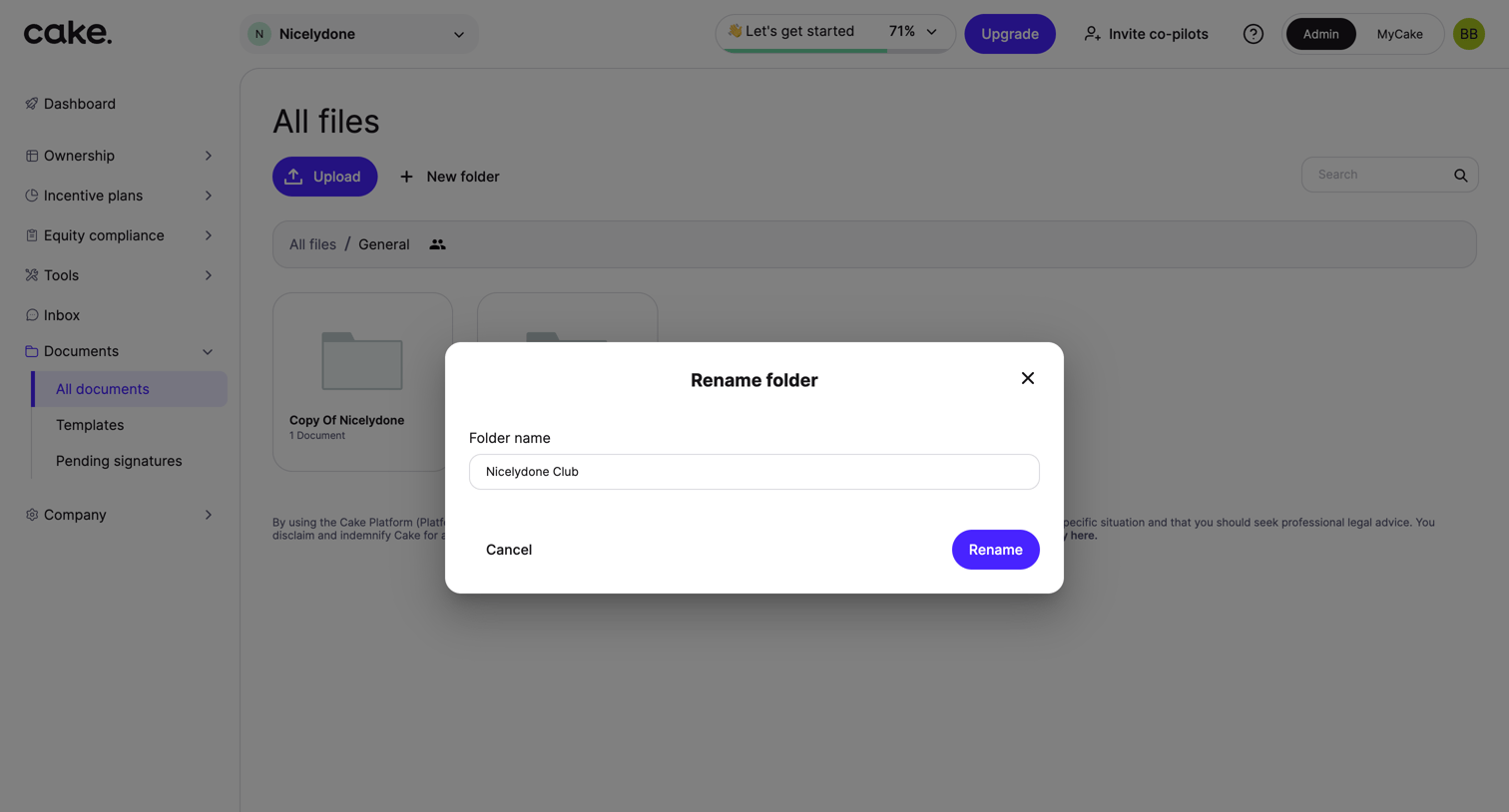
List view where the user manages their forms within a specific workspace, with options to create new forms, invite teammates, and switch between list and grid layouts.




Explore the full SaaS screen library
Upgrade to unlock the full library.
Trusted by the best teams








About File organization
Explore how apps organize files, folders, and documents. Look at how item details, location, and file actions work together in list, grid, and detail views.