Data management screen examples
Data management screen design examples from SaaS apps. Browse examples from Inference, Axiom, Dock.
Explore the examples
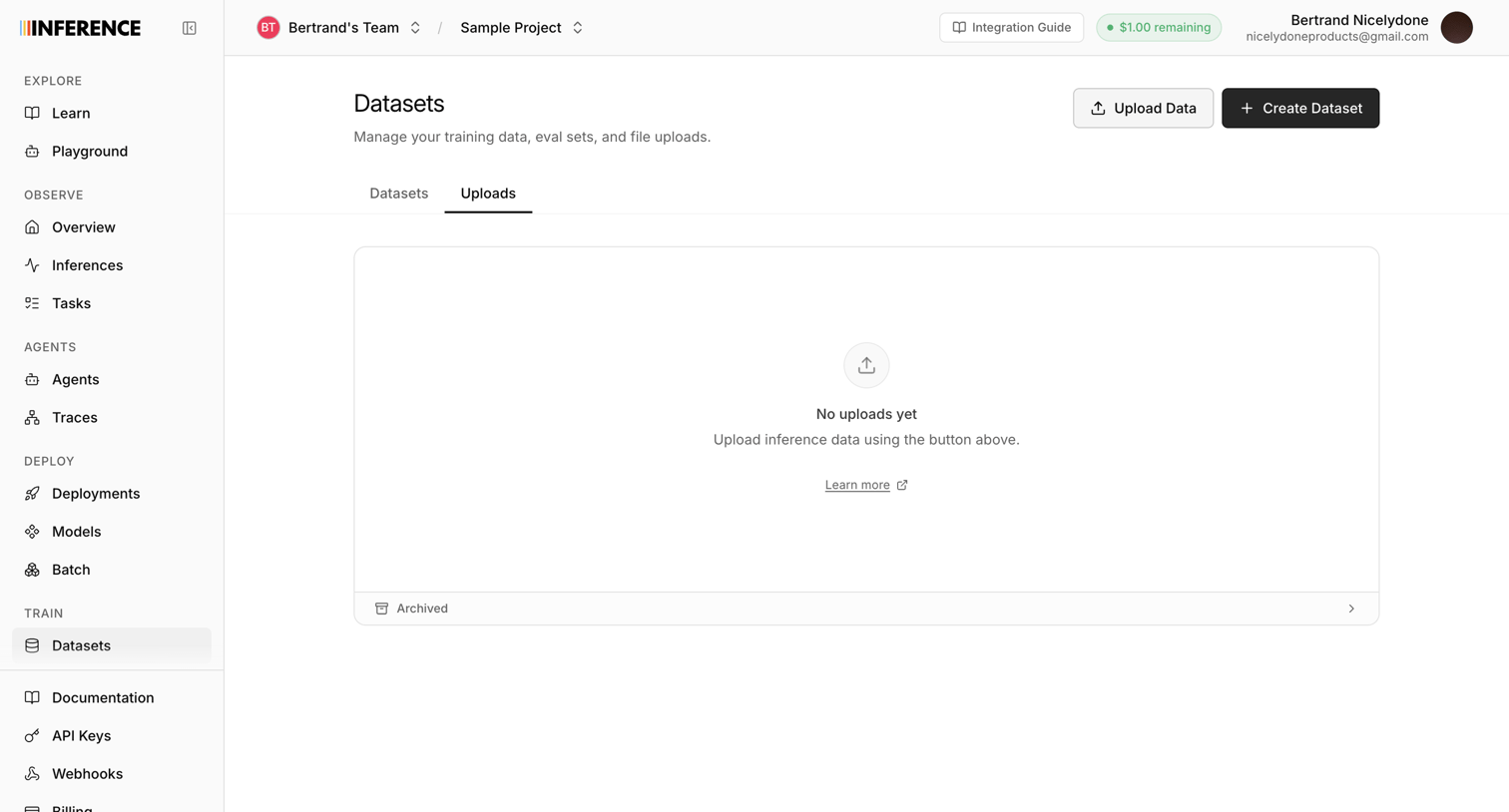

List view empty state for the uploads tab where the user is prompted to upload inference data or create a new dataset.
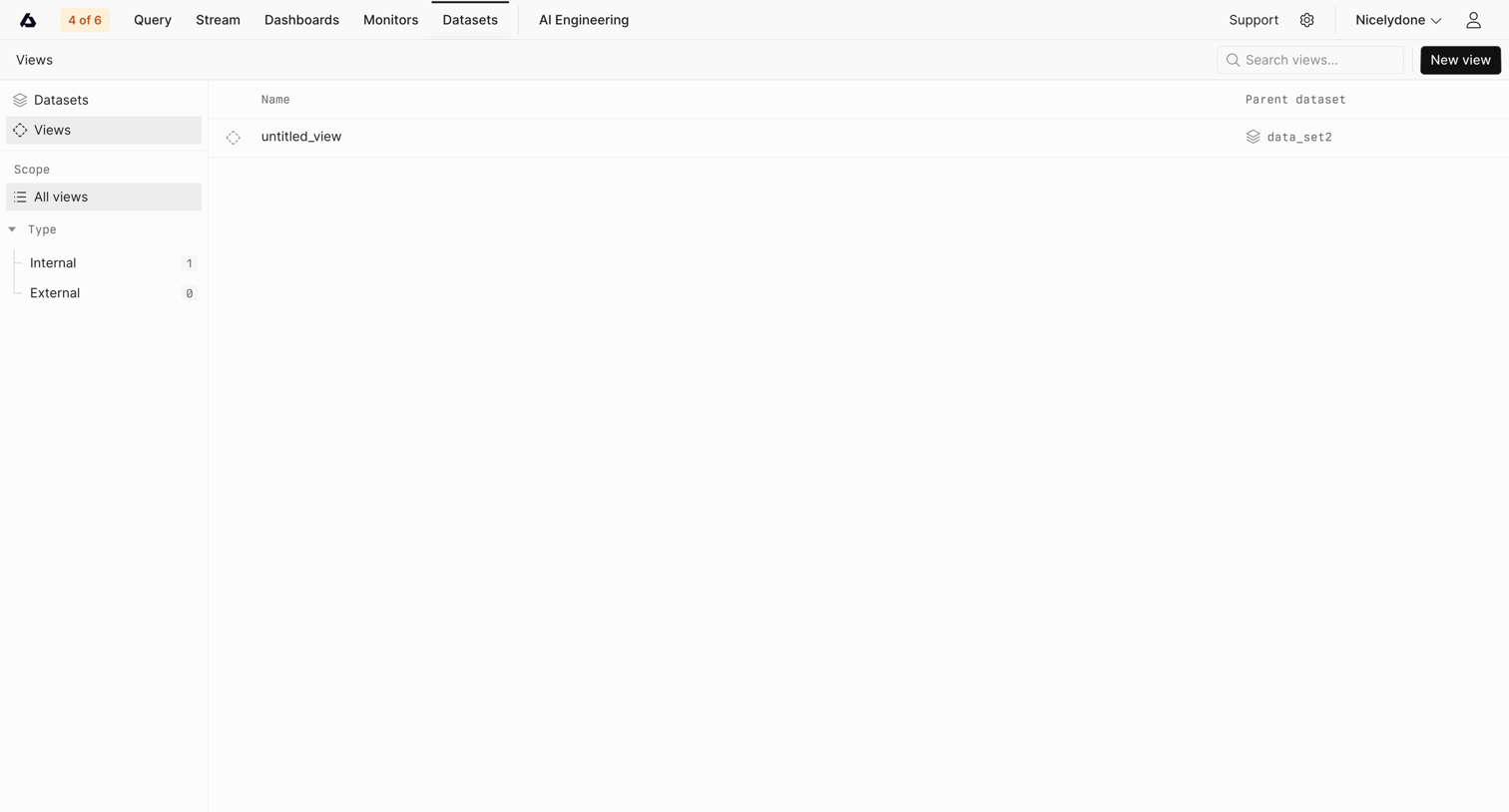

List view where the user manages and searches data views, with a sidebar for filtering by scope and type.
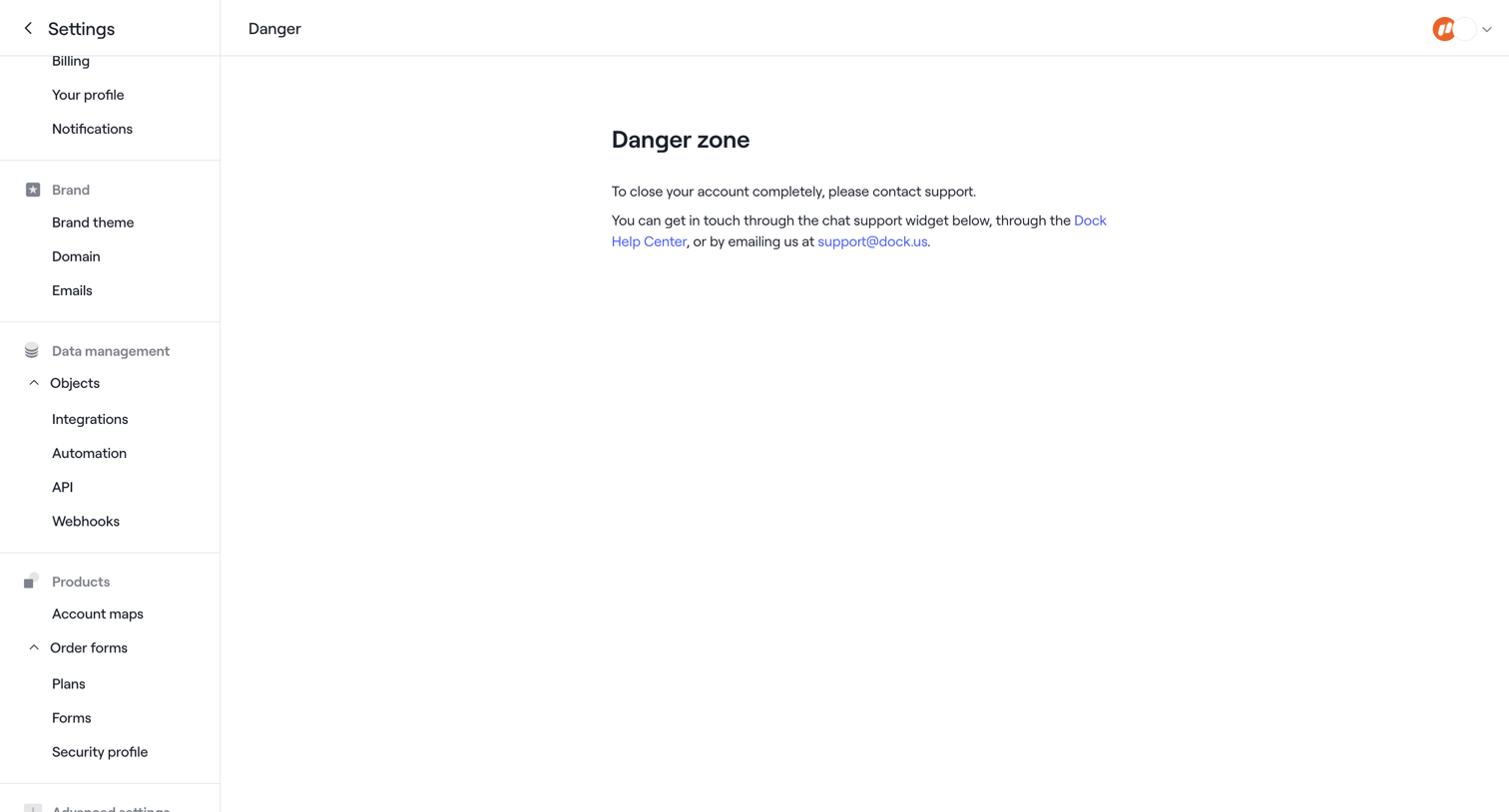

Settings page where the user is instructed to contact support to completely close their account.
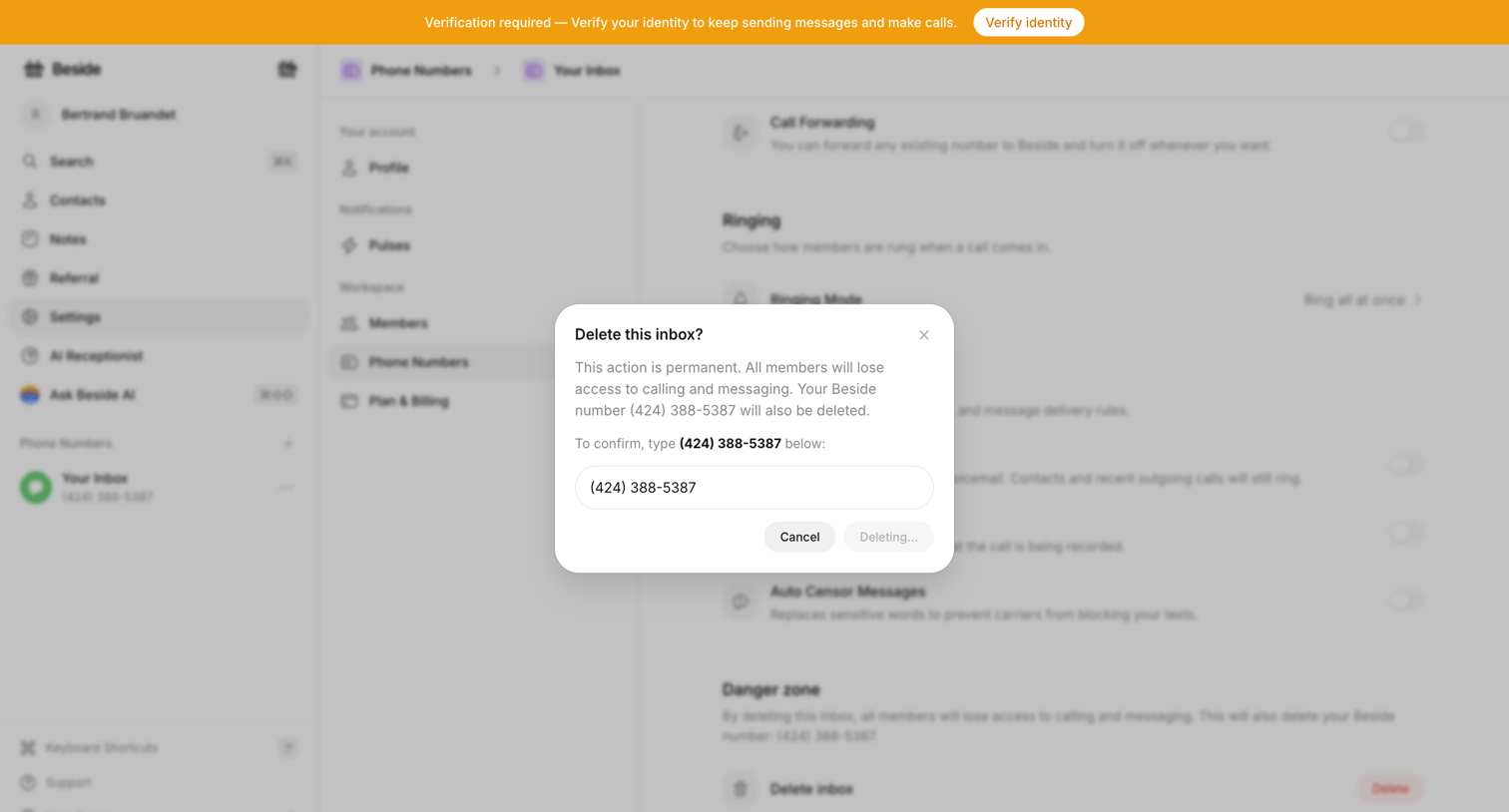

Settings page where the user confirms the destructive action of deleting a phone number inbox by typing the number into a modal.
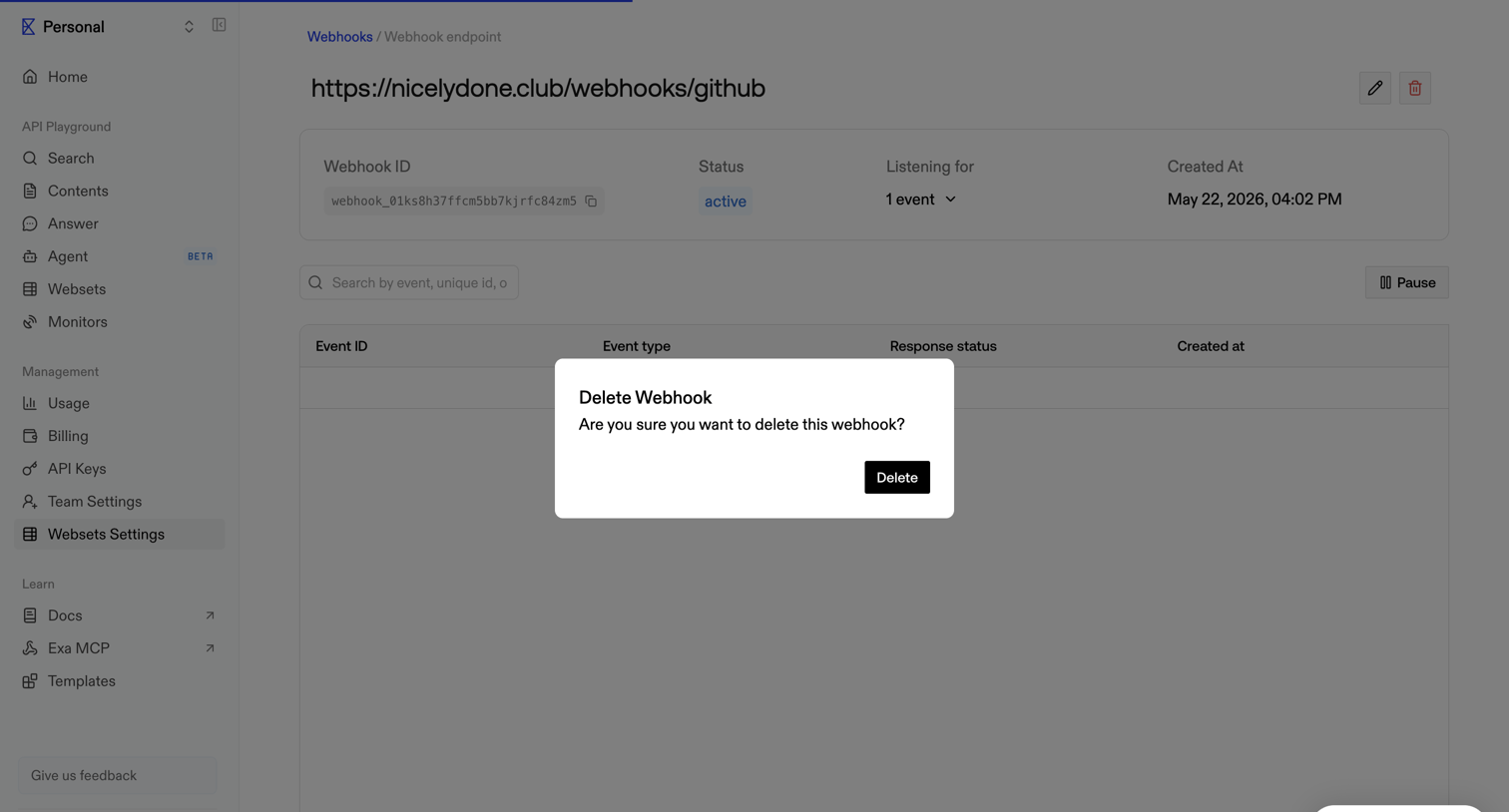

Settings detail page where the user is prompted to confirm the deletion of a specific webhook endpoint.
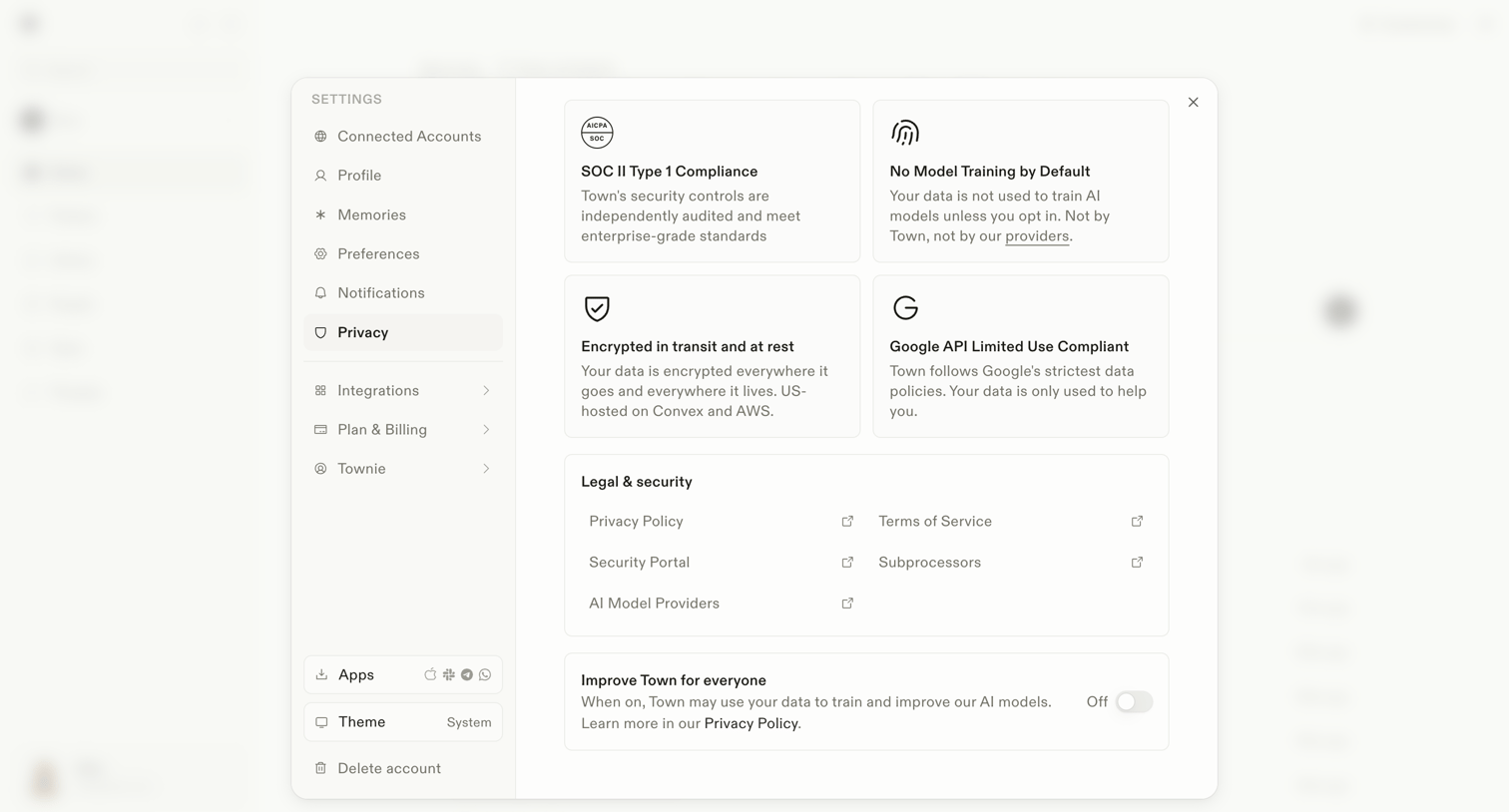

Settings modal where the user reviews security compliance details, accesses legal documents, and toggles data usage for AI model training.
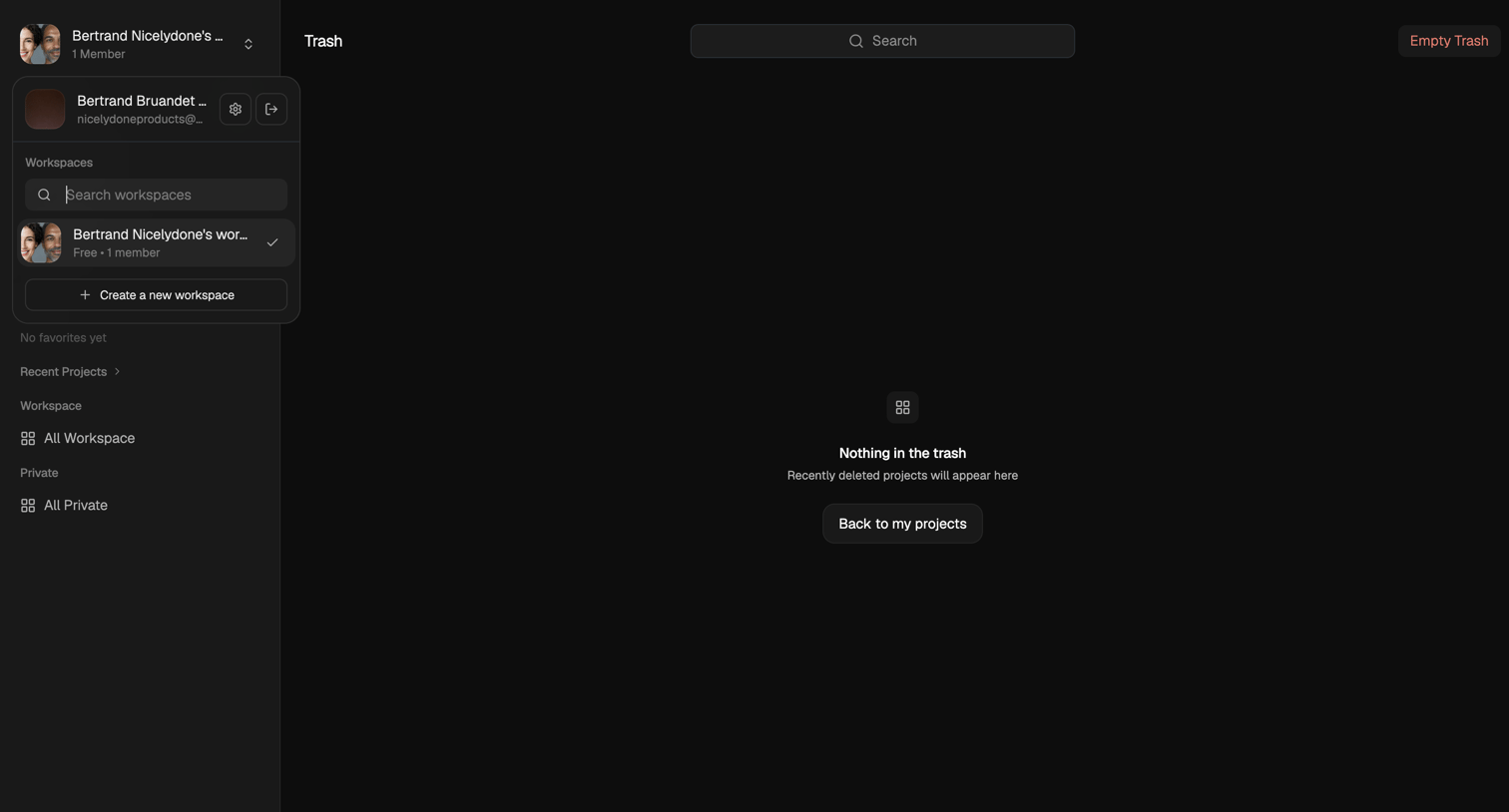

Trash page showing an empty state with a prompt to return to projects.
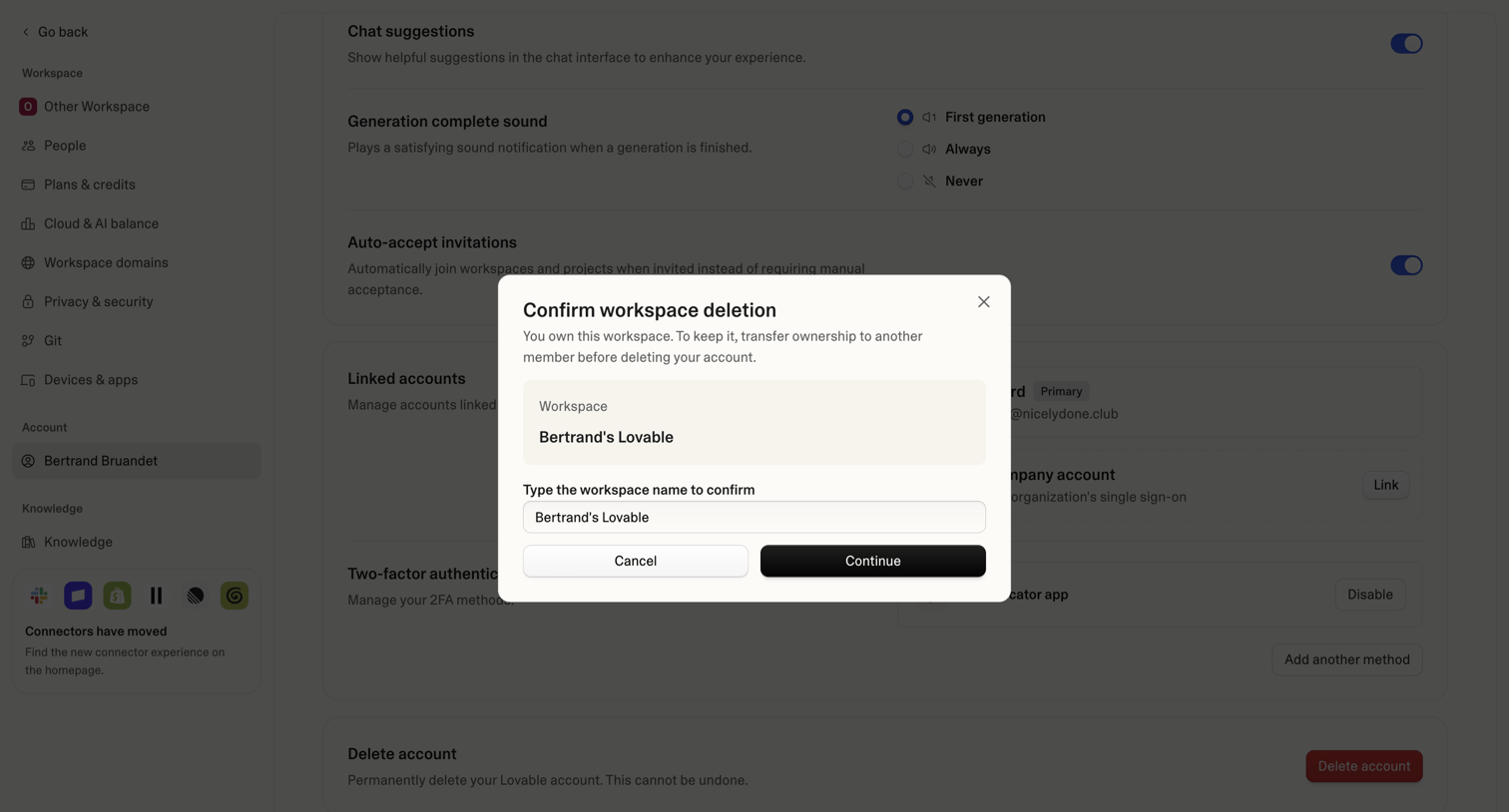

Settings page where the user is prompted to confirm the deletion of their workspace by typing its name, blocking the underlying account settings view.
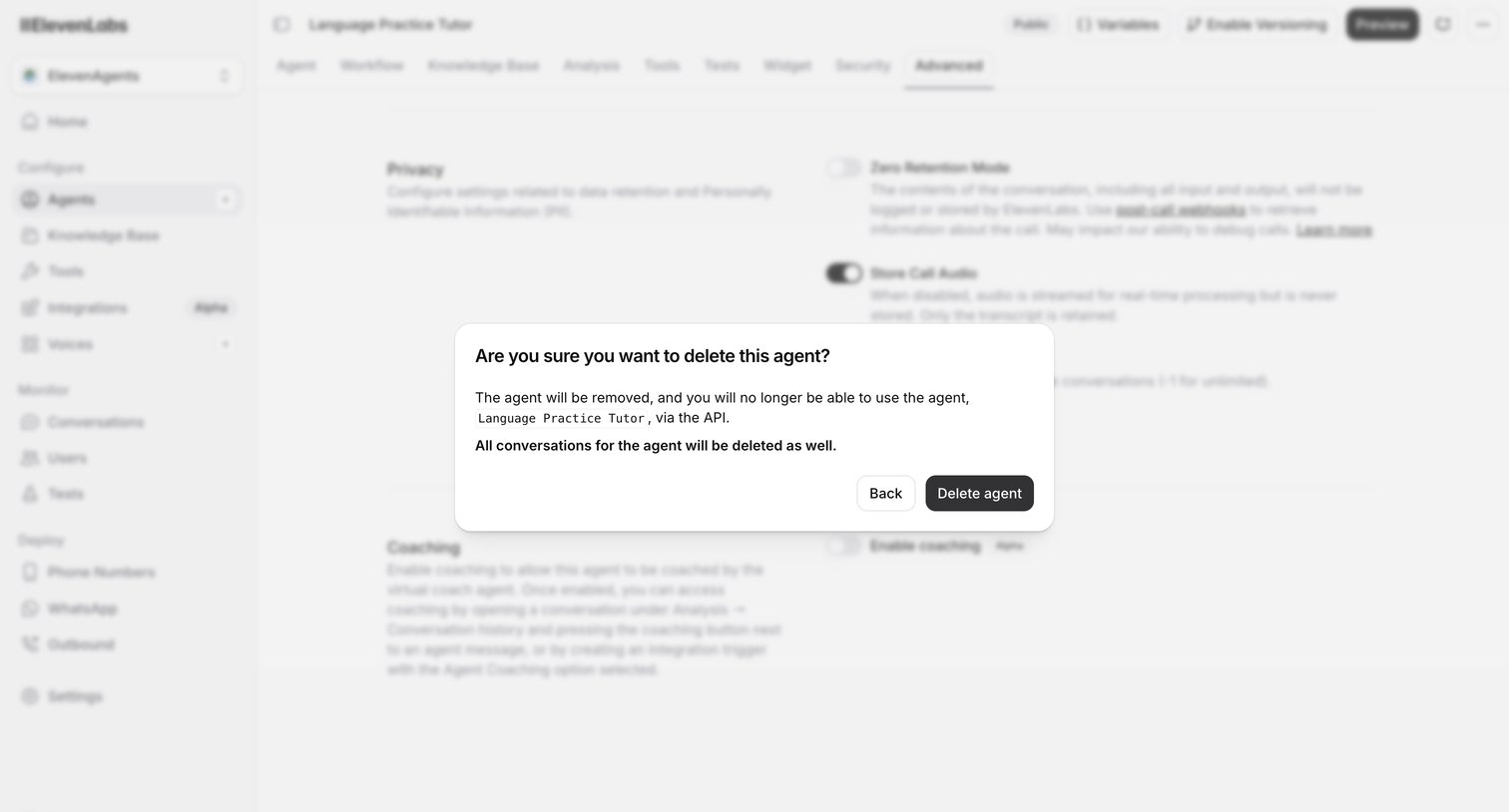

Settings page for an AI agent where a modal prompts the user to confirm the deletion of the agent and its conversation history.
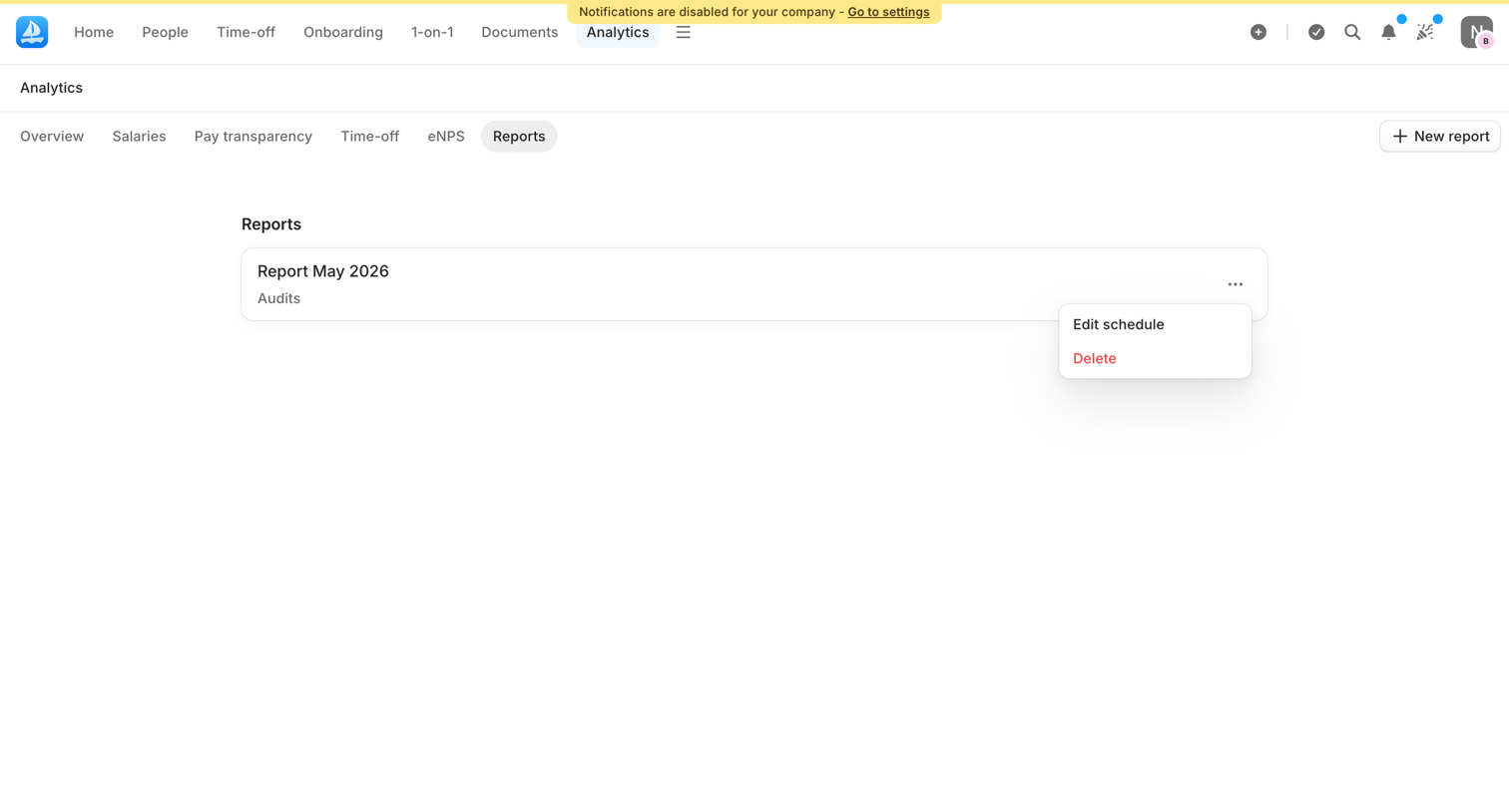

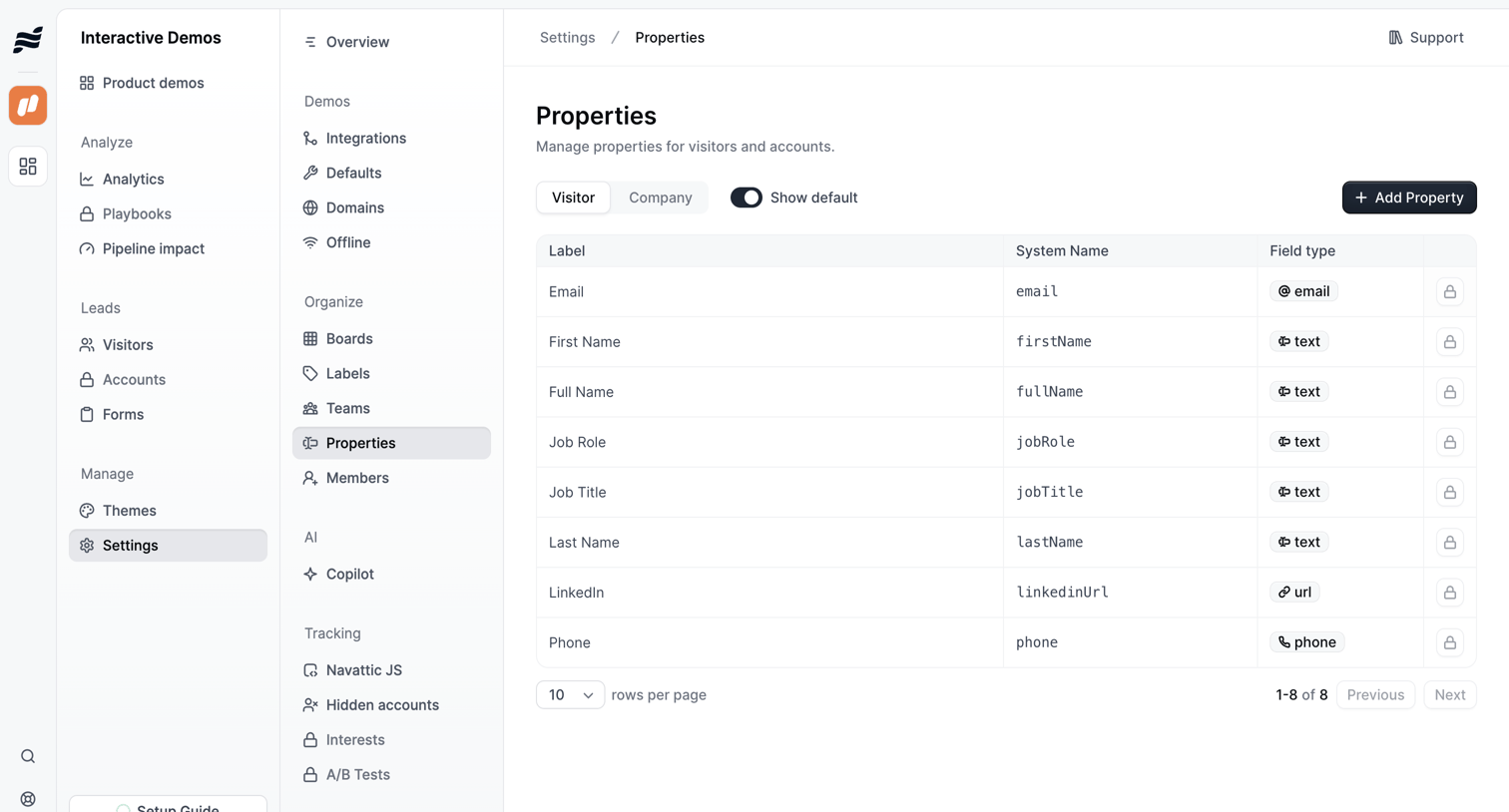

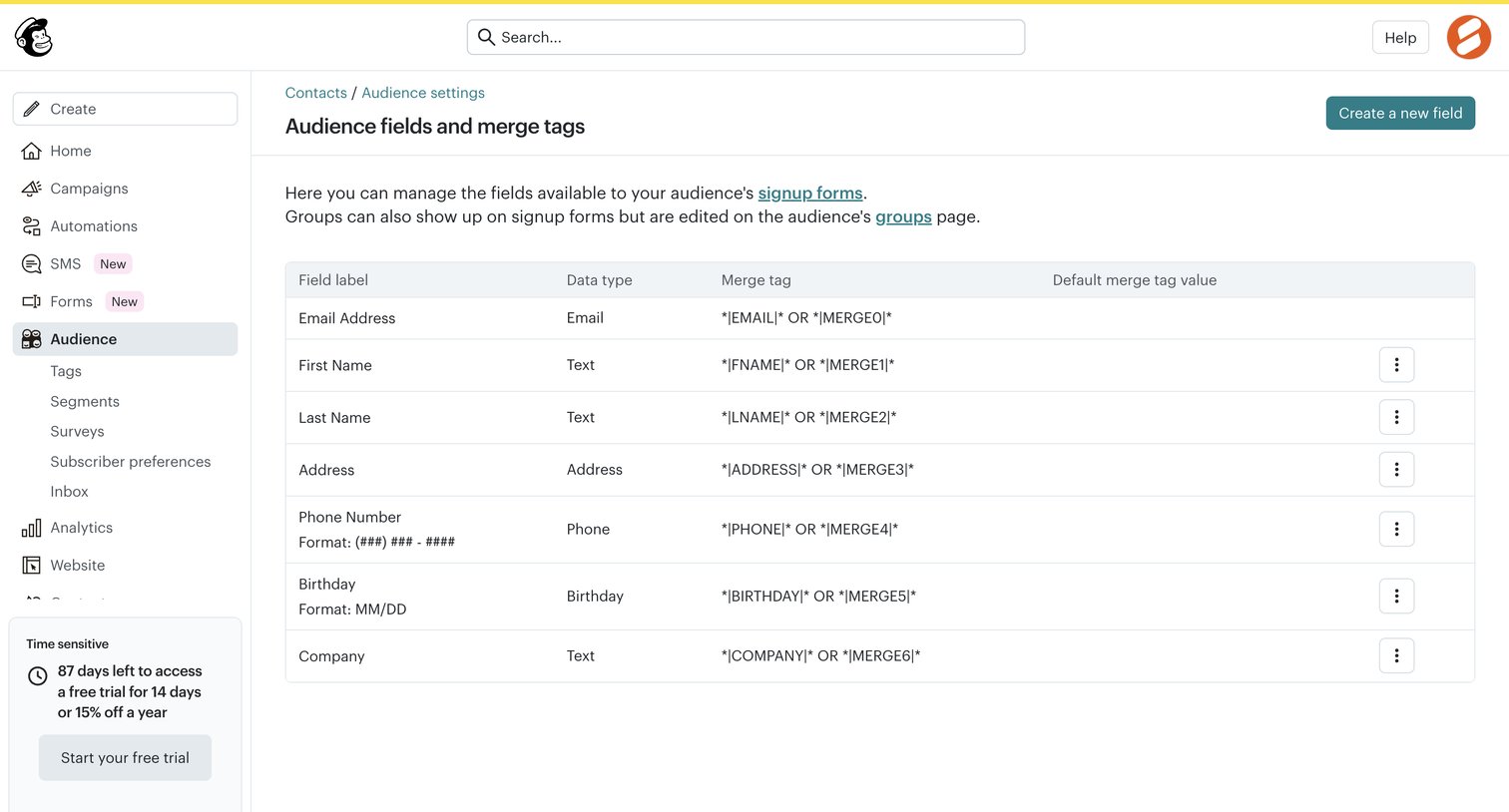

Explore the full SaaS screen library
Upgrade to unlock the full library.
Trusted by the best teams







