Data Grid screen examples
Data Grid screen design examples from SaaS apps. See how interfaces present records within a structured grid. Explore how row and column labels connect values with selection and editing controls.
Explore the examples
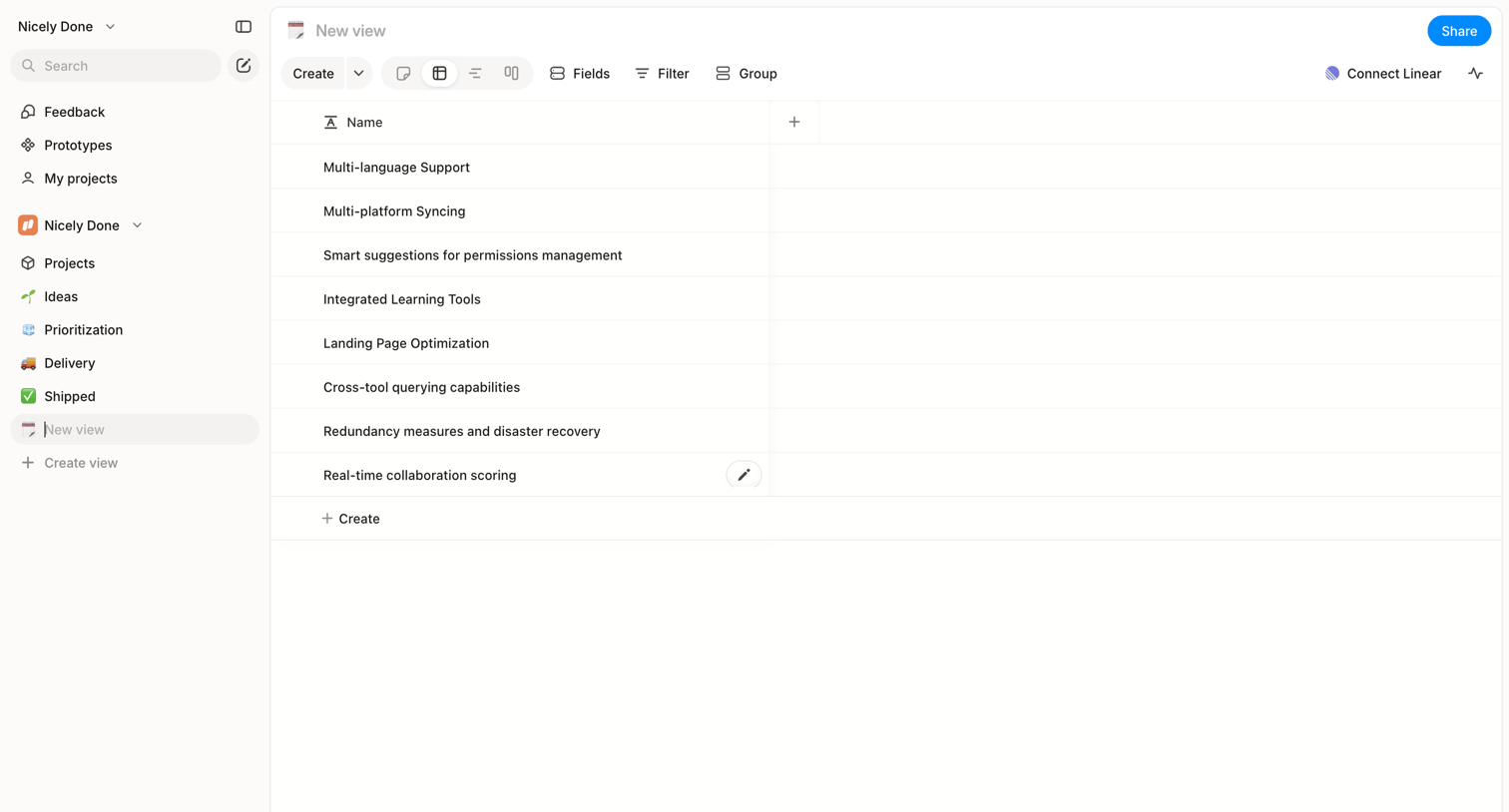

Table view where the user manages a list of features, with options to switch layout views, filter data, and connect to Linear.
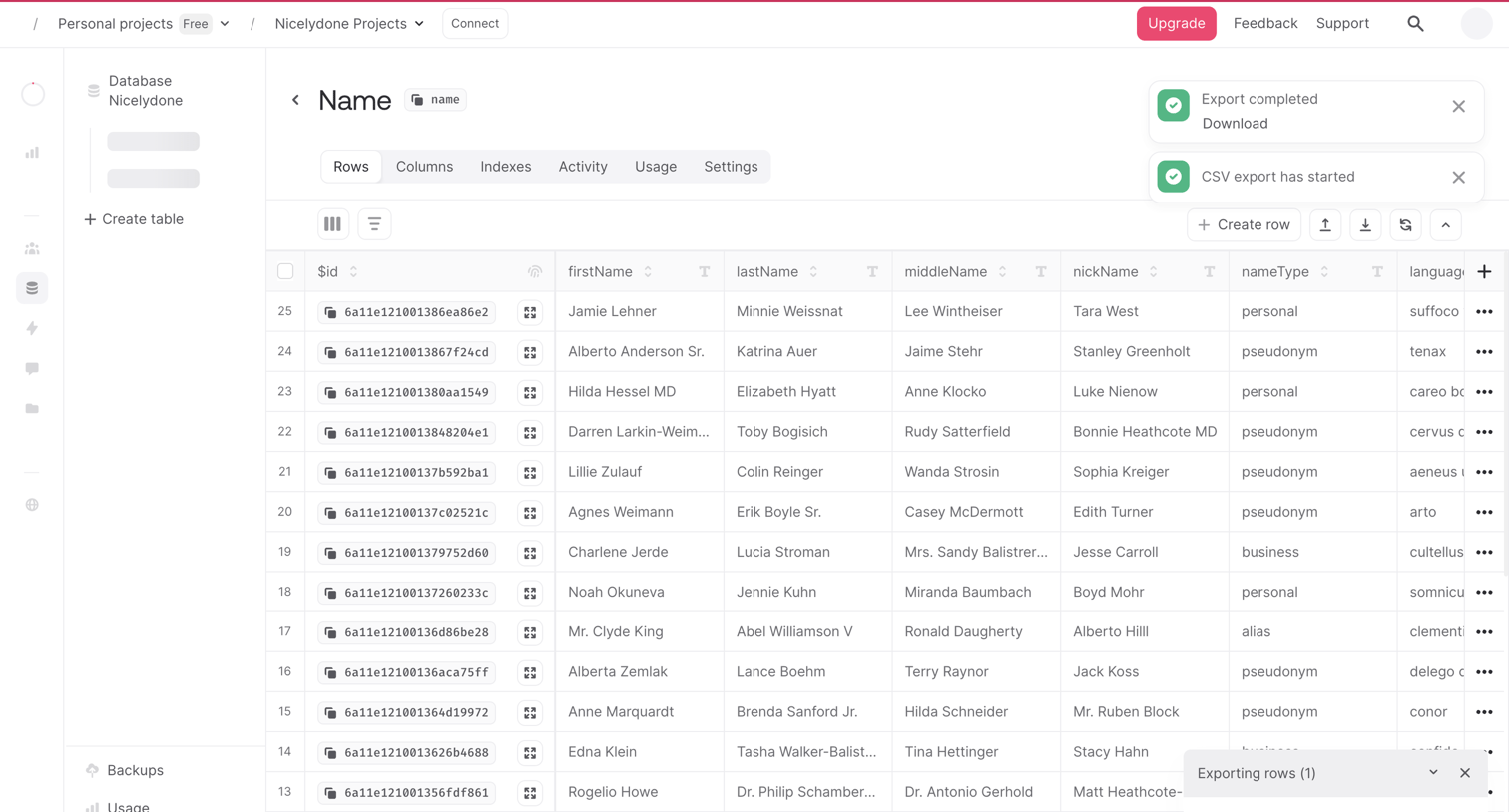

Database table view where the user manages rows, with active CSV export notifications and progress visible.

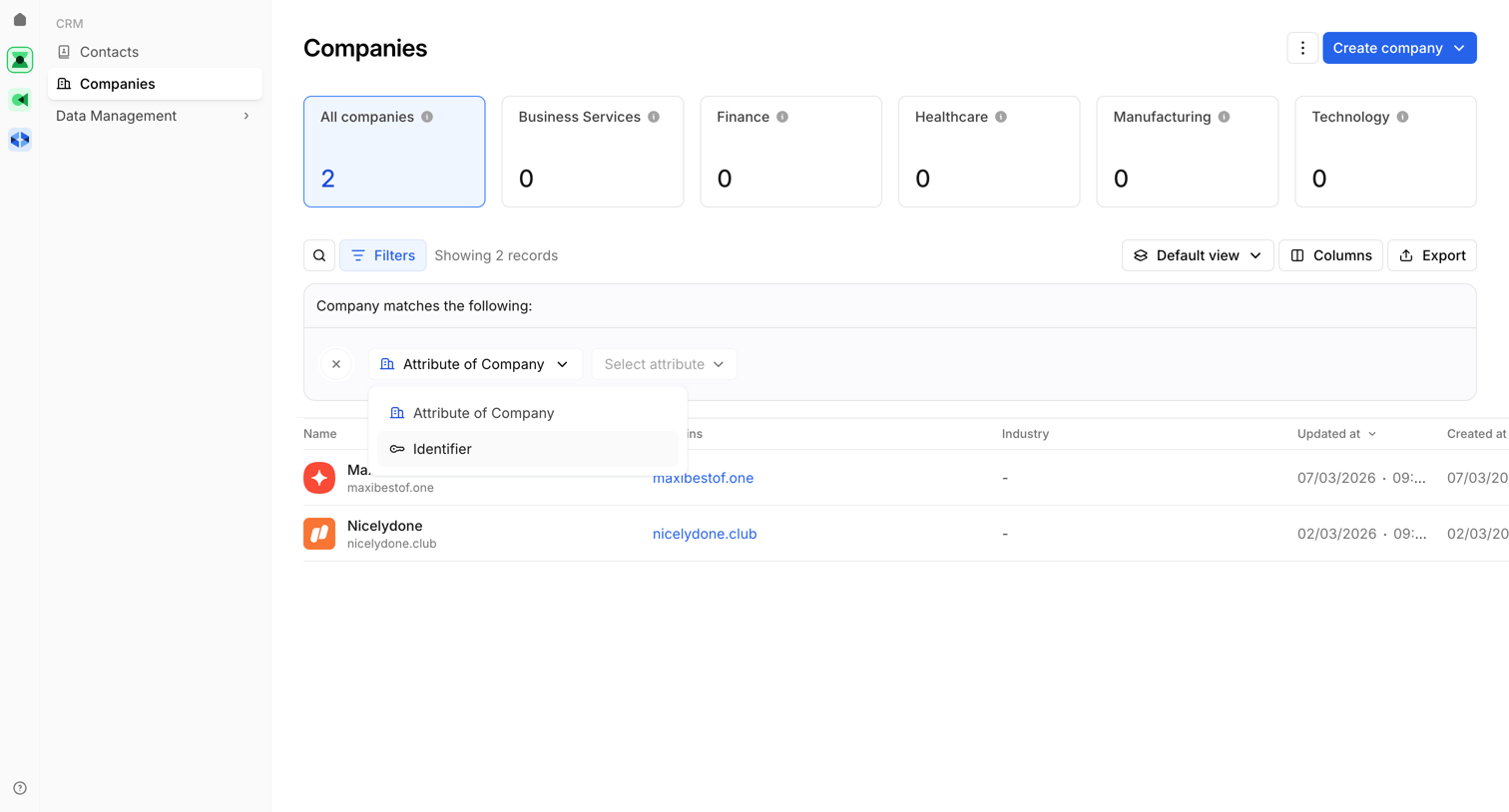

List view where the user manages company records, featuring an active filter builder with an open dropdown to select attributes.
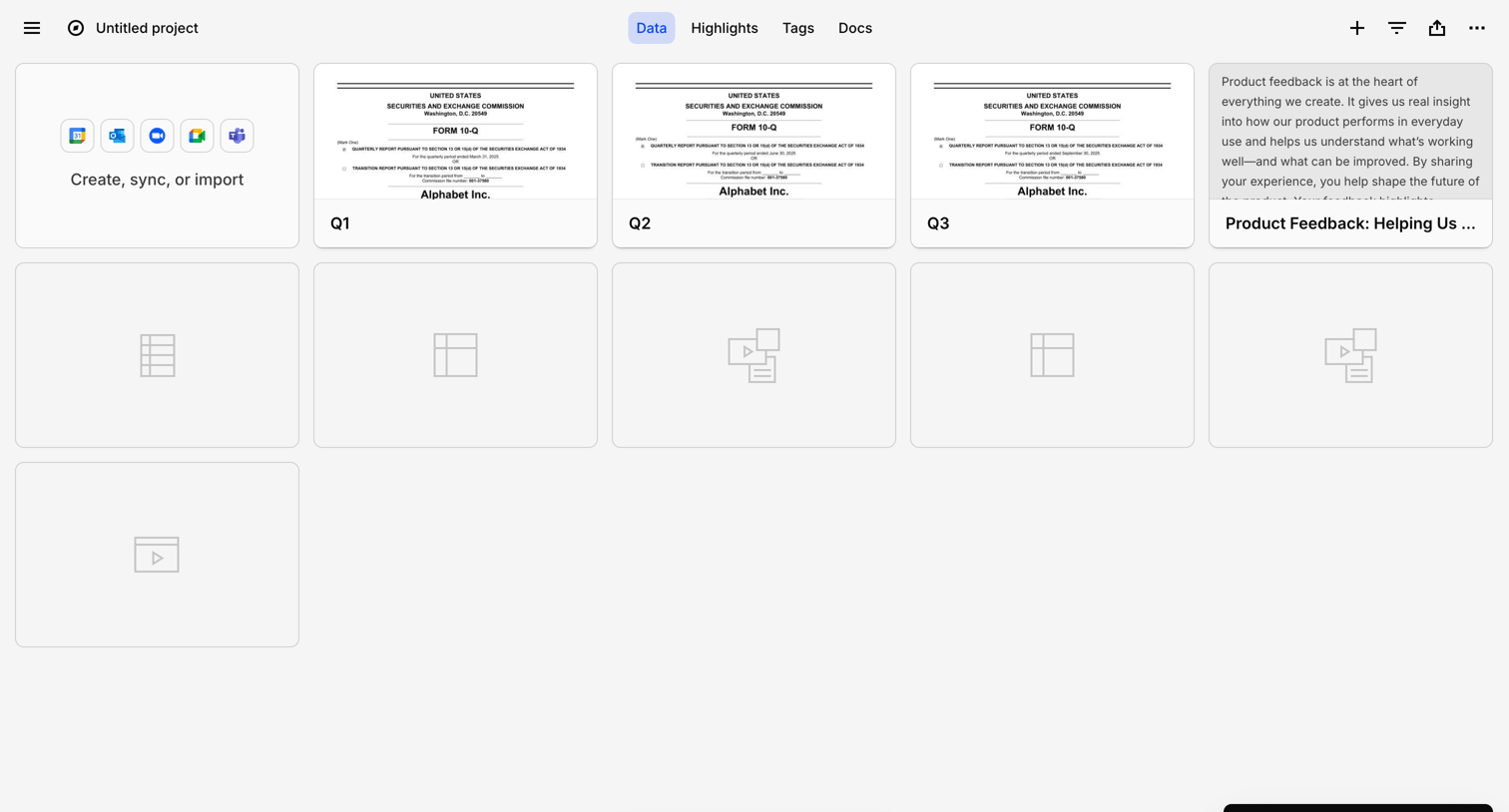

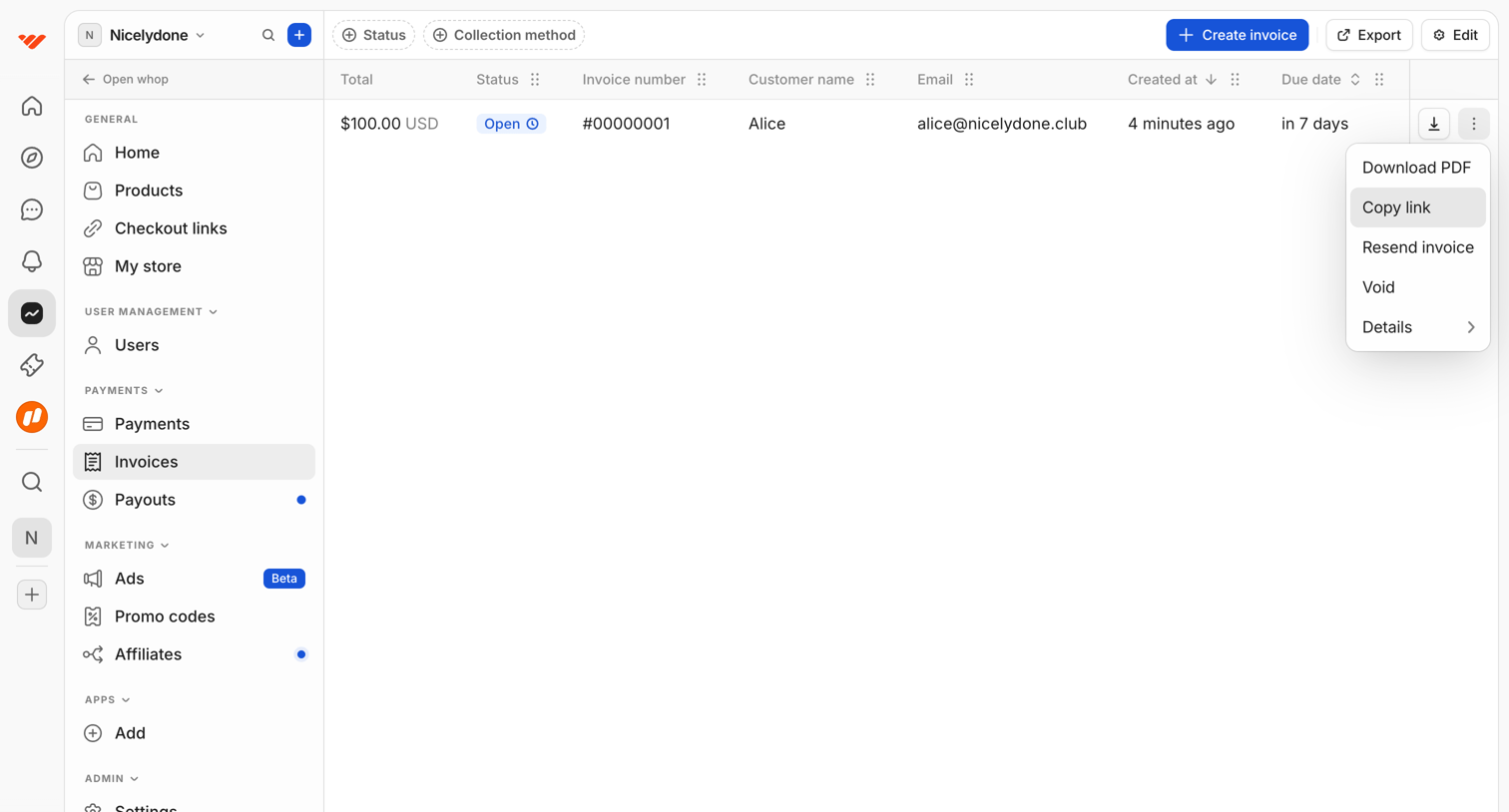

List view where the user manages customer invoices, with options to filter by status or collection method, create new invoices, and perform row-level actions like downloading PDFs or copying links.
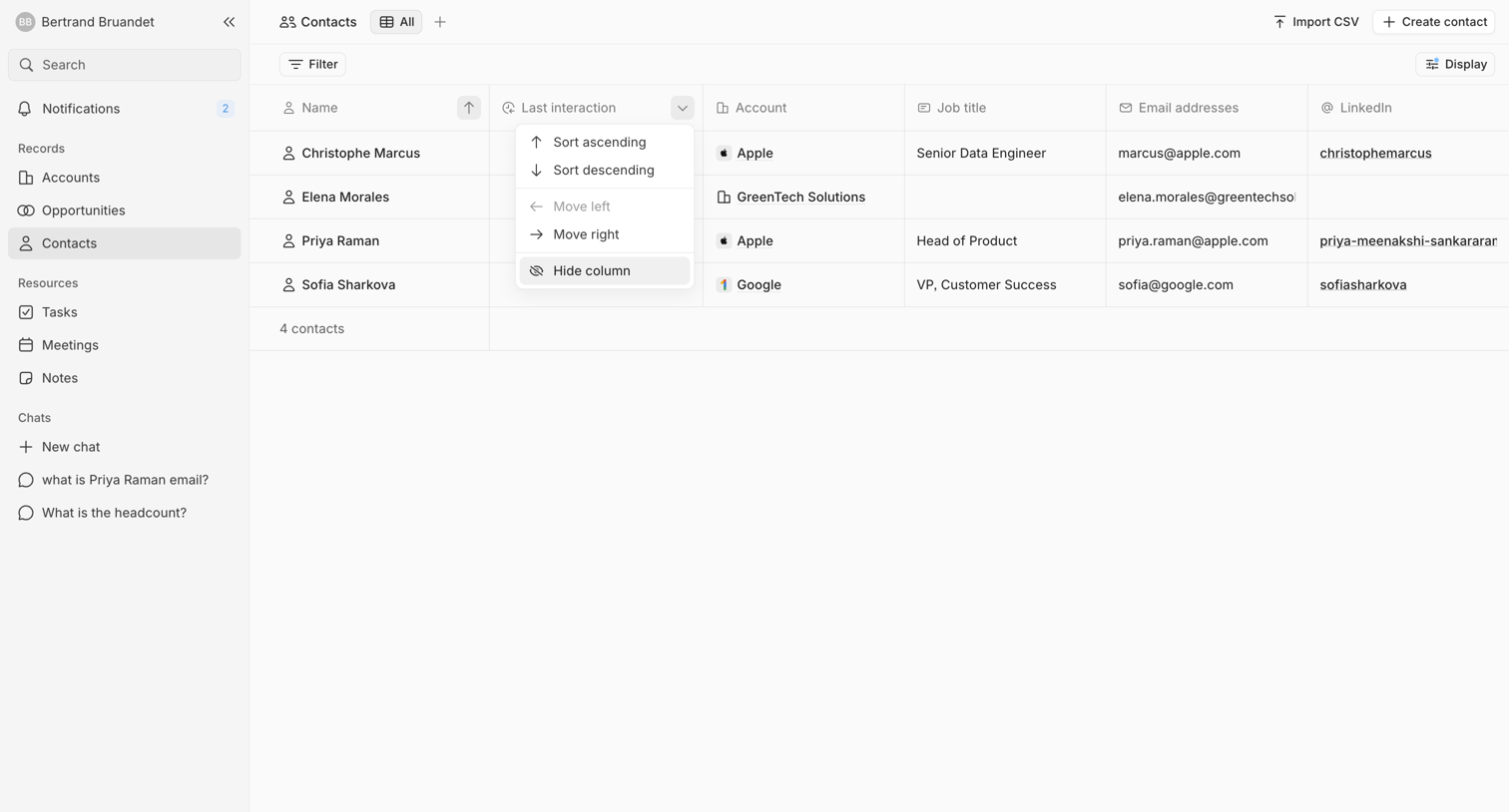

List view where the user manages their CRM contacts via a data table with sorting and filtering options.
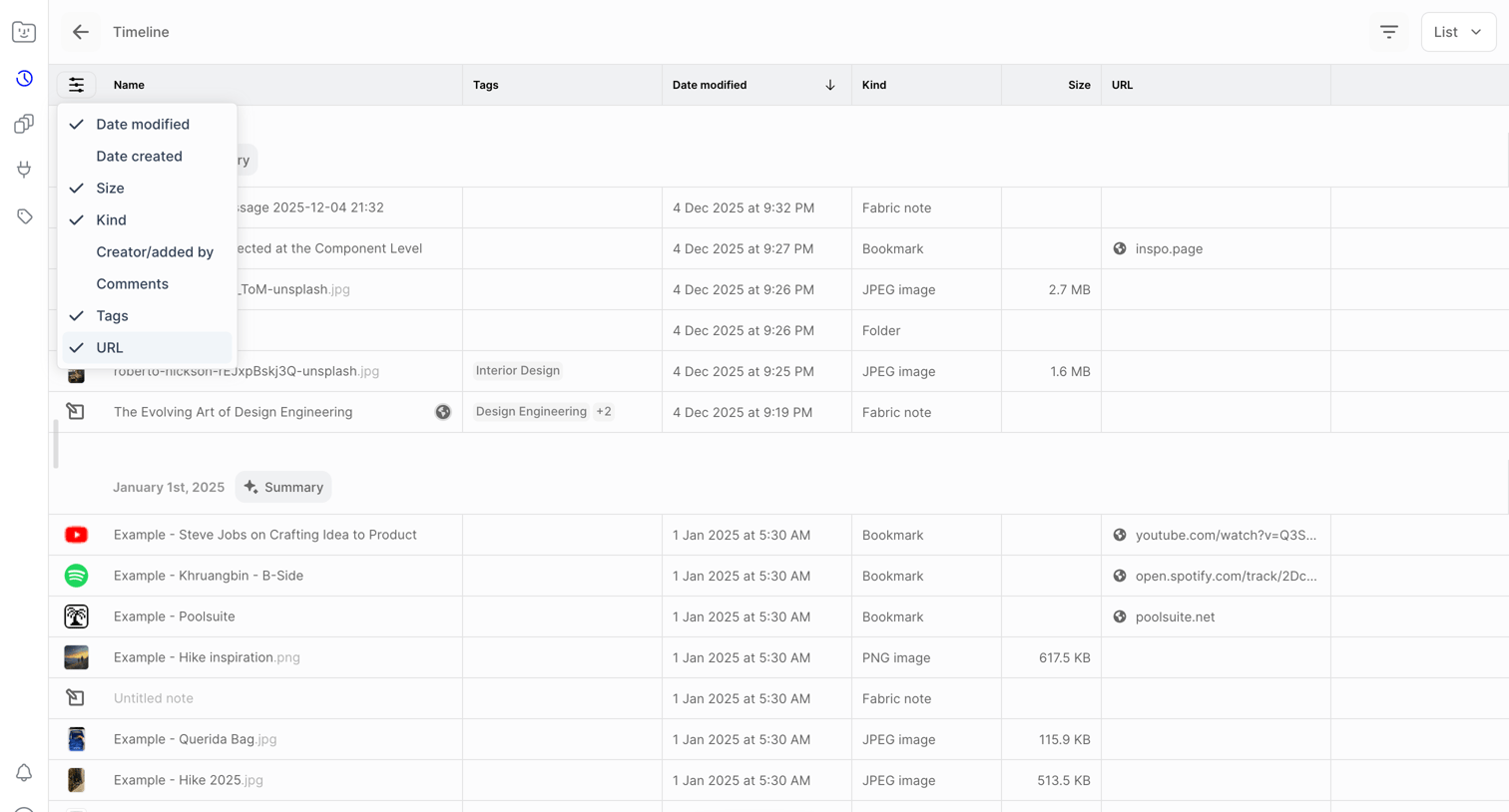

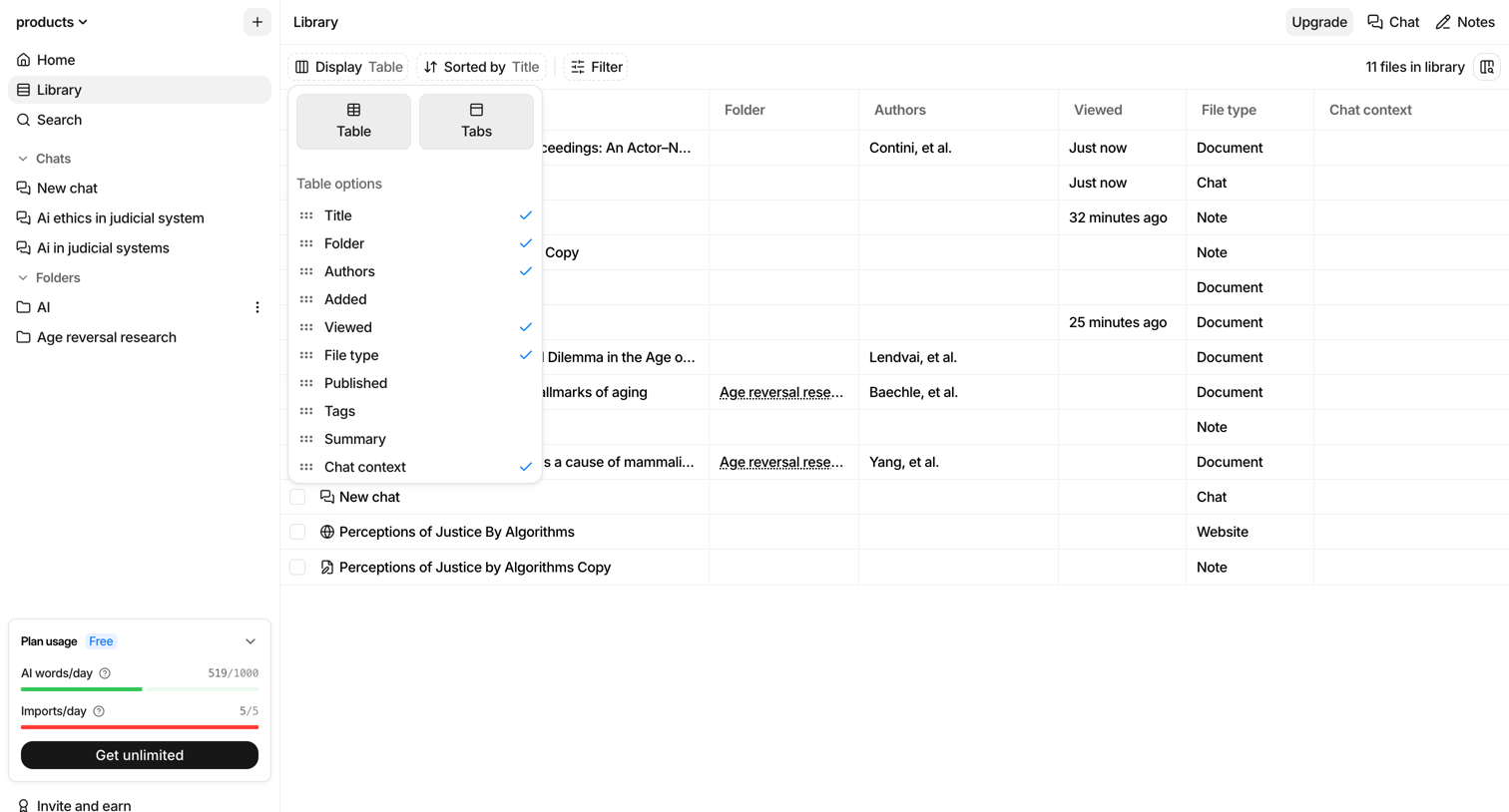
Data table displaying a timeline of files, notes, and bookmarks where the user is adjusting column visibility via an open dropdown menu.
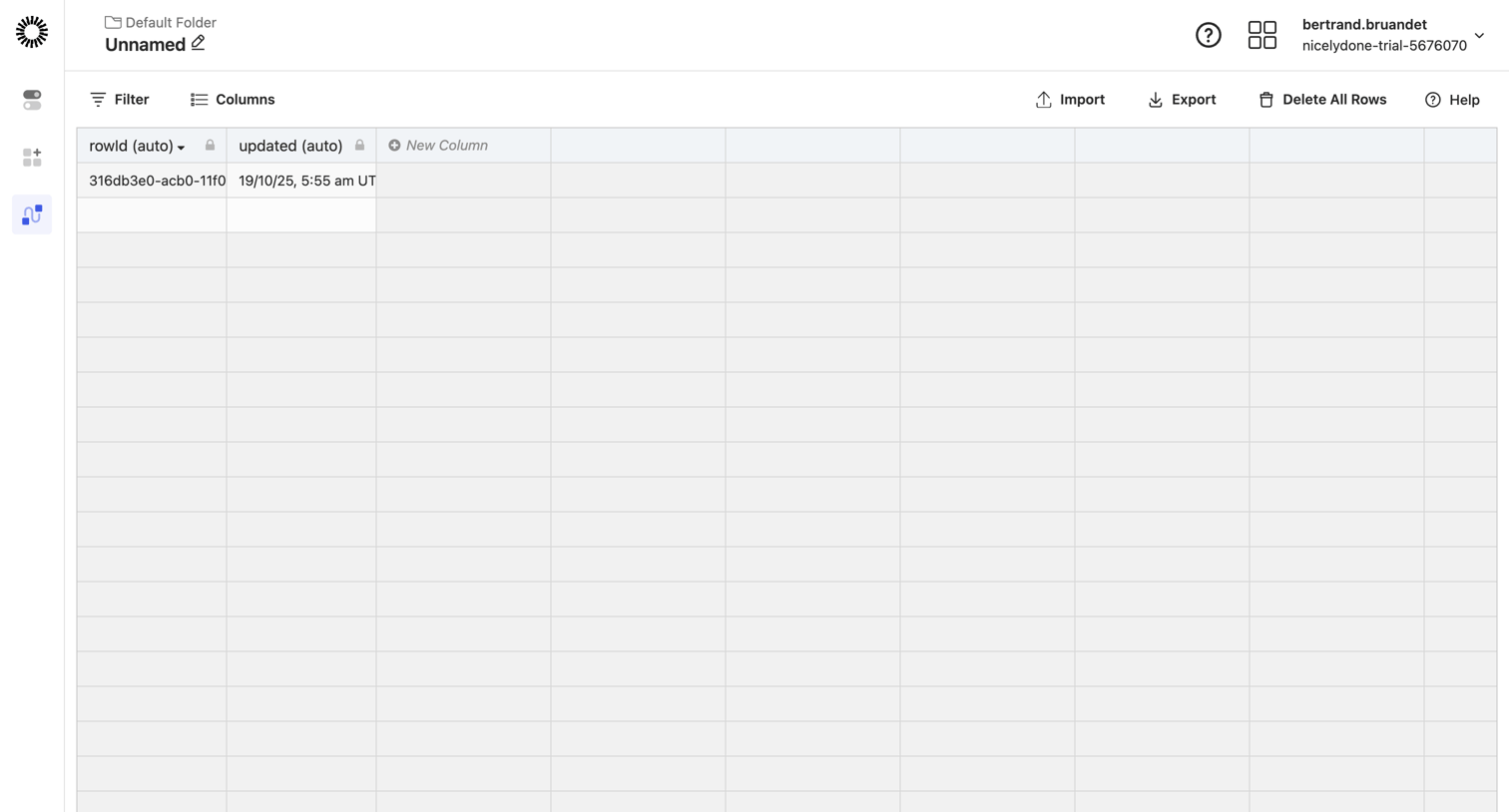

Table editor where the user can view, filter, and manage records with columns like rowId and updated.
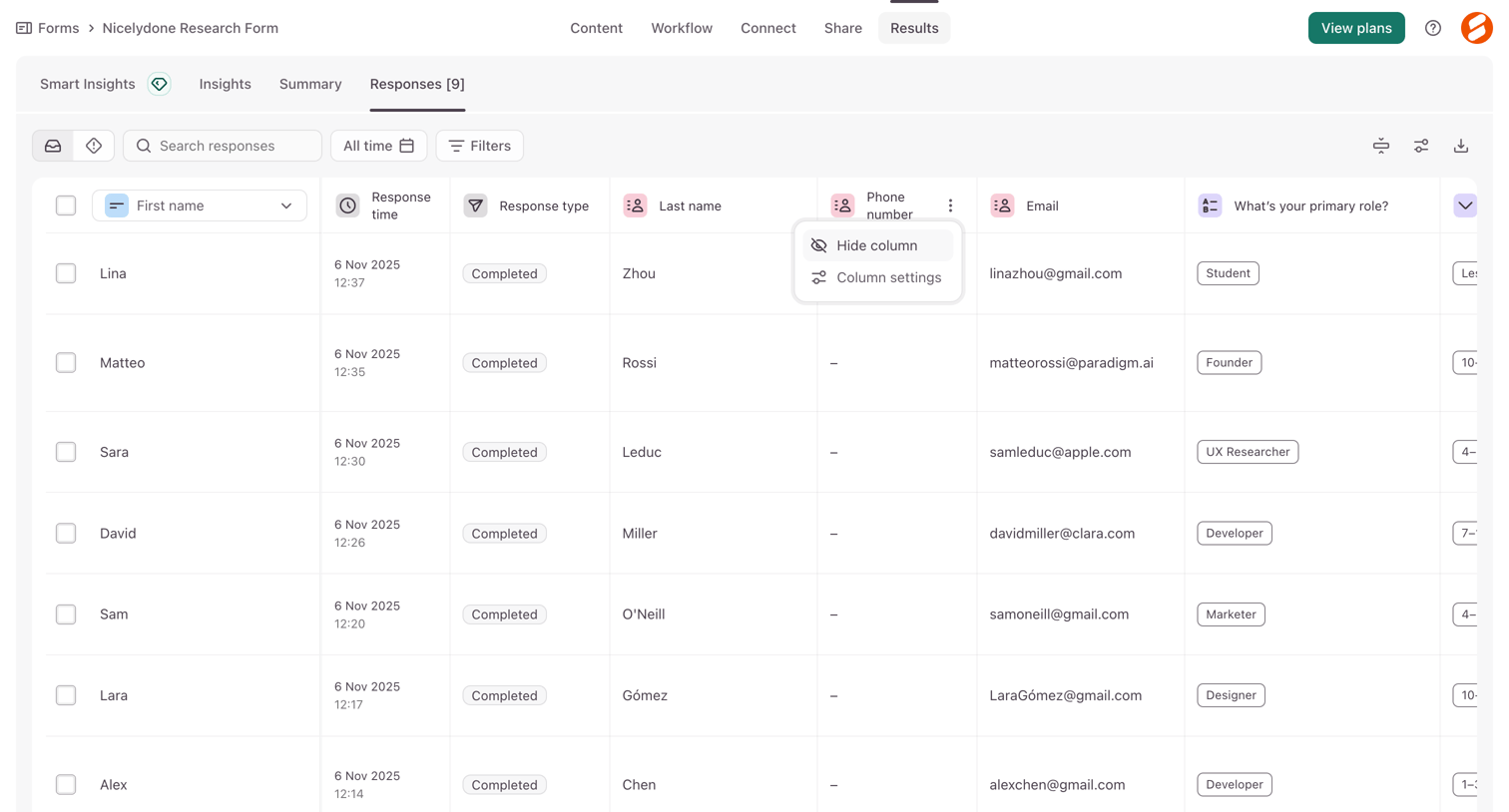

List view where the user reviews individual form submissions, with options to search, filter, and adjust column settings.
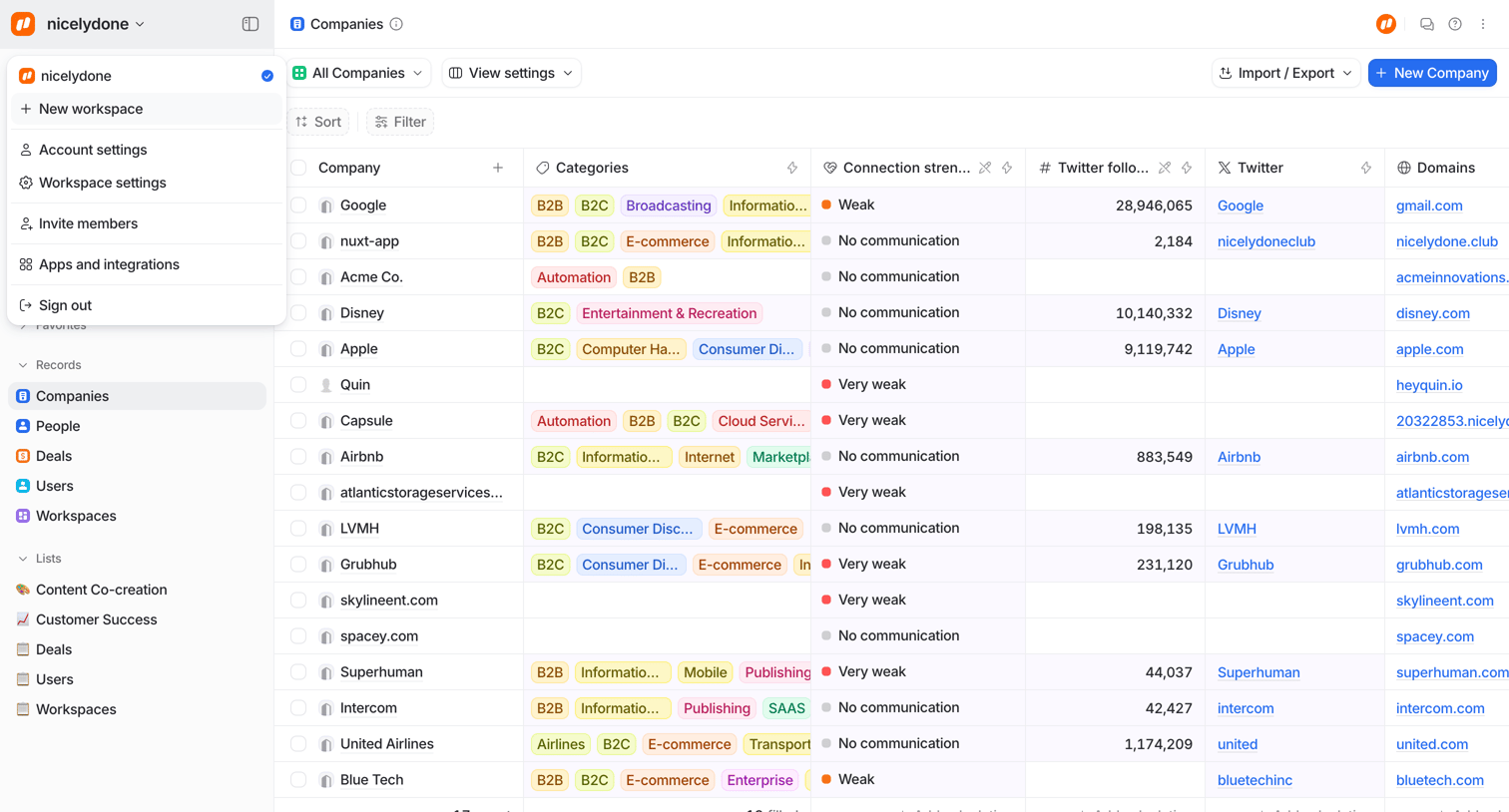

Data table view where the user manages a list of companies with columns for categories, connection strength, and social links.
Explore the full SaaS screen library
Upgrade to unlock the full library.
Trusted by the best teams








About Data Grid
See how interfaces present records within a structured grid. Explore how row and column labels connect values with selection and editing controls.