Connect service screen examples
Connect service screen design examples from SaaS apps. Browse examples from Hypermode, Shuttle, Bitly.
Explore the examples
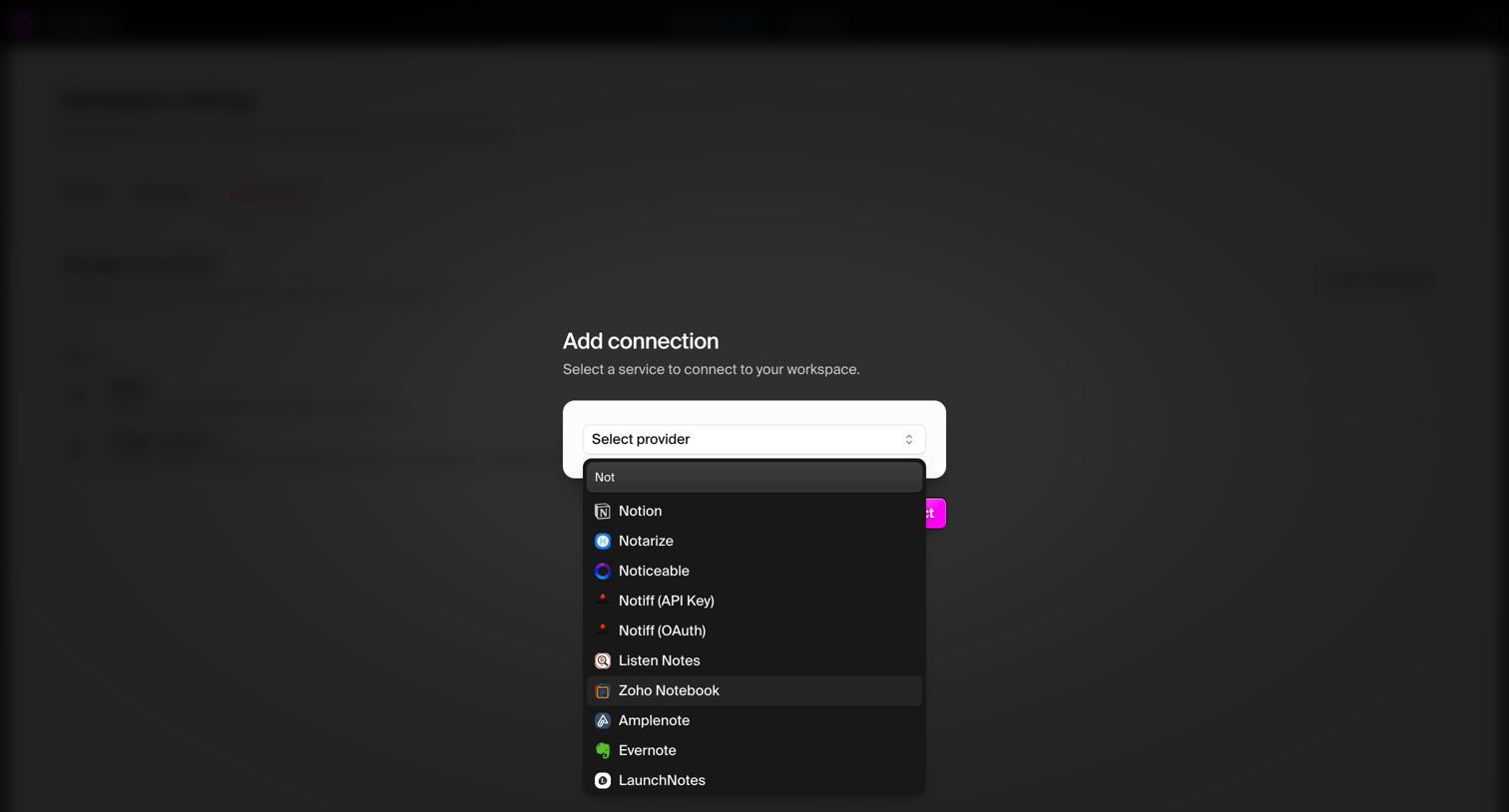

Settings modal where the user searches for and selects a third-party provider like Notion or Evernote to connect to their workspace.
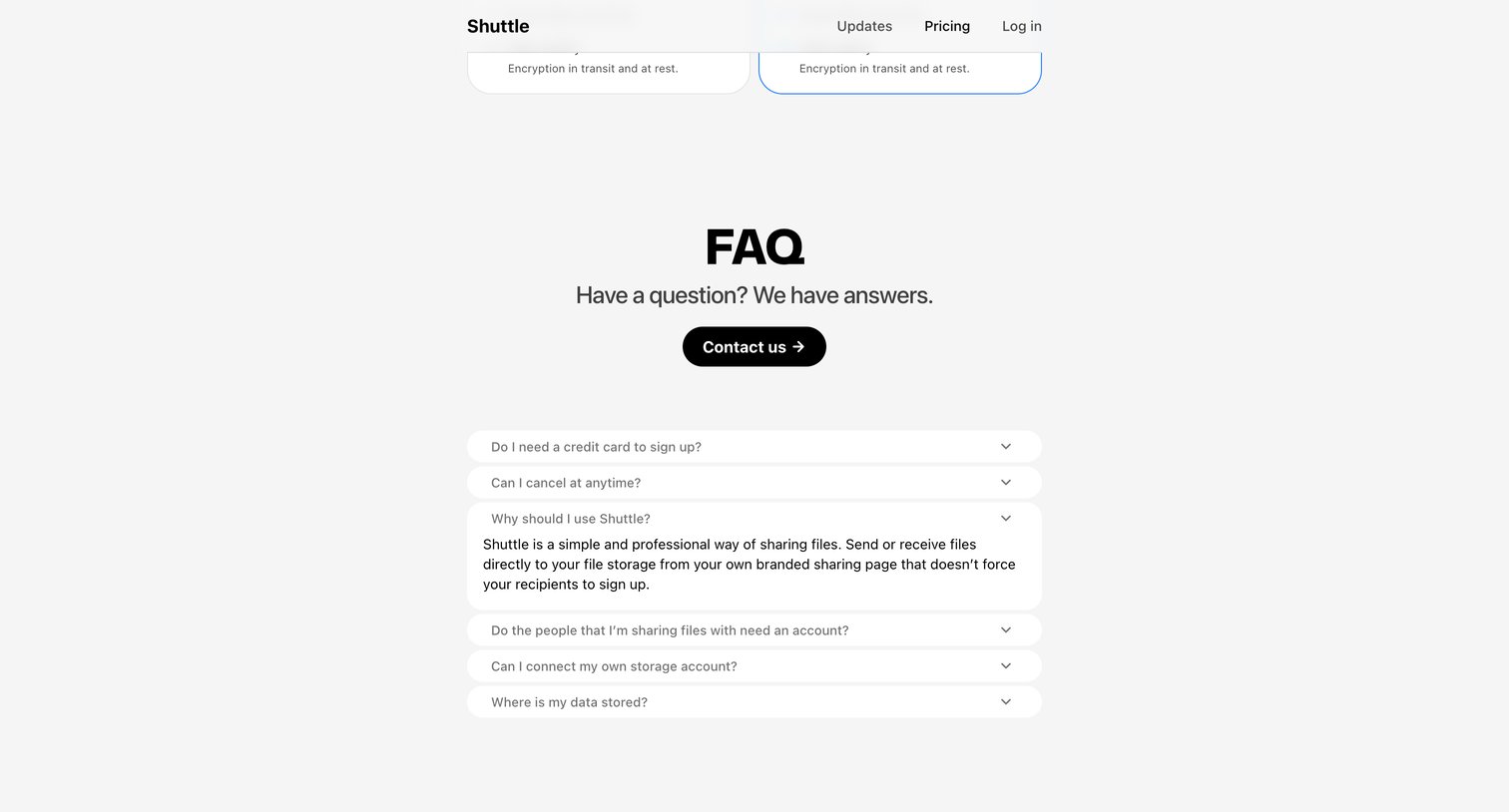

Pricing page featuring an FAQ section where the user can expand questions about credit card requirements, cancellations, and data storage, along with a prominent contact button.
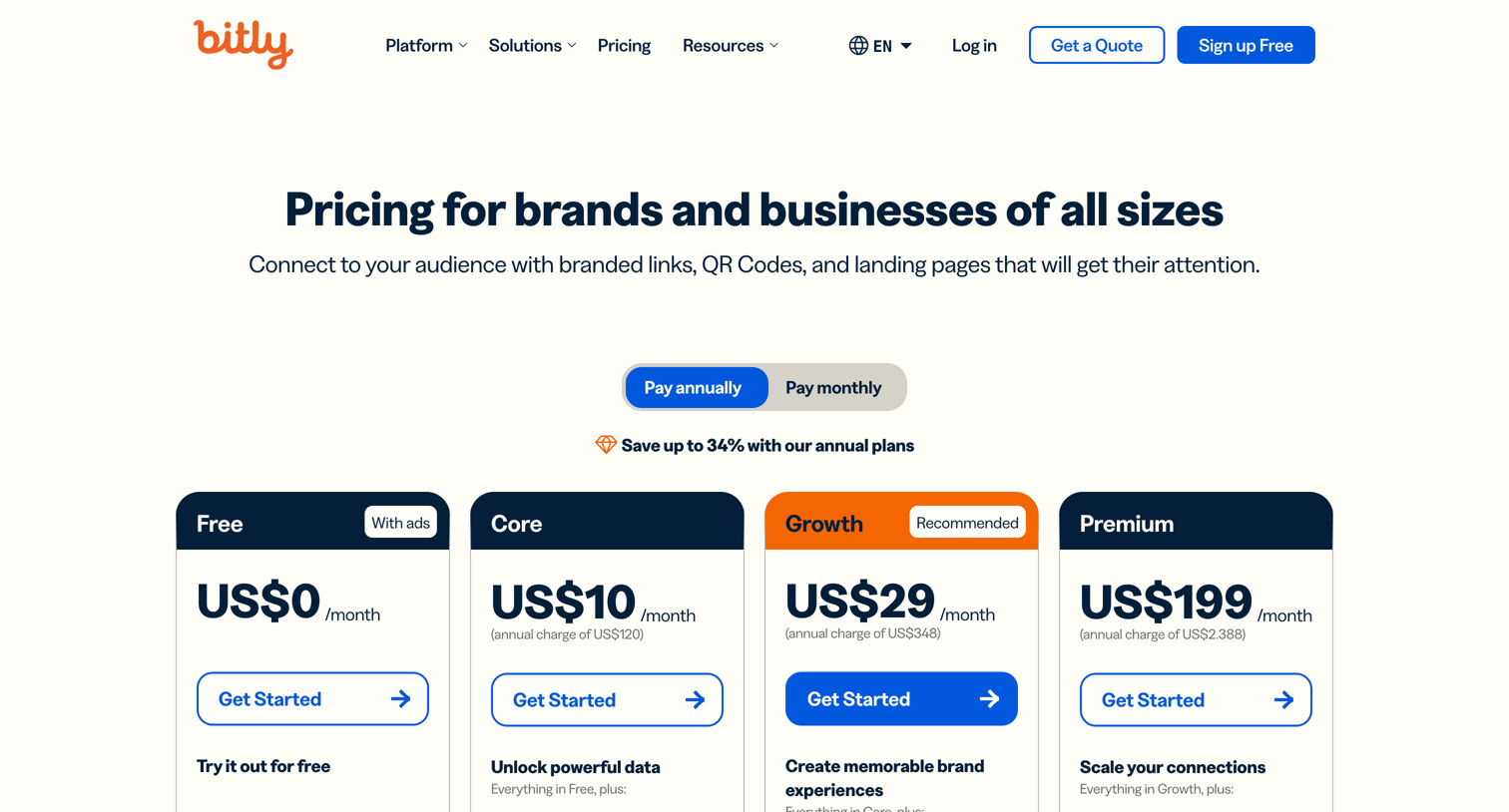

Pricing page where the user chooses between Free, Core, Growth, Premium, and Enterprise plans, followed by a detailed feature comparison table.
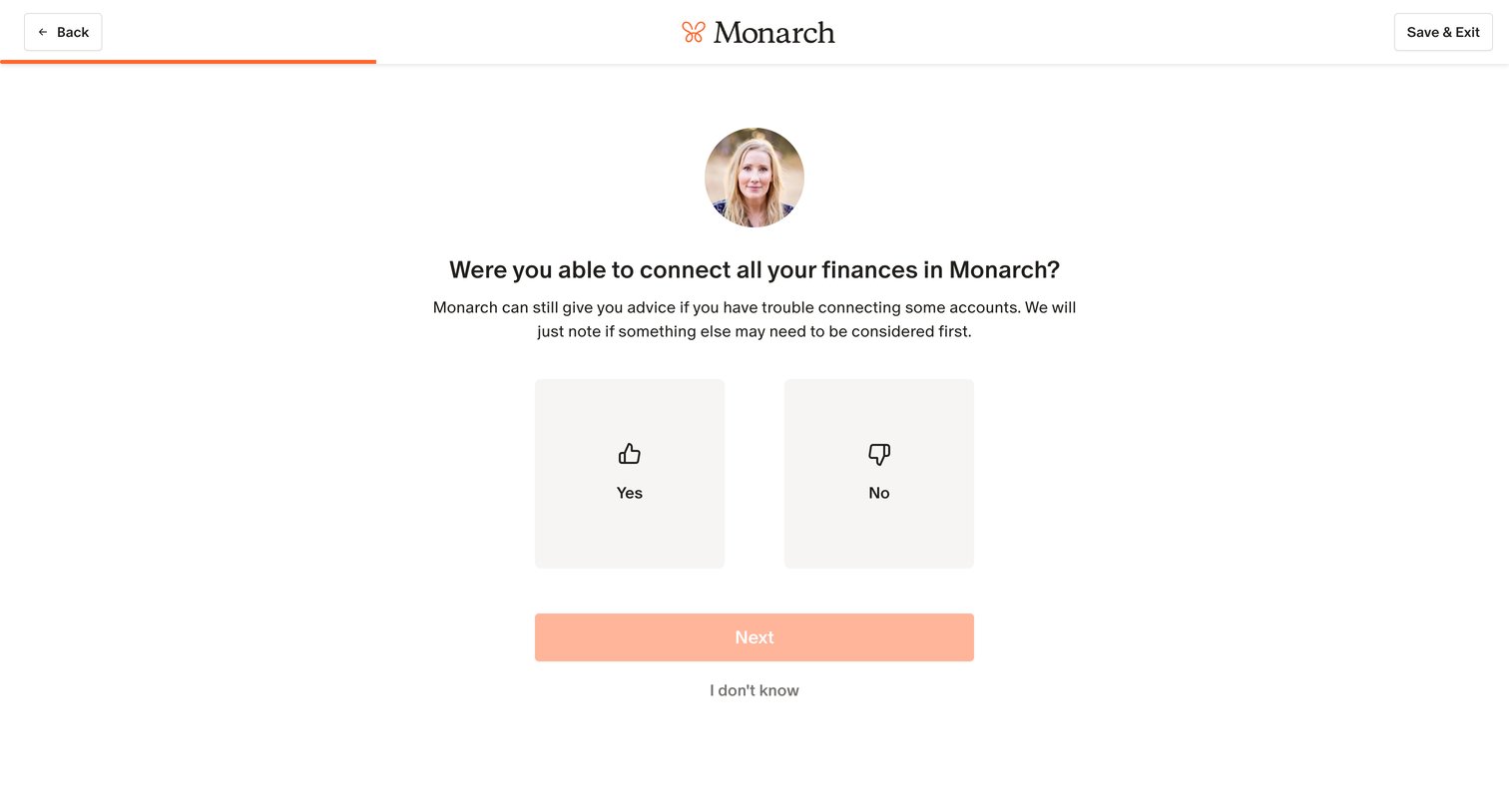

Onboarding step where the user confirms whether they successfully connected all their financial accounts before proceeding.
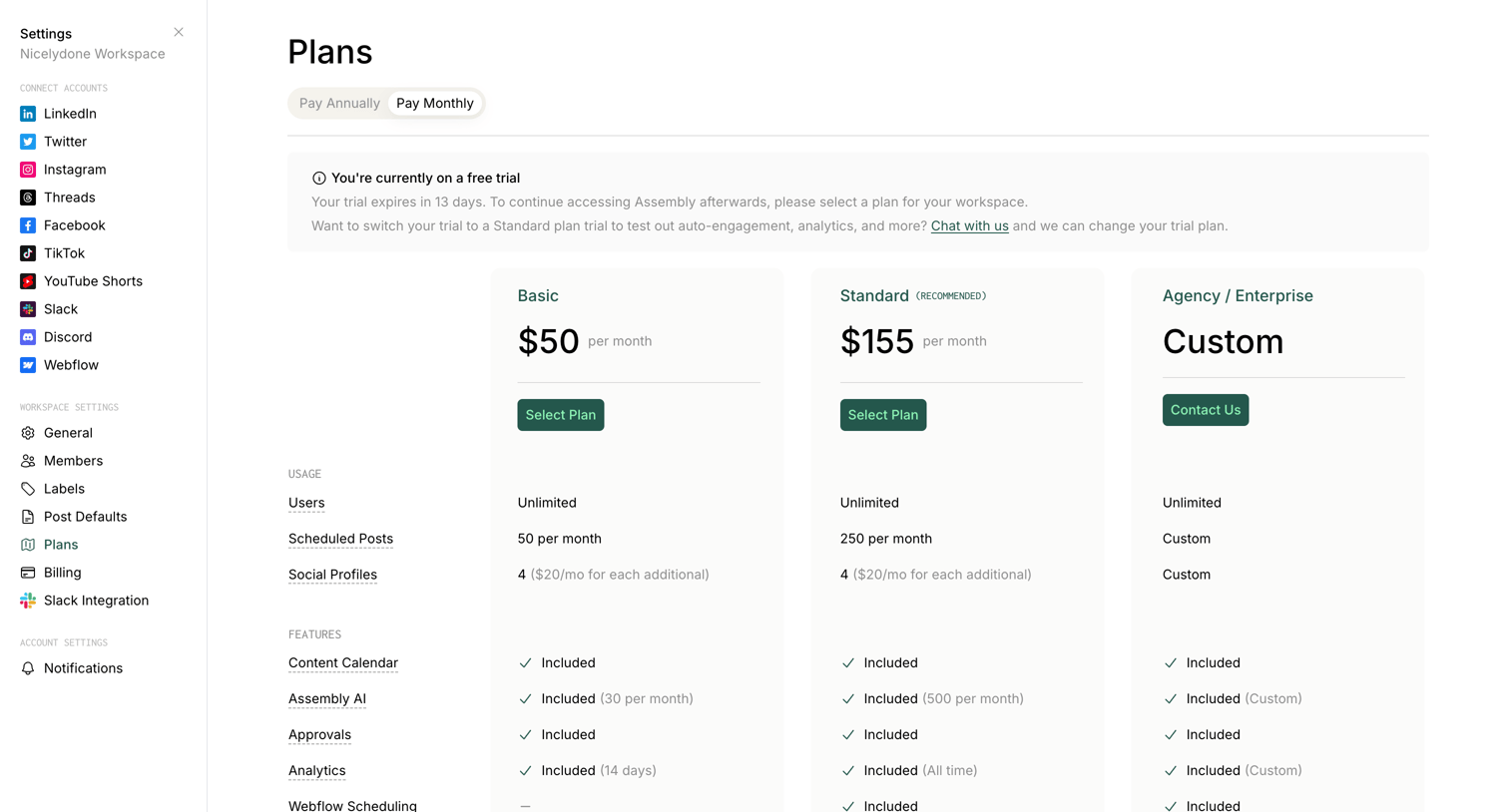

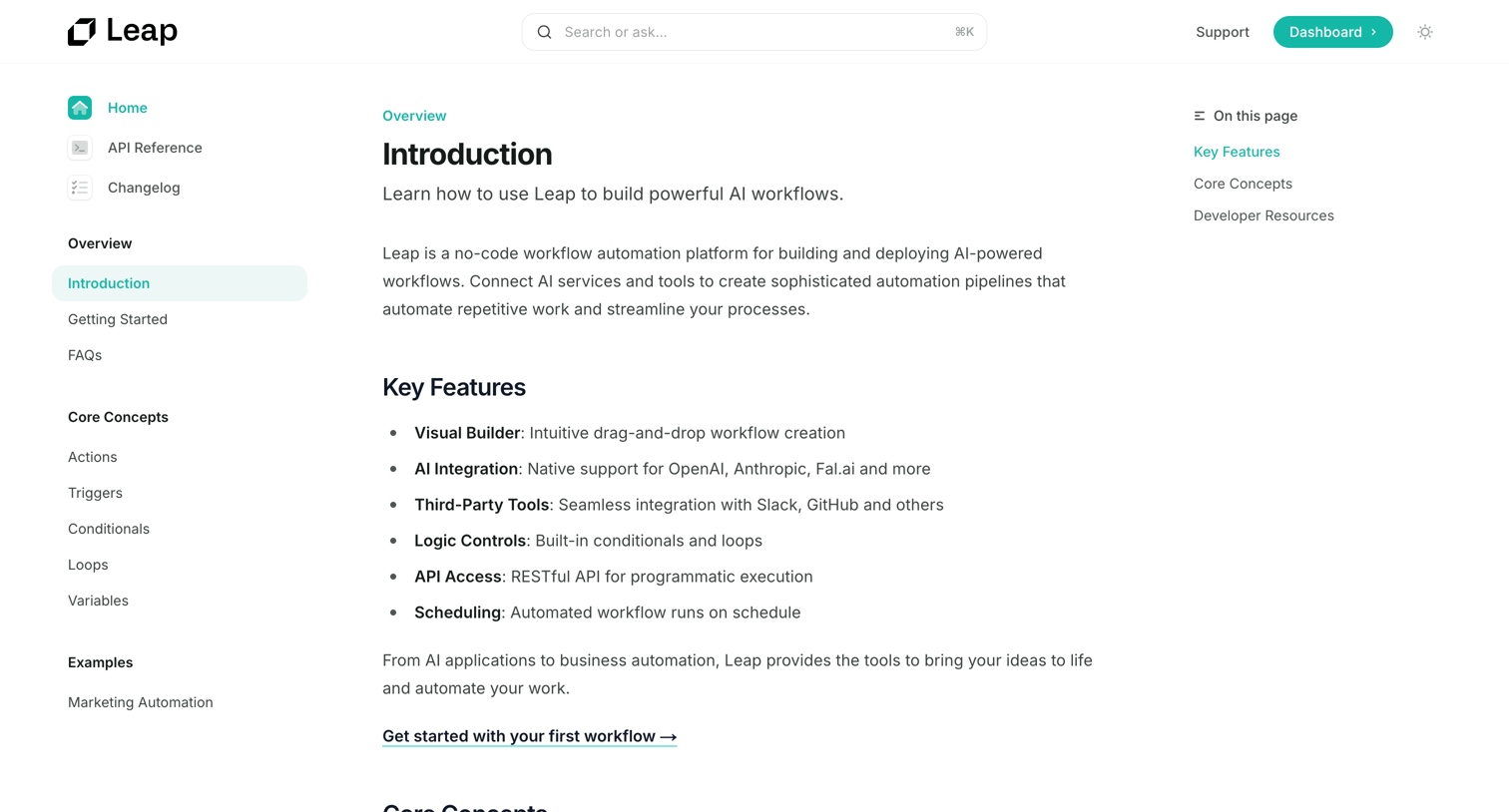

Developer documentation introduction page explaining core concepts like actions, triggers, and conditionals for building AI workflows.
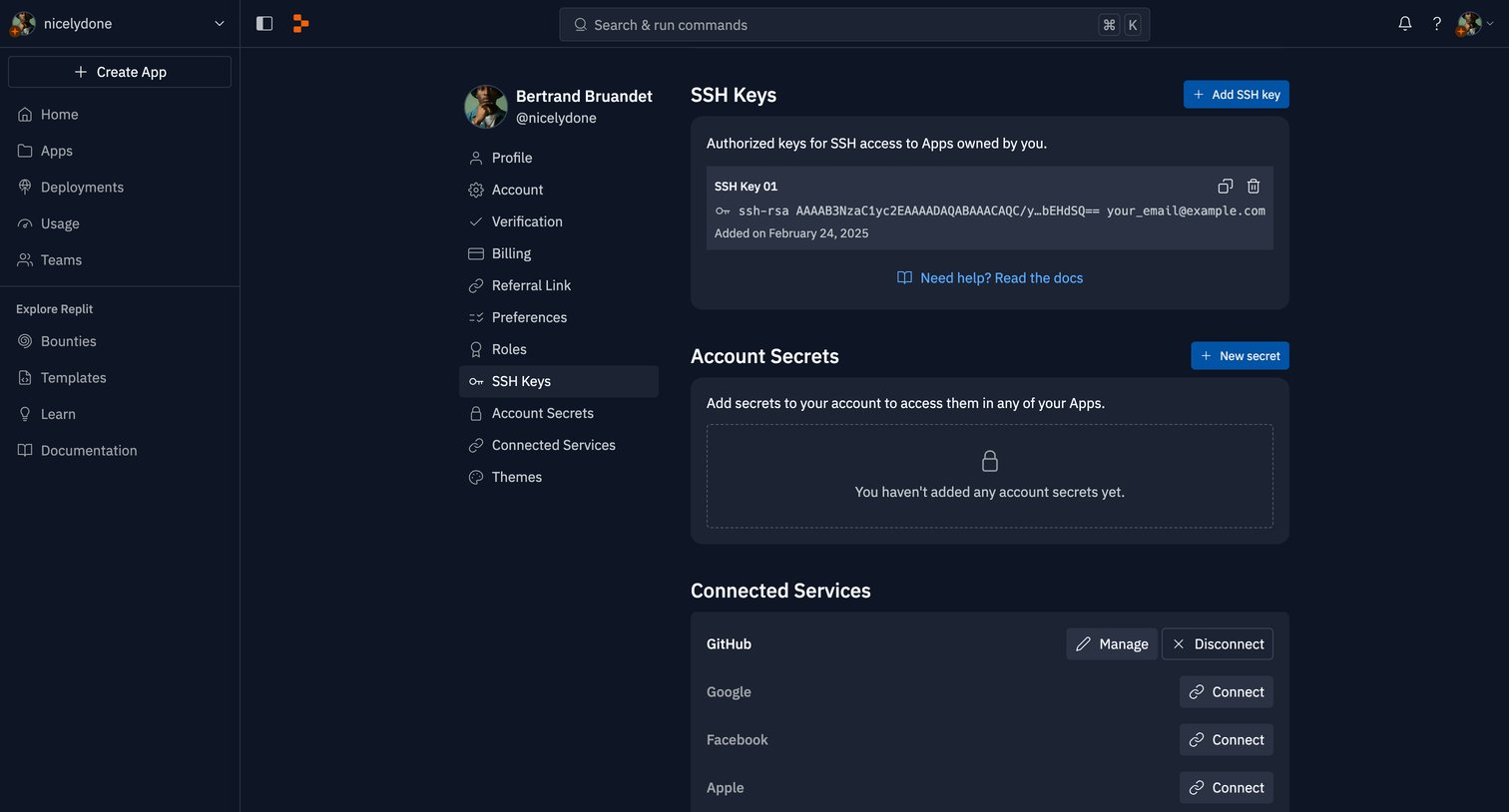

Settings page where the user manages SSH keys, account secrets, and connected services like GitHub and Google.
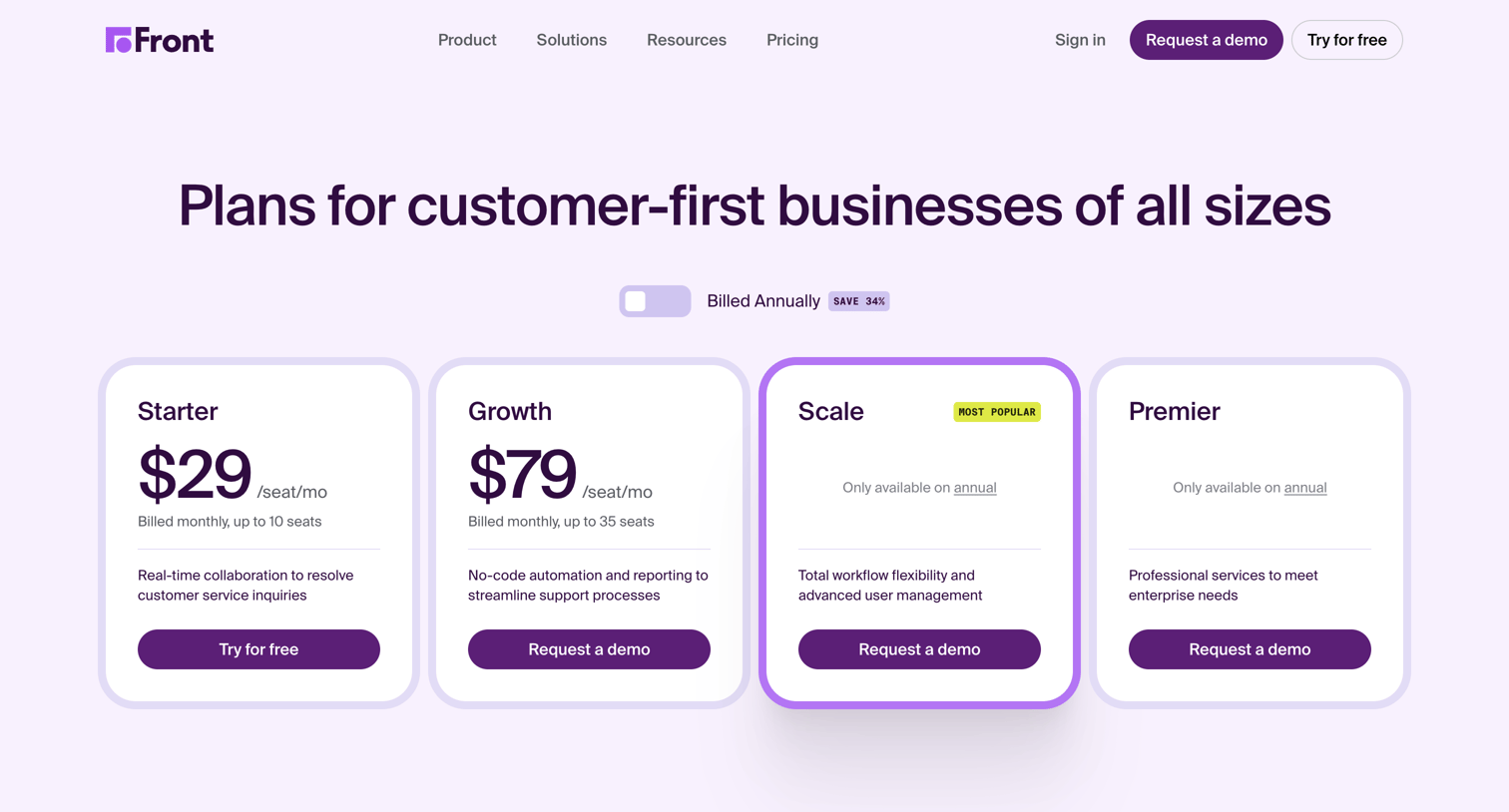

Pricing page where the user compares four subscription tiers, explores premium add-ons, and reviews a detailed feature matrix.
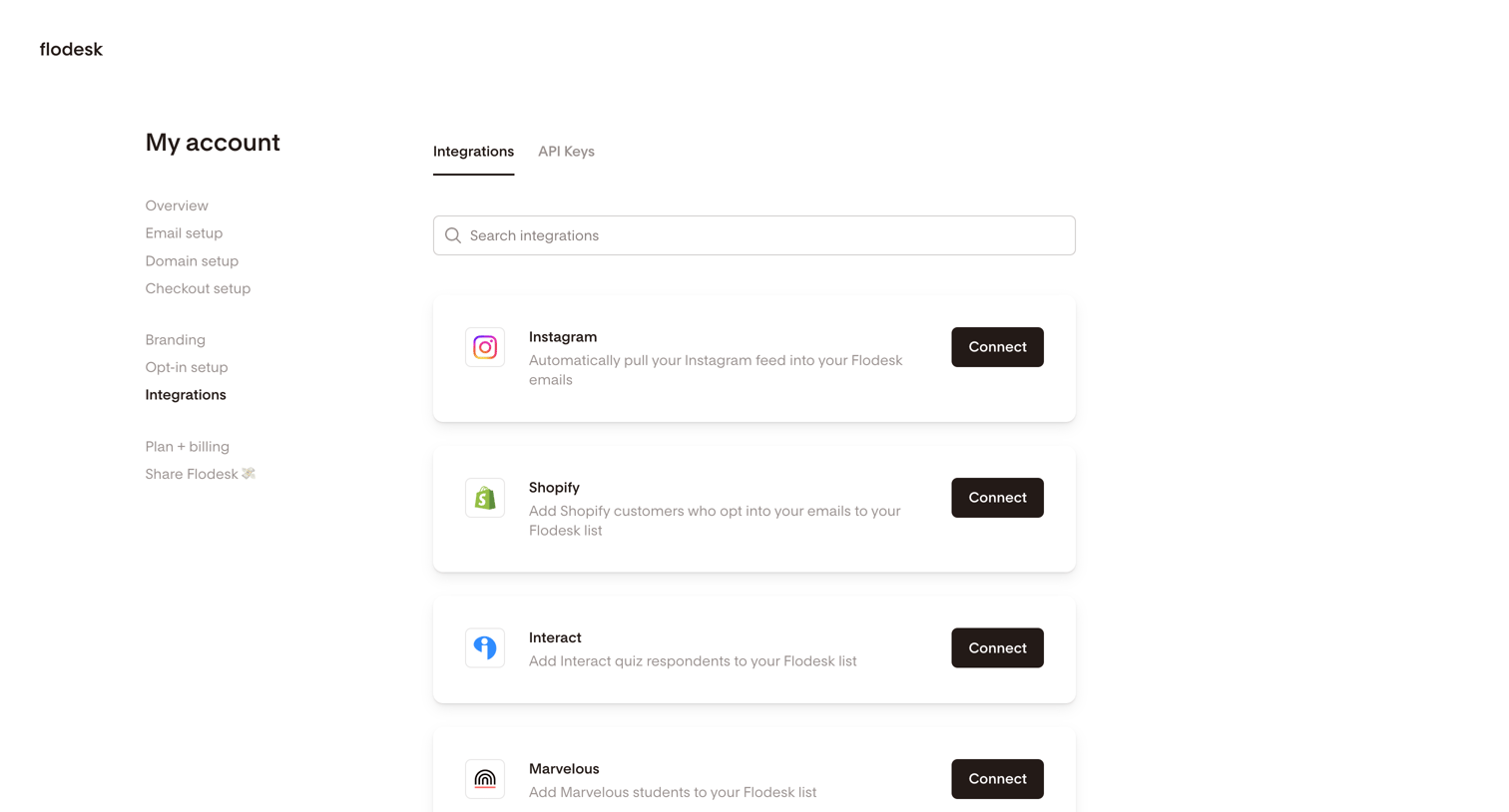

Settings page where the user browses and connects third-party integrations like Instagram, Shopify, and Zapier to their account.
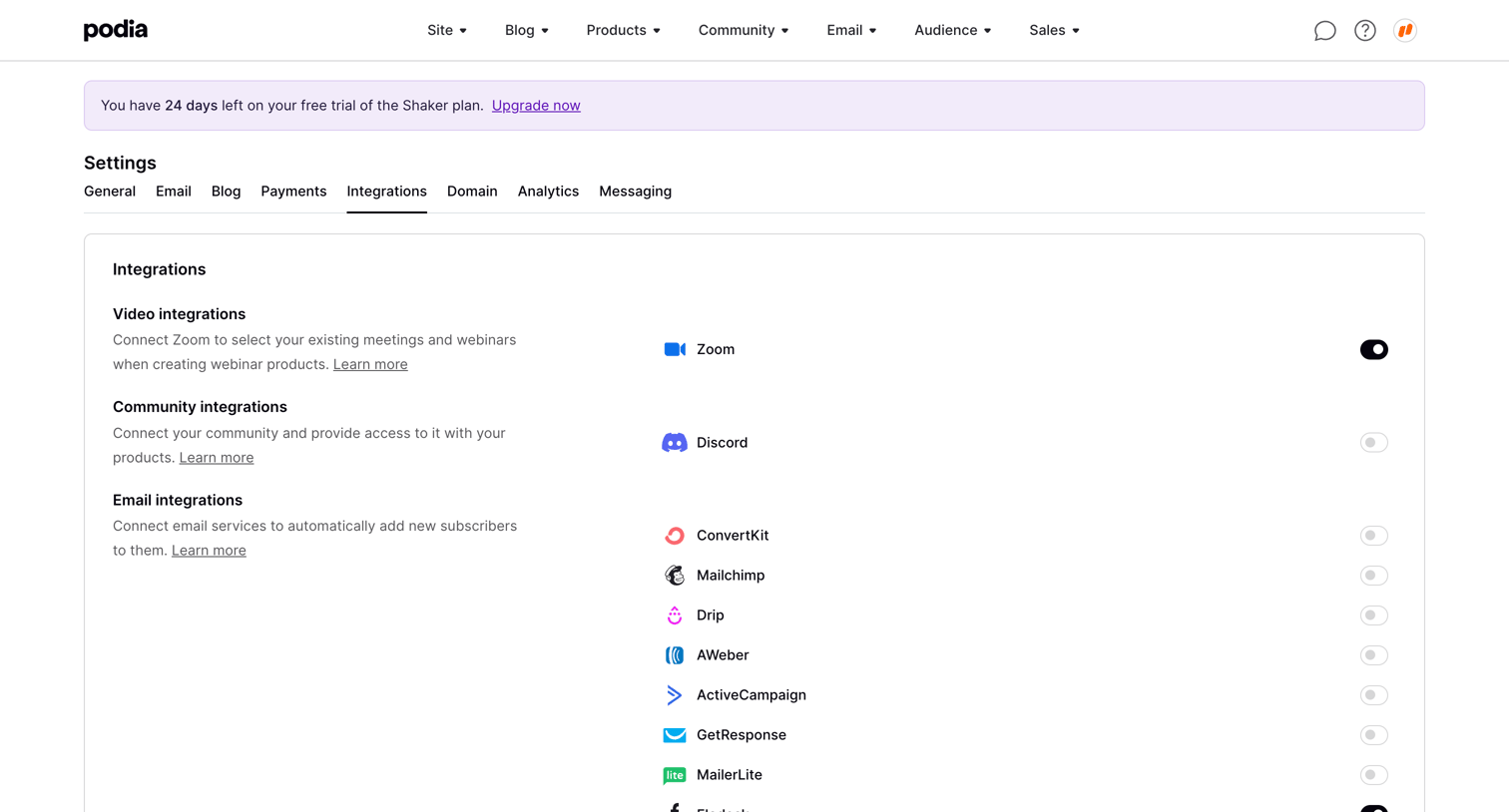

Settings page where the user connects third-party tools for video, community, email, and Zapier by toggling them on or off.
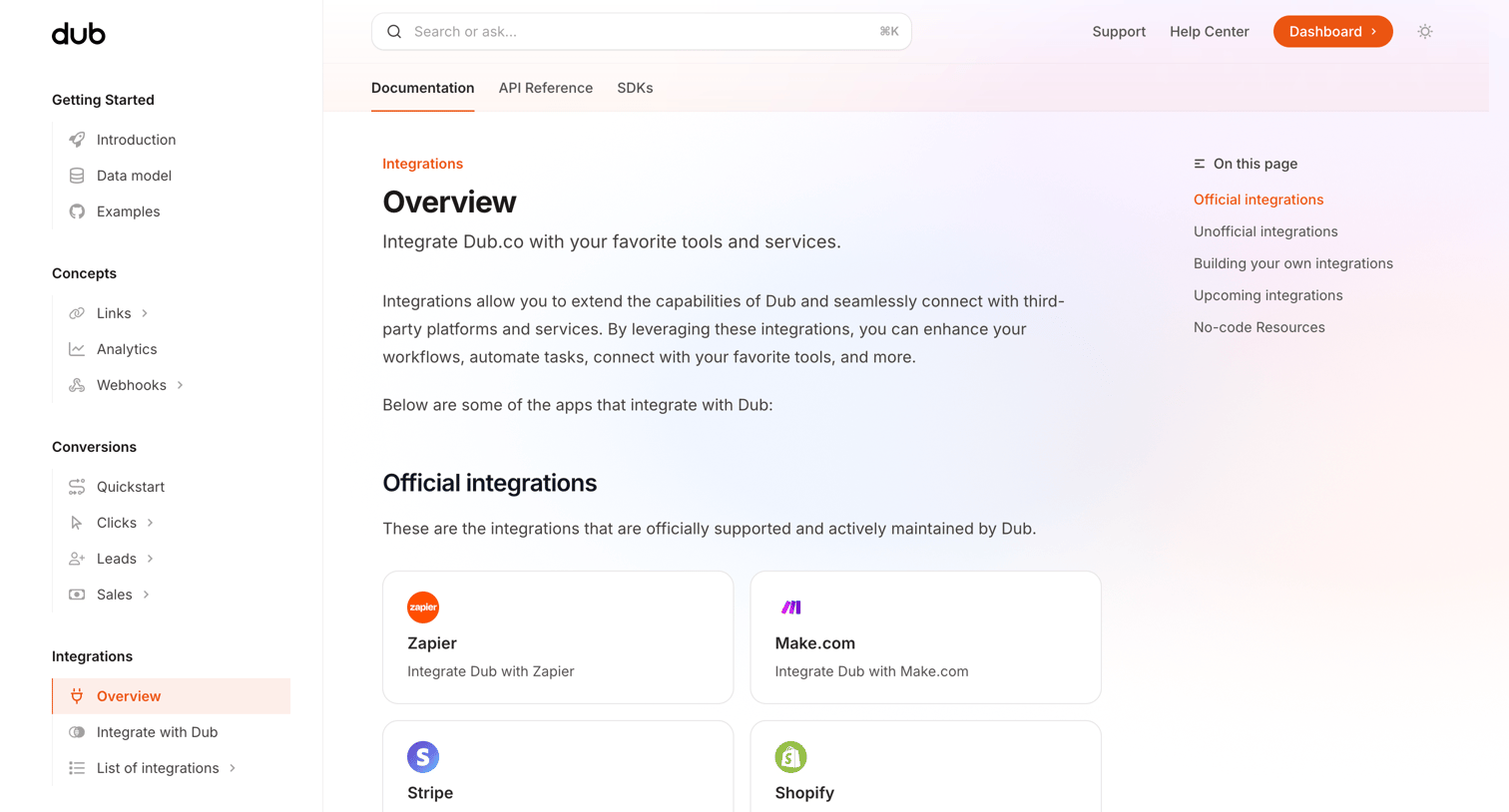

Documentation page where the user browses a categorized directory of official, unofficial, and upcoming integrations for the platform.
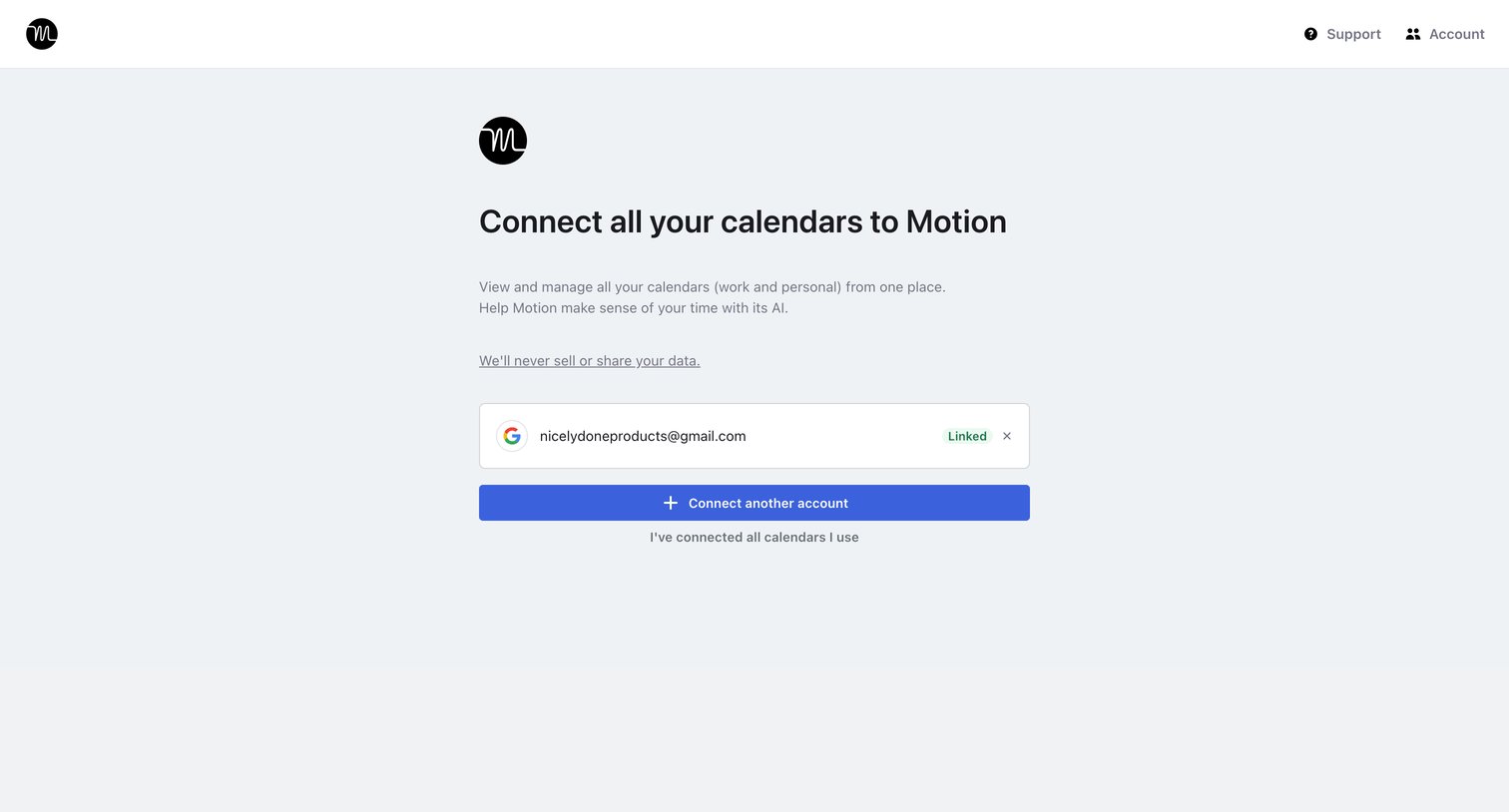

Onboarding step where the user connects their calendars to the app, showing one Google account already linked and prompting to add more.
Explore the full SaaS screen library
Upgrade to unlock the full library.
Trusted by the best teams







