Confirmation screen examples
Confirmation screen design examples from SaaS apps. See how SaaS apps explain the consequences of an action before asking people to confirm. Browse designs for deleting data, publishing changes, and reviewing…
Explore the examples
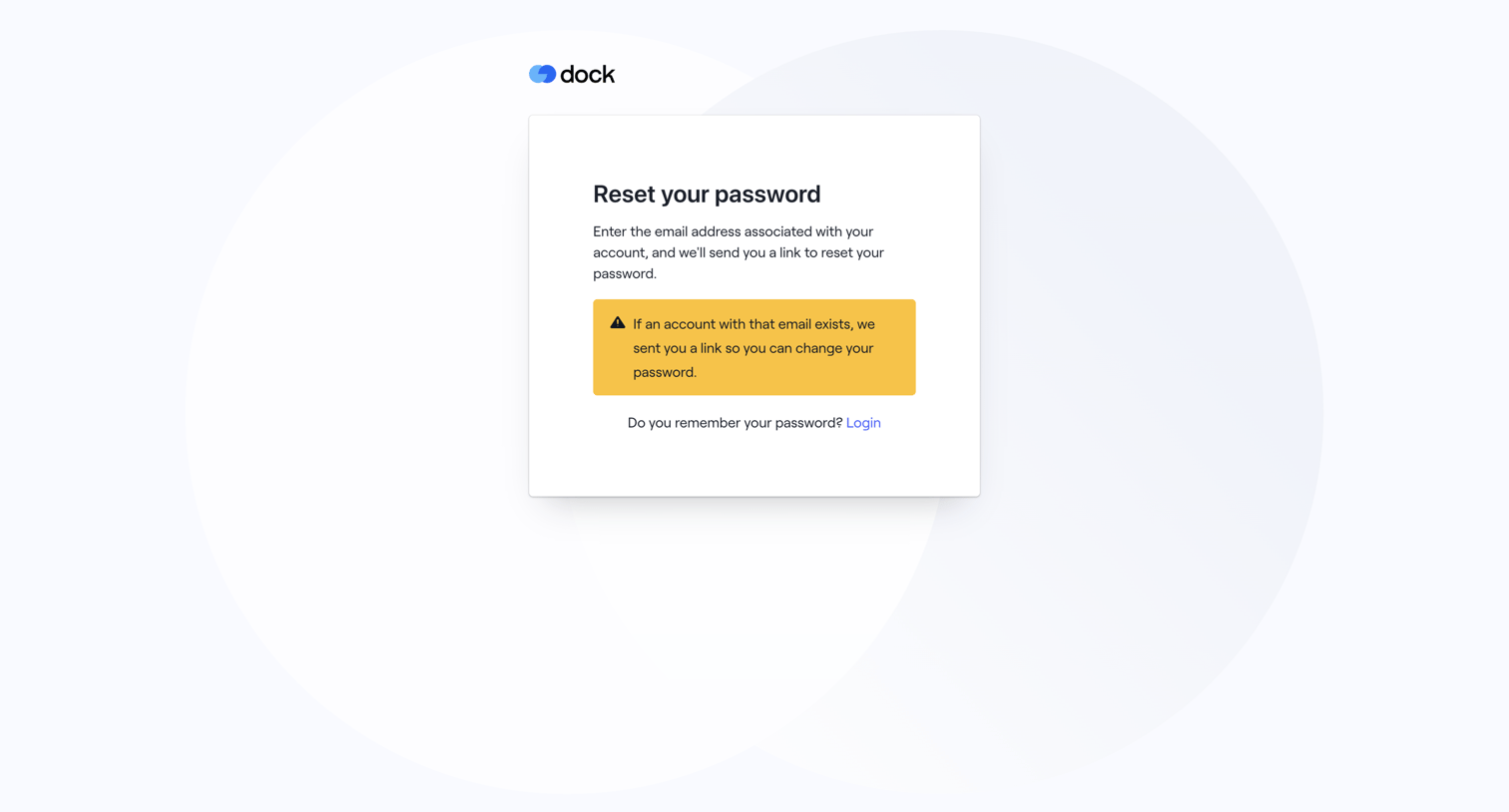

Password recovery screen displaying a confirmation alert that a reset link has been sent if the email exists, along with a link to return to login.
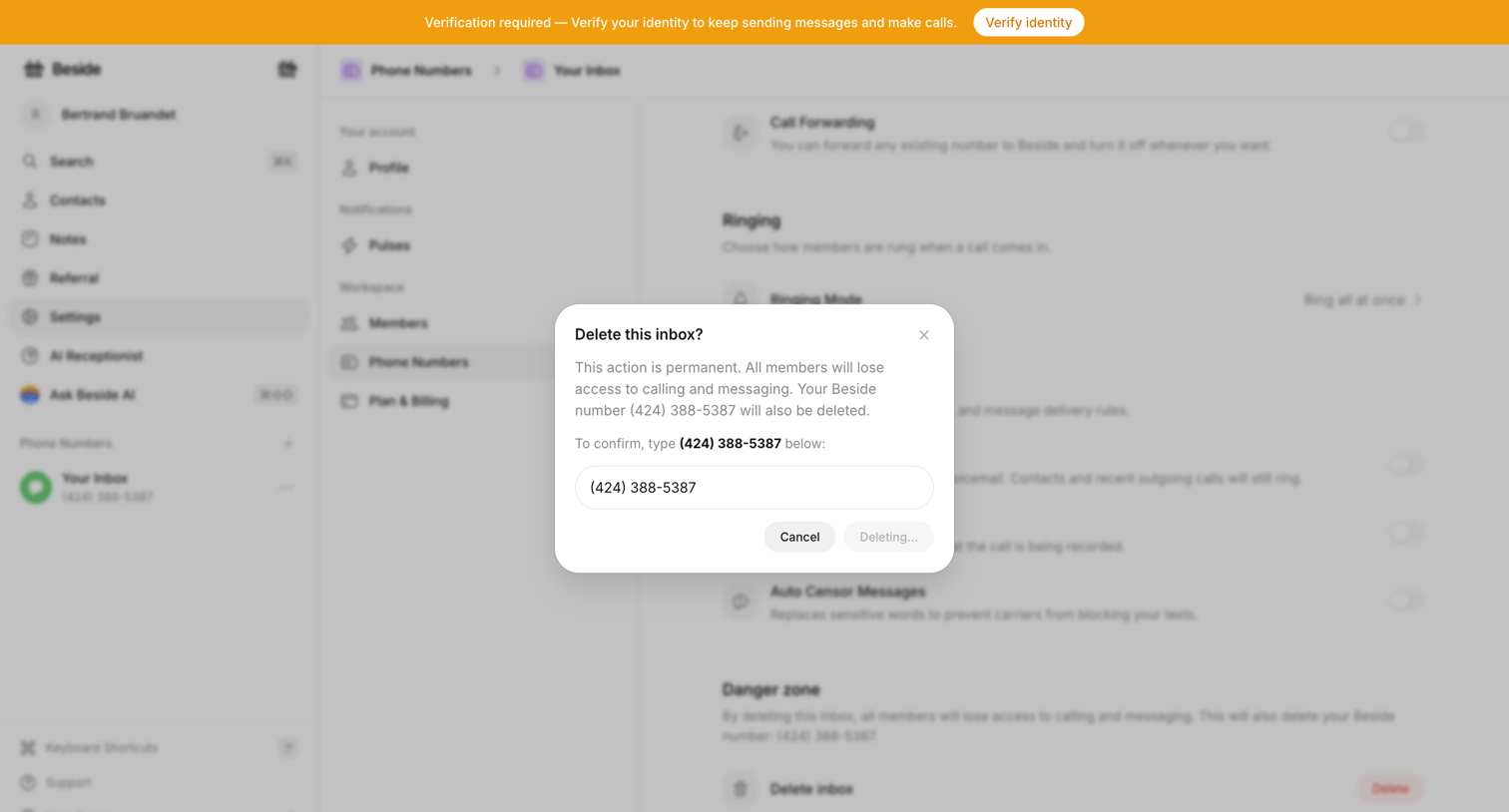

Settings page where the user confirms the destructive action of deleting a phone number inbox by typing the number into a modal.
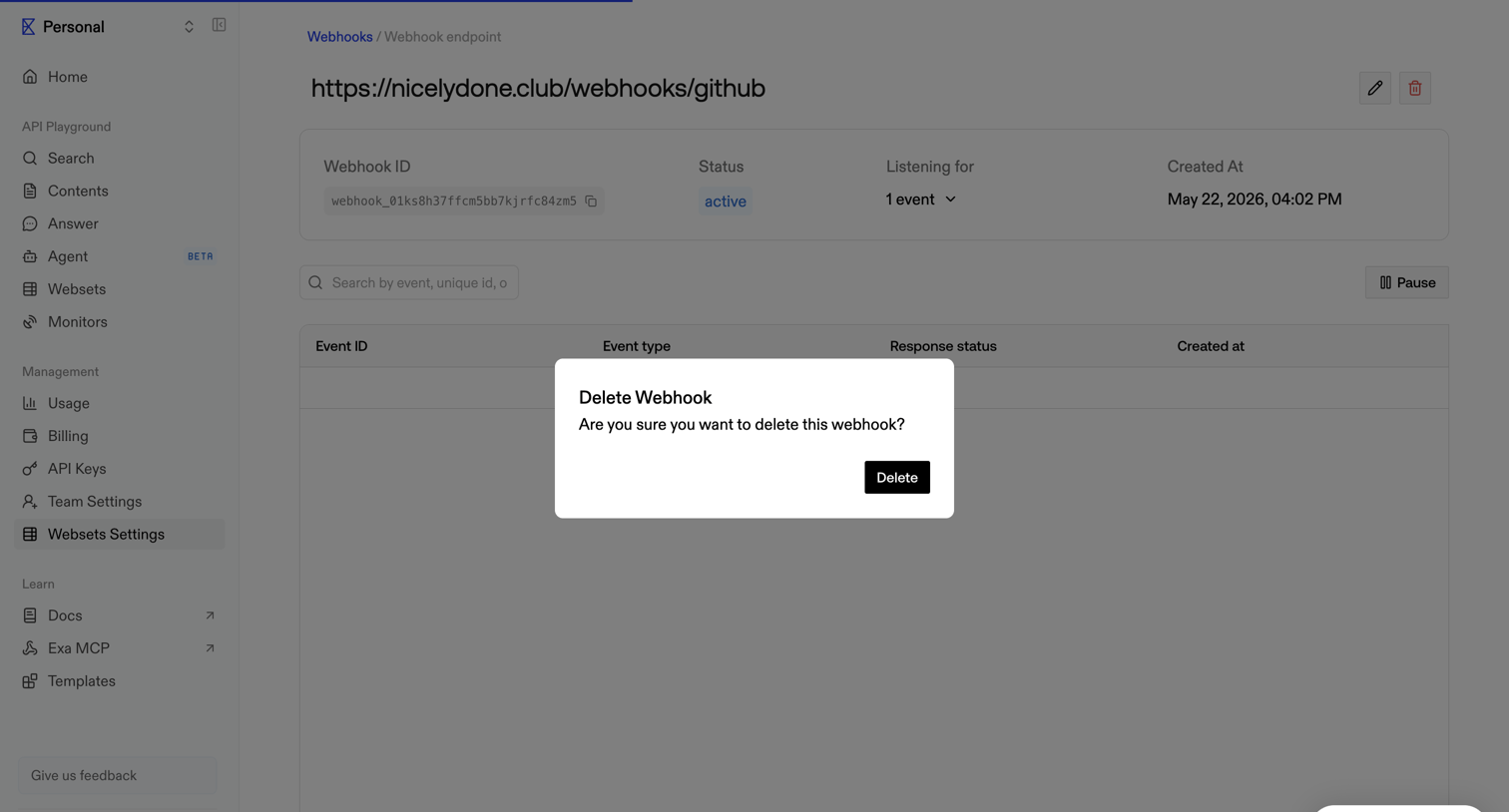

Settings detail page where the user is prompted to confirm the deletion of a specific webhook endpoint.
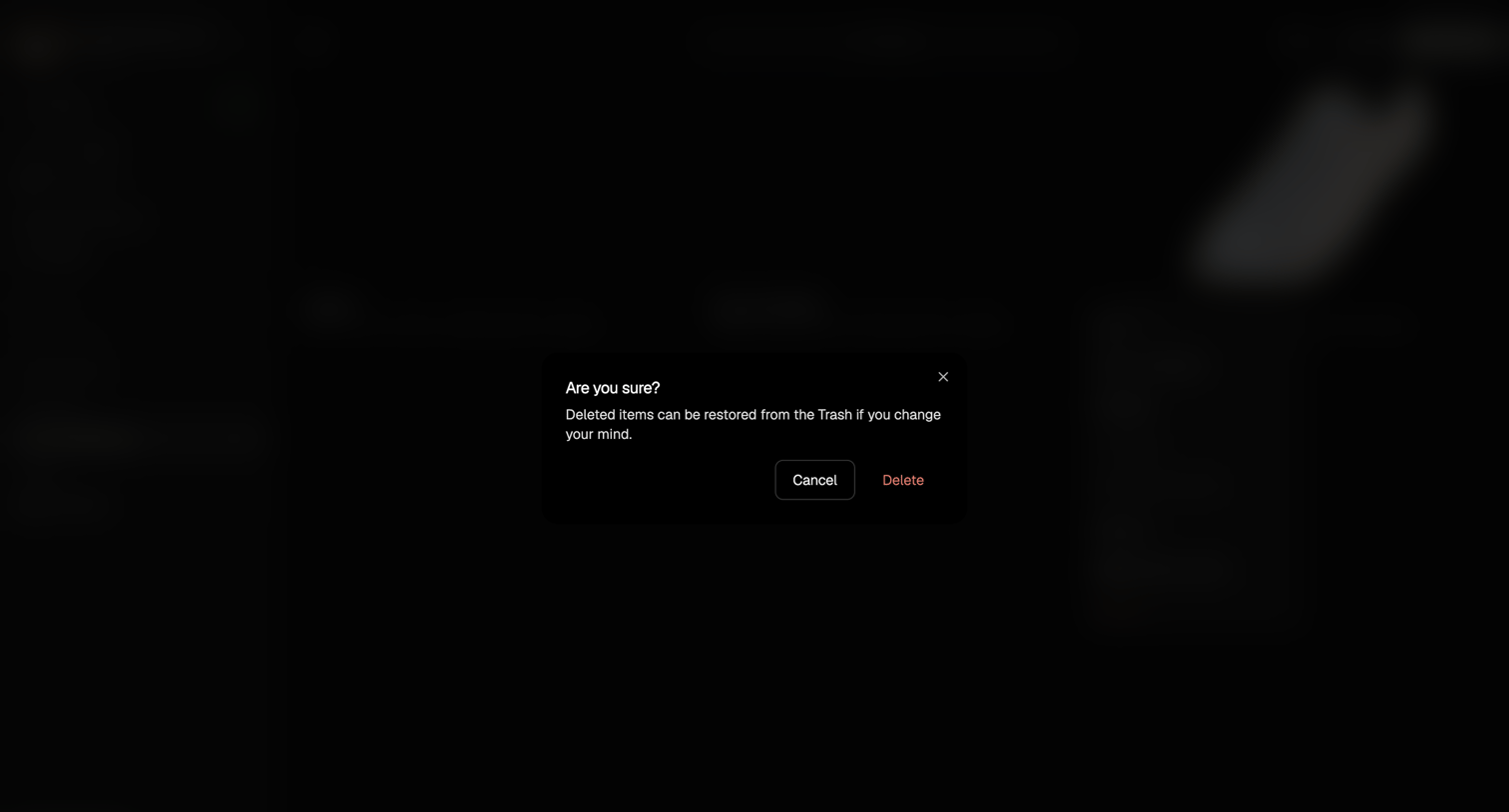

Project management view where the user is prompted to confirm the deletion of an item, with a warning that it can be restored from the trash.
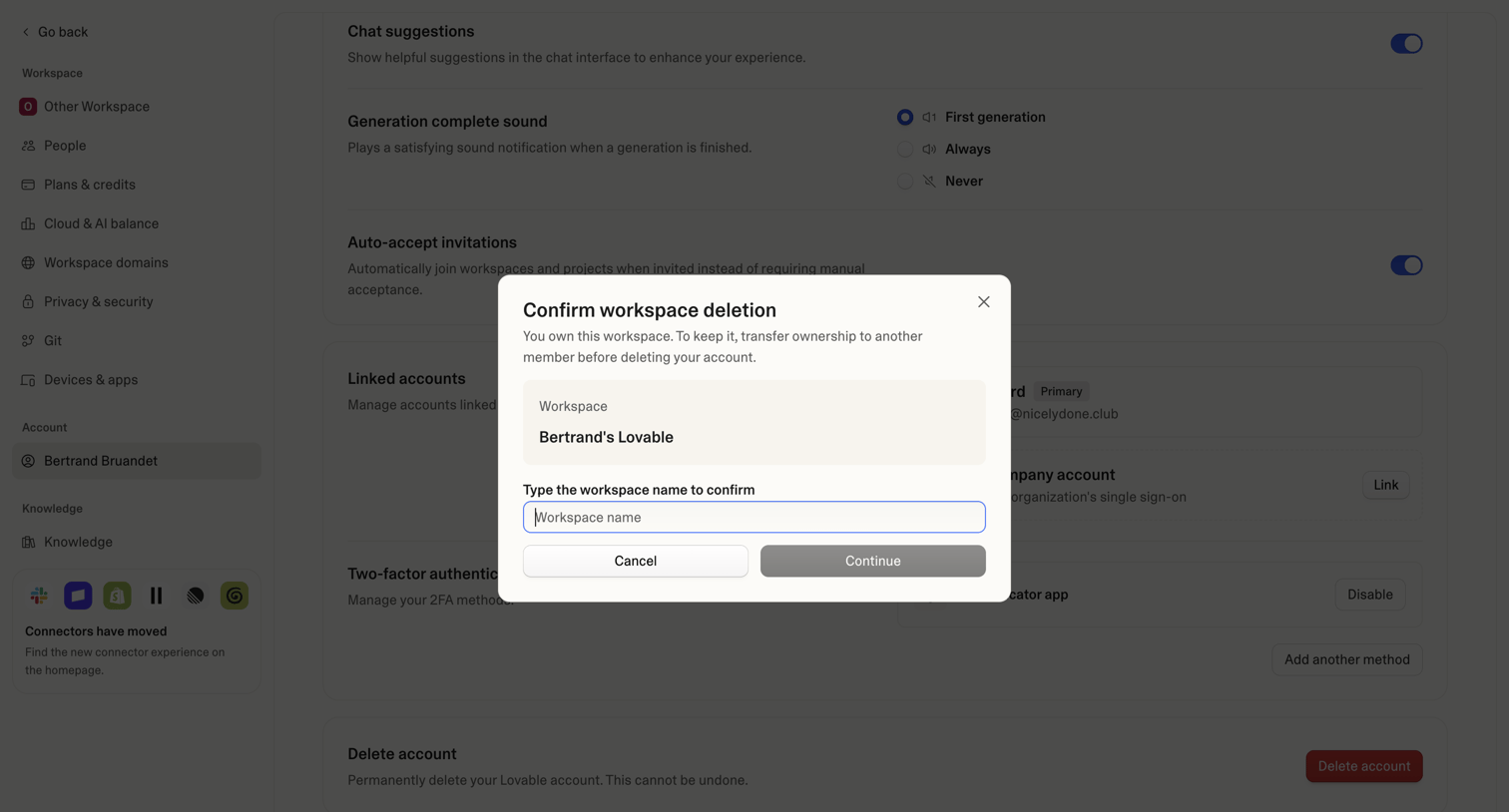

Account settings page where the user must type their workspace name in a modal to confirm deletion before proceeding.
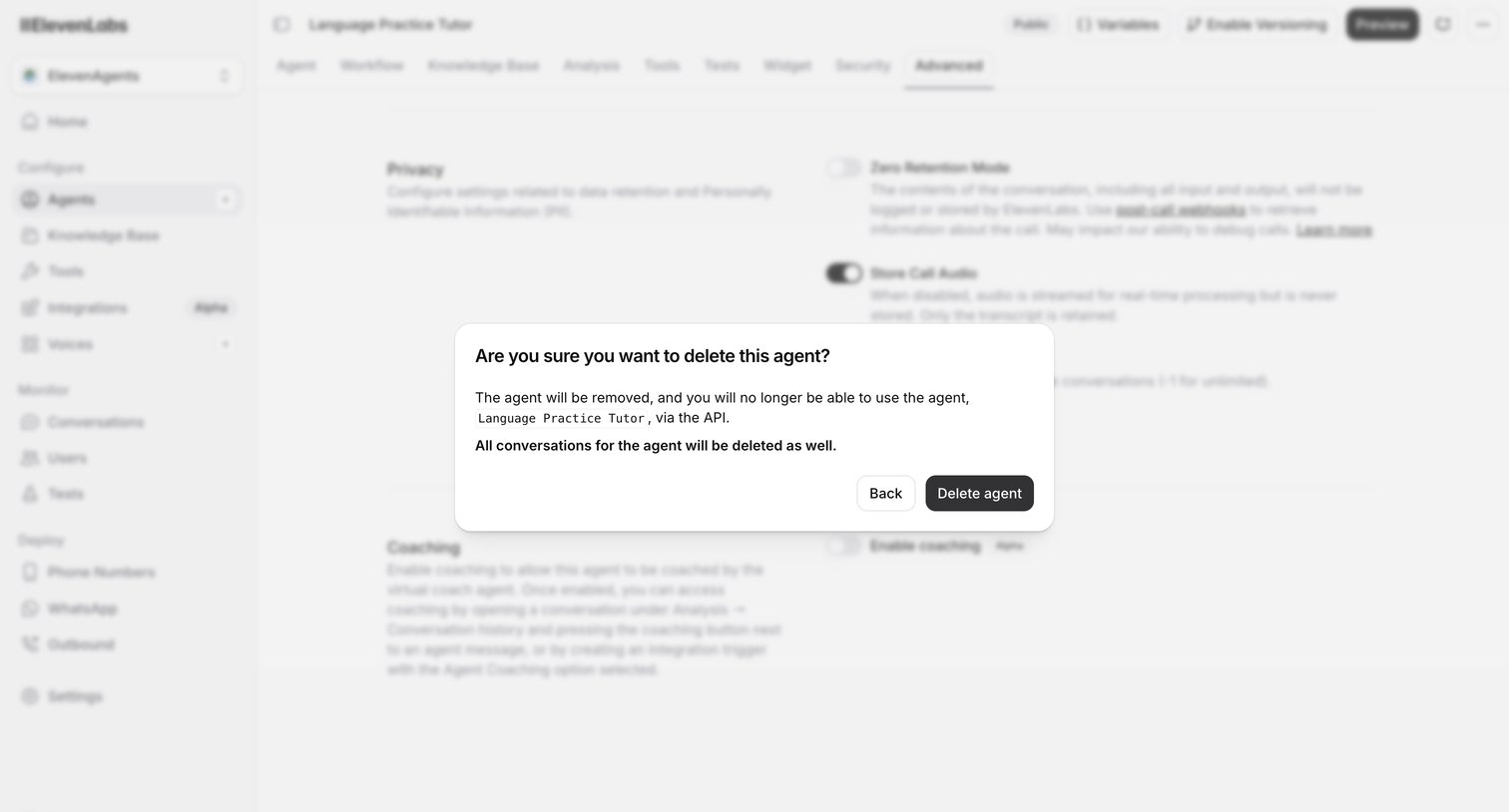

Settings page for an AI agent where a modal prompts the user to confirm the deletion of the agent and its conversation history.
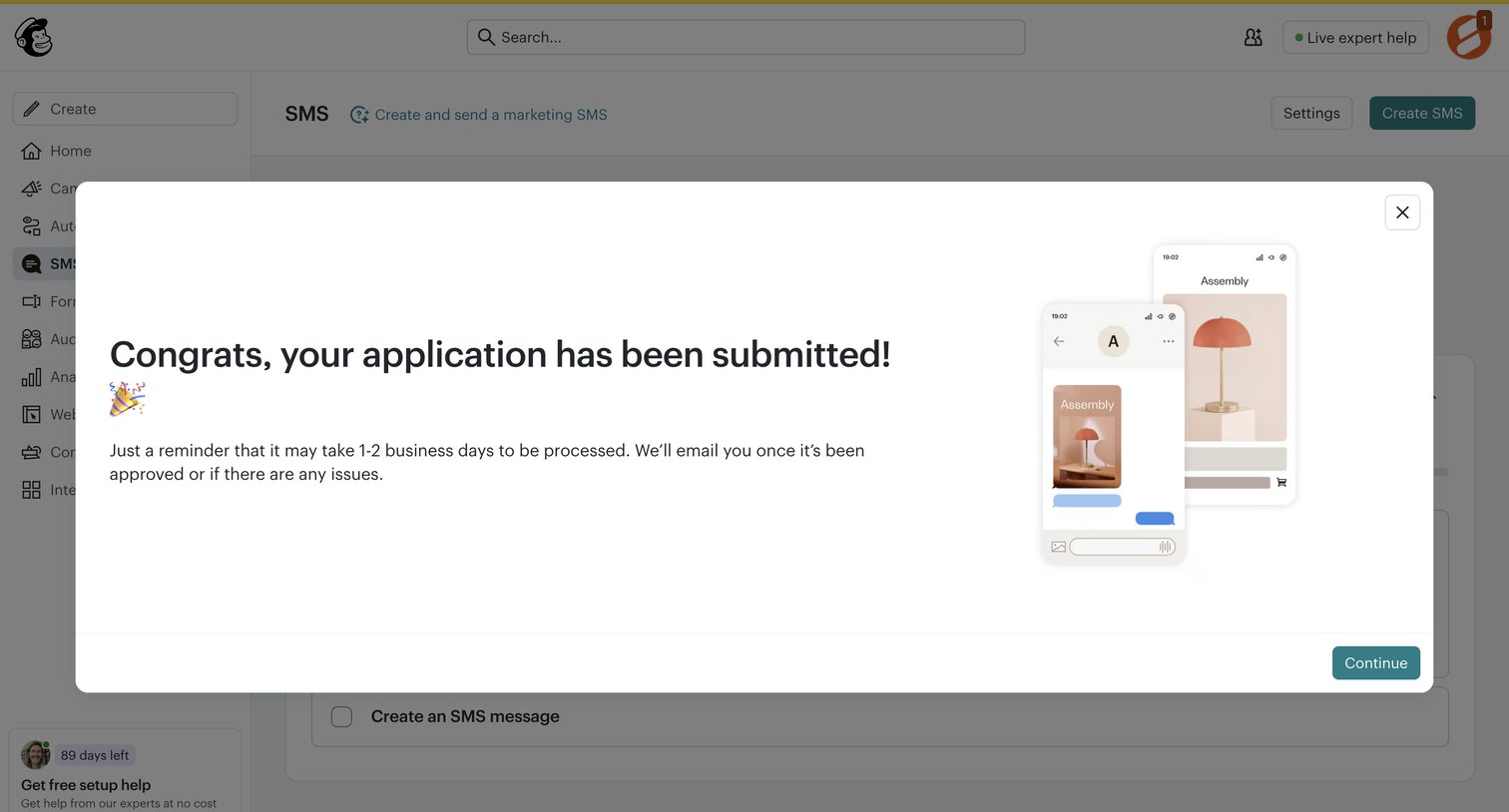

Dashboard overlay confirming the user's SMS marketing application has been successfully submitted and is pending review.
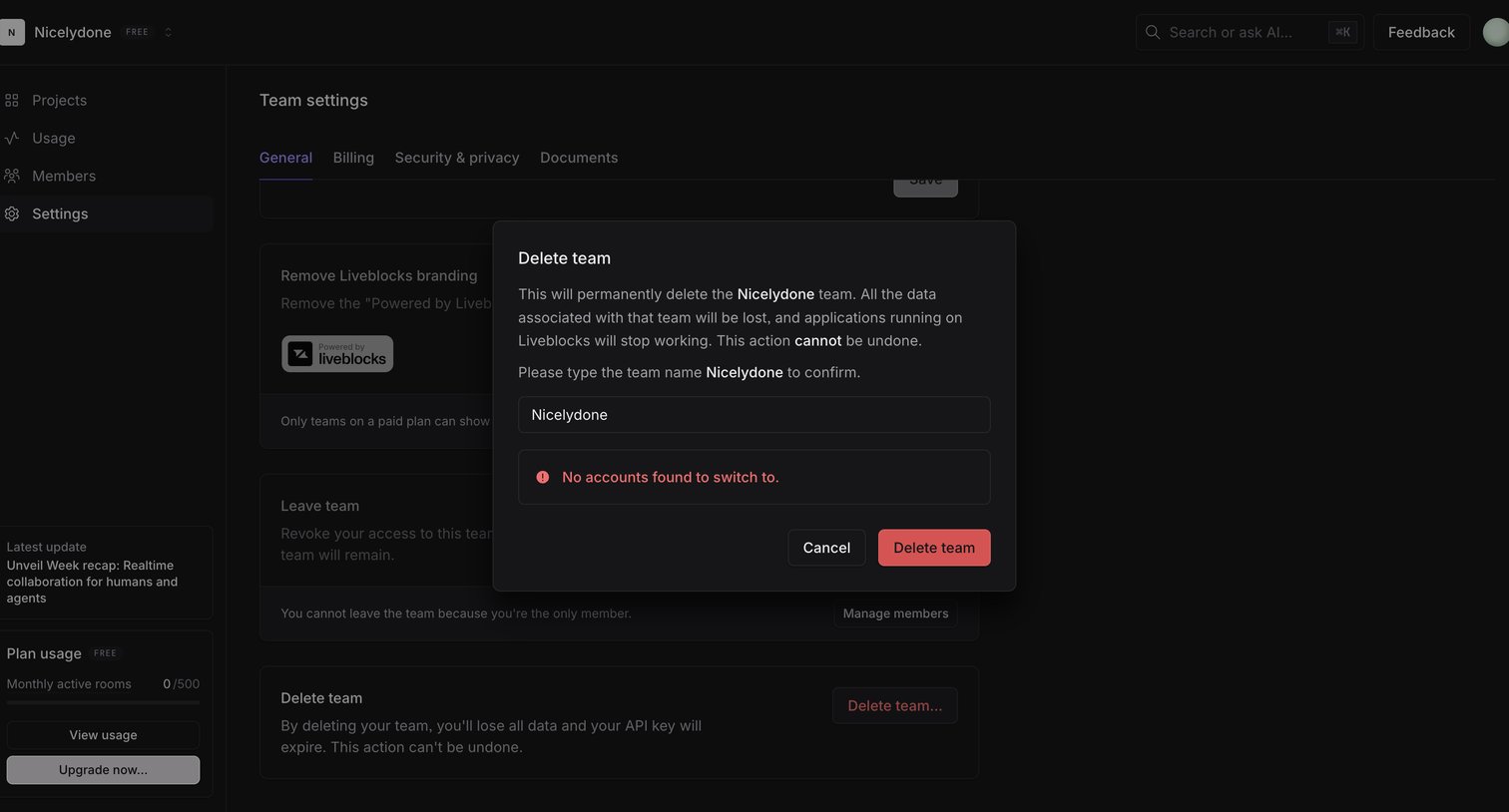

Settings page where the user must type their team name into a modal to confirm permanent deletion.
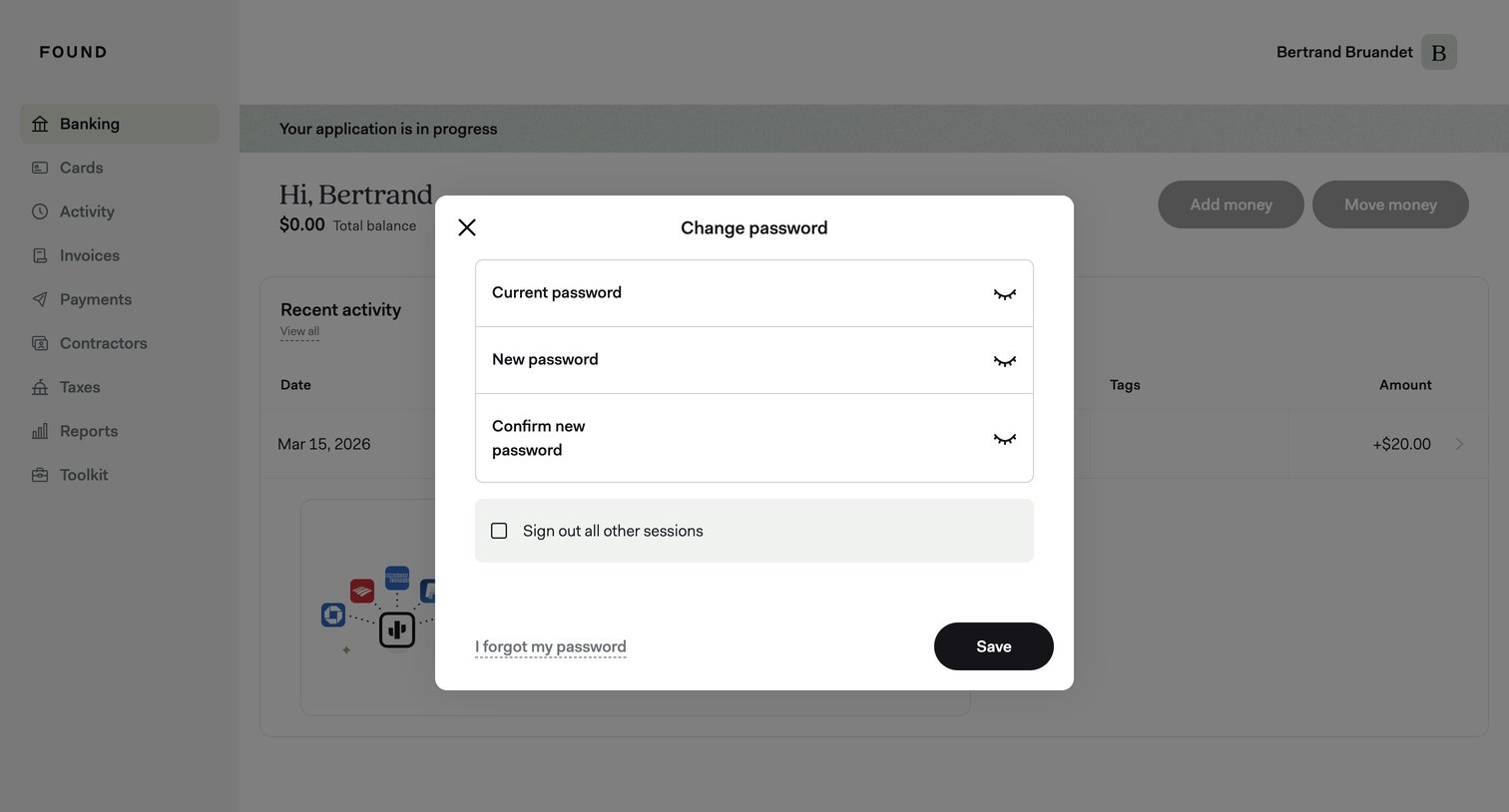

Settings modal where the user updates their password by entering their current and new passwords, with an option to sign out of other sessions.
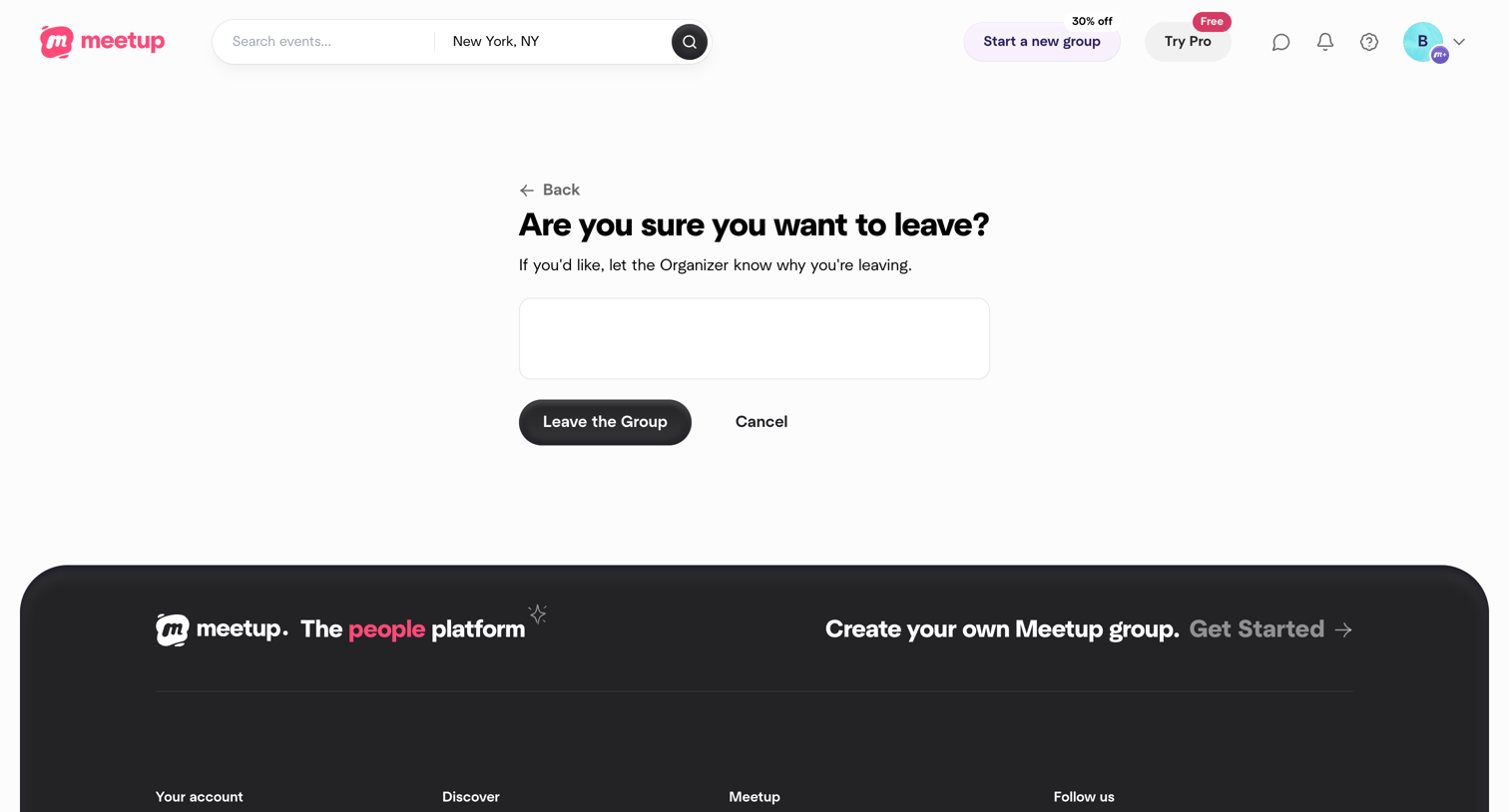

Settings confirmation screen where the user is asked to confirm leaving a group and can optionally provide a reason to the organizer.
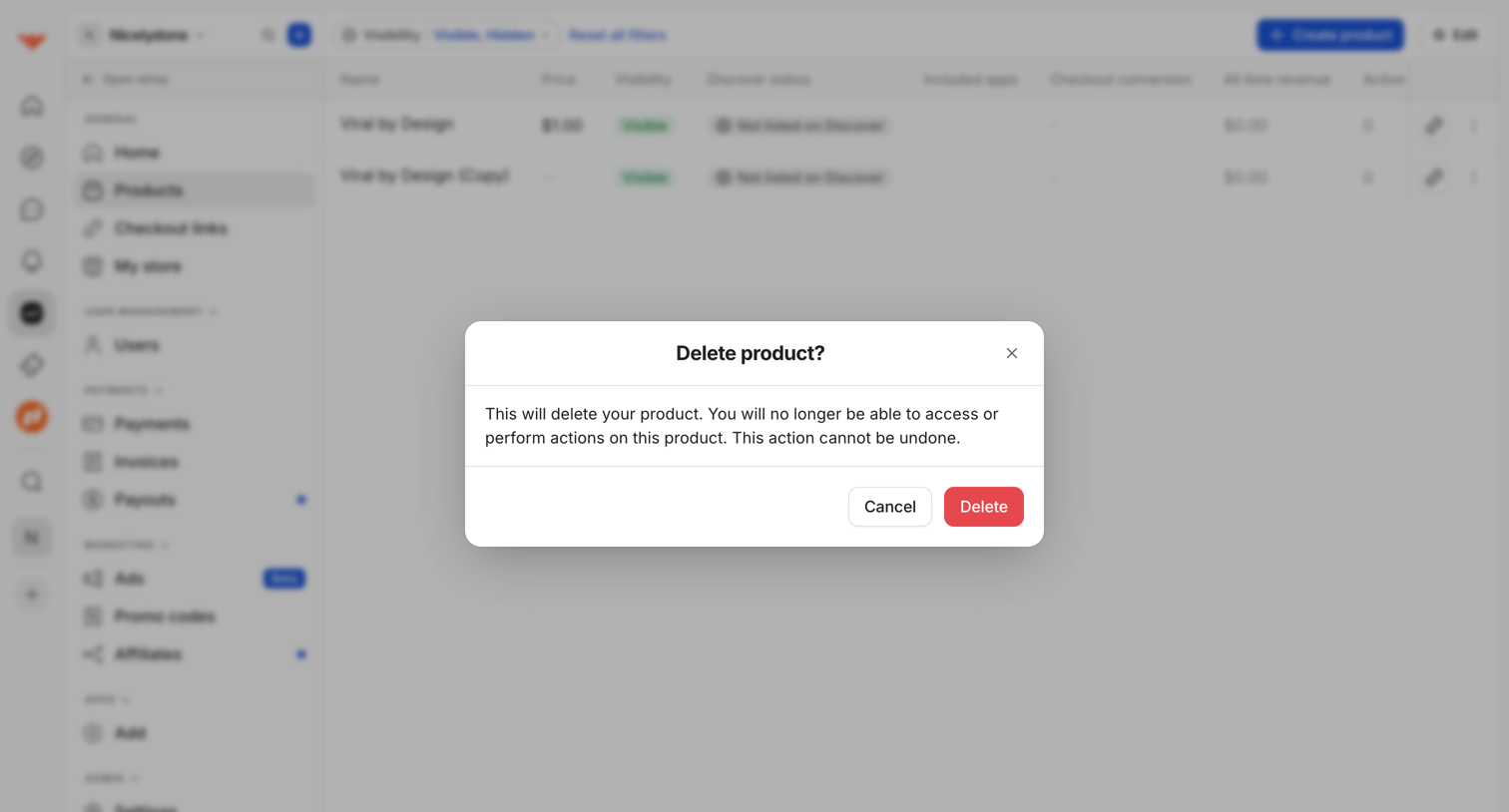

List view of digital products where a modal prompts the user to confirm the irreversible deletion of a selected product.
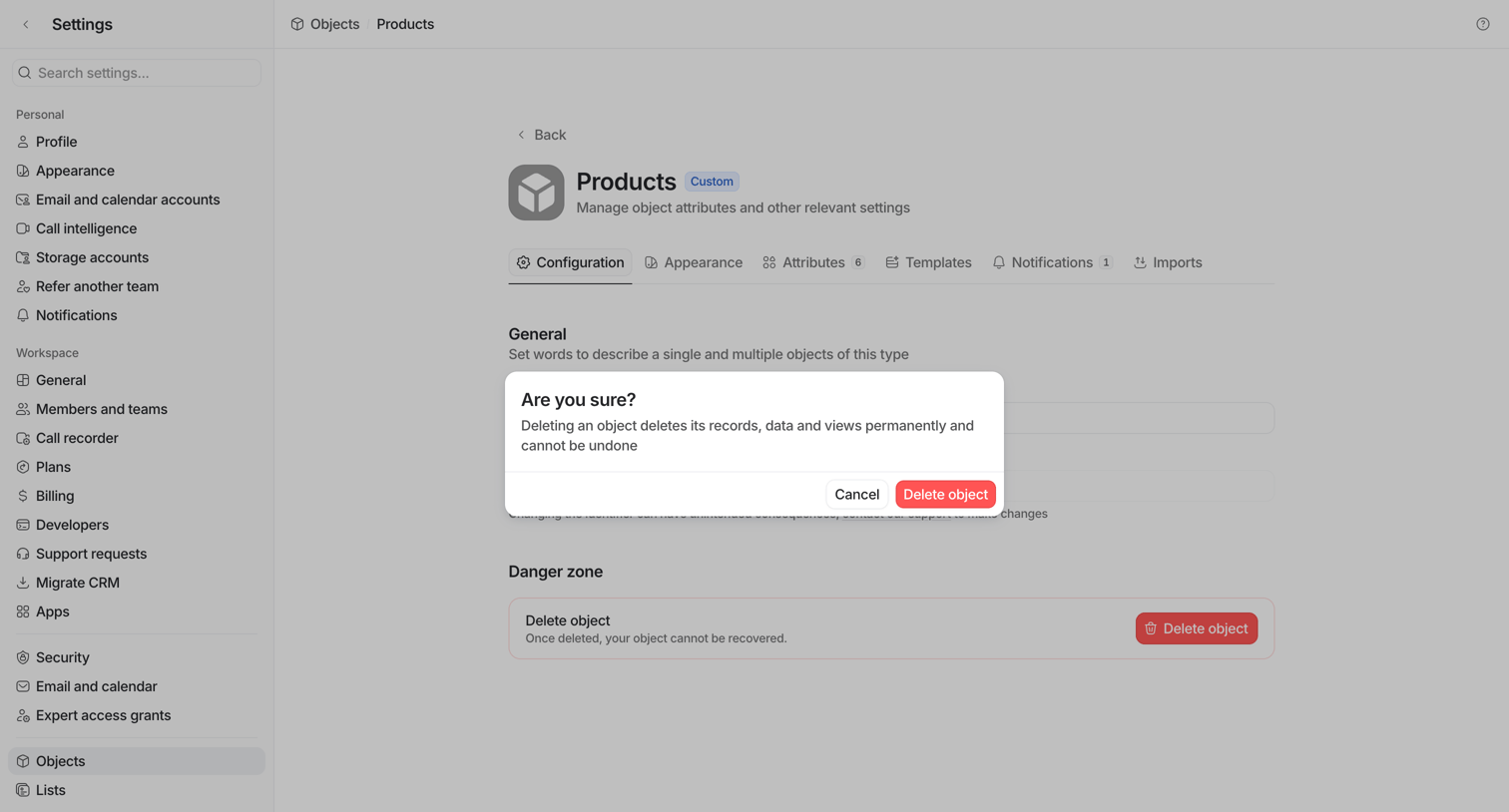

Settings page where the user is prompted by an alert dialog to confirm the permanent deletion of the custom Products object.
Explore the full SaaS screen library
Upgrade to unlock the full library.
Trusted by the best teams








About Confirmation
See how SaaS apps explain the consequences of an action before asking people to confirm. Browse designs for deleting data, publishing changes, and reviewing decisions.