Bulk delete screen examples
Bulk delete screen design examples from SaaS apps. Browse examples from Mixpanel, Okta, Loops.
Explore the examples
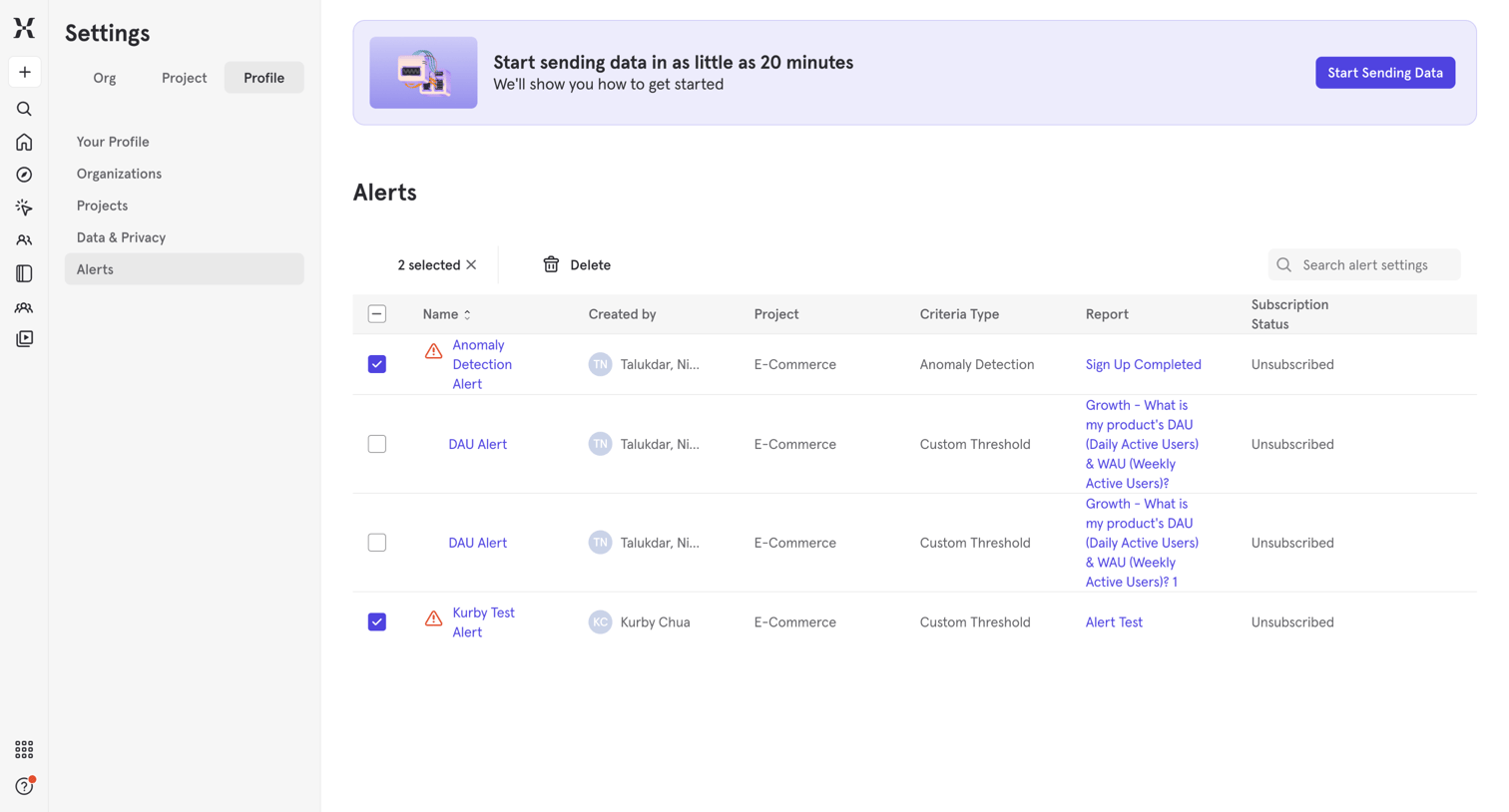

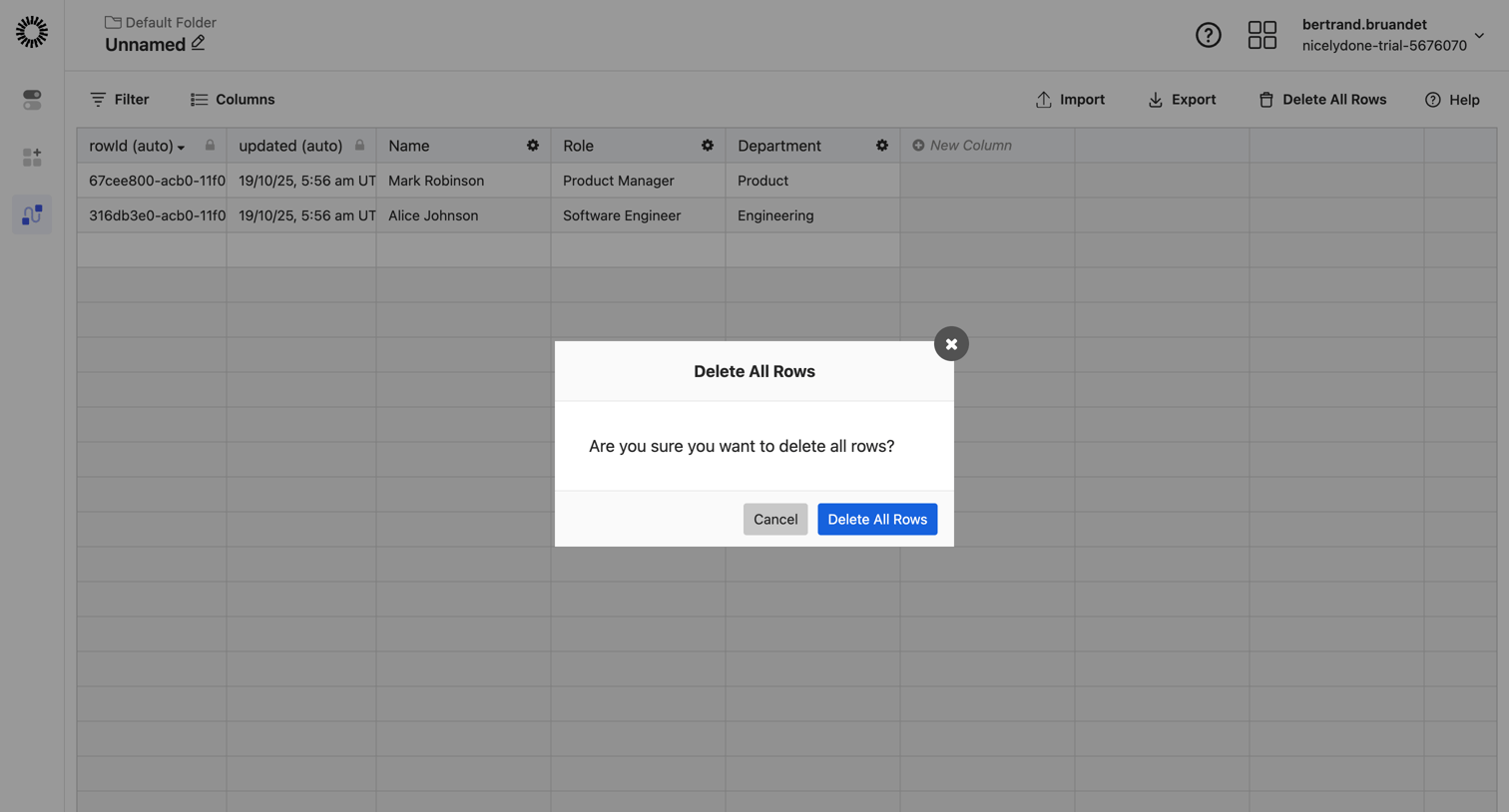

List view of database records where the user is prompted to confirm the deletion of all rows via a modal dialog.
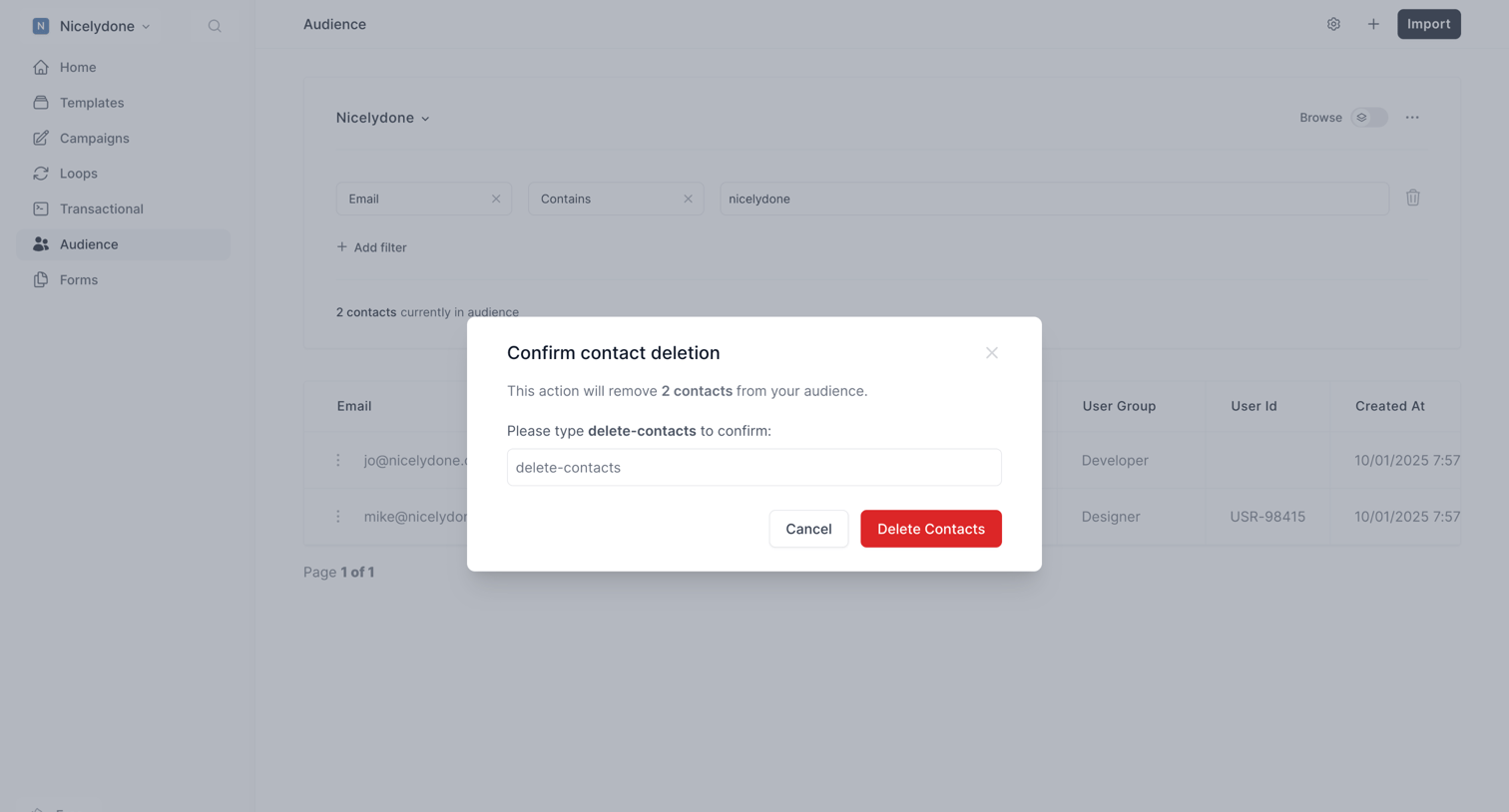

Audience list view where the user is prompted to confirm the deletion of 2 filtered contacts by typing a specific confirmation phrase.
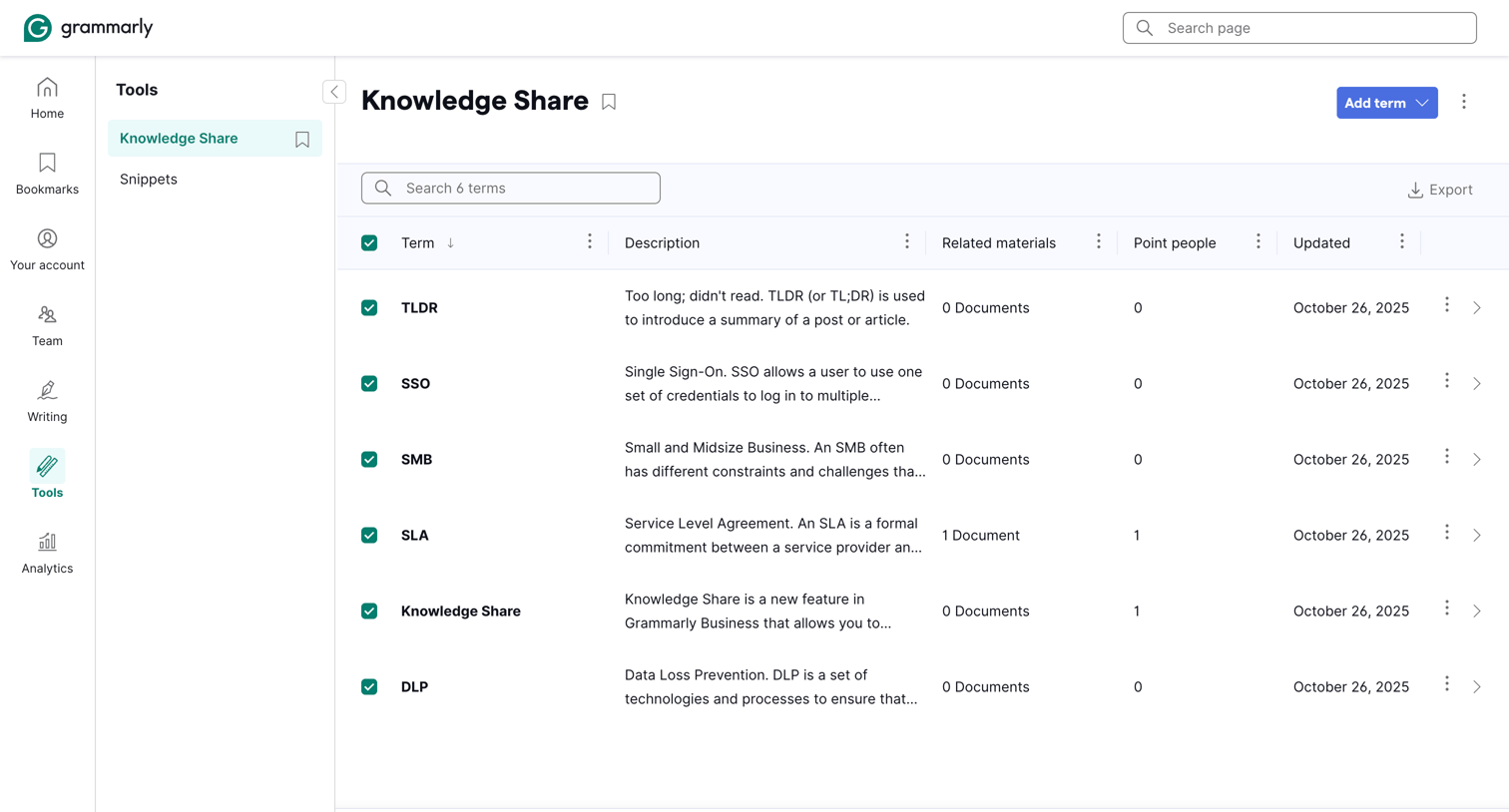

List view where an admin manages company terminology, including acronyms and their definitions, for the knowledge share feature.
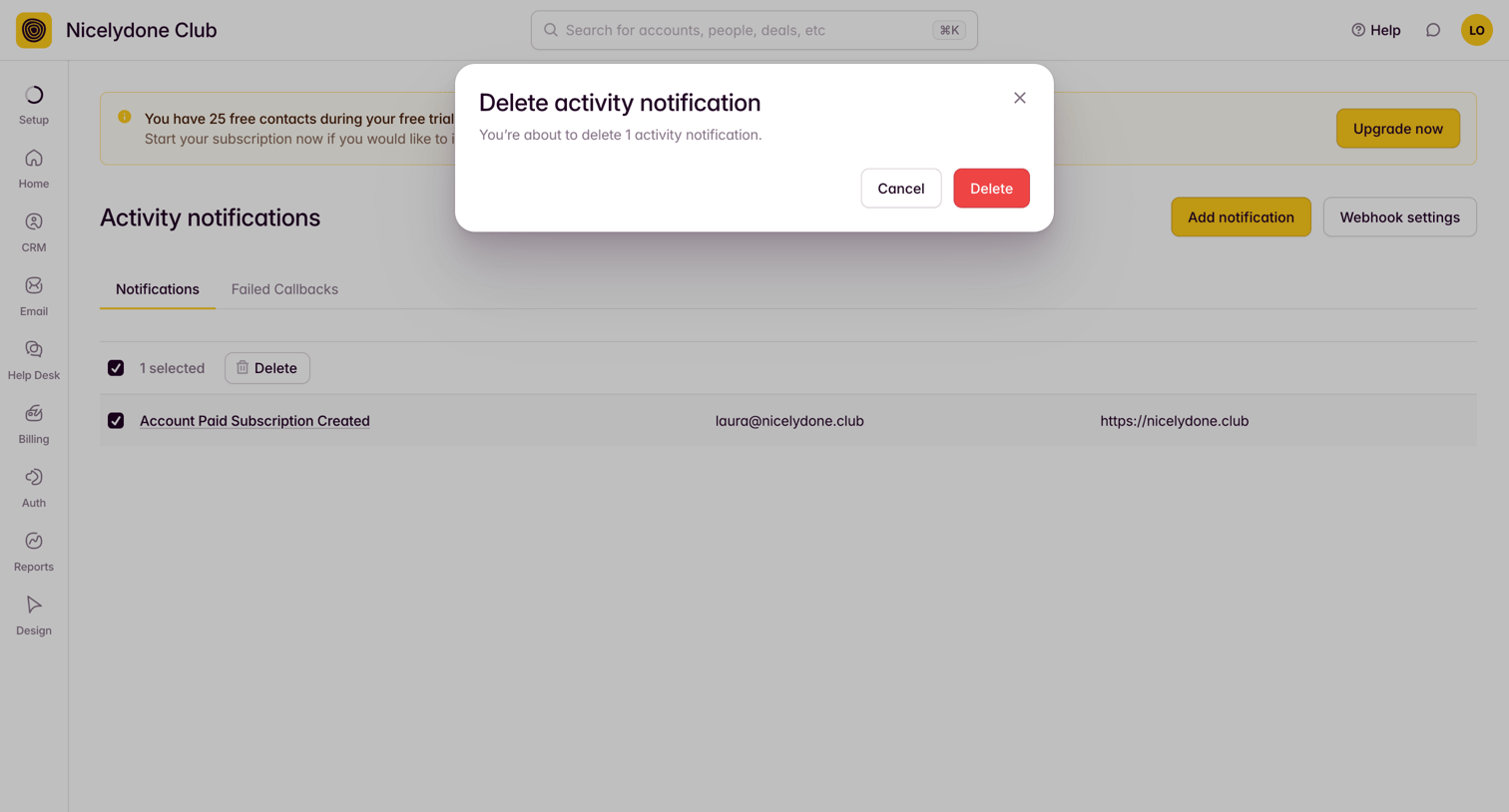

Settings page where the user confirms the deletion of a selected activity notification via a modal dialog.
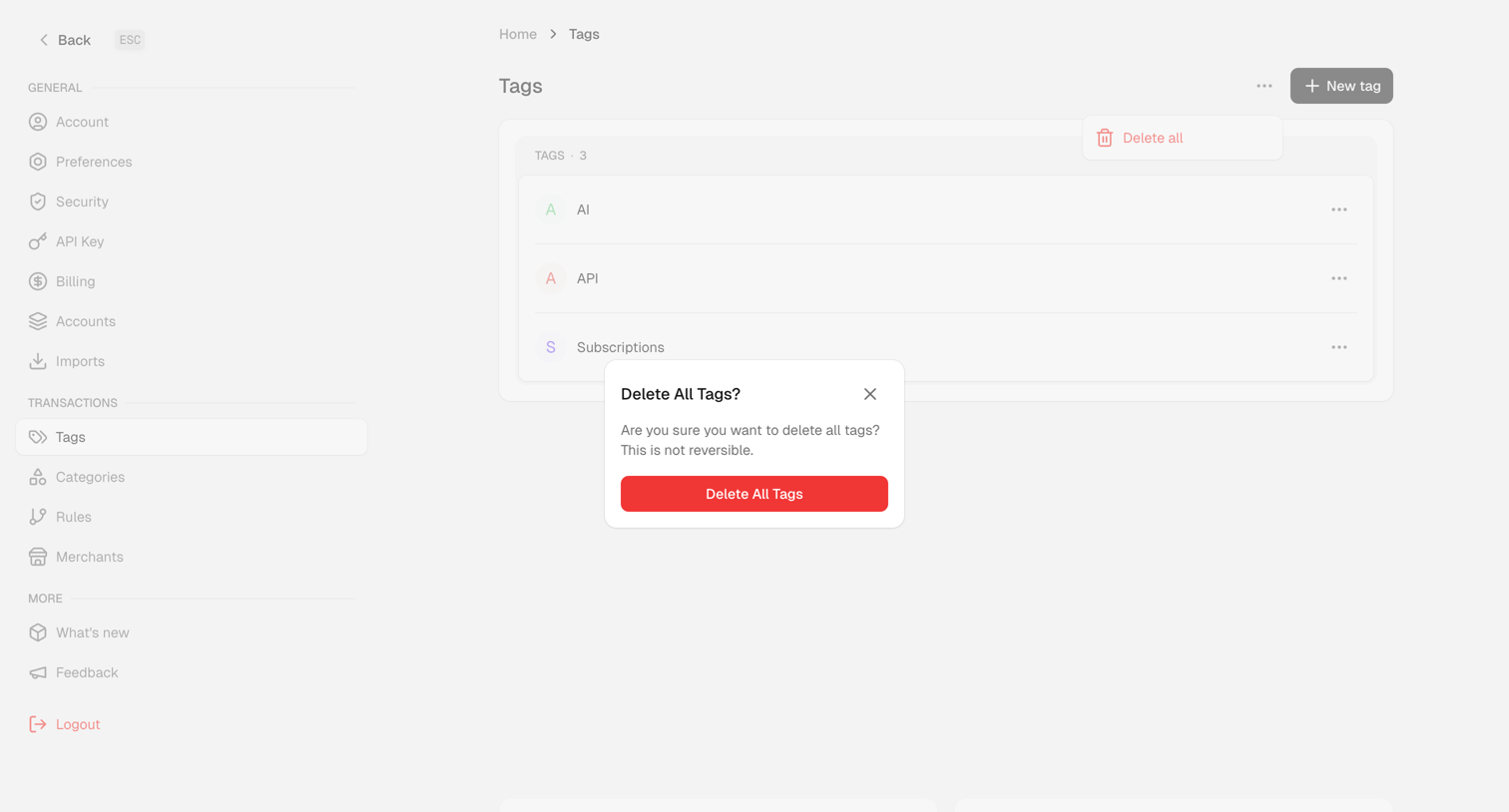

Settings page where the user is prompted to confirm the deletion of all tags via a destructive alert dialog.
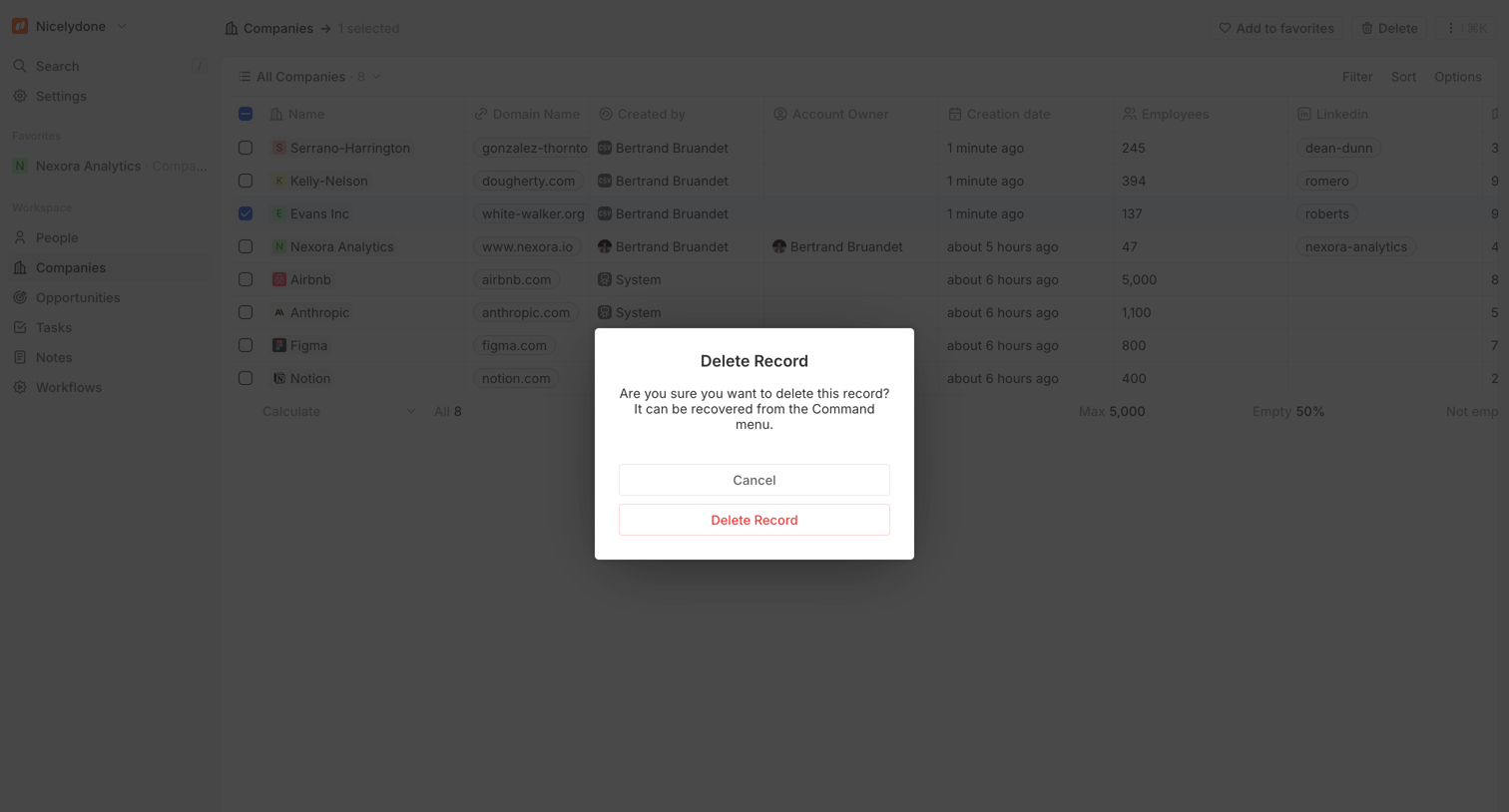

List view of companies where the user is prompted to confirm the deletion of a selected record via a modal dialog.
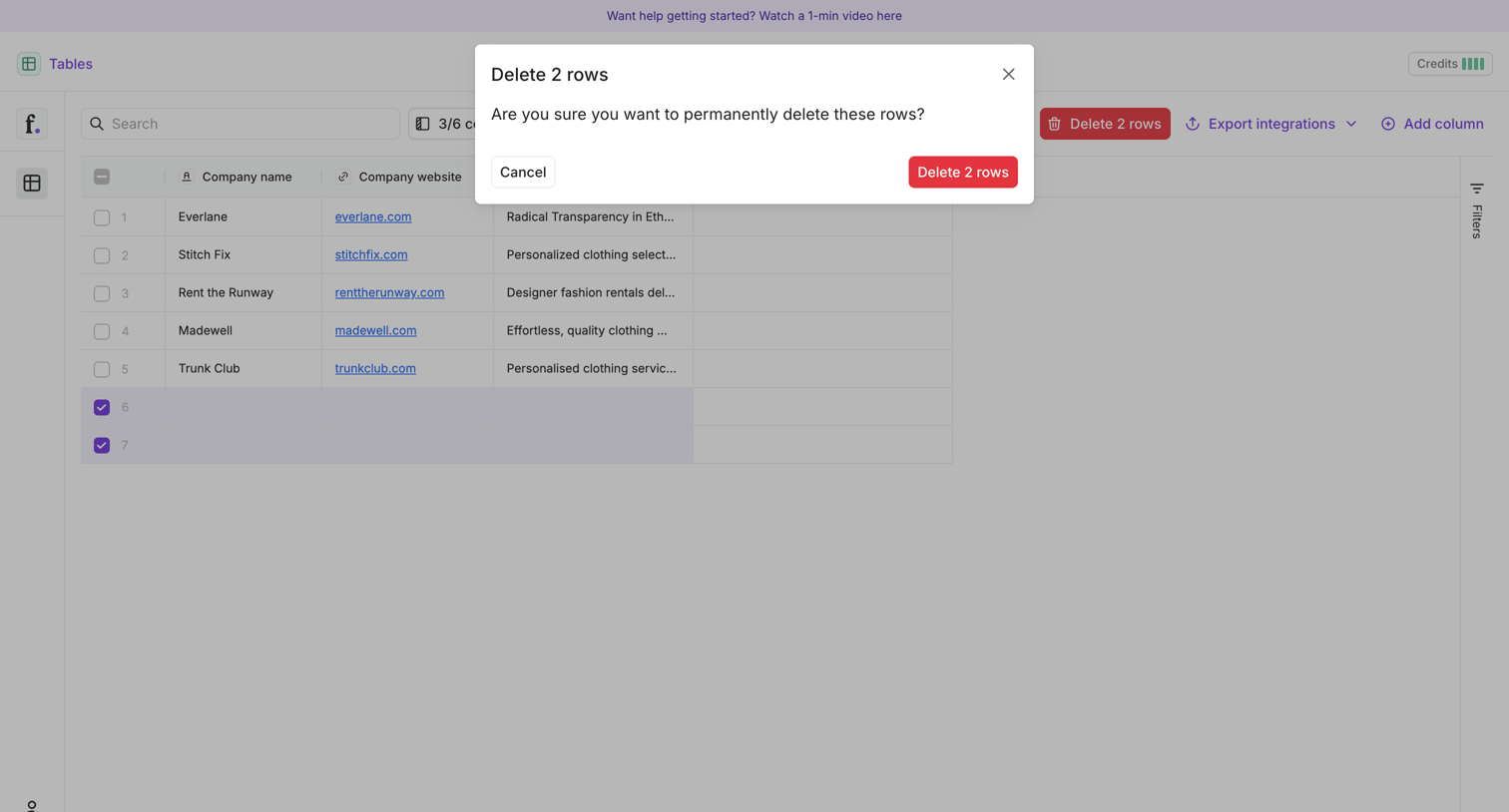

List view where the user is prompted to confirm the permanent deletion of two selected rows from a data table.
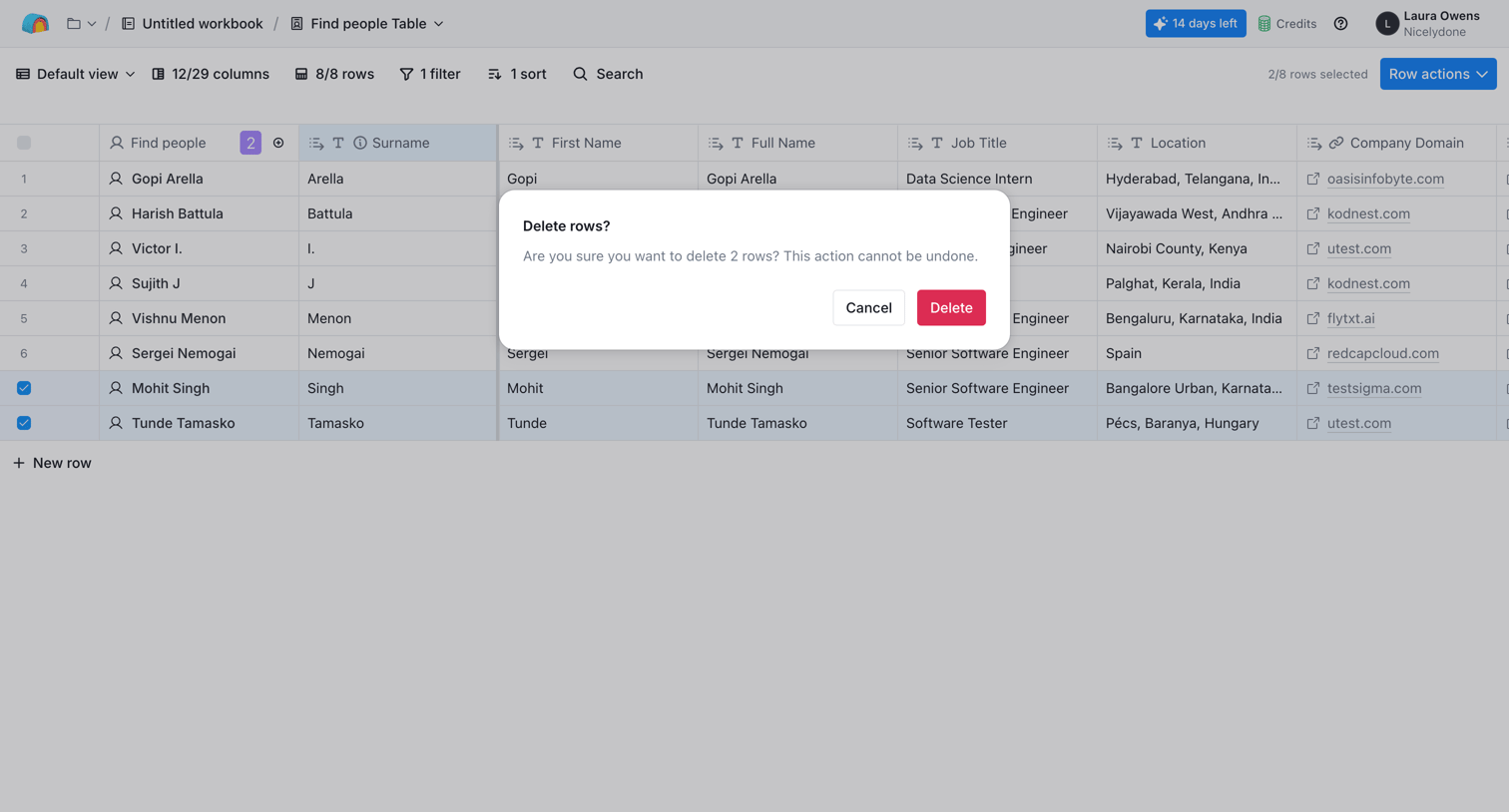

Data table view where the user is prompted to confirm the deletion of two selected rows.
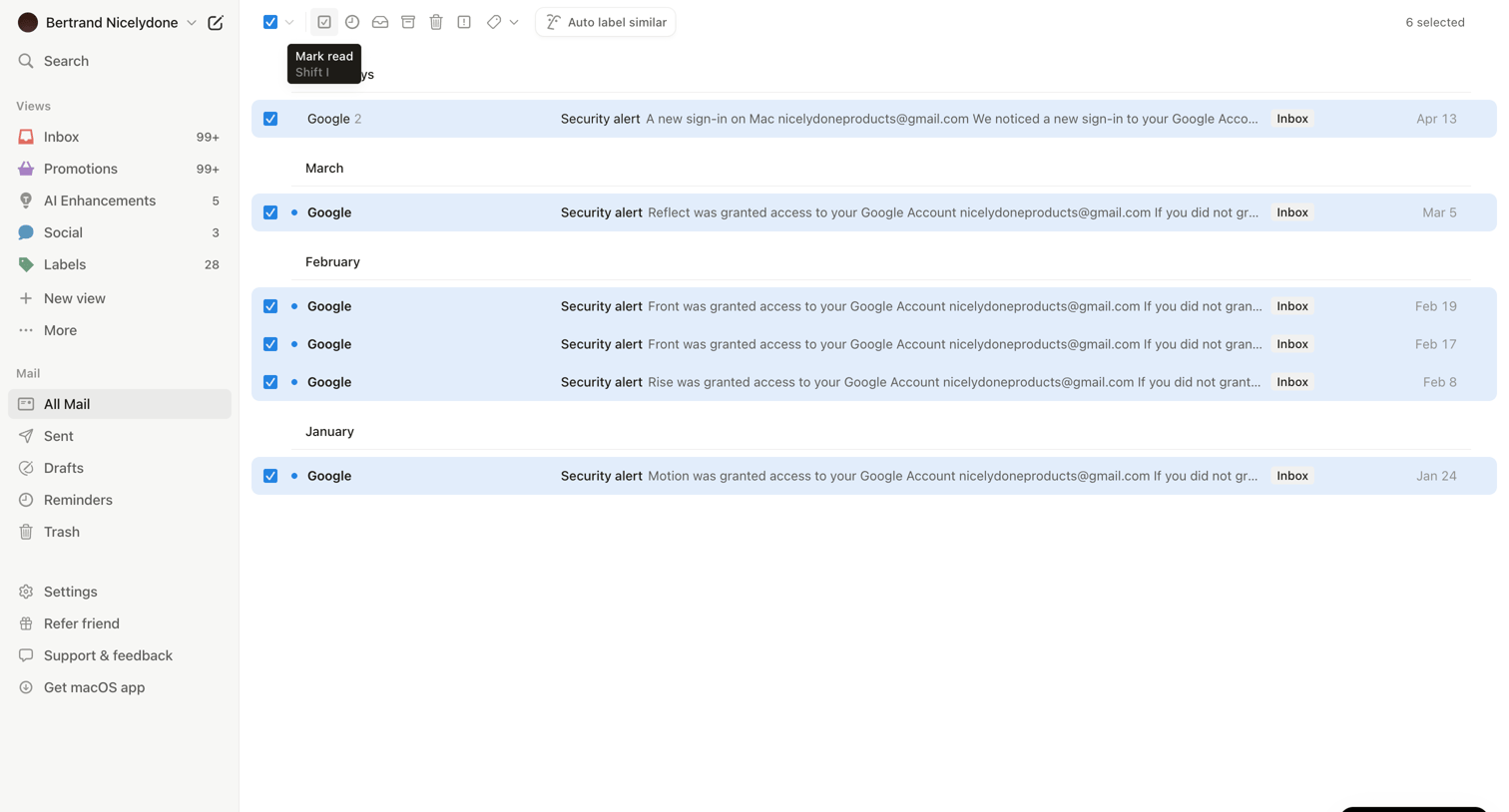

Inbox view where the user is managing all mail, with several security alert emails from Google selected to perform bulk actions.
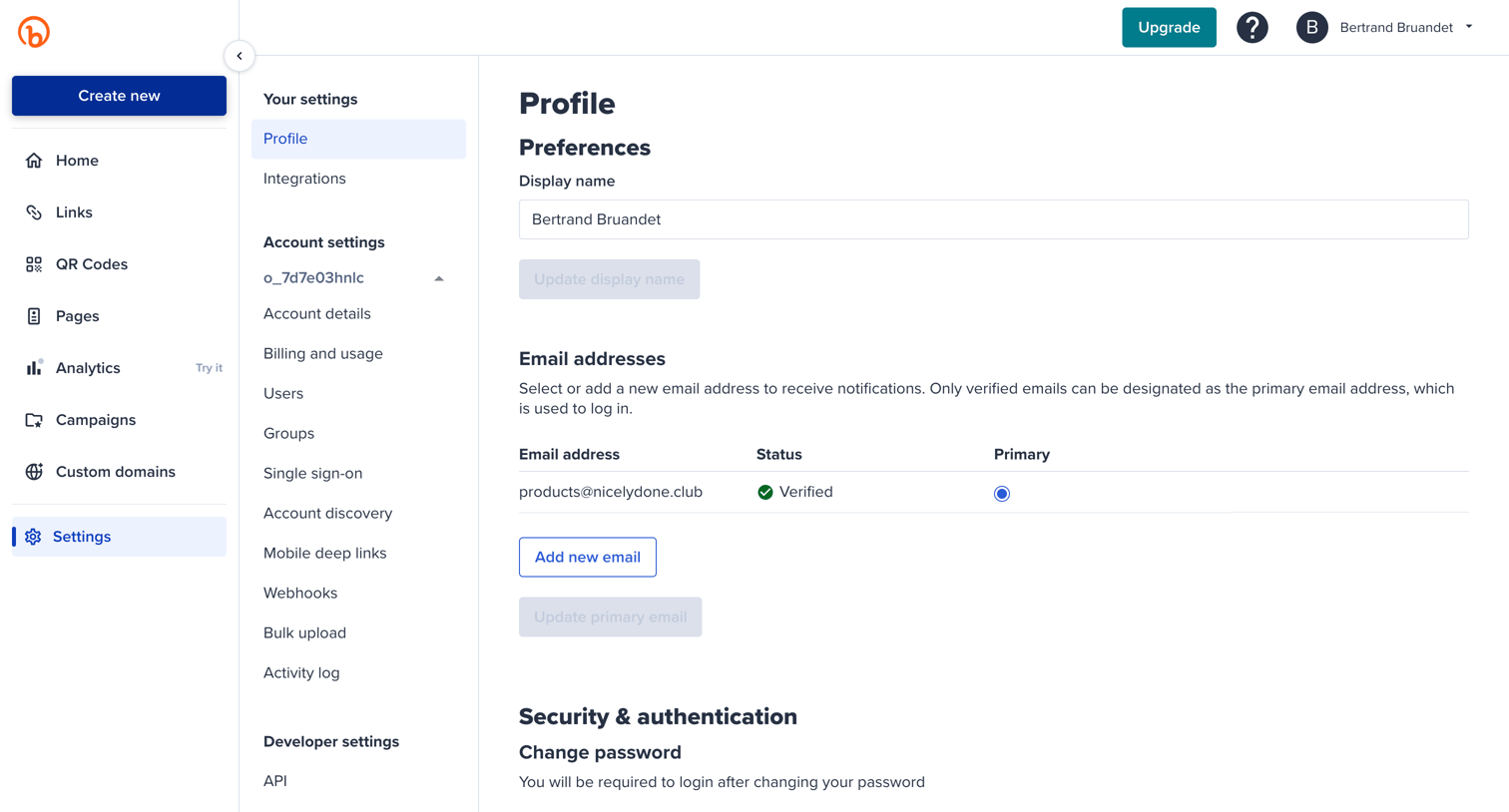

Settings page where the user manages their profile preferences, email addresses, security options like password and 2FA, and access history.
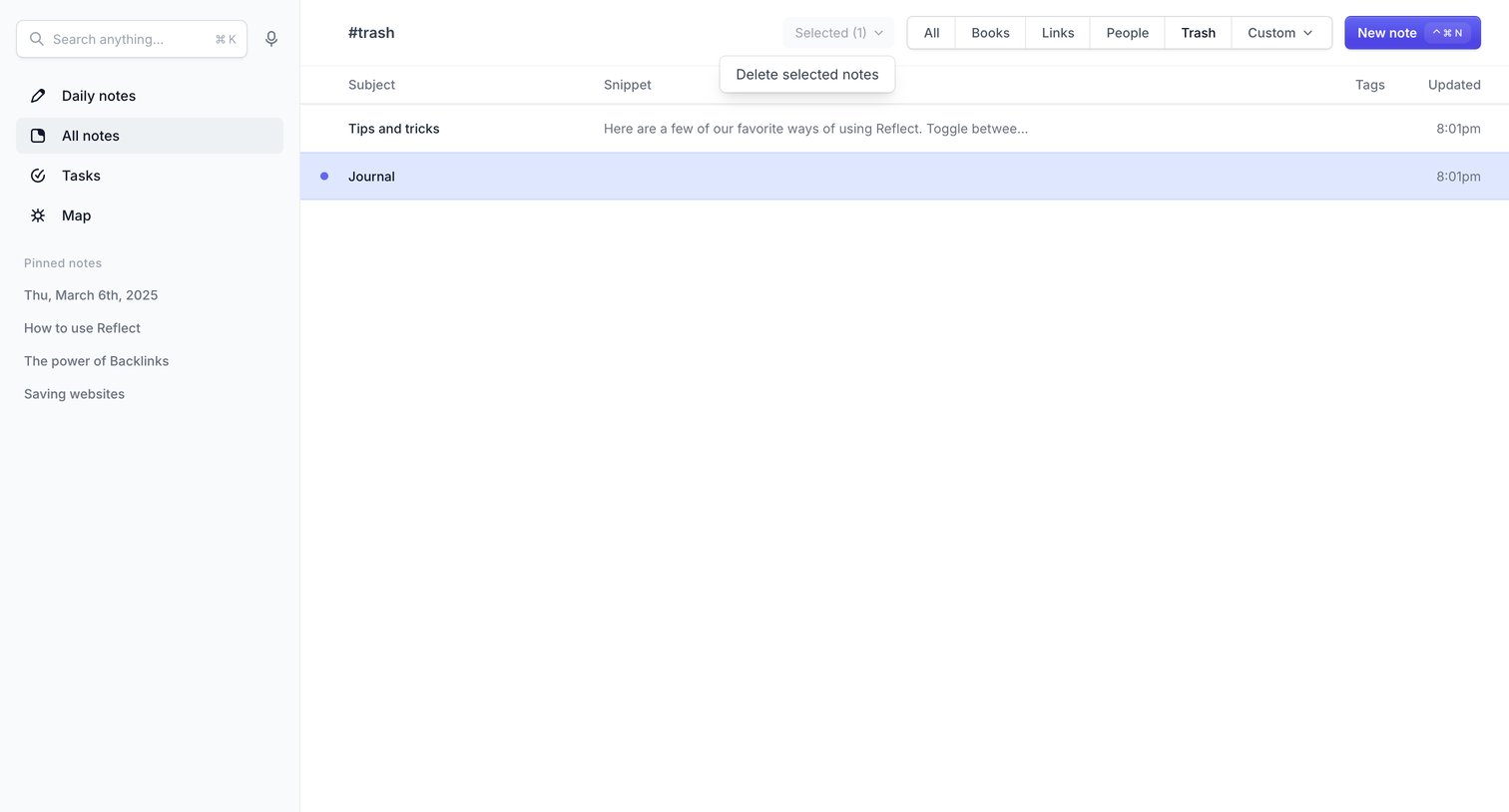

List view of deleted notes in the trash, with a segmented control to filter by category and a bulk action to delete selected notes.
Explore the full SaaS screen library
Upgrade to unlock the full library.
Trusted by the best teams







