Analytics integration screen examples
Analytics integration screen design examples from SaaS apps. Browse examples from Mailchimp, Whop, Glide.
Explore the examples
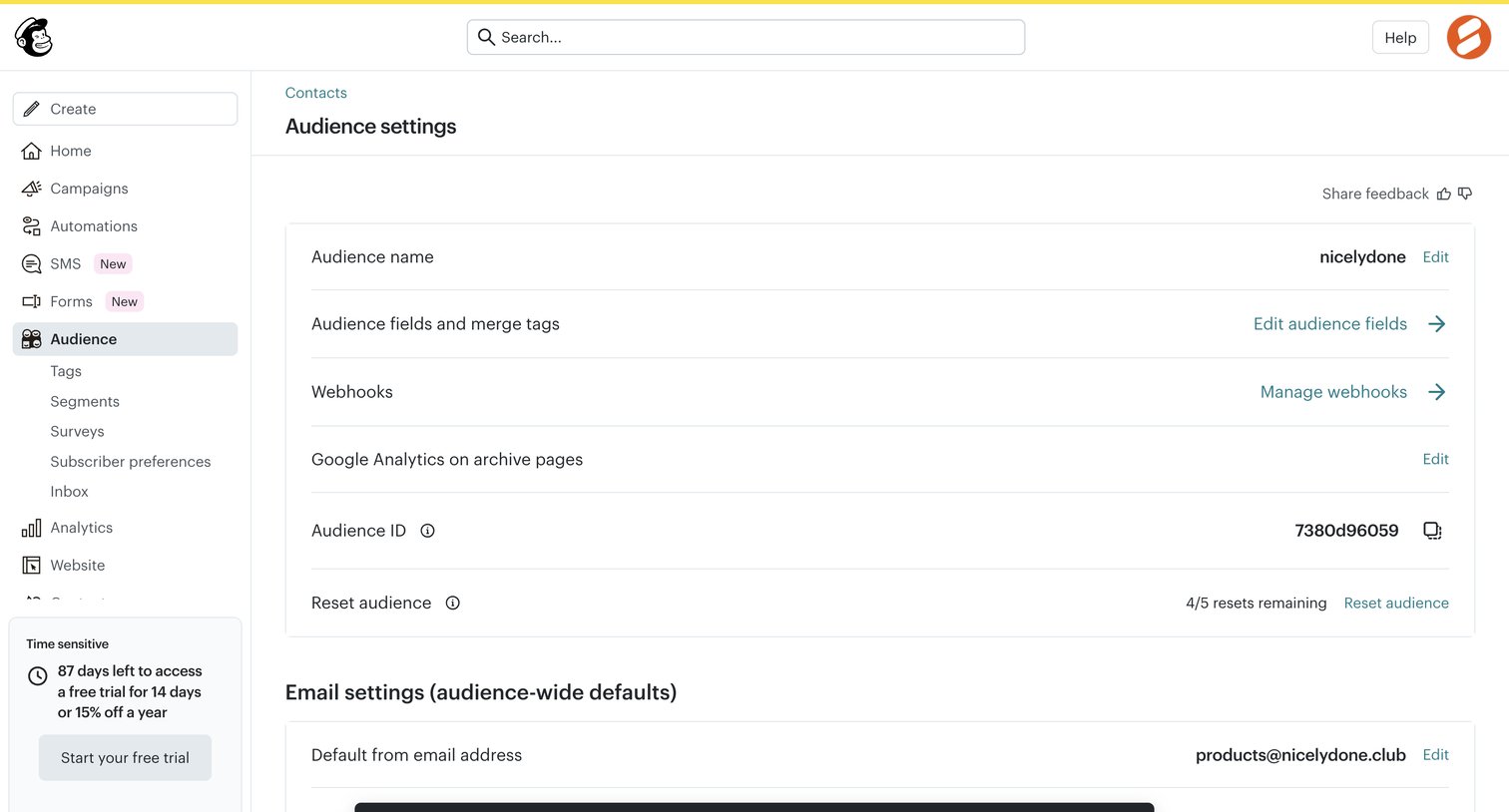

Settings page where the user configures audience-wide defaults like name, webhooks, and default email address, showing a success toast after a reset action.
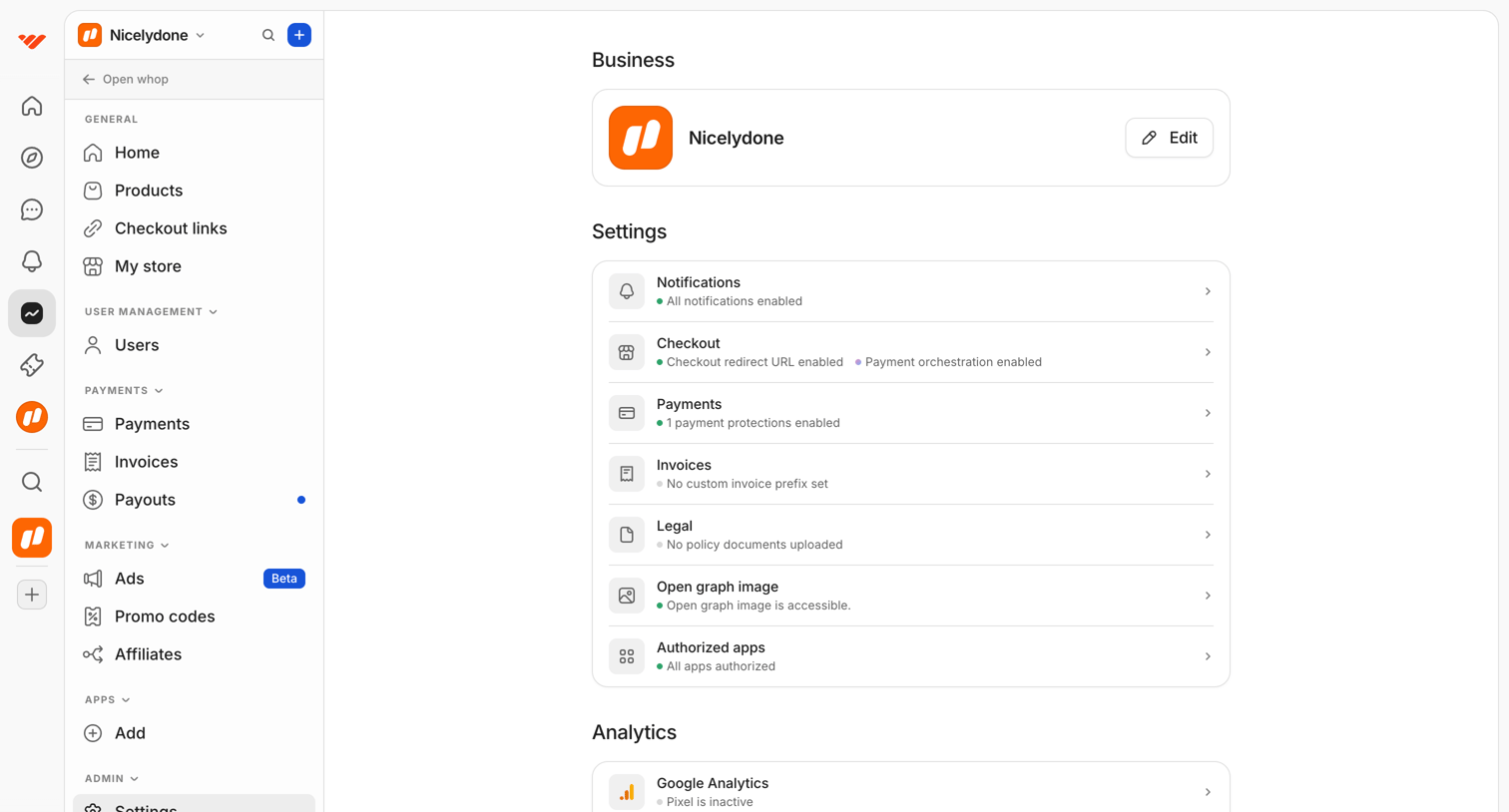

Settings overview page where the user can access business details, configuration categories like checkout and payments, and analytics integrations.
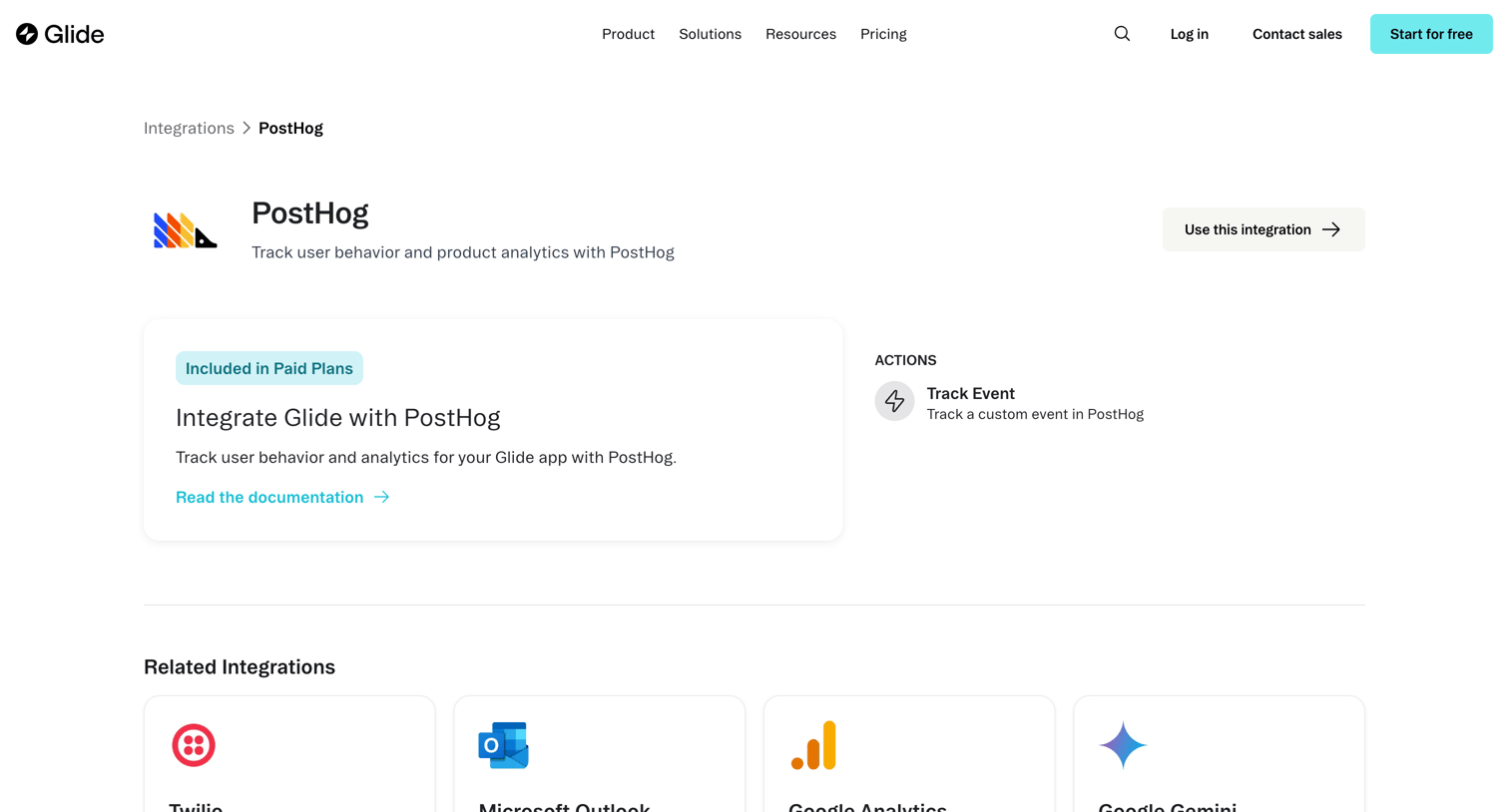

Feature page detailing the PostHog integration, highlighting its inclusion in paid plans, available actions like tracking events, and suggesting related integrations.
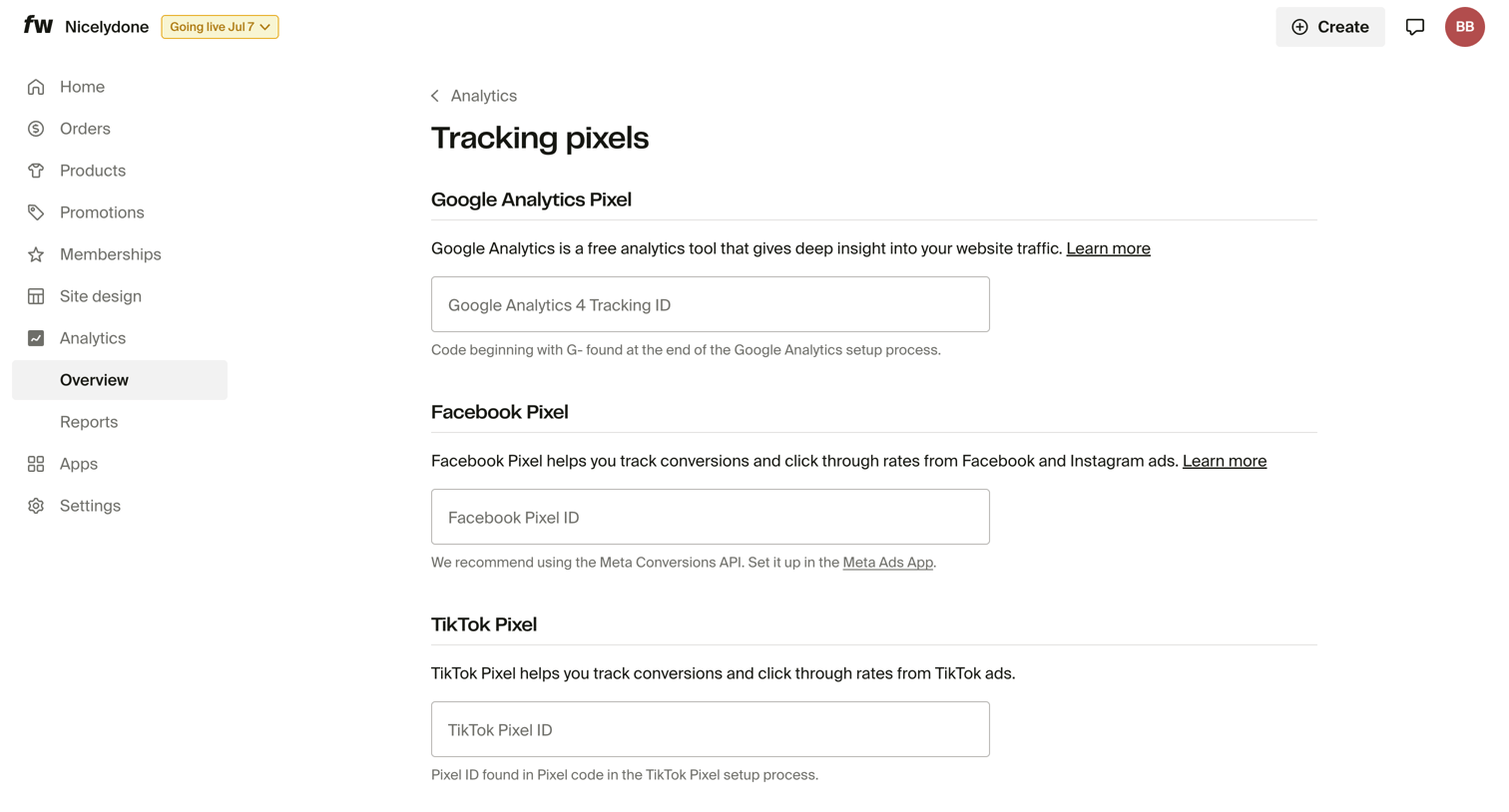

Settings page where the user configures tracking pixel IDs for Google Analytics, Facebook, and TikTok.
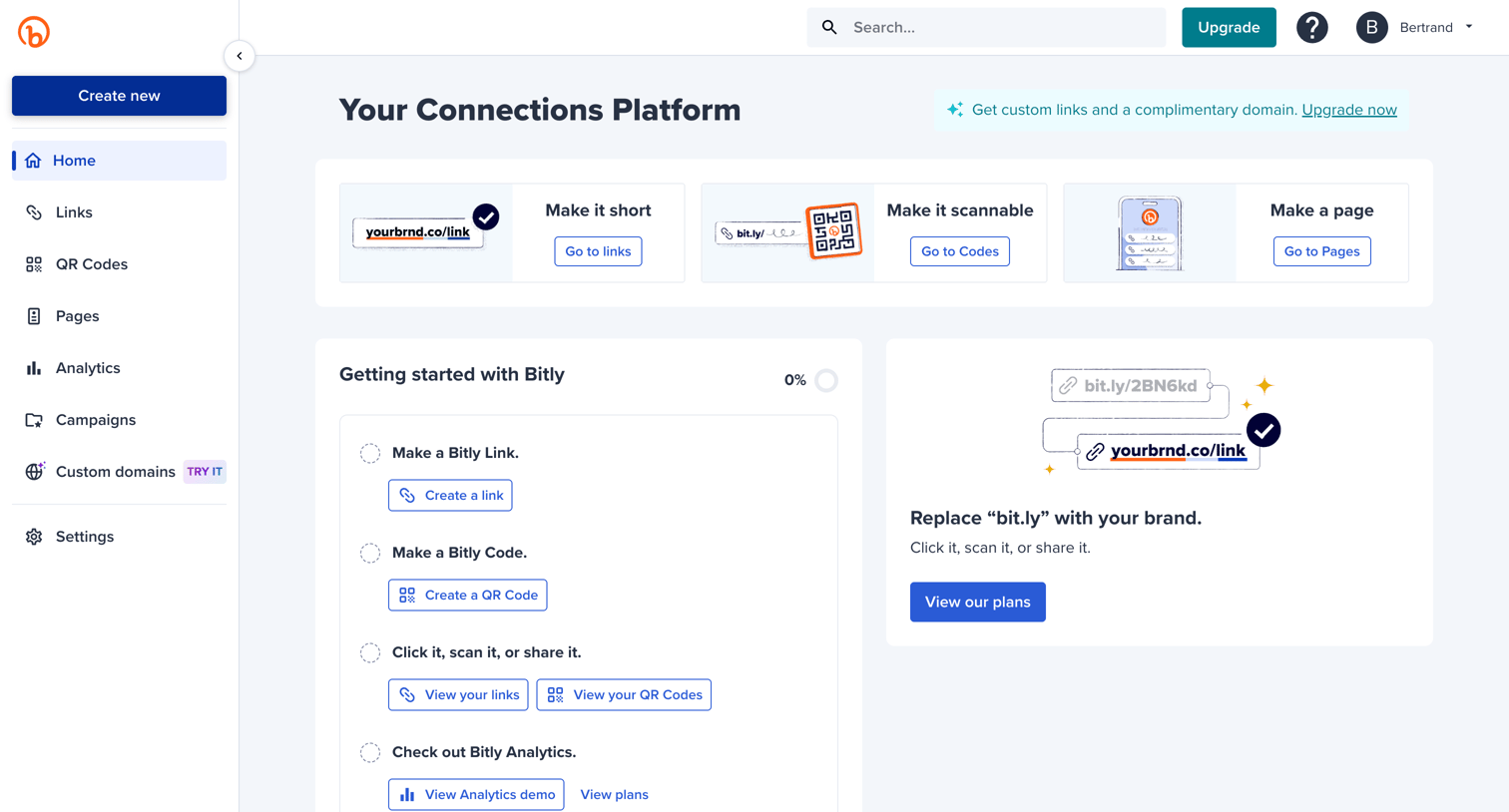

Home dashboard with a getting started checklist and quick links to create links, QR codes, and pages.
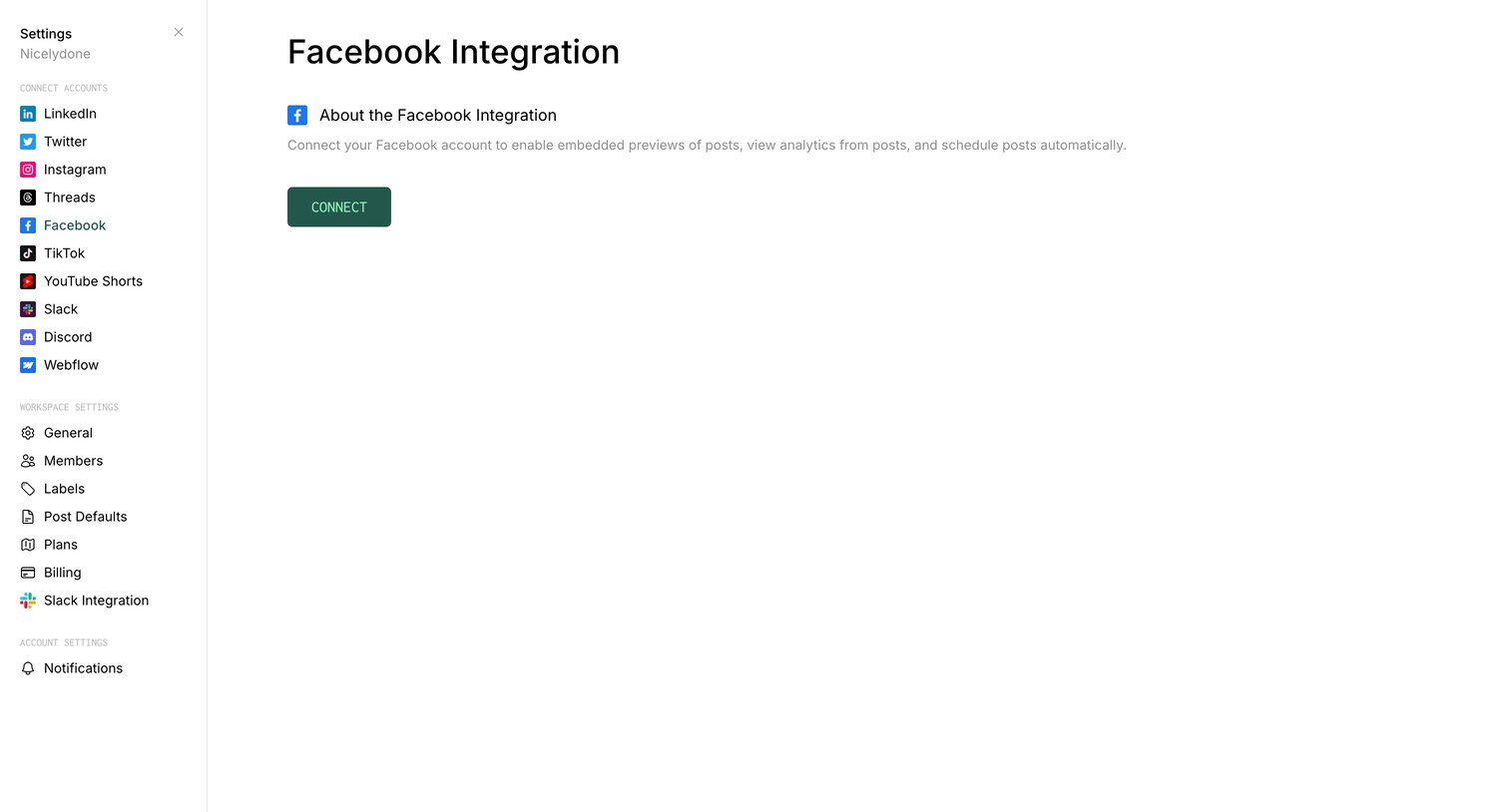

Settings page where the user can connect their Facebook account to enable embedded previews, view analytics, and schedule posts.

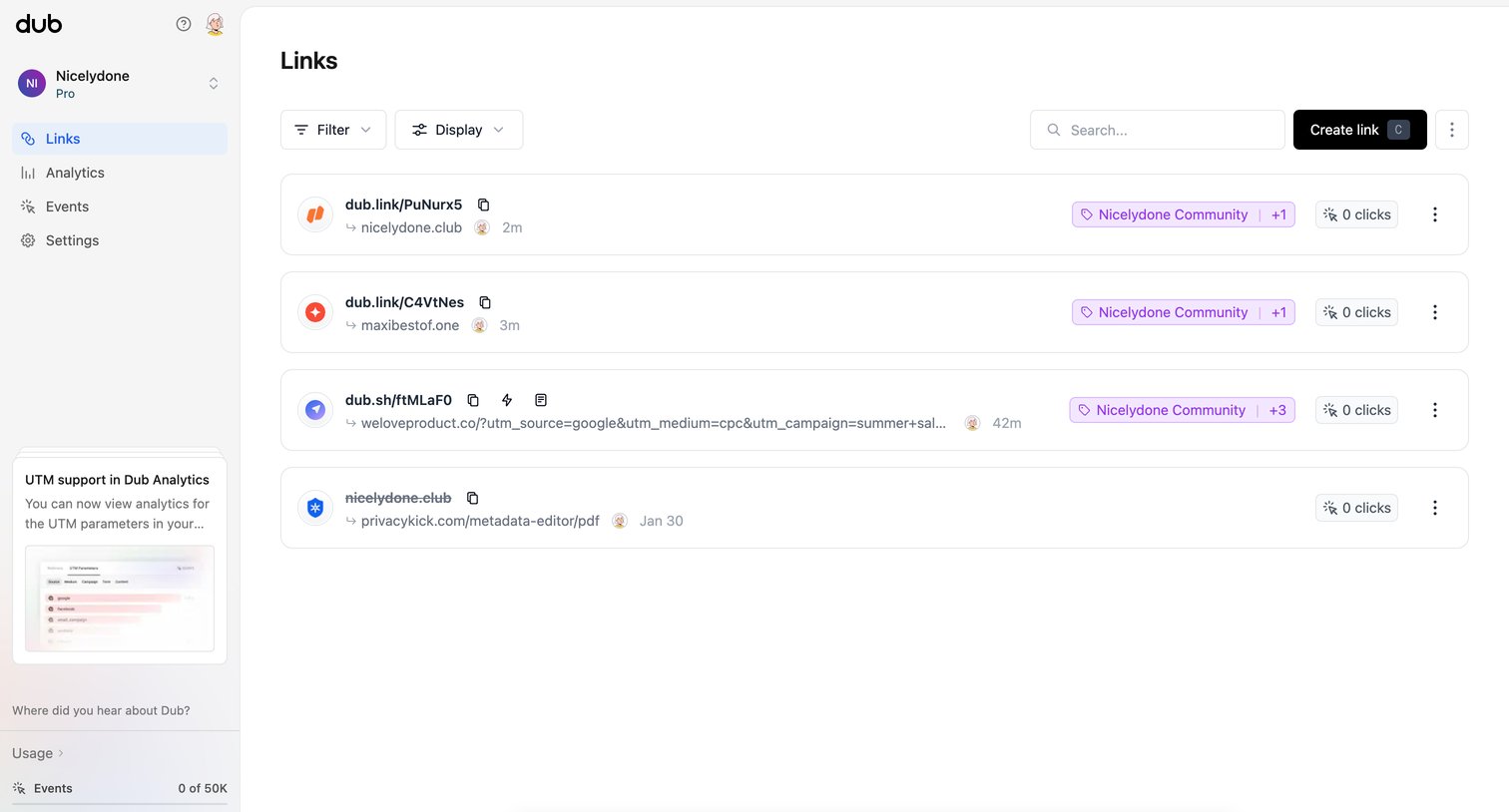

List view where the user manages and tracks short links, with options to filter, search, and view click counts.
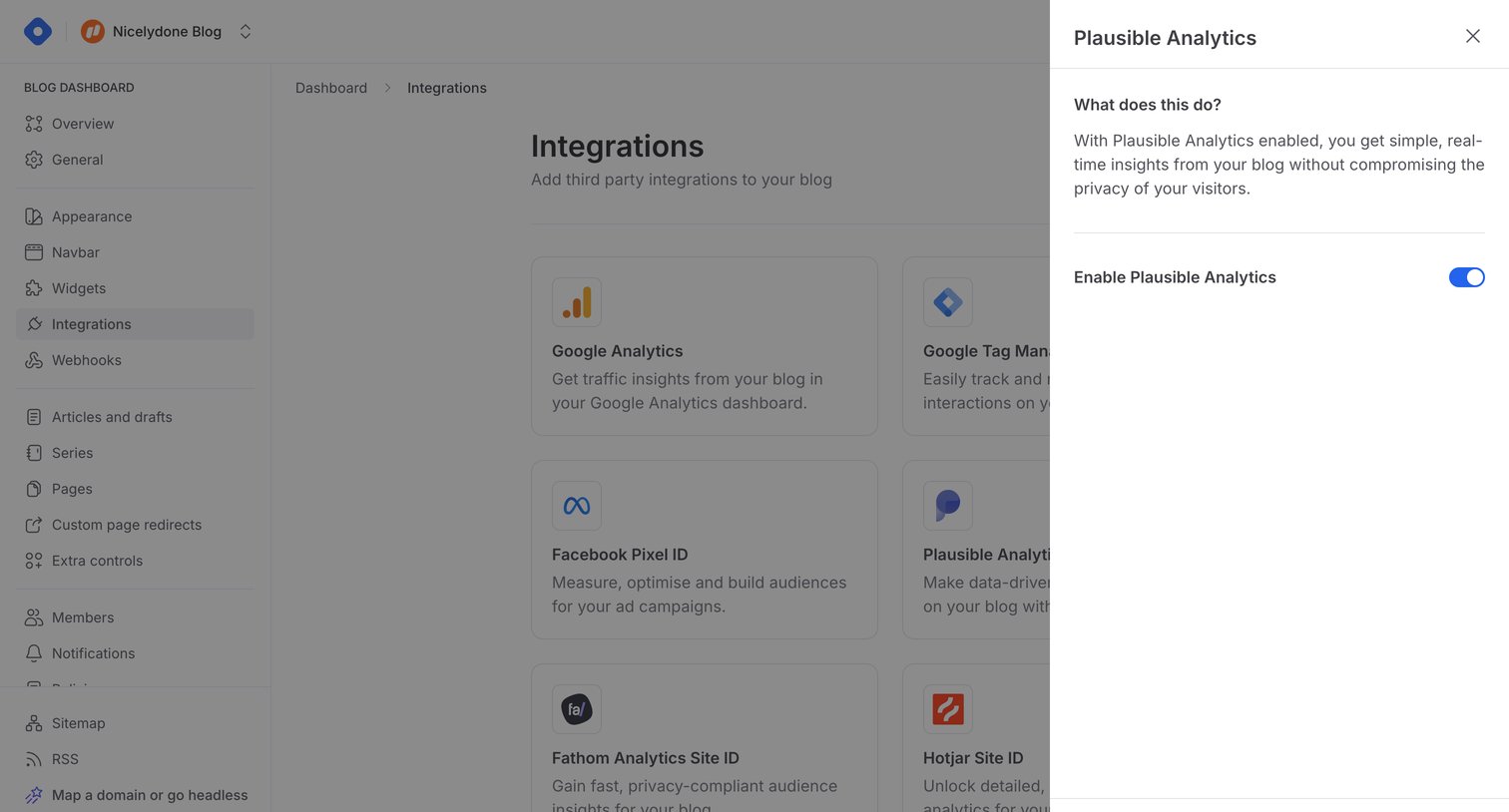

Settings page where the user enables and configures the Plausible Analytics integration via a side drawer.
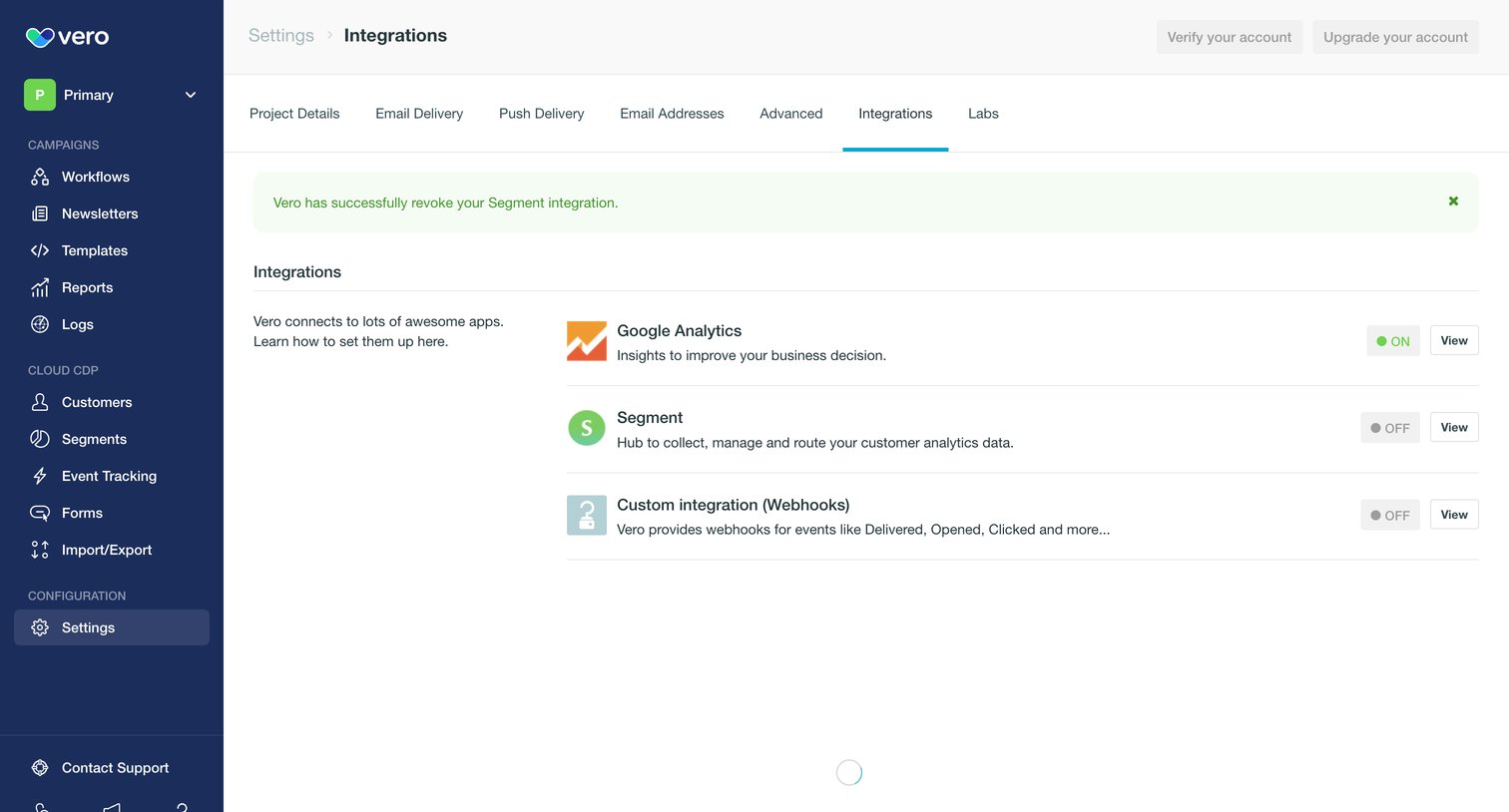

Settings page where the user manages active and inactive integrations like Google Analytics, Segment, and Webhooks.
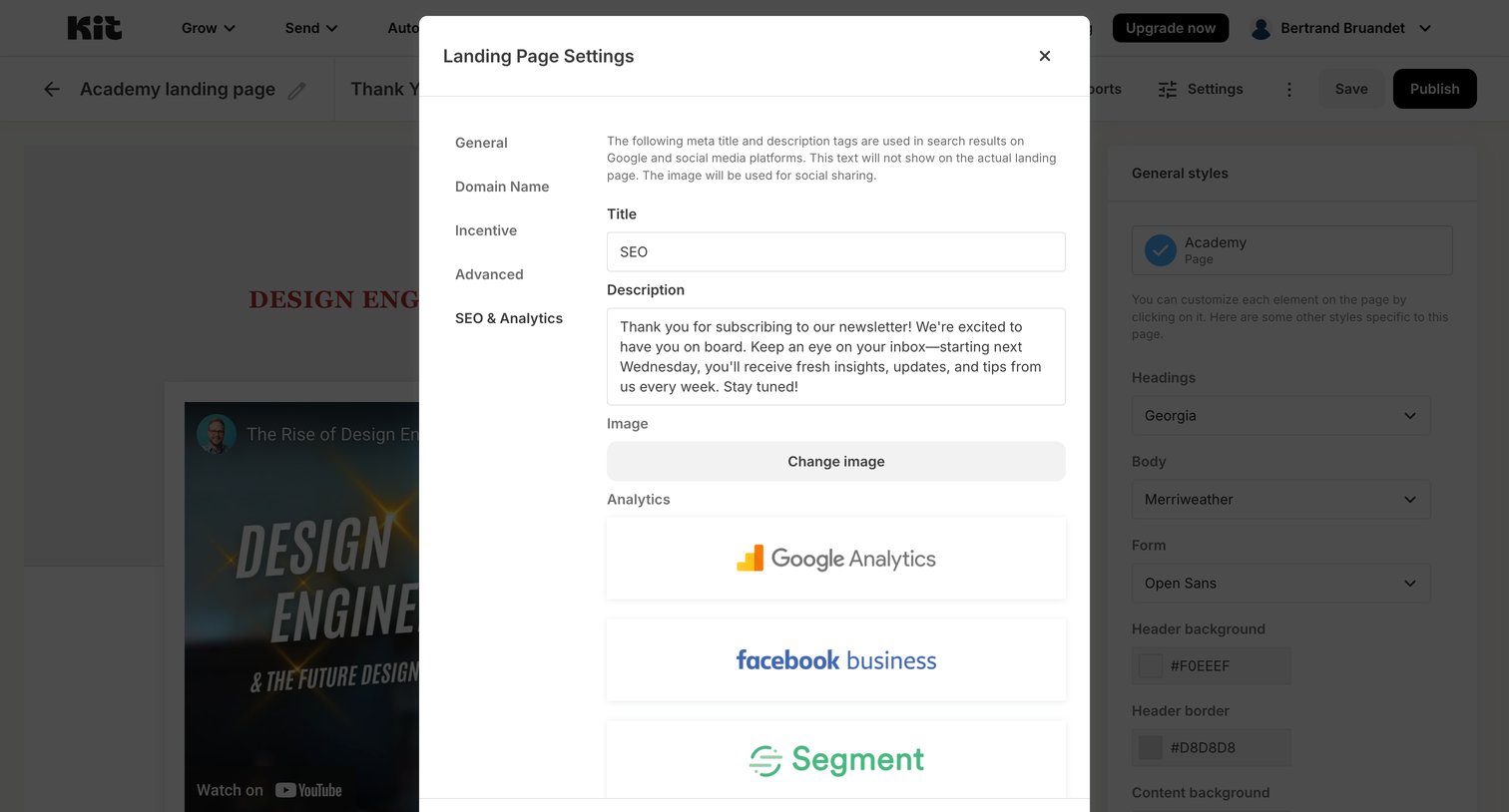

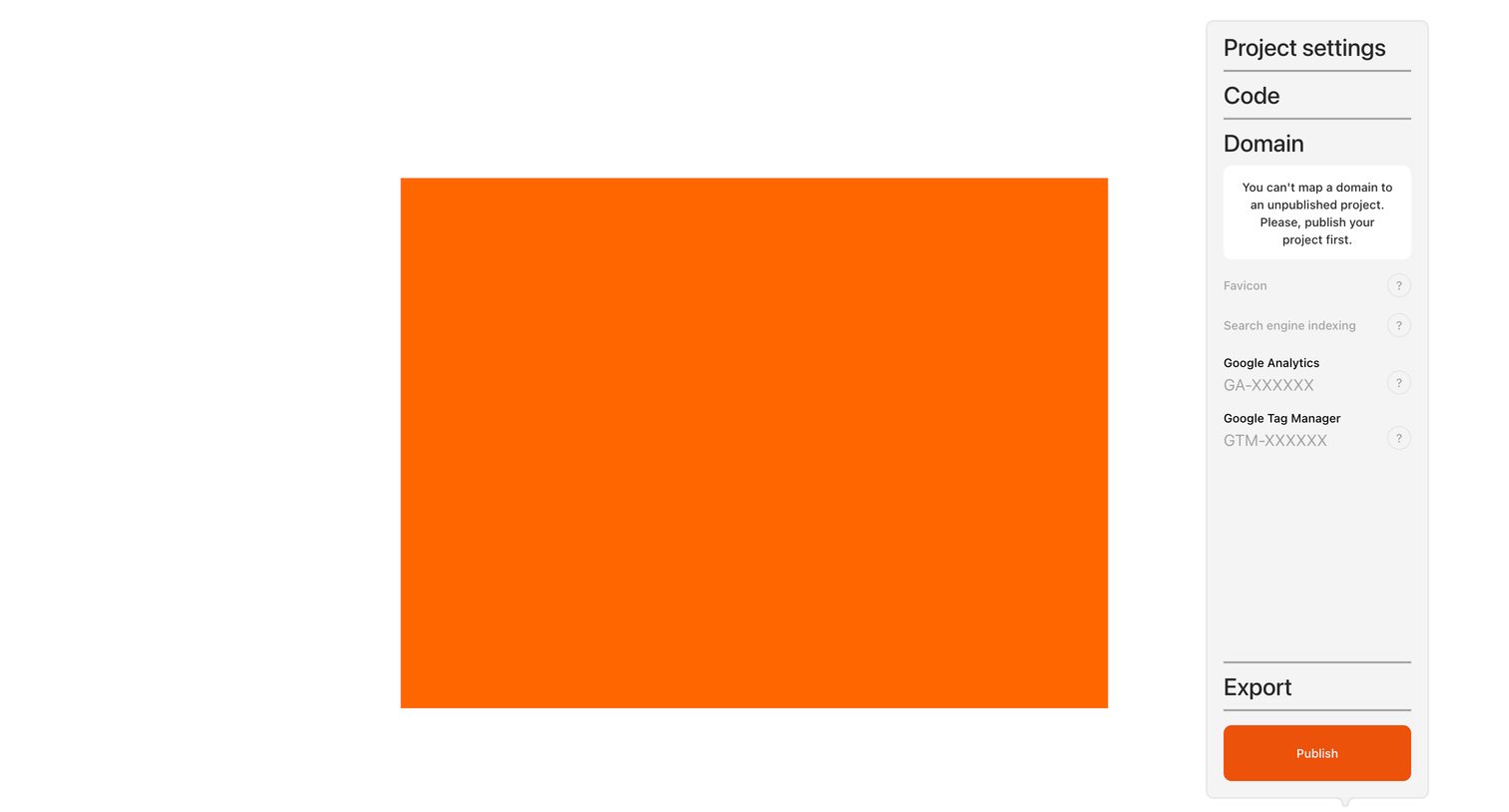

Design editor where the user configures project settings like domain mapping and analytics via a floating popover.
Explore the full SaaS screen library
Upgrade to unlock the full library.
Trusted by the best teams







