Account setup screen examples
Account setup screen design examples from SaaS apps. Browse examples from Polar, Magnific, Latitude.sh.
Explore the examples
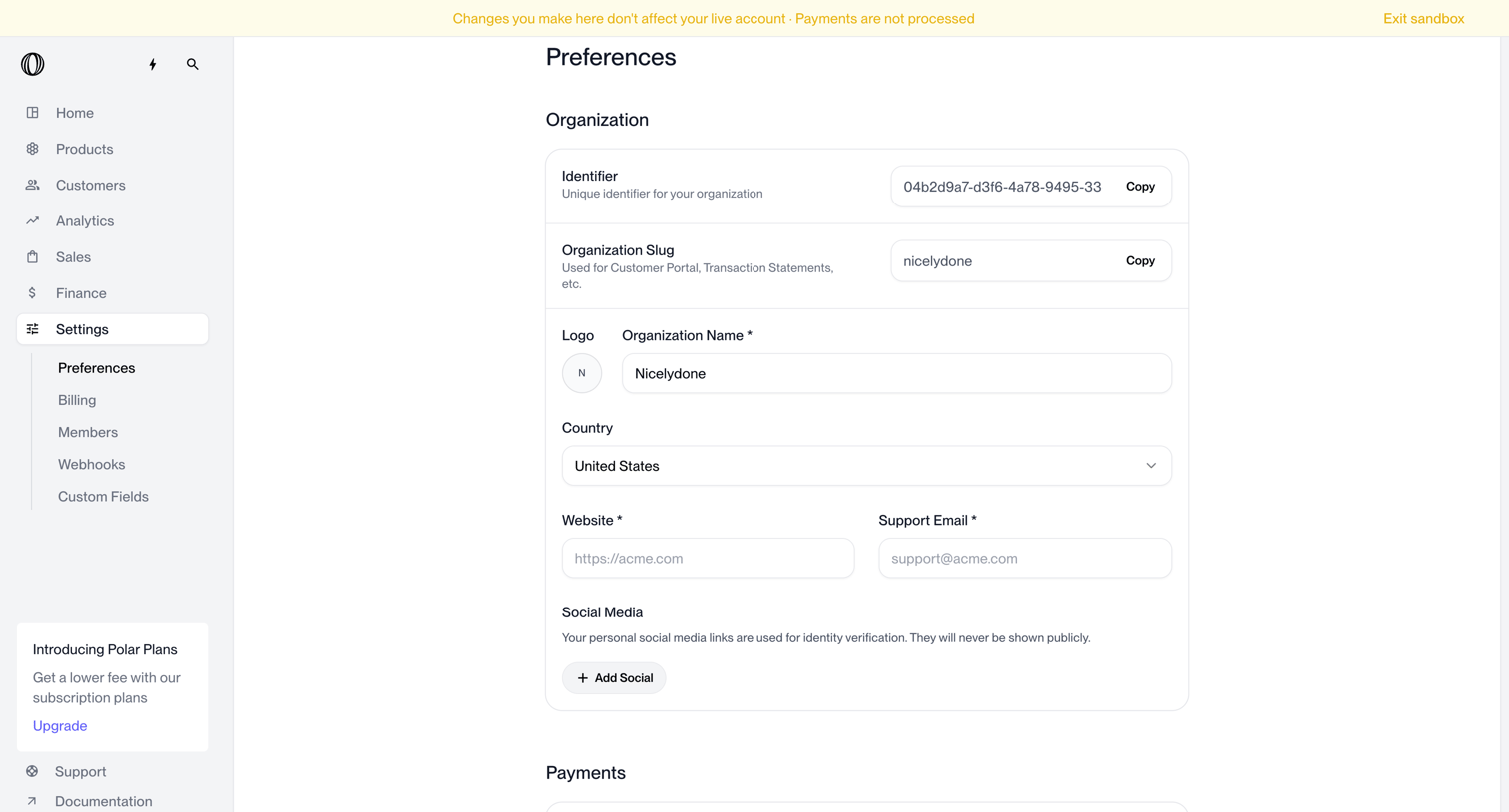

Settings page where the user configures organization details like identifier, slug, logo, name, country, and social media links.
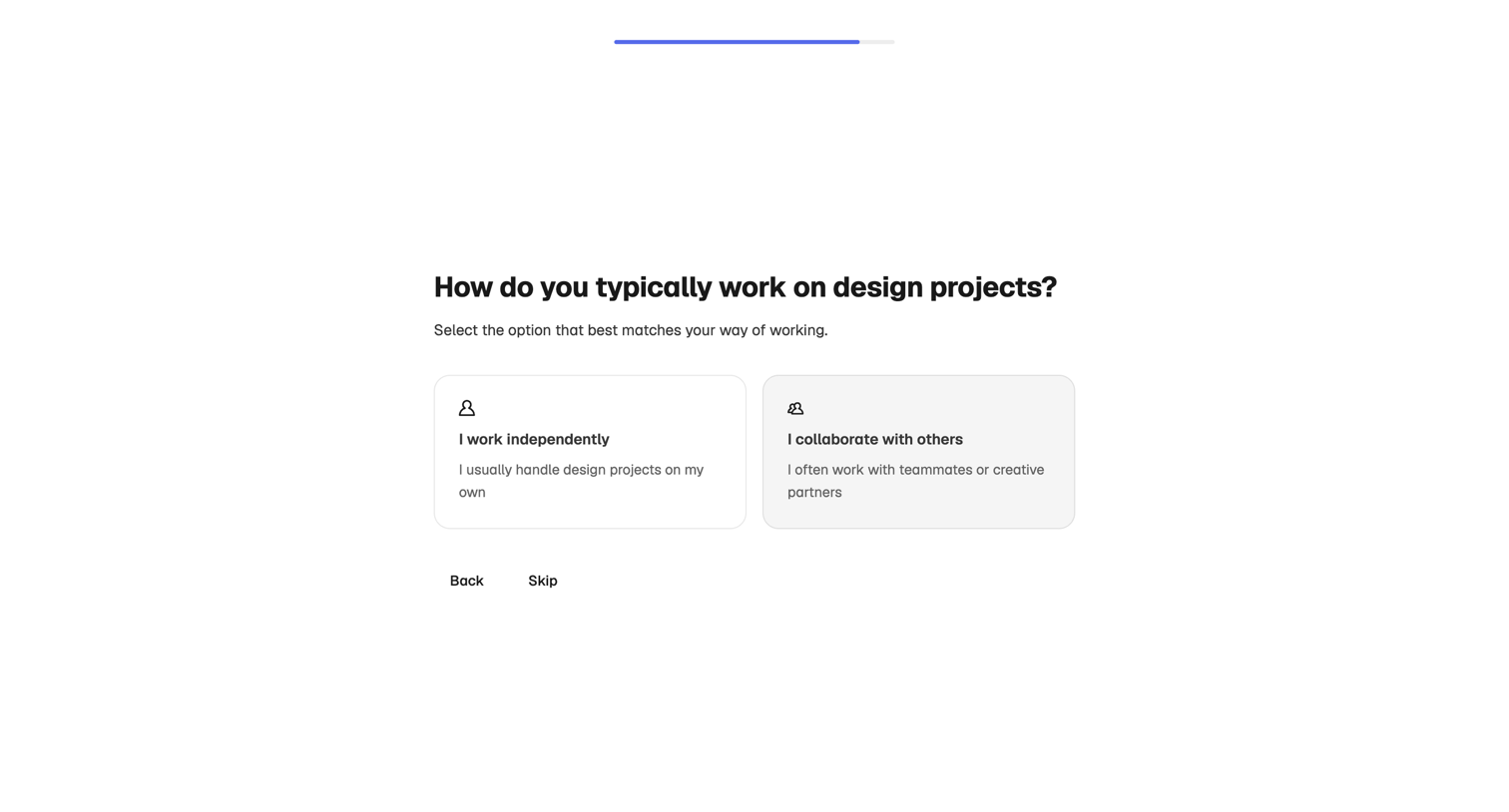

Onboarding step where the user selects whether they work independently or collaborate with others on design projects.
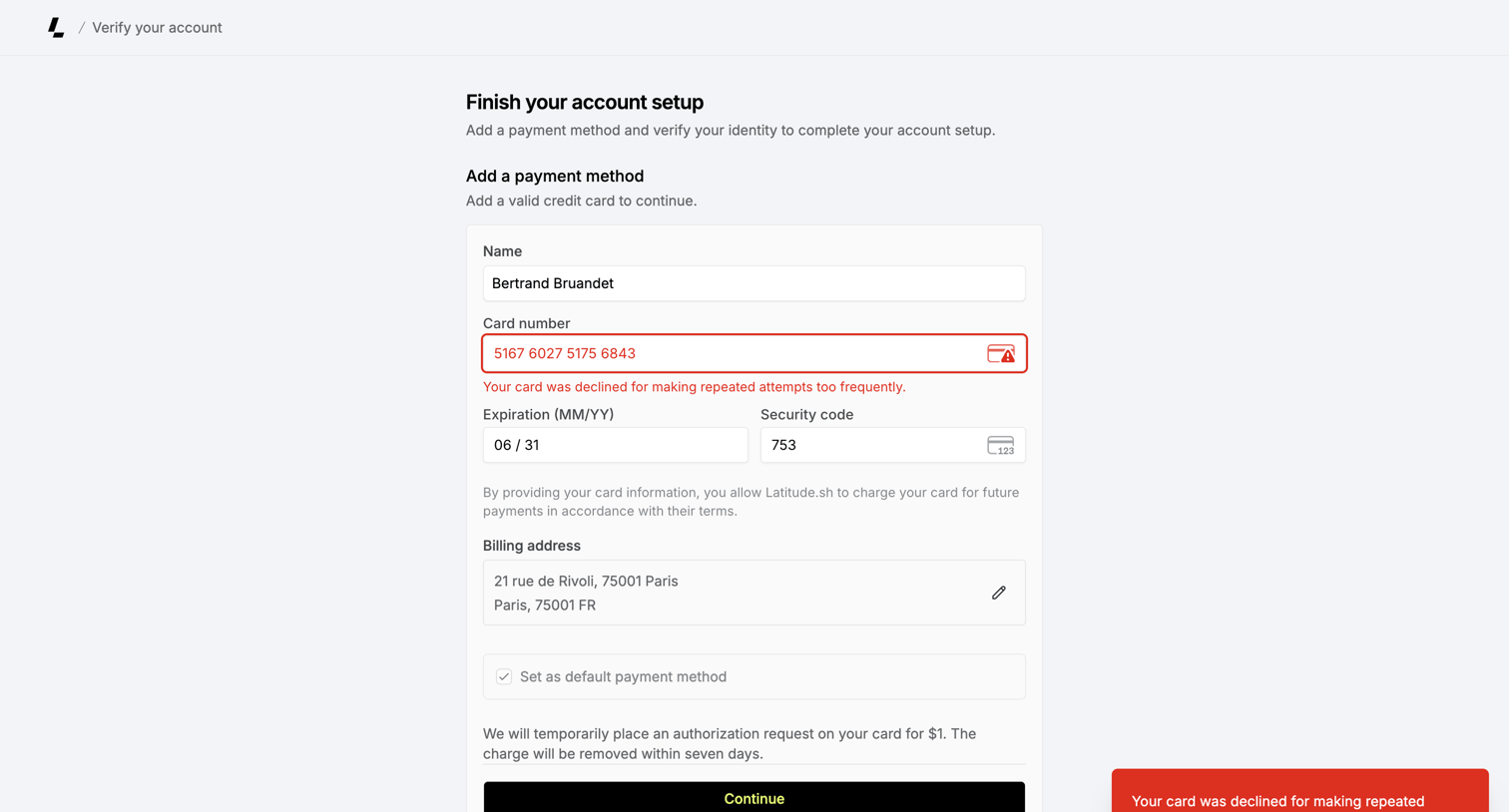

Onboarding step where the user adds a credit card to finish their account setup, currently showing a declined-card error.
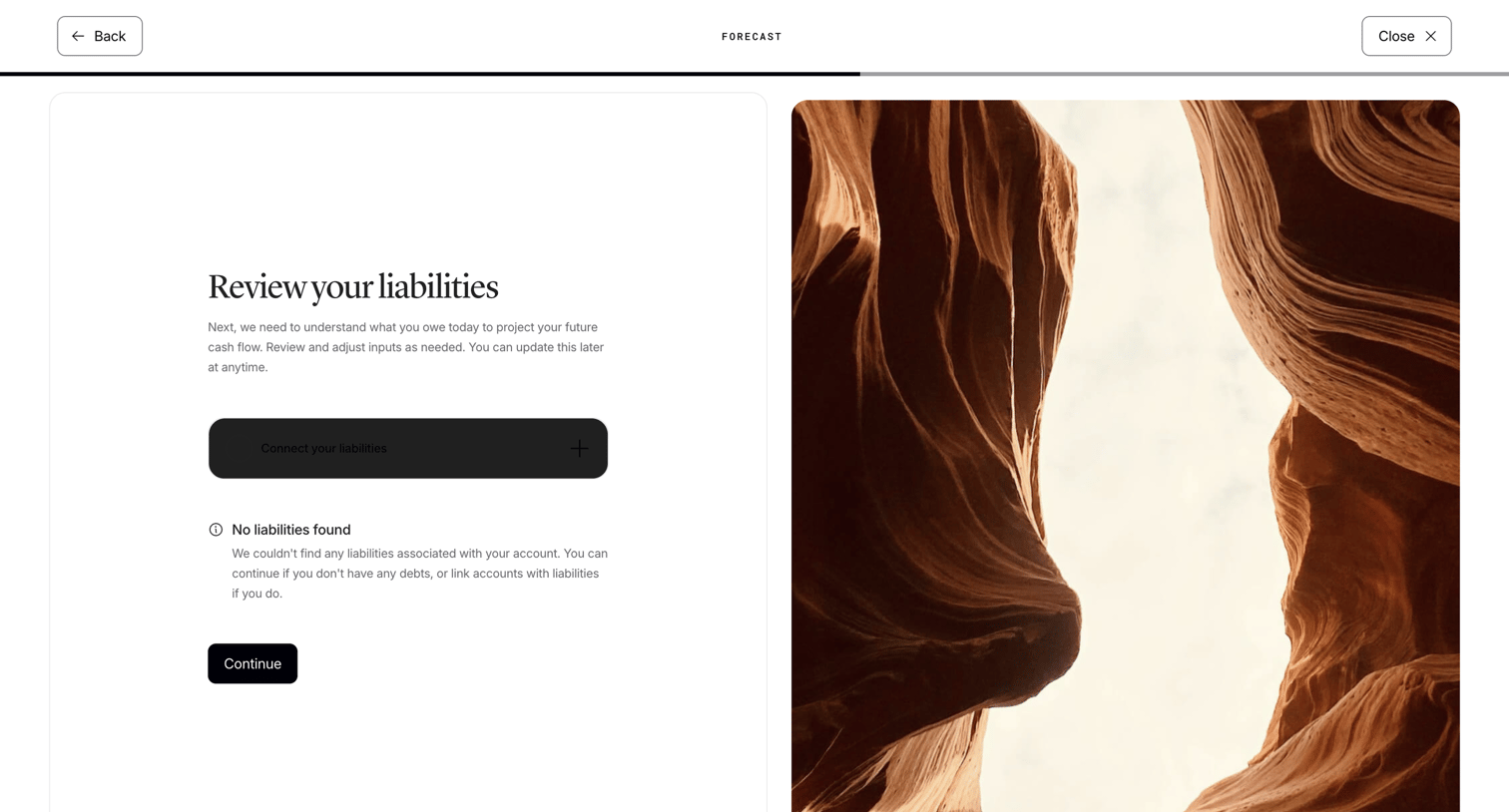

Onboarding step where the user reviews their liabilities for cash flow projection, showing an empty state with an option to connect accounts.
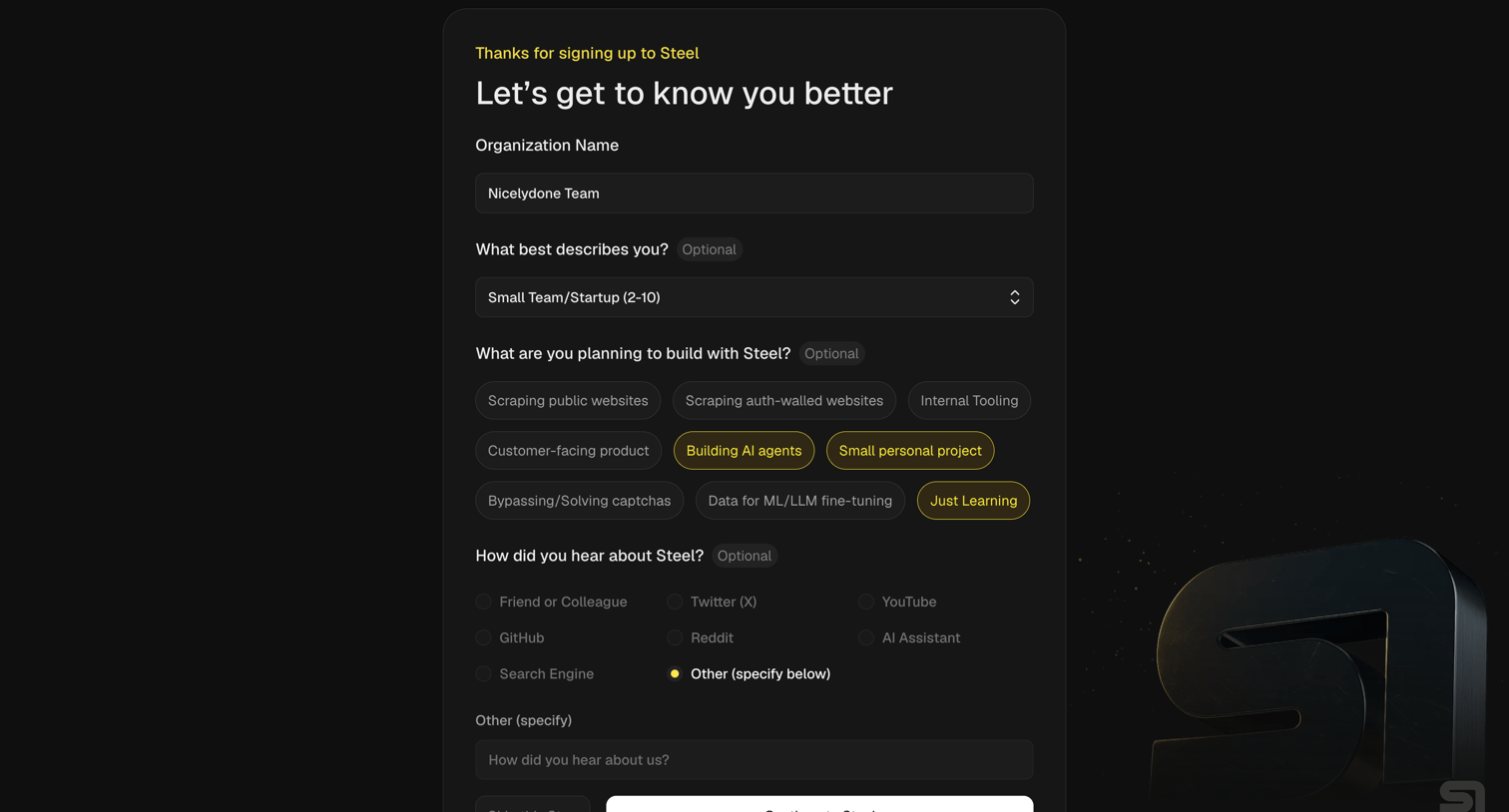

Onboarding screen where the user answers a questionnaire about their organization, role, planned use cases like building AI agents or scraping, and how they heard about the product.
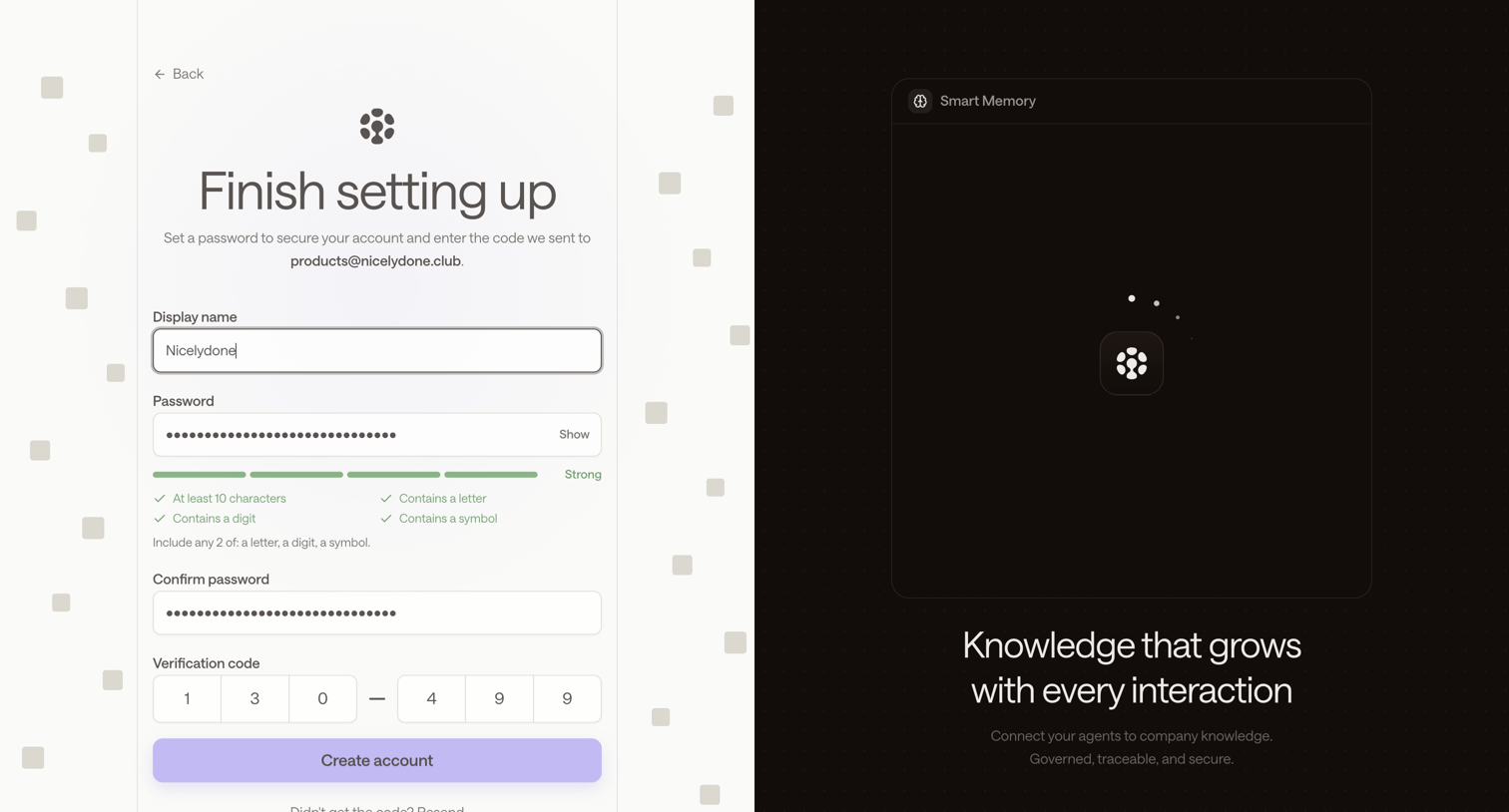

Signup page where the user sets a password and enters a 6-digit email verification code to finish creating their account, alongside a feature carousel.
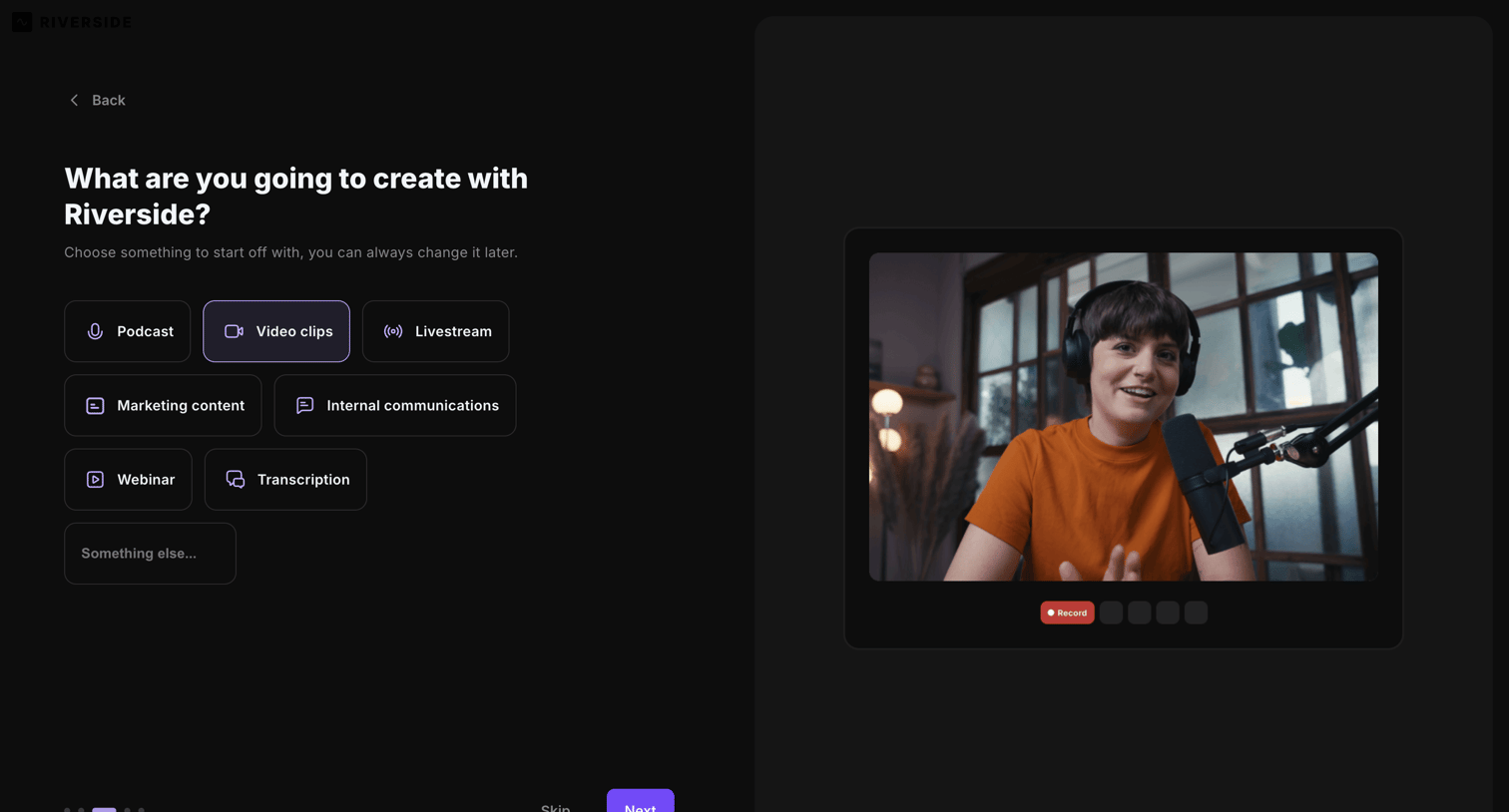

Onboarding step where the user selects their primary use case, such as podcast, video clips, or livestream, to personalize their workspace.
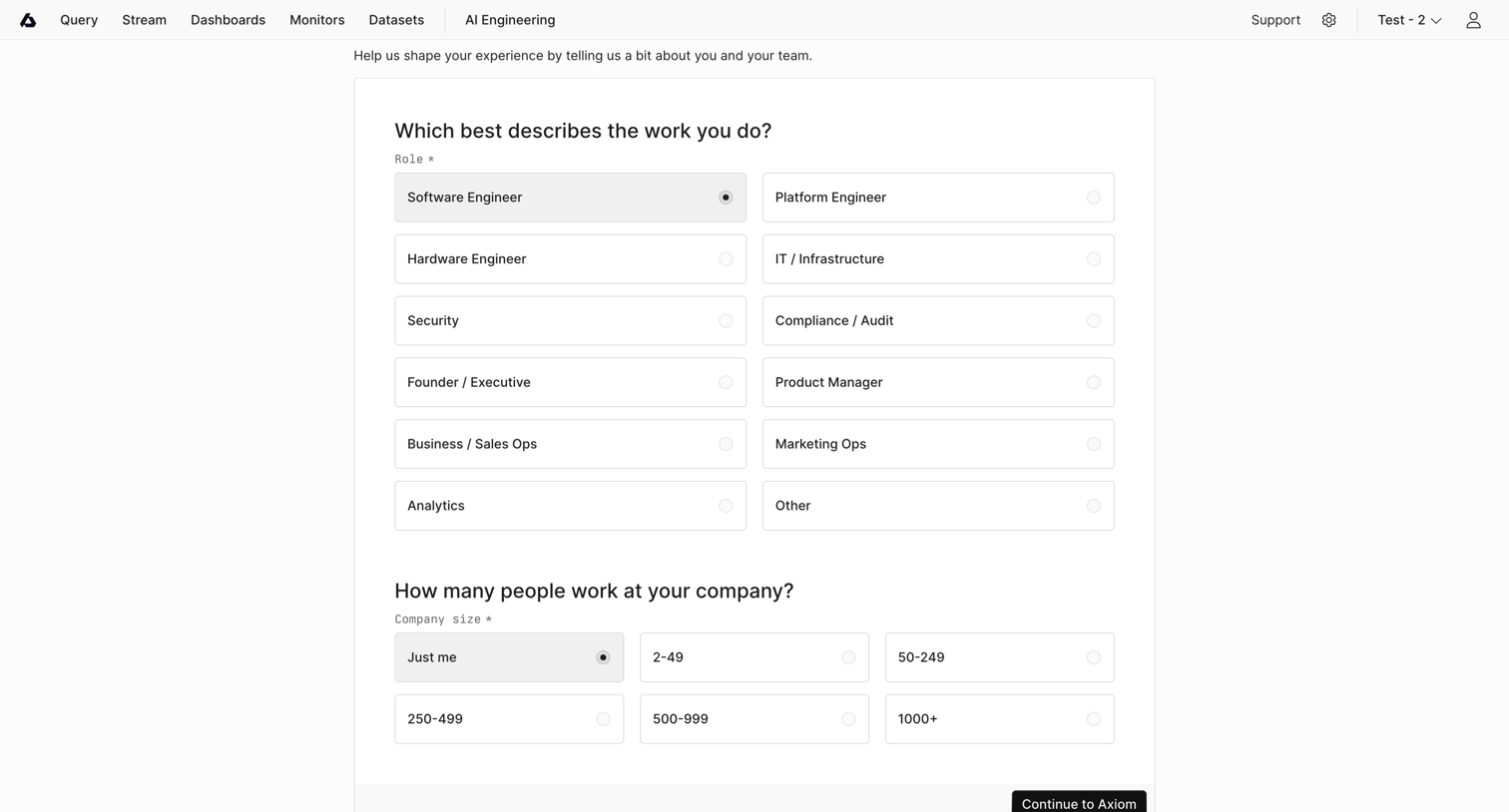

Onboarding step where the user selects their role and company size to personalize their experience before continuing to the app.
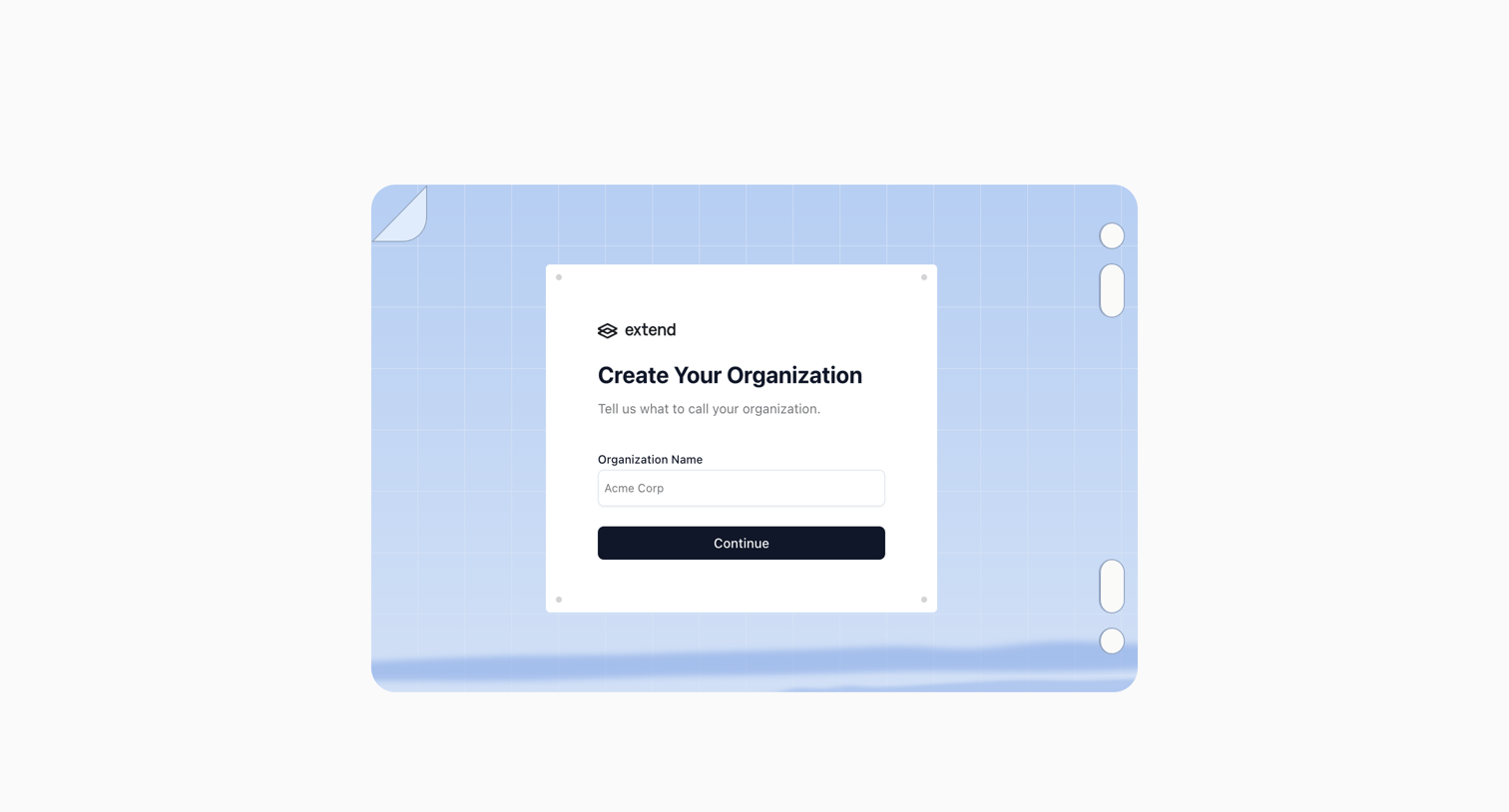

Onboarding step where the user names their organization to create a workspace.
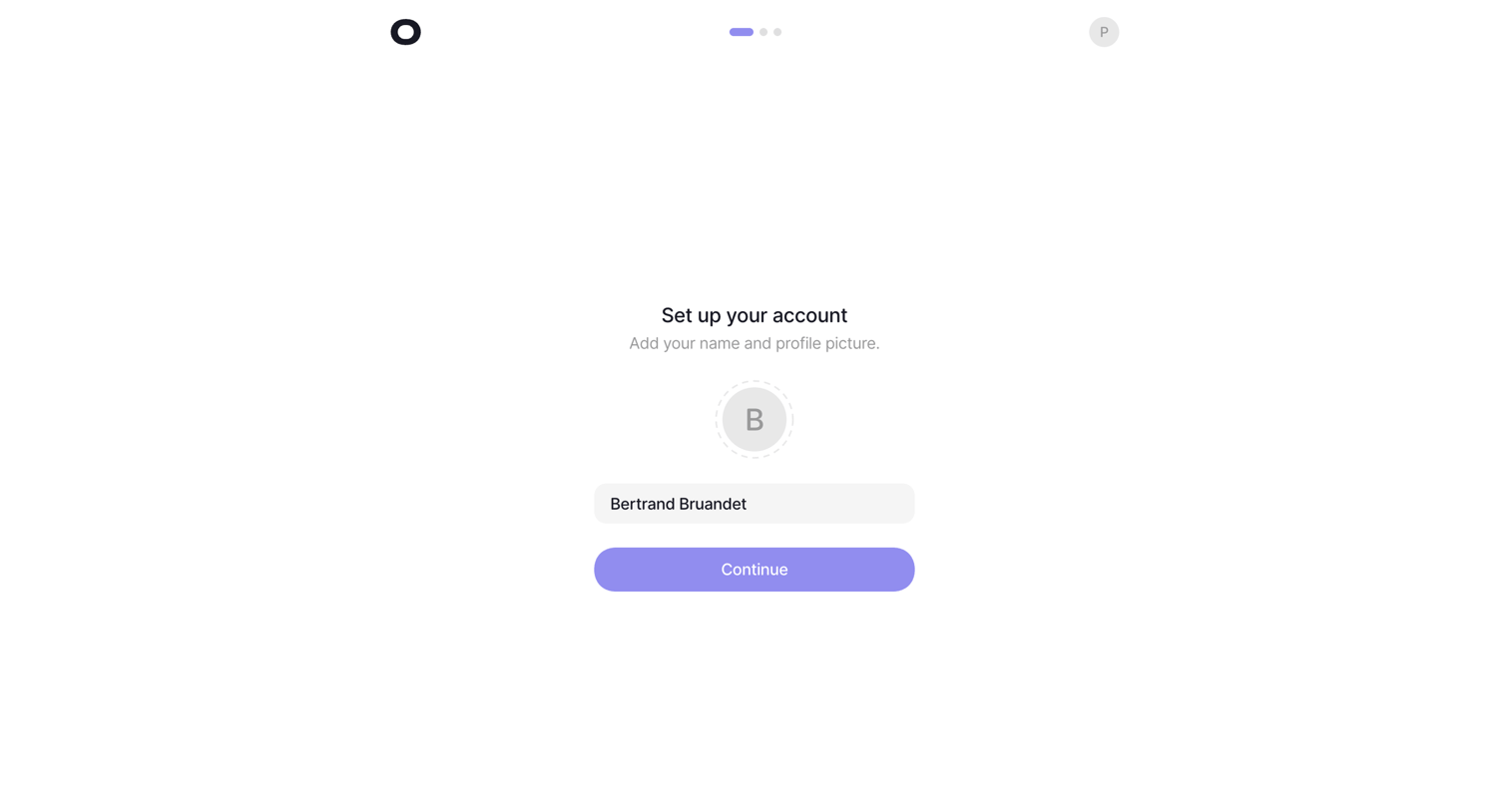

Onboarding step where the user sets their name and uploads a profile picture before continuing.
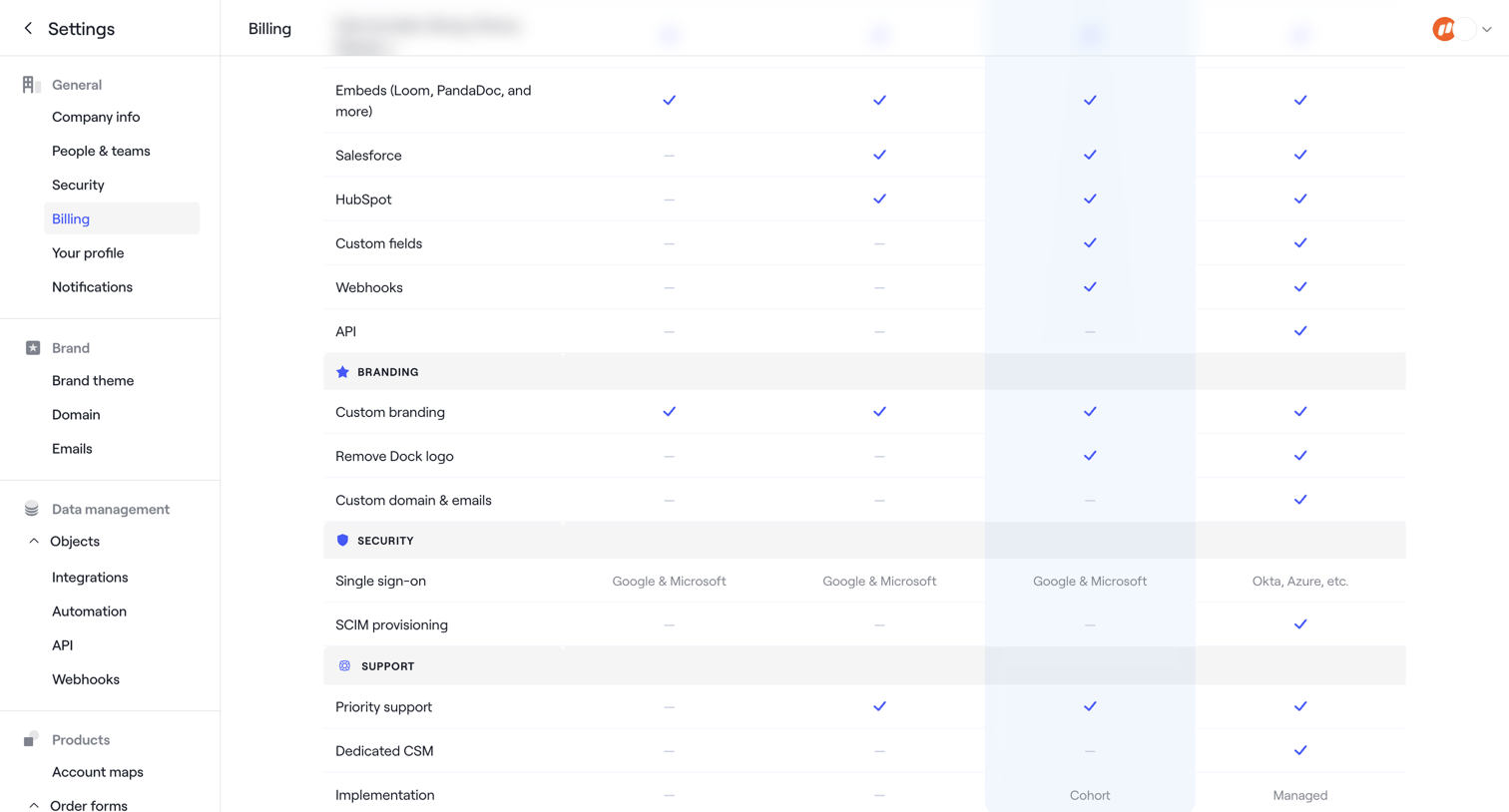

Settings page where the user views a detailed feature comparison table across different subscription plans.
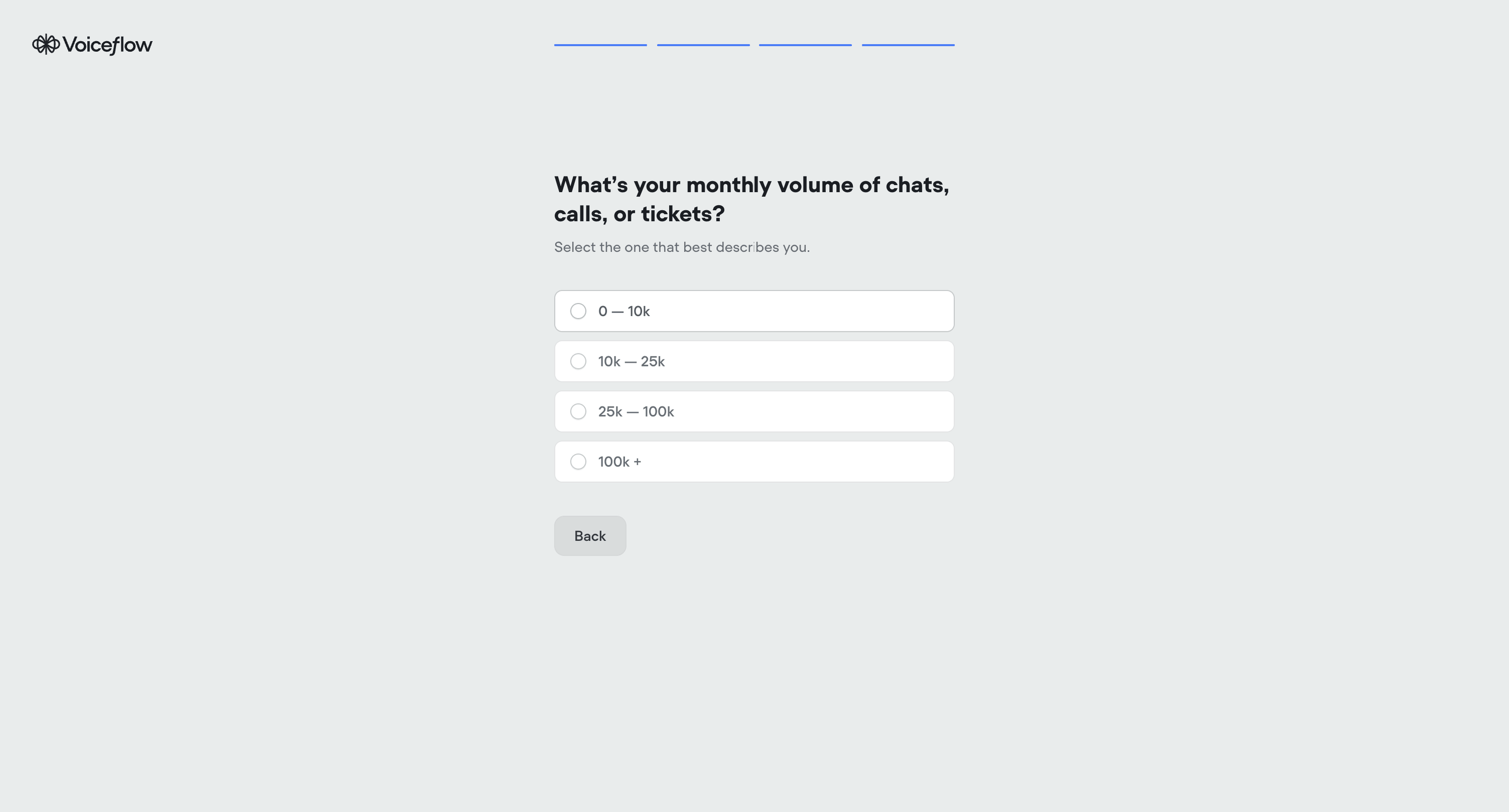

Onboarding step where the user selects their estimated monthly volume of chats, calls, or tickets from a list of ranges.
Explore the full SaaS screen library
Upgrade to unlock the full library.
Trusted by the best teams







