Account settings screen examples
Account settings screen design examples from SaaS apps. See how SaaS apps organize personal details, preferences, and account controls. Browse layouts that separate everyday changes from sensitive actions such as…
Explore the examples
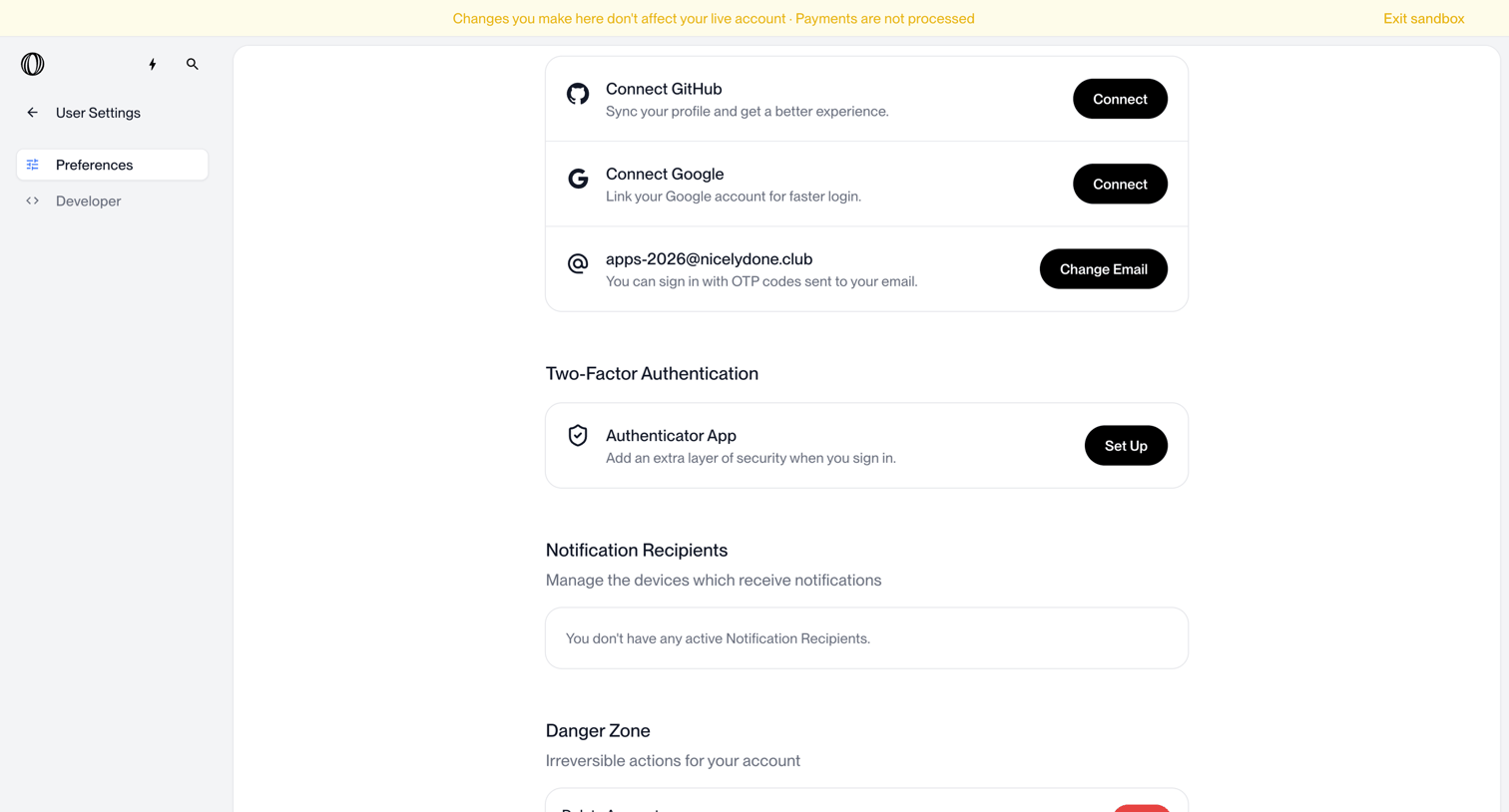

Settings page where the user manages connected accounts, two-factor authentication, notification recipients, and account deletion.
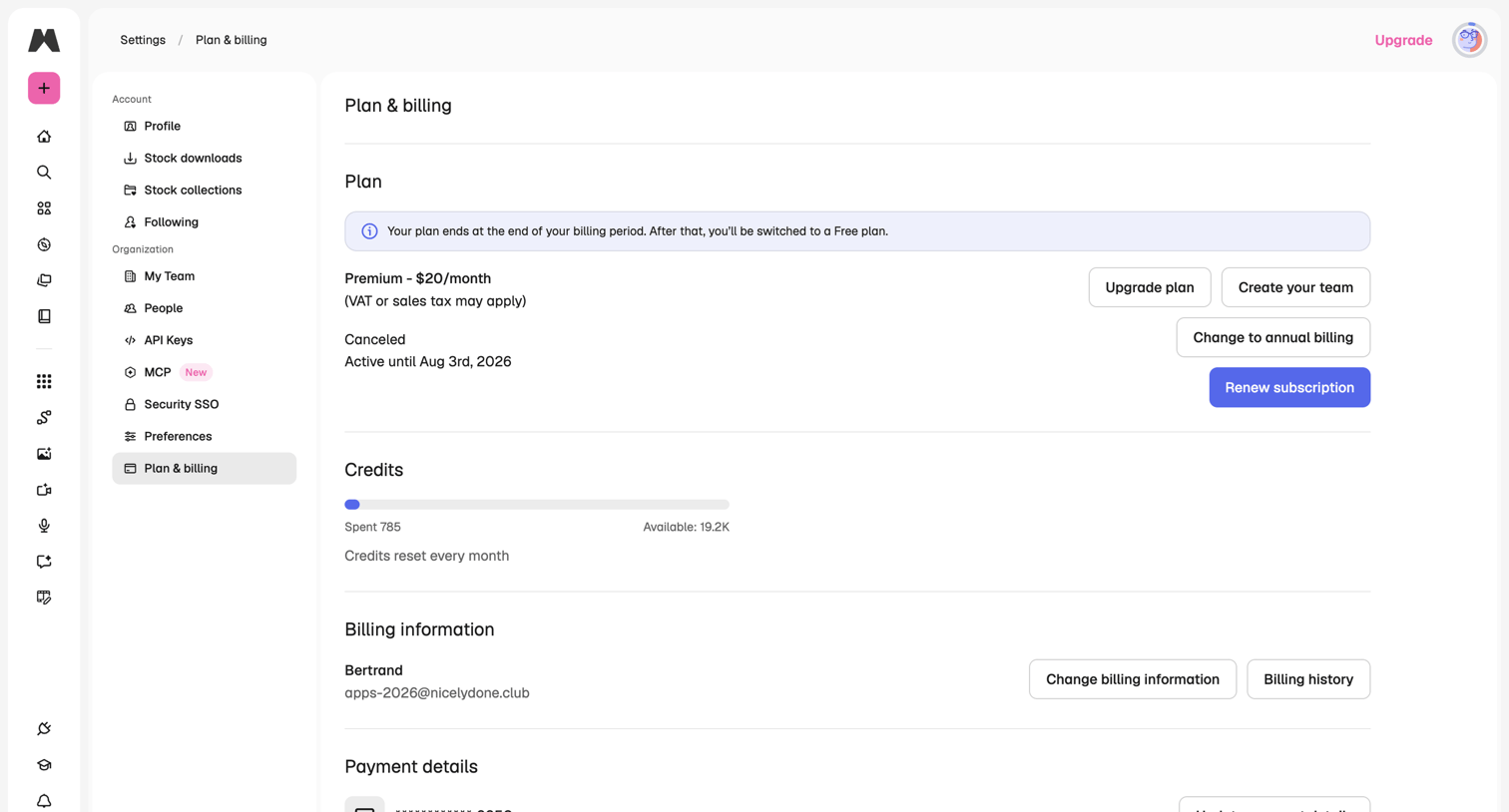

Settings page where the user manages their subscription plan, views credit usage, and updates billing and payment information.
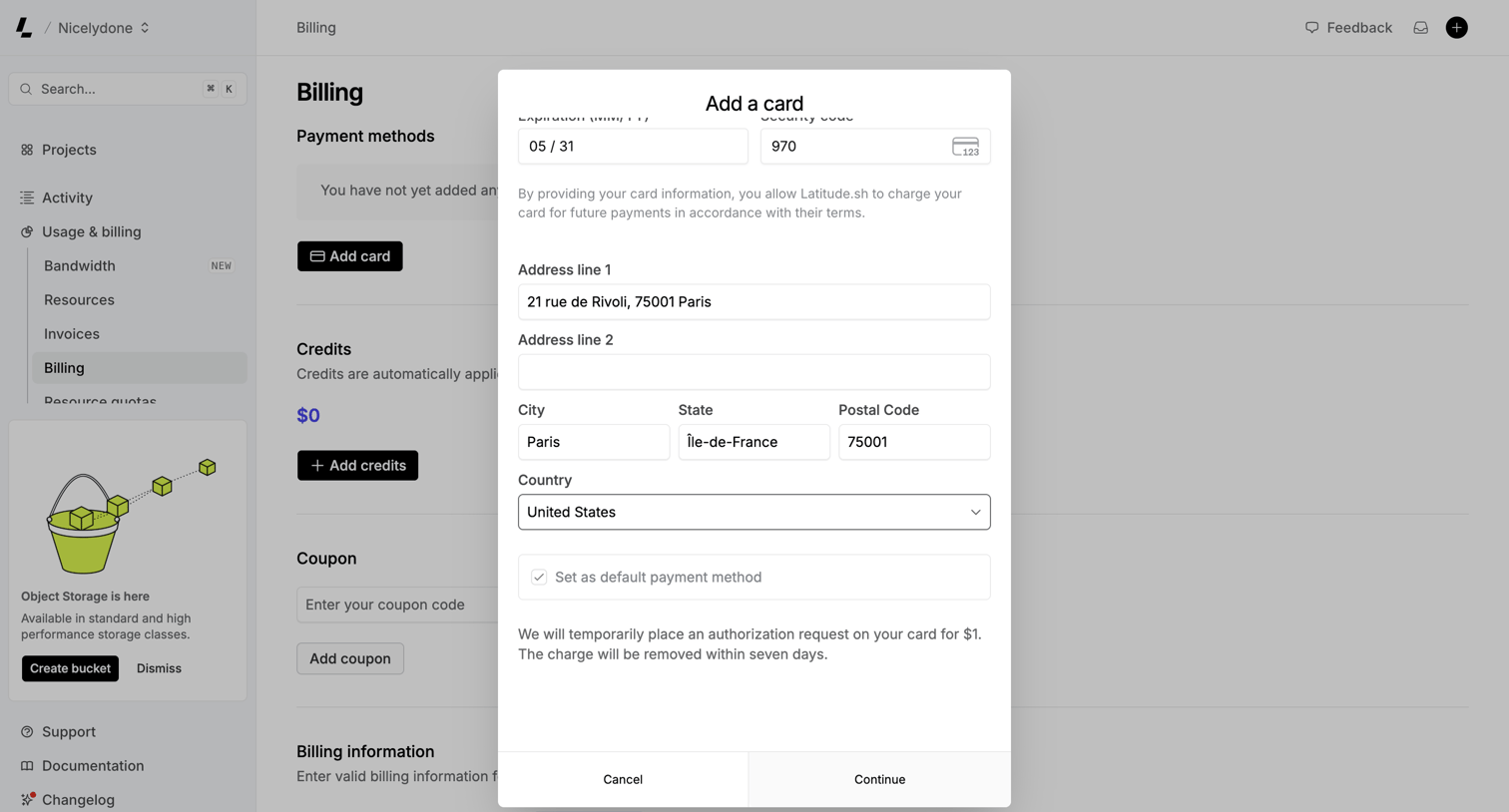

Settings page where the user adds a new credit card for billing, entering expiration, security code, and billing address details.
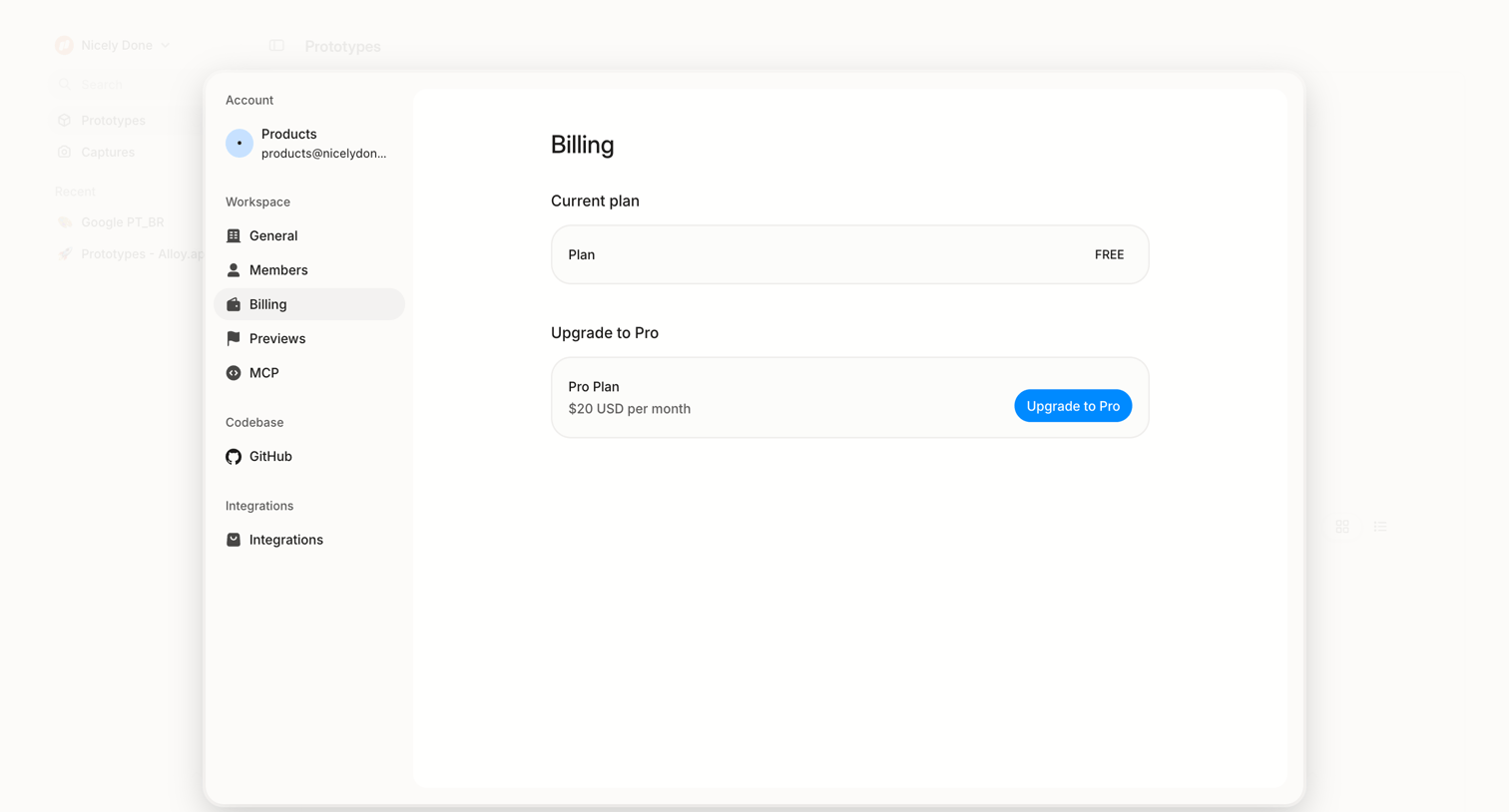

Settings modal where the user views their current free plan and can upgrade to a Pro subscription.
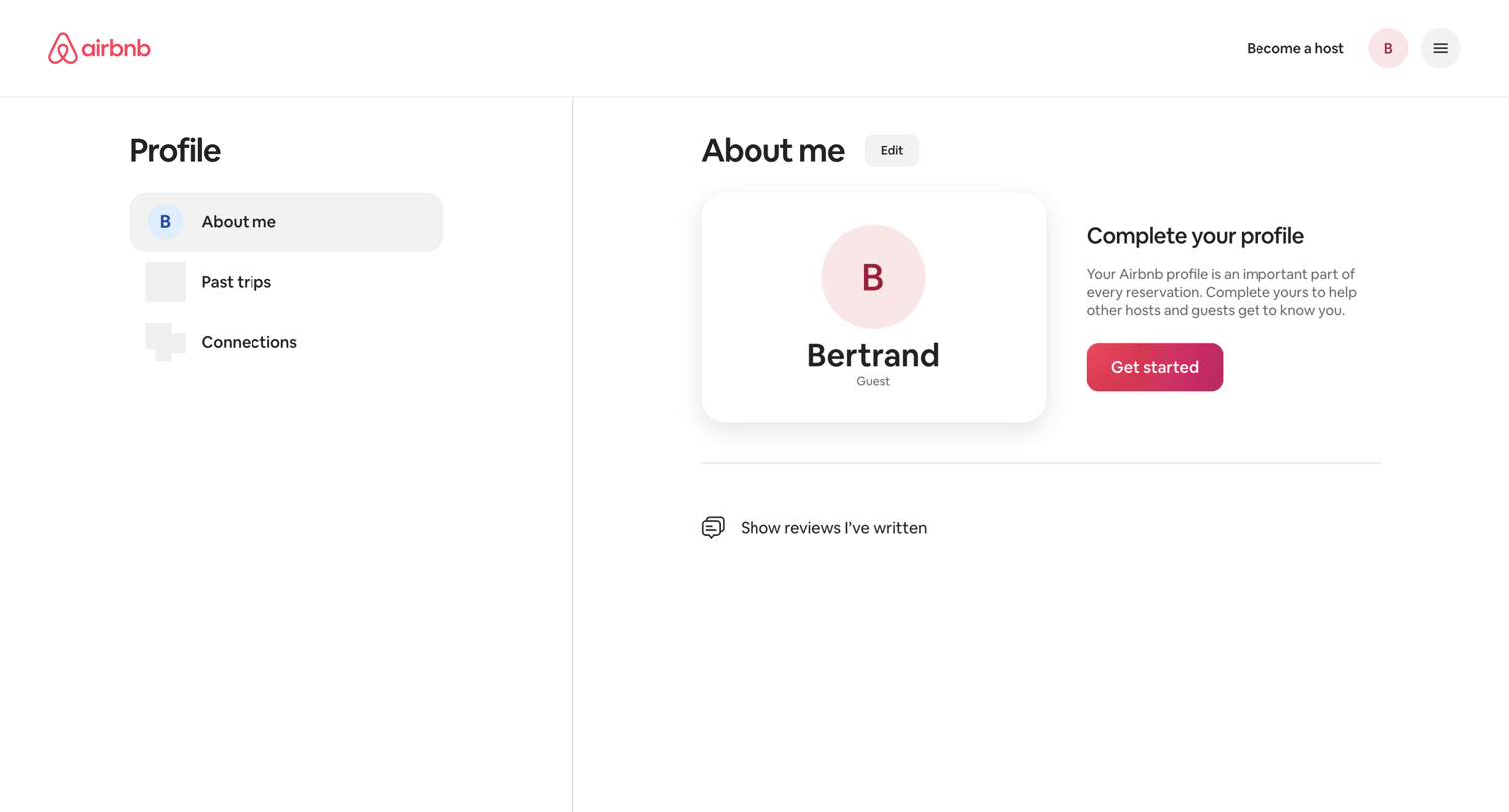

User profile page where the user views their basic details and is prompted to complete their profile with a dedicated call to action.
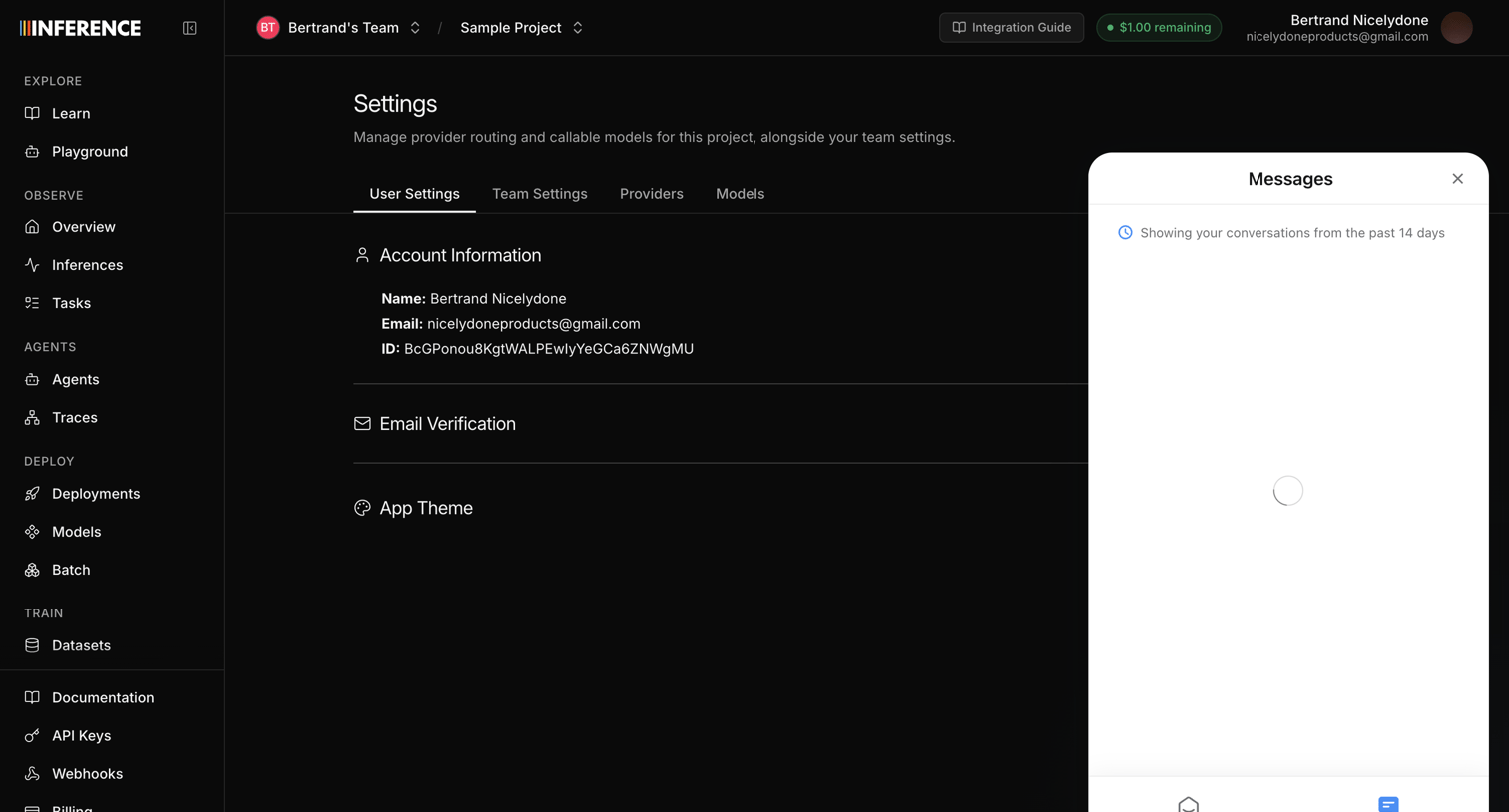

Settings page where the user views their account details like name and email, with a support messenger currently loading recent conversations.
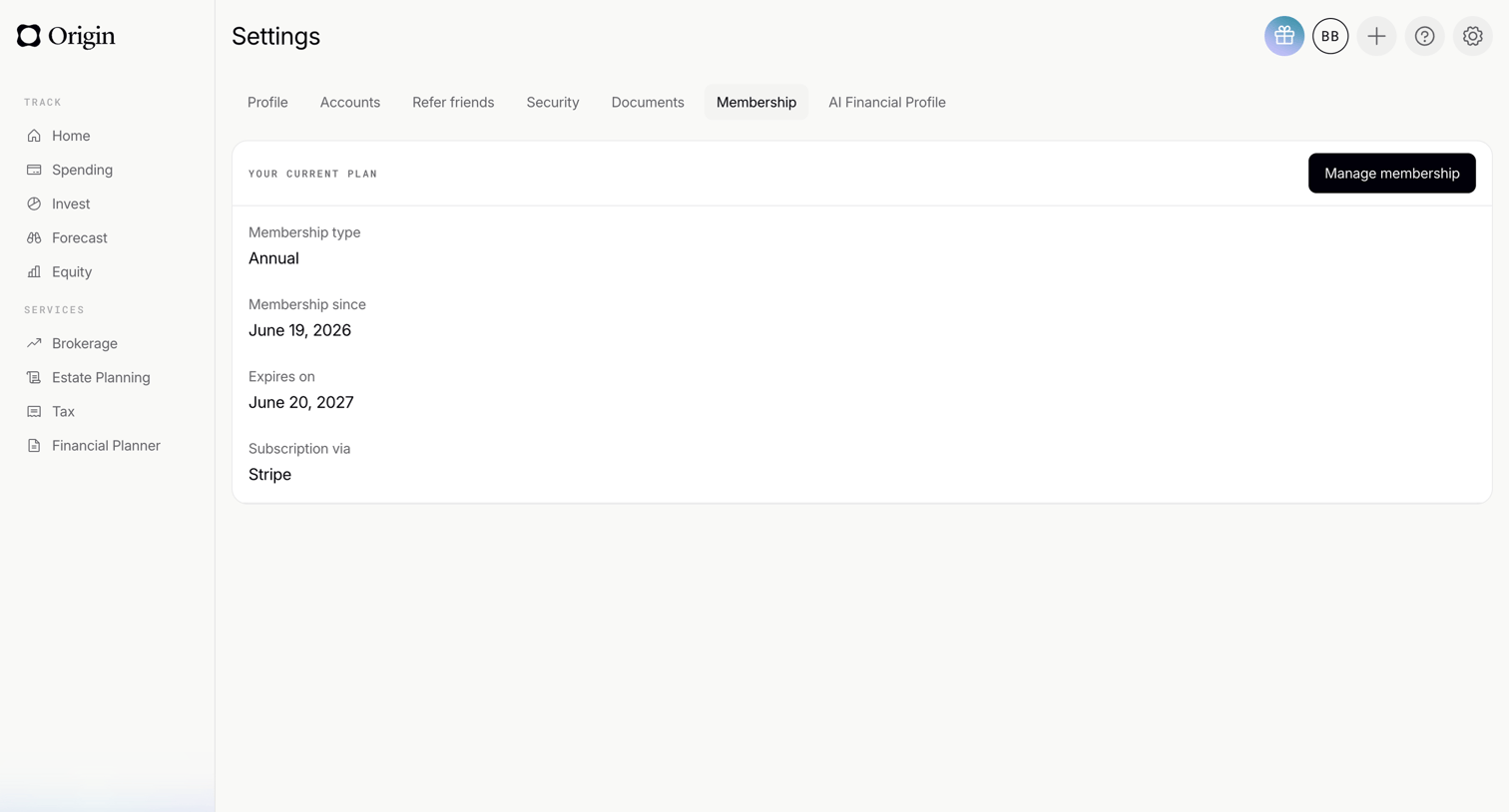

Settings page where the user views their current annual membership plan details, expiration date, and billing provider.
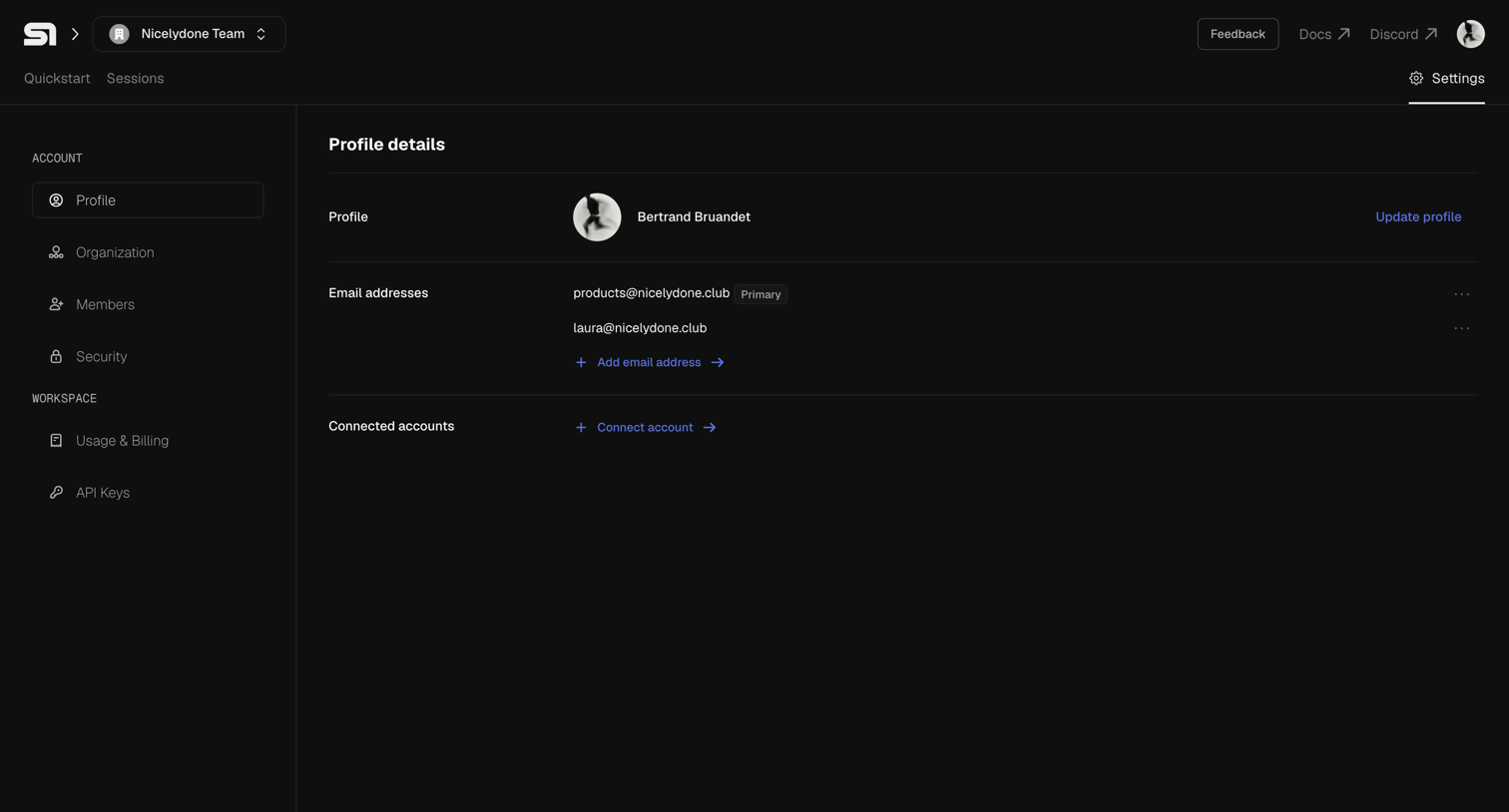

Settings page where the user views their profile details, manages email addresses, and connects external accounts.
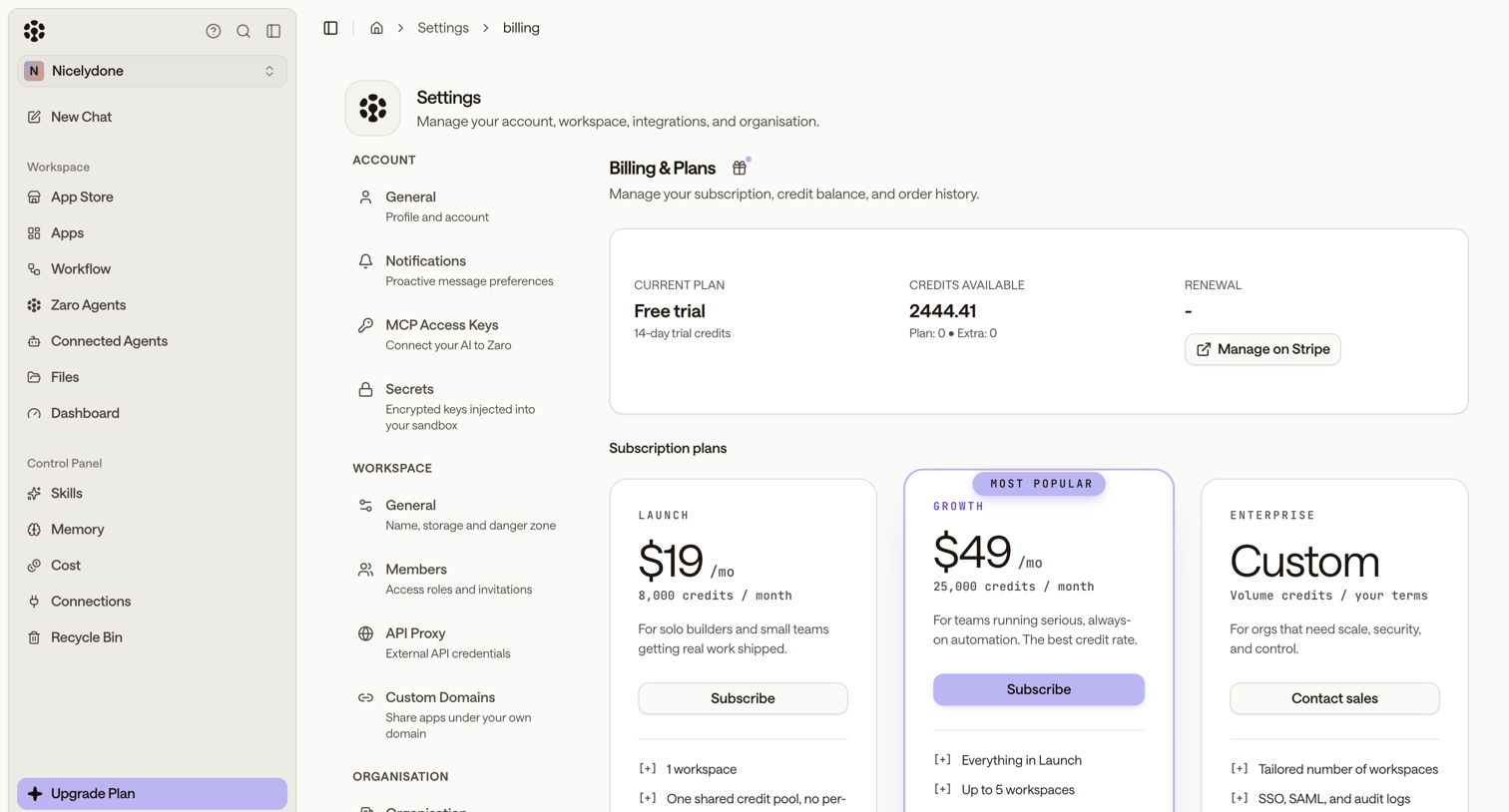

Settings page where the user manages their subscription, views available credits, and can upgrade to Launch, Growth, or Enterprise plans.
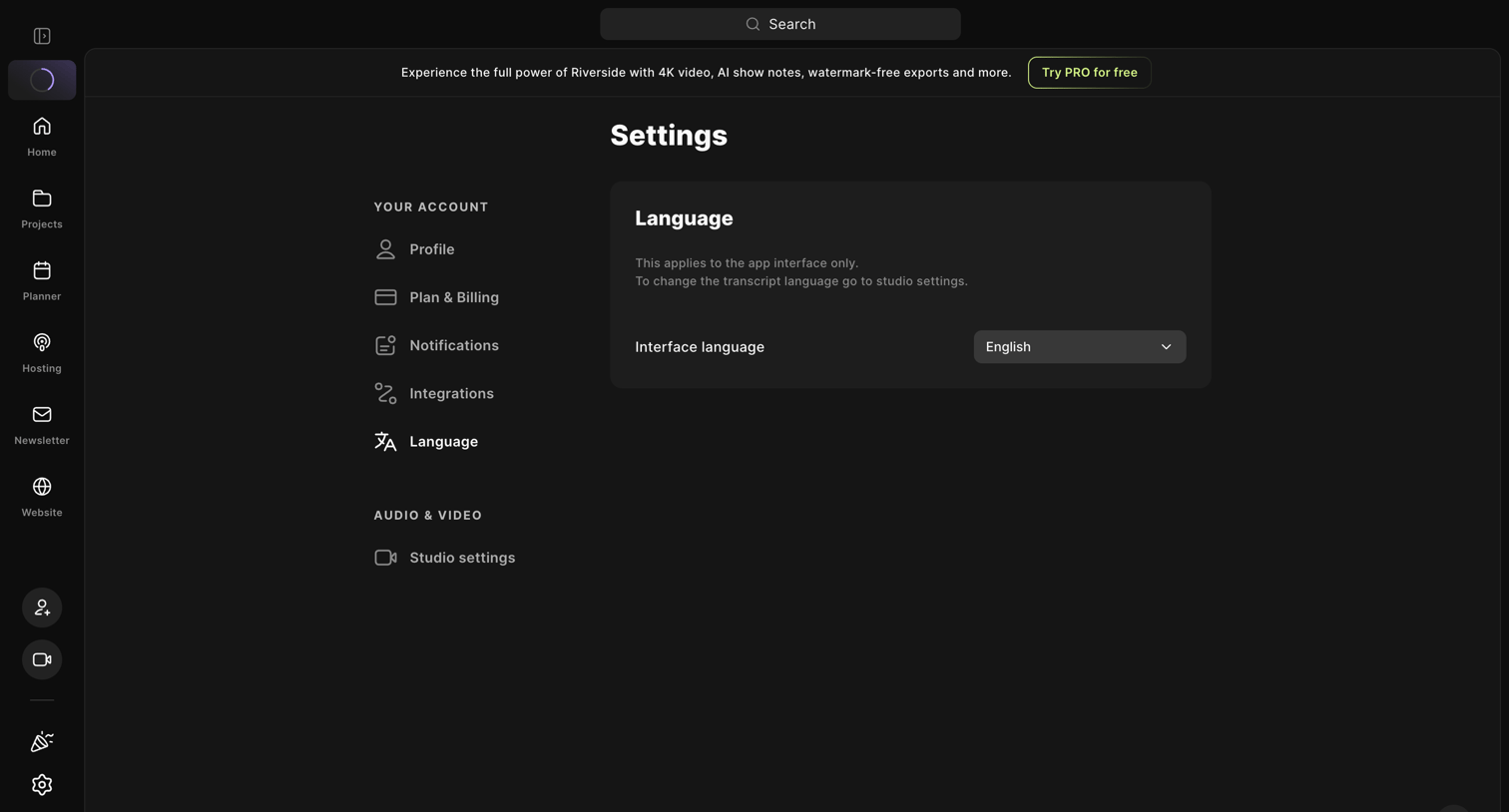

Settings page where the user configures the interface language for the app, featuring a prominent upgrade banner at the top.
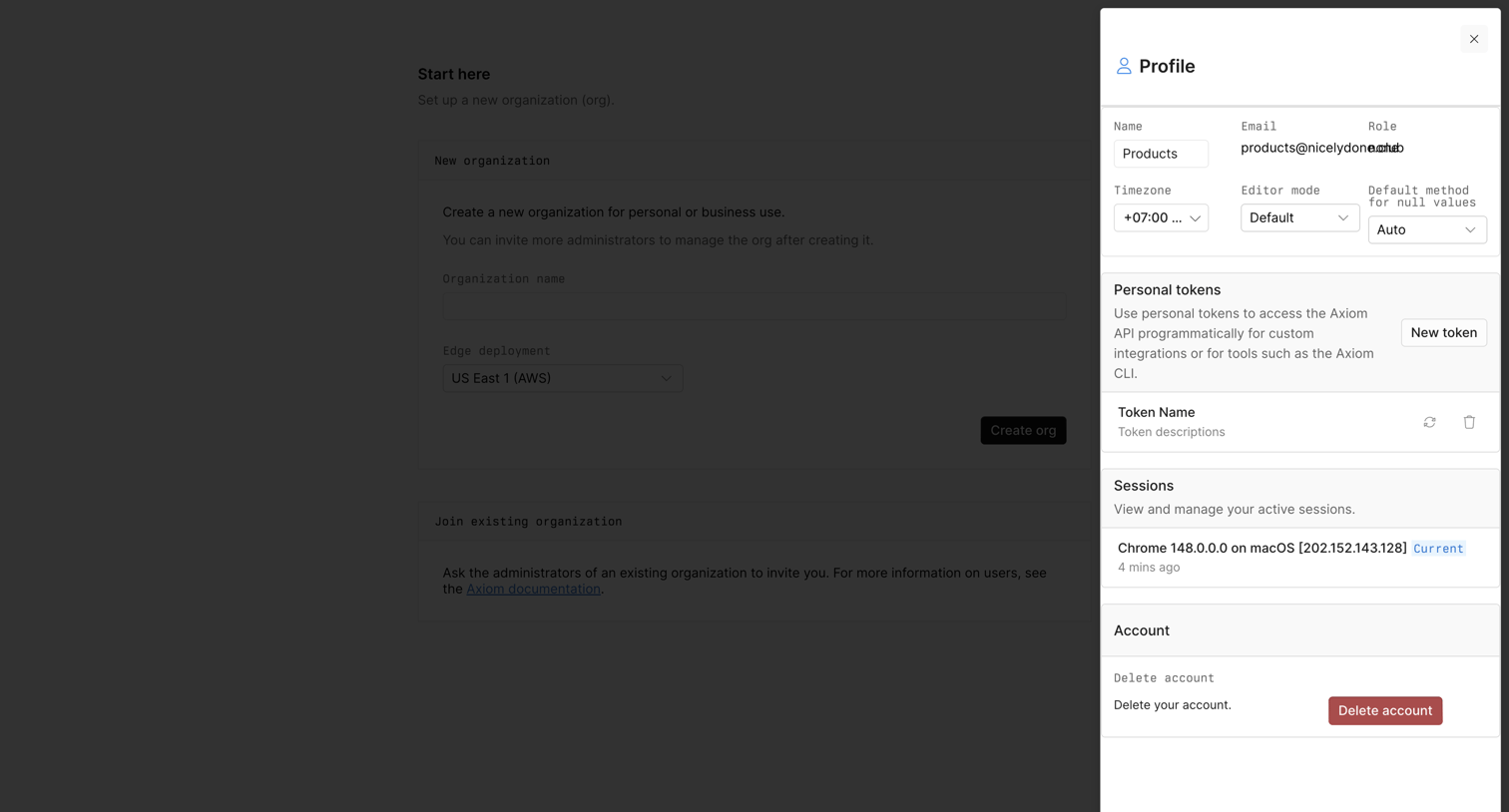

Settings drawer where the user manages their personal details, personal API tokens, active sessions, and can delete their account.
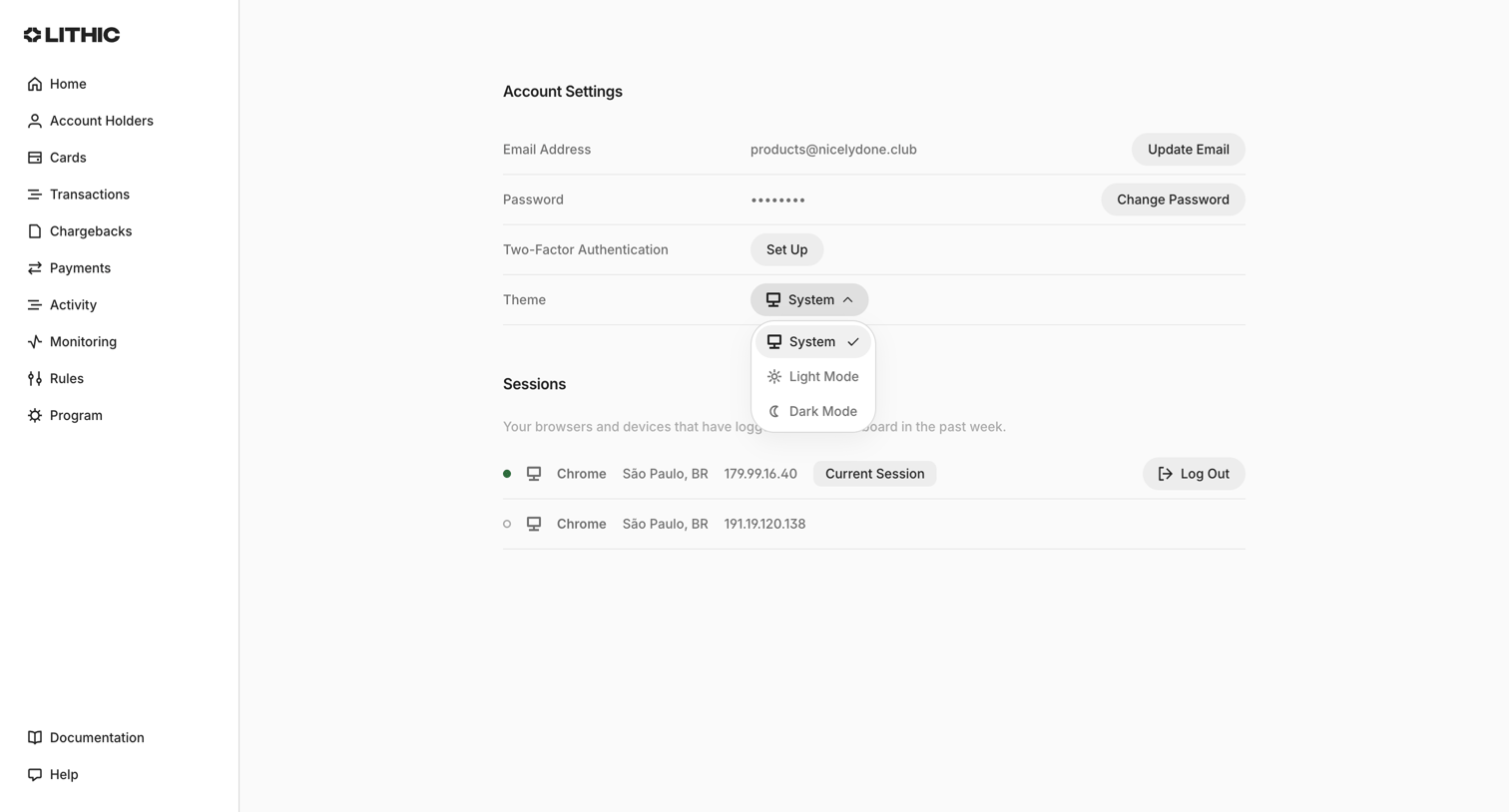

Settings page where the user manages their email, password, two-factor authentication, theme preference, and active sessions.
Explore the full SaaS screen library
Upgrade to unlock the full library.
Trusted by the best teams








About Account settings
See how SaaS apps organize personal details, preferences, and account controls. Browse layouts that separate everyday changes from sensitive actions such as changing a password or closing an account.