TransferWise product screens examples
Browse TransferWise screen design examples. Preview the interface screenshots and explore related UI patterns. Send money with the real exchange rate
Explore the examples


Signin screen where the user authenticates with email and password or via Google and Facebook OAuth.

Password recovery modal where the user enters their registered email address to receive a reset link, displayed as an overlay on the main landing page.

Signup overlay where the user can create a free account using email and password or connect via Google or Facebook.
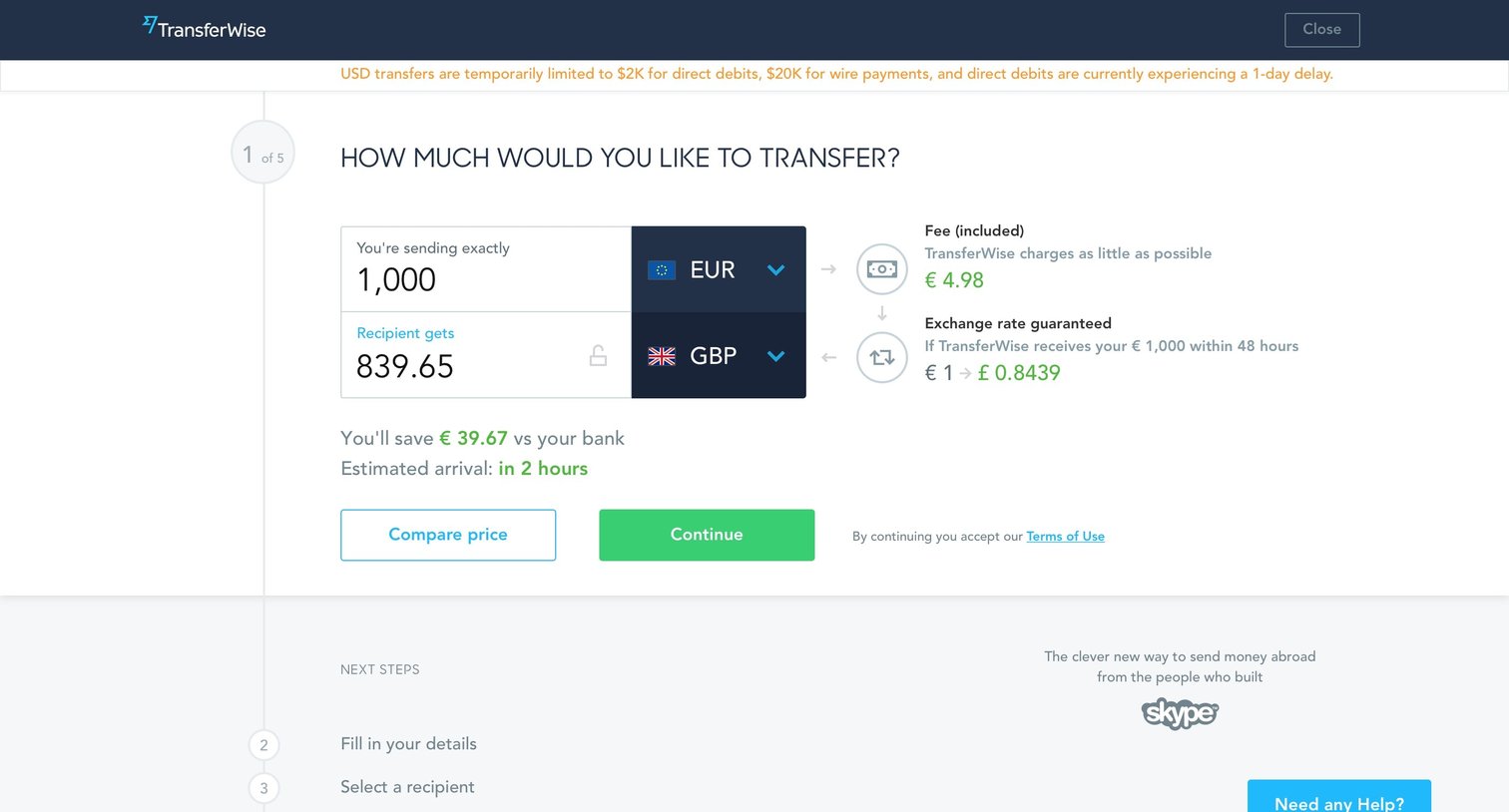
Wizard step where the user enters the amount and currencies to calculate the transfer fee and exchange rate before continuing.
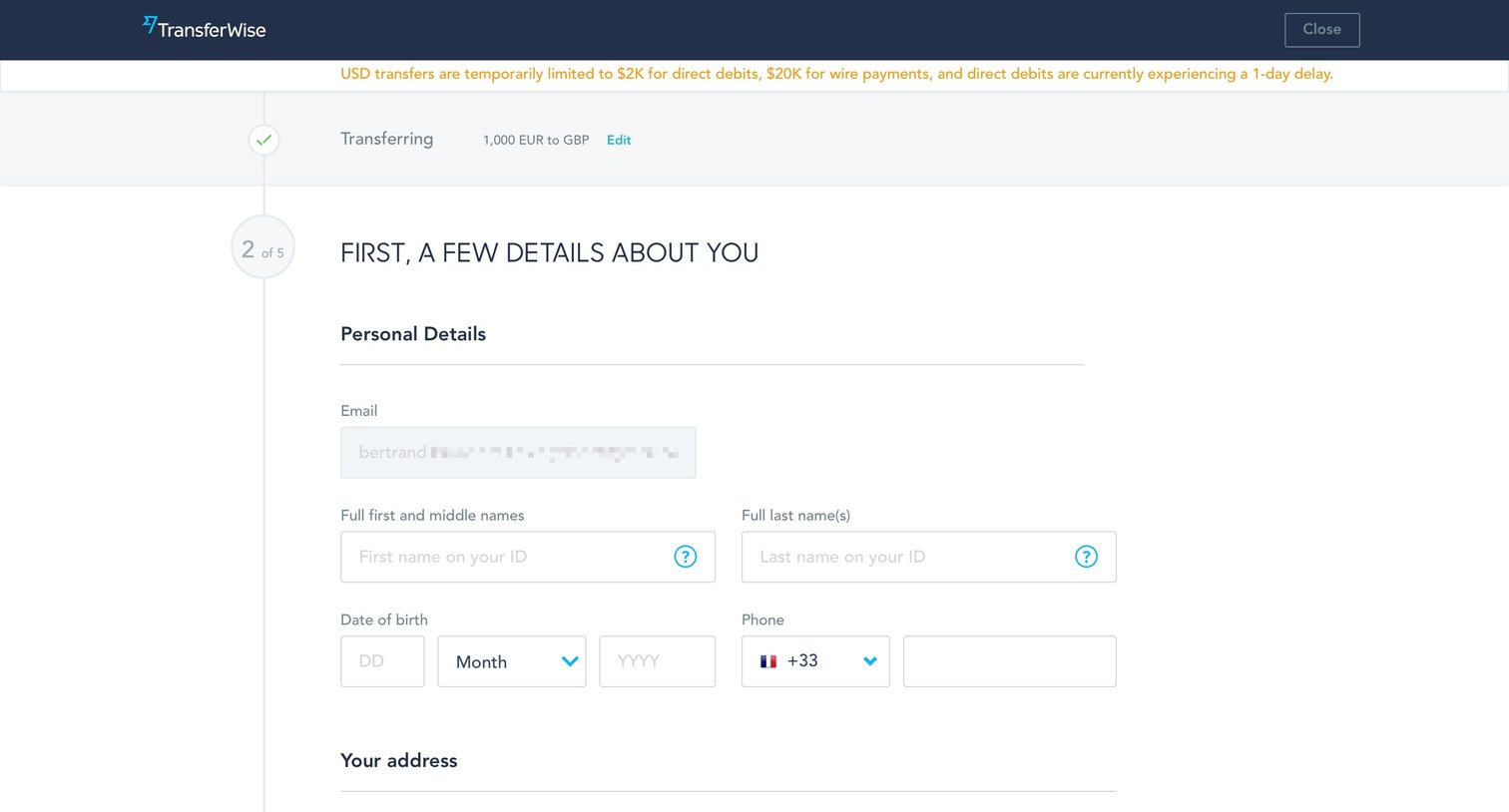
Account creation Onboarding Progress indicator Progress tracking Form
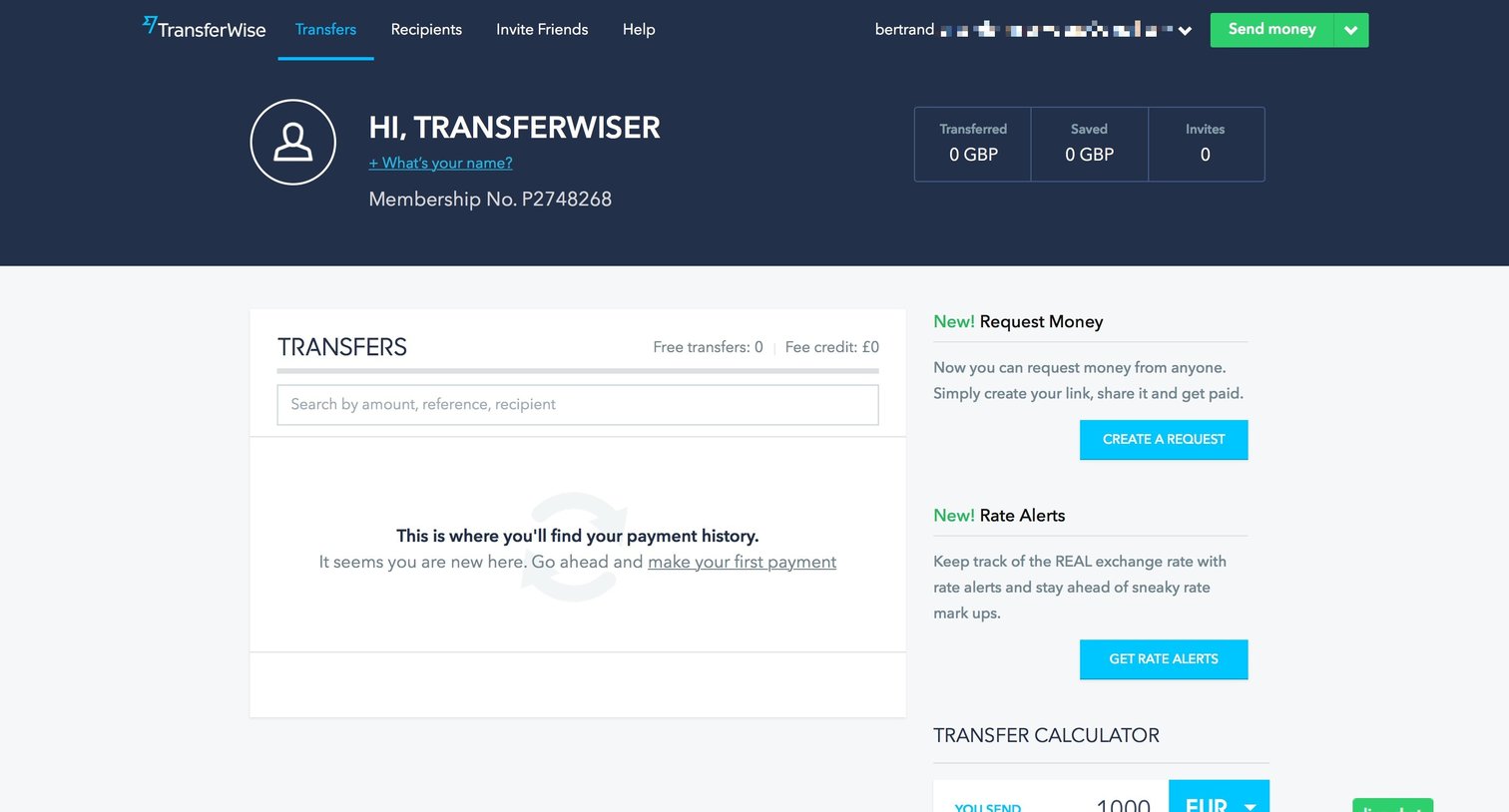
Dashboard where the user views their transfer history, calculates new transfers, and accesses quick actions like requesting money or setting rate alerts.

Feature setup screen where the user learns how requesting money works and is prompted to complete their profile before starting.

Dashboard where the user can invite friends via email or social links to earn a financial reward, and track their invite history.
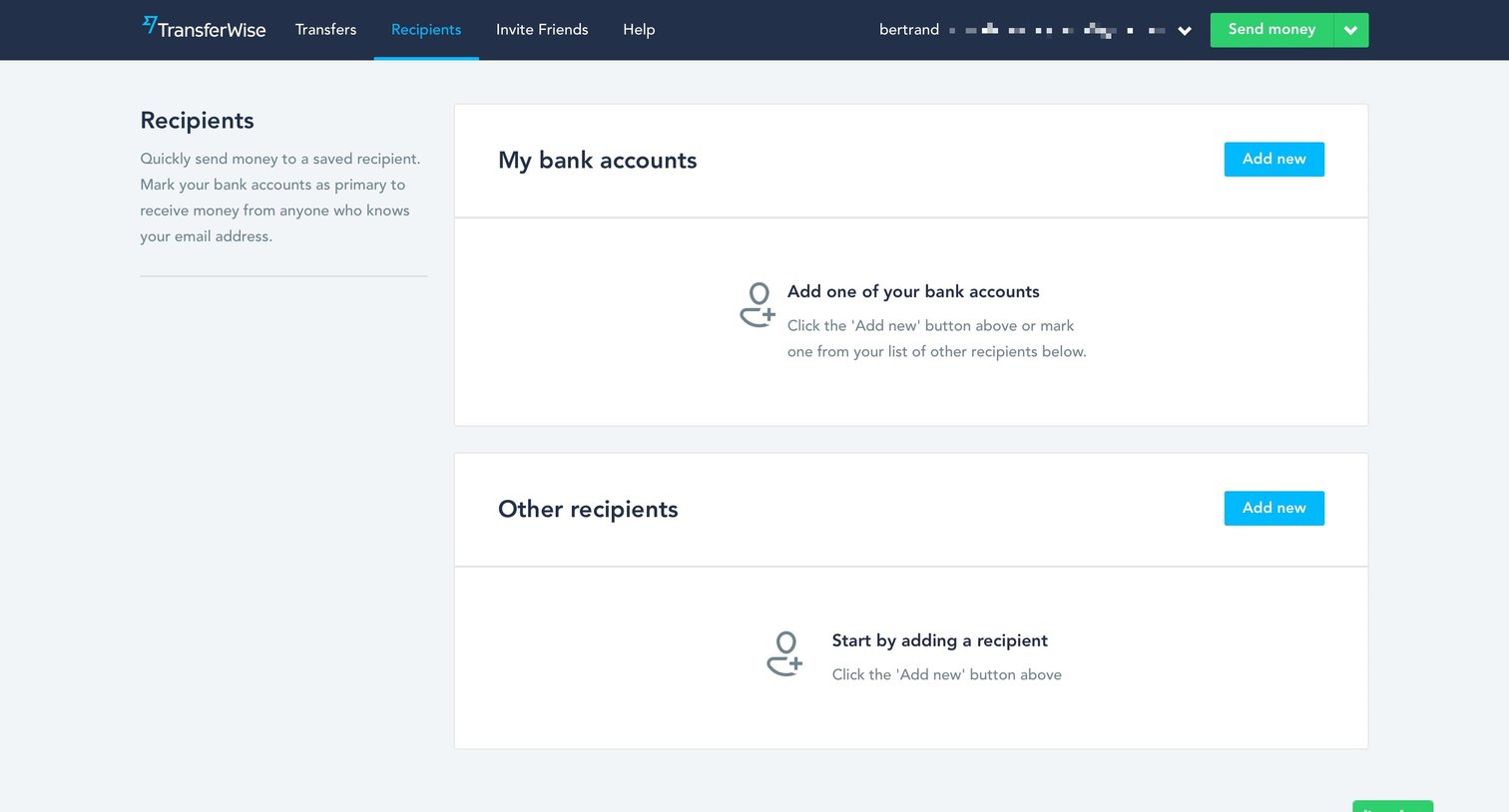
Recipients page where the user can manage their saved bank accounts and other payees, currently showing empty states for both categories.
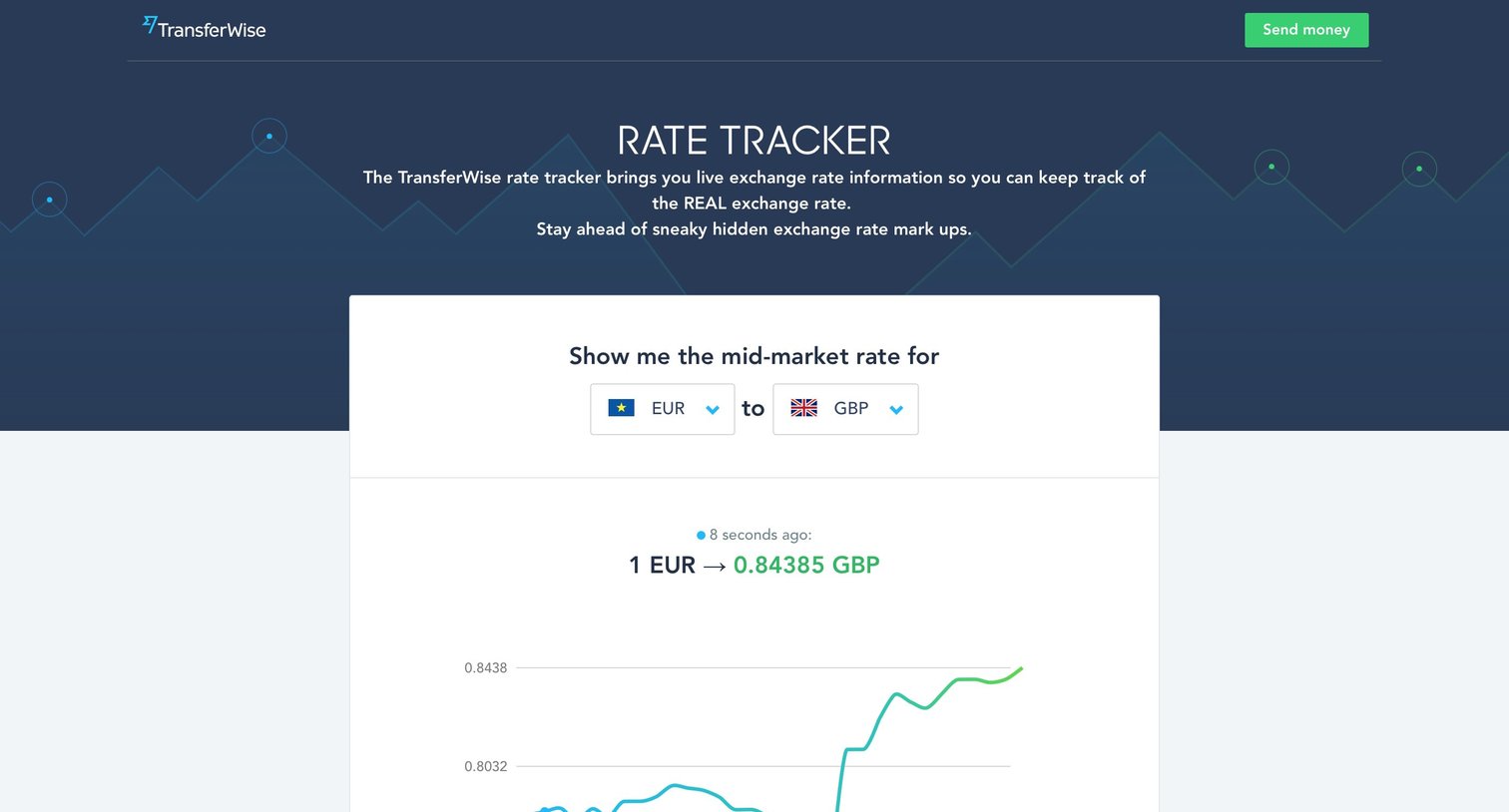
Tool page where the user tracks live exchange rates between two currencies and signs up for email alerts.
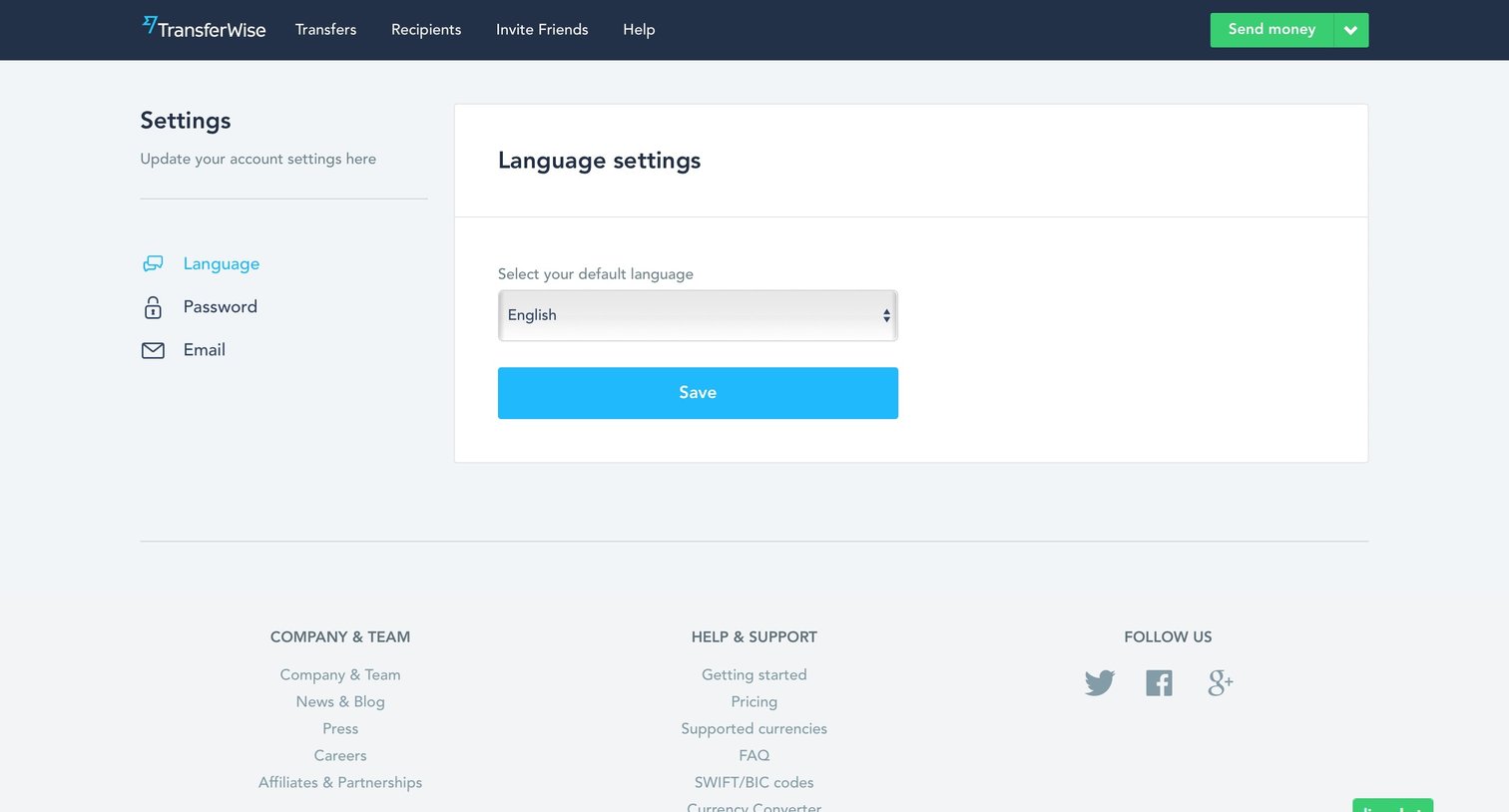
Onboarding Settings Form Finance
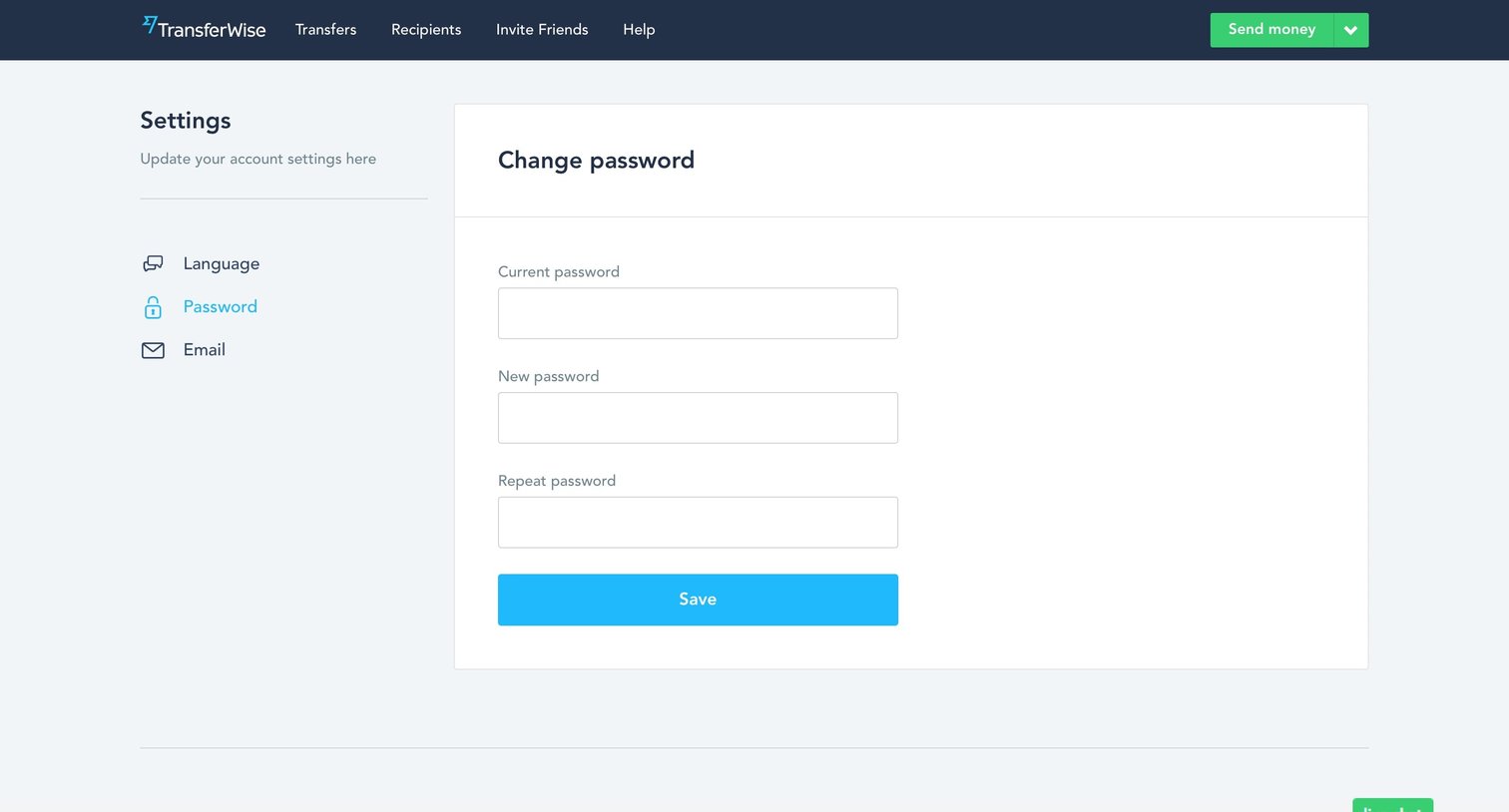
Settings page where the user updates their account password by entering their current and new passwords.
Explore the full SaaS screen library
Upgrade to unlock the full library.
Trusted by the best teams







