The food assembly design examples
Explore The food assembly UI design examples. Bringing people together to buy food directly from their local farmers and foodmakers
Product screens
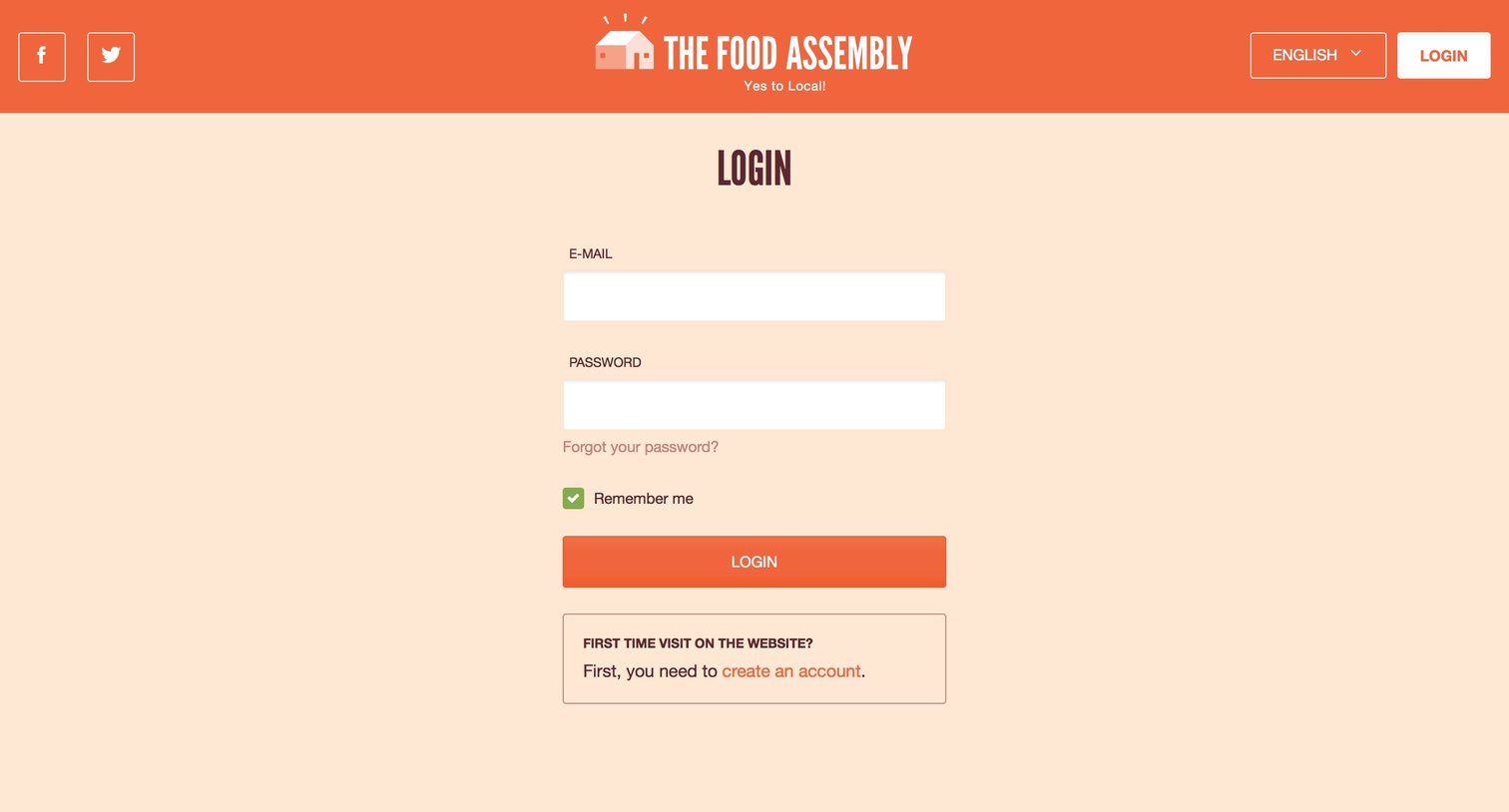

Sign-in screen where the user authenticates with an email and password, with an option to create a new account.

Password recovery screen where the user enters their email address to request a reset link.
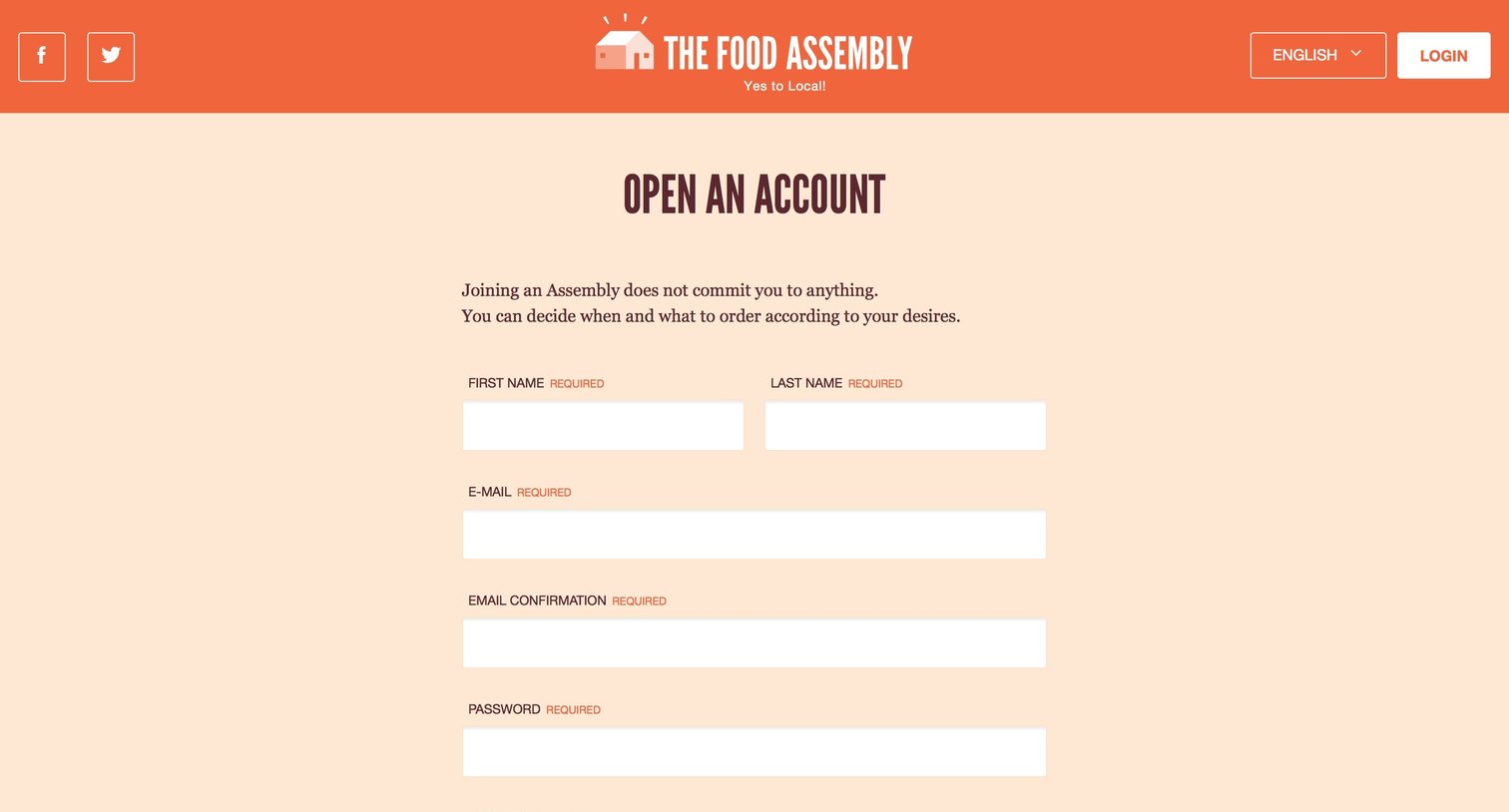
Signup page where the user creates an account by providing their name, email, password, and country, and accepts the terms and conditions.

Onboarding welcome screen where the user is greeted with an illustration and prompted to join a Food Assembly to get started.

Search page where the user finds nearby assemblies by location and collection day, viewing results on an interactive map and in a color-coded card grid.

Detail page for a local food assembly where the user can view collection details, read about the hosts, and join the group.

Settings page where the user manages their food assemblies, viewing details for the Paris 05 location and accessing options to open or leave an assembly.

Home page for a local food assembly where the user can view upcoming collections, read announcements from the host, see participating producers, and browse recent community discussions.
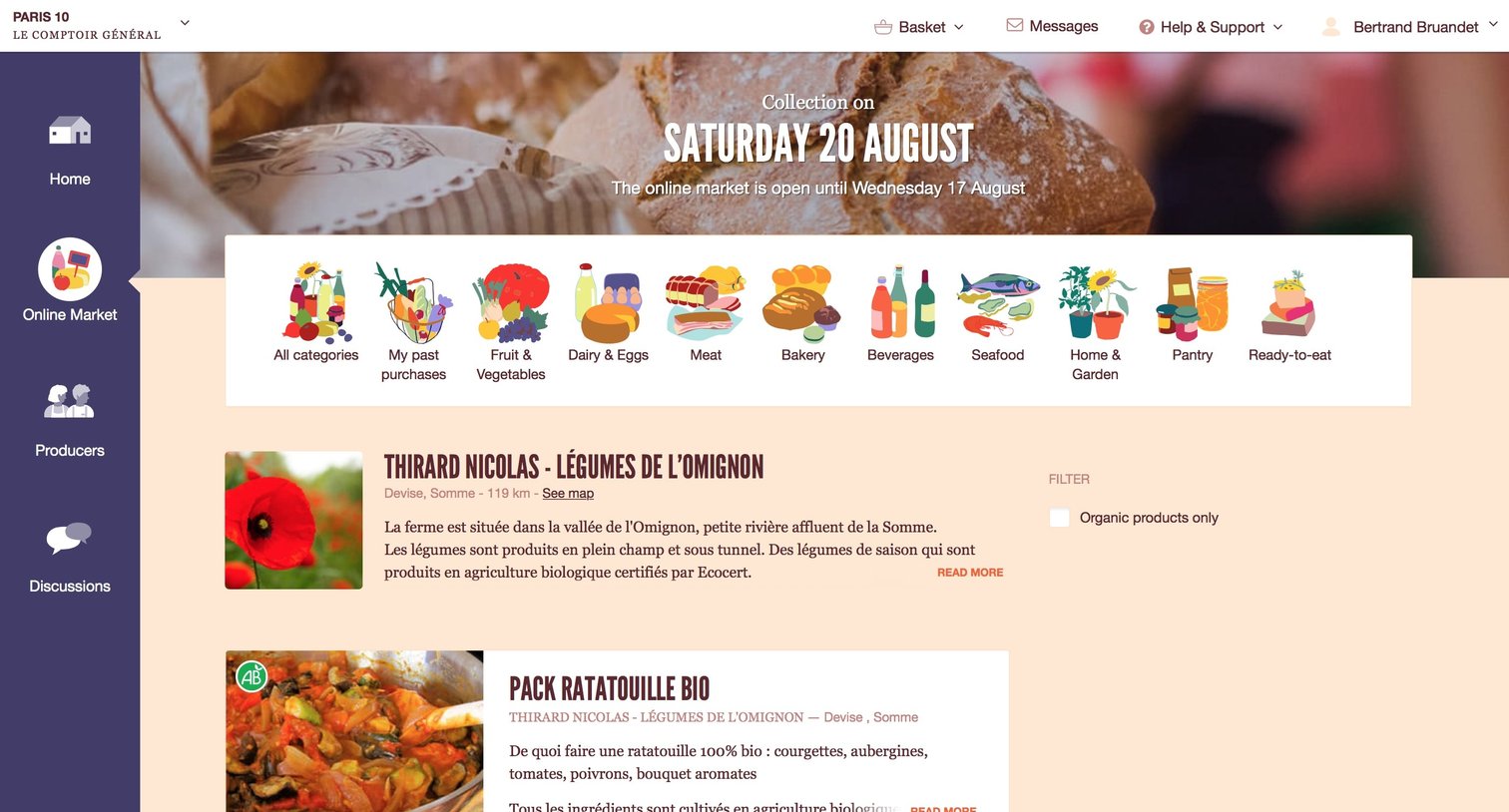
Online farmers market storefront displaying a list of fresh produce items from a specific producer, with a visual category navigation bar, an organic filter, and 'Add to basket' actions per item.

Home page for a local food market showing an open basket popover with selected items and a checkout button.
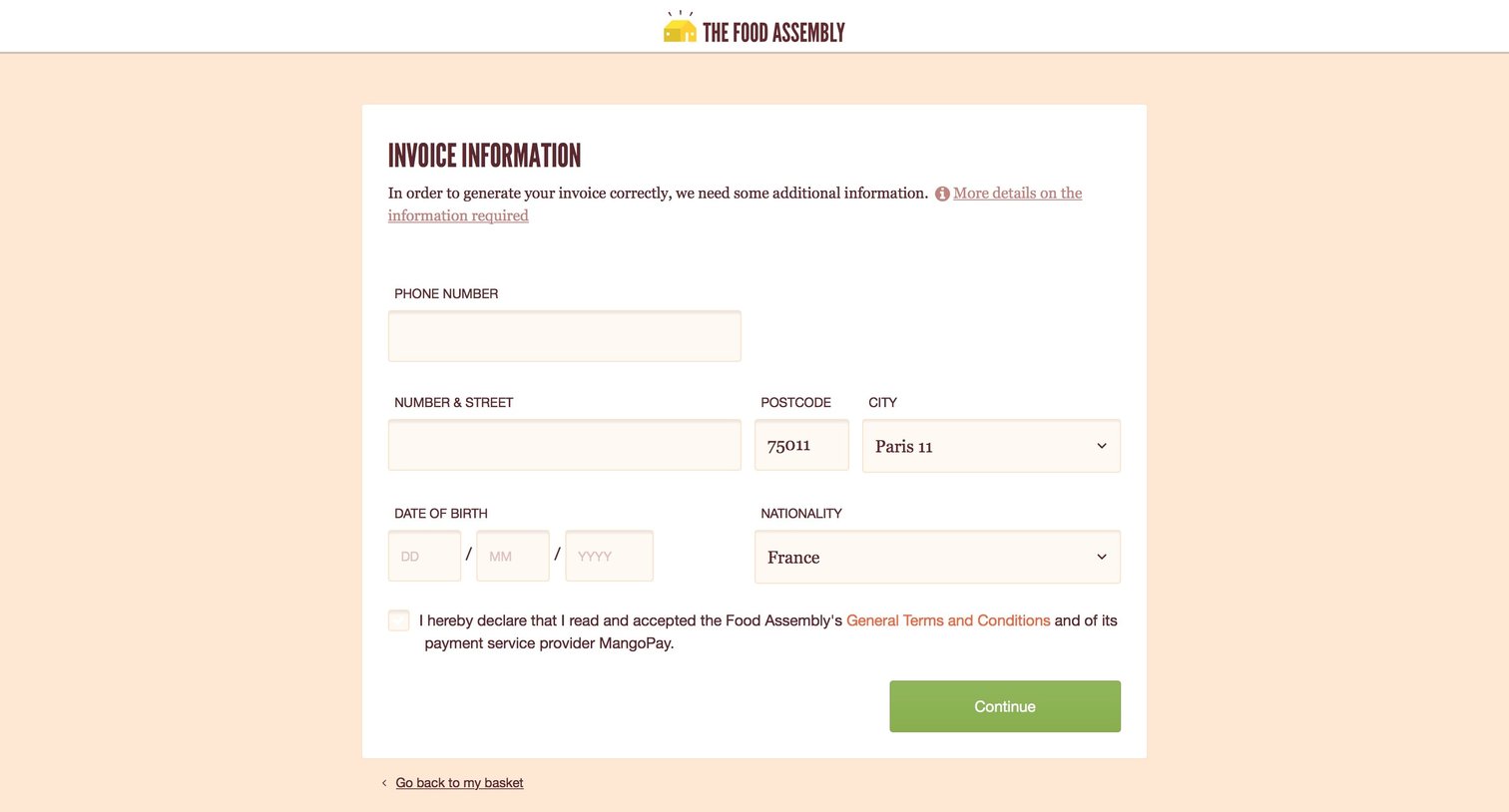
Checkout step where the user provides their phone number, address, date of birth, and nationality to generate an invoice before continuing.
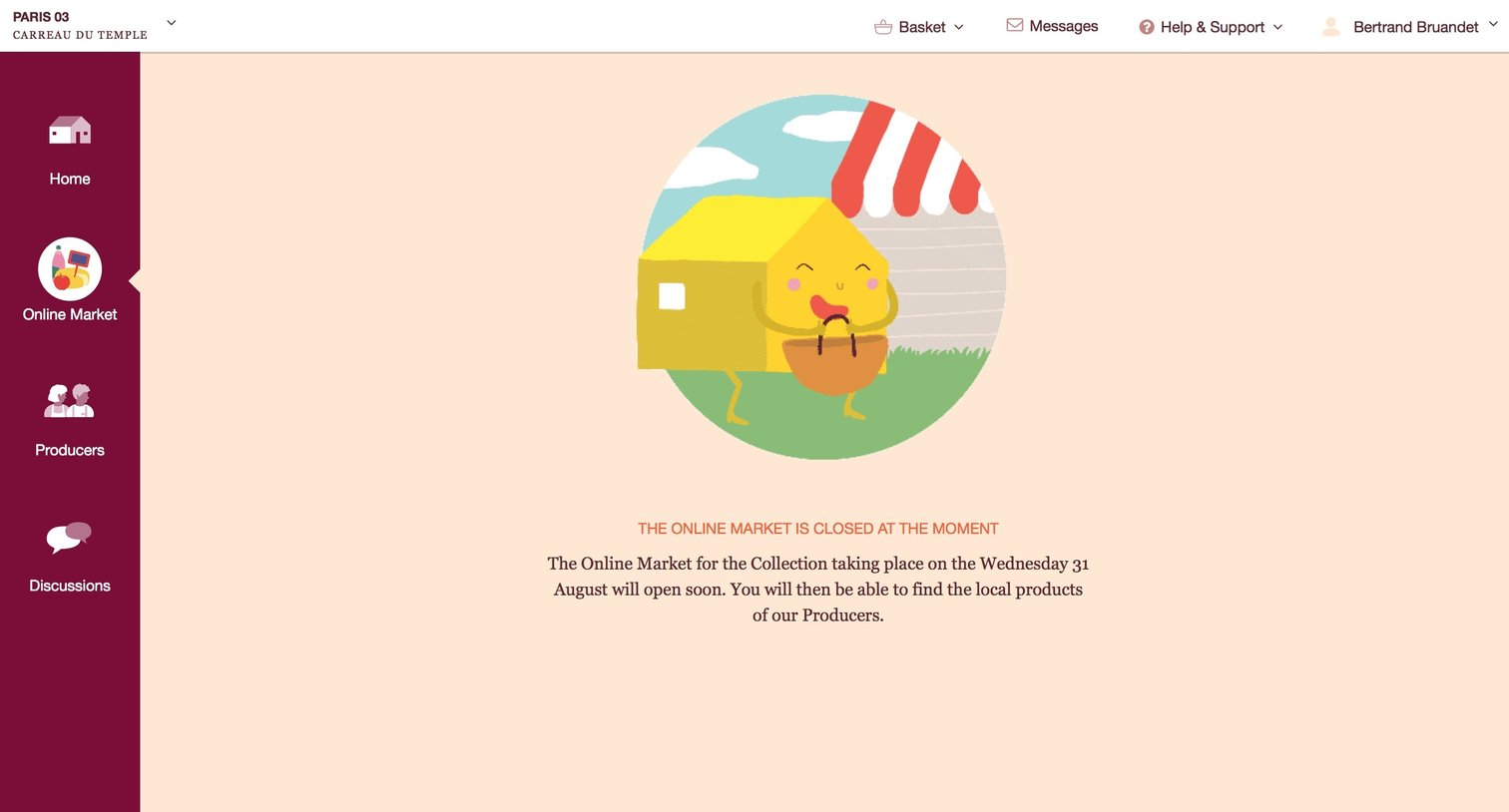
Online market section displaying a closed state with an illustration and a message indicating when the next collection will open.
Browse the full SaaS app library
Explore real SaaS apps with their product screens, marketing screens, flows, and components.
Trusted by the best teams







