Standards design examples
Explore Standards UI design examples. Online brand guidelines for design today for design today
Product screens
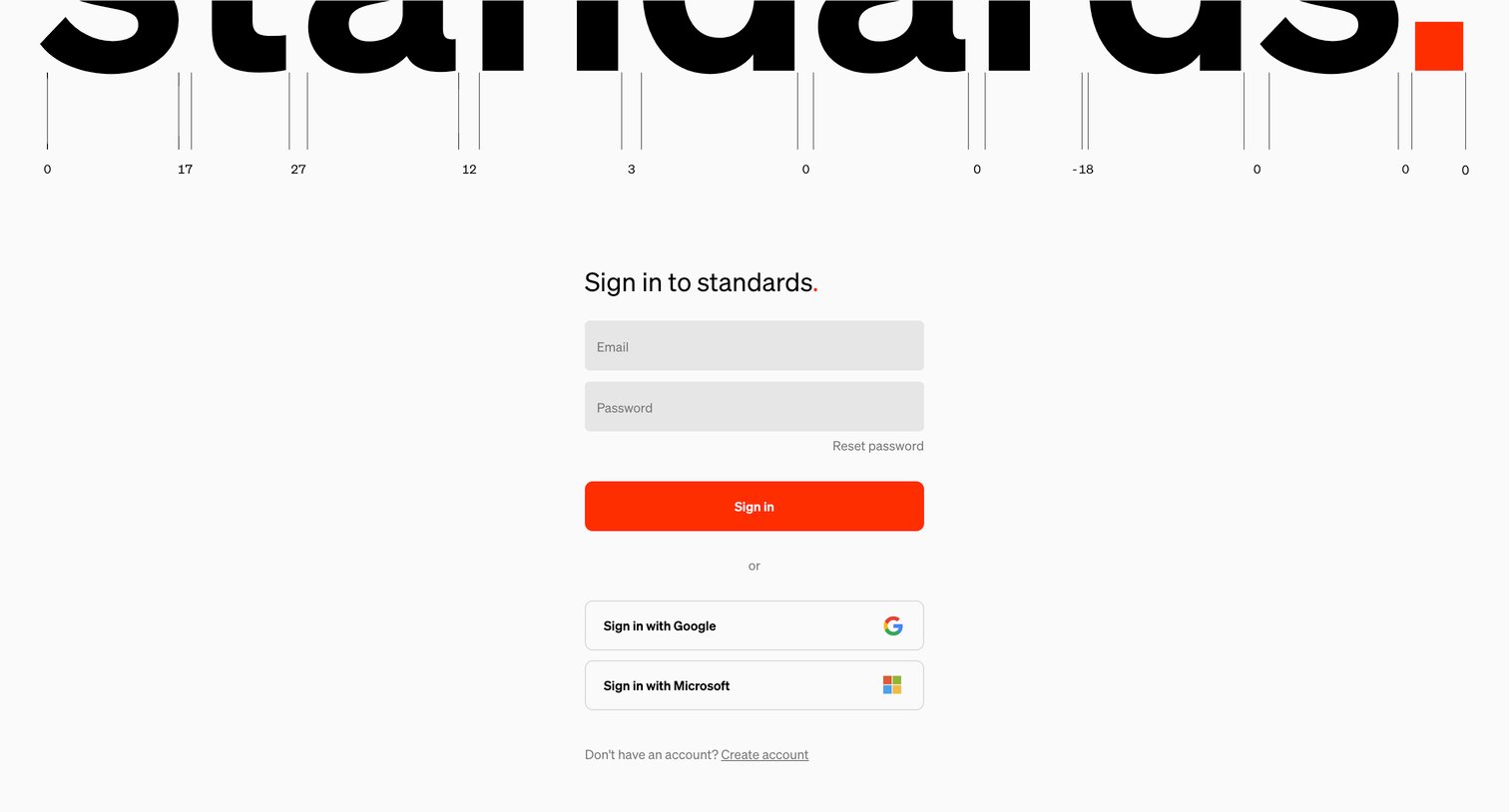

Sign-in screen where the user authenticates with email and password, Google, or Microsoft.
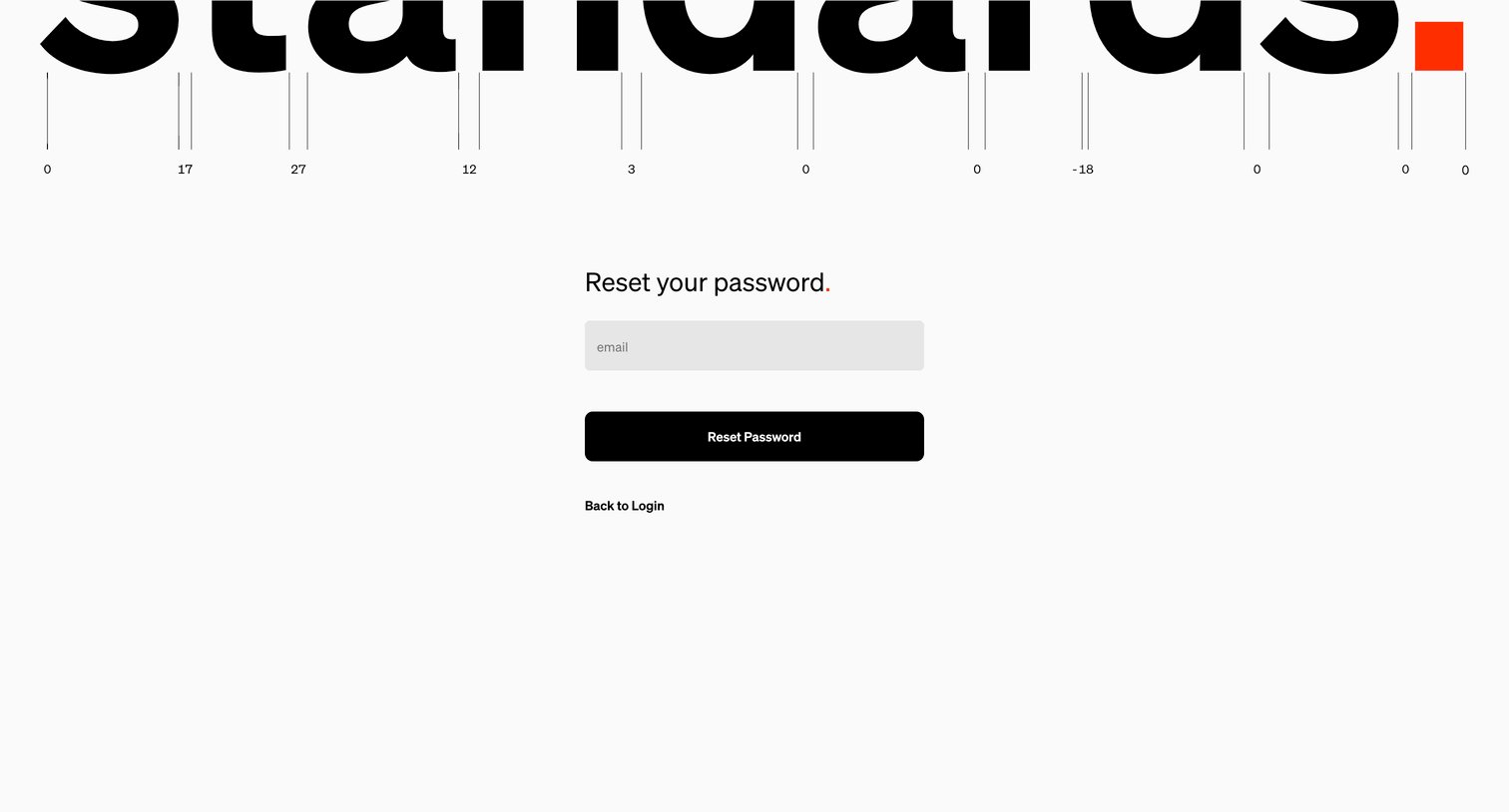
Password recovery screen where the user enters their email address to receive a reset link.
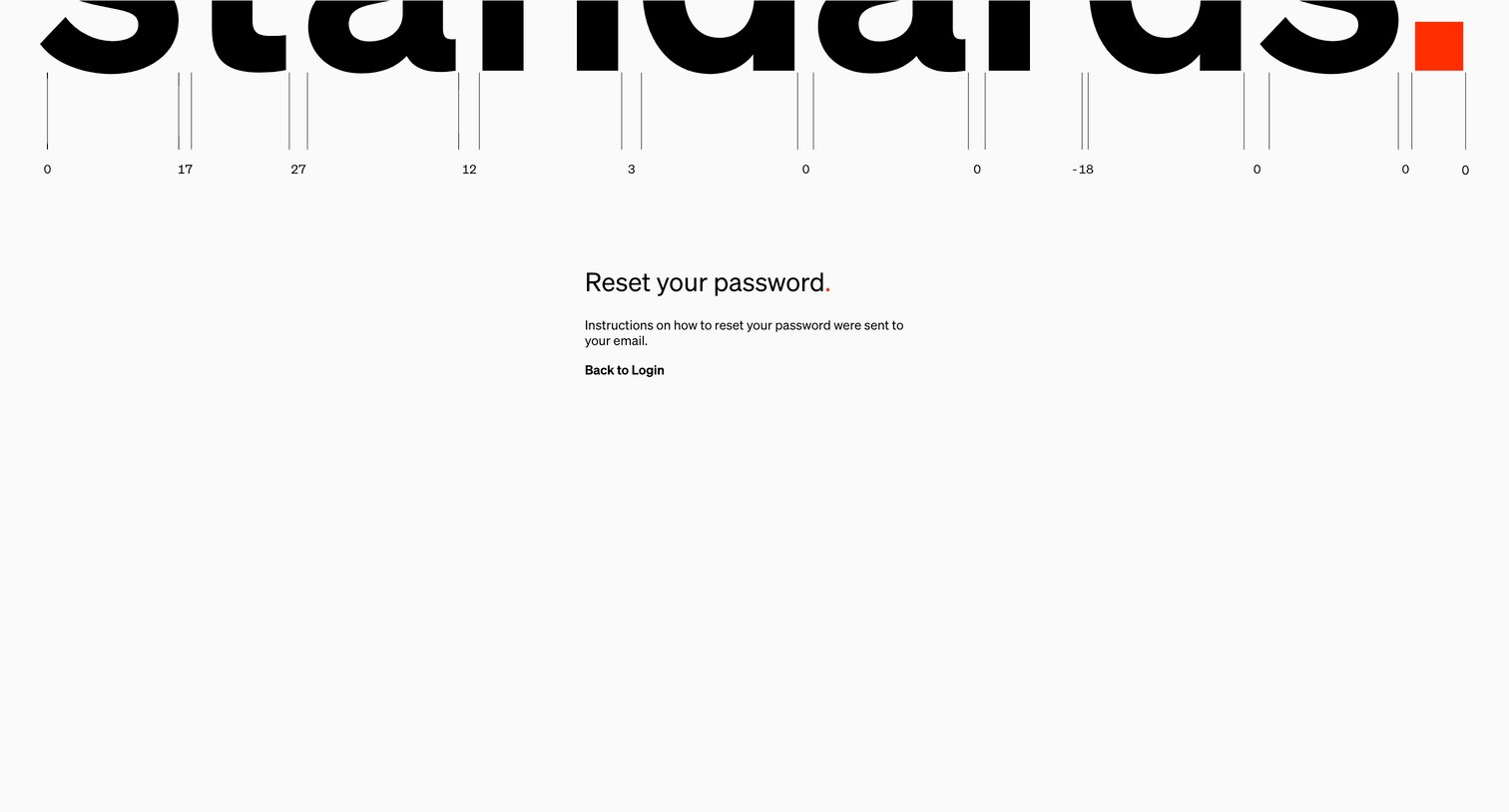
Password recovery screen confirming that reset instructions have been sent to the user's email, featuring a minimalist typographic layout and a link to return to login.
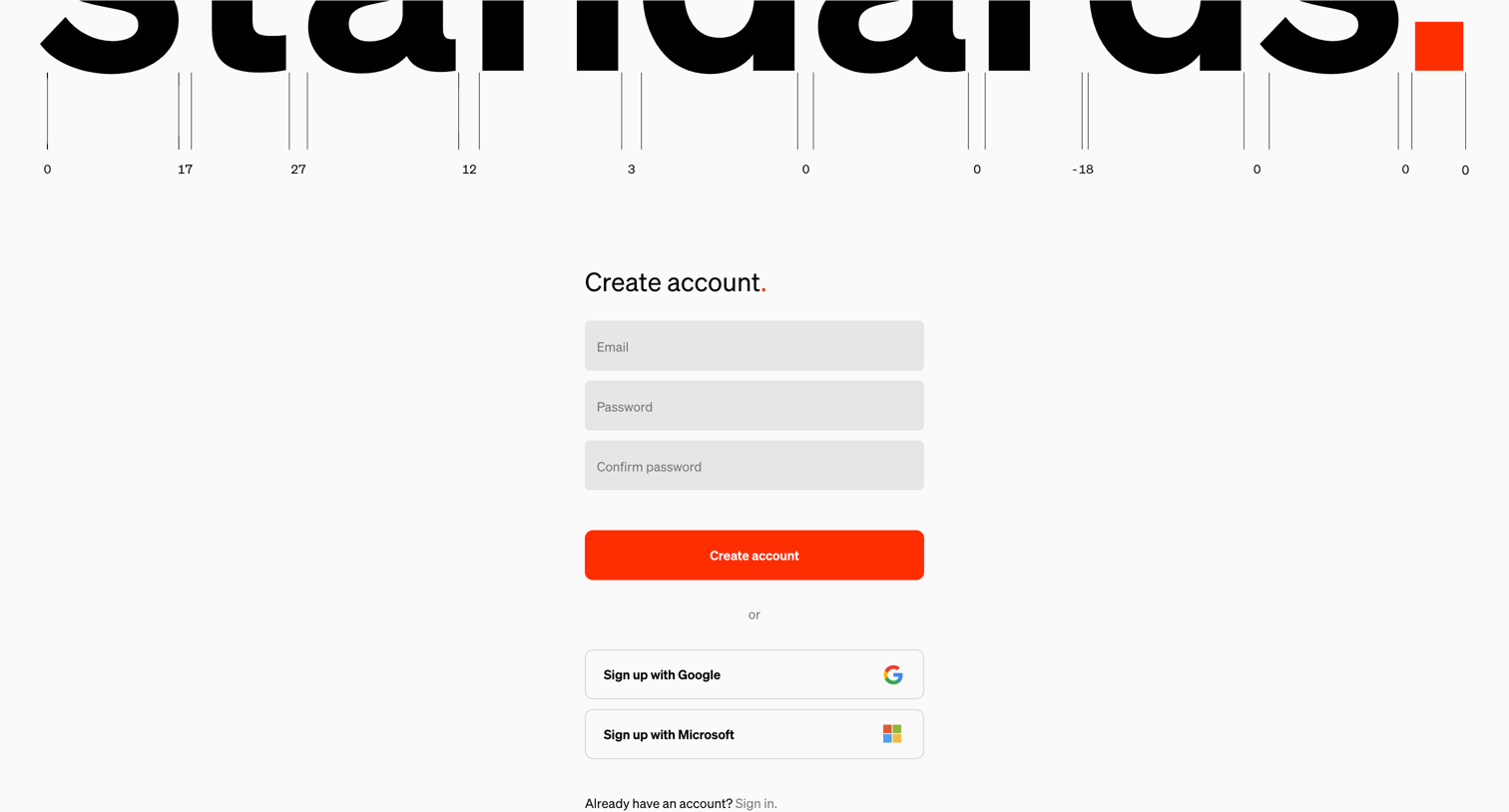
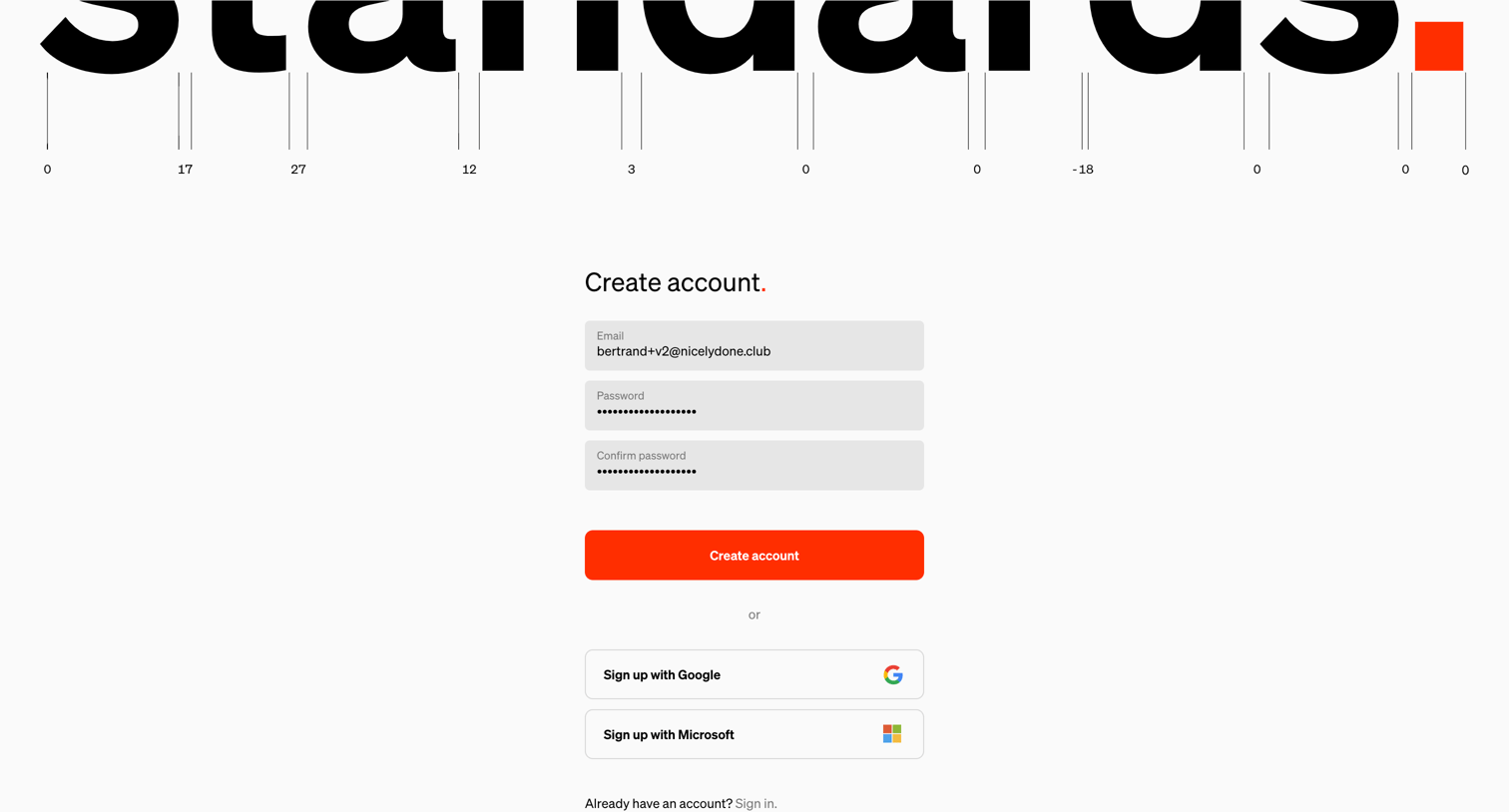
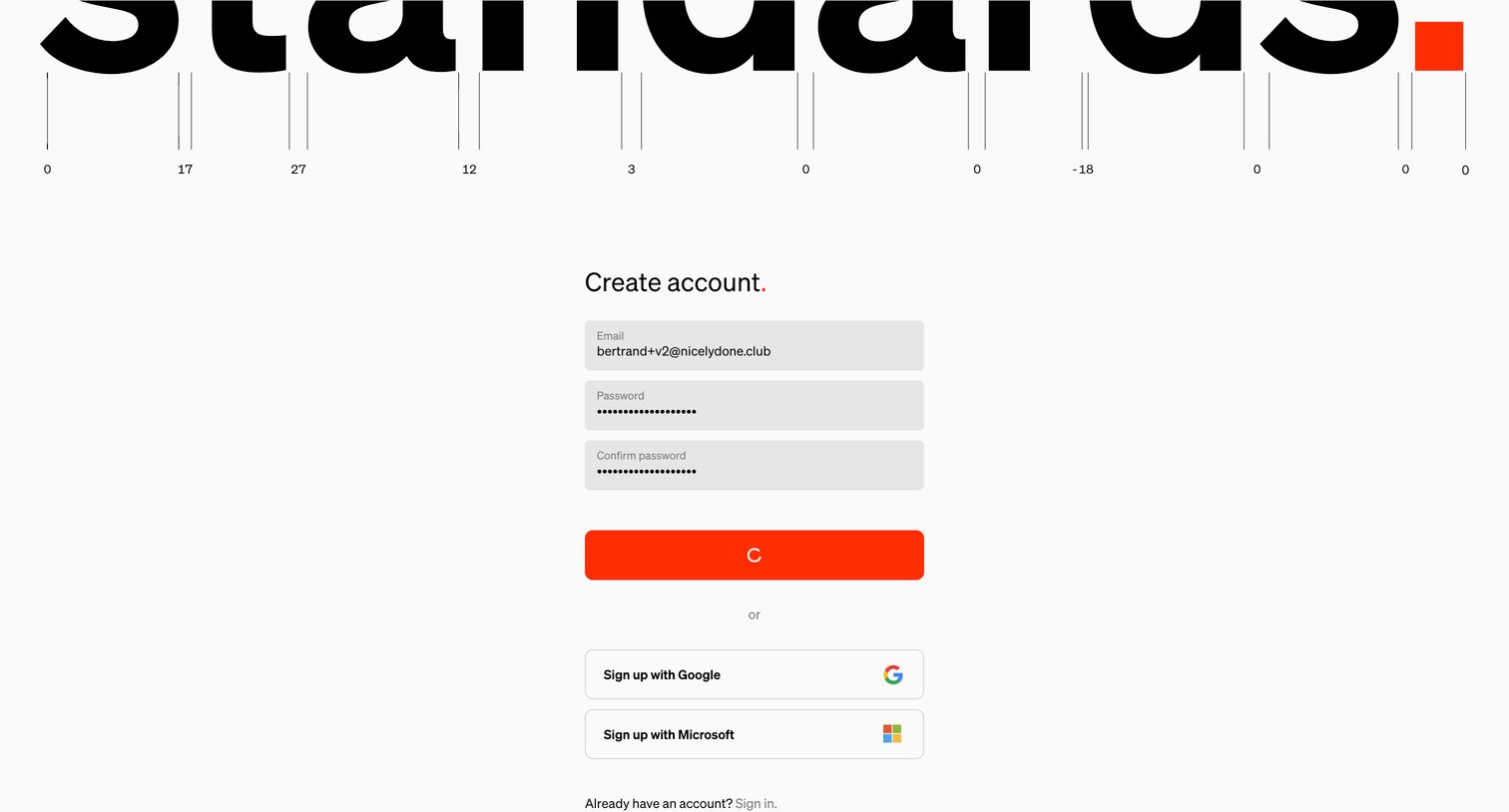
Signup screen where the user creates an account using an email and password or authenticates via Google or Microsoft.
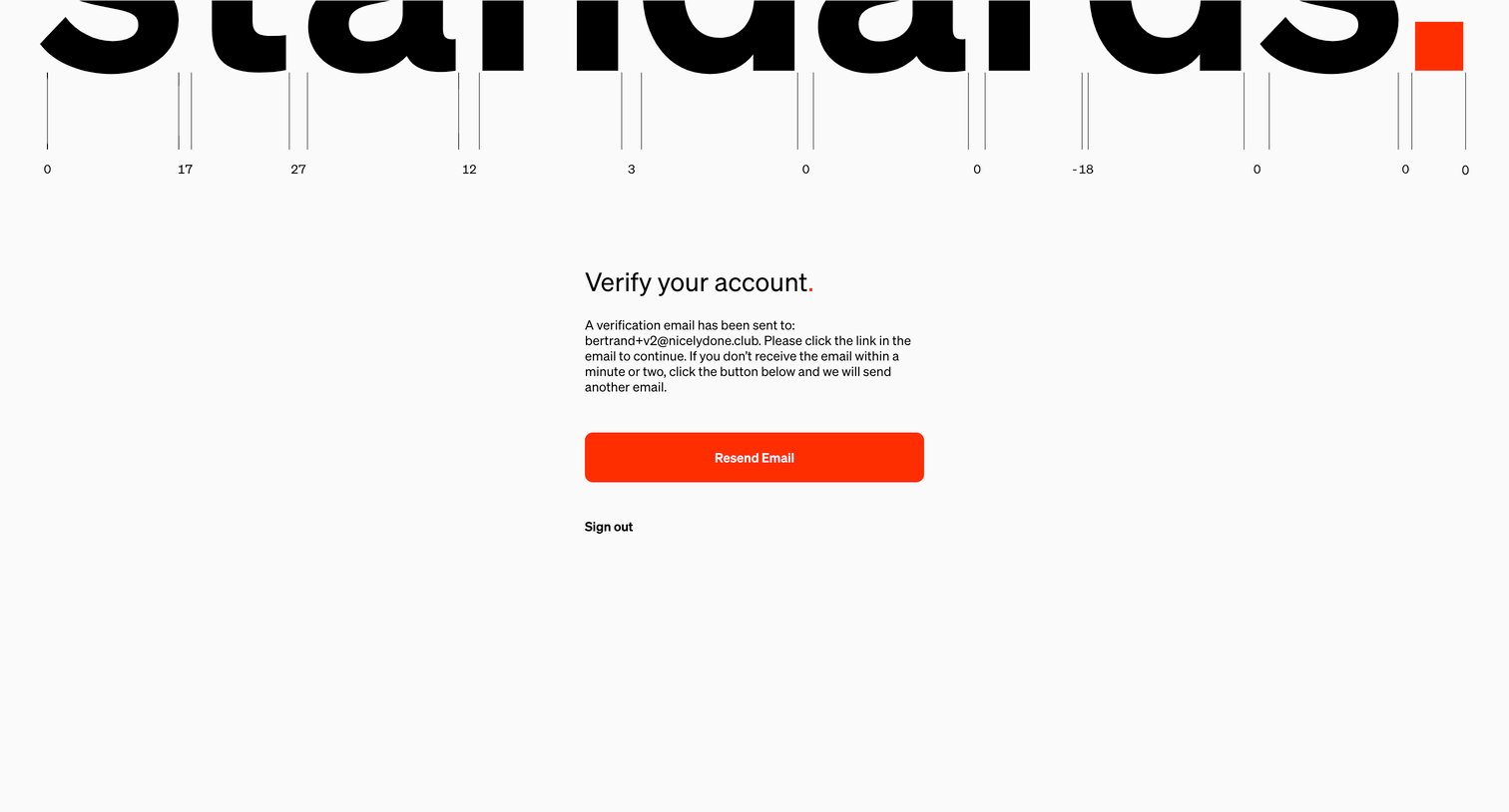
Verification screen where the user is instructed to check their inbox for a link and can request to resend the email or sign out.
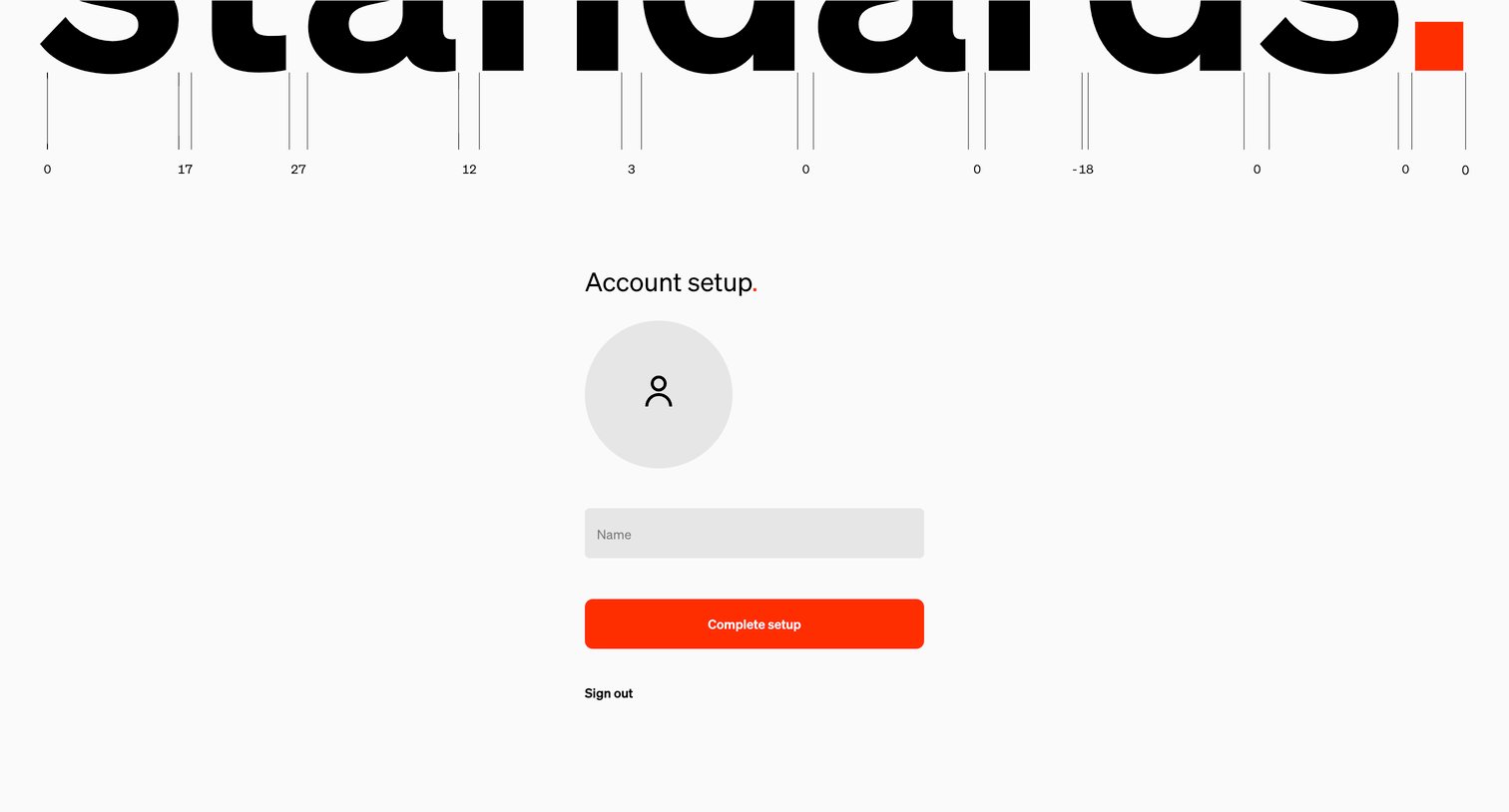
Onboarding step where the user uploads an avatar and enters their name to finish configuring their profile.
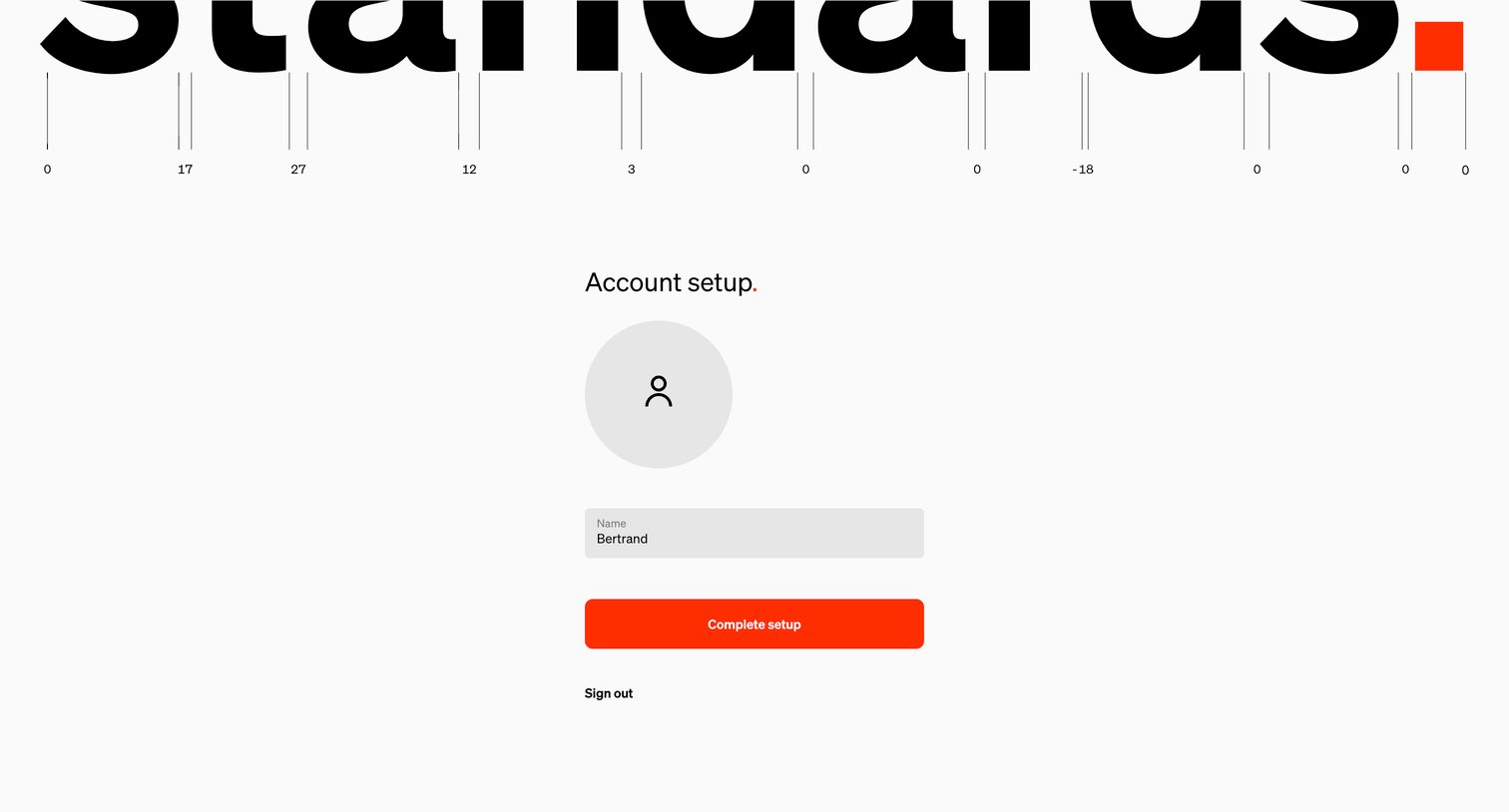
Onboarding step where the user confirms their name and completes account setup.
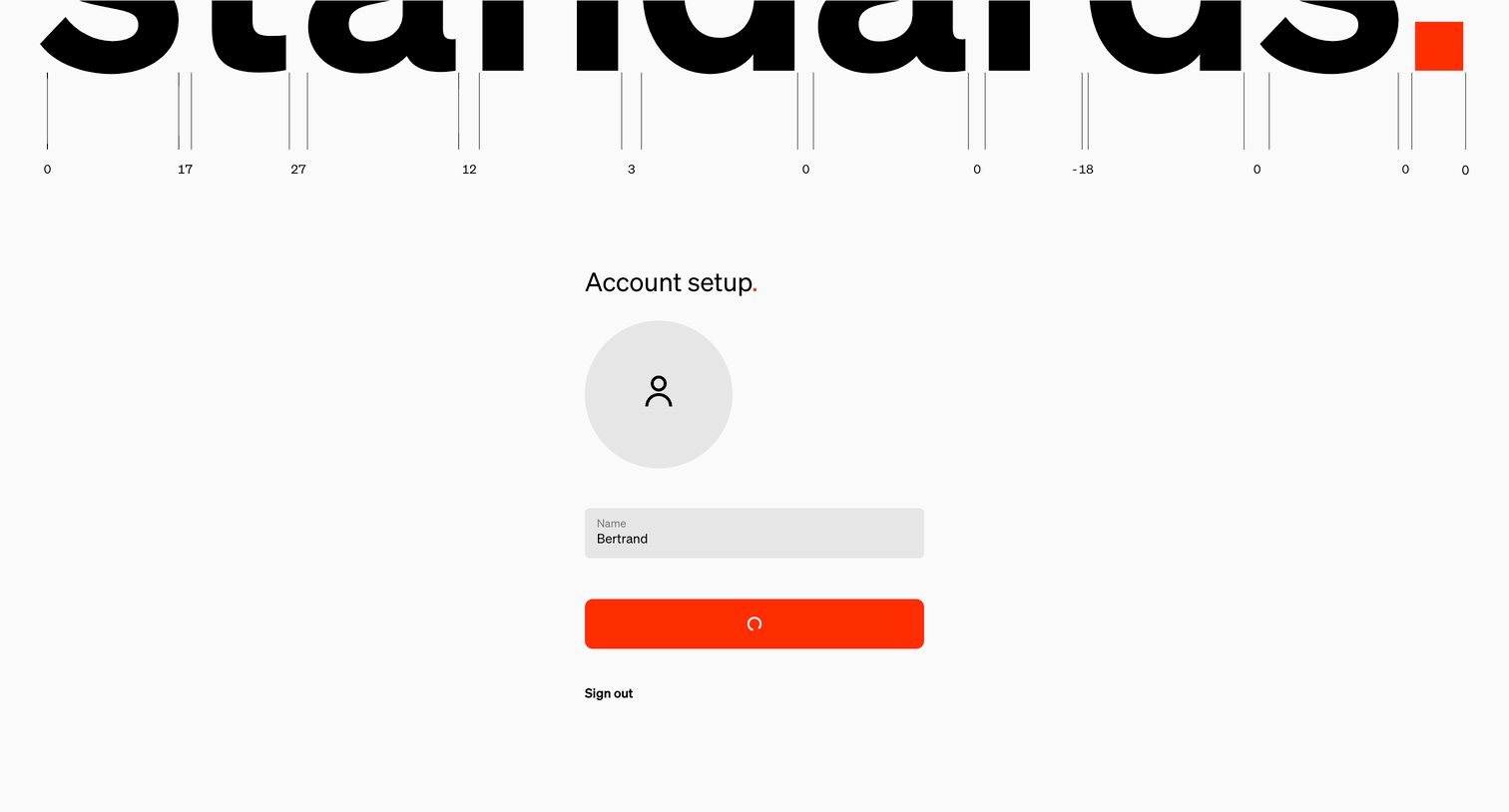
Onboarding step where the user confirms their name and profile picture during account setup.
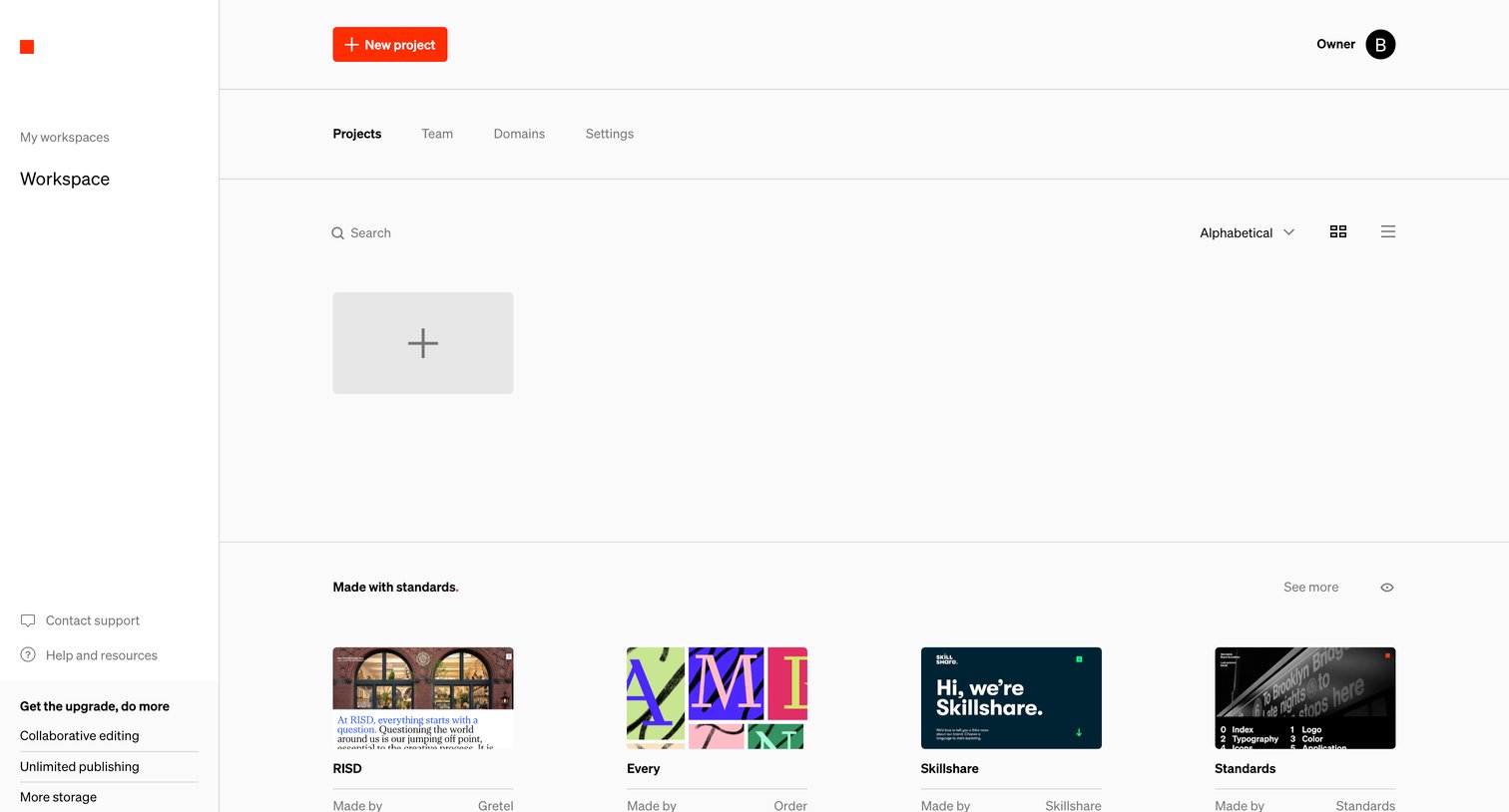
Workspace projects view where the user can create a new project, search existing ones, or browse community examples.
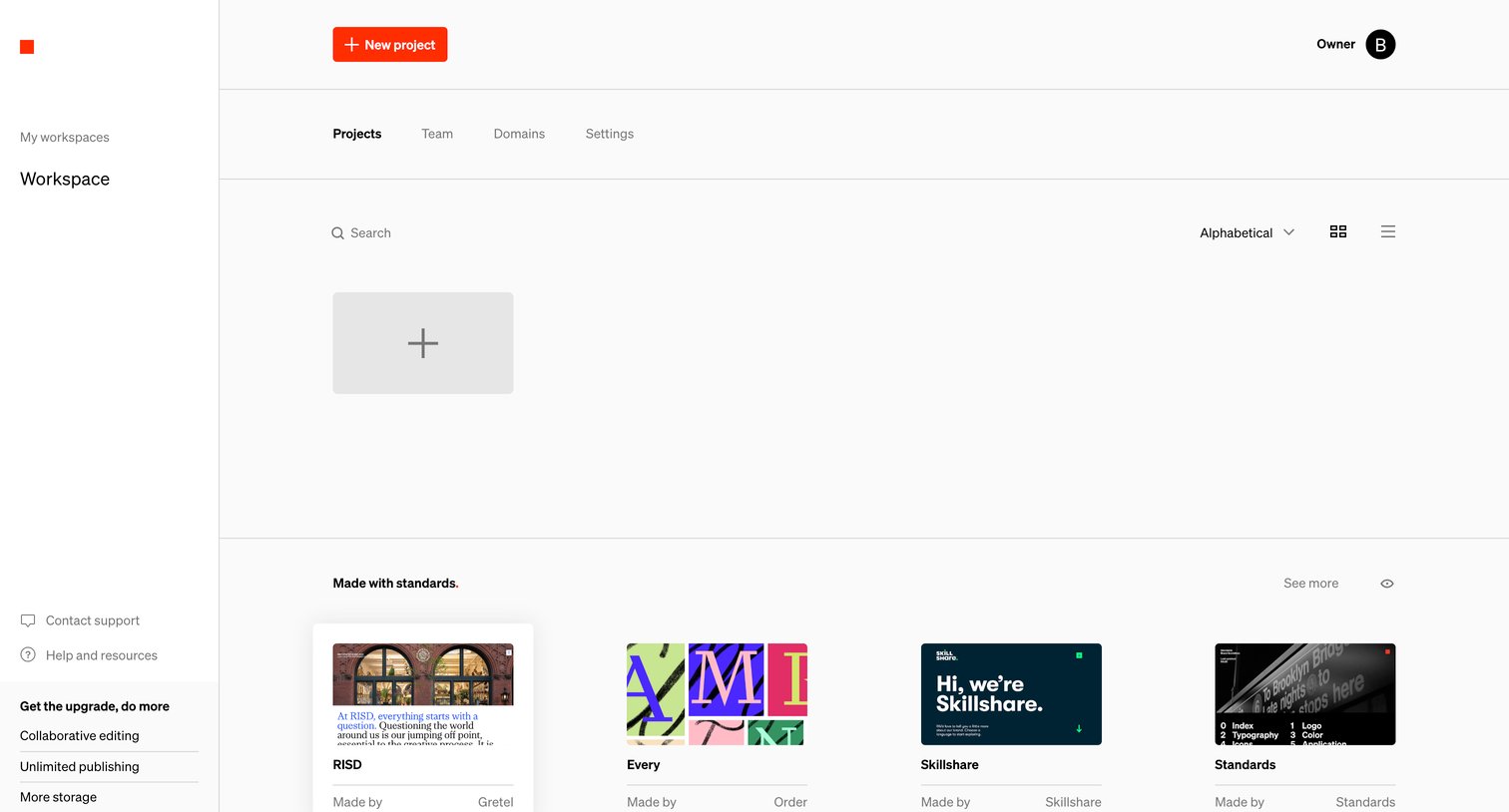
Workspace projects list displaying a create-new card and a gallery of community examples, with an upgrade prompt in the sidebar.
Browse the full SaaS app library
Explore real SaaS apps with their product screens, marketing screens, flows, and components.
Trusted by the best teams







