Standards user flows examples
Explore Standards user flow examples. Preview the opening screens and steps for each task. Online brand guidelines for design today for design today
Preview these flows


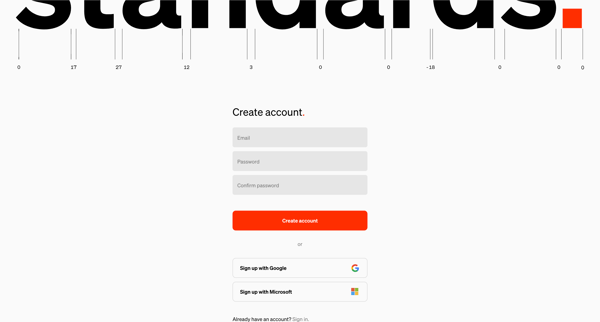
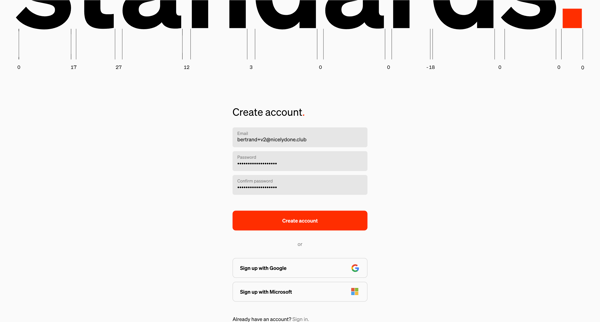
This user flow guides a new user through the process of creating an account, verifying their email, setting up their account details, and finally navigating to their home screen where they ca
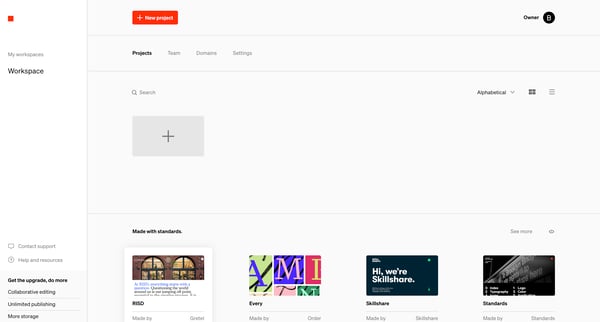
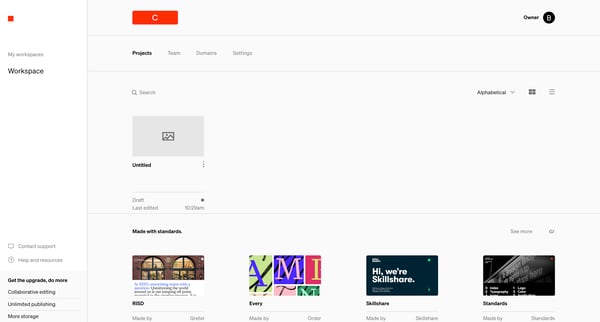
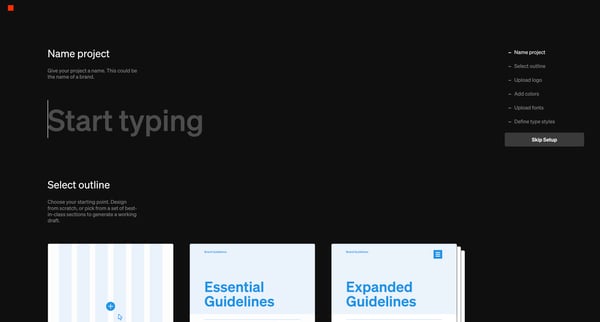
This flow guides a user through the process of creating, customizing, and finalizing a project with brand guidelines, from the initial project creation, naming, and choosing a project outline
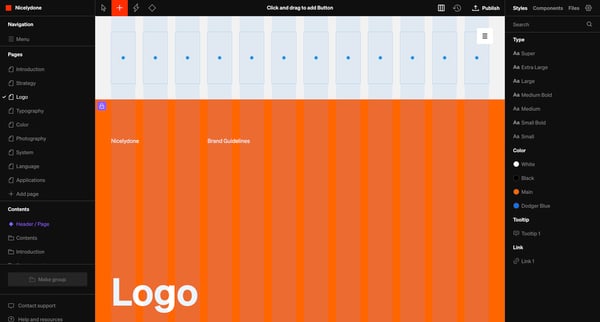
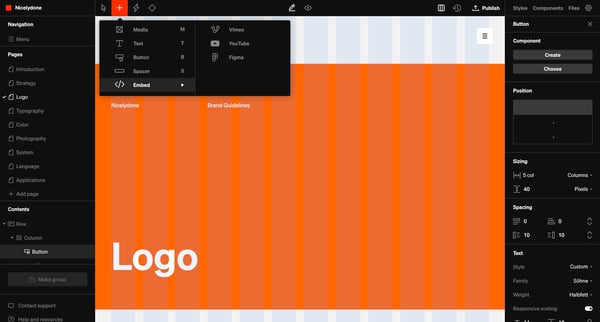
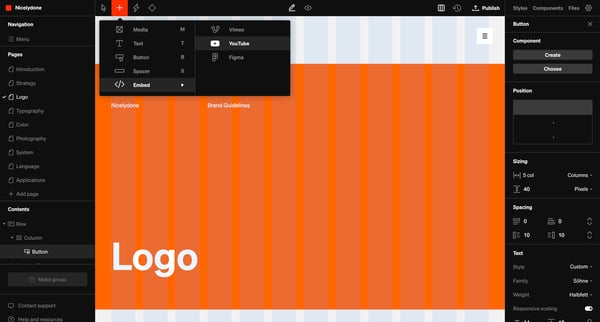
This flow outlines the process for customizing and publishing a page within a design editor, focusing on adding and configuring a YouTube video component along with setting its design specifi
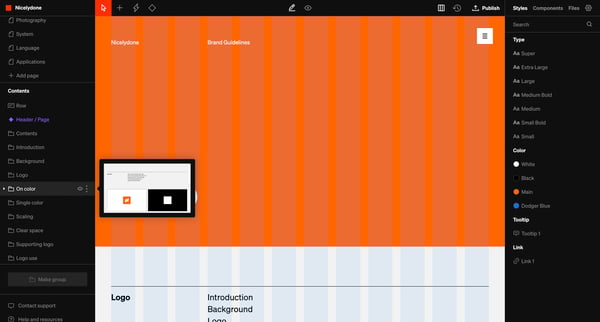
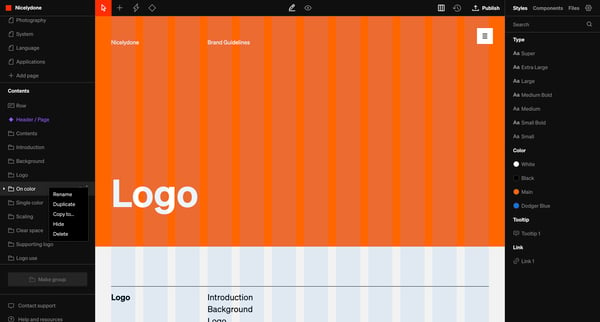
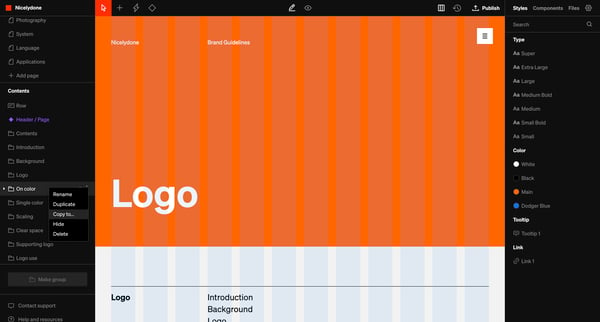
This user flow guides users through the process of copying selected elements or pages to another area of their project with options for specific placement and configuration adjustments.
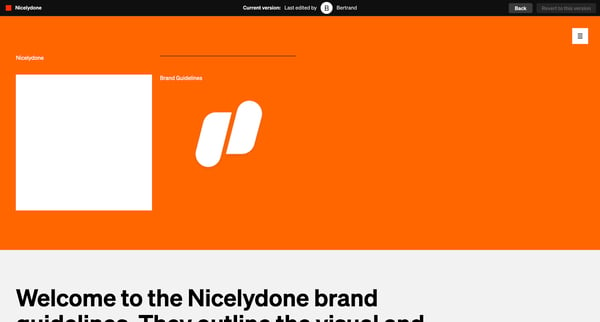
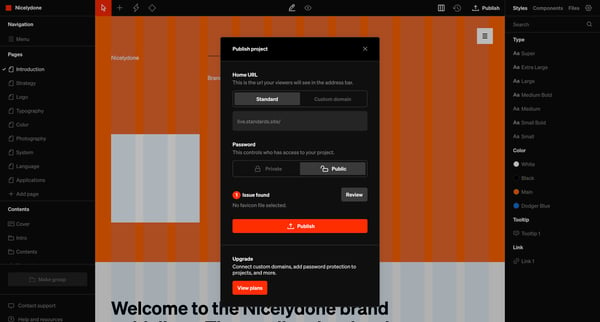
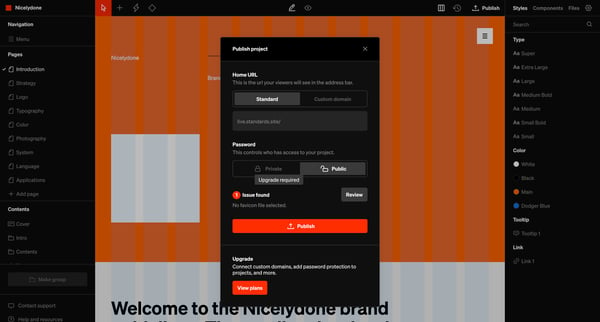
This user flow facilitates the process of preparing and publishing a project's brand guidelines by addressing issues, selecting a favicon, adjusting URLs, reviewing settings, and finally publ
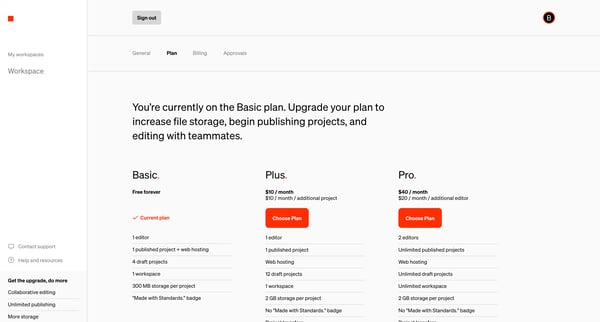
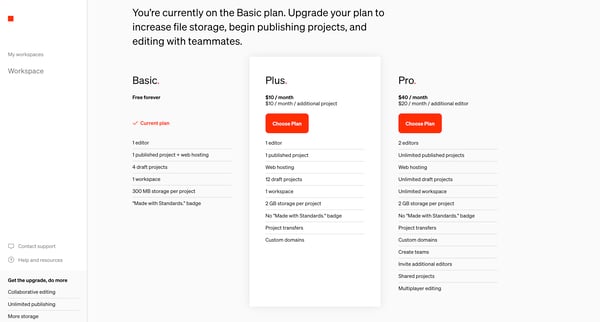
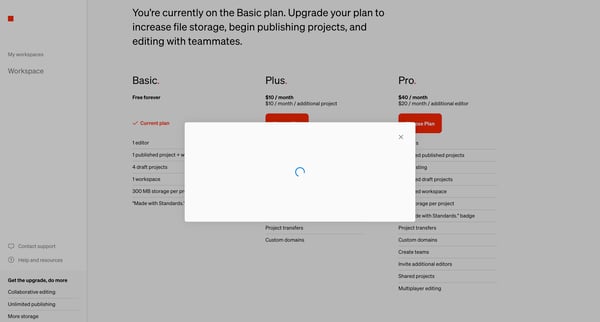
This user flow guides a user through the process of upgrading their subscription plan to access more features.
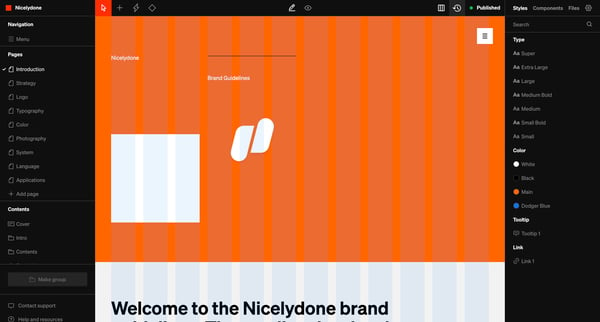
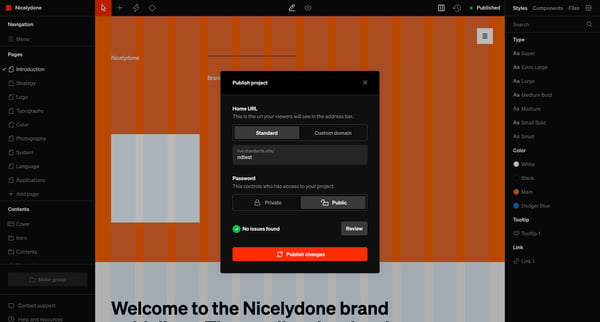
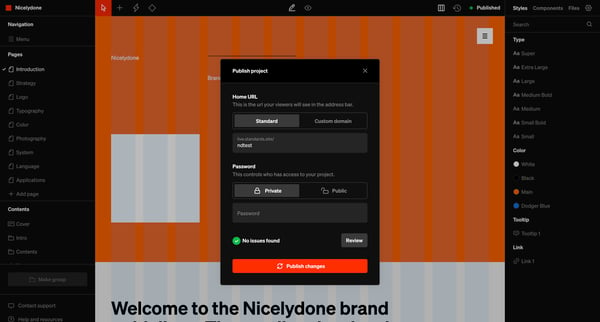
This flow enables a user to publish their project with customization options such as setting a custom or standard domain and adding privacy through password protection, culminating in a confi
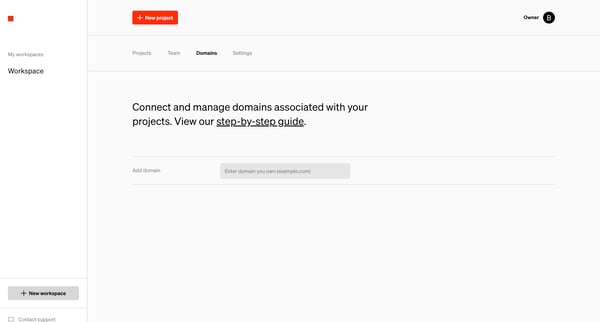
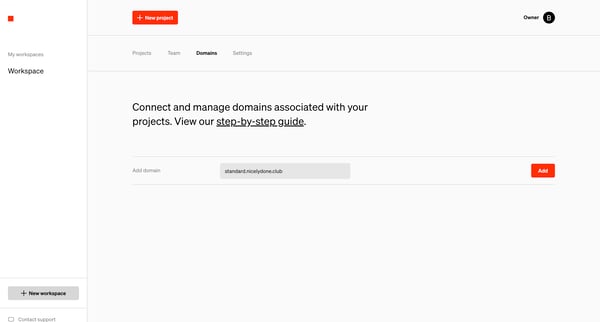
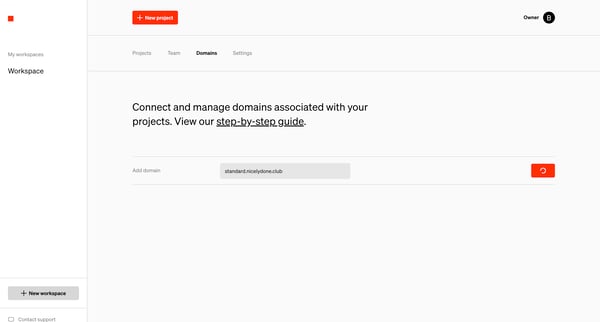
This flow guides the user through the process of adding and configuring a domain to their project workspace settings.
Explore the full SaaS flow library
Browse the full SaaS flow library.
Trusted by the best teams







