Prevue product screens examples
Browse Prevue screen design examples. Preview the interface screenshots and explore related UI patterns. Easy design presentation and feedback for agencies and their clients
Explore the examples
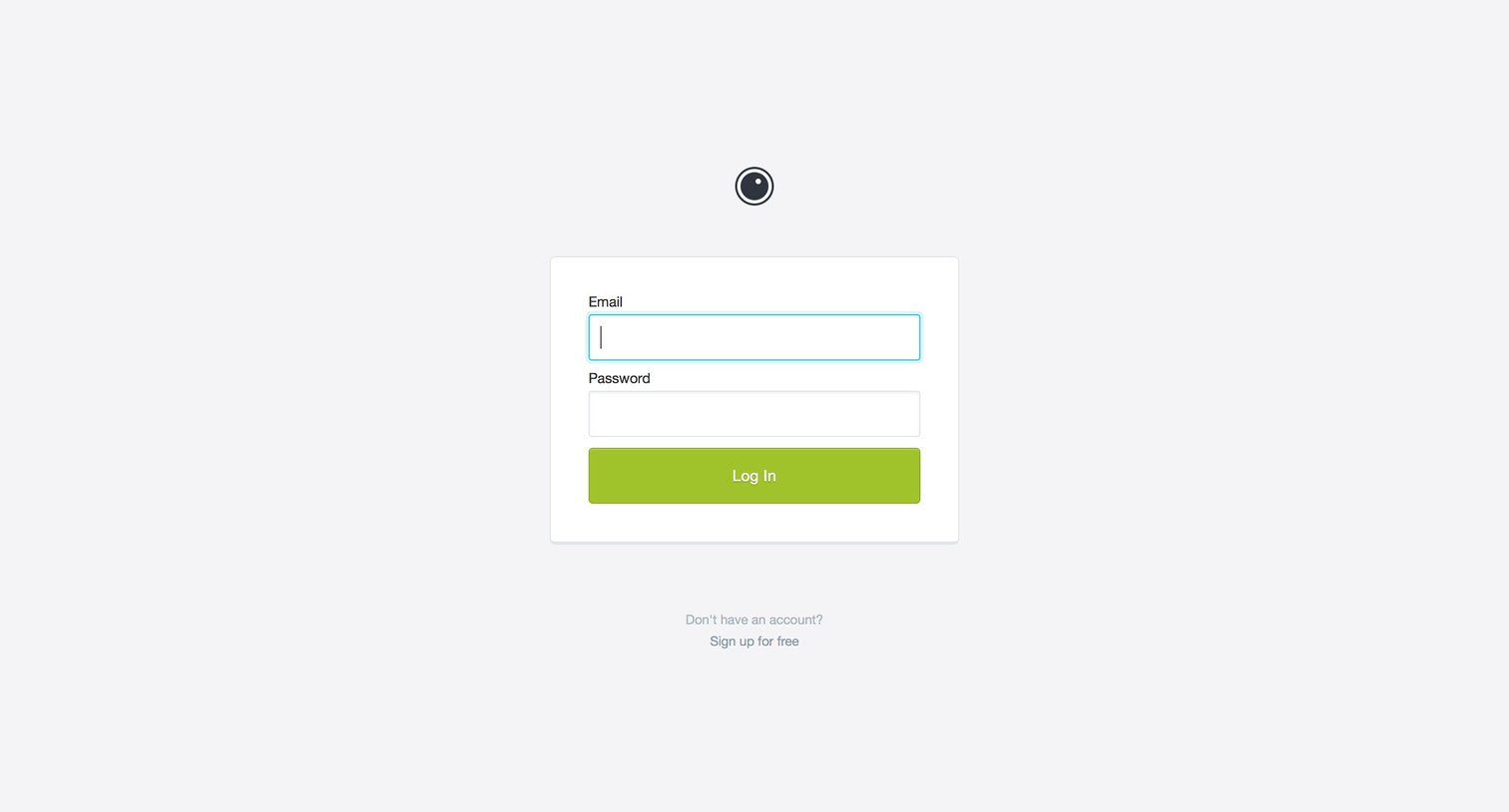

Authentication User authentication Form
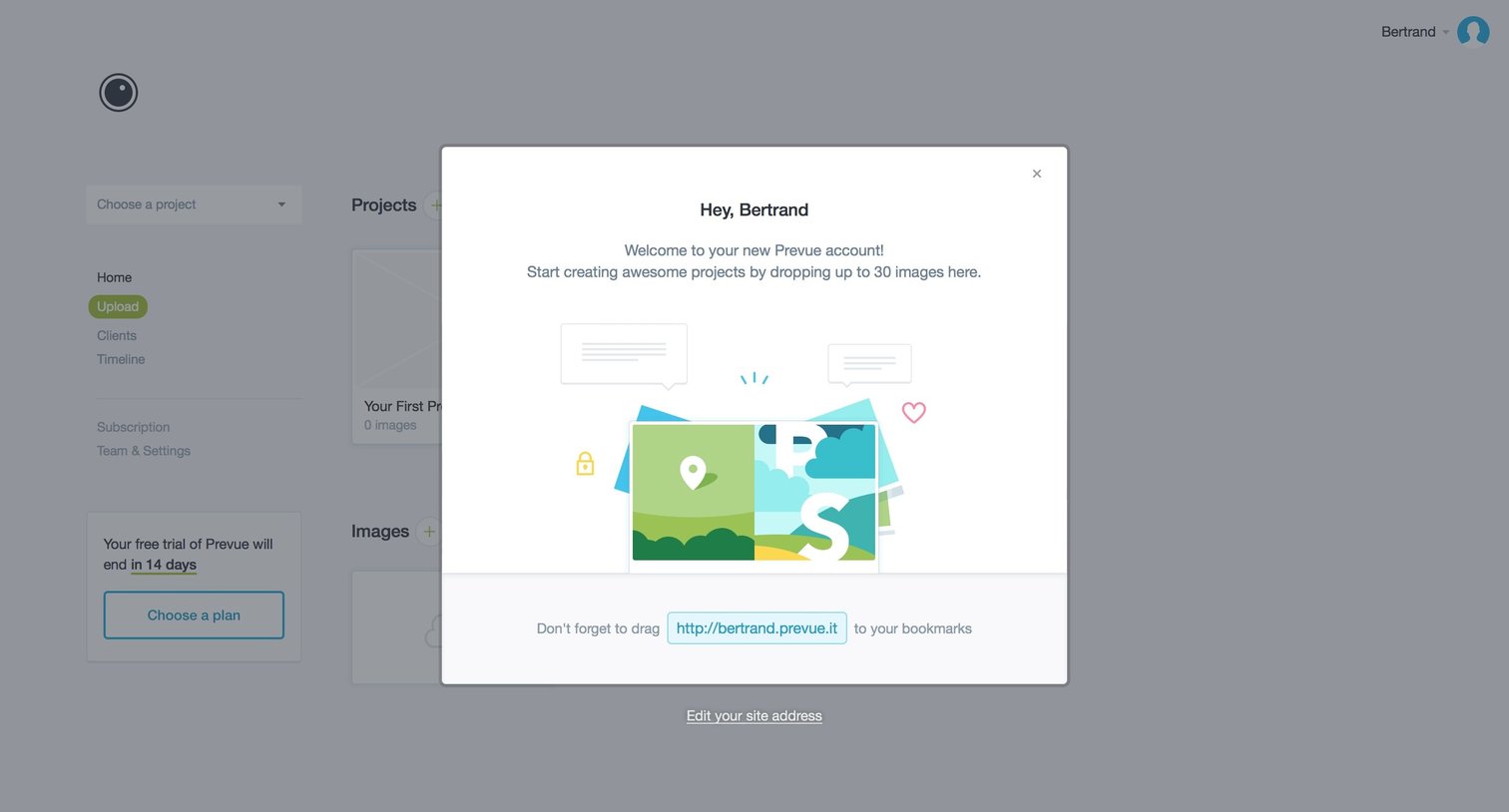
Onboarding modal welcoming the user to their new account and instructing them to drag and drop images to start their first project.
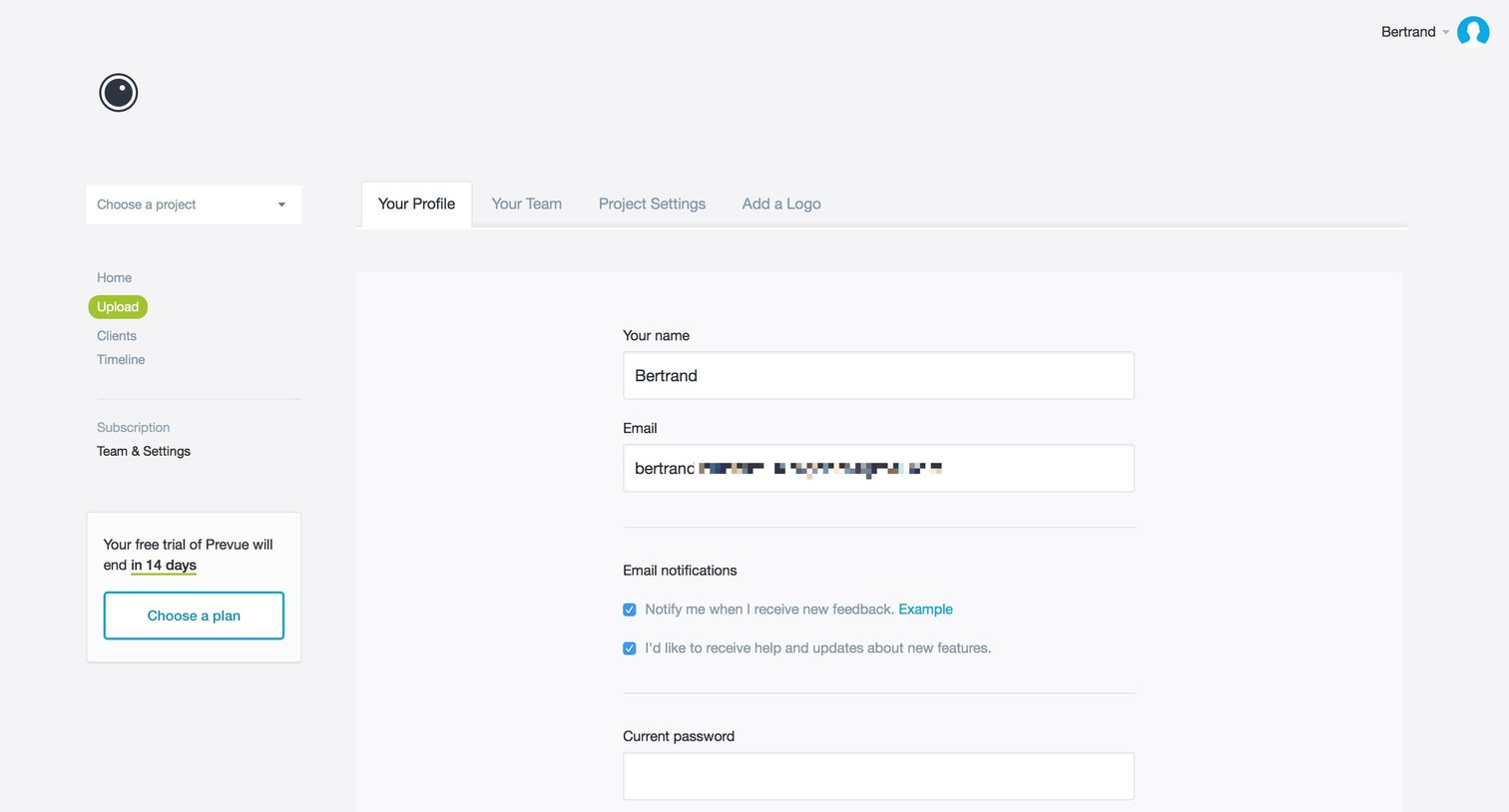
Settings page where the user updates their name, email, notification preferences, and password.
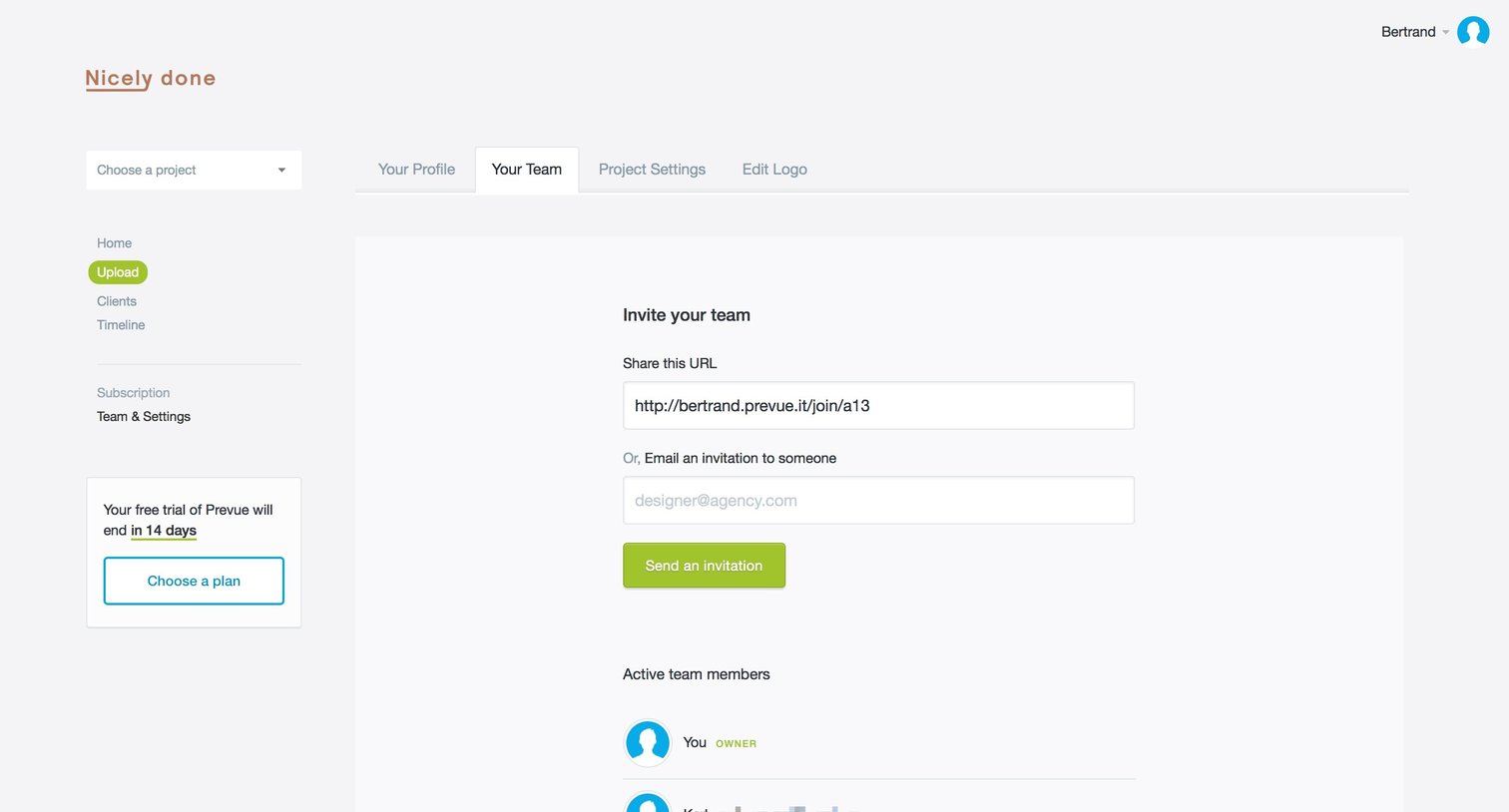
Settings page where the user can invite teammates via a shareable URL or email and view active team members.
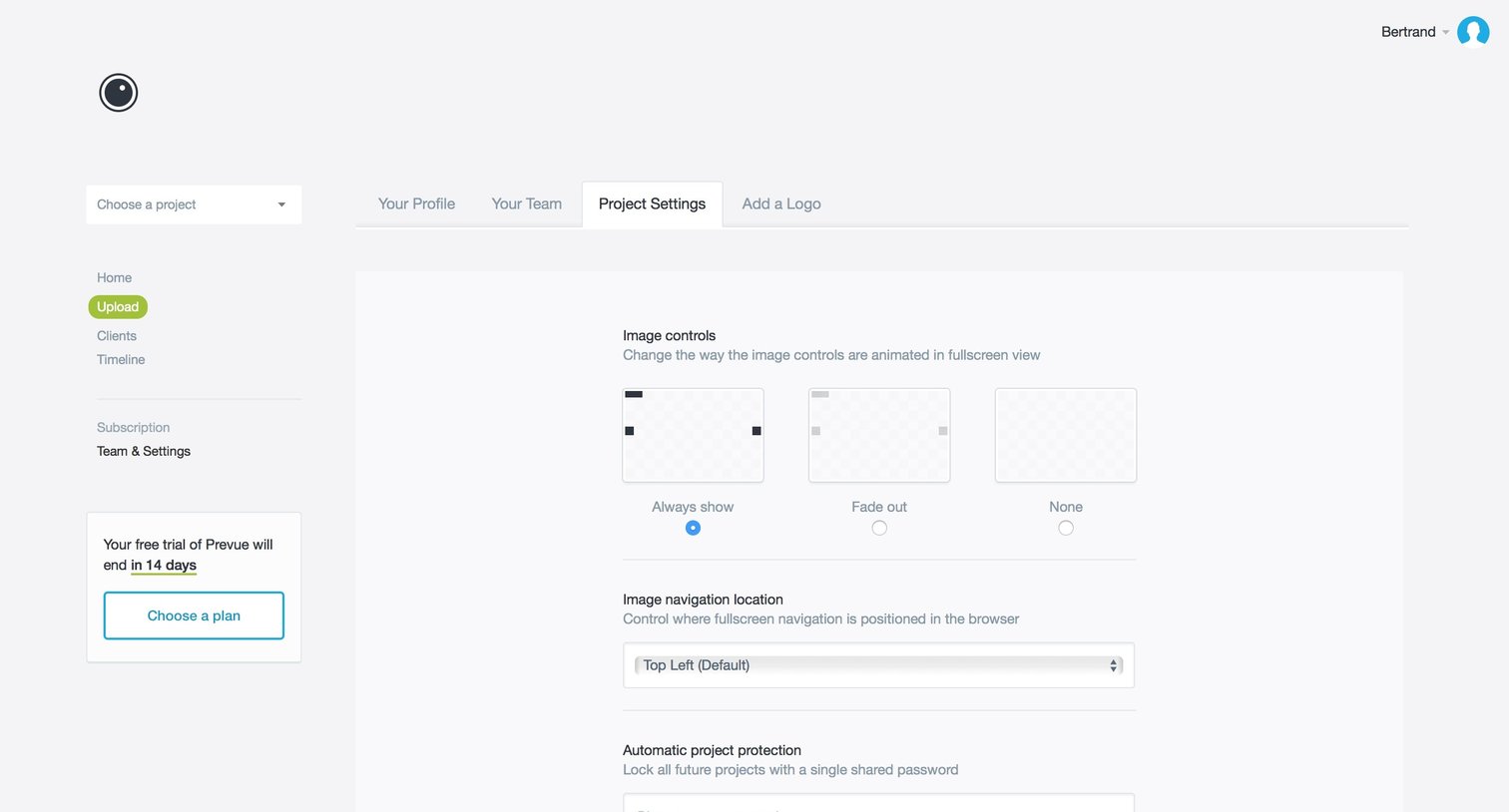
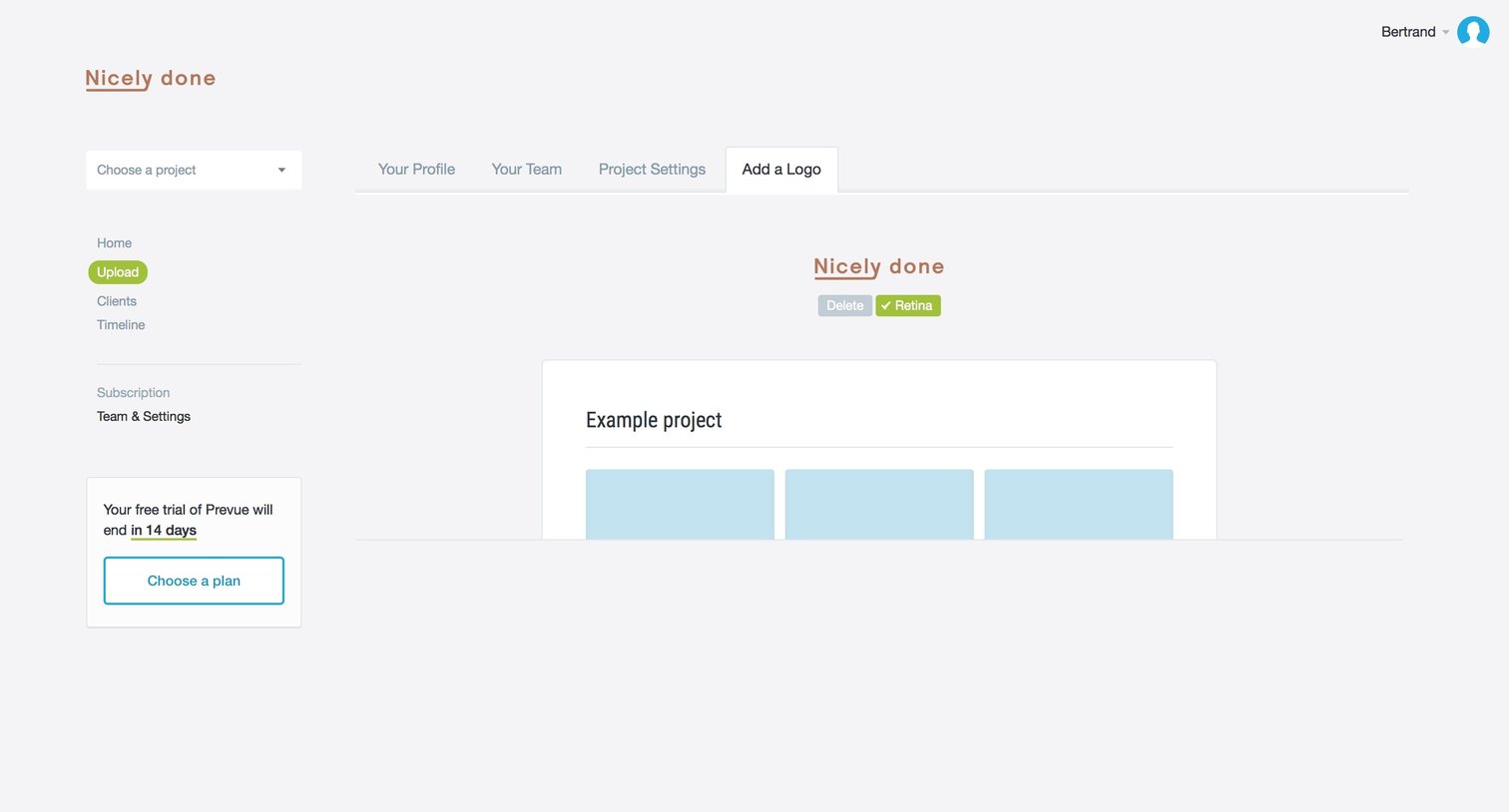
Settings page where the user configures a project logo with retina options, featuring a trial expiration warning in the sidebar.
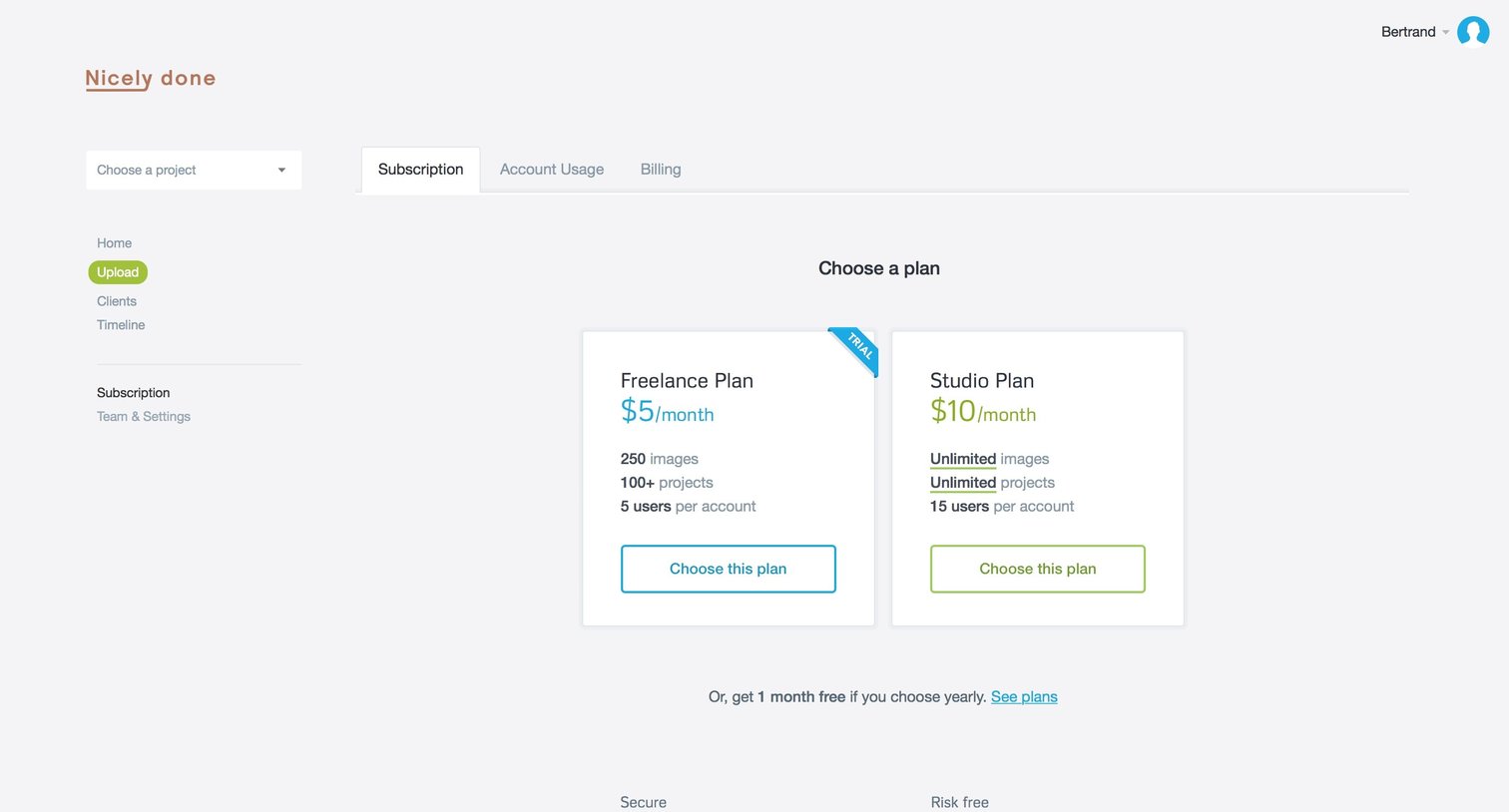
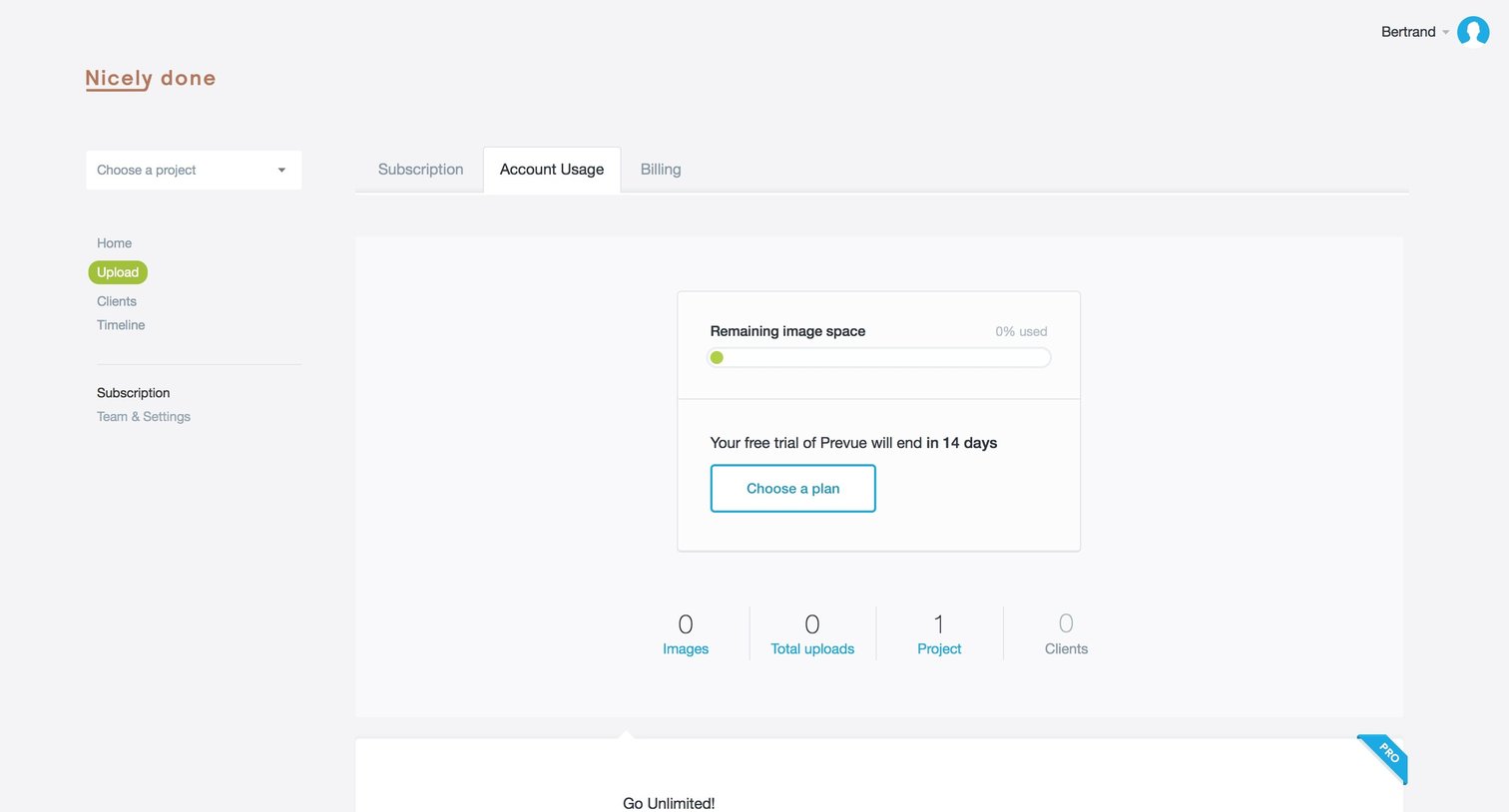
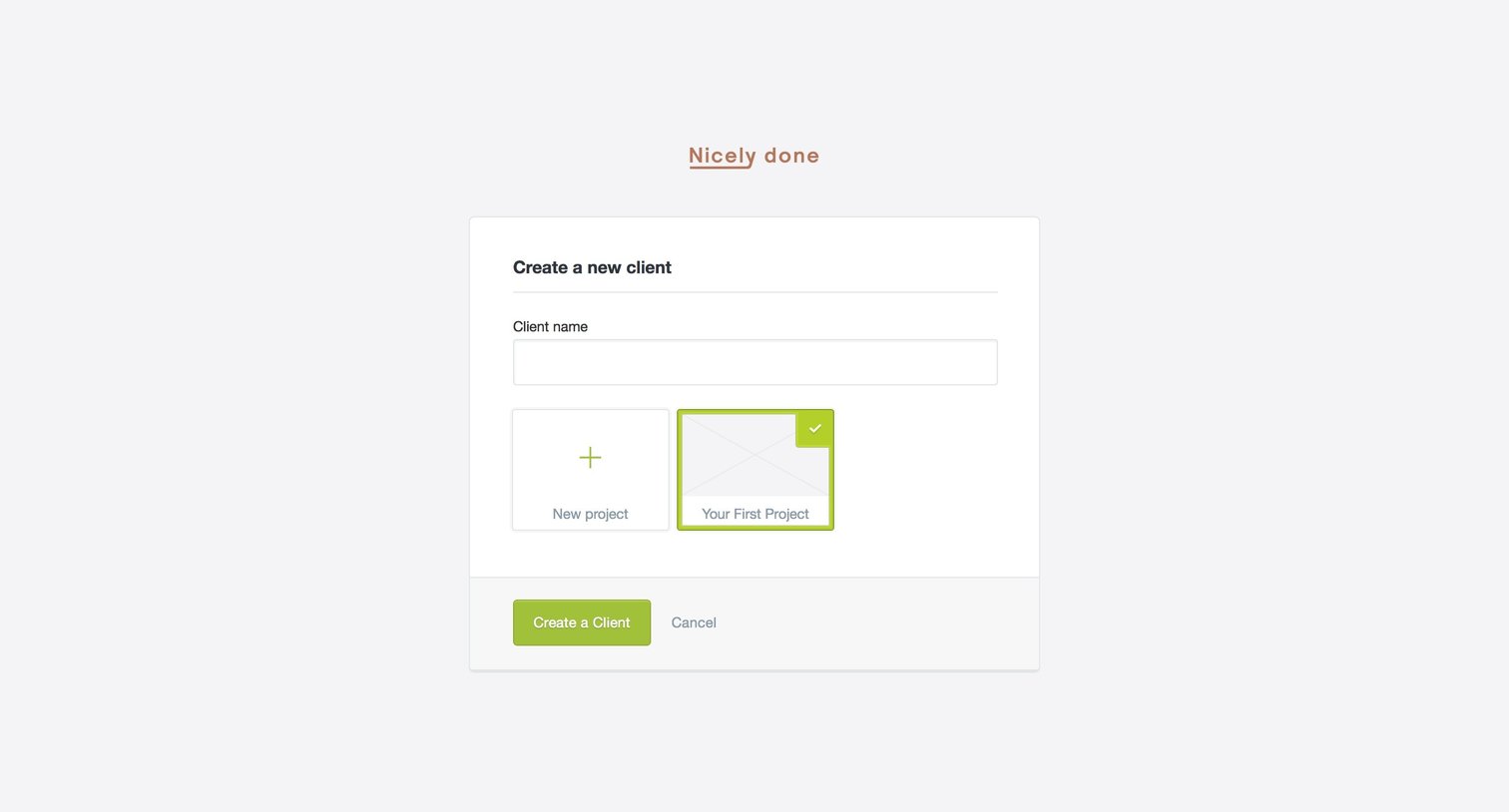
Creation screen where the user names a new client and assigns them to an initial project.
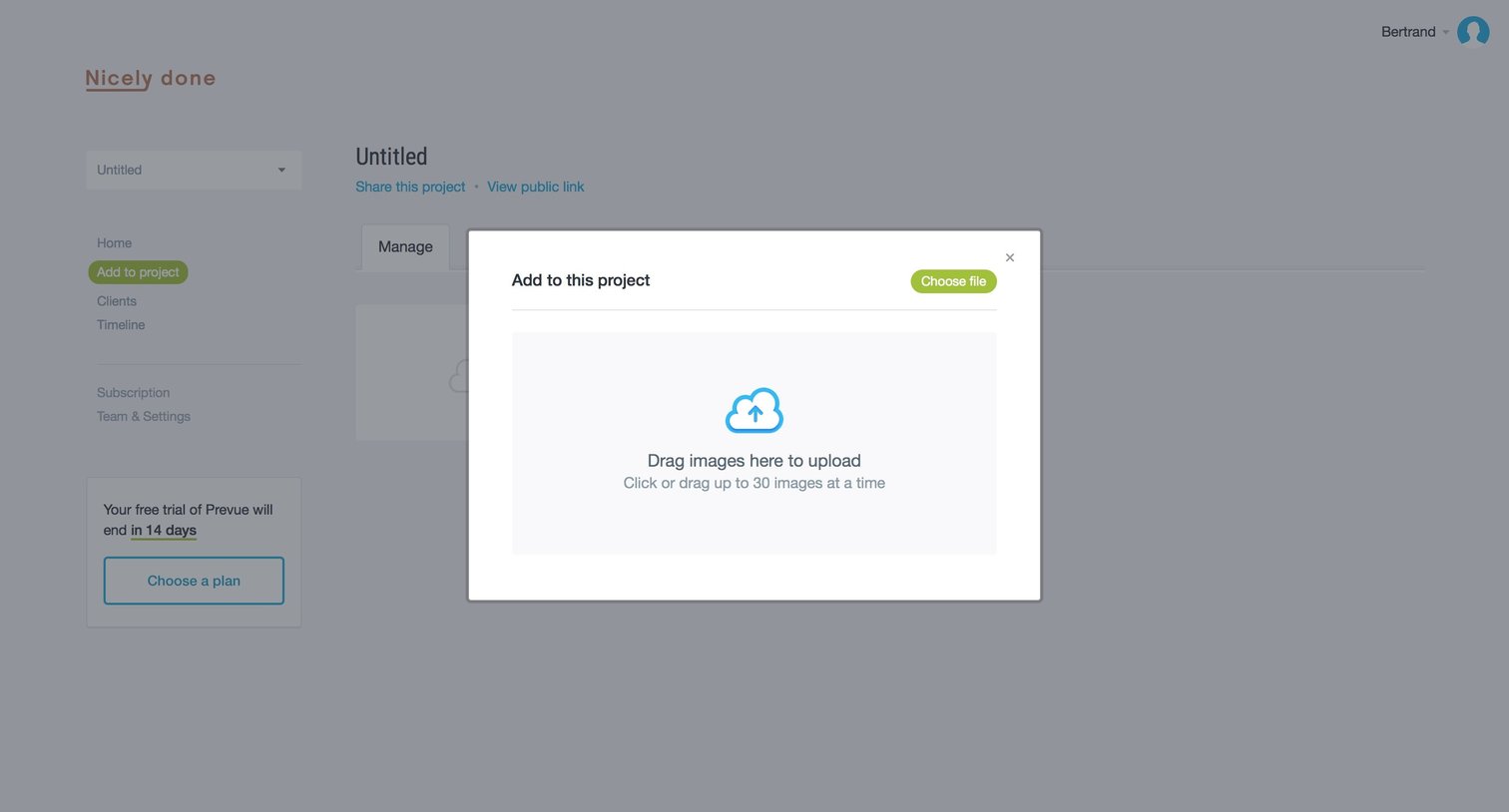
Project detail page where the user is prompted to upload images via a drag-and-drop modal overlay.
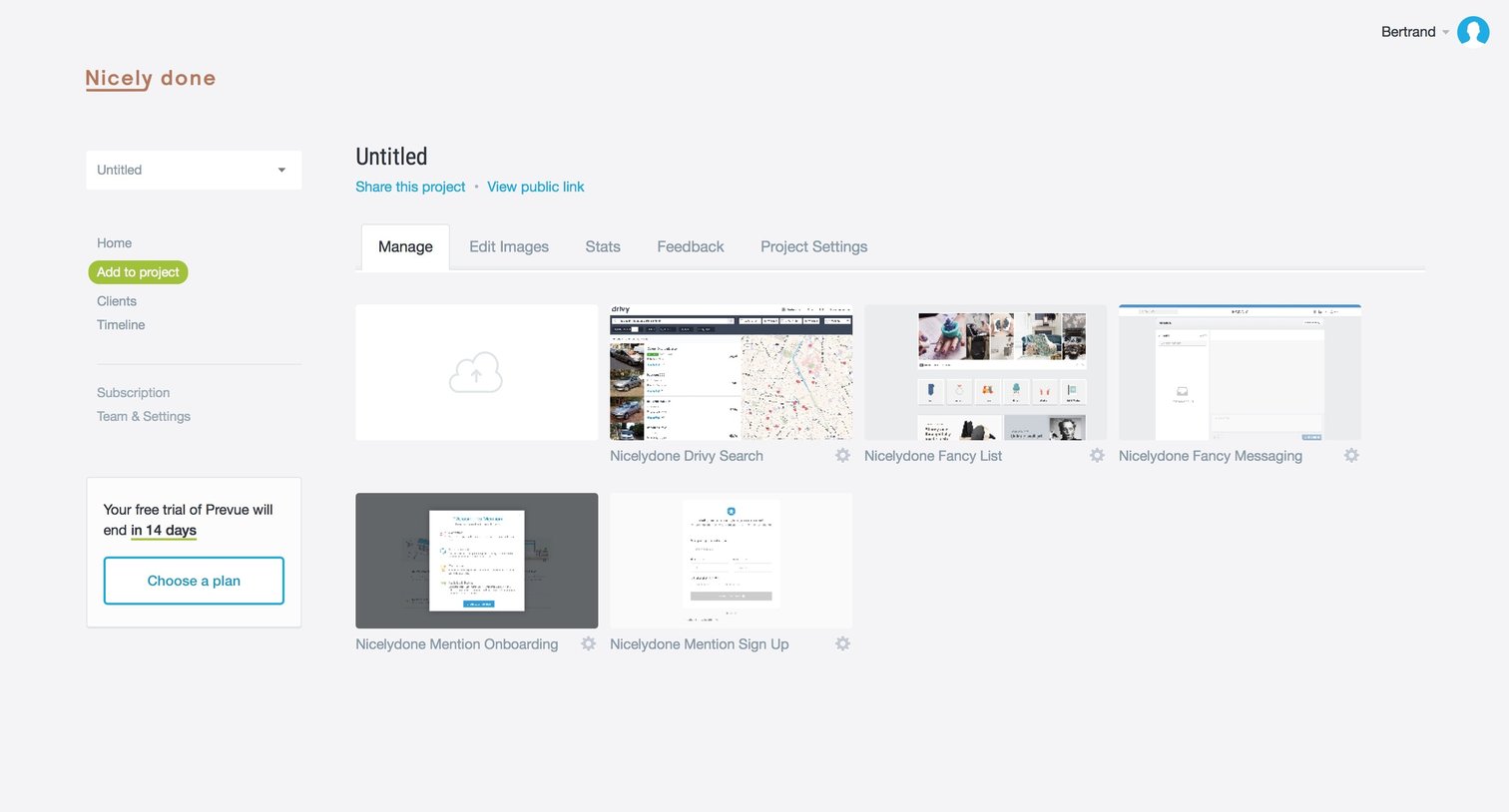
Detail page where the user manages images, settings, and sharing options for a specific design project.
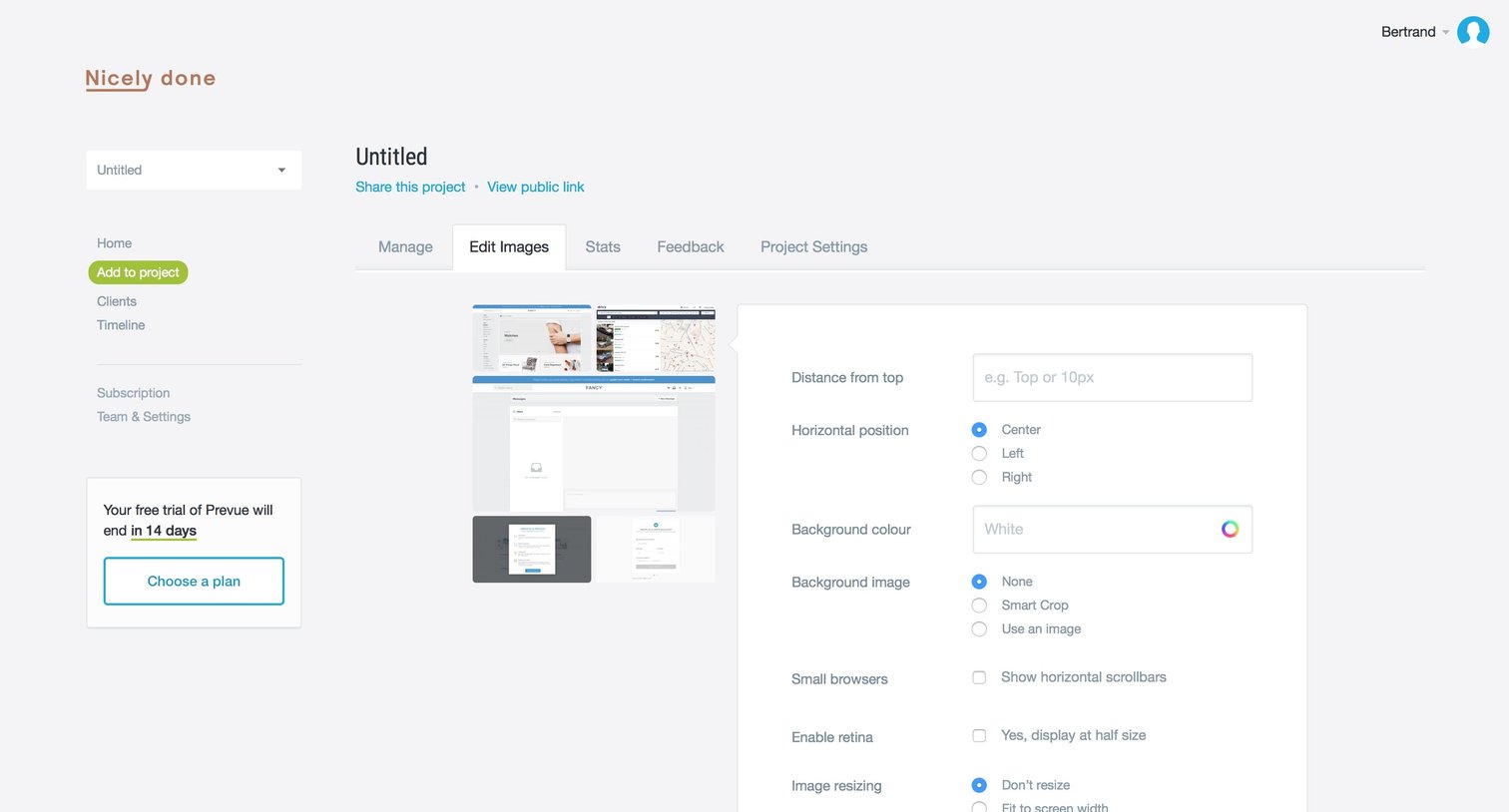
Detail page where the user configures image display settings like distance from top, horizontal position, and background color for a specific project.
Explore the full SaaS screen library
Upgrade to unlock the full library.
Trusted by the best teams







