Play design examples
Explore Play UI design examples. The first native iOS design tool for creating mobile products.
Product screens
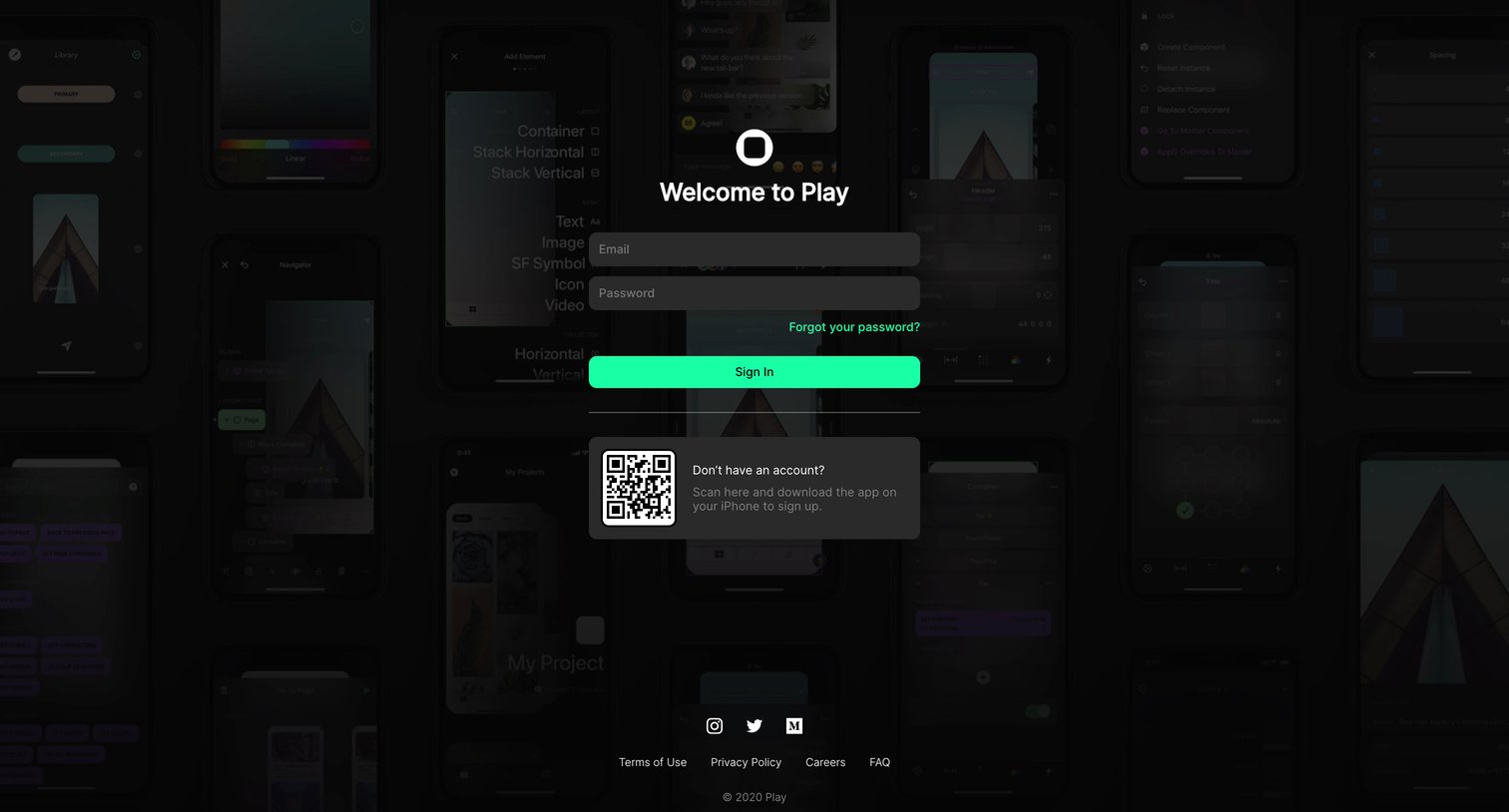

Sign in screen where the user authenticates with email and password, or scans a QR code to download the companion iPhone app.
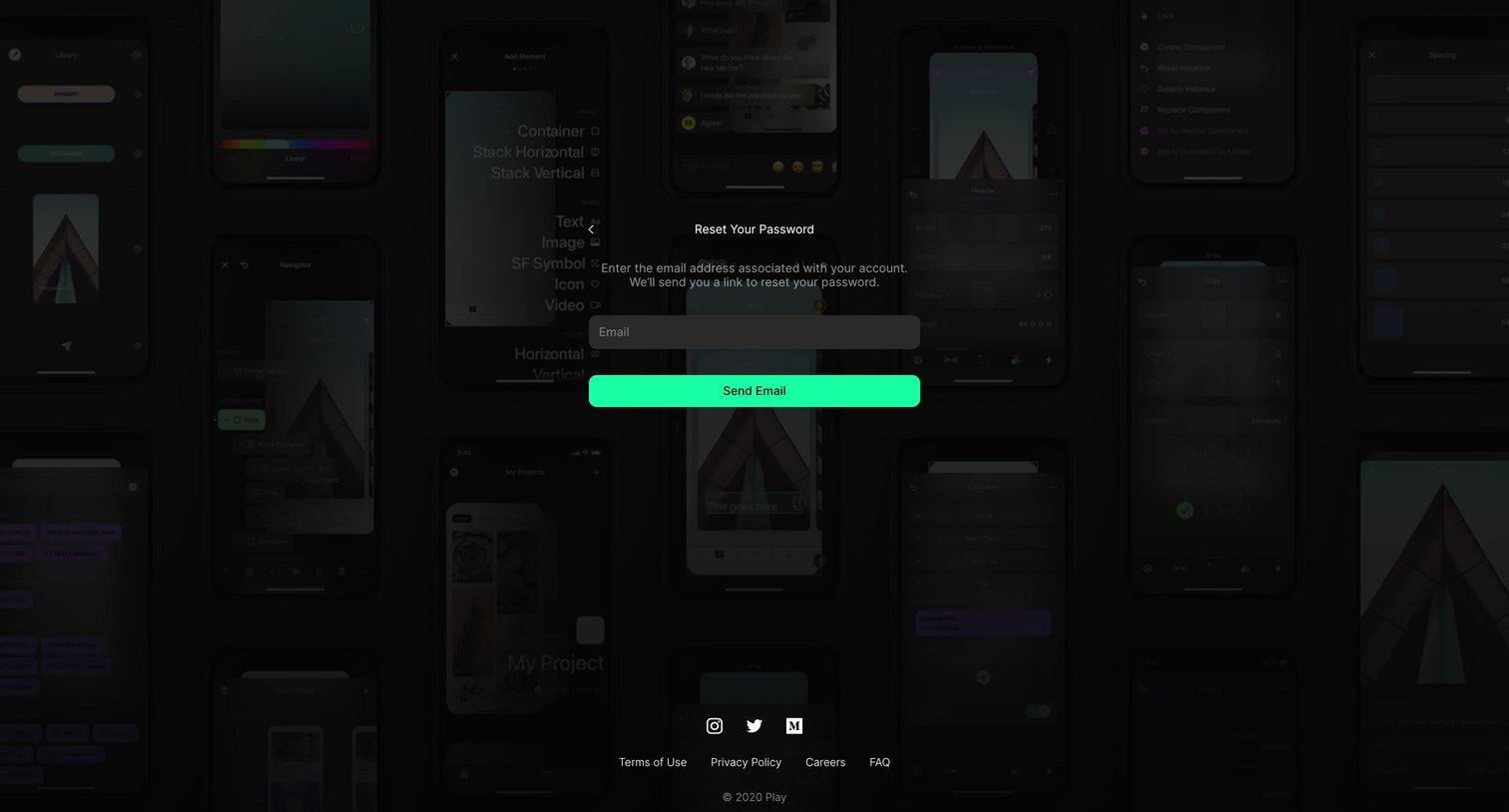
Password recovery screen where the user enters their email address to receive a reset link.
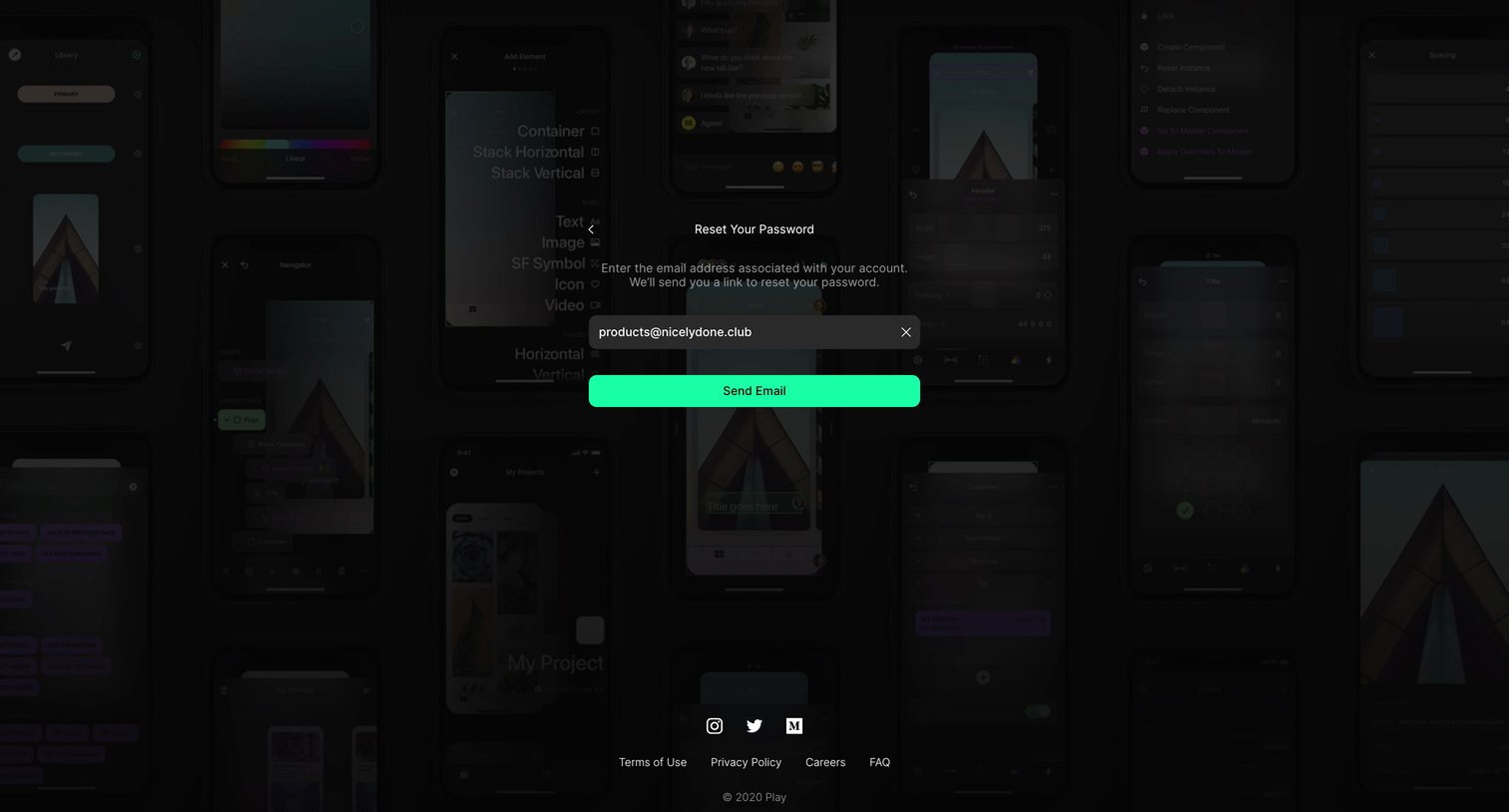
Password recovery screen where the user enters their email address to receive a reset link.
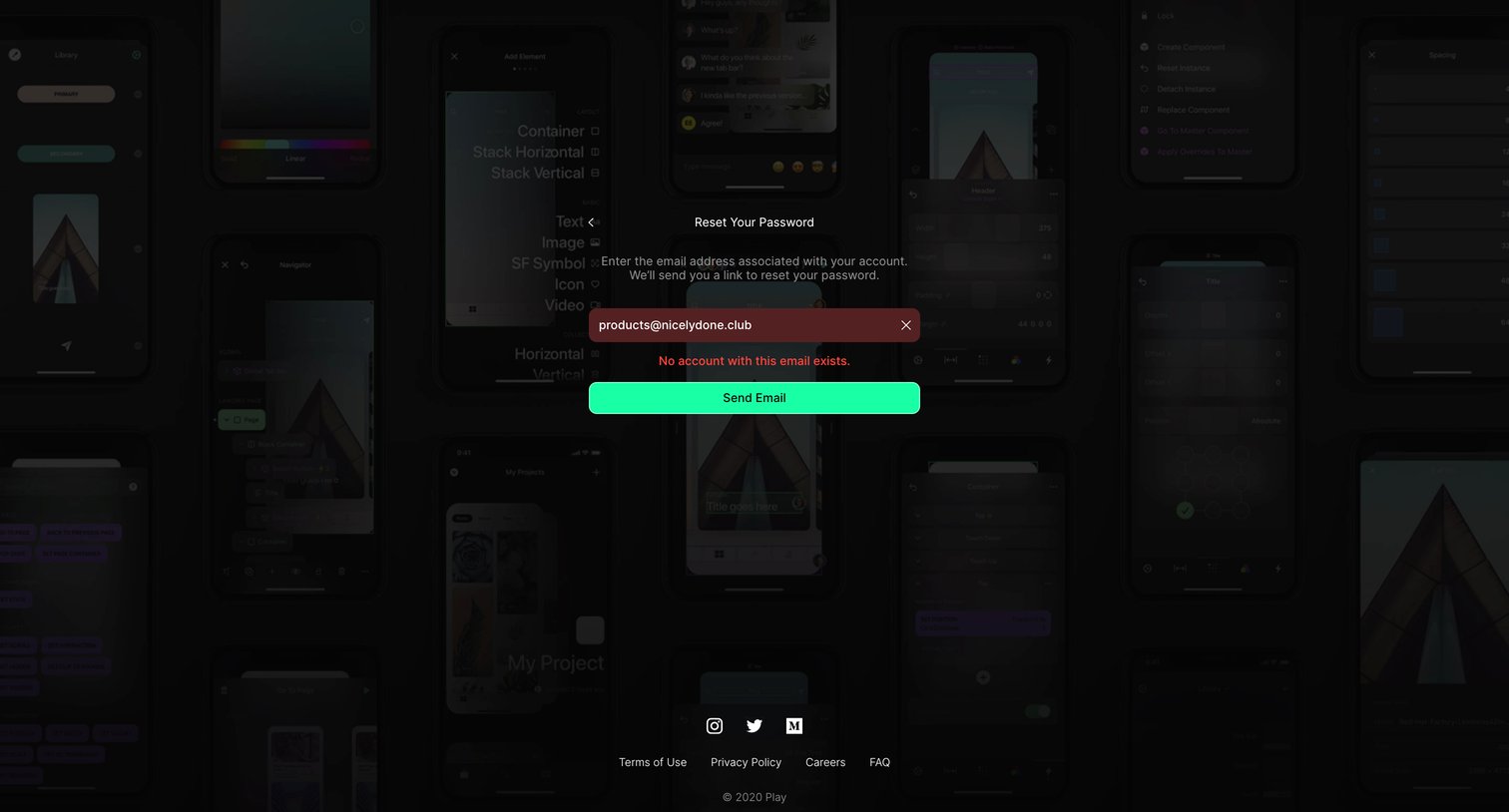
Password recovery screen showing an error message when the user attempts to send a reset link to an unregistered email address.
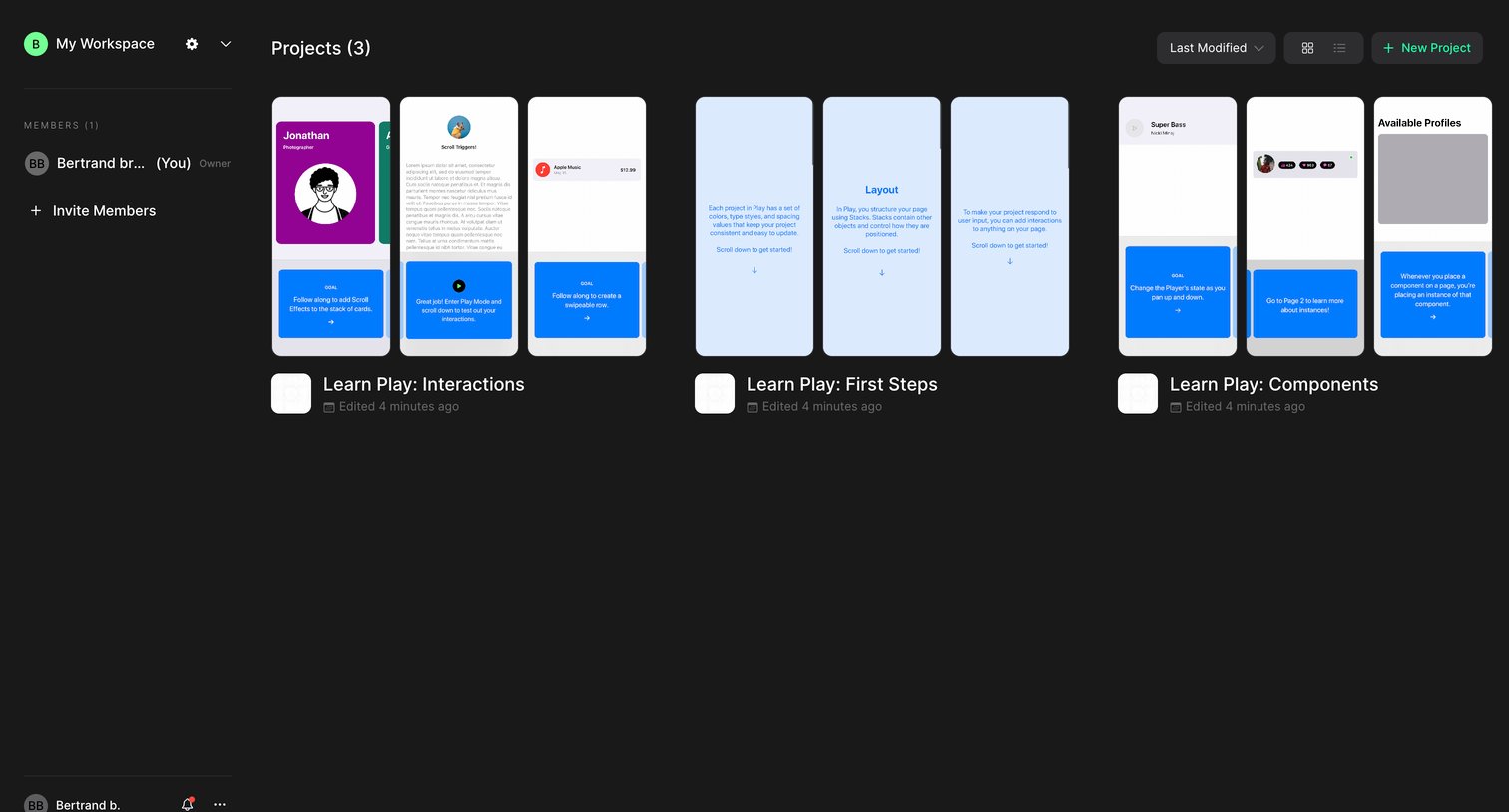
List view where the user browses their design projects in a grid layout, sorts them by modification date, and can create new projects.
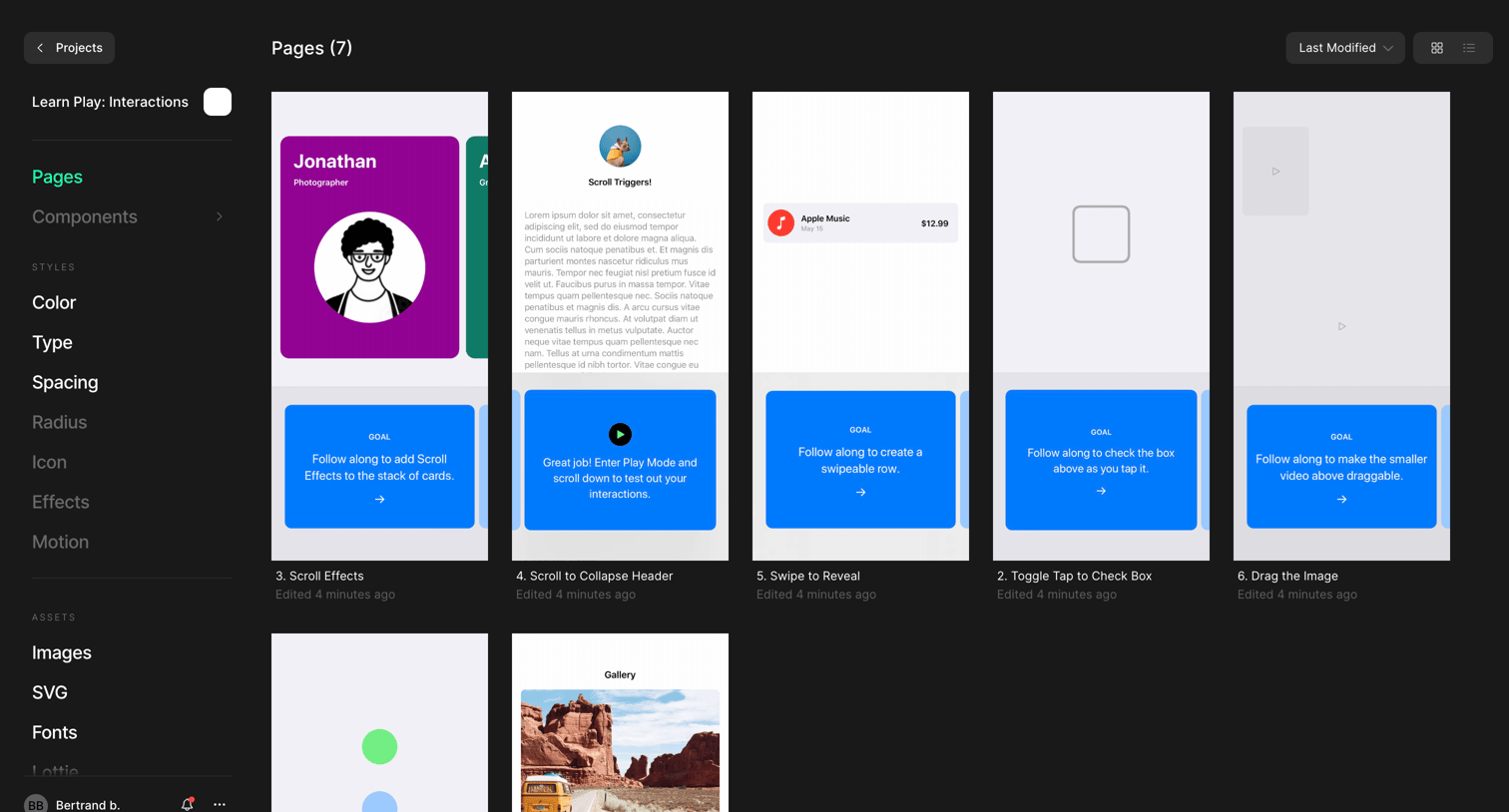
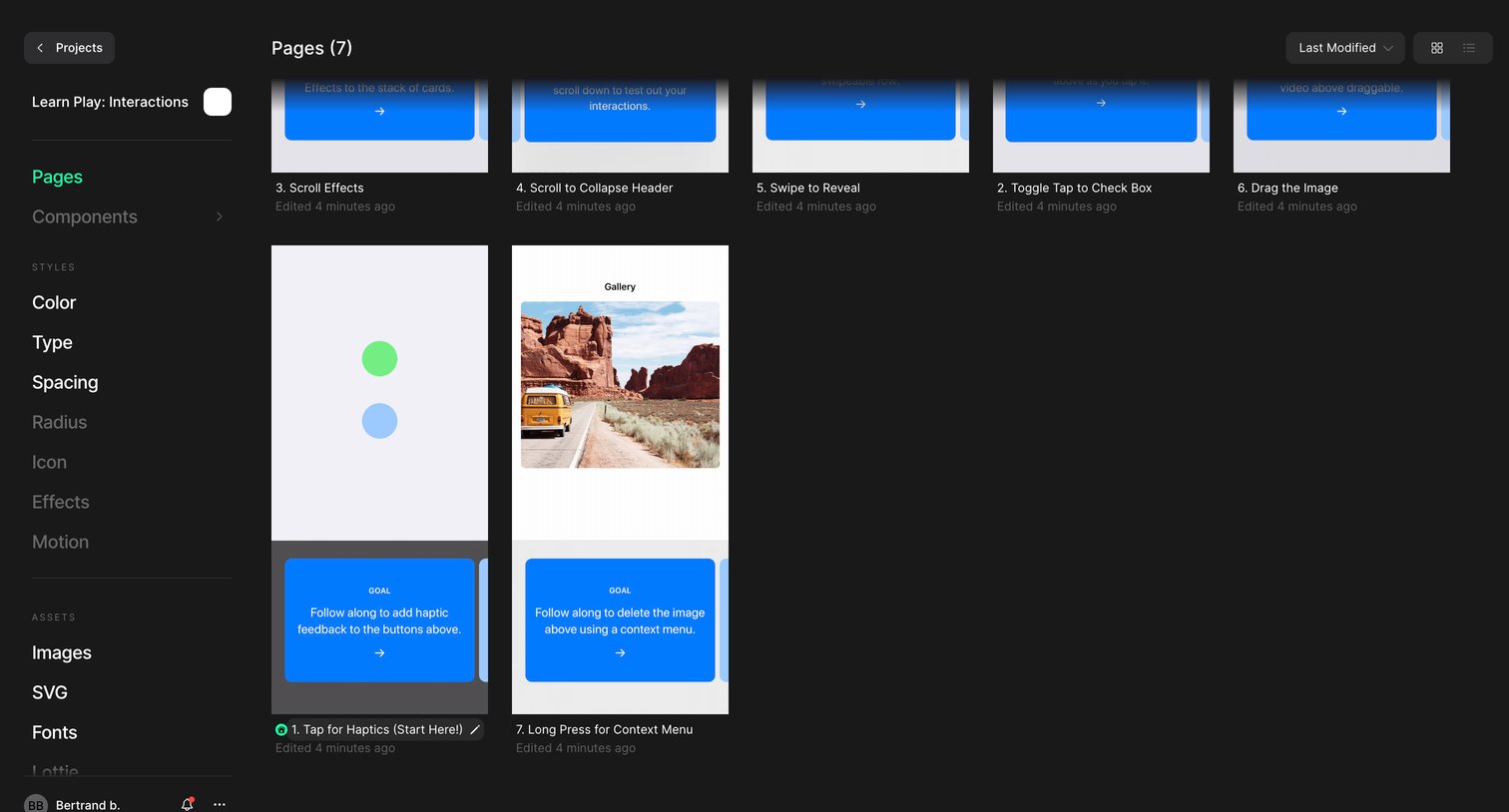
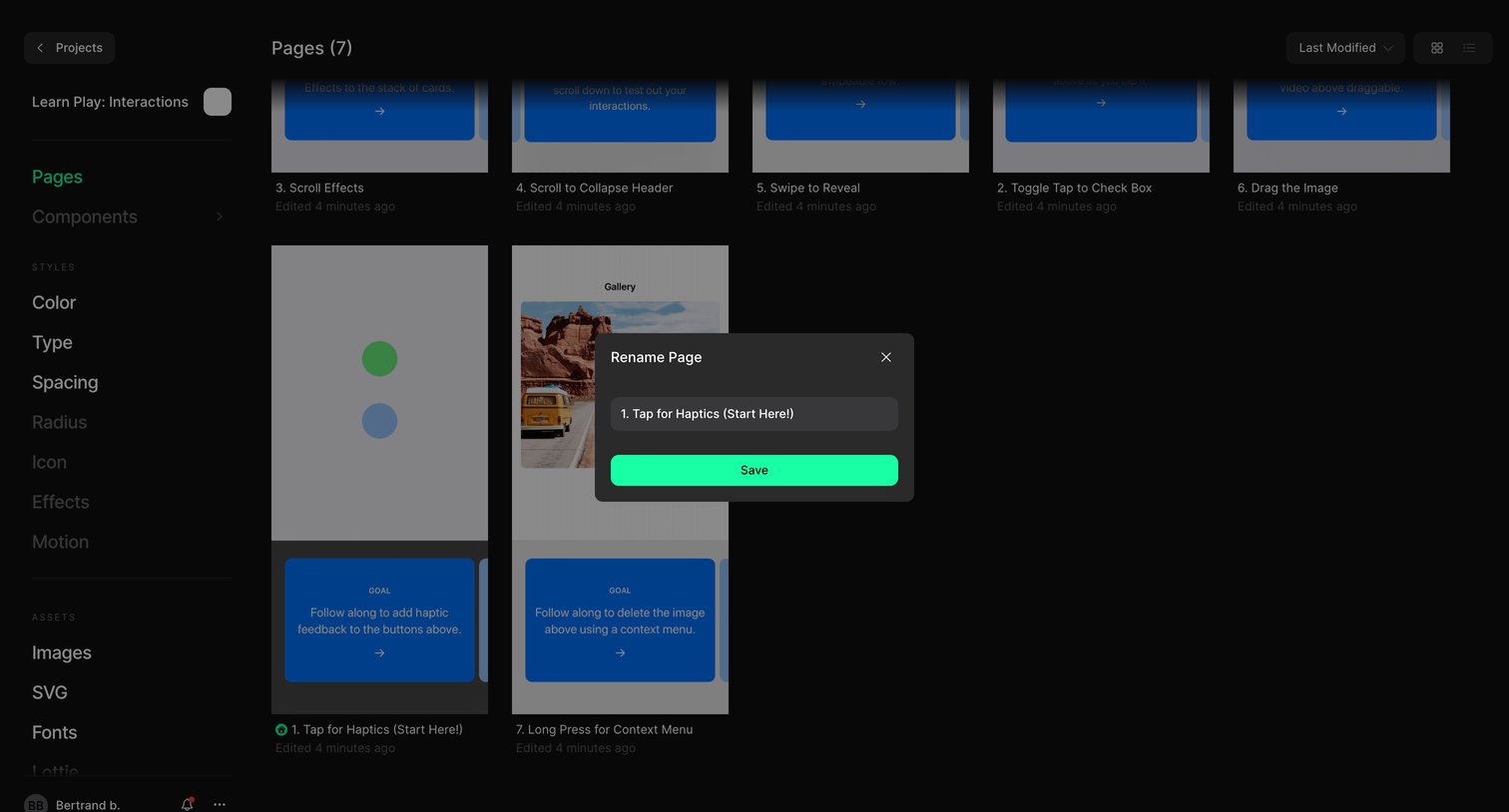
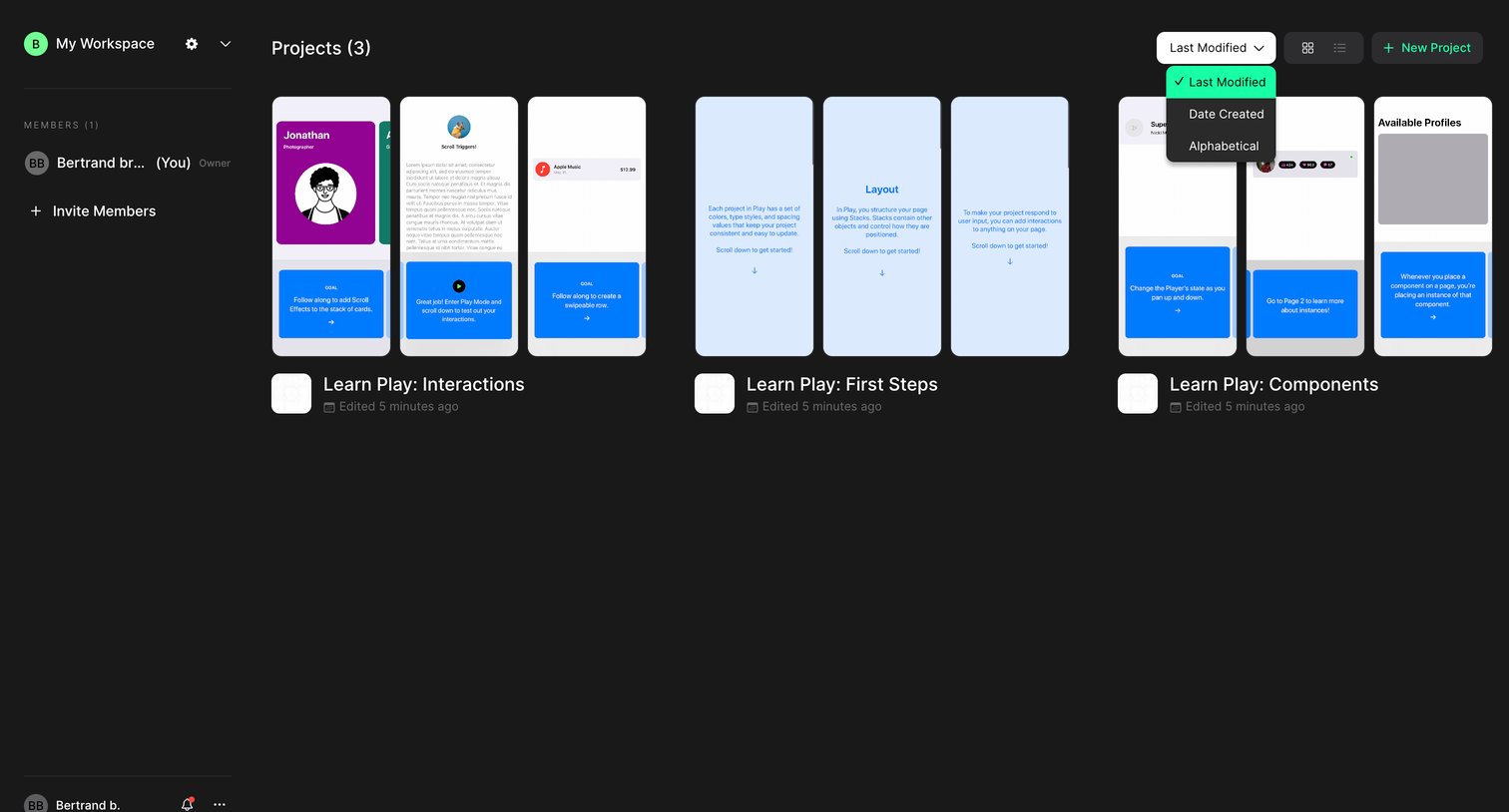
List view where the user browses their workspace projects in a grid layout, with an active dropdown to sort by modification date or alphabetically.
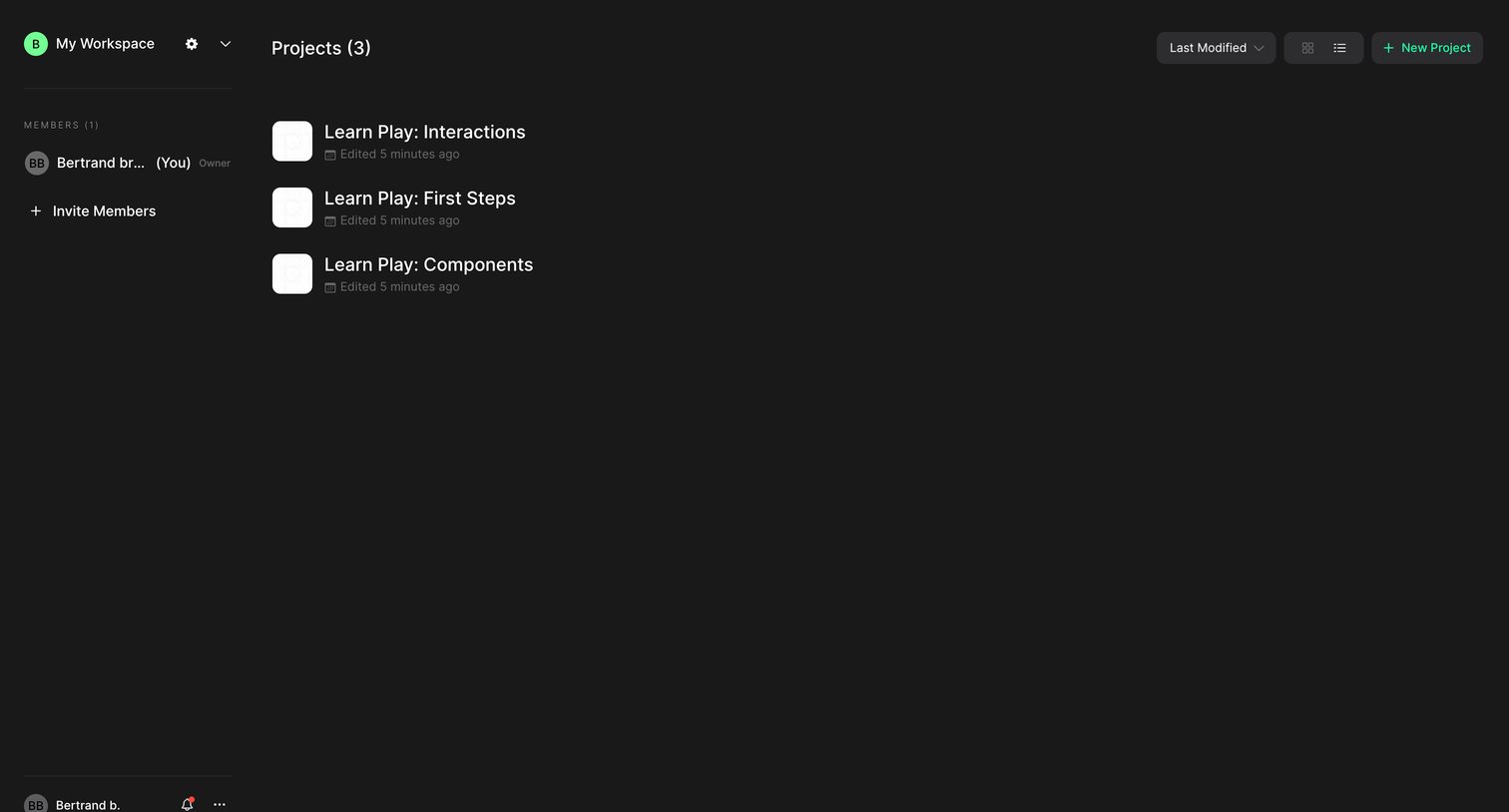
List view where the user manages their workspace projects and can invite new members to the team.
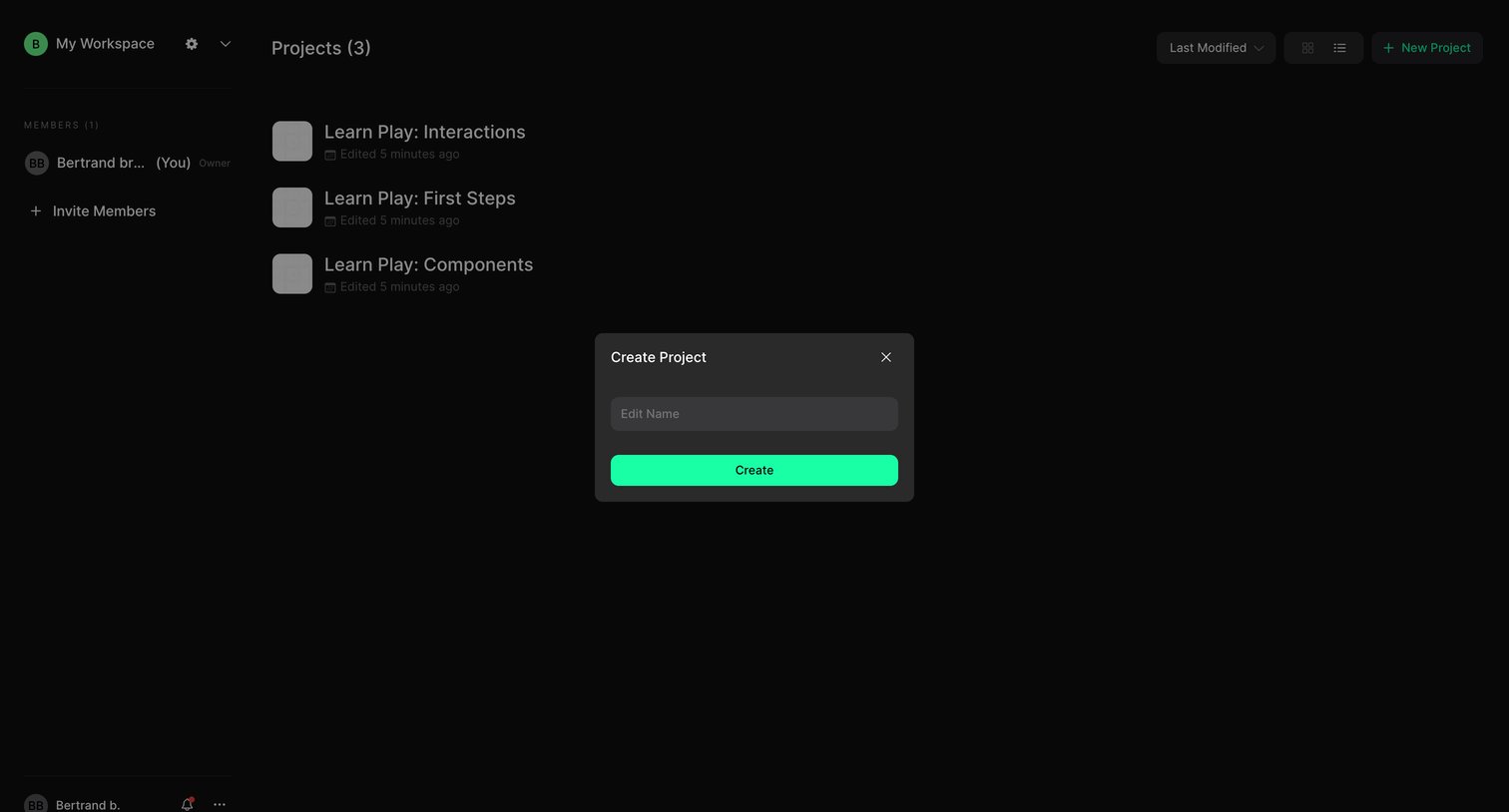
List view of projects with a centered modal open for the user to name and create a new project.
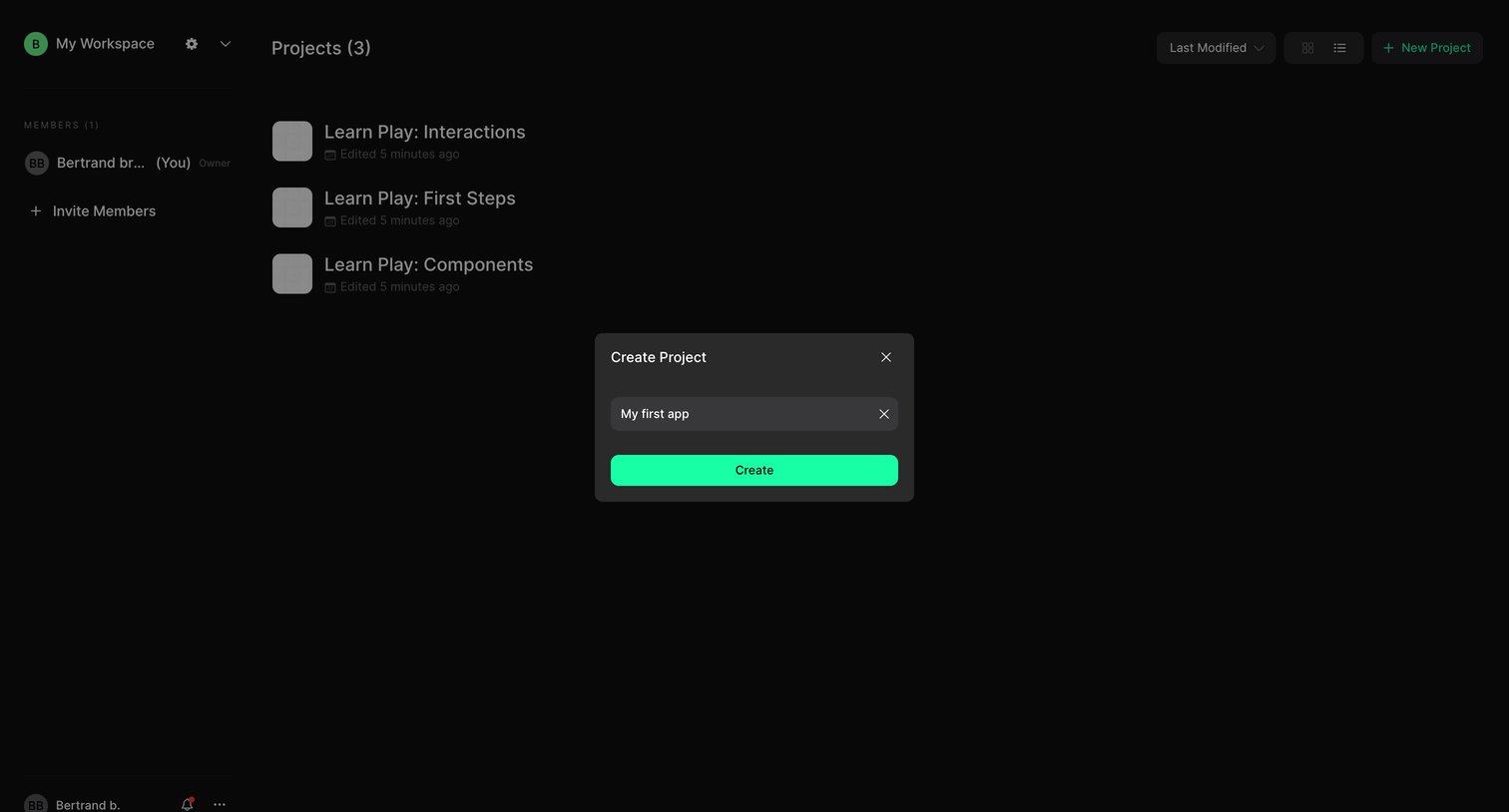
List view of projects with a modal open where the user names and creates a new app project.
Browse the full SaaS app library
Explore real SaaS apps with their product screens, marketing screens, flows, and components.
Trusted by the best teams







