Play marketing pages examples
Explore Play website design examples. Preview marketing pages and browse related SaaS page designs. The first native iOS design tool for creating mobile products.
Explore the examples
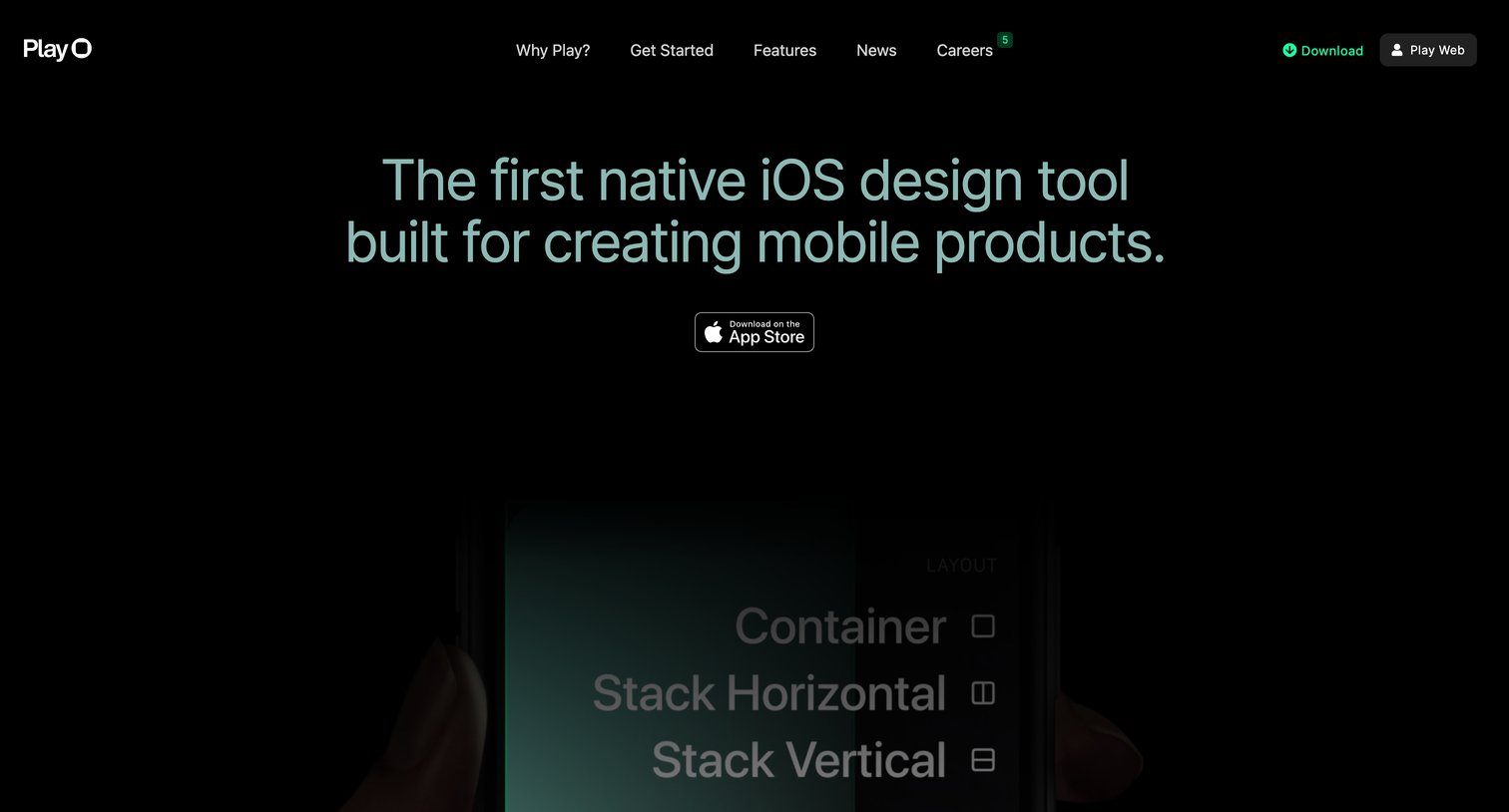

Landing page for a native iOS design tool featuring product mockups, feature highlights, a customer testimonial, and prominent calls to action to download the app from the App Store.
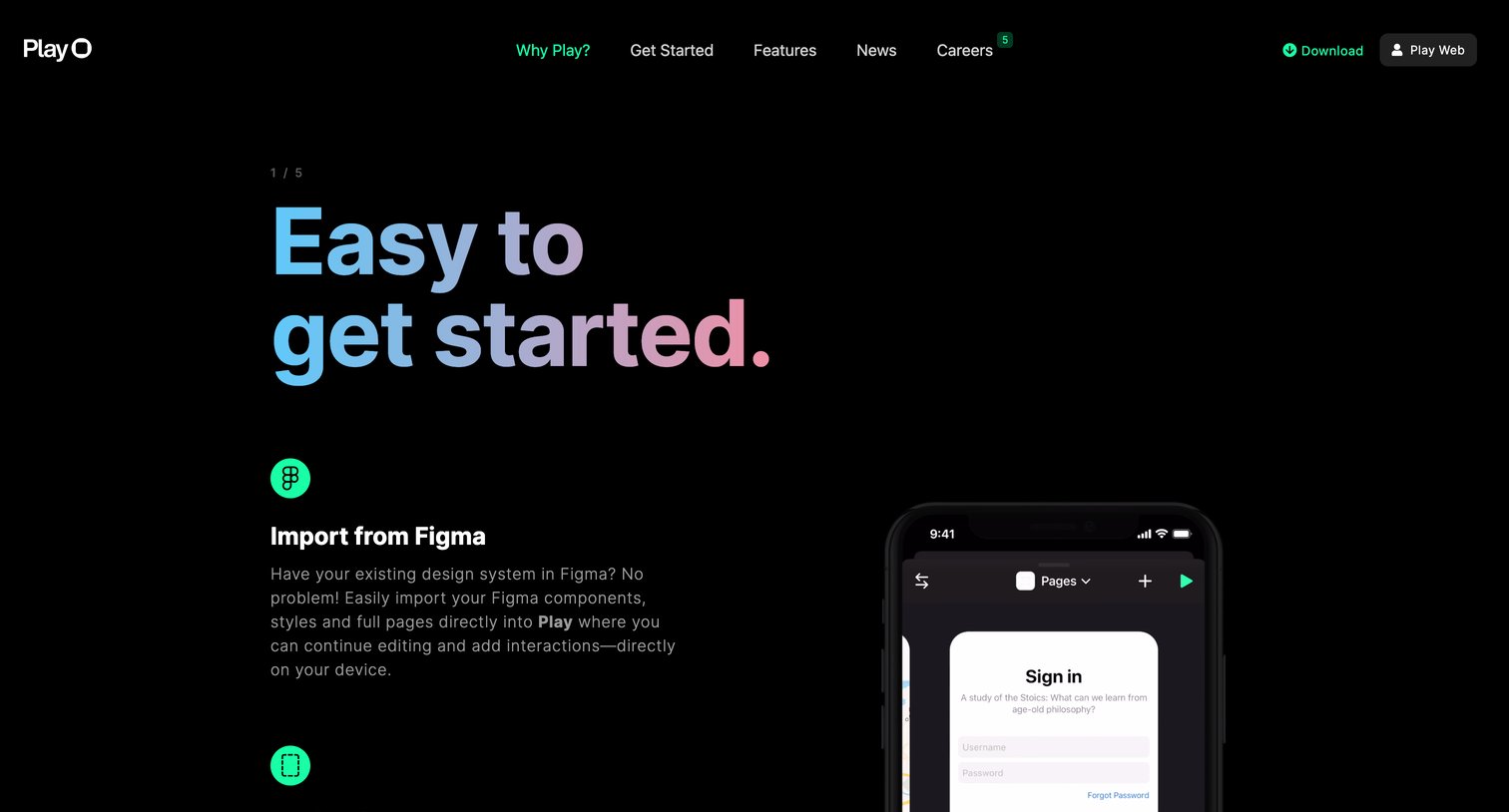
Product page detailing the core benefits of Play, highlighting features like native iOS components, real-time sync, and team collaboration through a series of numbered sections.
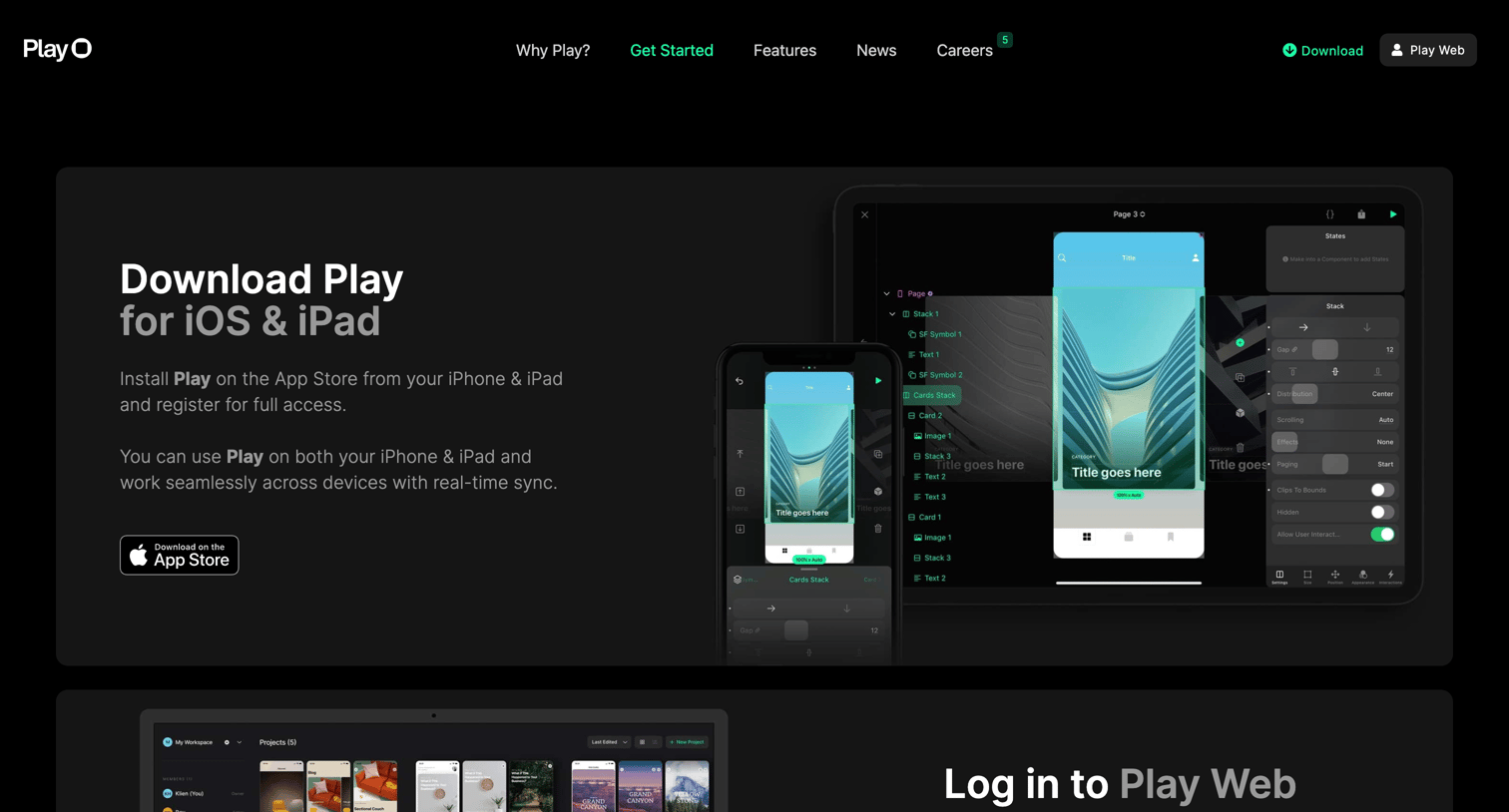
Getting started page where the user can download the iOS app, log into the web platform, watch video tutorials, and access support resources.
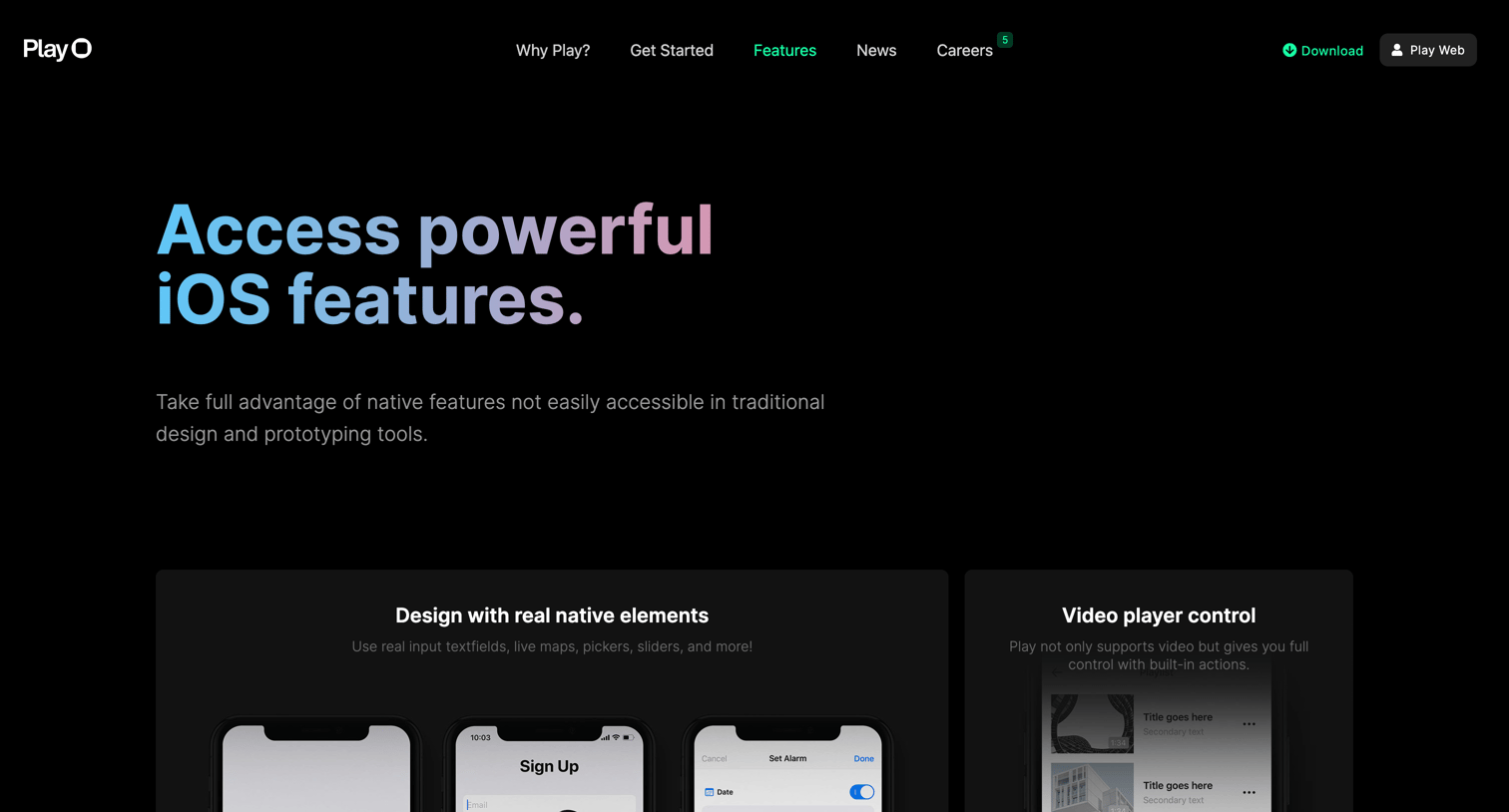
Feature page detailing the capabilities of the Play design tool, including native iOS elements, interactions, design systems, and team sharing, ending with a prompt to download from the App Store.
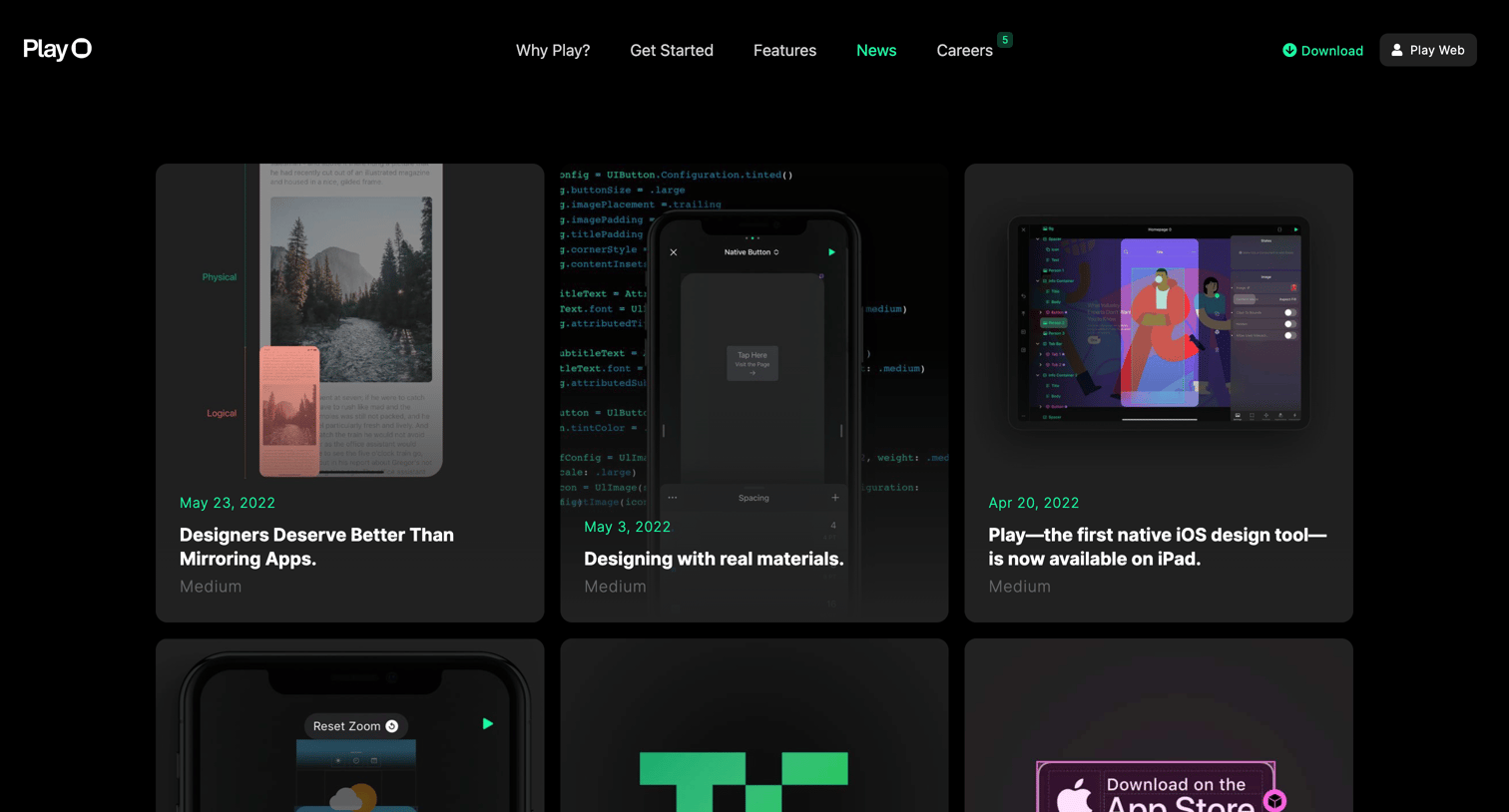
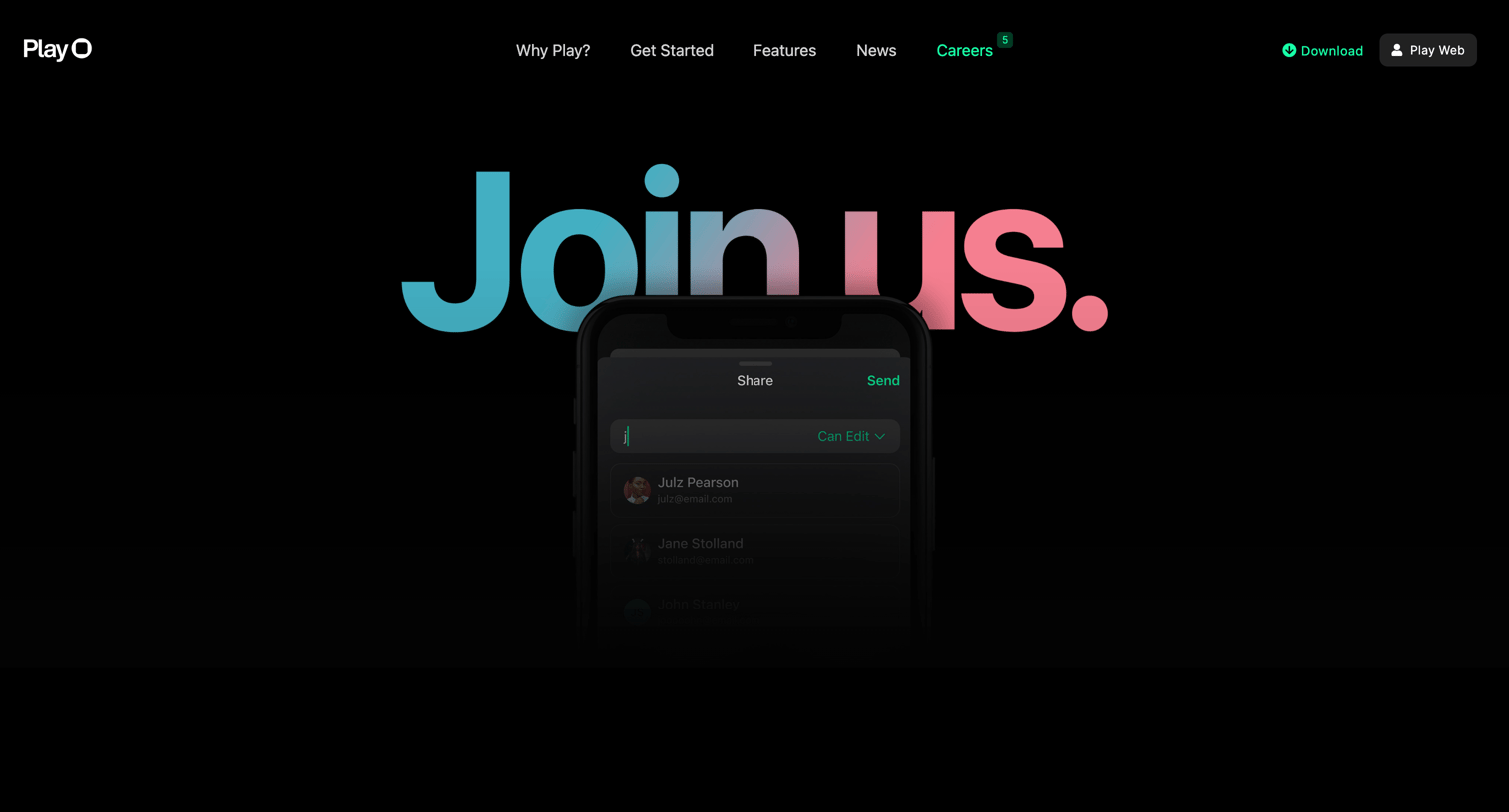
Careers page featuring open roles like Senior Product Manager and iOS Engineer, a benefits grid, and an about section with a team photo.
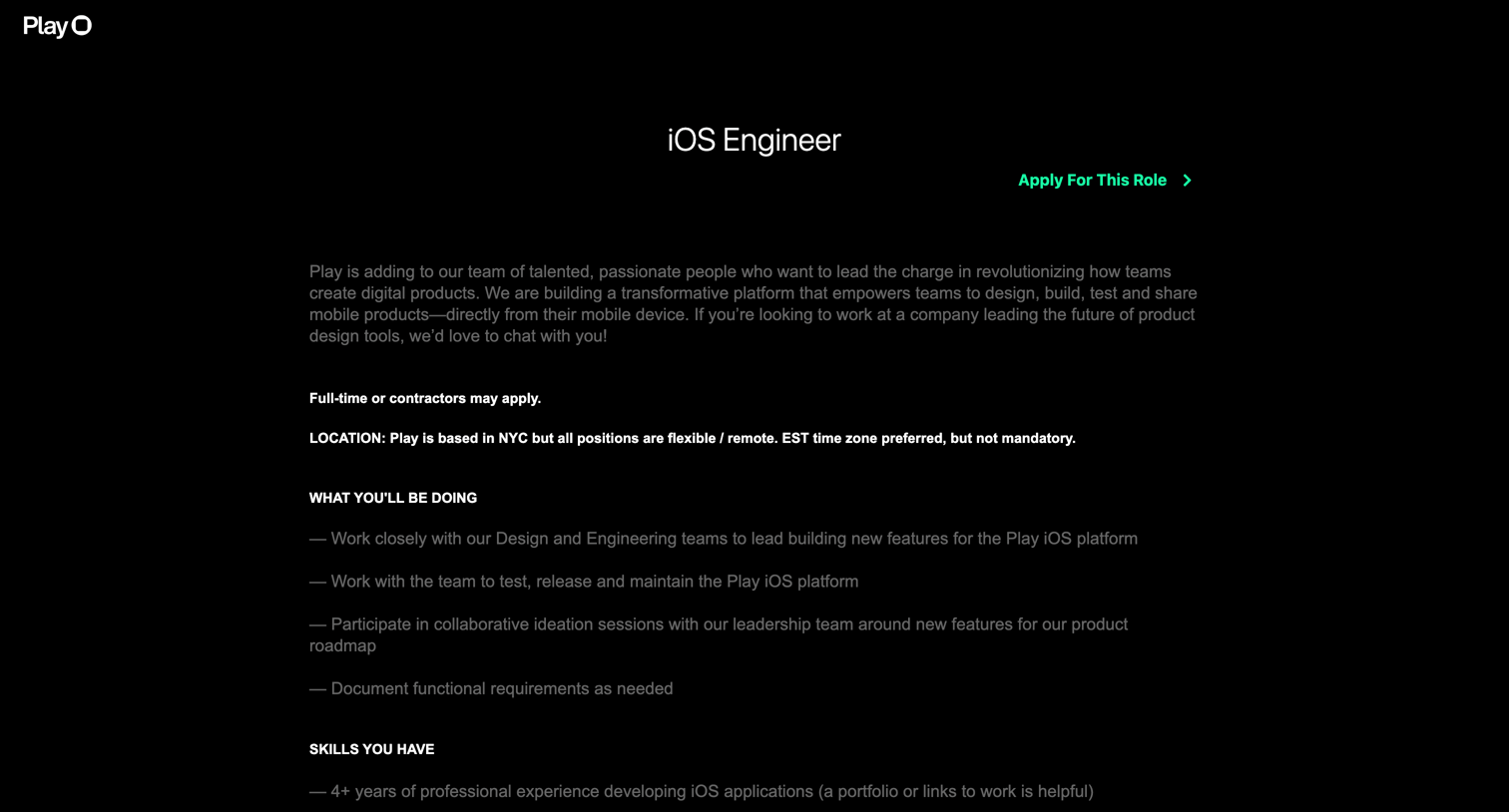
Careers page detailing an open iOS Engineer role, featuring a job description and an inline application form to submit a resume and cover letter.
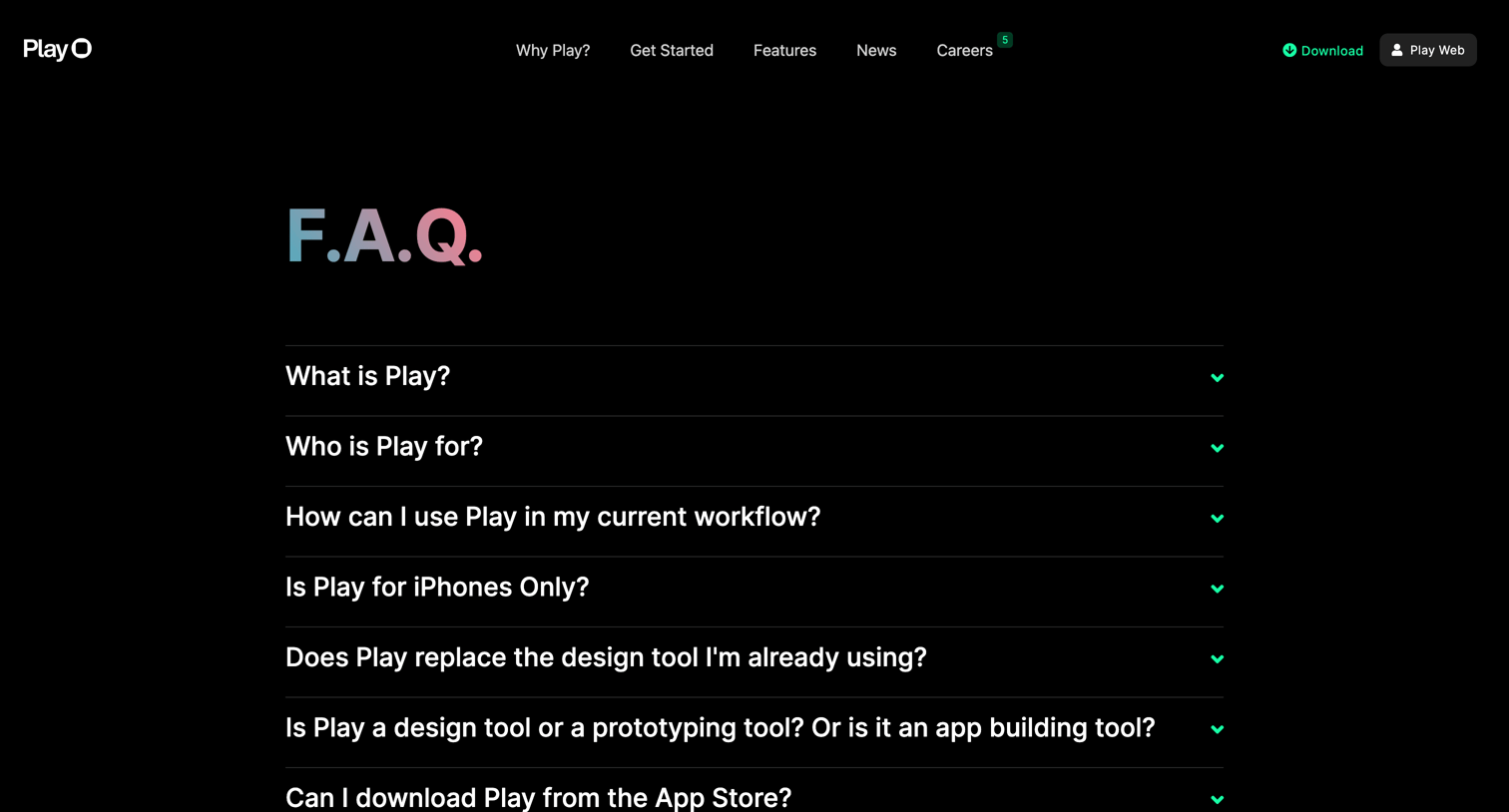
Dedicated FAQ page where users can expand accordion rows to read answers about the product's capabilities, platform support, and file security.
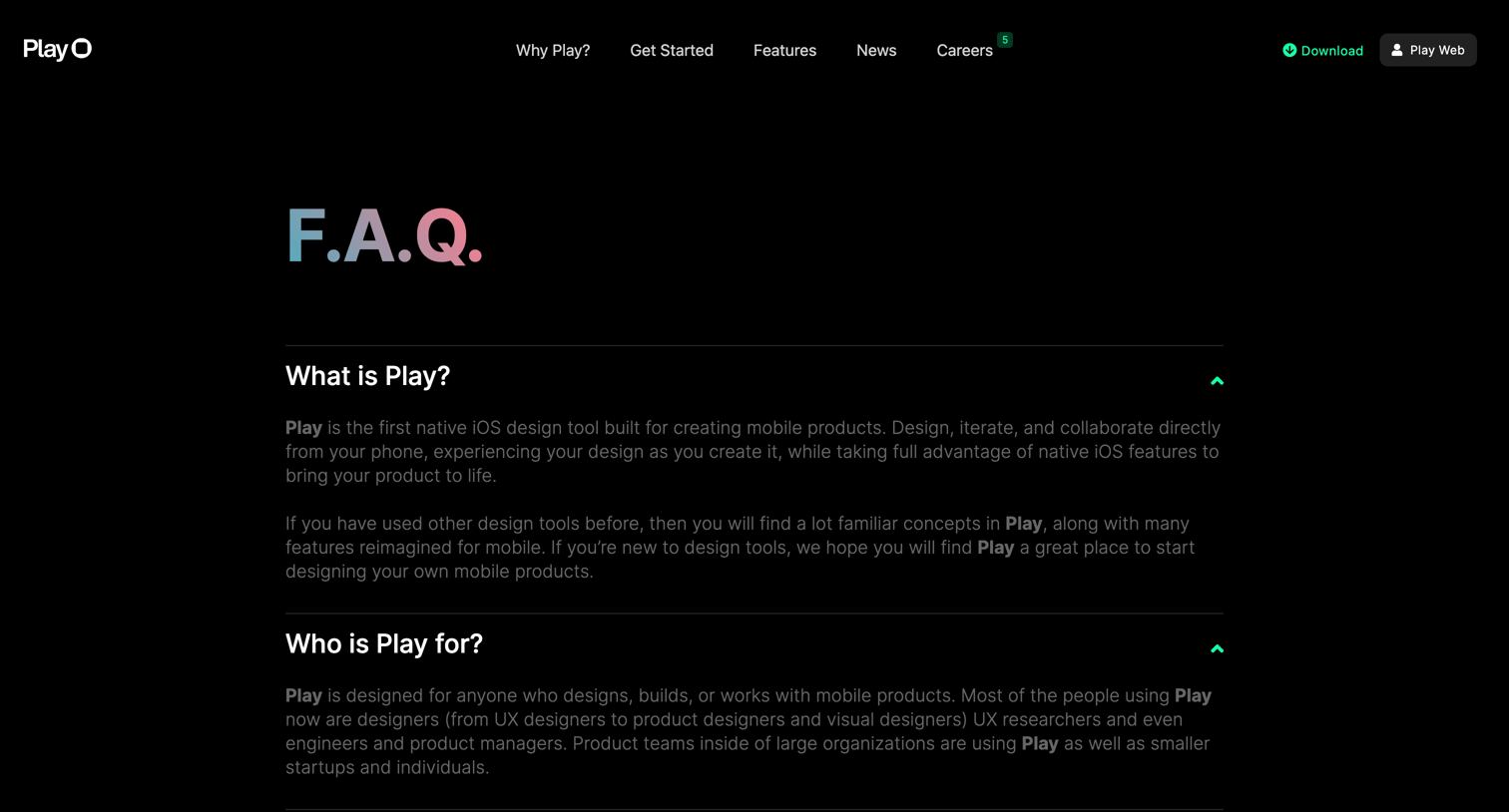
FAQ page where users can expand accordions to read answers about Play's iOS compatibility, workflow integration, and file storage.
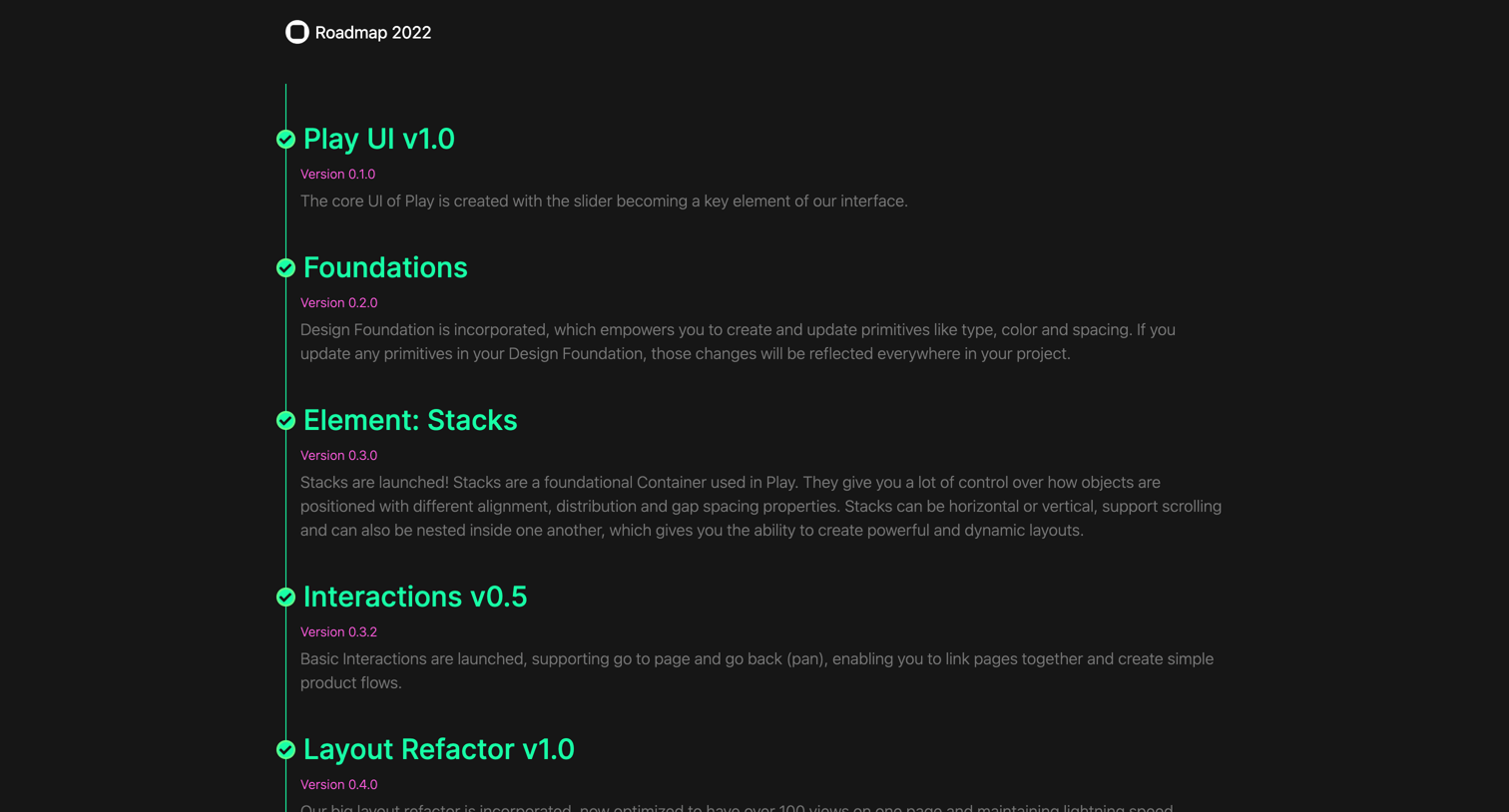
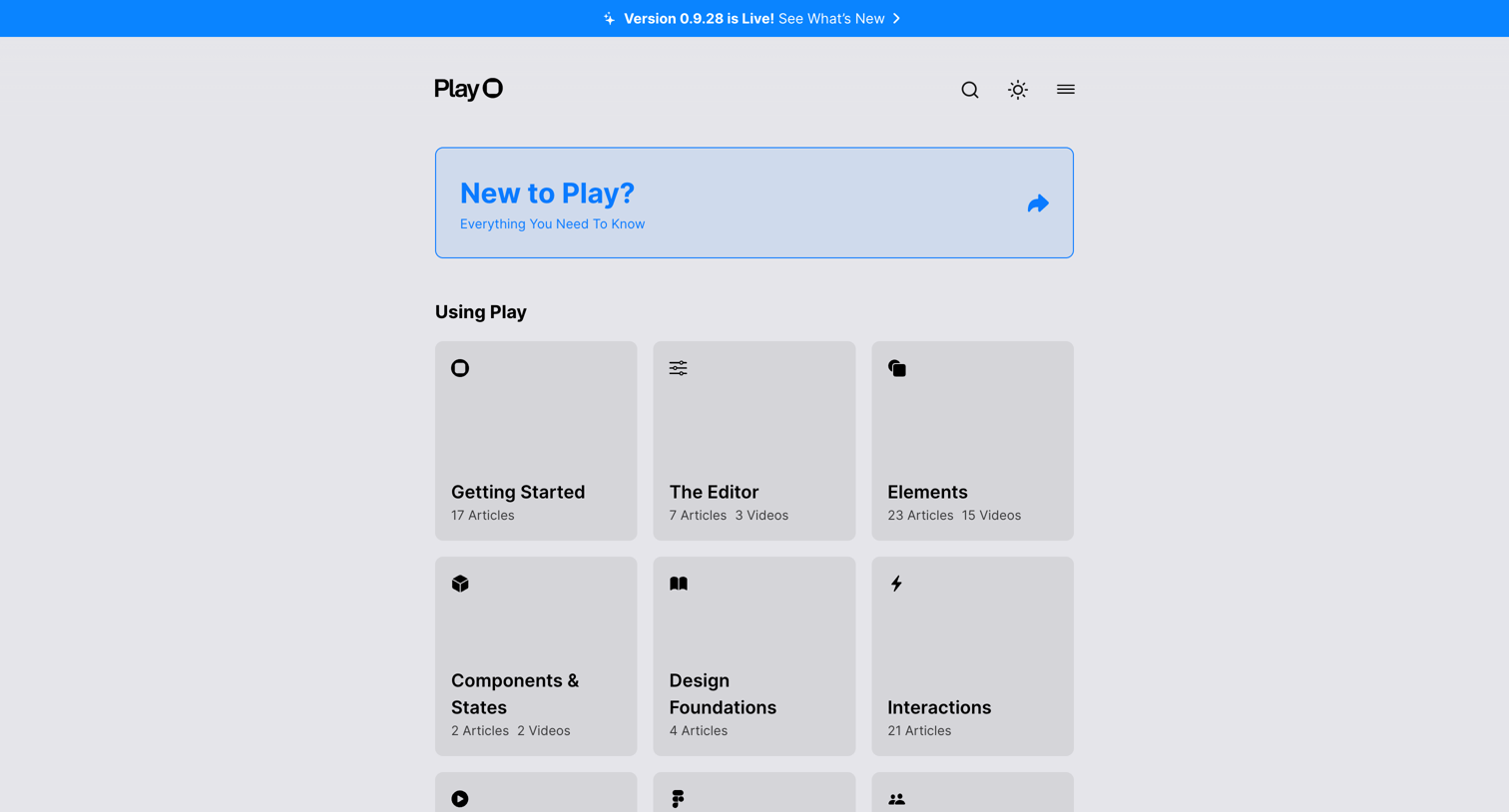
Help center homepage where the user navigates through product documentation categories like the editor, components, and interactions, or accesses community support.
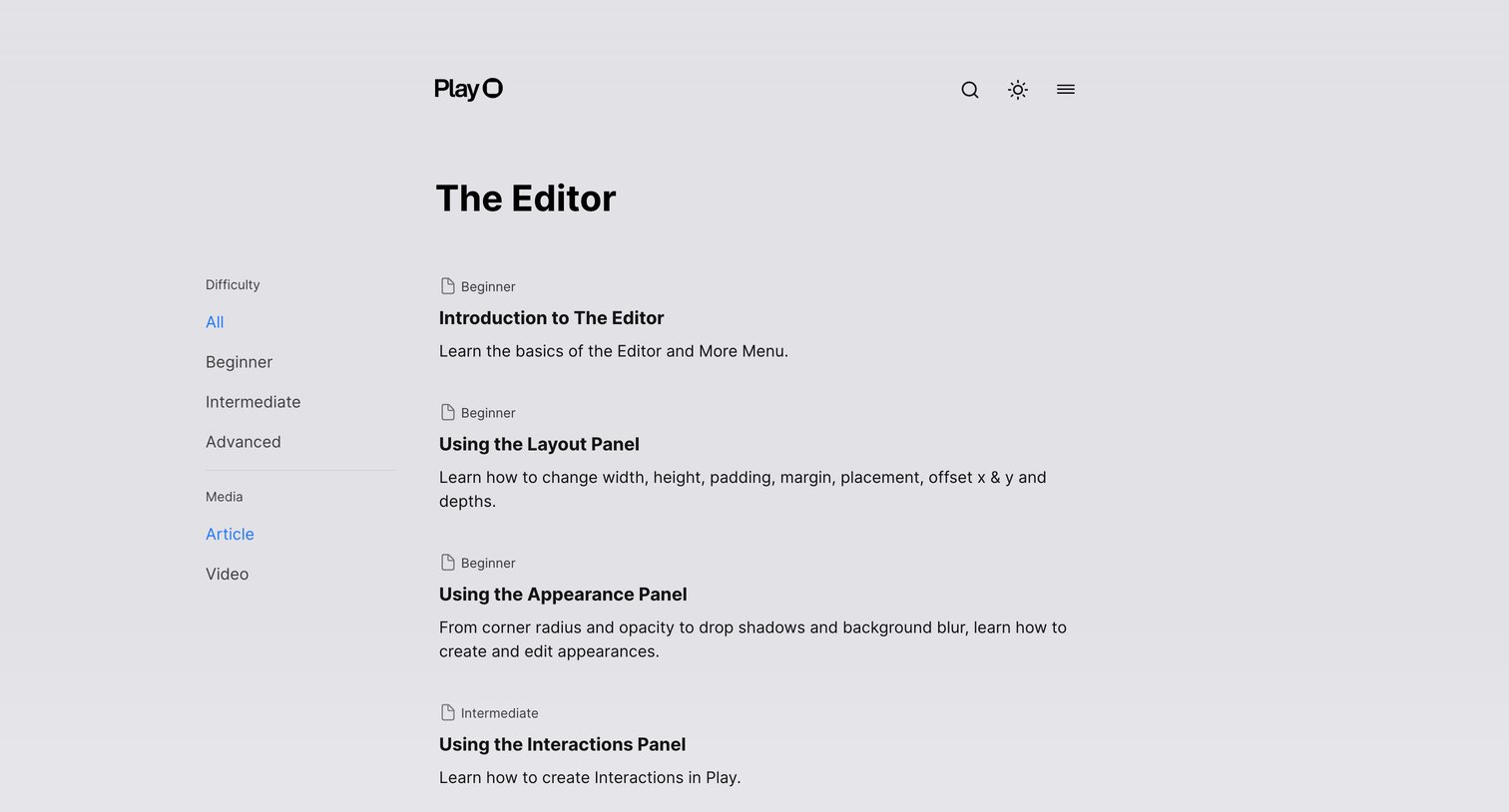
Help center category page where the user browses and filters tutorials about the editor by difficulty and media type.
Explore the full SaaS screen library
Upgrade to unlock the full library.
Trusted by the best teams







