Opendoor product screens examples
Browse Opendoor screen design examples. Preview the interface screenshots and explore related UI patterns. The easiest way to sell your home
Explore the examples


Sign-in screen where the user enters their email to access their Opendoor account, with an option to remember their device.

Password recovery screen where the user enters their email address to receive reset instructions.

Onboarding step where the user selects their relationship to the home being evaluated via a radio group.

Onboarding step where the user answers a yes/no question about working with a home builder to proceed with their property evaluation.
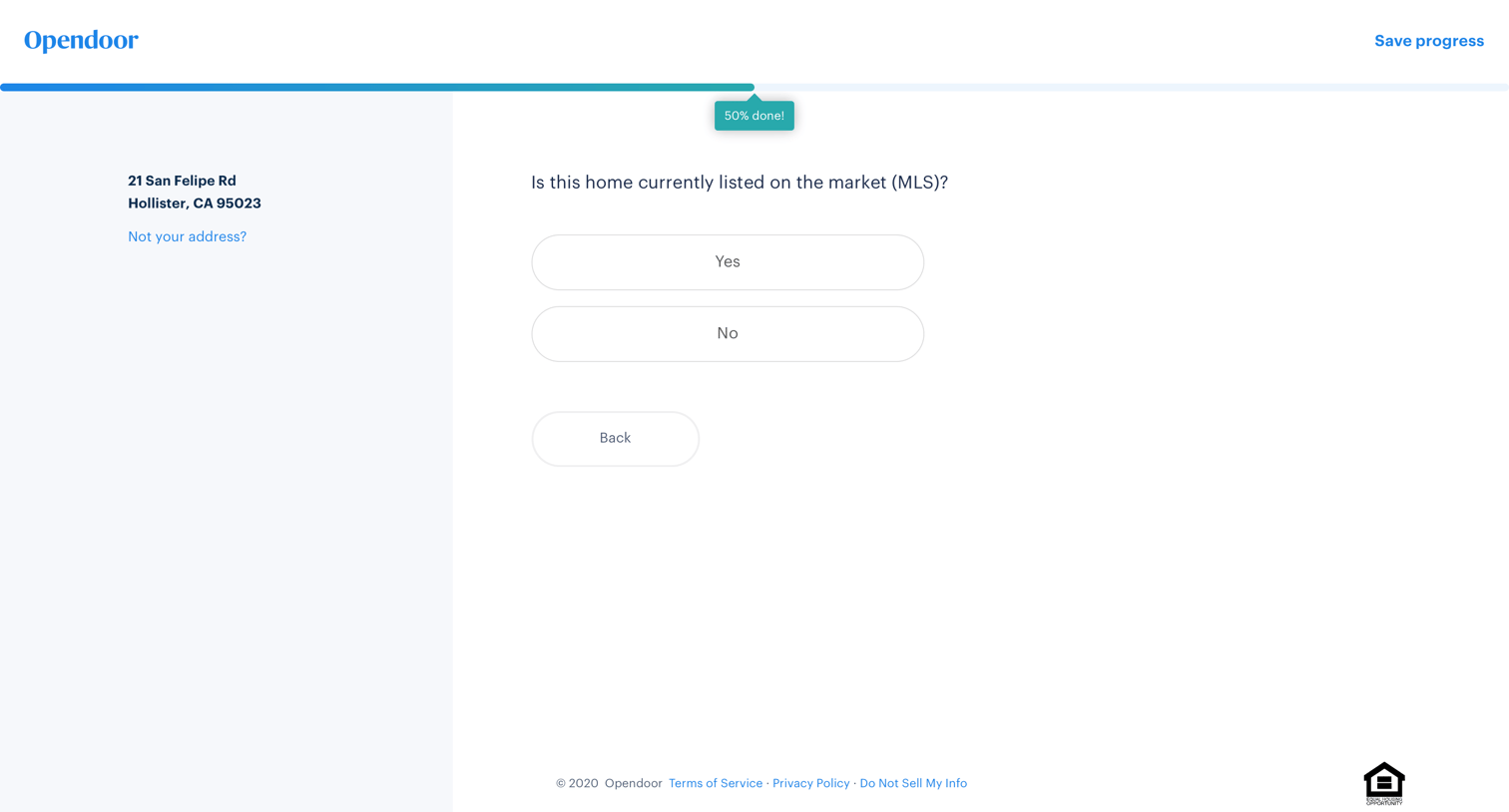
Onboarding step where the user indicates if their home is currently listed on the MLS by selecting yes or no.

Onboarding step where the user selects their sale timeline from a list of options like ASAP or Just browsing.

Onboarding step where the user provides their full name, email address, and phone number to be contacted with a real estate offer.

Onboarding step where the user is prompted to enter their email to save their progress in a property evaluation flow.

Search results page where the user browses homes for sale in Houston via a split map and list view, with options to sort by newest and apply filters.
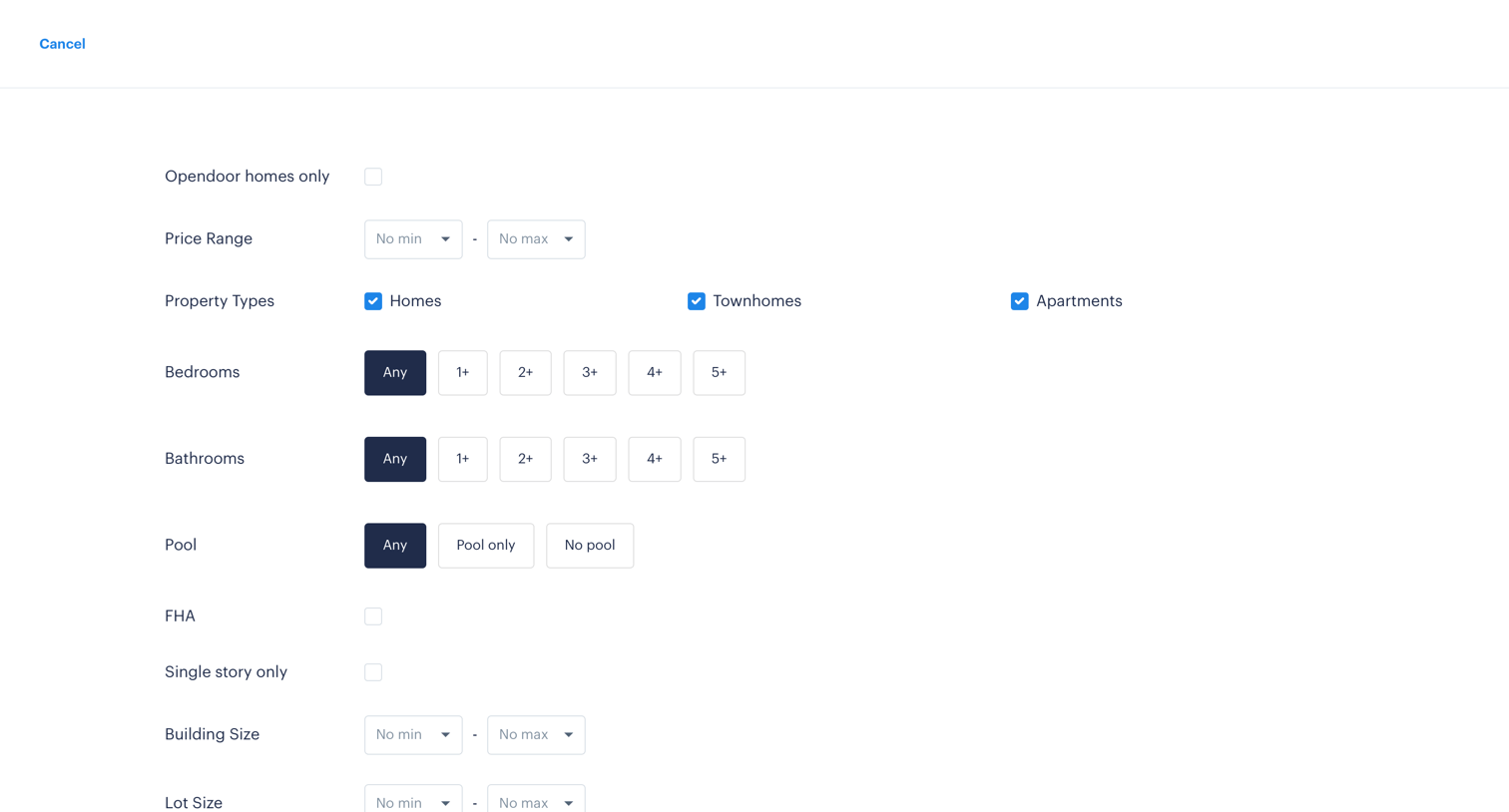
Search overlay where the user configures real estate filters like price range, property type, bedrooms, and lot size.

Product page for a real estate listing where the user views property details, an interactive map, school ratings, and similar homes, and can schedule a tour or start an offer.

Onboarding step where the user indicates whether they are currently working with a real estate agent before continuing to book a home tour.
Explore the full SaaS screen library
Upgrade to unlock the full library.
Trusted by the best teams







