Navigator product screens examples
Browse Navigator screen design examples. Preview the interface screenshots and explore related UI patterns. Love your meetings.
Explore the examples
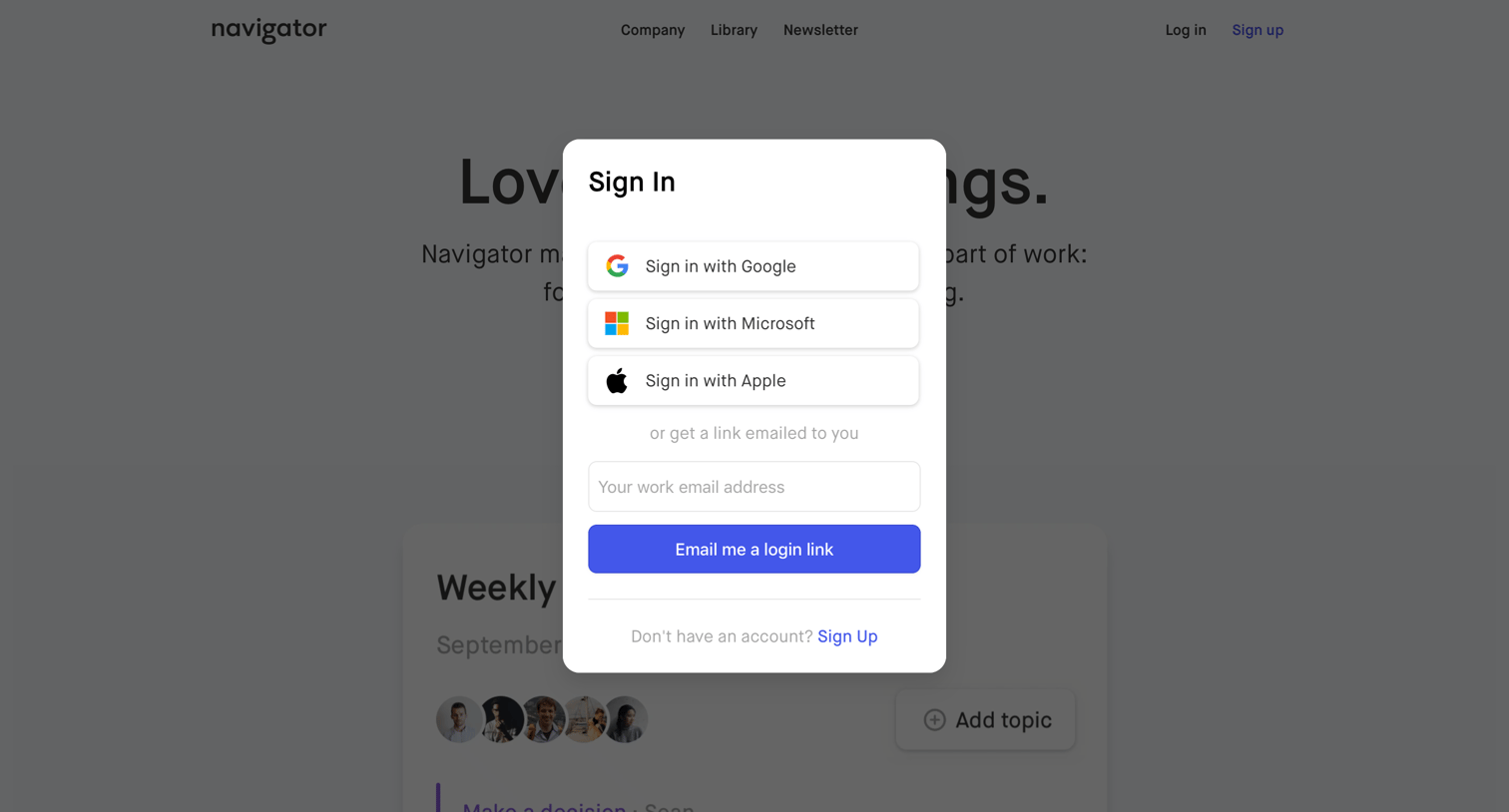
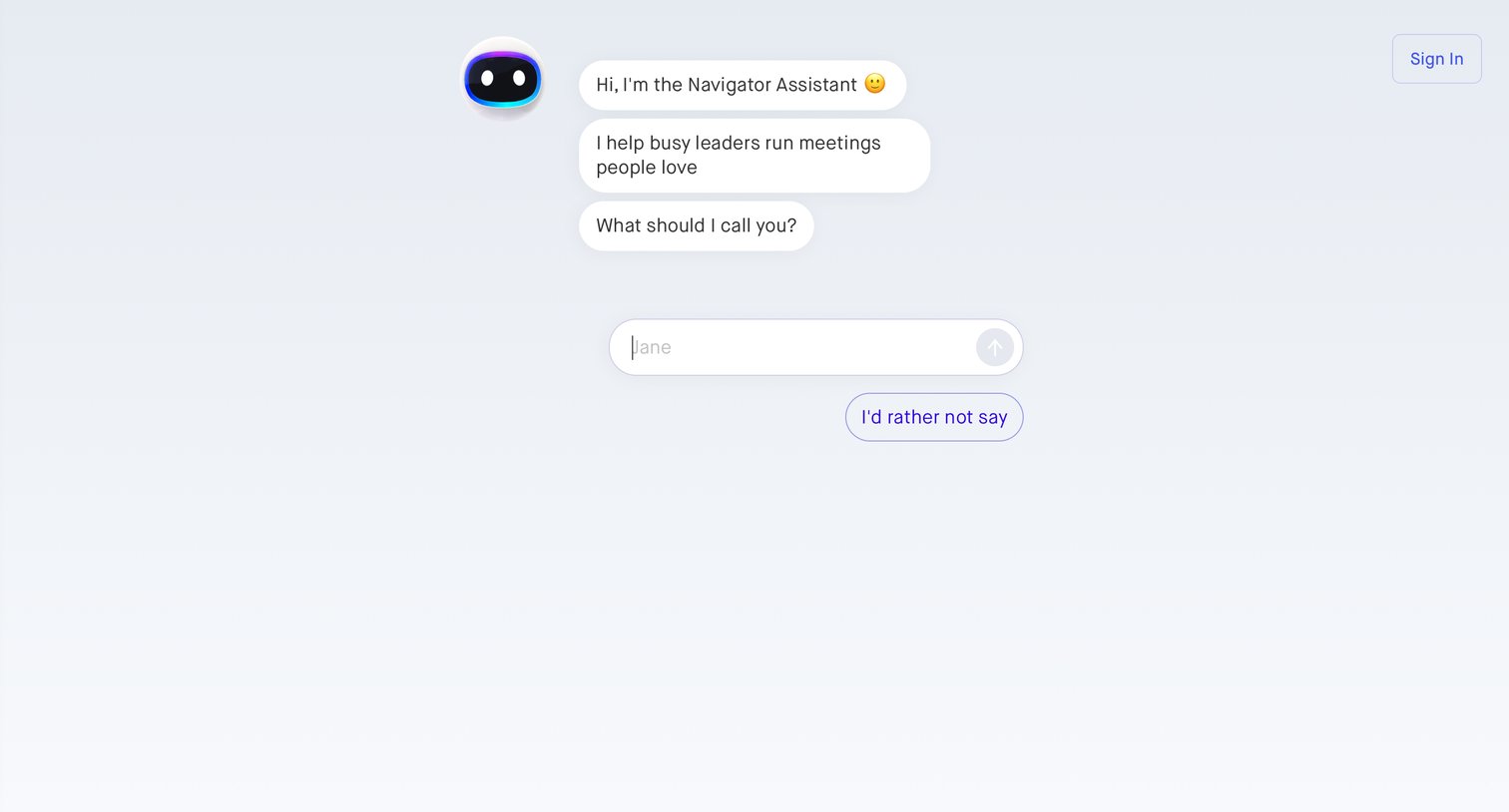
Onboarding screen where an AI assistant introduces itself and asks for the user's name via a chat interface.
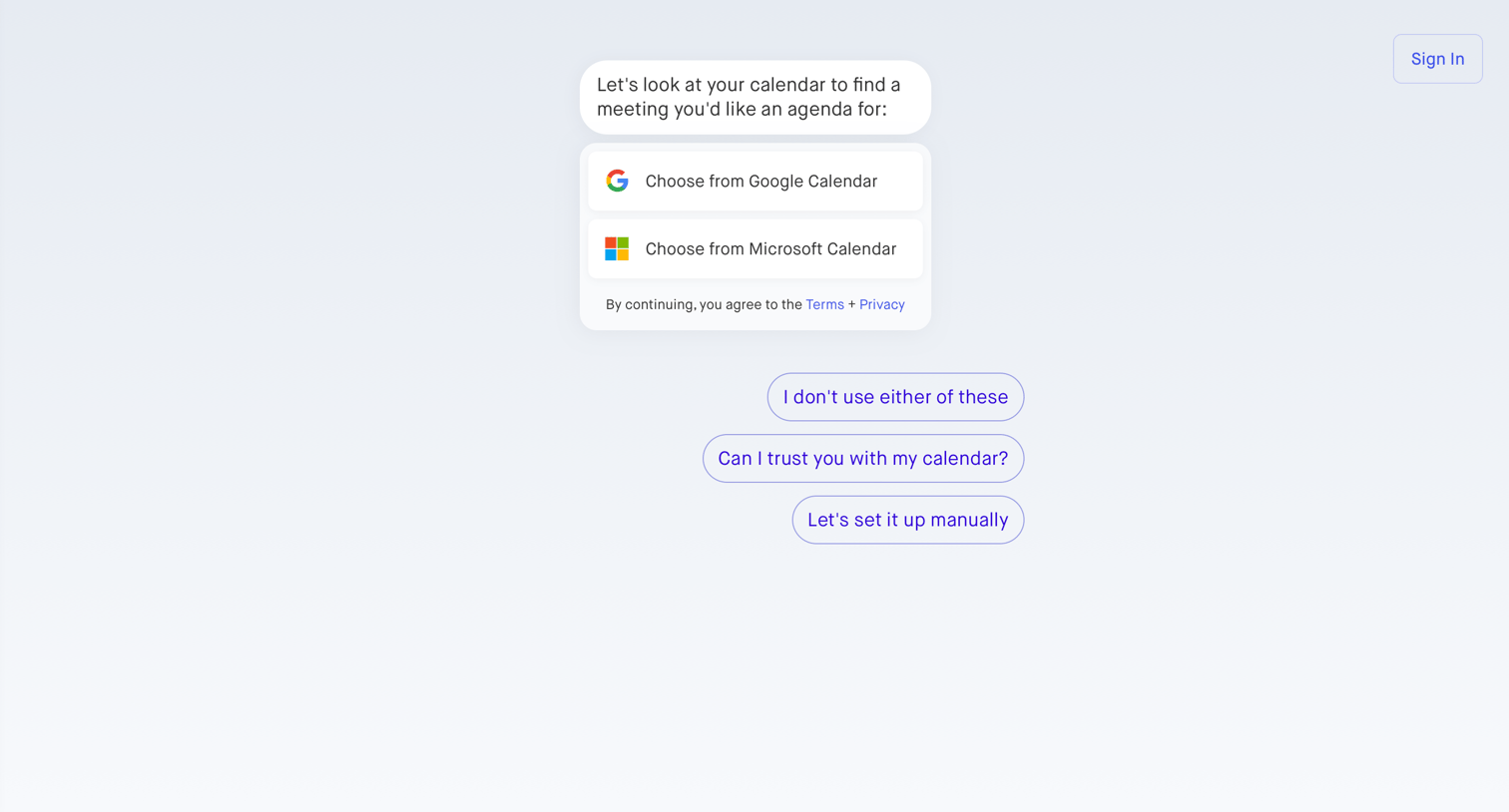
Onboarding step where a conversational interface prompts the user to connect their Google or Microsoft calendar to generate meeting agendas.
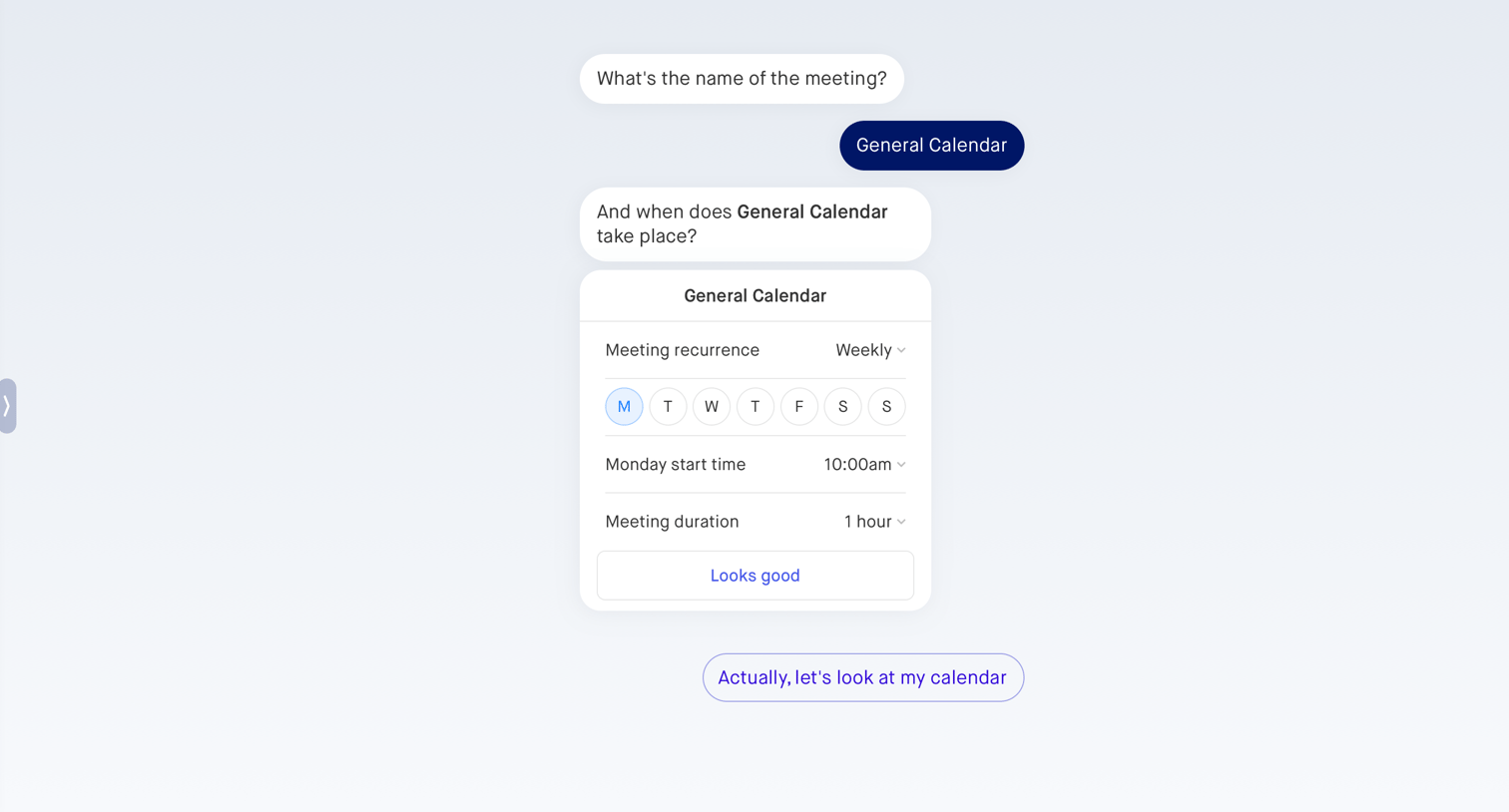
Conversational interface where the user sets up a recurring meeting by answering prompts and interacting with an inline scheduling card.
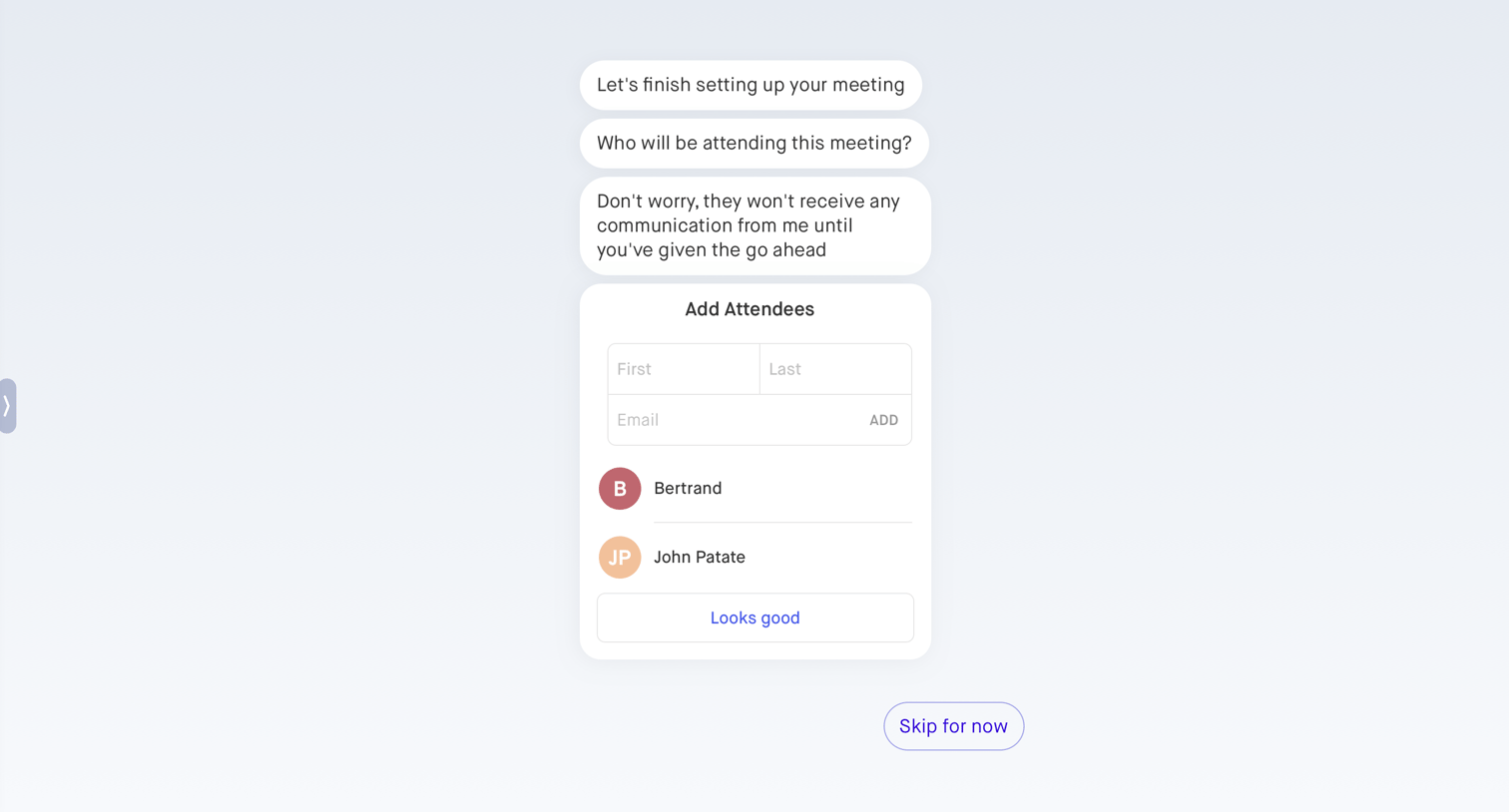
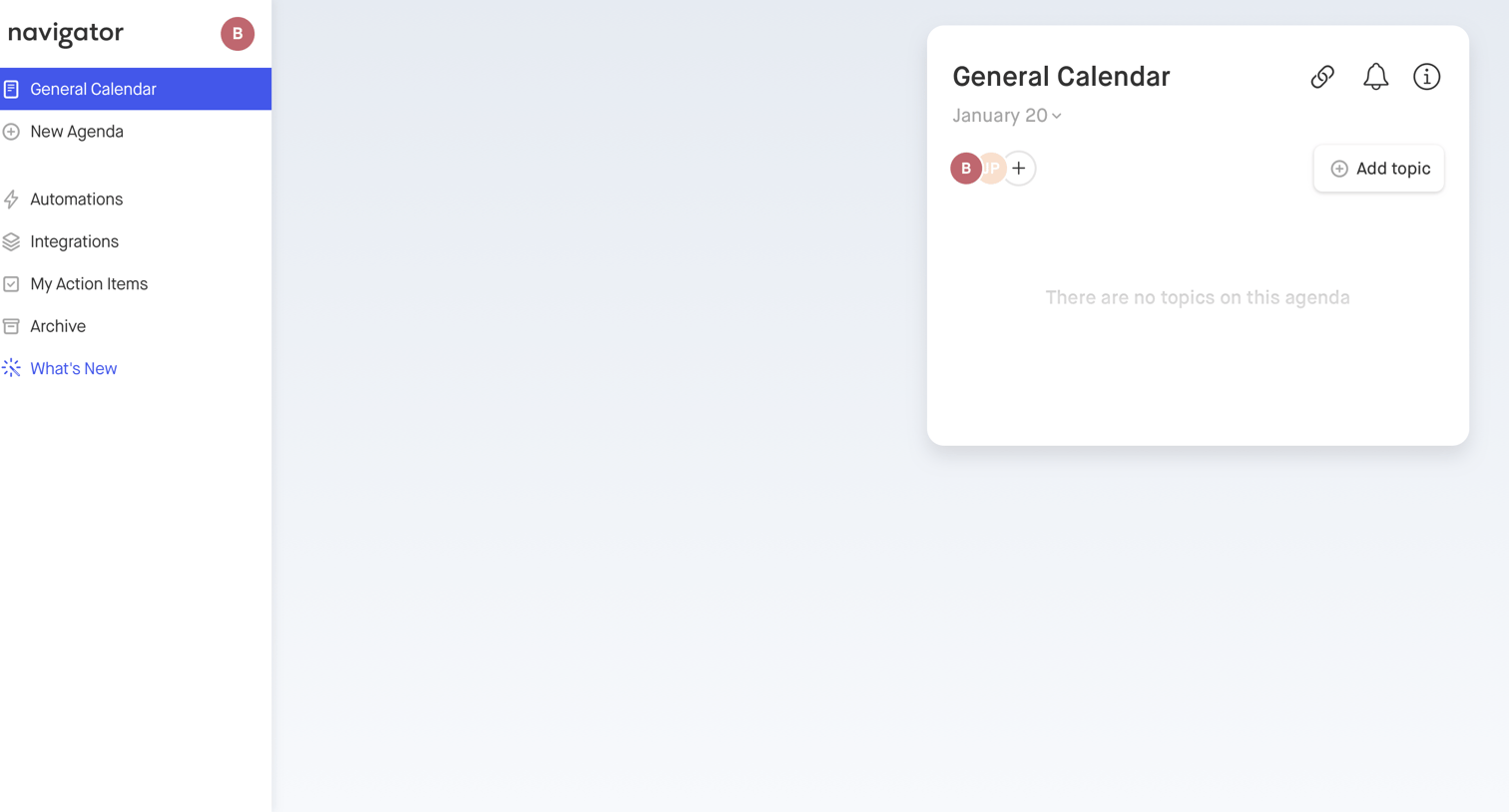
Detail page for a specific calendar agenda showing an empty state with a prompt to add the first topic.
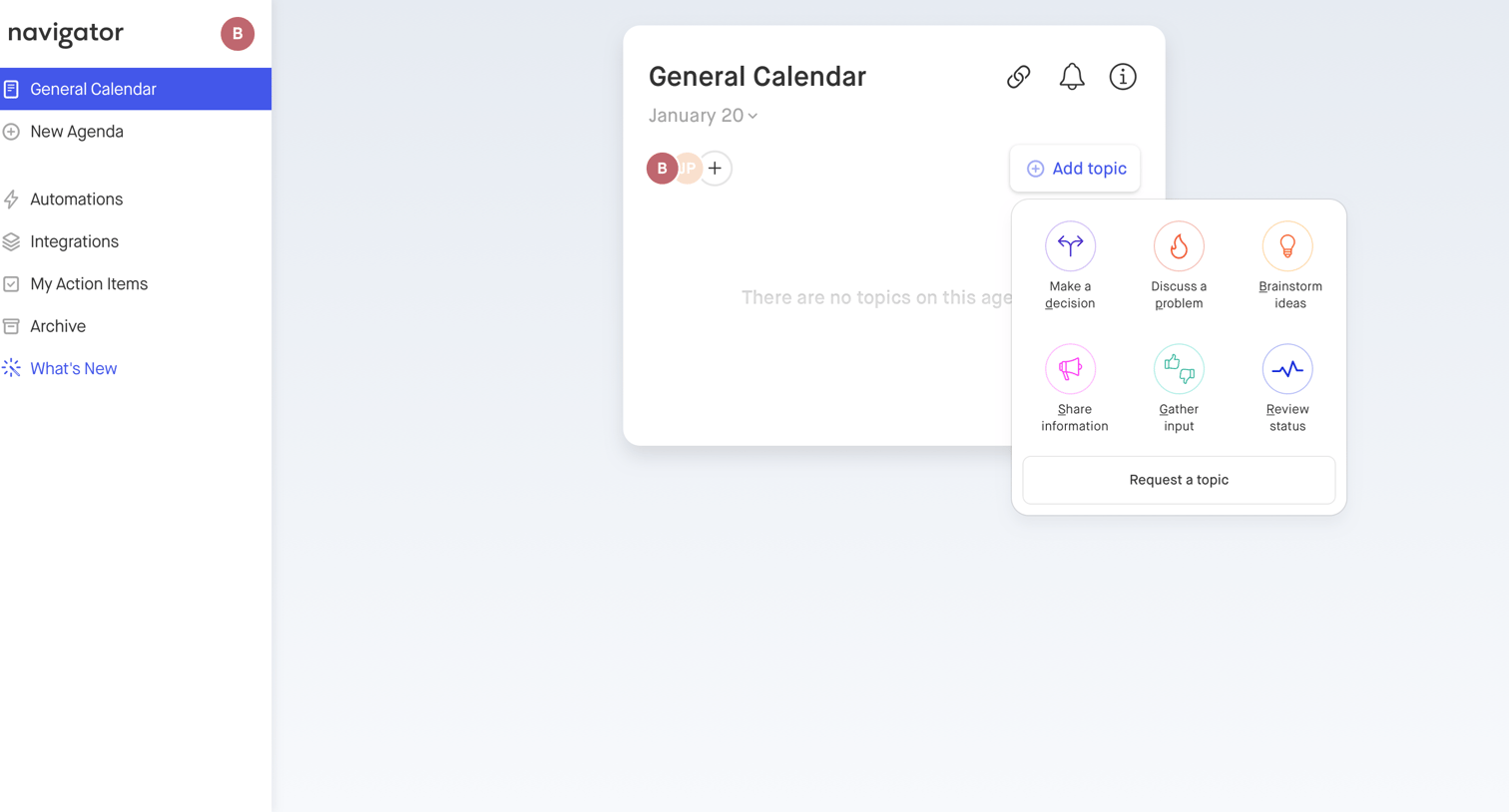
Detail page for a calendar event where the user can add discussion topics to an empty agenda via a popover menu.
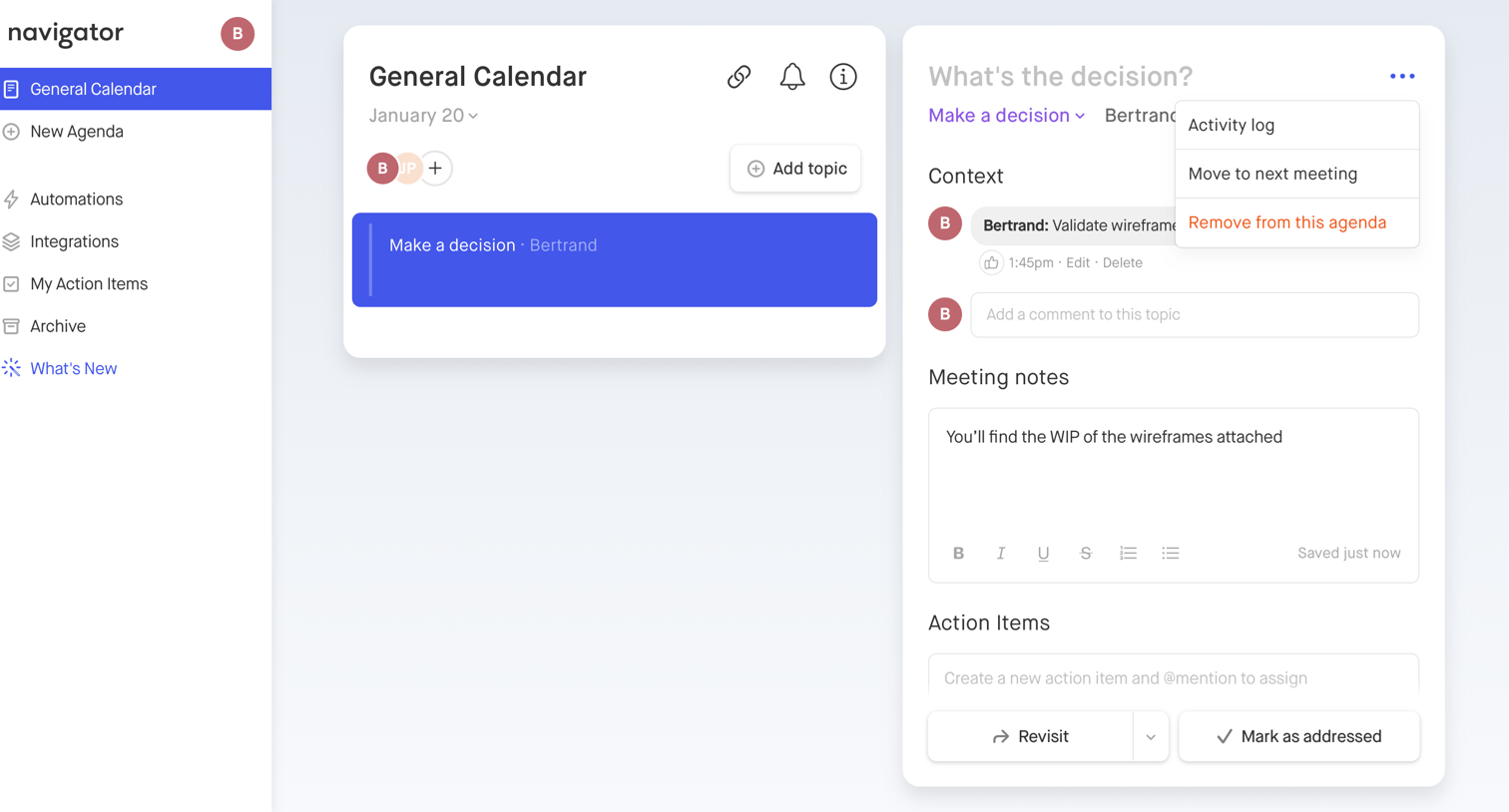
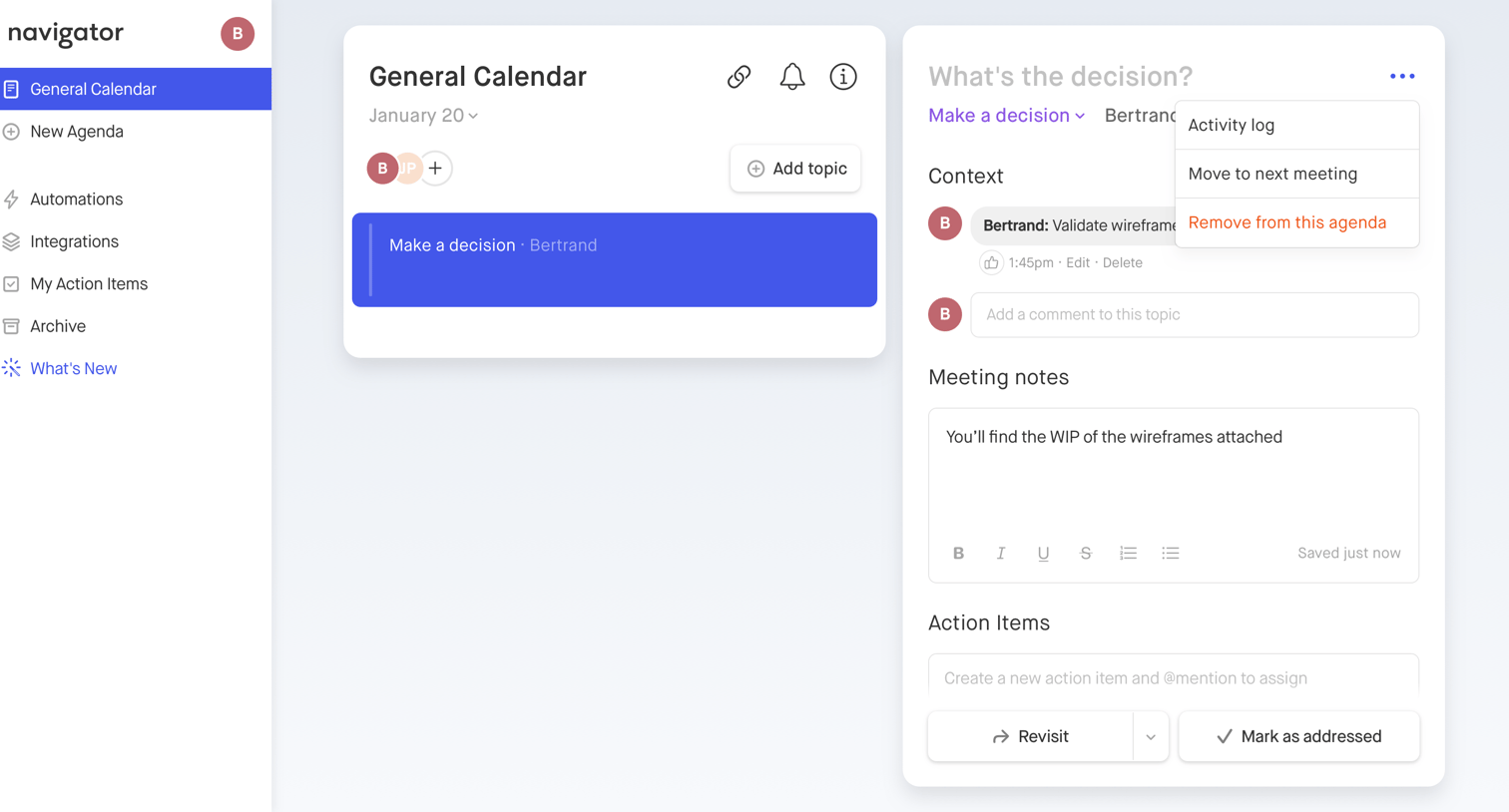
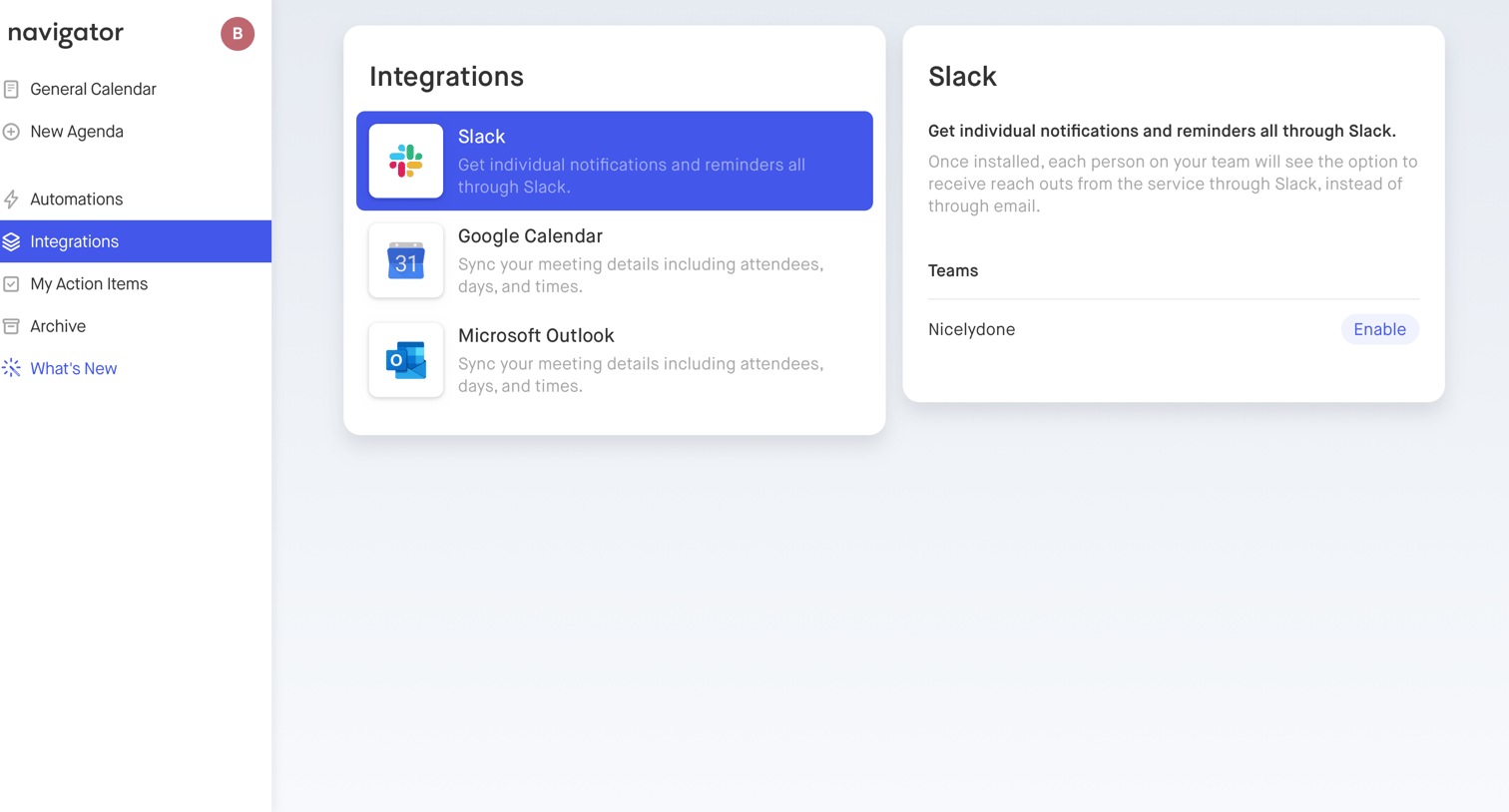
Settings page where the user browses available integrations like Slack, Google Calendar, and Microsoft Outlook, and views details to enable Slack for the Nicelydone team.
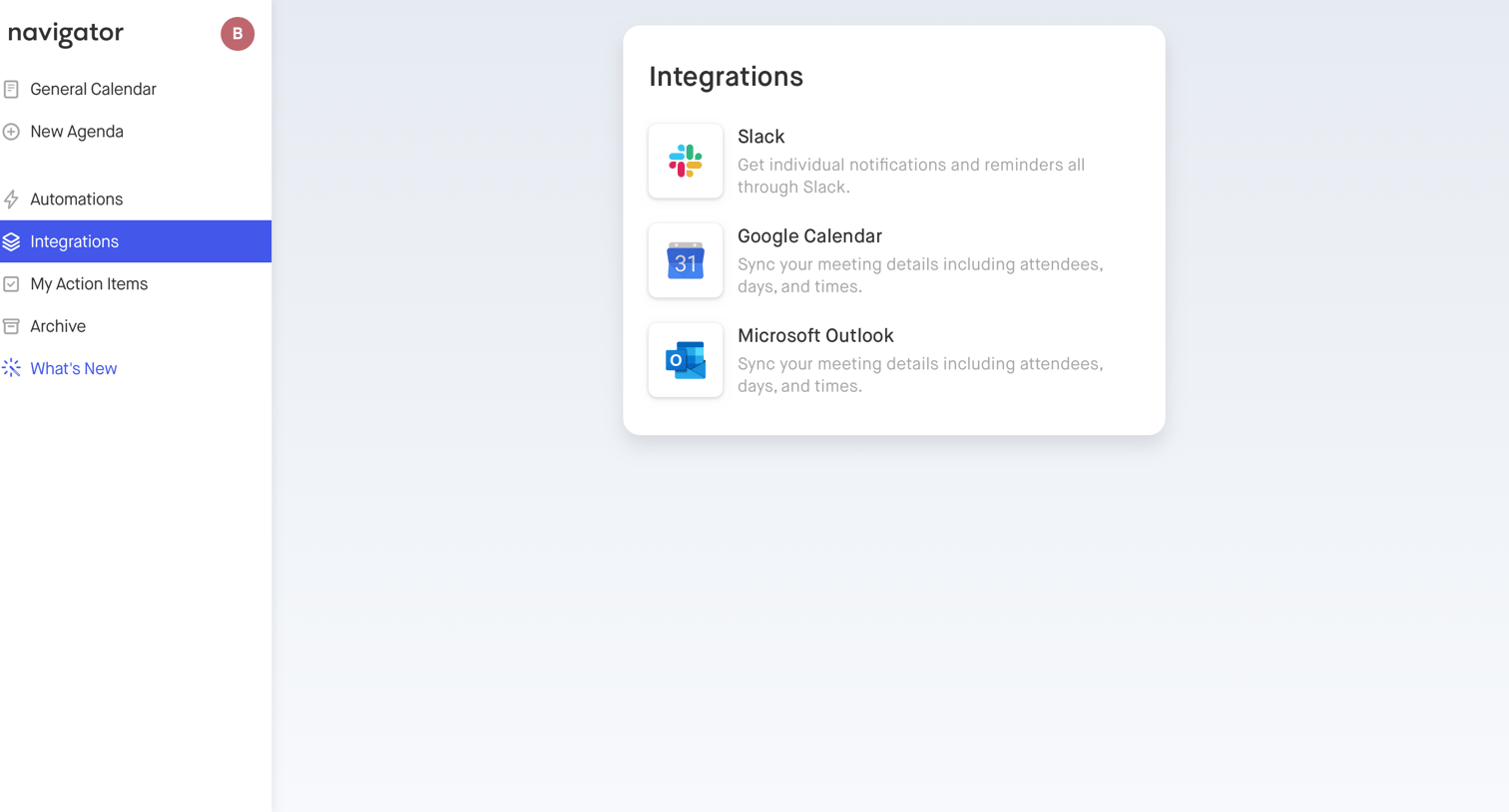
Settings page where the user can browse and connect integrations like Slack, Google Calendar, and Microsoft Outlook.
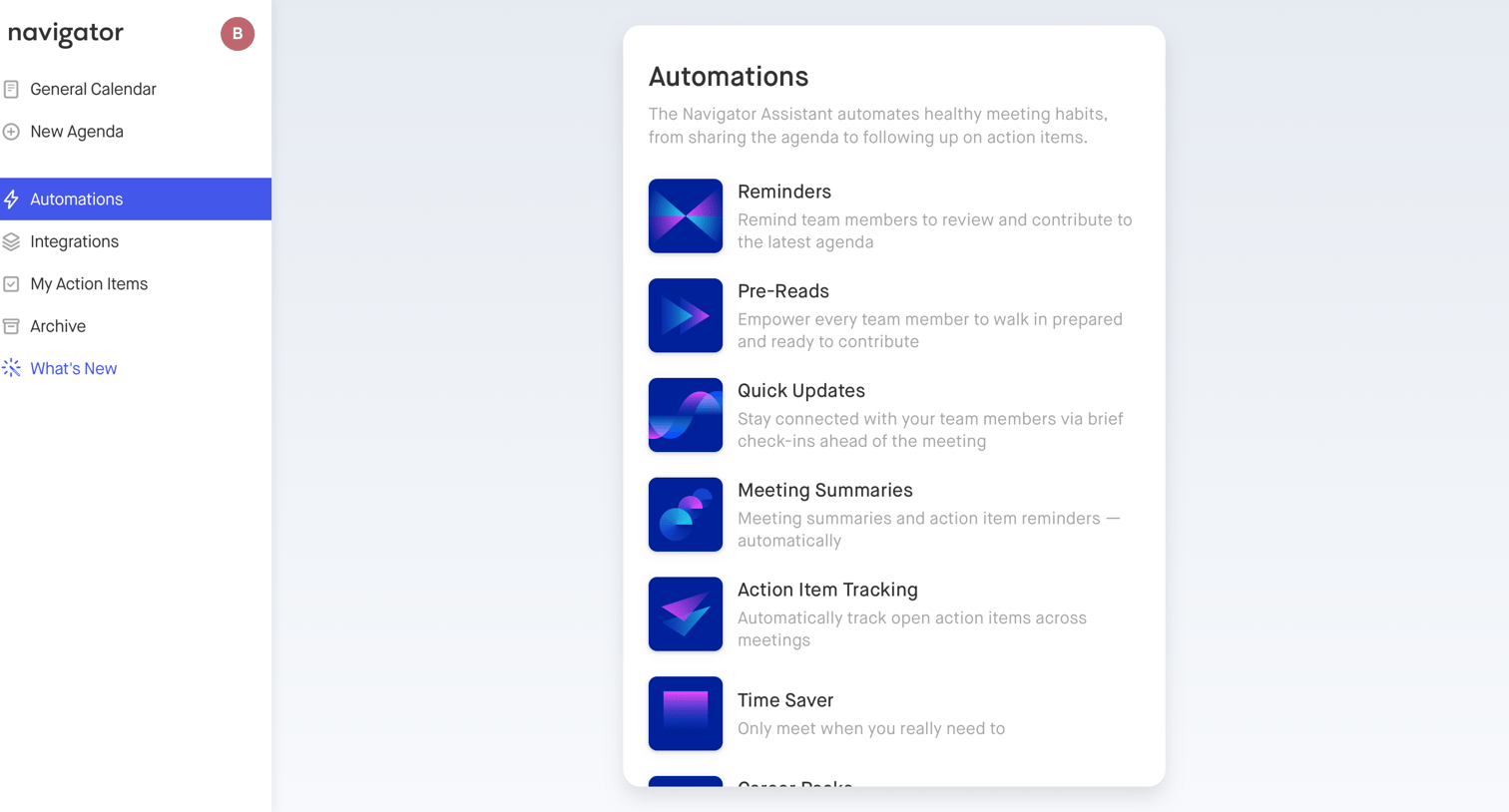
App view where the user browses available meeting automations like reminders, pre-reads, and meeting summaries provided by the assistant.
Explore the full SaaS screen library
Upgrade to unlock the full library.
Trusted by the best teams







