
Mollie product screens examples
Browse Mollie screen design examples. Preview the interface screenshots and explore related UI patterns. Better payments
Explore the examples
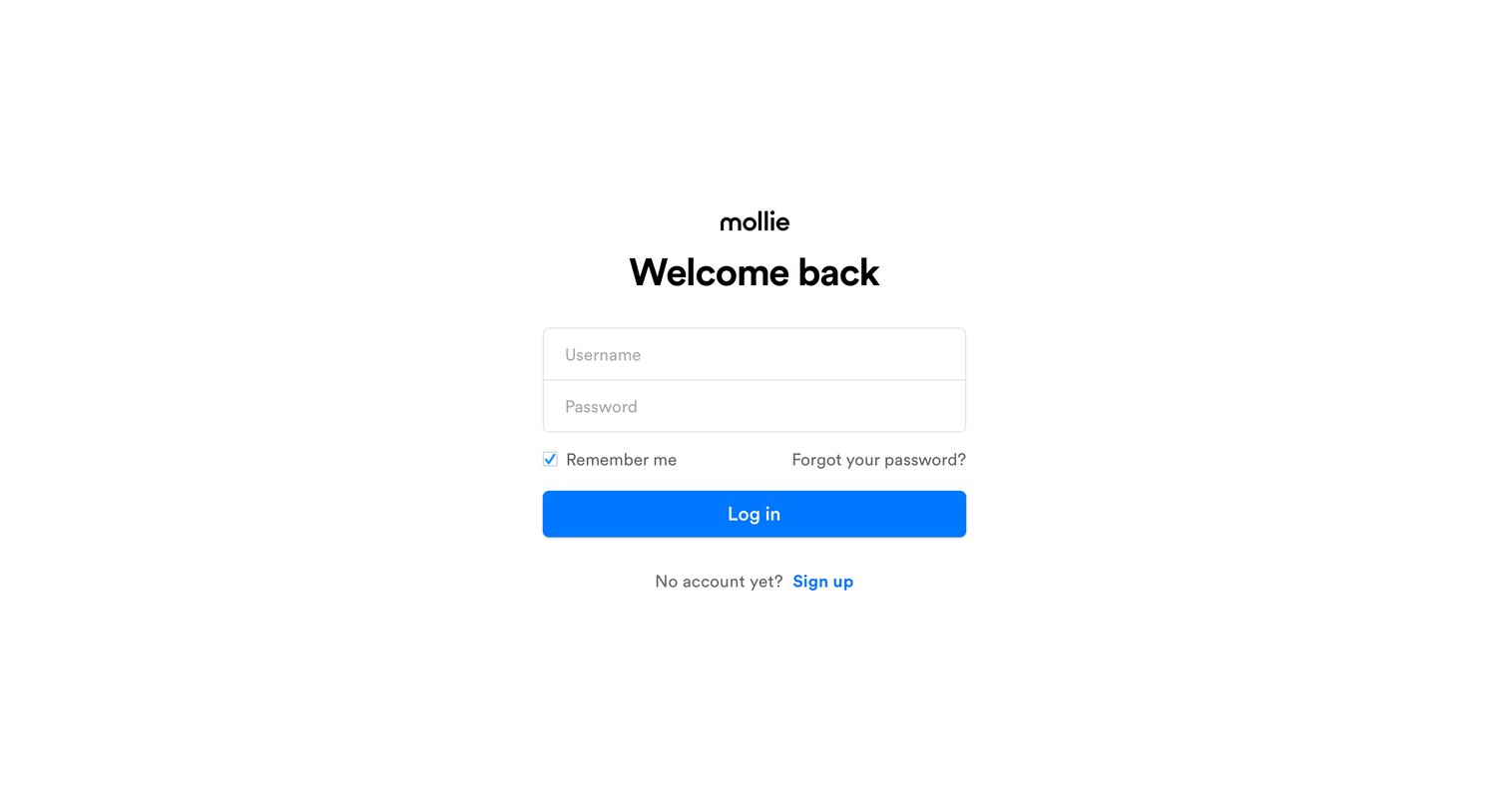
Sign-in screen where the user authenticates with their username and password, with options to remember the session or recover a forgotten password.
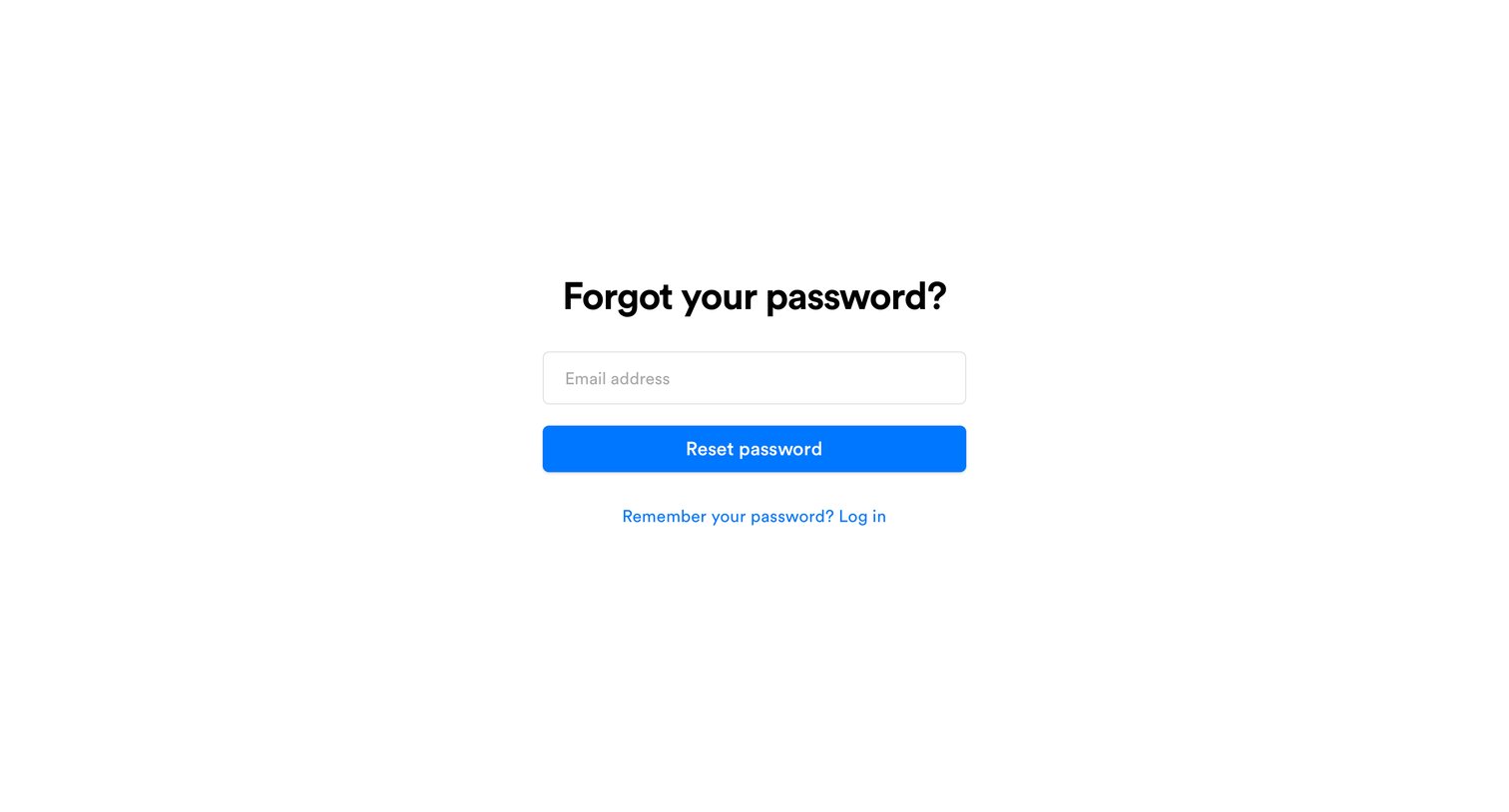
Password recovery screen where the user enters their email address to receive a reset link.
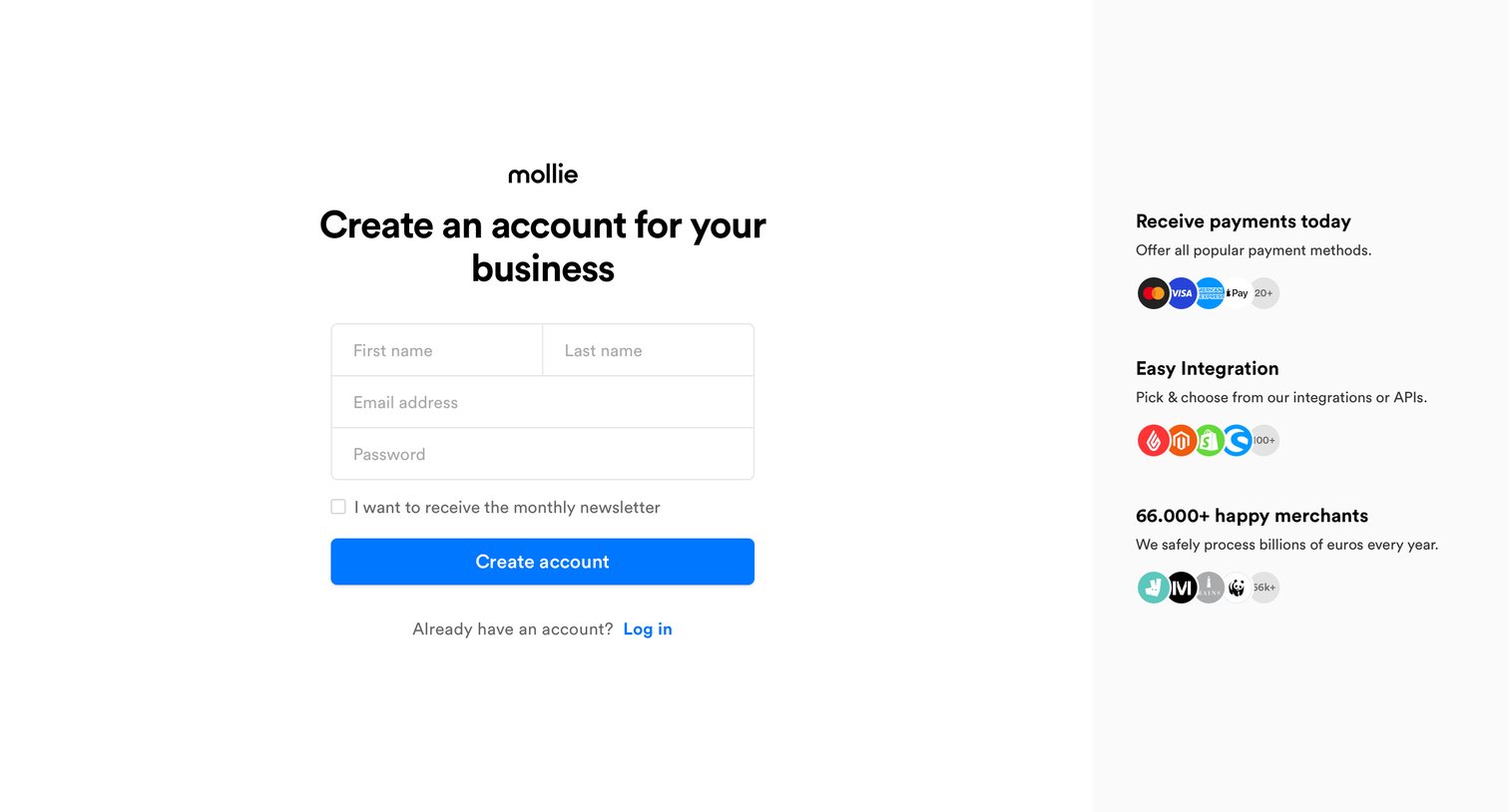
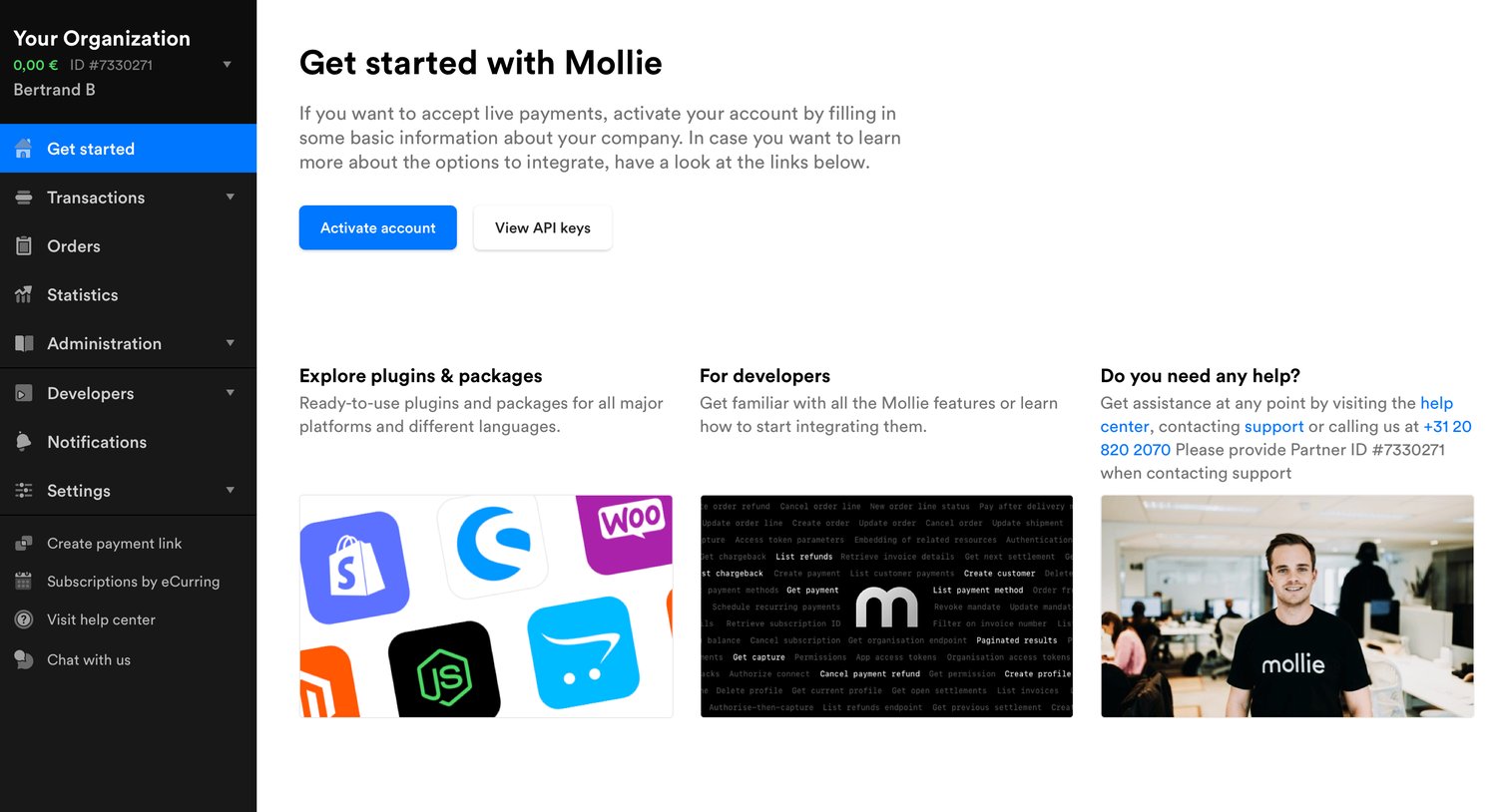
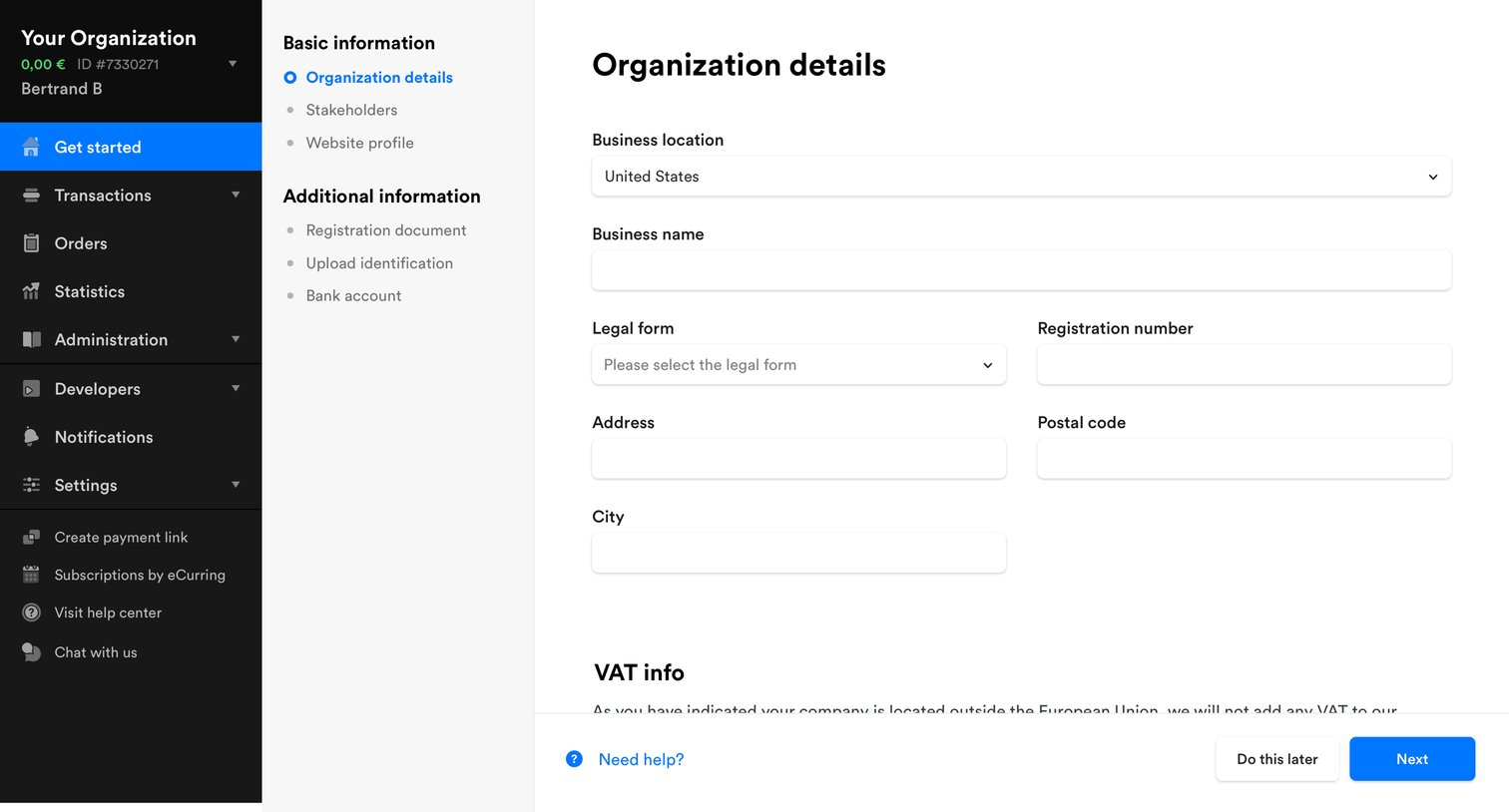
Onboarding step where the user provides basic business information, including location, legal form, and address, to set up their organization.
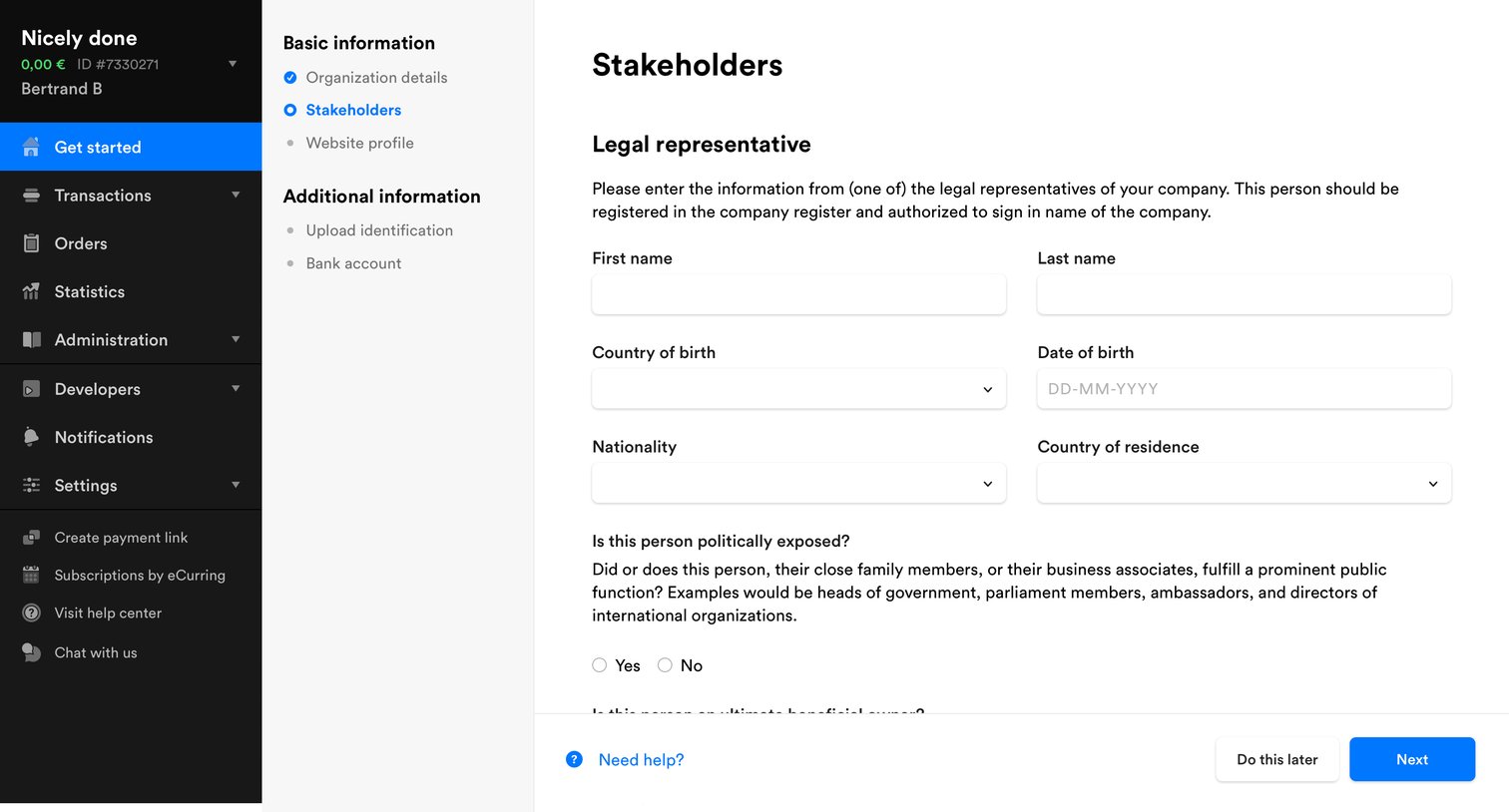
Onboarding step where the user provides legal representative and beneficial owner details for their company.
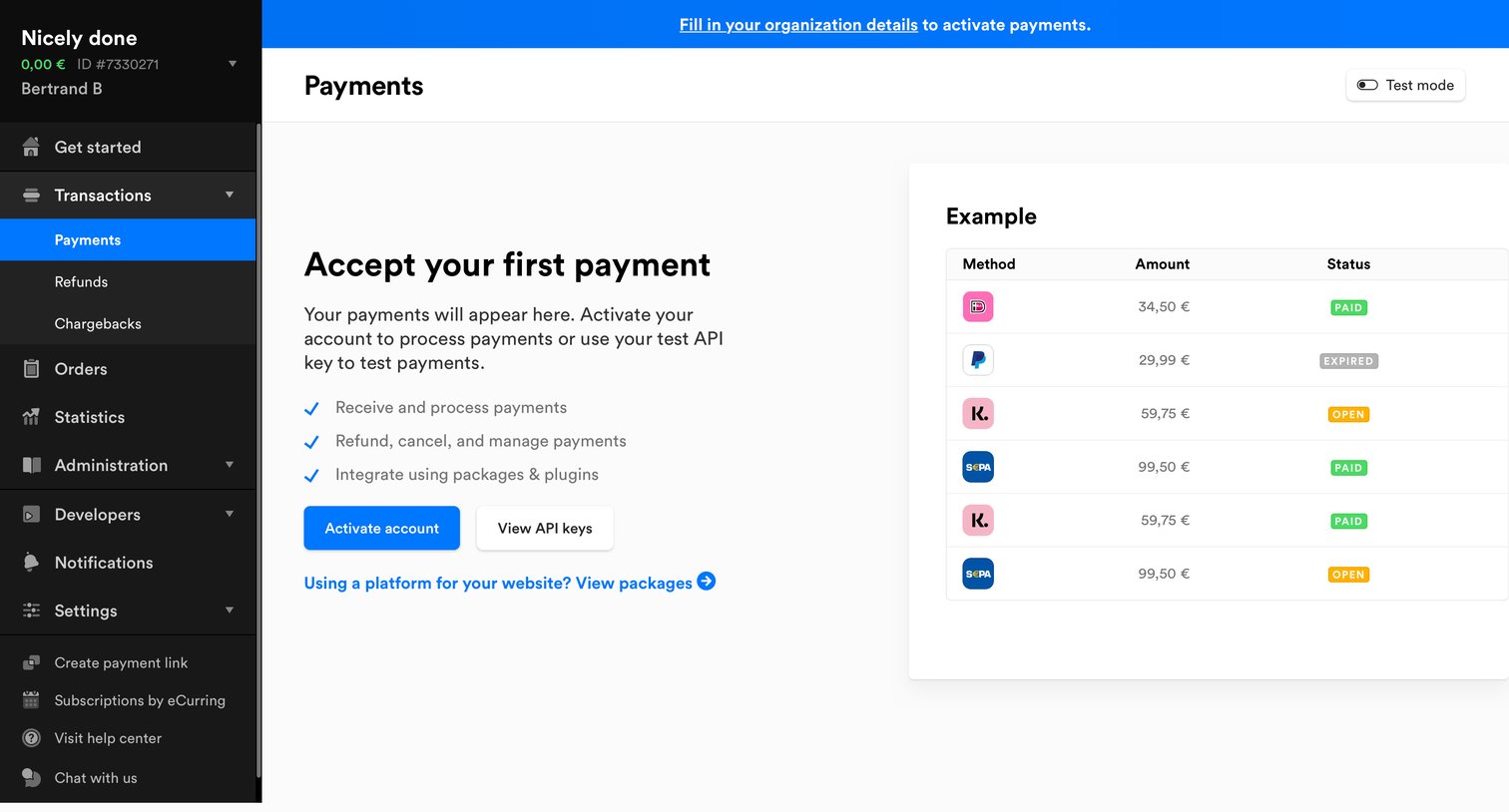
Payments list view in an empty state, prompting the user to activate their account or use test API keys, featuring an example transaction table.
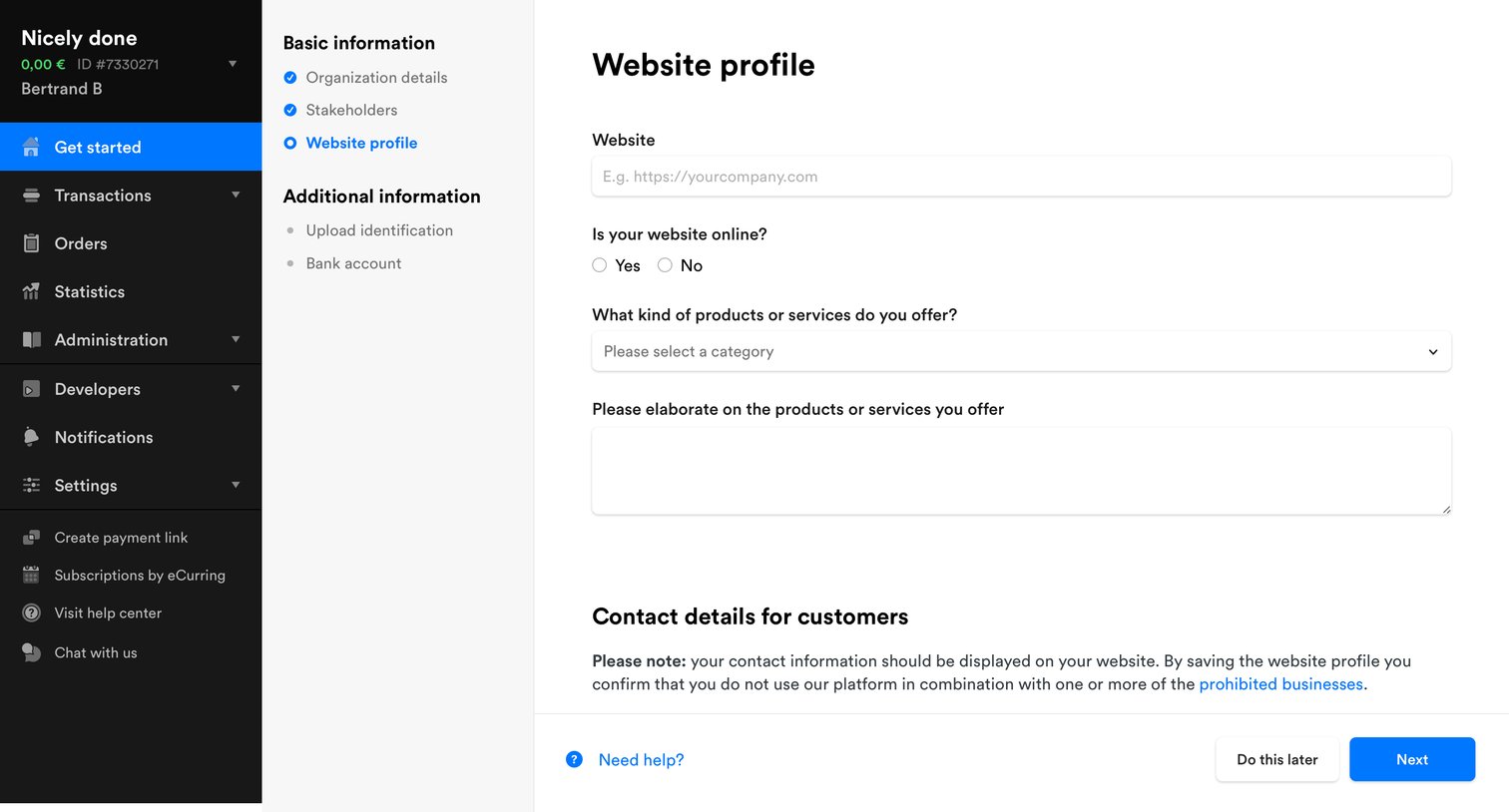
Onboarding step where the user configures their website details, contact information, and enables desired payment methods like Credit Card, Apple Pay, and PayPal.
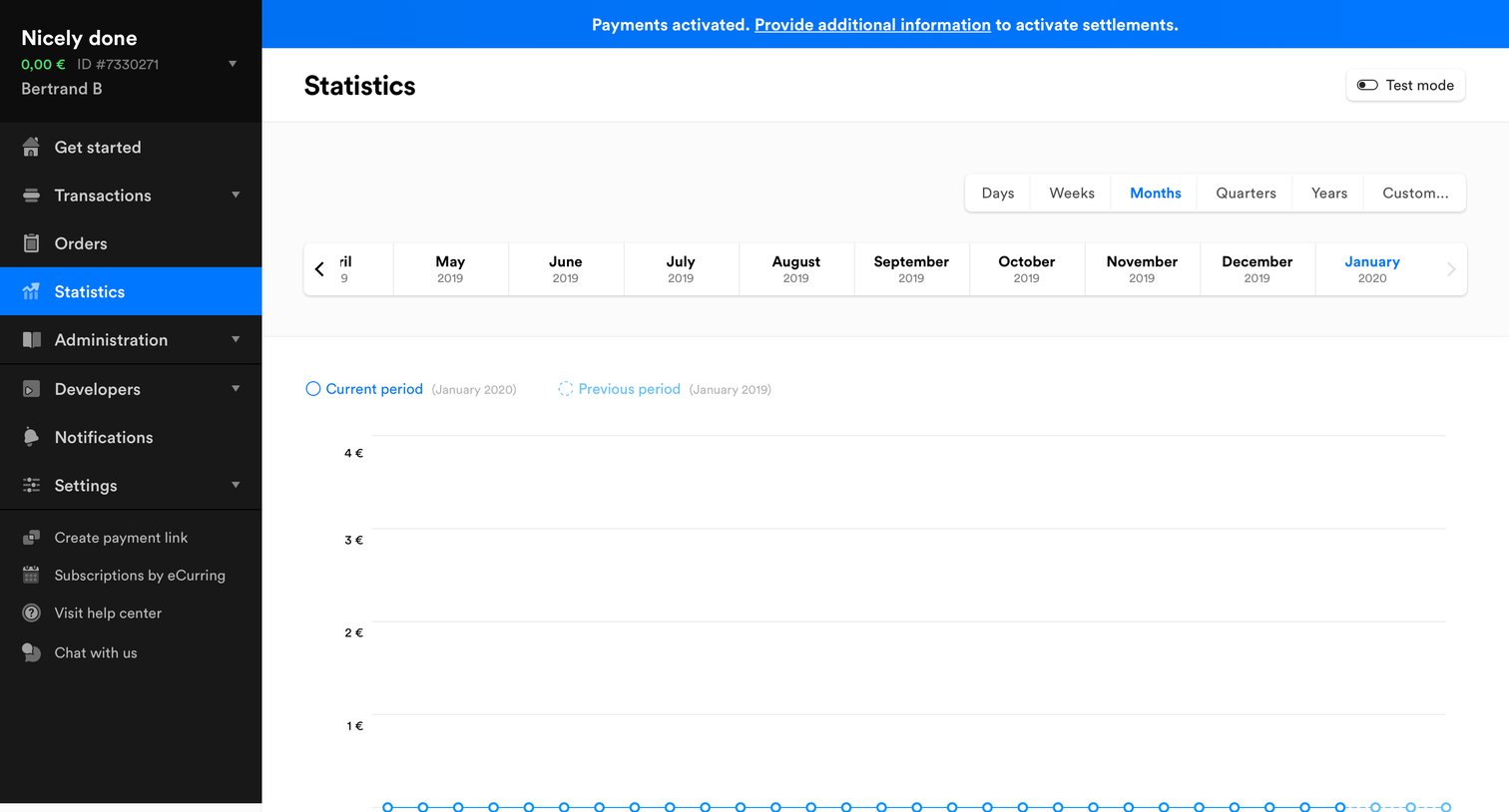
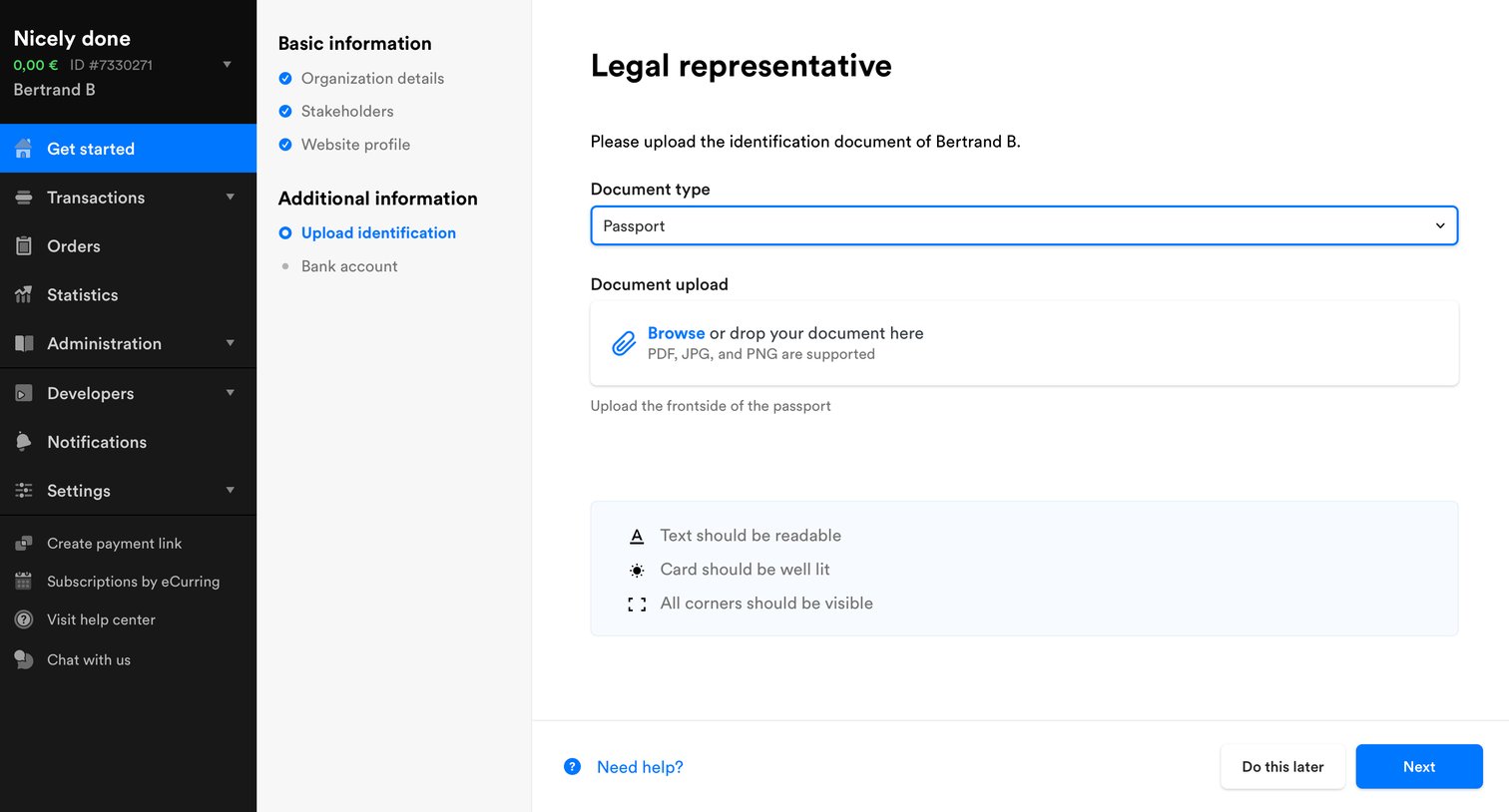
Onboarding step where the user uploads a passport or other identification document for the legal representative.
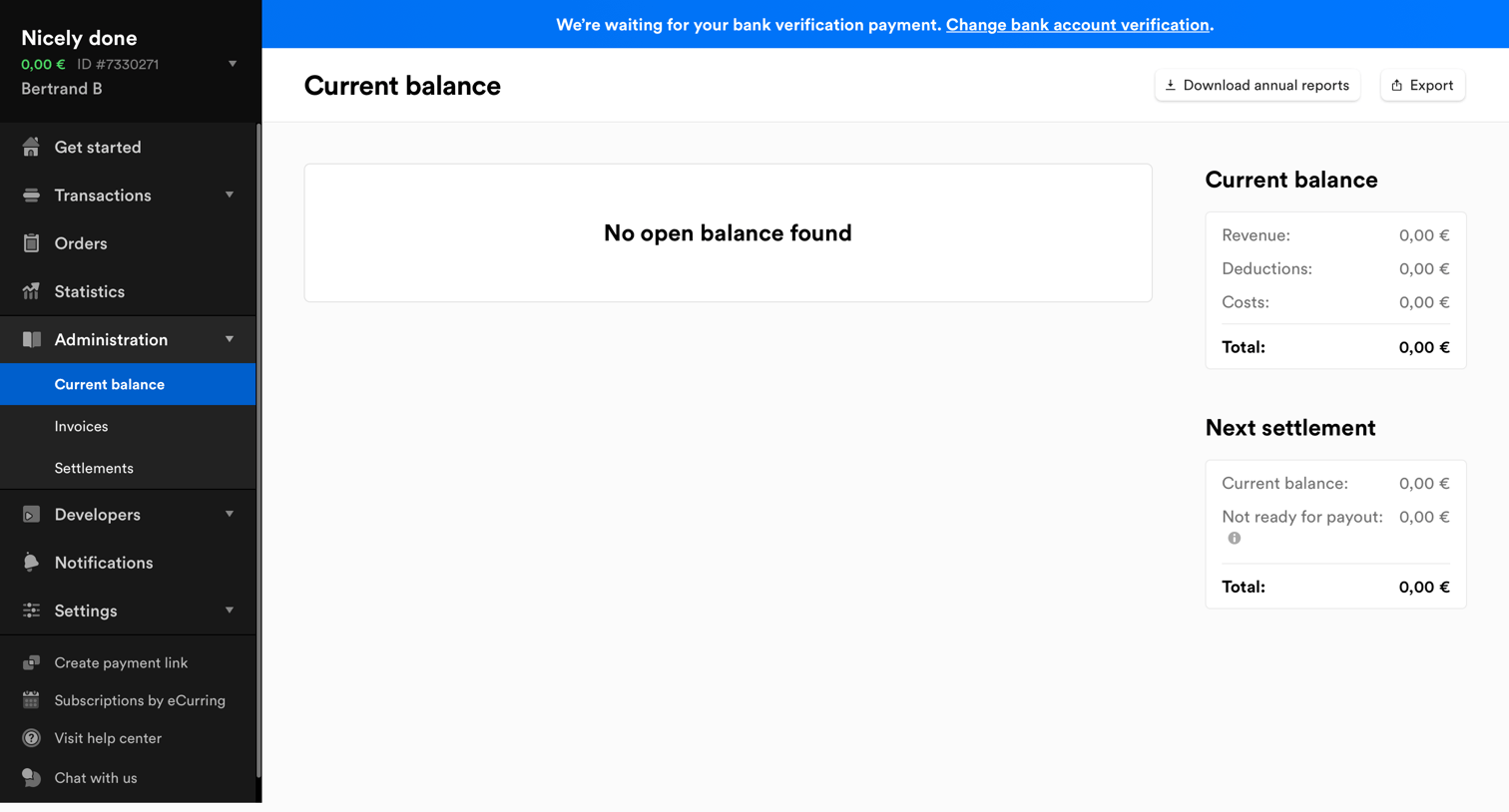
Dashboard showing the current balance and next settlement details, with an empty state for open balances and a pending bank verification banner.
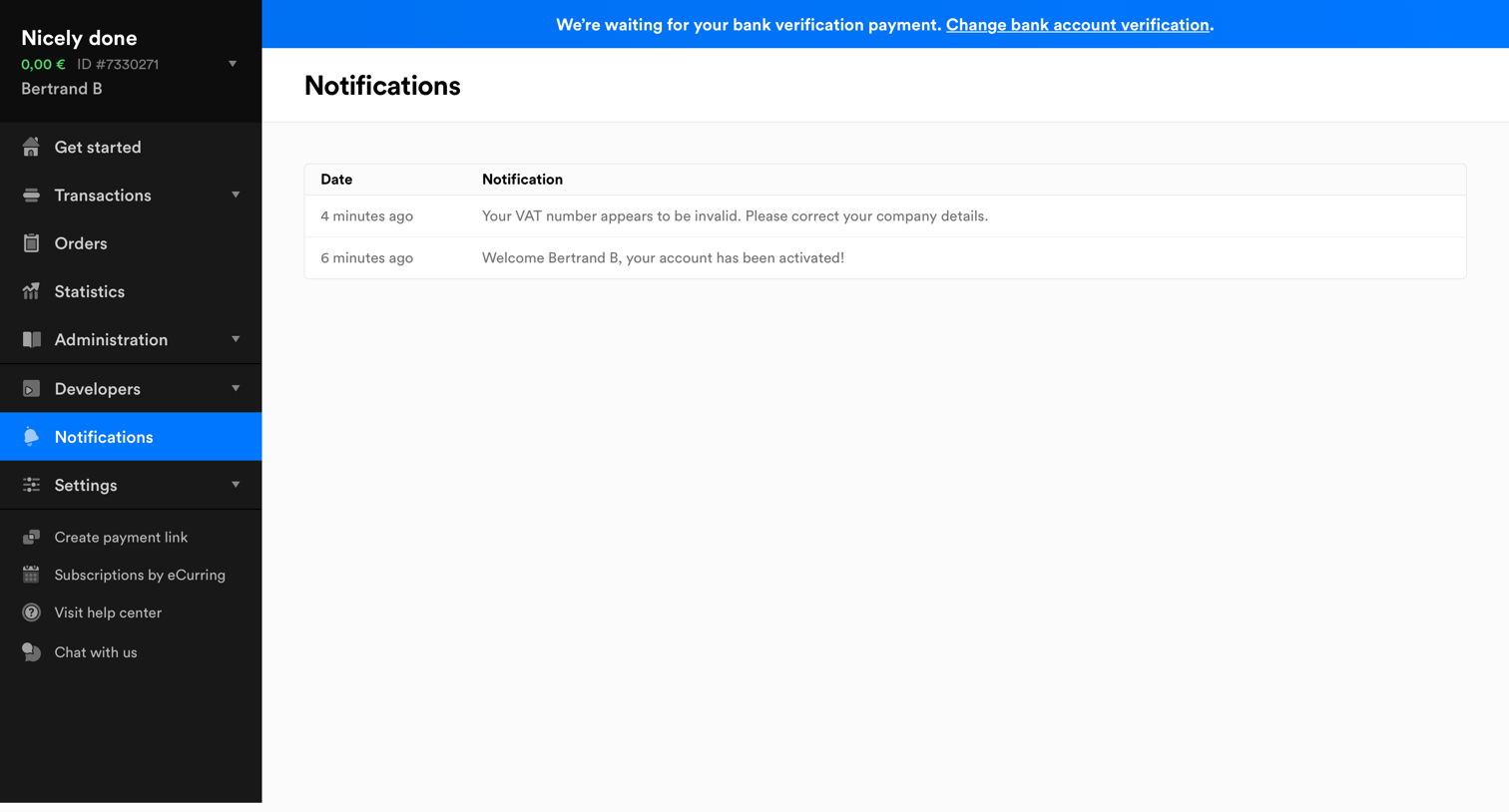
Inbox view where the user reads recent system alerts, including a warning about VAT details and an account activation confirmation.
Explore the full SaaS screen library
Upgrade to unlock the full library.
Trusted by the best teams







