
Mode product screens examples
Browse Mode screen design examples. Preview the interface screenshots and explore related UI patterns. Analysis tools that speak your language
Explore the examples
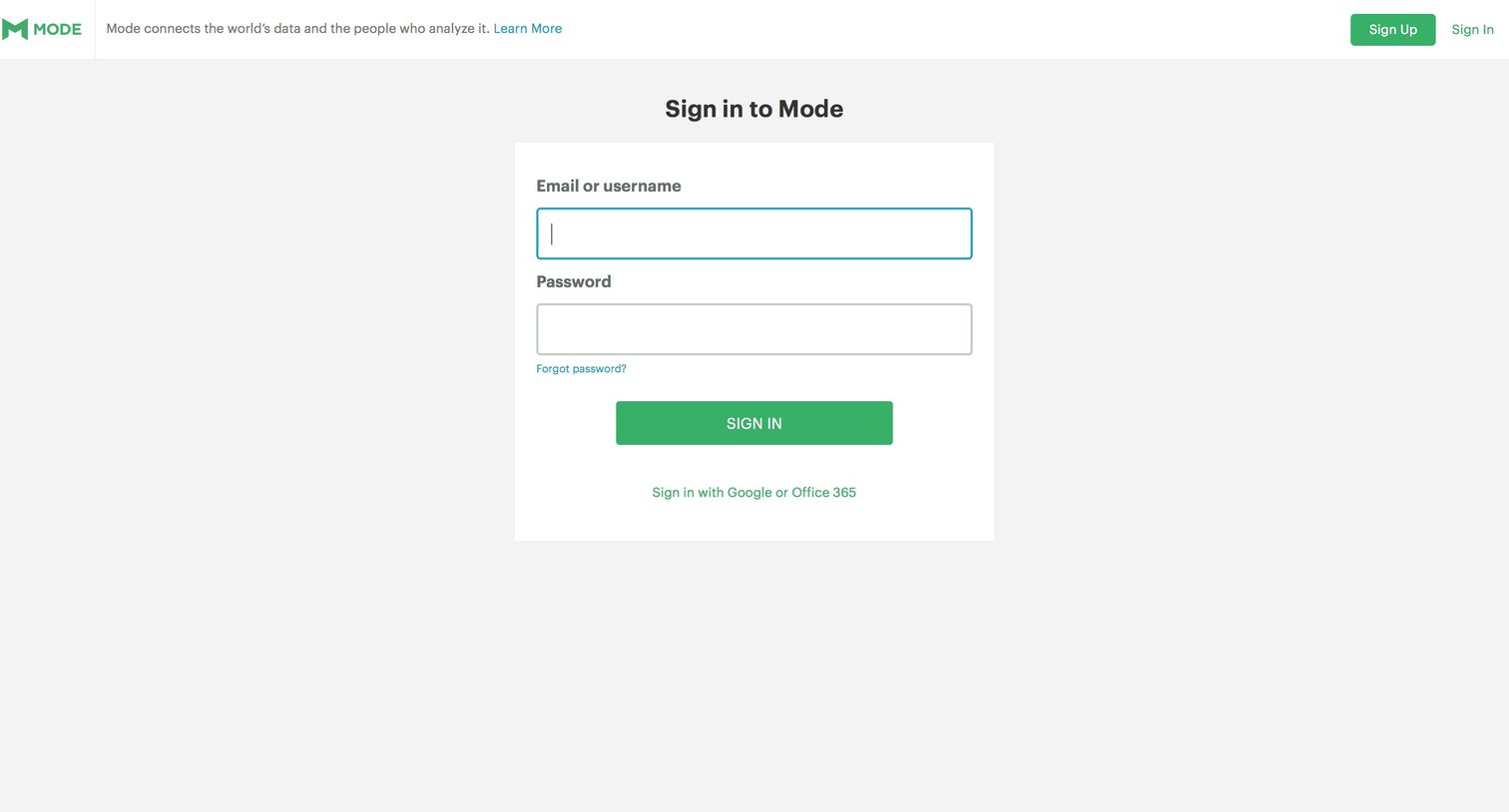
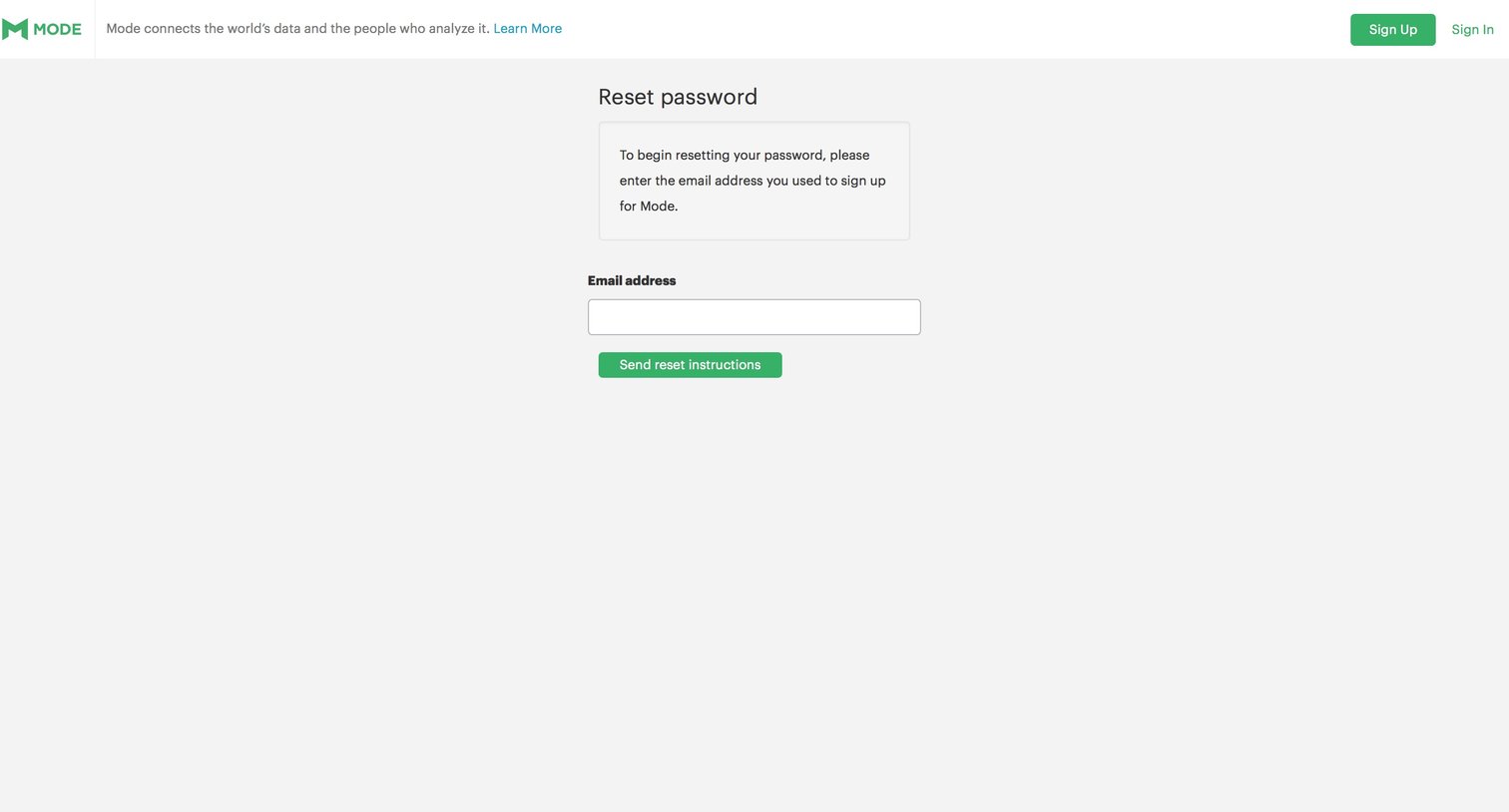
Password recovery screen where the user enters their email address to receive reset instructions for their Mode account.
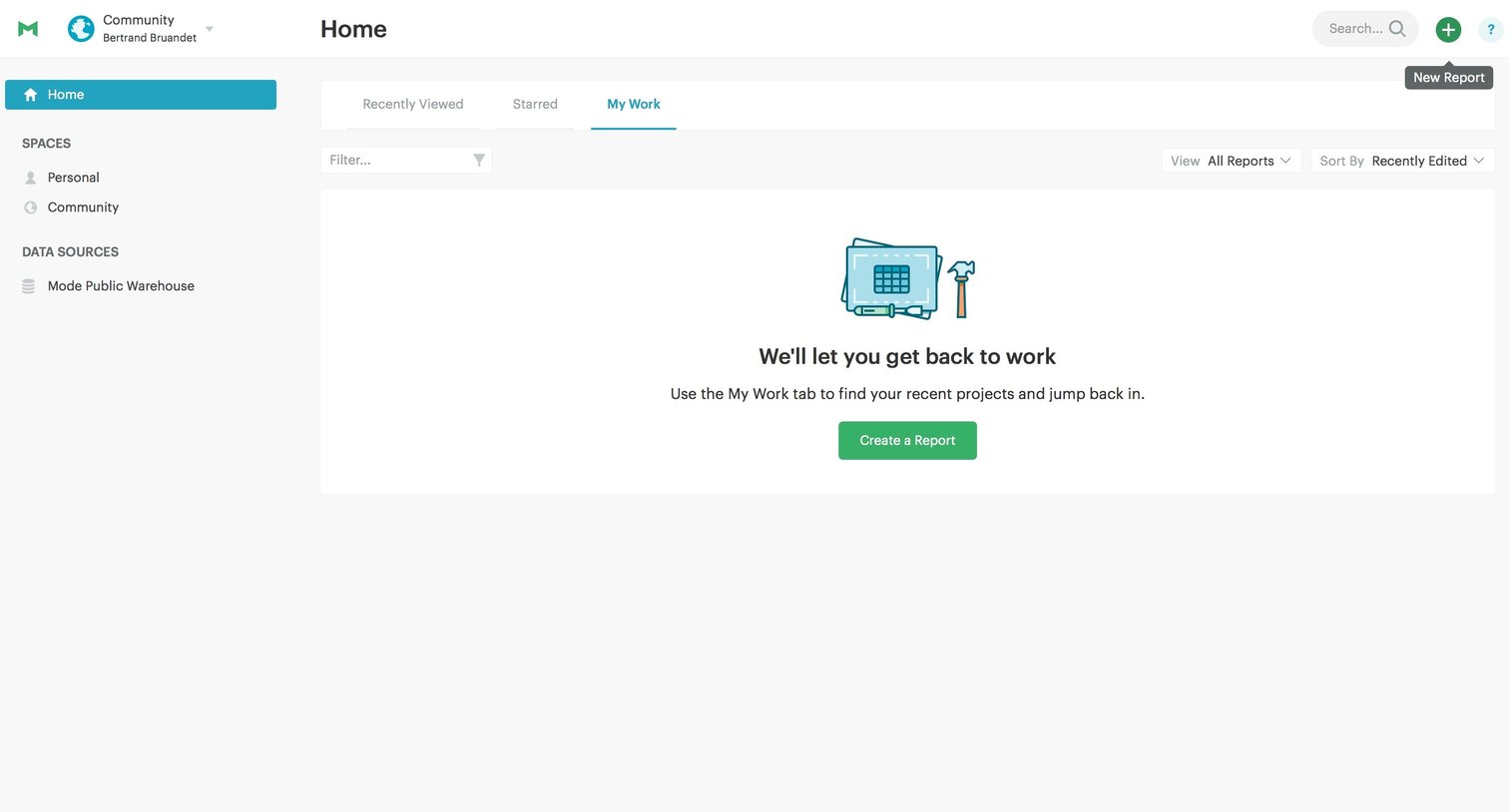
Home screen where the user's 'My Work' tab is empty, prompting them to create their first report.
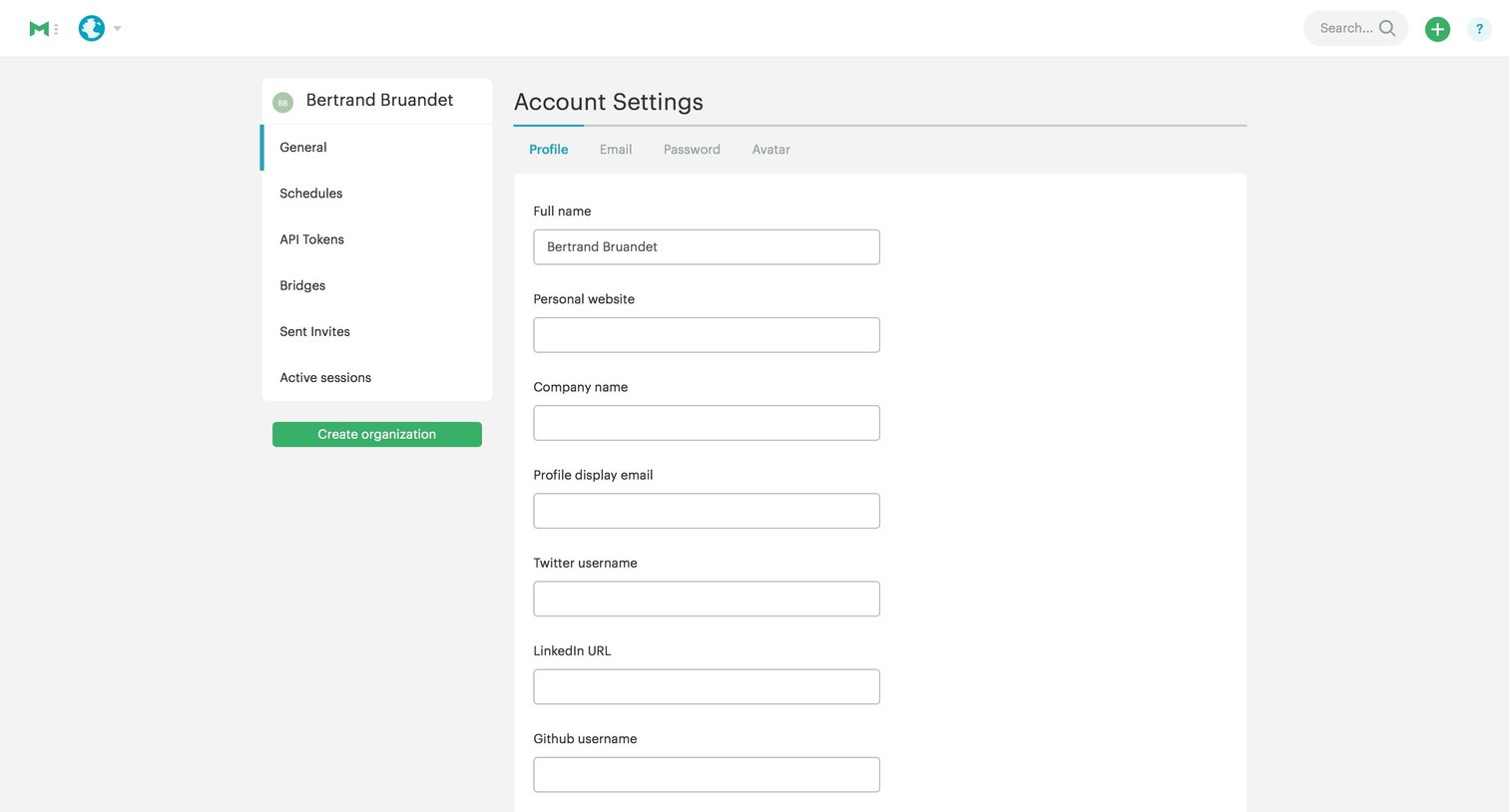
Settings page where the user configures their personal profile details, social links, and editor preferences.
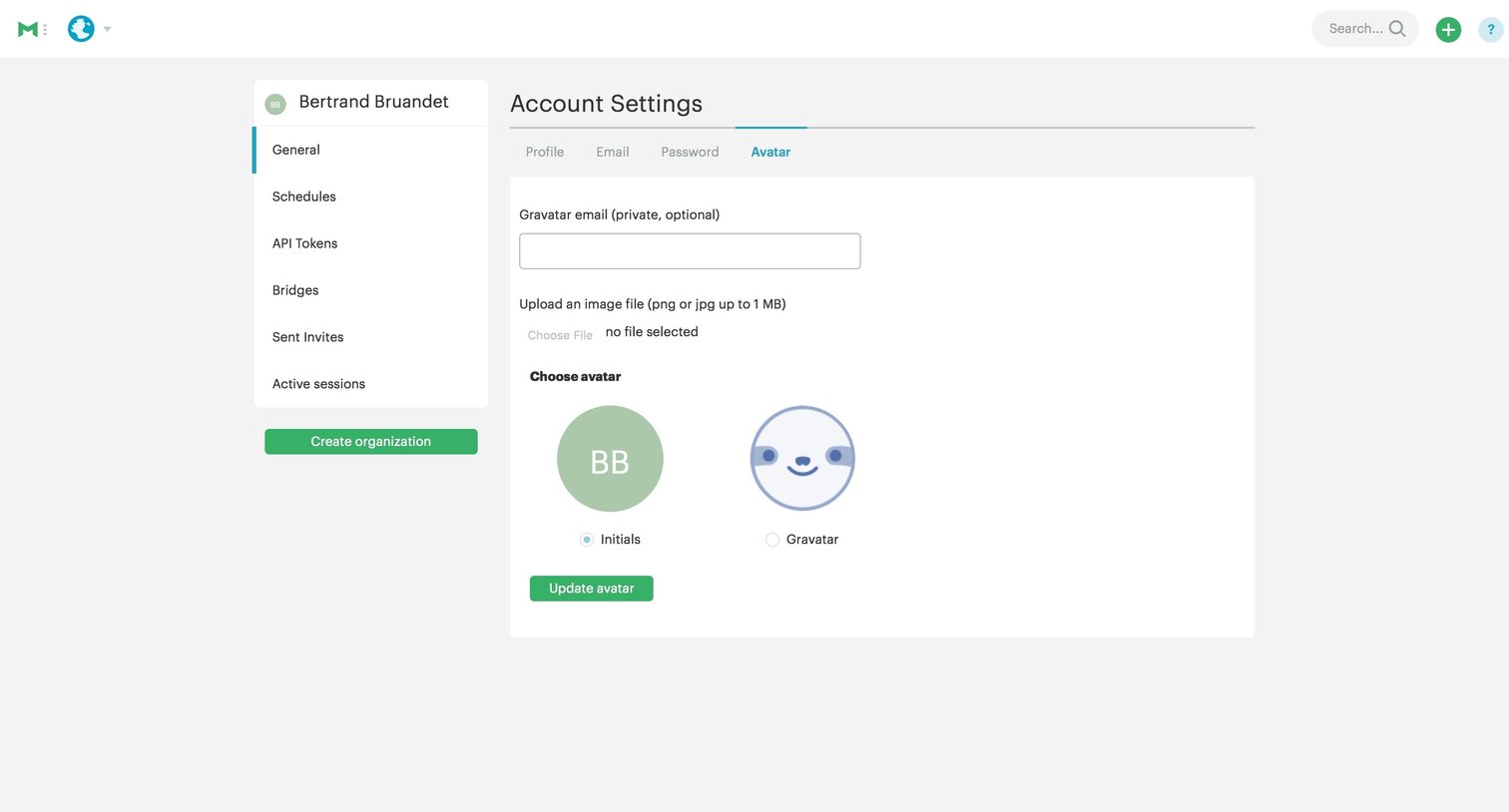
Settings page where the user configures their profile avatar by uploading an image, using initials, or connecting a Gravatar.
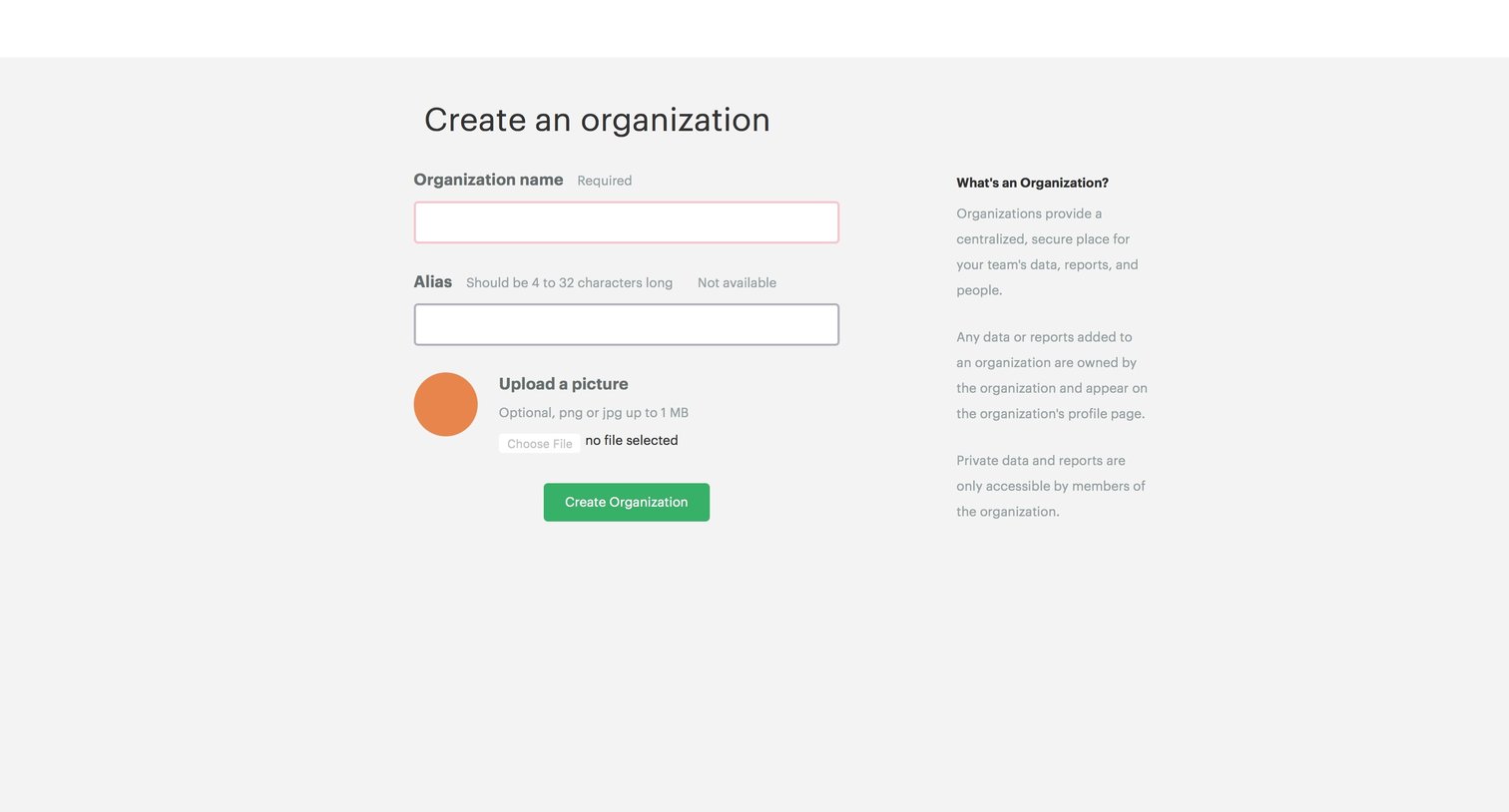
Create page where the user sets up a new organization by providing a name, alias, and an optional profile picture.
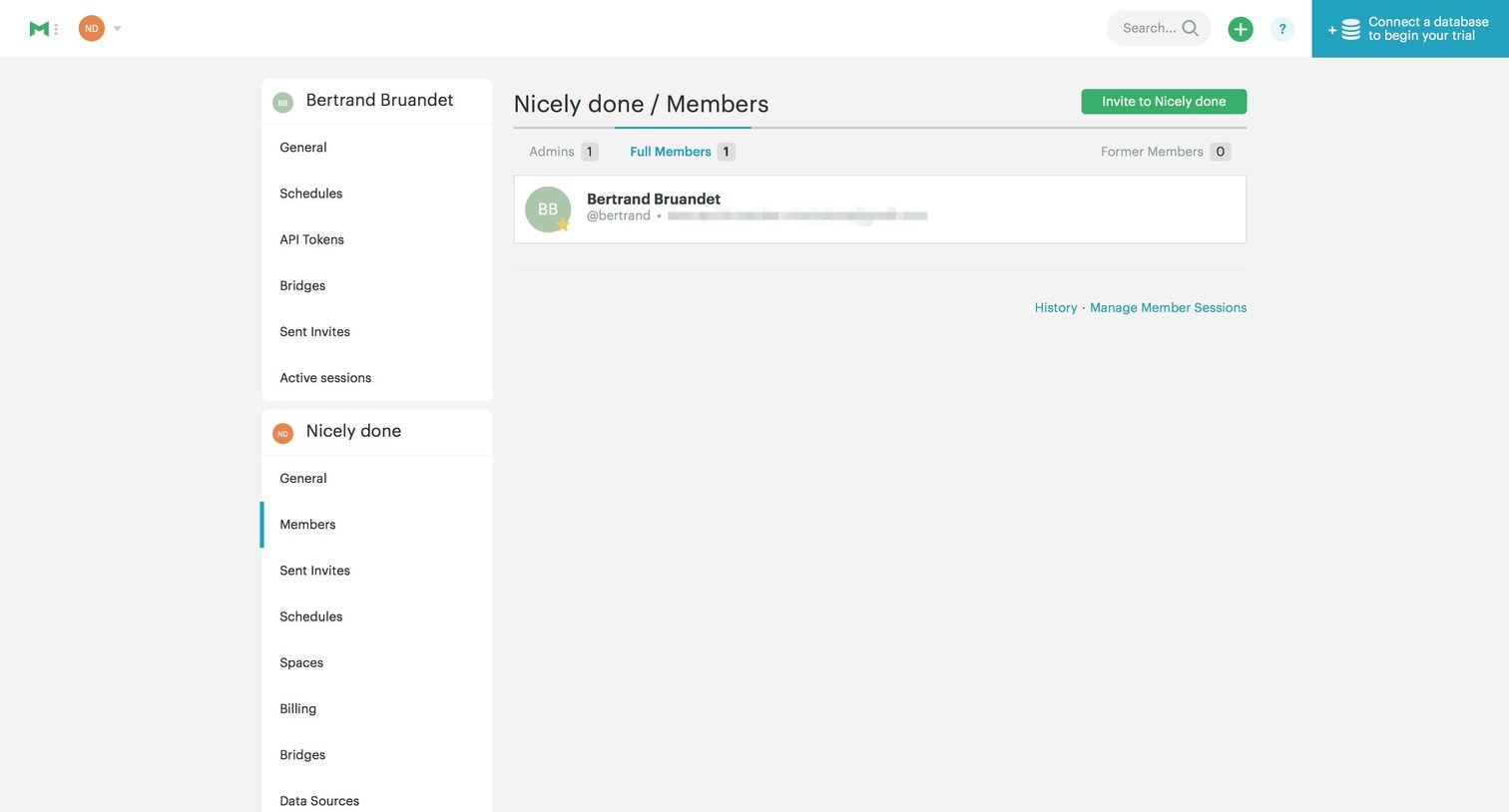
Settings page where the user manages full members for their organization and can invite new teammates.
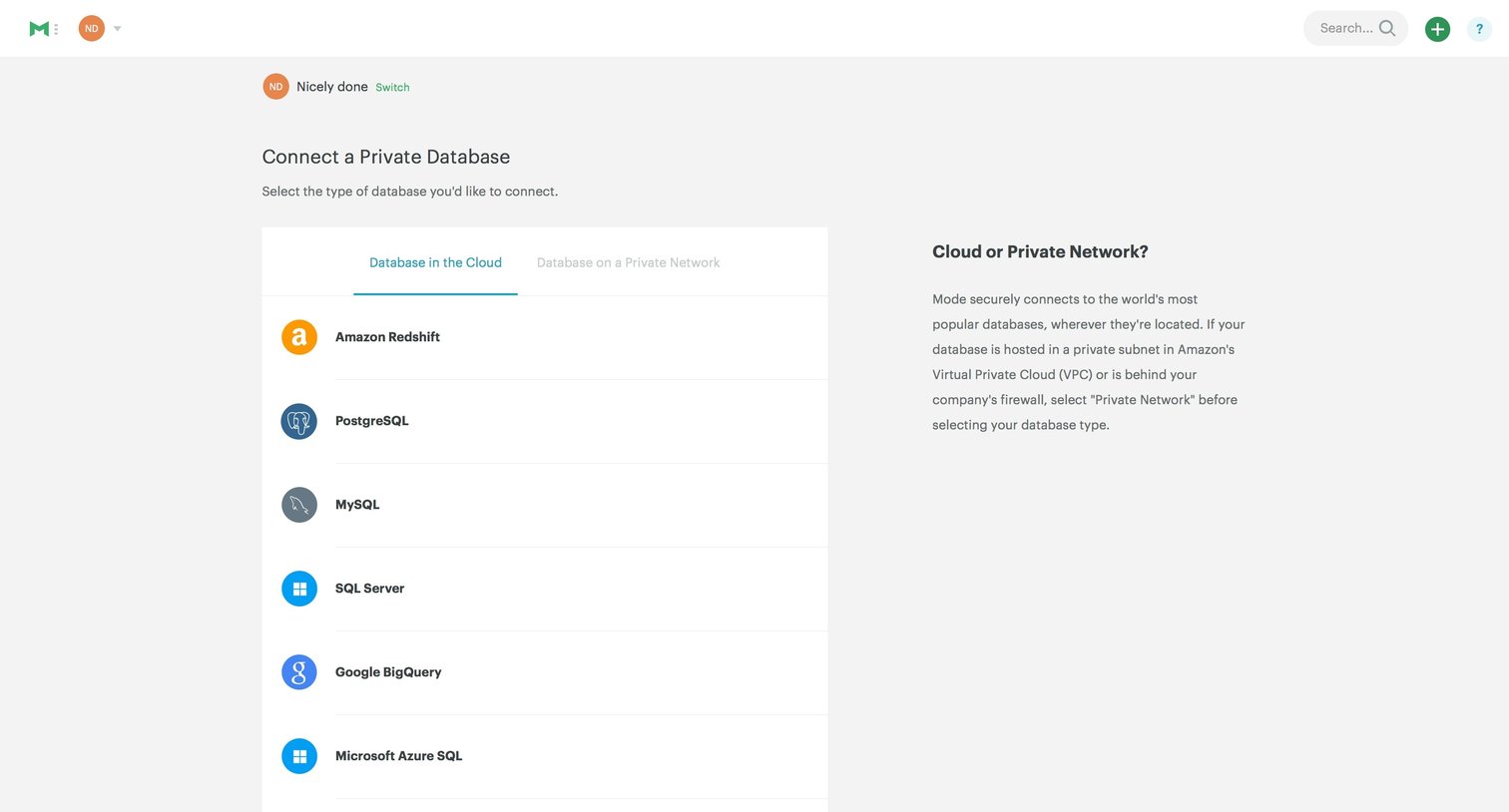
Settings page where the user selects a database provider from a list to configure a new integration.
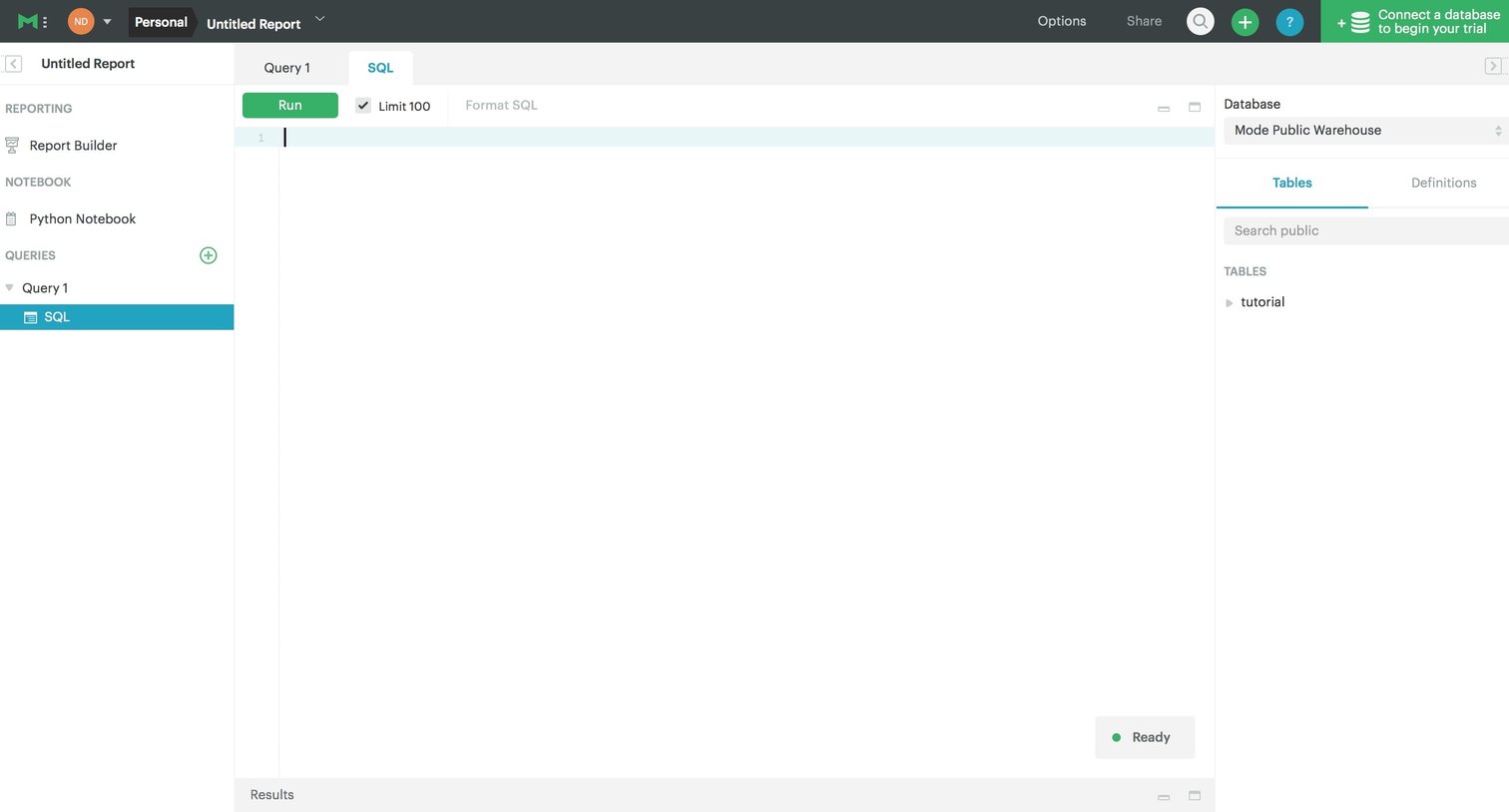
Code editor where the user writes and executes SQL queries against a selected database schema to build a report.
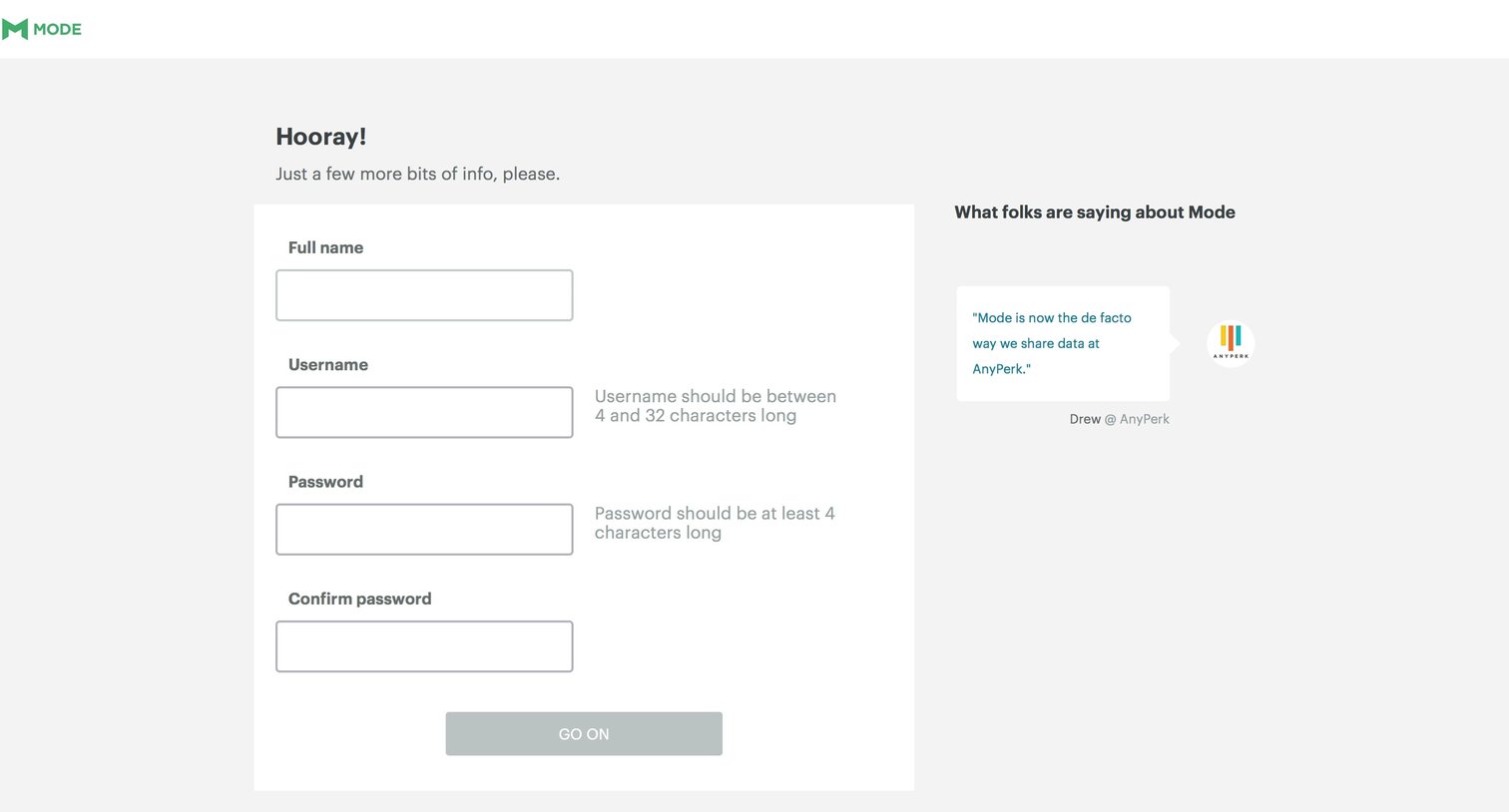
Account creation Onboarding Form User management
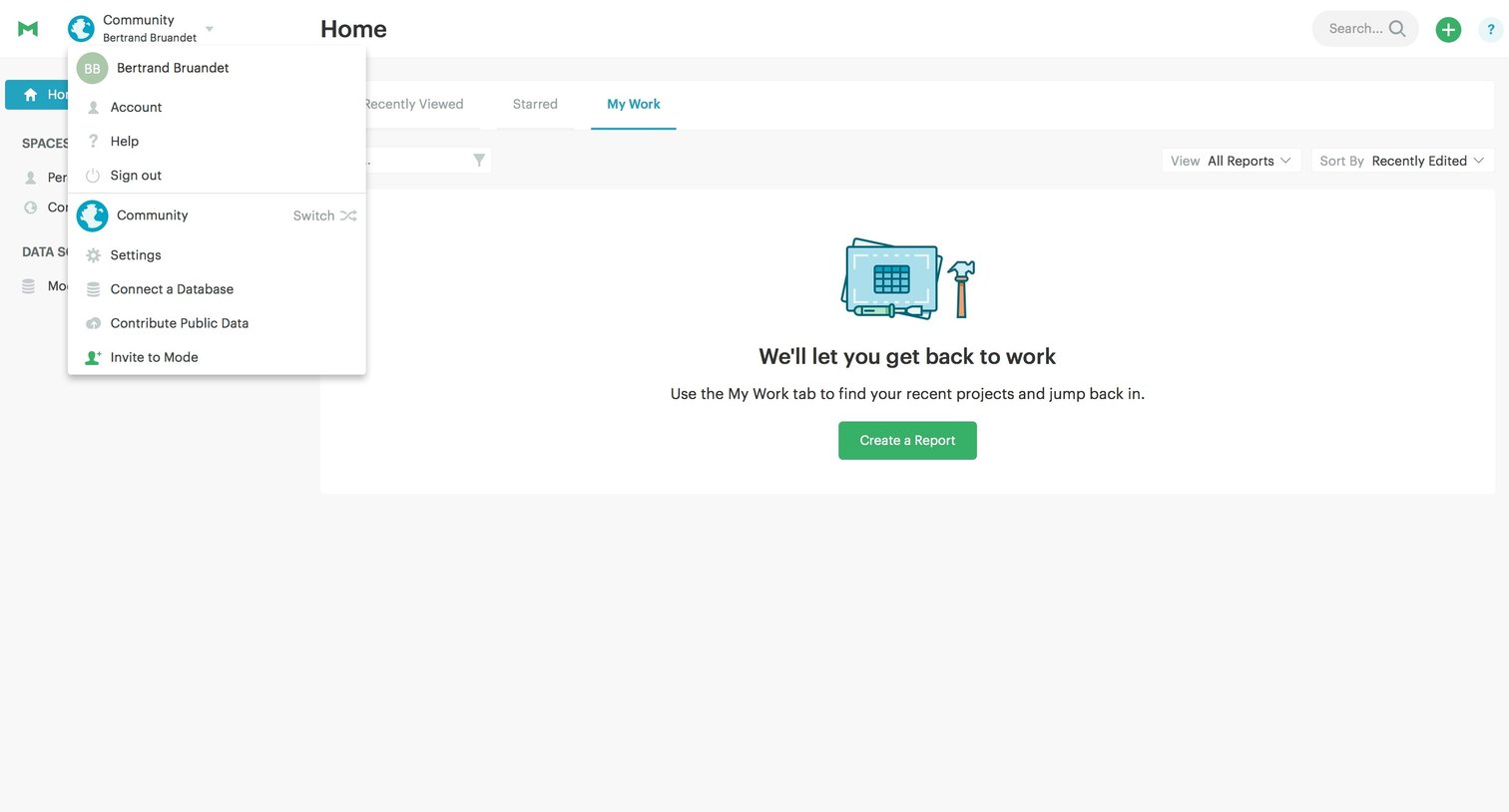
Grid Onboarding Dashboard Account management Account settings Data analysis
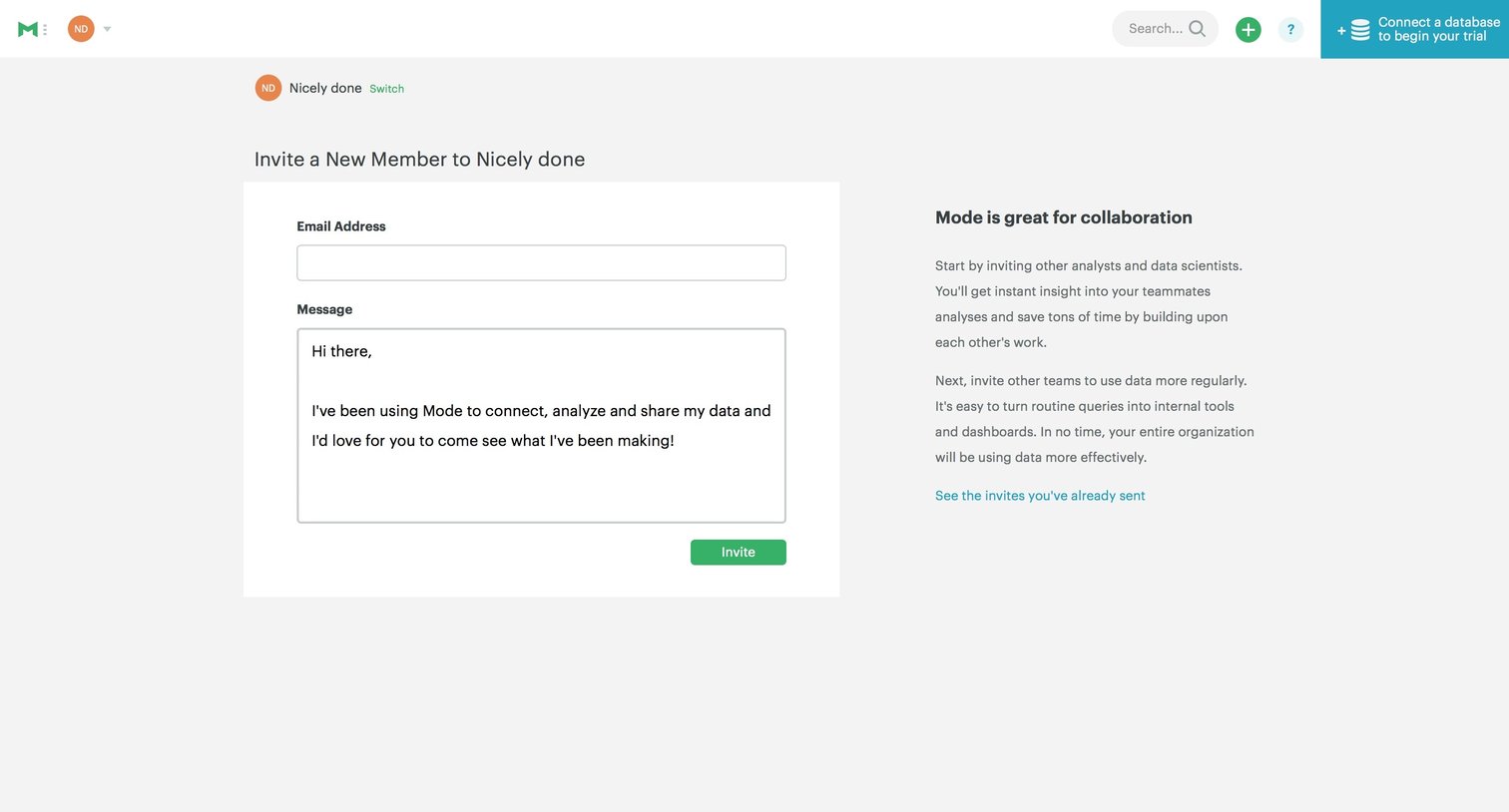
Settings page where the user invites a new member to their workspace by providing an email address and a custom message, alongside a banner prompting them to connect a database to begin their trial.
Explore the full SaaS screen library
Upgrade to unlock the full library.
Trusted by the best teams







