MessageBird design examples
Explore MessageBird UI design examples. The fastest and most reliable global messaging API
Product screens


Sign-in screen where the user authenticates with a username and password, or via Google and GitHub.
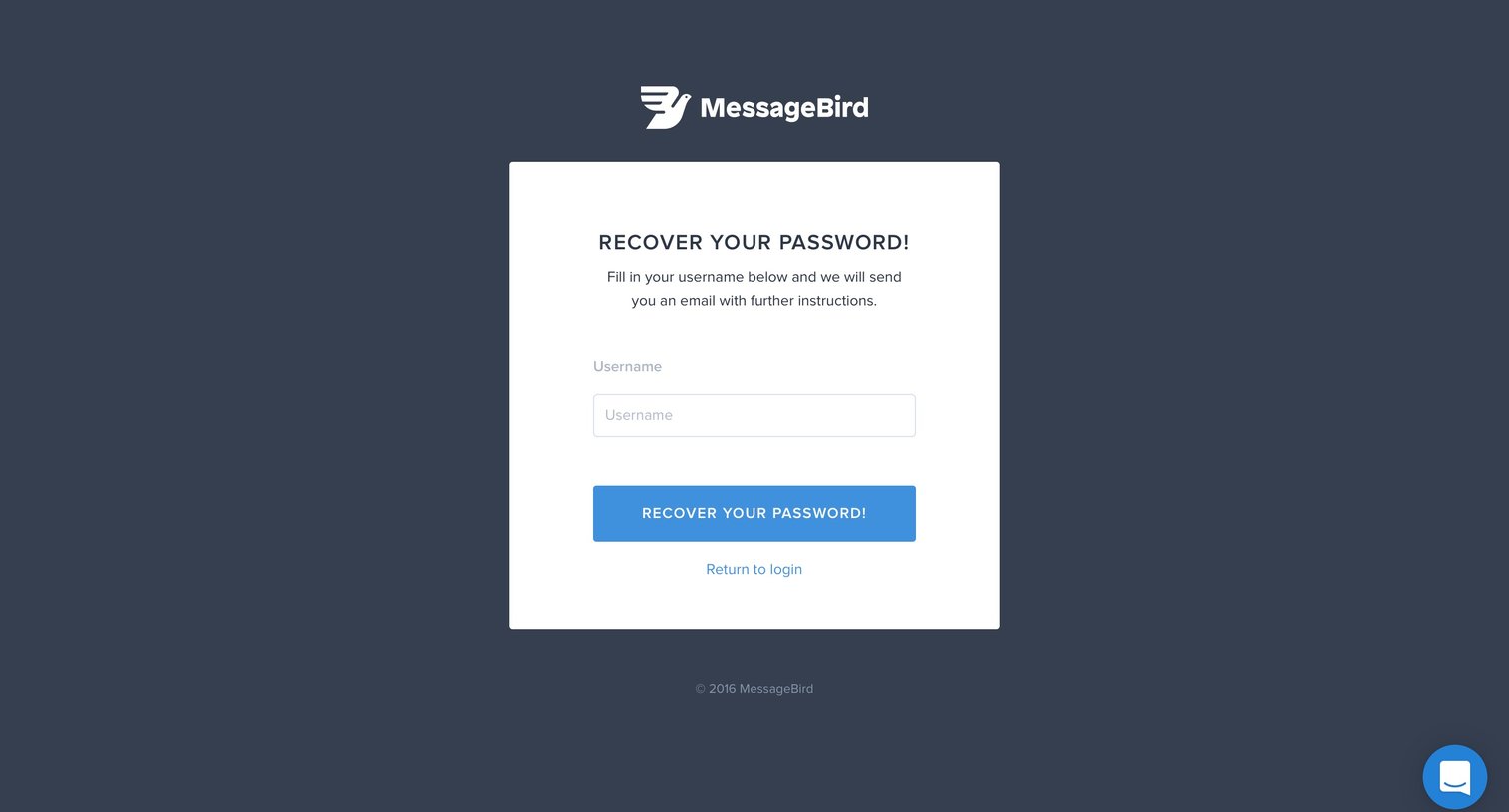
Password recovery screen where the user enters their username to receive reset instructions via email.

Signup screen where the user creates a new account using Google, GitHub, or an email and password, protected by a reCAPTCHA.

Verification screen where a success message instructs the user to check their email to activate their account.

Sign-in screen where the user authenticates with a username and password or via Google and GitHub, featuring a success banner confirming account activation.

Dashboard showing messaging volume summaries, scheduled messages, invoices, and a loading chart for total messages sent.
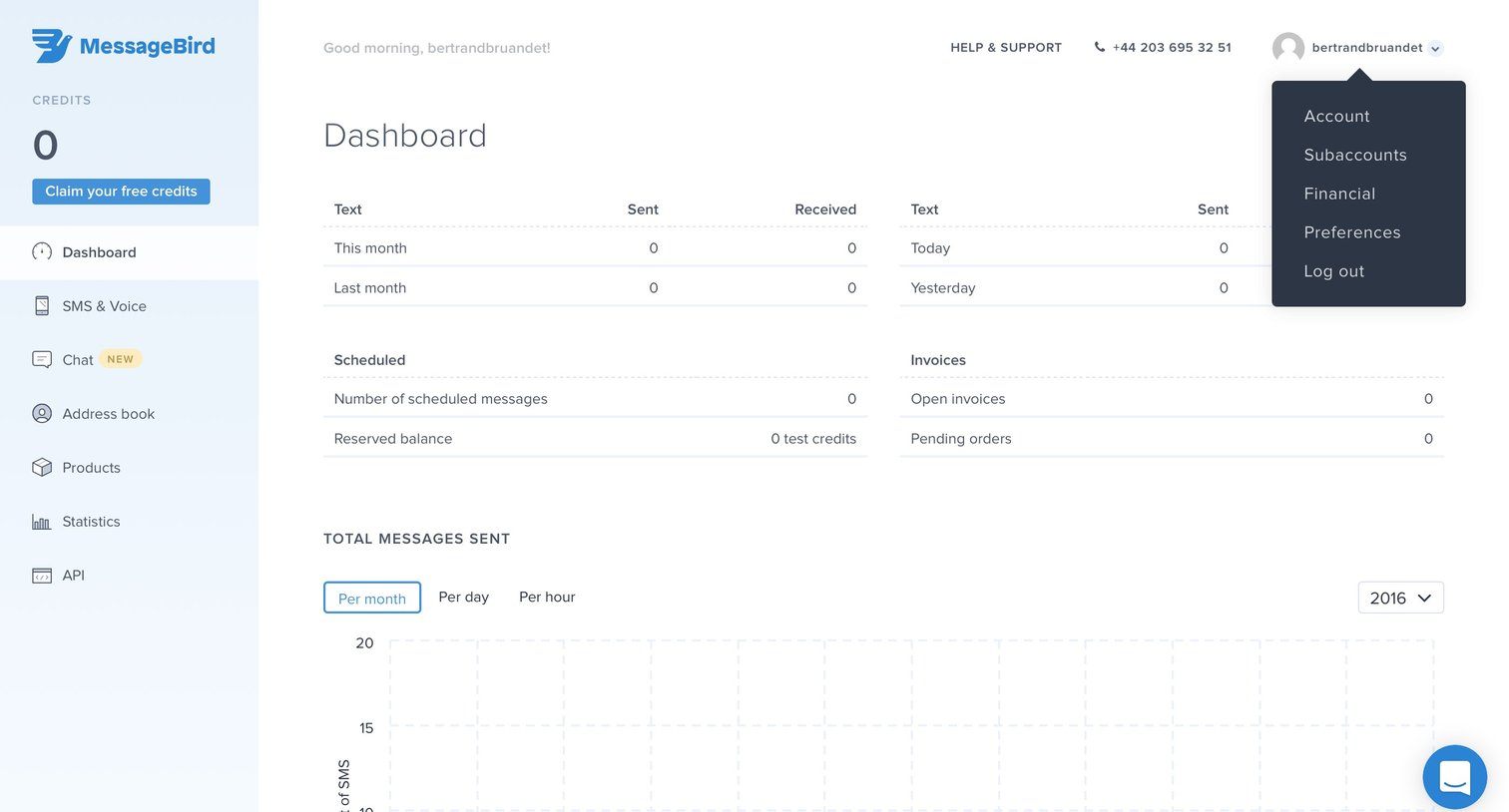
Dashboard showing message sending metrics, scheduled messages, invoices, and an empty chart for total messages sent, with the user profile menu captured open.
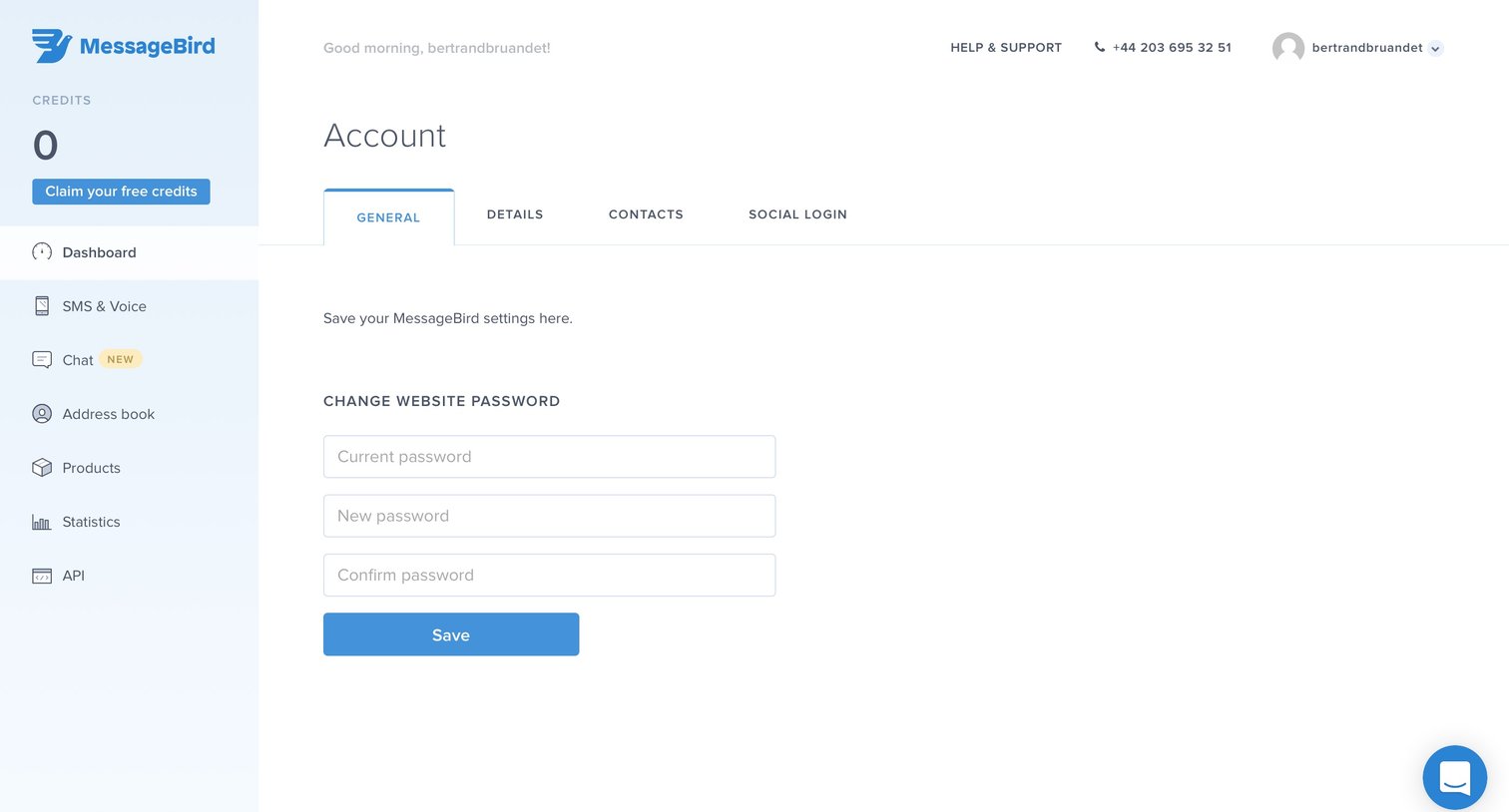
Account settings page where the user can update their website password under the general tab.
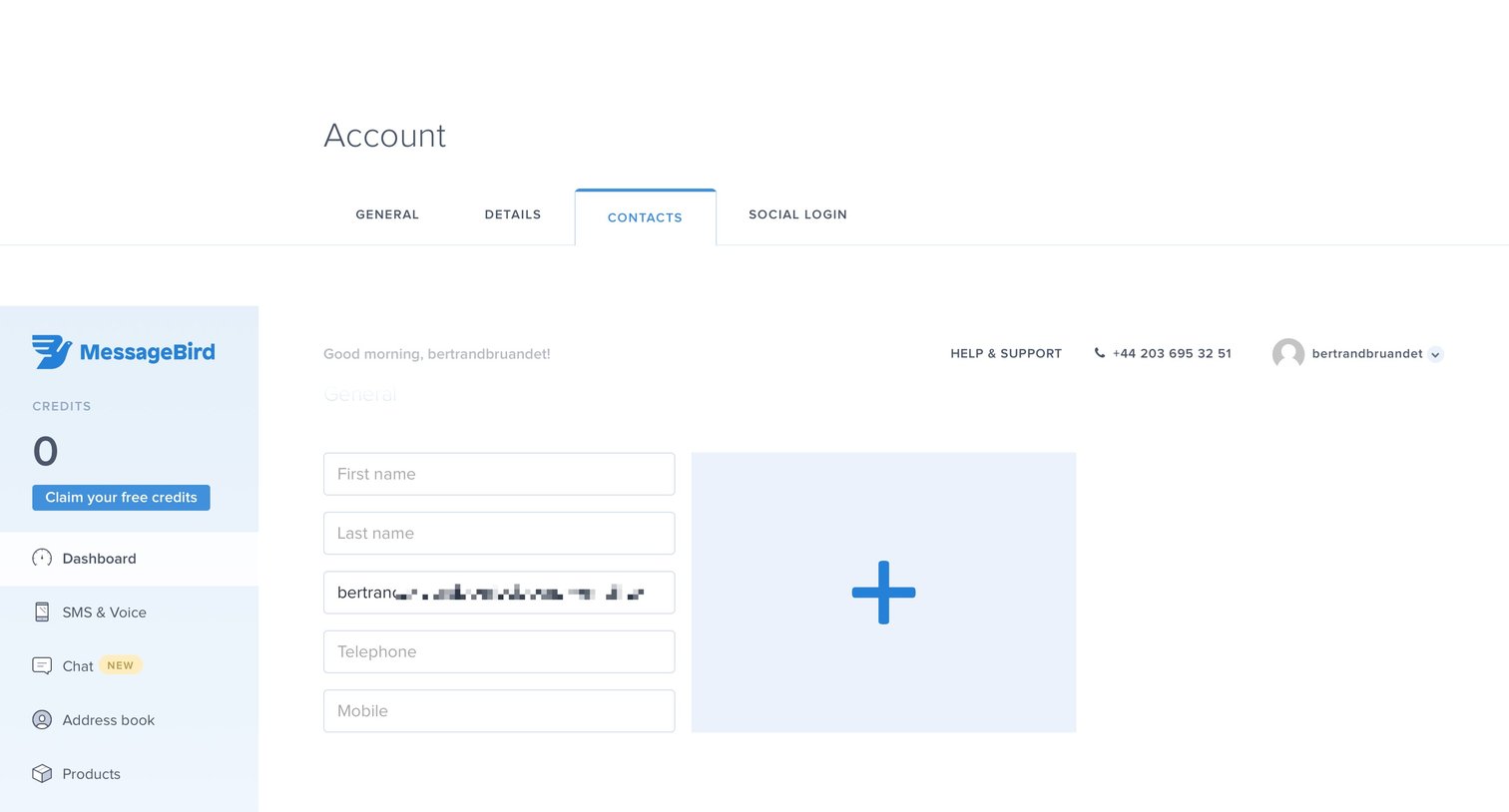
Settings page where the user configures contact details for general, financial, balance warning, and technical communications.
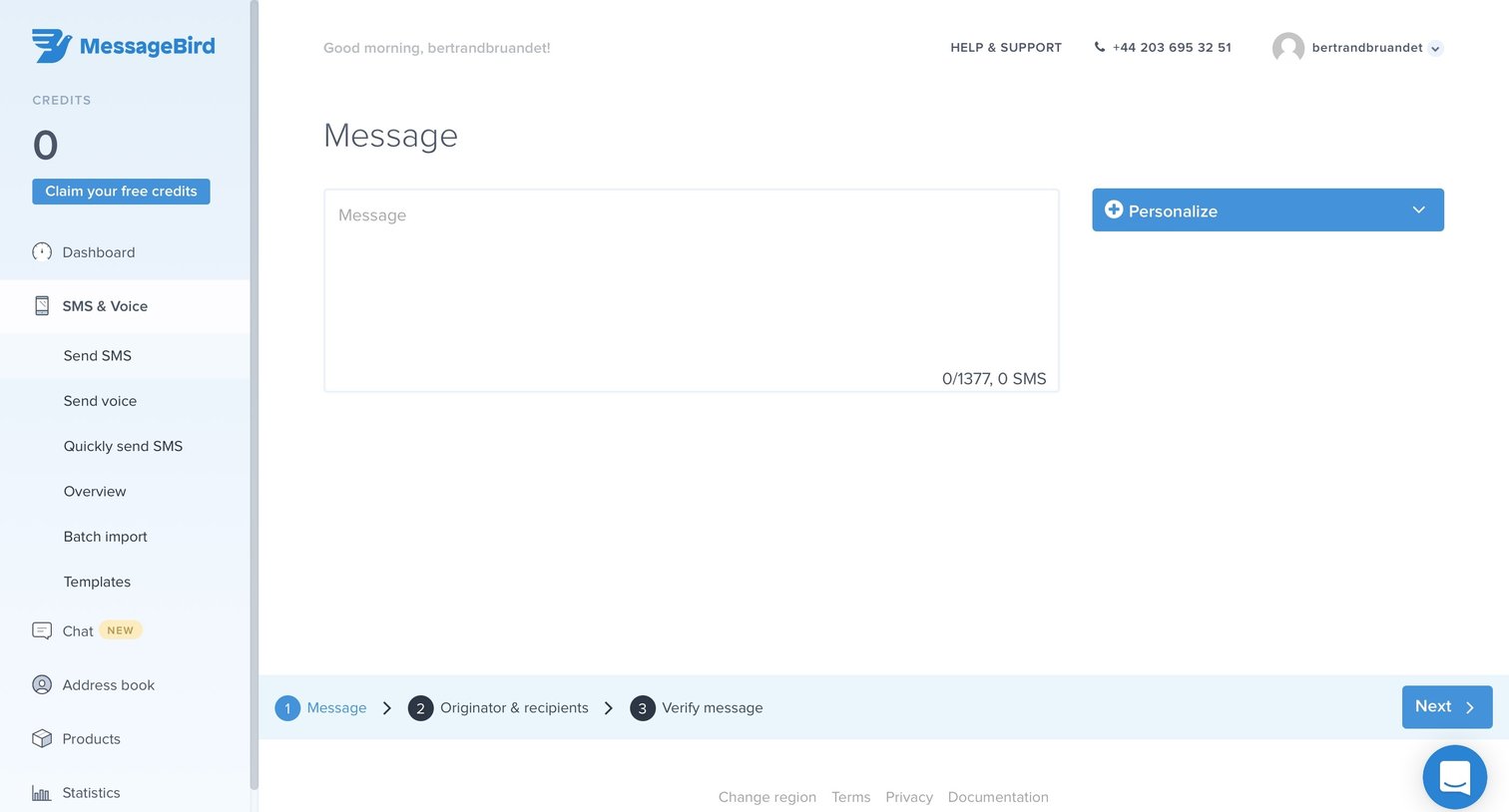
Creation wizard where the user drafts an SMS message body as the first step of a multi-step sending flow.
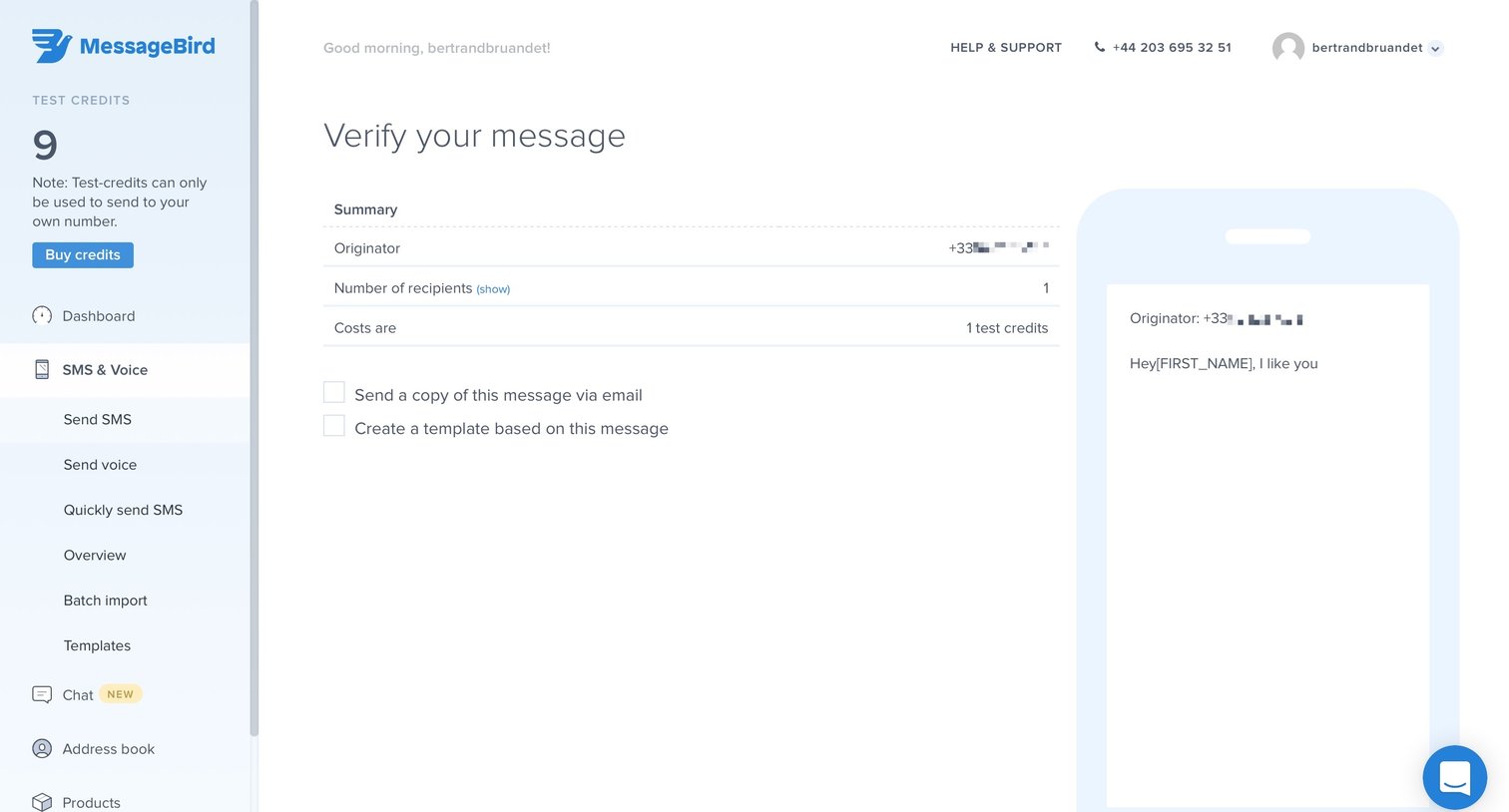
Wizard step where the user verifies the originator, recipient count, and cost before sending or scheduling an SMS message.

Dashboard showing SMS message statistics, scheduled messages, open invoices, and a bar chart of total messages sent over time.
Browse the full SaaS app library
Explore real SaaS apps with their product screens, marketing screens, flows, and components.
Trusted by the best teams







