Leap product screens examples
Browse Leap screen design examples. Preview the interface screenshots and explore related UI patterns. Automate any workflow with AI
Explore the examples

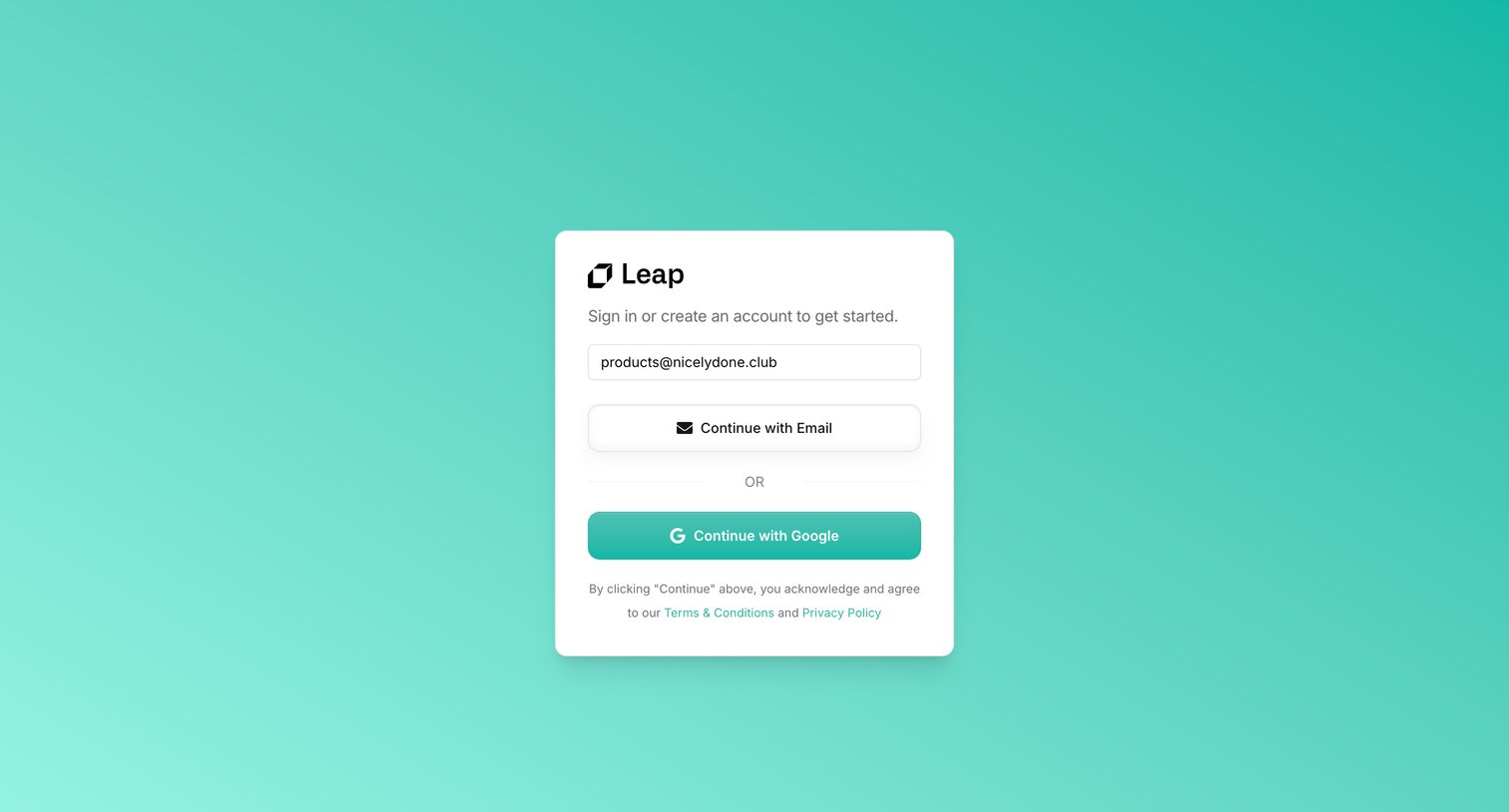
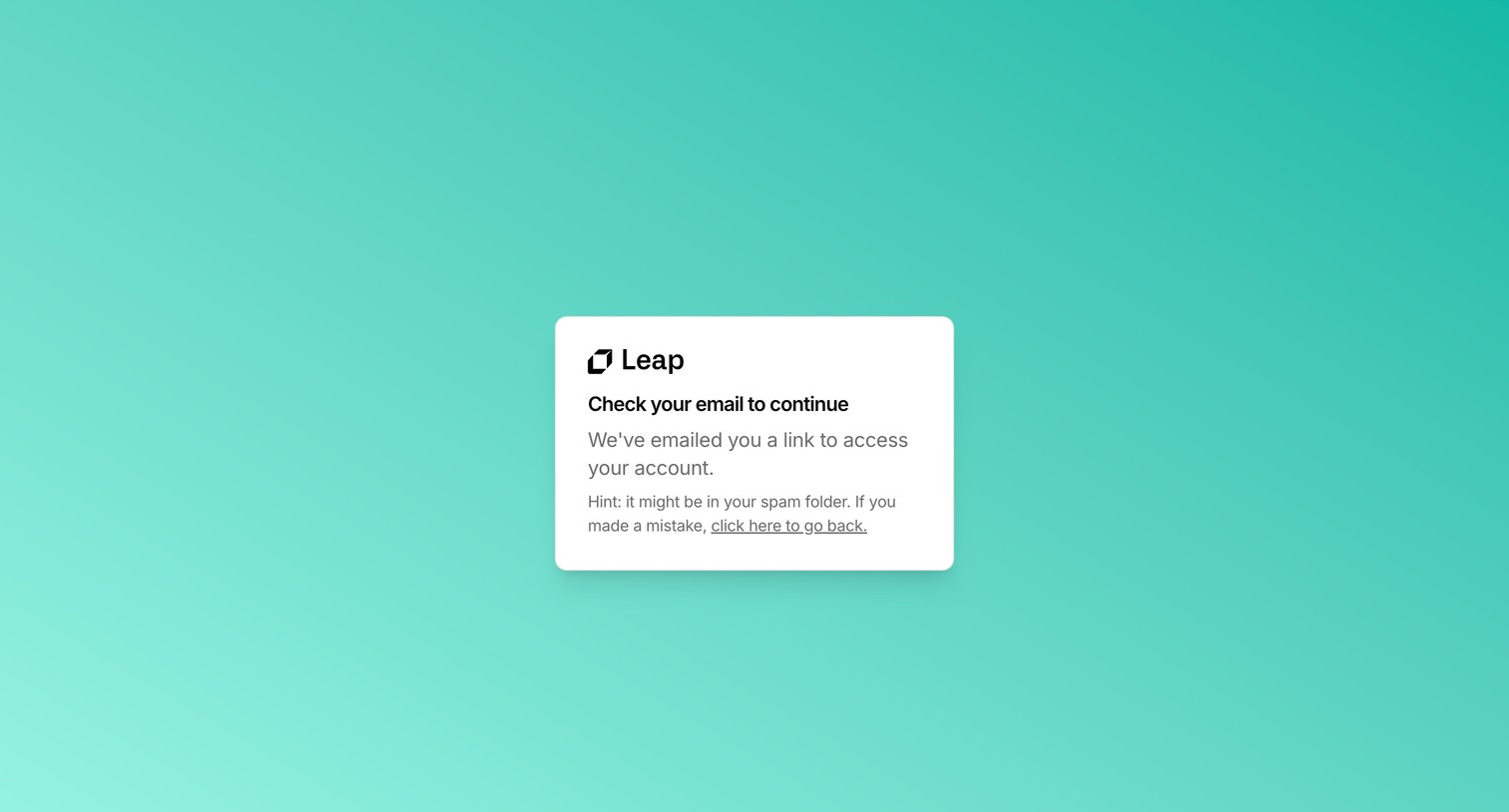

Verification screen instructing the user to check their email for a magic link to access their Leap account.
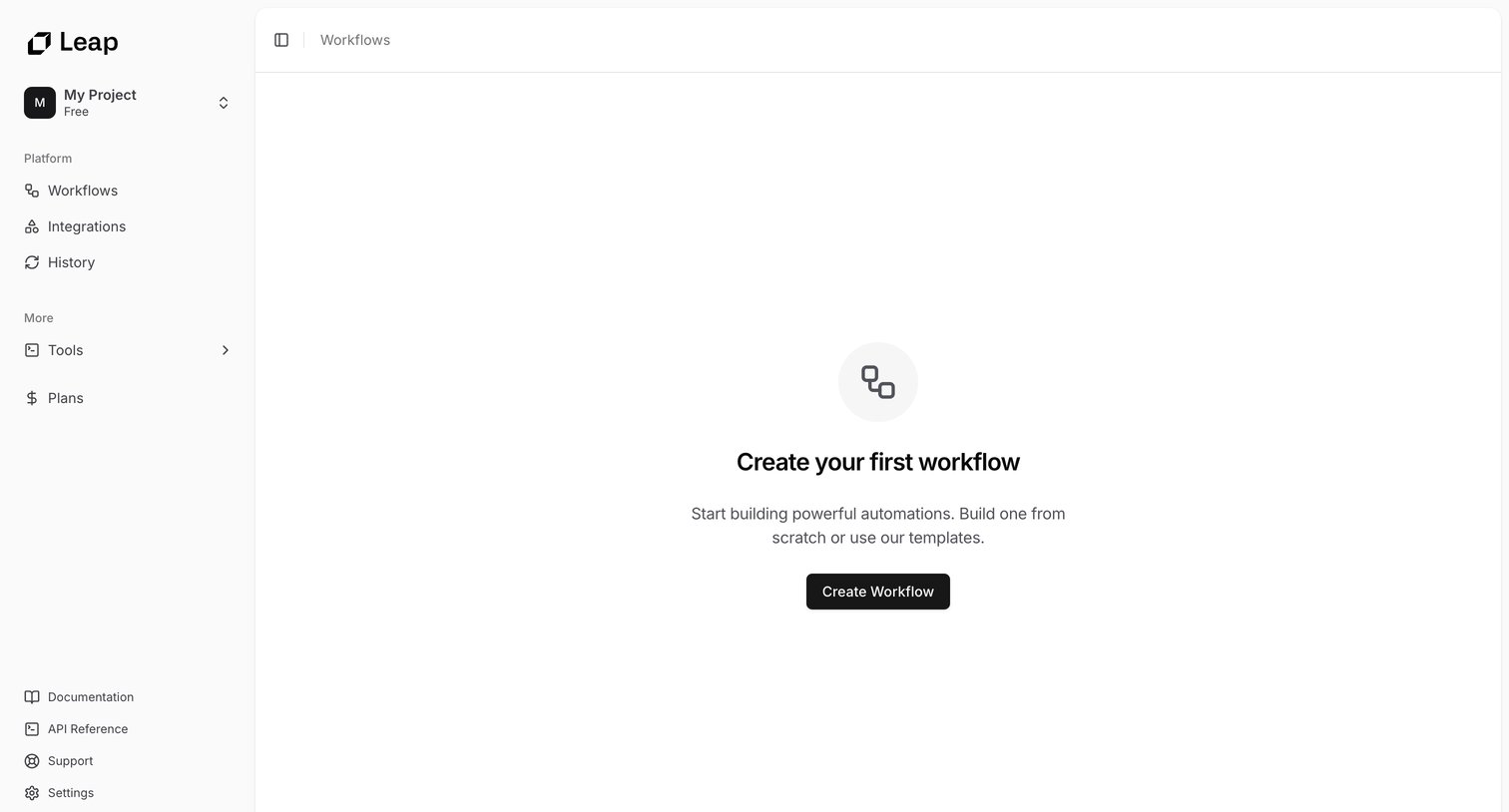
List view in an empty state prompting the user to create their first workflow from scratch or using a template.
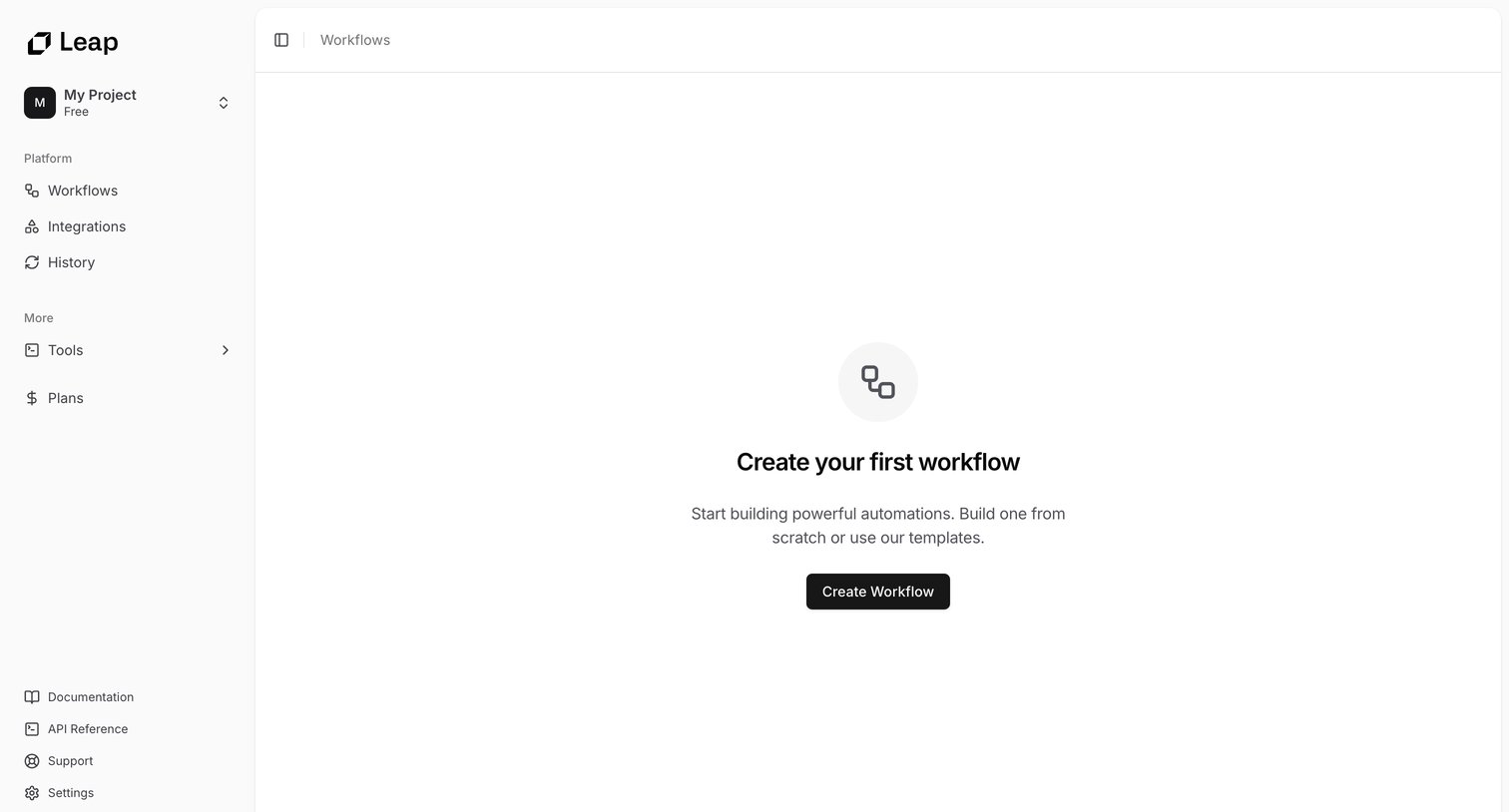
Empty state for the workflows section where the user is prompted to start building their first automation from scratch or a template.
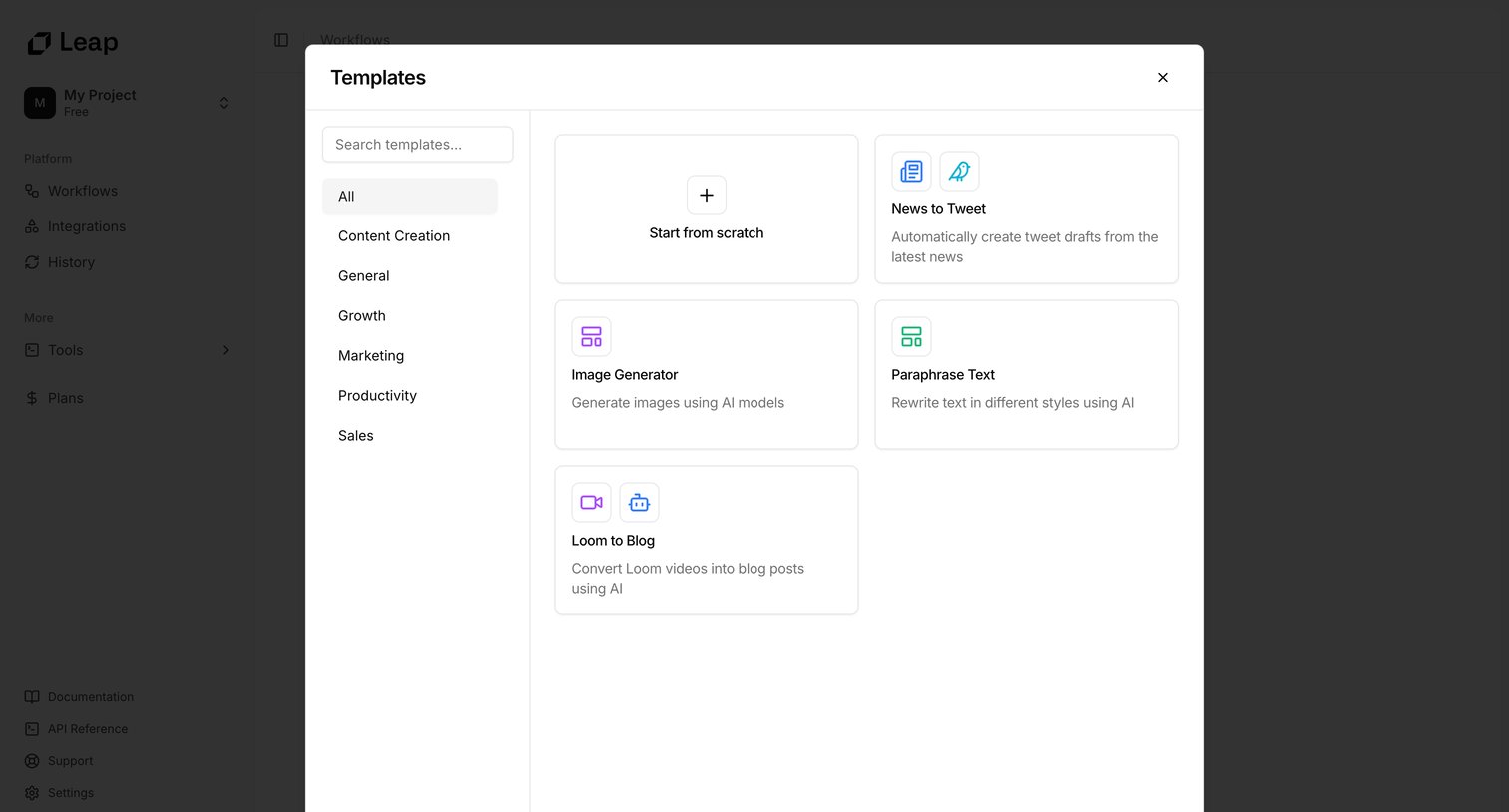
Modal overlay where the user selects a template to create a new workflow, filtering by categories like Content Creation, Marketing, and Sales.
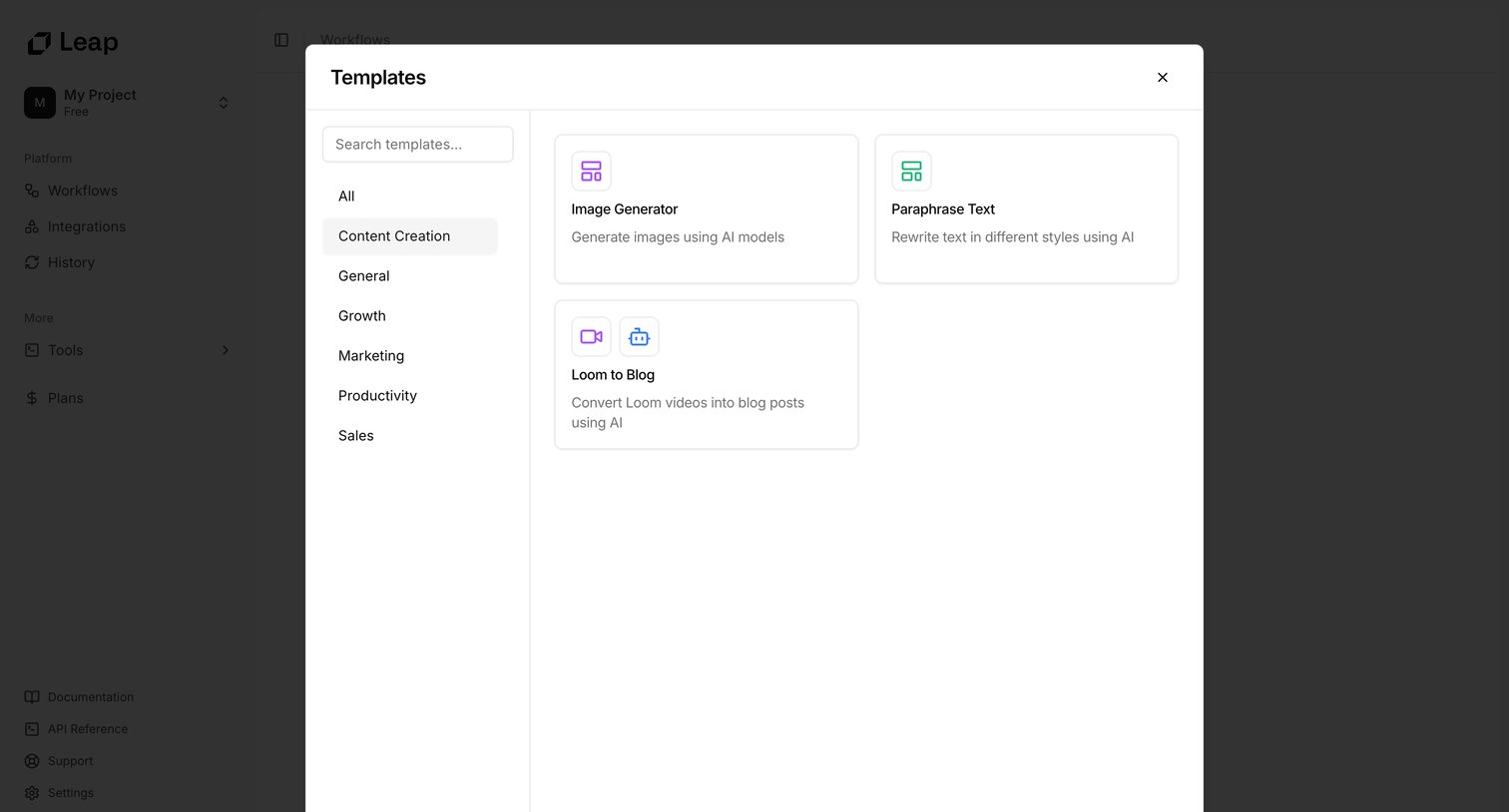
Creation modal where the user selects a starting workflow template from categories like Content Creation, Growth, and Marketing.
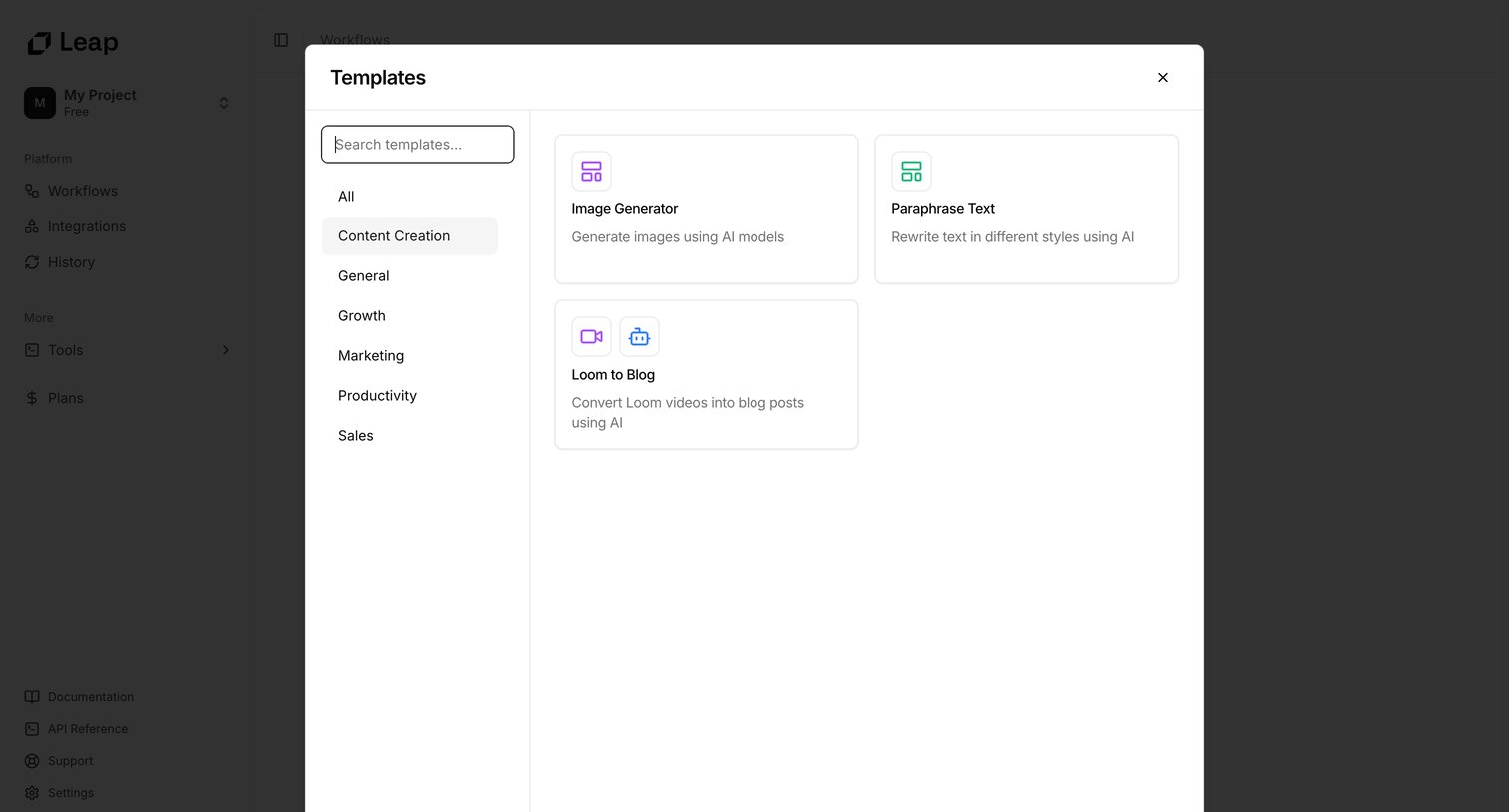
Create modal where the user selects a starting workflow template from categorized lists like Content Creation, Growth, and Marketing.
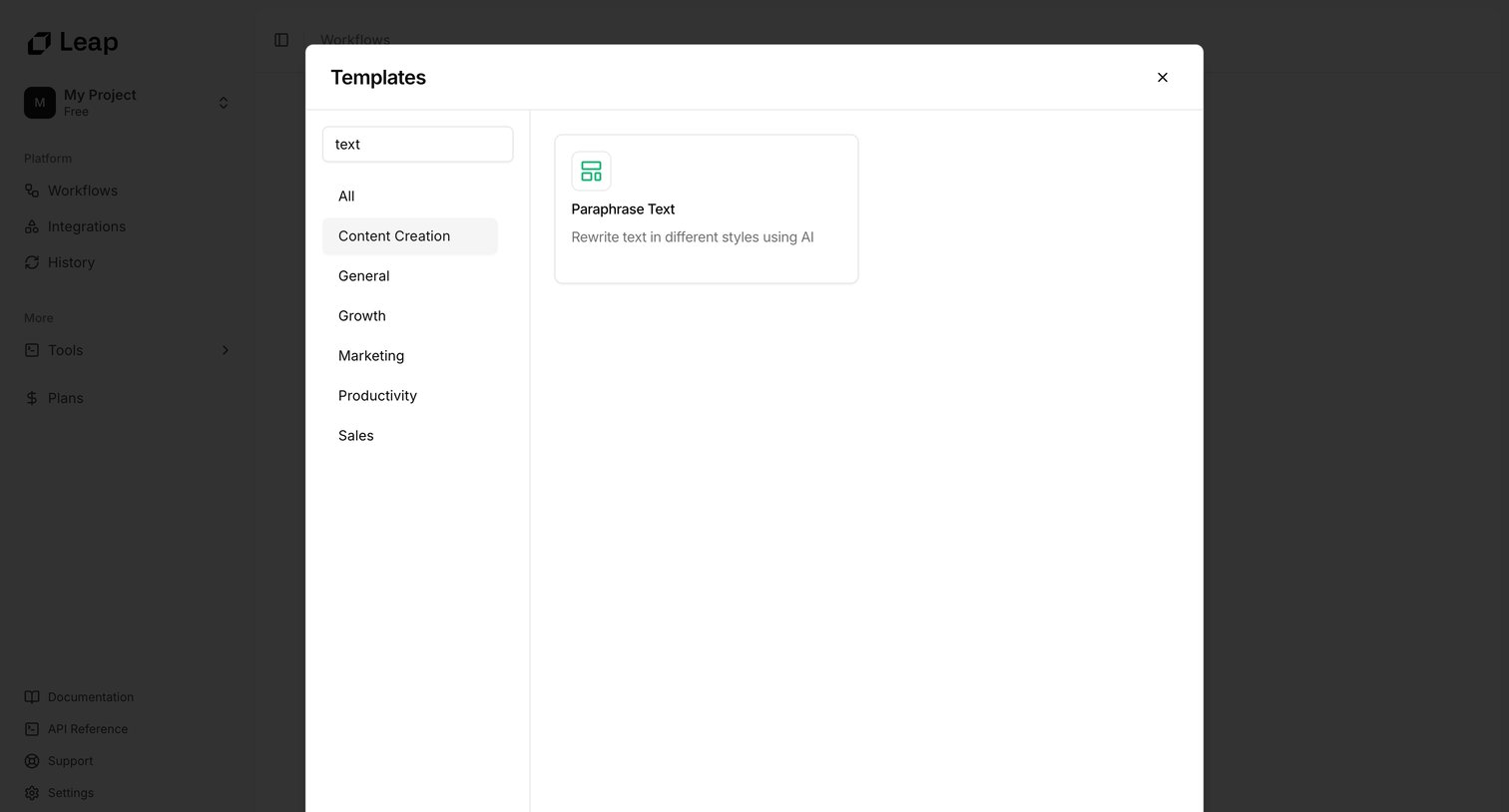
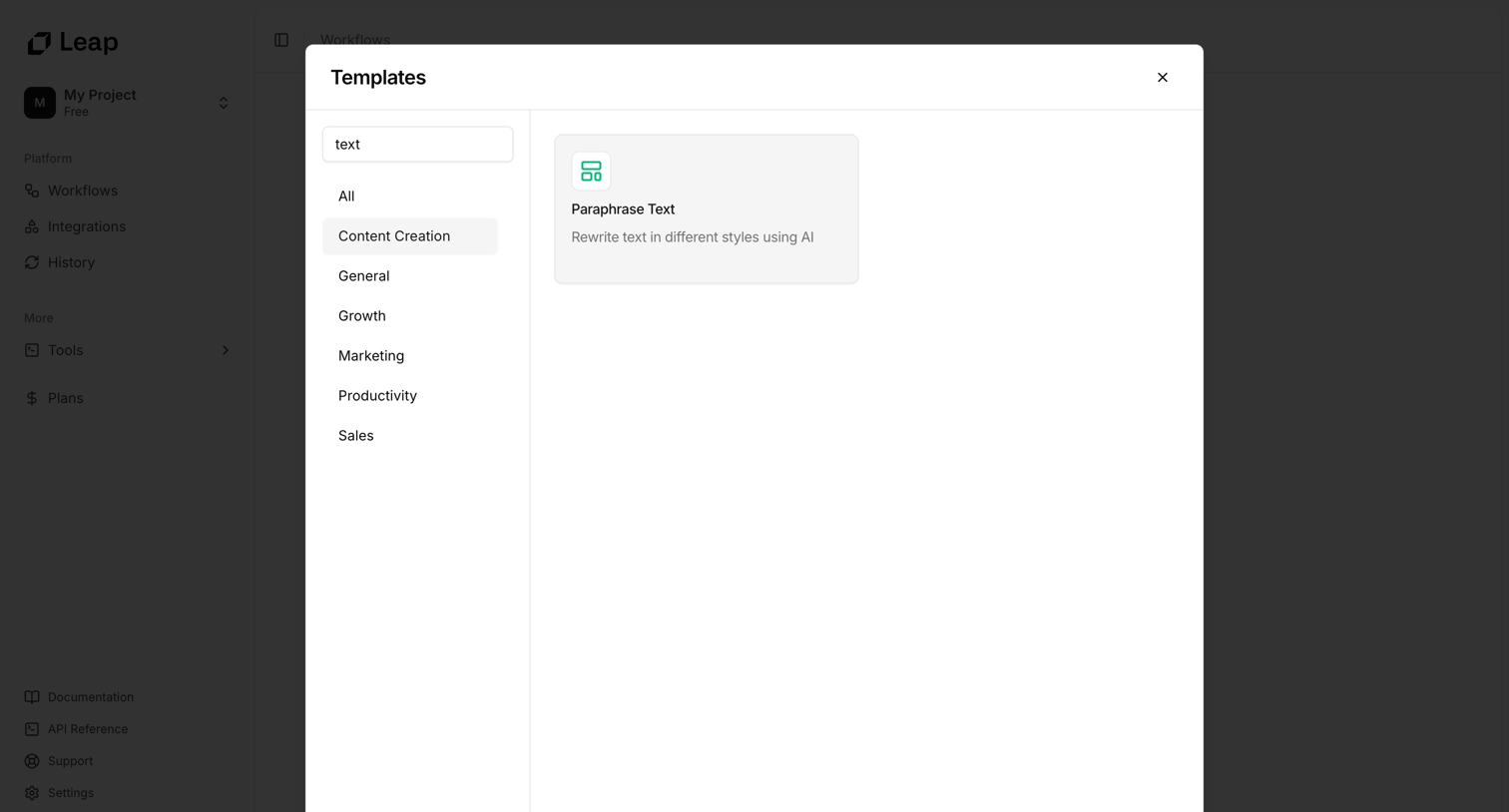
Modal where the user searches and browses workflow templates by category, currently filtered for 'text' in the Content Creation category.
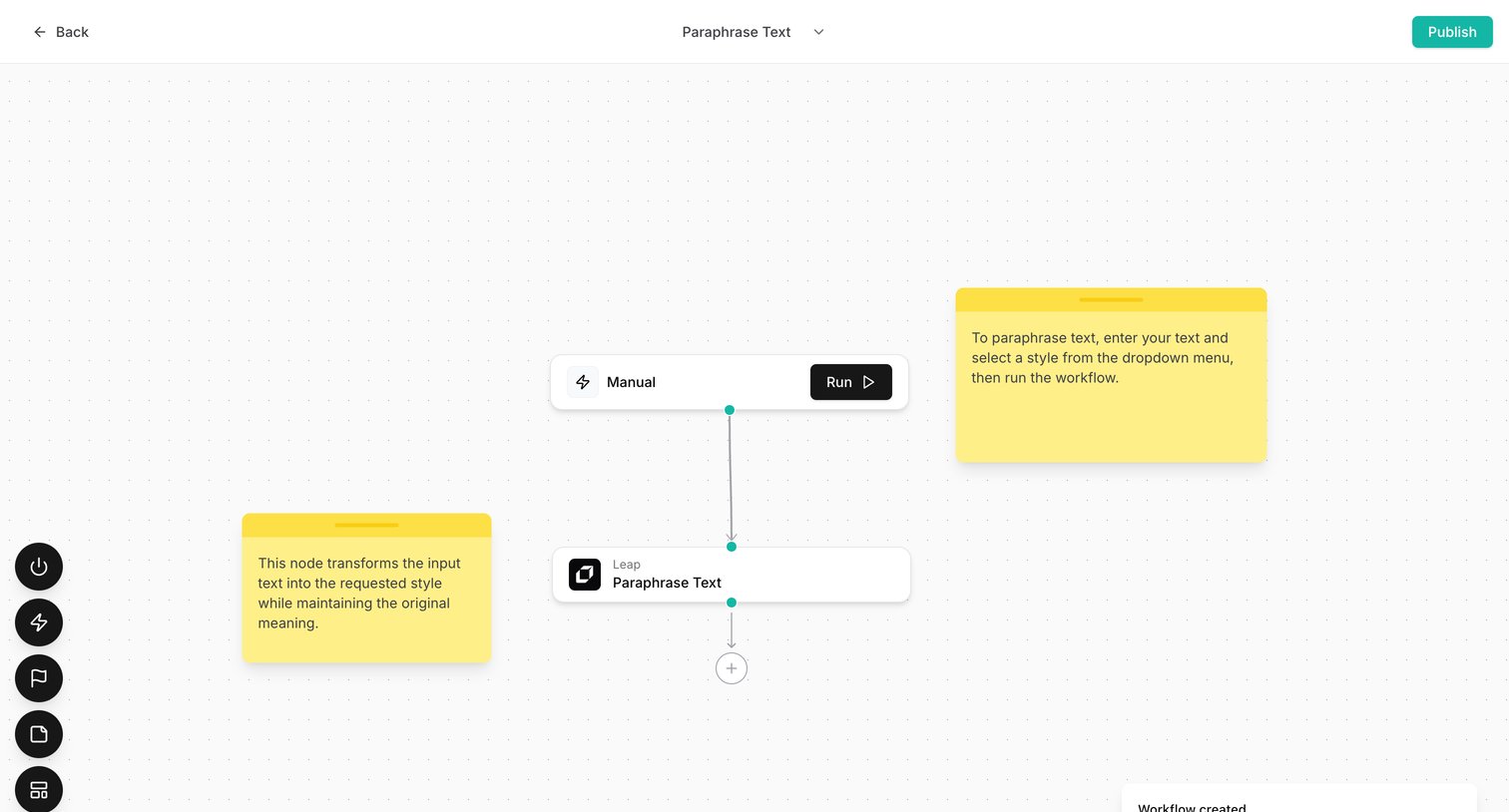
Design editor where the user builds an AI text-paraphrasing workflow by connecting manual input and processing nodes on a canvas.
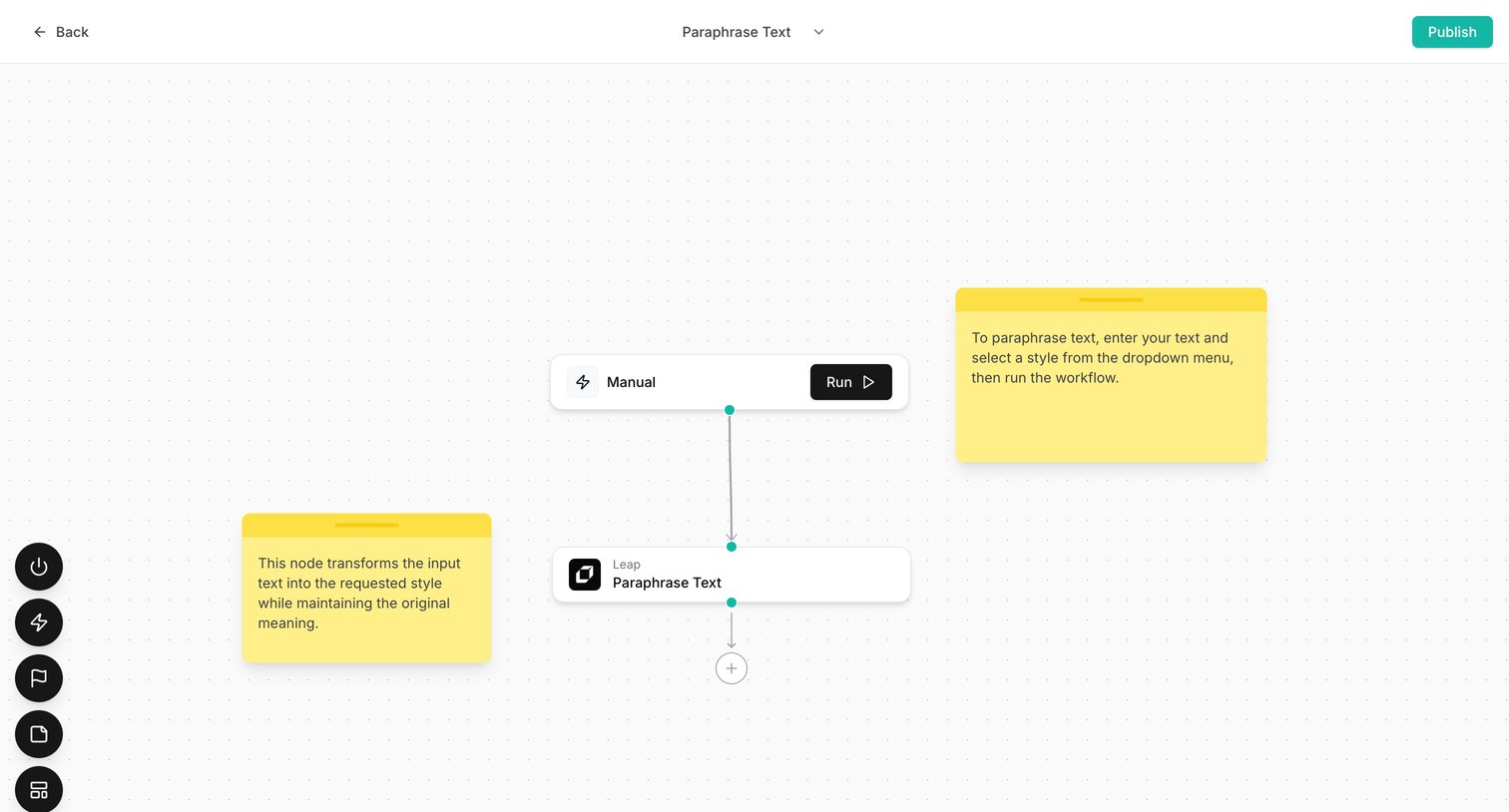
Workflow editor canvas where the user connects nodes to build a text paraphrasing automation pipeline.
Explore the full SaaS screen library
Upgrade to unlock the full library.
Trusted by the best teams







