Latitude product screens examples
Browse Latitude screen design examples. Preview the interface screenshots and explore related UI patterns. The data workspace for startups
Explore the examples
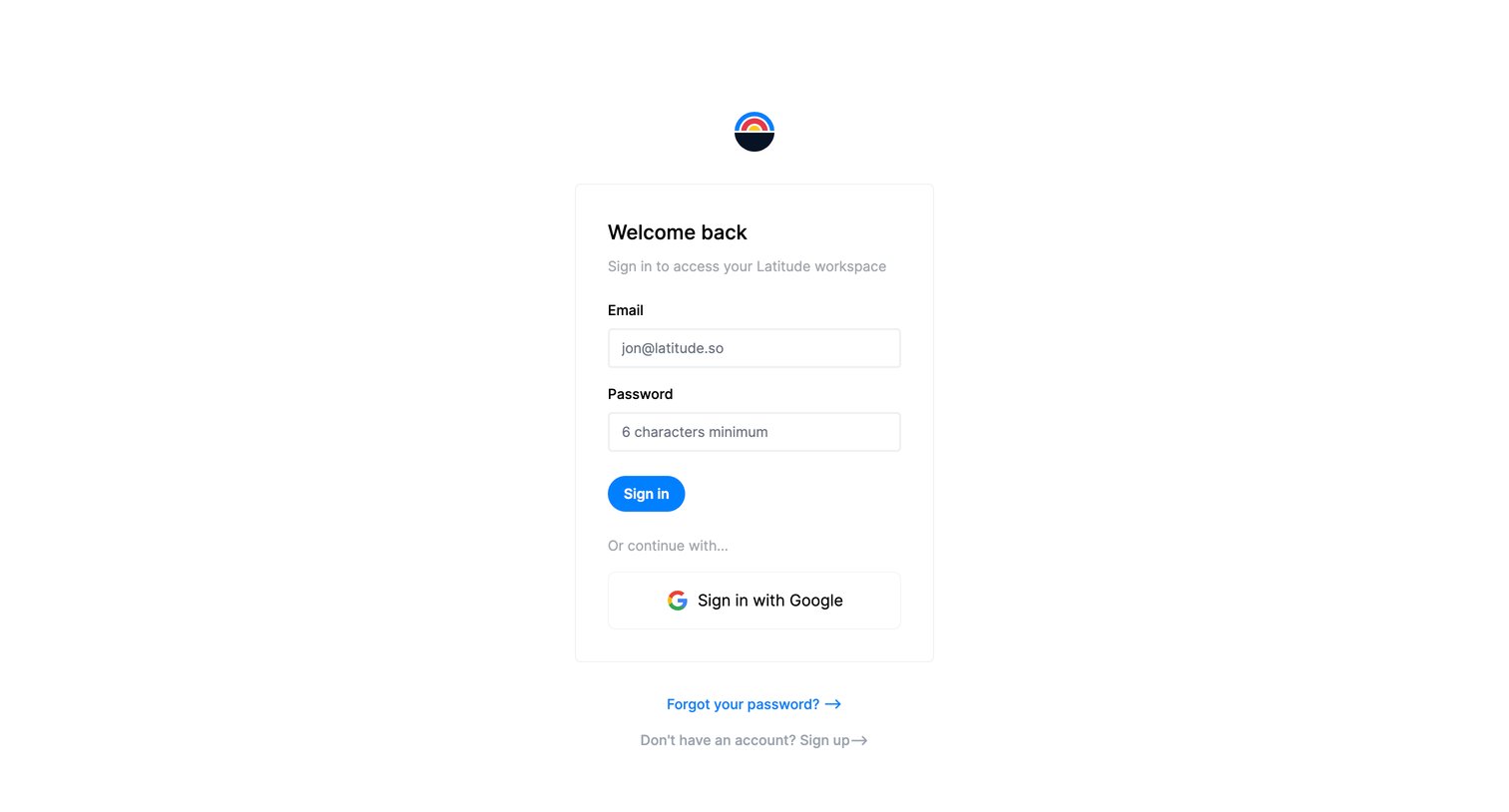
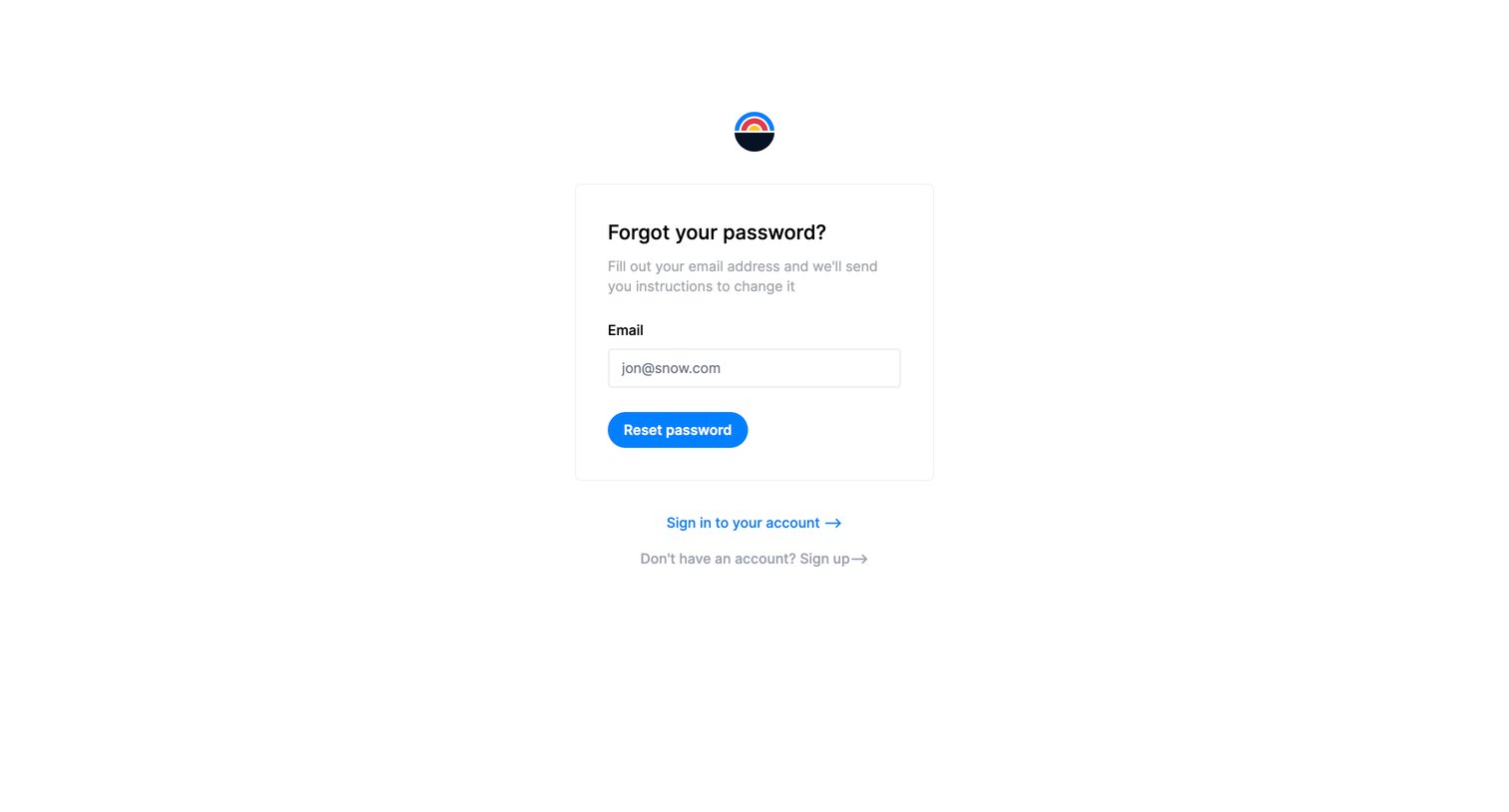

Password recovery screen where the user enters their email address to receive reset instructions.
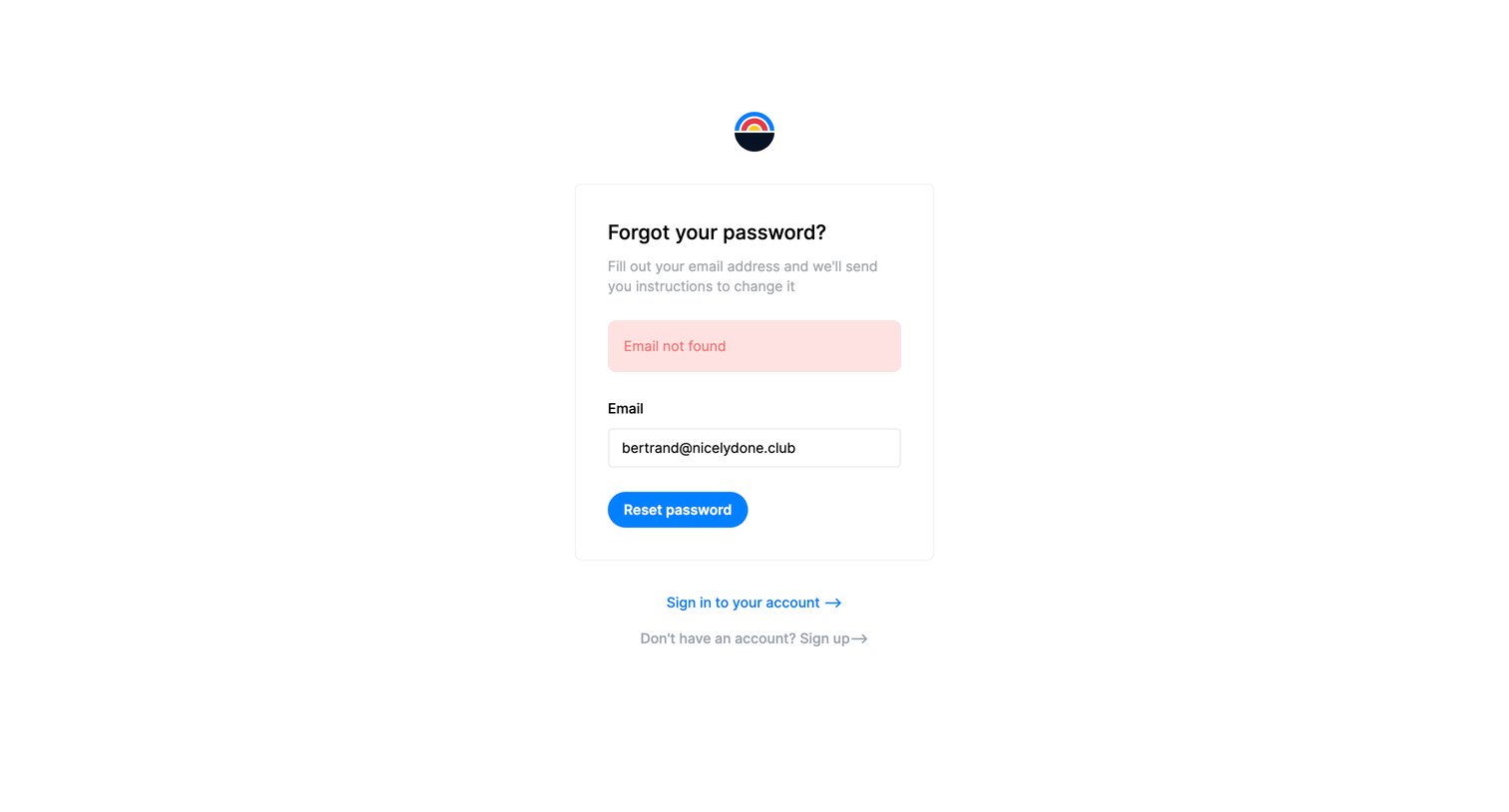
Password recovery screen where the user is informed that their entered email address was not found.
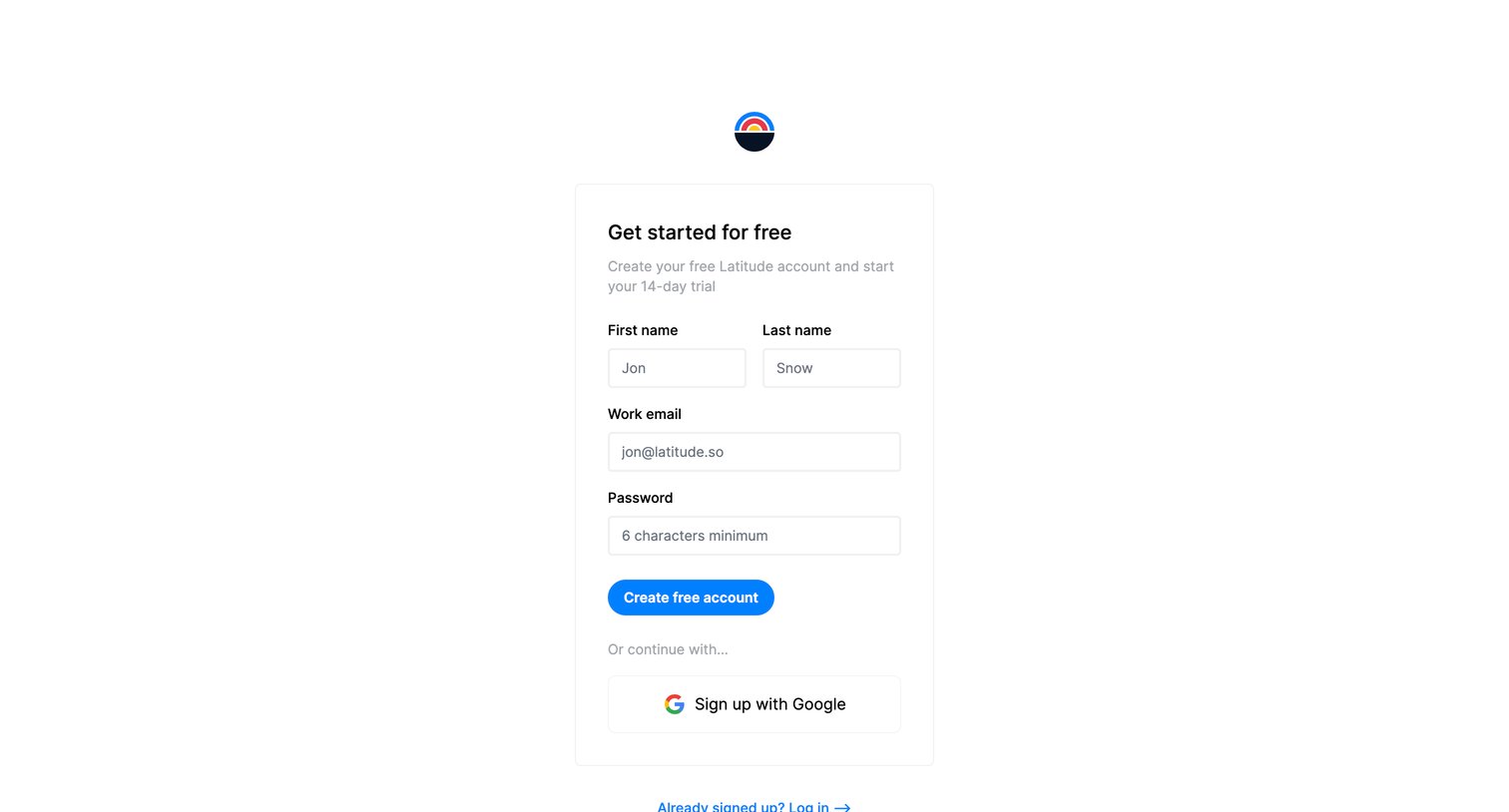
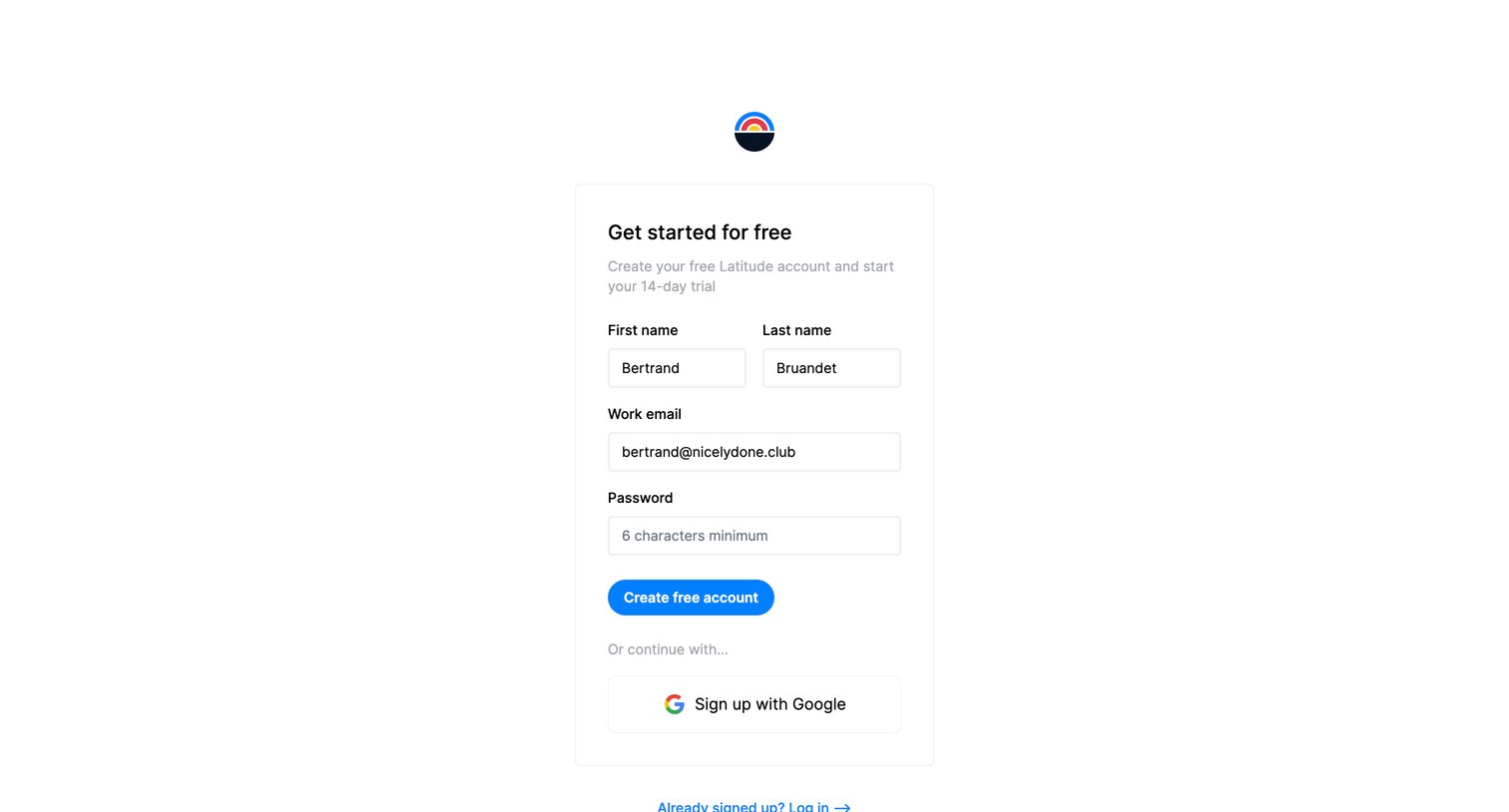
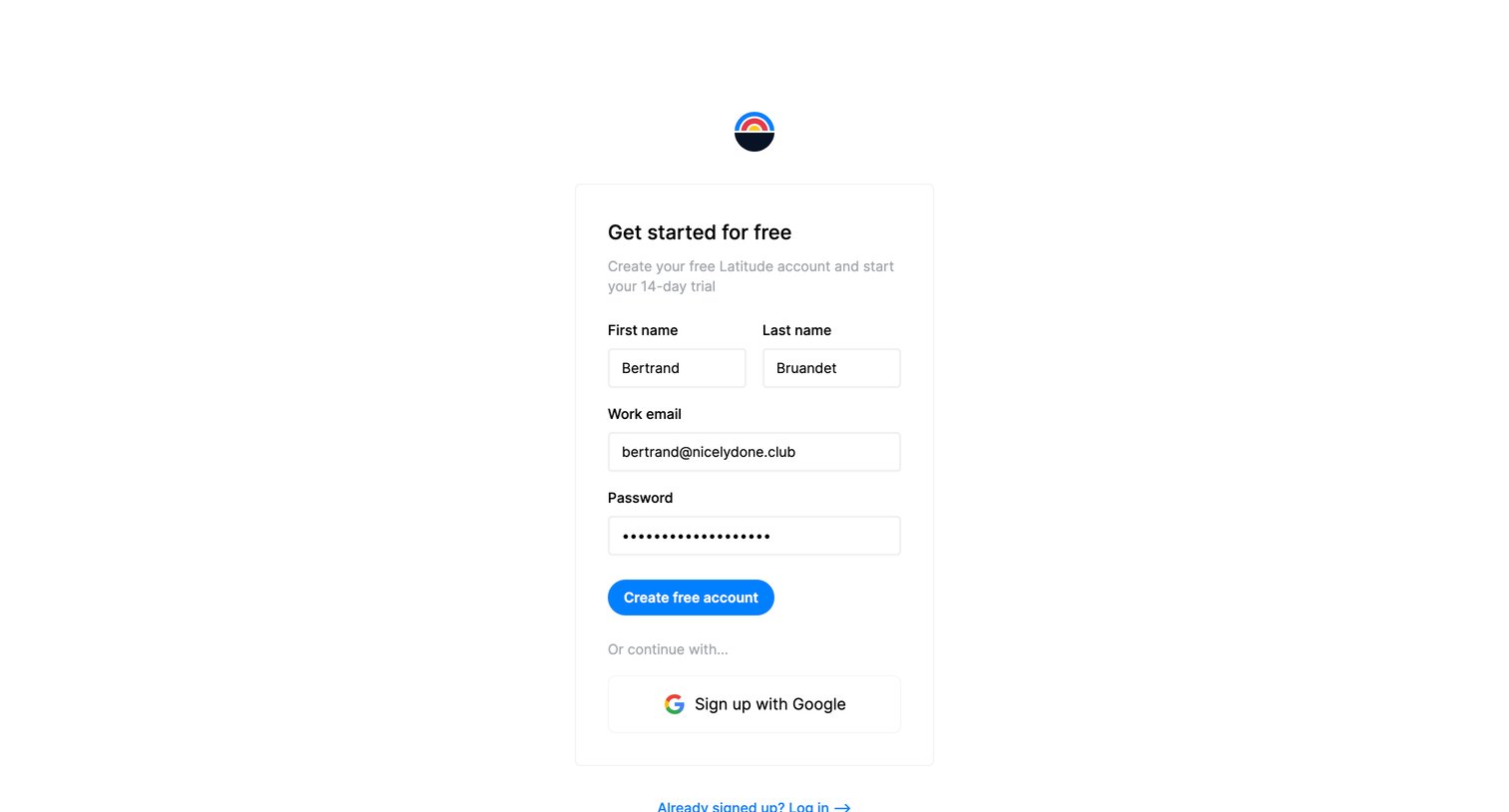
Signup screen where the user creates a free account to start a 14-day trial by entering their name, email, and password, or by continuing with Google.
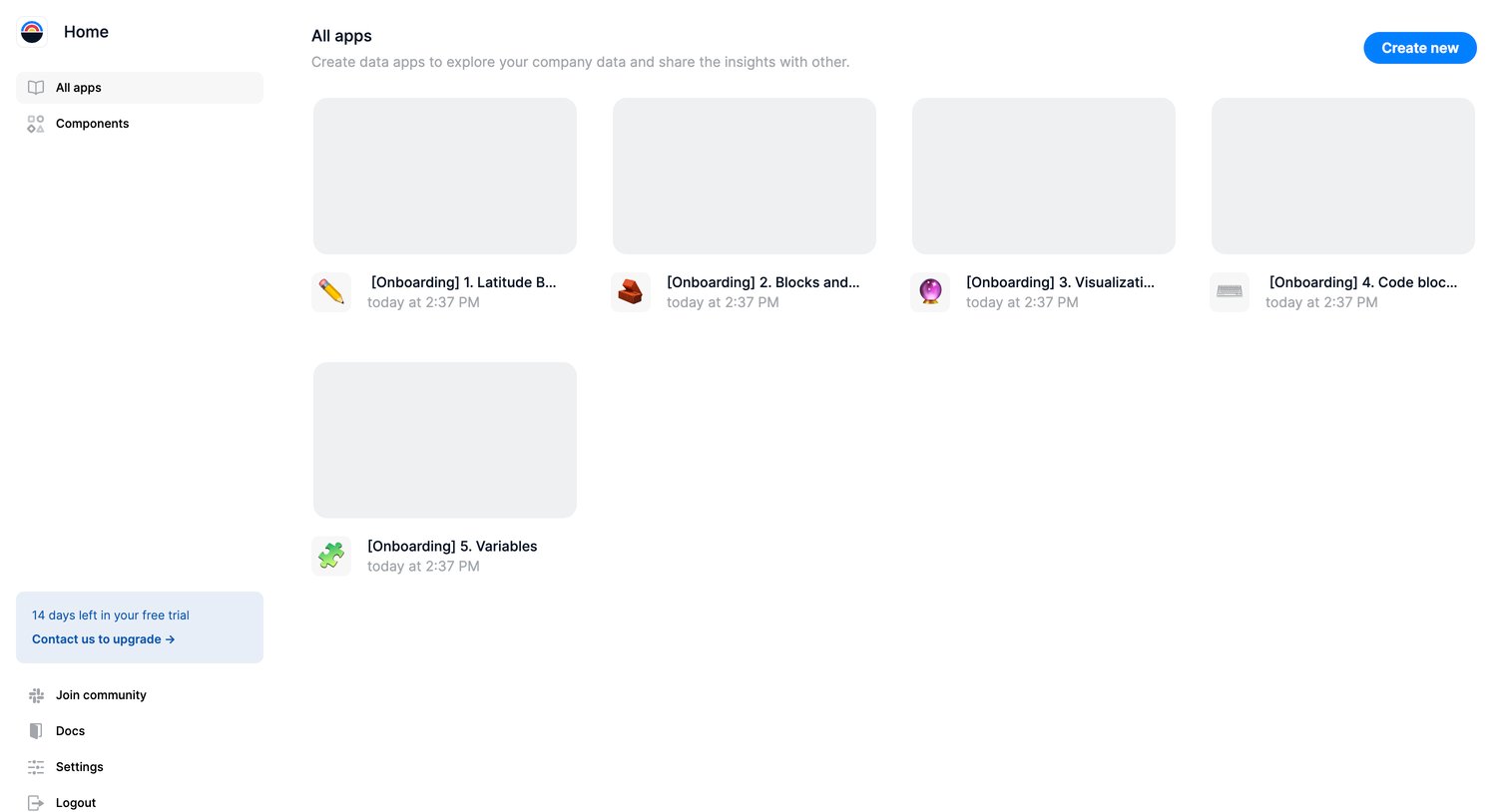
Home screen where the user views and creates data apps from a gallery of onboarding templates.
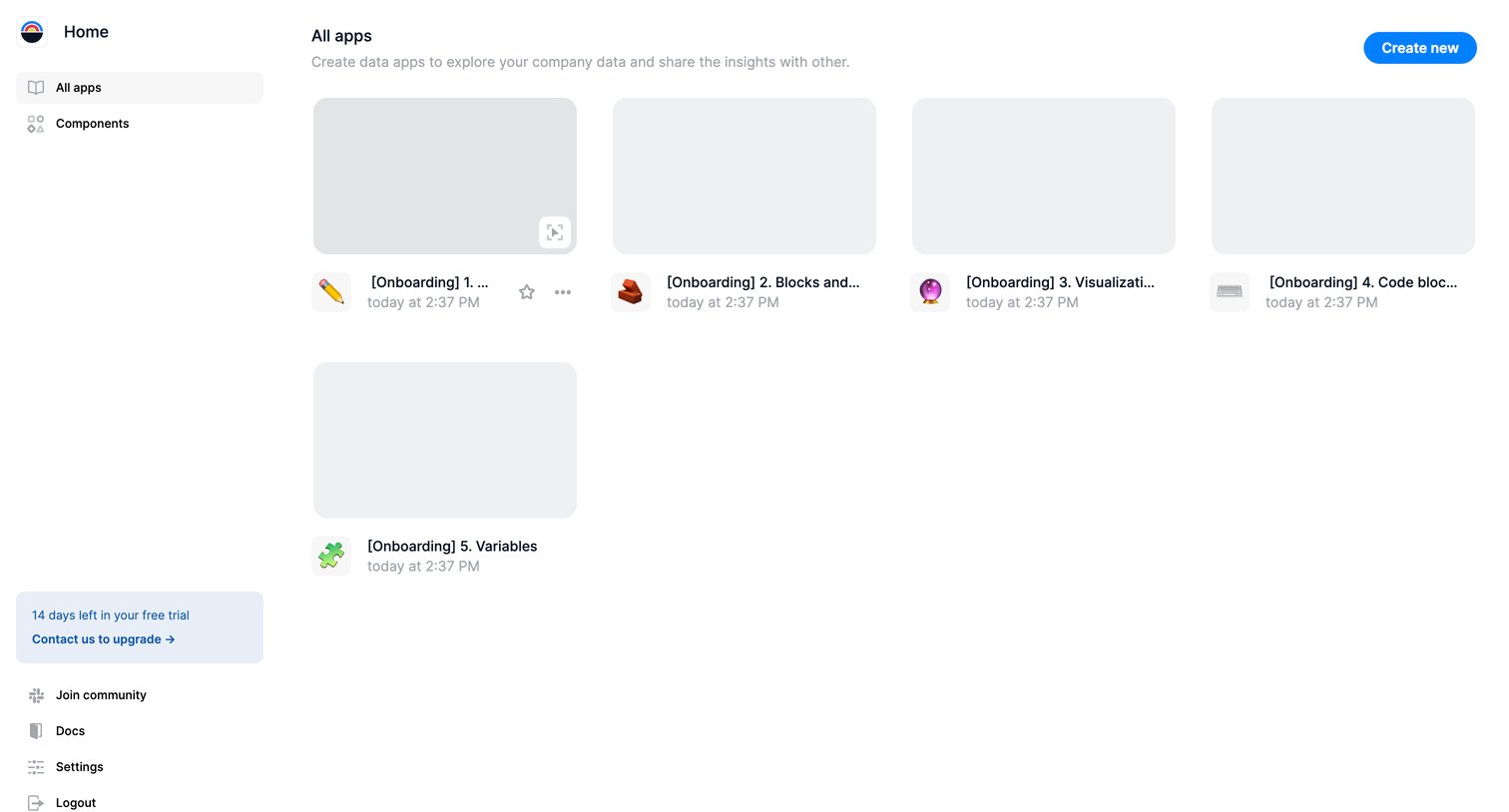
Home screen where the user views their existing data apps in a grid and can create new ones, with a prominent trial countdown banner in the sidebar.
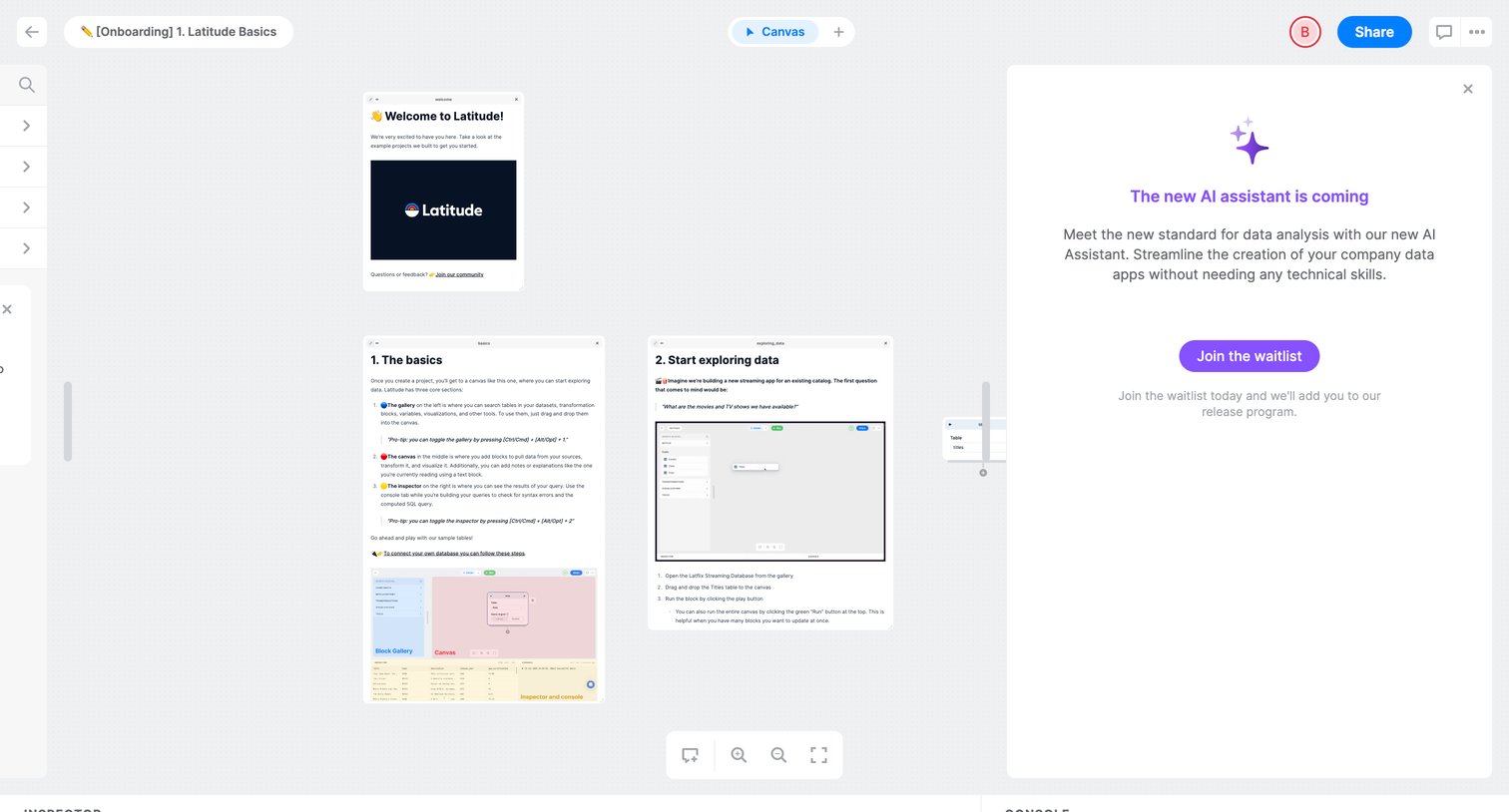
Workflow canvas where the user views an onboarding tutorial with draggable blocks, overlaid by a right-side drawer prompting them to join the waitlist for a new AI assistant.
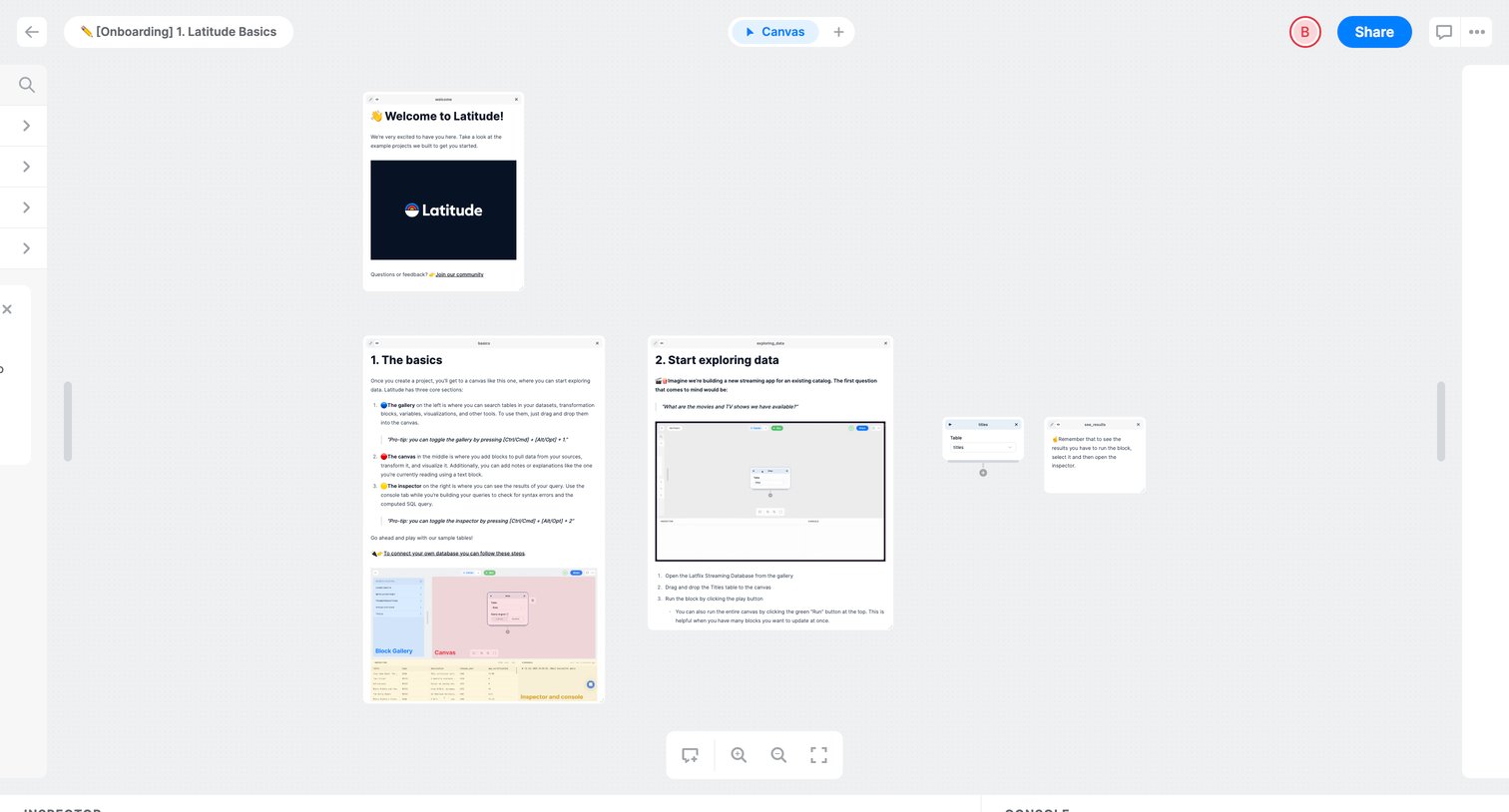
Workflow editor canvas where the user reads onboarding instructions and interacts with sample data blocks to learn the basics.
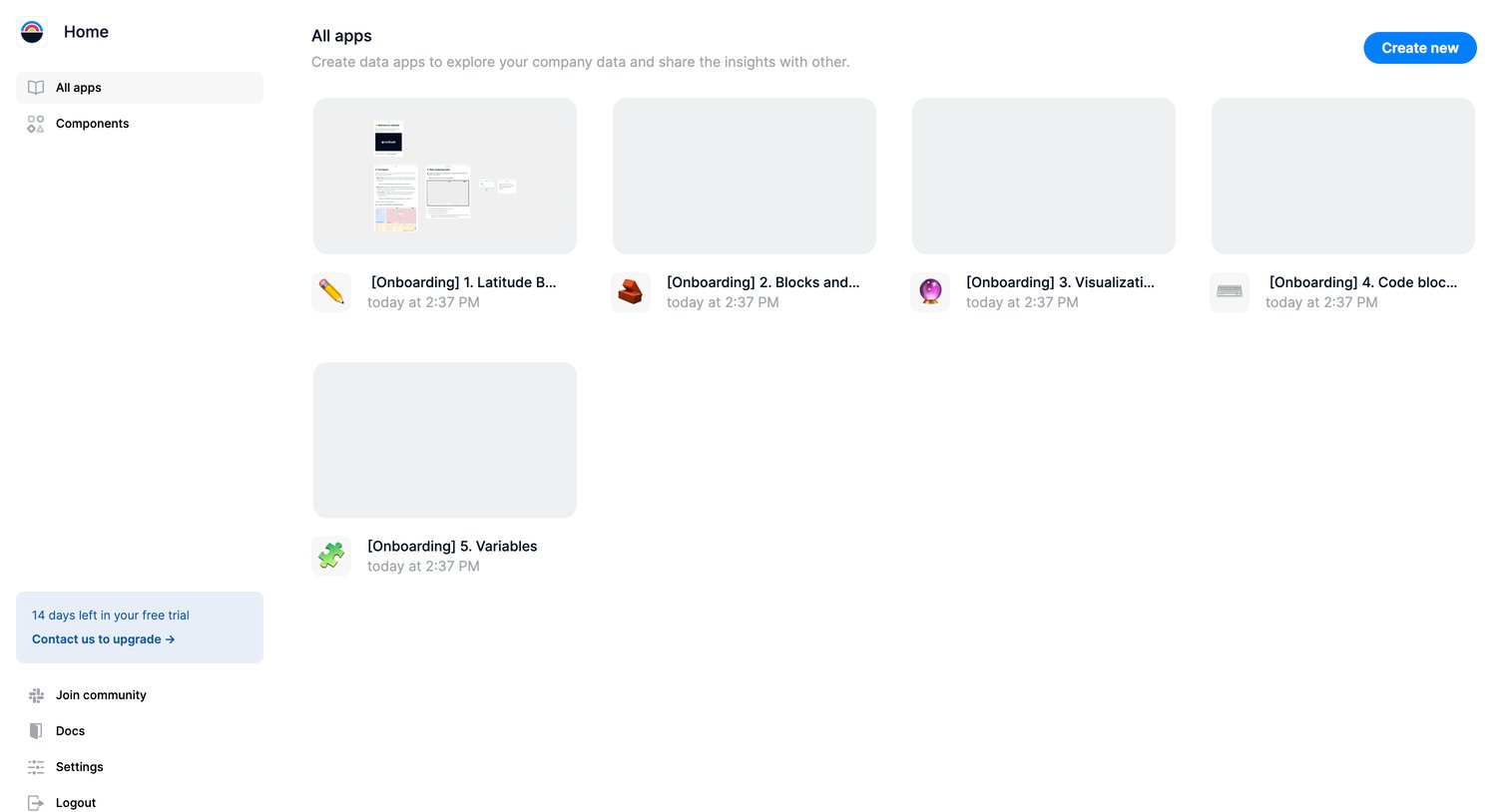
List view where the user can browse their existing data apps or create a new one, with a trial countdown visible in the sidebar.
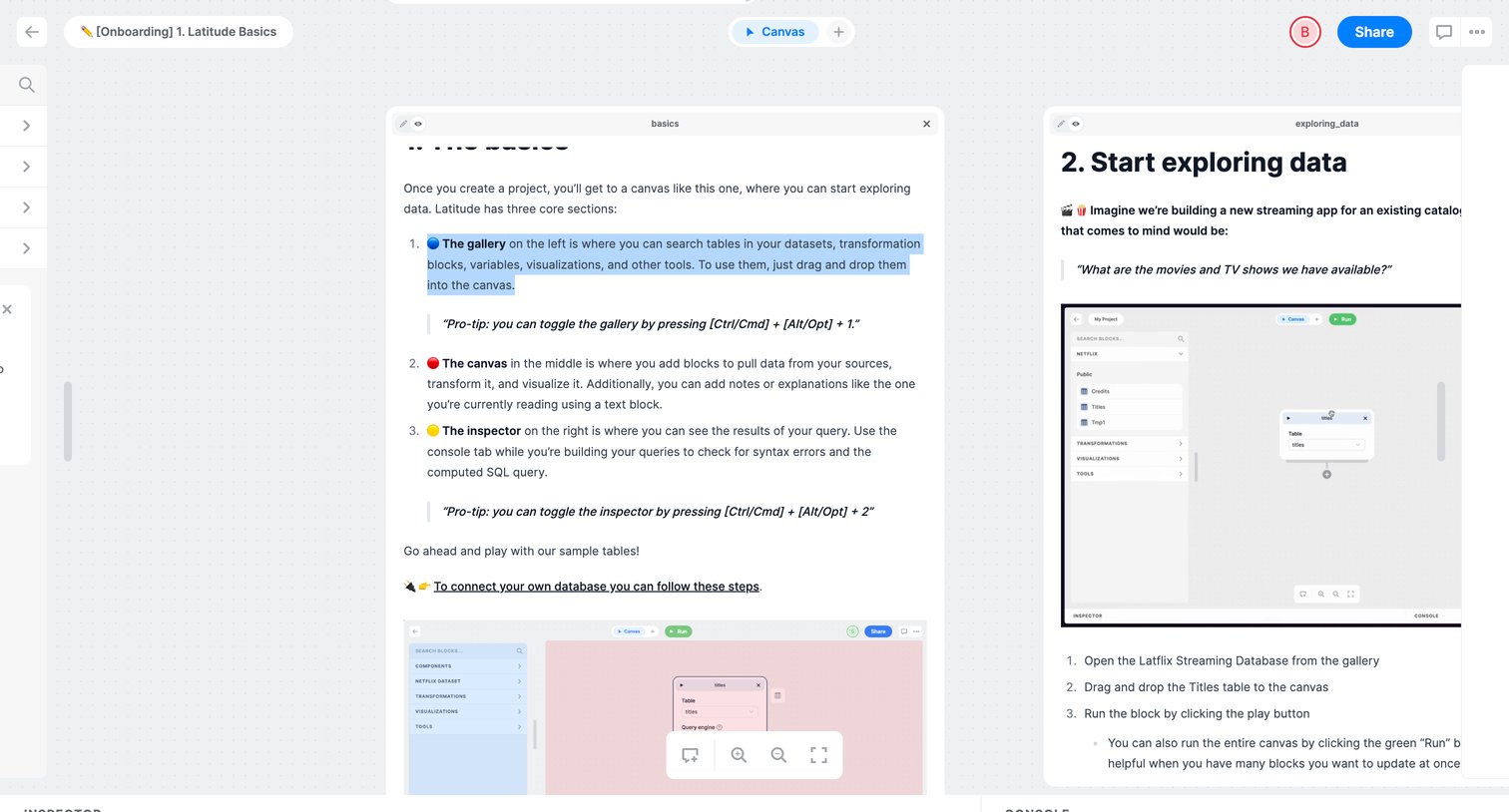
Design editor canvas where the user follows an onboarding tutorial about basics and exploring data using draggable text and image blocks.
Explore the full SaaS screen library
Upgrade to unlock the full library.
Trusted by the best teams







