Hivy design examples
Explore Hivy UI design examples. Easily manage your office
Product screens

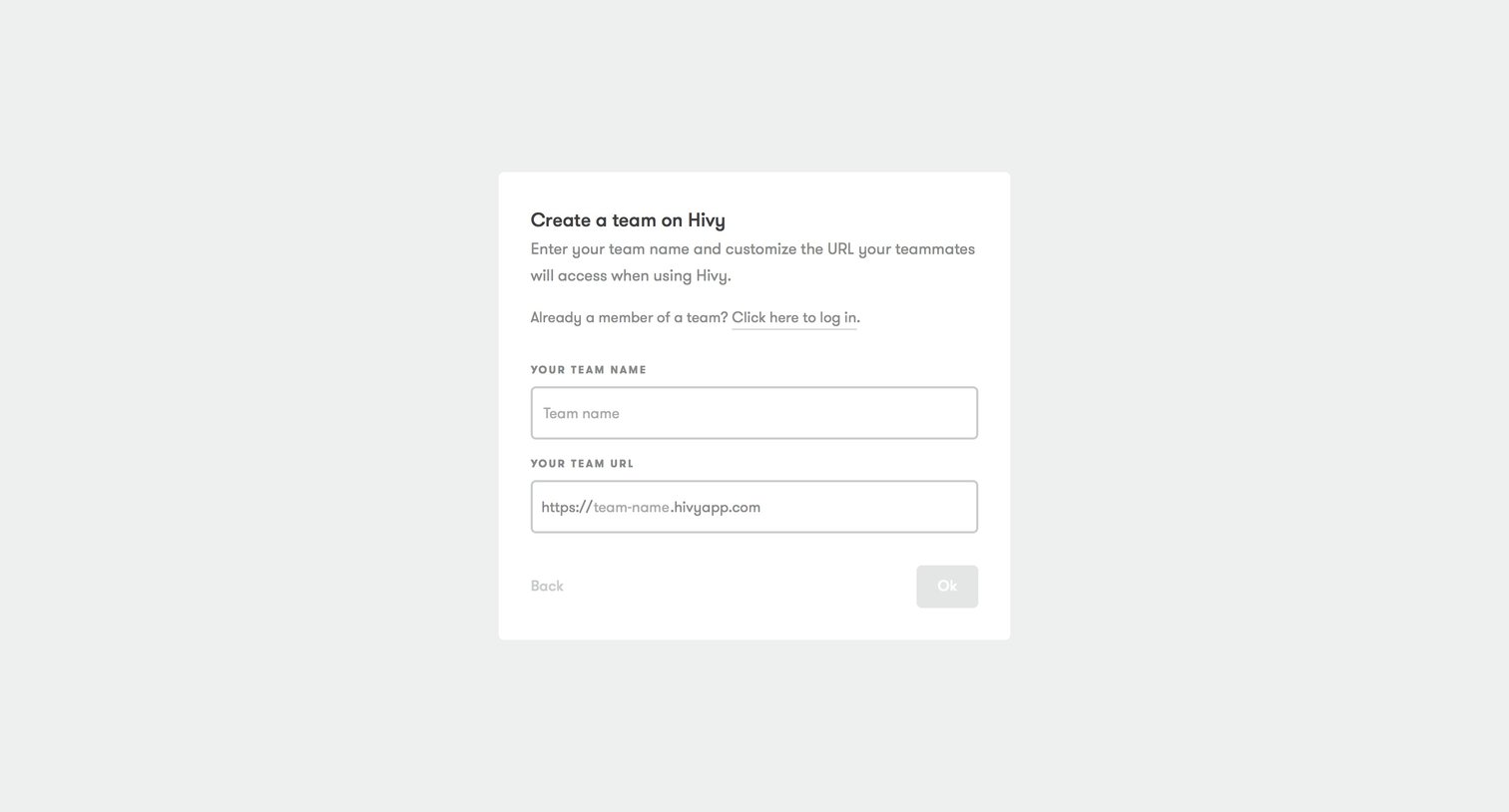

Onboarding step where the user names their team and customizes the workspace URL.

Signup step where the user provides their personal details and sets a password to finish creating their team.

Onboarding modal welcoming the first administrator to their company account, explaining they will soon be able to invite members.

Onboarding product tour modal explaining existing categories and items to a new user, featuring a preview list of office supplies like sponges and staplers.

Onboarding step where the user is prompted to invite teammates by email with an option to skip and do it later.

Kanban board where the user manages incoming requests across pending, accepted, and done columns, with an active product tour banner.

Kanban board for managing incoming requests, currently empty with columns for pending, accepted, and done tasks.

Dashboard showing an empty state for analytics because the user has no requests yet.

Settings page where the user manages their team members, viewing active and pending users with options to grant admin rights or delete users.

Settings page where the user invites a new team member by entering their email, name, and assigning administrator rights via a modal.

Settings page where the user is prompted to connect their team's Slack workspace to enable direct requests via a slash command.
Browse the full SaaS app library
Explore real SaaS apps with their product screens, marketing screens, flows, and components.
Trusted by the best teams







