Decipad design examples
Explore Decipad UI design examples. A new way to create, collaborate and build anything you want using numbers
Product screens
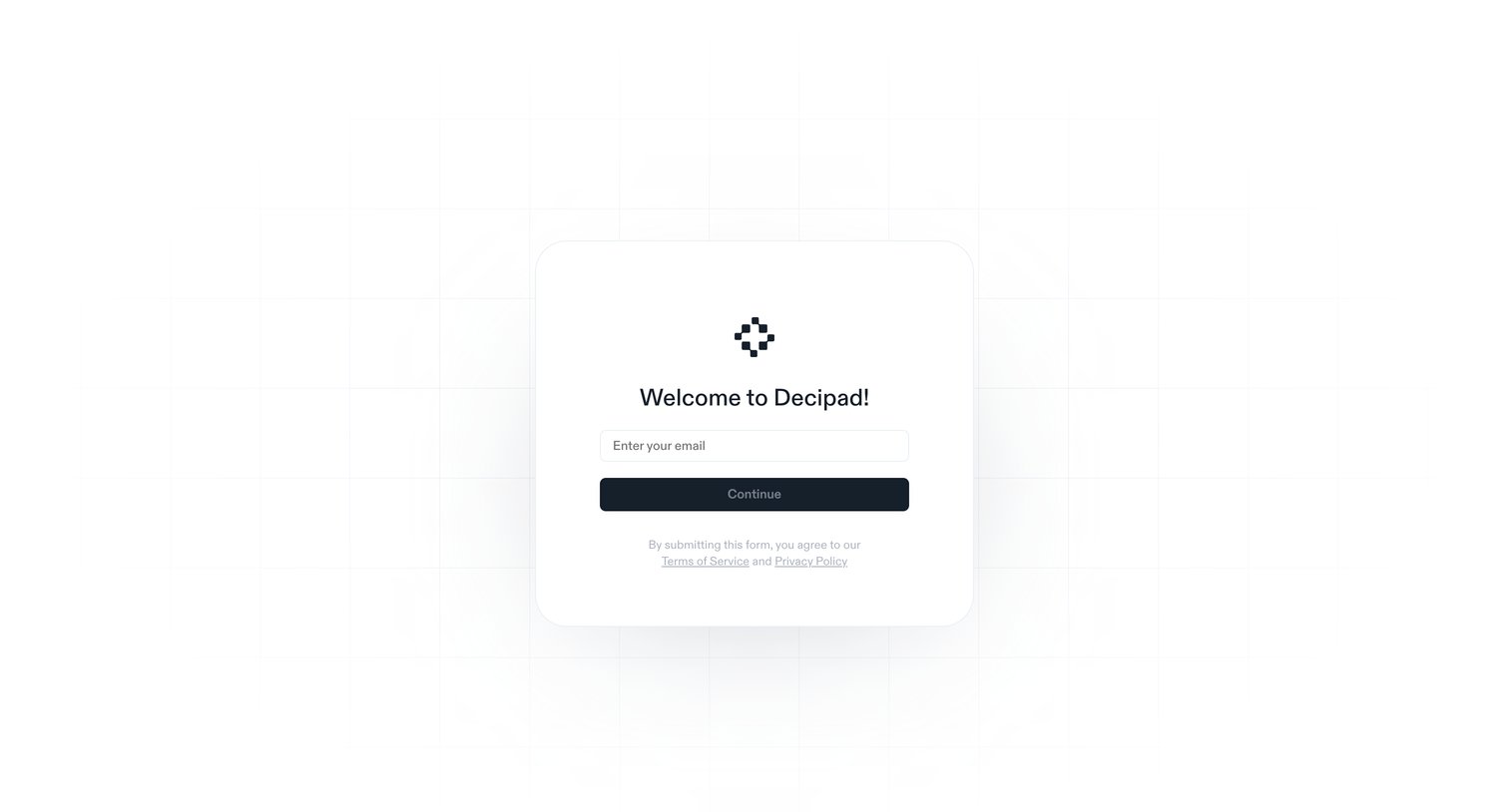

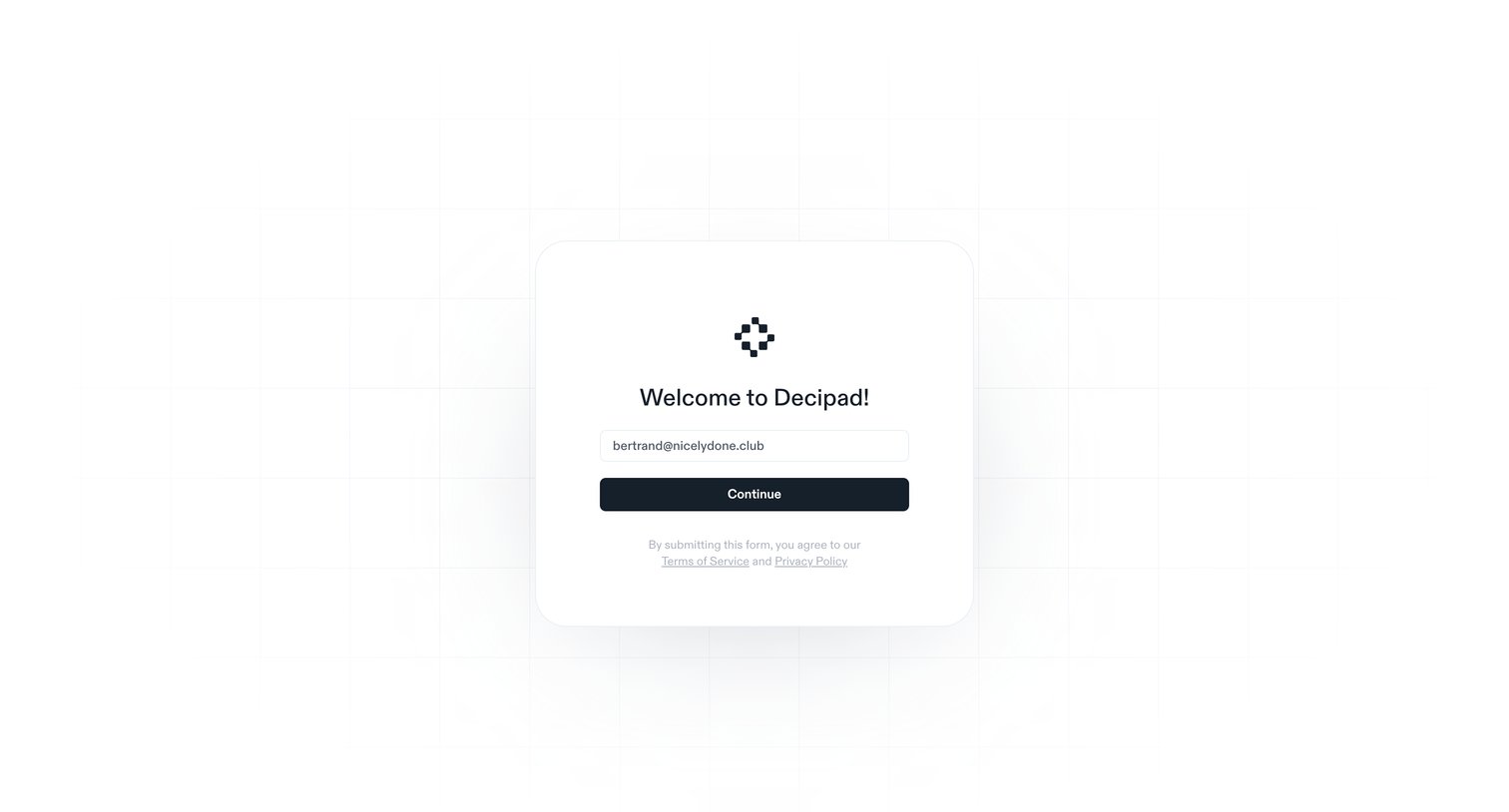
Authentication screen where the user enters their email to continue and implicitly agrees to the terms of service and privacy policy.
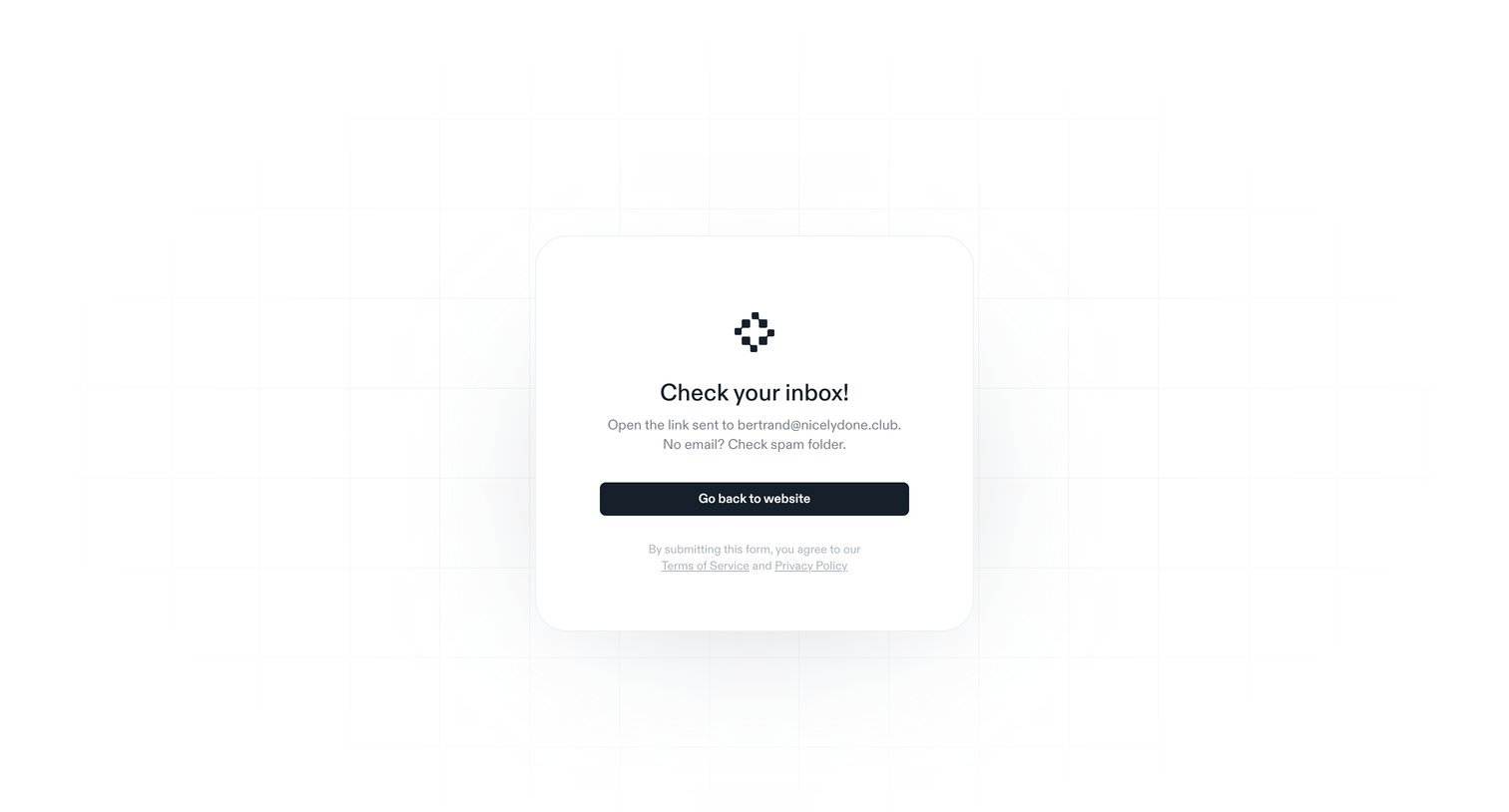
Verification screen confirming a login link has been sent to the user's email address with a prompt to check their inbox.
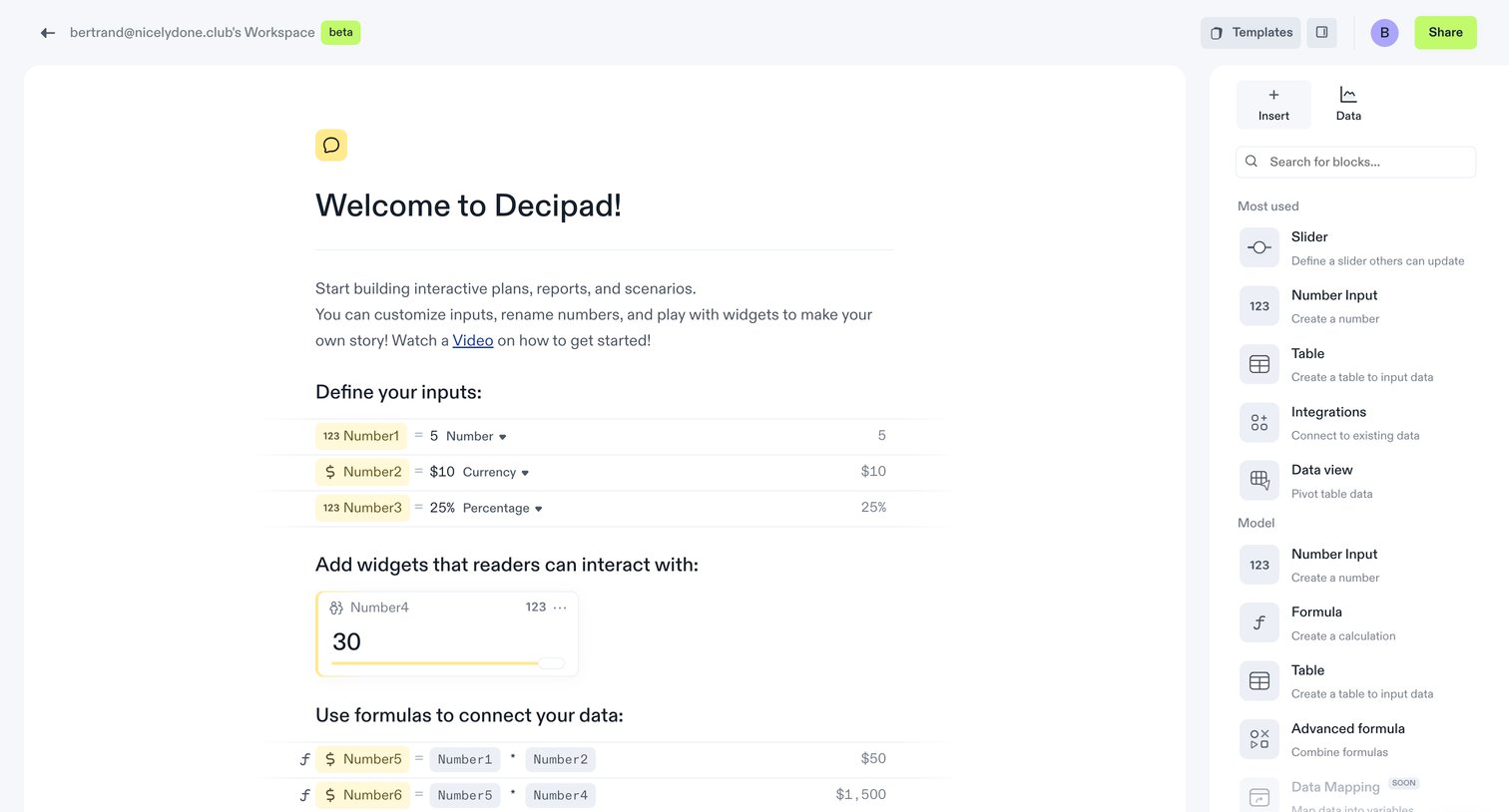
Block-based document editor where the user can insert interactive inputs, widgets, and formulas from a side panel.
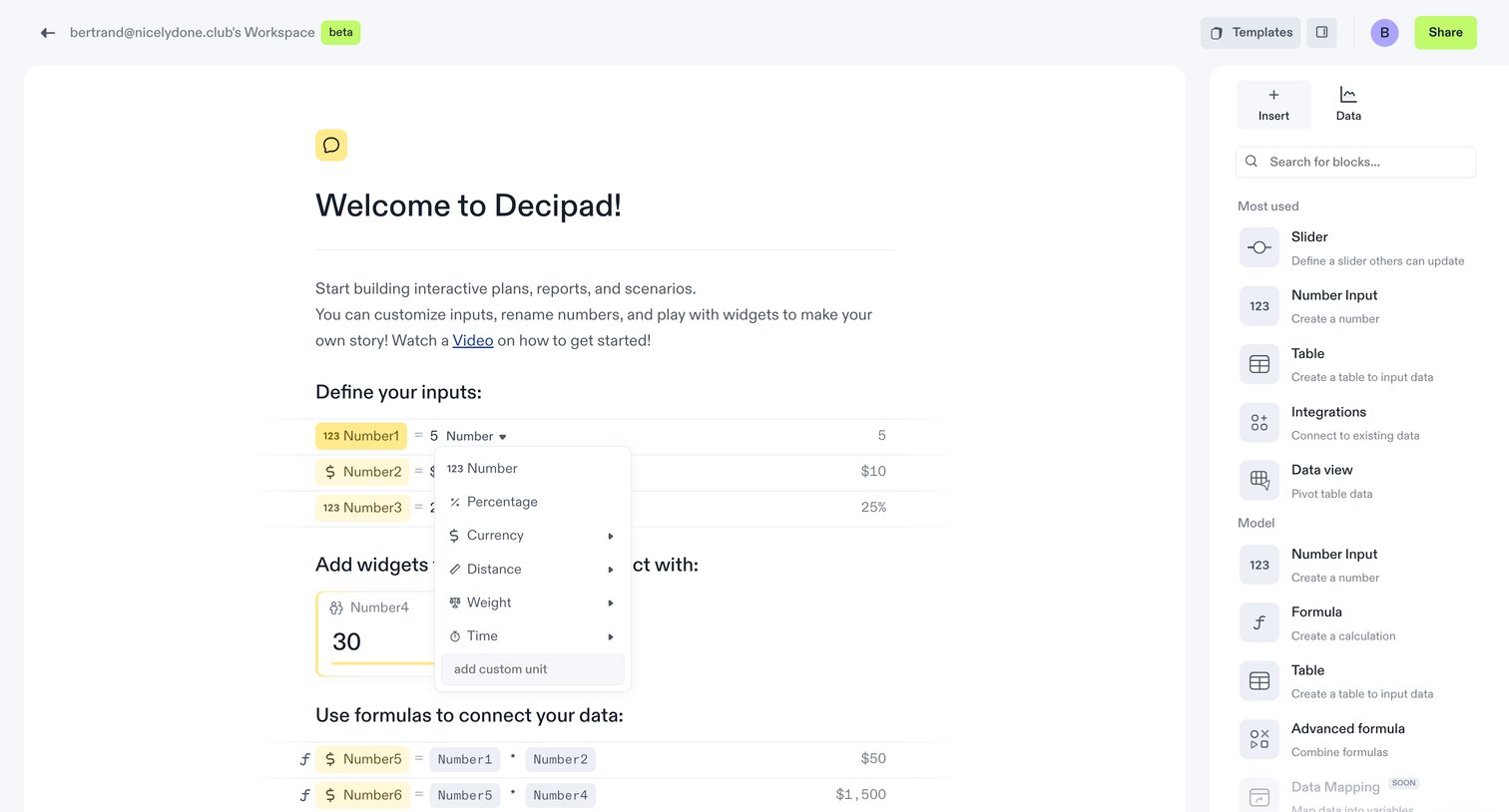
Content editor where the user builds interactive plans with numbers, formulas, and widgets, currently selecting a unit format from an open dropdown.
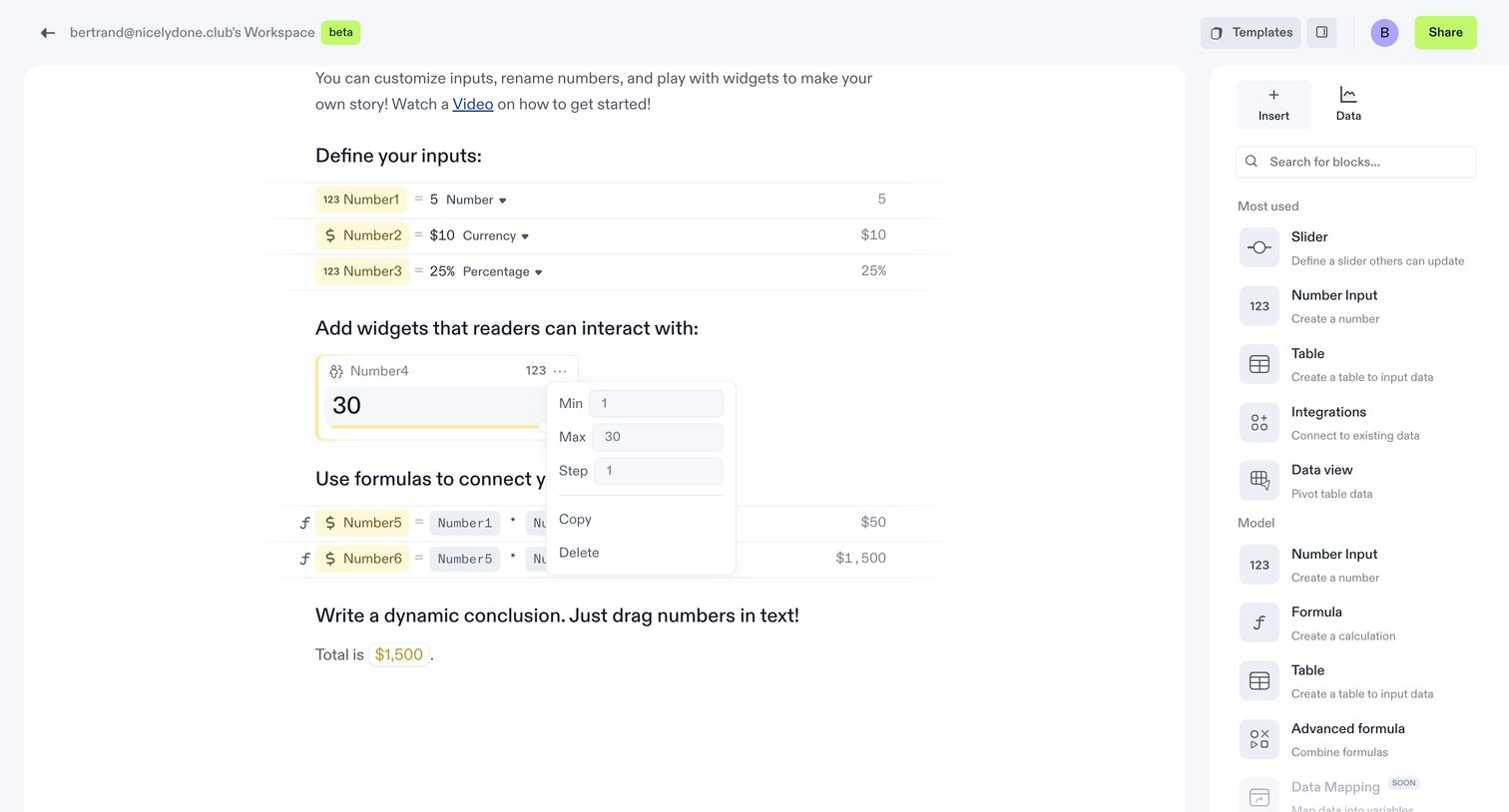
Content editor where the user configures interactive inputs, widgets, and formulas in a document, with a block insertion sidebar open.
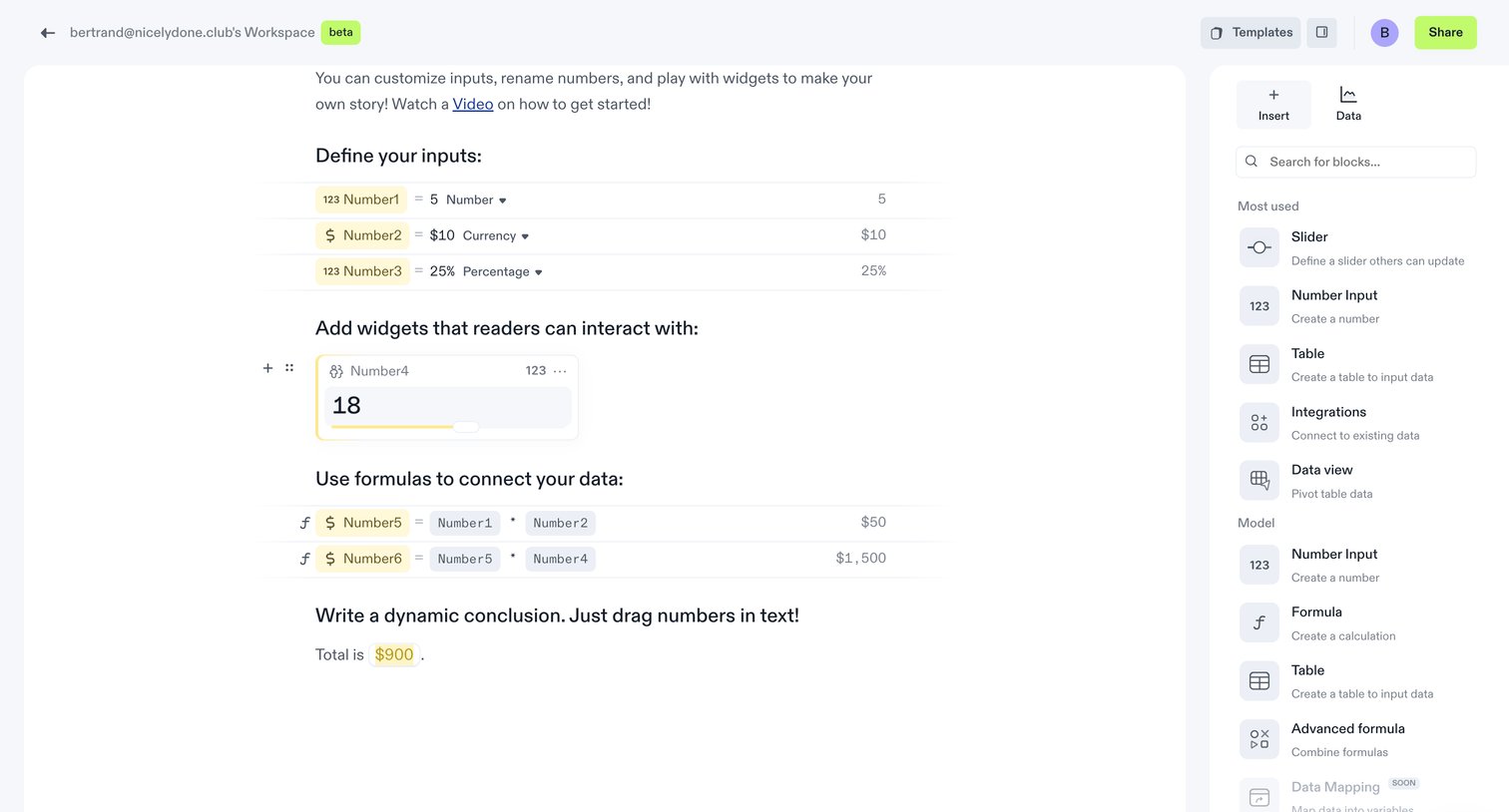
Document editor where the user creates interactive blocks for numbers, sliders, and formulas to build a dynamic story.
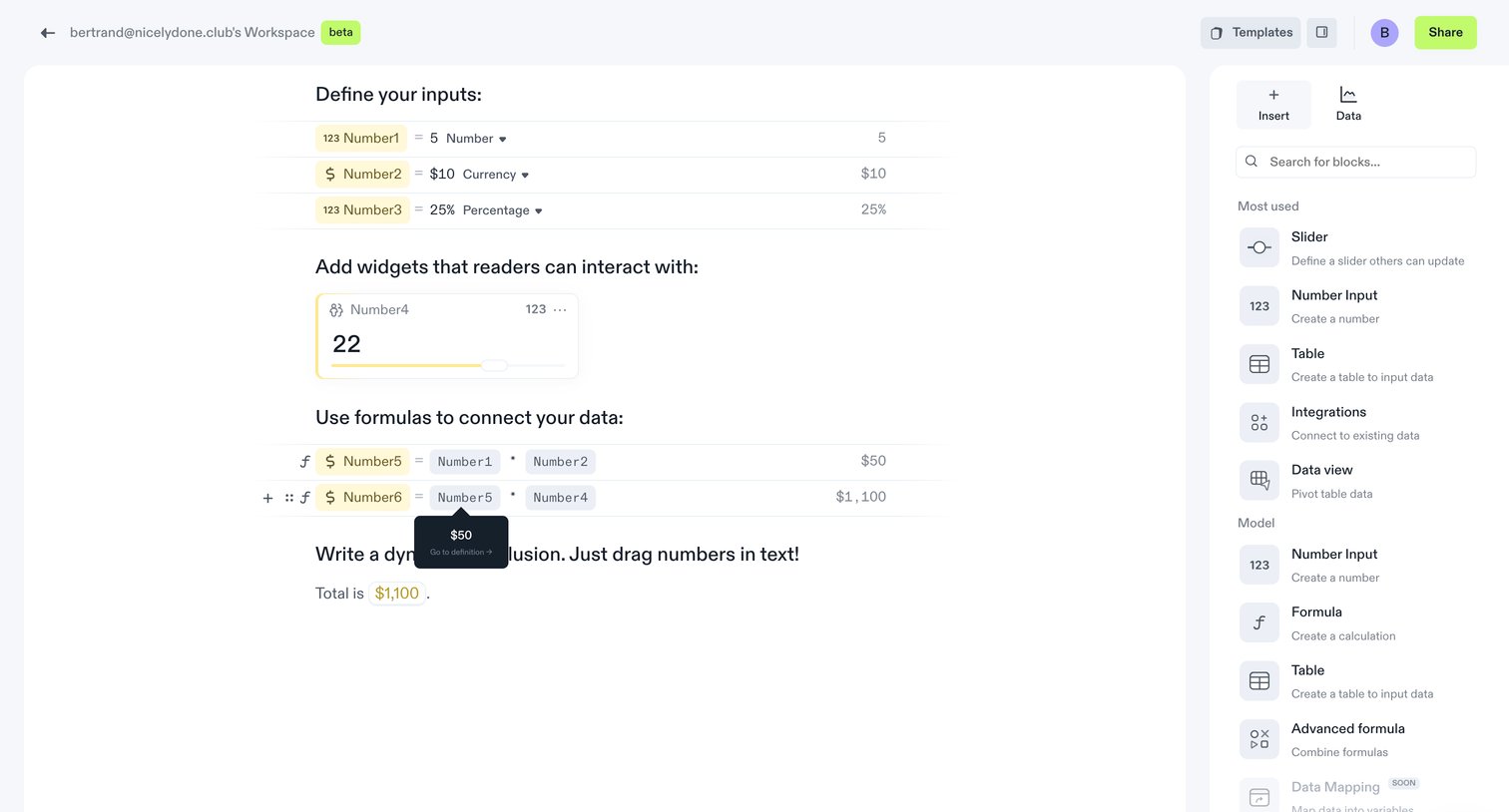
Content editor where the user builds an interactive document by defining numeric inputs, adding sliders, and writing formulas that connect data to dynamic text.
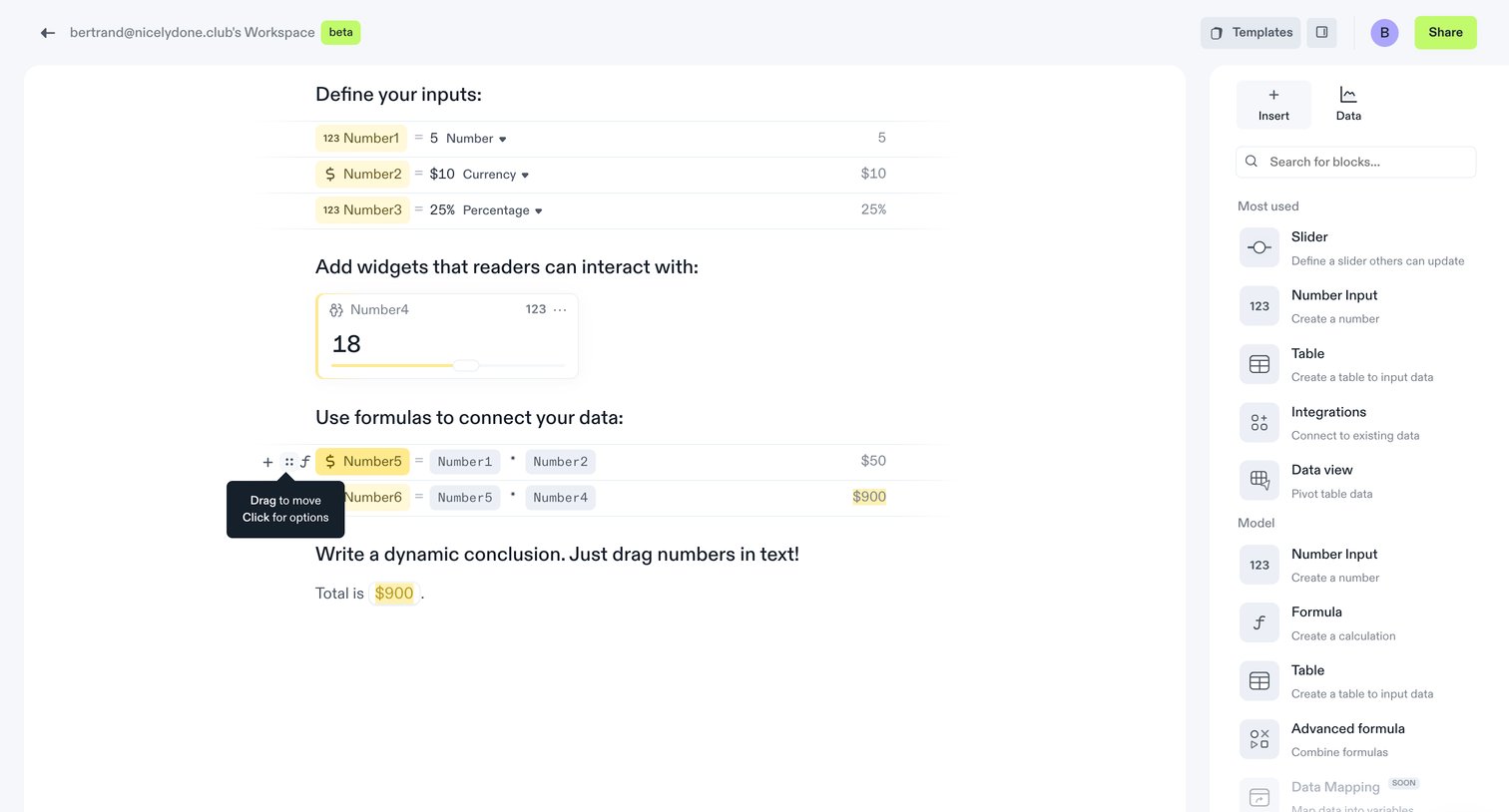
Content editor where the user defines numerical inputs, adds interactive slider widgets, and uses formulas to connect data within a document.
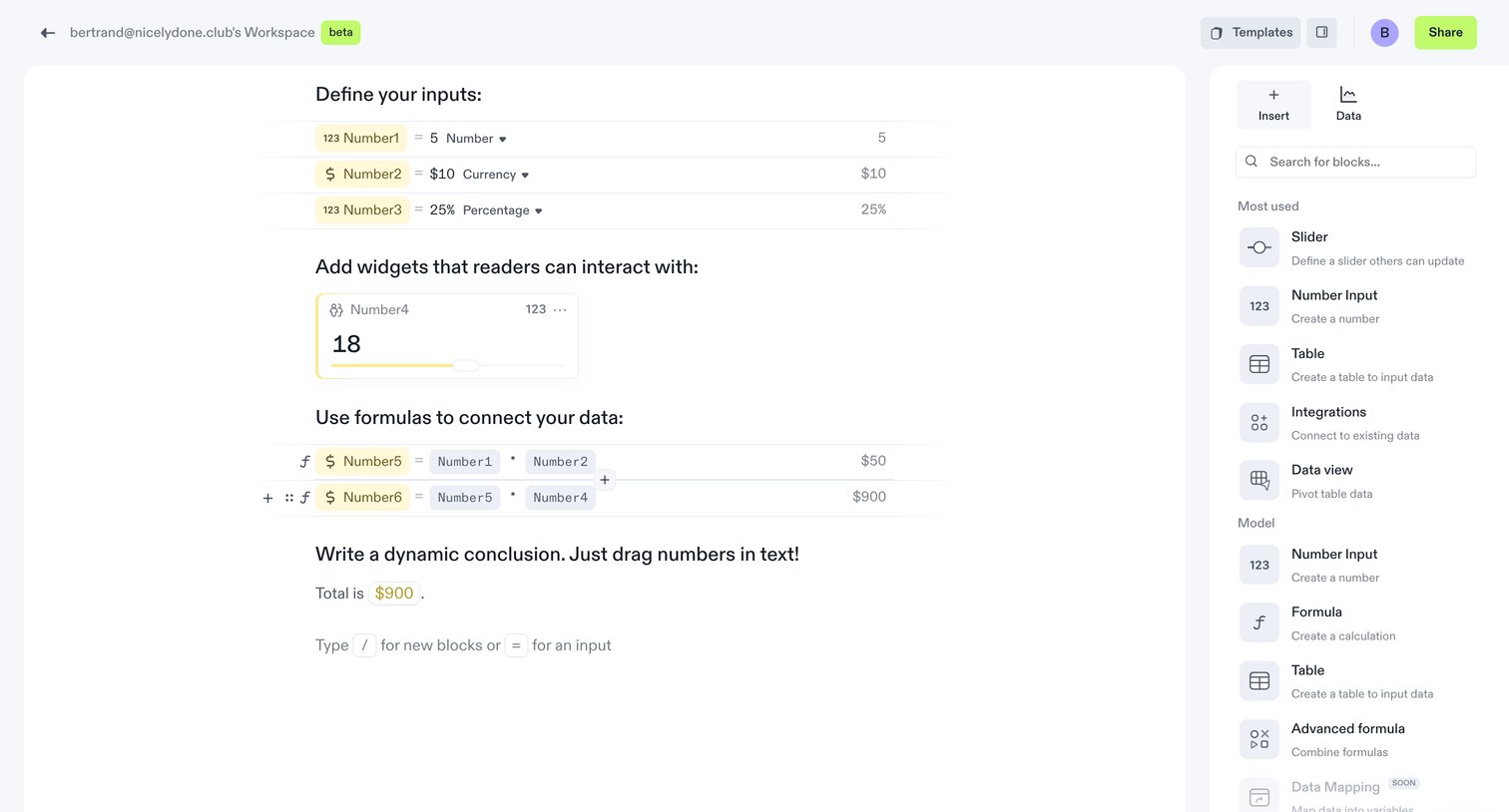
Content editor where the user builds an interactive document by defining numeric inputs, adding a slider widget, and writing formulas to connect data variables.
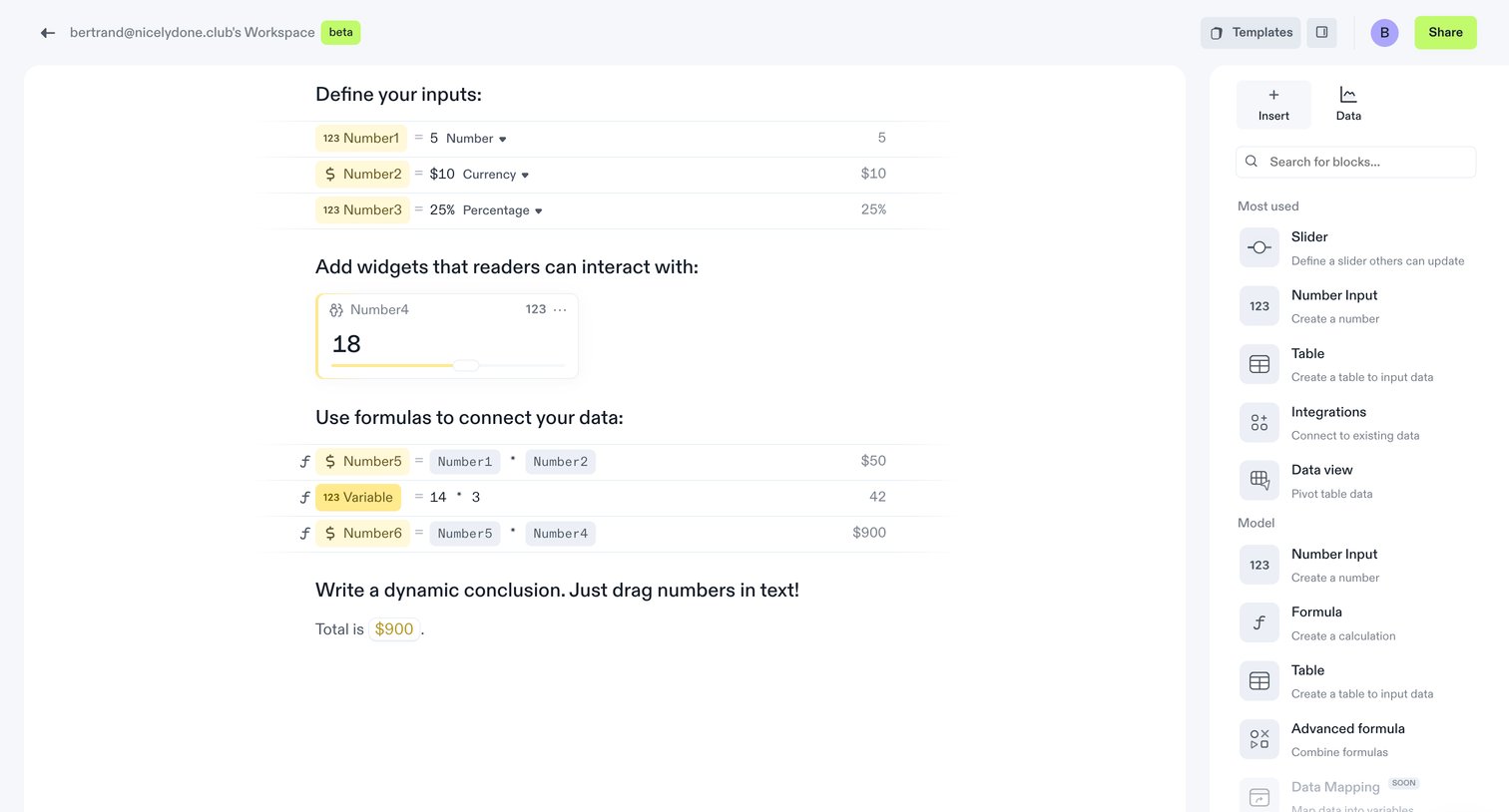
Content editor where the user defines numeric inputs, adds interactive slider widgets, and writes formulas to connect data in a dynamic document.
Browse the full SaaS app library
Explore real SaaS apps with their product screens, marketing screens, flows, and components.
Trusted by the best teams







