Decipad user flows examples
Explore Decipad user flow examples. Preview the opening screens and steps for each task. A new way to create, collaborate and build anything you want using numbers
Preview these flows

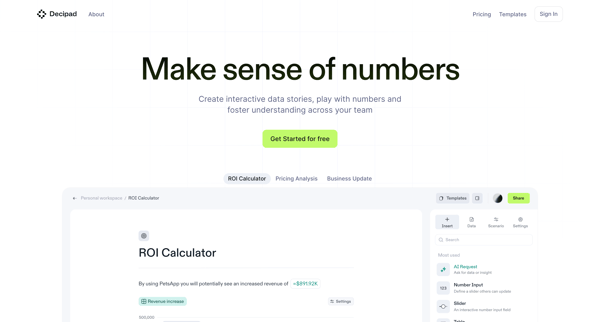


This flow guides users through the process of discovering Decipad's capabilities, from introduction on the landing page, through signing up and verifying their email, to finally accessing the
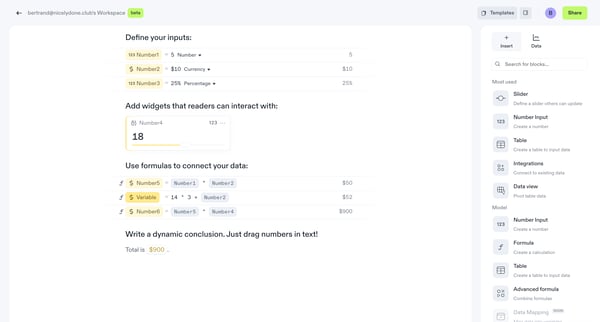
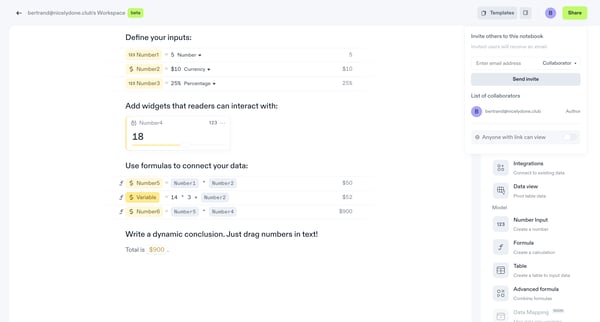
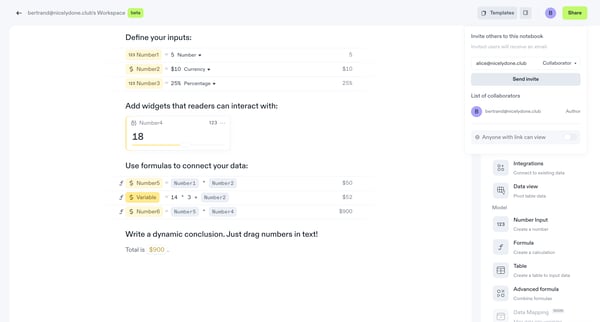
This flow guides a user through the process of sharing a notebook in Decipad, from inviting collaborators to adjusting sharing settings and generating a shareable link.
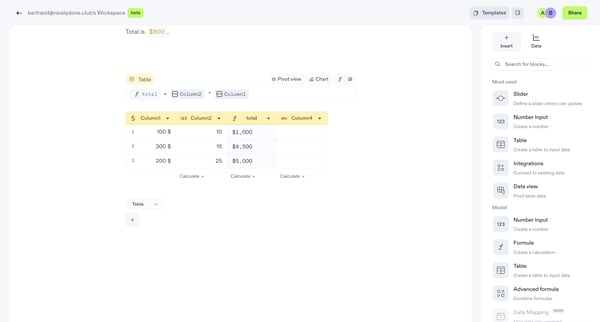
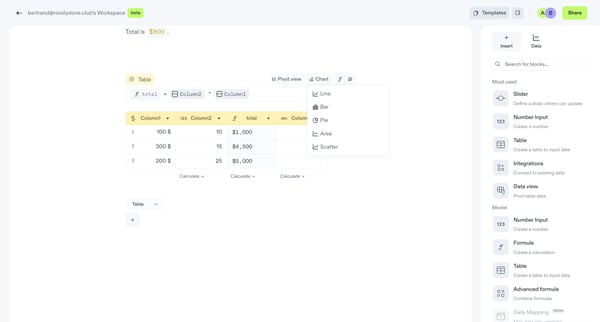
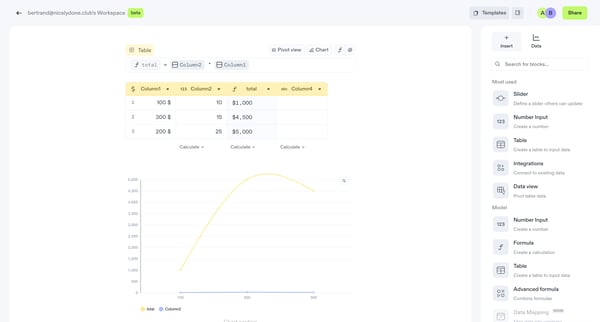
This flow navigates through the creation and visualization of data within a workspace, including selecting data types, calculating totals, and visualizing data through various chart types.
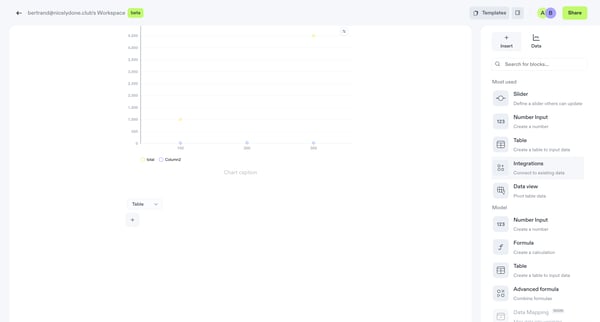
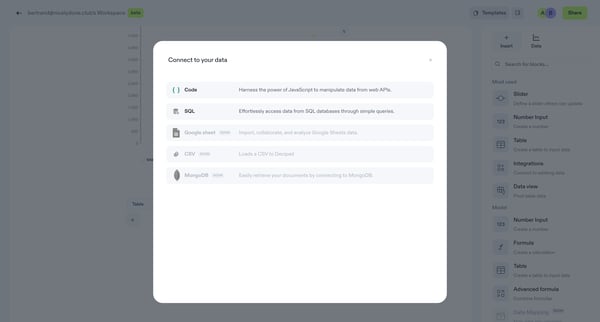
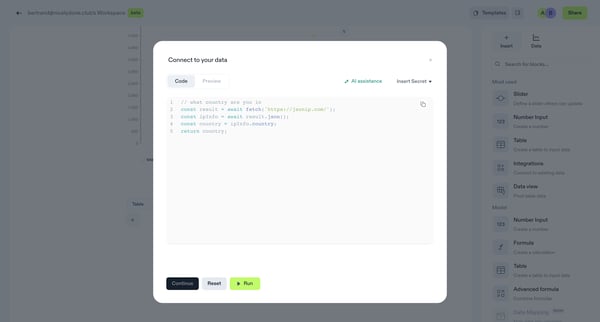
This flow orchestrates the process of connecting to data sources, selecting, and manipulating data to integrate with a user's workspace for analysis and visualization.
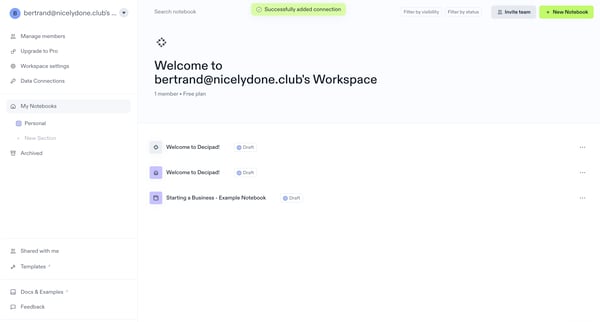
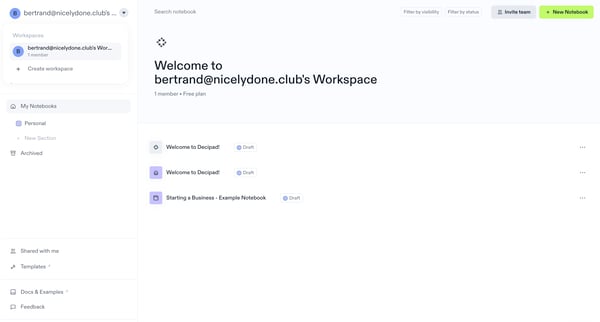
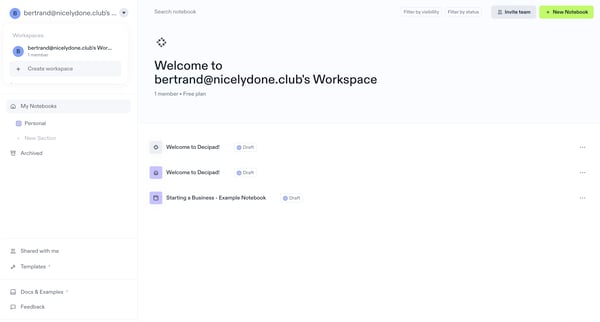
This user flow guides the user through creating a new workspace in Decipad, allowing for organization and collaboration on documents and notebooks within a team.
Explore the full SaaS flow library
Browse the full SaaS flow library.
Trusted by the best teams







