Skip to content

Craft product screens examples

Browse Craft screen design examples. Preview the interface screenshots and explore related UI patterns. Taking notes to the next level

Explore the examples

Craft - Craft — A fresh take on documents screen
Craft logo
Craft

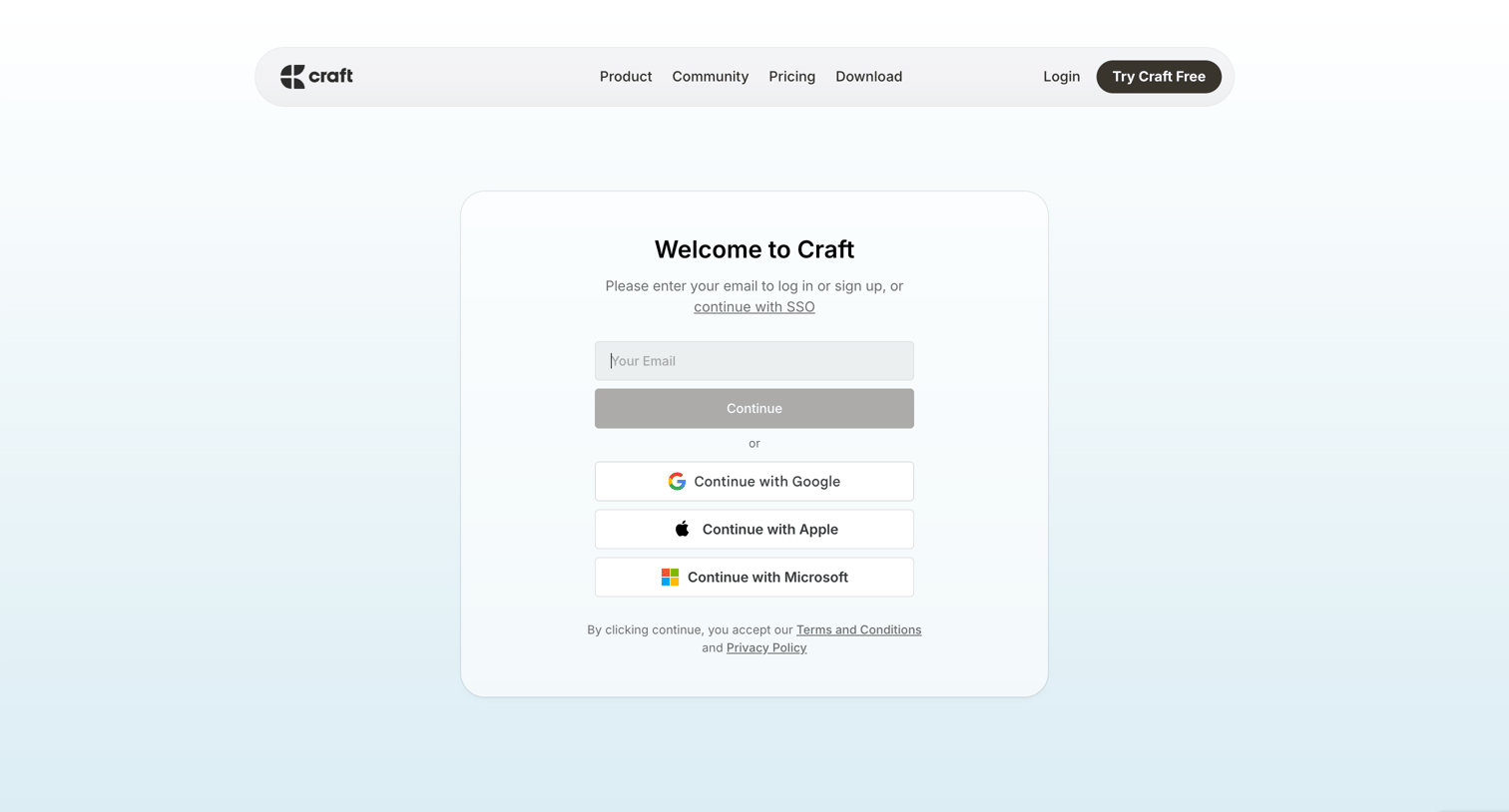
Sign-in screen where the user authenticates with an email address or through Google, Apple, or Microsoft SSO.

Craft - Craft — A fresh take on documents screen
Craft logo
Craft

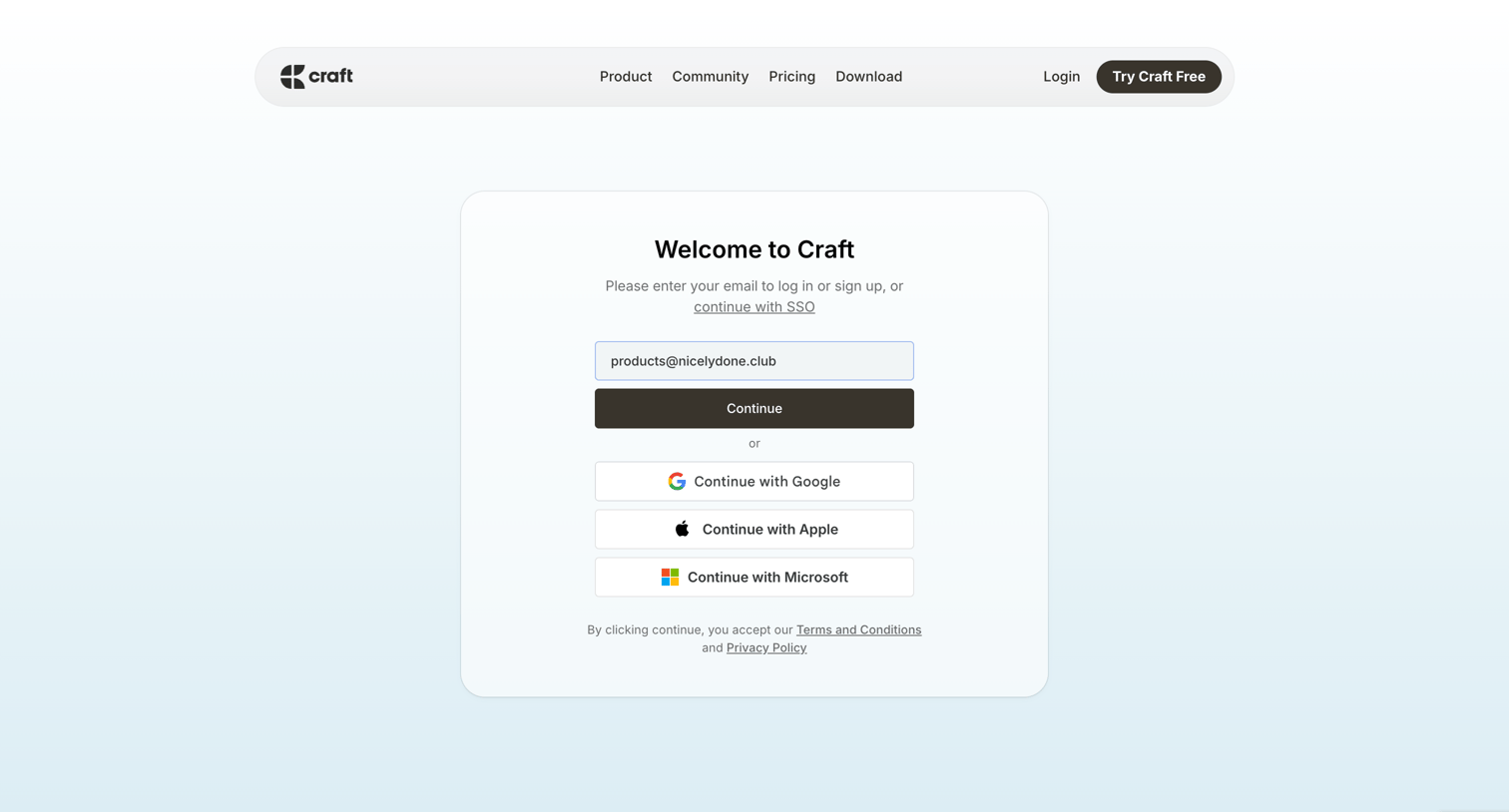
Authentication screen where the user enters their email or selects an OAuth provider like Google, Apple, or Microsoft to log in or create an account.

Craft - Craft — A fresh take on documents screen
Craft logo
Craft

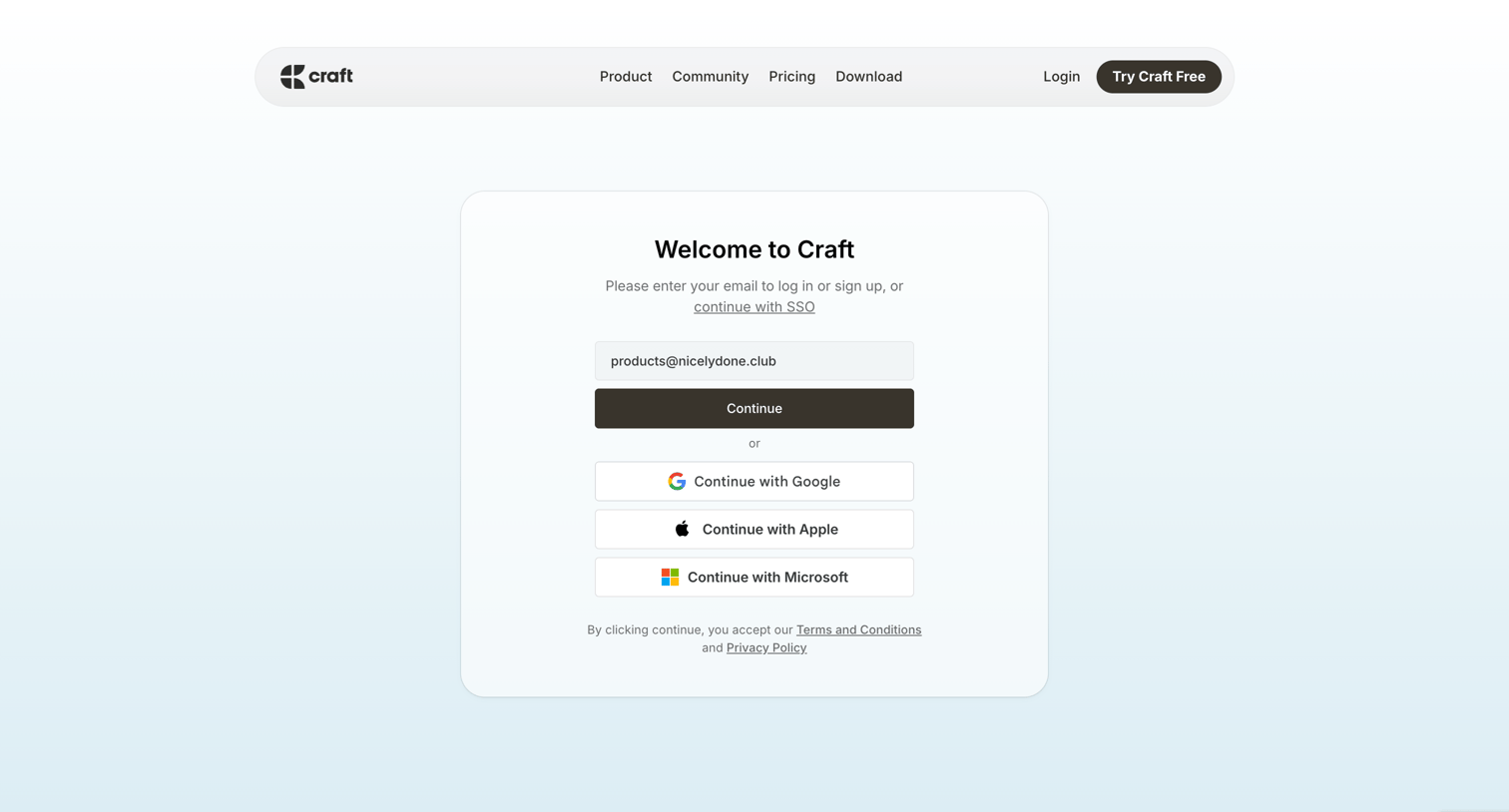
Sign-in and sign-up screen where the user enters their email to continue or authenticates with Google, Apple, or Microsoft.

Craft - Craft — A fresh take on documents screen
Craft logo
Craft

Authentication screen where the user can enter their email to log in or sign up, or choose to continue via Google, Apple, or Microsoft.

Craft - Craft — A fresh take on documents screen
Craft logo
Craft

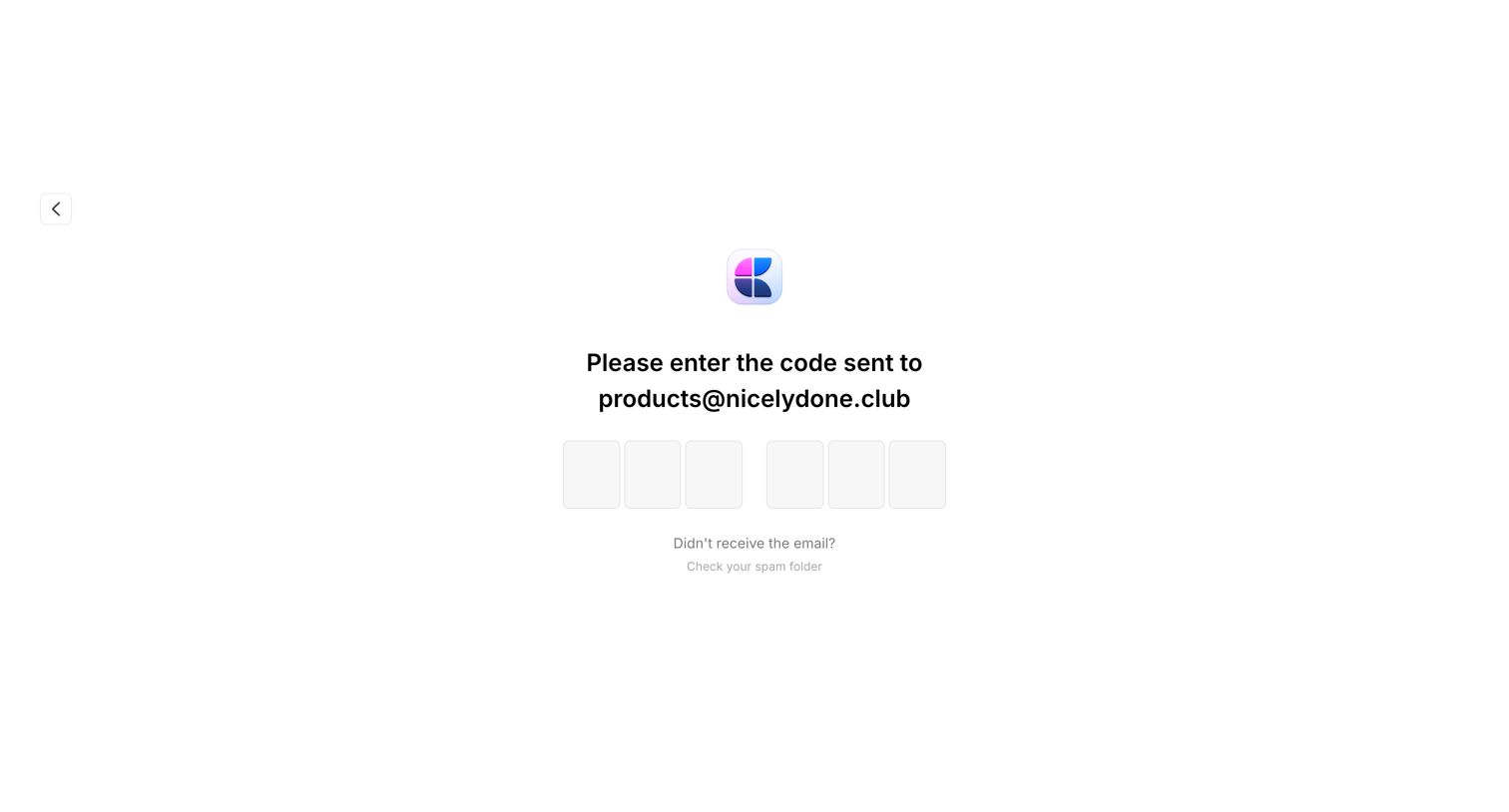
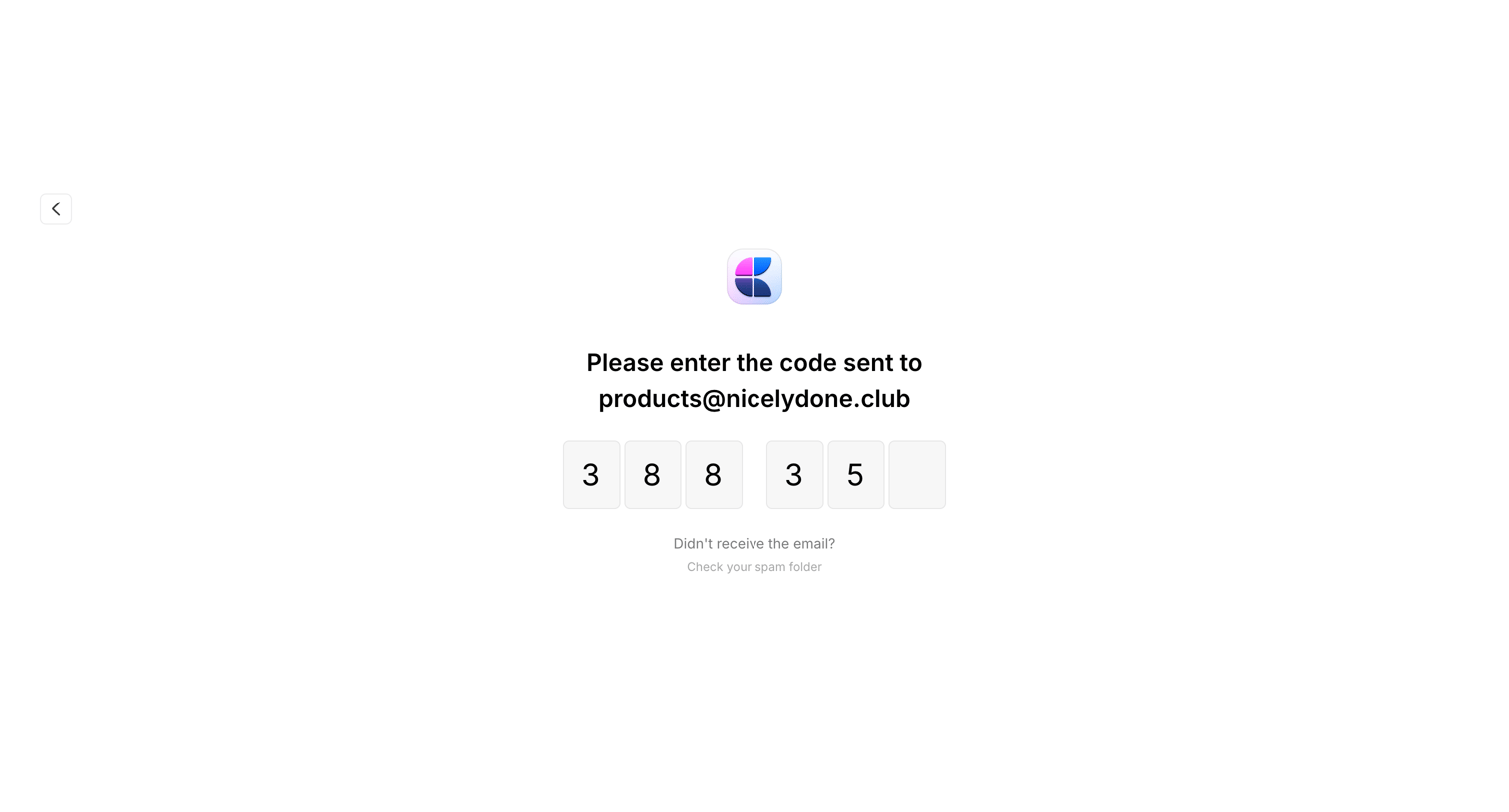
Verification screen where the user enters a 6-digit code sent to products@nicelydone.club to confirm their identity.
Craft - Craft — A fresh take on documents screen
Craft logo
Craft

Verification screen where the user enters a 6-digit code sent to their email to authenticate.
Craft - Recents screen
Craft logo
Craft

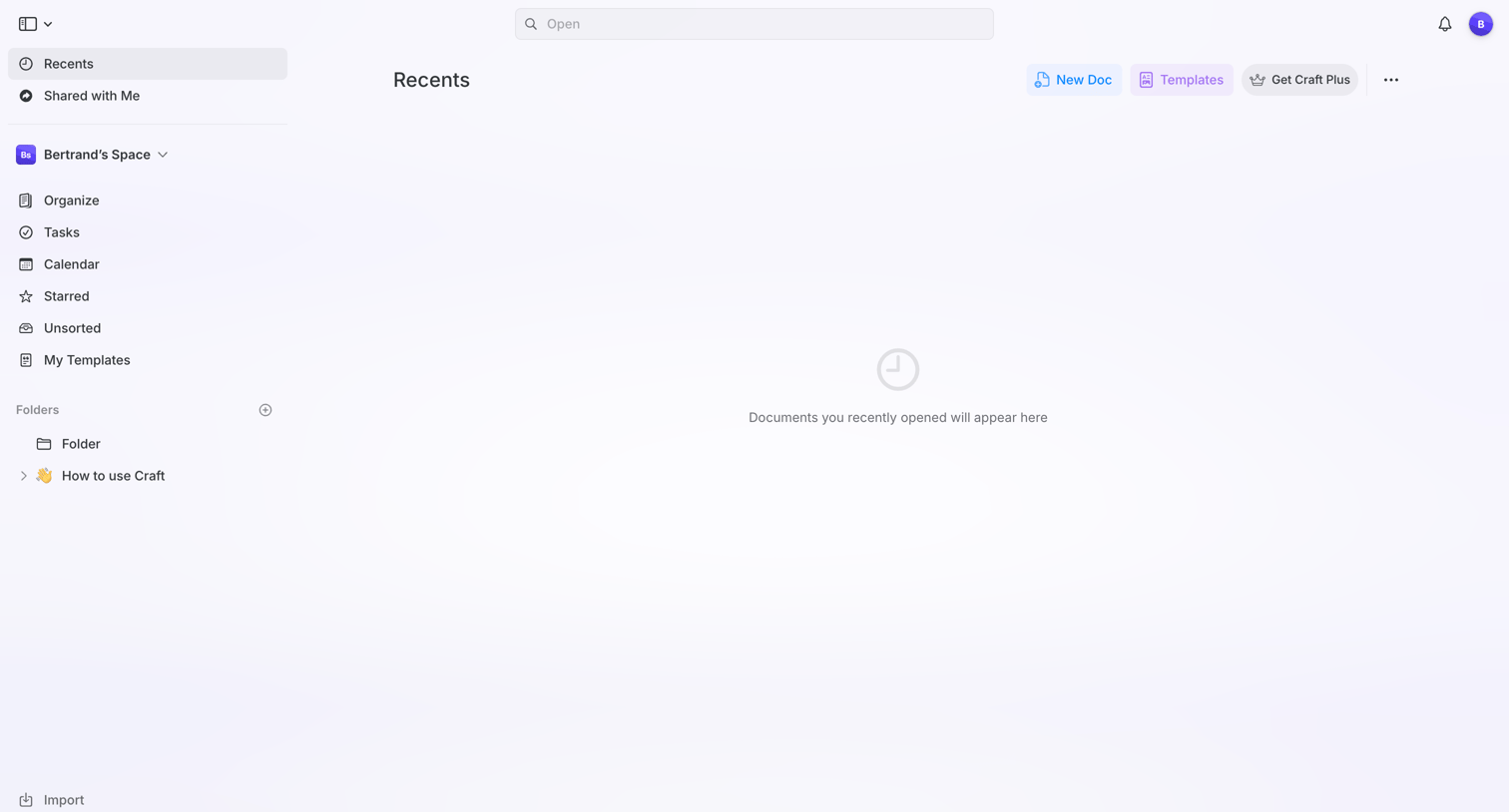
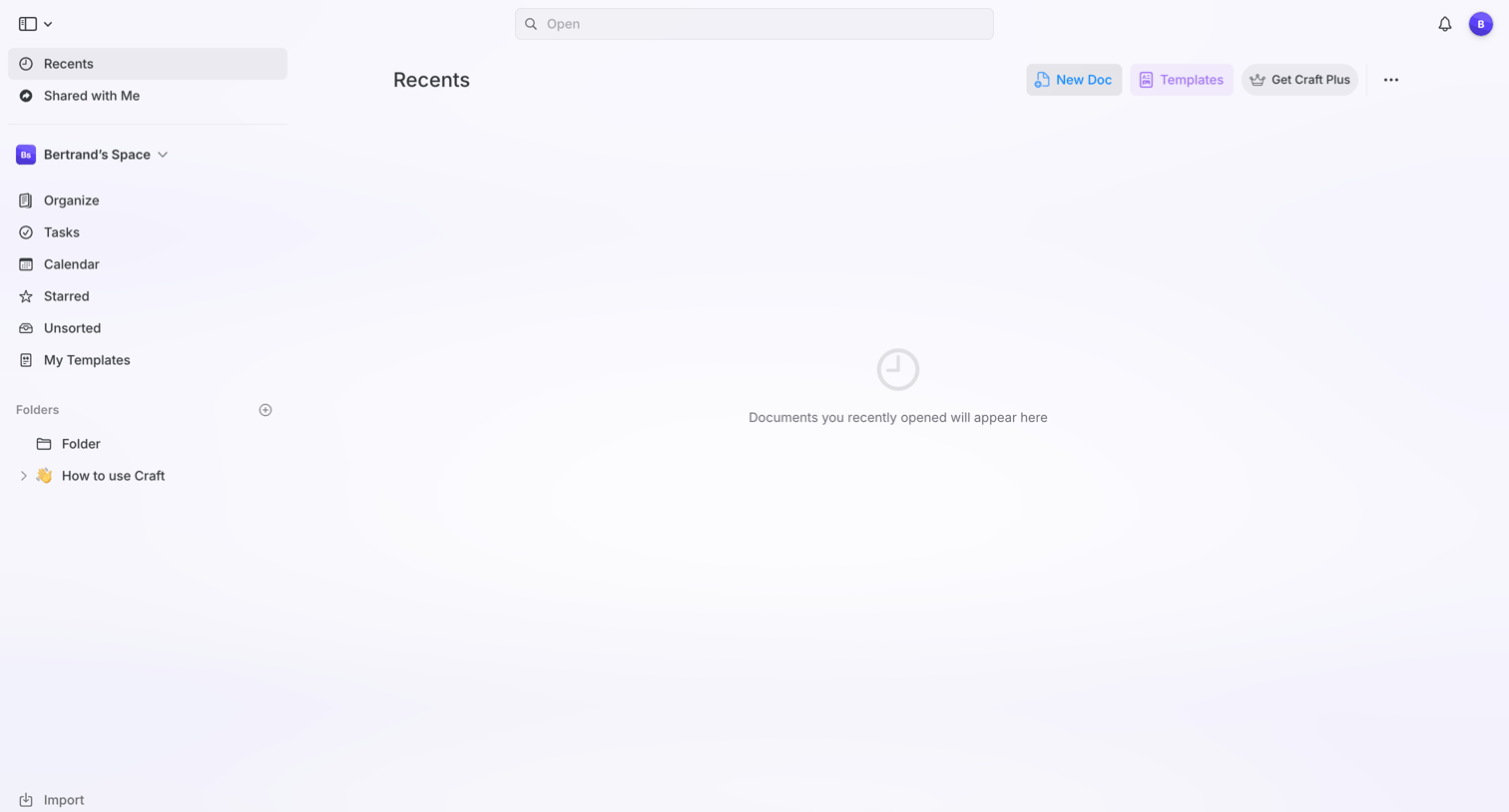
List view where the user's recently opened documents will appear, currently showing an empty state with prompts to create a new doc or use templates.
Craft - Recents screen
Craft logo
Craft

List view where the user's recently opened documents will appear, currently showing an empty state with options to create a new doc or start from a template.
Craft - Untitled Page screen
Craft logo
Craft

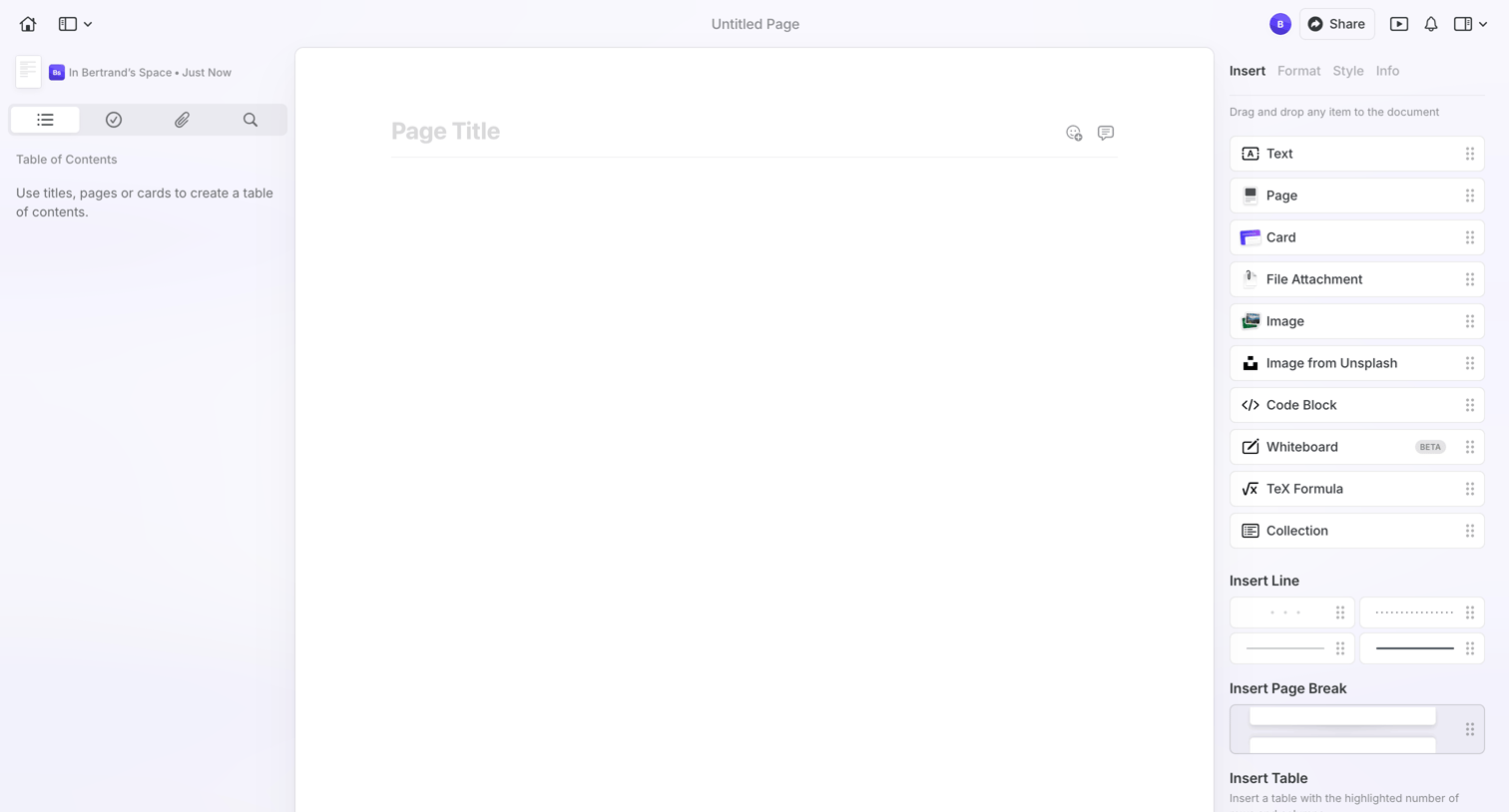
Content editor where the user starts a new document with an empty page and an open insert panel for adding blocks like text, images, and tables.
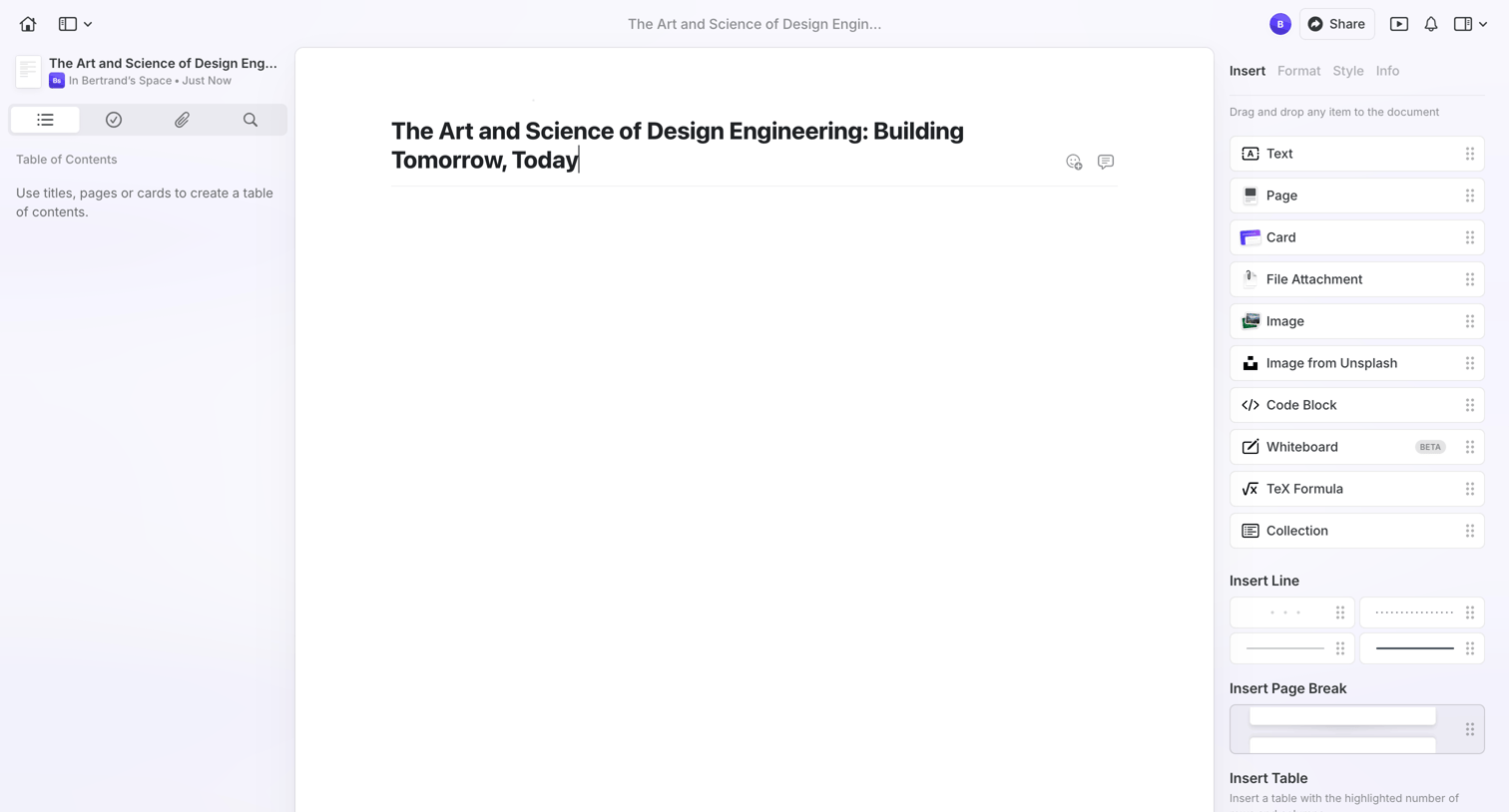
Craft - The Art and Science of Design Engineering: Building Tomorrow, Today screen
Craft logo
Craft

Block-based document editor where the user is writing a title and has the insert menu open in the right sidebar to add new content blocks.
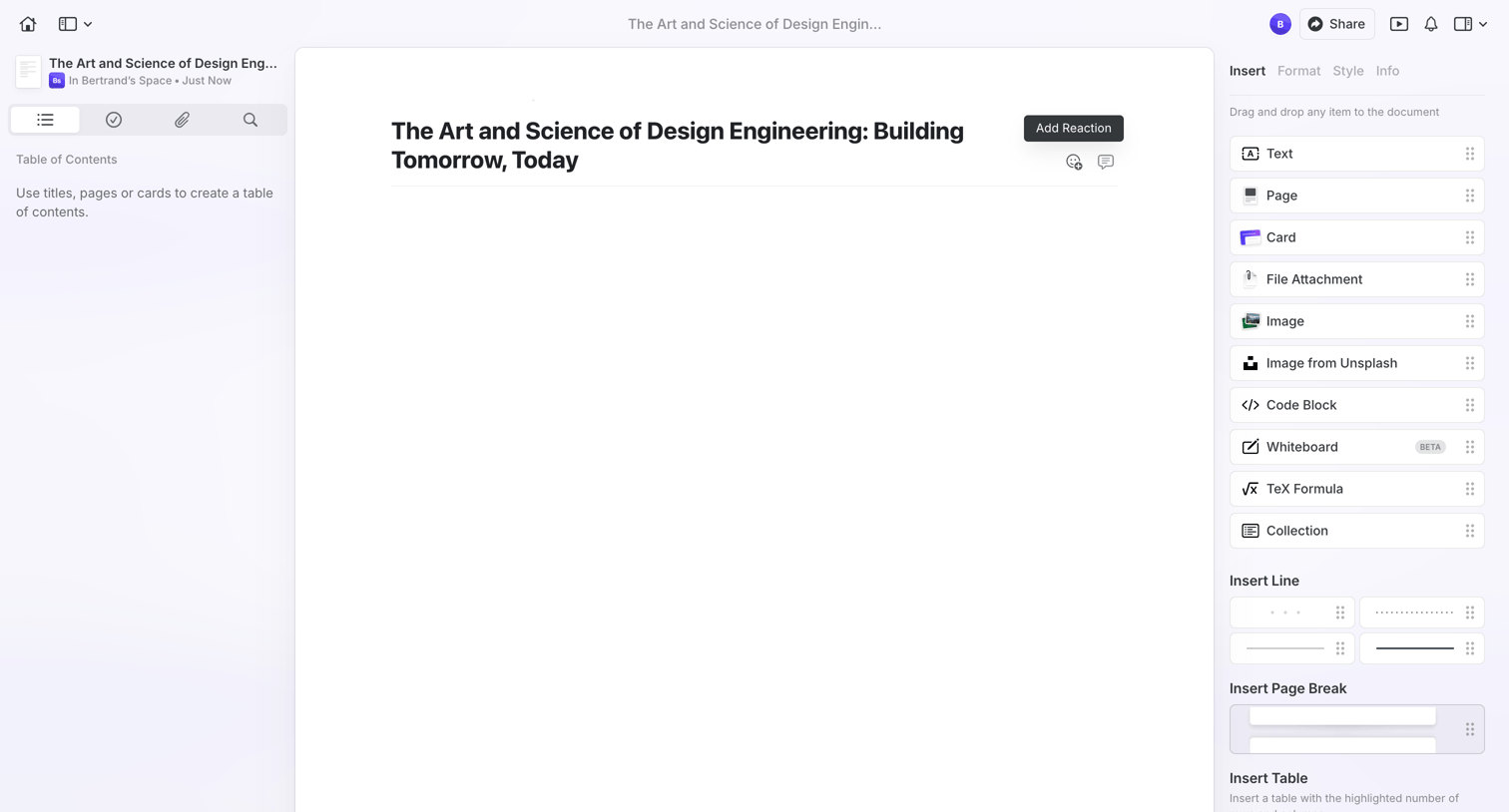
Craft - The Art and Science of Design Engineering: Building Tomorrow, Today screen
Craft logo
Craft

Content editor where the user writes a document with a left sidebar for navigation and a right sidebar for inserting blocks like text, images, and tables.
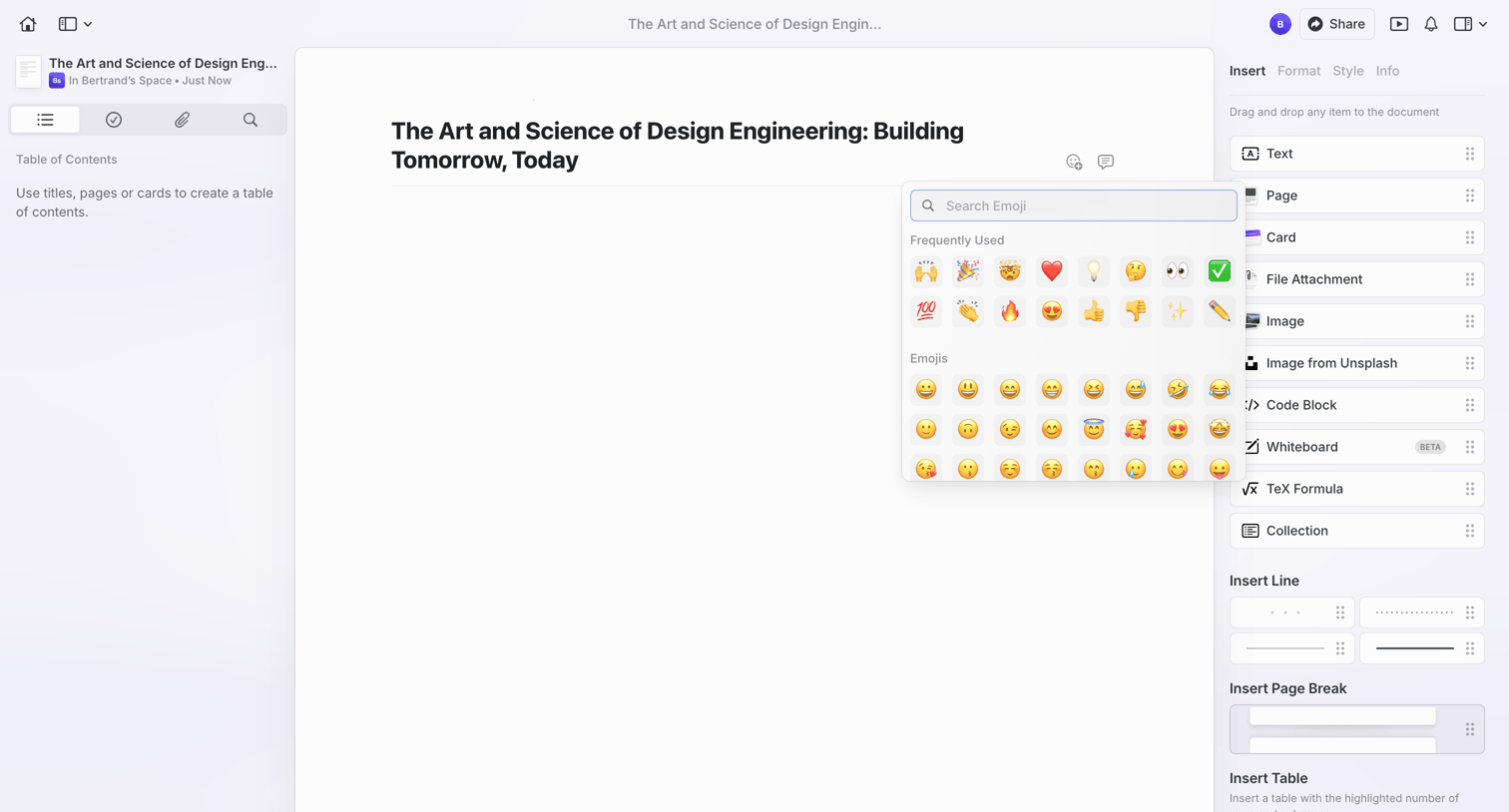
Craft - The Art and Science of Design Engineering: Building Tomorrow, Today screen
Craft logo
Craft

Document editor where the user is adding an emoji to the document title via a popover picker.

Explore the full SaaS screen library

Upgrade to unlock the full library.

Trusted by the best teams