CodeSandbox design examples
Explore CodeSandbox UI design examples. Online Code Editor and IDE for Rapid Web Development
Product screens
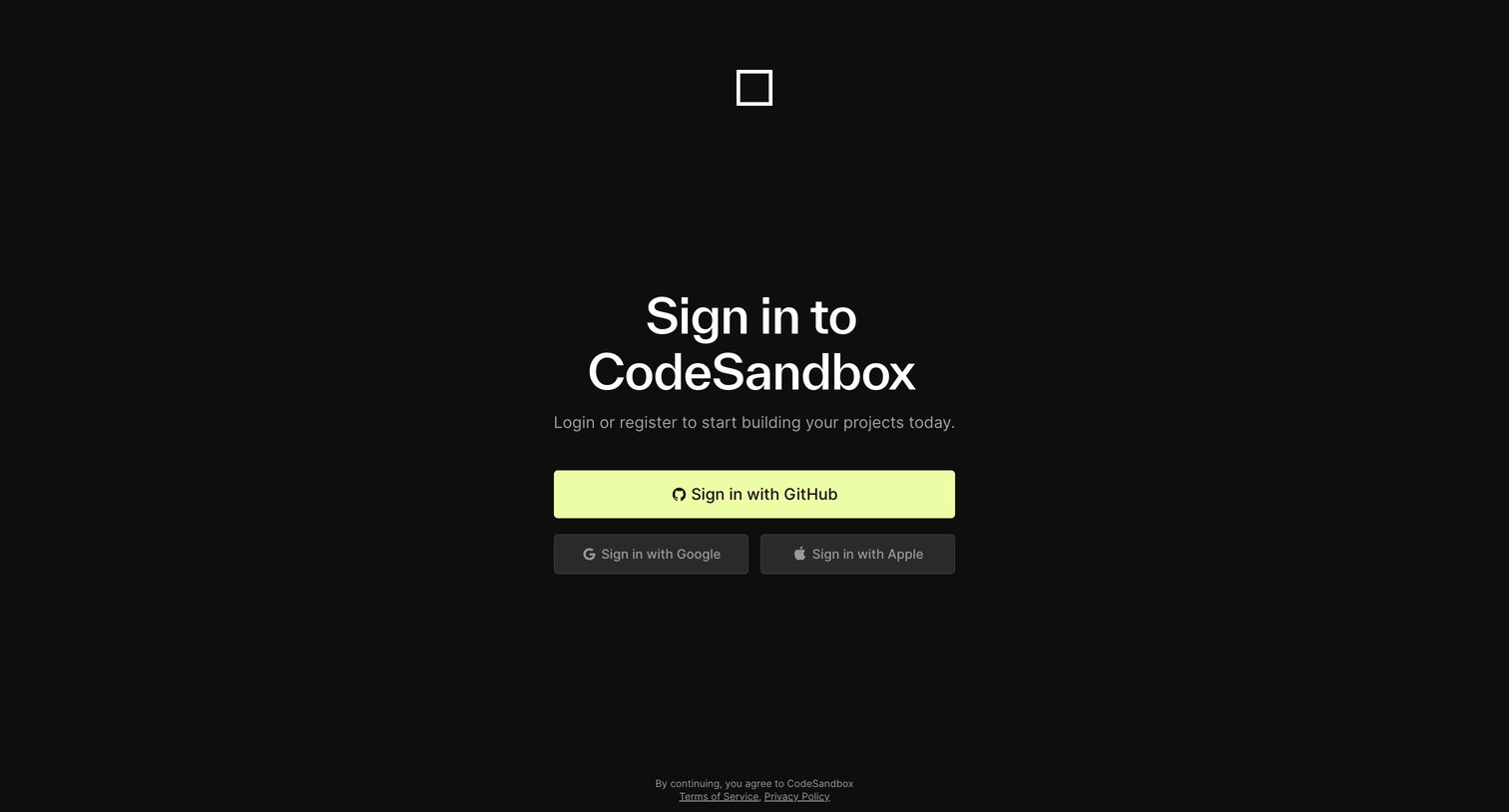

Sign-in screen where the user authenticates with GitHub, Google, or Apple to access their projects.
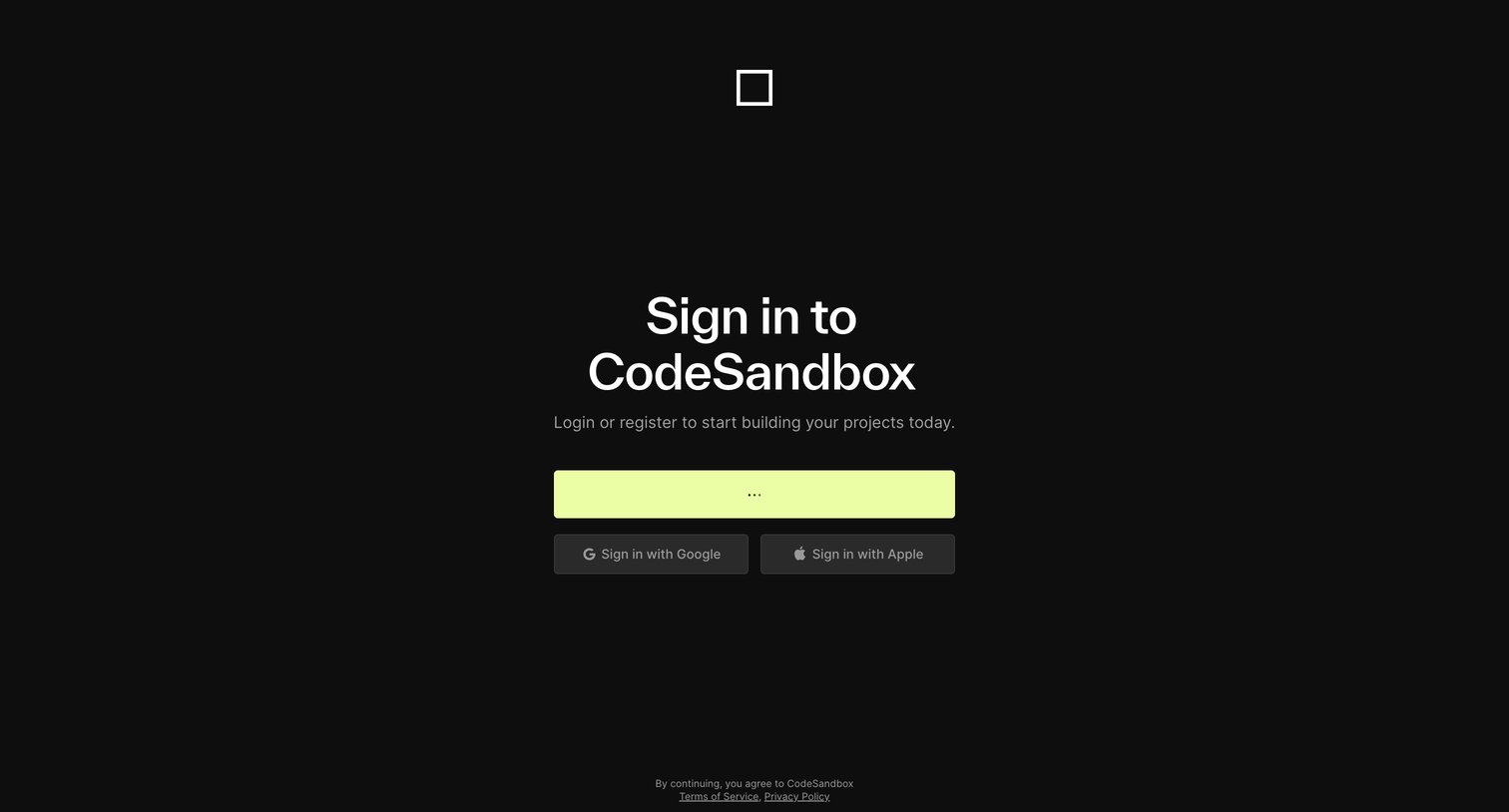
Signin screen where the user authenticates via a primary provider, Google, or Apple to access their workspace.
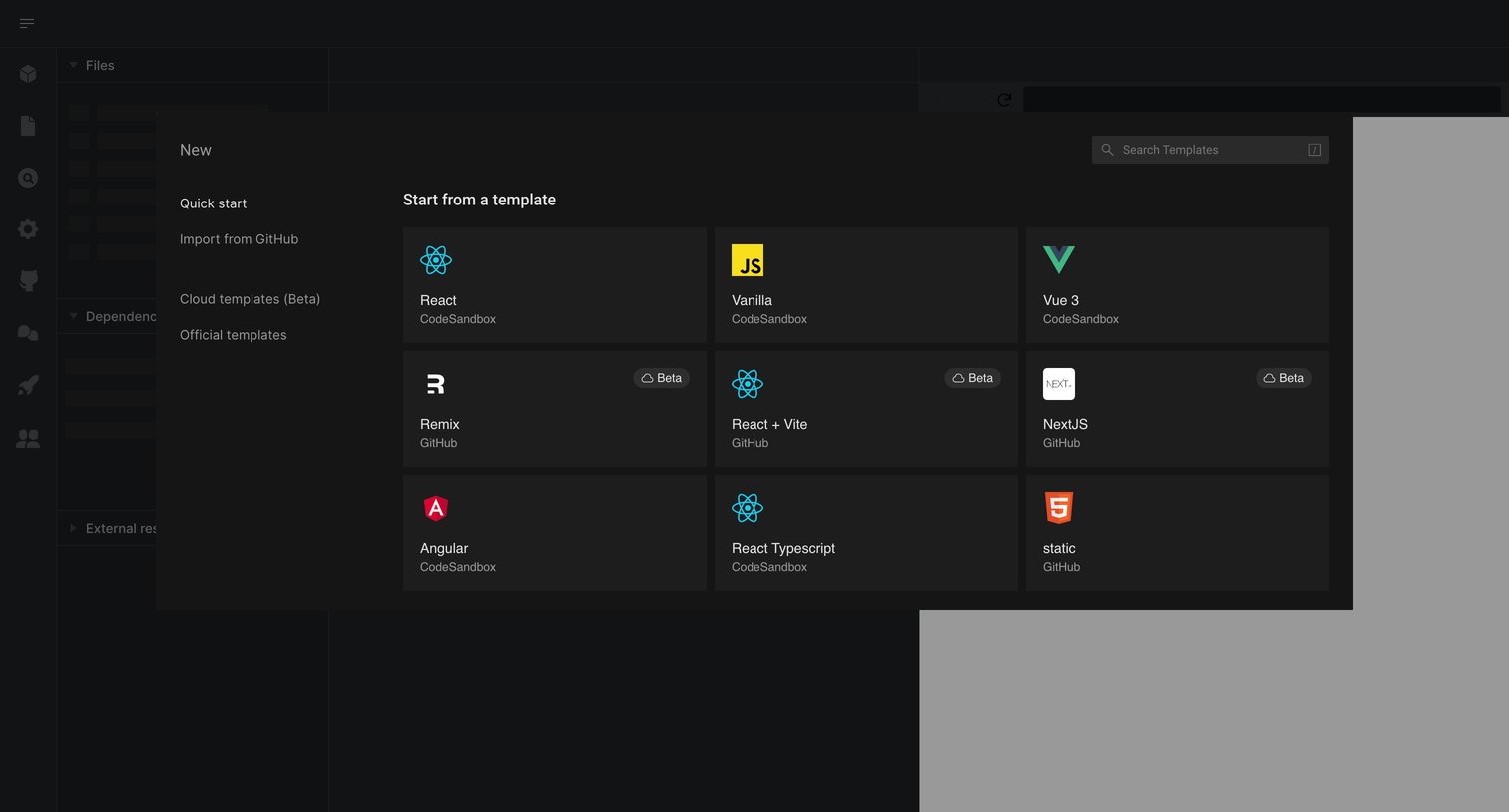
Create modal where the user selects a starter framework like React, Vanilla, or Vue to begin a new project.
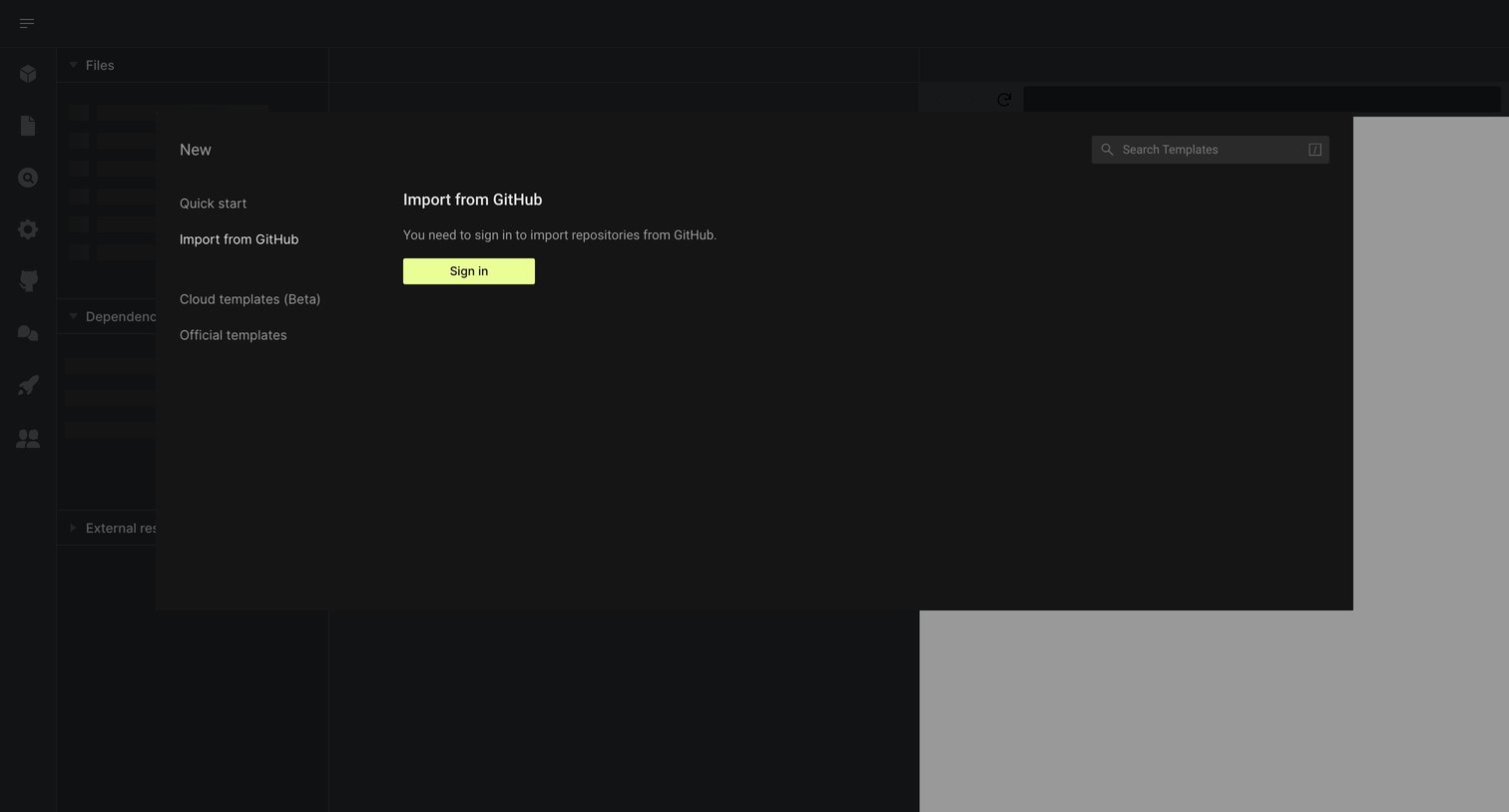
Creation modal where the user is prompted to sign in to import a repository from GitHub.
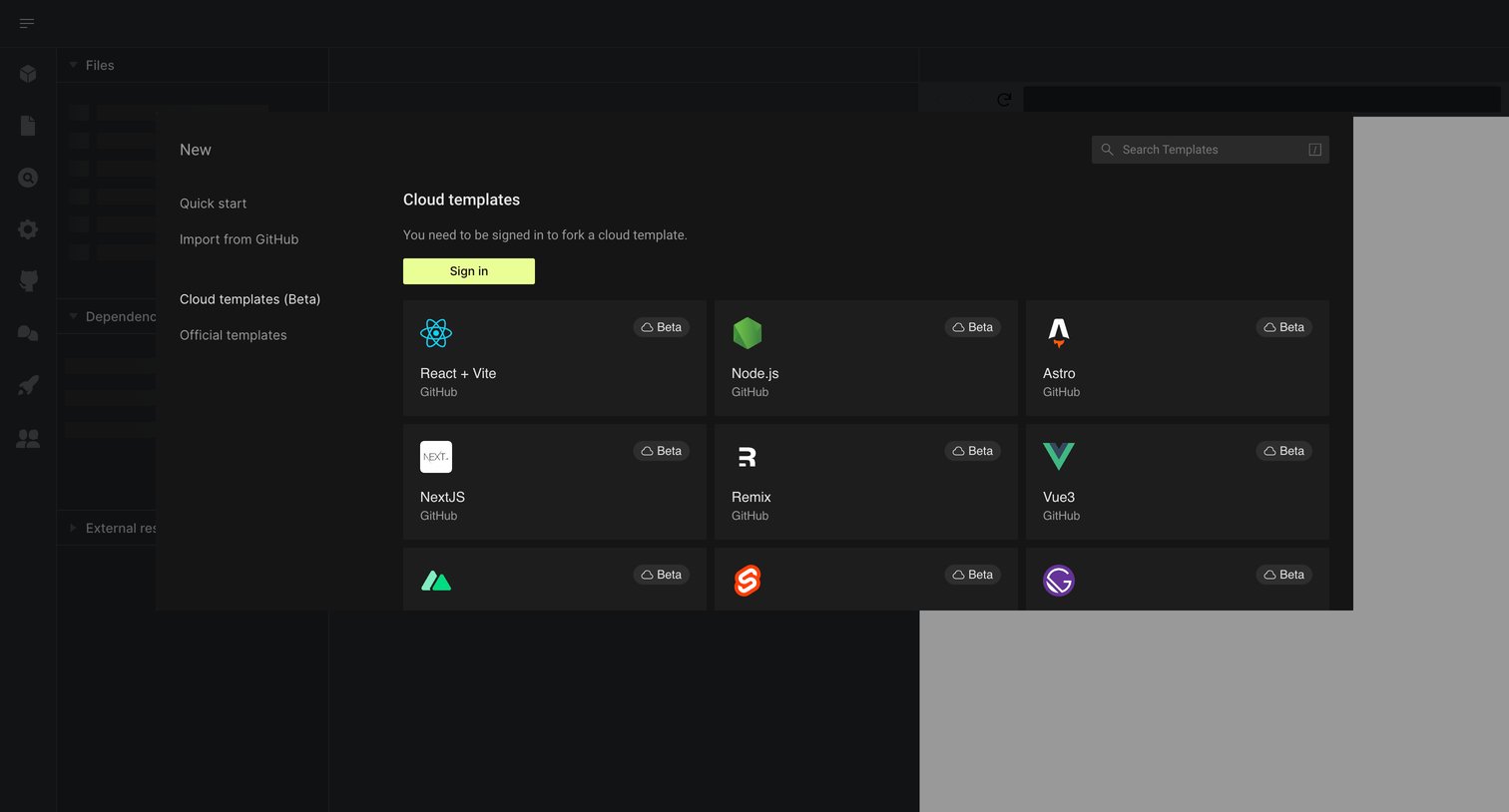
Create modal where the user can browse cloud templates like React, Node.js, and Astro, but is prompted to sign in before forking.
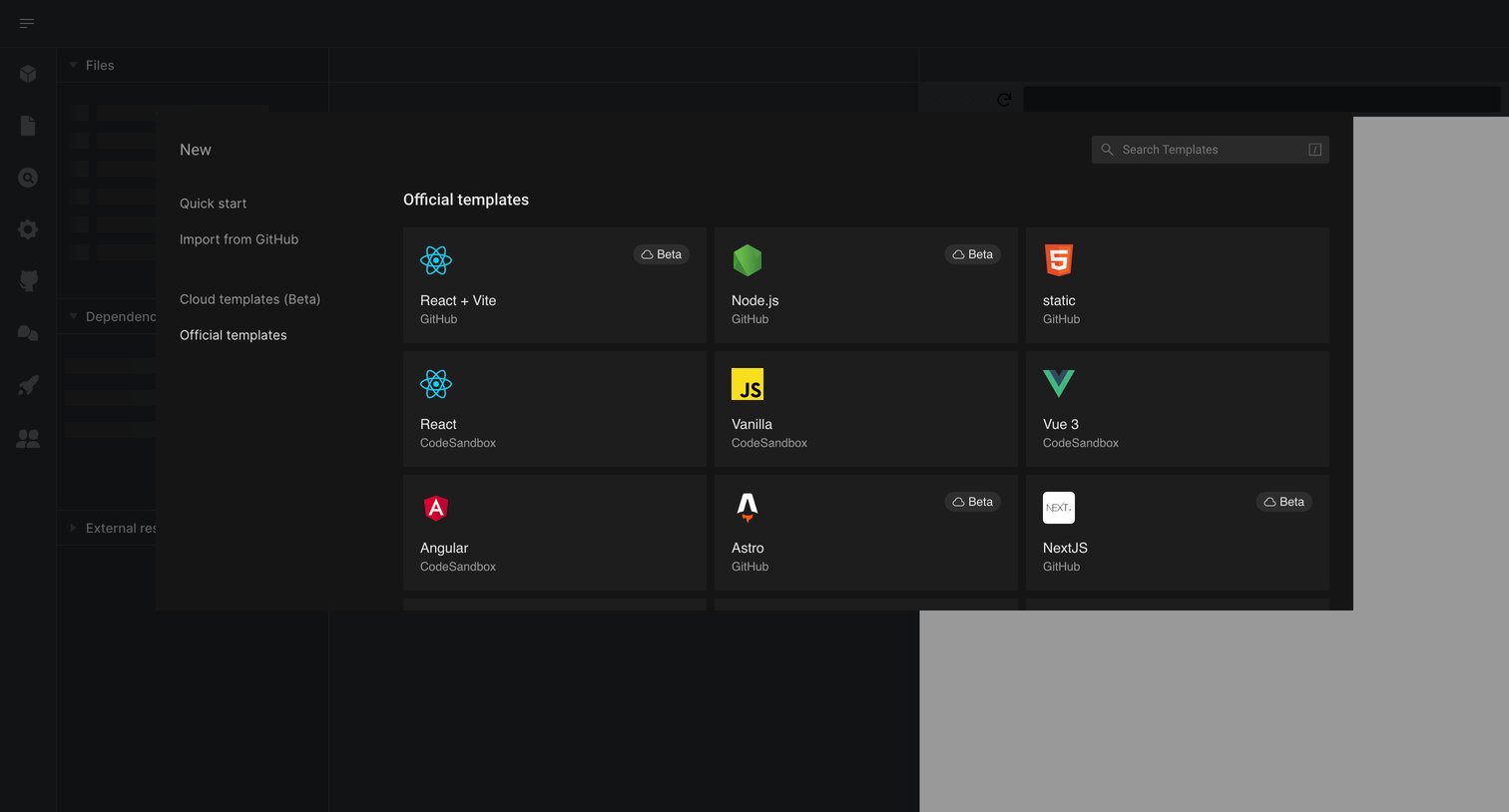
Create modal where the user searches for or selects a starting template like React, Node.js, or Vue to initialize a new project.
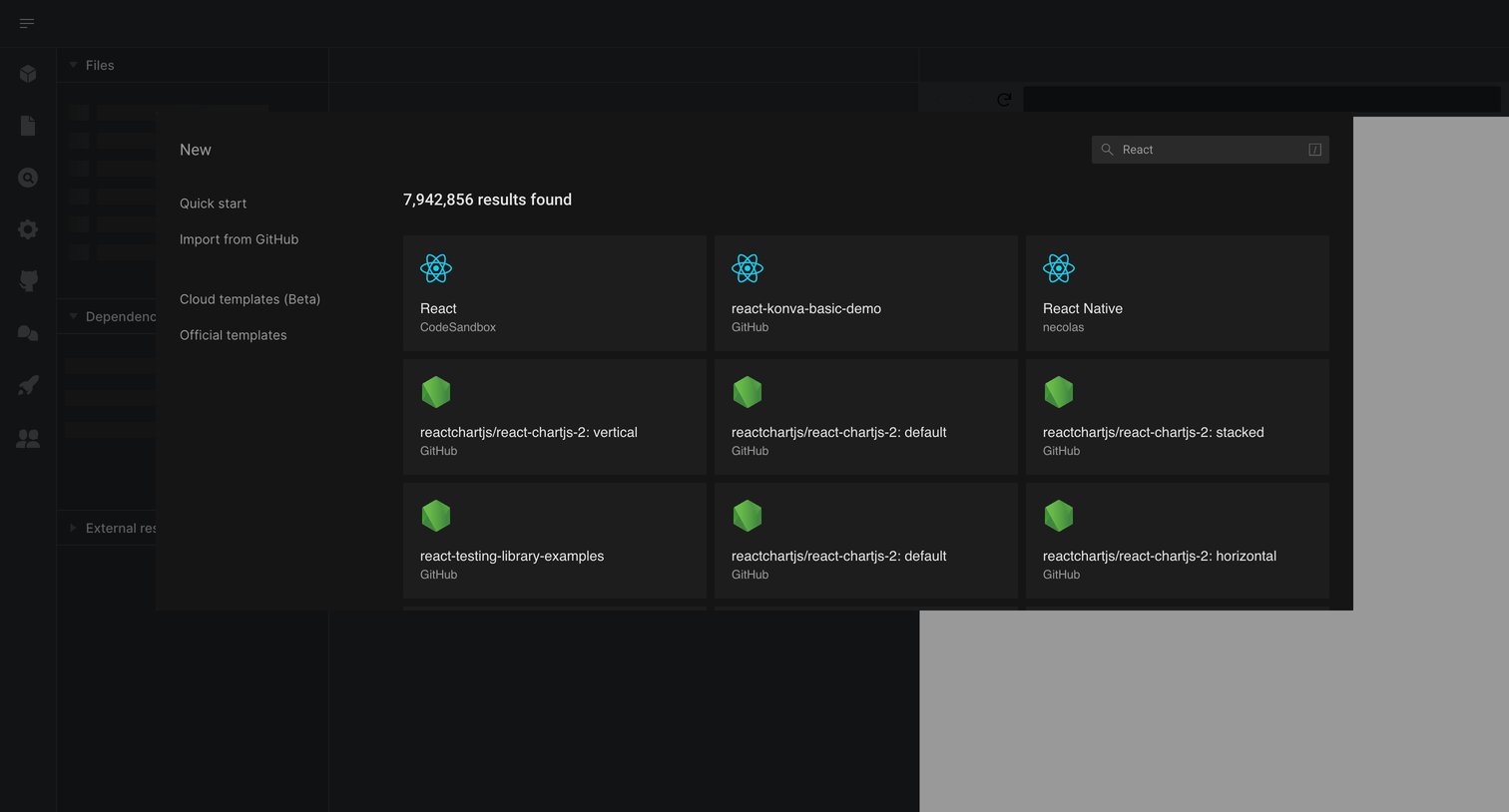
Create modal where the user searches and selects a starter template like React or React Native to begin a new project.
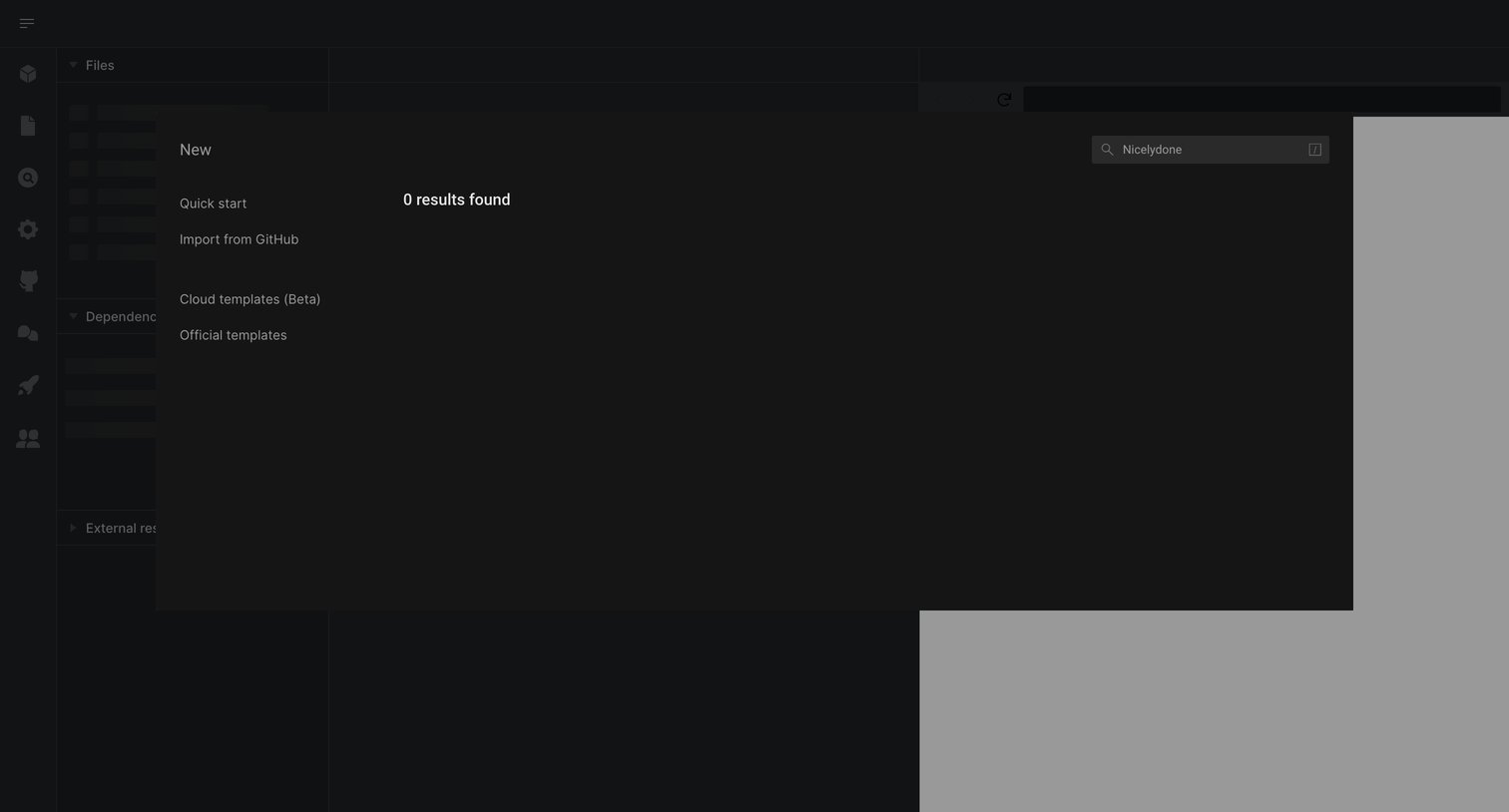
Code editor where the user is searching for a new project template but receives zero results in the creation modal.
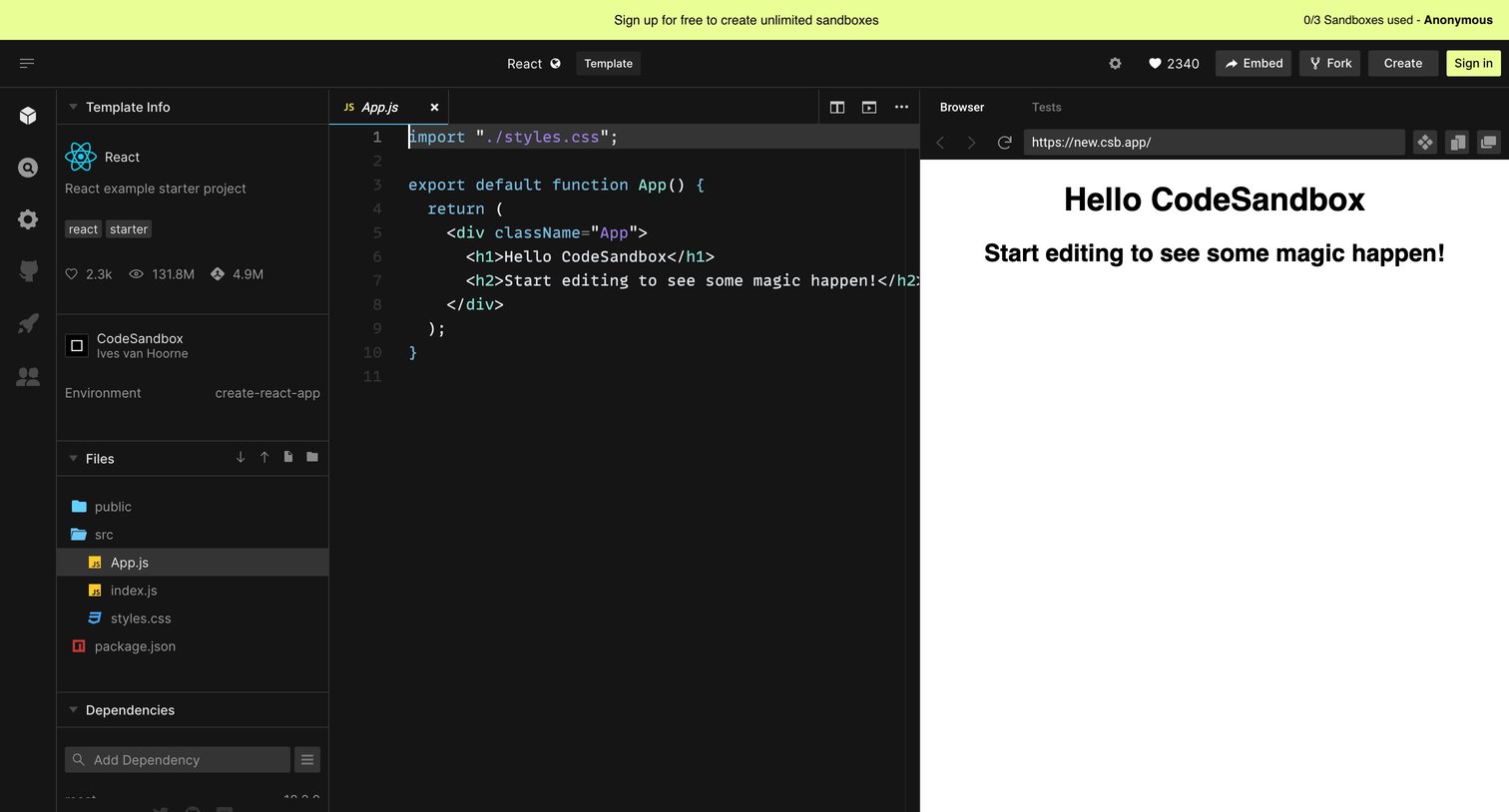
Code editor where the user writes React code in a browser-based IDE, views a live preview, and manages project files and dependencies.
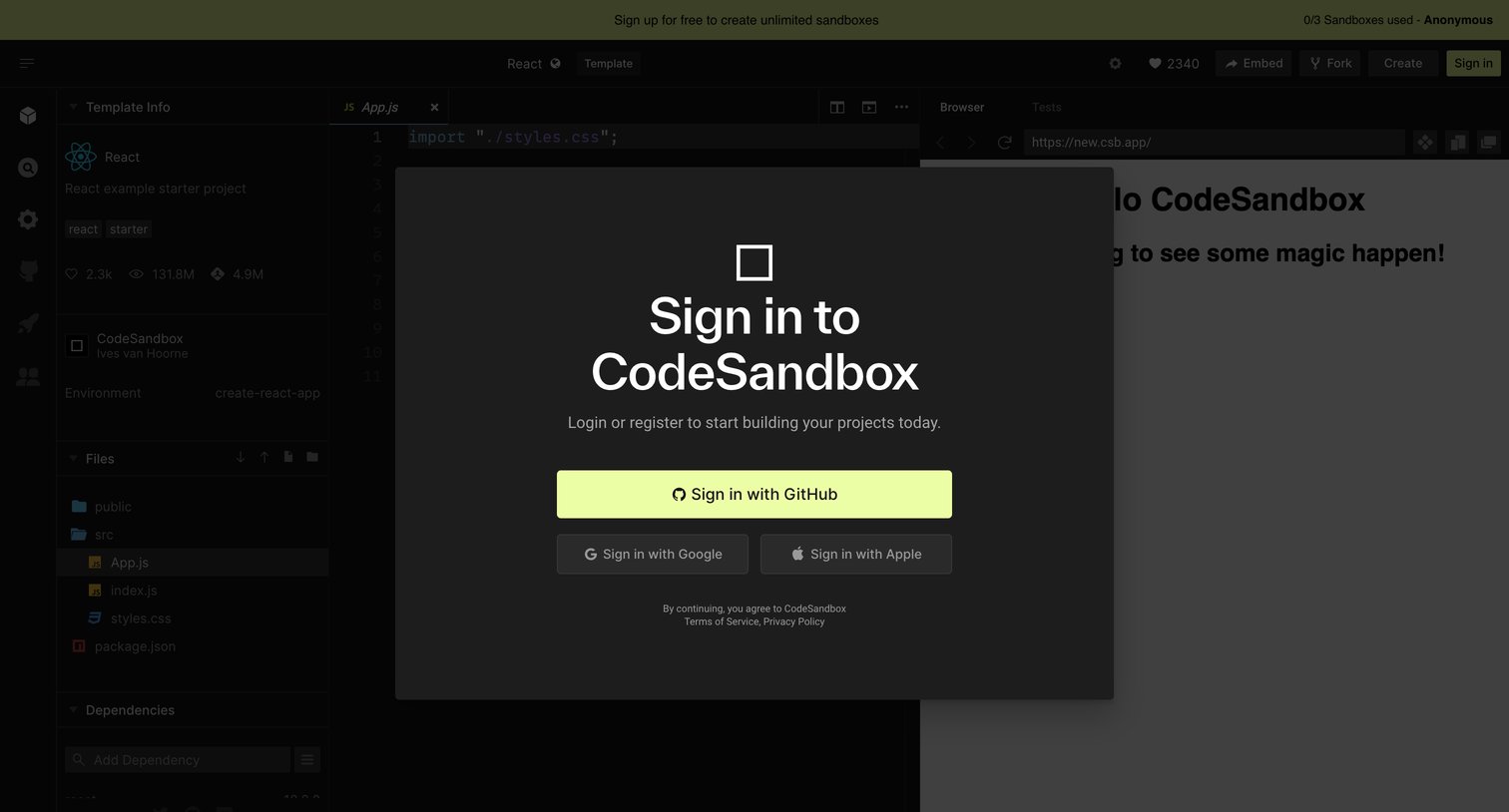
Code editor interface with a prominent modal overlay prompting the user to sign in via GitHub, Google, or Apple to continue building projects.
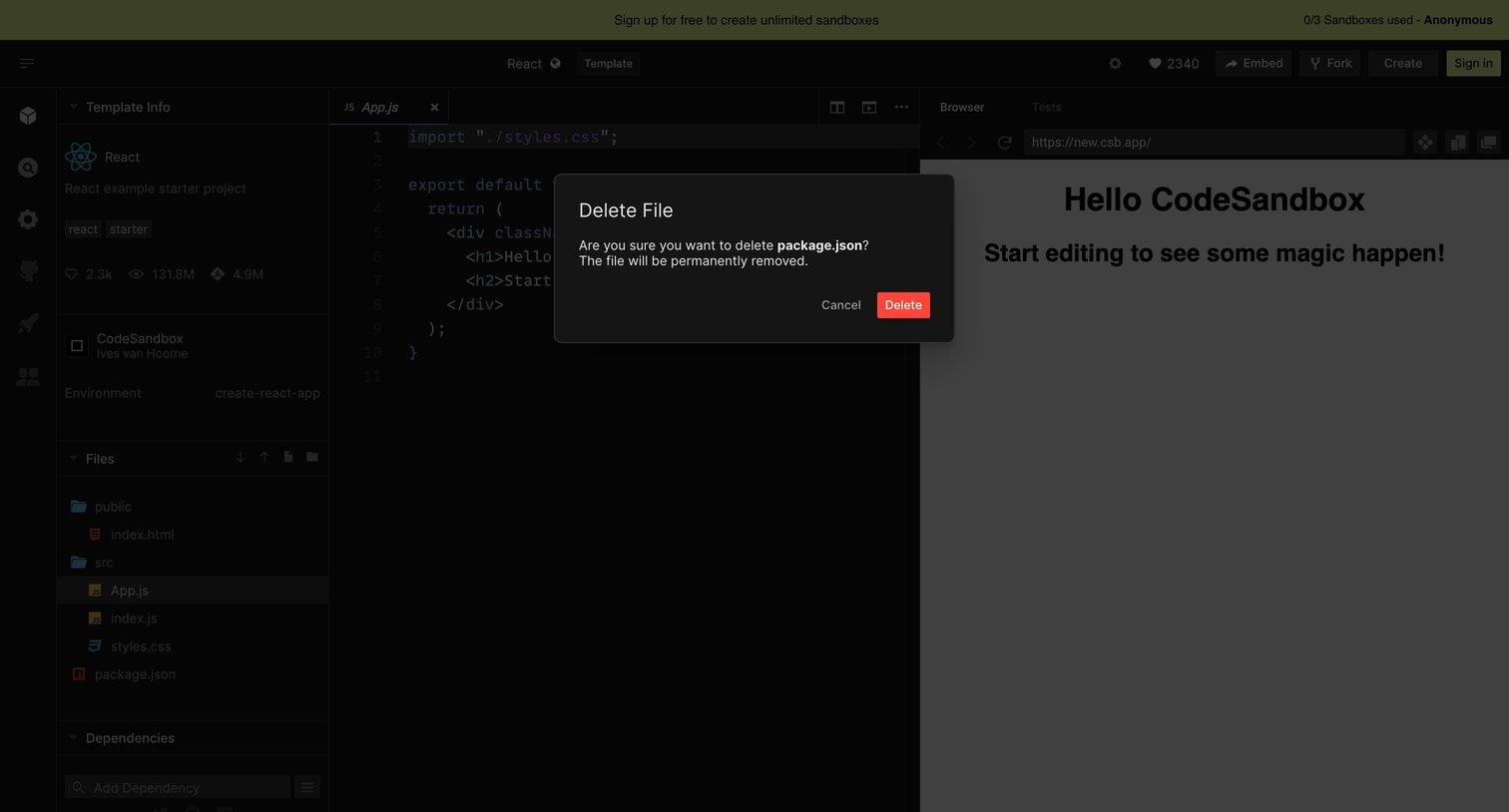
Code editor view where the user is prompted to confirm the permanent deletion of a package.json file via a modal dialog.
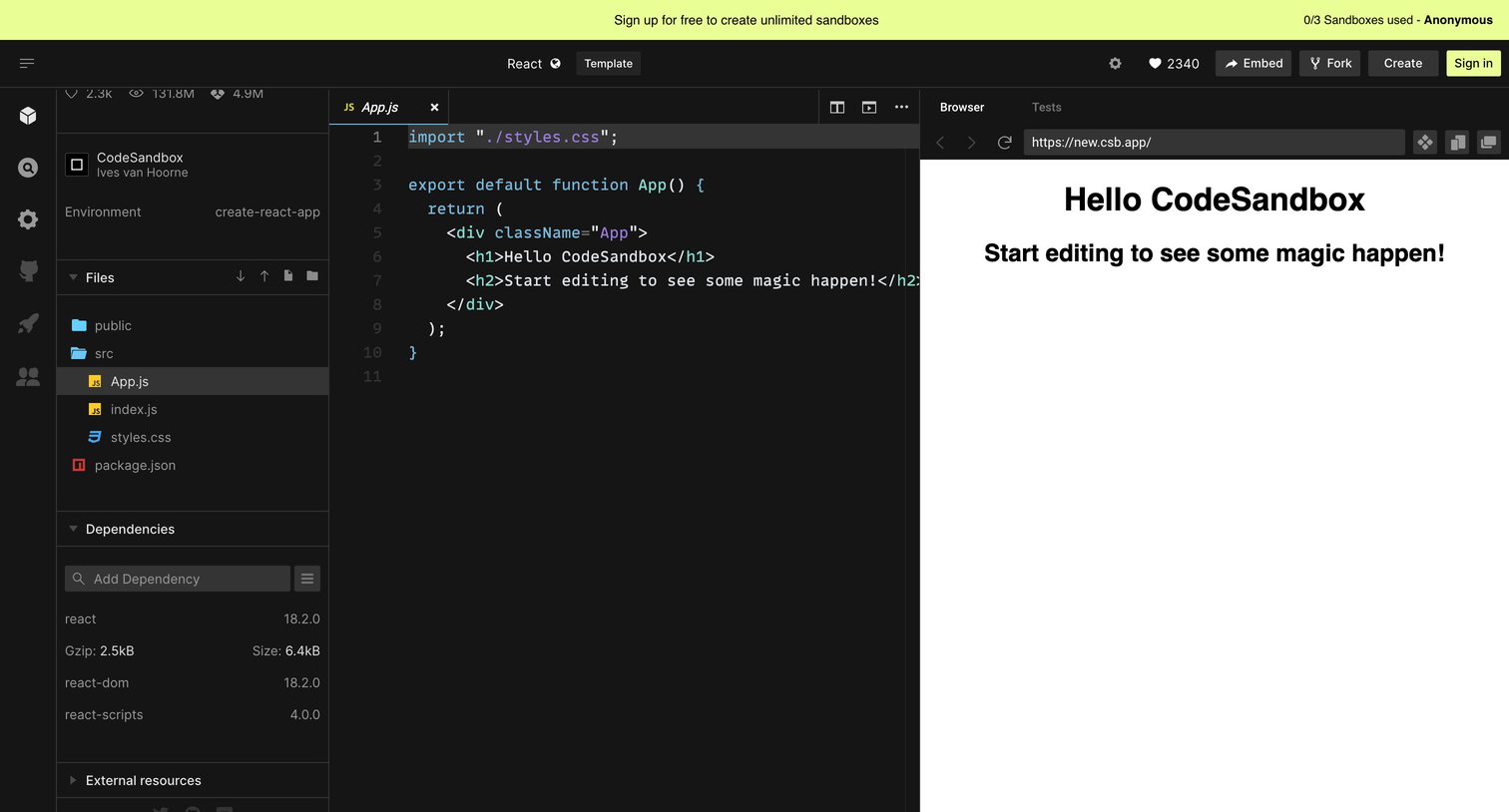
Browser-based code editor where an anonymous user can edit a React template with a file explorer, code view, and live preview pane.
Browse the full SaaS app library
Explore real SaaS apps with their product screens, marketing screens, flows, and components.
Trusted by the best teams







