CodeSandbox marketing pages examples
Explore CodeSandbox website design examples. Preview marketing pages and browse related SaaS page designs. Online Code Editor and IDE for Rapid Web Development
Explore the examples


Landing page for a collaborative cloud development environment, highlighting features like multiplayer coding, iOS support, and framework integrations, with social proof from major tech companies.

Product page for CodeSandbox Projects Beta showcasing features like branching, command palette, and integrations with VSCode and iOS, ending with a call to action to import a GitHub project.
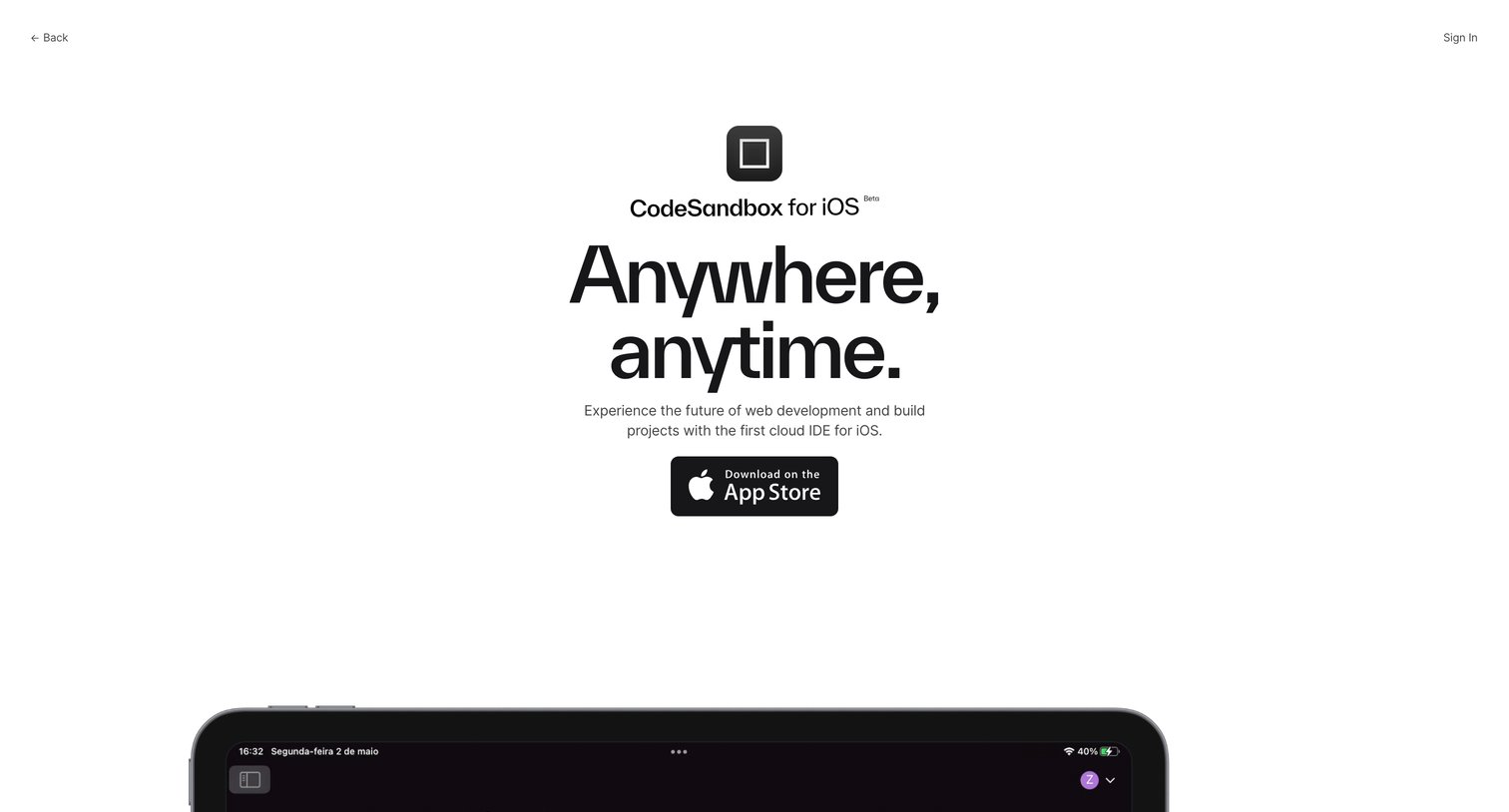
Application download page for CodeSandbox's iOS app, highlighting features like the smart dashboard, IntelliSense, and real-time collaboration with App Store download links.
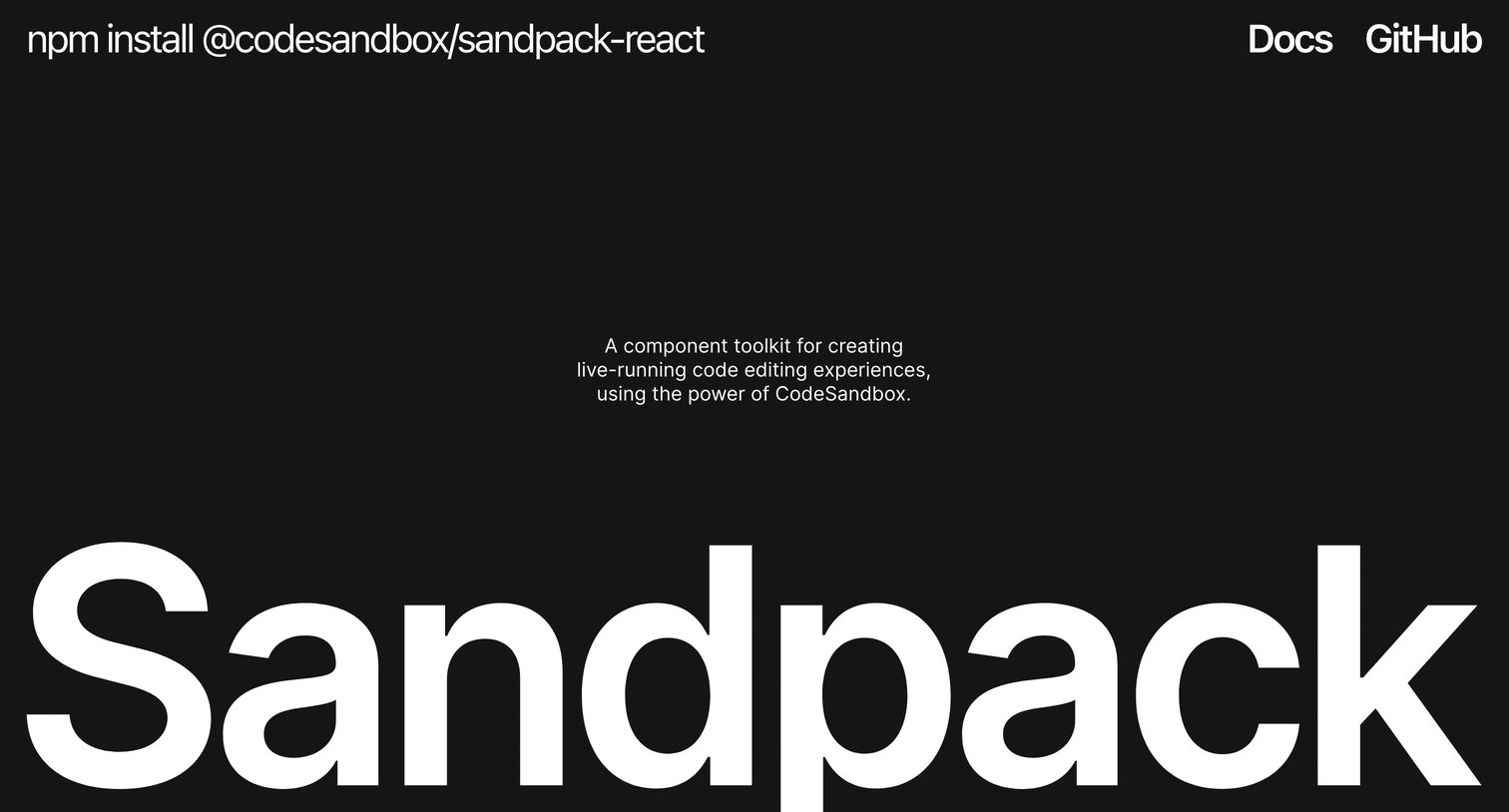
Landing page for the Sandpack React component toolkit, featuring interactive live coding environments, feature breakdowns, and a showcase of projects using the library.
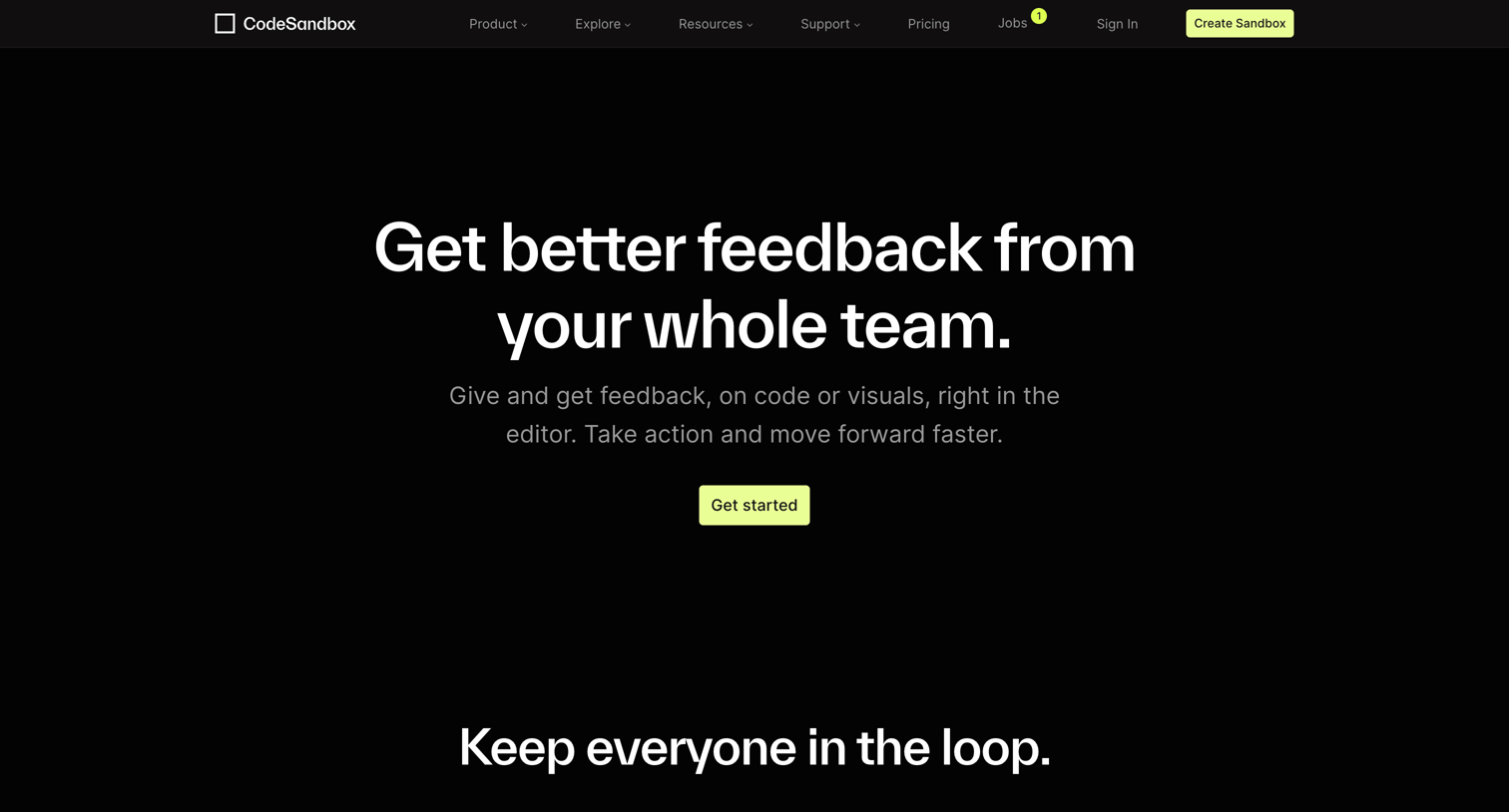
Feature page explaining the code and visual feedback tools, highlighting unlimited viewers, role-based permissions, and in-editor comments.
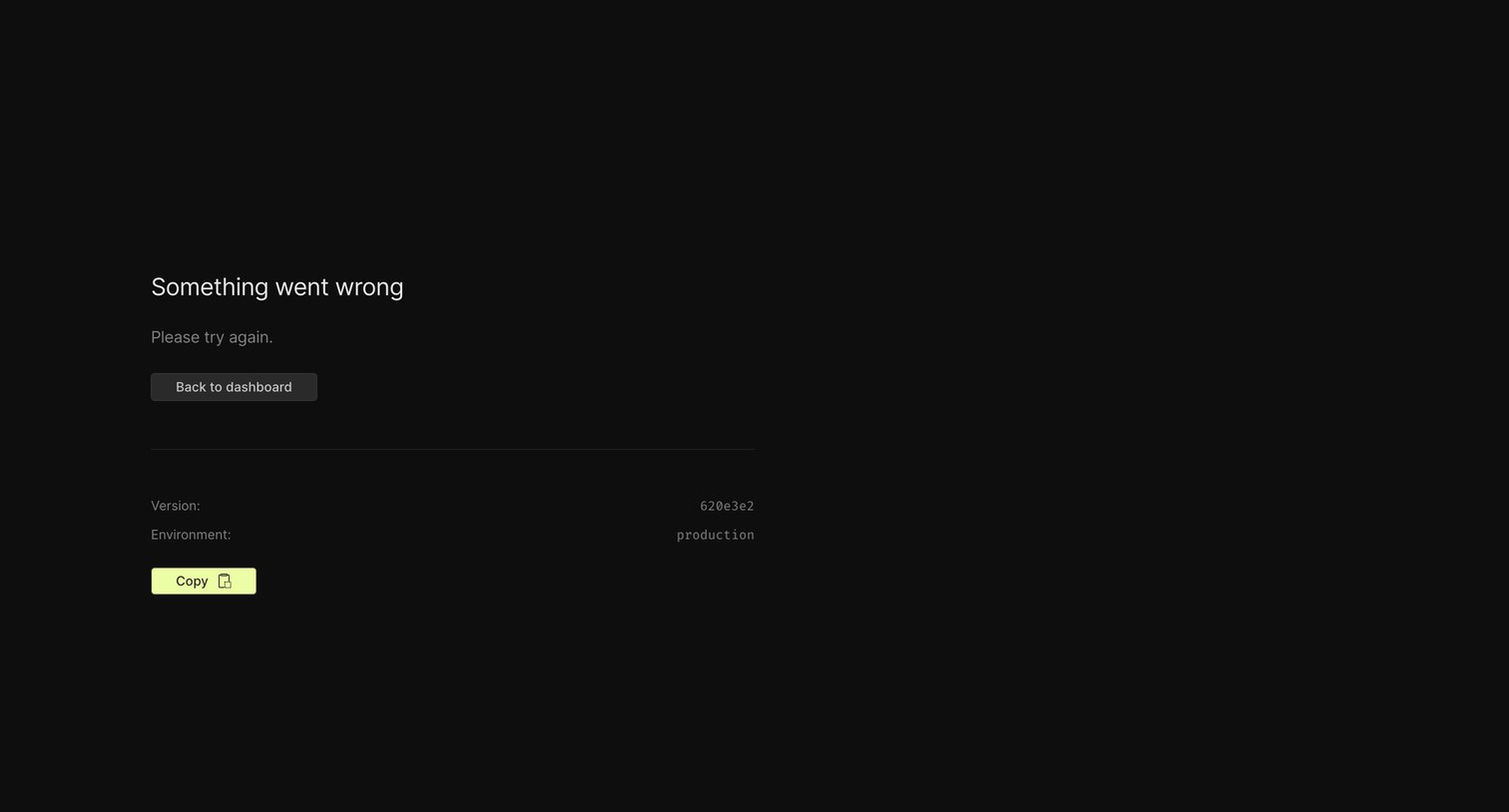
Error page where the user is informed that something went wrong and is provided with a button to return to the dashboard, along with version and environment details to copy for debugging.

Changelog page where the user can read recent product updates, filter by categories or projects, and subscribe to a newsletter.
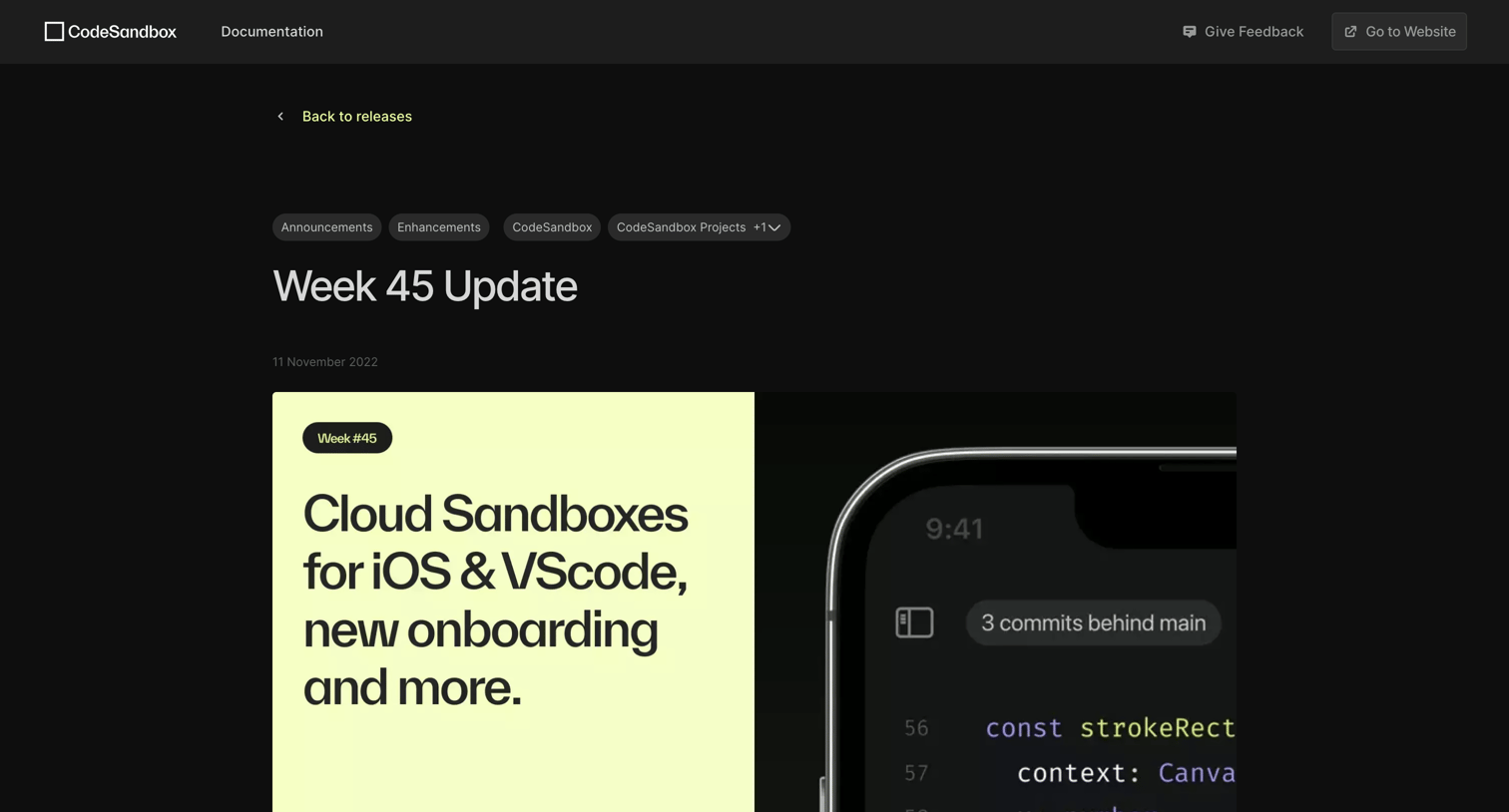
Changelog post detailing the Week 45 updates, including Cloud Sandboxes for iOS and VSCode, a new onboarding flow, and better VMs.
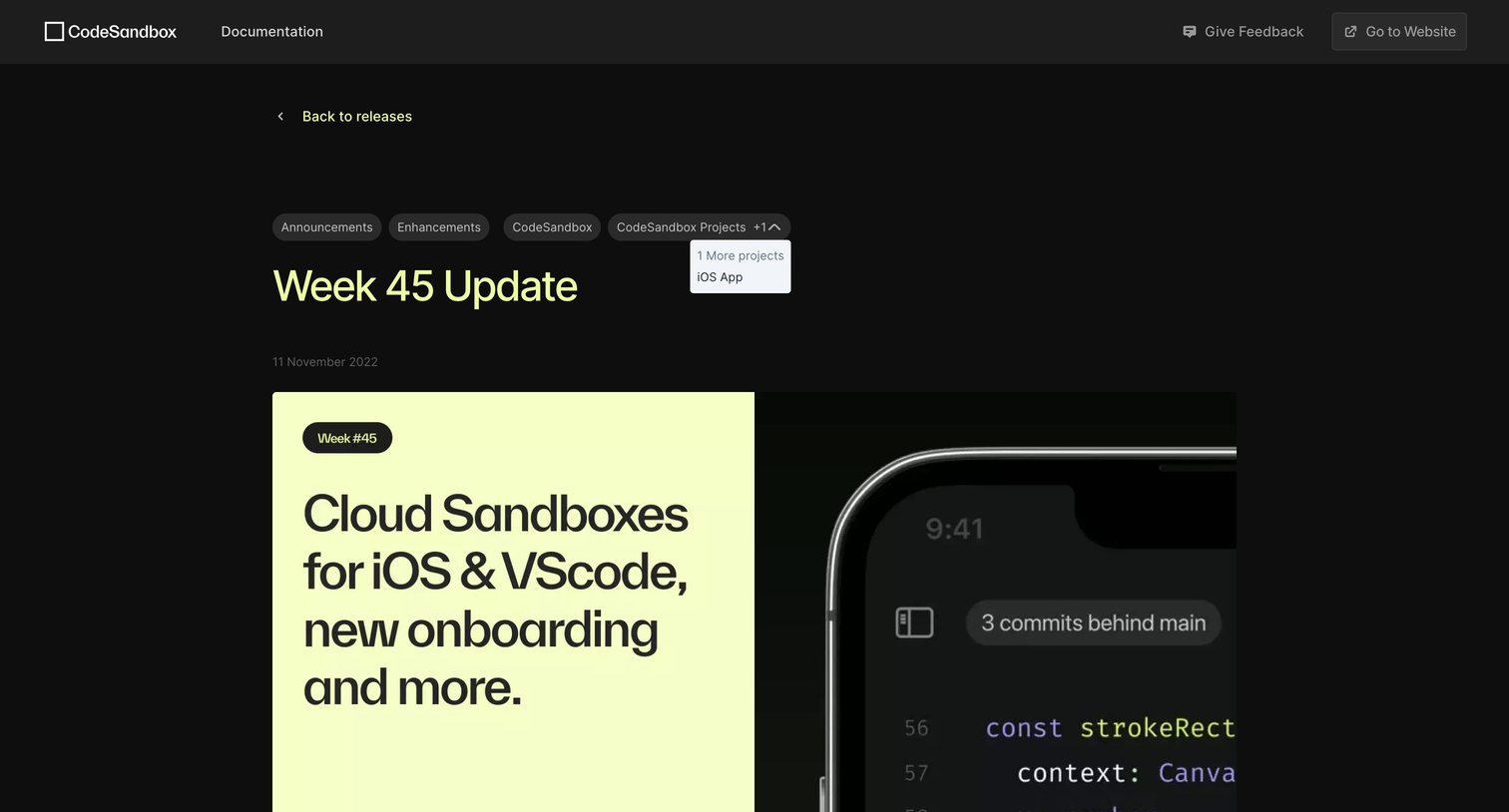
Changelog article detailing the Week 45 update with category badges and a popover revealing additional tags.
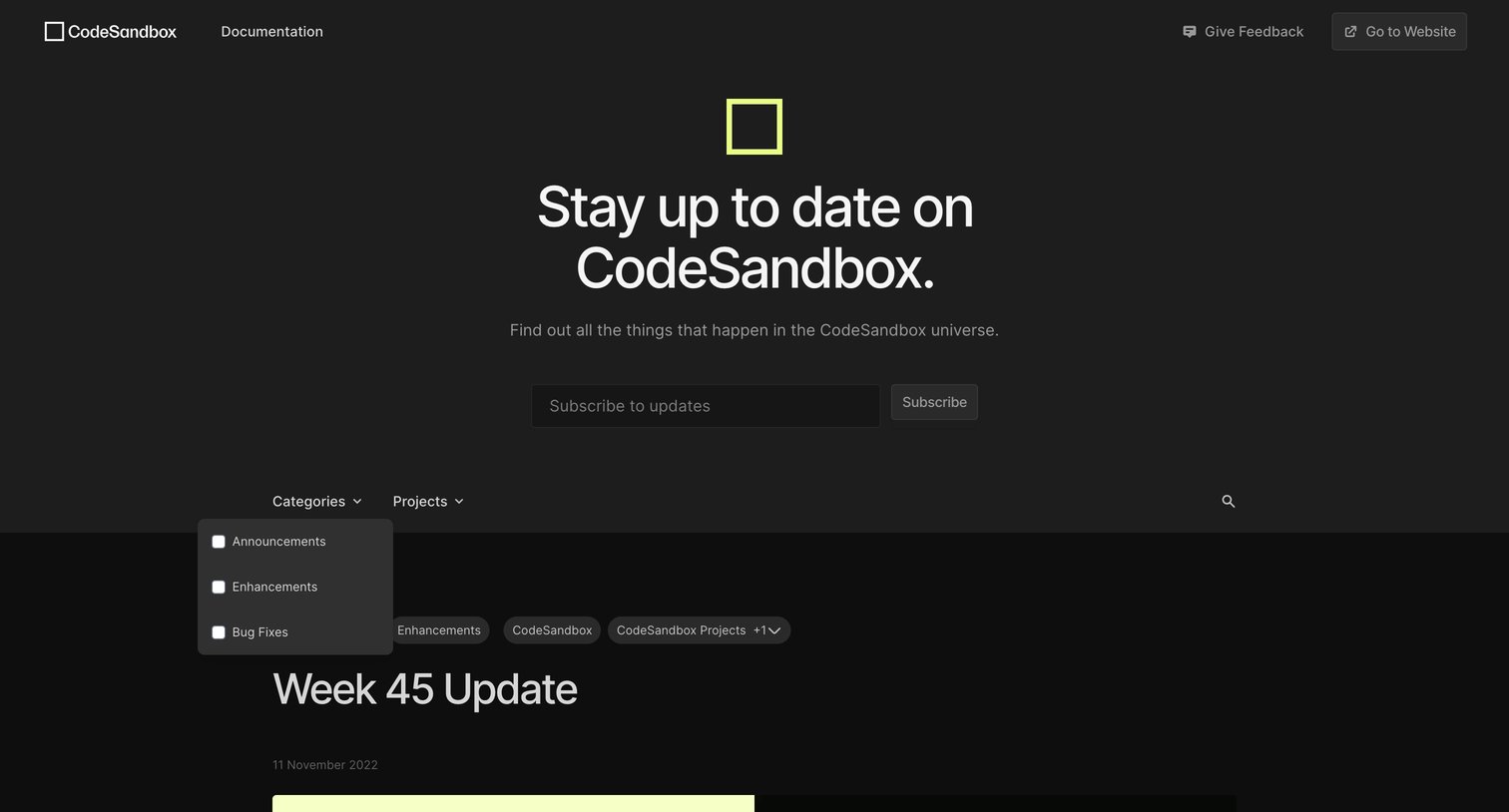
Changelog page where users can subscribe to updates and filter release notes by categories and projects.
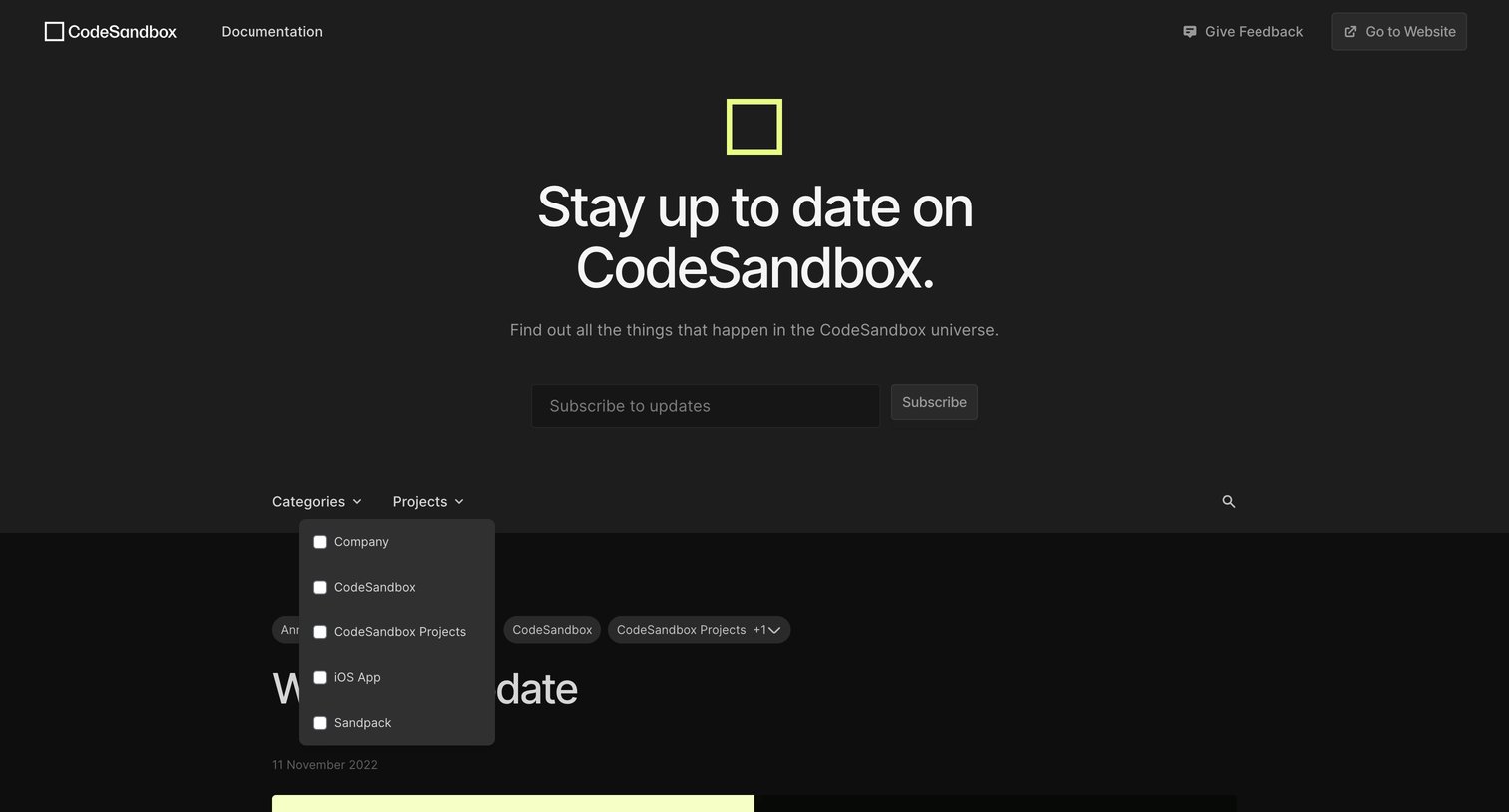
Changelog page where the user can subscribe to updates and filter posts by categories and projects.
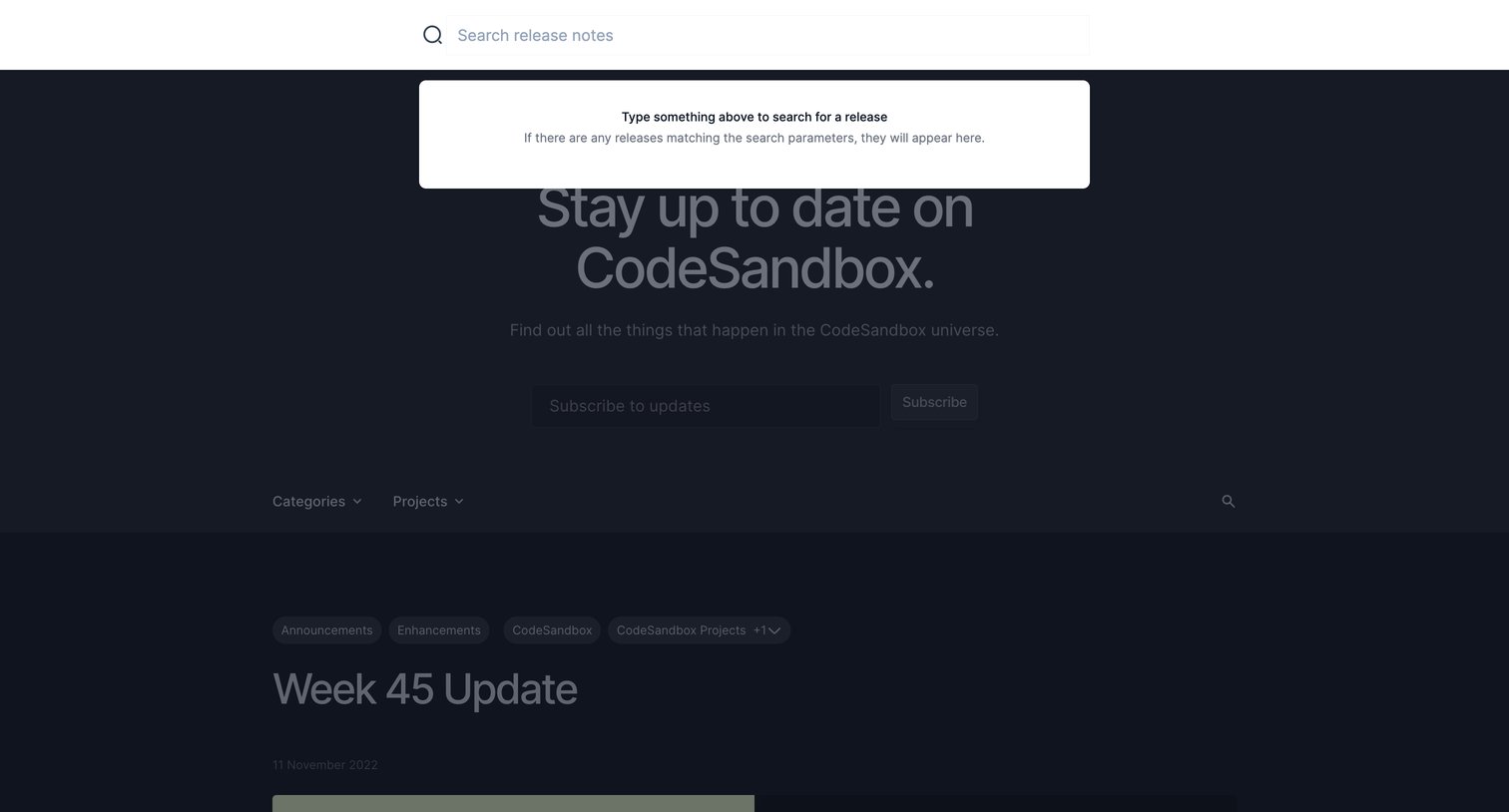
Changelog page where the user has focused the search bar, revealing an empty-state popover prompting them to type a query to find specific release notes.
Explore the full SaaS screen library
Upgrade to unlock the full library.
Trusted by the best teams







