Clerky design examples
Explore Clerky UI design examples. Automated legal paperwork for startups
Product screens
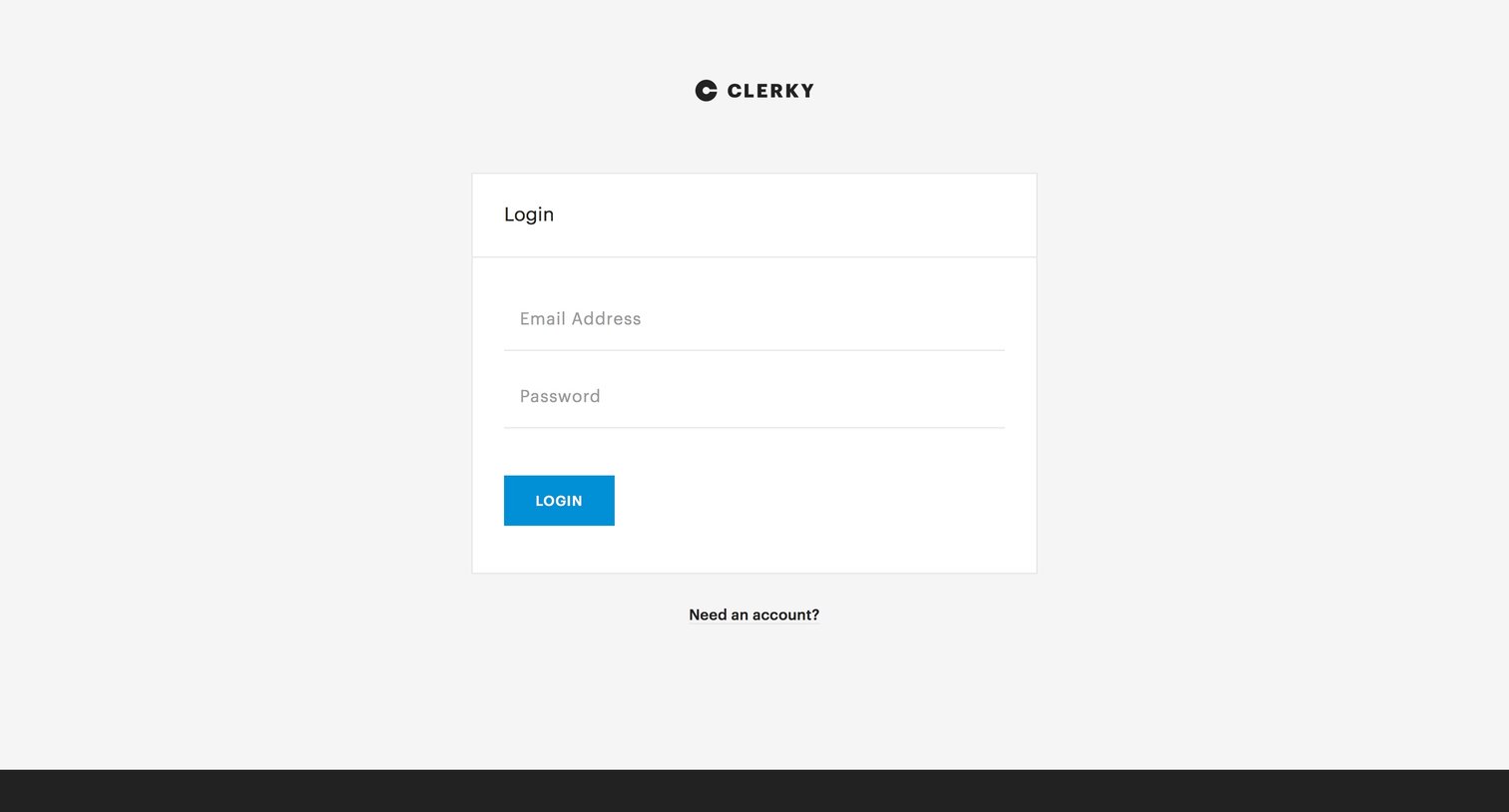



Verification screen where the user is thanked by name and instructed to check their email for a confirmation link.

Onboarding modal where the user must agree to read instructions carefully to avoid legal issues before proceeding.

Onboarding modal where the user is prompted to carefully review their entered information because it maps directly to their generated documents.

Onboarding step where the user must agree to a legal disclaimer stating the service is not an attorney before proceeding.
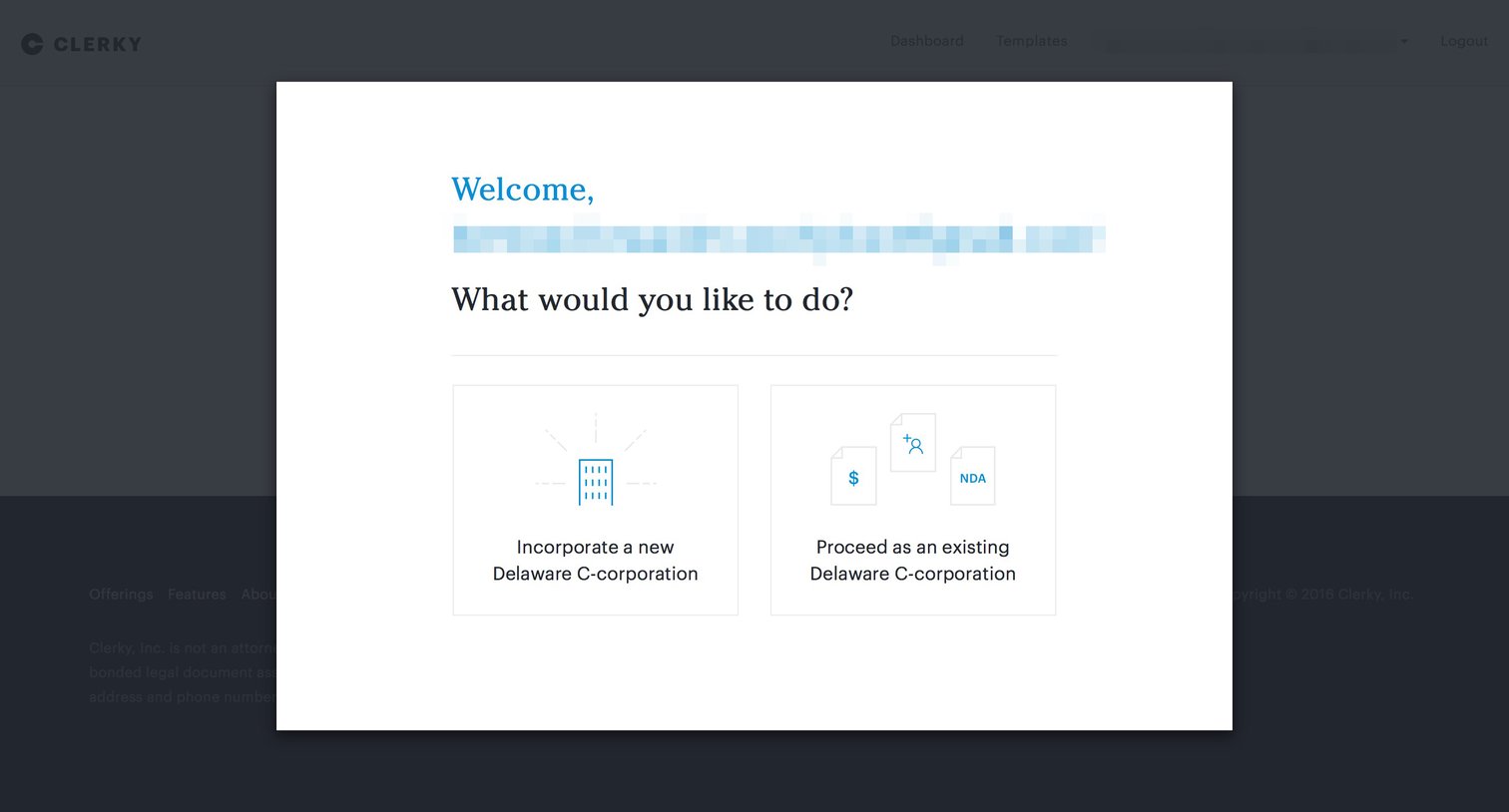
Onboarding step where the user chooses between incorporating a new Delaware C-corporation or proceeding as an existing one.


Wizard for creating a company incorporation document where the user reviews instructions for entering the legal company name.

Wizard step where the user selects whether to create a signature block for an entity or an individual during the incorporation process.

Onboarding step where the user provides signature blocks for John smith and Nicelydone limited.

Settings page where the user manages their personal profile details, payment methods, and support staff access permissions.
Browse the full SaaS app library
Explore real SaaS apps with their product screens, marketing screens, flows, and components.
Trusted by the best teams







