
Canopy product screens examples
Browse Canopy screen design examples. Preview the interface screenshots and explore related UI patterns. Connecting people to great products through curation and community recommendations.
Explore the examples
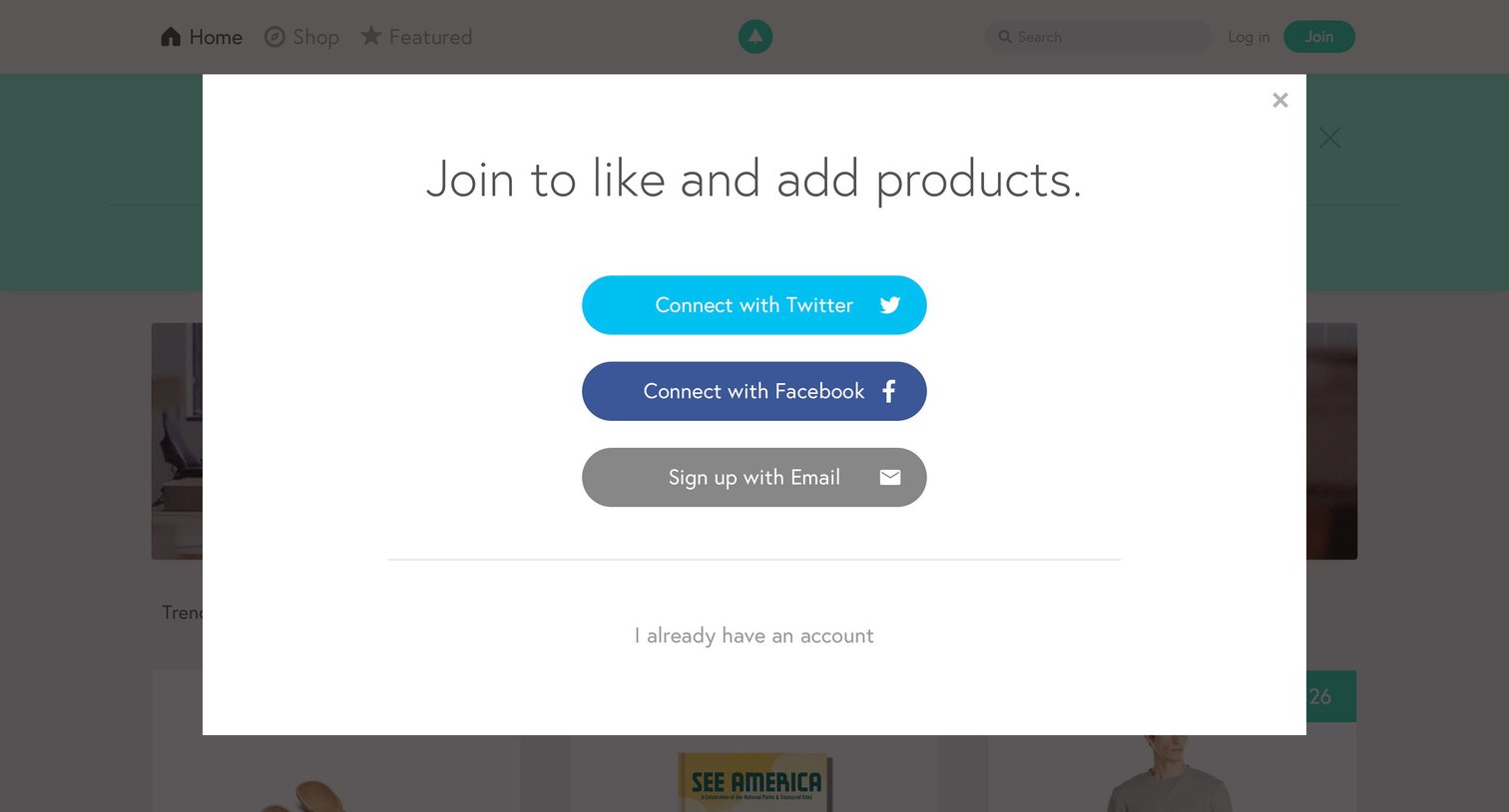
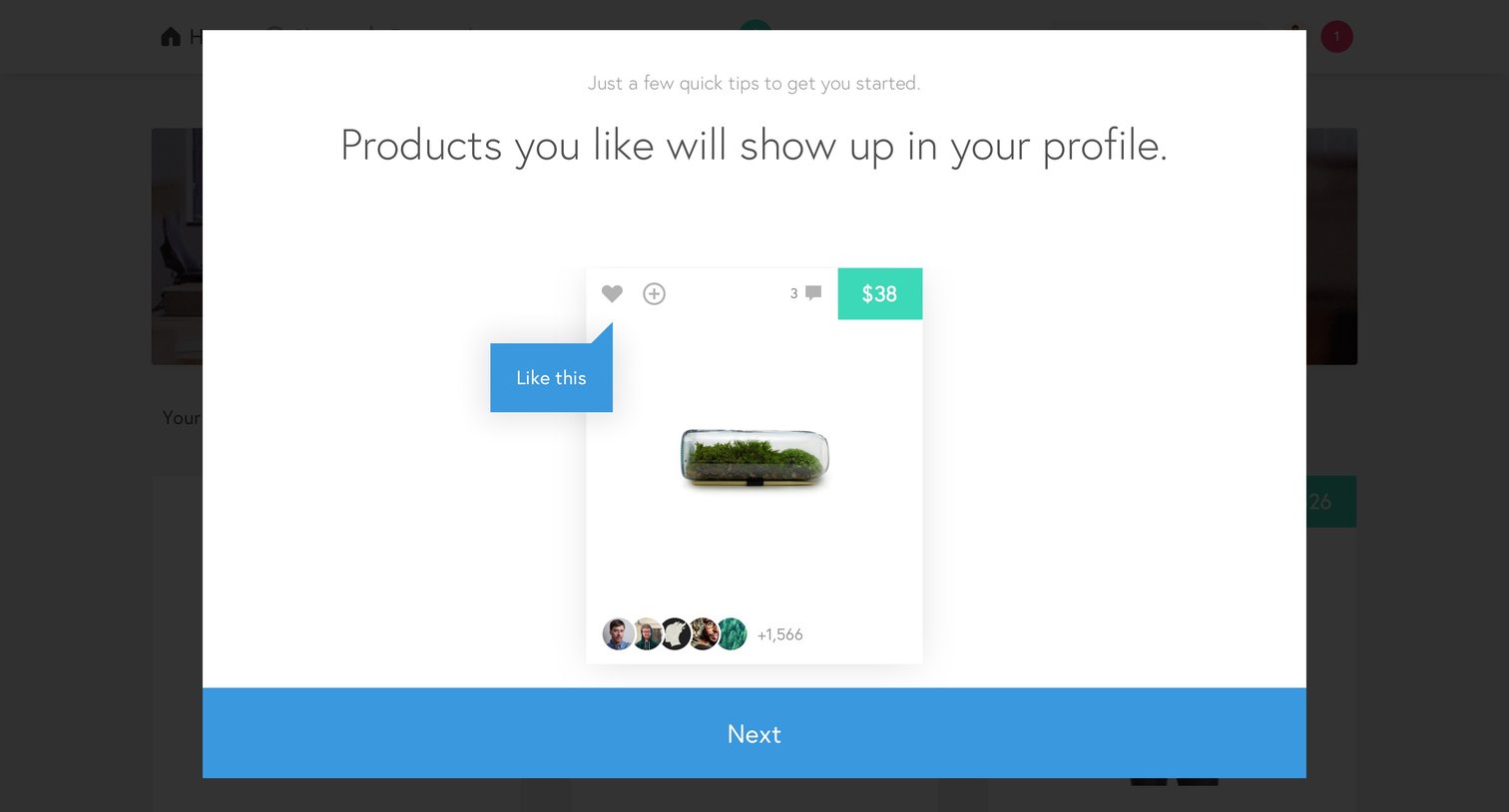
Onboarding step where a modal explains how to like products using a mock product card and a tooltip.
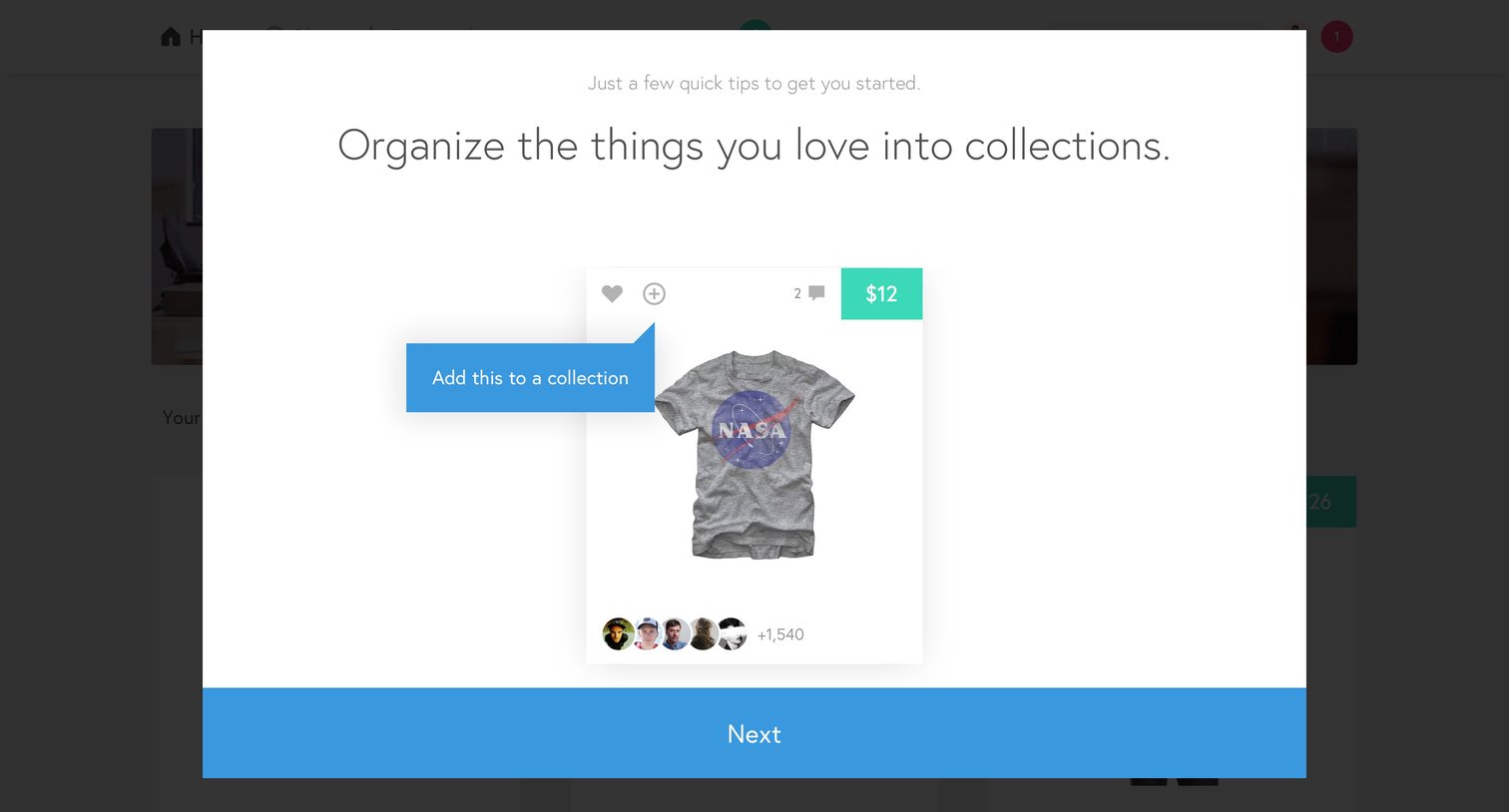
Onboarding step where a product tour highlights how to organize items into collections using a tooltip over a sample product card.
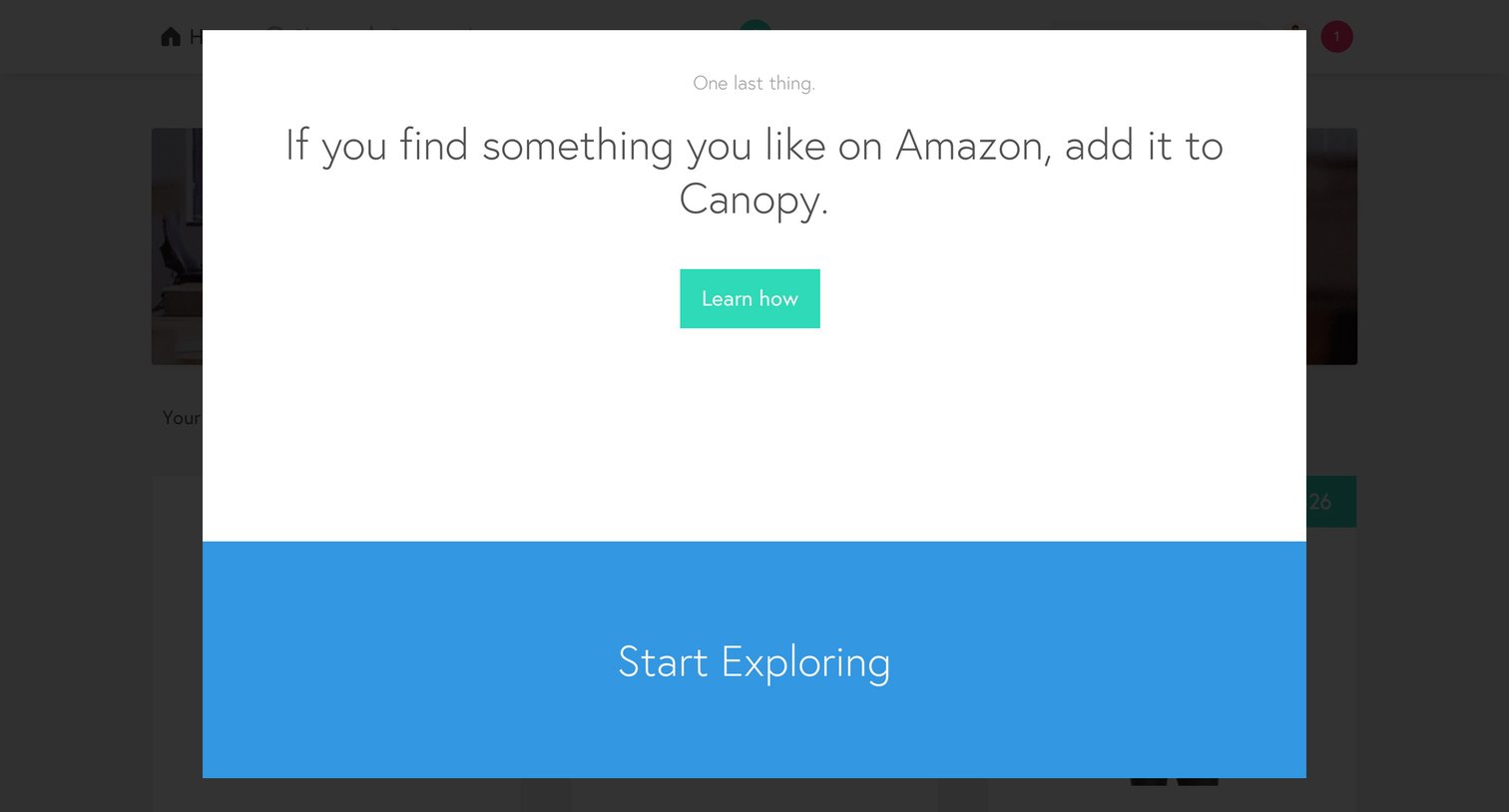
Onboarding step where the user is prompted to learn how to add Amazon products to Canopy before starting to explore the app.
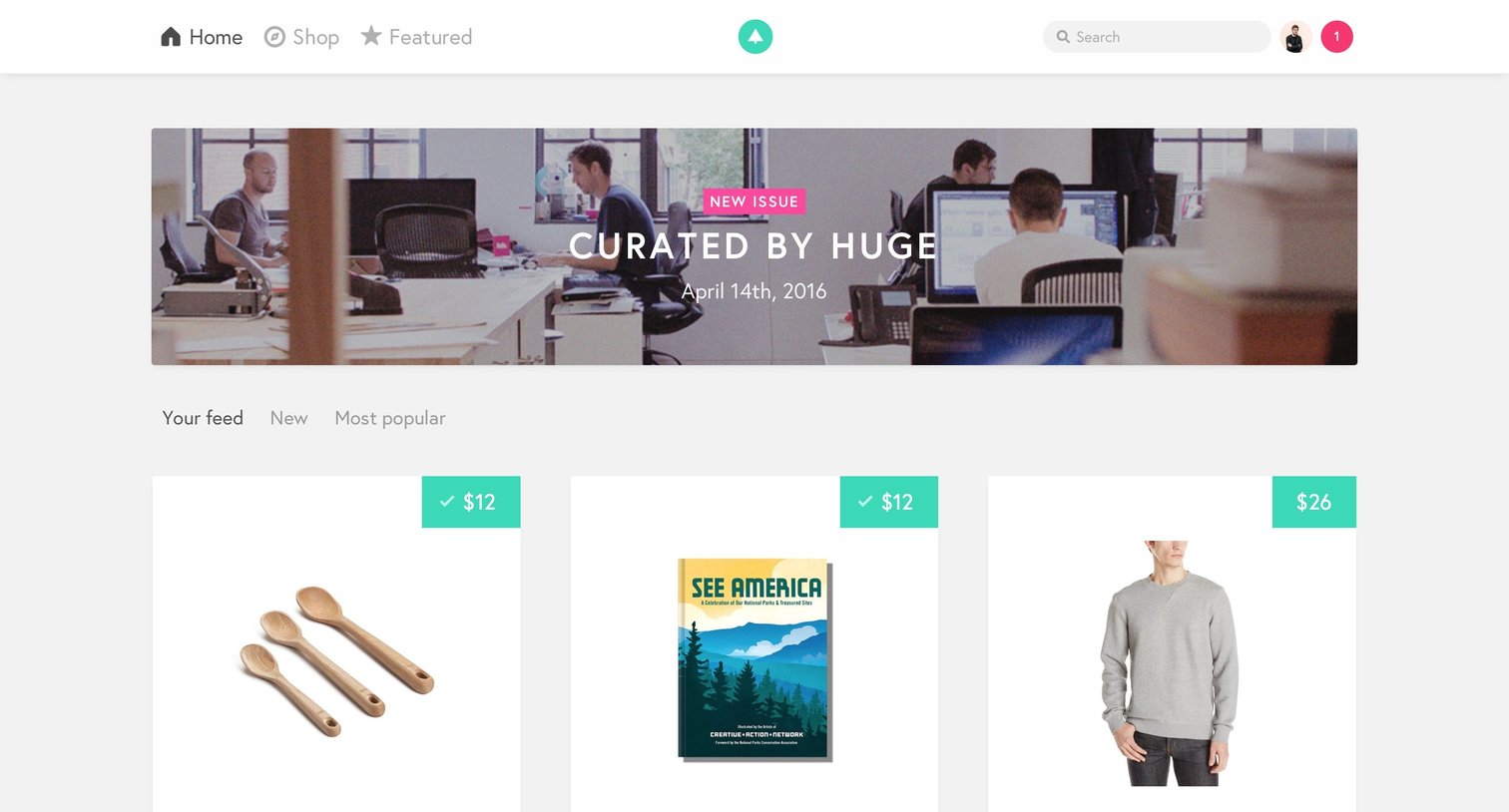
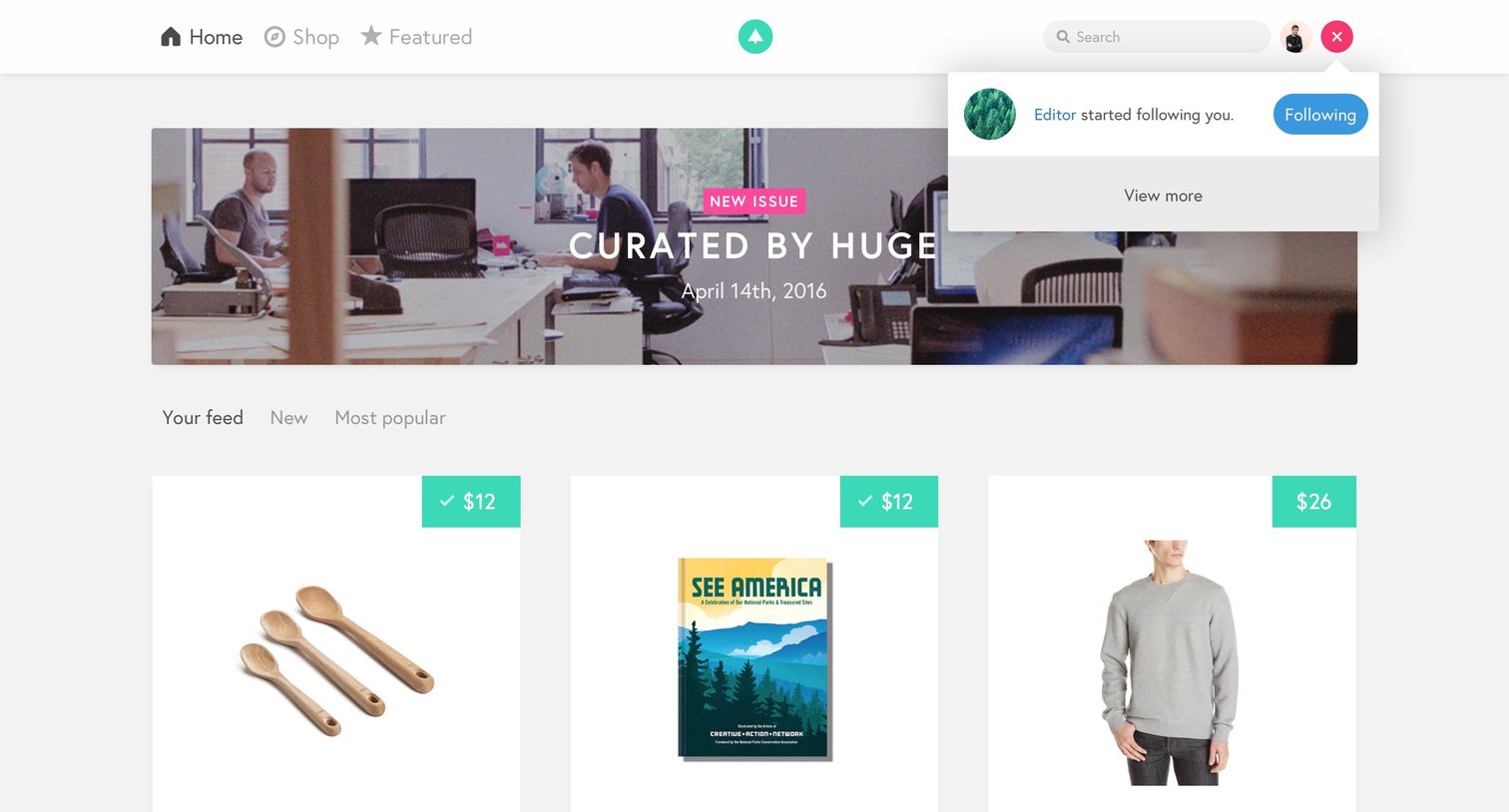
Product feed where the user browses curated items and views a new follower notification popover.
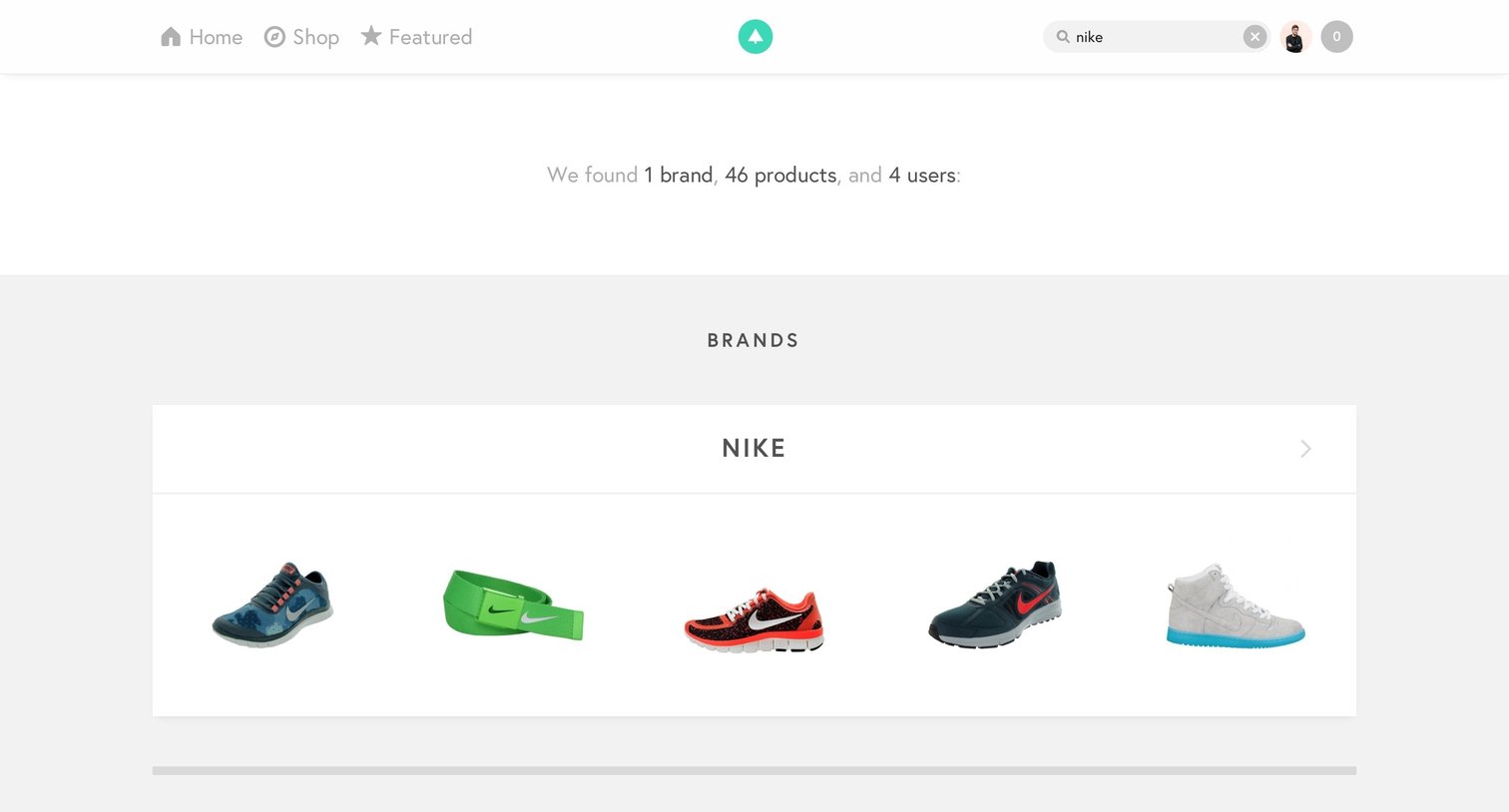
Search results page for 'nike' displaying a matching brand, a grid of products with price badges, and a list of users to follow.
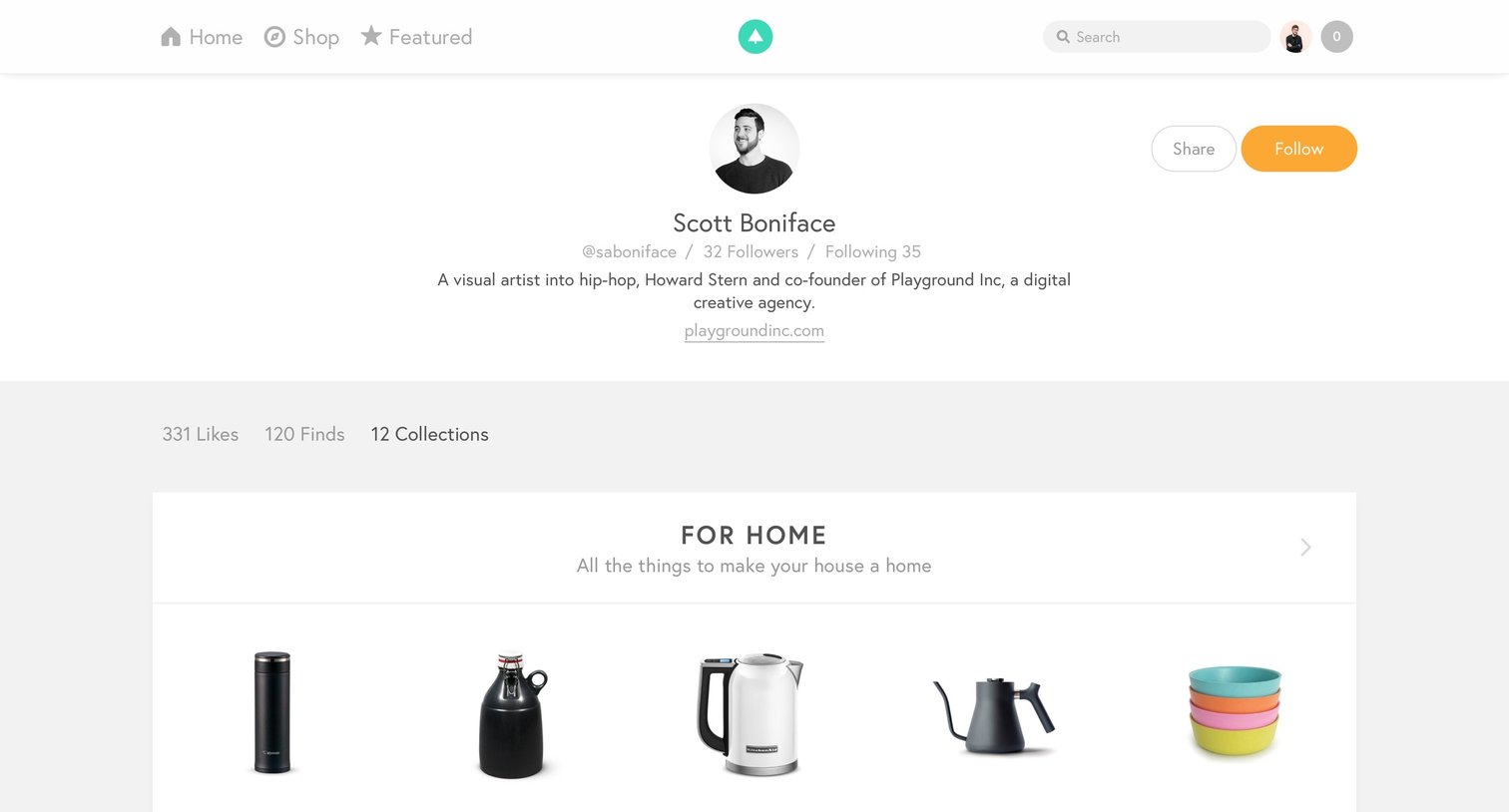
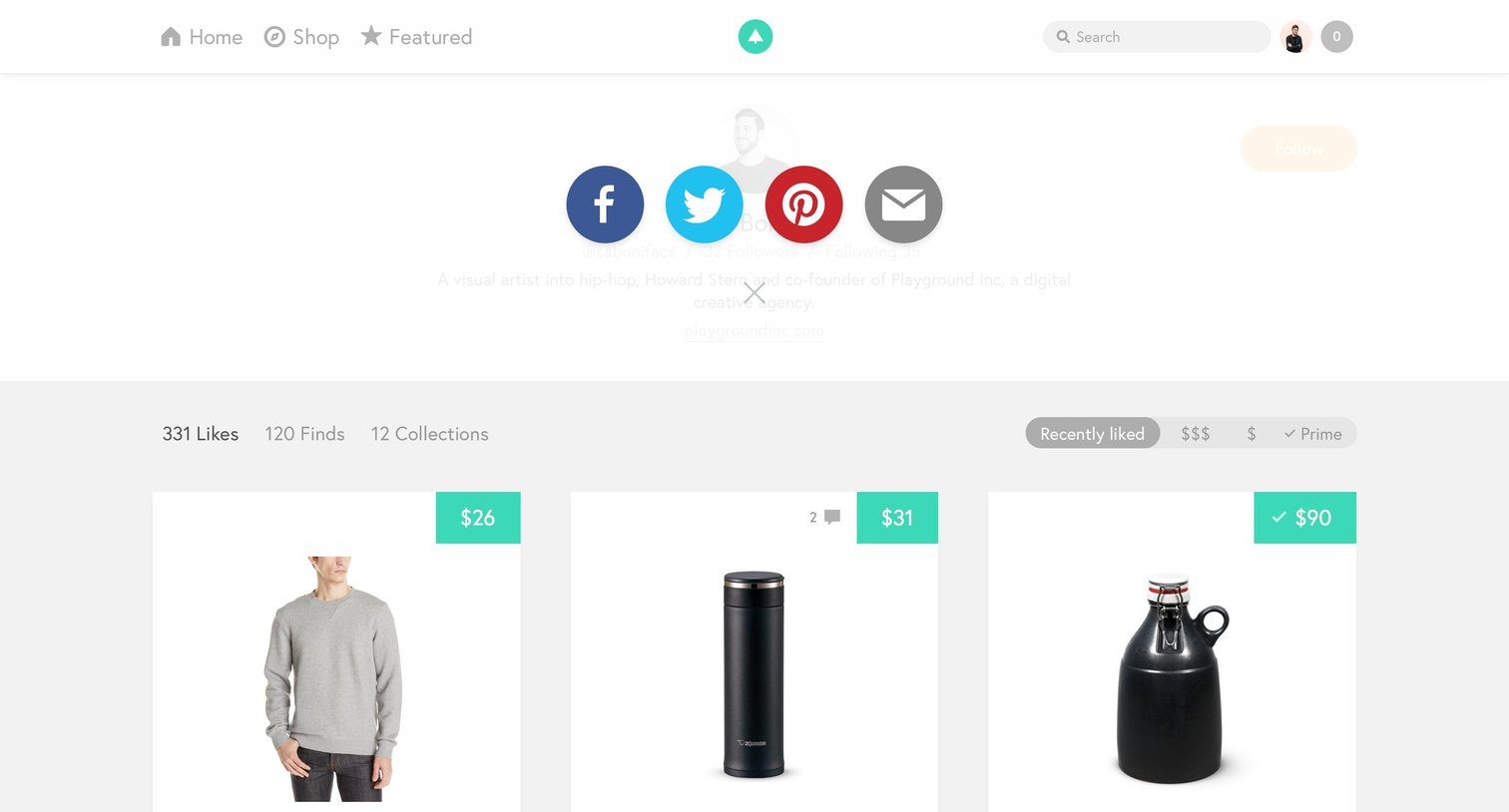
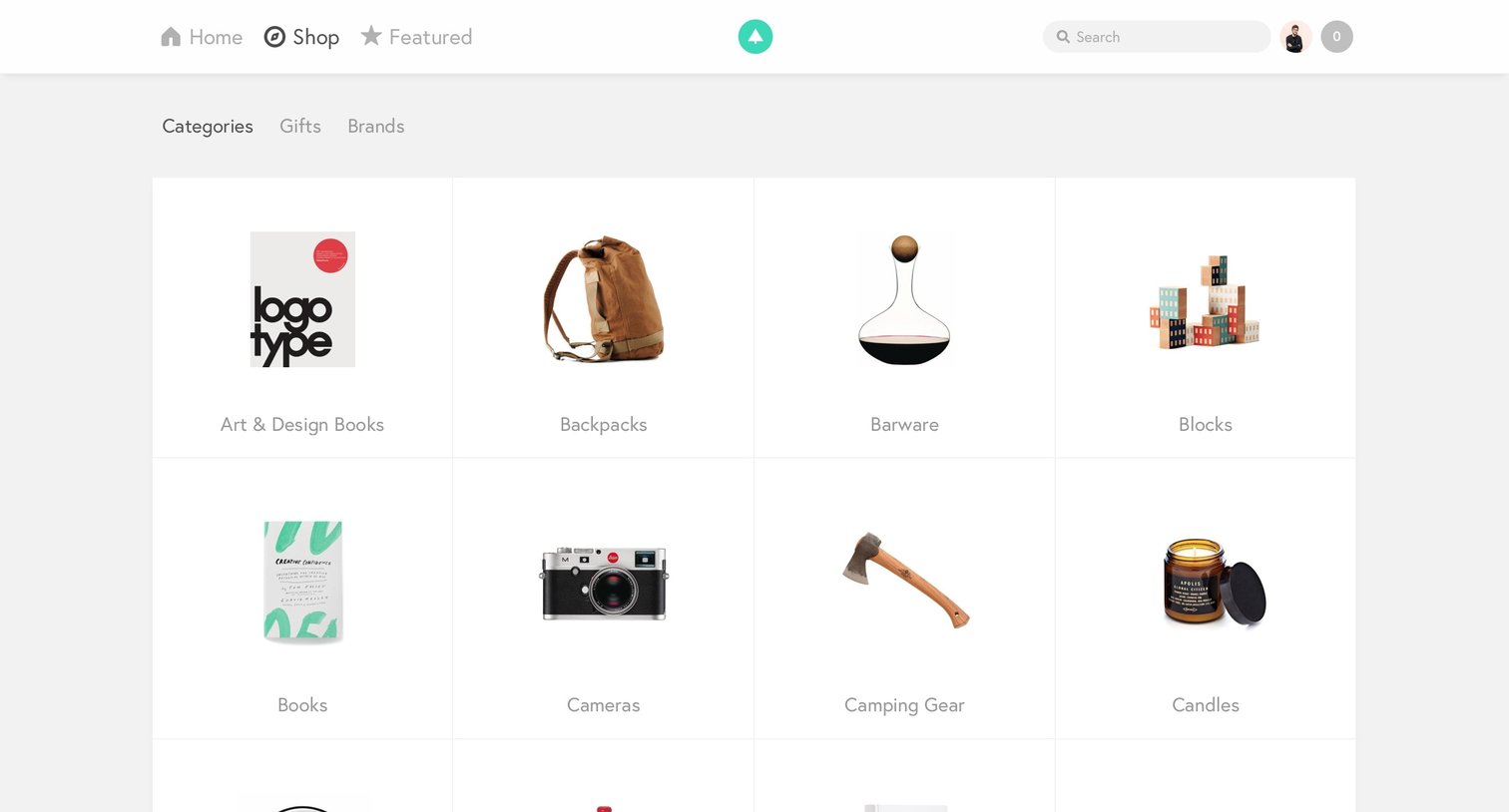
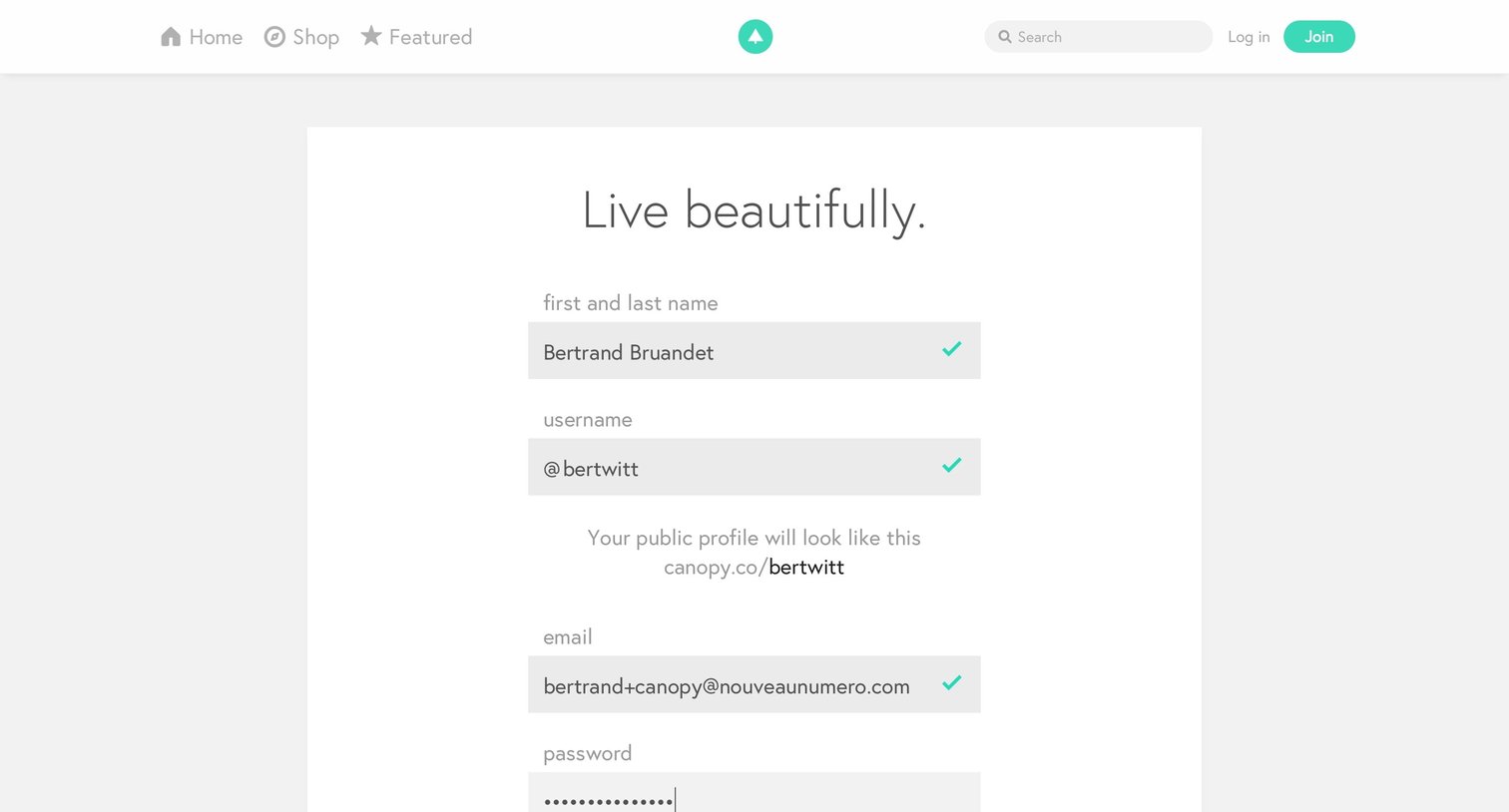
Signup page where the user enters their personal details, uploads a profile photo, and opts into a newsletter to create an account.
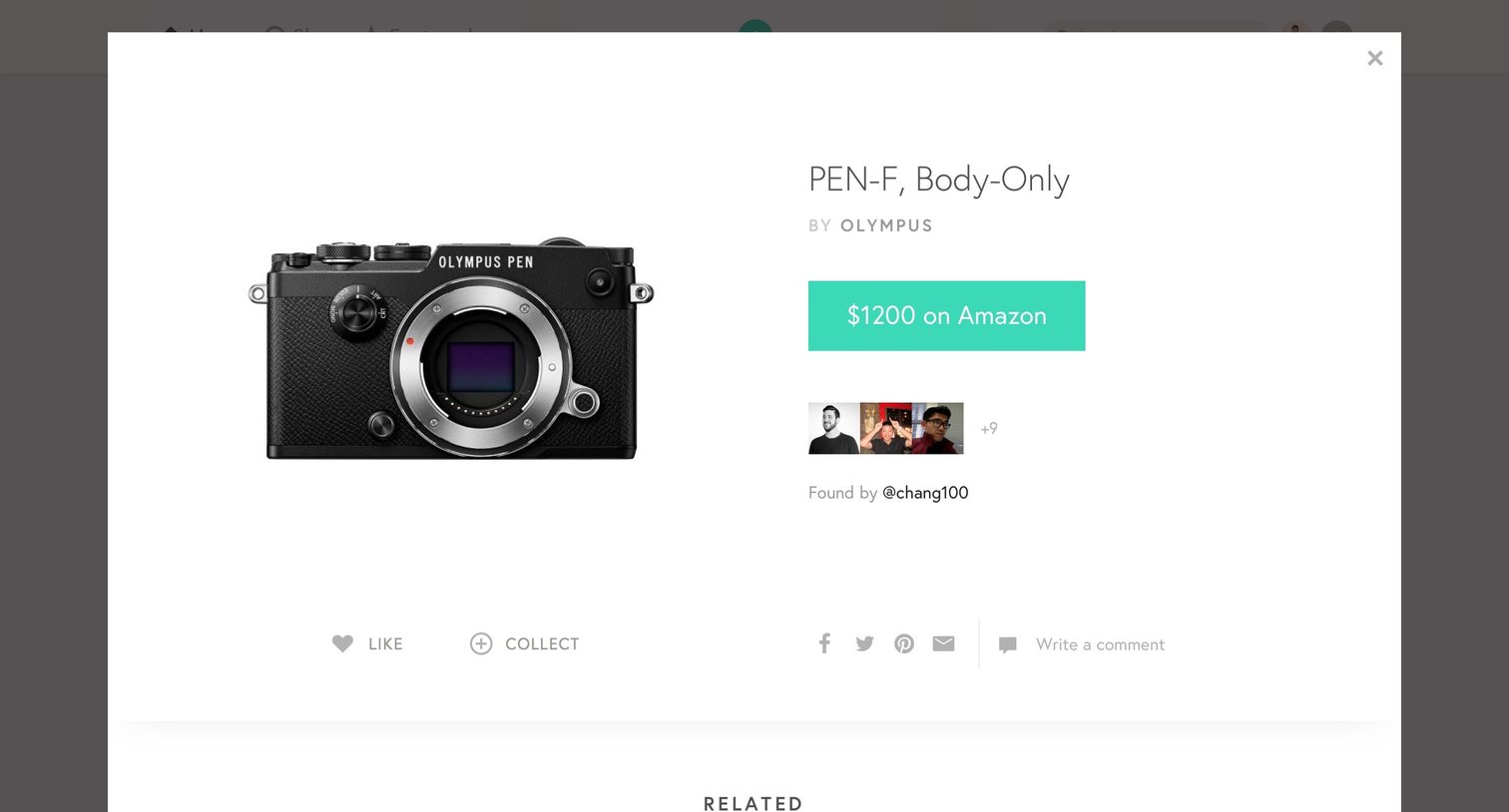
Detail page where the user views a camera product with an option to purchase on Amazon, see who collected it, and write a comment.
Explore the full SaaS screen library
Upgrade to unlock the full library.
Trusted by the best teams







