Skip to content
Abstract logo

Abstract design examples

Explore Abstract UI design examples. Design collaboration without the chaos

Product screens
Abstract screen
Abstract logo
Abstract

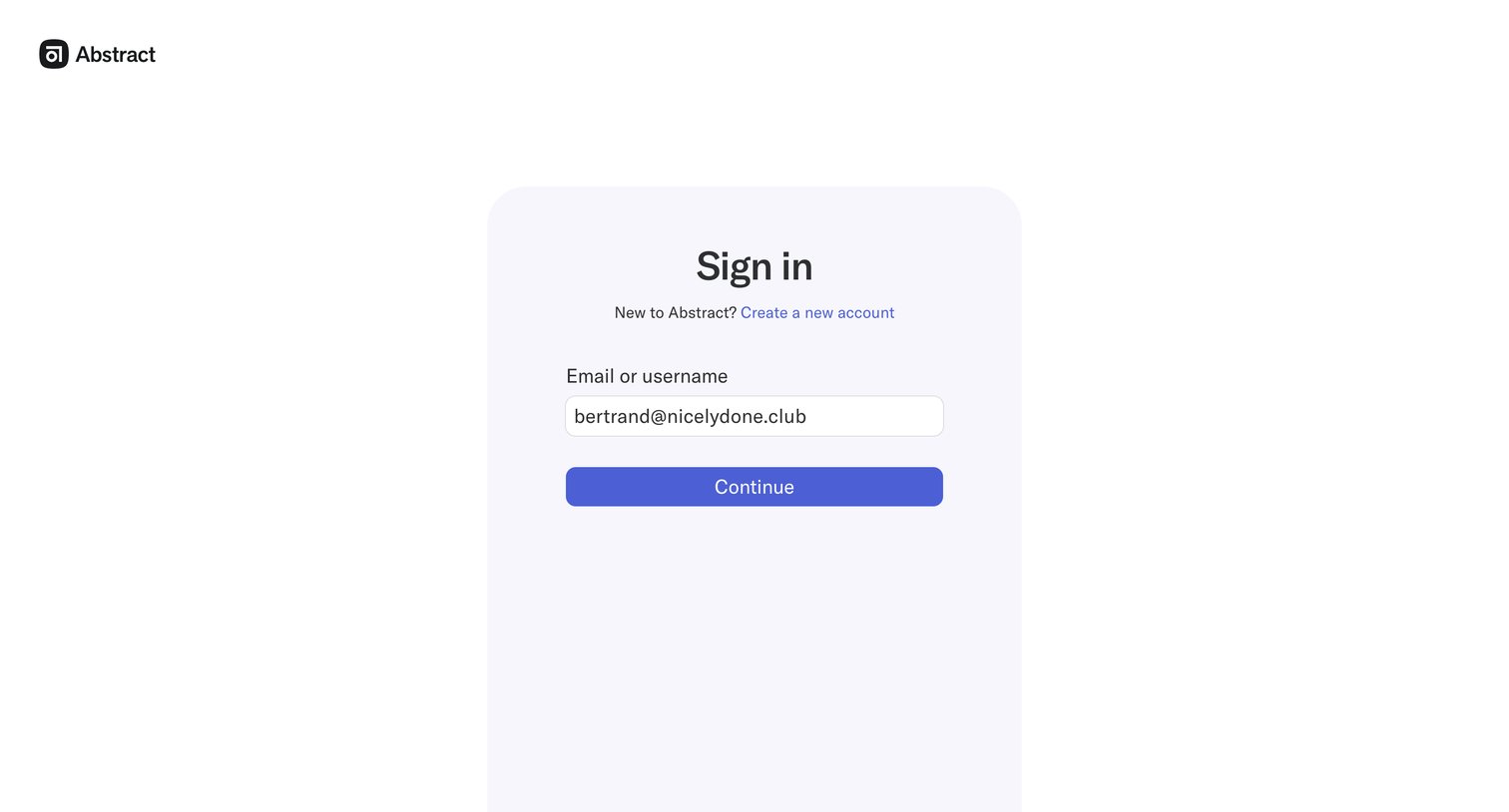
Sign-in screen where the user enters their email or username to continue.

Abstract screen
Abstract logo
Abstract

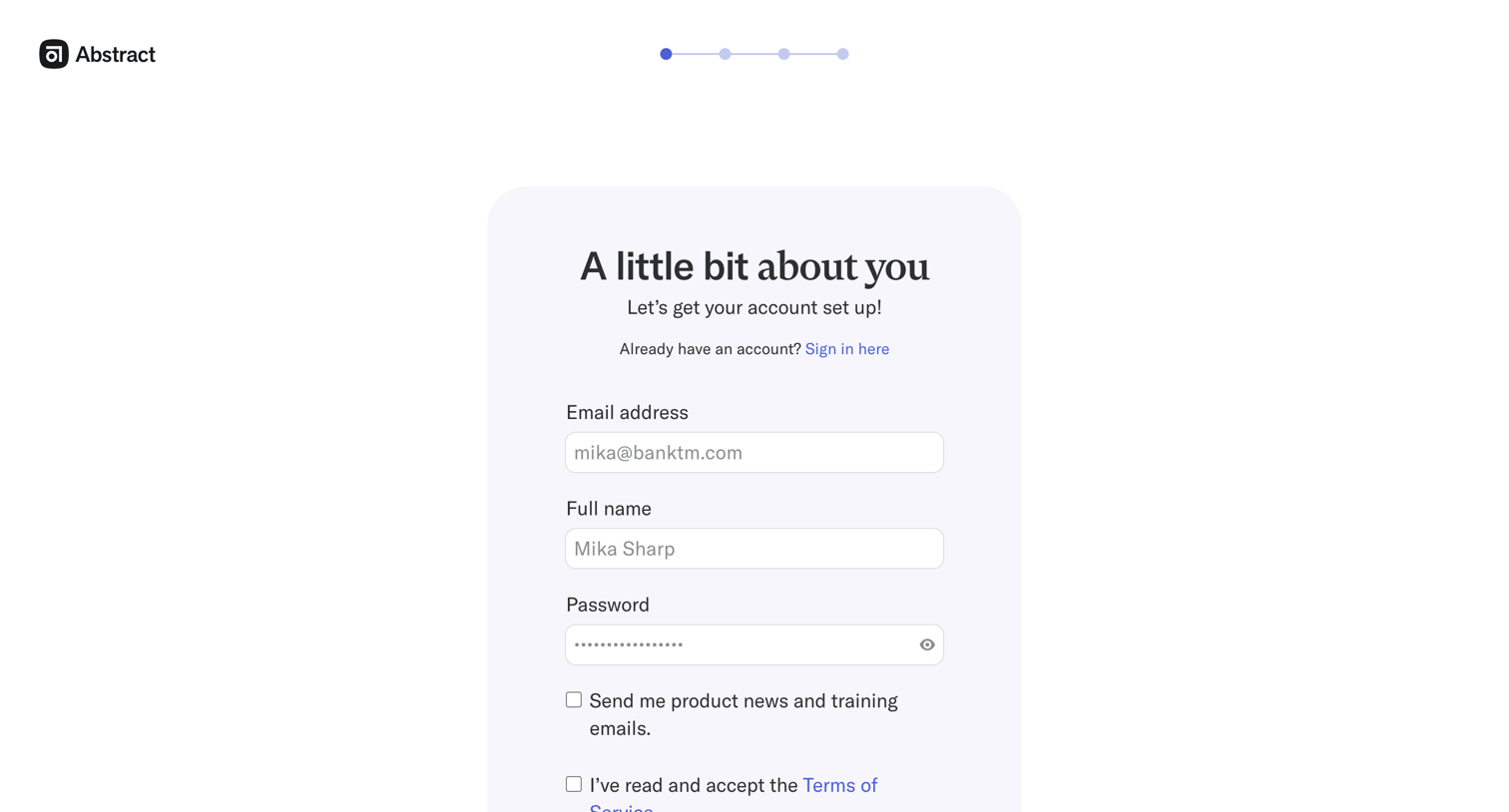
Signup page where the user enters their email, name, and password to create a new account, with an option to opt into product news.
Abstract screen
Abstract logo
Abstract

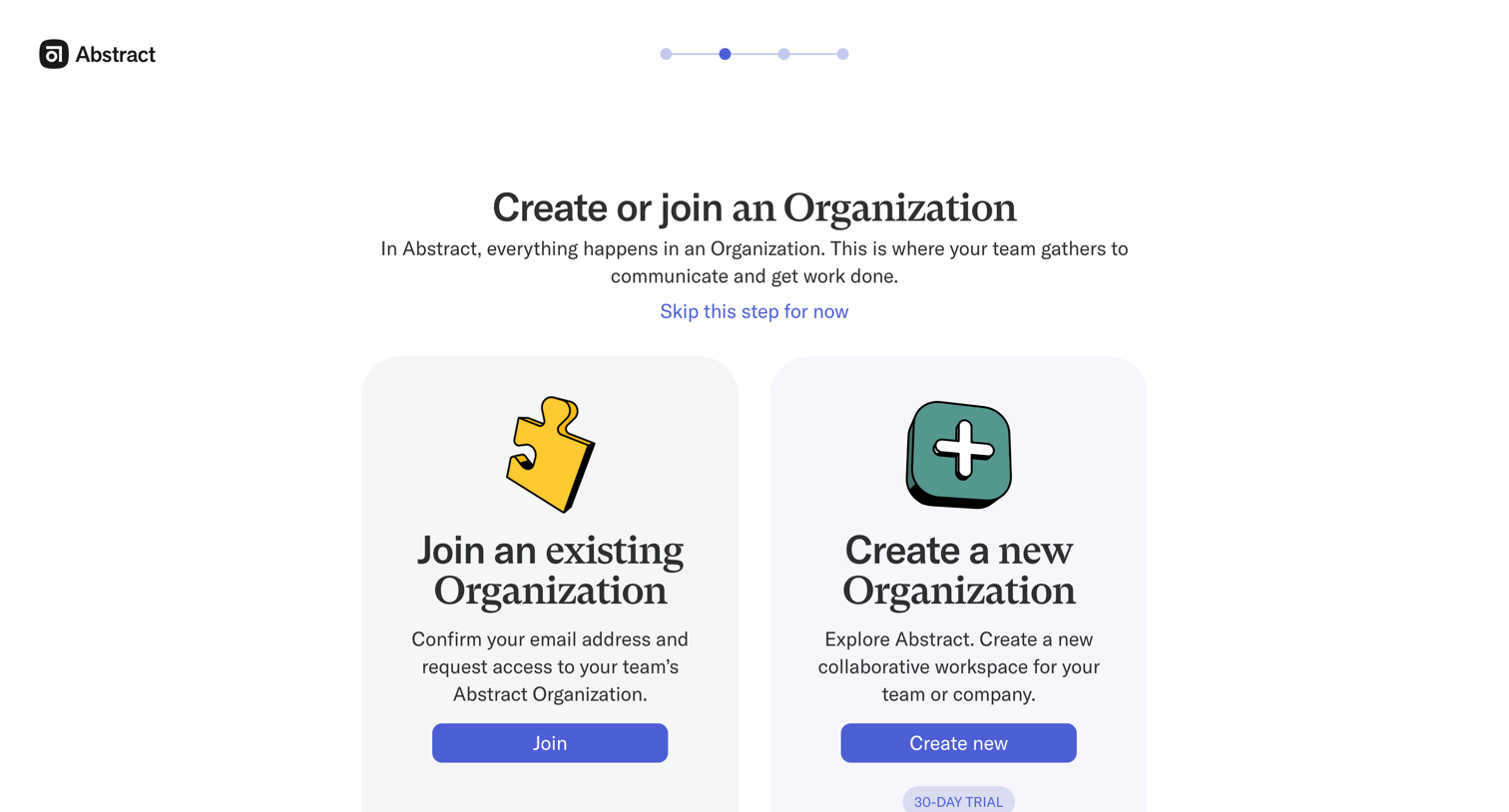
Onboarding step where the user chooses to either join an existing organization or create a new one with a 30-day trial.
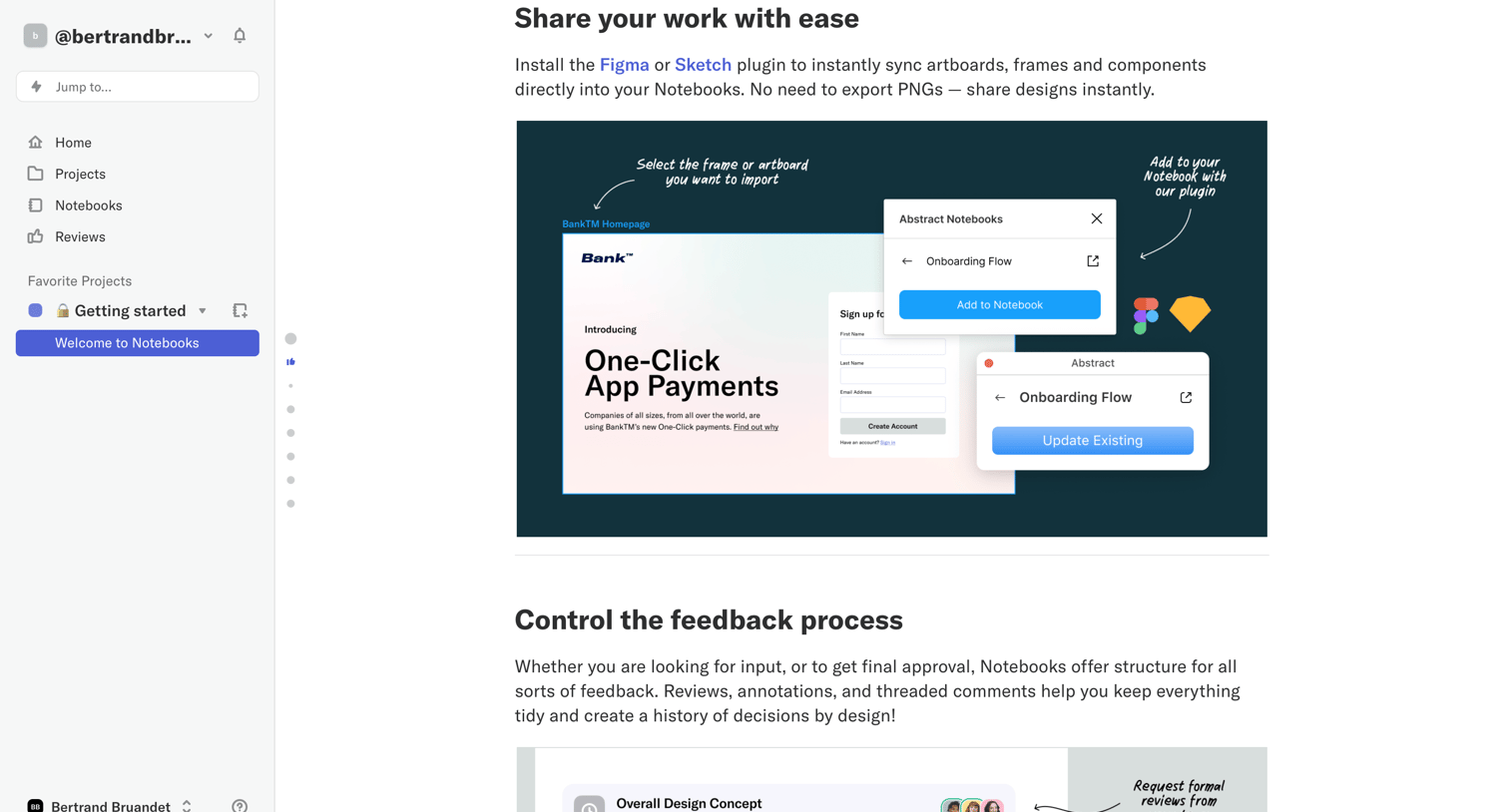
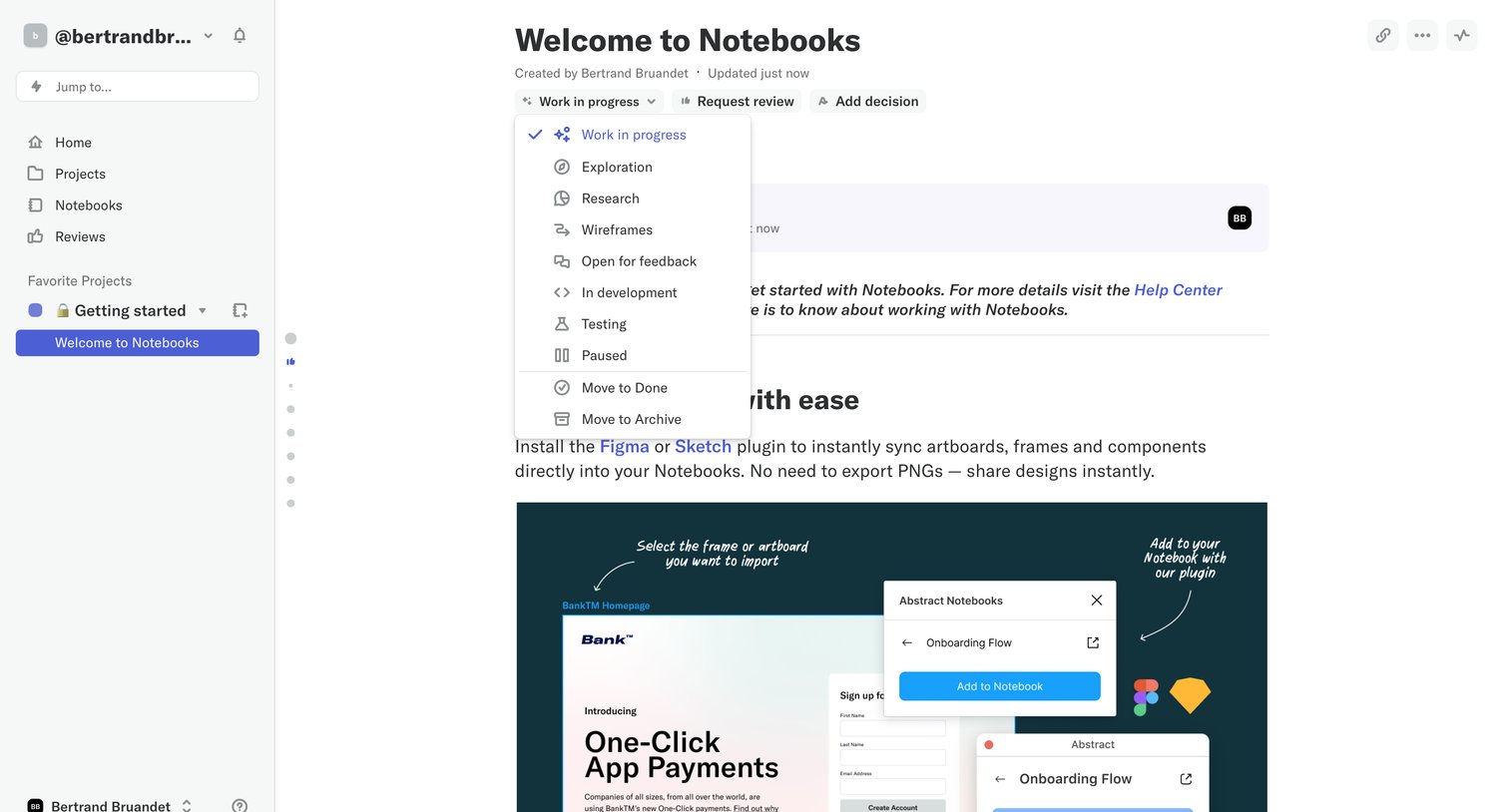
Abstract - Welcome to Notebooks screen
Abstract logo
Abstract

In-app onboarding document explaining the features of Notebooks with illustrative graphics and a call to action to create a first notebook.

Abstract - Welcome to Notebooks screen
Abstract logo
Abstract

Rich text notebook editor where the user has opened the status dropdown to change the document's state from work in progress.

Abstract - Welcome to Notebooks screen
Abstract logo
Abstract

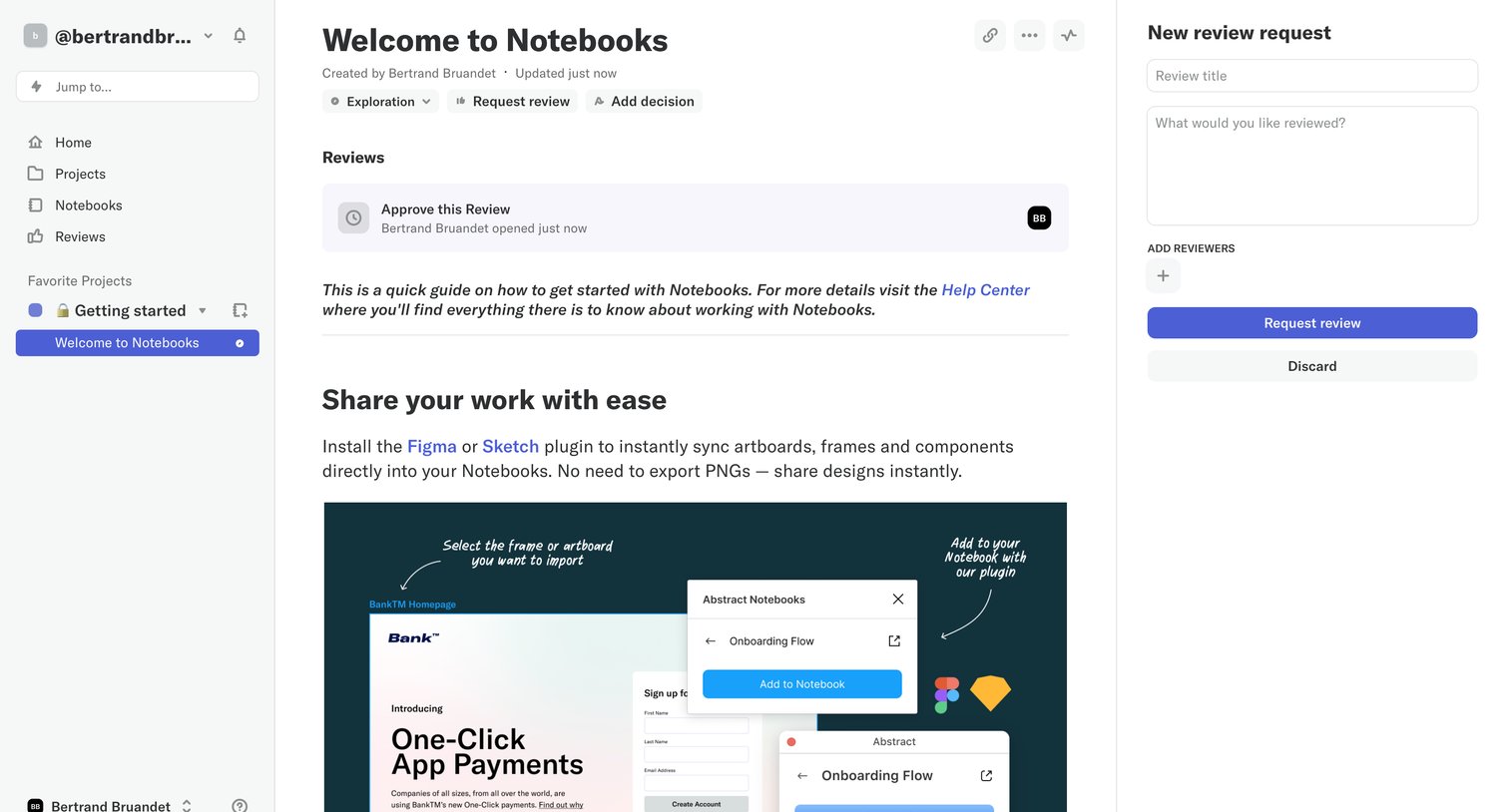
Detail page for a design notebook where the user is creating a new review request via a right-side panel.
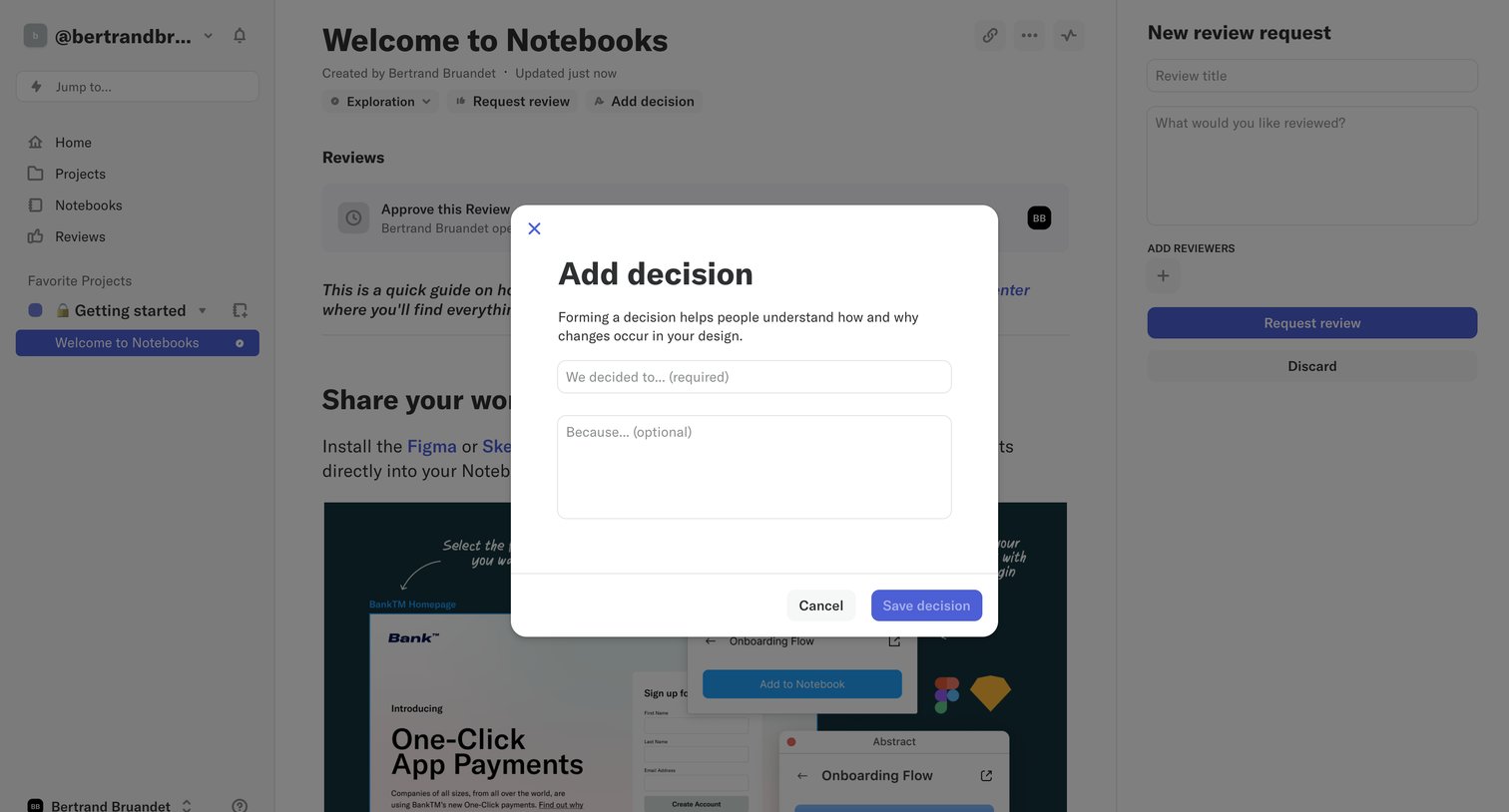
Abstract - Welcome to Notebooks screen
Abstract logo
Abstract

Detail page for a design notebook where the user is adding a decision via a modal overlay, with a review request panel visible in the background.
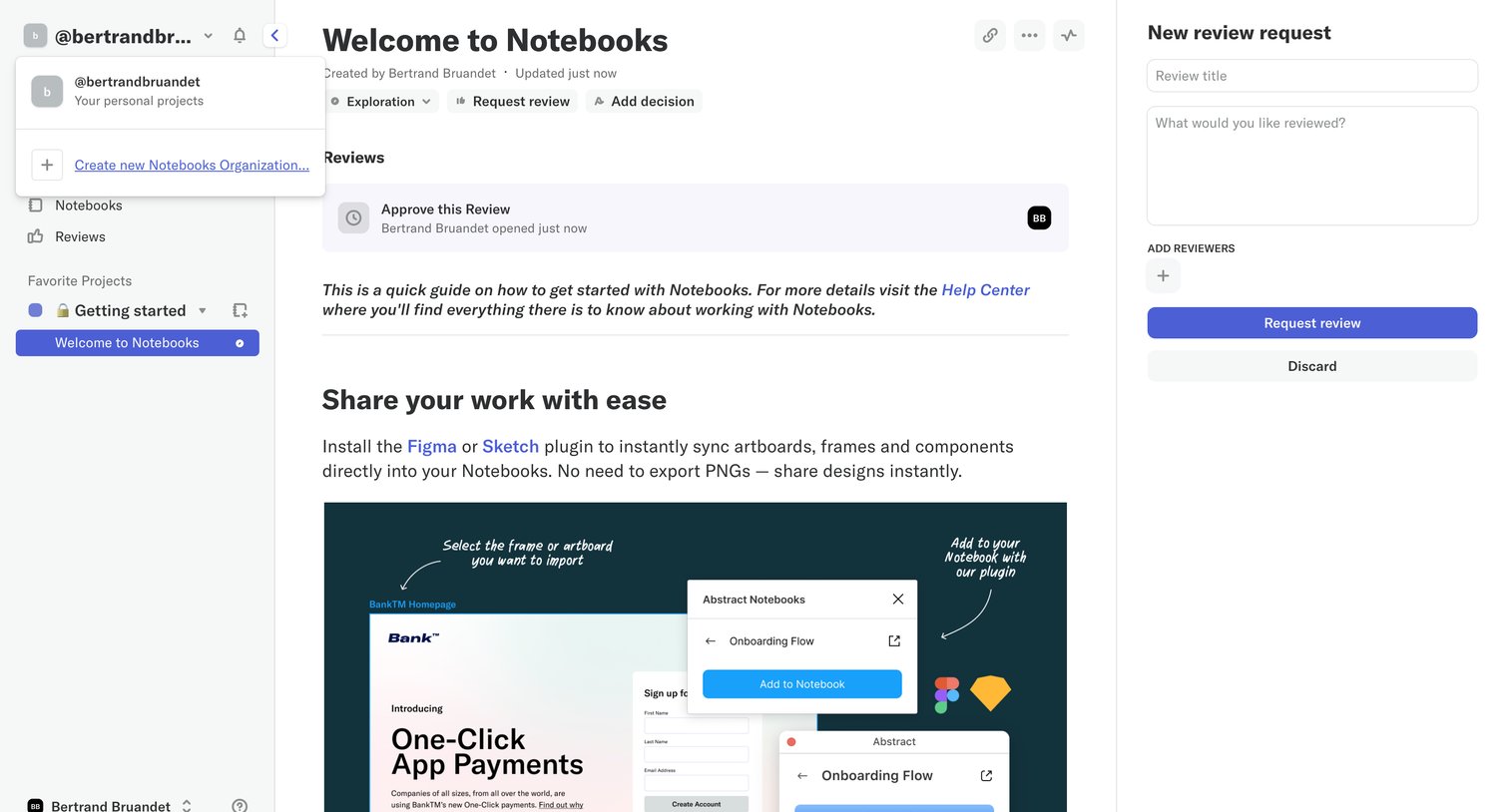
Abstract - Welcome to Notebooks screen
Abstract logo
Abstract

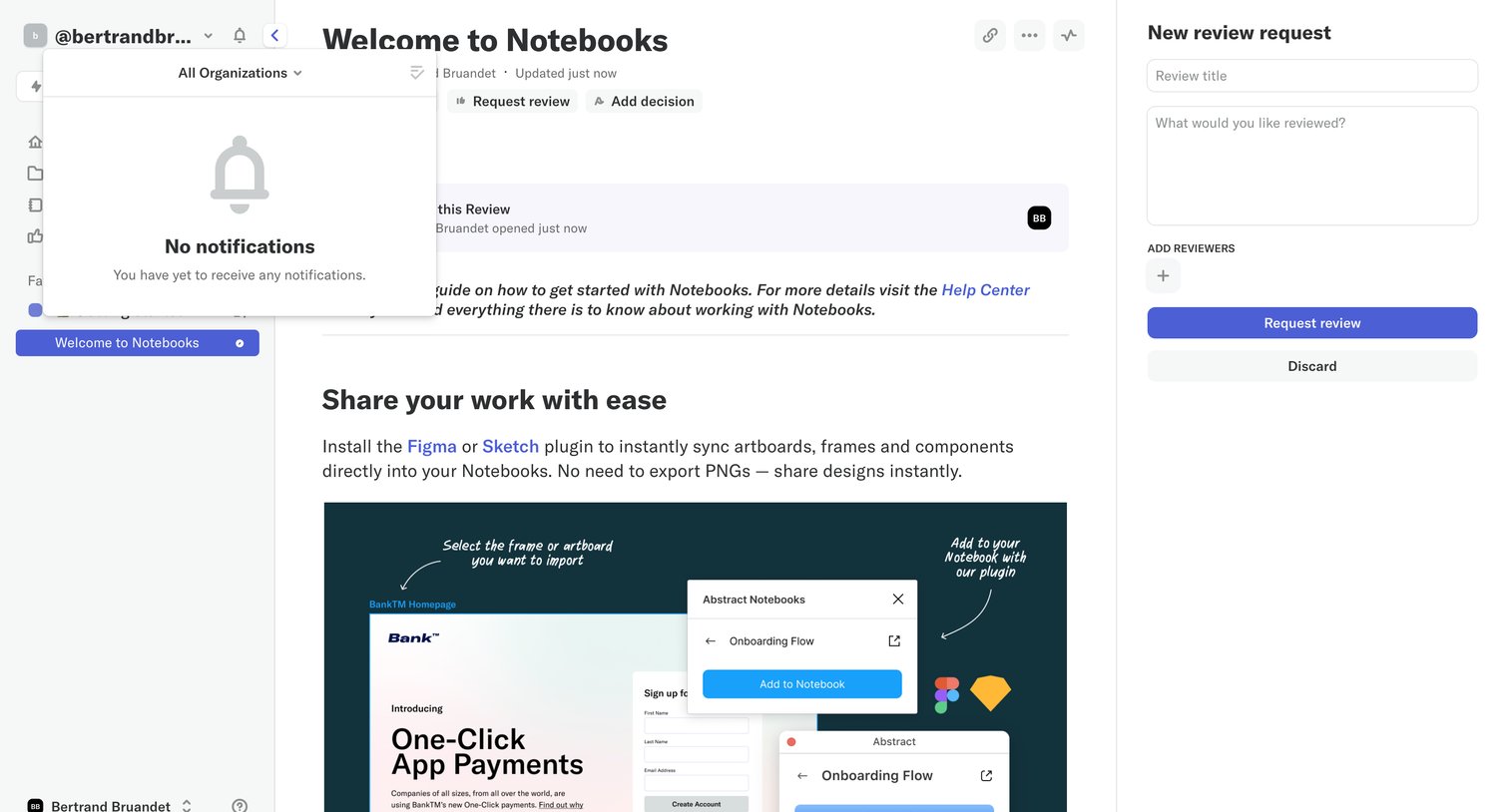
Content editor where the user views a rich-text notebook and opens a side panel to draft a new review request.

Abstract - Welcome to Notebooks screen
Abstract logo
Abstract

Detail page where the user views a notebook document and fills out a form in the right sidebar to request a review from teammates.
Abstract - @bertrandbruandet screen
Abstract logo
Abstract

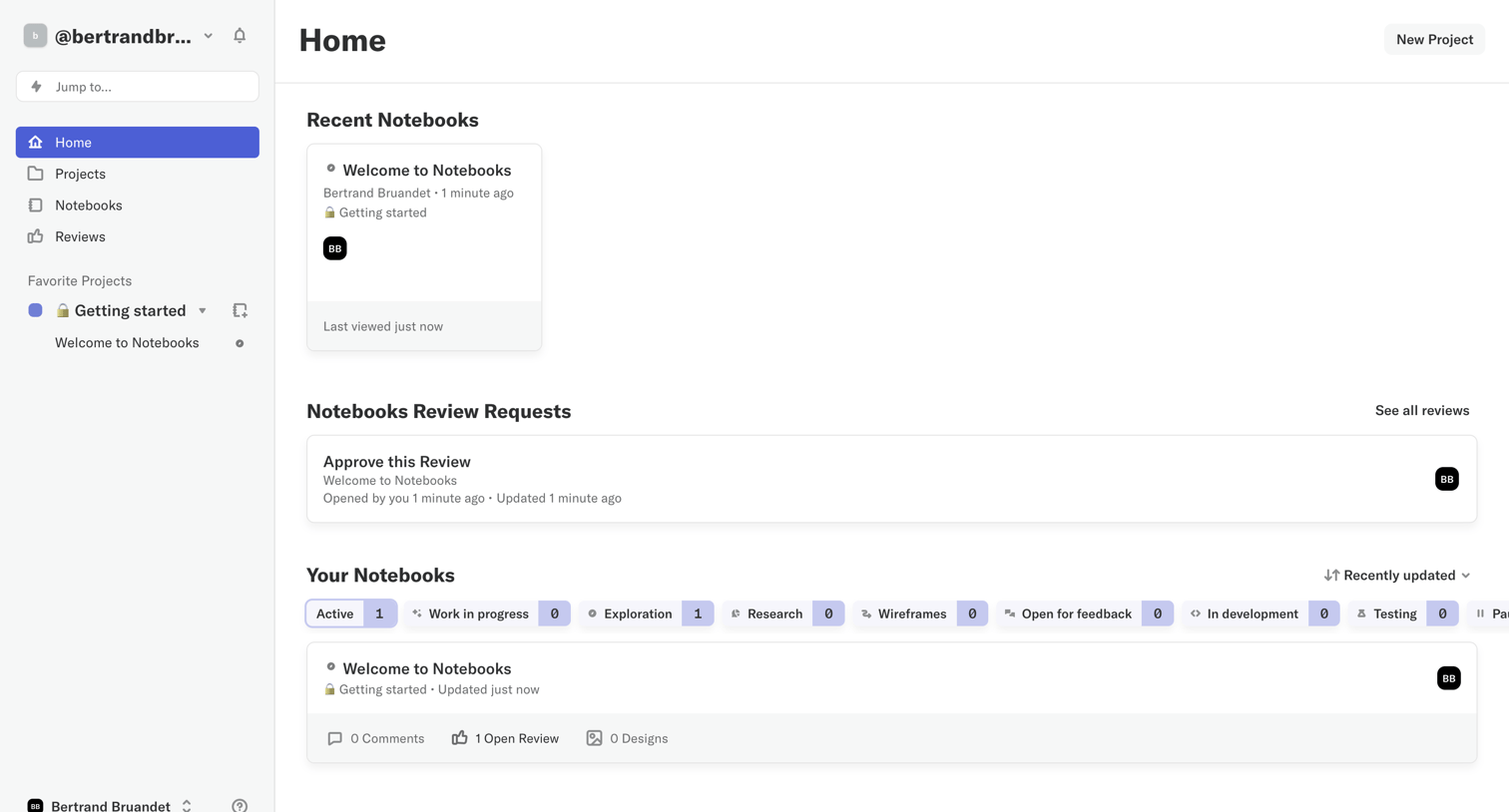
Home dashboard where the user can access recent notebooks, view pending review requests, and filter their notebooks by status.
Abstract - Welcome to Notebooks screen
Abstract logo
Abstract

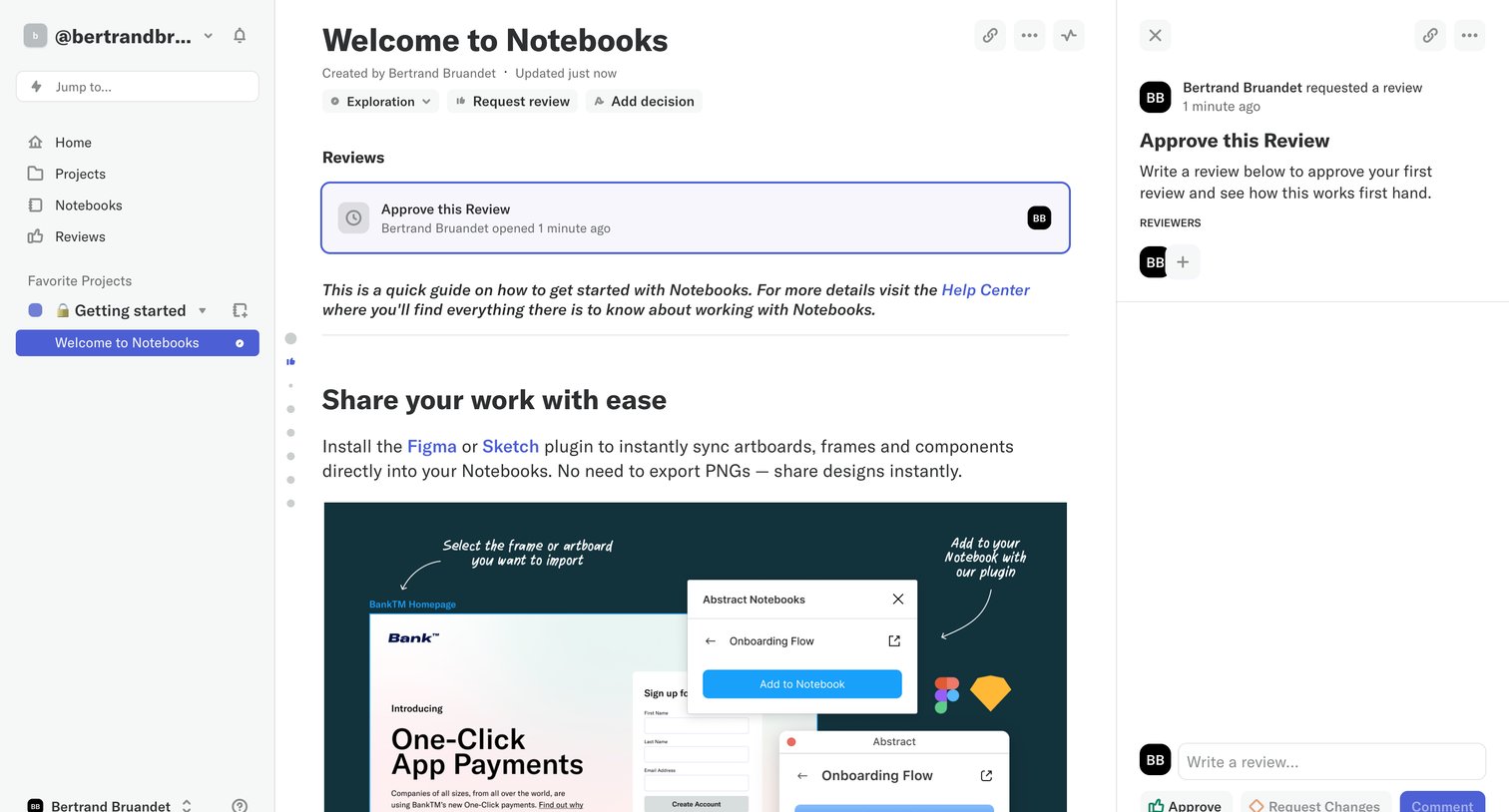
Detail page where a user reads a notebook document and reviews a pending approval request in a side drawer.

Abstract - Welcome to Notebooks screen
Abstract logo
Abstract

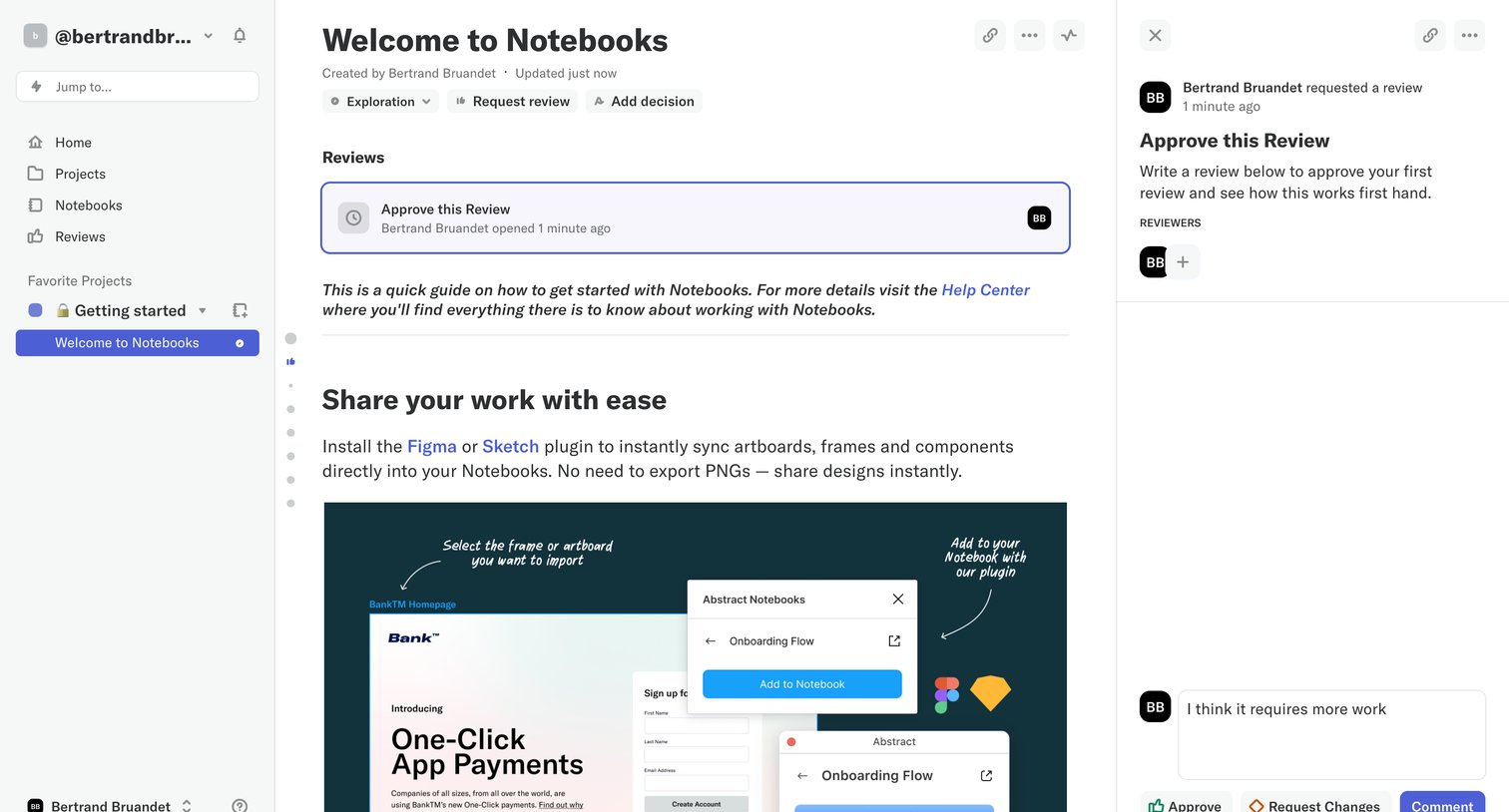
Detail page where a user reads a notebook document and uses a right-hand drawer to approve, request changes, or leave a comment on a peer review.

Browse the full SaaS app library

Explore real SaaS apps with their product screens, marketing screens, flows, and components.

Trusted by the best teams

More from Abstract