Skip to content
Polywork logo

Polywork design examples

Explore Polywork UI design examples. Your Professional Network

Product screens
Polywork For Multiplayers from Polywork
Polywork logo
Polywork

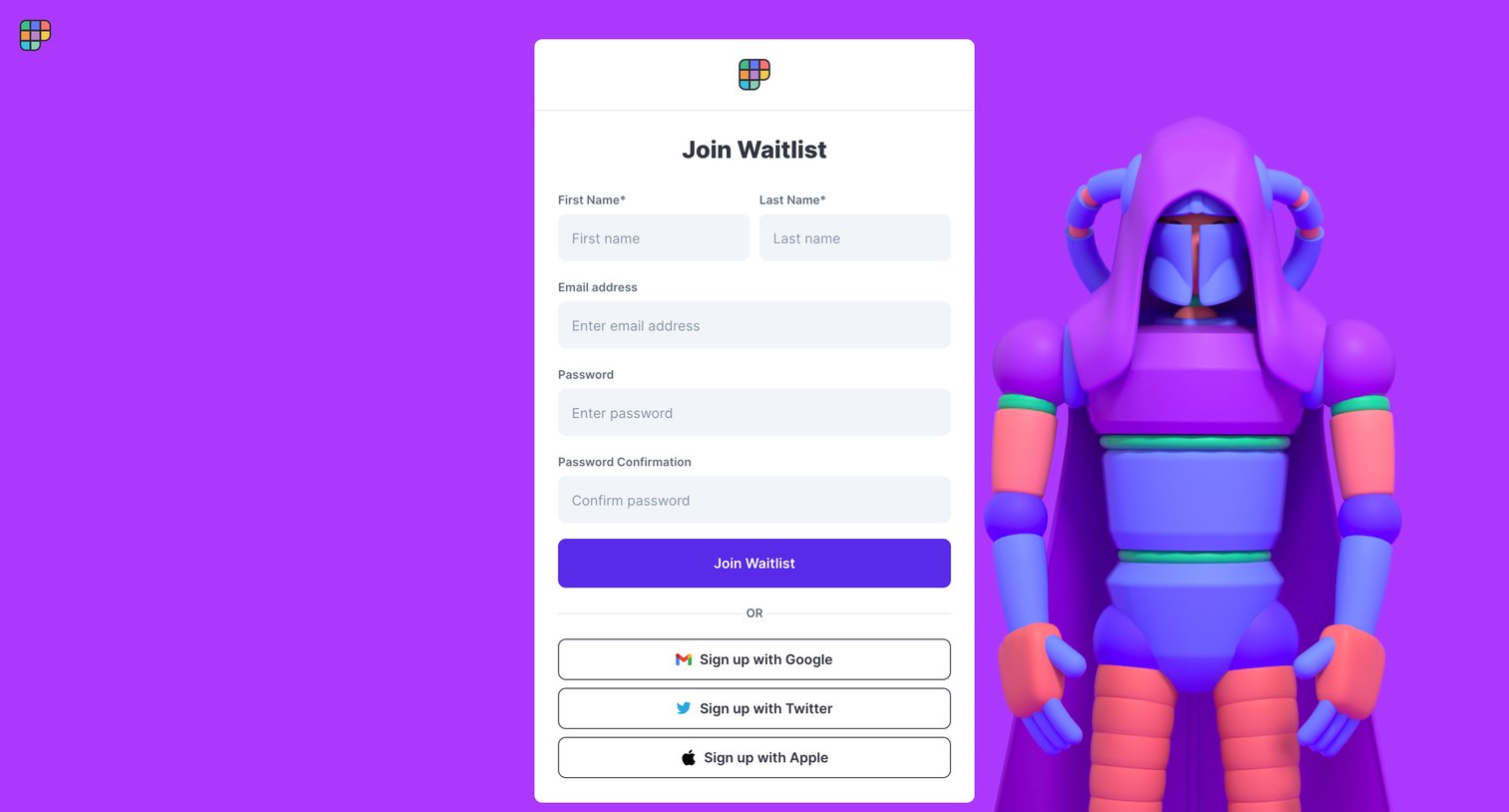
Signup screen where the user joins a waitlist by entering their name, email, and password, or authenticating via Google, Twitter, or Apple.

Polywork For Multiplayers from Polywork
Polywork logo
Polywork

Sign-in screen where the user authenticates via email and password, magic link, or social providers like Google, Twitter, and Apple, featuring a 3D character illustration.

Polywork For Multiplayers from Polywork
Polywork logo
Polywork

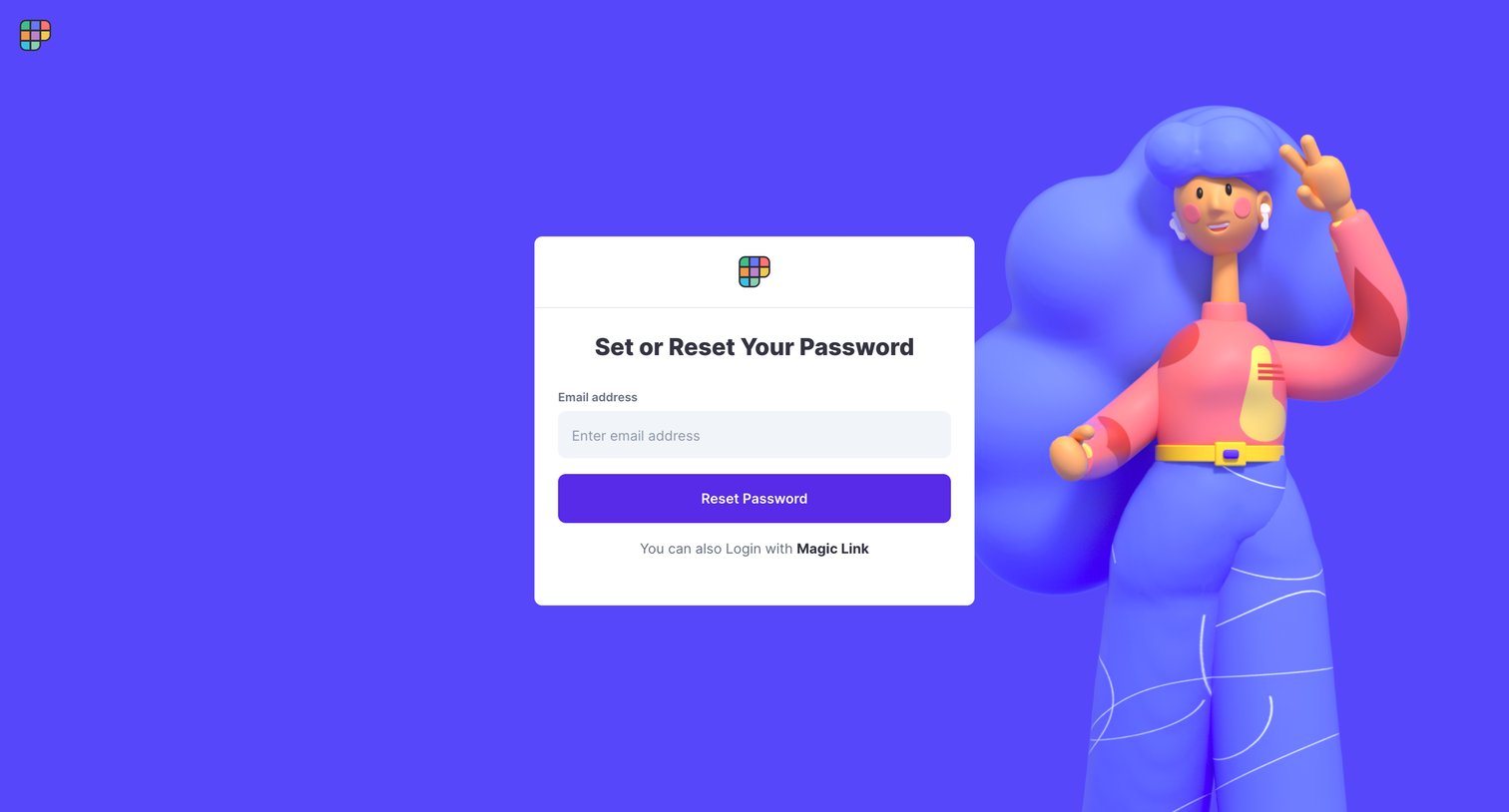
Password recovery screen where the user enters their email address to receive a reset link or opts to log in with a magic link instead.

Polywork For Multiplayers from Polywork
Polywork logo
Polywork

Signup screen where the user chooses a username to join Polywork.

Polywork For Multiplayers from Polywork
Polywork logo
Polywork

Onboarding step where the user selects a persona like Jupiter or Pluto to act as their assistant during setup.

Bertrand Bs page @bertwitt Built on Polywork from Polywork
Polywork logo
Polywork

Onboarding step where a modal welcomes the user and initiates a six-step product tour with quick tips.

Bertrand Bs page @bertwitt Built on Polywork from Polywork
Polywork logo
Polywork

Onboarding step where a modal explains how the user can build their online space by picking personal and professional badges.

Bertrand Bs page @bertwitt Built on Polywork from Polywork
Polywork logo
Polywork

Onboarding step where the user configures contact preferences to tell their AI assistant what opportunities they are open to.
Bertrand Bs page @bertwitt Built on Polywork from Polywork
Polywork logo
Polywork

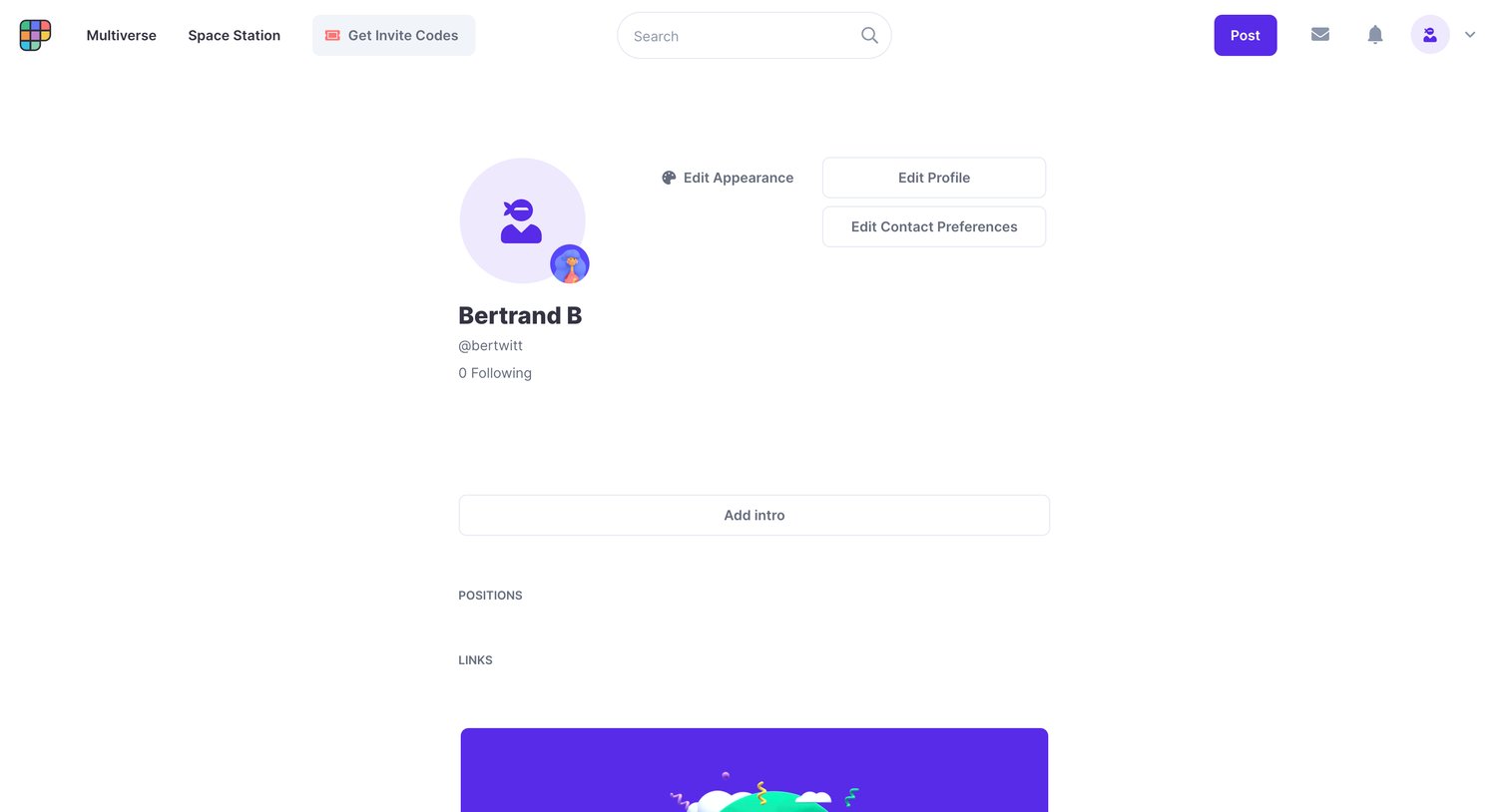
User profile page where the user is prompted to add an intro, positions, and links to complete their empty profile.
Bertrand Bs page @bertwitt Built on Polywork from Polywork
Polywork logo
Polywork

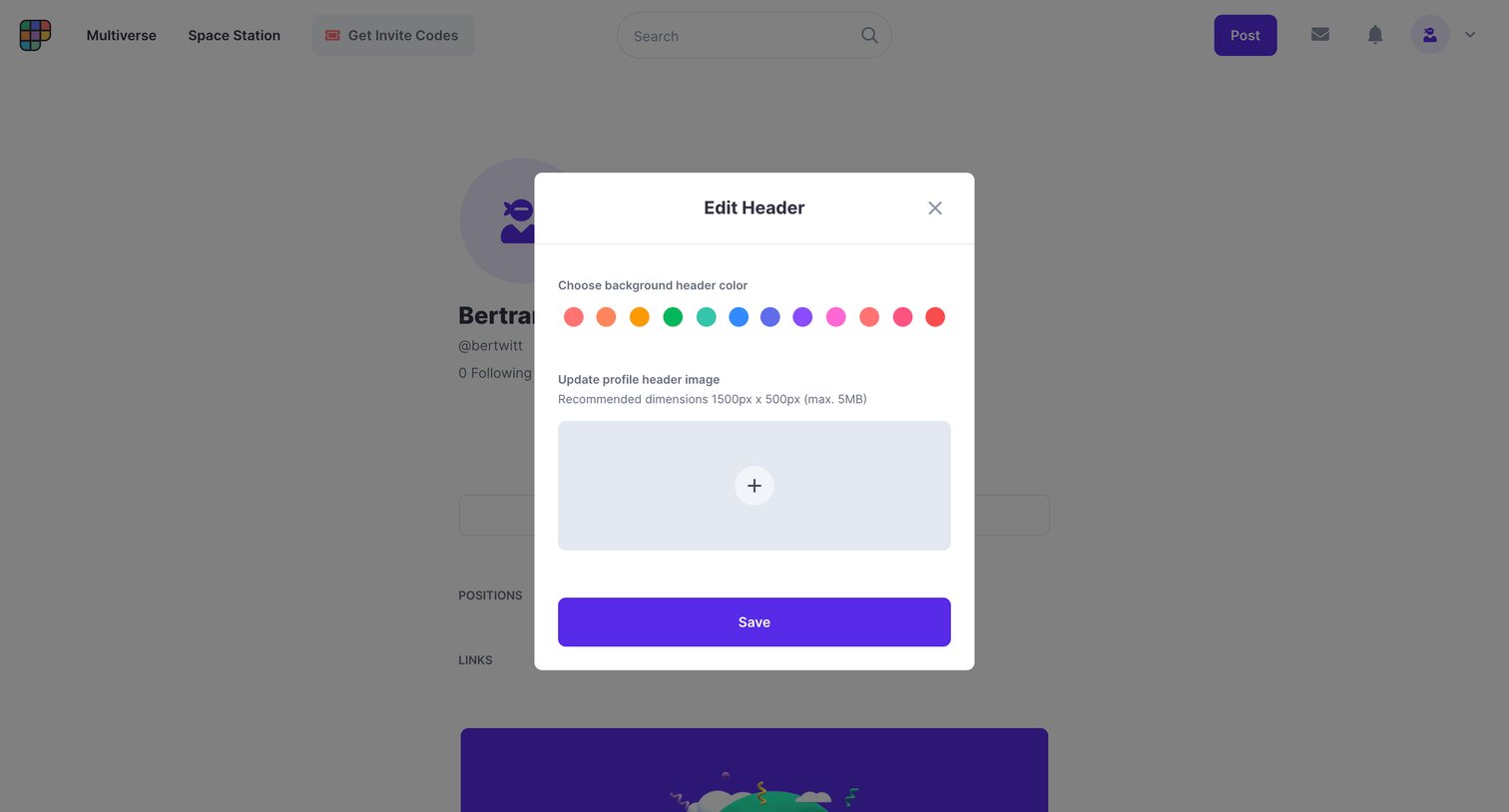
Profile detail page where the user is customizing their background header color and uploading a new profile header image via a modal.

Polywork For Multiplayers from Polywork
Polywork logo
Polywork

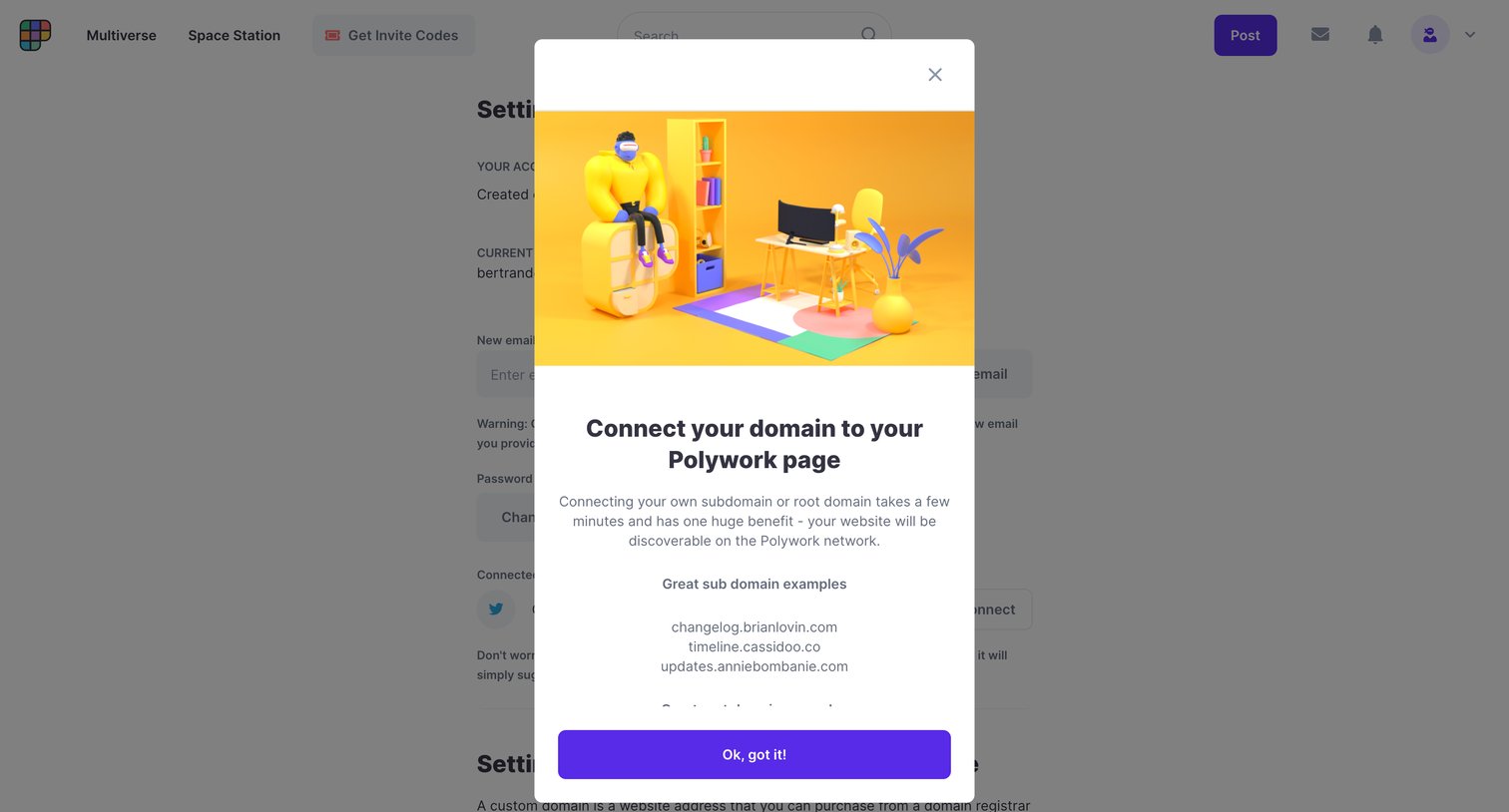
Settings page where a modal explains the benefits of connecting a custom domain to the user's profile with examples.
Polywork For Multiplayers from Polywork
Polywork logo
Polywork

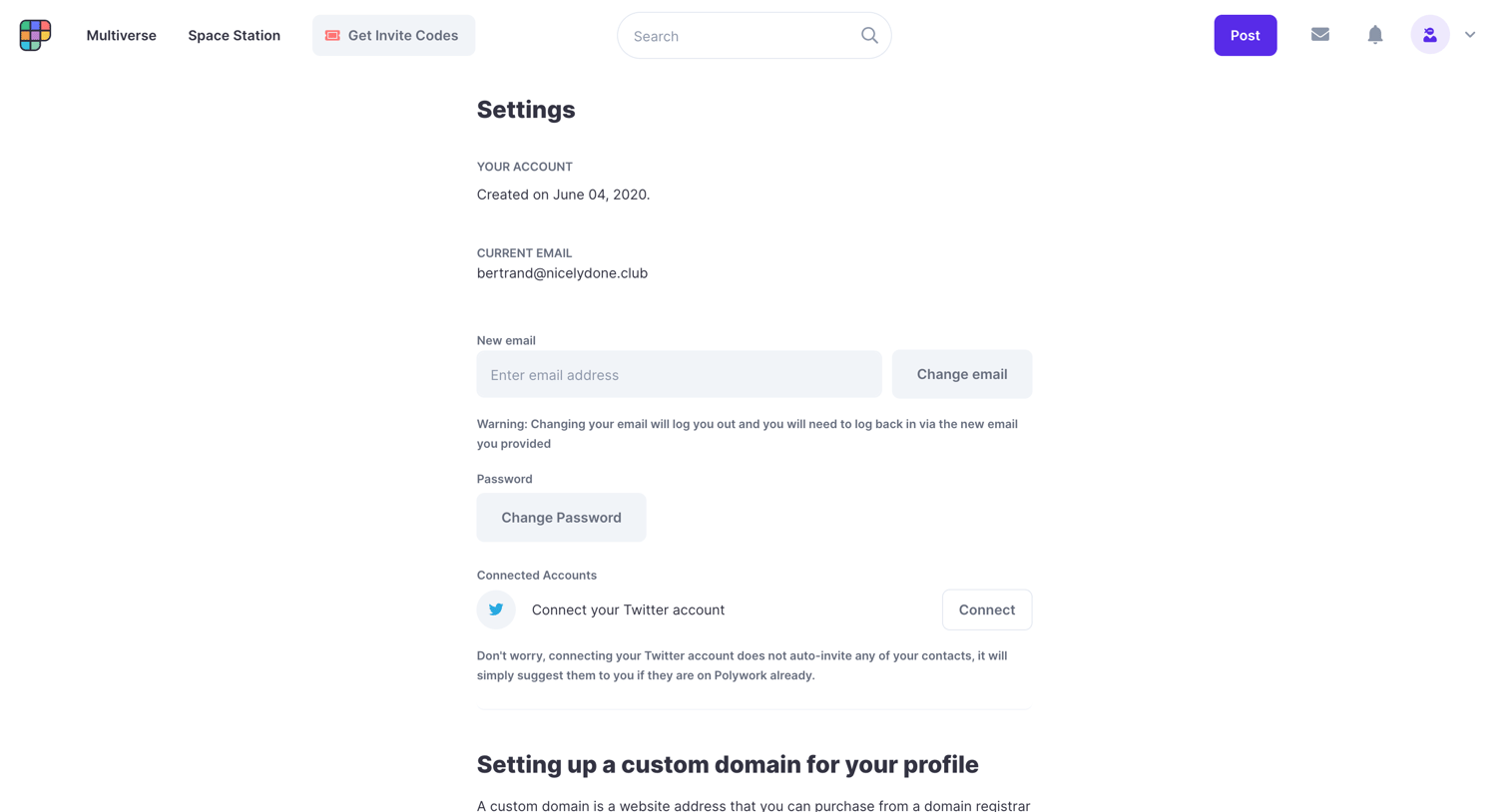
Settings page where the user can update their email and password, connect a Twitter account, and follow a step-by-step guide to configure a custom domain.

Browse the full SaaS app library

Explore real SaaS apps with their product screens, marketing screens, flows, and components.

Trusted by the best teams

More from Polywork