
Heroku design examples
Explore Heroku UI design examples. Cloud application platform
Product screens
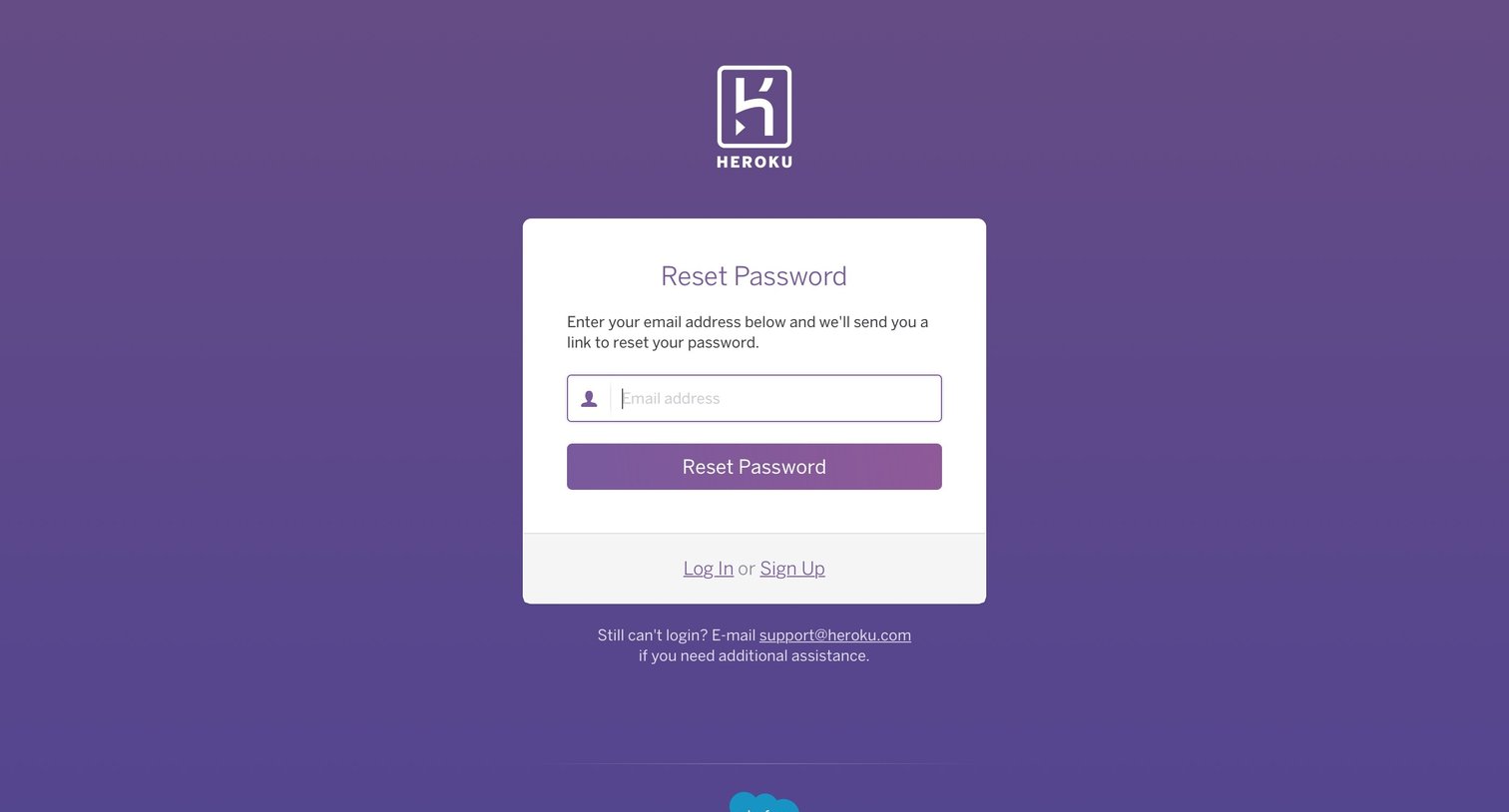
Password recovery screen where the user enters their email address to receive a reset link.
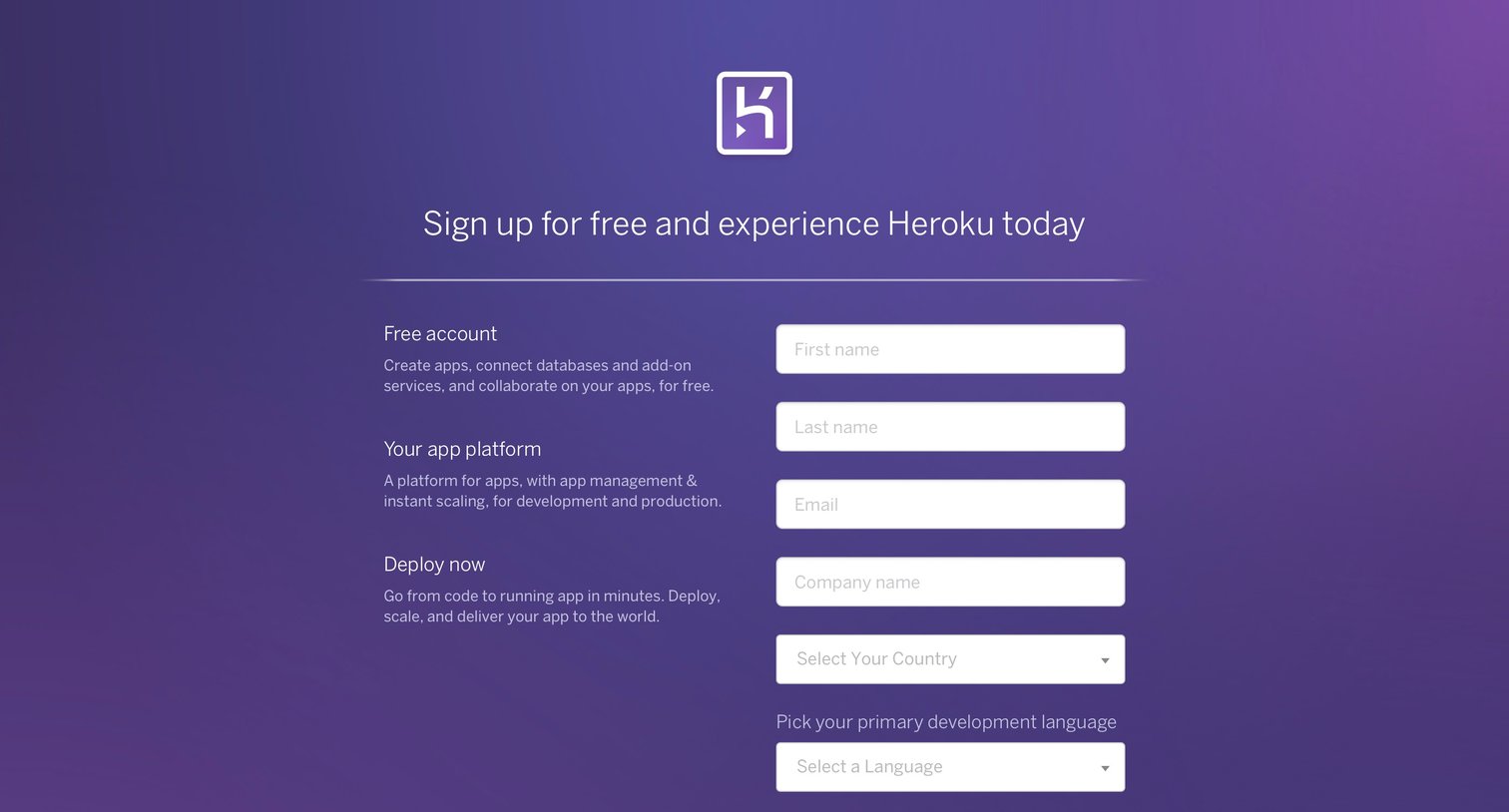
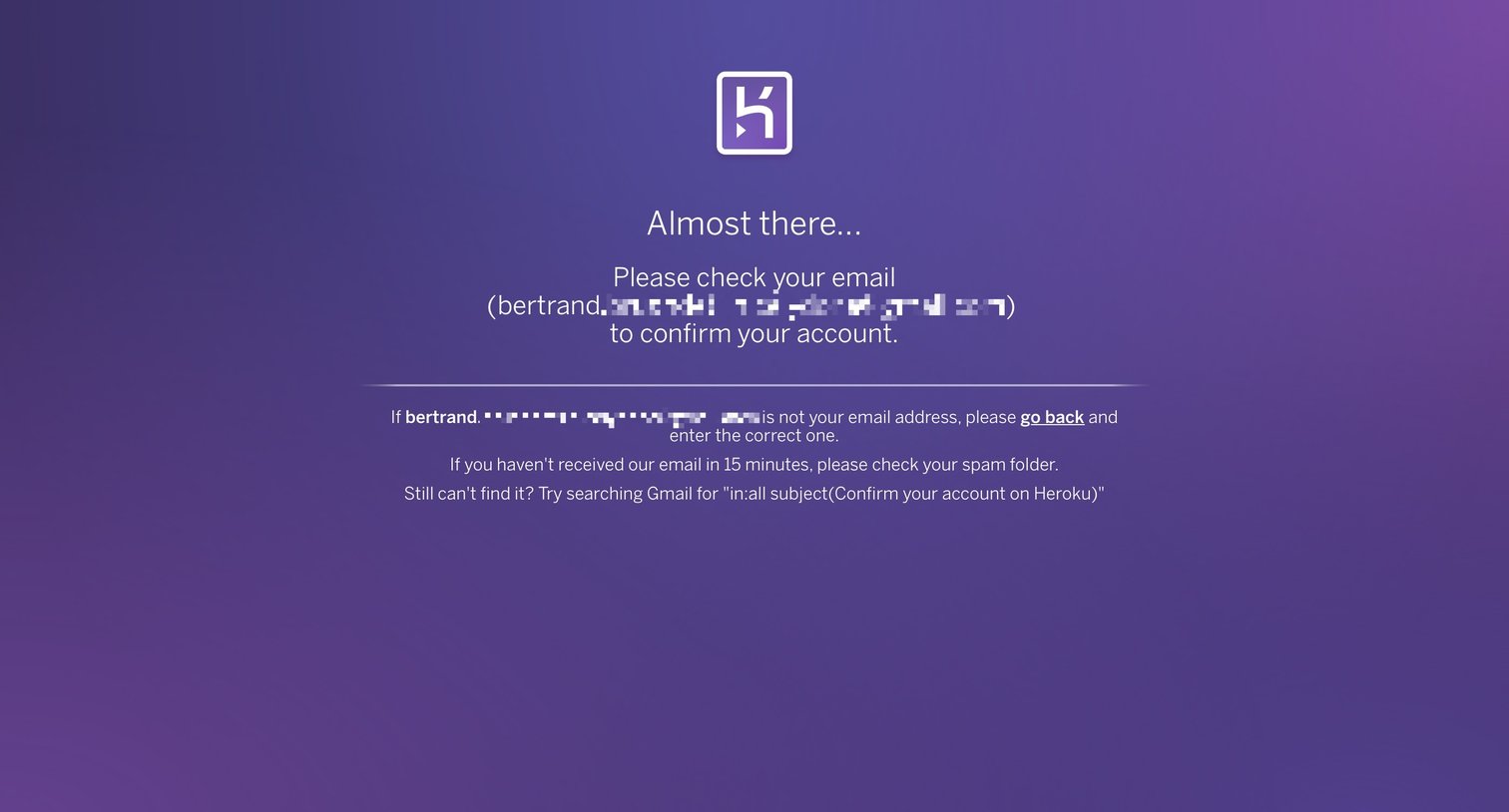
Verification screen where the user is instructed to check their inbox to confirm their newly created account.
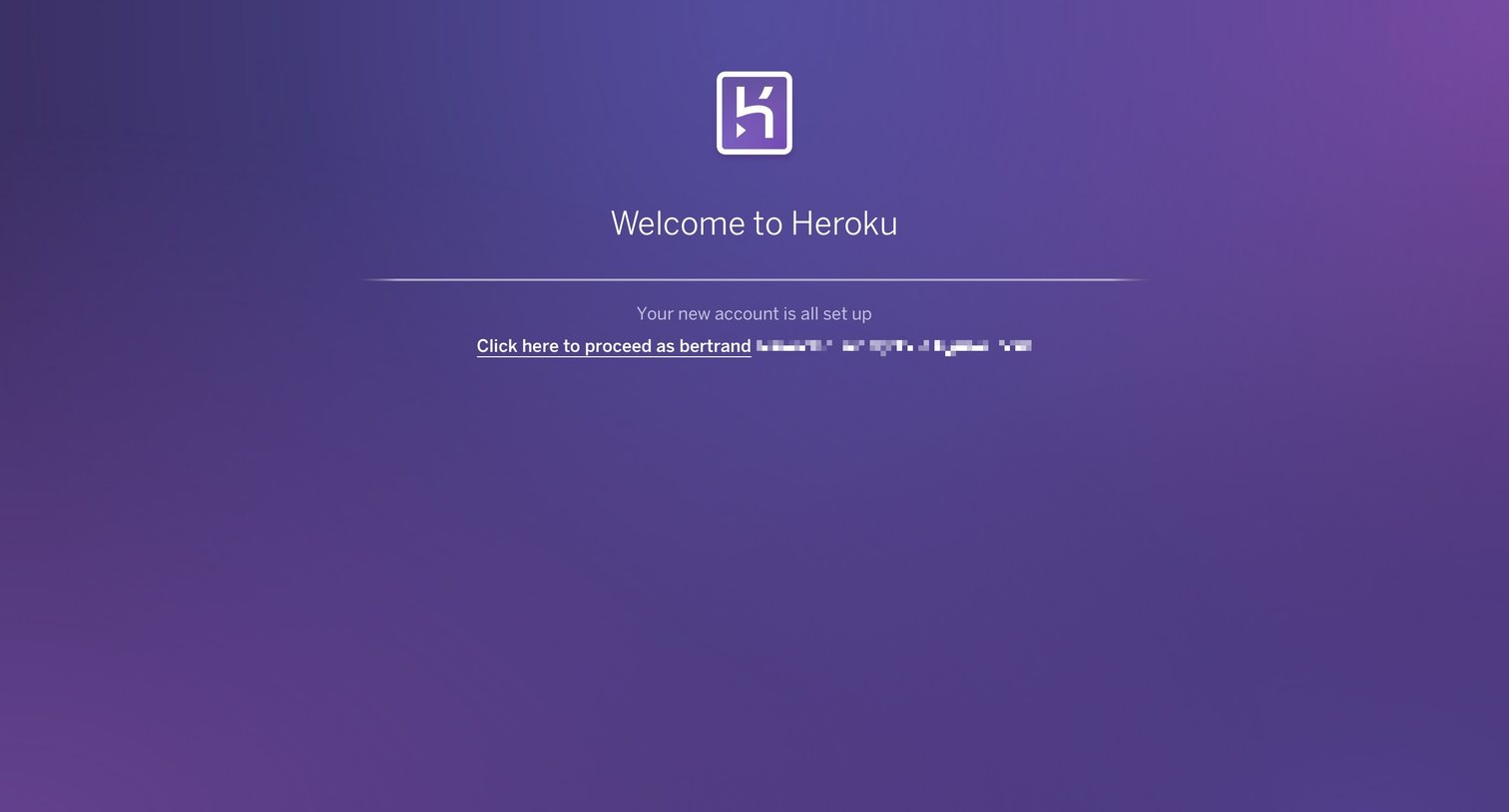
Success screen where the user is welcomed after setting up their new account and prompted to proceed to the application.
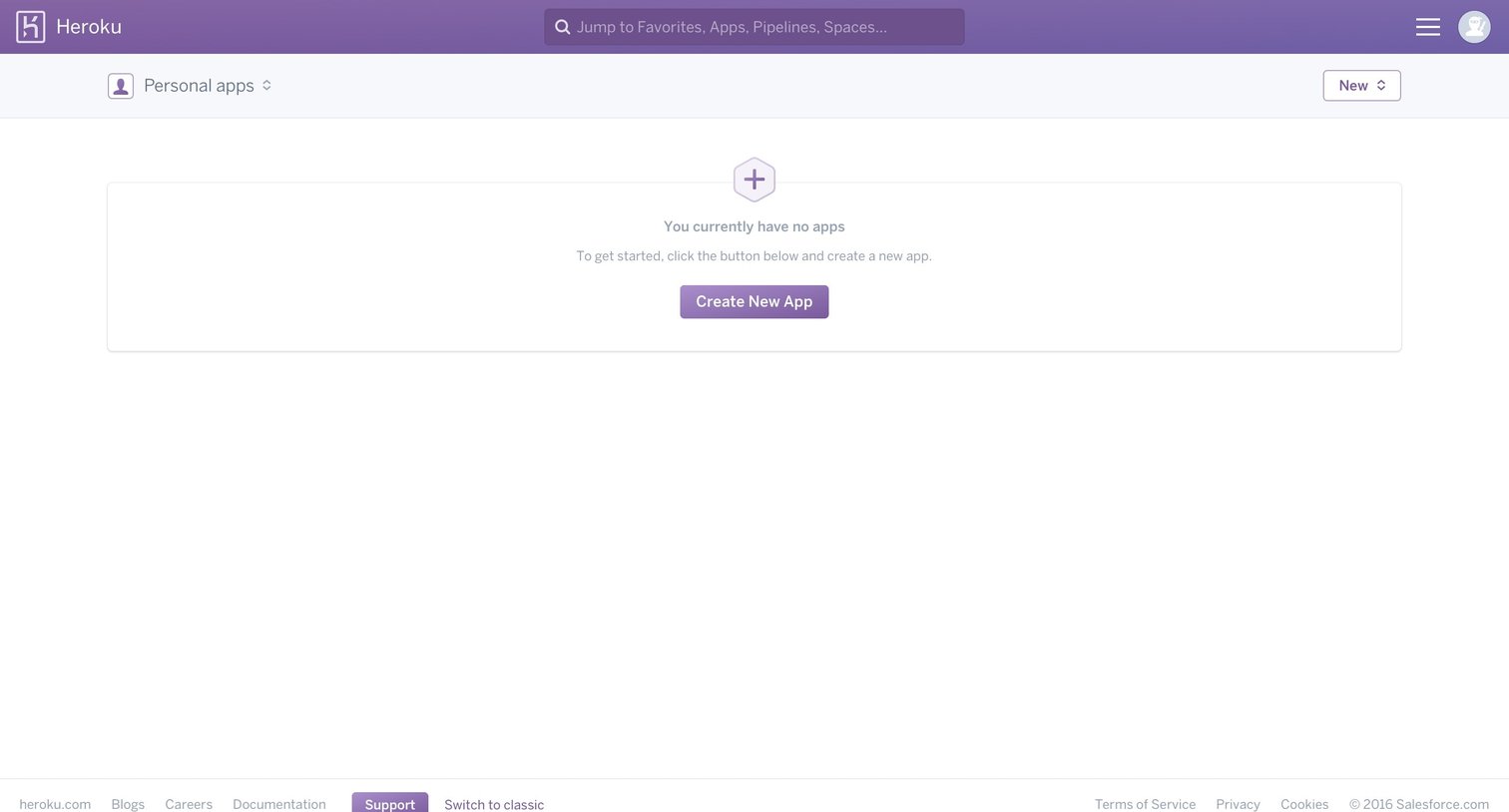
Default landing screen showing an empty workspace with a prompt to create the user's first application.
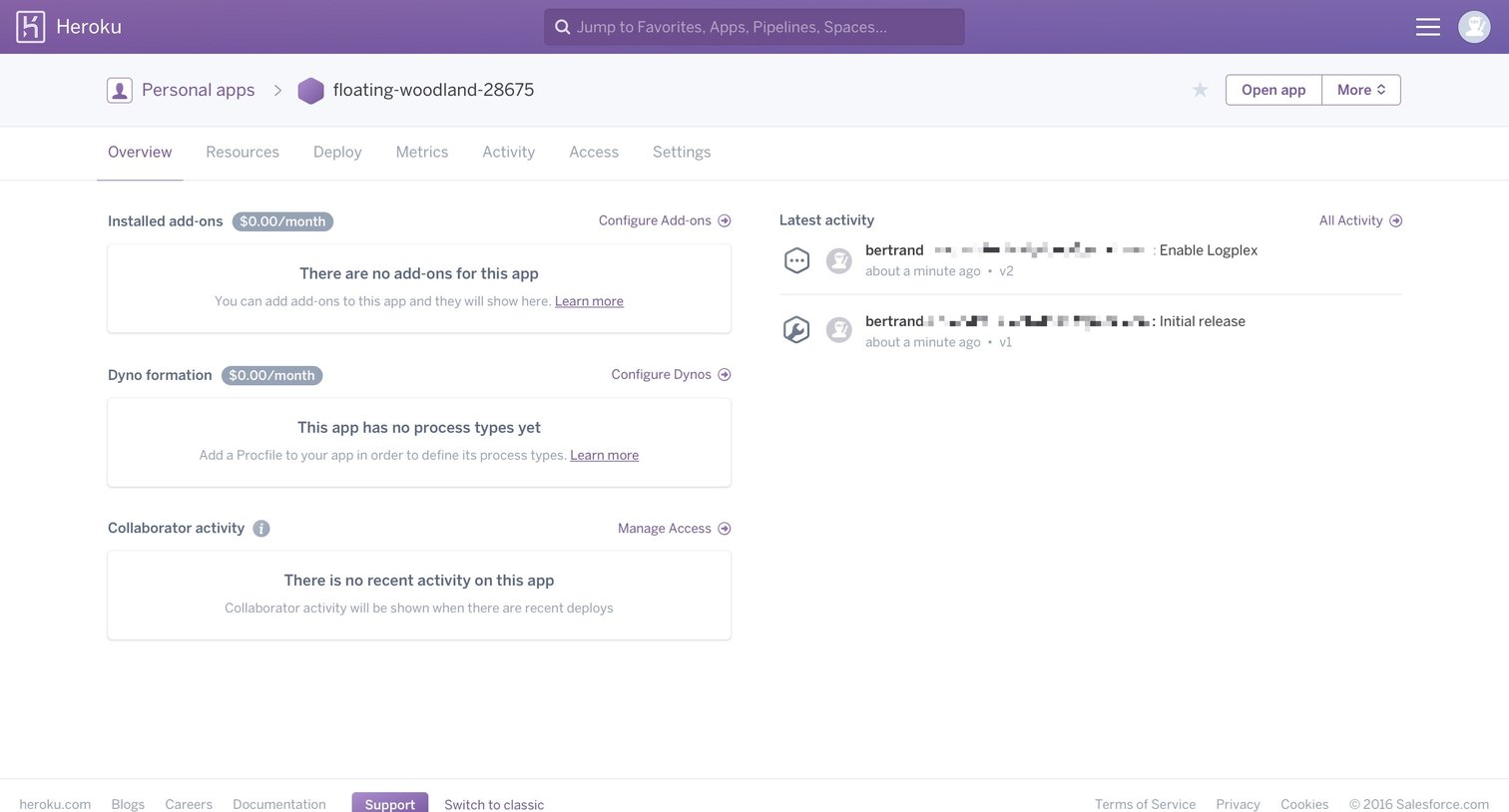
Detail page for a specific application showing its installed add-ons, dyno formation, and a feed of recent activity.
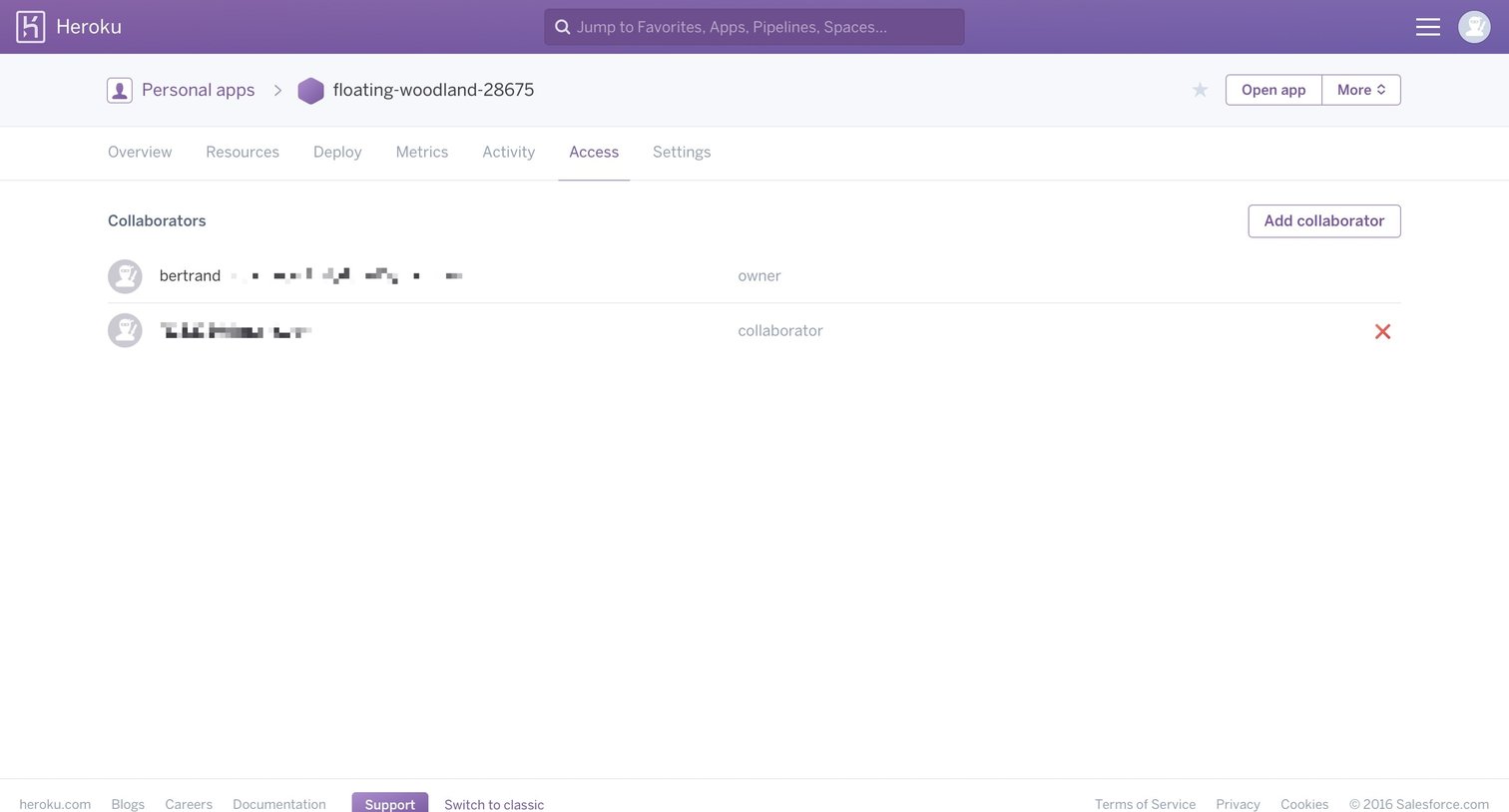
Settings page where the user manages access to a specific app by viewing existing collaborators and adding new ones.
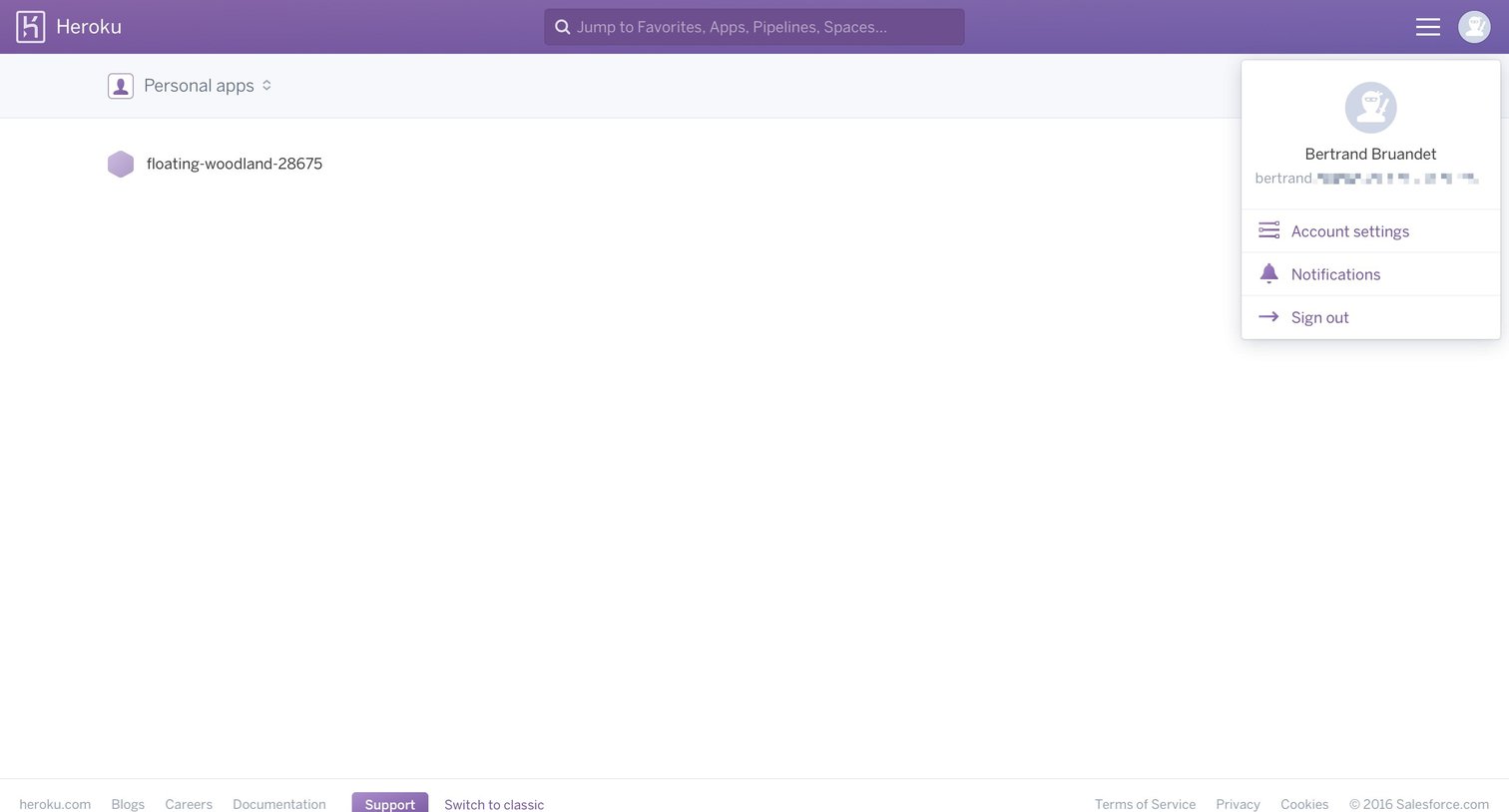
Home screen where the user views their personal apps, shown with the account dropdown menu open to reveal settings and sign-out options.
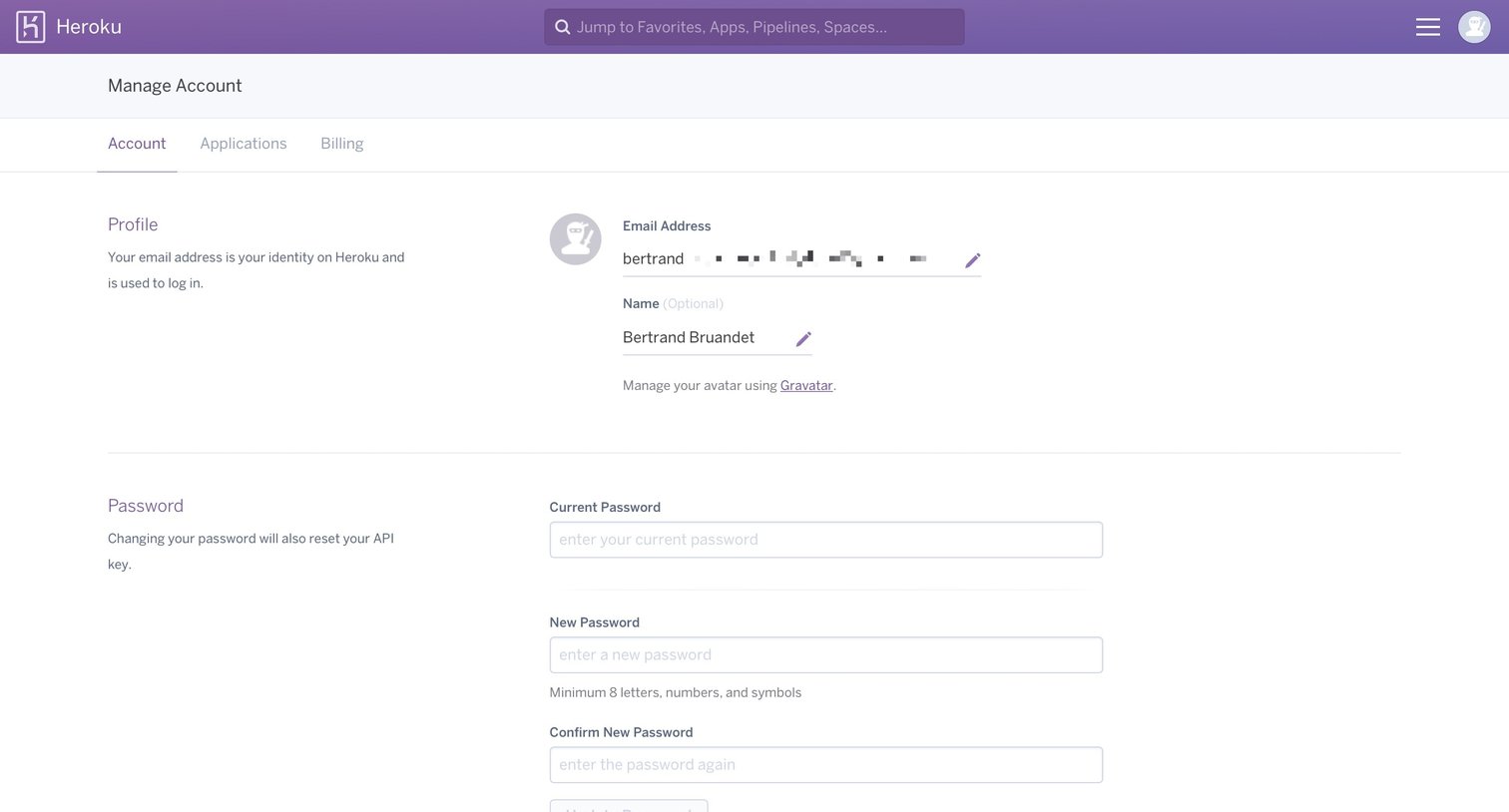
Settings page where the user manages their profile details, password, two-factor authentication, SSH keys, and API key.
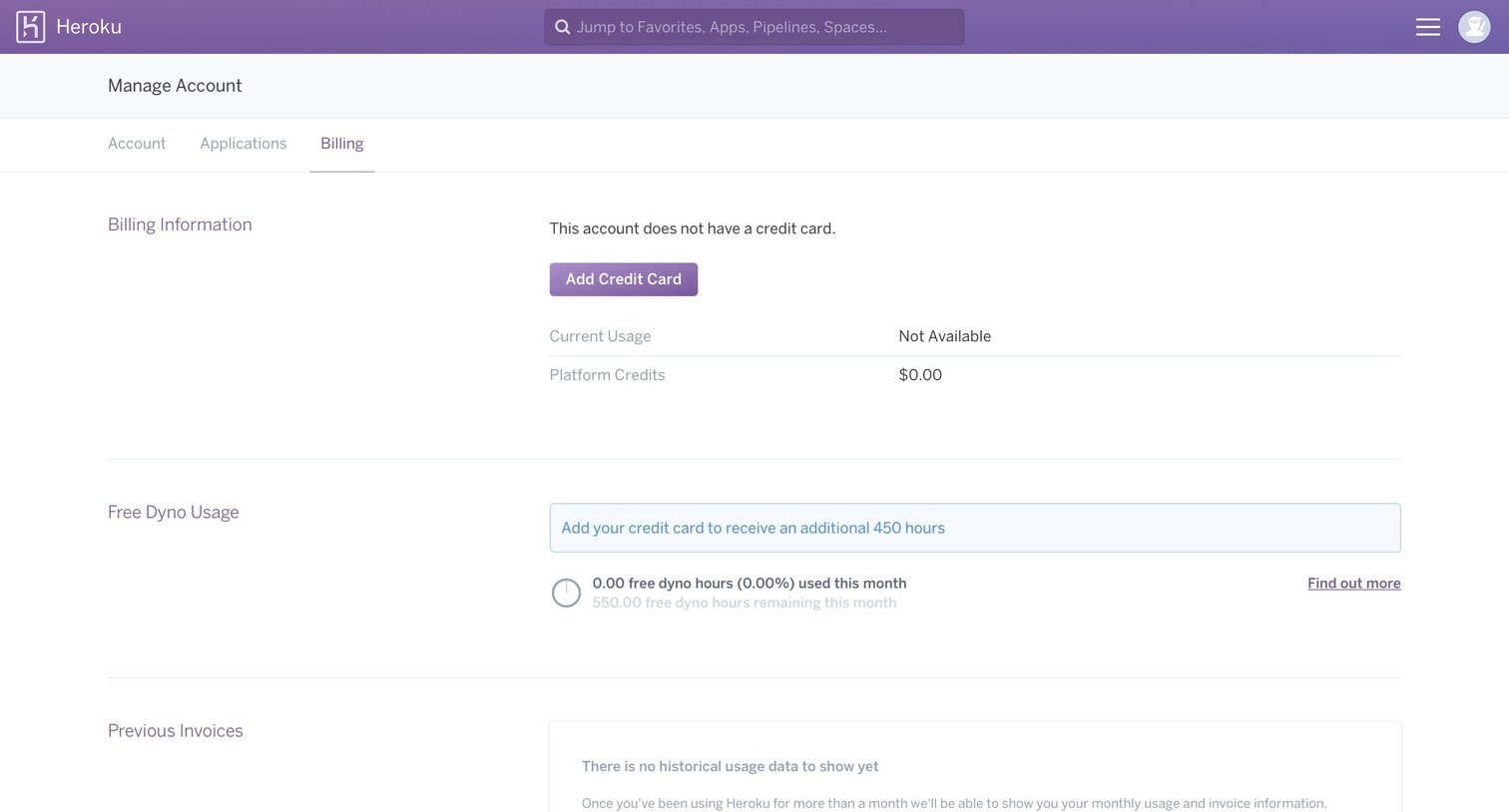
Settings page where the user views their empty billing profile and is prompted to add a credit card to unlock more free dyno hours.
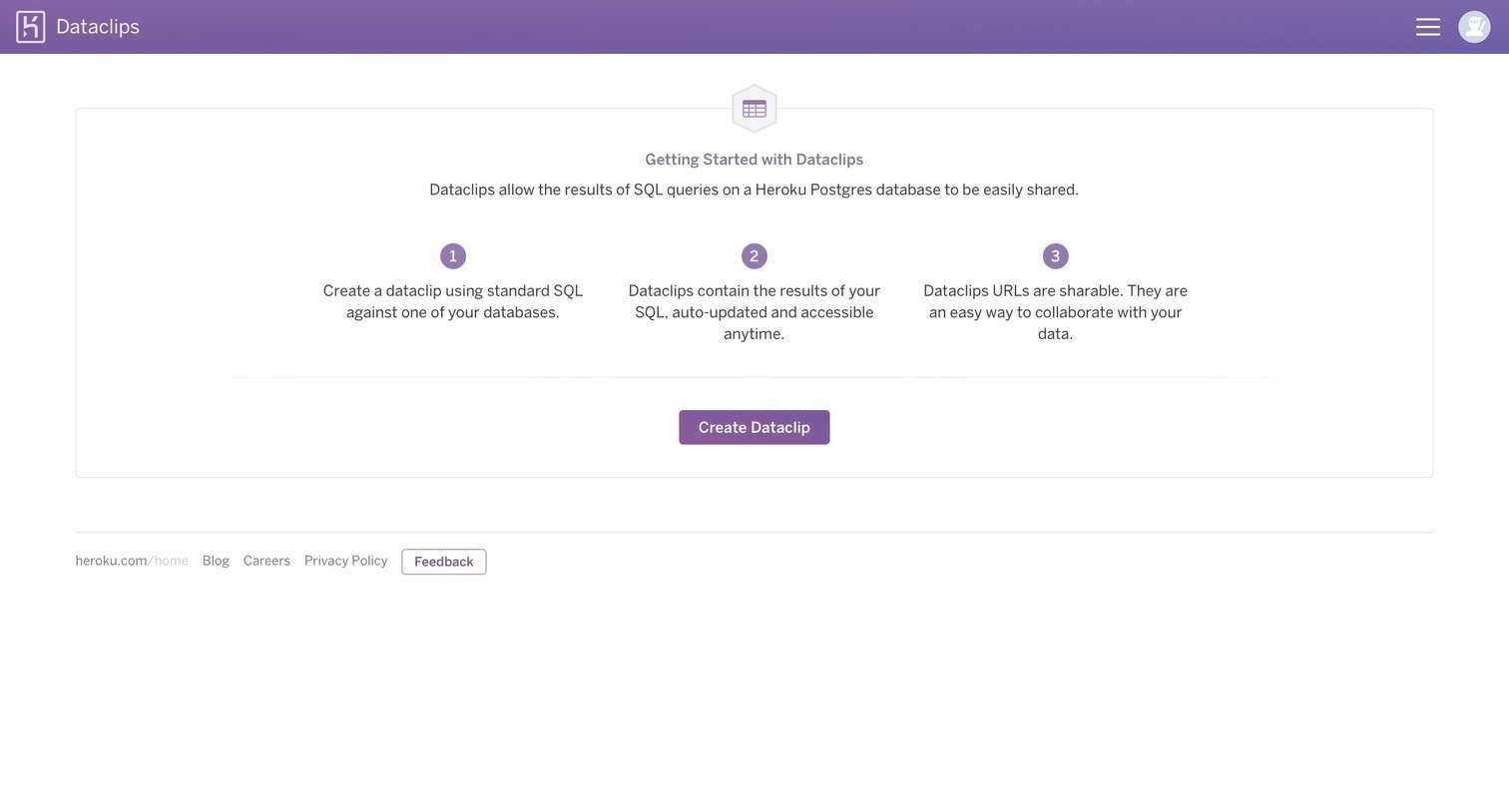
Dashboard empty state where the user is introduced to Dataclips via a three-step explainer and prompted to create their first shared SQL query.
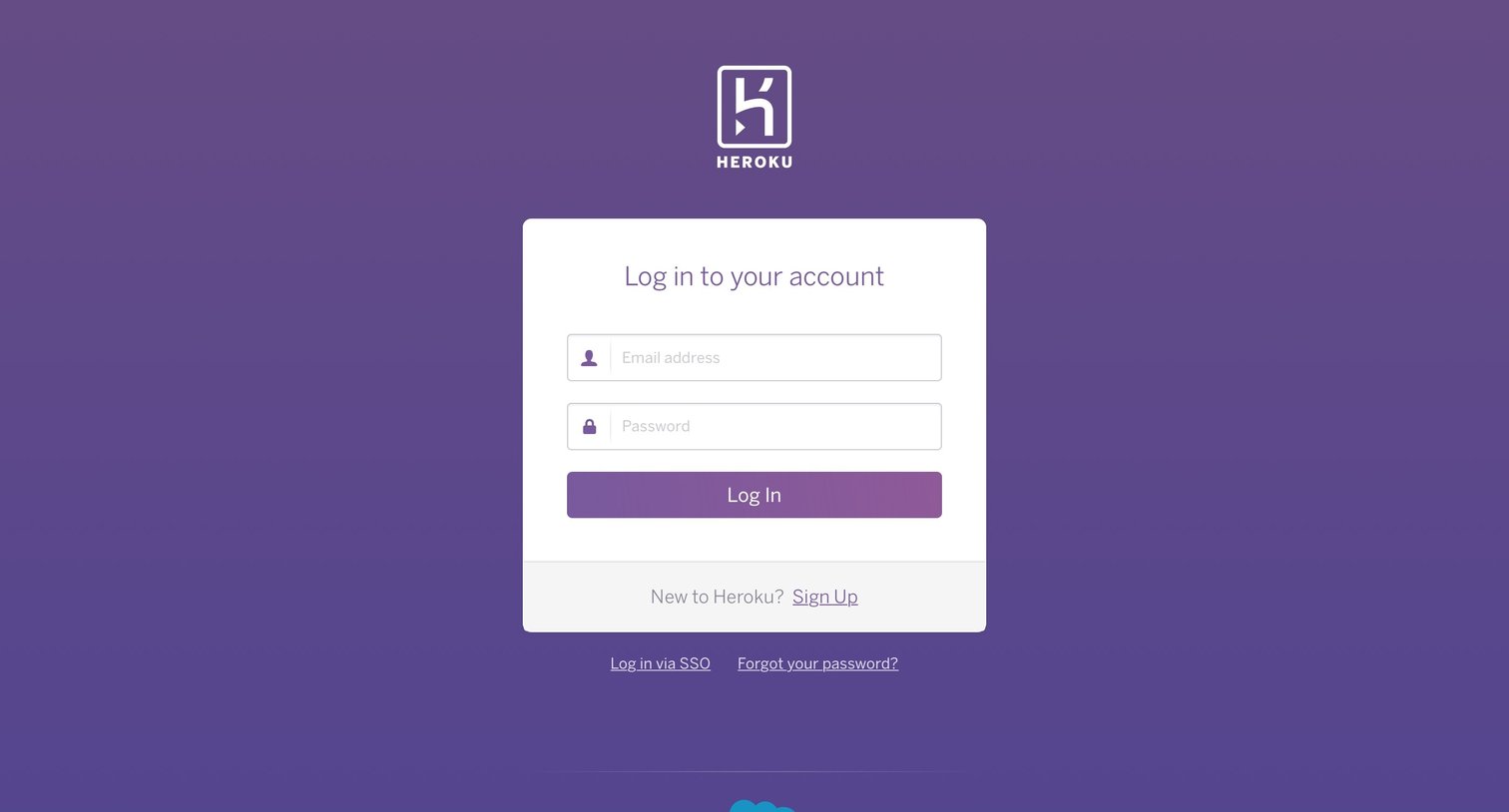
Authentication User authentication Form Account management
Browse the full SaaS app library
Explore real SaaS apps with their product screens, marketing screens, flows, and components.
Trusted by the best teams







