
Twist design examples
Explore Twist UI design examples. Work is changing. Messaging should too.
Product screens
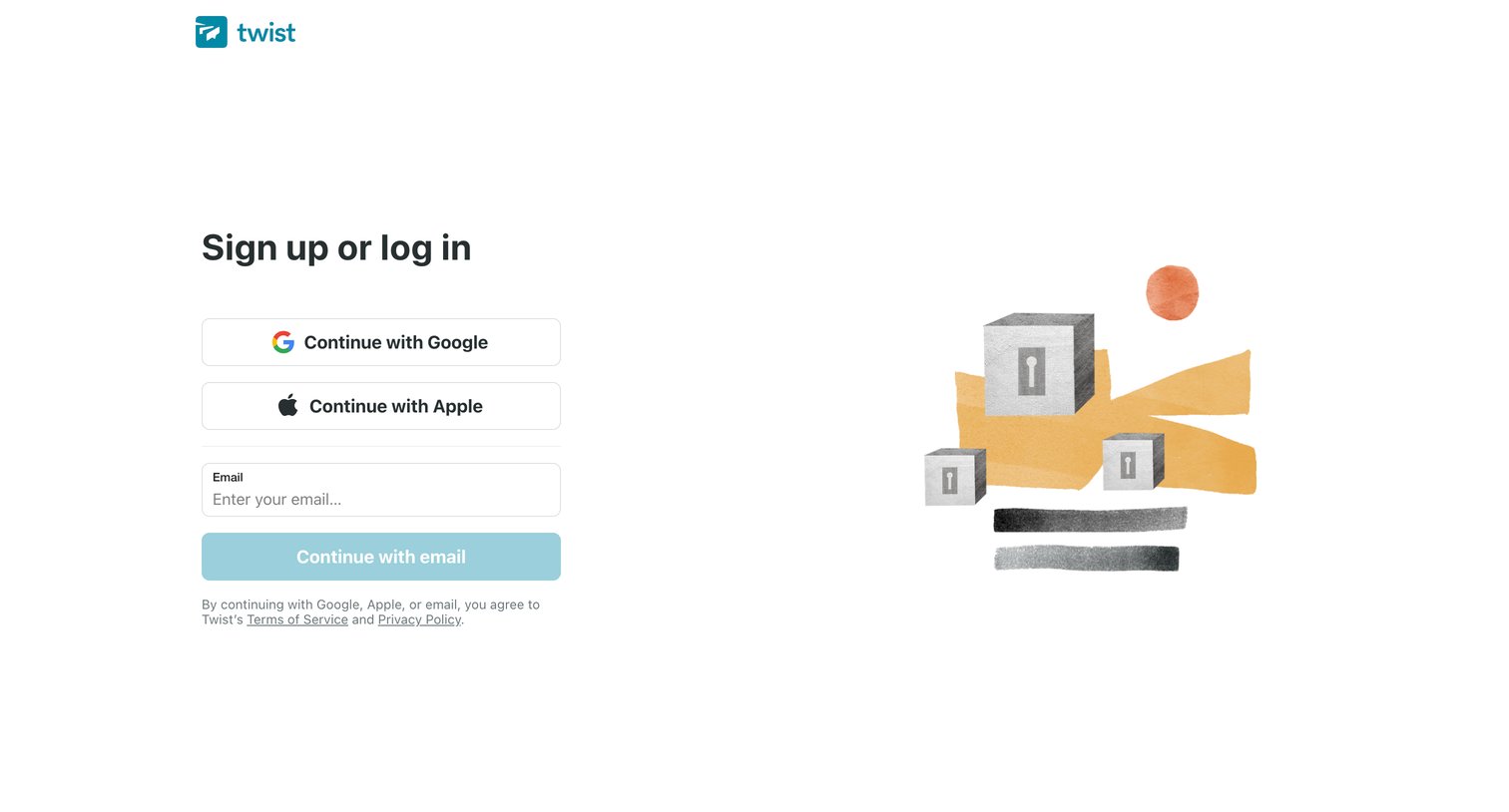
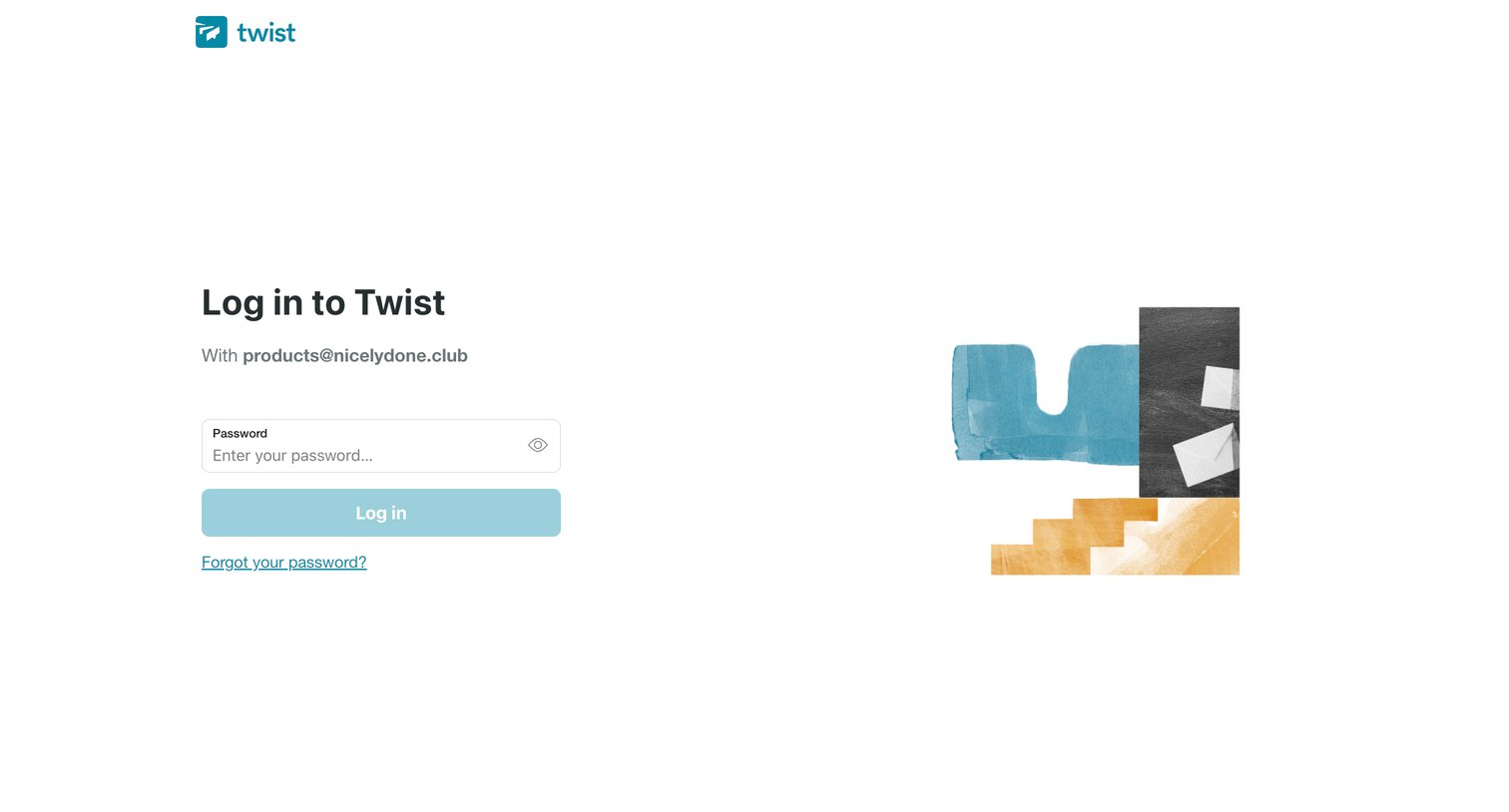
Sign-in screen where the user enters their password for a pre-filled email address to authenticate.
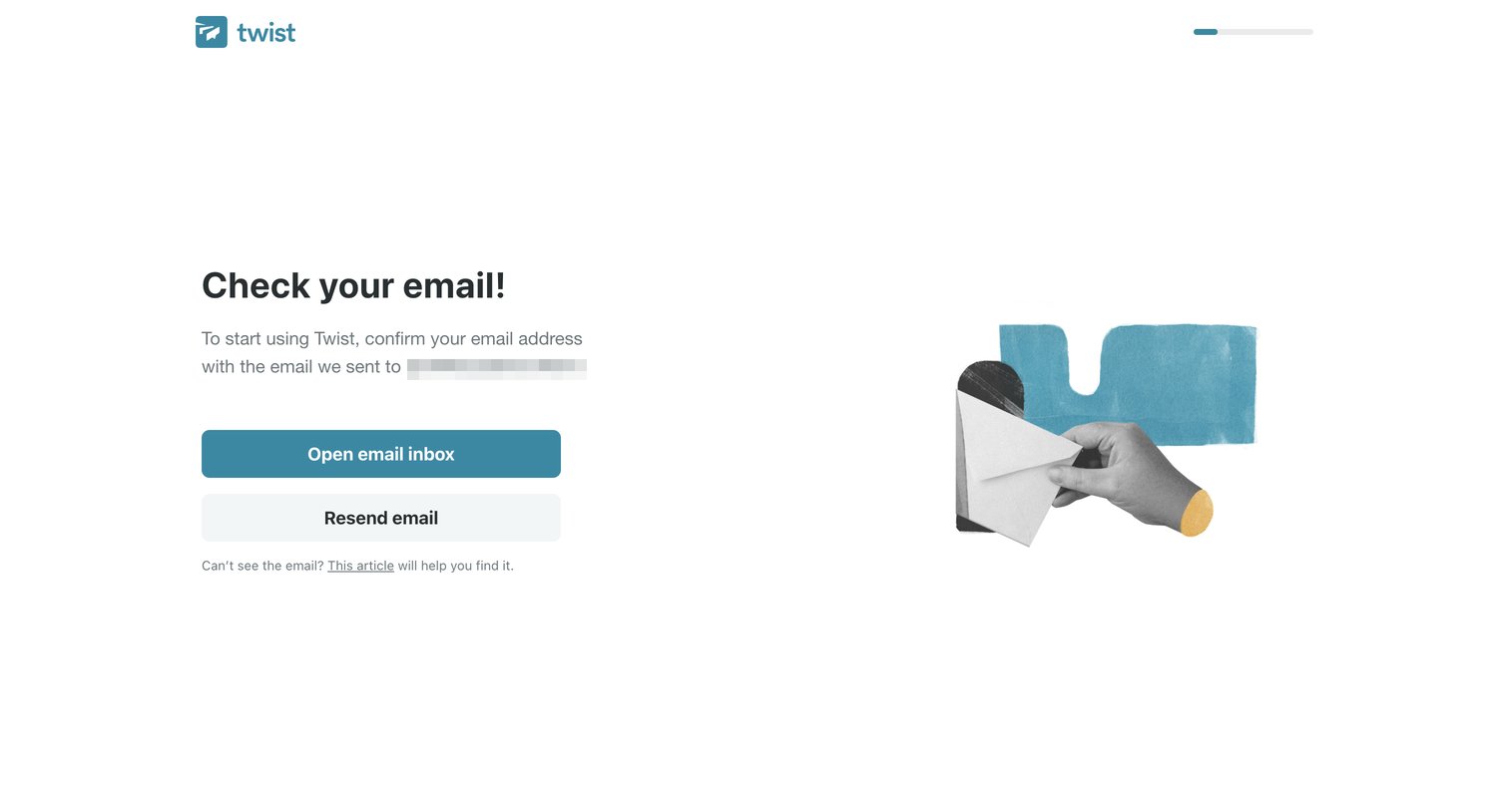
Verification screen where the user is prompted to open their email inbox to confirm their address and continue onboarding.
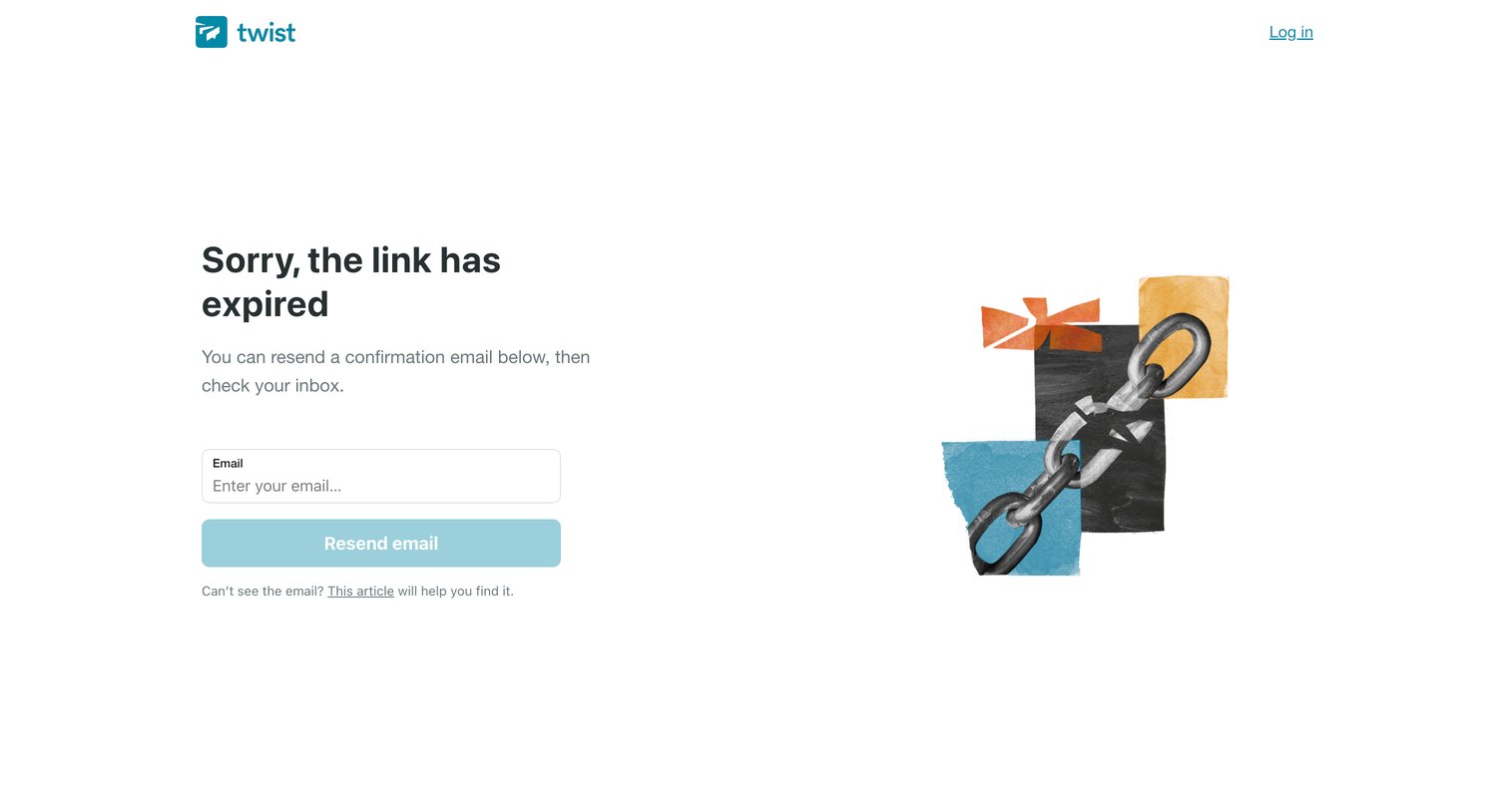
Email verification error screen where the user is prompted to enter their email to resend a new confirmation link after the previous one expired.
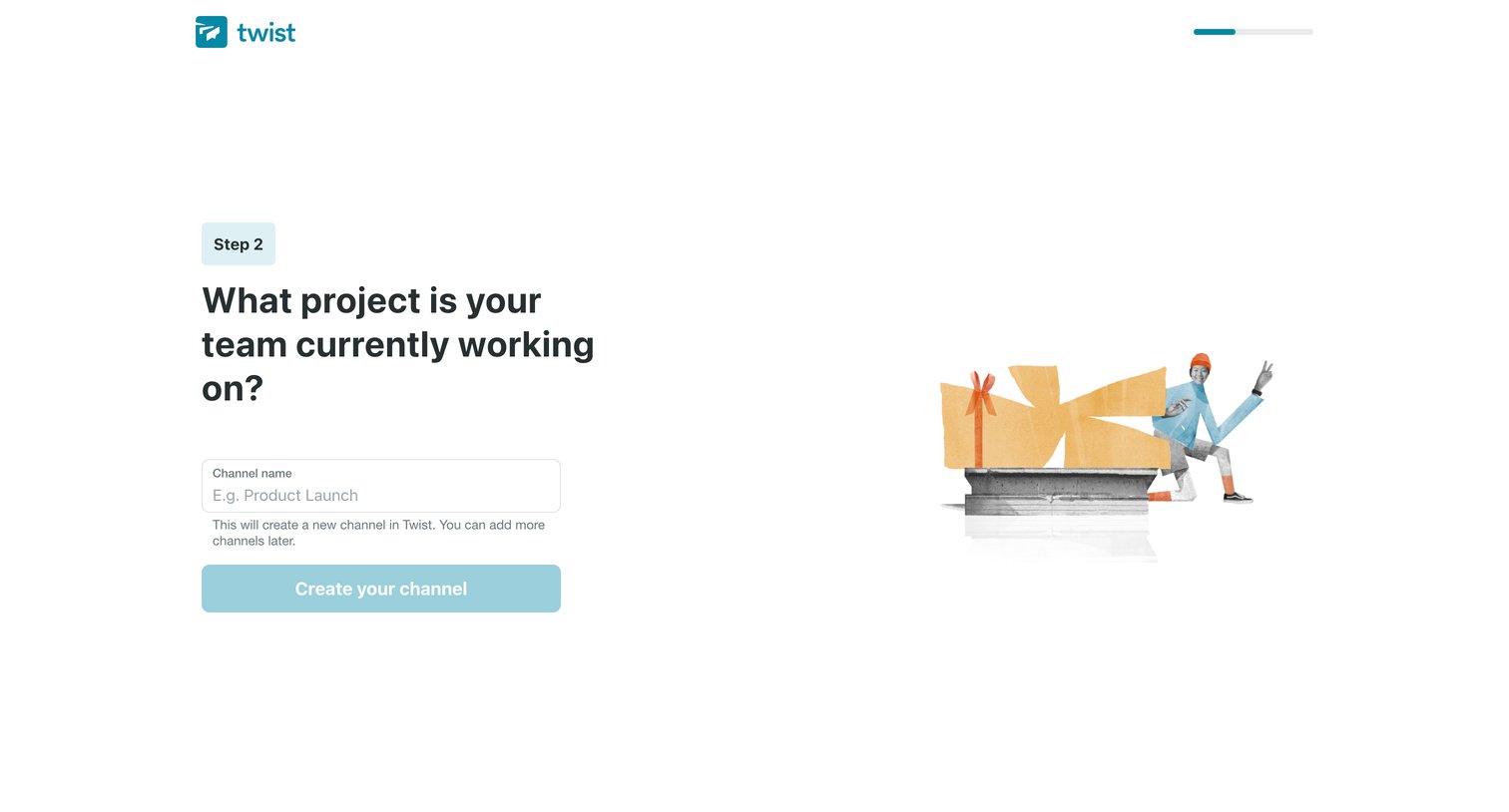
Onboarding step where the user names their first channel based on their team's current project.
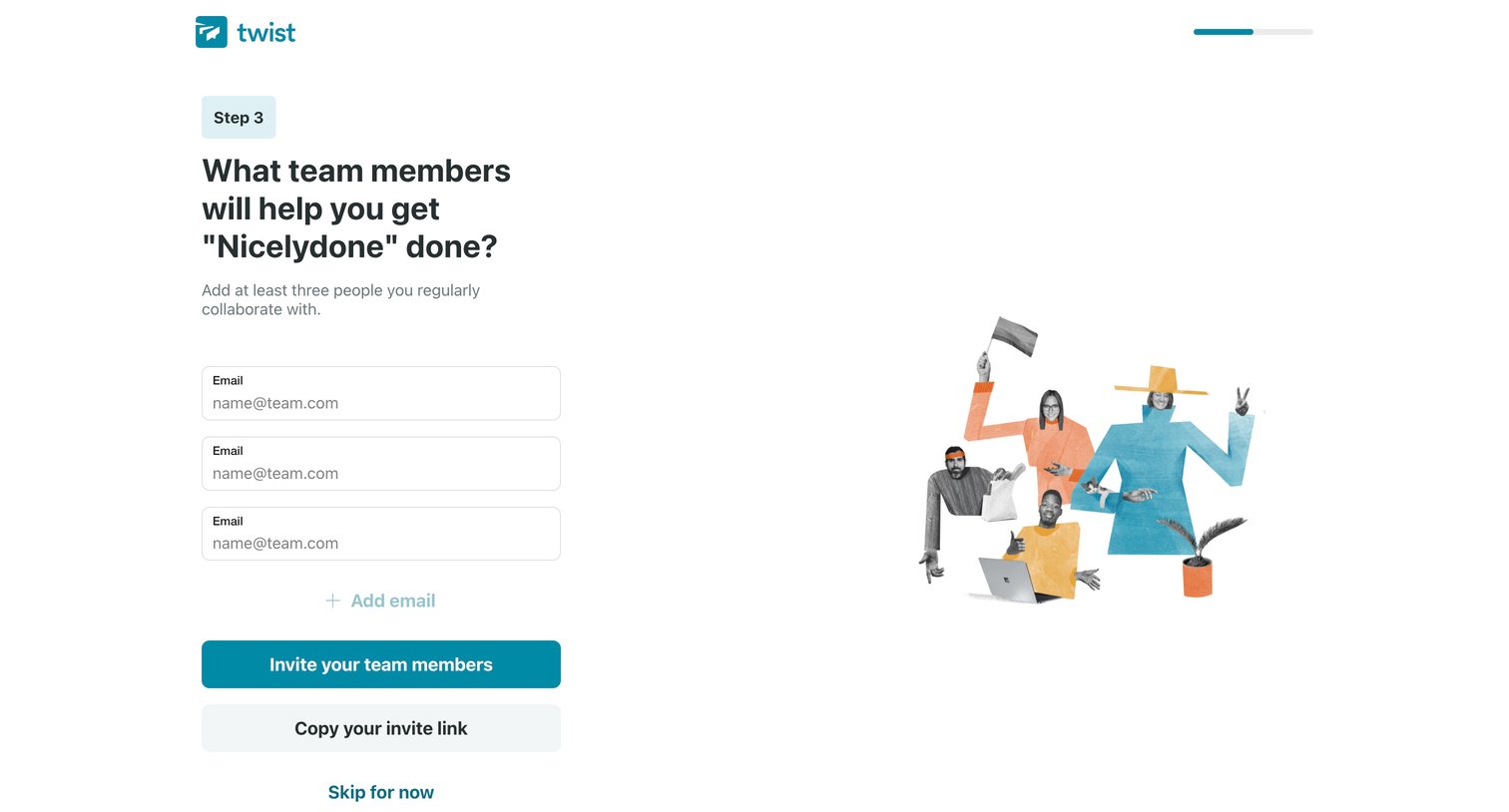
Onboarding step where the user invites teammates to their workspace by entering email addresses or copying an invite link.
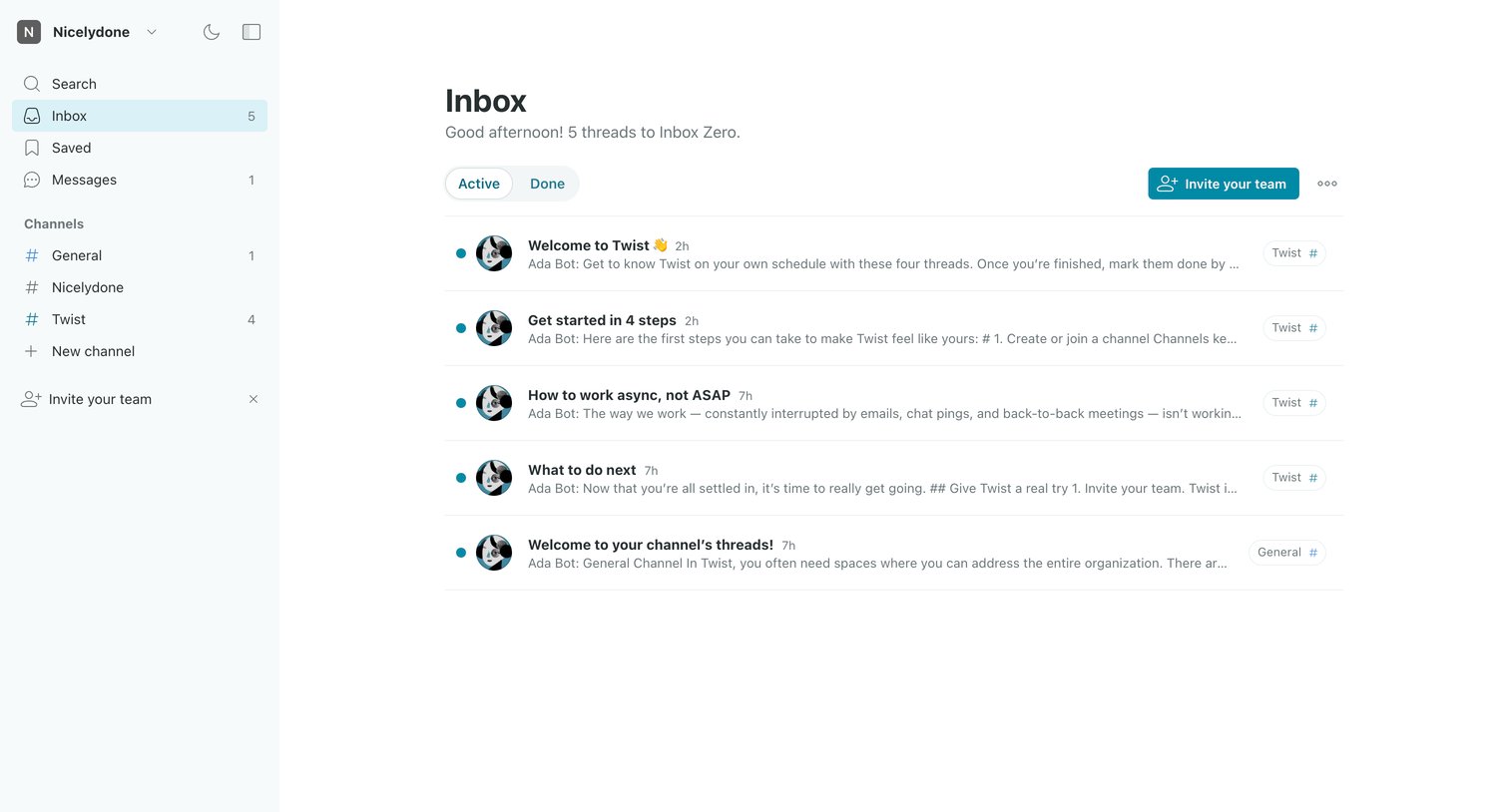
Inbox view where the user manages active threads from channels like General and Twist, with unread counts and a prompt to invite their team.
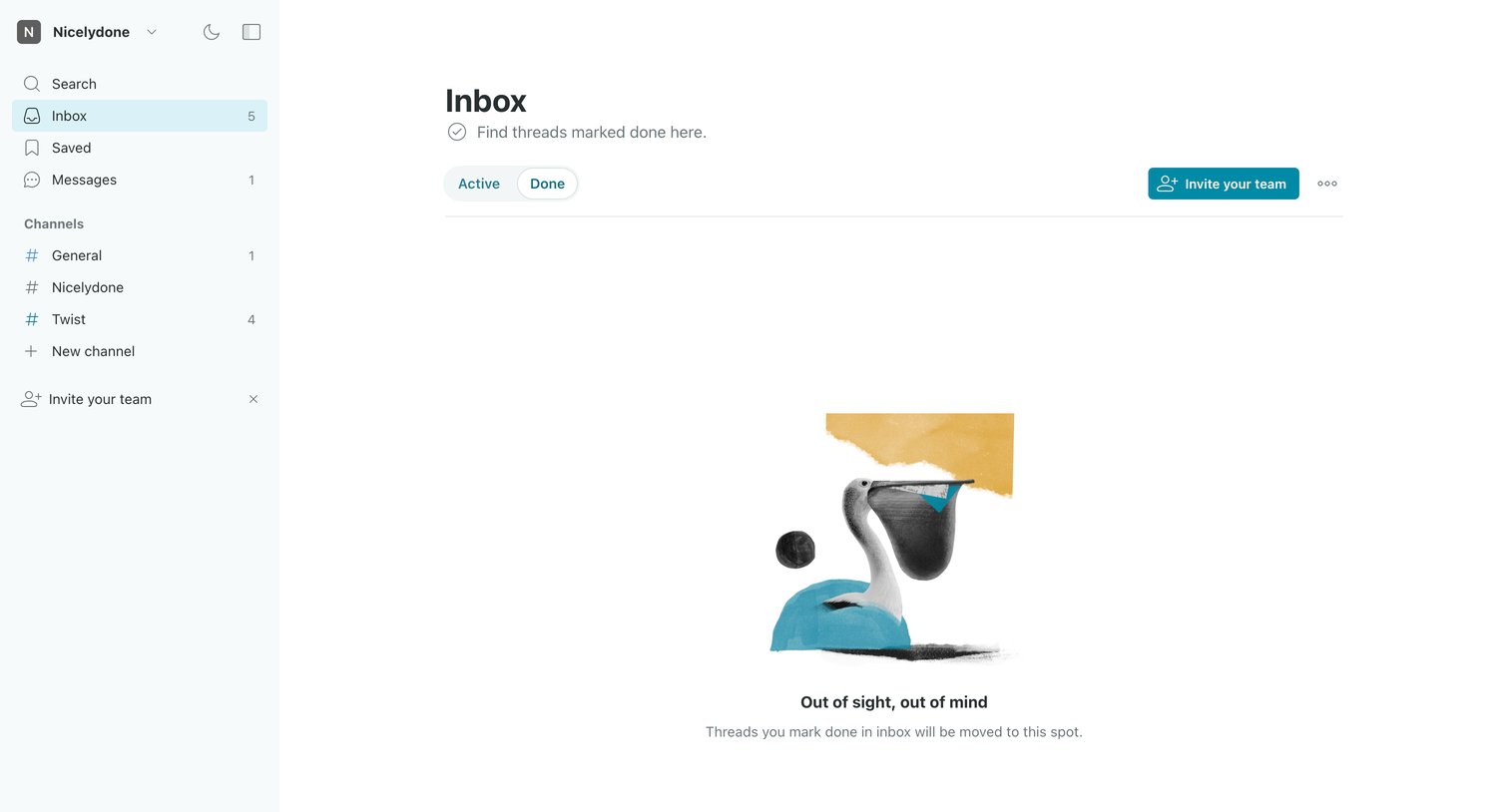
Inbox view for completed threads showing an empty state with an illustration and a prompt to invite teammates.
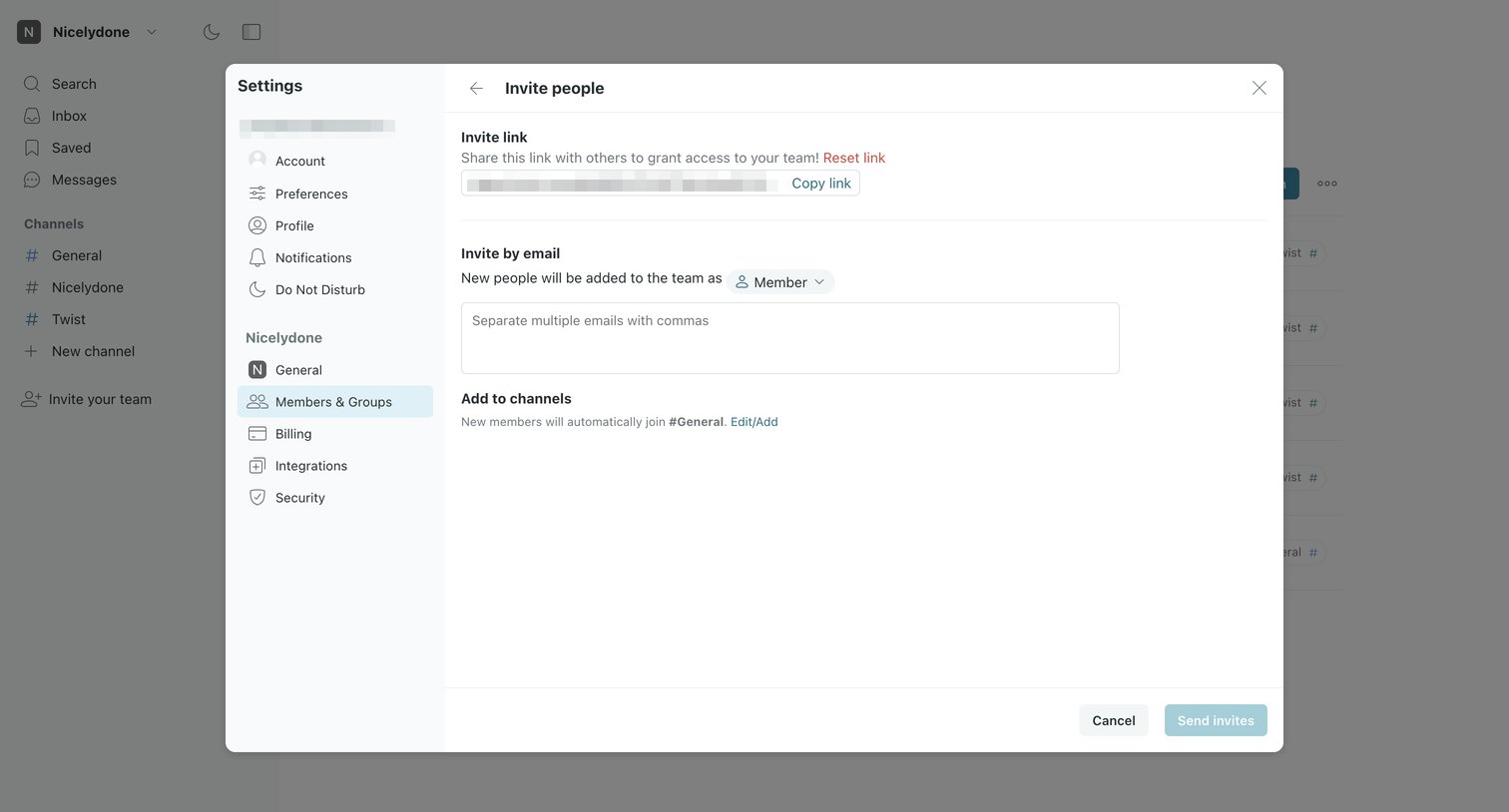
Settings modal where the user invites new people to their team via a shareable link or by entering email addresses and assigning a role.
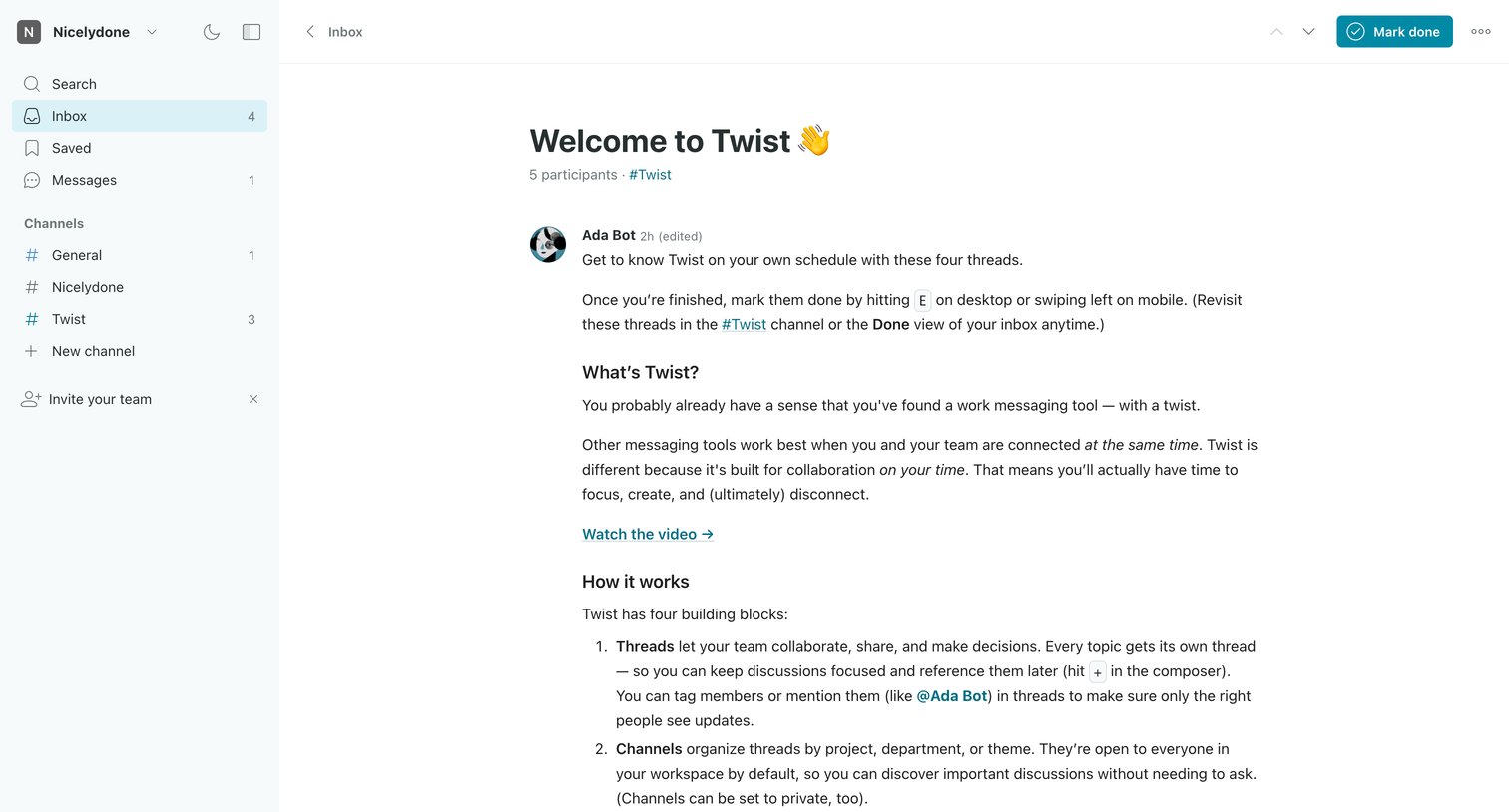
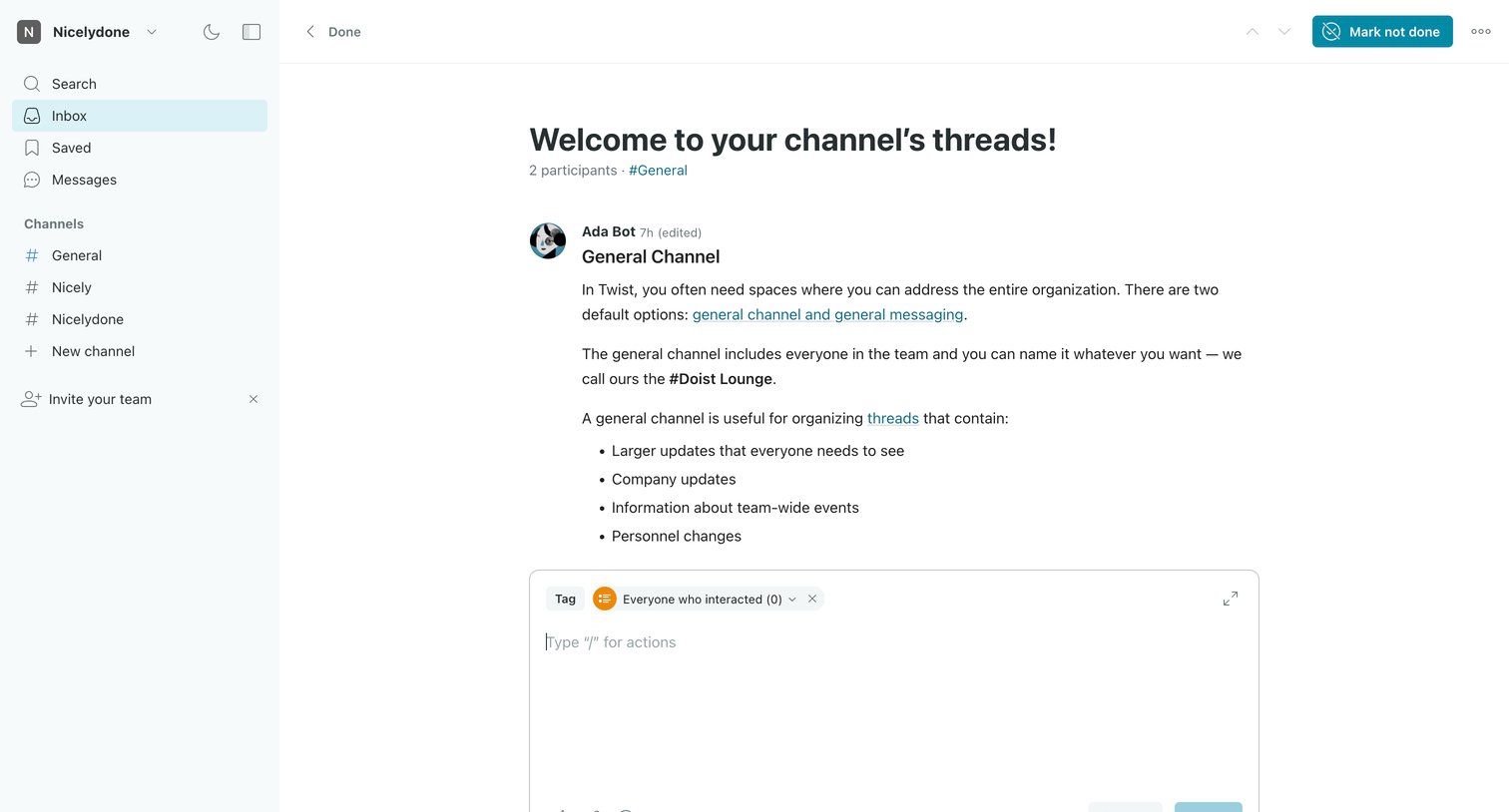
Detail page where the user reads a welcome onboarding thread and can mark it done or write a reply.
Browse the full SaaS app library
Explore real SaaS apps with their product screens, marketing screens, flows, and components.
Trusted by the best teams







