Twist product screens examples
Browse Twist screen design examples. Preview the interface screenshots and explore related UI patterns. Work is changing. Messaging should too.
Explore the examples
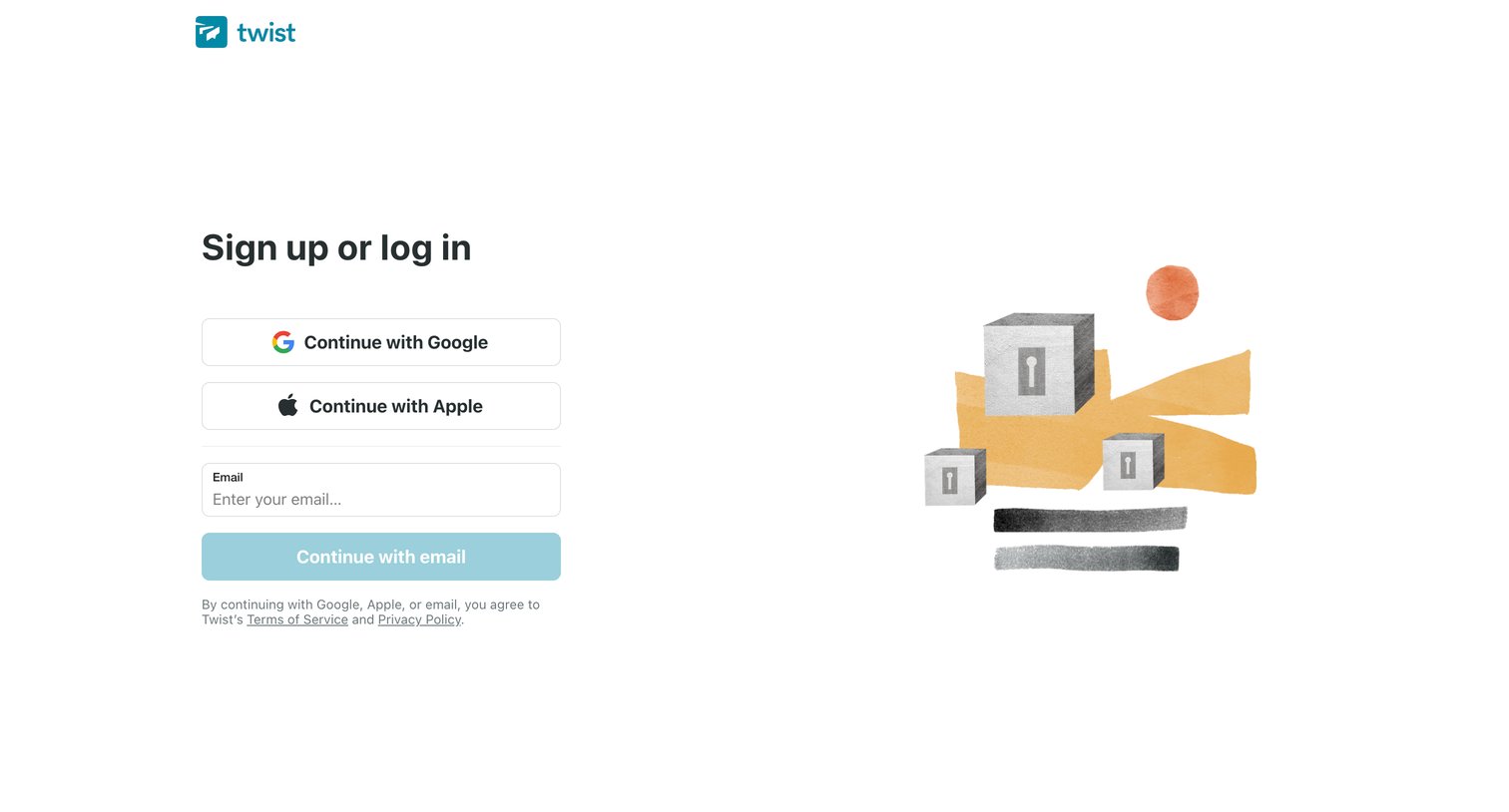
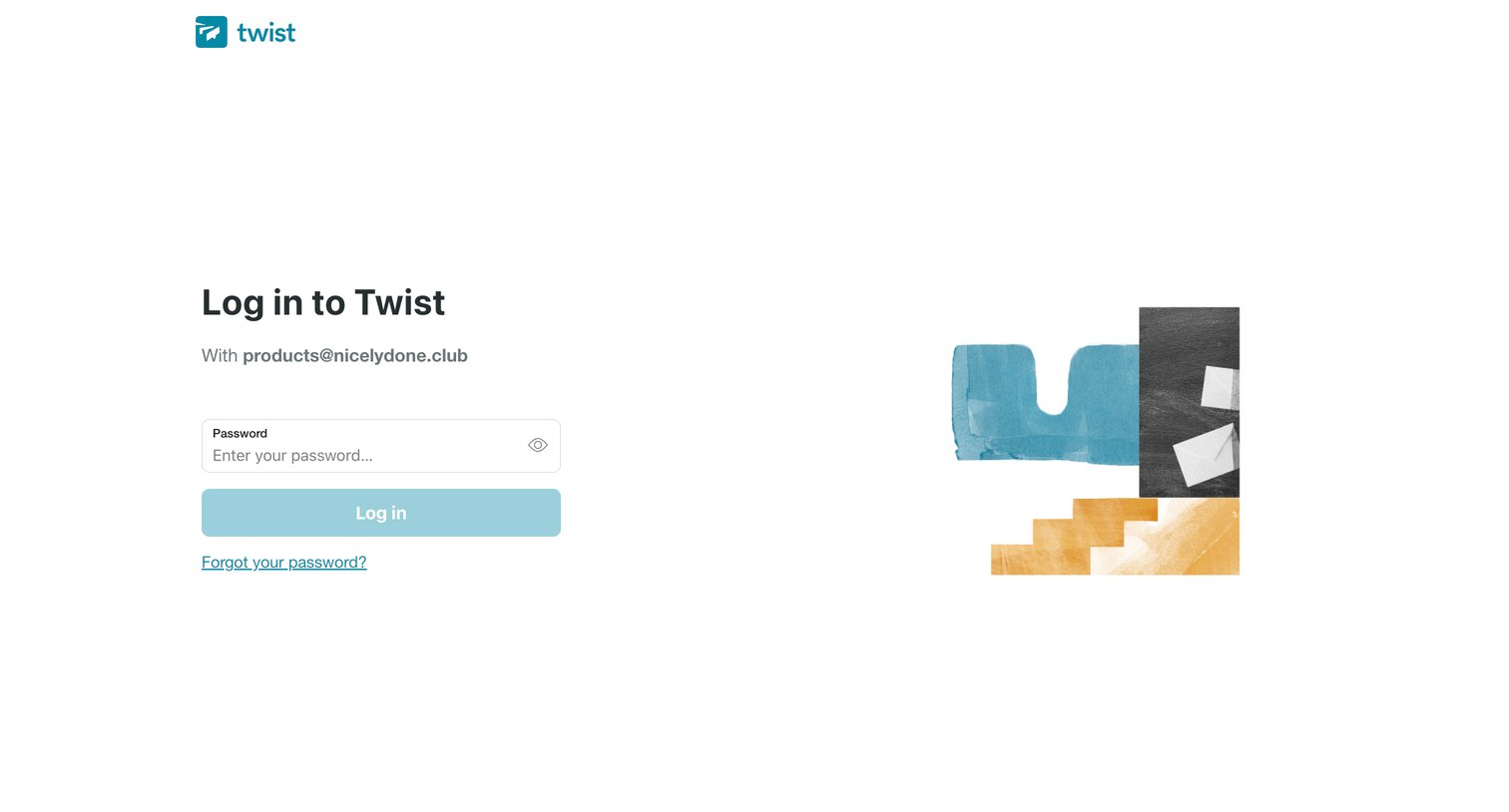

Sign-in screen where the user enters their password for a pre-filled email address to authenticate.
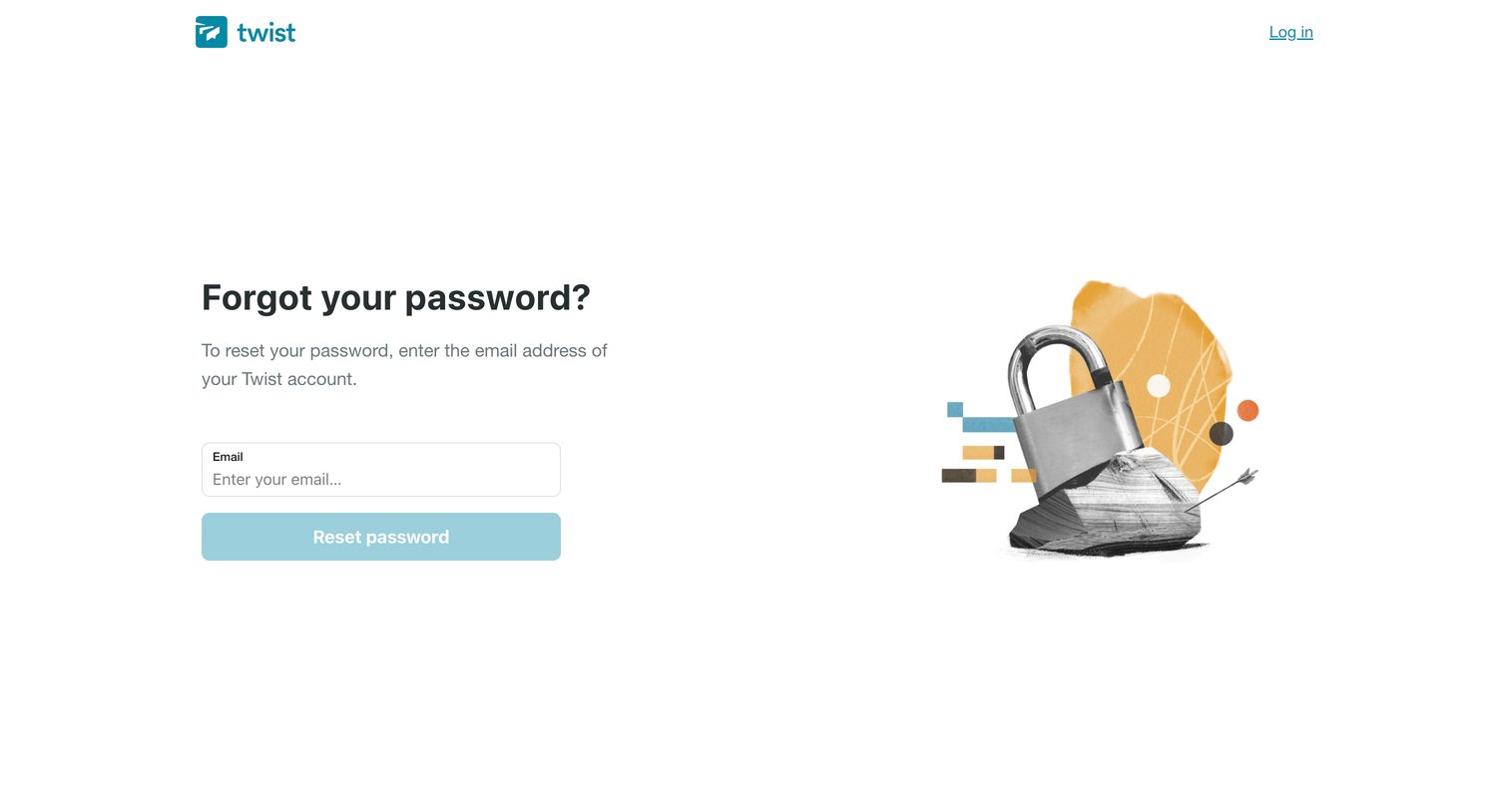
Password recovery screen where the user enters the email address associated with their Twist account to receive a reset link.
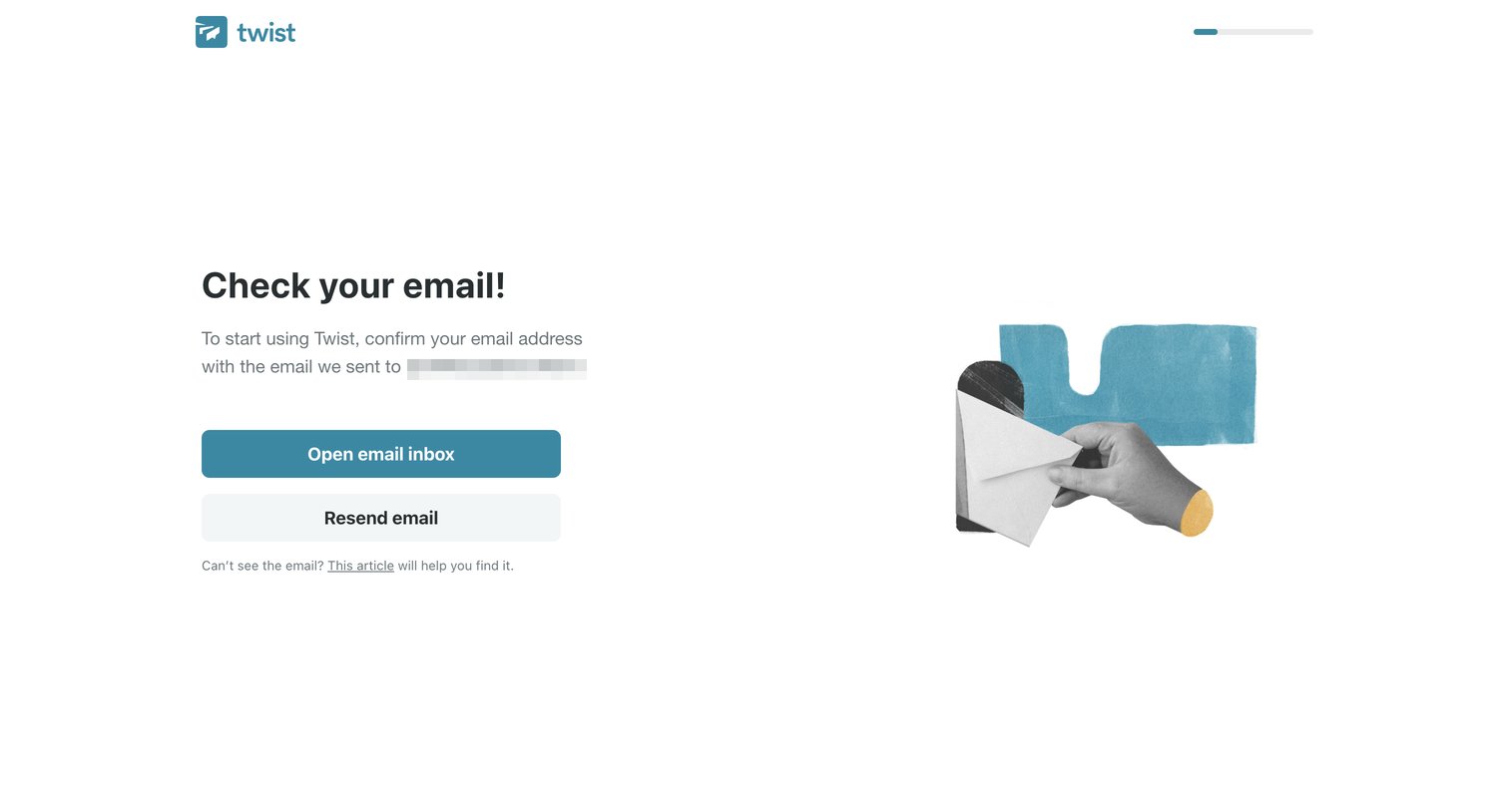
Verification screen where the user is prompted to open their email inbox to confirm their address and continue onboarding.
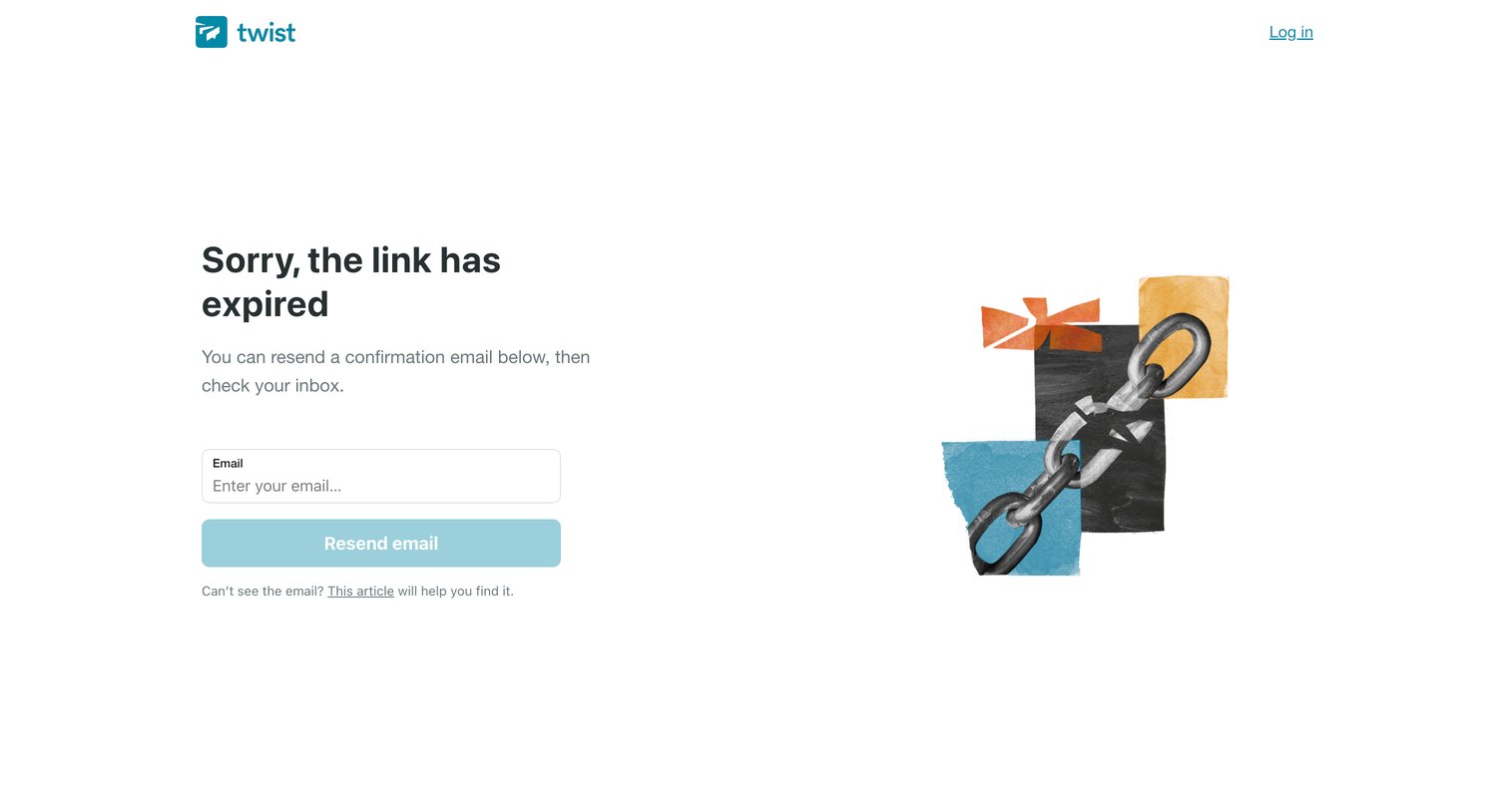
Email verification error screen where the user is prompted to enter their email to resend a new confirmation link after the previous one expired.
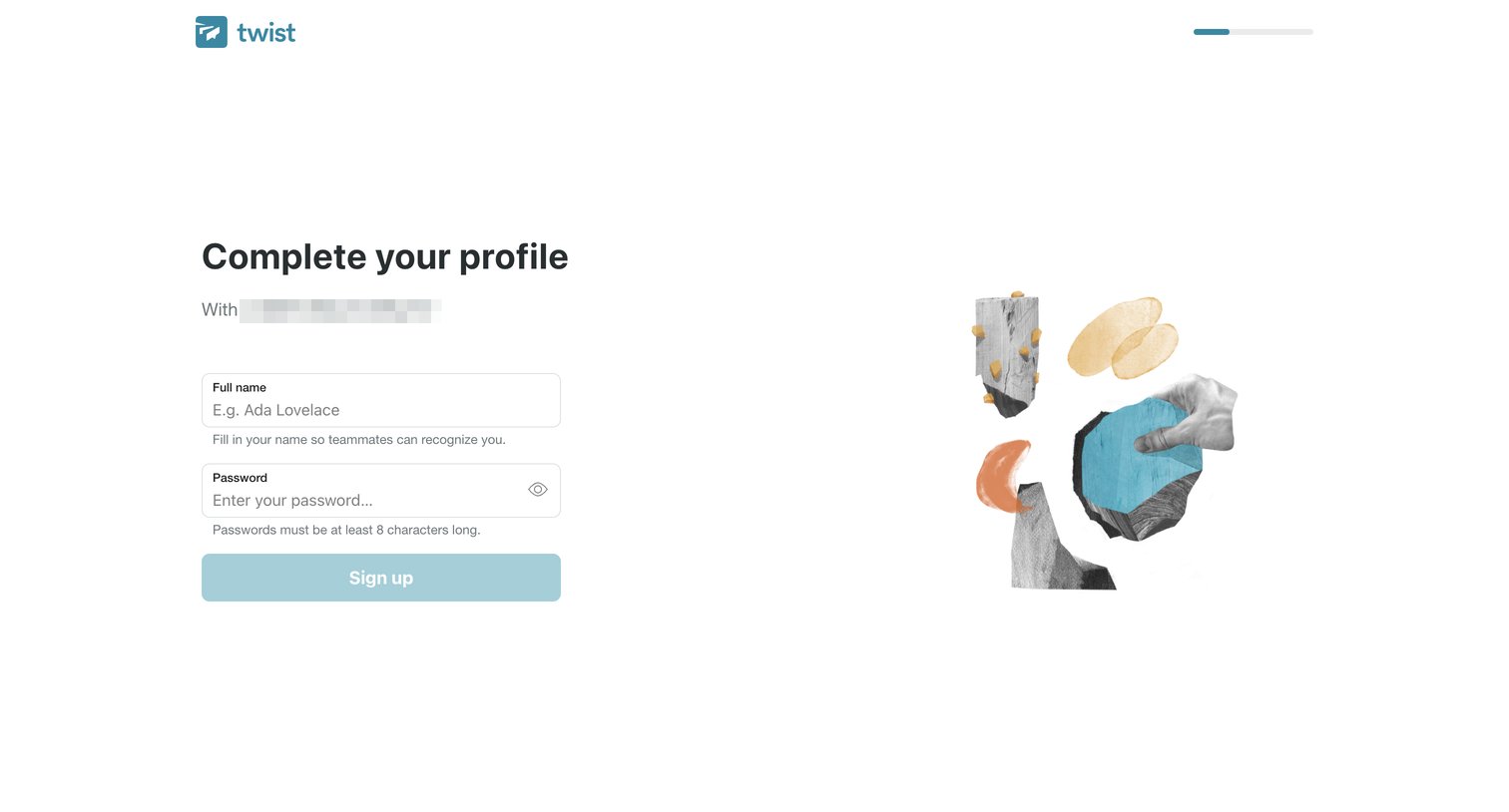
Signup step where the user completes their profile by providing a full name and password.
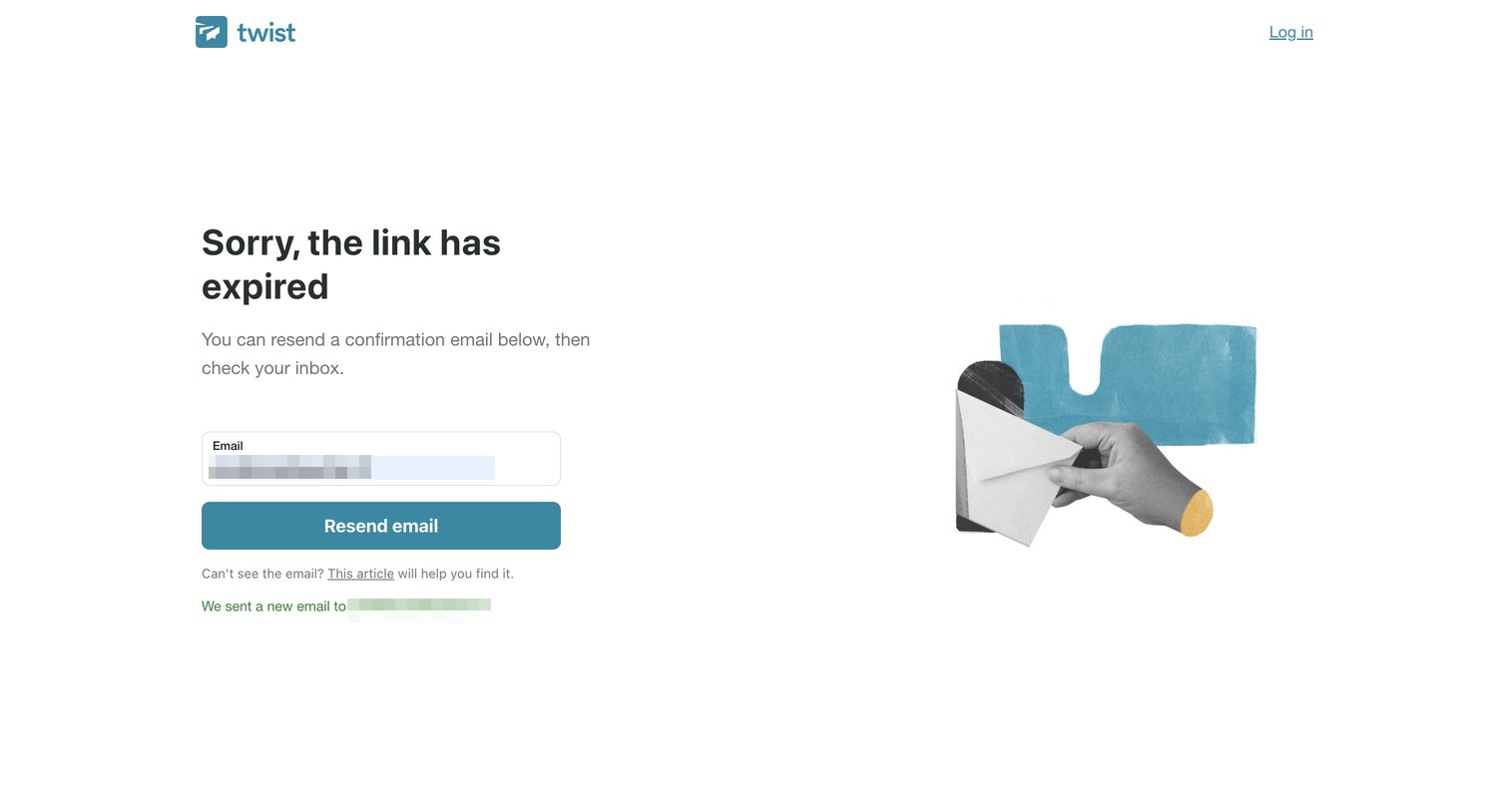
Email verification screen where the user is informed their link has expired and can request a new one by submitting their email address.
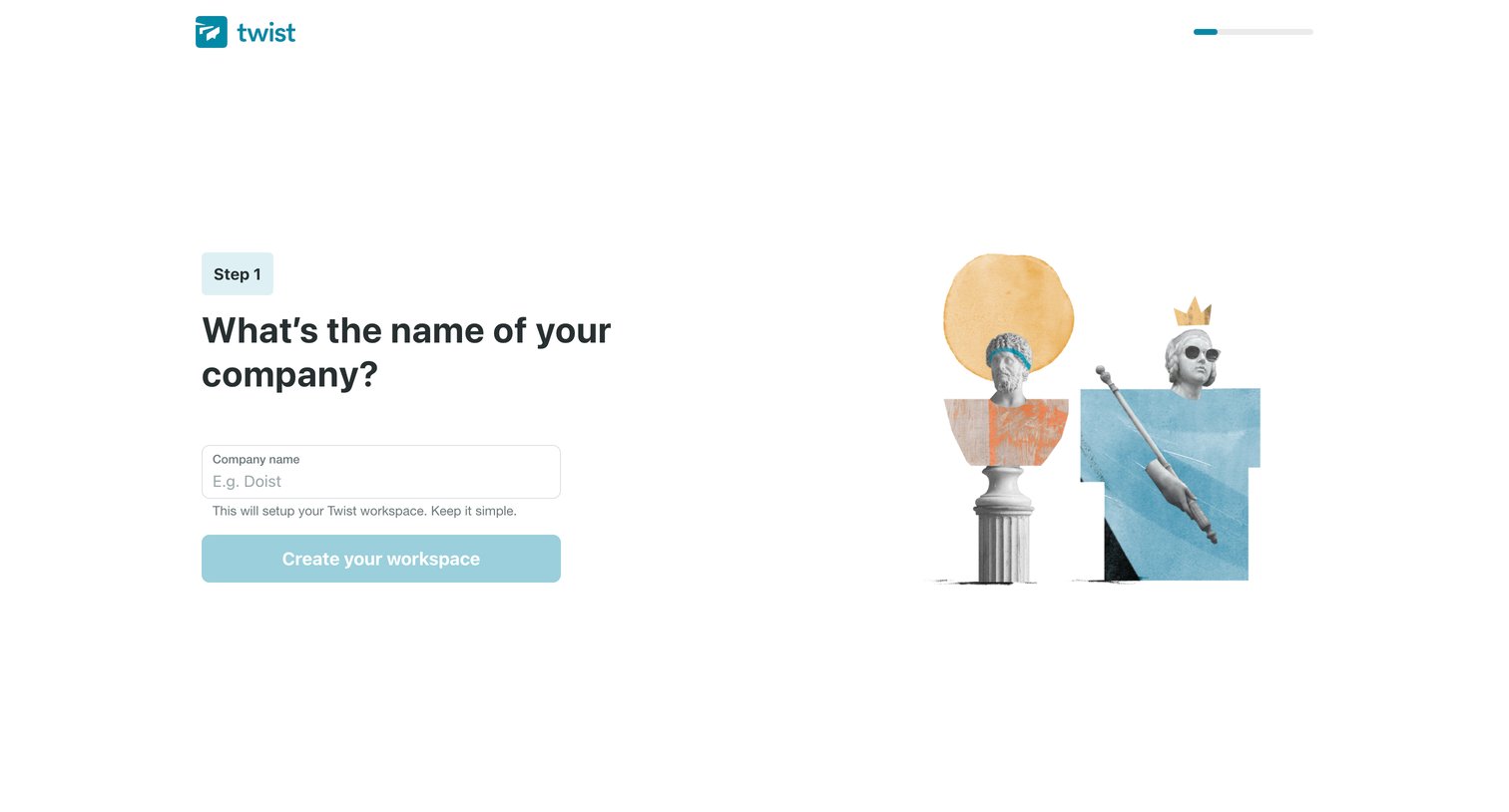
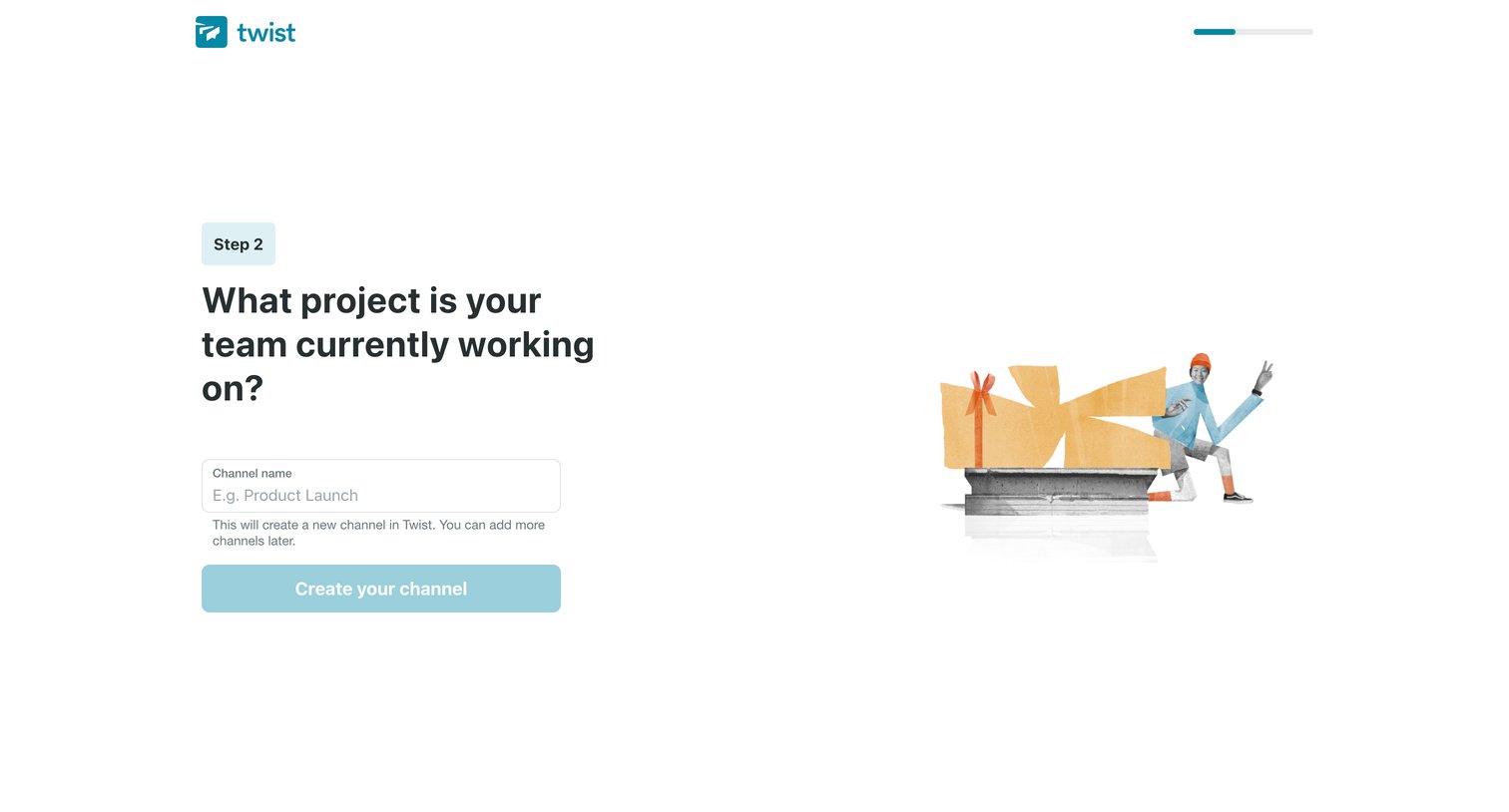
Onboarding step where the user names their first channel based on their team's current project.
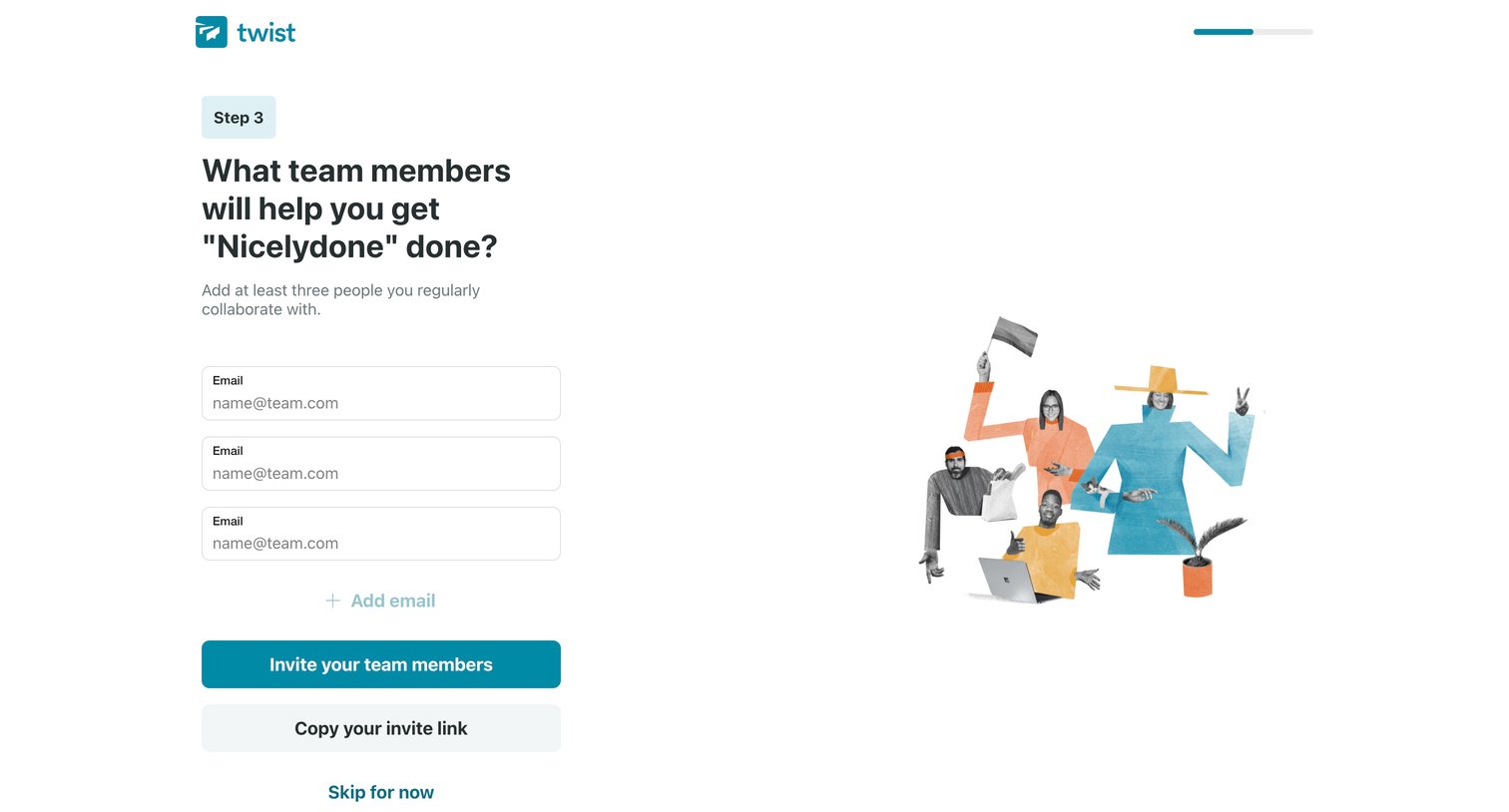
Onboarding step where the user invites teammates to their workspace by entering email addresses or copying an invite link.
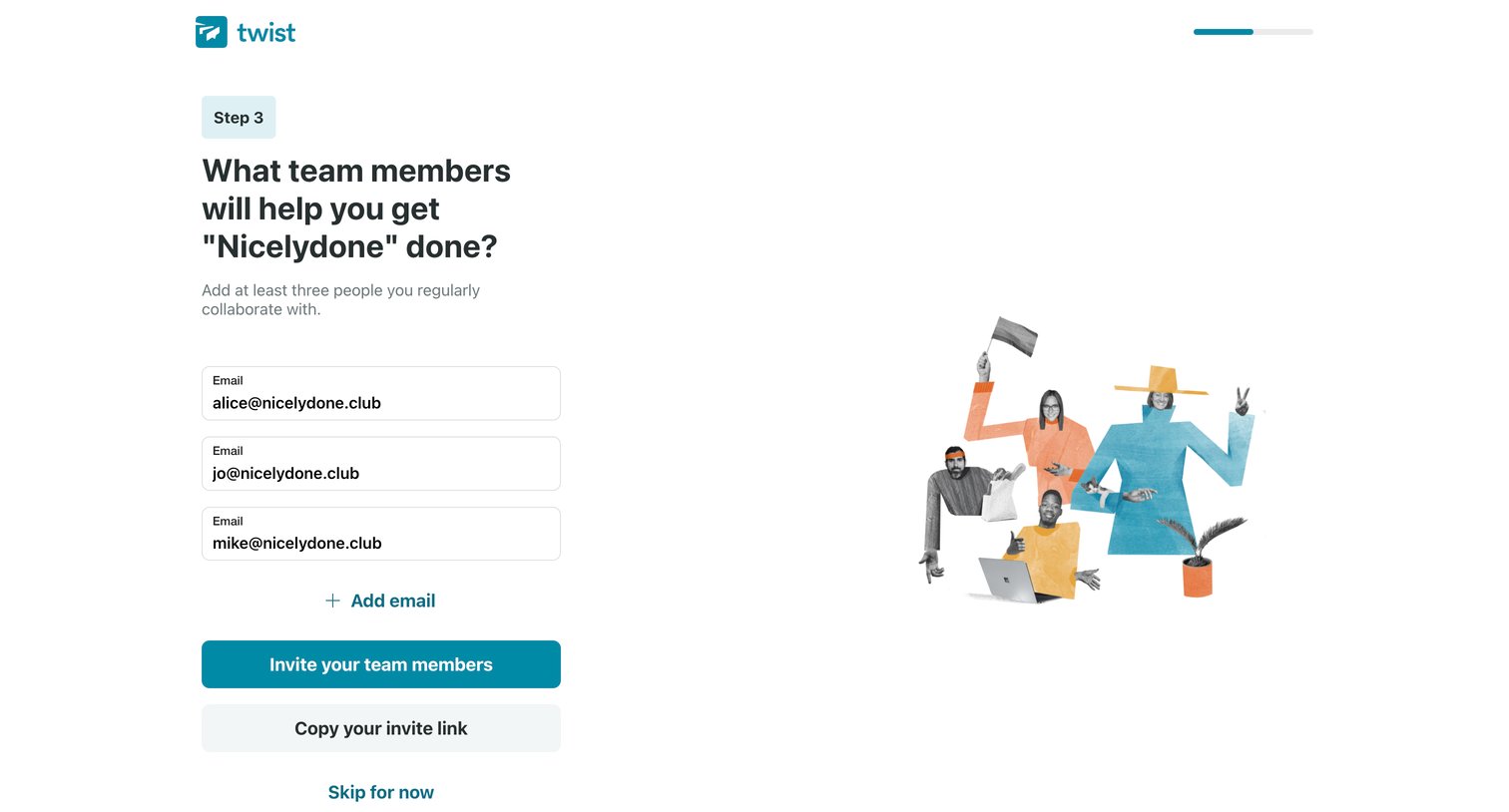
Onboarding step where the user invites teammates to their workspace by entering email addresses or copying an invite link.
Explore the full SaaS screen library
Upgrade to unlock the full library.
Trusted by the best teams







