
Redpen design examples
Explore Redpen UI design examples. Upload your design and get live, annotated feedback
Product screens
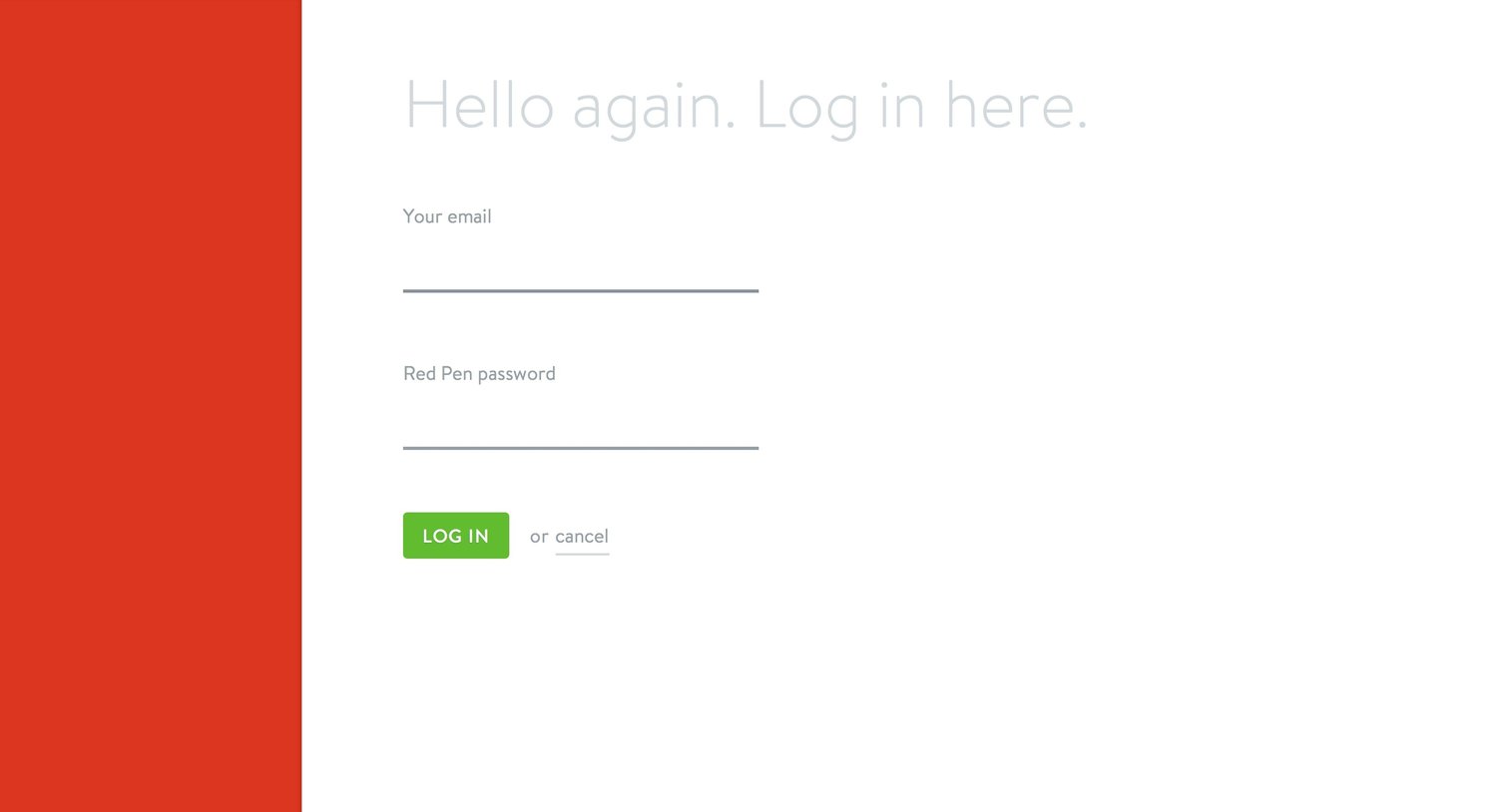
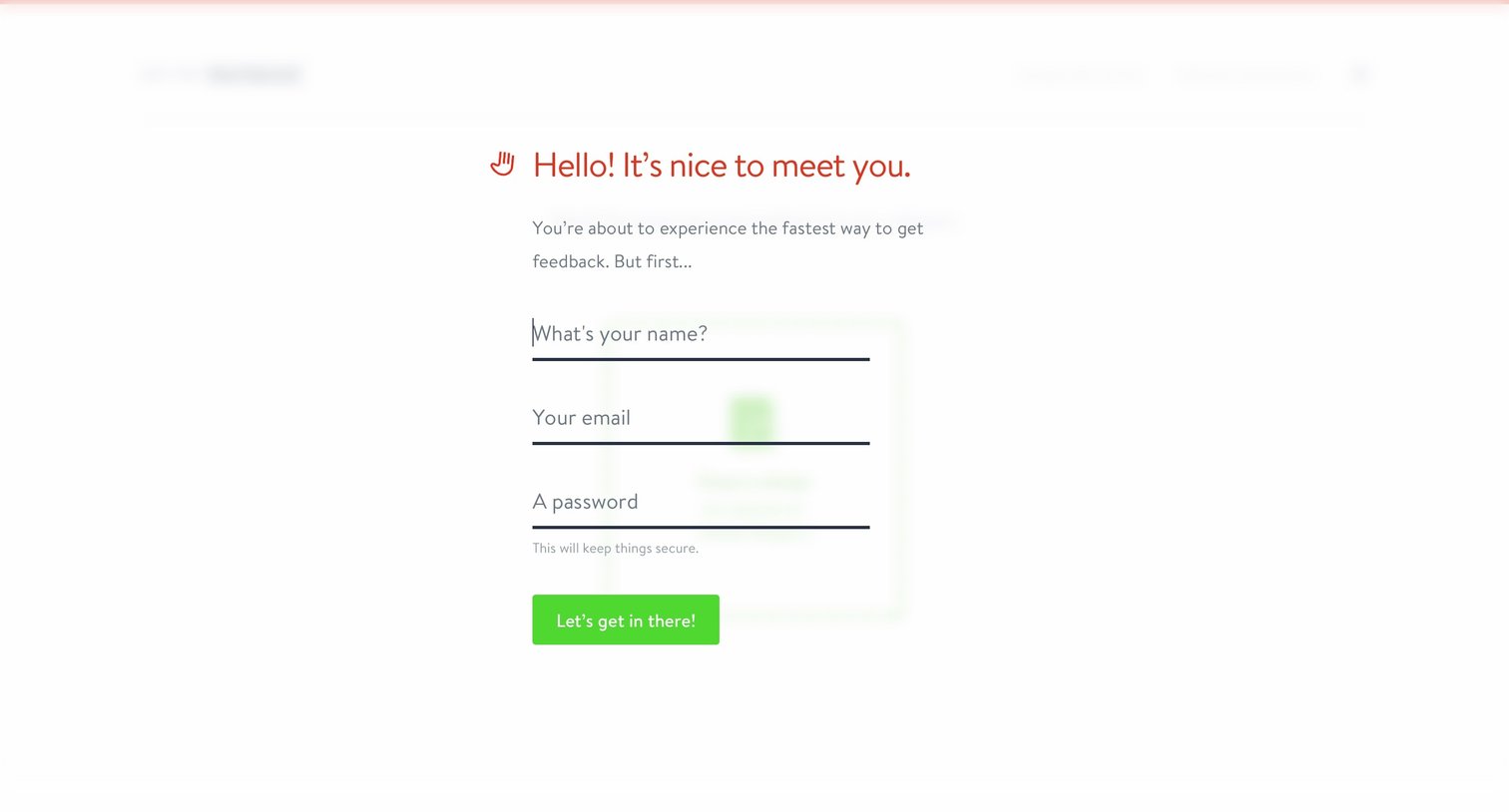
Account creation Onboarding Form
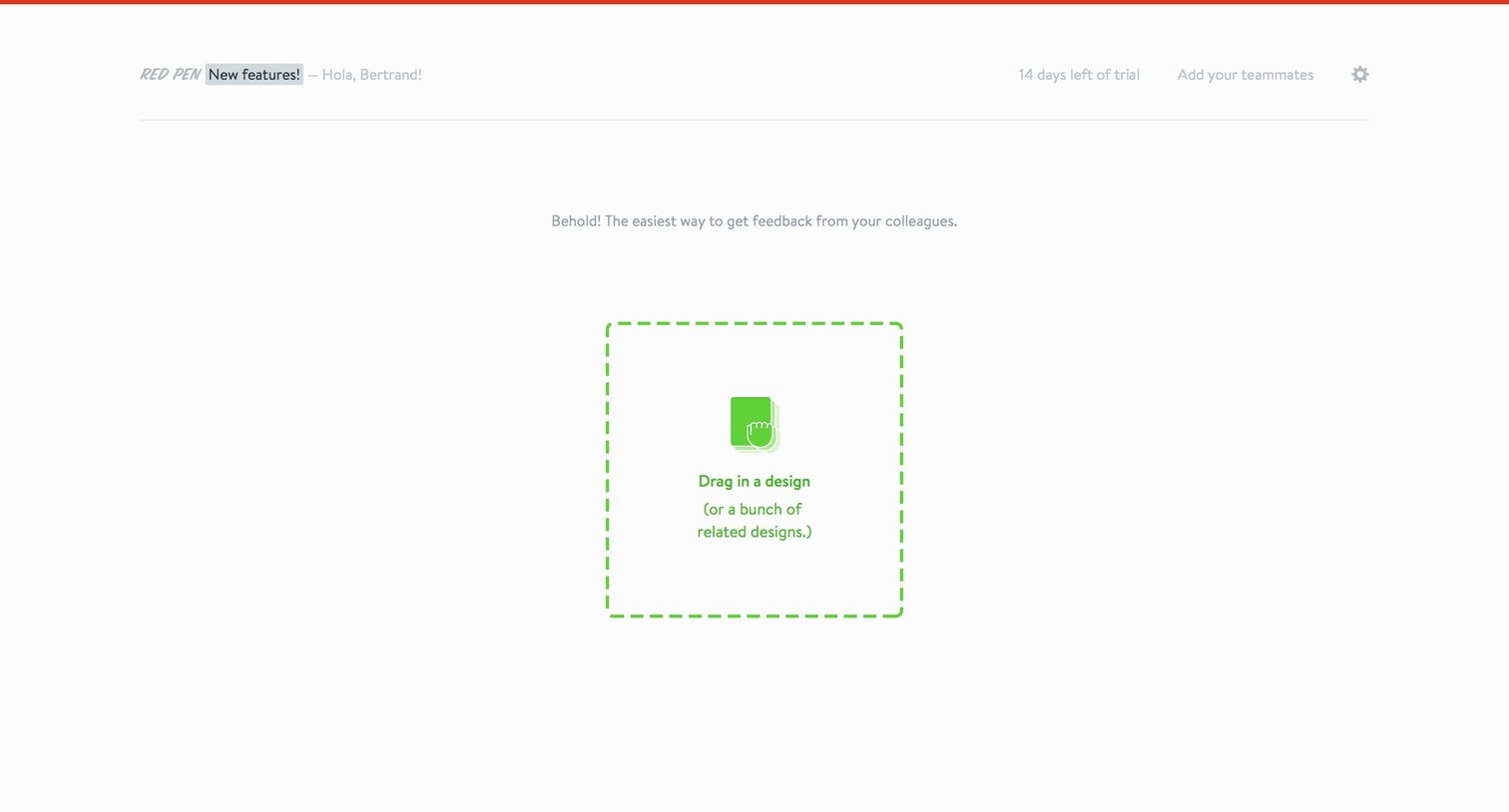
Dashboard in an empty state prompting the user to drag and drop a design file to start getting feedback.
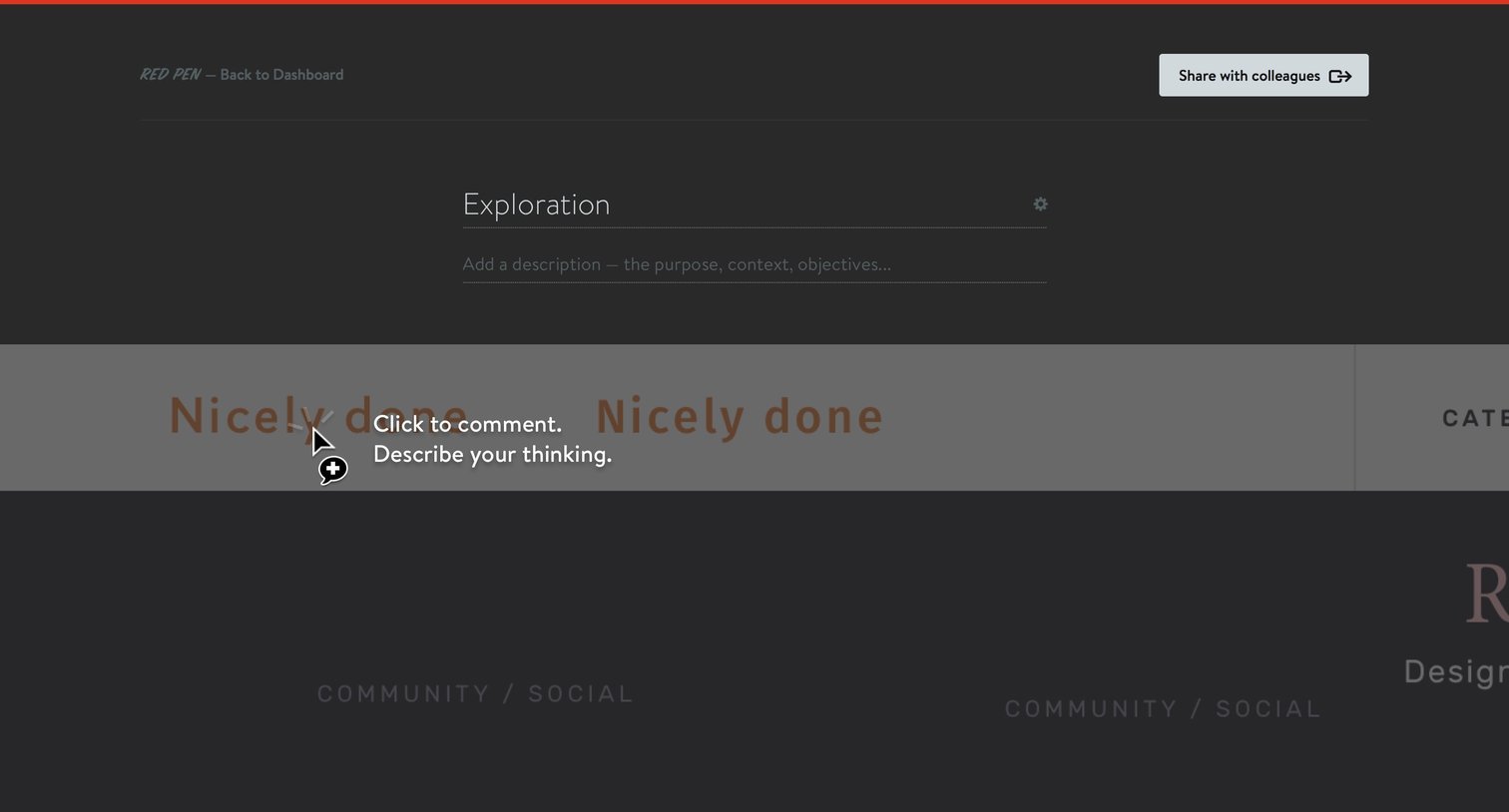
Detail page where the user views a design exploration and hovers over the image to add a contextual comment.
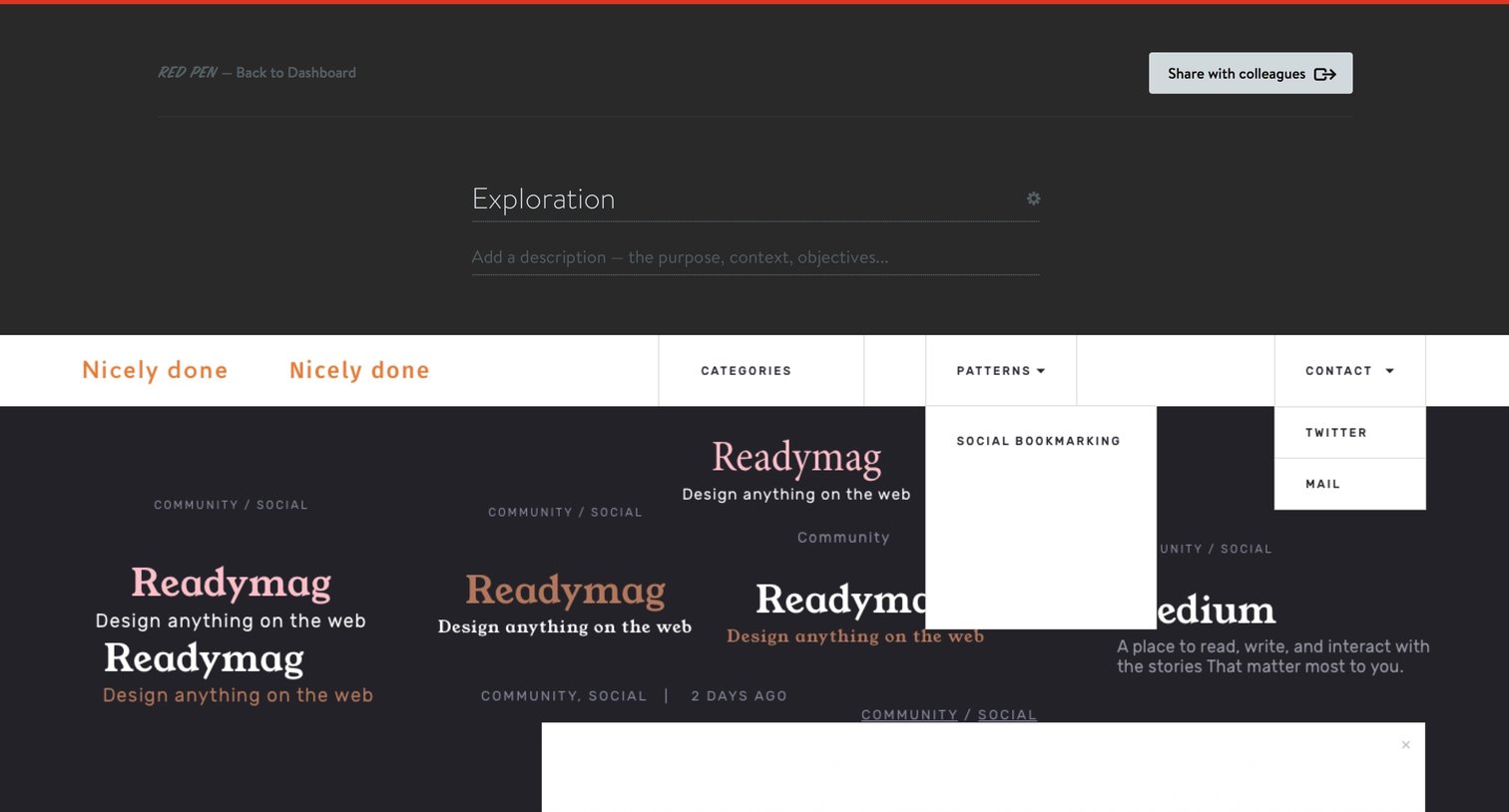
Detail page for a design exploration showing typographic variations, component states, and layout tests for a project.
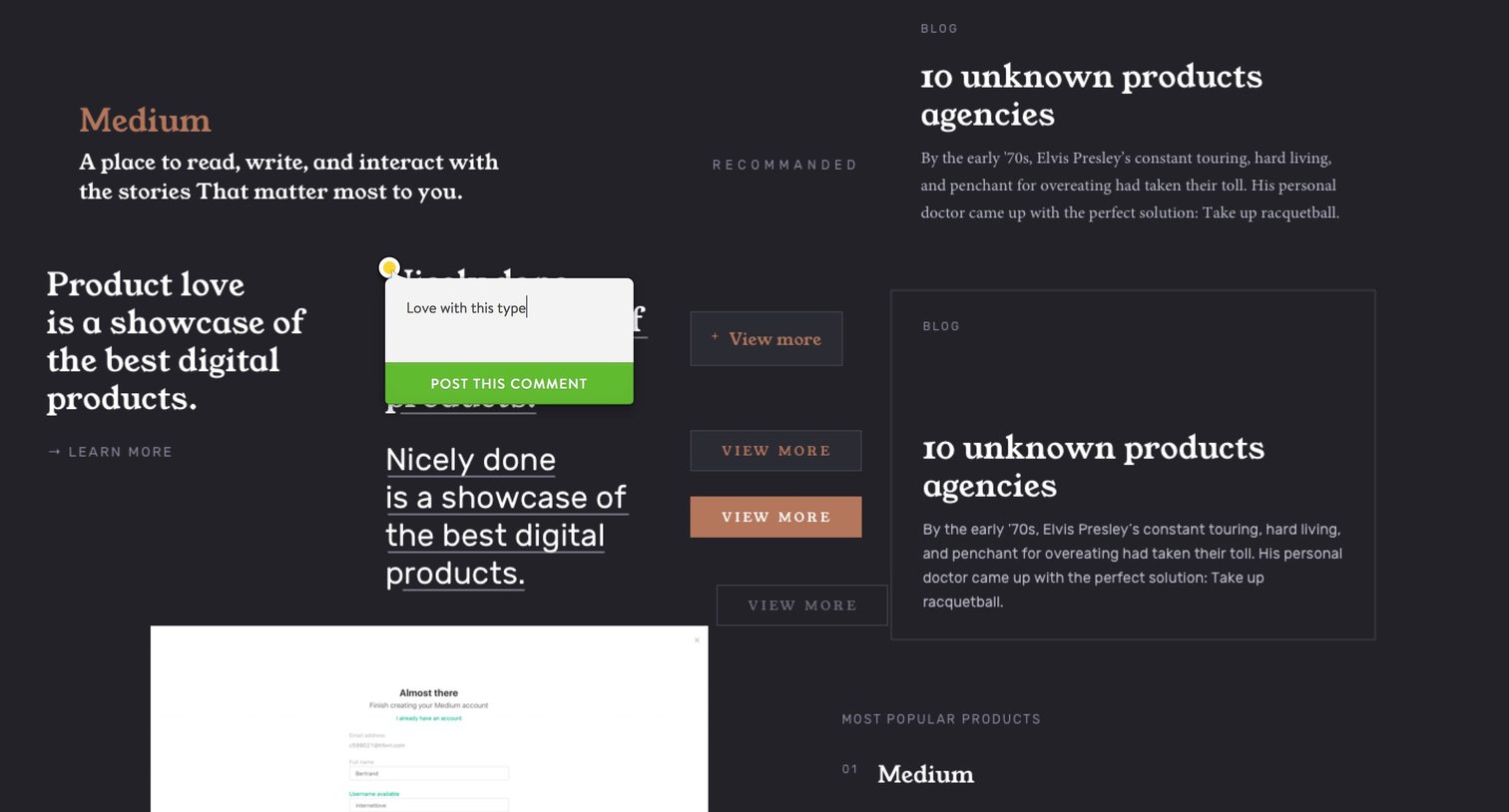
Landing page concept featuring large typography, a floating comment popover, and a signup form peeking from the bottom.
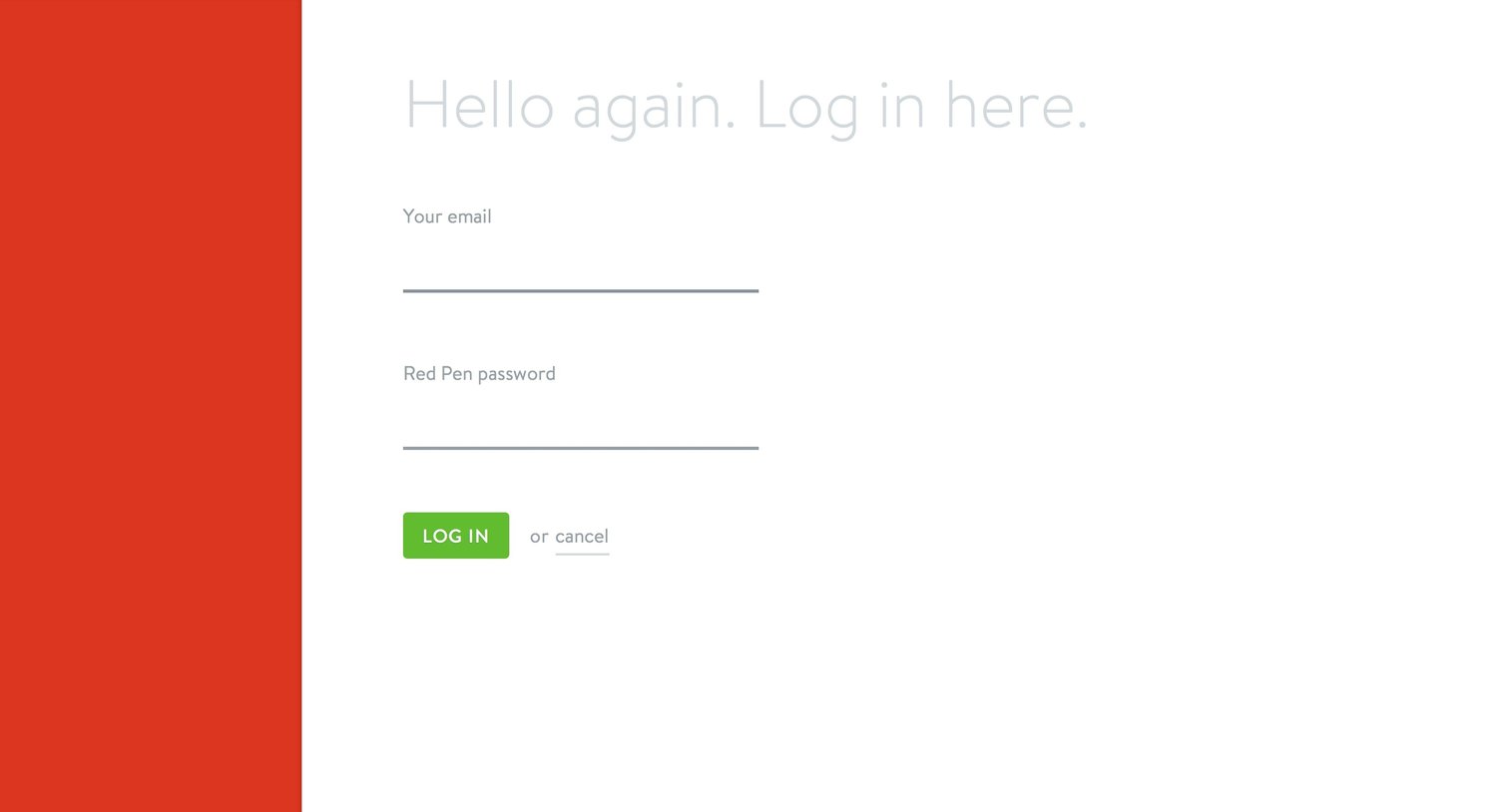
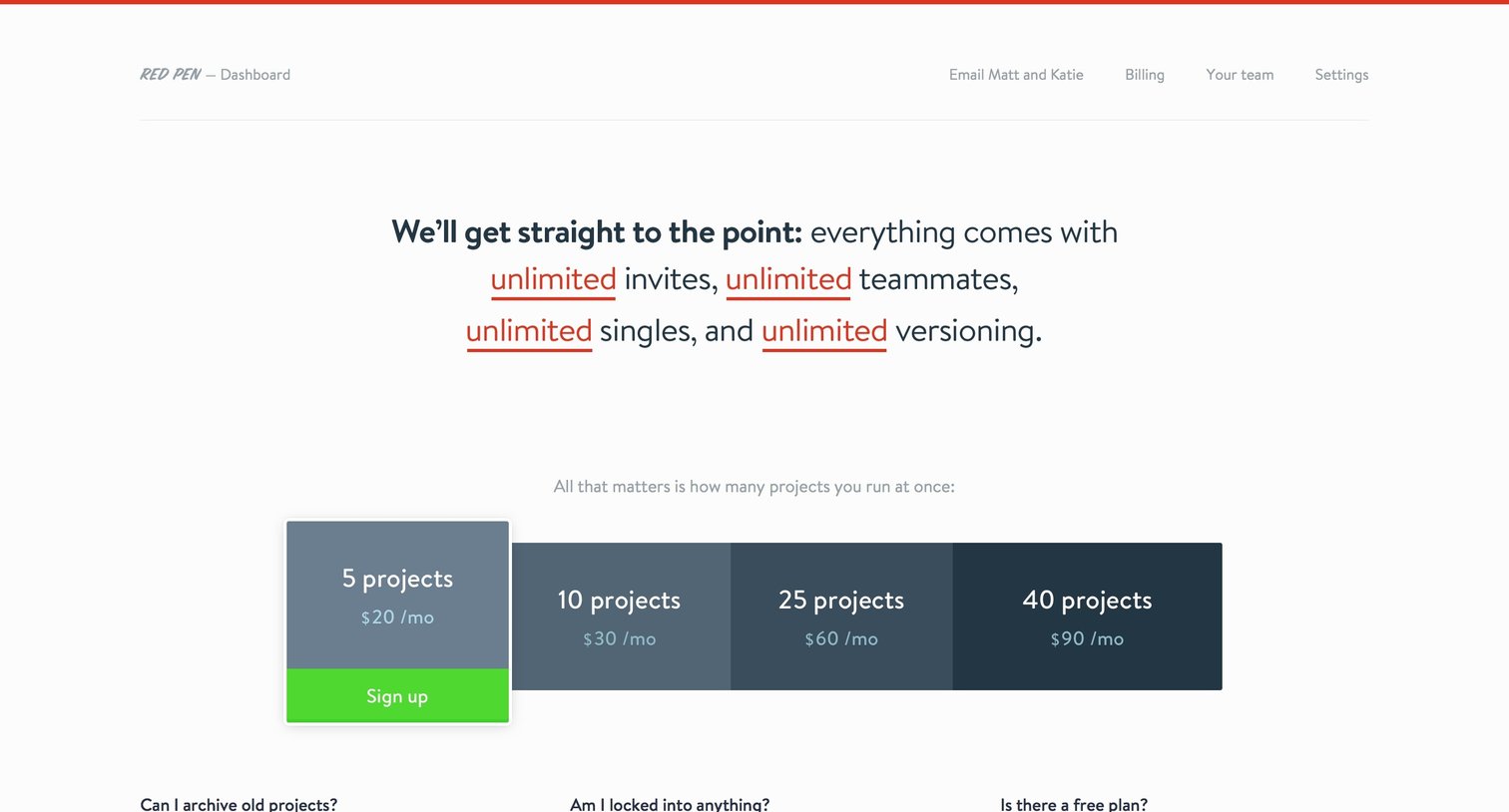
Billing settings page where the user can upgrade their account by choosing a plan based on the number of concurrent projects.
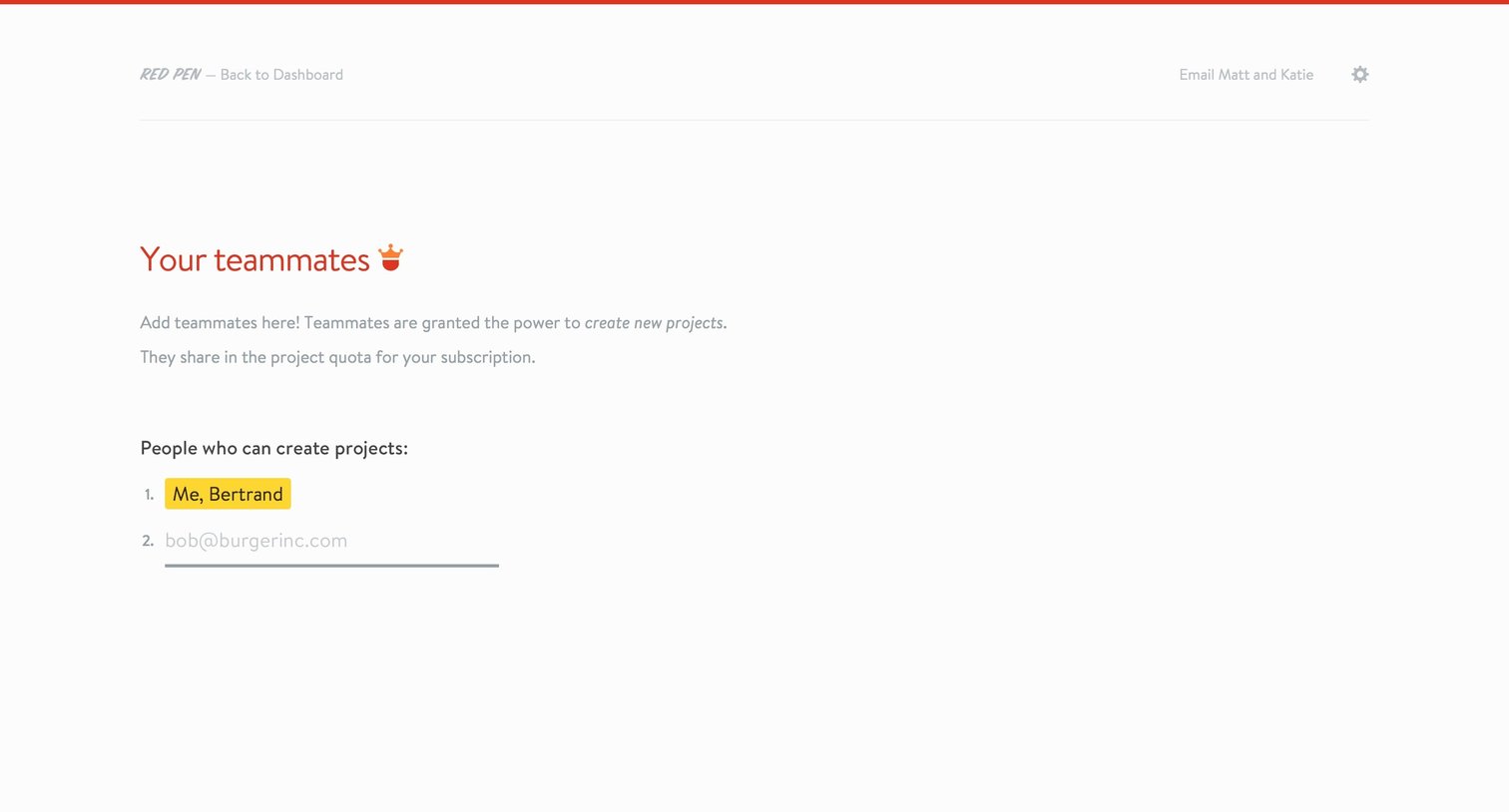
Settings page where the user views existing teammates and invites new ones by email to share the project quota.
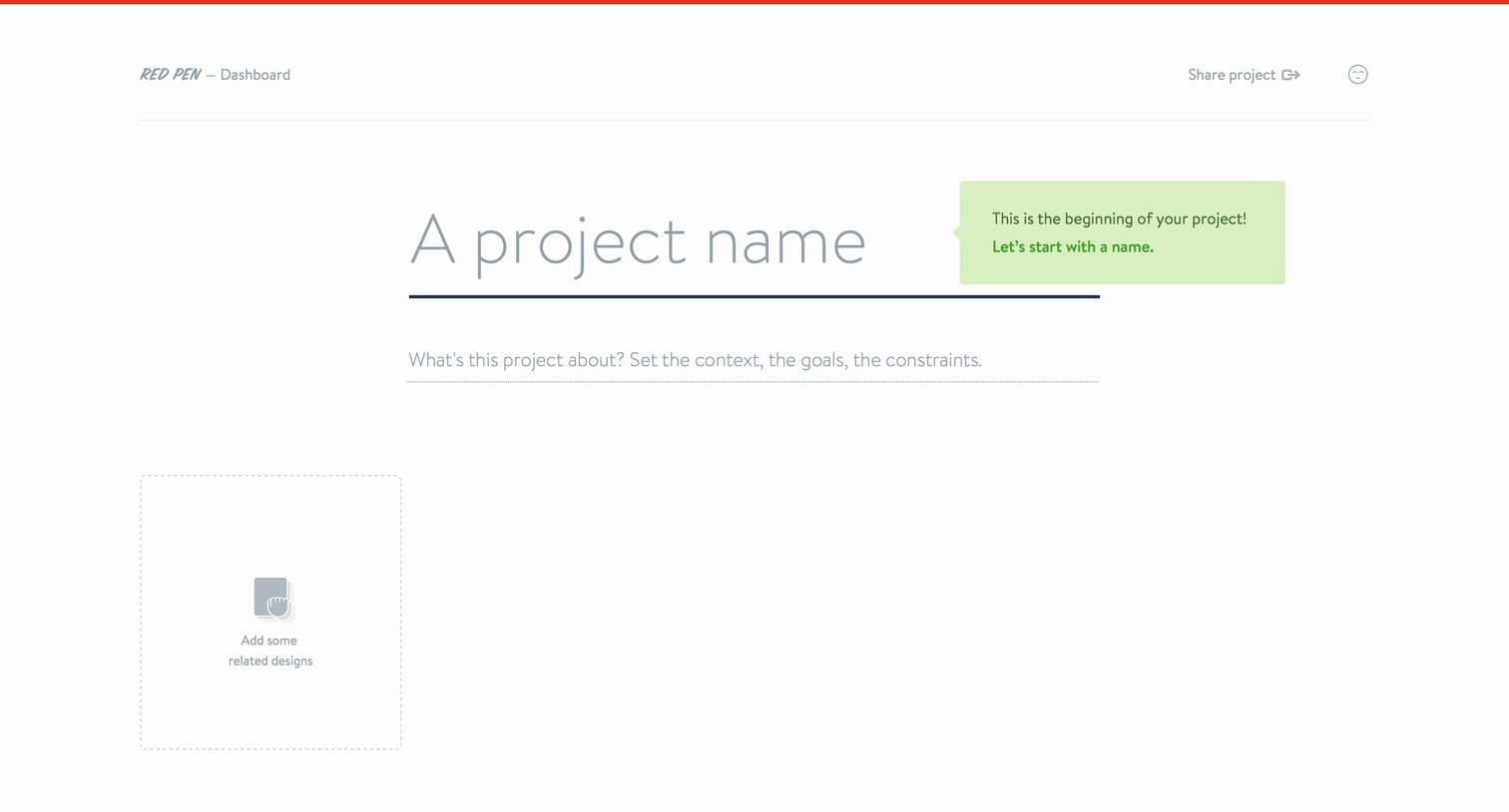
Create screen where the user names a new project, sets its context and goals, and drops related design files onto a dashed upload area.
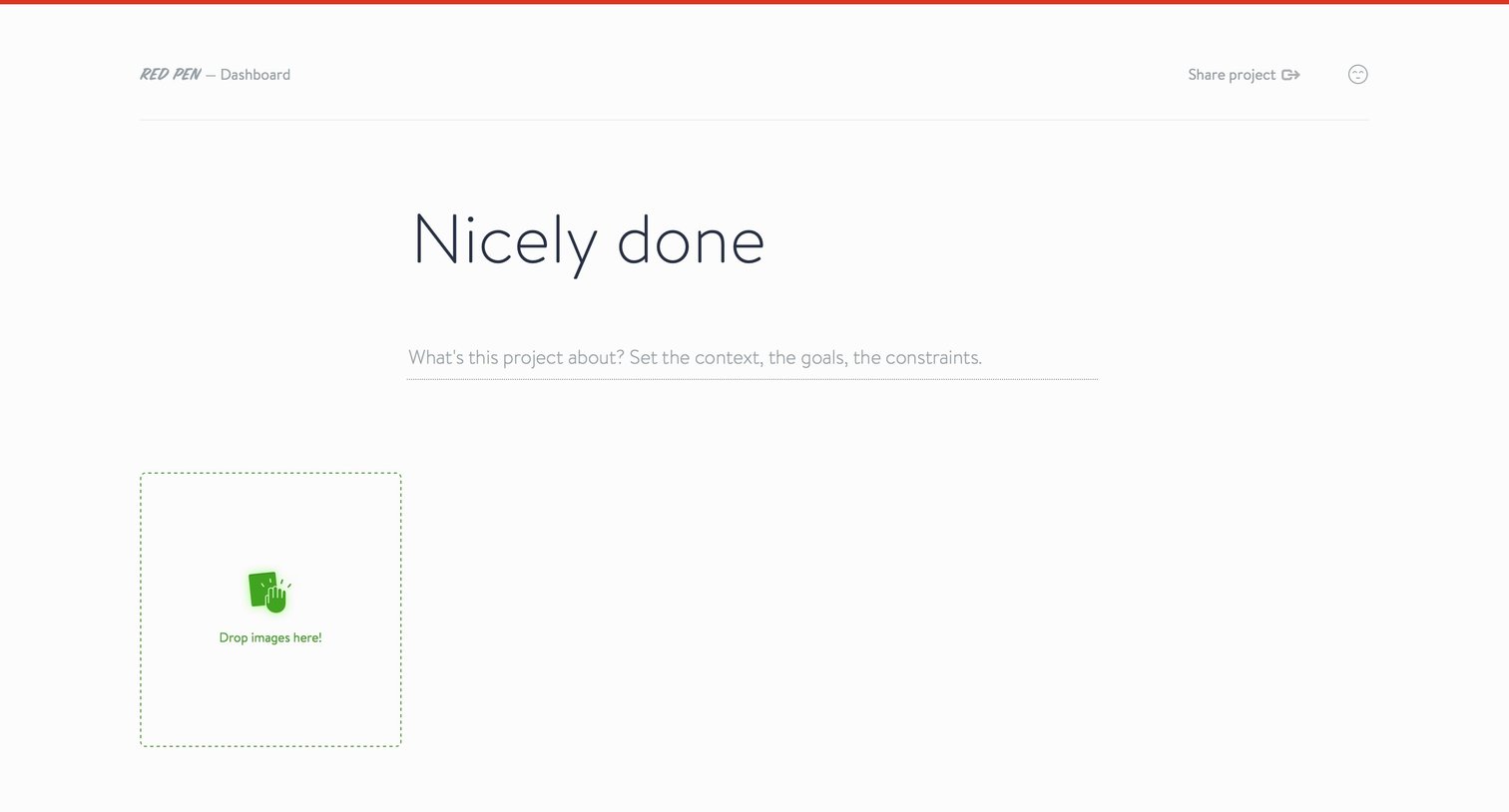
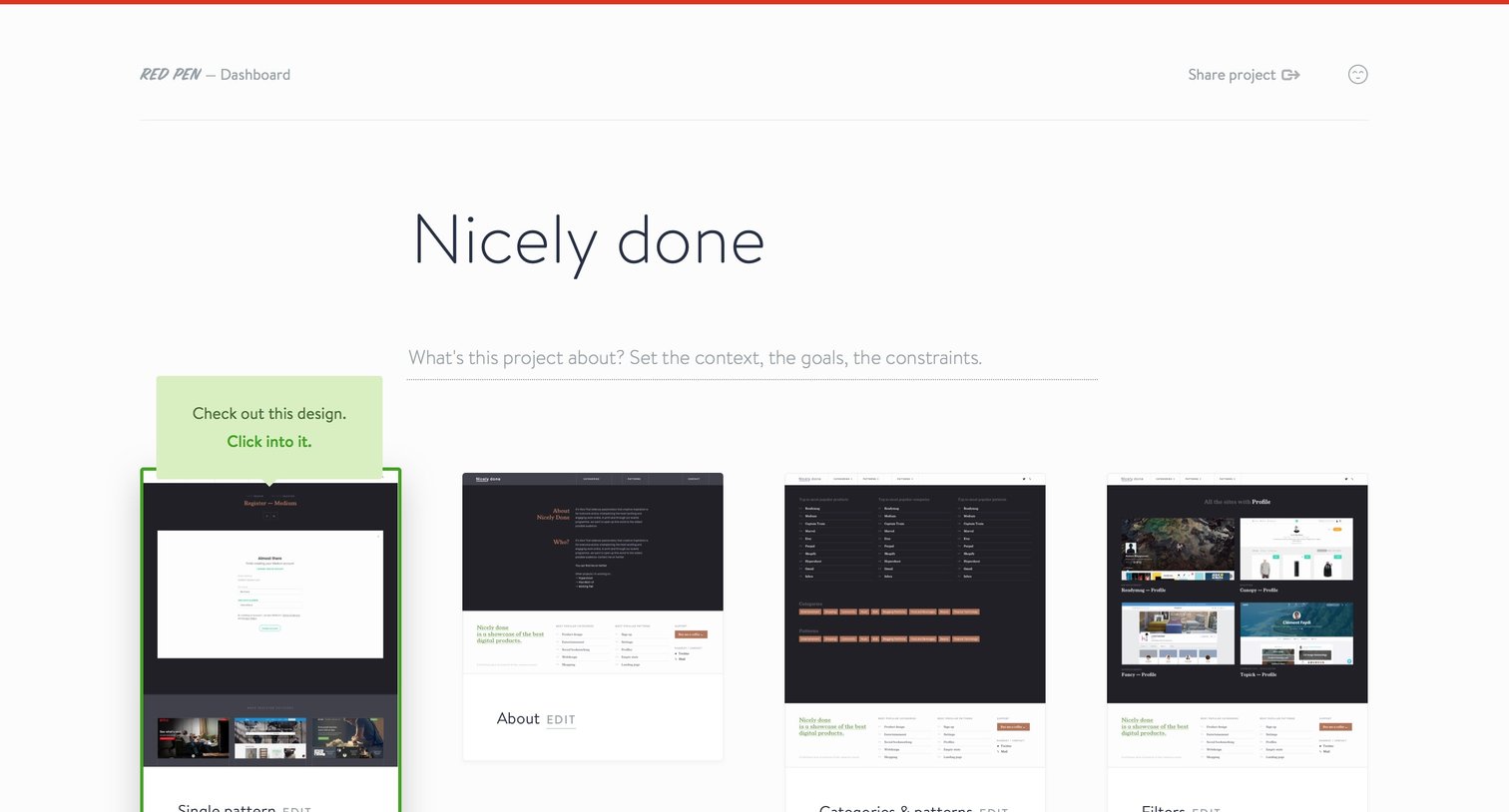
Dashboard empty state where the user is prompted to set the project context and upload their first images via a drag-and-drop zone.
Browse the full SaaS app library
Explore real SaaS apps with their product screens, marketing screens, flows, and components.
Trusted by the best teams







